Pixel Crab Pose Dial
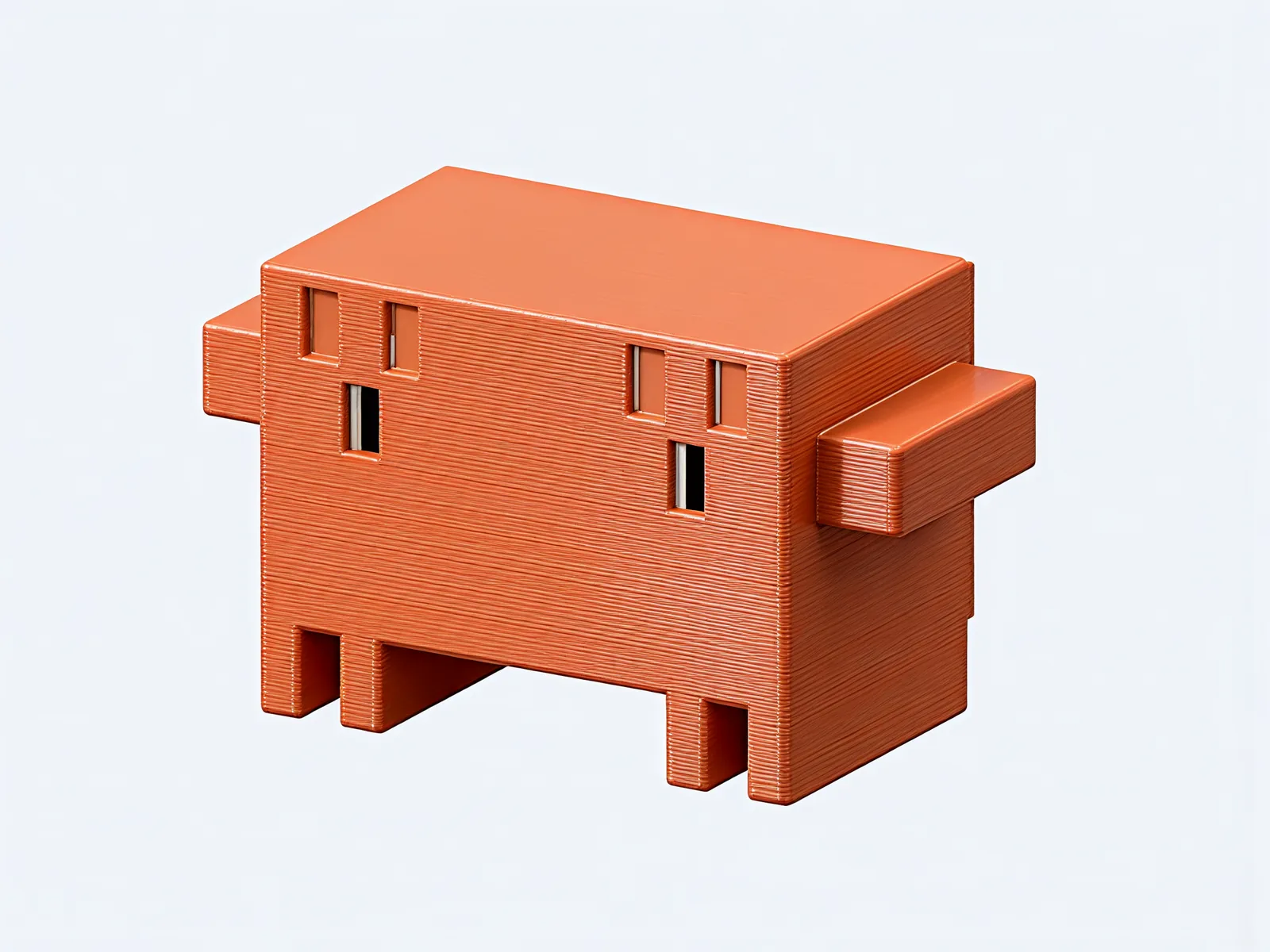
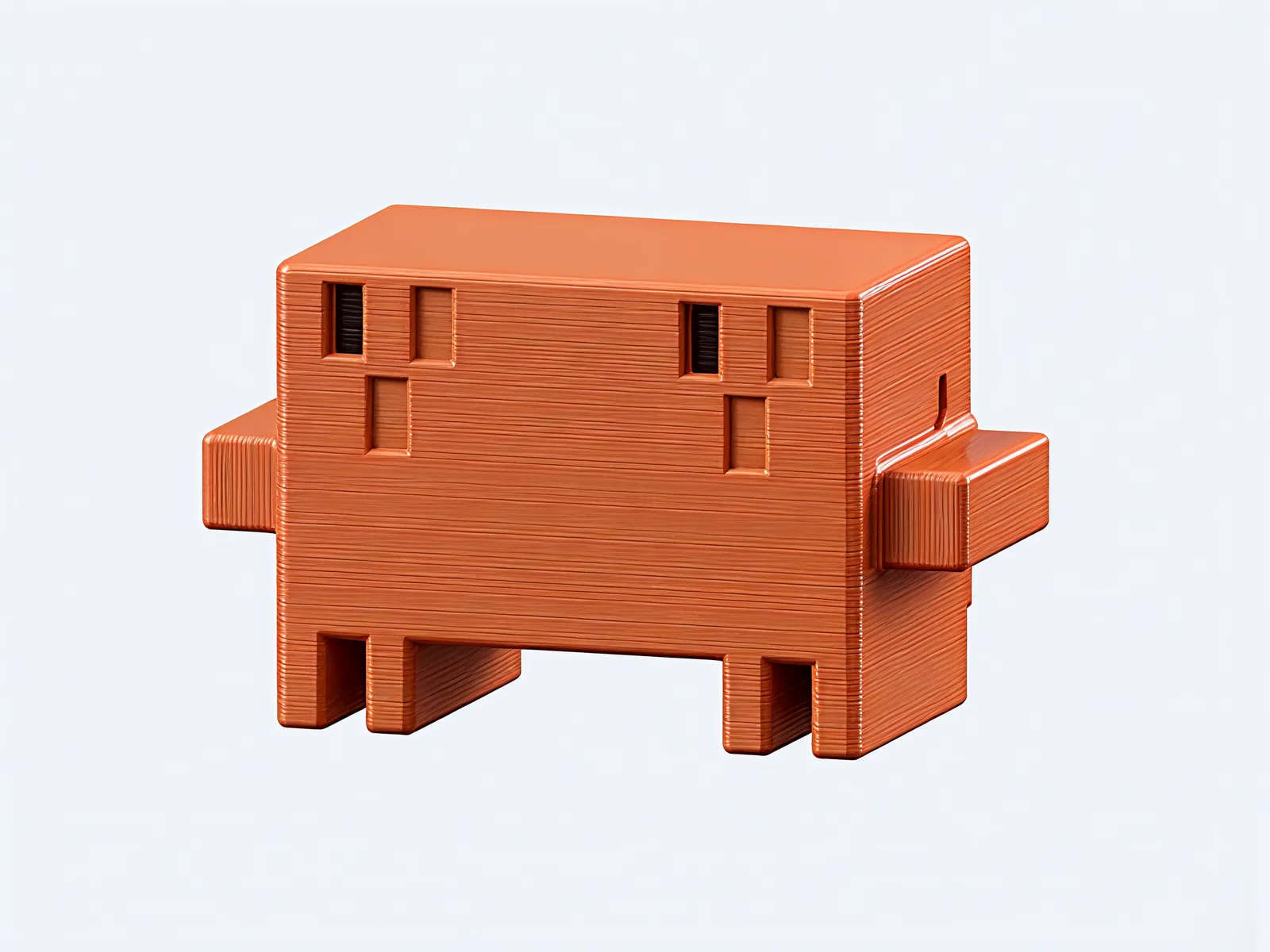
A pixel-art crab with a knob on its back. Turn the knob and the crab clicks from one pose to the next: eyes ahead, look left, look right, arms up. Then round again.
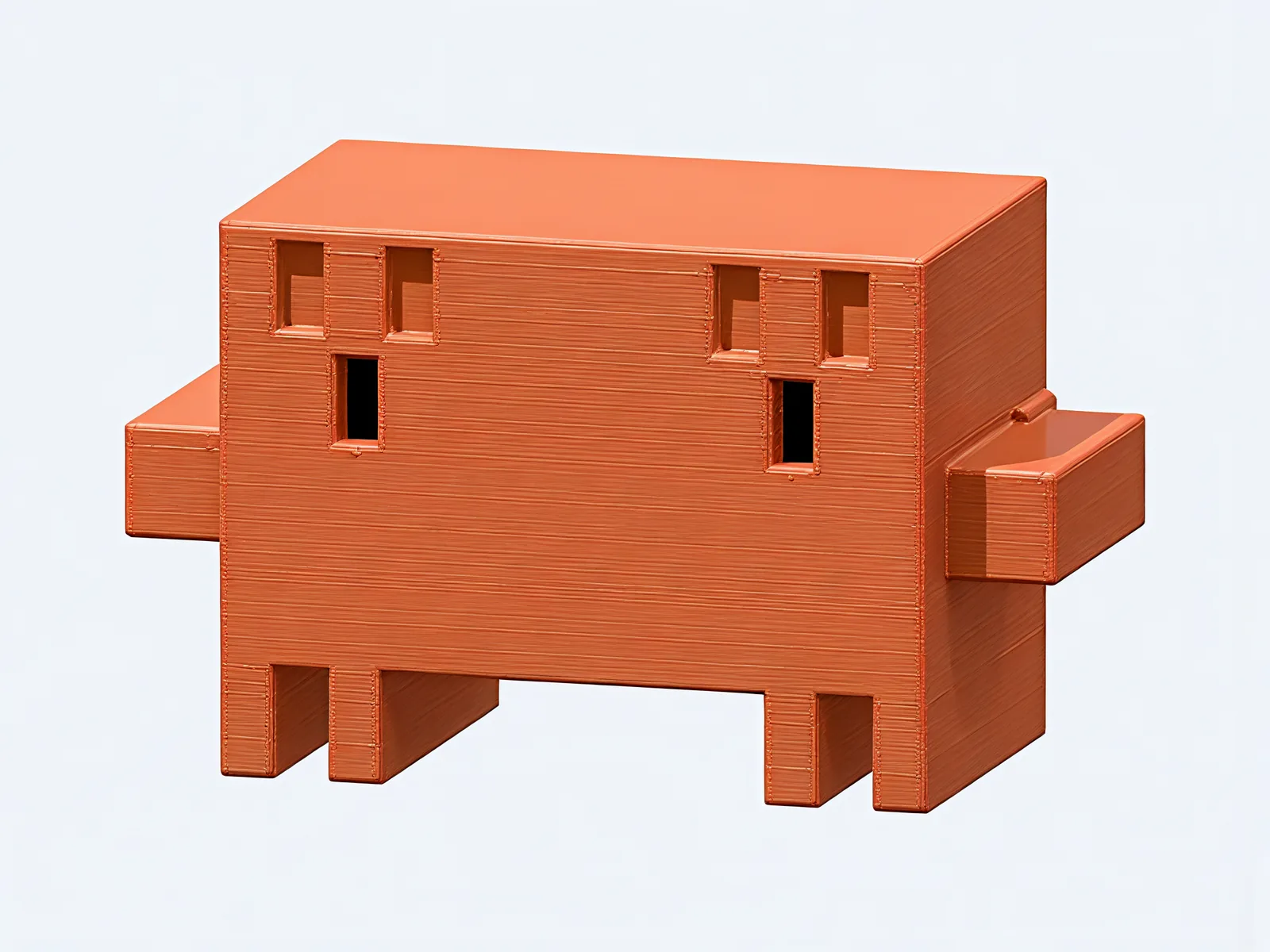
Eyes ahead
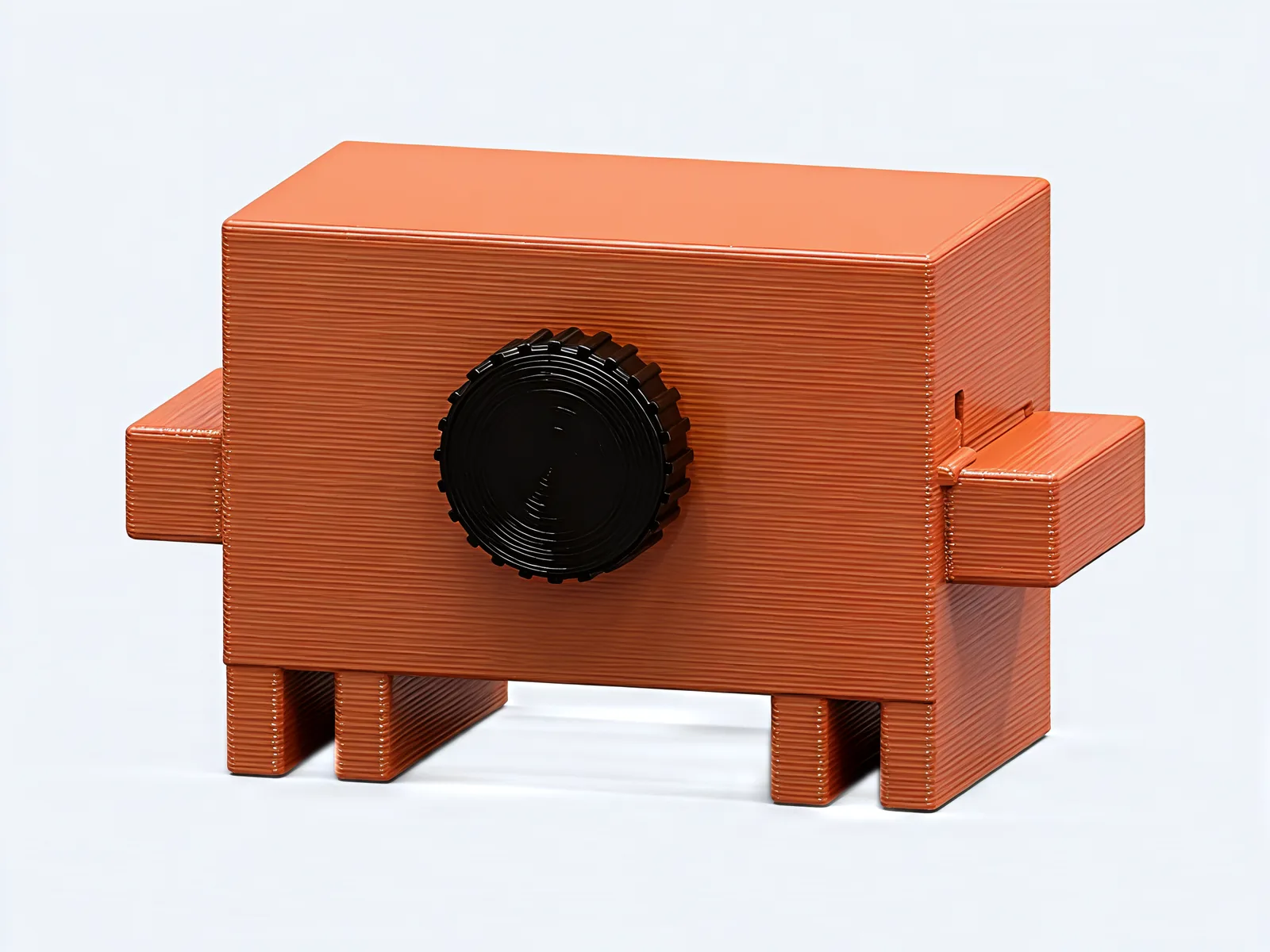
Drag the knob round, use the arrow keys, or tap a pose. This is the knob on its back, seen from behind.
Inside the dial
One knob
The knob turns a single steel shaft that runs through the crab's body. Everything that moves takes its turn from that shaft.
Four cams
Four grooved cams sit on the shaft, one for each job. Turn the knob and all four turn together.
The eyes
Three cams push three sliding bars. Each bar flips a pair of eye blocks, so every eye shows one black window at a time.
The arms
The fourth cam tips a rocker that lifts a yoke, and the yoke swings both arms up by one pixel row.
The click
A spring-loaded ball drops into a notch at every pose, so each one clicks in and stays. The grooves drive both ways, so pushing an arm down won't knock it out of pose.
Round again
Keep turning past arms up and the crab is back to eyes ahead. The knob goes all the way round, in either direction.
Up close
Specs
- Size
- 4.7 × 2.6 × 2.8 inwide, deep with the knob, tall
- Weight
- 5.3 oz
- Material
- PETGclay orange, with black eyes and a black knob; steel pins and shaft inside
- Knob
- Turns all the way round, both wayswith a click at each pose
- Eyes ahead
- Look left
- Look right
- Arms up
Put a crab on your desk.
Add the Pixel Crab Pose Dial to your cart, then give the knob its first turn.