Usage Limit Reached
A little desk monitor that counts your prompts, then locks you out.
A full stack of five tokens
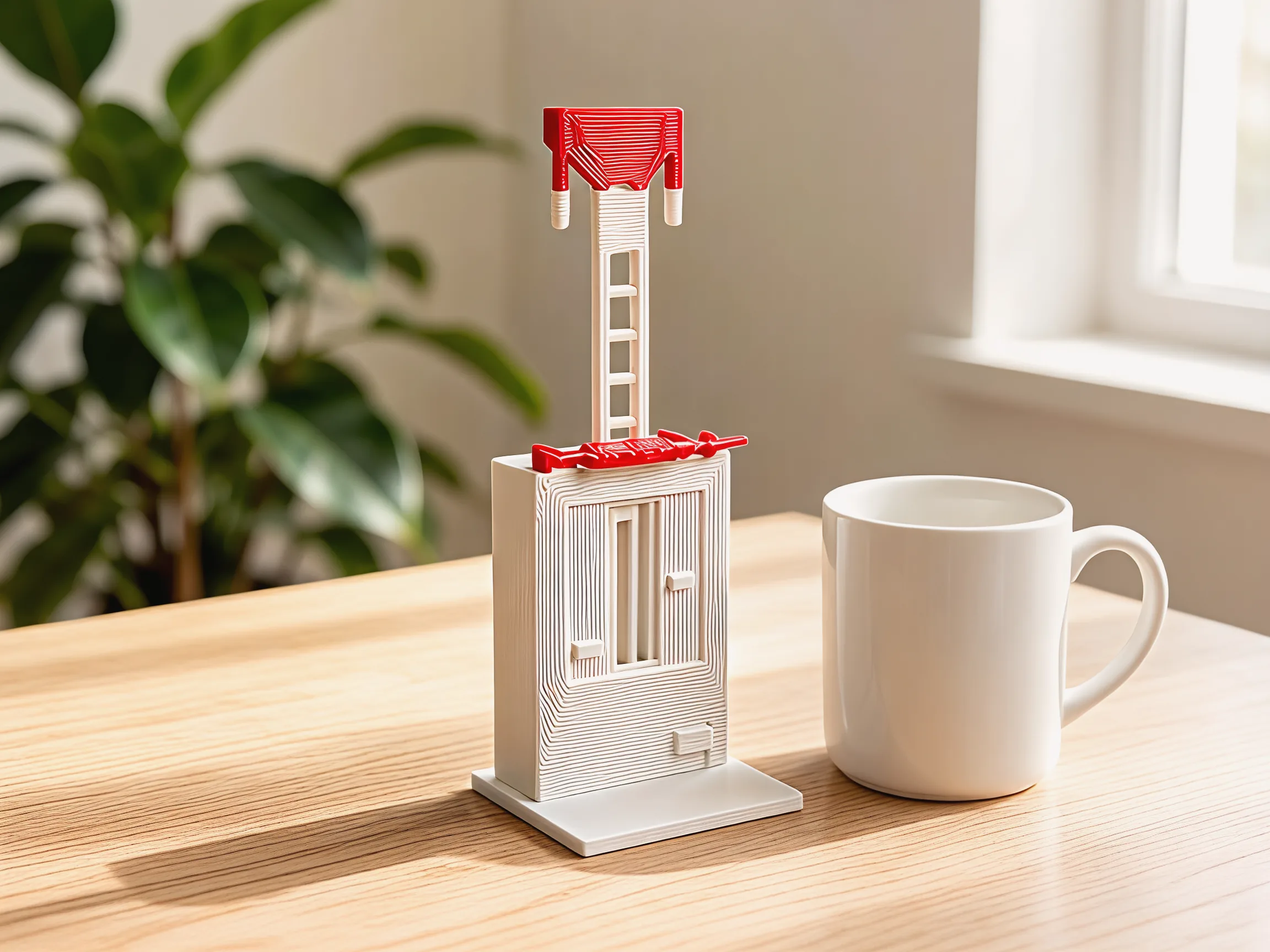
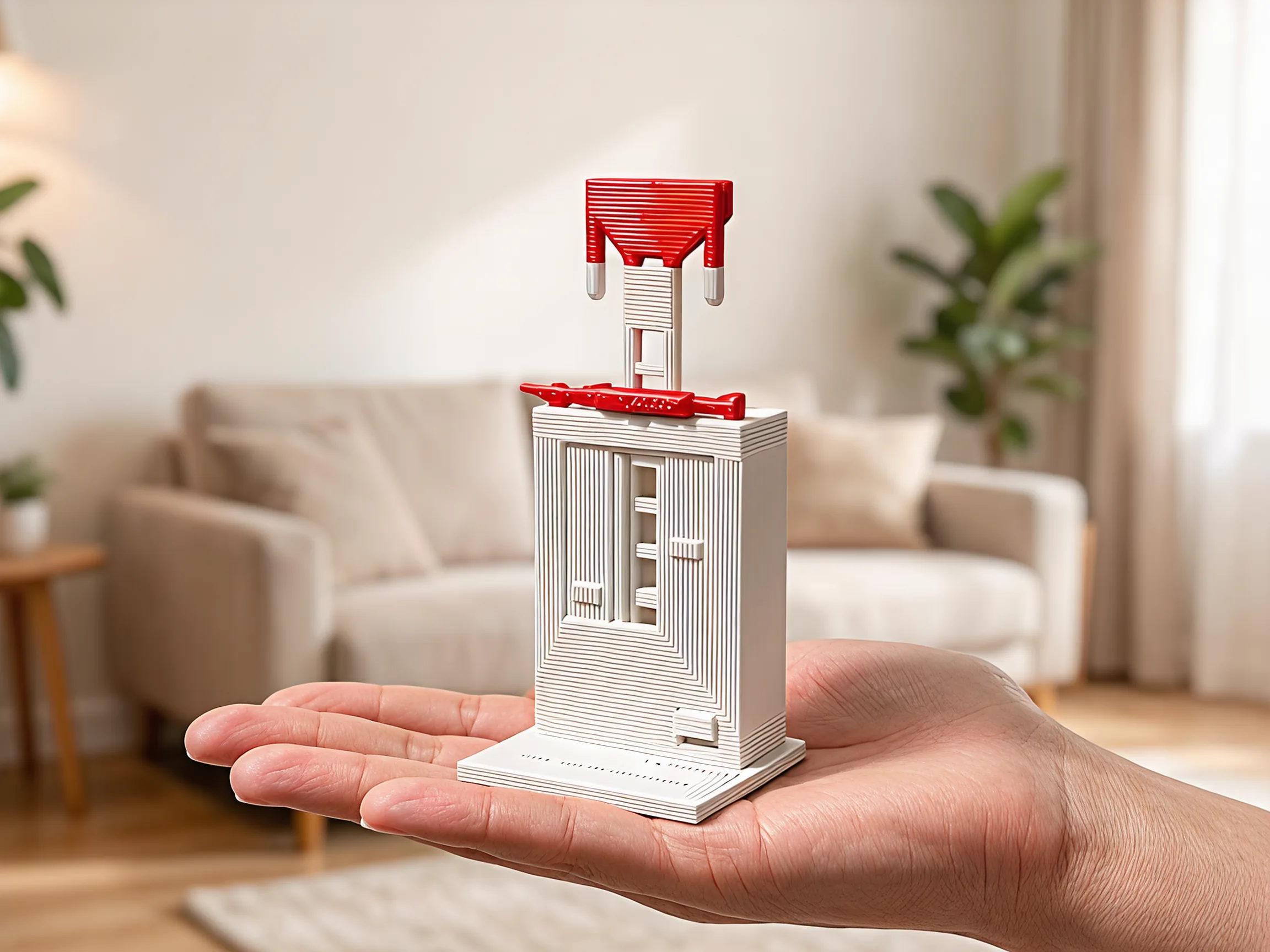
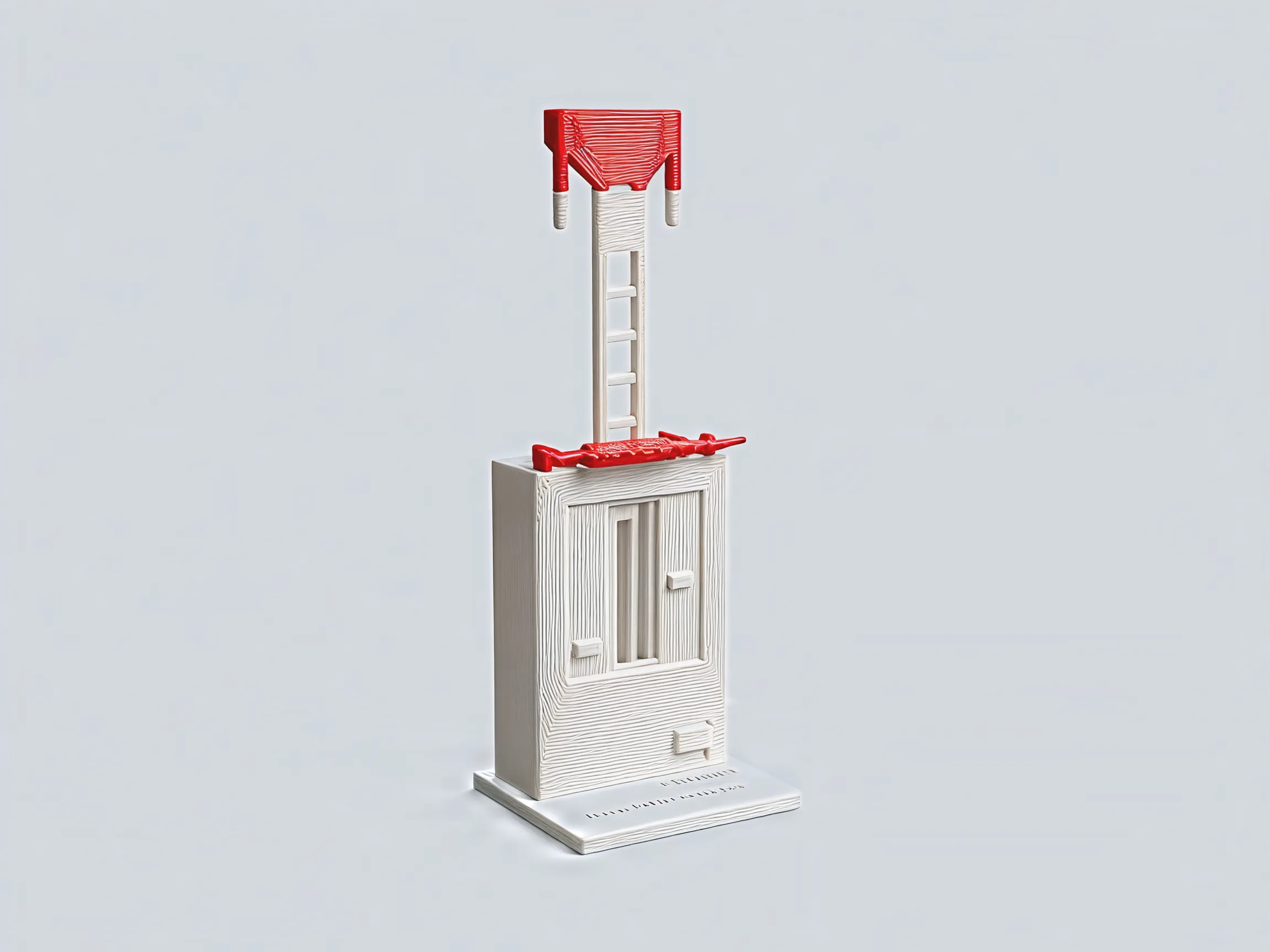
The stack stands out of the roof: five grey tokens under a red cap. The red visor lies flat over the screen like the brim of a cap.
It starts at the key
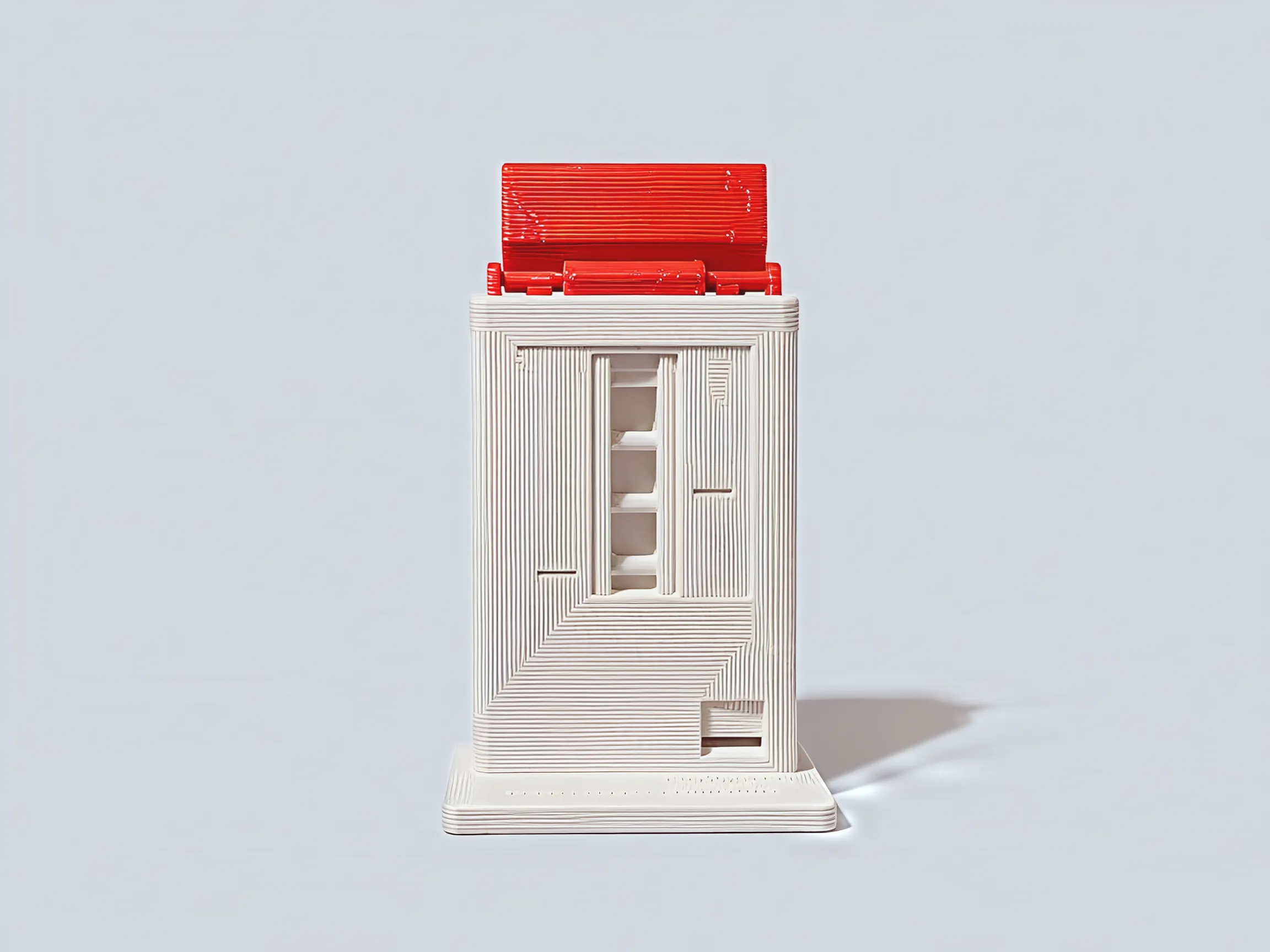
Press PROMPT, low on the front. The key is the foot of a rocker that runs up inside the monitor and swings on a pin near the top.
Two pegs, two clicks
At the top of the rocker two pegs take turns under the stack. Press, and one slides out as the other catches it lower down. Let go, and they swap back. Each swap is a half step down and a soft click.
One token per prompt
Every press spends a token. The stack sinks one step into the roof, and one more line scrolls down the slot in the screen.
Usage limit reached
On the sixth press there is nothing left to catch. The red cap falls onto the visor's tails and its weight swings the visor upright. The key stays pushed in.
Flip it for a refill
Turn it upside down for a second and the stack slides back out. Set it down: the visor drops back to a brim and the key comes back out.
Up close
Light grey with one red: only the parts that mean “limit” wear it, the cap on the stack and the visor.
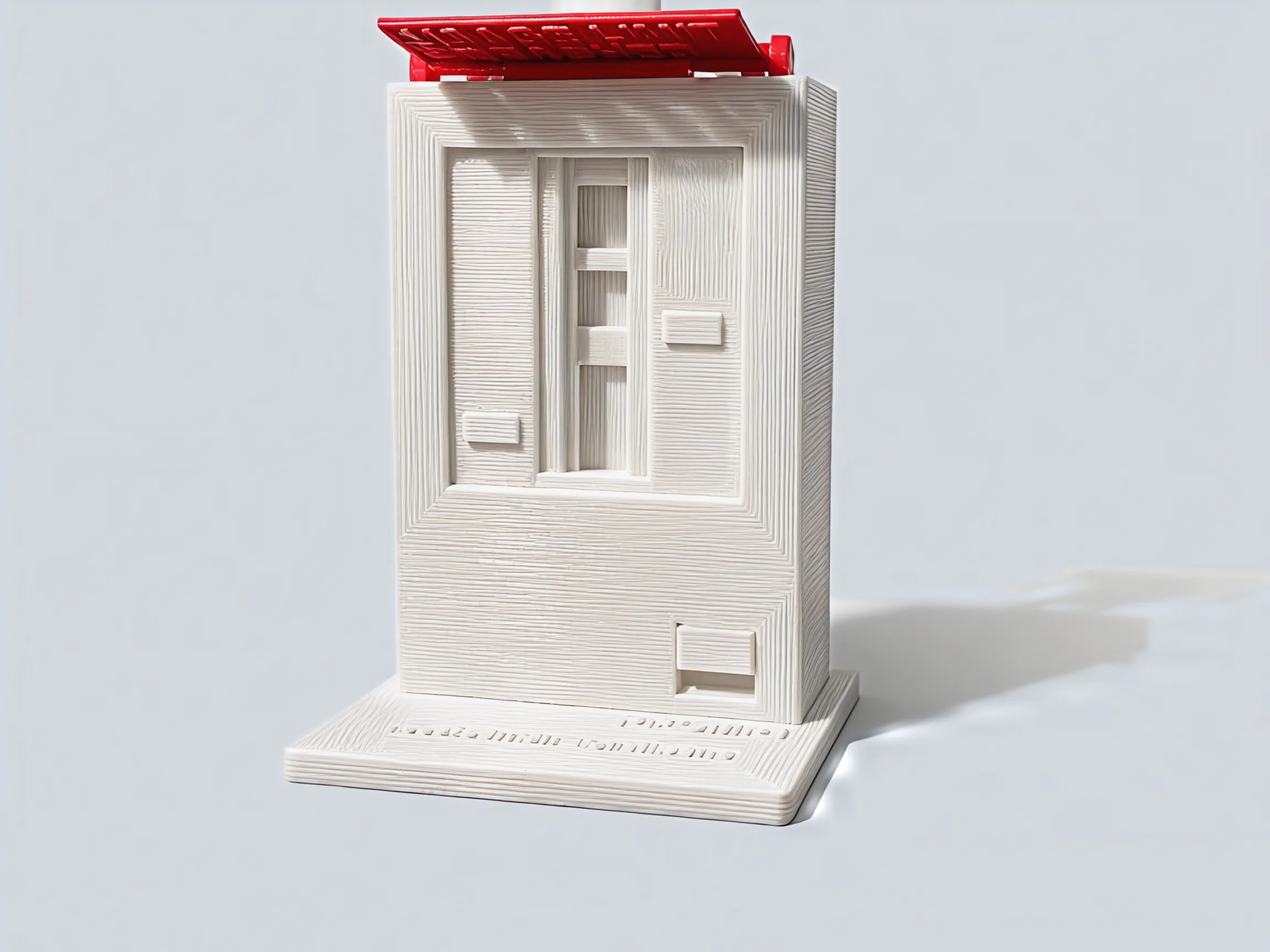
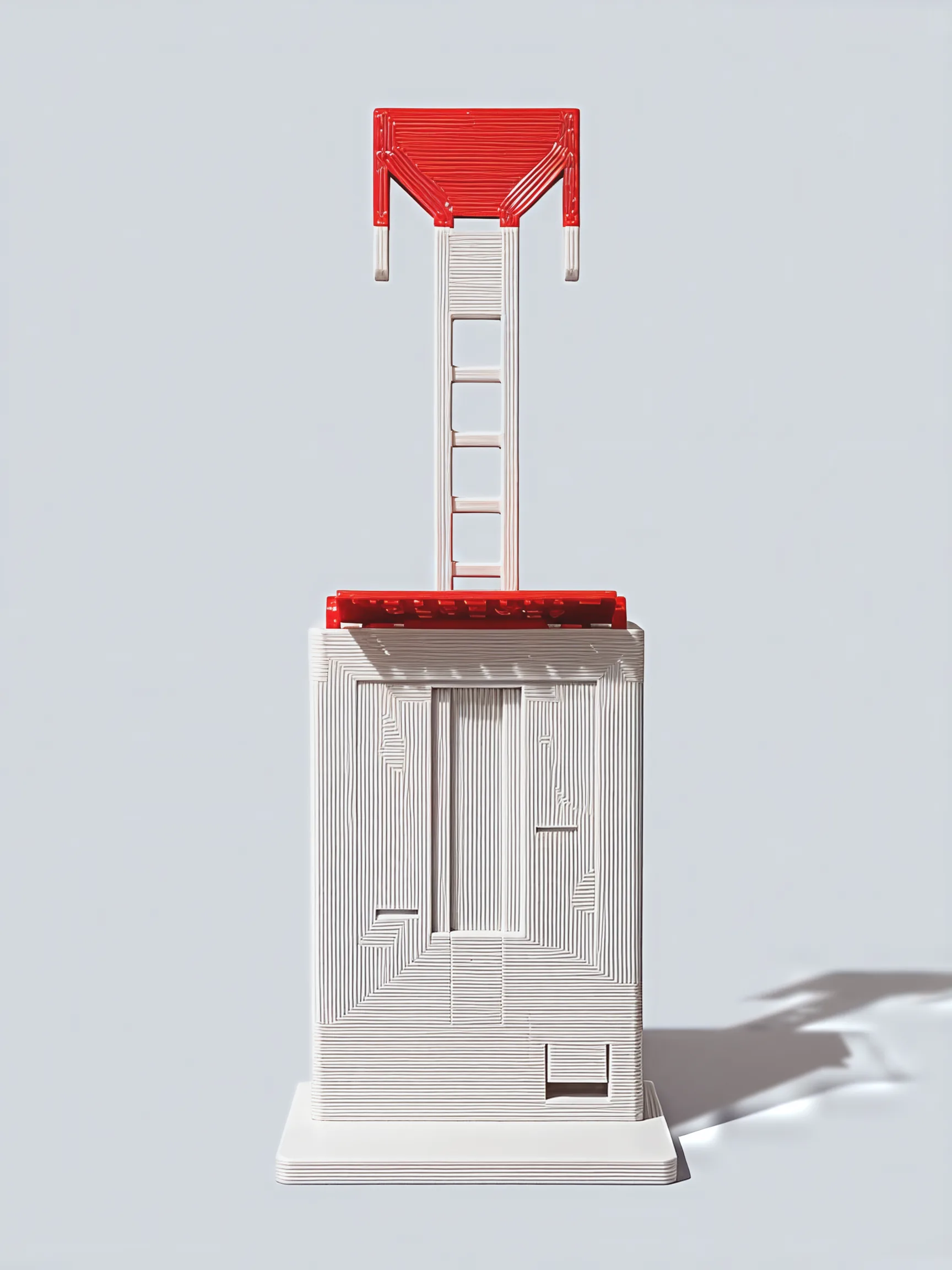
Spend them here first
Each press of the PROMPT key drops the token stack one step with two clicks. On the sixth press the stack falls onto the visor and throws it up, and the key stays locked in until you turn the whole thing over.
For the desk of anyone who lives in a chat window: a joke you can press, and a nudge to stand up when the visor goes up.
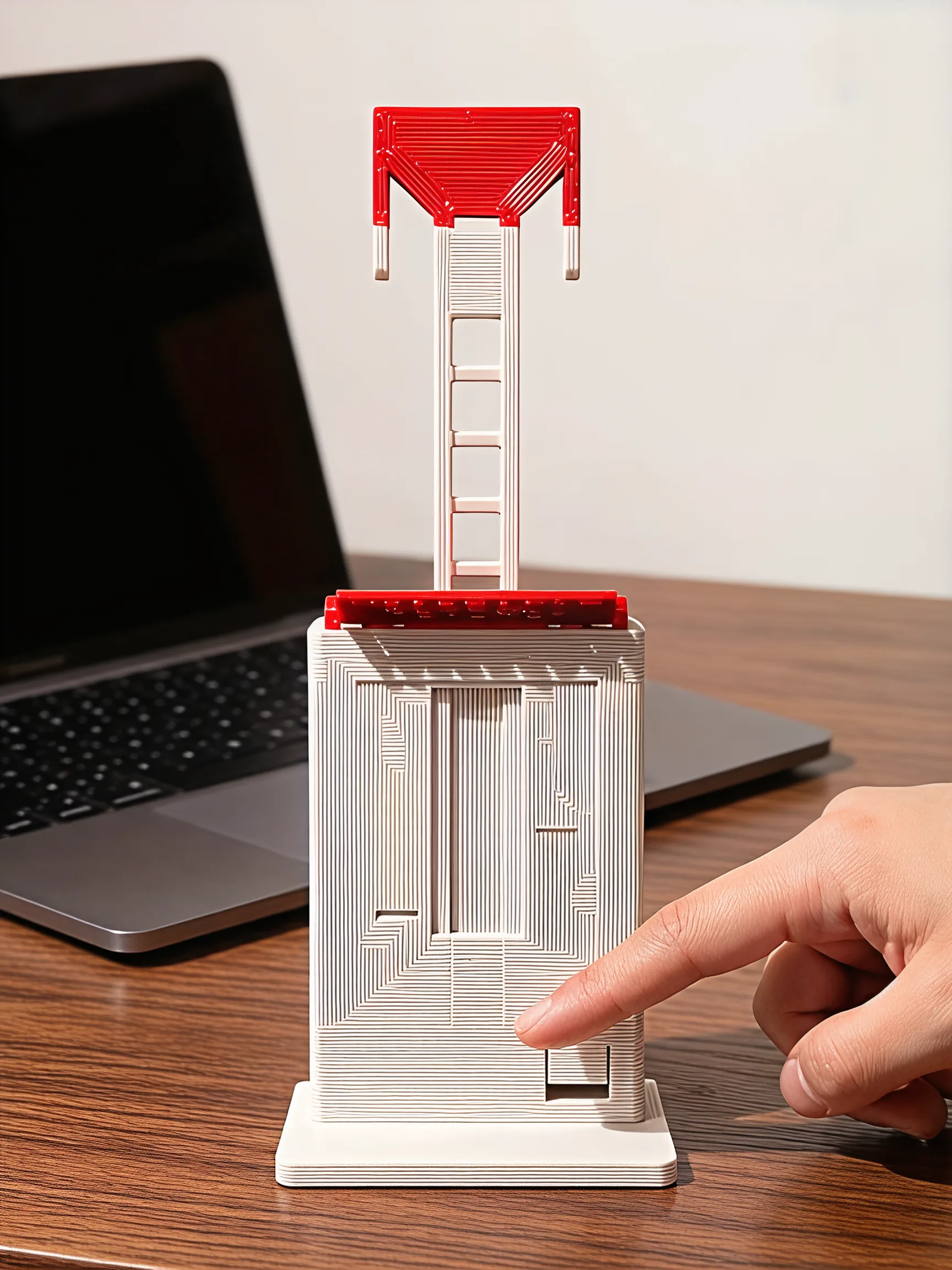
1 desk monitor in the box, quota full
- 1
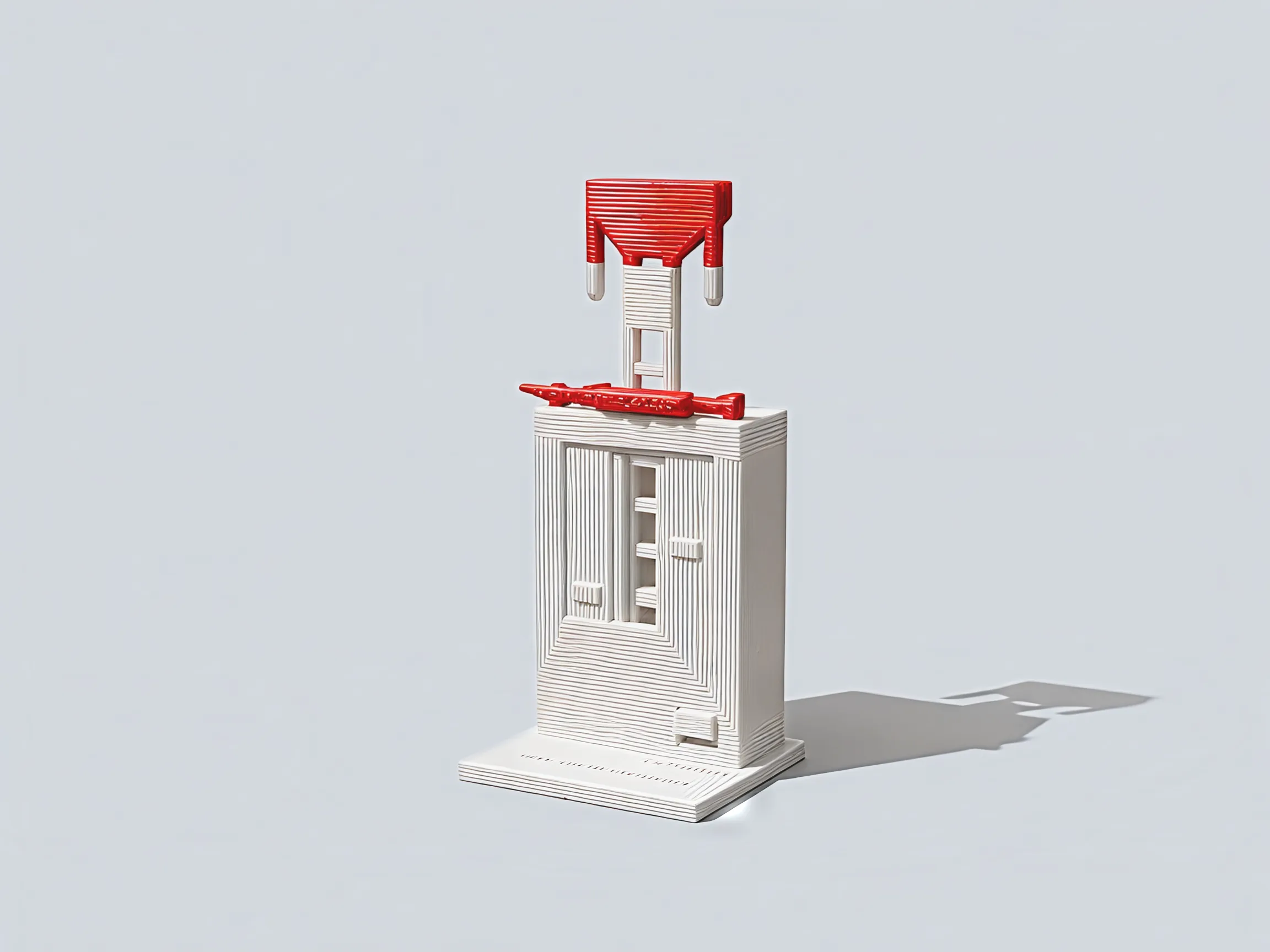
- Usage Limit Reached desk toy: the monitor, its token stack, the PROMPT key and the red visor
- Size, stack up
- 2.5 × 2.2 × 6.8 in (W × D × H)
- Weight
- 2.4 oz
- Prompts per refill
- 6
- Clicks per prompt
- 2
- Refill
- Turn it upside down for a second, set it back
- Power
- None: your finger and gravity
- Colors
- Light grey, with a red visor and cap
- Raised words
- USAGE LIMIT REACHED, PROMPT, TOKENS, “resets in 5h - or flip me”
Good to know
Does it need batteries?
No. There are no batteries, springs or magnets in it. Your finger works the key, and gravity does the rest: it drops the stack, swings the visor up and brings the key back out.
How many presses before it locks?
6. The first 5 each spend a token from the stack. The sixth drops the cap onto the visor, which swings up to read USAGE LIMIT REACHED, and the key stays in.
How do I reset it?
Turn it upside down for a second and set it back on its base. The stack slides back out of the roof, the visor falls back to a brim and the key comes back out. The base says “resets in 5h - or flip me”: you don't have to wait.
What does a press feel like?
A light press with two soft clicks, one as you push and one as you let go. The key comes back by its own weight, so it is a gentle key, not a springy one.
How big is it?
2.5 × 2.2 × 6.8 in with the stack all the way up, and 2.4 oz. It sinks lower as you spend prompts.