Autonomous Computer Rack
The AI Server.
Built, tuned, and burn-tested in our workshop. Slide in your graphics cards and it wakes up — your models, your data, your machine.
Own your intelligence.
Always on.
Your models run when you say — never deprecated, revoked, or rate-limited. Weights on your disk are yours for good.
Truly private.
Prompts never leave the building. Nobody trains on your work. Private by physics, not by policy.
Free to run.
Own the machine and inference has no meter. No per-token bill — agents run around the clock.
Yours to keep.
Fine-tune on what only you know. The model becomes an asset you own — and sells with the company.
We build the whole machine. You add the cards. We source the best components, design and mill the chassis, and assemble the entire machine — tuned, burn-tested, and GPU-ready. You just plug your cards in and go.


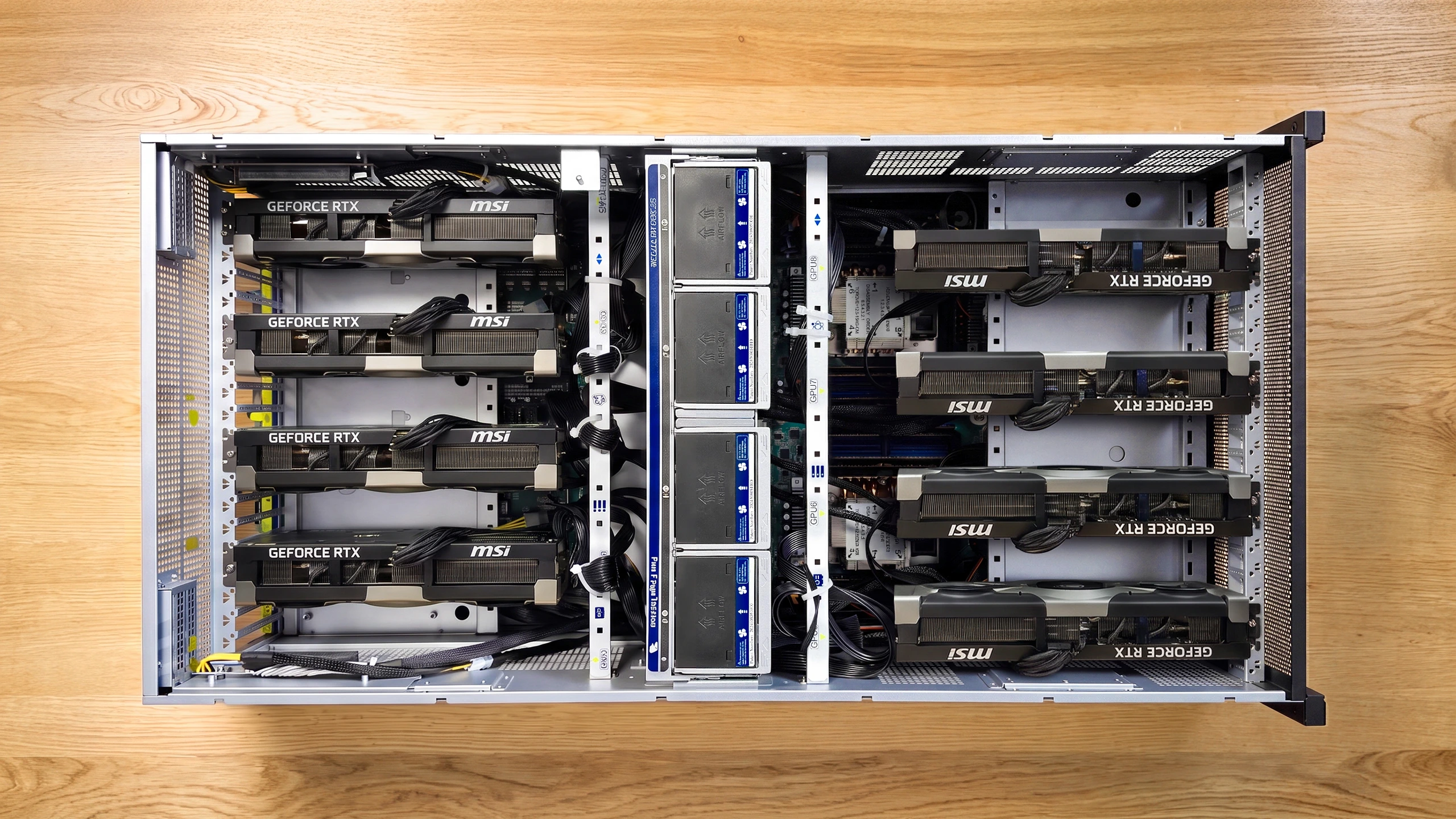
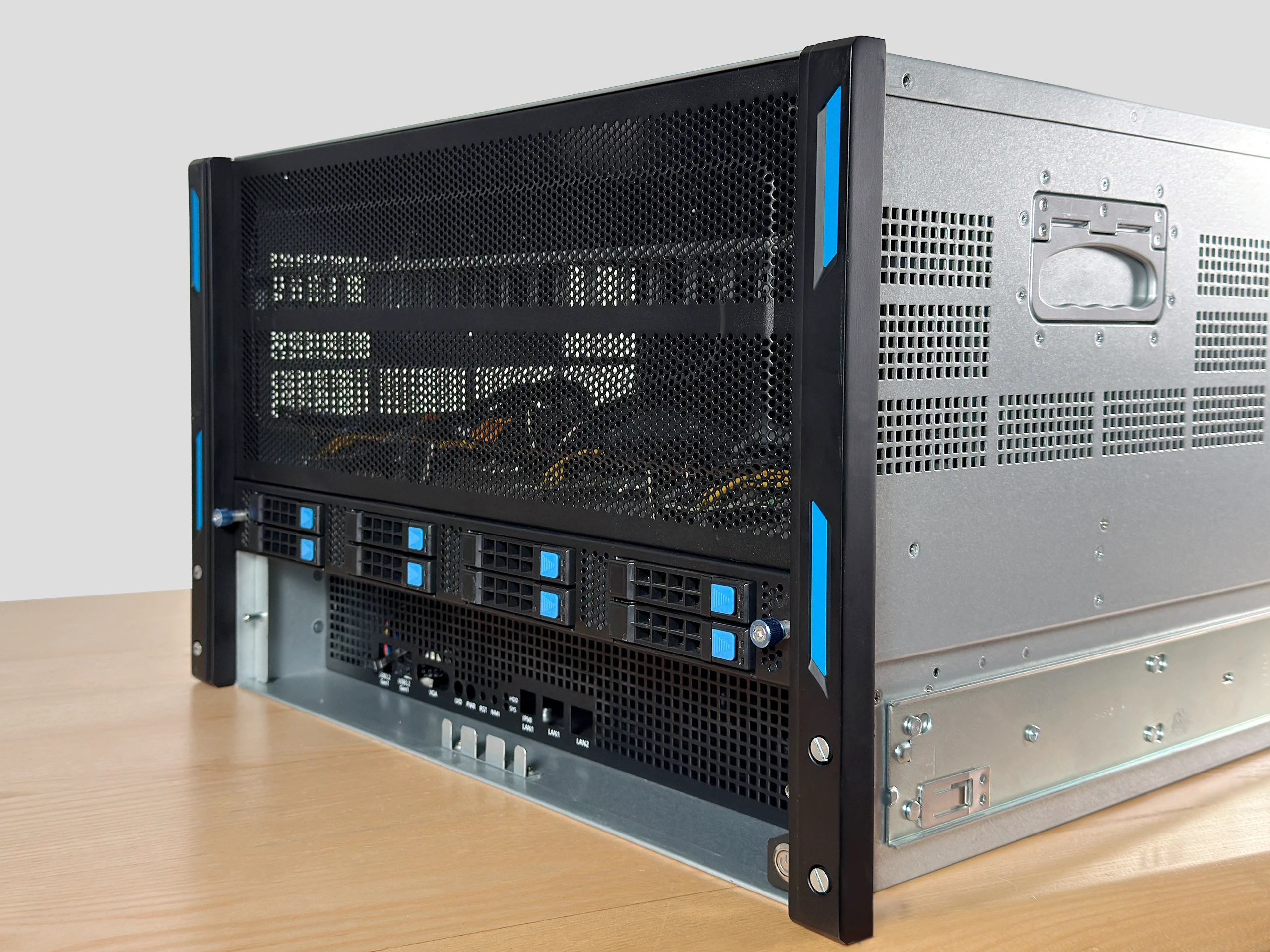
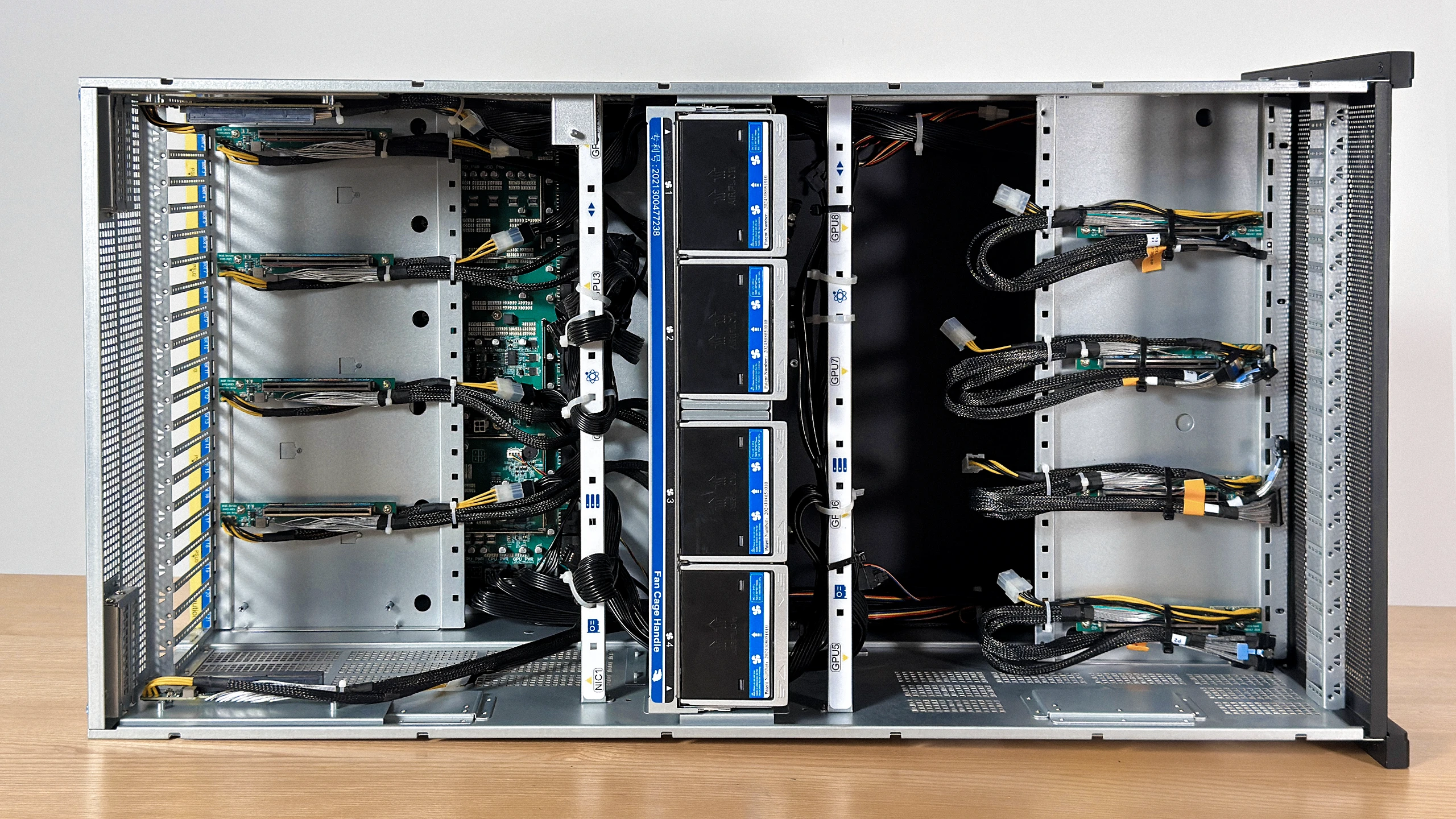
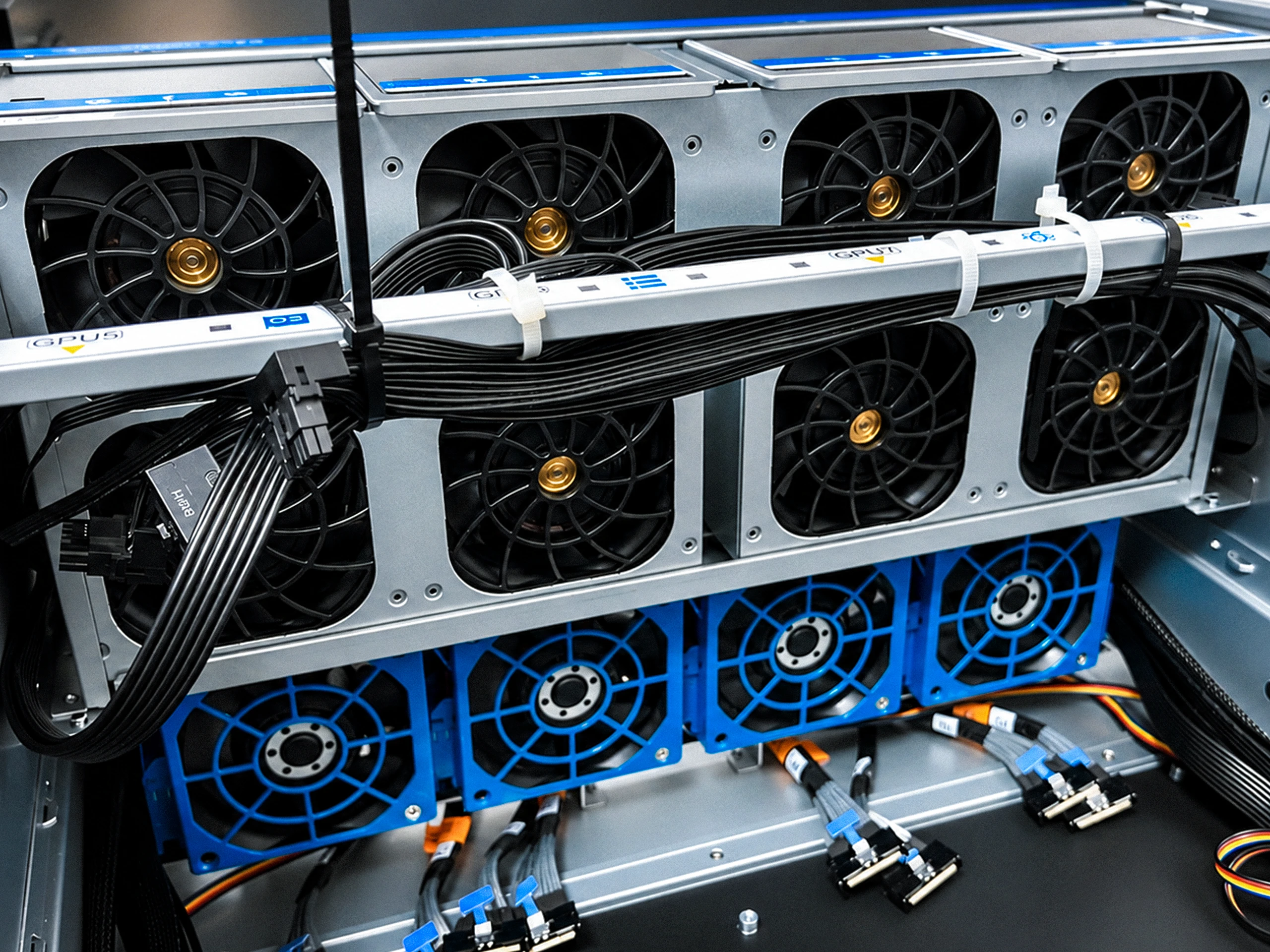
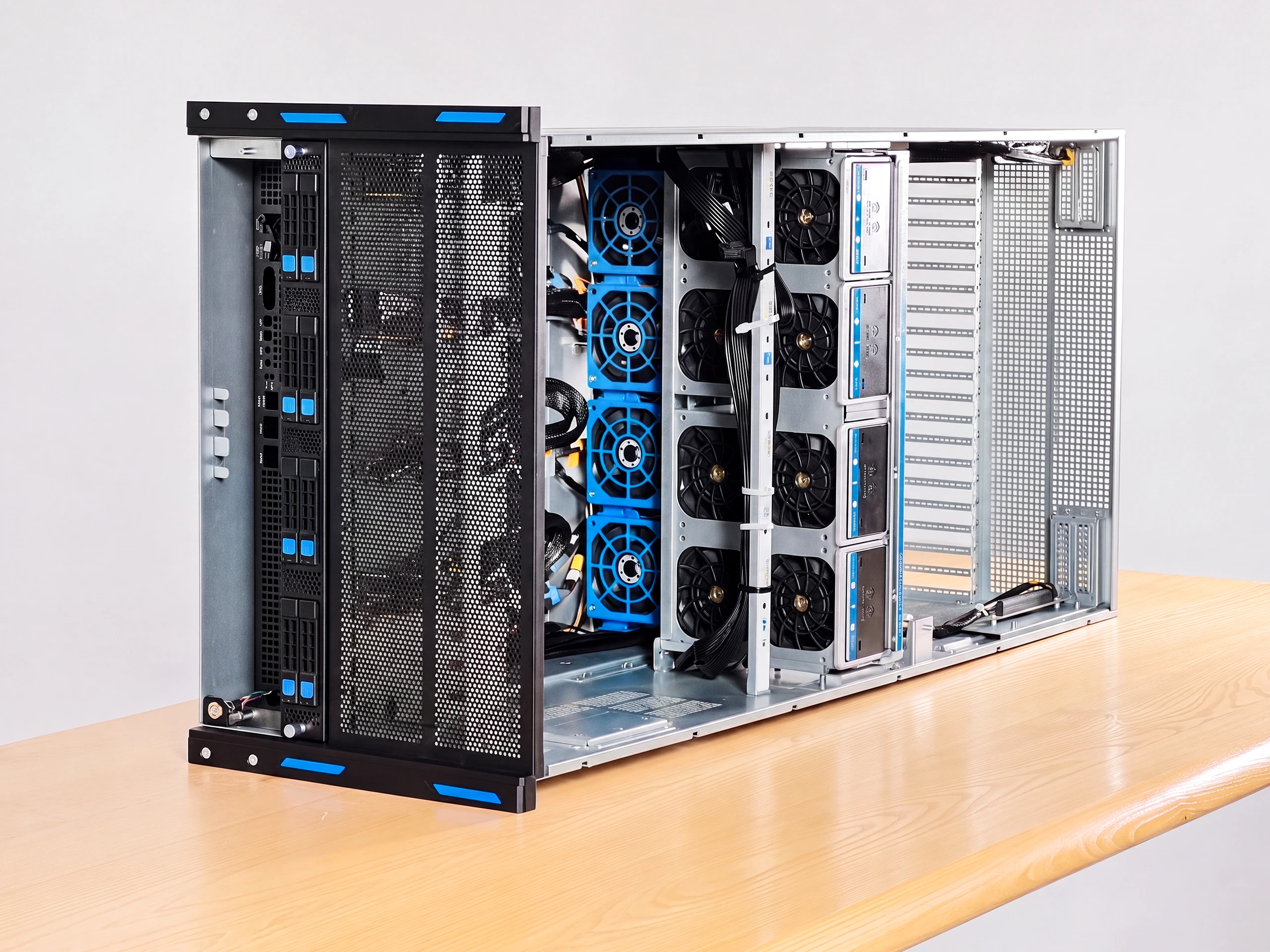
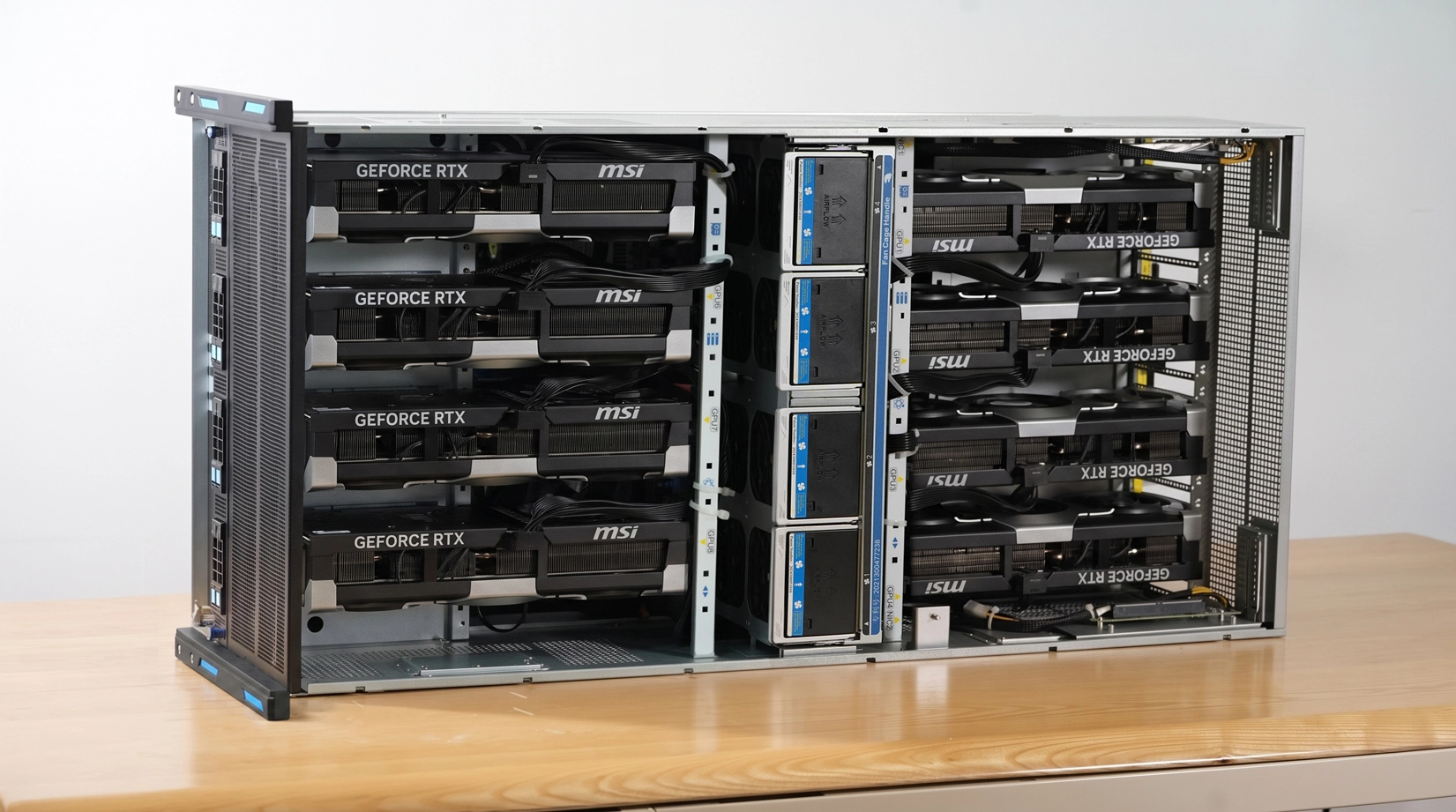
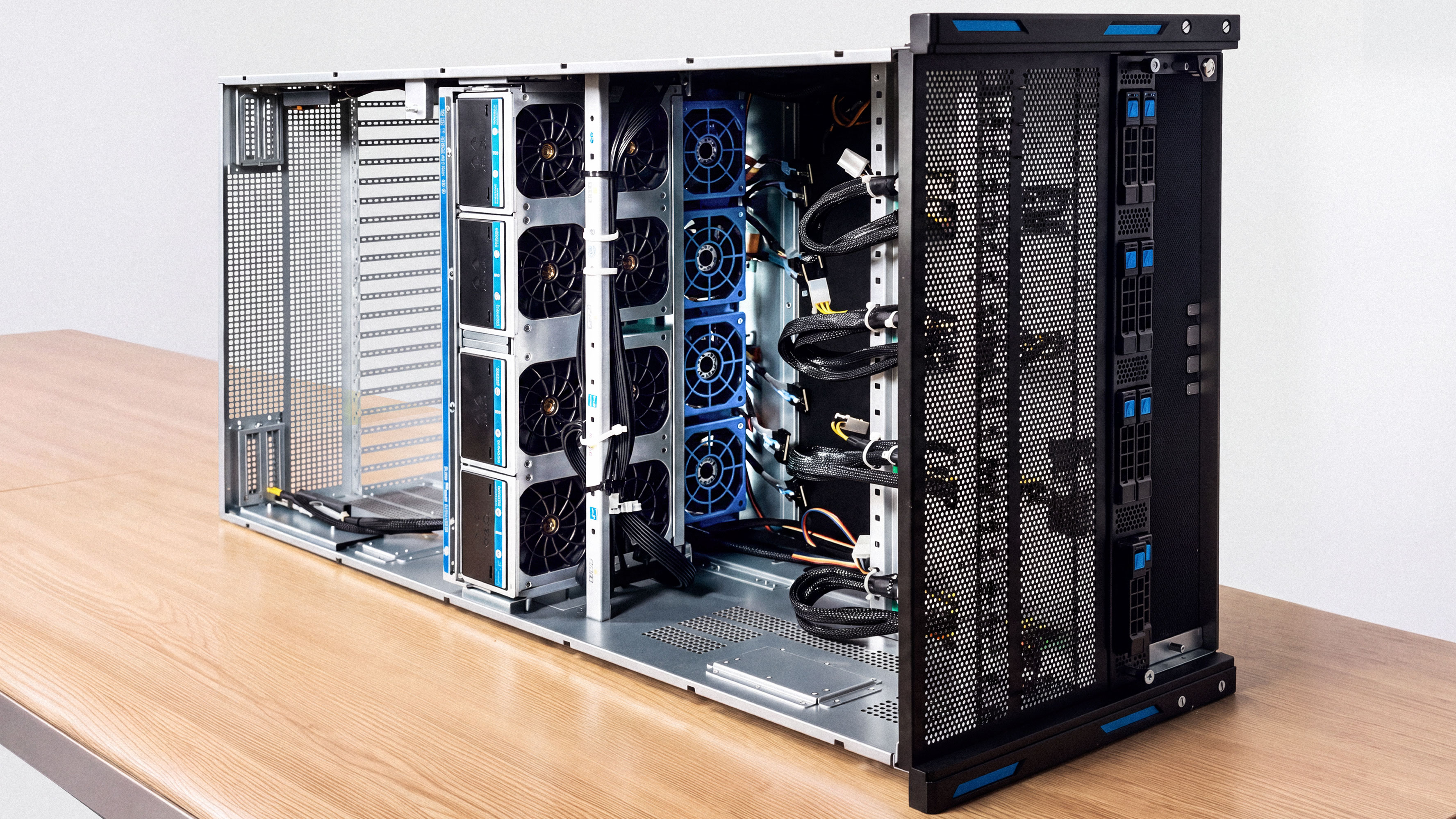
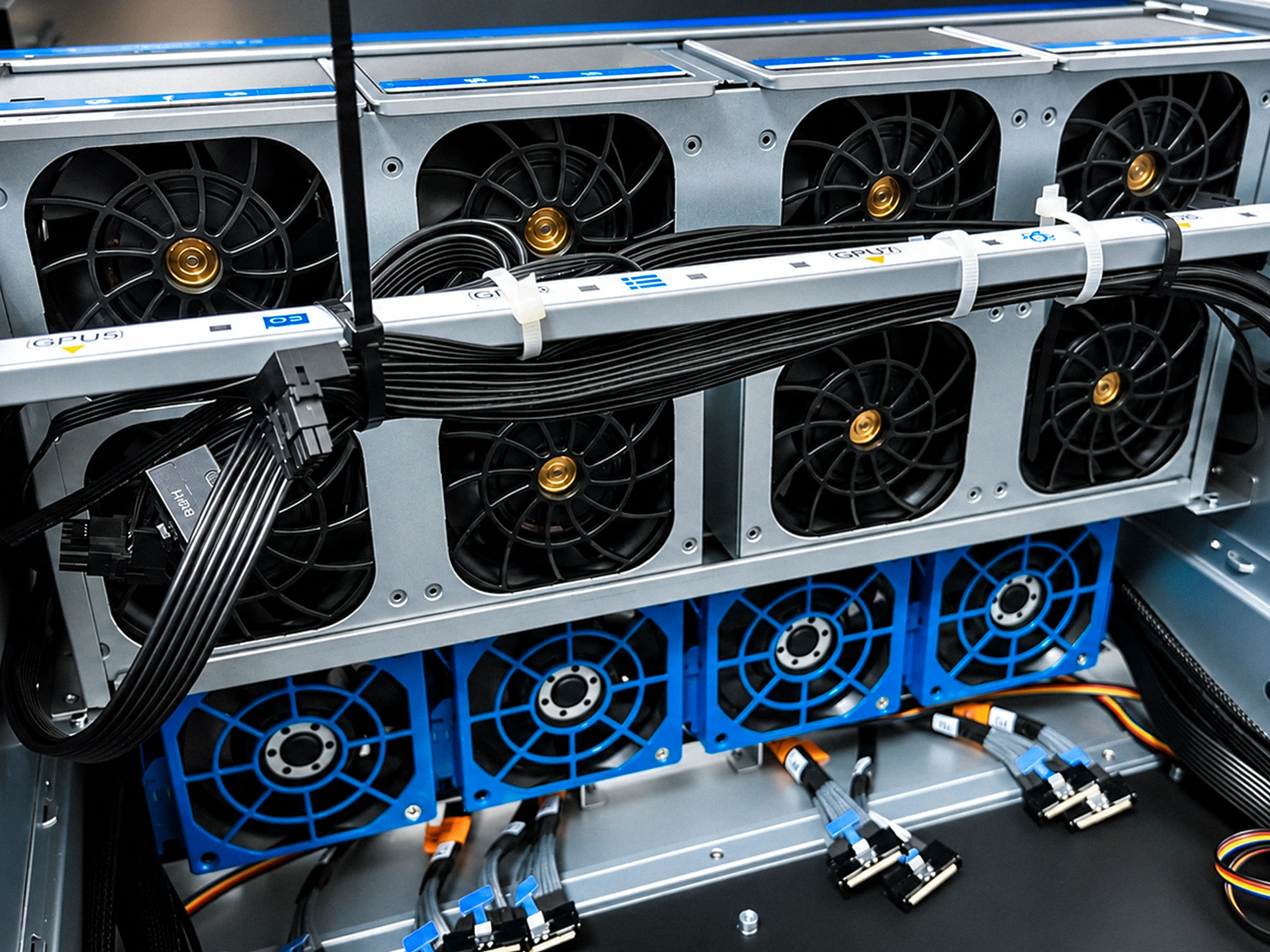
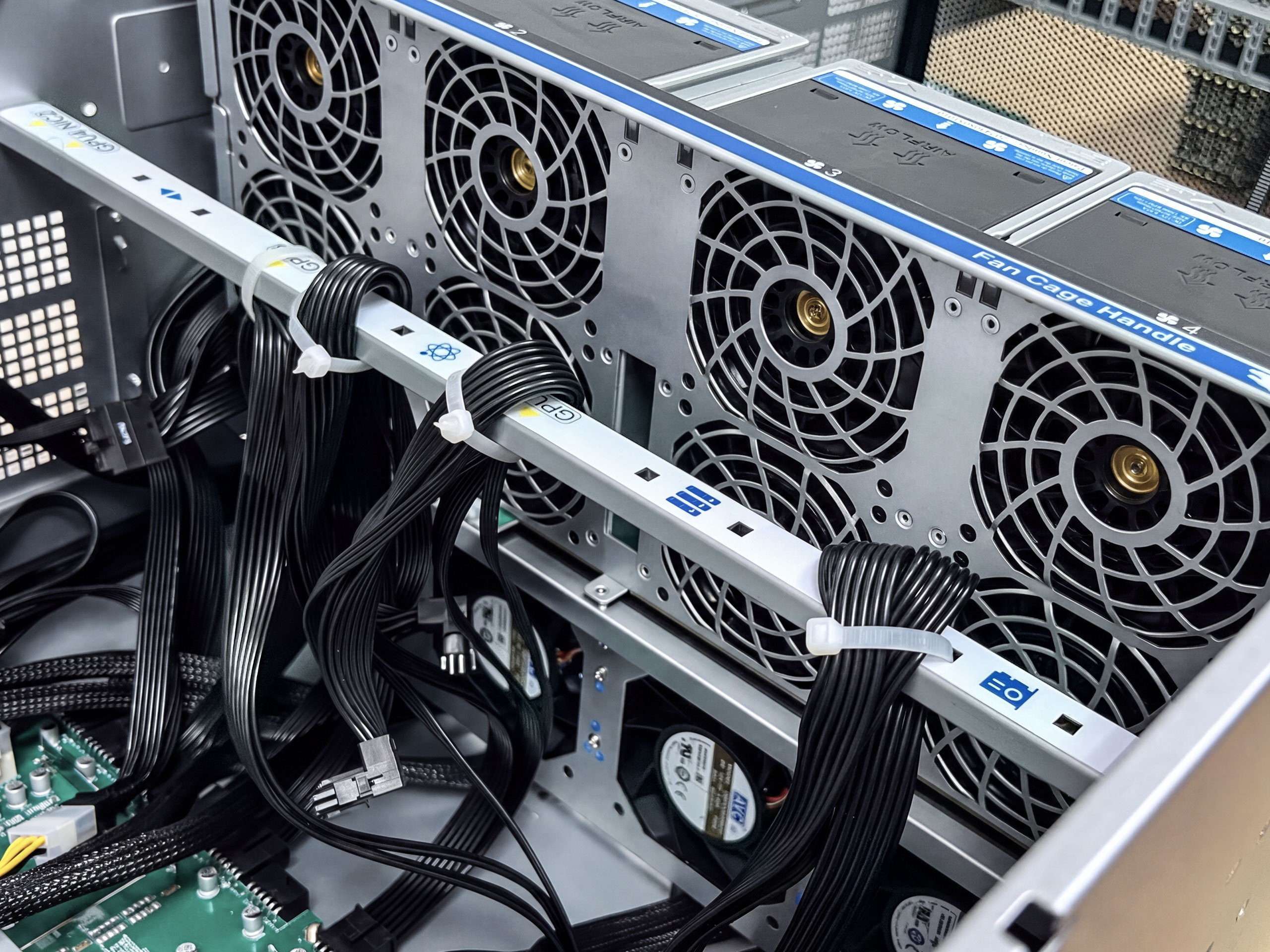
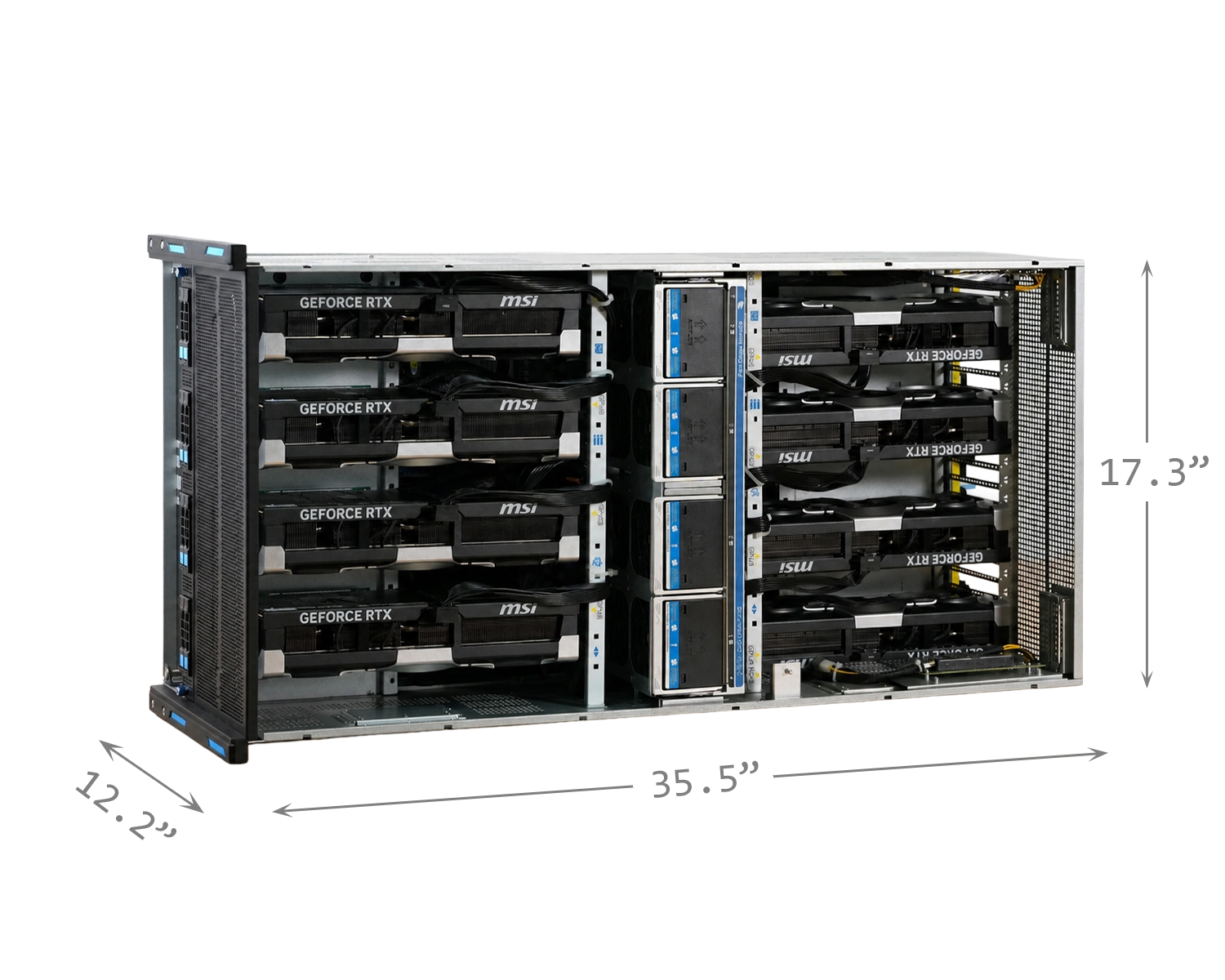
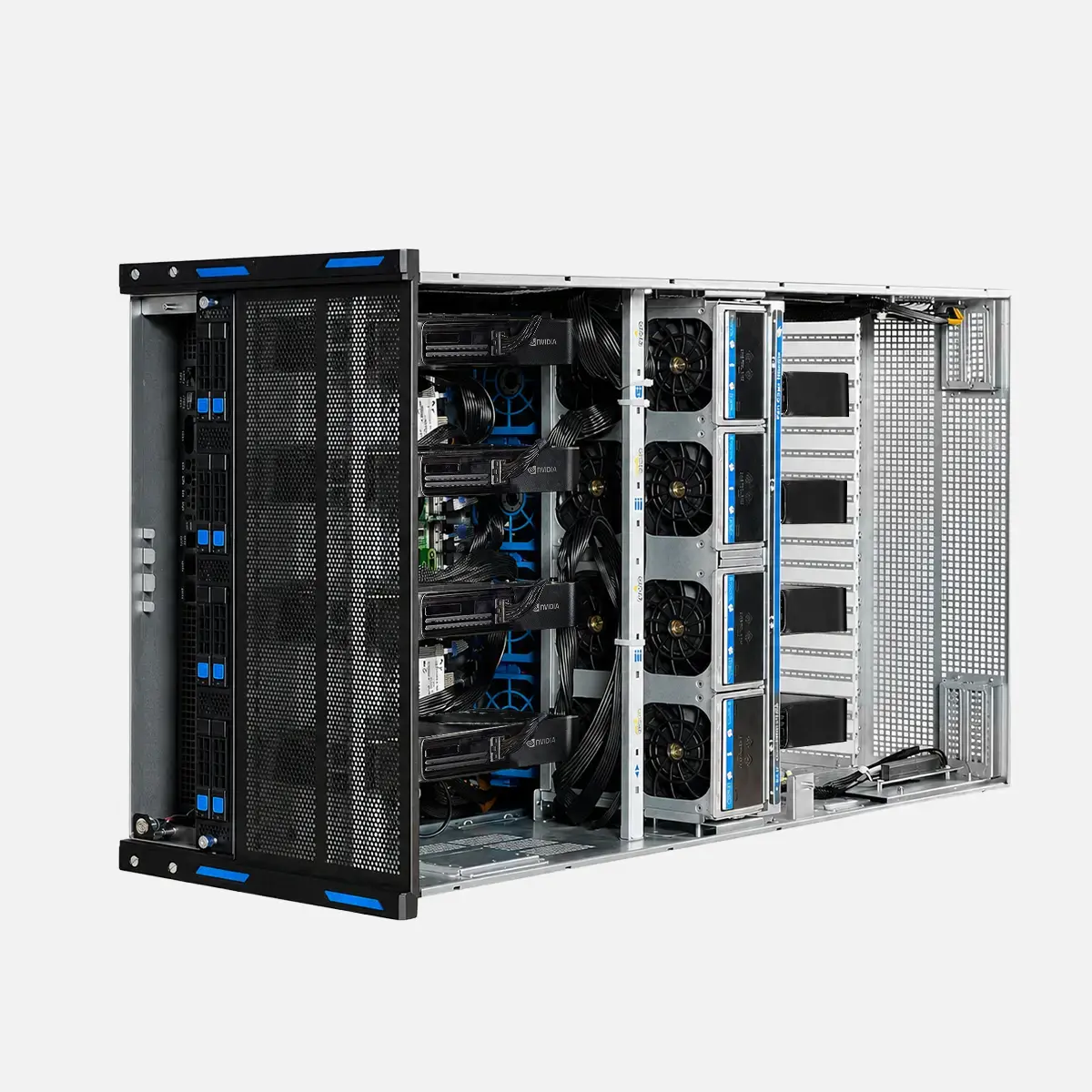
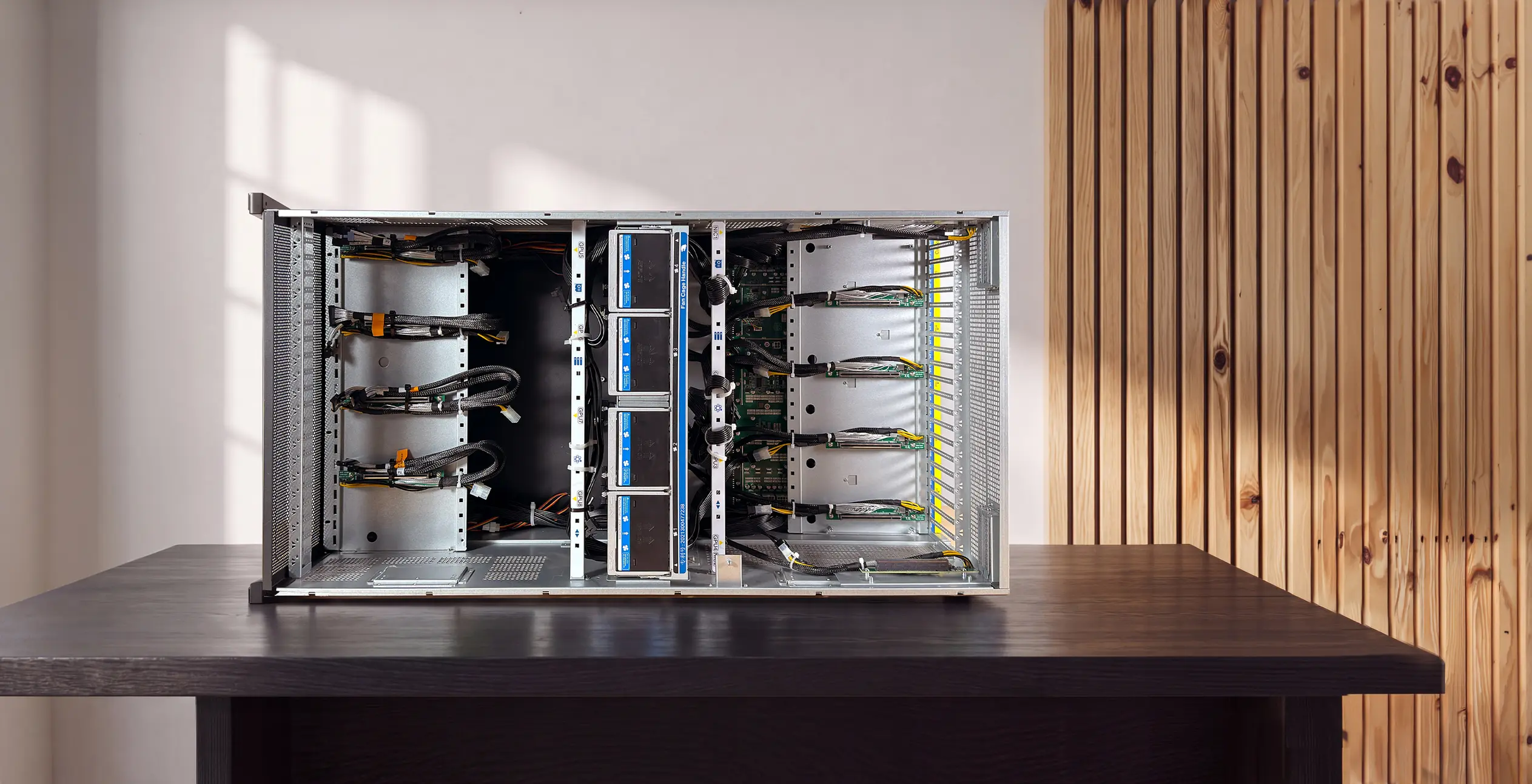
A server chassis, not a showpiece. The Autonomous Computer and Autonomous Computer Studio ship in a case we mill ourselves. The Autonomous Computer Rack does not, and that is on purpose. At eight cards you are building something that lives in a rack and runs for weeks, so it goes in a 7U GPU server chassis built for exactly this. It holds eight full-size cards, pushes air through eight hot-swap 8056 fans plus four more, and puts eight hot-swap bays on the front so you can pull a drive without opening the machine. Nothing here is styled. It is built to be cooled and serviced, and to keep running while it does.


Datacenter cabling, not desktop ribbon. Each GPU connects over a PCIe 5.0 x16 F-adapter riser fed by two MCIO cables, the shielded connector datacenters use to carry Gen5 across a cable without dropping the signal. Every card gets a full Gen5 x16 straight from the CPU, no PCIe switch in the middle, so no card shares lanes or waits on another. That is the same bandwidth a card gets in a top desktop slot, times eight, all at once. The risers and cabling come matched to the chassis, routed for airflow and built to stay put in a machine that runs for weeks.


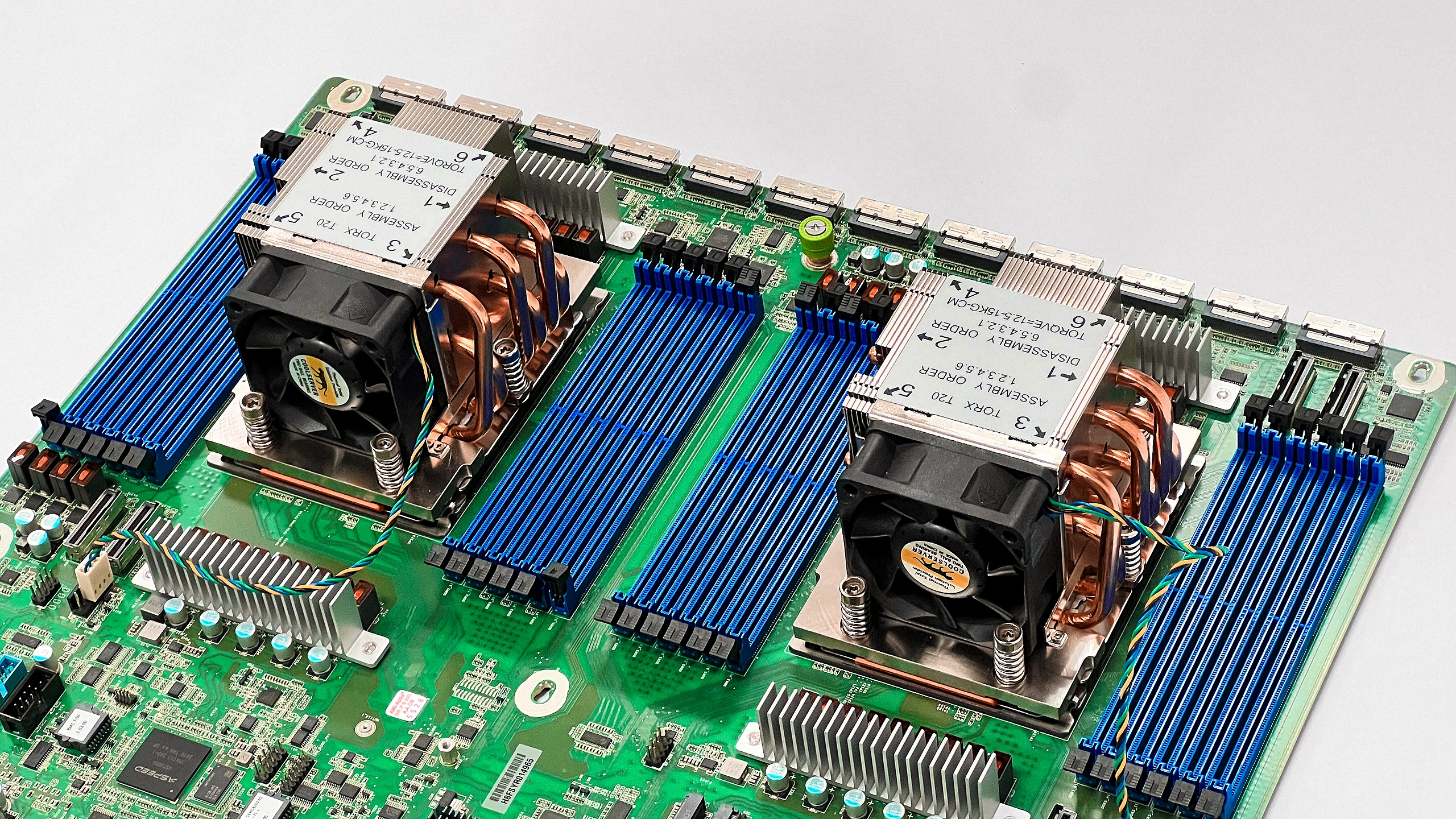
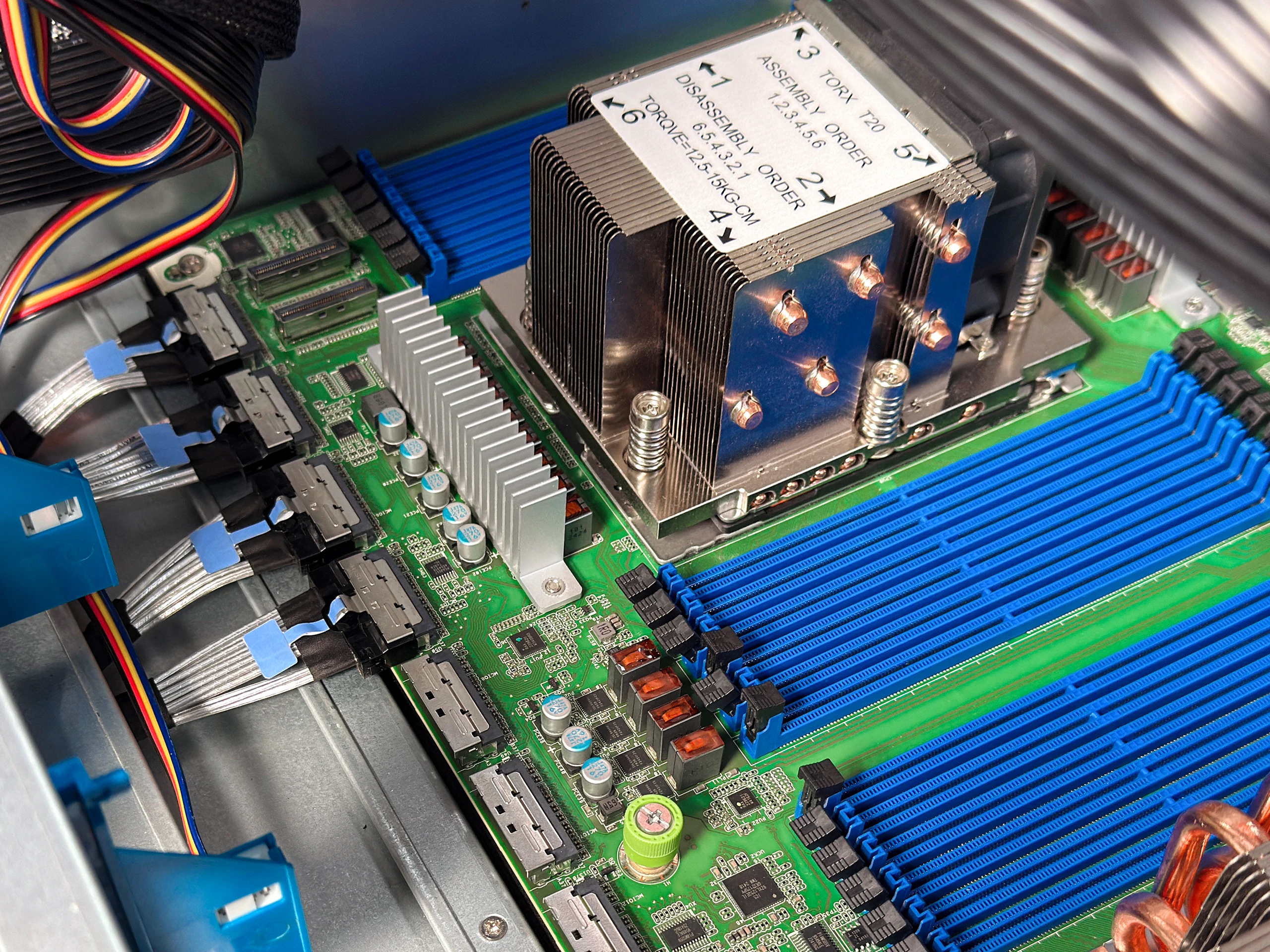
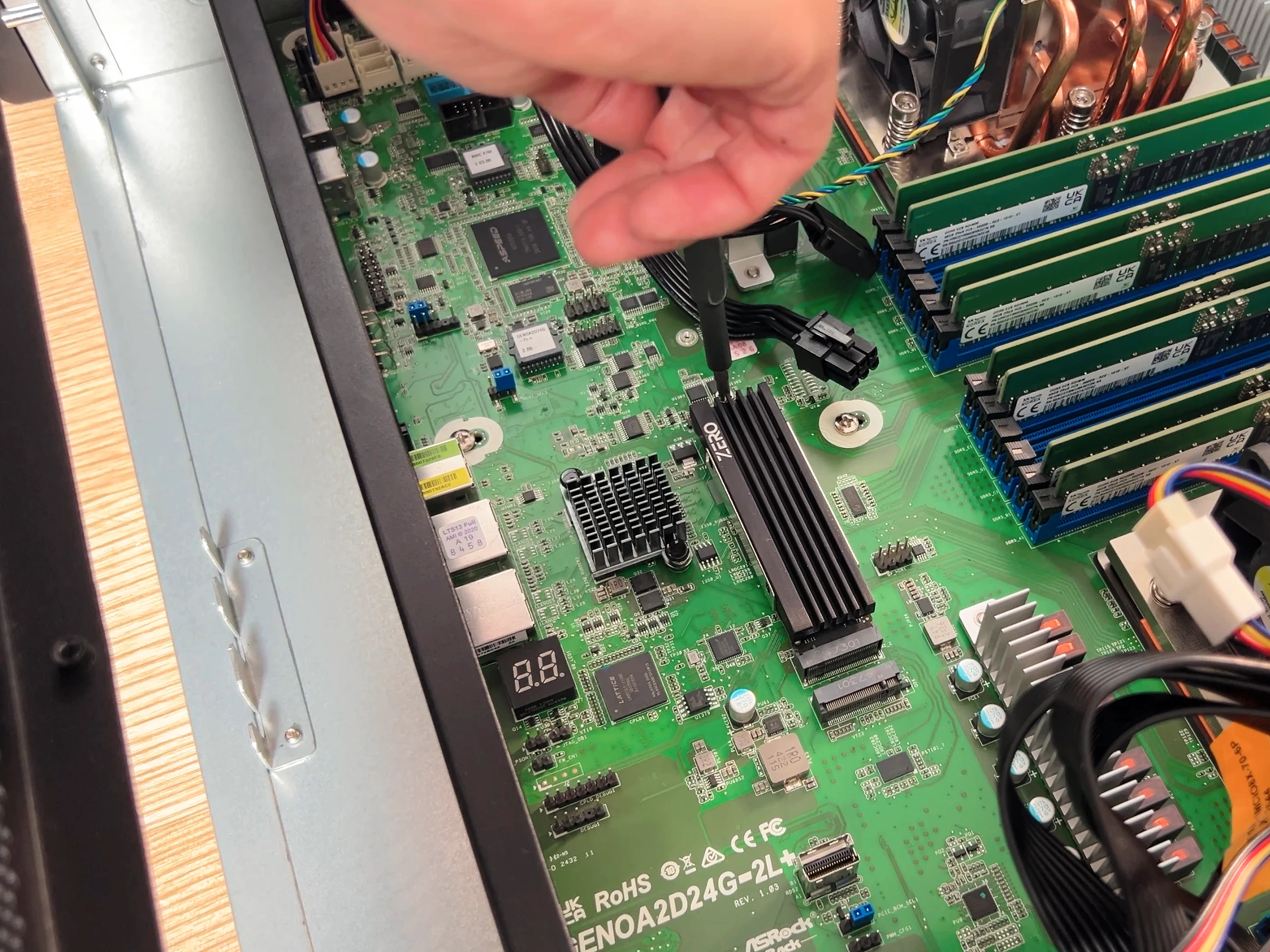
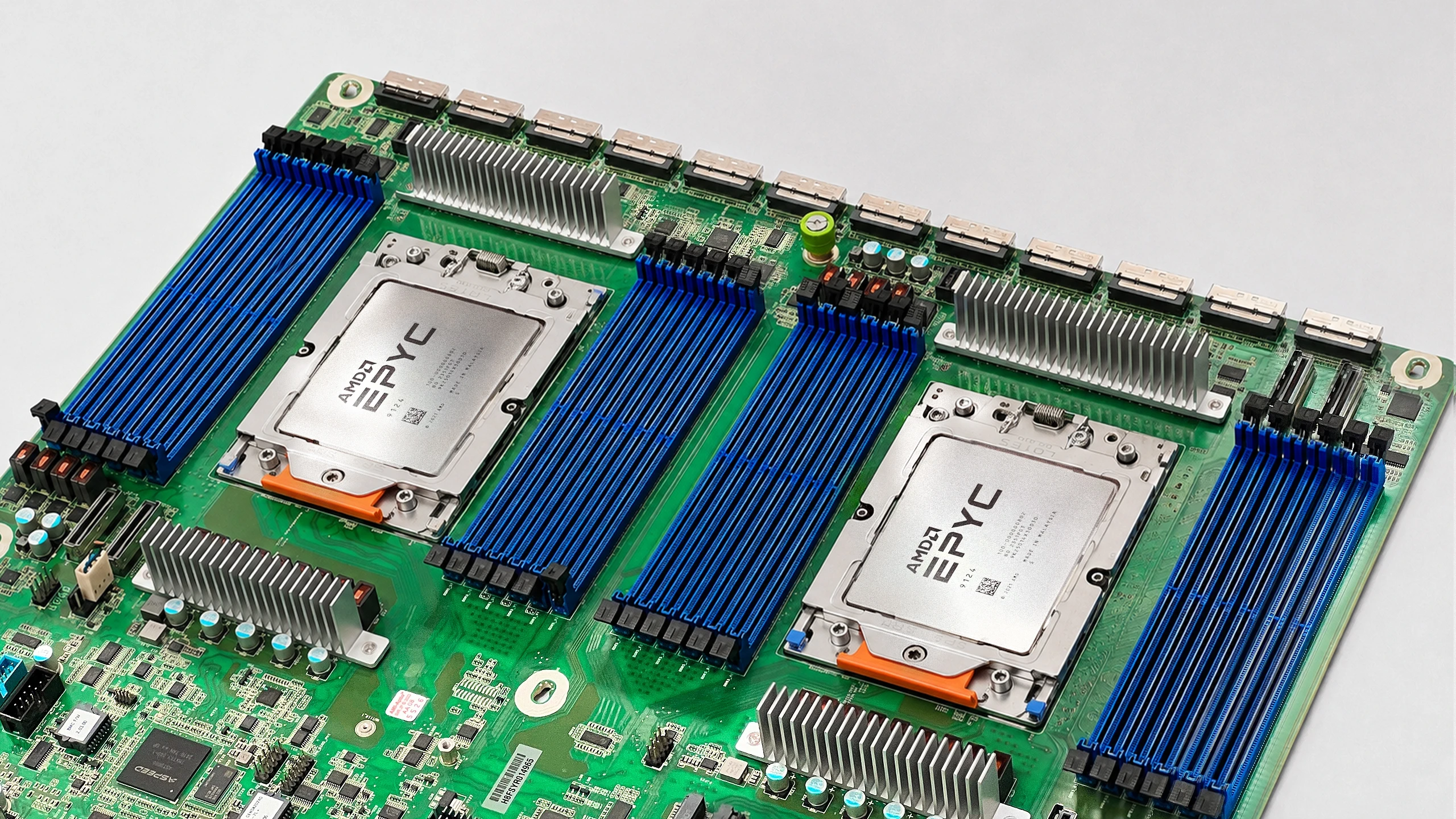
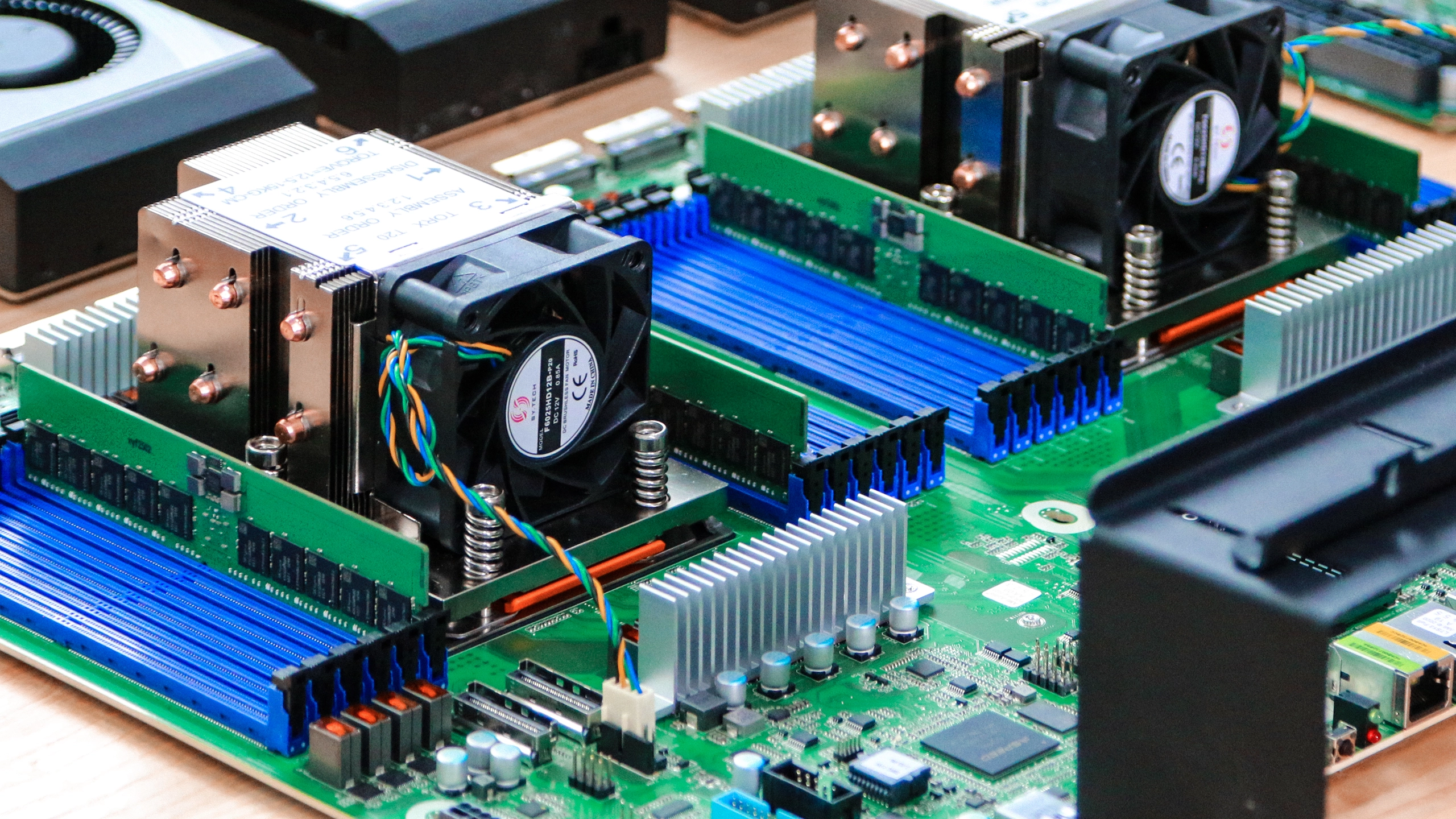
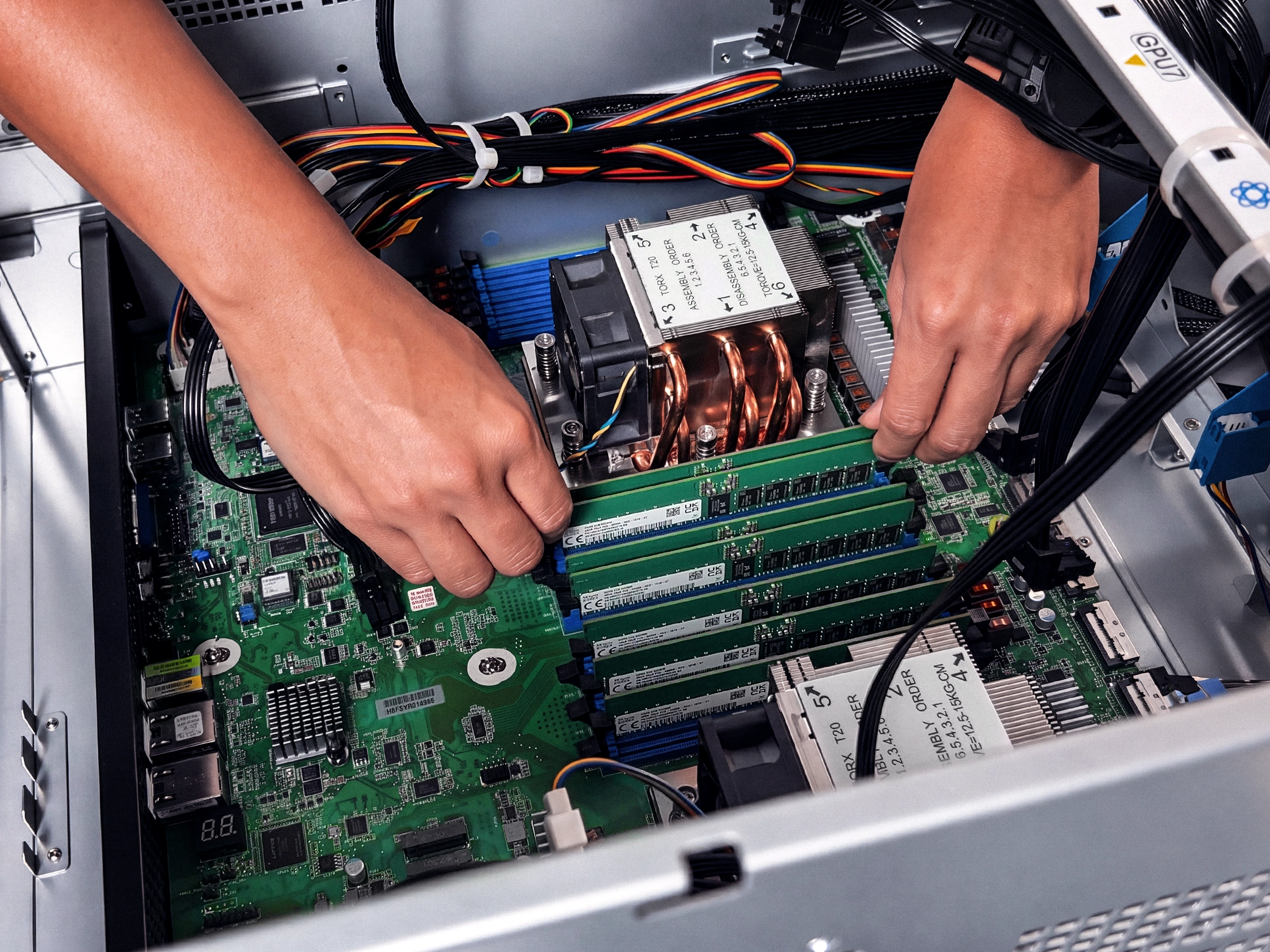
The board that never makes a card wait. On an eight-GPU machine the board is the whole game. It has to hand every card its own lanes, hold steady under load for weeks, and let you manage it from somewhere else. The Autonomous Computer Rack runs a dual-socket AMD EPYC server board, the ASRock TURIN2D24G-2L. Two EPYC 9005 CPUs carry enough PCIe Gen5 lanes that all eight cards connect straight to the processor, each on its own dedicated Gen5 x16, with no PCIe switch in between deciding which card waits. Memory runs across 24 channels of ECC DDR5, so the cards are never starved for data. And it ships with server-grade remote management, so you can watch it and restart it without standing in front of the rack. Chosen for lanes, stability, and the fact that it is meant to be run in a rack, not looked at.


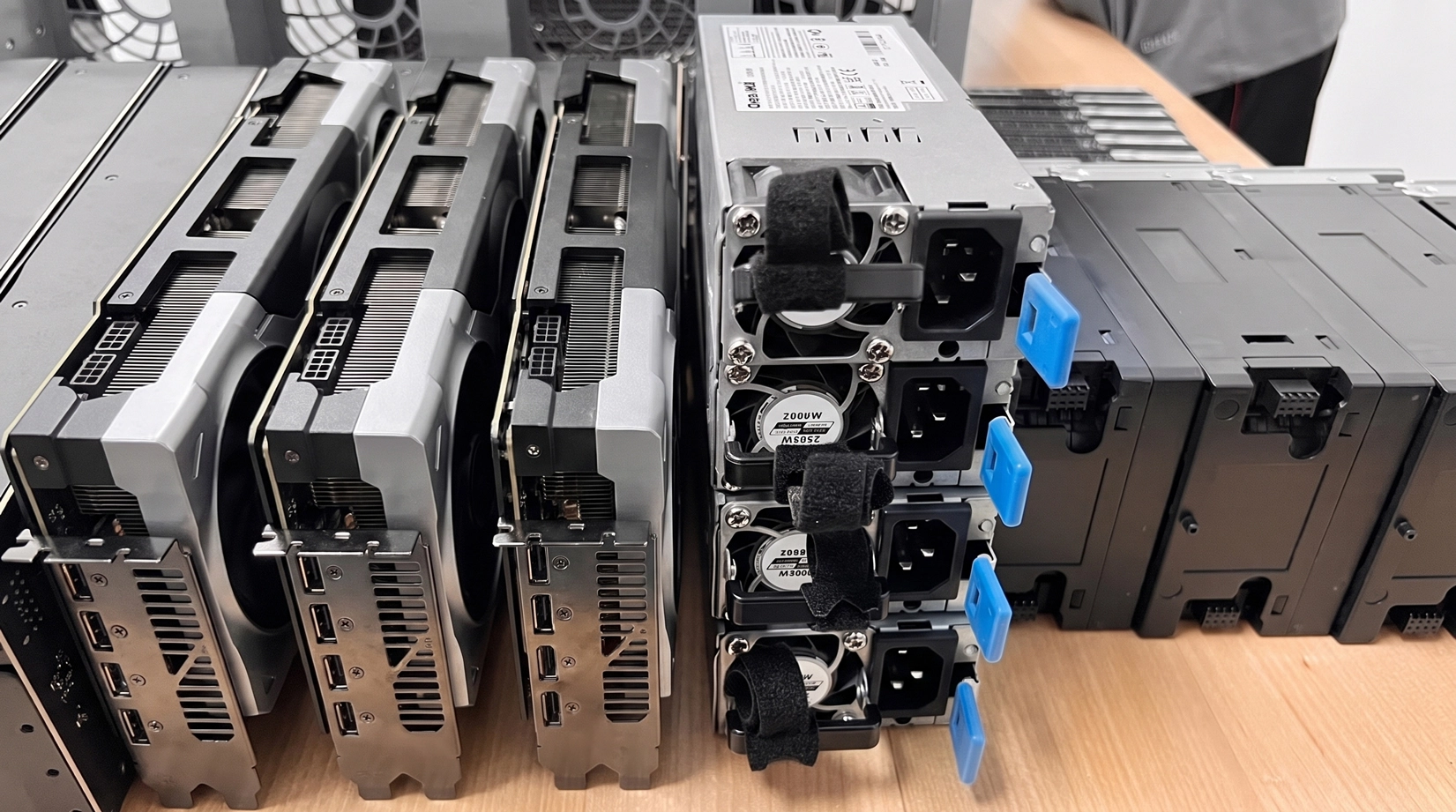
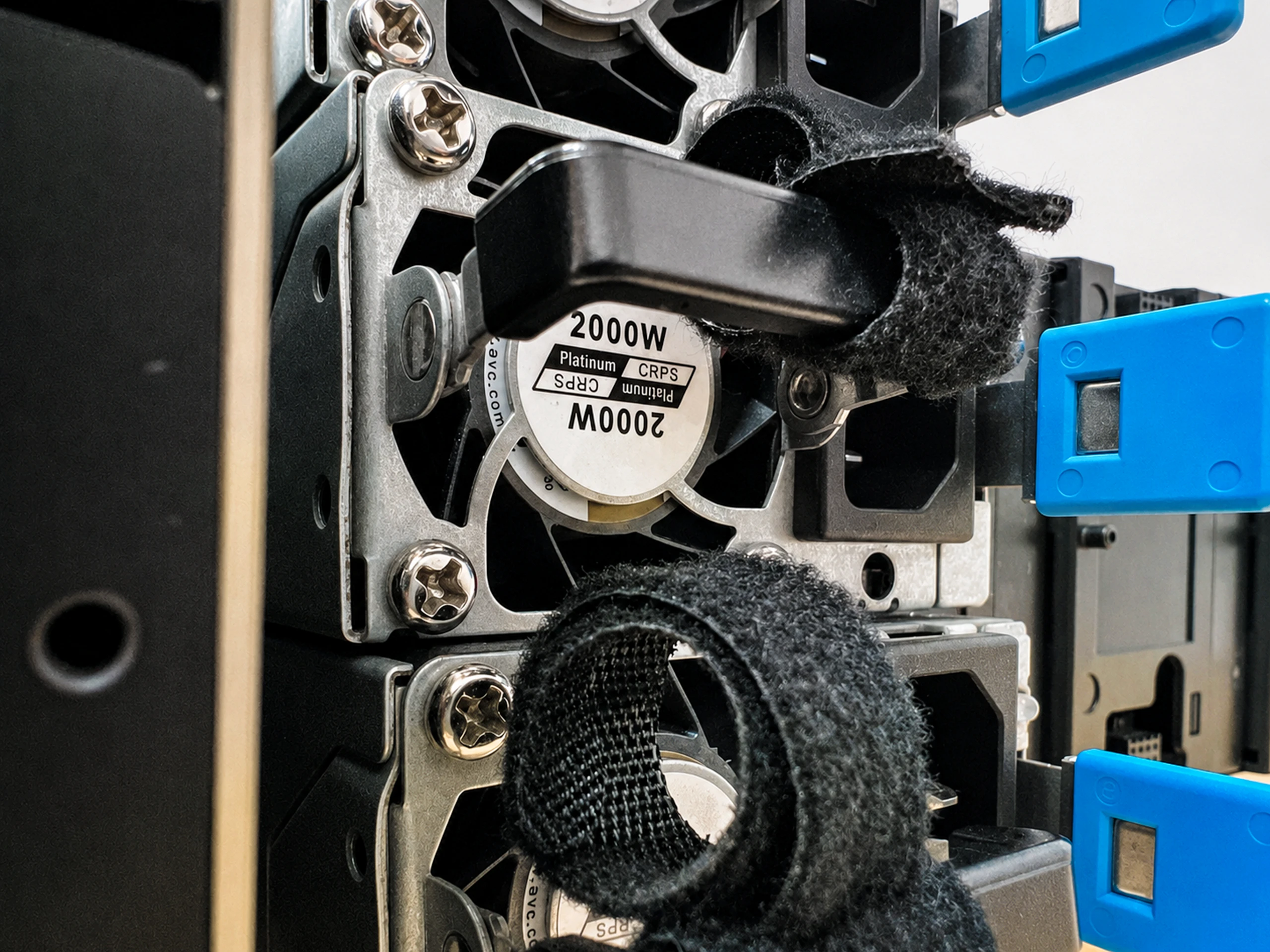
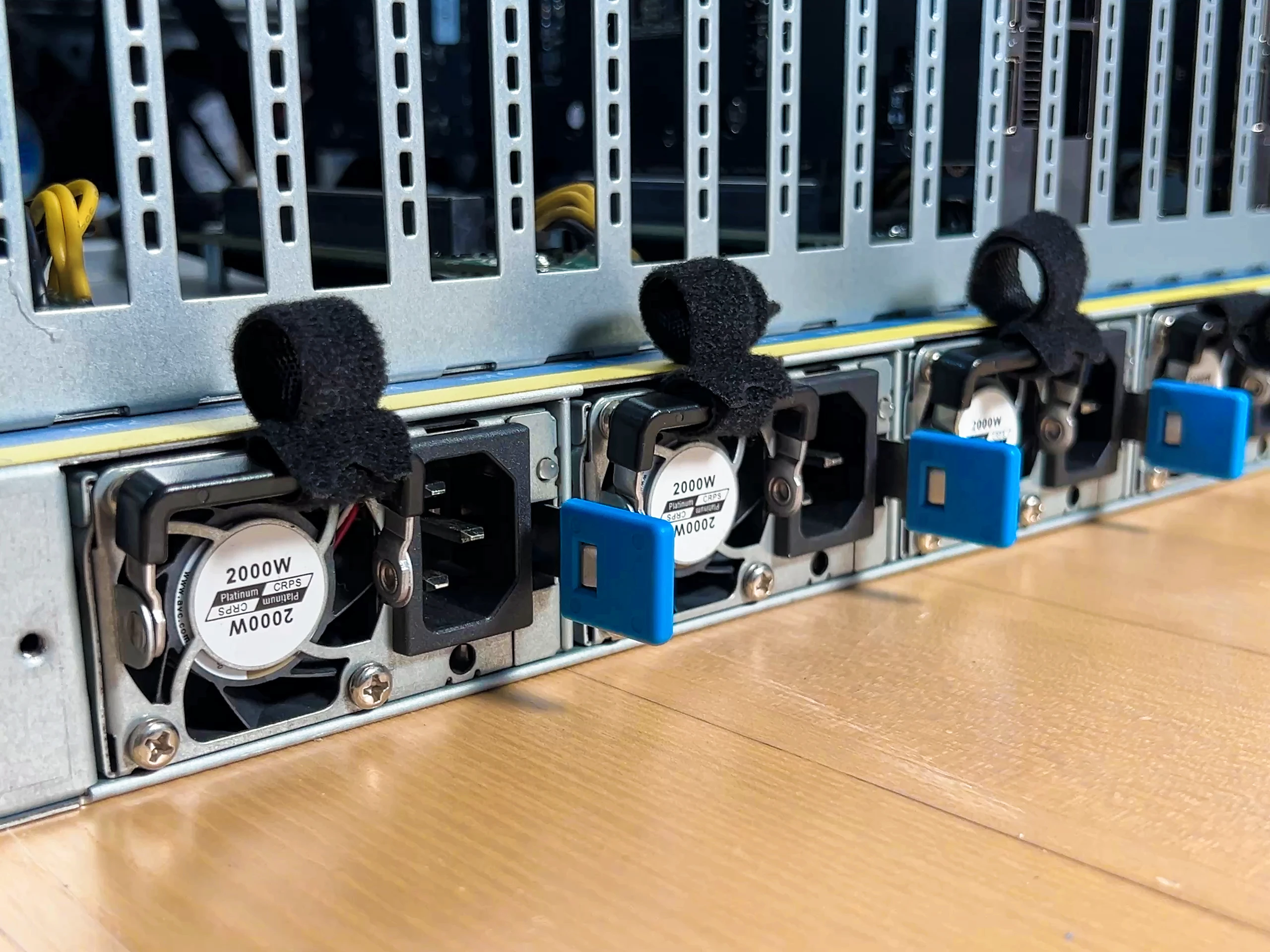
Power built to stay up. Eight cards at full draw is a serious electrical load, and this is where a deployment machine either holds or falls over. The Autonomous Computer Rack runs four 2000W CRPS supplies, hot-swap and redundant, feeding a distribution board that splits clean power to every card. One thing to plan for: this needs a 240V circuit, not a standard wall outlet. That is normal for hardware at this scale, but it is the kind of thing you sort out before the machine arrives, not after.


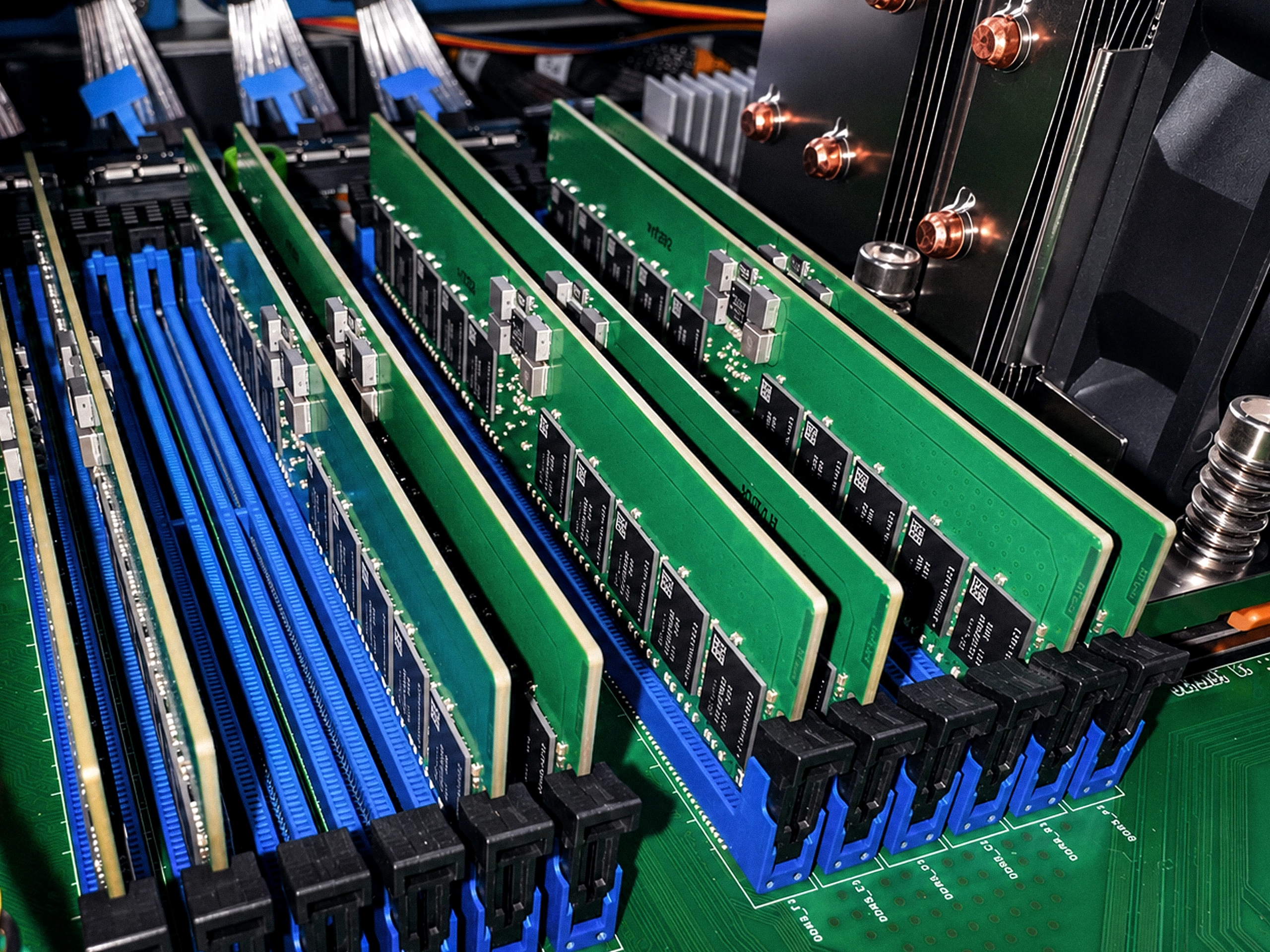
Memory built to run for weeks. The AC8 is meant to serve models around the clock, so ECC is not optional here, it is the point. Error-correcting memory catches silent bit-flips before they corrupt a long-running job, which is exactly the failure mode that bites hardest when a machine runs untouched for weeks. It's sized to your total VRAM across eight cards, so memory never becomes the limit.


The lineup
Three machines.
Count your GPUs.

AC2
2 GPU slots
The desk machine. Your coding assistant and agents, running beside you.
- Up to 192GB VRAM
- PCIe 5.0 riser x2
- 12 cores / 24 threads
- Up to 768GB ECC
- Up to 8TB NVMe
- 2000W, standard outlet
From $399 GPU-Ready

AC4
4 GPU slots
The studio. The big open models — one box serves a whole team.
- Up to 384GB VRAM
- PCIe 5.0 riser x4
- 12 cores / 24 threads
- Up to 768GB ECC
- Up to 8TB NVMe
- 4000W x2, 240V
From $759 GPU-Ready

AC8
8 GPU slots
The department. Develop, serve, and fine-tune work that never leaves your floor.
- Up to 768GB VRAM
- MCIO Cable kit x8
- Dual EPYC
- Up to 768GB ECC
- Up to 8TB NVMe
- 4x 2000W, 240V
From $3,249 GPU-Ready
Open-source hardware
The whole machine
is open.
Every CAD file, bill of materials, and BIOS setting — free on GitHub. Fork it, change it, build your own, even sell it. This is how the personal computer began: in the open. We’re doing it again, for AI hardware.
GitHub8092x-5090/ 4x-5090/ 8x-5090/ 4x-6000/
bom/ step_models/ stl-models/ photos/
README.md setup.md
MIT · 114 forksClone it. Build it. Sell it. We just want it built.
Questions.
Do I need GPUs on day one?
No. It boots and runs smaller models on the CPU right away, and you add cards whenever you’re ready — one now, more later. There’s no rush to fill every slot at once.
Which cards work?
We’ve tested the RTX 3090, 3090 Ti, 4090, 5090, and RTX PRO 6000, with clearance and power notes for each. Any card that fits and has the power will run — the list is there to help you choose, and it grows with every new build.
Can I mix different cards?
Yes — you can run different cards side by side, like a 3090 next to a 5090. The best way to set them up depends on what you’re running, so tell us your workload and we’ll help you plan the layout.
What happens when a card dies?
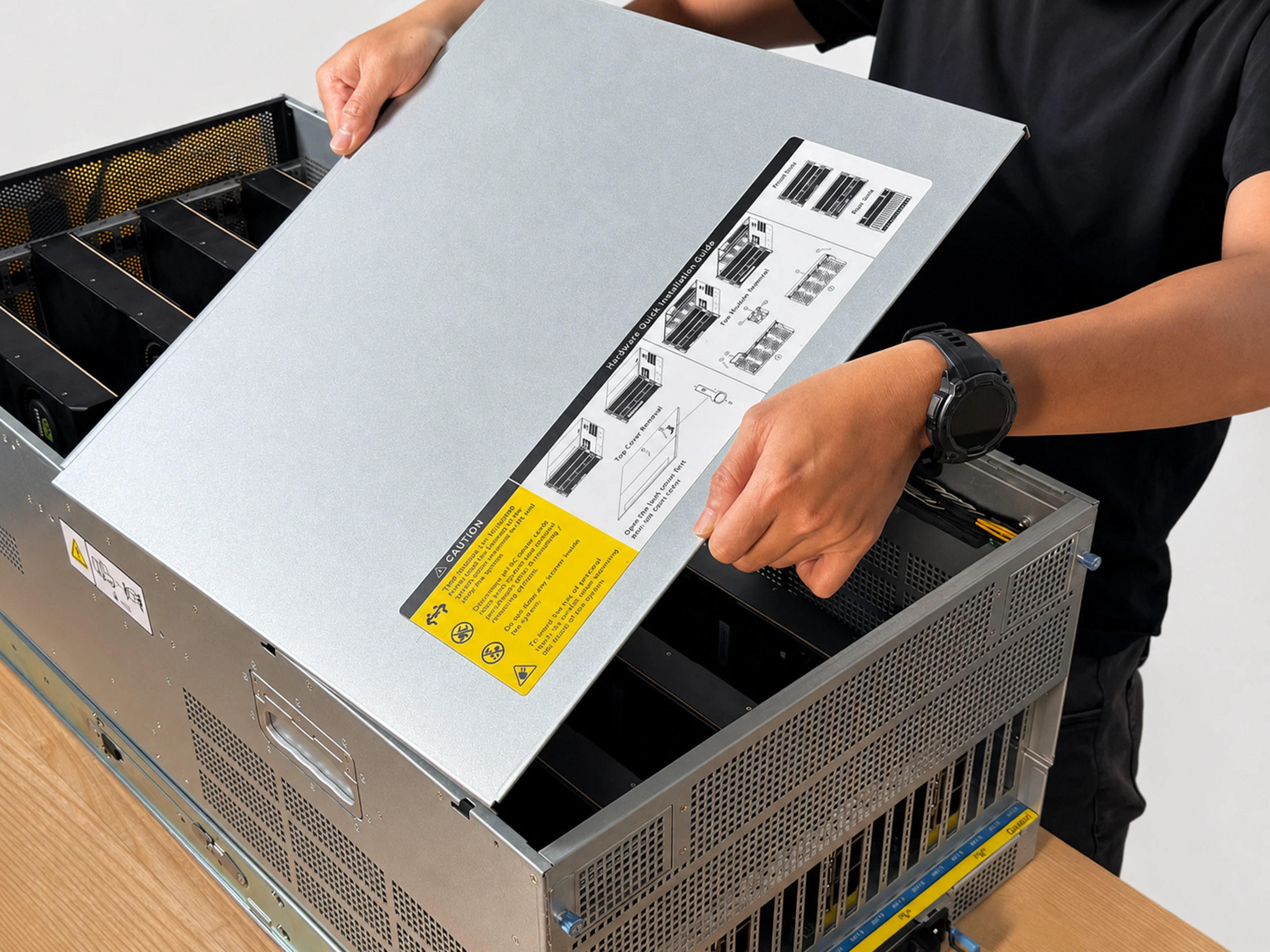
You replace it yourself in a few minutes: open one panel, swap the card, done. Nothing to ship back, no ticket to file. The machine is built to outlast any single card.
Can I just buy it with GPUs included?
We don’t sell the cards themselves — you bring your own. That keeps you free to buy wherever the price is best, and never locked to ours. Installing them takes one panel and about ninety seconds; there’s a short video, and if you get stuck, a real engineer picks up.
Autonomous Computer