


Autonomous Computer
The Personal
AI Computer.
Built, tuned, and burn-tested in our workshop. Slide in your graphics cards and it wakes up — your models, your data, your machine.
Own your intelligence.

Always on.
Your models run when you say — never deprecated, revoked, or rate-limited. Weights on your disk are yours for good.

Truly private.
Prompts never leave the building. Nobody trains on your work. Private by physics, not by policy.

Free to run.
Own the machine and inference has no meter. No per-token bill — agents run around the clock.

Yours to keep.
Fine-tune on what only you know. The model becomes an asset you own — and sells with the company.
We build the whole machine. You add the cards. We source the best components, design and mill the chassis, and assemble the entire machine — tuned, burn-tested, and GPU-ready. You just plug your cards in and go.
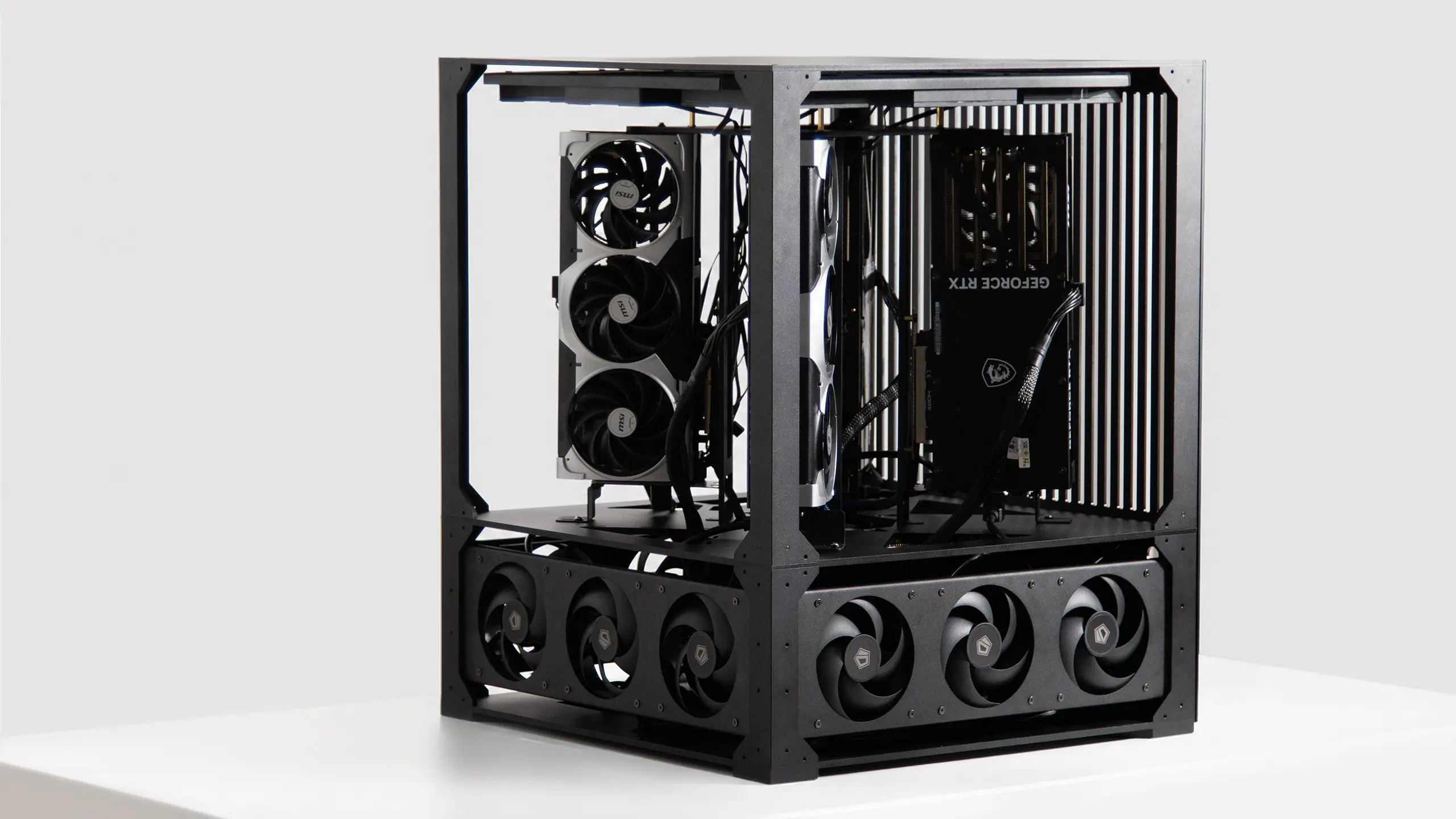
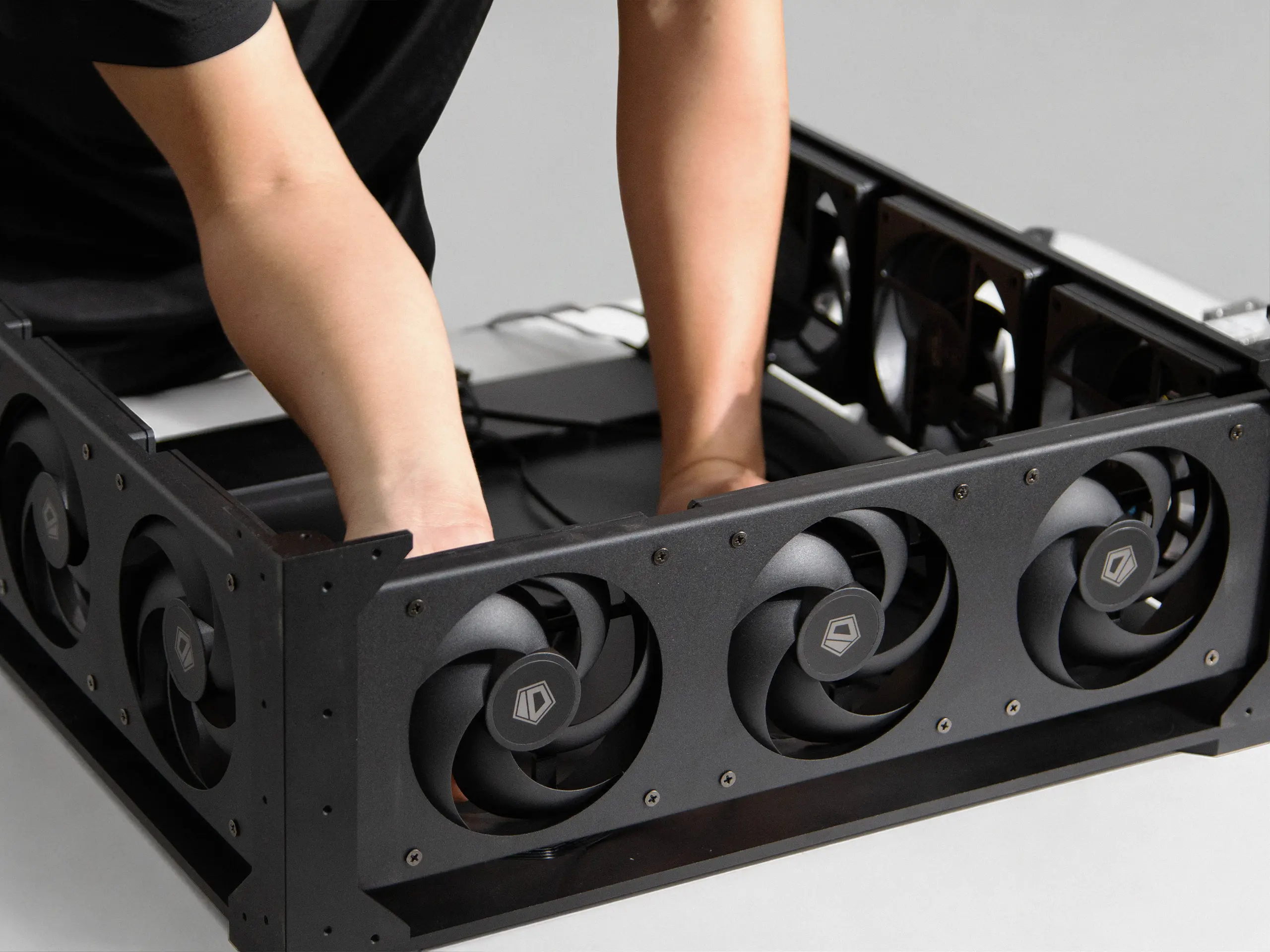
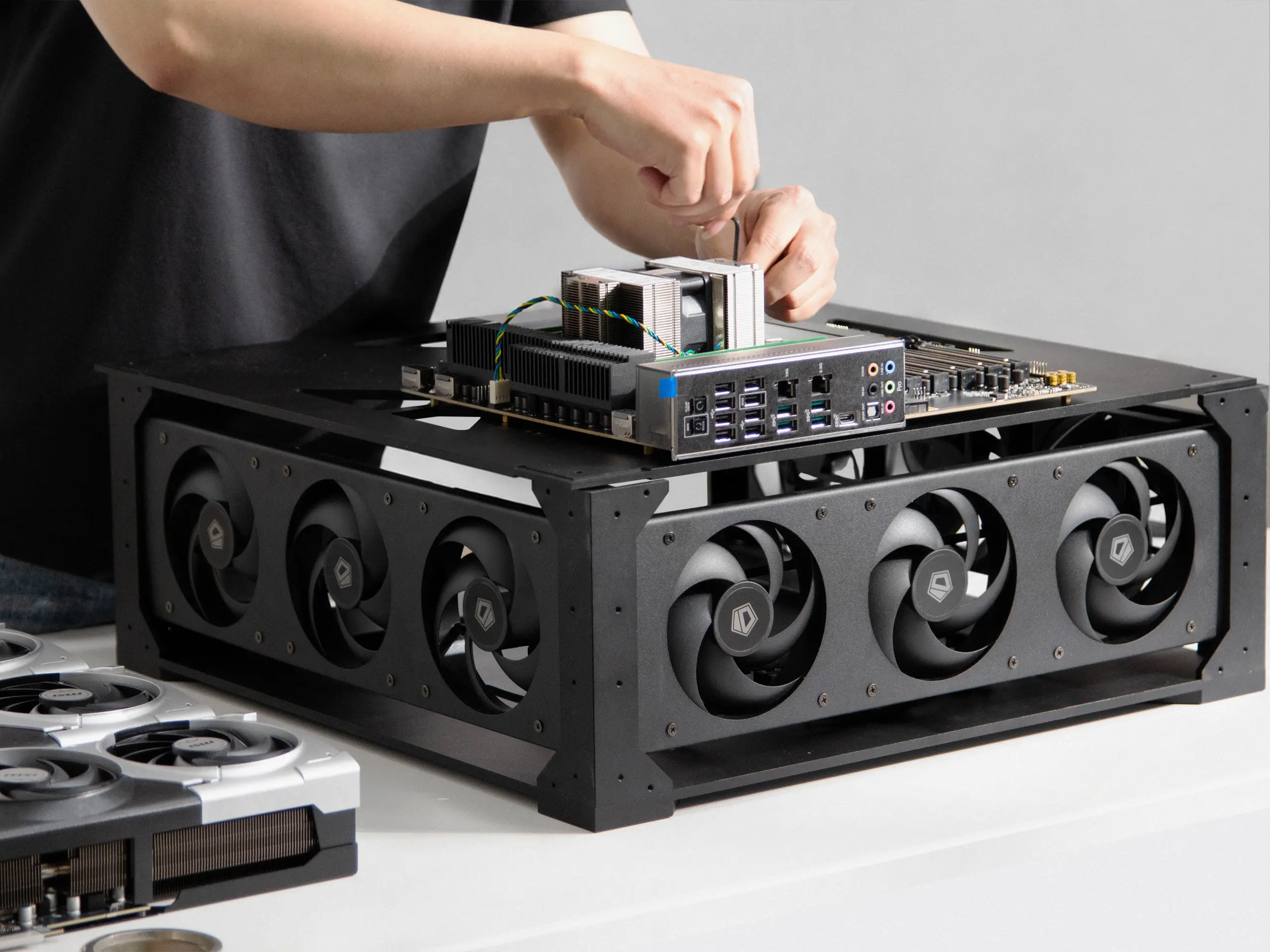
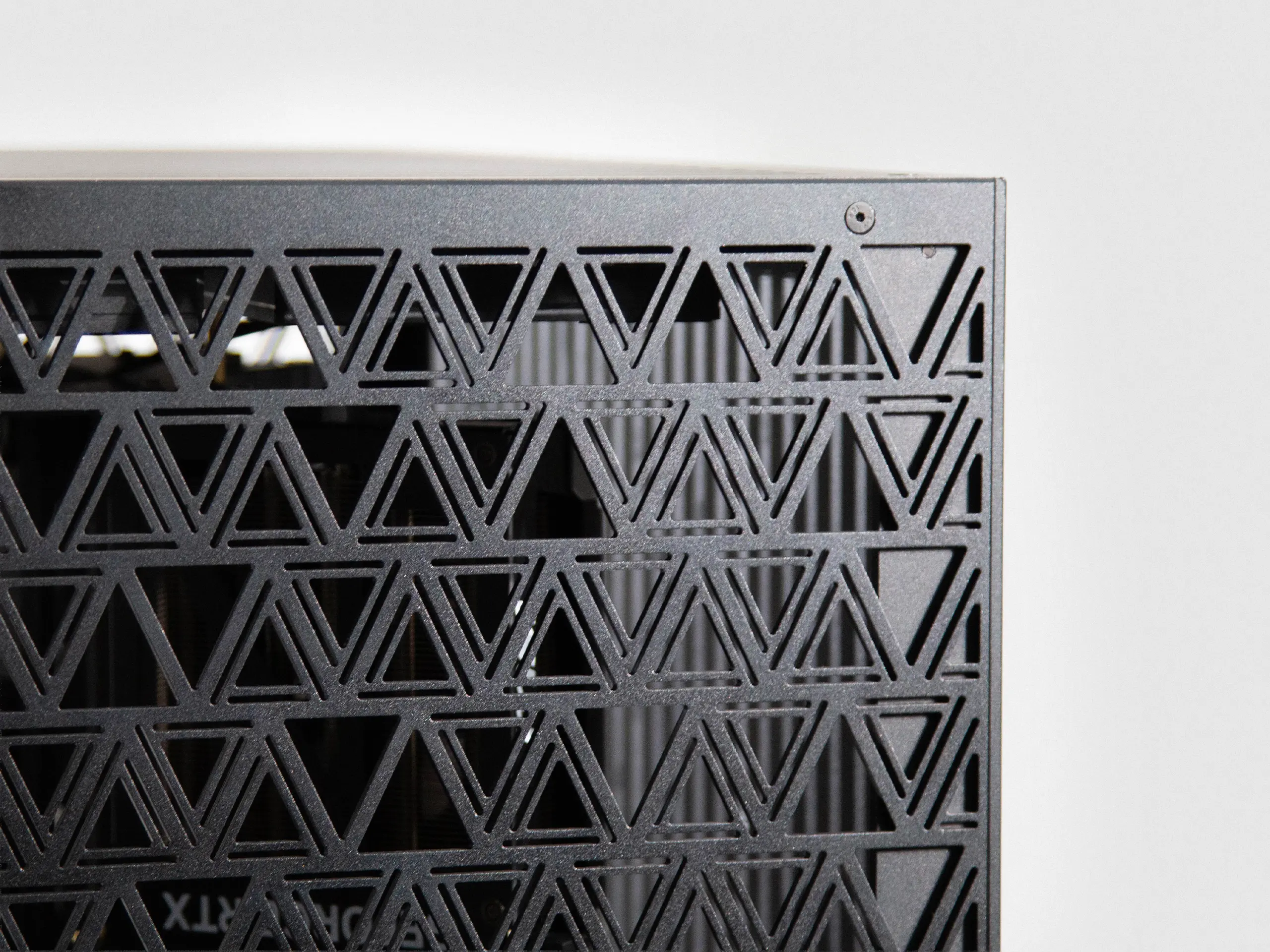
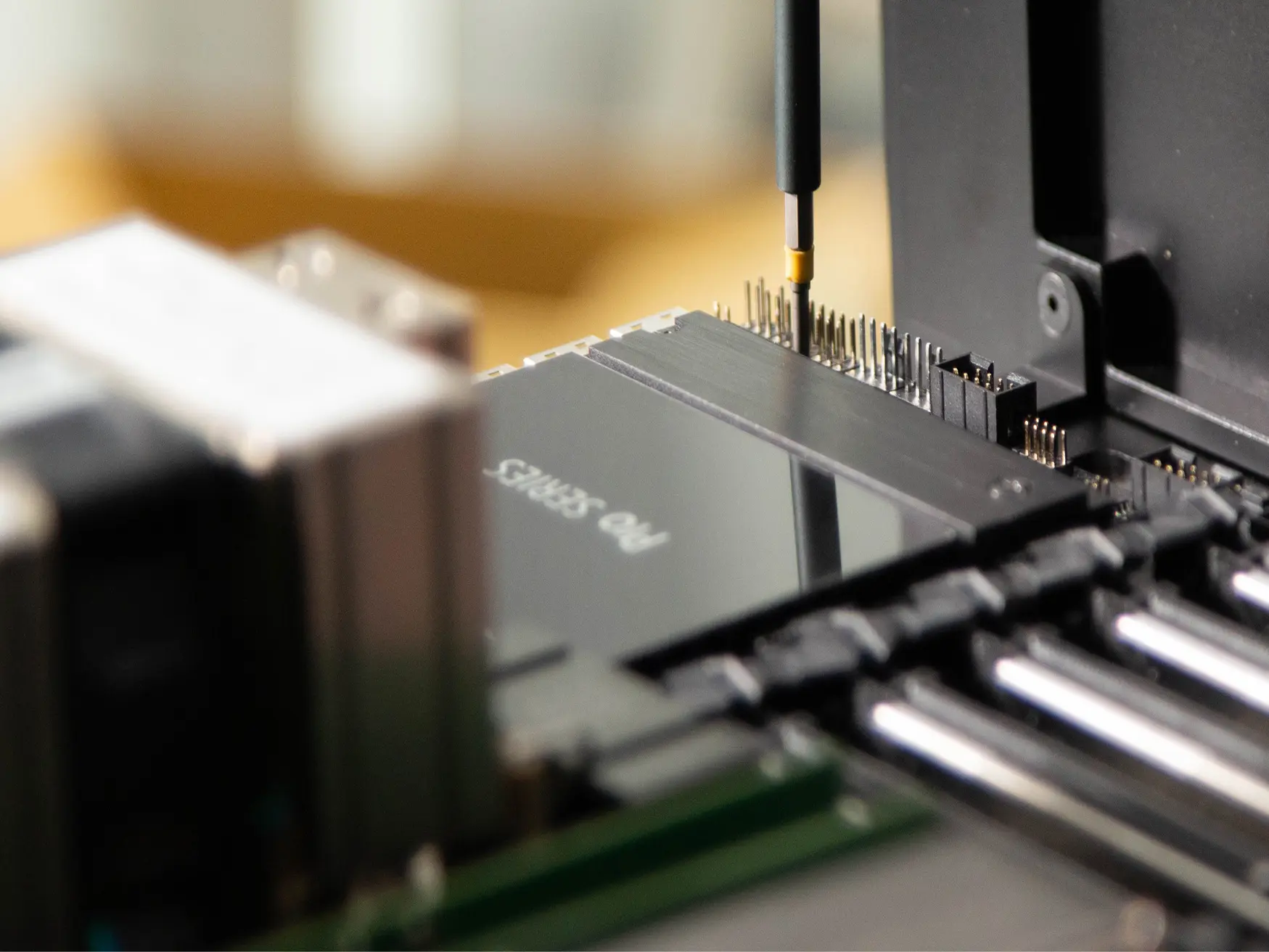
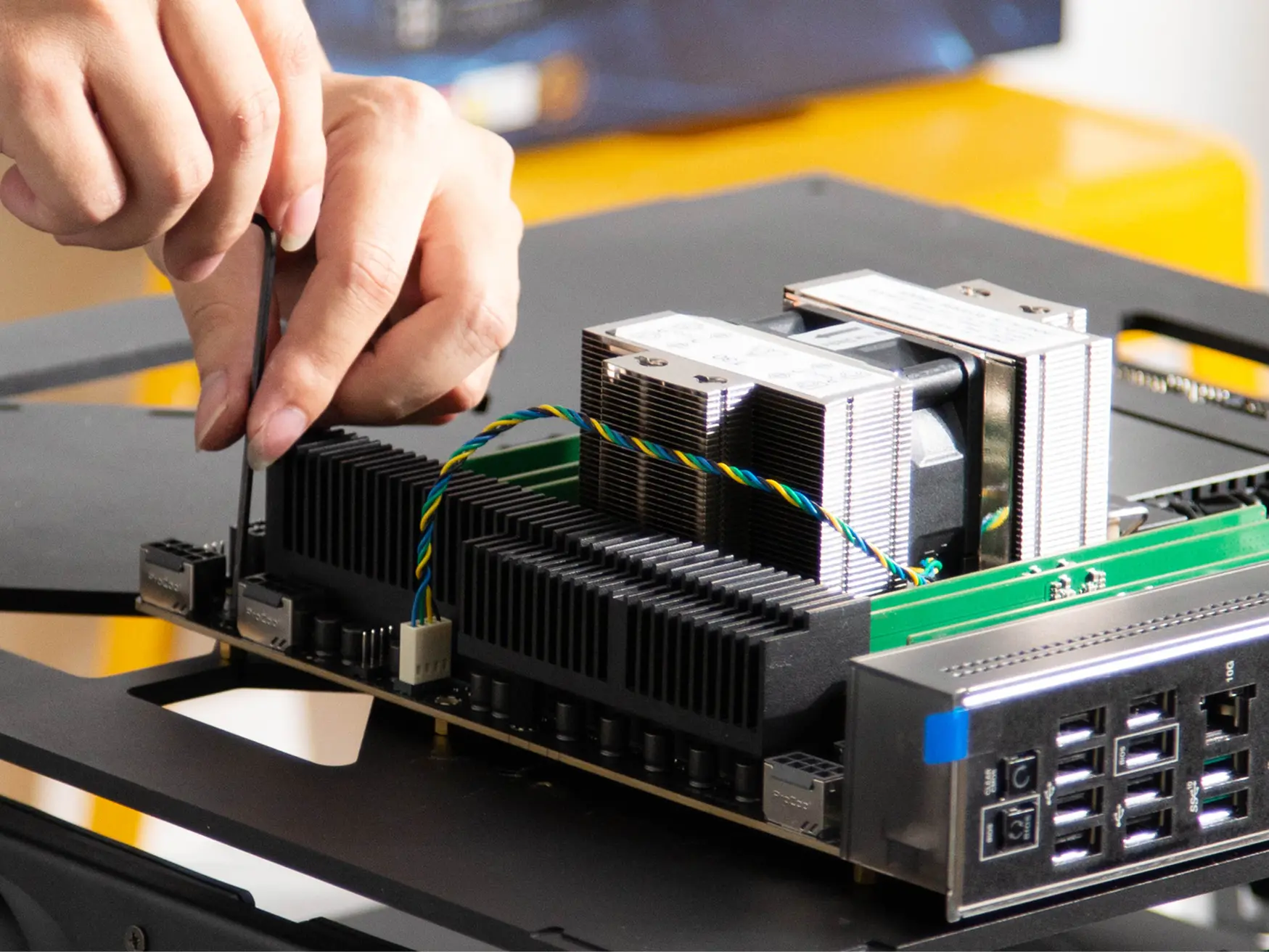
A chassis milled from solid aluminum. Not a bent-steel box — a solid billet, milled inside and out until only the machine is left. It moves heat like a heatsink, holds true under a hundred pounds of hardware, and the triangular cutouts keep it stiff where it matters while shedding weight where it doesn’t. Anodized and finished by hand, in black or silver.
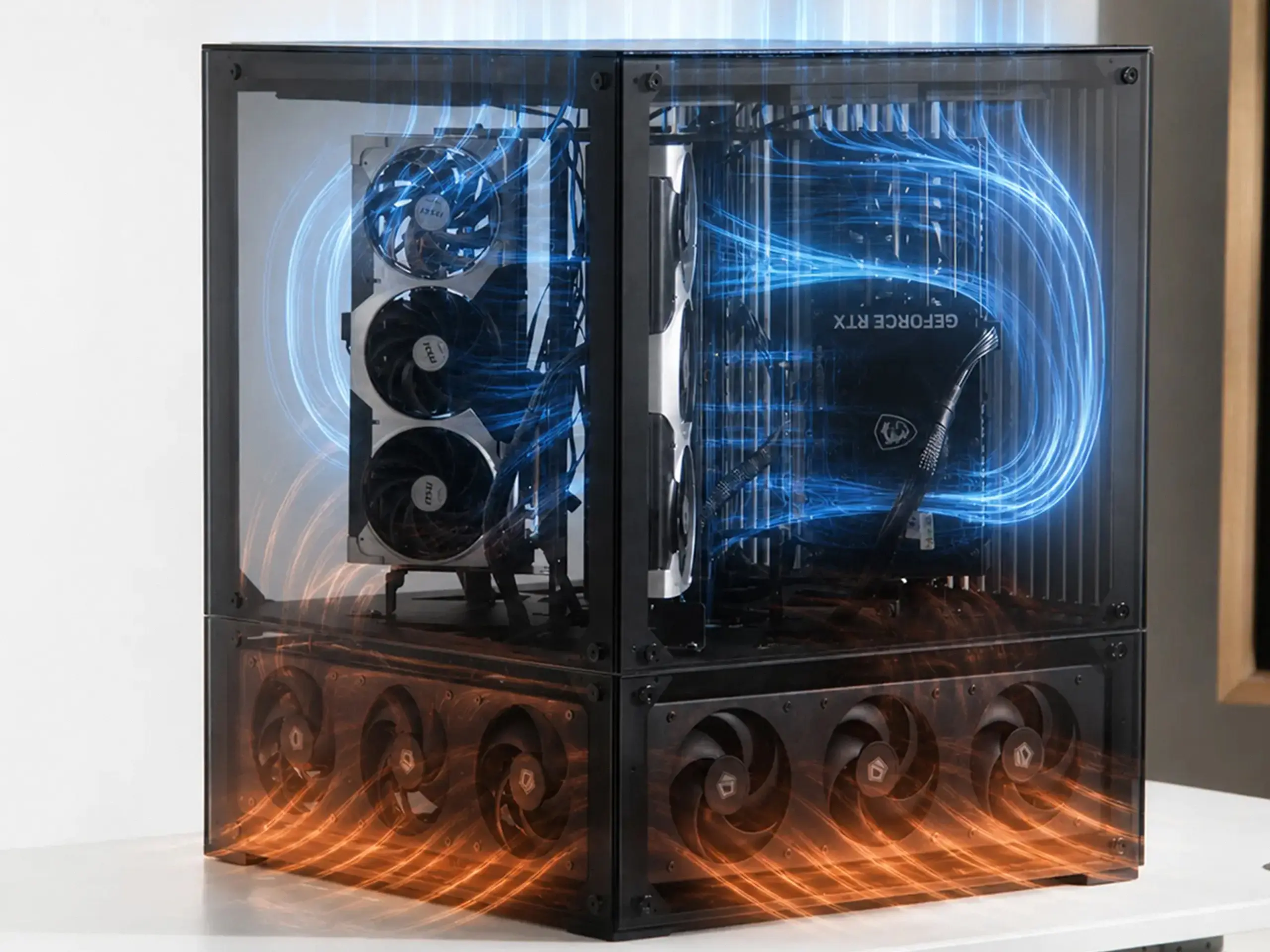
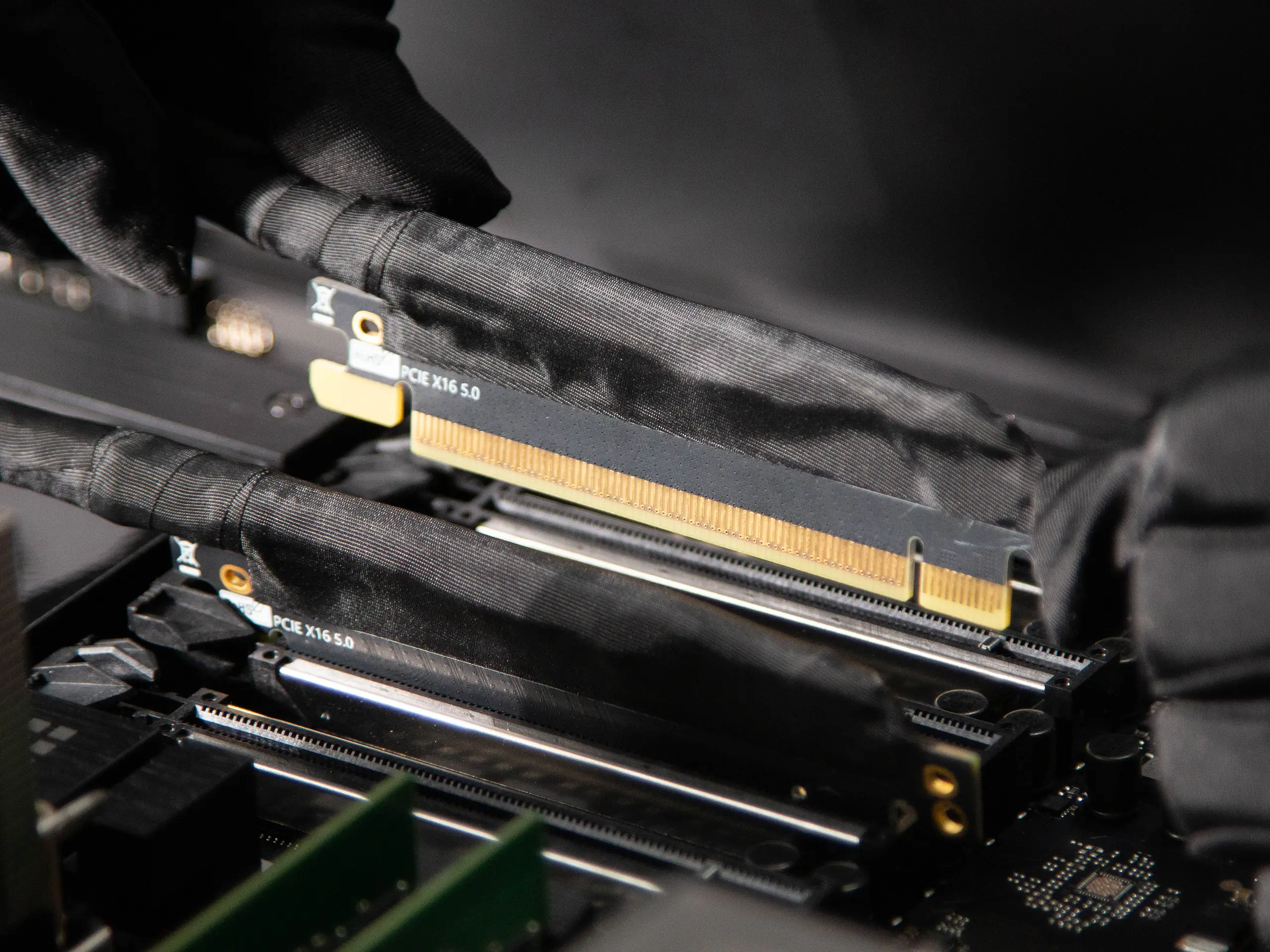
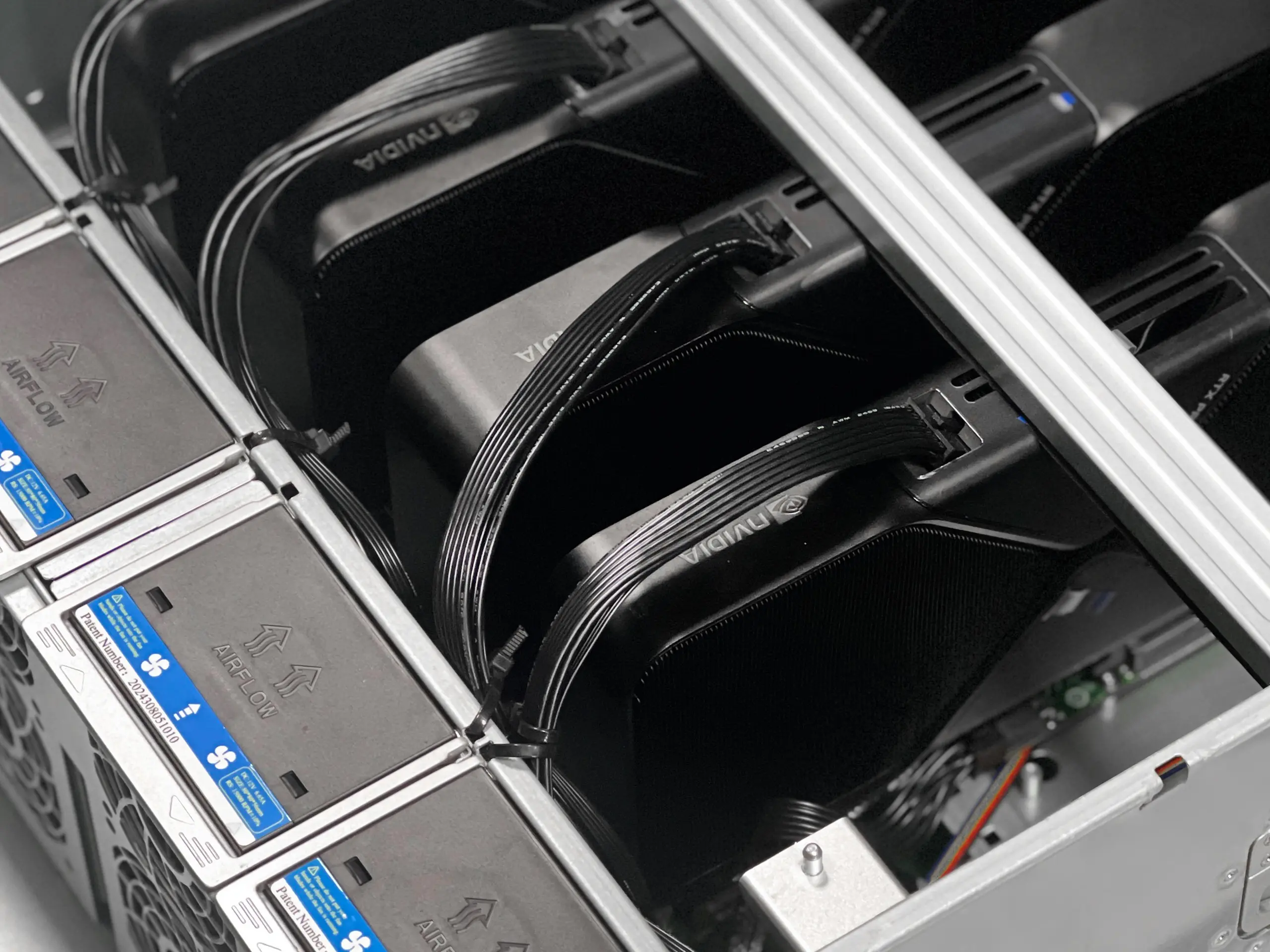
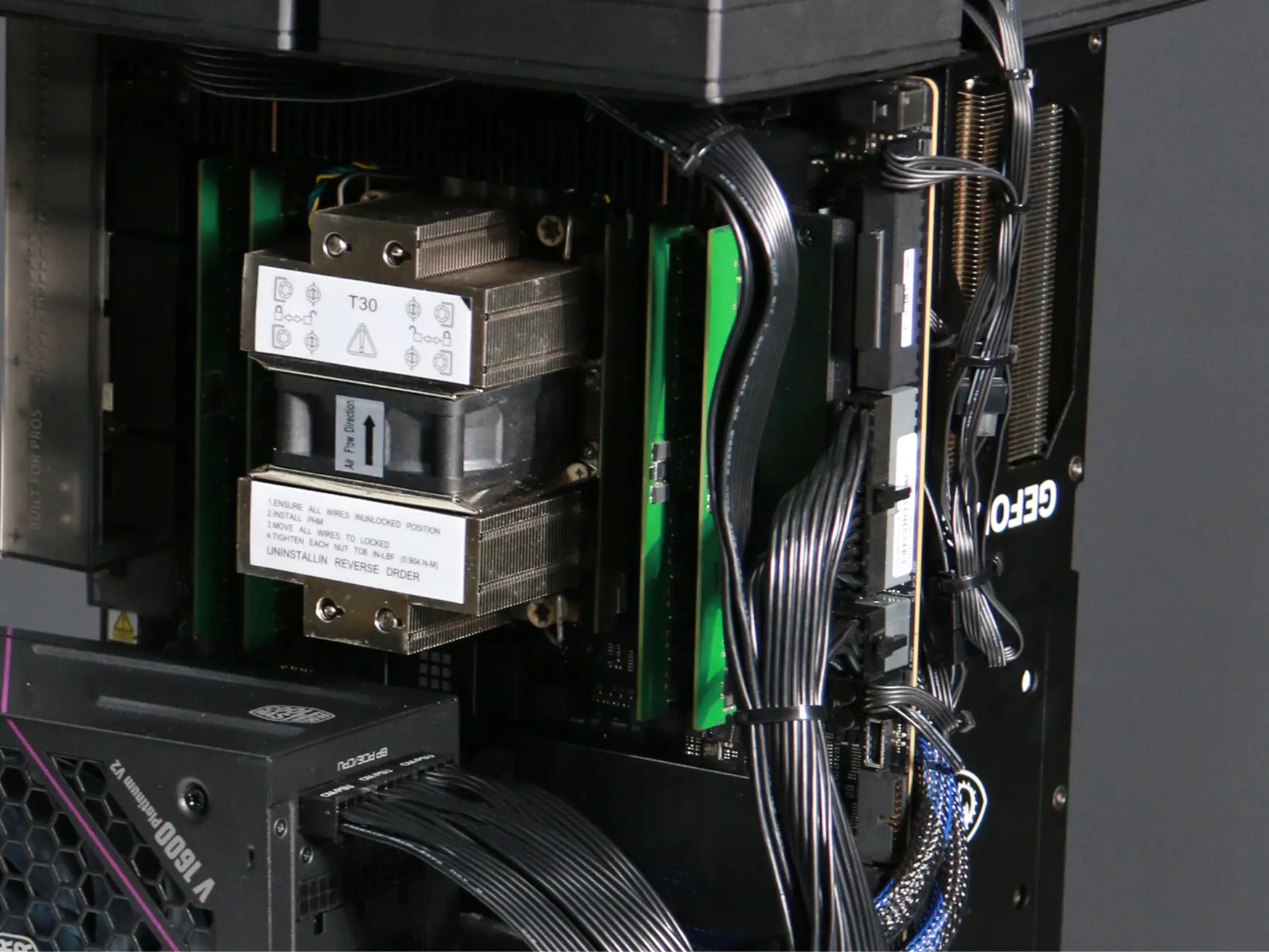
Custom-cut cables. Gen5 MCIO risers. Nothing off the shelf. Every power run is cut to exact length, sleeved, and routed for this one enclosure — no slack, no spaghetti, no zip-tie bundles. And every card reaches the board over its own Gen5 MCIO riser: server-grade, shielded interconnect that carries a full ×16 of PCIe 5.0 to each slot without dropping a lane — the kind of cabling you find in a datacenter, not a desktop. All of it wired and dressed by hand. Open the side and it looks built, not assembled.
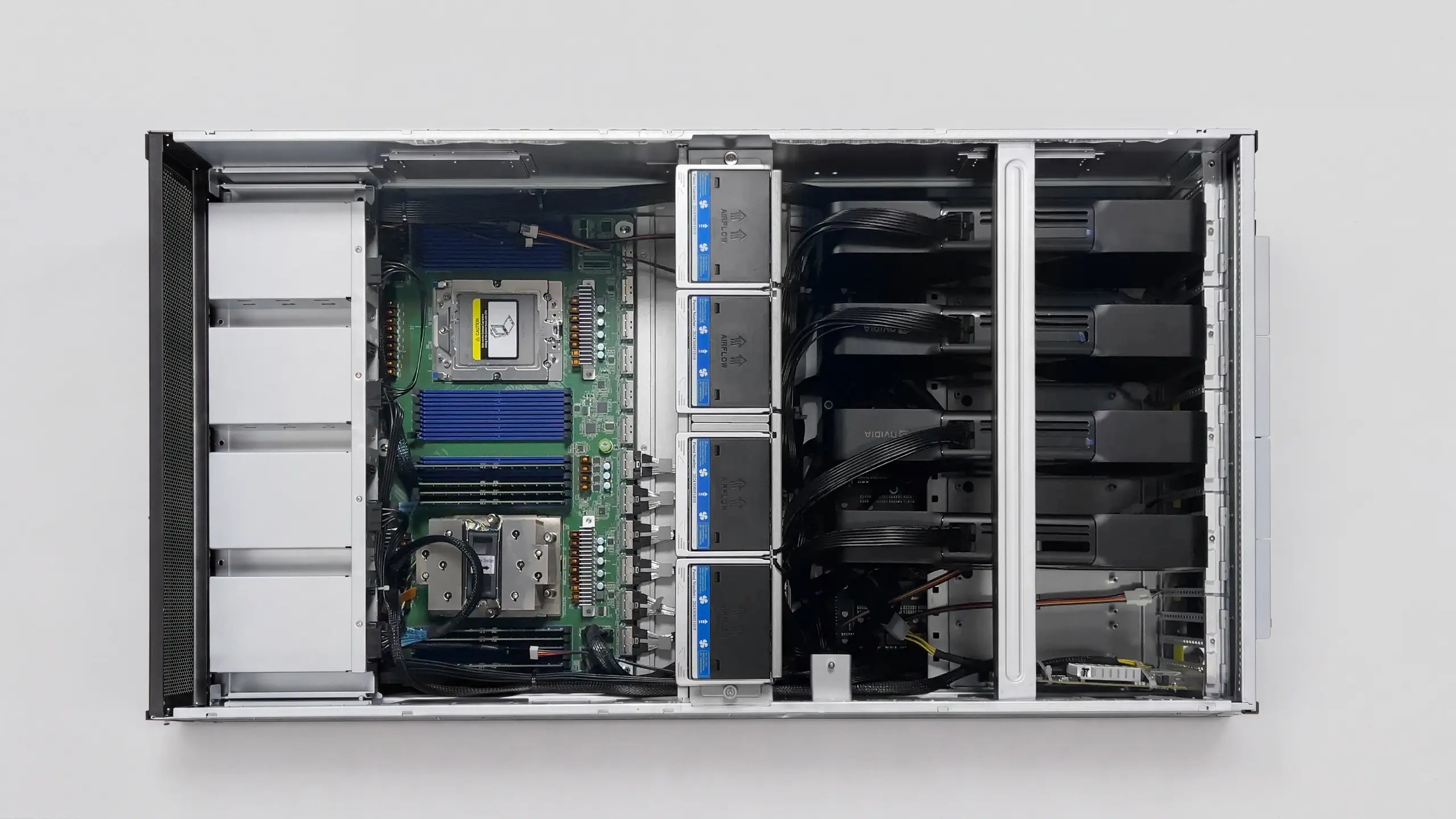
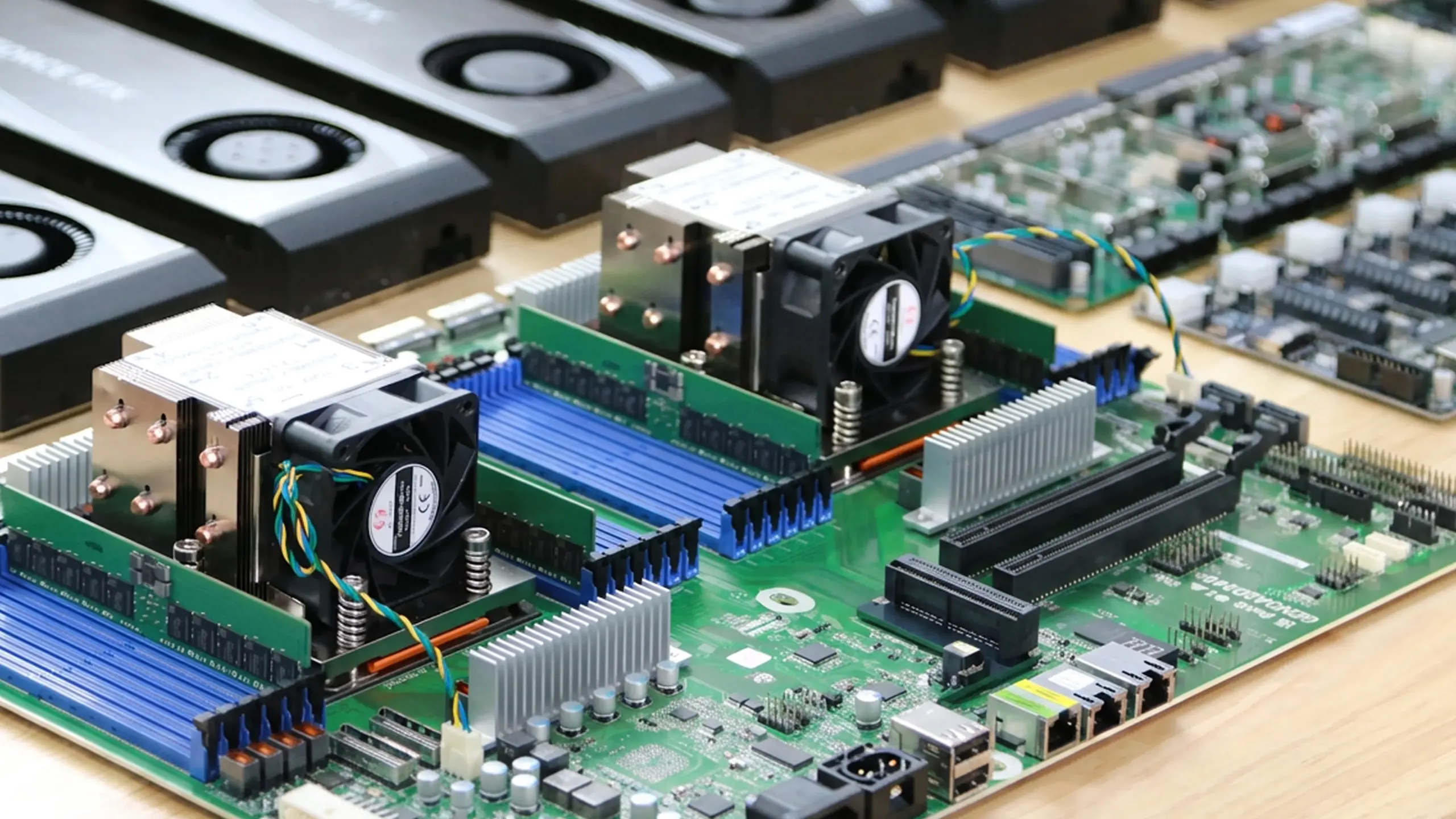
The board that never bottlenecks. The motherboard is the hardest choice in a multi-GPU build. It has to give every card a full ×16 of PCIe lanes, stay stable under load for weeks, and expose the controls multi-GPU actually needs. We use workstation and server boards — W790, WRX90, dual-EPYC — chosen for lanes and stability, not looks, with the BIOS pre-tuned so every card links at full width.
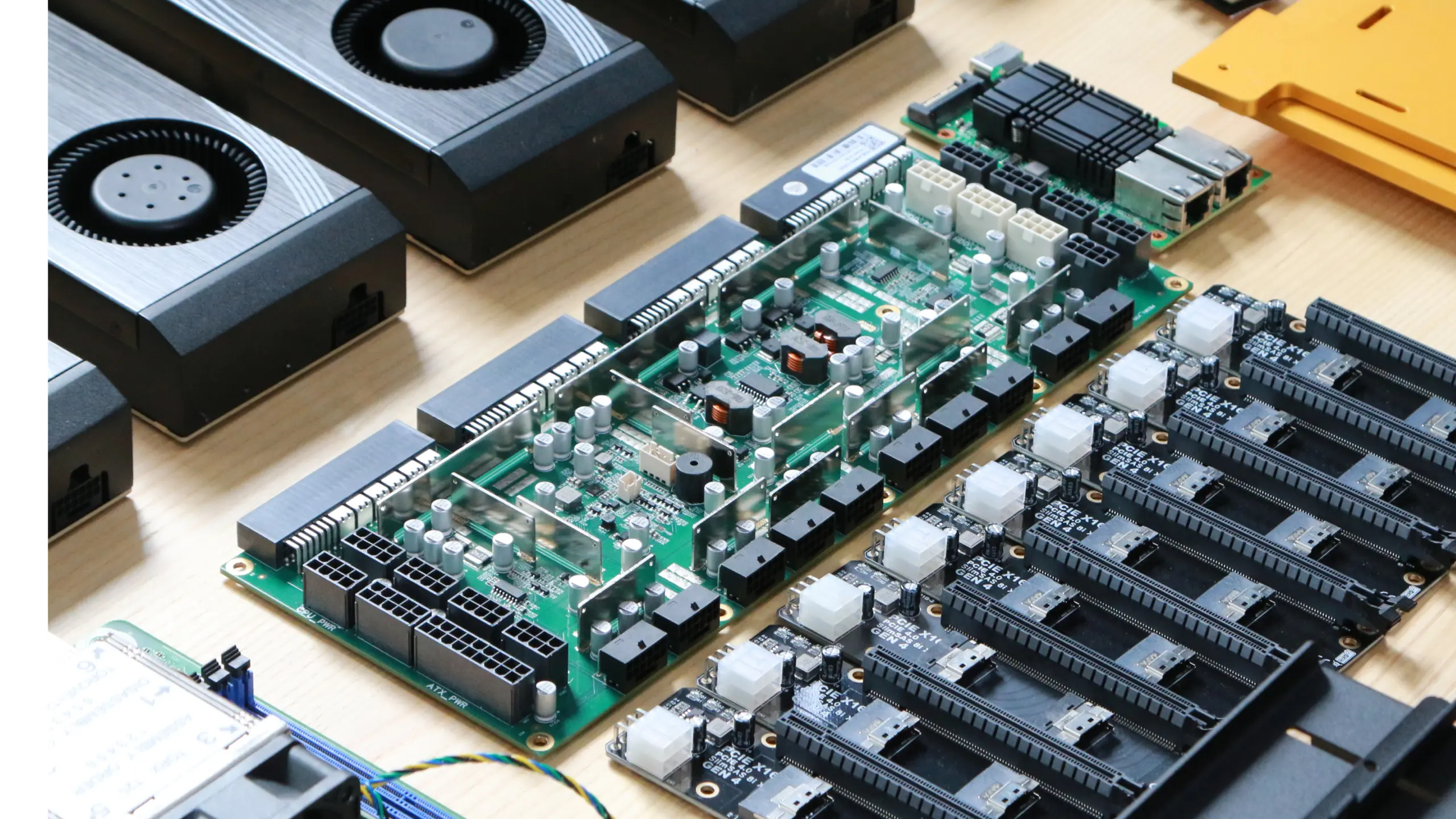
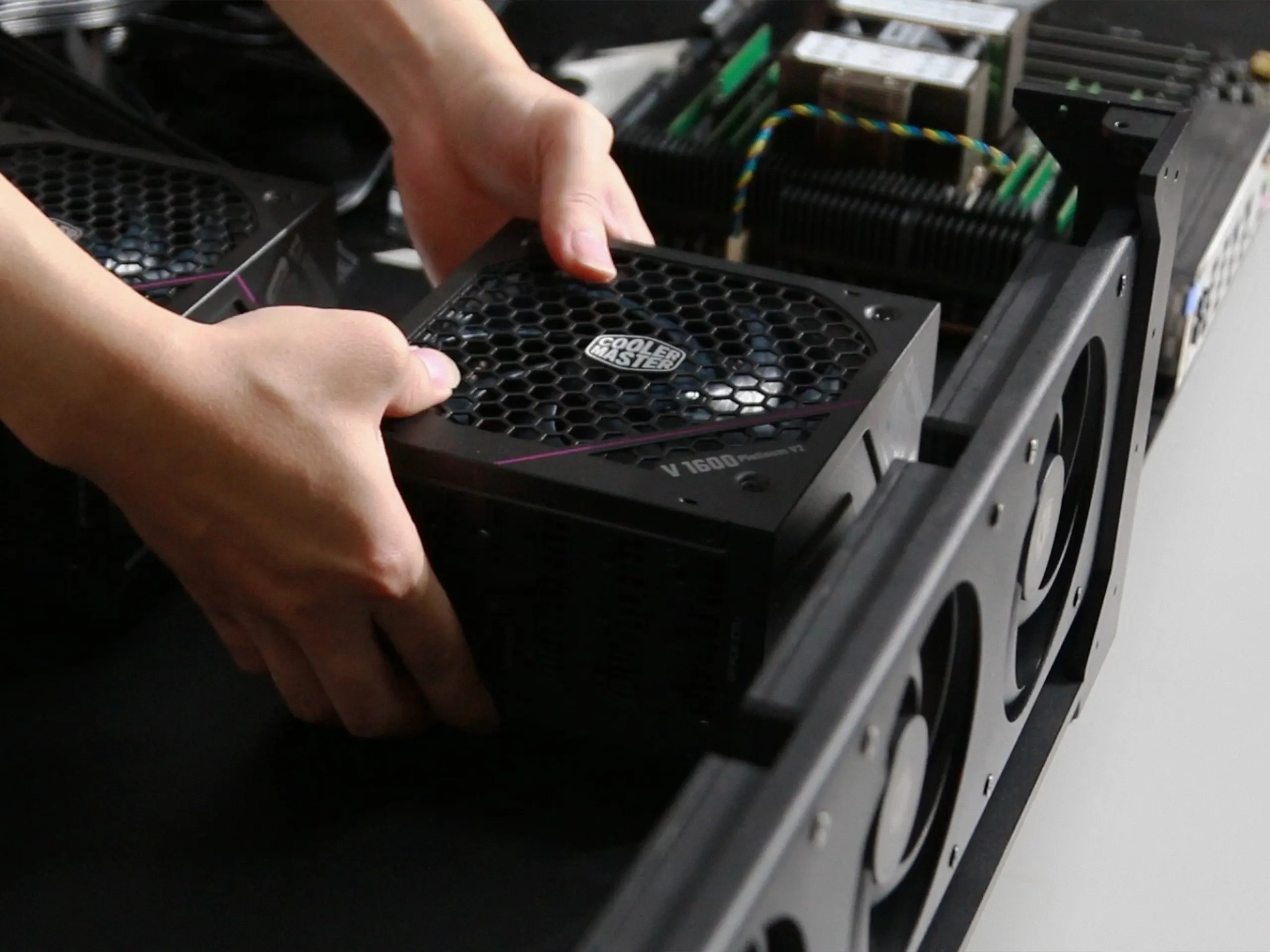
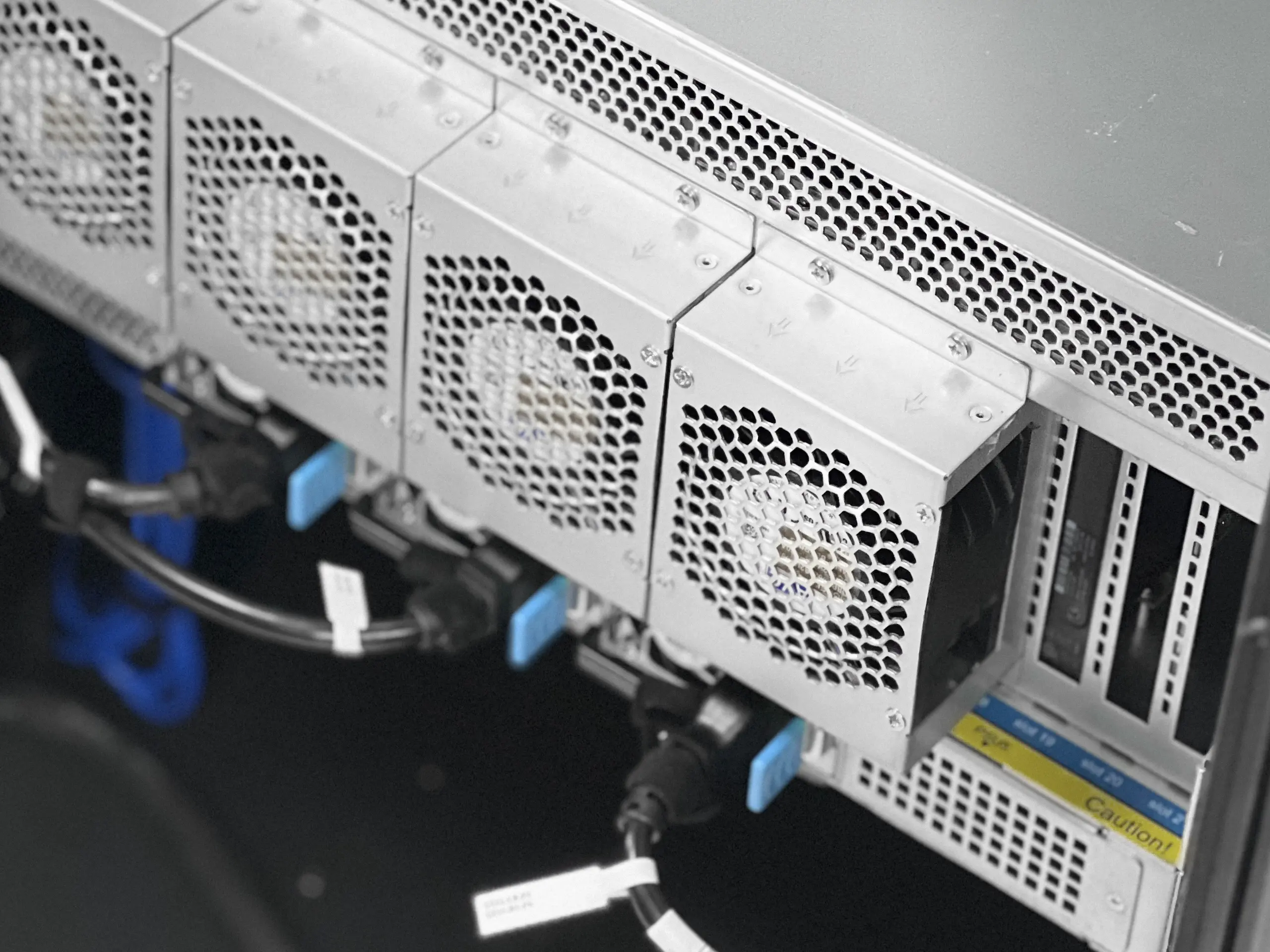
Power that doesn’t flinch. Eight cards can pull five thousand watts, and cheap power is where multi-GPU builds die — under-rated rails, ripple, shutdowns under load. We spec server-grade supplies with real headroom, redundant on the largest machine, feeding a distribution board that delivers clean power to every card. The result is boring: it just runs, at full tilt, for as long as you want.
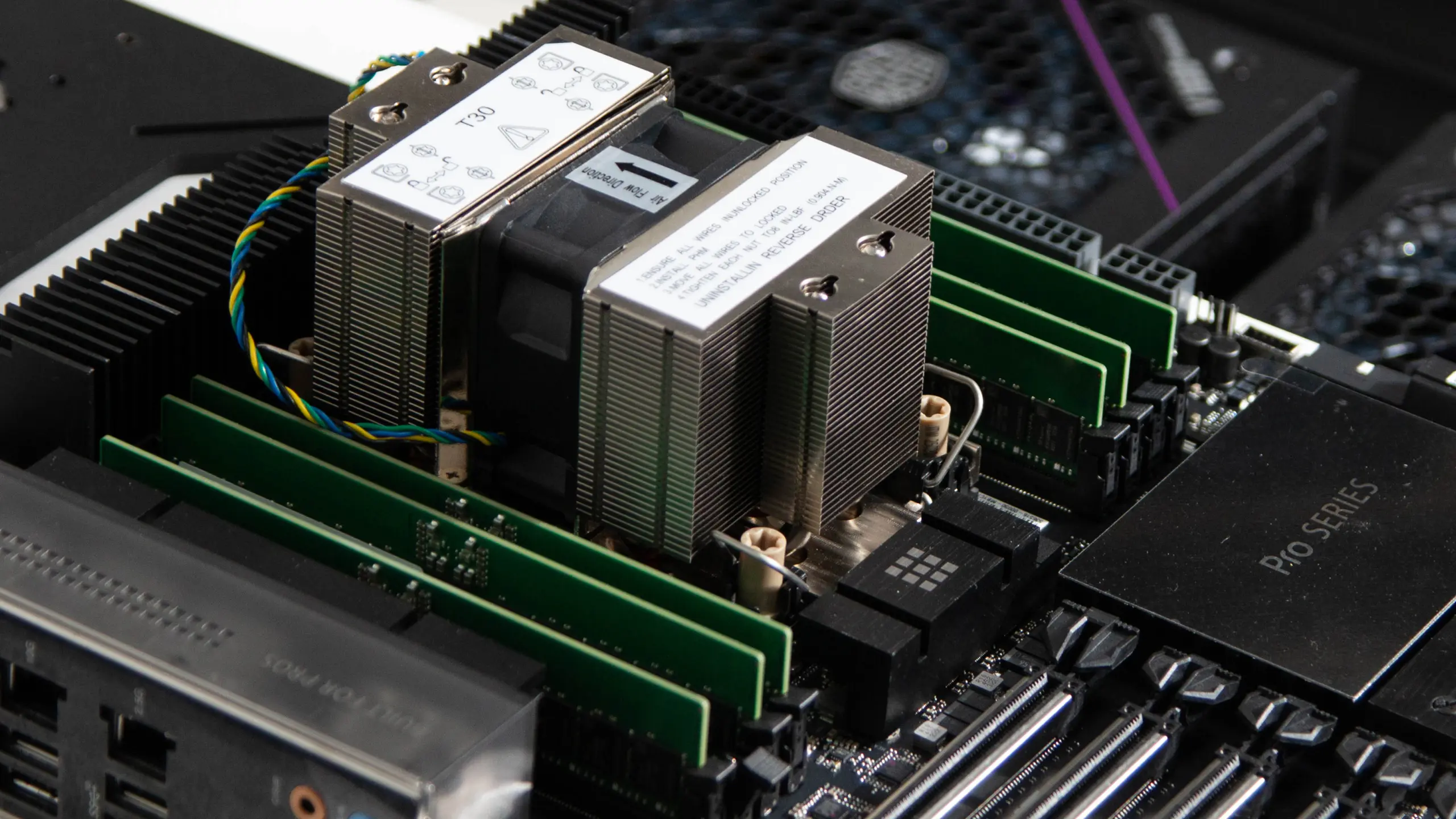
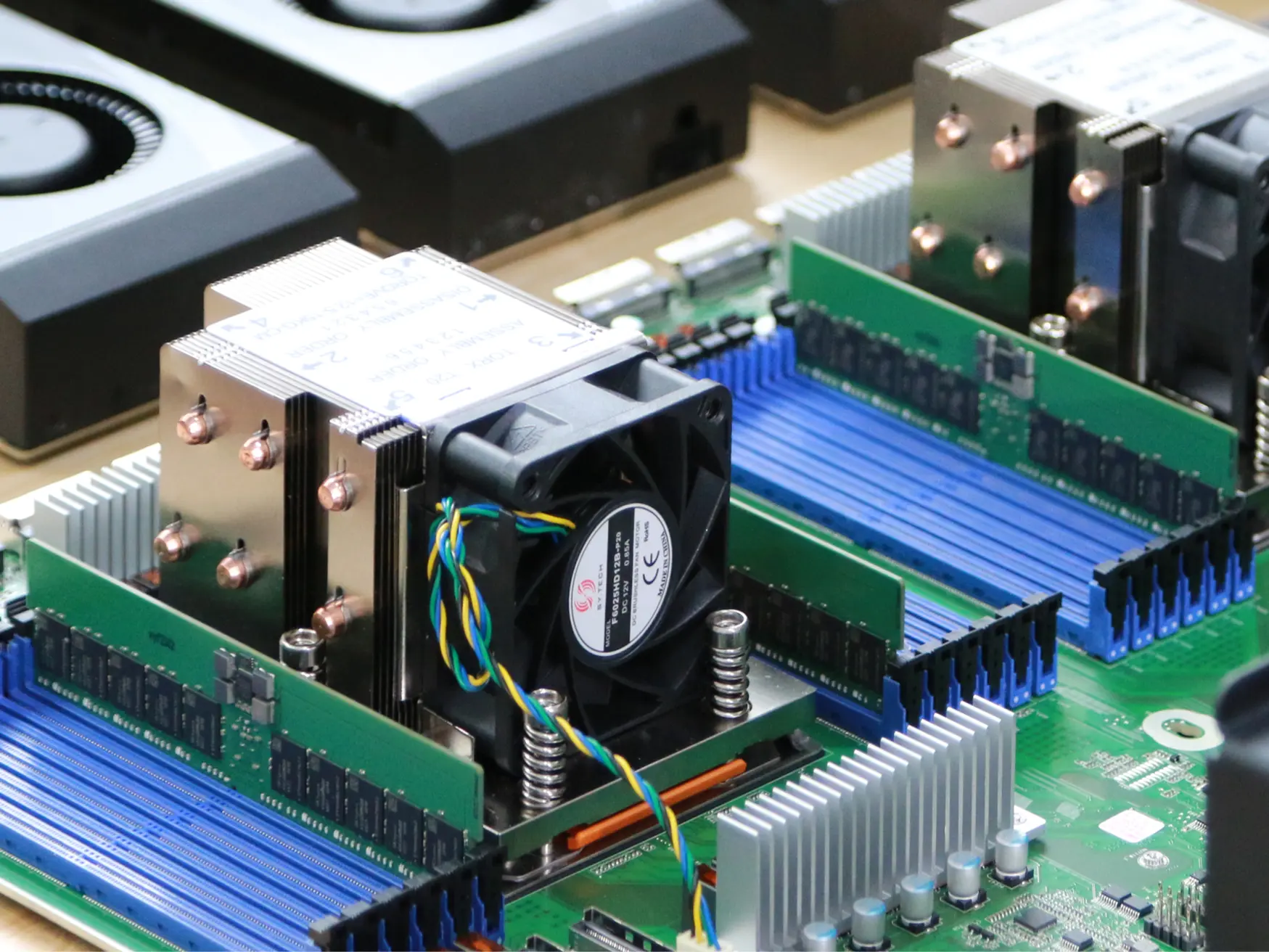
The right memory for the job. On the AC4 and AC8 — machines built to serve models for weeks at a time — we use ECC: error-correcting memory that catches a silent bit-flip before it corrupts a long job, the kind of failure you’d never even see. On the AC2 desk machine ECC would be overkill, so it runs fast standard DDR5. Either way, it’s sized to your total VRAM, so memory is never the bottleneck.
The lineup
Three machines.
Count your GPUs.
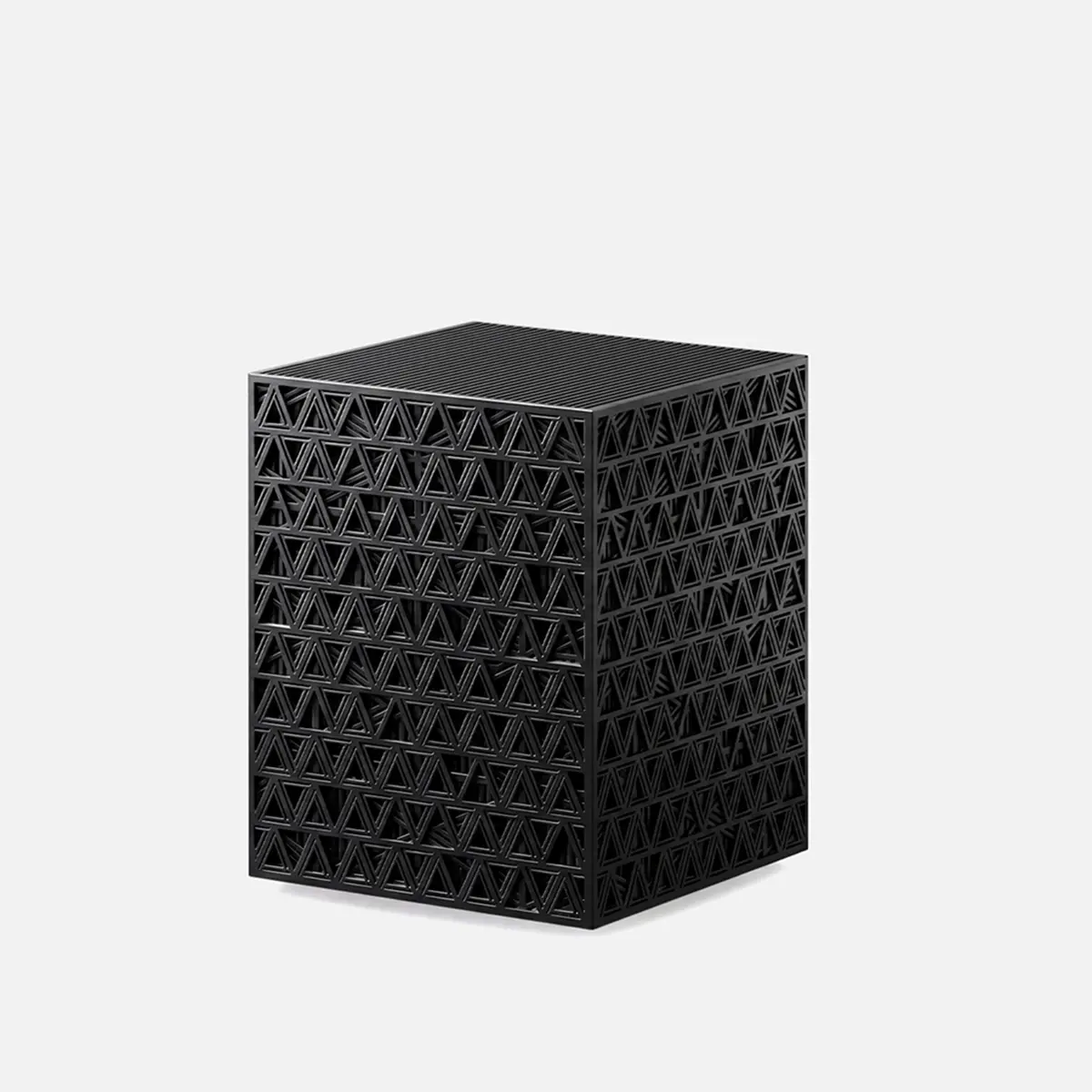
AC2
2 GPU slots
The desk machine. Your coding assistant and agents, running beside you.
- Up to 192GB VRAM
- PCIe 5.0 riser x2
- 12 cores / 24 threads
- Up to 768GB ECC
- Up to 8TB NVMe
- 2000W, standard outlet
From $399 GPU-Ready
.webp)
AC4
4 GPU slots
The studio. The big open models — one box serves a whole team.
- Up to 384GB VRAM
- PCIe 5.0 riser x4
- 12 cores / 24 threads
- Up to 768GB ECC
- Up to 8TB NVMe
- 4000W x2, 240V
From $799 GPU-Ready
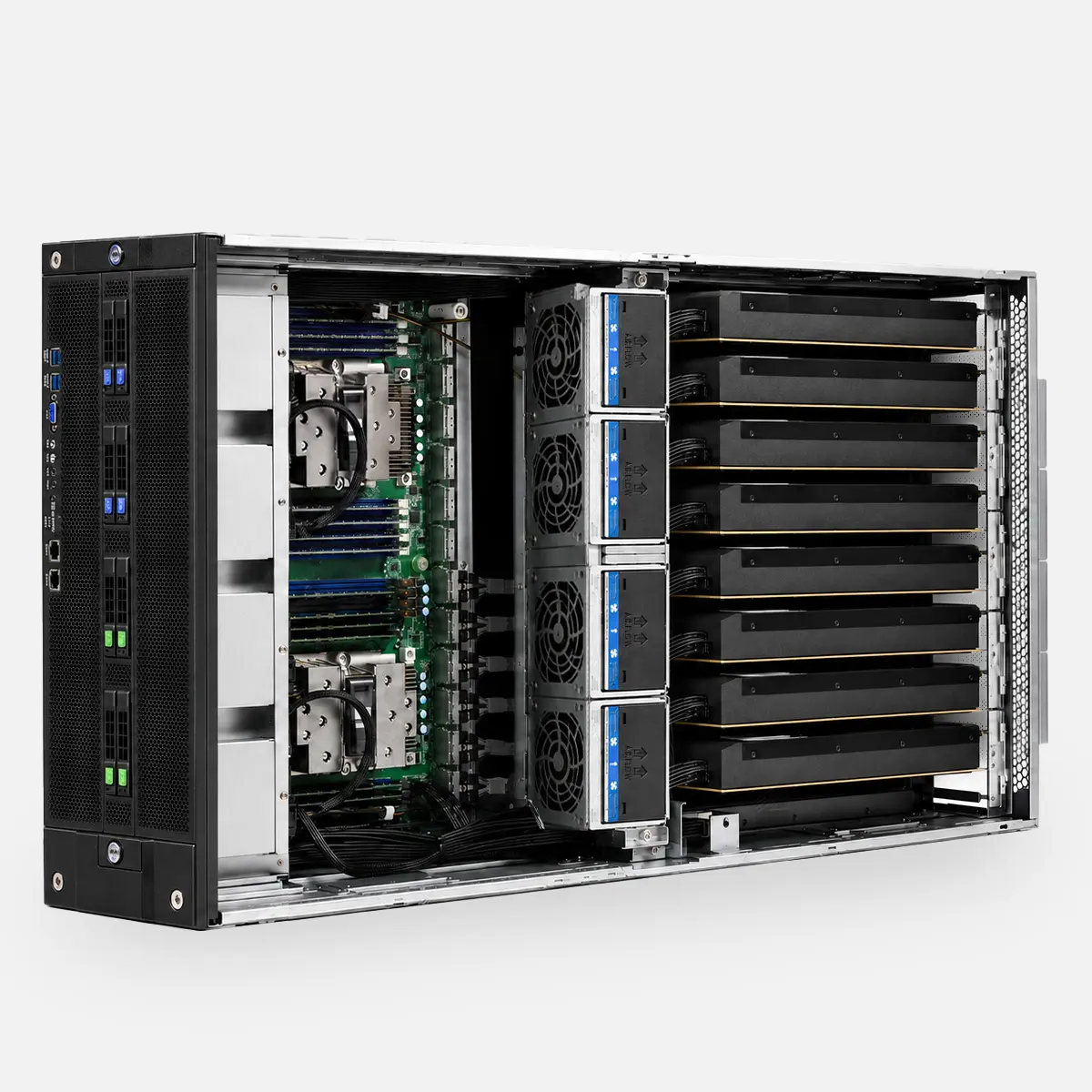
AC8
8 GPU slots
The department. Develop, serve, and fine-tune work that never leaves your floor.
- Up to 768GB VRAM
- MCIO Cable kit x8
- Dual EPYC
- Up to 768GB ECC
- Up to 8TB NVMe
- 4x 2000W, 240V
From $2,499 GPU-Ready
Open-source hardware
The whole machine
is open.
Every CAD file, bill of materials, and BIOS setting — free on GitHub. Fork it, change it, build your own, even sell it. This is how the personal computer began: in the open. We’re doing it again, for AI hardware.
Read the plans on GitHub →2x-5090/ 4x-5090/ 8x-5090/ 4x-6000/
bom/ step_models/ stl-models/ photos/
README.md setup.md
MIT · 89 forksClone it. Build it. Sell it. We just want it built.
Questions.
Do I need GPUs on day one?
No. It boots and runs smaller models on the CPU right away, and you add cards whenever you’re ready — one now, more later. There’s no rush to fill every slot at once.
Which cards work?
We’ve tested the RTX 3090, 3090 Ti, 4090, 5090, and RTX PRO 6000, with clearance and power notes for each. Any card that fits and has the power will run — the list is there to help you choose, and it grows with every new build.
Can I mix different cards?
Yes — you can run different cards side by side, like a 3090 next to a 5090. The best way to set them up depends on what you’re running, so tell us your workload and we’ll help you plan the layout.
What happens when a card dies?
You replace it yourself in a few minutes: open one panel, swap the card, done. Nothing to ship back, no ticket to file. The machine is built to outlast any single card.
Can I just buy it with GPUs included?
We don’t sell the cards themselves — you bring your own. That keeps you free to buy wherever the price is best, and never locked to ours. Installing them takes one panel and about ninety seconds; there’s a short video, and if you get stuck, a real engineer picks up.
Autonomous Computer