OpenClaw Setup: How to Install It (and Skip It)

OpenClaw setup is faster than its reputation - a one-line installer and an onboarding wizard get a basic agent running in about 15 minutes. The hard part isn't the install; it's everything after: keeping the agent alive around the clock, locking it down, and surviving the frequent updates that break working configs.
This guide covers the install step by step across Mac, Linux, and Windows, the failure points the official quickstart glosses over, and - if you'd rather not touch the terminal at all - the no-setup path that skips every step below.
Before you install: what you need
Four things need to be in place, and skipping any one is where most first attempts stall:
1. Node.js 22 or later.
OpenClaw is a Node application, and it needs a current version - an older Node fails in ways that rarely point back to Node, so check first. The required version moves quickly, so confirm the current one in the docs.
2. An always-on machine.
The Gateway is a persistent background process. If the machine sleeps or reboots without a service to restart it, active sessions drop and scheduled tasks stop. Any small always-on machine works for OpenClaw - a mini PC, a Mac Mini, a Raspberry Pi, or a dedicated device.
3. A model API key.
OpenClaw is model-agnostic - Claude, GPT, Gemini, or a local model through a runtime like Ollama. For a cloud model you'll need the provider's API key.
4. Credentials for one chat channel.
Telegram, Slack, and Discord each have their own token flow. Discord specifically requires enabling the message-content intent in its Developer Portal before the agent can read a message.
How to install OpenClaw, step by step
The install is the same core sequence on macOS, Linux, and Windows. The official docs are the exhaustive, always-current reference for platform quirks and flags - verify each command there before running.
1. Confirm Node.js 24.
Run node --version and upgrade if it's older. A wrong Node version is the single most common cause of a failed first run.
2. Install OpenClaw.
curl -fsSL https://openclaw.ai/install.sh | bash downloads and runs the setup script. On Windows, most people run this under WSL2 for a smoother Node and service setup.
3. Run onboarding.
openclaw onboard --install-daemon starts the wizard. It walks you through choosing a model and pasting its API key, adding a first channel, and it installs a service (systemd on Linux, launchd on macOS) so the agent restarts on boot.
4. Connect one channel first.
Start with a single channel rather than all of them - Telegram is simplest, since it's just a bot token. For Discord, enable the message-content intent in the Developer Portal first, or the bot connects but never sees a message.
5. Restrict the network binding before adding credentials.
By default the Gateway binds to all network interfaces (0.0.0.0), which makes it reachable from outside the machine. Bind it to localhost (127.0.0.1) first, so there's never a window where an open port sits next to plaintext API keys.
6. Send a test message.
Message your bot from the channel you connected. A reply confirms the model key, the channel, and the reasoning loop are all working. If it connects but doesn't reply, the model key is the usual culprit.
That's the whole path to a working agent. For ARM builds, swap tuning, and platform-specific troubleshooting, the official OpenClaw documentation goes deeper than any third-party copy and stays current, so there's no reason to duplicate it here.
Which model should you connect?
Match the model to your hardware, not the other way around. On a low-power always-on box - a Raspberry Pi, a mini PC, or a dedicated device - a cloud model (Claude, GPT, or Gemini) is the reliable default, because the box only runs the orchestration loop while the provider does the reasoning. Reserve a local model for machines with real memory headroom (16GB and up), and expect slower responses on modest hardware. You can switch models later without redoing the rest of the setup, so there's no need to over-optimize this on the first pass.
Where OpenClaw setup breaks
These are the failures that show up after the install works, not during it - which is what makes them frustrating.
Config schema drift.
Config formats change between releases without migration paths, so an upgrade can leave an agent that ran yesterday unable to start today. Read release notes before updating, and keep a backup of a working config.
Memory store corruption.
The default memory store writes to a single file without journaling. An interrupted write - from a power cut or a hard reboot - can corrupt it and require manual repair. On low-cost storage like an SD card this is more likely; an SSD is safer.
Open binding and plaintext keys.
The default network binding is open and API keys sit in the config file unencrypted. On a shared or exposed machine that's a real risk - which is why step 5 matters.
Silent process death.
There's no built-in health monitoring, so a downed Gateway is usually noticed only when a task quietly fails. A simple restart-on-crash rule catches it.
Securing your OpenClaw install
An agent with shell access, file access, and browser control is powerful and, left open, dangerous - so harden it before you rely on it.
- Keep the gateway bound to localhost. OpenClaw only needs outbound access to reach model and messaging APIs, so you never have to open an inbound port. For remote access, use a VPN or Tailscale rather than exposing the gateway.
- Audit skills before installing. ClawHub skills run as third-party code with the permissions they declare; Cisco researchers found one that quietly exfiltrated data. Install only what you've reviewed. The OpenClaw overview covers the wider security picture.
- Run it on a dedicated machine. Keeping the agent off your primary computer is the isolation itself - if something goes wrong, it doesn't reach your work.
Running OpenClaw without a Mac or coding
If that failure list is the reason you bounced off OpenClaw, a pre-configured device removes all of it. The approach: ship the full stack - Gateway, model connections, messaging - already installed and tested on dedicated hardware, so there's nothing to set up.
(1).webp)
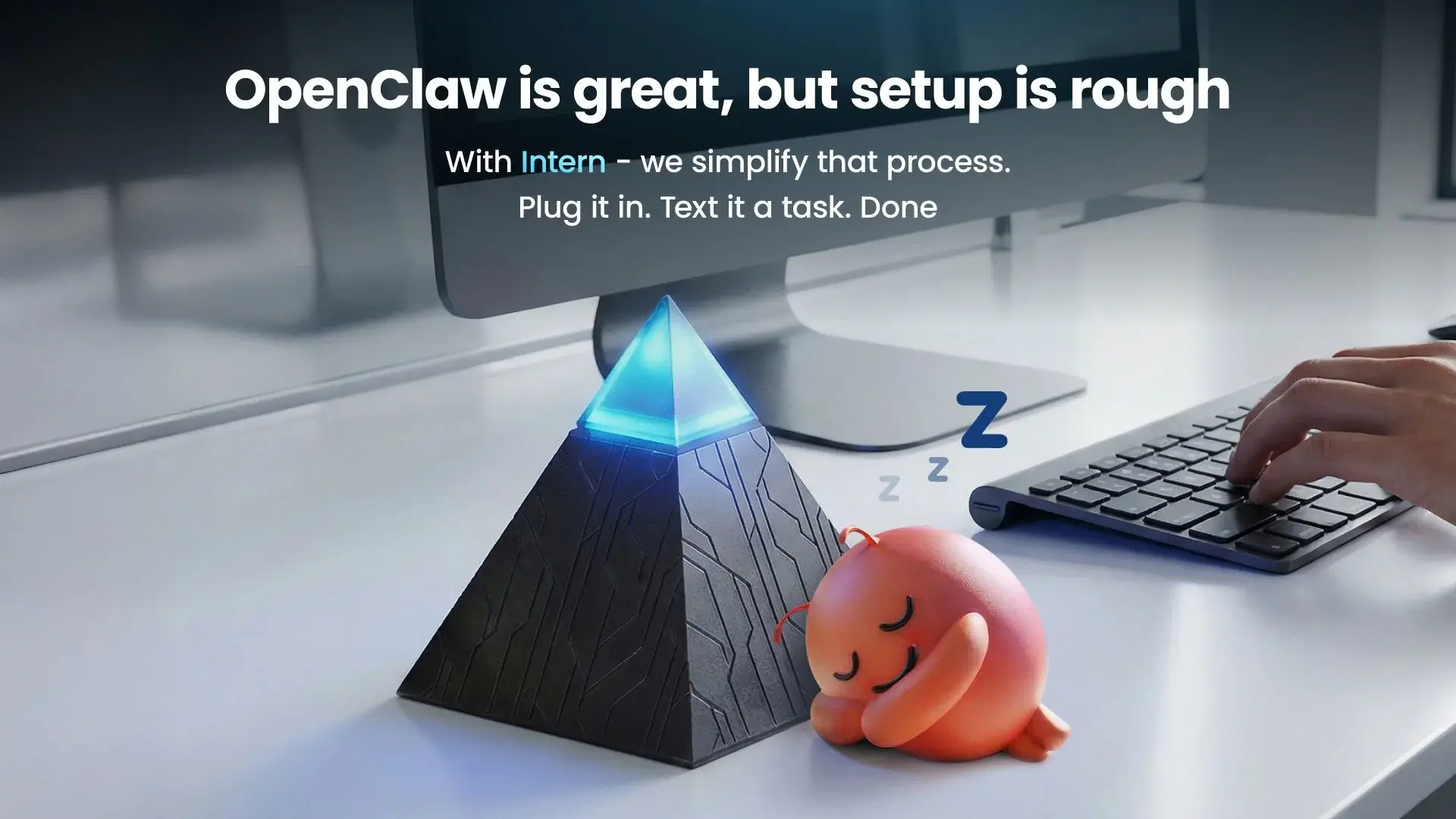
The Autonomous Intern works this way. It arrives with OpenClaw and the Hermes framework flashed and running. You connect it to Wi-Fi and text it - or talk to it, through its onboard dual-mic array and speaker. No Node install, no config files, no service to configure, and because nothing installs on your work computer, it fits managed-device and SSO environments without IT sign-off.
The honest tradeoff: a device gives up the deep configurability of a self-managed install - custom network routing, arbitrary models, hand-written skills - in exchange for zero setup. It's built for cloud-API orchestration, so it suits people who want the agent working today more than they want to tune the stack.
Keeping OpenClaw running
Setup is one evening; maintenance is ongoing. Three habits keep a self-hosted agent healthy:
- Update deliberately. Several OpenClaw releases have been direct responses to disclosed vulnerabilities, so updating is a security task, not optional housekeeping. Read notes first because of schema drift.
- Watch for silent failures. There's no built-in health monitoring. A downed Gateway is usually noticed only when a task fails quietly. A simple uptime check or restart-on-crash rule saves you from finding out days late.
- Manage the memory store. Left alone, it grows until it fills the disk. Periodic cleanup or rotation prevents a full-disk outage.
FAQs
Why won't OpenClaw start after an update?
The most common cause is config schema drift - the config format changed in the new release. Check the release notes for config changes and compare against your backed-up working config before troubleshooting anything else.
Why does OpenClaw connect but not reply to messages?
Usually the model API key is missing or wrong, or the channel's permissions aren't set. On Discord specifically, the message-content intent must be enabled in the Developer Portal or the bot never sees the message.
How do you install OpenClaw?
Confirm Node.js 24, run the installer script, then run the onboarding wizard to add your model API key and one channel. Restrict the network binding, send a test message, and confirm it restarts on boot. Verify exact commands against the official docs.
How long does OpenClaw setup take?
About 15 minutes to a working single-channel agent if you're comfortable in a terminal. Hardening it and setting up monitoring adds more time. A pre-configured device takes minutes and skips the install entirely.
Do you need to know how to code to set up OpenClaw?
To self-host, effectively yes - you'll use a terminal, edit config, and manage a background service. If that's a barrier, a pre-flashed device removes the need to code at all.
Can you run OpenClaw on Windows?
Yes, though many run it under WSL2 for a smoother Node and service setup. The core steps are the same; the restart-on-boot configuration differs from Linux and macOS.
Can you run OpenClaw without a Mac?
Yes. It runs on Linux, Windows, and dedicated devices. The Mac is popular for its native iMessage and efficiency, but it isn't required.
What model should you use with OpenClaw?
On low-power hardware, a cloud model (Claude, GPT, or Gemini) is the reliable default because the box only orchestrates. Local models suit machines with 16GB+ of RAM and are the path to full offline processing.
Can you run OpenClaw in Docker or on a cloud VPS?
Yes - a container or a small always-on VPS both work, since the Gateway just needs to stay running. A VPS gives up local data control, and the reasoning still reaches your model provider unless the model is local.
Is OpenClaw free to install?
The software is free and open-source. You may still pay for model API usage if you connect a cloud model, plus the cost of the hardware you run it on.
Does OpenClaw need to stay on all the time?
Yes. The Gateway is a persistent process that handles scheduled tasks and live messages, so it needs an always-on host. A machine that sleeps will drop sessions and stop scheduled work.
References
- OpenClaw project repository and documentation, github.com/openclaw/openclaw
- "ClawMobile: Rethinking Smartphone-Native Agentic Systems," arXiv:2602.22942 (Gateway process model)
- Cisco security research, OpenClaw third-party skill test, 2026