Harness ProEvery agent. Every machine. On your desk.
Any machine.One desk.
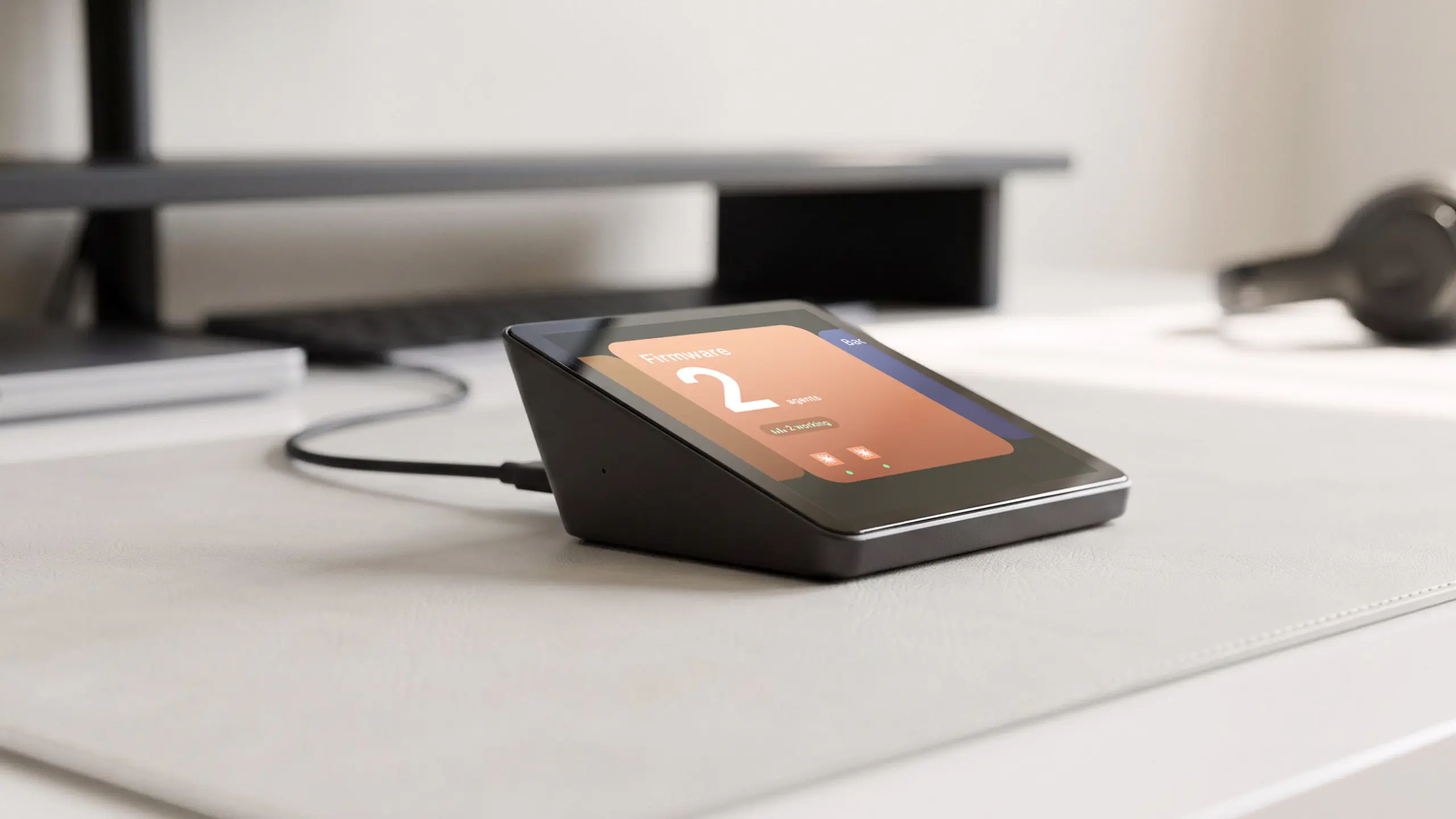
Harness Pro plugs into your Mac and talks to the Harness app. The app reaches your agents on every computer you use, so you can watch and direct an agent on your Mac Studio from the Pro beside your MacBook.
01Your machines
MacBook Pro
- firmware-proClaude Code
- harness-cliCodex
Mac Studio
- backendCodex
- desktopClaude Code
Linux server
- api-clientCursor
02Harness app
 Harnessdesktop app on your Mac
USB-C
03Harness Pro
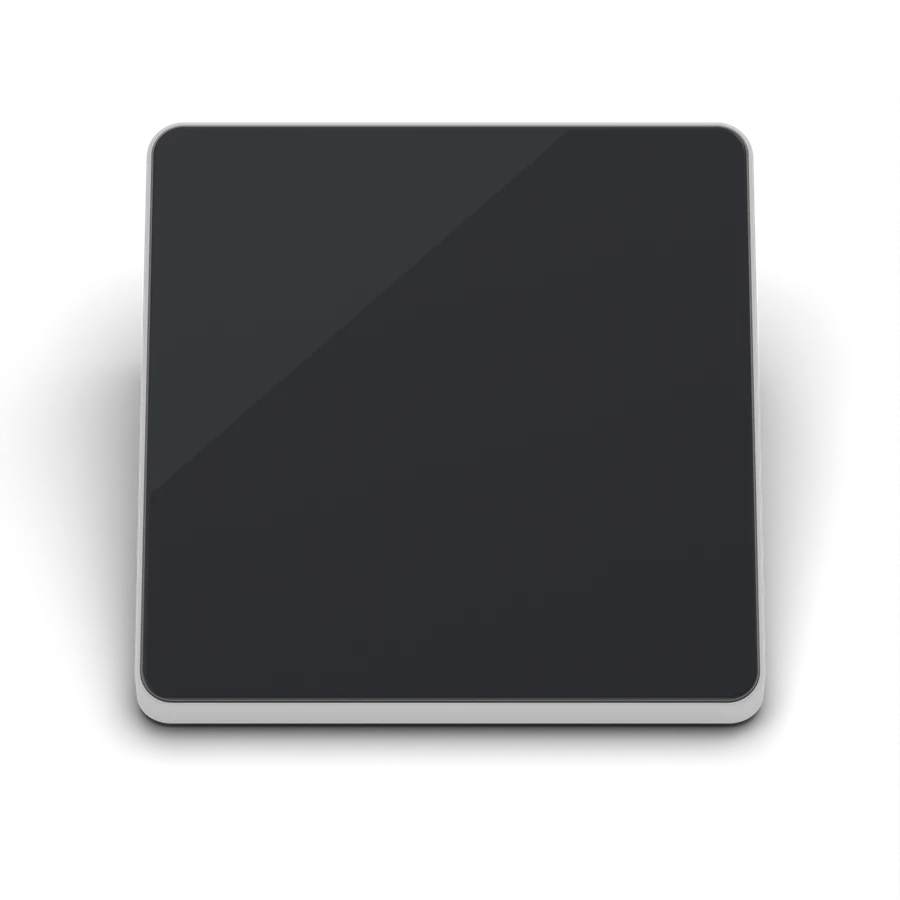
Every agent.One swipe away.
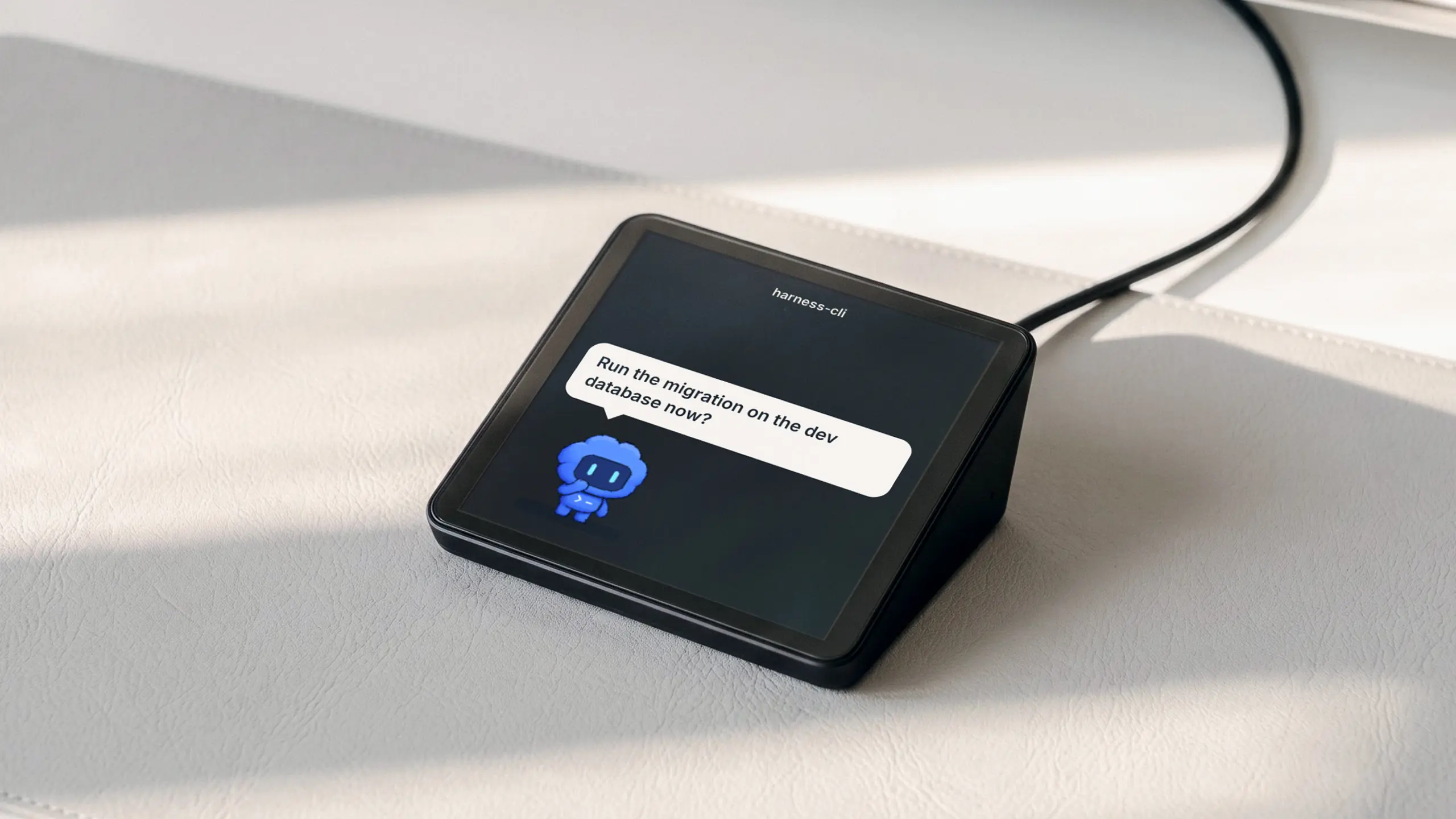
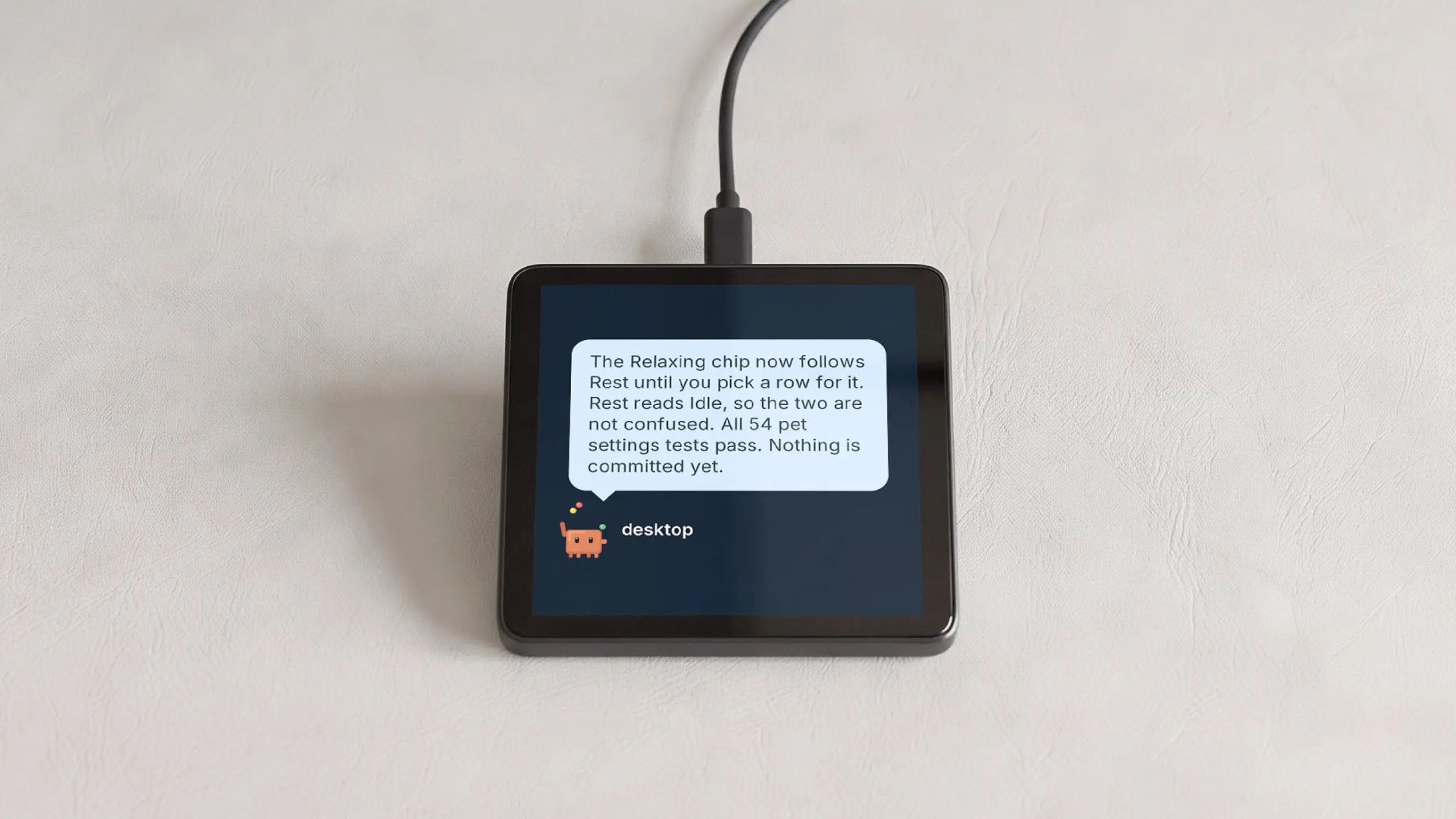
Each agent gets the whole screen and a pet that acts out its work. Swipe sideways to the next one. Claude Code, Codex, Cursor and more, side by side.
Tap. Talk. Sent.
Tap the agent on the glass and its pet puts on headphones. Say what you want. Tap anywhere to send it.
Close the tab.Agents keep going.
Close the lid, quit the app, restart. Every agent keeps working on its own machine, and Harness Pro pings you the moment one is done.
Small. Square.Tilted just for you.
The face rises about 20° from front to back, so the screen meets your eye from the desk. (Preliminary.)
- Face
- Cover glass
- Over a 3.95″ square display
- Material
- CNC aluminum
- Precision-cut metal, not molded plastic
- Color
Tech specs
- Display
- 720 × 720, 60 Hz, capacitive touchBrightness adjustable from the Harness appRotate 180° from the Harness app
- Button
- Tap to go back or stop, hold to turn the screen off
- Microphones
- Three: front left, front right, rear
- Speaker
- Notification tone, can be muted
- Voice
- Cloud speech-to-text, choose the language in Harness
- Processor
- ESP32-P4, 16 MB flash, 32 MB PSRAM
- Connection
- USB-C to a computer running Harness
- Power
- Over USB, no battery
- Size
- 86.0 × 80.7 × 34.6 mm, face tilted ~20°v2 CAD, preliminary
- Works with
- Harness for Mac and Linux
- Updates
- Automatic, over the cable
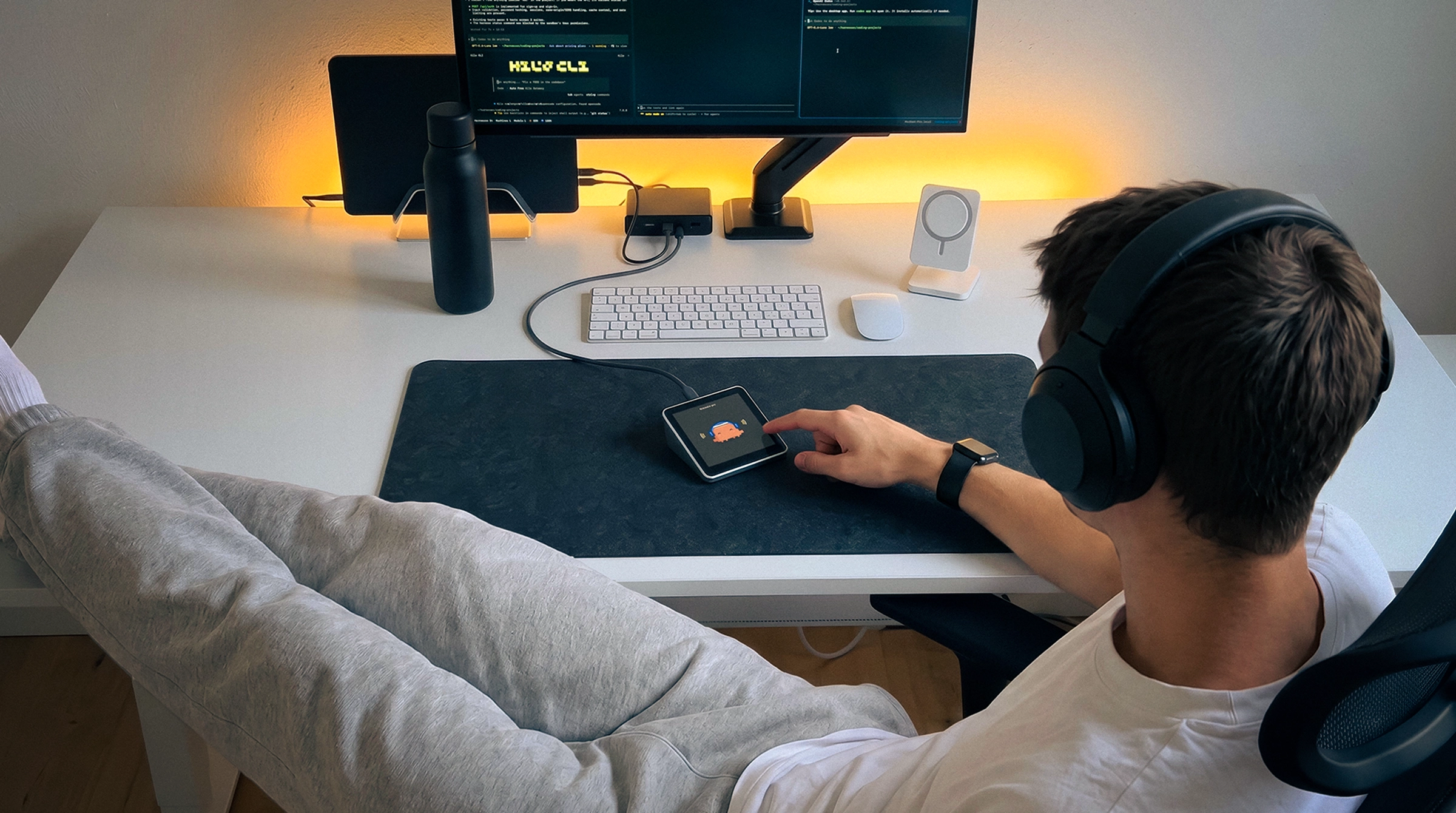
Your agents.Within reach.
Plug it in. Add it to Harness. Every agent you run is one glance away.