What Is Hermes Agent, and What Should You Run It On?


Hermes Agent is an open-source AI agent from Nous Research that does something most agents don't: it remembers. Instead of forgetting everything when a session ends, it builds skills from what it does, refines them over time, and gets more useful the longer it runs.
Full disclosure before we go further: we build the Intern, a small device that ships with Hermes as its default agent. So this guide is written from running Hermes on real hardware, not from selling you on the idea of it - and where the facts are about Hermes itself, they come from Nous Research, and we say so. The part we can speak to first-hand is the question the other guides skip: once you understand what Hermes Agent is, what do you actually run it on?
What Hermes Agent is
Hermes Agent is a free, open-source (MIT-licensed) autonomous agent built by Nous Research - the lab behind the Hermes, Nomos, and Psyche models. Nous released it in February 2026, and it became one of the most-watched agent projects on GitHub within months.
Two things separate it from a chatbot, per Nous's own description. First, it acts rather than just answers: it runs tools, controls a browser, executes code, and manages files to finish tasks end to end. Second, it's model-agnostic - it works with Nous Portal, OpenRouter, OpenAI, Anthropic, or your own endpoint, and you switch models with one command instead of rebuilding your setup. If you've read our OpenClaw explainer, the shape is familiar; the difference is what Hermes does after a task finishes.
How Hermes Agent's learning loop works
The feature Nous leads with is a built-in learning loop, and it's worth understanding what that actually means, because "it learns" gets said loosely. In practice it's a five-stage cycle:
- Execute - Hermes takes a goal, breaks it down, picks tools, and does the task. So far, like any agent.
- Evaluate - after the task, it checks the outcome: did it succeed, and did you accept, edit, or reject the result?
- Extract a skill - when an approach works and wasn't trivial, it saves the reasoning as a named, reusable pattern: "when the situation looks like this, this approach works."
- Refine - the next time a similar task appears, it compares outcomes and updates the skill if a better approach shows up. This is ongoing, not a one-time event.
- Recall - for a new task, it searches its own skill library and past conversations (Nous uses full-text session search with summarization) and pulls in what's relevant instead of starting from scratch.
Alongside the skills, it keeps a persistent model of you - your preferences and past decisions - so the context carries across sessions. From running it, the practical effect isn't dramatic on day one; it shows up over weeks, as the agent stops needing the same instructions repeated. That compounding is the whole pitch, and it's real, though it depends on running Hermes consistently on the same kinds of tasks.

What Hermes Agent can do
Out of the box, Hermes ships with roughly 47 built-in tools - web search, browser automation, vision, image generation, text-to-speech, a terminal, and file handling - so it operates on your system rather than only describing what to do. Nous lists several capabilities that matter for real use:
Reaches you where you already are. One gateway connects Telegram, Discord, Slack, WhatsApp, Signal, Email, and CLI, so you message the agent like a colleague instead of opening a separate app.
Runs on a schedule. A built-in cron scheduler handles natural-language automations - daily reports, nightly backups, weekly summaries - unattended.
Delegates. It can spawn isolated subagents for parallel work, each with its own context, which keeps complex jobs organized.
Extends. It supports MCP servers and the open agentskills.io skill standard, so skills are portable and community-shareable through a Skills Hub.
What you actually run Hermes Agent on
This is the part we can speak to directly, and it's the question the explainers leave open. Hermes is model-agnostic and built for local use - and here's the honest catch that decides your hardware.
Hermes runs local models genuinely well. NVIDIA, in its own testing, reports Hermes handling 30-billion-parameter-class local models reliably where thinner frameworks struggle. But that performance comes with a hardware bill: a 30B model needs roughly 20GB or more of fast memory, which in practice means a high-end RTX GPU or an NVIDIA DGX Spark. That's the right setup if local inference is your goal and you have the budget for it.
Most people don't want a $4,000 GPU running in the corner. They want an agent that's simply on - always, quietly, without a build weekend. That's a different hardware question, and it's where a small dedicated device fits.
The Autonomous Intern is our answer to it, and here's the honest version so you can judge the fit. It ships with Hermes as its default edition, pre-installed, on an Orange Pi 4 Pro with 6GB of memory. That's well below the 20GB a 30B local model needs - so on the Intern, Hermes runs cloud-orchestration-first: a cloud model (Opus, Sonnet, or your choice) does the heavy reasoning while the device runs Hermes's loop, memory, and skills locally, plus small local models. It is not a local-30B machine, and we won't tell you it is. What it is: the lowest-effort way to keep Hermes running around the clock, controlled by text or voice, with your credentials and memory stored on the device rather than a vendor's server.
(1).webp)
So the hardware decision comes down to your goal: a capable GPU if you want local 30B inference, a $5 VPS if you're comfortable self-hosting the always-on loop, or a dedicated device if you want it running with no setup.
How to get Hermes Agent running
If you're self-hosting, Hermes installs in about a minute. On Linux, macOS, or WSL2, one command pulls everything (it bundles its own Python environment), then a setup wizard connects your model and a channel:
curl -fsSL https://hermes-agent.nousresearch.com/install.sh | bashhermes setuphermes
Native Windows is supported through a PowerShell installer, and Nous also offers Hermes Desktop, a graphical app if you'd rather not live in the terminal. We keep this short on purpose - Nous's own docs are the current, exhaustive reference, and our Hermes setup guide covers the install and the parts that trip people up without duplicating the manual.
Hermes Agent vs OpenClaw
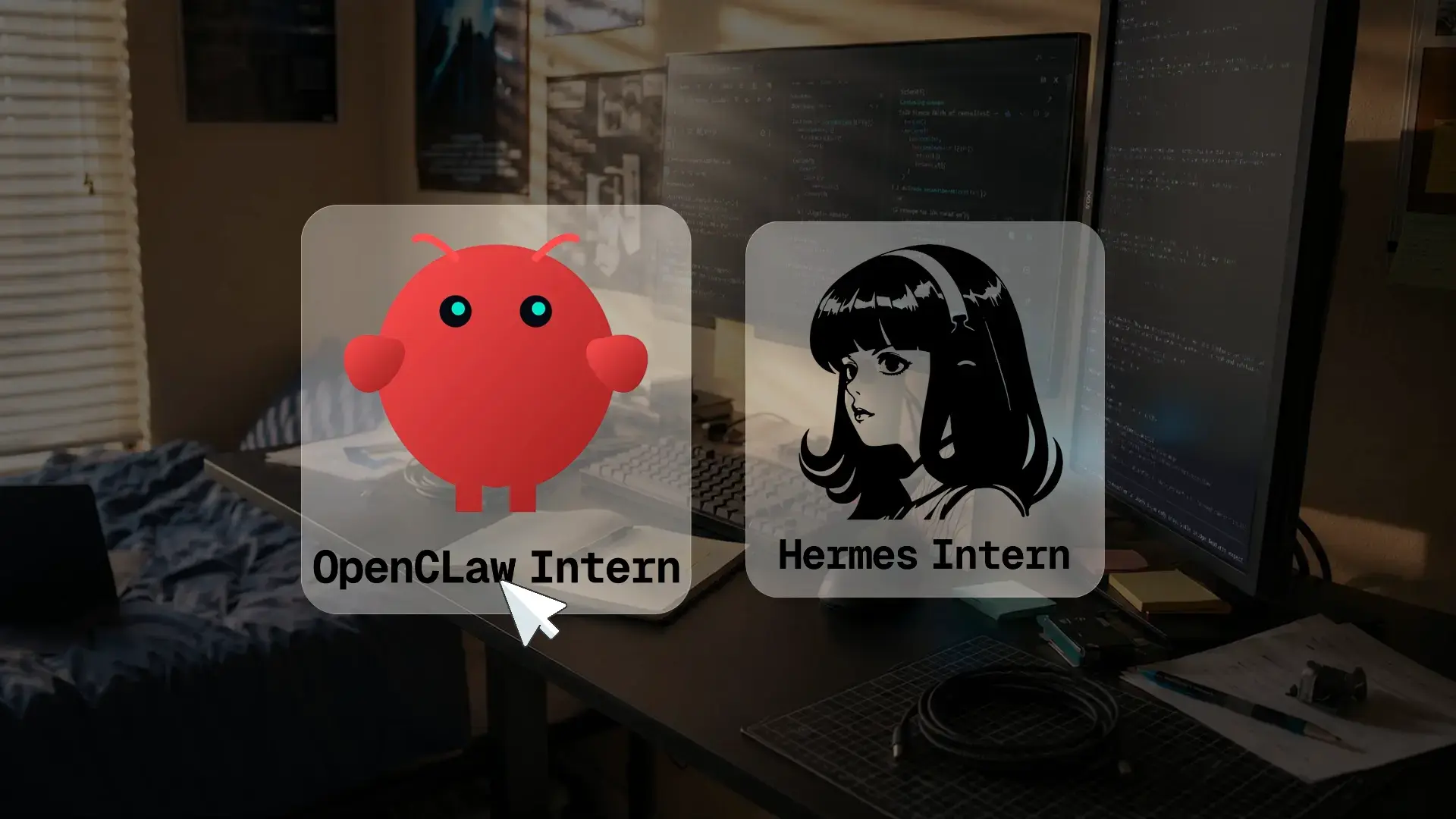
The short version: OpenClaw came first and is broad; Hermes's edge is the learning loop and persistent memory. If you already run OpenClaw, Hermes can import it - its setup wizard detects an existing OpenClaw install and offers to migrate your settings, memories, skills, and keys. Because the Intern ships both editions, you don't actually have to pick one to try them. The full breakdown - where each wins, and when the migration is worth it - is in our Hermes Agent vs OpenClaw comparison.
Conclusion
Hermes Agent is the clearest example yet of an agent that improves with use instead of resetting every session - that learning loop is the genuine differentiator, and it's Nous Research's, not ours. What we can tell you from running it is the part that decides whether it fits your life: the local power is real but hardware-bound, so match the machine to your goal. Want local 30B inference, self-host on a capable GPU. Want it self-hosted cheaply, a small VPS runs the loop. Want it simply on, with no setup - that's what a dedicated device like ours is for, cloud-orchestration-first and honest about it.
FAQs
What hardware do you need to run Hermes Agent?
It depends on the model. For cloud-model orchestration, a small always-on machine - a mini PC, a Raspberry Pi, or a dedicated device - is enough. For running a 30B local model on-device, you need roughly 20GB+ of fast memory, which means a high-end GPU.
Can Hermes Agent run local models on a small device?
Only small ones. On a low-memory device like our 6GB Intern, Hermes runs small local models plus cloud-model orchestration; it can't run 30B-class models locally. Larger local models need a GPU with much more memory.
Do you have to use Nous's models with Hermes Agent?
No. Hermes is model-agnostic - it works with Nous Portal, OpenRouter, OpenAI, Anthropic, or your own endpoint, and you switch with one command. You're not locked into any provider.
What makes Hermes Agent different from other AI agents?
Its built-in learning loop. Most agents are stateless and forget everything when a session ends; Hermes distills reusable skills from completed tasks, refines them with use, and builds a persistent model of you - so it improves on repeated work over time.
Is Hermes Agent free?
Yes. It's free and open source under the MIT license. You may still pay for model API usage if you connect a cloud model, plus the cost of whatever hardware you run it on.
Is Hermes Agent open source?
Yes, fully - released by Nous Research under the MIT license, with the code public on GitHub. You can use, modify, and distribute it, including commercially.
Hermes Agent vs OpenClaw - which is better?
Neither is strictly better. OpenClaw is broad and established; Hermes adds the learning loop and persistent memory. Hermes can also migrate an existing OpenClaw setup. See our full comparison for which fits your case.
Can Hermes Agent import my OpenClaw setup?
Yes. Hermes's setup wizard detects an existing OpenClaw install and offers to migrate your settings, memories, skills, and API keys, so switching doesn't mean starting over.
What can Hermes Agent do?
It runs about 47 built-in tools - web search, browser automation, code execution, file handling, image generation, and more - reachable through Telegram, Slack, Discord, and other channels, with a scheduler for unattended tasks and subagents for parallel work.
Is Hermes Agent safe to run?
It can be, with care. It executes code and has system access, so Nous provides sandboxed execution backends to isolate what it runs. The main risk is third-party skills, which run as external code - review them before installing.
How do you install Hermes Agent?
On Linux, macOS, or WSL2, run the one-line installer, then the setup wizard to connect a model and a channel. Native Windows and a desktop GUI are also supported. A pre-configured device skips the install entirely.
References
- Hermes Agent documentation and installation, Nous Research - hermes-agent.nousresearch.com/docs
- Hermes Agent repository, Nous Research - github.com/nousresearch/hermes-agent
- NVIDIA, "Hermes Unlocks Self-Improving AI Agents, Powered by NVIDIA RTX PCs and DGX Spark," 2026 - local-model performance and memory requirements. blogs.nvidia.com
- Hermes Agent listing, OpenRouter - openrouter.ai/apps/hermes-agent
- agentskills.io - open skill standard supported by Hermes