


Run Multiple Claude Code Agents Without Losing Track

Running one Claude Code session is simple. The trouble starts when you run multiple Claude Code agents across two projects and lose the thread: you alt-tab through terminals trying to find which one is still working, you miss that a refactor finished ten minutes ago, and the token spend becomes a month-end surprise.
Most guides tell you how to launch parallel sessions. Almost none deal with the part that actually costs you time, which is staying on top of them once they run. This guide covers both: the git-worktree setup that gives you true parallelism, the three different ways you lose track, and how to fix each one, cheapest first.
Can you run multiple Claude Code sessions at once?
Yes, Claude Code does not limit you to one session, so you can run as many as your machine and your plan allow. The catch is that two agents editing the same files at the same time will clobber each other. The standard fix is to isolate each session in its own git worktree, so every agent gets a clean copy of the repository on its own branch.
That single decision, one worktree per task, is what separates real parallelism from four agents fighting over the same files.
How do you run Claude Code in parallel with git worktrees?
Create one worktree per task, then start a Claude Code session inside each. A minimal setup looks like this:
# one worktree per parallel task
git worktree add ../proj-feature-auth feature-auth
git worktree add ../proj-bugfix-payments bugfix-payments
# then, in a separate terminal per worktree:
cd ../proj-feature-auth && claude
cd ../proj-bugfix-payments && claude
Each session works on its own branch with no file collisions, and you merge back when each one finishes.
Worktrees have a real cost, and it is worth naming: you have to bootstrap each one (npm install, build artifacts), and you gain the ability to create merge conflicts with yourself. The 2026 answer is that Claude Code's built-in background sessions now automate this, moving each session into an isolated worktree under .claude/worktrees/ before it edits files, so you get the isolation without hand-managing the checkouts. Either way the principle holds: isolate first, merge later.
The three ways you lose track of Claude Code agents
Losing track of parallel sessions is three separate problems, not one: you lose sight of what is running, of what it is costing, and of what came back. Most advice treats this as a single problem called visibility and recommends one dashboard, which is why so much of it only half works. A dashboard solves the first problem completely, the second not at all, and the third only partway.
Work out which one you actually have before you change anything, because the fix is different for each:
What you lose | Symptom | What actually fixes it |
What is running | Reopening terminals to check if a task finished | A session list that shows state without you asking |
What it costs | Finding out at the invoice | A number you see passively, not a report you open |
What came back | Finished work sitting unread while you dispatch more | A return signal plus a review cadence, not a bigger screen |
The trap is treating all three as one visibility problem and buying a dashboard, which solves the first completely, the second not at all, and the third only partway.
Keeping track of your Claude Code agents
There are three levels of answer, and most people combine two of them.
A tmux grid or split panes (free)
Split one terminal into panes, one session per pane, and a common pattern is one tab per repository with the panes split inside it. It works, but you are still the one scanning panes, and it lives in a window you have to keep focused. Two built-in Claude Code features make this far less painful: notifications when a session needs input, and recaps, a short summary above the input that catches you back up on a session you left ten minutes ago.
A session-manager app (on-screen)
Tools like AgentsRoom, Conductor, or Claude Squad give you one view of every running session, with live status and diffs. Verify current features before you commit, since this category changes weekly, but the trade-off is the same for all of them: it is another window competing for your screen. Claude Code also ships its own free version of this, Agent View, covered in our guide to running it.
An off-screen surface
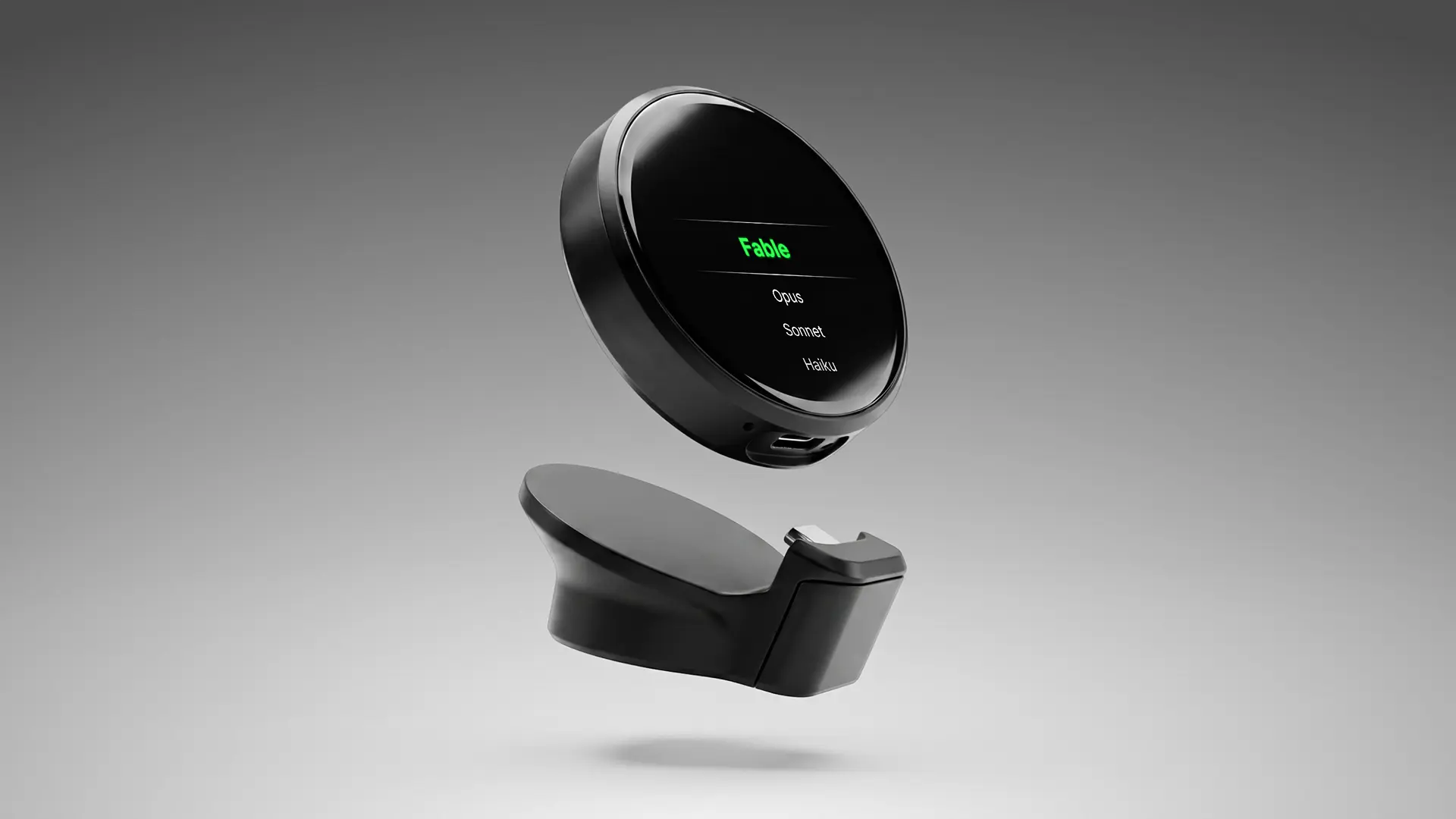
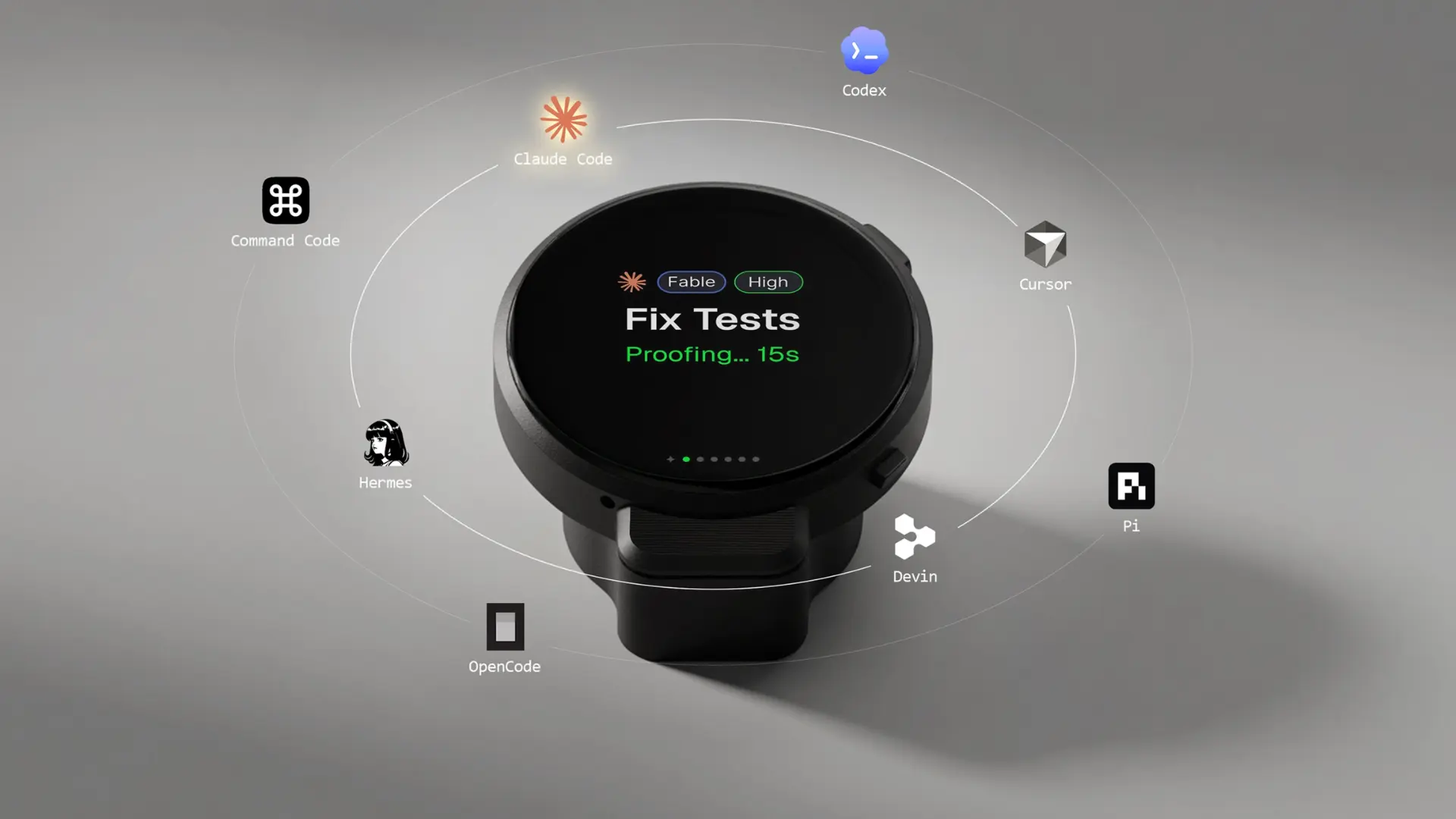
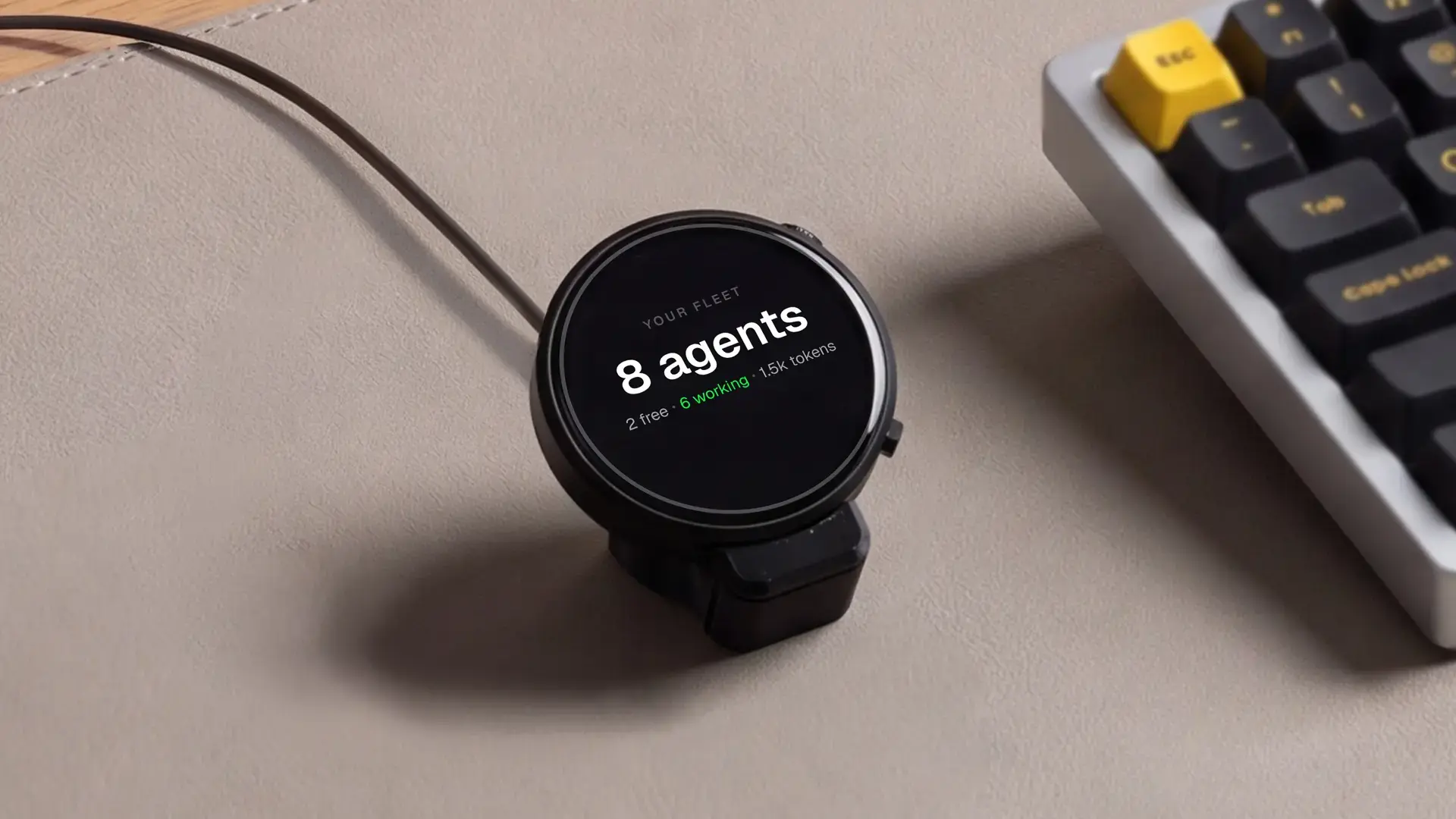
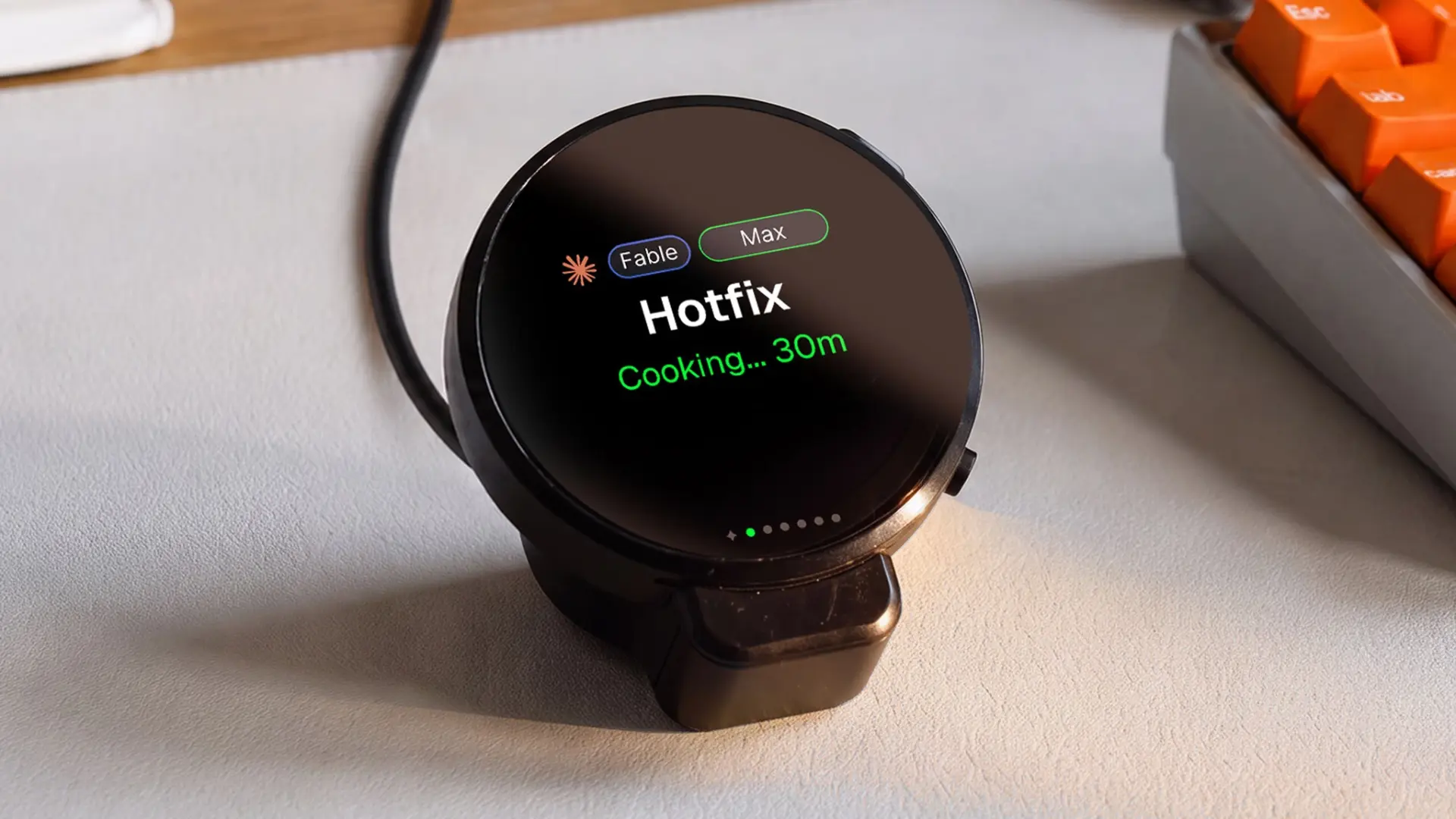
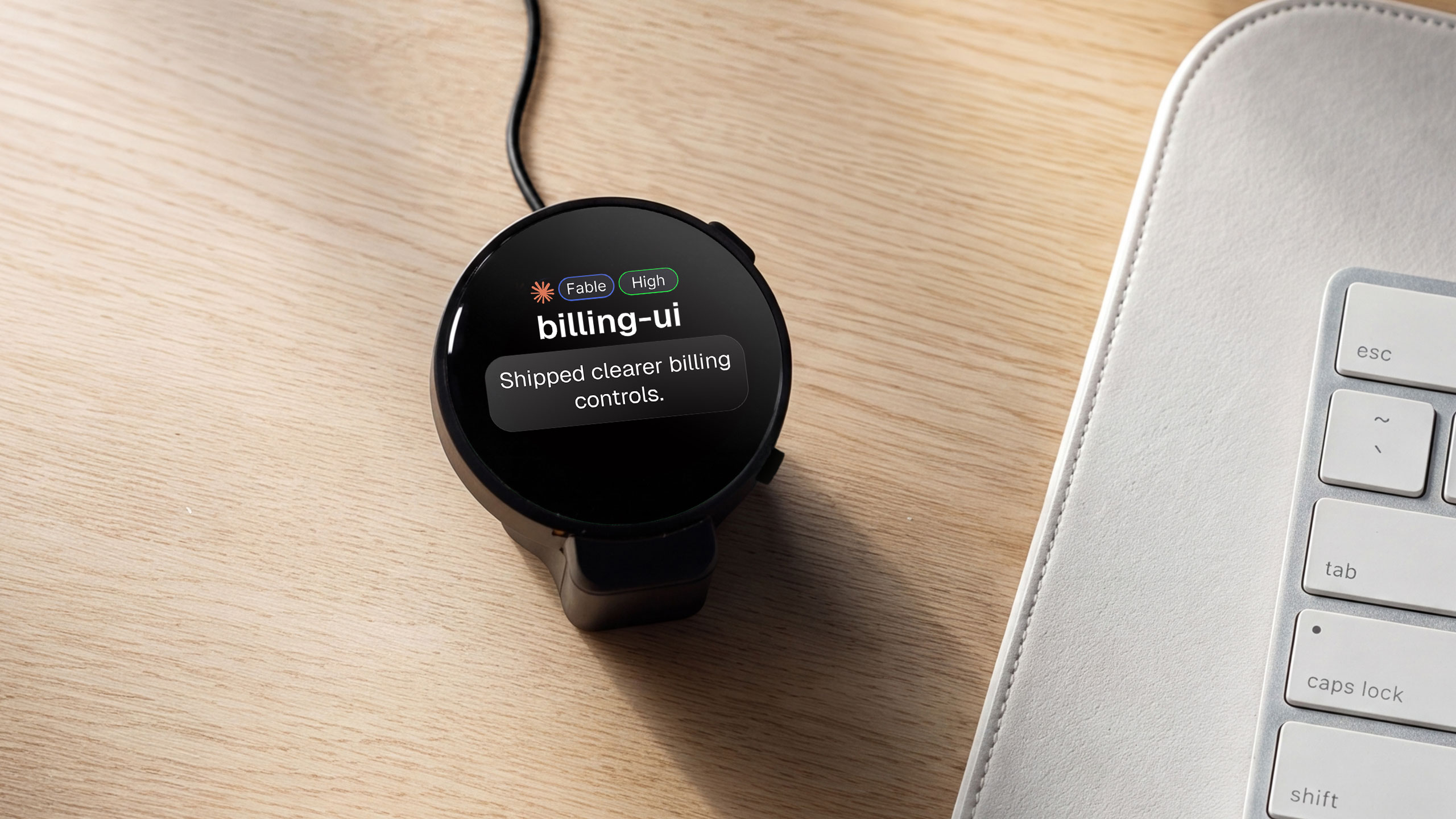
This is the gap the Autonomous Harness fills. It is a small desk device that shows what is running and for how long, the finished work as it returns, and the day's total spend, readable across the room without opening a window. You dispatch a task by double-tapping it and speaking, and it reaches the agents you run across your laptop, server, and cloud. It works with eight coding agents, including Claude Code, Codex, Cursor, and OpenCode.
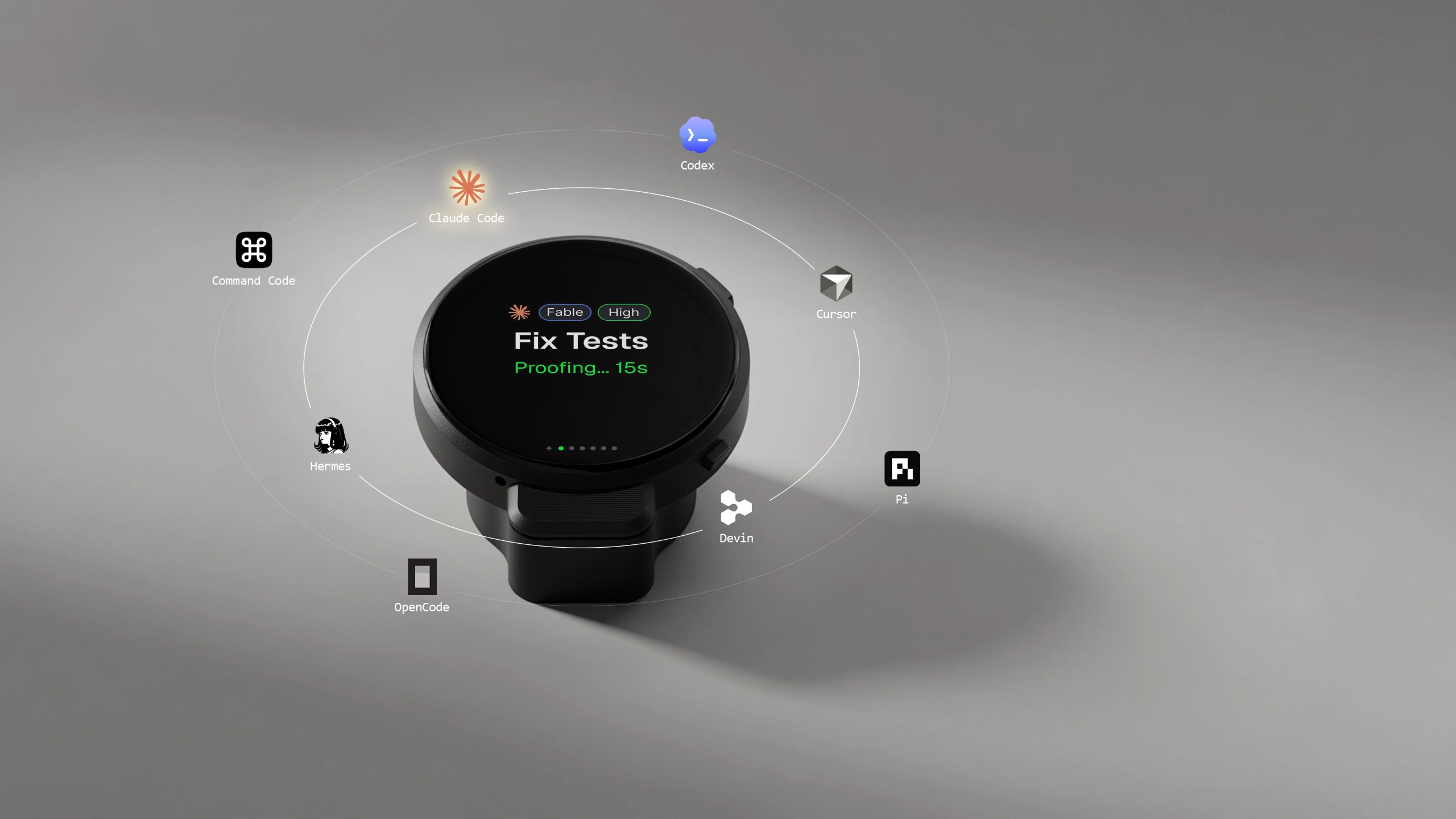
Keep in mind: Harness is an input and glance surface, not a place to read full output or step into a session mid-run. When an agent needs a real decision, you still go to a screen.
How do you know when a Claude Code task finishes?
Add a completion signal so you are not checking manually. Claude Code supports hooks that can fire a sound or a desktop alert when a task ends, and small wrappers like Agentbell or ccnudge package this for you. A Stop hook playing a sound is the free version and worth setting up today.
The point is the same whichever route you take: a long task that finished eight minutes ago and you did not notice is wasted time. Harness does this in hardware with one quiet tone when work returns, but the free hook solves the same problem if a device is not on the table.
What does it cost to run several agents at once?
Cost scales with parallelism, so four agents working at once is roughly four times the spend of one, because each session burns its own tokens. Run /cost inside a session to see its usage, and watch the daily total across all of them, because the surprise is never one session, it is the sum.
Watching spend while you work rather than at invoice time is the difference between a predictable bill and a shock. Seeing the running daily total across every session, to the cent, is one of the three things Harness keeps on its display, but a manual /cost habit is the zero-cost version of the same discipline.
Side by side
tmux grid | Session app | Harness | |
Cost | Free | ~$10/mo | $149 once |
Lives in | A terminal window | An on-screen window | Off screen, on your desk |
Babysit? | You scan panes | Less, still on-screen | Glance, not hunt |
When to use which
Start with the free path and add only what your workload forces.
Just starting parallel work? Use git worktrees plus a tmux grid. It is free, and it teaches you the workflow before you spend anything.
Running agents all day and losing track? Add a session manager or an off-screen surface, so status is something you glance at rather than hunt for.
Getting surprised by the bill? Put the daily spend somewhere you will actually look, and set a per-session budget habit with /cost.
One agent, one project? You do not need any of this yet. Parallel tooling only pays off past what you can watch in a single window.
Caveats
git worktrees add disk and mental overhead, since more branches means more to merge and clean up. Session managers and devices show status but do not do the coding for you; the terminal is still where the work happens. And no tool removes the need to review what parallel agents produced, so more agents means more diffs to check, not fewer.
Frequently asked questions
Can Claude Code run multiple sessions at the same time?
Yes. There is no hard limit, so you can run several sessions concurrently, bounded mainly by your plan's quota and your machine. To stop agents editing the same files, isolate each in its own git worktree so every session has a clean branch and a clean copy of the repository.
What is the best way to run Claude Code in parallel?
Use one git worktree per task, one Claude Code session per worktree, each in its own terminal or tmux pane. This gives true parallelism with no file collisions, and you merge each branch back when its task is done. Claude Code's background sessions automate the same worktree isolation.
How do I get notified when Claude Code finishes a task?
Use a Claude Code Stop hook to play a sound or fire a desktop notification, or a wrapper like Agentbell. Hardware such as Harness signals completion with a single tone. The goal either way is to stop manually checking whether a long-running task has finished.
How much does it cost to run multiple Claude Code agents?
Cost is roughly linear with session count, so four parallel agents cost about four times one. Run /cost per session to check usage, and watch the combined daily total. Parallel work is where token spend surprises people, so track the sum across sessions, not just one.
How many Claude Code sessions can you run at once?
There is no fixed cap, but quota and your own review capacity set the practical ceiling well before anything technical does. Most people find they can dispatch far more than they can meaningfully review, so the binding limit is how much finished work you can actually check.
Do you need a paid tool to run parallel sessions?
No. git worktrees for isolation plus a tmux grid for a tiled view is free and reliable. Paid tools, whether an app around ten dollars a month or a one-time device, buy a better way to track status and cost, which is worth it once you run more agents than you can watch.
The short version
Learning to run multiple Claude Code agents is a solved problem at the launch step: one worktree per task, one session each, merge when done. The real work is staying on top of them, and that splits into three separate problems, what is running, what it costs, and what came back.
Fix the one you actually have. If it is all on one machine and you are usually sitting at it, the free tools cover you. If cost or off-screen awareness is what keeps slipping, that is where a dedicated surface starts to earn its place. Start free, and add only what your workload forces.
References
- Anthropic. Manage multiple agents with agent view. Claude Code documentation. https://code.claude.com/docs/en/agent-view
- Anthropic. Run agents in parallel. Claude Code documentation. https://code.claude.com/docs/en/agents
- Anthropic. Worktrees. Claude Code documentation. https://code.claude.com/docs/en/worktrees