
Get yourself a personal AI device.
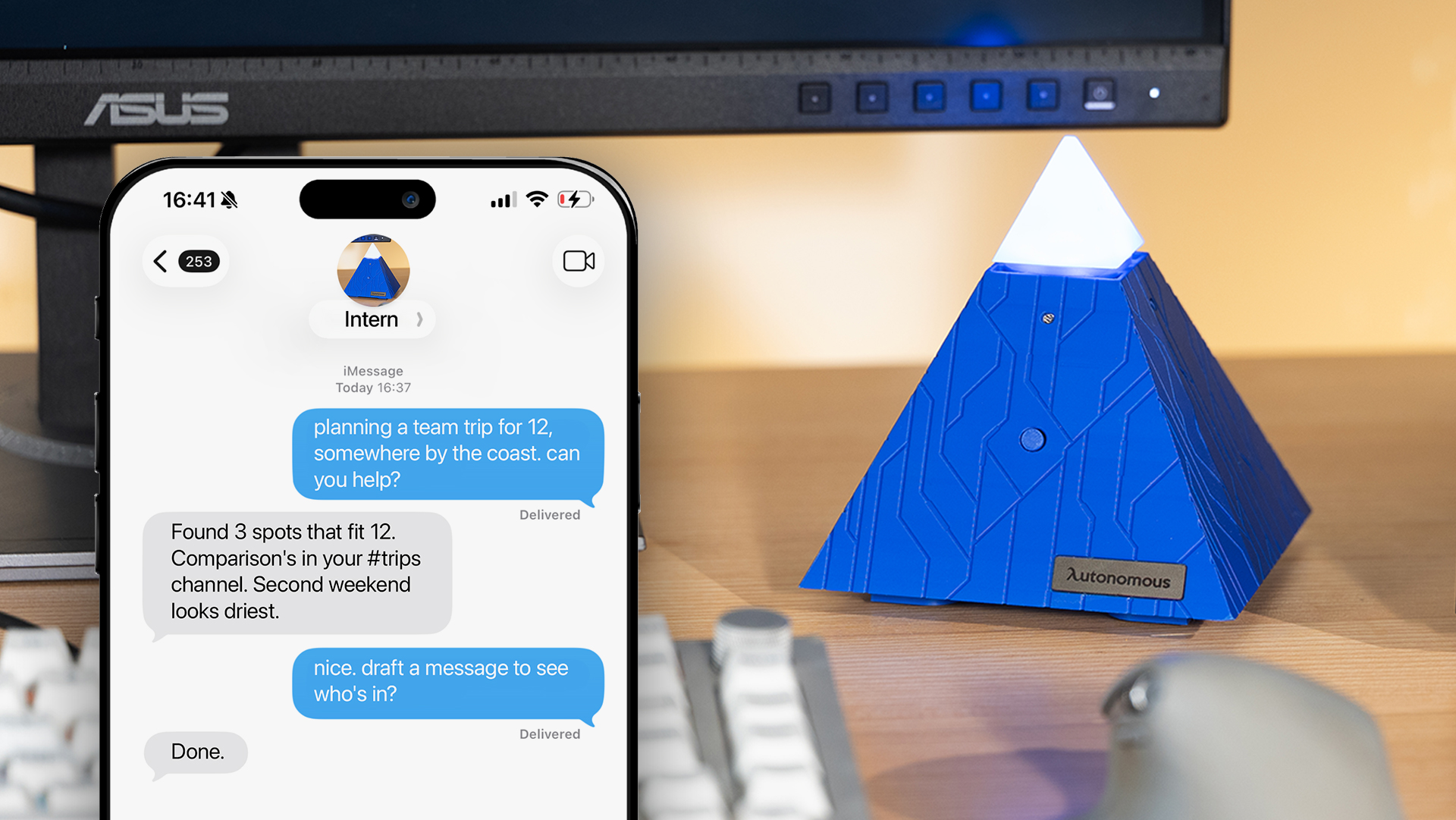
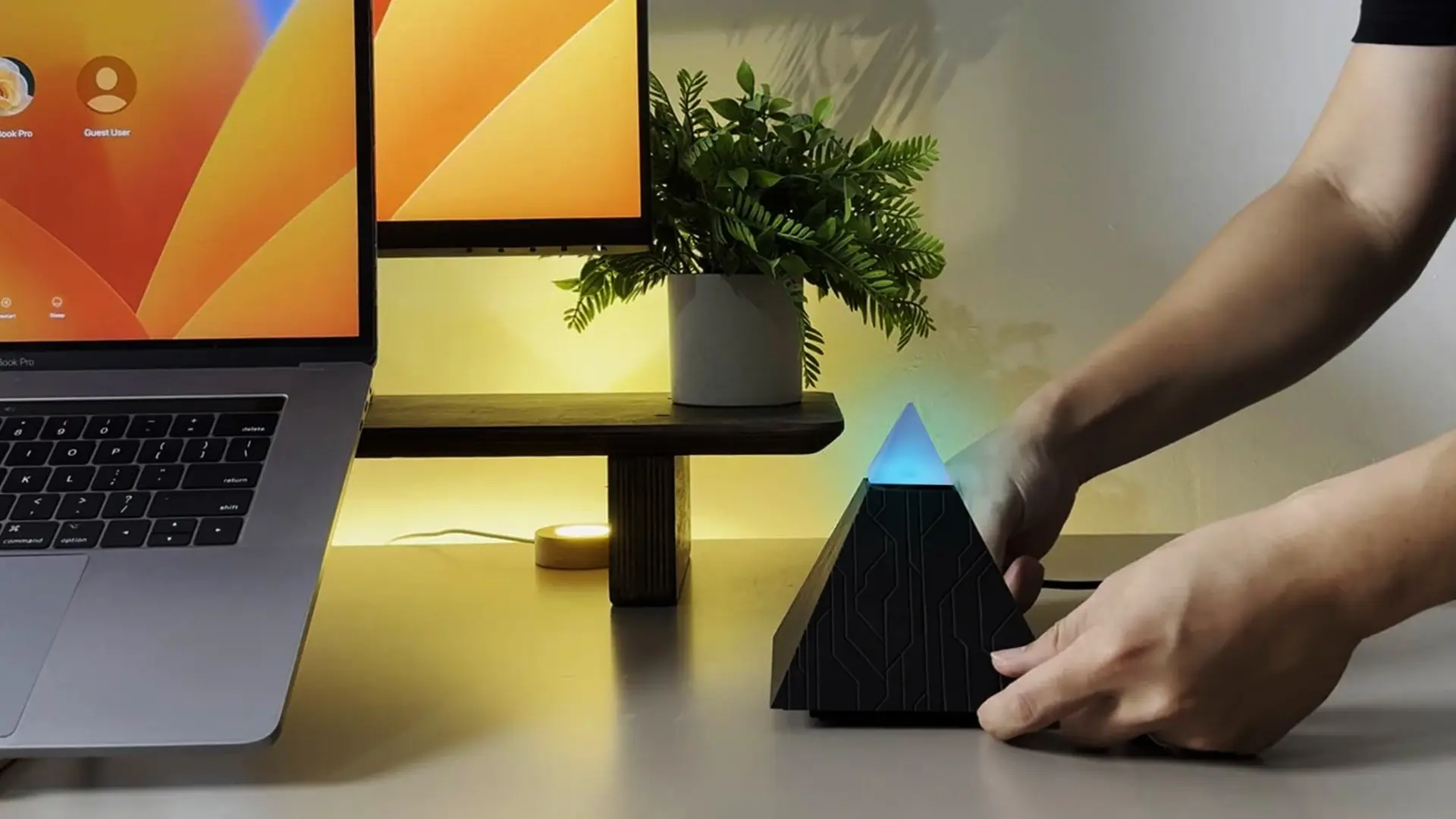
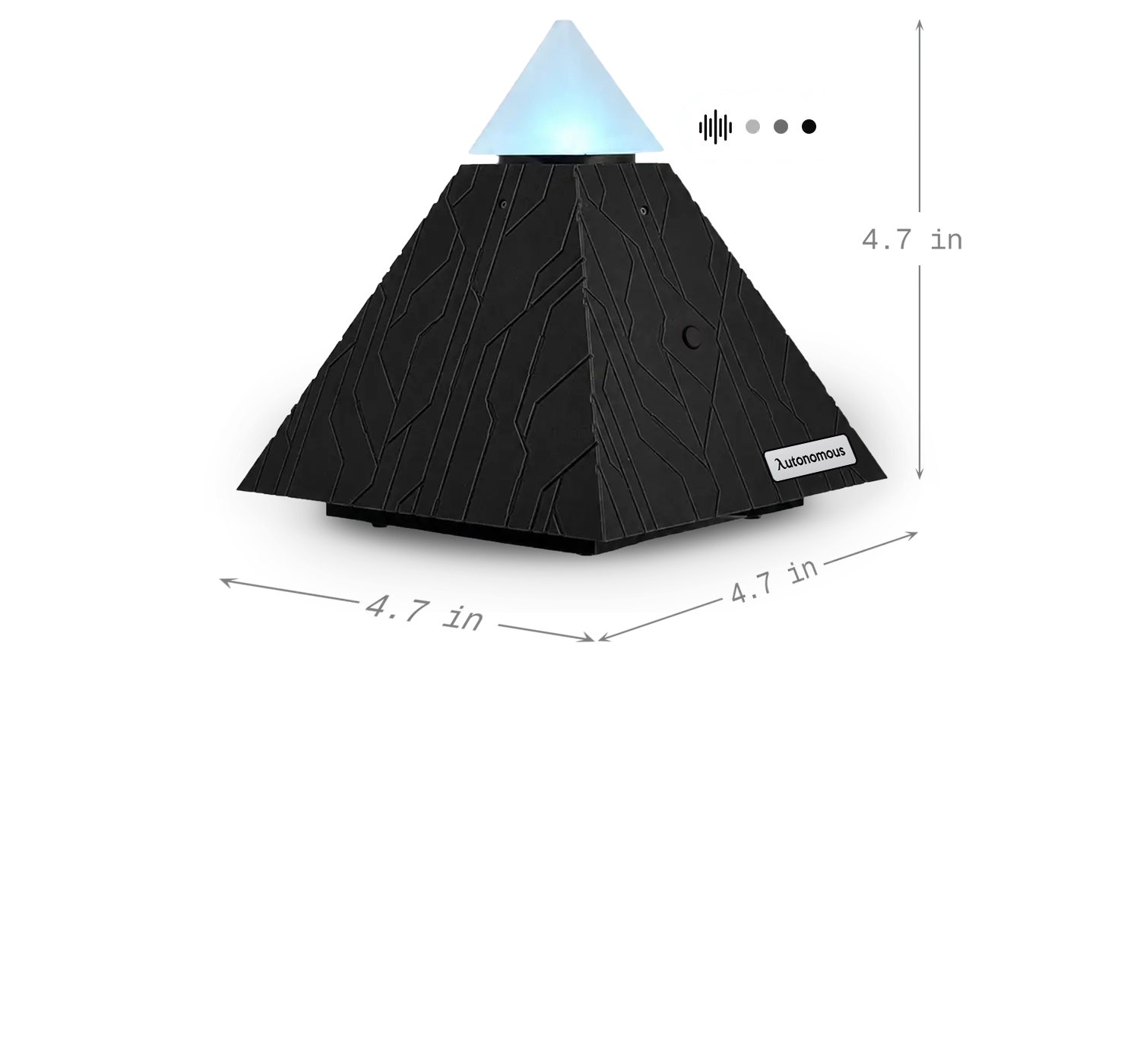
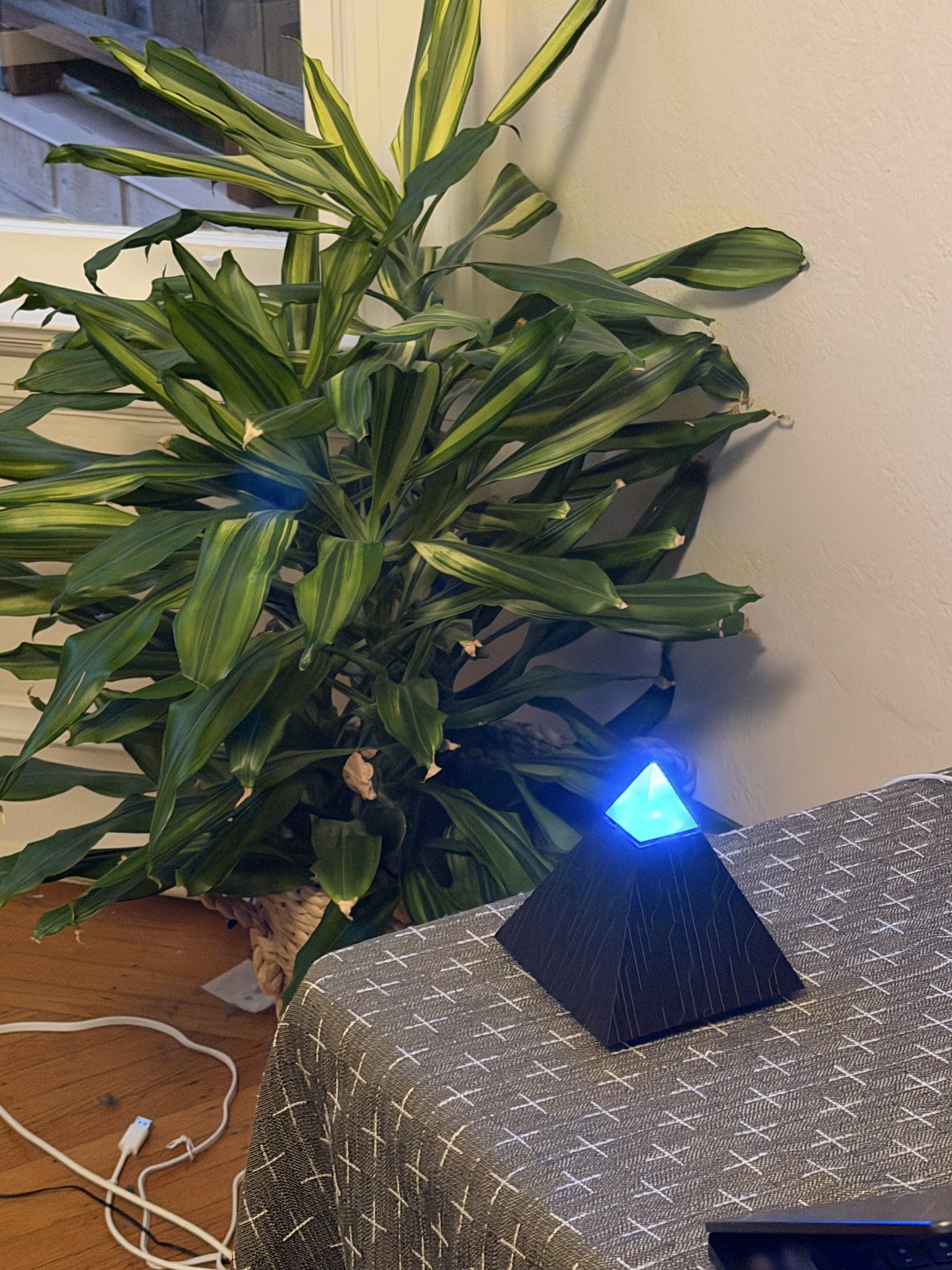
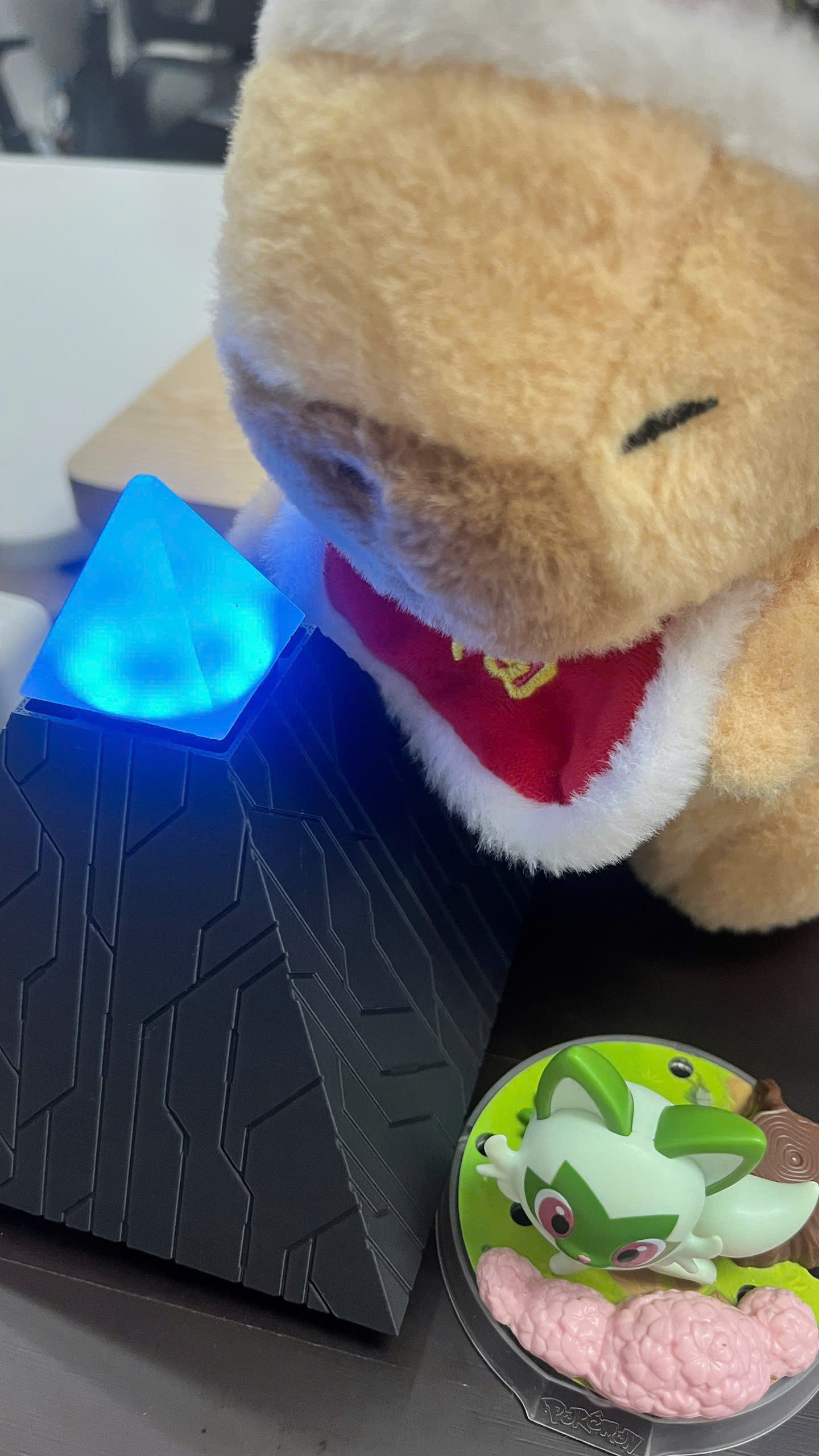
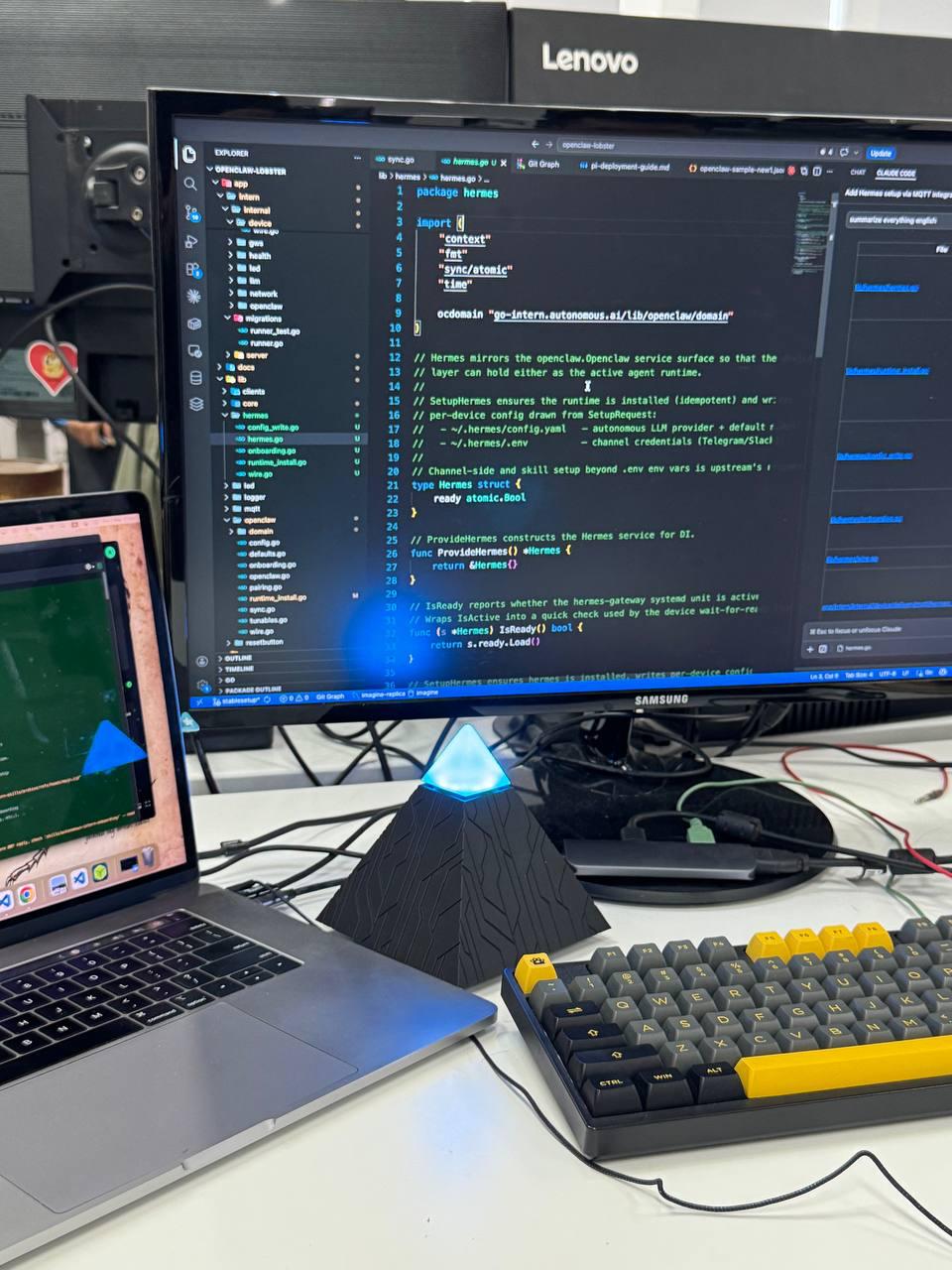
Autonomous Intern (AI) is a beautiful device that sits on your desk. Just text your AI what you need. The rest is handled.
Text your intern anytime on
$299
$299
30-day free returns
Text your intern anytime on
The world’s first personal AI device, powered by OpenClaw.
OpenClaw is great, but setup is rough.
With Intern - we simplify that process.
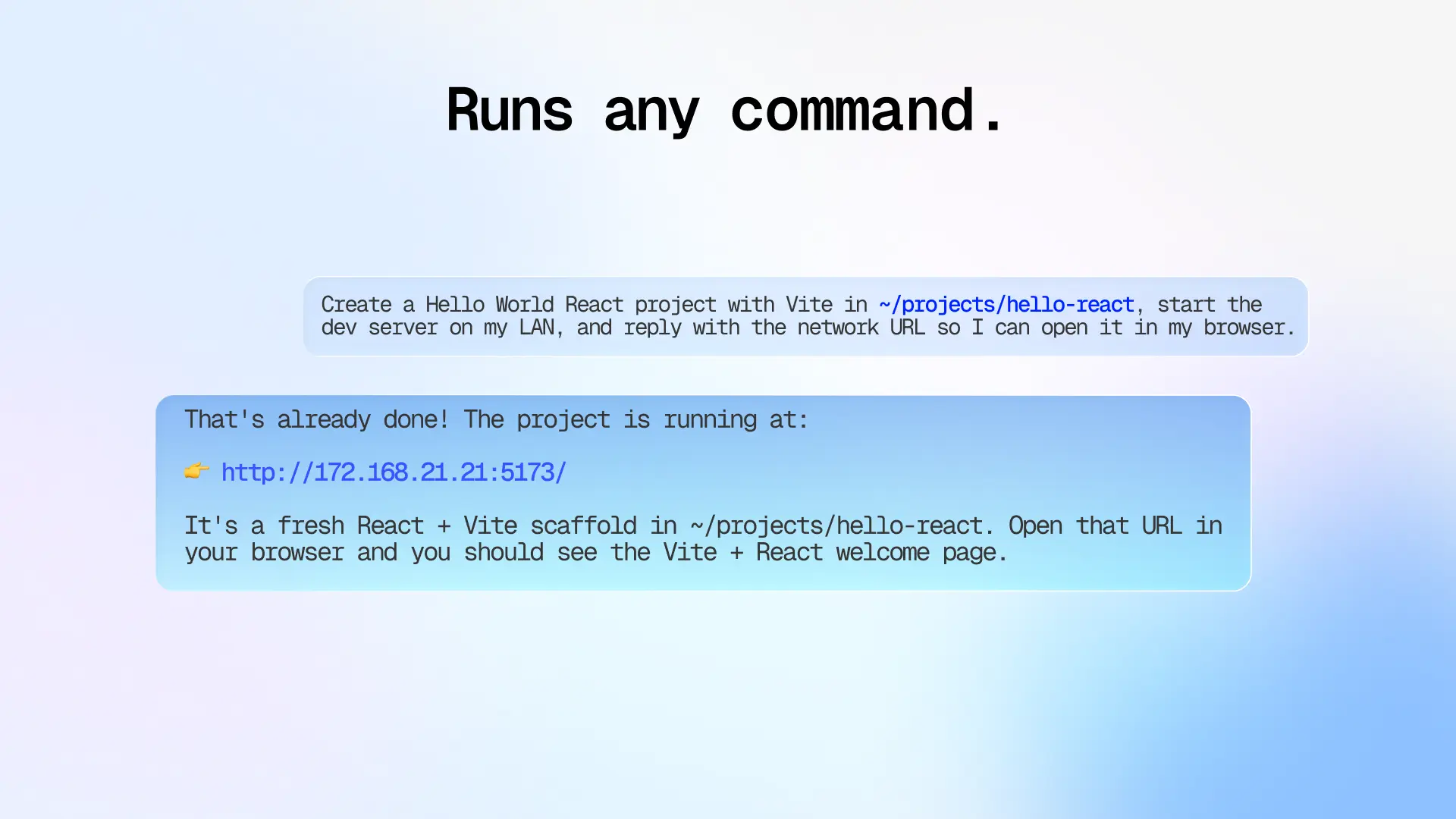
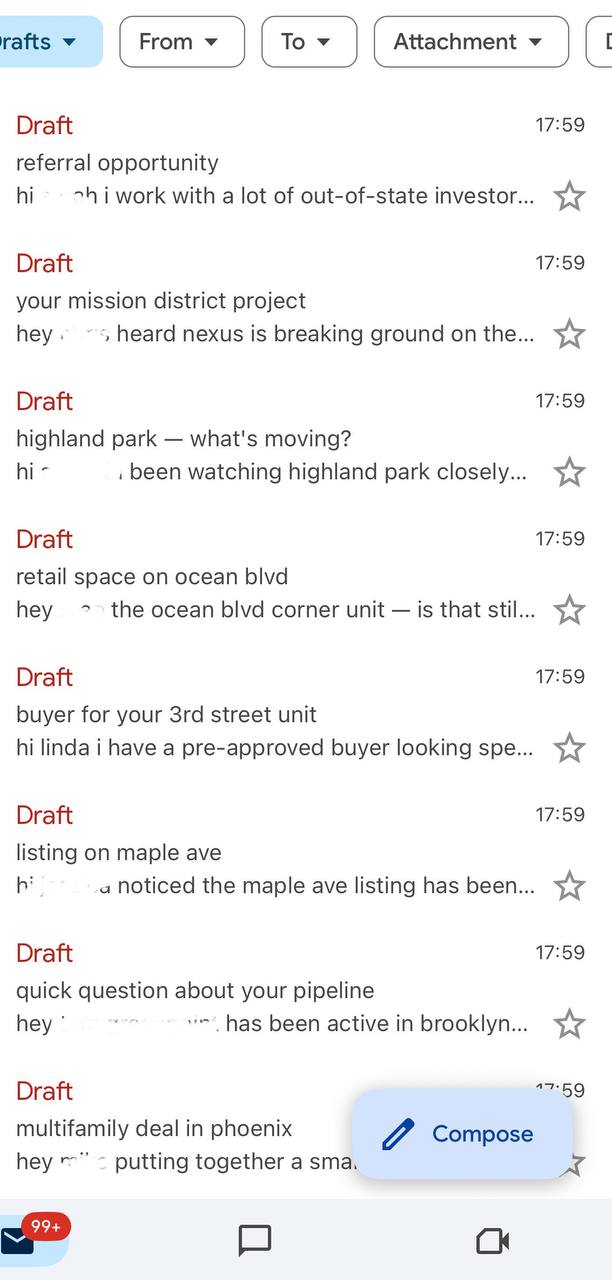
Plug it in. Text it a task. Done
Add Intern to any group chat
Instantly listens, contributes, and follows up.
Talk to your Intern
Hands-free experience, no switching tabs, just get it done.
What can Autonomous Intern do for you?

Every AI needs a place to work. This is theirs.
Your data stays yours
No data shared, no third-party access. Just you and your intern.
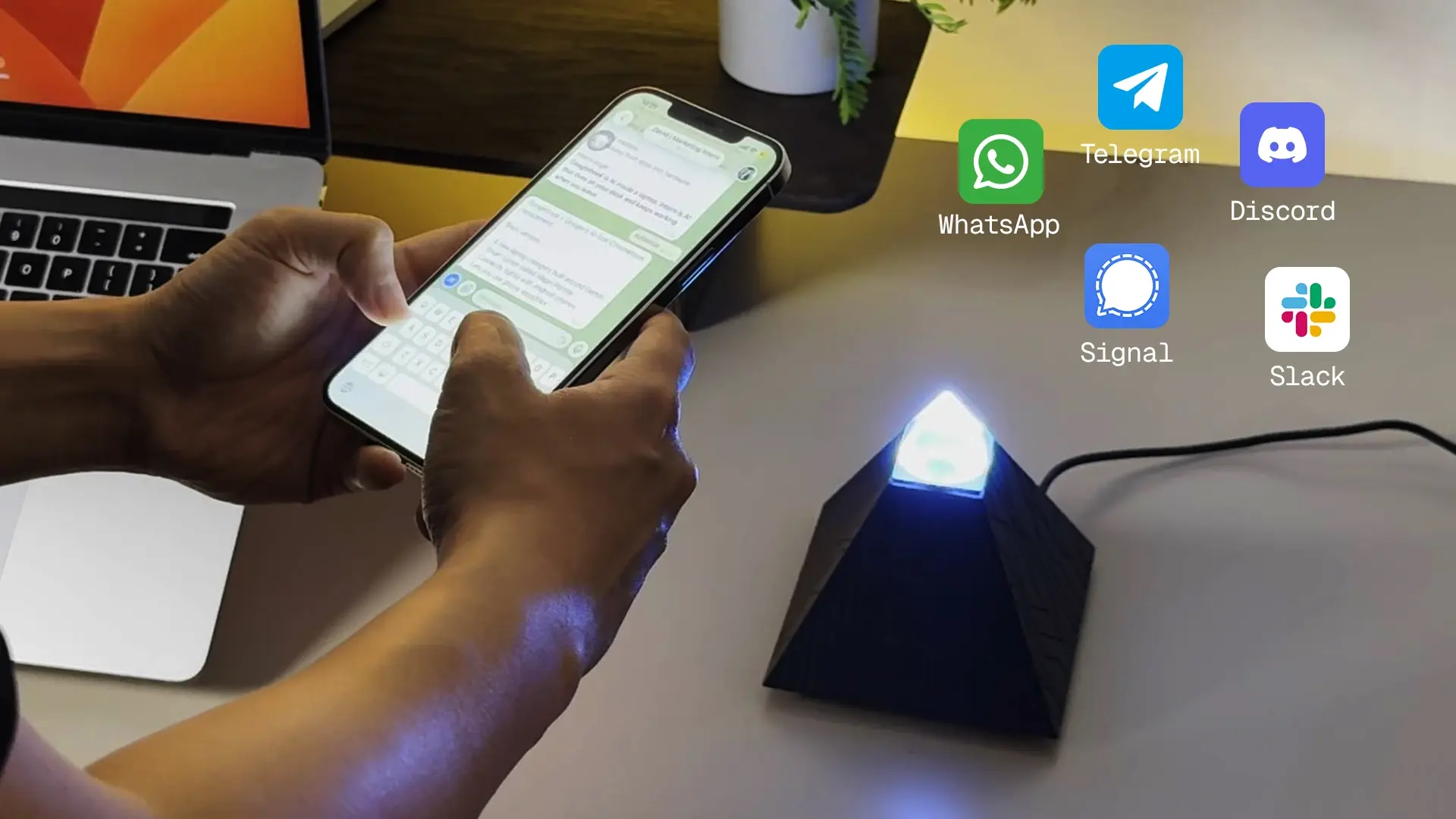
Lives where you chat
WhatsApp, Telegram, Discord, Slack, Signal, iMessage.
Learns new skills
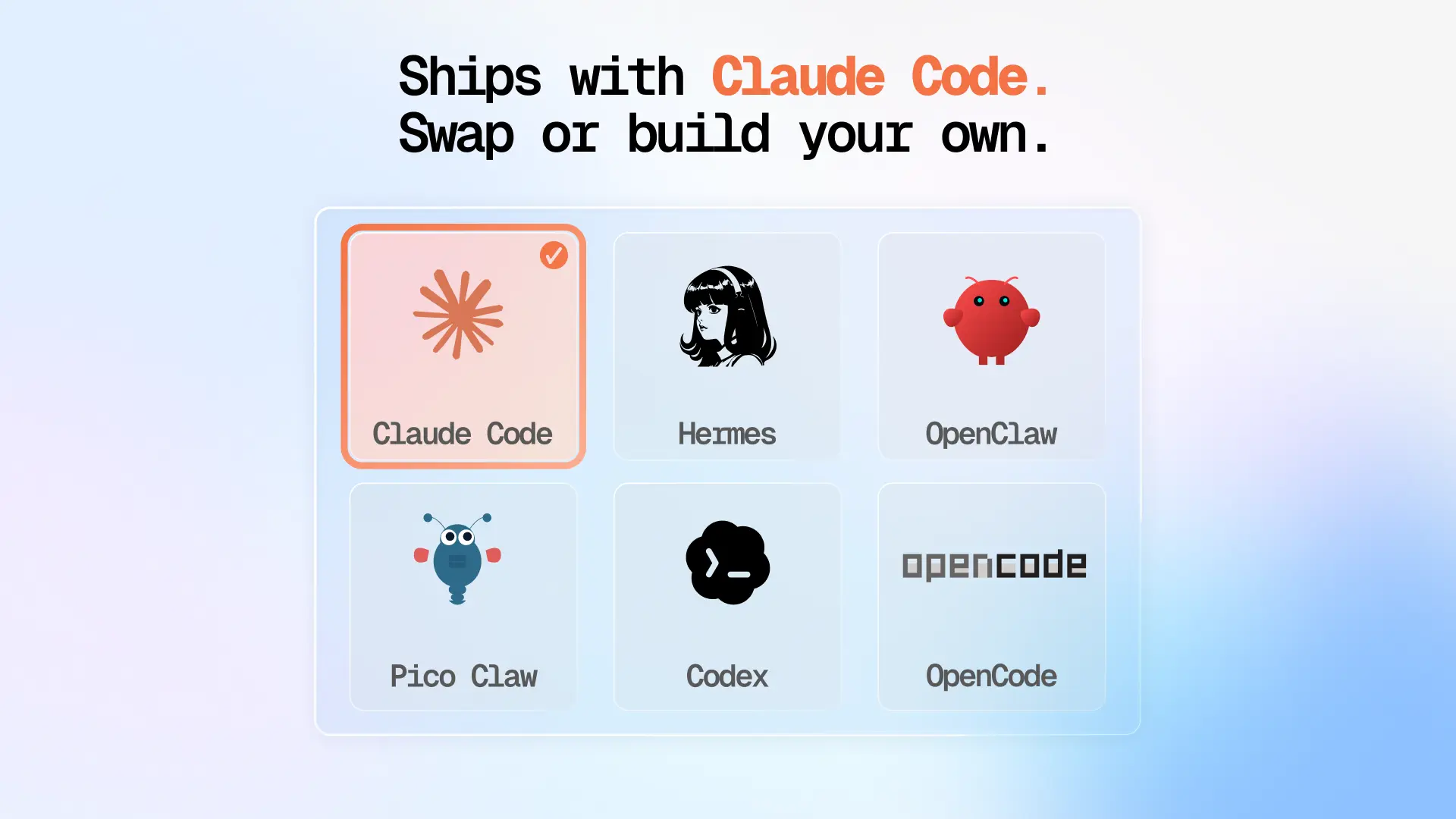
Add community skills, build your own, or let it write its own plugins.
Persistent memory
Remembers you and becomes uniquely yours. Day 1 is good. Day 2 is damn good.

Your convos never leave your desk
ChatGPT keeps your data on their servers. Your Intern keeps it on your desk.
Tech specs.

Ready to meet your intern?
$299
FAQs
What is OpenClaw - who own its?
OpenClaw is the AI engine that powers Intern. It was built by an open developer community — no single company owns it. It runs entirely on your Autonomous Intern device, not on any external server. It only accesses what you explicitly grant it. Nothing runs in the background without your permission.
Why not just use ChatGPT, Claude, or Gemini?
3 things: First, ChatGPT answers — Intern acts, you don't have to do the manual work. Second, ChatGPT uses your data to train their model on their servers — Intern doesn't. Third, they forget everything when you close the tab — Intern retains context across sessions/platforms.
Does Intern need to be installed on my work laptop?
No. Intern is a standalone device that connects via Wi-Fi. Nothing is installed on your computer — no browser extensions, no IT approval required. Compatible with SSO environments, managed devices, and corporate firewalls.
Can I use voice instead of typing?
Yes. Voice input is supported across all compatible chat platforms.
What if it doesn't work for me?
Try it for 30 days. If it doesn't earn its spot on your desk, send it back for a full refund. No question.
What AI engine powers Intern, and does it require API or cloud access?
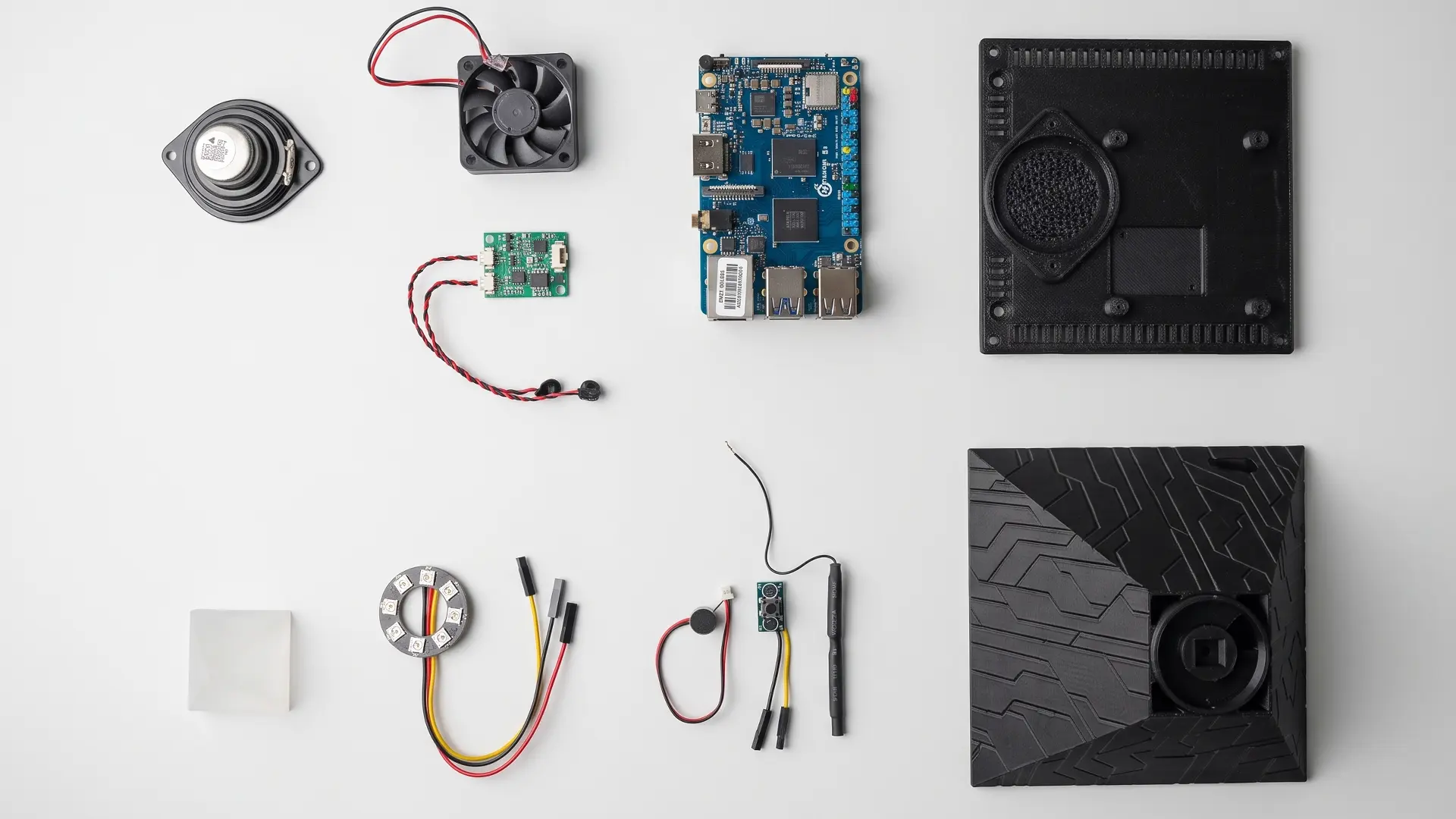
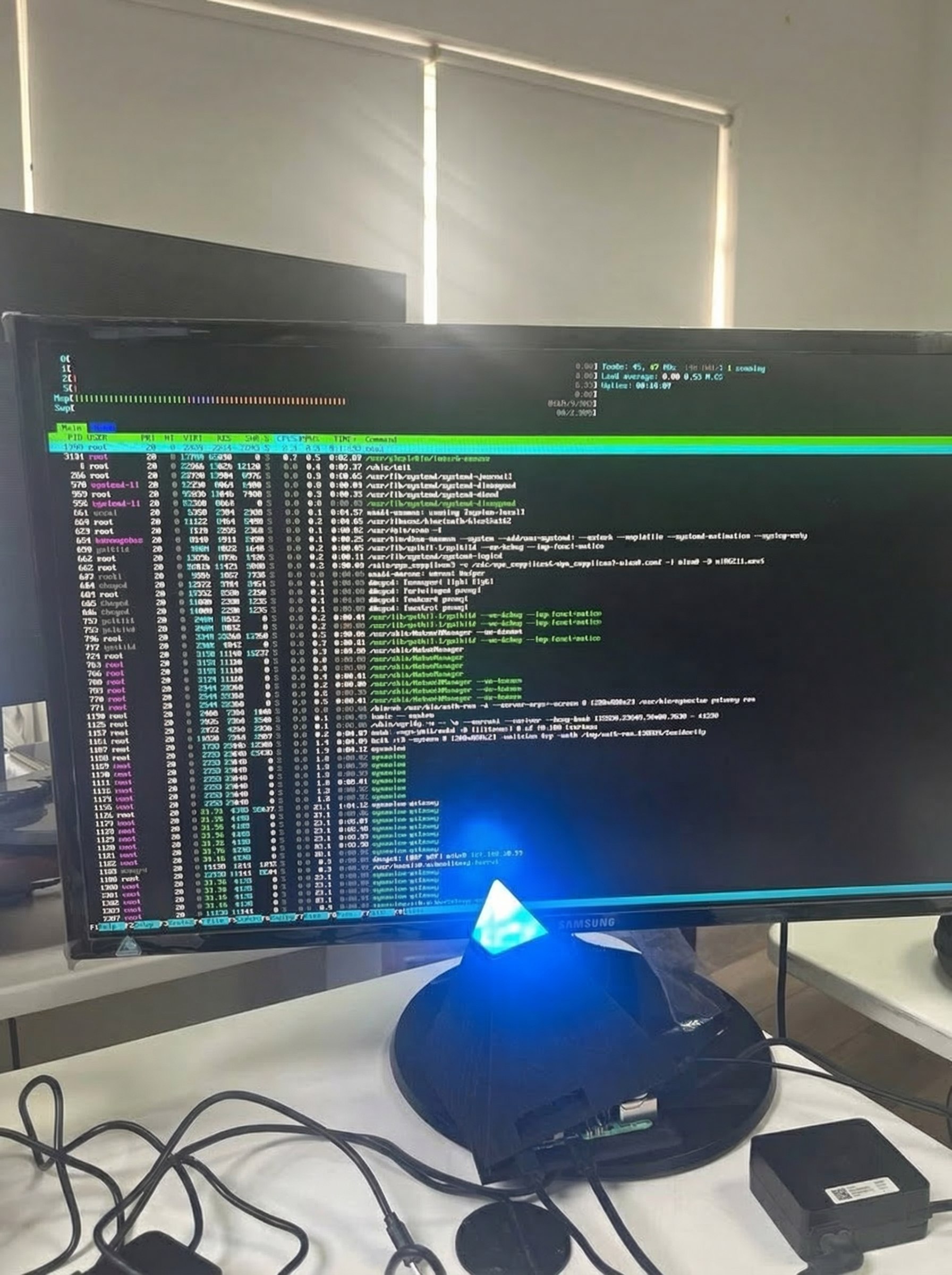
Intern comes with the most capable AI models available — pre-installed. The entire system runs locally on the device (quad-core processor, 8GB RAM, 64GB storage). No external API keys. No cloud dependency. It works out of the box. We're basically giving AI its own computer.
And you know what happens when you first got your own computer vs a public one — it's more efficient, it's private, it doesn't forget, it truly belongs to you
How does voice input work on Intern?
Voice input works through your connected chat platforms — Slack, iMessage, Teams, whatever you already use. Send a voice note, Intern handles the rest.
We built it this way on purpose. No always-on microphone means no ambient listening, no accidental recordings, no "is this thing on?" moments. Your privacy isn't a setting you toggle — it's baked into the hardware. You talk to Intern the same way you talk to your team: through the tools you already trust.