


Hermes Agent Setup: How to Install It So It Actually Works

Hermes Agent setup takes about five minutes - a one-line installer and a wizard get you chatting. The catch nobody warns you about is that a default install often runs but does nothing useful: it answers like a plain chatbot, never builds a skill, and forgets the last session. That's not a bug. It's two config settings most tutorials skip, plus one model requirement that quietly breaks small setups.
This guide covers the real install commands, the settings that make Hermes actually learn, how to connect a channel, and the errors that trip up most first installs.
Disclosure: we build the Intern, a device that ships Hermes pre-configured - so we've done this setup enough times to know where it goes wrong.
Before you install
Hermes handles most of its own dependencies, so the prerequisite list is short. The installer sets up Python 3.11 (via uv), Node, and the rest automatically - you don't install them by hand. What you do need to line up:
- A model with at least 64K context. This is the requirement that silently breaks setups. Hermes rejects models with smaller context windows at startup, because it needs room for its tools, memory, and system prompt. Aim for 128K+.
- An always-on machine, if you want it running unattended. The gateway that connects your chat apps is a persistent process. A laptop that sleeps is fine for testing; a small always-on machine is what you want for real use.
- A model provider. A cloud API (Anthropic, OpenAI), an OpenRouter key, Nous Portal, or a local model - you pick during setup and can switch later.
How to install Hermes Agent
On Linux, macOS, or WSL2, one command pulls and configures everything. Native Windows has its own installer, and any Linux VPS with 2GB of RAM runs it over SSH. Verify the current command against Nous's docs before running - this moves fast.
# 1. Install (auto-installs Python, Node, and dependencies)
curl -fsSL https://hermes-agent.nousresearch.com/install.sh | bash
# 2. Run the setup wizard
hermes setup
# 3. Start Hermes
hermes
For the fastest path, run hermes setup --portal instead: it logs you in through Nous Portal with a free OAuth (no API keys to paste) and turns on the model plus the built-in tools - web search, image generation, text-to-speech, and a cloud browser - in one step. If you'd rather avoid the terminal entirely, Nous also ships Hermes Desktop, a graphical app. Either way, Nous's own installation guide is the exhaustive reference for platform quirks, headless flags, and service-account layouts - no reason to reproduce a manual the maintainers keep current.
The two settings that make Hermes actually work
This is the part that separates "it runs" from "it improves," and it's why some people try Hermes and conclude it's overhyped. A default configuration can behave like any single-session agent. To get the self-improving behavior Hermes is known for, two things need to be on in your config (in ~/.hermes/): persistent memory and skill generation.
- Persistent memory is what lets Hermes recall past sessions instead of starting fresh each time. With it off, close the terminal and the context is gone.
- Skill generation is what lets Hermes distill a completed task into a reusable skill it applies next time. With it off, it never builds the "muscle memory" that's the whole point.
To confirm they're working: run a multi-step task (something that takes five or more tool calls), then check your skills directory for a new skill file. Start a fresh session and ask what you discussed last time - if memory is on, it recalls it. If neither happens, these settings are off, and no amount of using Hermes will make it improve. On a pre-configured device, both are already enabled, which is the single most common setup mistake removed for you.
Connecting a chat channel
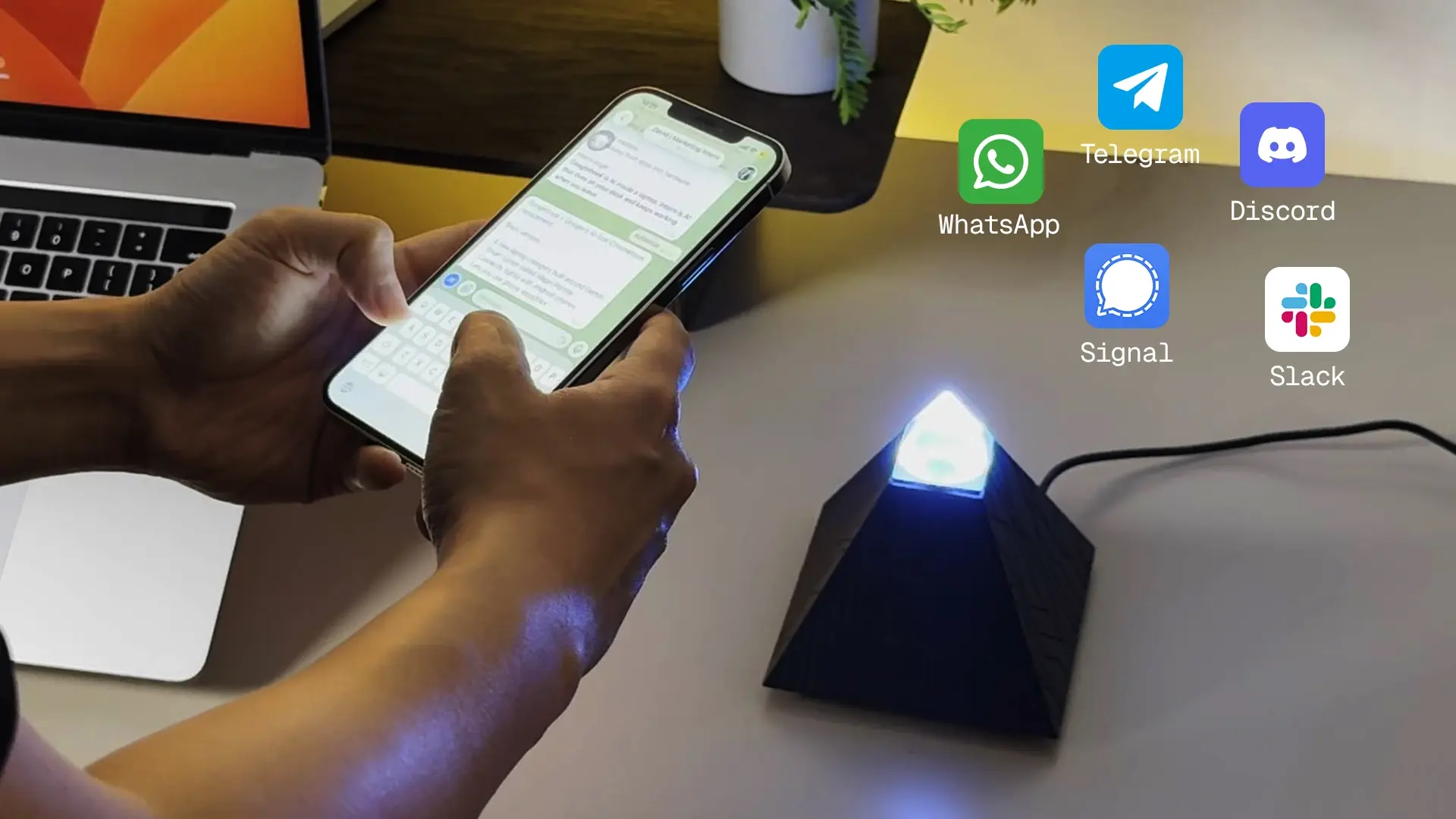
Hermes reaches you through a messaging gateway - Telegram, Discord, Slack, WhatsApp, Signal, and more, all from one process. Start with one channel: run the gateway setup, create a bot token on that platform, and add it. Telegram is the simplest (a BotFather token). Discord has one extra step that catches almost everyone: in the Discord Developer Portal, open your app's Bot tab and enable the Message Content Intent, or the bot connects, shows online, and never responds - the "Discord ghosting" problem.
Where Hermes setup breaks
These are the failures that show up after the install "succeeds" - the ones worth knowing before you hit them.
- hermes: command not found. The installer adds the launcher to ~/.local/bin, but your open shell doesn't know it yet. Restart the terminal or run source ~/.bashrc (or ~/.zshrc). For a service account, add that path or symlink the launcher.
- The agent won't start with your model. Almost always the 64K-context requirement - your model's window is too small. Switch to a 128K+ model.
- Discord ghosting. The Message Content Intent isn't enabled (see above).
- A legitimate command gets blocked. Hermes ships a security module (Tirith) that hard-blocks dangerous patterns like piping a download straight into a shell, to defend against prompt-injection attacks. If it blocks something you trust, adjust its rules in config rather than disabling it.
- Surprising token bills. Hermes uses roughly 6–8K input tokens per terminal turn and more per chat message, so a chatty always-on agent on a premium model adds up. Match the model to the task and lean on its context-compression settings.
Running Hermes always-on (or skipping setup)
For unattended use, install the gateway as a service so it restarts on boot - hermes gateway install sets up a systemd user service on Linux or a launchd agent on macOS, with a system-wide option for a shared server. A $5 VPS handles this well if you're comfortable managing it. hermes doctor verifies the whole setup is healthy.
If none of that appeals, a pre-configured device removes it. The Autonomous Intern ships with Hermes as its default edition, already installed with persistent memory and skill generation switched on - so the most common "it does nothing" mistake is handled, and you connect Wi-Fi and start talking to it by text or voice. The honest limit, so you can judge fit: it runs on a 6GB board, so Hermes runs cloud-orchestration-first there (a cloud model does the heavy reasoning while the device runs the loop, memory, and skills), not large local models. If local 30B inference is your goal, that's a GPU's job.
Migrating from OpenClaw
If you're coming from OpenClaw, you don't start over. The setup wizard detects an existing ~/.openclaw install and offers to migrate your settings, skills, memories, and API keys before it configures anything. That makes trying Hermes low-cost - carry your setup across and compare them on your own work. Our Hermes Agent vs OpenClaw comparison covers when the switch is worth it, and the OpenClaw setup guide covers the other side.
FAQs
Why does Hermes Agent seem to do nothing after install?
Almost always because persistent memory and skill generation aren't enabled in the config. A default install can behave like a single-session chatbot; turning those two settings on is what activates the learning and memory Hermes is known for.
Does the Autonomous Intern come with Hermes already set up?
Yes. It ships with Hermes as the default edition, pre-installed with memory and skill generation enabled, so the most common setup mistake is handled. You connect Wi-Fi and start using it by text or voice.
How do you install Hermes Agent?
Run the one-line installer, then hermes setup (or hermes setup --portal for the fastest path), then hermes to start. The installer handles Python, Node, and other dependencies automatically. Verify commands against the current docs.
How long does Hermes Agent setup take?
The install is about 5 minutes and a basic model configuration another 5. Enabling memory, skills, and a messaging channel adds 10–15 minutes - call it under 30 minutes to a fully working agent.
What are the prerequisites for Hermes Agent?
Very little - the installer handles dependencies. What you supply is a model with at least 64K context (128K+ recommended), a provider (cloud API, OpenRouter, Nous Portal, or local), and an always-on machine if you want it running unattended.
Can you run Hermes Agent with a local model through Ollama?
Yes. Serve a model with Ollama, then point Hermes at the local endpoint during hermes model and raise the context window. The practical catch is hardware - capable local models need substantial memory, so many setups use a cloud model instead.
Can you install Hermes Agent on Windows?
Yes. There's a native Windows installer, and WSL2 also works using the Linux command. The core steps are the same.
Is Hermes Agent free to set up?
The software is free and open source. You pay only for model API usage if you connect a cloud model, plus whatever hardware you run it on. The Nous Portal path offers a free OAuth login to get started.
How do you update Hermes Agent?
Run the built-in updater, hermes update, which pulls the latest version and reinstalls dependencies. Read release notes first, since config formats can change between versions.
How do you uninstall Hermes Agent?
Remove the install directory (~/.hermes/hermes-agent/) and the launcher symlink in ~/.local/bin. Note this also deletes your sessions, memories, skills, and keys, so back up anything you want to keep first.
Conclusion
Hermes Agent setup is genuinely quick - the install is a solved problem. What decides whether you keep it is the ten minutes after: turning on persistent memory and skill generation, giving it a model with enough context, and connecting one channel cleanly. Do that and Hermes starts compounding the way it's meant to. Skip it and you'll wonder what the fuss was about - which is exactly the trap a pre-configured device is built to avoid.
References
- Hermes Agent Quickstart, Nous Research - hermes-agent.nousresearch.com/docs/getting-started/quickstart
- Hermes Agent Installation guide, Nous Research - hermes-agent.nousresearch.com/docs/getting-started/installation
- Hermes Agent repository - github.com/nousresearch/hermes-agent
- agentskills.io - open skill standard used by Hermes