


On-Premise AI Explained: Benefits, Cost, and Setup
.webp)
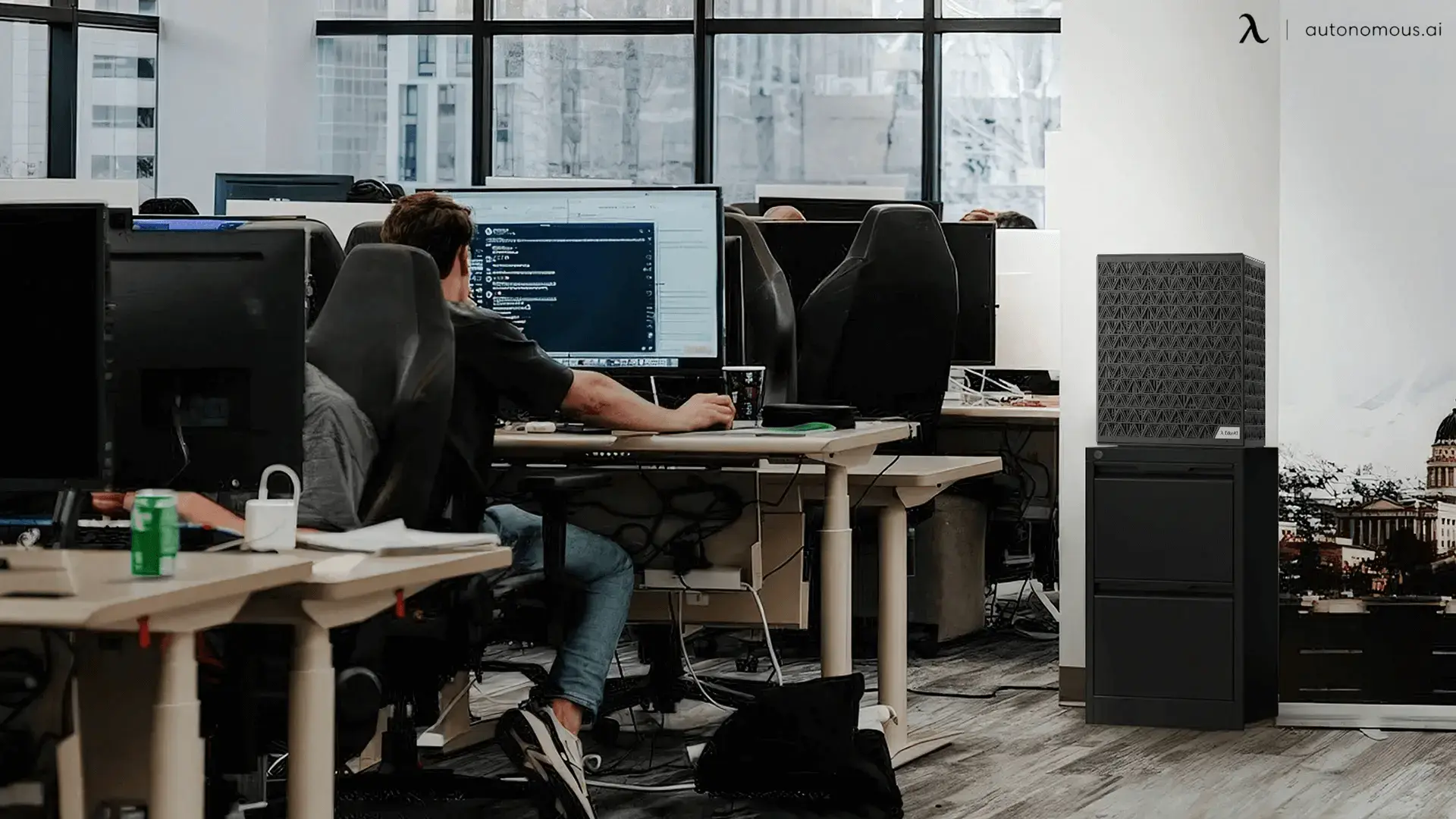
On-premise AI means running AI models on hardware you own, inside your own network, instead of calling a cloud provider's API. The models, the data, and the machine all sit in your building, so nothing leaves for an outside service and there is no per-request bill. That mix of privacy and fixed cost is why a growing number of teams bring AI in-house. This guide covers what on-premise AI is, why teams are adopting it in 2026, and how it works, then points to deeper guides on each part.
Why teams are moving to on-premise AI
Teams move to on-premise AI for three reasons, and in 2026 all three are getting stronger. Interest in on-premise AI has climbed sharply over the past two years, and the pattern behind that climb is consistent across the businesses making the switch.
Data control.
Prompts and documents never leave the building, which matters when the data is regulated, confidential, or your own intellectual property.
Predictable cost.
A cloud API bills per token, so heavy use scales the bill without limit. Owning the hardware turns that into a fixed cost, after which running the model is close to free.
Reliable access.
A model you host cannot be rate-limited, deprecated, or restricted by a provider's policy change. It keeps working regardless of what happens upstream.
The reason these matter more now is scale of use. When a team runs models occasionally, cloud is simple and cheap. When AI becomes part of daily work, the per-token bill and the flow of private data off-site both grow until owning the hardware is the more sensible position.
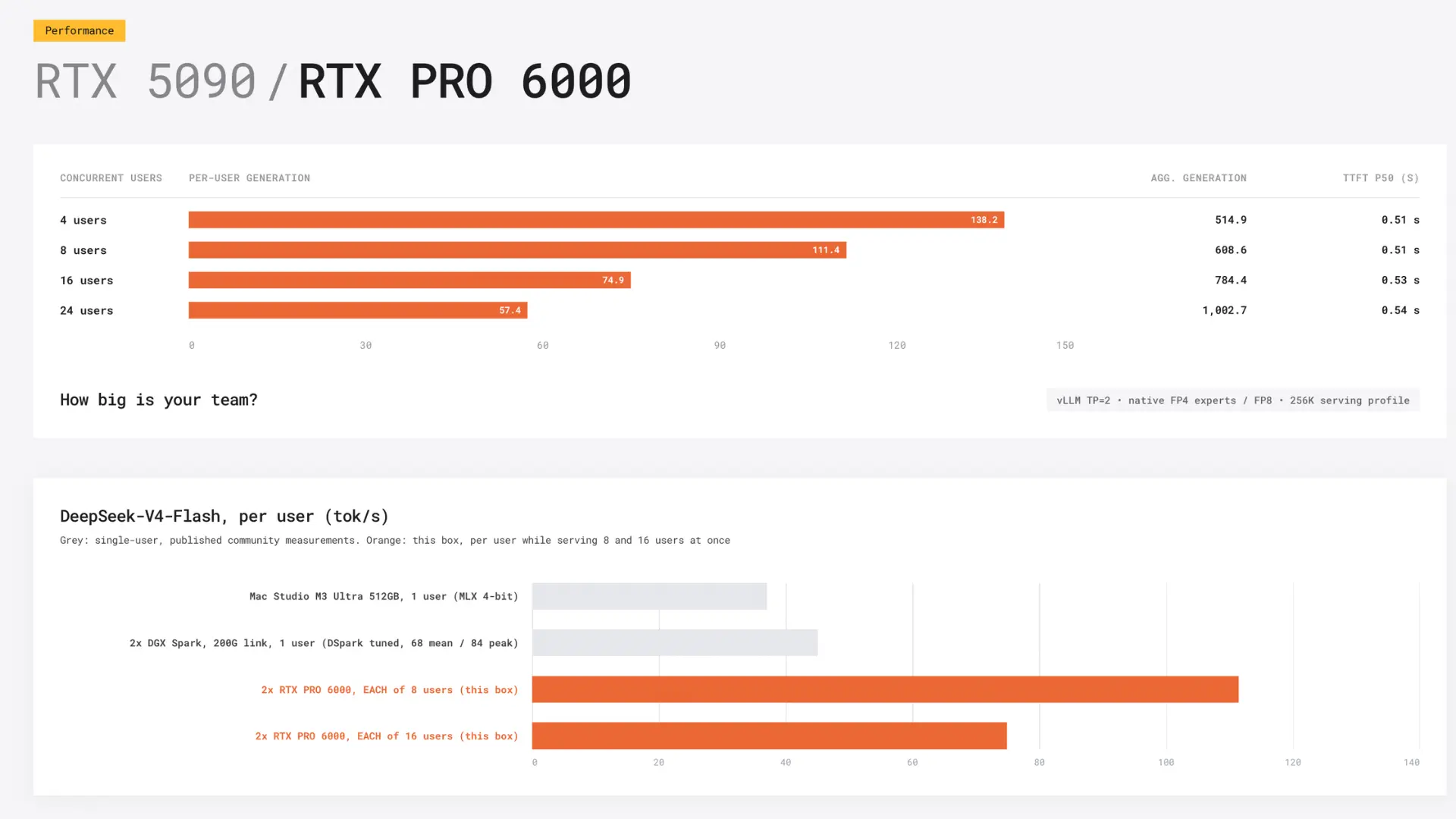
On-premise AI vs the cloud
The choice between on-premise AI and cloud AI comes down to utilisation, privacy, and control, not raw capability. At a glance:
On-premise AI | Cloud AI | |
Best for | Continuous use on private data | Bursty or experimental use |
Data | Stays on hardware you own | Sent to the provider |
Cost | Fixed, after the hardware | Ongoing, per token |
Models | Limited by your GPUs | The largest frontier models |
Cloud gives instant access to the very largest models with no hardware to buy. On-premise gives privacy, fixed cost, and independence. Most teams do not need to pick one forever:
a common pattern is on-premise for daily work and private data, with the cloud kept for the occasional job that needs a frontier model.
How on-premise AI works
On-premise AI works by running an open model on your own GPUs through an inference engine, the same way a cloud provider does it, just on hardware you control. There are three layers to it, and understanding them is enough to see what a project involves.
Layer | What it is | Common choices |
Model | The open-weight model you download and keep | Llama, Qwen, DeepSeek, Mistral |
Engine | The software that loads and runs the model | Ollama, vLLM, llama.cpp |
Hardware | The GPUs, power, and cooling that run it | One or more GPUs with enough combined VRAM |
The size of the model you want to run sets everything else. A model has to fit in GPU memory, so its size decides how much VRAM you need, which decides how many GPUs, which decides the machine.
Working out the model first and the hardware second is the order that keeps an on-premise project from stalling.
The hardware on-premise AI runs on
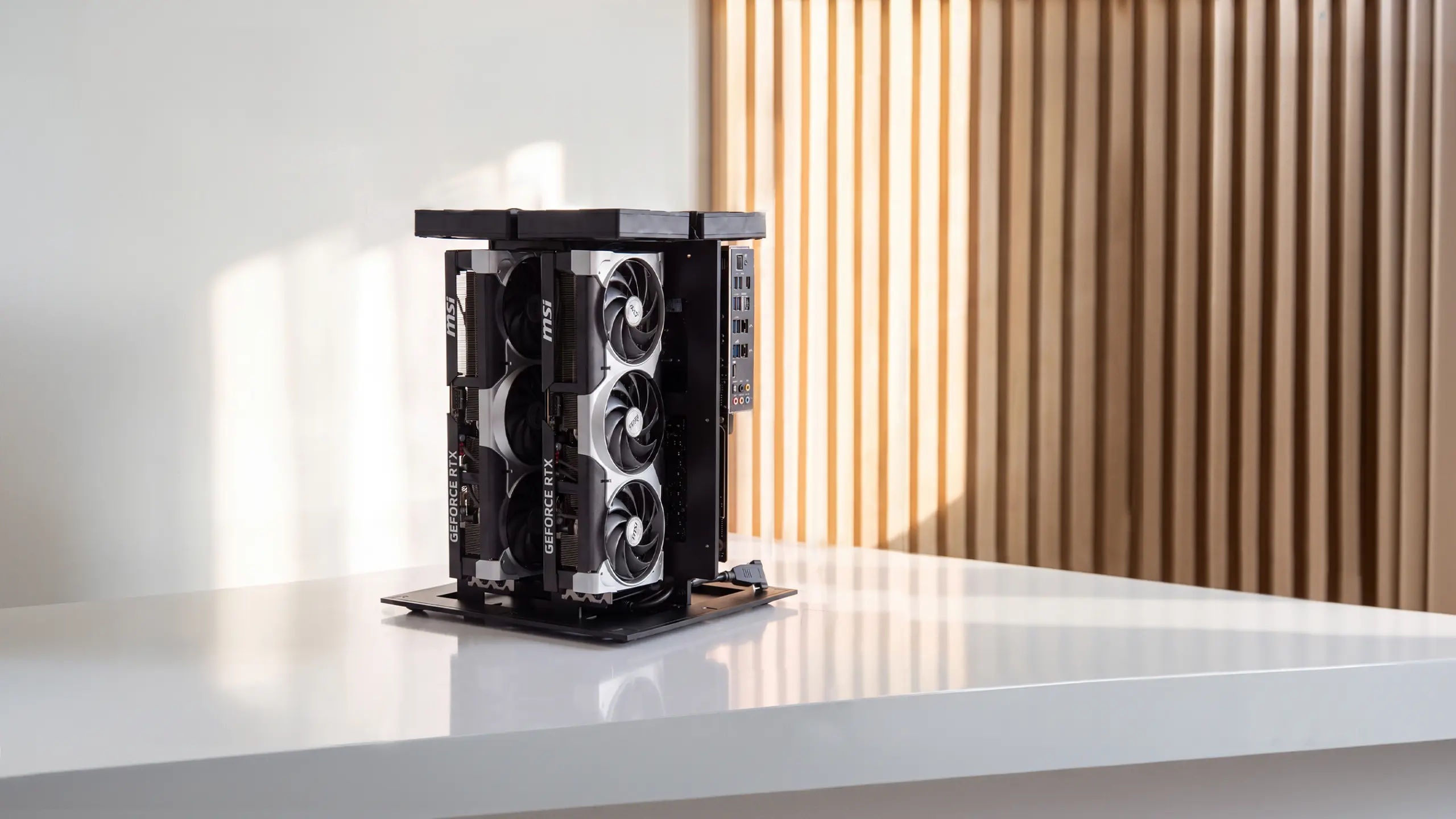
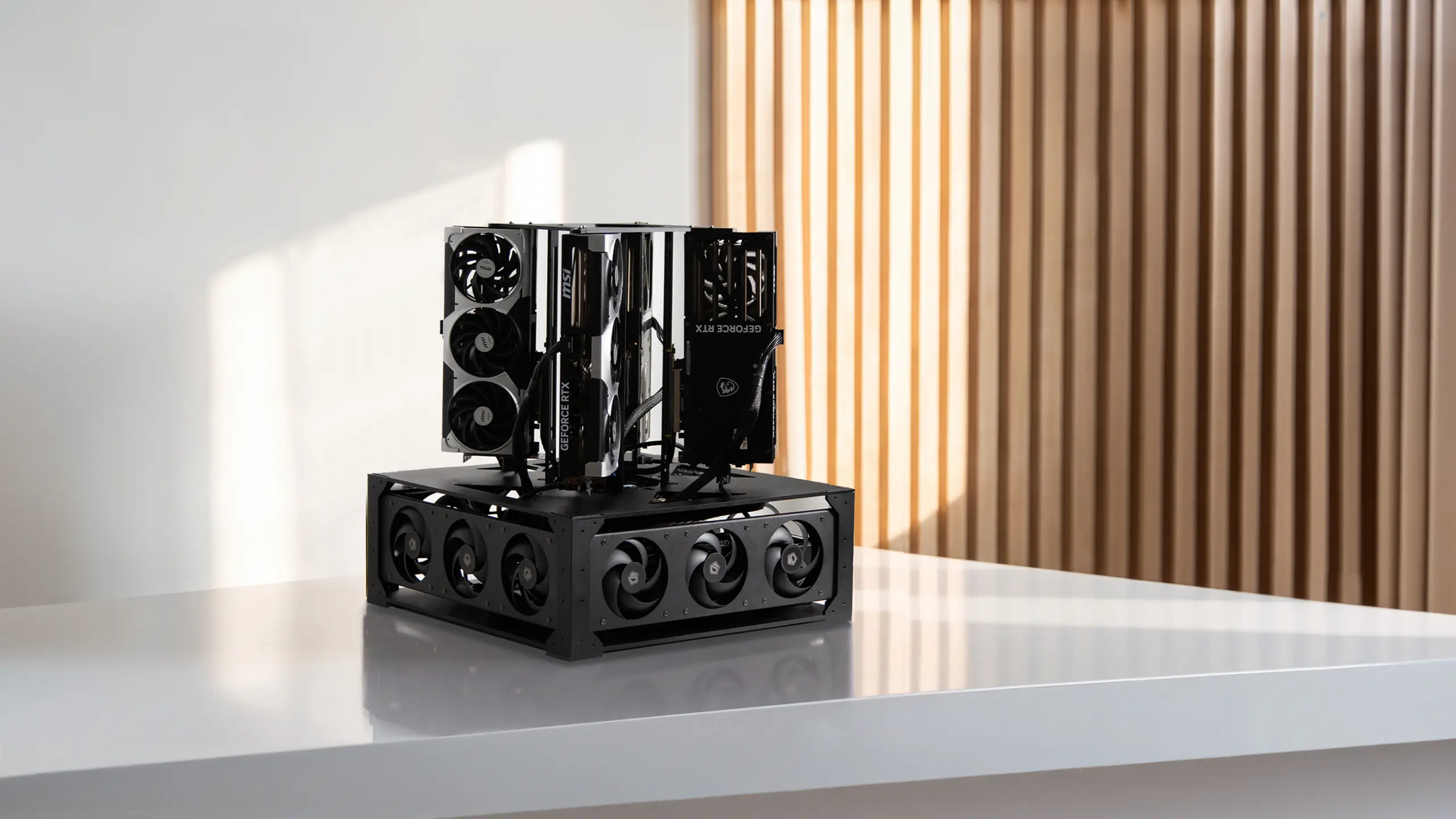
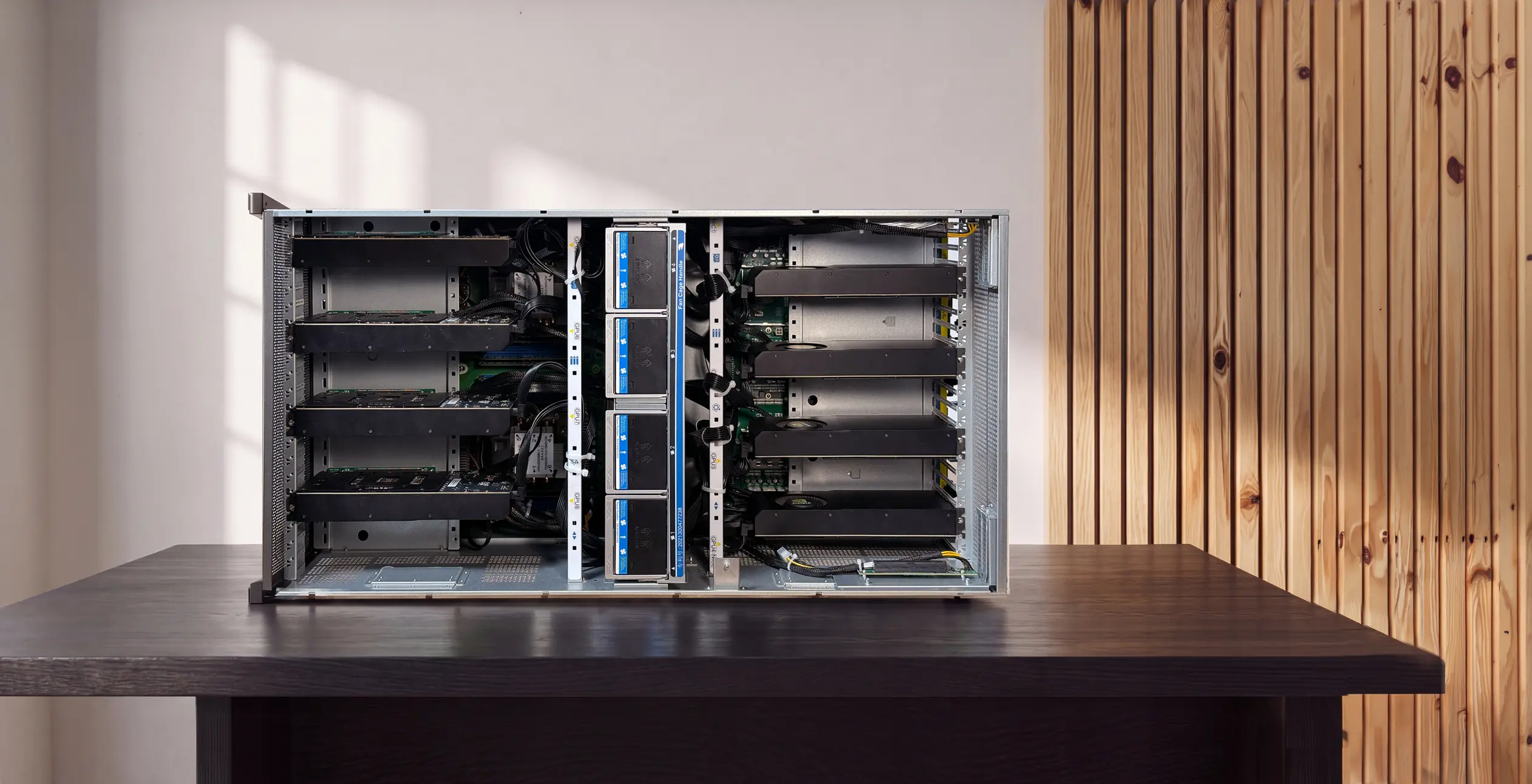
On-premise AI needs a machine built to hold the models and run them continuously, which is where most projects meet their real constraint. Small models run on a single GPU, but a capable in-house model, or one serving a whole team, needs the combined VRAM of several GPUs, plus the power and cooling to keep them running.
This is the point where a purpose-built machine earns its place. The Autonomous Computer line is built for on-premise AI specifically, with the GPUs installed and burn-tested, drivers and the serving stack loaded, so a model runs the moment it arrives and nothing it processes leaves the building. It comes in three sizes by GPU count.
GPUs | 2 | 4 | 8 |
VRAM | 64-192GB | 128-384GB | 256-768GB |
CPU | Xeon w5-3423 | Xeon w5-3423 | 2x EPYC 9124 |
Interconnect | 2x PCIe 5.0 | 4x PCIe 5.0 | 8x MCIO Gen5 |
Cooling | 6 fans | 18 fans | 12 hot-swap |
Power | 2000W | 2x 2000W, 240V | CRPS, 240V |
Chassis | Desktop | Desktop | 7U rack |
Suits | One person | A team | Largest models |
Within each machine you choose the GPU, RTX 5090 or RTX PRO 6000, which sets the VRAM, along with the system memory and storage, or take the DIY kit and install the cards yourself. The full build files are published openly too, so a team that prefers to build its own can follow the same design and verify every part.
How on-premise AI is different from private cloud
On-premise AI is not the same as a private cloud, even though both improve privacy. The difference is the line between where the model runs and where the data goes: with on-premise AI, a request never leaves your network, because the model loads on your own GPUs, processes your data locally, and returns an answer with no internet round trip.
A private cloud still rents someone else's hardware, just with more isolation. True on-premise AI puts the physical machine under your control, which is the strongest form of data privacy because the data has no path off the box. It is privacy by physics rather than by policy or promise.
.webp)
Running a language model on-premise
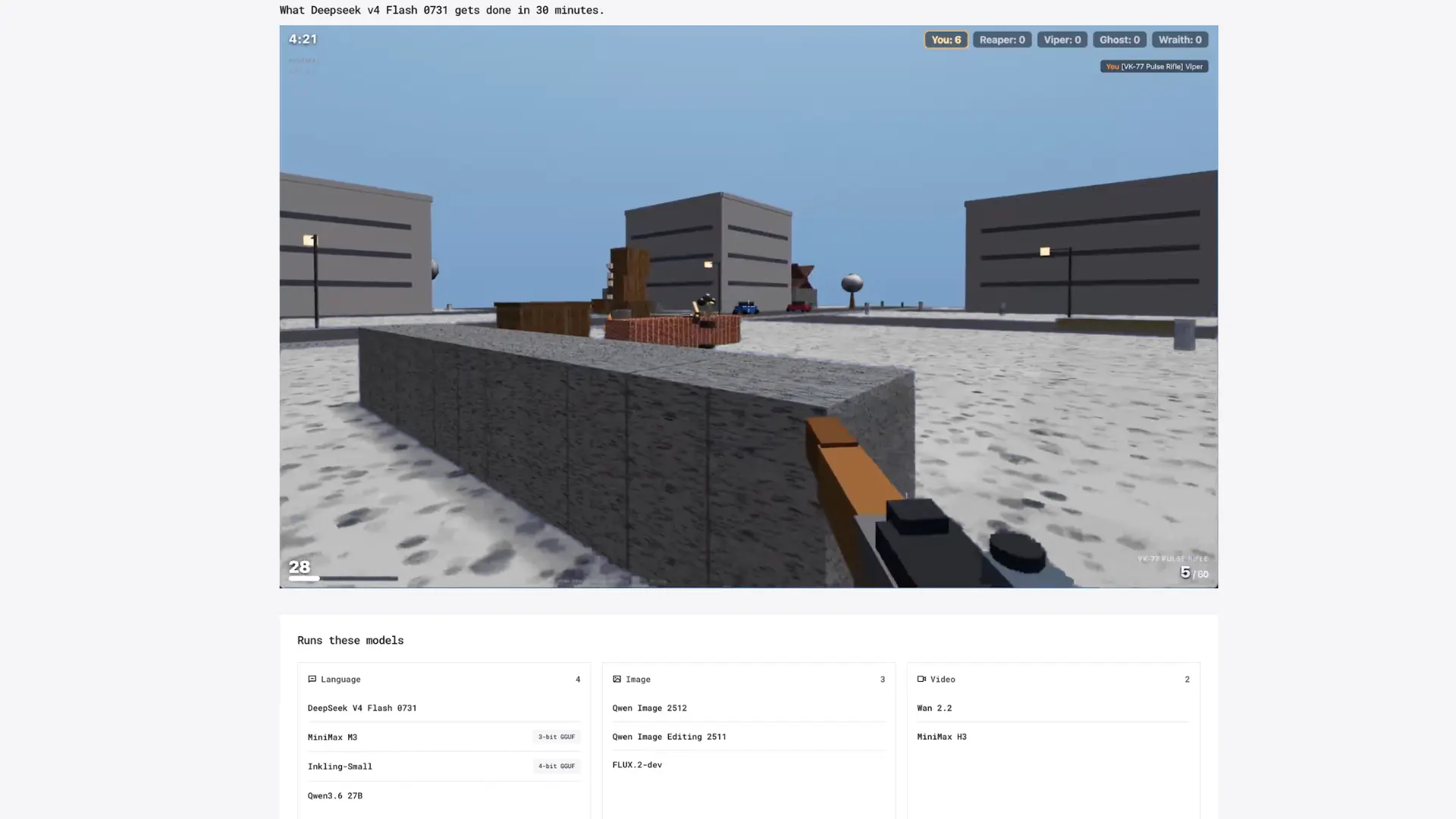
Running a large language model on-premise is the most common on-premise AI project, because a private, in-house LLM replaces the tool most teams reach for first. An on-premise LLM runs an open model on your own hardware, so chat, coding help, and document work all happen without a prompt leaving the network.
Two questions decide how it goes: which model to run, and how to deploy it. The model is a trade between capability and the hardware it needs, since the best on-premise LLM for a team is the largest one their GPUs can actually hold. The deployment is the harder half, where the serving architecture and the cost against cloud tokens decide whether the project pays off.
Frequently asked questions
What is on-premise AI?
On-premise AI is AI that runs on hardware you own and control, inside your own network, rather than on a cloud provider's servers. The model and the data both stay local, so nothing is sent to an outside service. Teams choose it for data privacy, predictable cost, and independence from a provider's pricing or policy changes.
Is on-premise AI better than cloud AI?
On-premise AI is better for continuous use on private data, while cloud AI is better for occasional access to the very largest models. On-premise wins on privacy, fixed cost, and control. Cloud wins on instant setup and frontier-model access. Many teams run both, using on-premise for daily work and cloud for rare large jobs.
Is on-premise the same as private cloud?
On-premise is not the same as private cloud. On-premise means the physical hardware is yours, in your building or rack. Private cloud means you rent isolated hardware from a provider. Both improve privacy over public cloud, but only on-premise keeps the data on a machine you physically control, which is the stronger guarantee.
How much does on-premise AI cost?
On-premise AI has a large upfront hardware cost and a small running cost, mostly electricity, which is the opposite of the cloud's ongoing per-token bill. Whether it is cheaper depends on how heavily you use it. Continuous, high-volume use crosses the break-even point against cloud billing relatively quickly.
How do you get started with on-premise AI?
To get started with on-premise AI, decide which models you need to run, since their size sets the hardware. Then choose an inference engine, download an open model, and run it on a machine with enough GPU memory. Small models run on one GPU, while capable in-house models need a multi-GPU machine.
Can any business run AI on-premise?
Most businesses can run AI on-premise, but the fit depends on usage and data. Teams handling regulated or confidential data, or running AI continuously, benefit most. Occasional or experimental users often find cloud simpler and cheaper. The deciding factors are how much you use it and whether your data can leave the building.
The bottom line
On-premise AI is the choice to run models on hardware you own, so your data stays in the building and your costs stop scaling with every request. It is not the right answer for every team, but for continuous use on private data, it is increasingly the sensible one, and the demand for it is climbing fast.
The path into it starts with the model you want to run, which sets the hardware you need, whether you build that hardware yourself from open files or run it on a machine like the Autonomous Computer.
References
- NIST, guidance on data security and on-premises infrastructure, nist.gov
- Ollama, local model documentation, ollama.com
- Autonomous open hardware build repository, github.com/autonomous-ai/autonomous-computer