


The 6 Best Ergonomic Chairs for Programmers in 2026

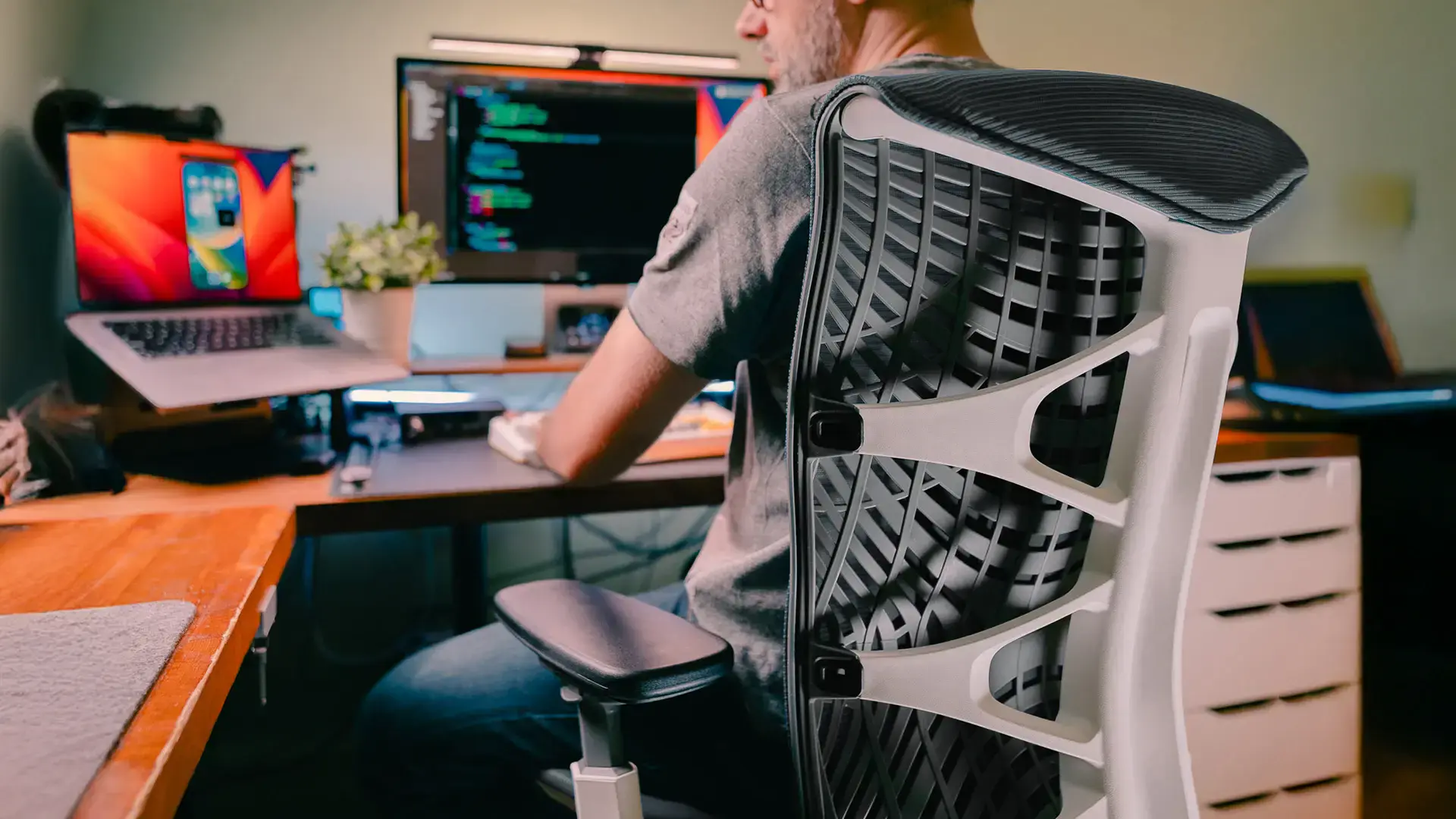
If you're a developer doing 10–14 hour coding days, your experience isn't really "I'm sitting in a chair." It becomes a slow interaction between your focus, fatigue, and whatever your chair is - or isn't - doing for your body.
Most people imagine discomfort as a single moment. In reality it comes in phases. In the first 2 to 4 hours, you're in flow, slightly leaning forward, shoulders creeping up, head moving closer to the screen. Any decent chair feels fine here. Around hour 4 to 7, the chair starts deciding for you - if lumbar support is weak or poorly positioned, your lower back picks up the slack. You'll shift without noticing, crossing legs, sliding forward, leaning on one arm. By hour 7 to 10, fatigue becomes mechanical, not mental. Your hips tighten, your neck compensates, and even good posture feels like effort. This is where adjustability matters more than brand. And at 10 to 14 hours, even a good chair stops feeling good. The difference is whether you're dealing with soreness and constant repositioning, or just general tiredness while still supported.
According to the Occupational Requirements Survey, software developers spend roughly 90% of their working hours seated - higher than most other occupations. That sustained forward-lean posture, driven by flow state, is the core problem a programmer's chair needs to solve. This guide evaluates chairs by how they handle that problem over a full workday, not just by their spec sheets.
Quick Comparison
Chair | Weight Capacity | Lumbar System | Warranty | Price |
ErgoChair Ultra 2 | 320 lbs | Structural TPE flex (no dial) | Lifetime | $449 |
ErgoChair Pro | 300 lbs | Sliding mechanical (6" range) | Lifetime | $499 |
ErgoChair Mesh | 300 lbs | Flexible cushion (sliding) | Lifetime | $499 |
Hinomi X2 Pro | 330 lbs | Height/depth adjustable | 10-year | $750+ |
FlexiSpot C7 Morpher | 300 lbs | AirLumbar™ (inflatable) | 10-year | $800+ |
HBADA X7 | 330 lbs | AI auto-tracking (motorized) | 5-year (3-year electronics) | $1,200 |
Best Office Chairs for Programmers - 2026 Breakdown
1. ErgoChair Ultra 2 - Best for Long Coding Sessions
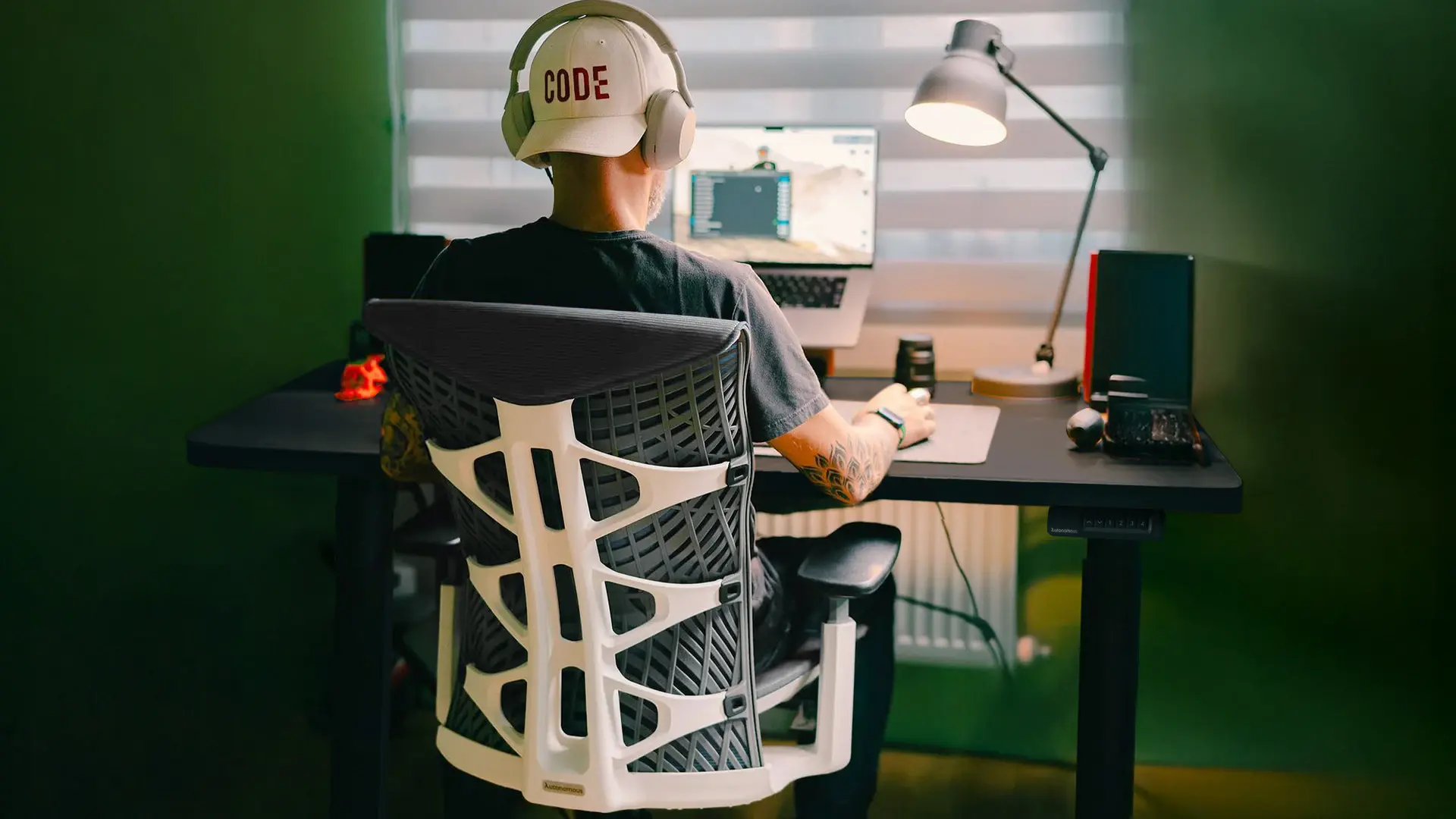
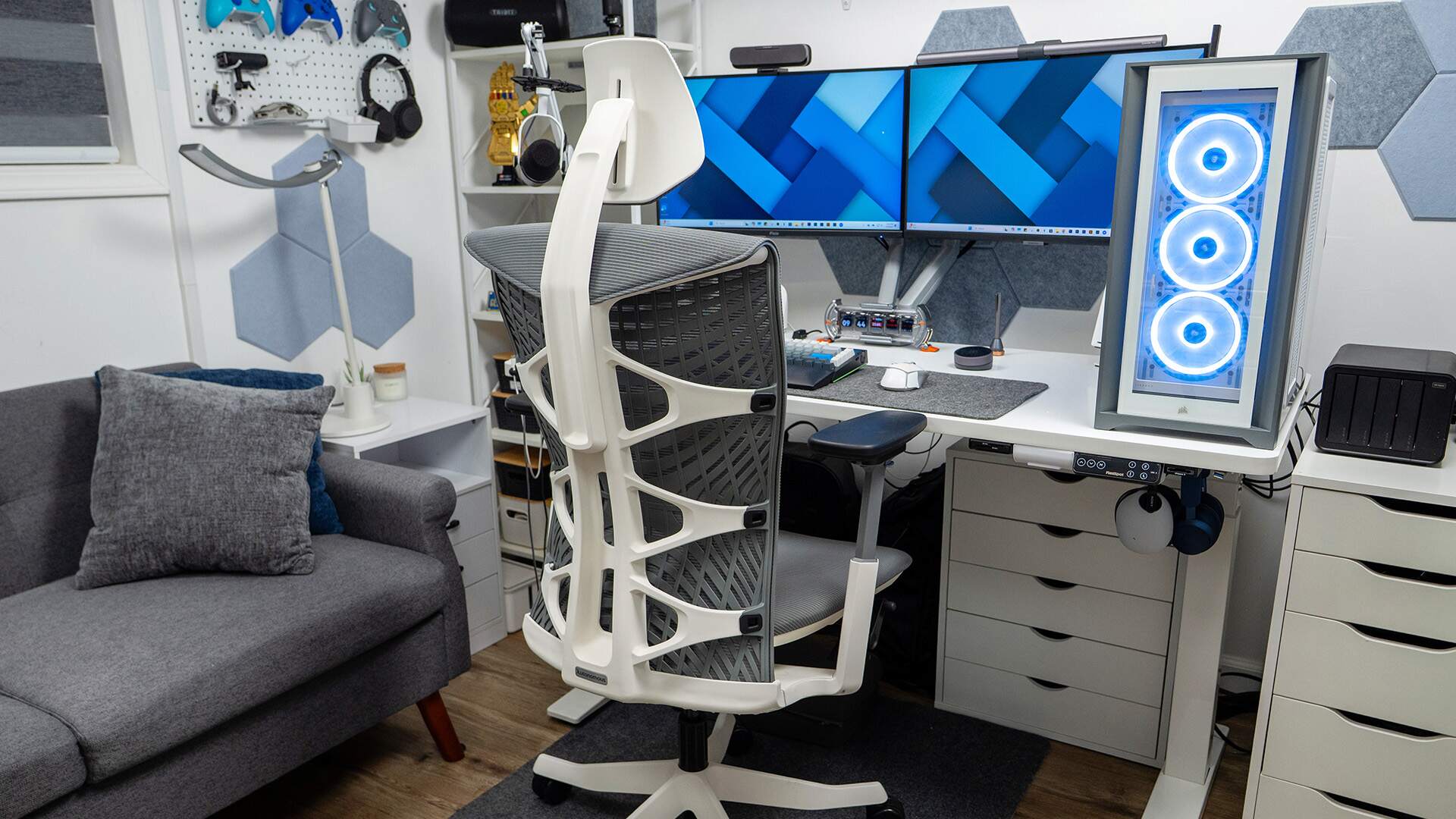
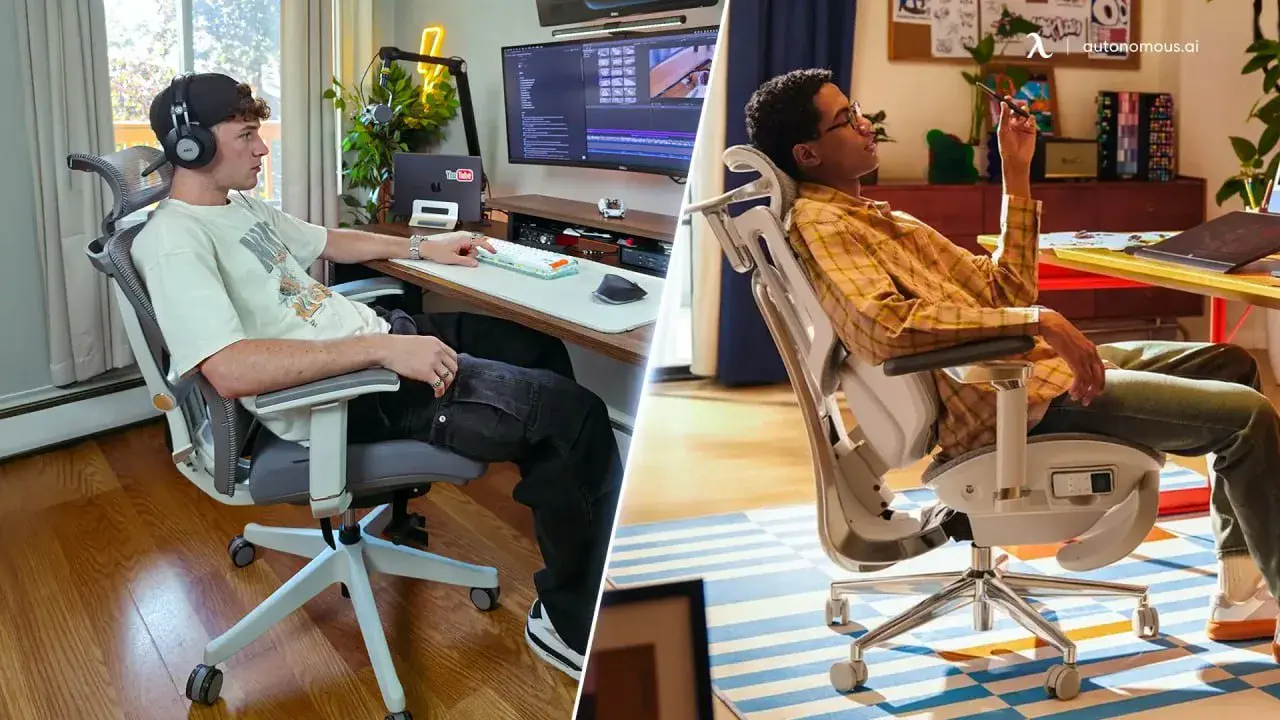
The ErgoChair Ultra 2 is the closest to what you'd want for the 10-to-14-hour range. The frameless TPE backrest flexes with your spine rather than waiting for you to adjust a dial - it bends inward when you lean toward the screen and opens back up when you recline. In long sessions, that matters more than a manually tunable lumbar system, because you don't stay in one position long enough for manual tuning to matter. You're shifting every few minutes without realizing it, and the chair tracks those shifts instead of fighting them.
The open-cell mesh seat reduces heat buildup during the later hours of a session, when temperature starts contributing to fatigue as much as posture does. The Donati recline mechanism is rated for 100,000 tilt cycles, and the welded frame avoids the joint looseness that develops in modular chairs after a year of daily use.
The tradeoff: continuous recline can feel "too free" if you prefer a fixed, locked posture for deep focus. Some developers like that predictability - they want the chair to hold one position firmly while they concentrate. If that's you, the ErgoChair Pro is a better match.
For programmers who want a headrest for reclined reading or thinking breaks, the Ultra 2 Plus adds an adjustable headrest on the same frame.
Best for: Developers who cycle between forward lean and recline throughout the day and don't want to re-adjust every time.
2. ErgoChair Pro - Best Mid-Range for Adjustability
.webp)
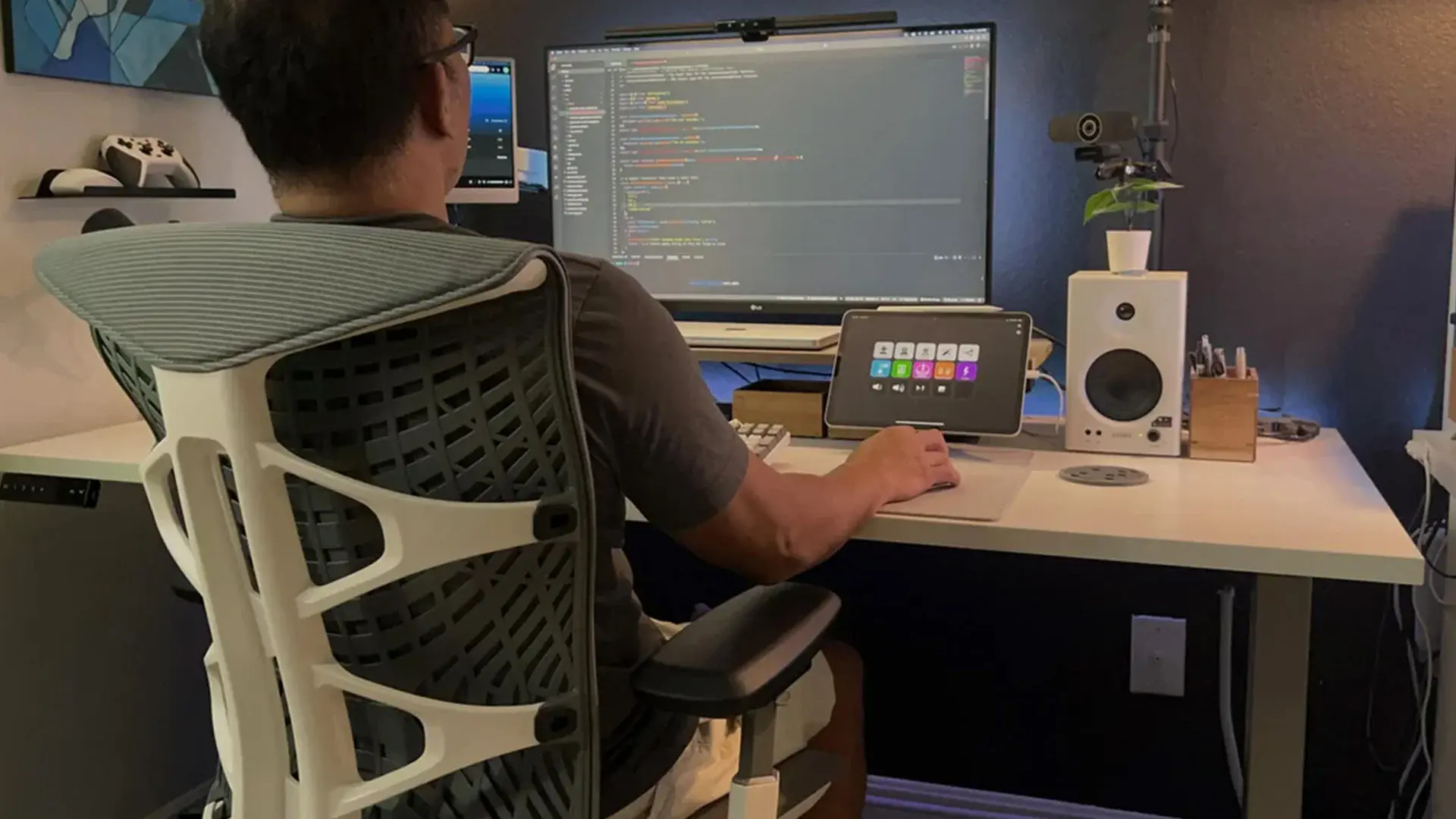
The ErgoChair Pro is the most stable option for long, focused coding blocks - if you take the time to dial it in. Nine independent adjustment points (lumbar height, seat depth, armrest position, tilt tension, recline angle, headrest) means it can be configured precisely for your body and desk height. Once tuned, it's predictable, which is actually what many developers want - you sit down, everything's where you left it, and you don't think about the chair again for hours.
The sliding lumbar support covers a 6-inch vertical range, so it can be positioned exactly at the natural curve of your lower back rather than wherever the manufacturer assumed your spine would be. The synchro-tilt mechanism keeps the seat and backrest moving at a fixed ratio during recline, which means your knees stay at the same angle relative to your keyboard when you lean back - a practical advantage during the think-and-recline cycles that break up active coding.
The tradeoff is setup sensitivity. Get the lumbar height or seat depth wrong, and you'll feel it by hour 6 to 8. This chair rewards precision; it penalizes carelessness. Available in mesh or foam seat configurations.
Best for: Developers who prefer a locked-in, fully customized setup and don't change posture styles often.
3. ErgoChair Mesh - Best for Breathability and All-Day Airflow
.jpg)
The ErgoChair Mesh shows its value when temperature and pressure become the dominant comfort factors - typically after the 8-hour mark. The German-engineered Ultra Air Mesh (72% polyester, 28% polyamide) runs cooler than standard mesh over long sessions, and the firmer seat surface prevents the "sinking fatigue" that develops with foam cushions as they compress through the day. It's a different comfort profile from the Ultra 2 - less adaptive flex, more consistent tension.
Like the Pro, it offers 9 adjustable points and a 2:1 synchro-tilt ratio with 5 lockable recline positions, so you get the same setup precision without the continuous tilt of the Ultra 2. The flexible lumbar cushion slides vertically to match your spine curve, and the included headrest makes it one of the more complete packages in Autonomous's lineup without stepping up to the Ultra 2 Plus.
For developers who don't move much during coding sessions but run long continuous stretches - the kind of person who looks up and realizes it's been 9 hours - this chair's combination of thermal management and firm support handles that pattern well.
Best for: Developers who run long, relatively static sessions in warm environments.
4. Hinomi X2 Pro - Best Backrest Engineering in the Mid-Premium Range
Capacity: 330 lbs | Warranty: 10-year | Price tier: ~$750+
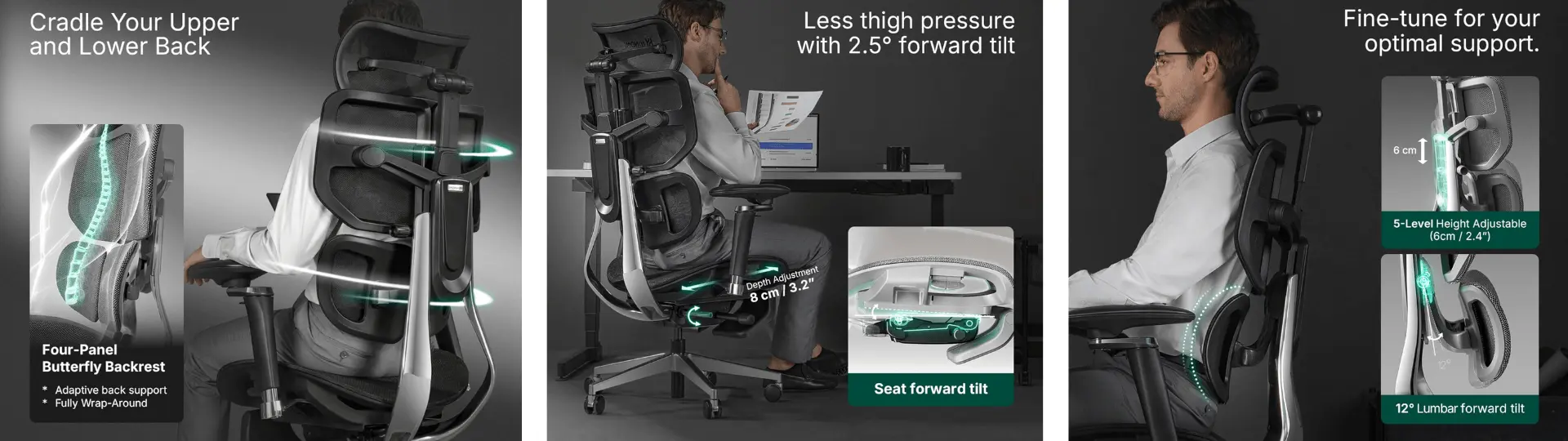
The Hinomi X2 Pro is better suited for developers whose days aren't one continuous block of typing. If your work alternates between coding, reading documentation, debugging, and leaning back to think through architecture, the 4-panel segmented backrest keeps support more consistent across those shifts than a single-panel design typically manages. Each panel responds somewhat independently, so transitioning from an upright typing posture to a reclined review posture doesn't create the dead zone that fixed-back chairs introduce between positions.
The 6D armrests are among the more configurable on this list, and the tiltable seat adds a forward-lean option that most chairs skip. The BIFMA/SGS certifications and a 10-year warranty put the build quality in a credible range for the price tier.
Where it's less ideal: if you lock into one posture for 10 hours straight, the segmented design doesn't offer the same continuous support as a single-surface flex backrest. It's built for variety, not for marathon static sitting.
Best for: Developers with varied task types throughout the day who shift postures frequently.
5. FlexiSpot C7 Morpher - Best Inflatable Lumbar System
Capacity: 300 lbs | Warranty: 10-year | Price tier: ~$800+
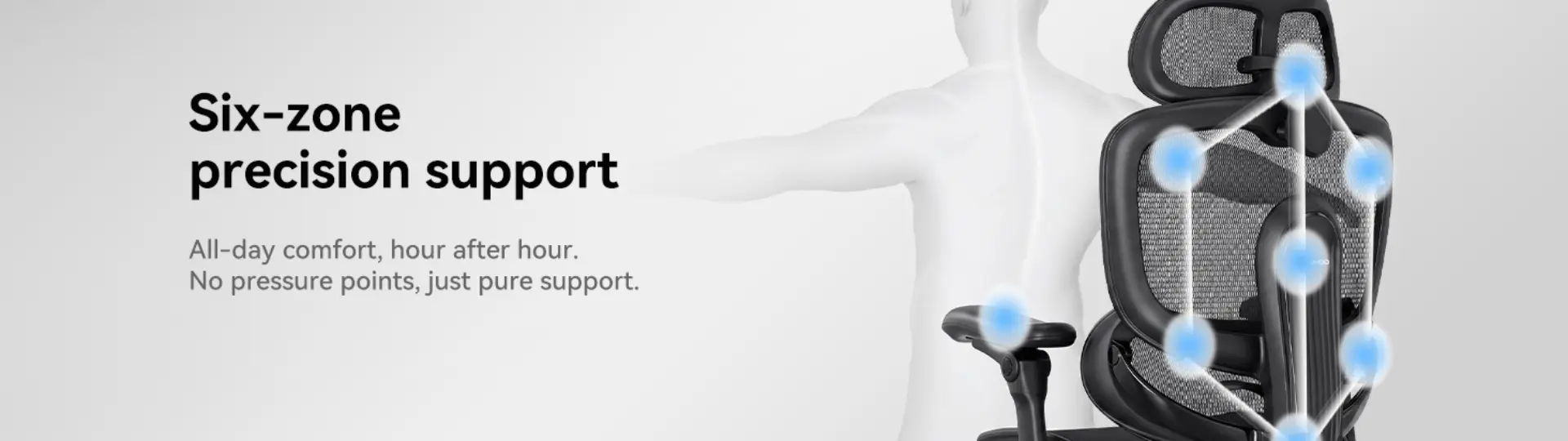
The FlexiSpot C7 Morpher gives you more adjustment surface area than most chairs in its class - the AirLumbar™ system lets you inflate or deflate lumbar pressure on the fly, the Flexlean™ backrest tilts forward 10° for upper-back support during the forward lean, and the Flexlide™ panel glides with your spine through position changes.
In long sessions, that level of control has two sides. On the positive side, you can adjust lumbar pressure mid-day without getting up, which is something most mechanical lumbar systems can't do. On the negative side, you may end up tweaking it too often - the inflatable system invites fiddling, and fiddling disrupts the flow state you're trying to protect. Developers who like to set it and forget it may find the C7 Morpher higher-maintenance than necessary.
The 5D armrests (including 360° swivel) handle a wide range of desk setups well, and the 128° lockable recline with a pull-out footrest makes it one of the more complete rest-and-recover options on the list. The 10-year warranty is competitive for the price.
Best for: Developers who actively tune their setup throughout the day and prefer more control over comfort variables.
6. HBADA X7 - Most Advanced Tech at a Premium Price
Capacity: 330 lbs | Warranty: 5-year frame / 3-year electronics | Price tier: ~$1,200+
The HBADA X7 approaches the chair problem differently than everything else on this list. Instead of manual adjustment, it uses AI-powered lumbar tracking - pressure sensors read your posture in real time and a motorized system adjusts lumbar depth and height automatically. On paper, this is the ideal solution for the forward-lean problem: the chair detects the lean and fills the lumbar gap without you doing anything.
In practice, the experience depends on how much you trust automation over mechanical feel. The lumbar tracking does reduce manual adjustment friction during long sessions, which is a genuine advantage. The massage and heat functions help with recovery during breaks. But the system runs on a rechargeable battery (5,200 mAh) that needs periodic charging, and third-party reviews note the battery drains noticeably faster when massage and heat are active. The electronics warranty covers only 3 years versus 5 years for the mechanical frame - a relevant consideration for a chair that relies on electronics for its core value proposition.
At 84 lbs, it's also significantly heavier than any other chair on this list, and the configuration process for lumbar sensitivity requires patience to get right for your body. For the developer who wants a "wellness station" and is comfortable with the electronic overhead, it delivers something no purely mechanical chair can. For those who prefer simplicity and proven long-term reliability, mechanical lumbar systems carry less ownership complexity.
Best for: Developers who want active, automated support and are comfortable with electronic chair systems.
Why Your Chair Isn't the Whole Solution
A chair is one piece of a programming workspace, not the whole thing. A survey of 200 U.S.-based IT professionals found that pain-free programmers don't necessarily sit in more expensive chairs - they move more often, exercise regularly, and take deliberate breaks. The chair handles seated support; everything else is behavior.
Pairing an ergonomic chair with a standing desk gives you the option to alternate between sitting and standing throughout the day, which reduces the cumulative load on your spine from sustained sitting. If you're already in a chair for 8+ hours daily, the next upgrade with the highest impact is usually a monitor arm (to set eye-level height correctly) and a keyboard tray or split keyboard (to keep your wrists neutral), not a more expensive chair.
For a detailed guide on setting up desk height, monitor position, and keyboard placement for programming work, Cornell University's Ergonomics Web publishes research-based workstation guidelines designed specifically for computer-intensive work.
Frequently Asked Questions
What is the best chair for programmers?
The best chair for programmers is an ergonomic task chair with adjustable lumbar support, multi-directional armrests, and mesh breathability - features that address the forward-lean posture and long sitting sessions common in programming work. Mid-range options like the ErgoChair Pro, ErgoChair Mesh, or Sihoo Doro C300 Pro V2 cover those needs; premium options add material refinements and longer warranties at a higher price.
How much should a programmer spend on an office chair?
Budget ergonomic chairs with basic lumbar support and adjustable arms start around $250 to $300, while mid-range chairs with deeper adjustability run $400 to $800. Premium chairs start above $1,000. Price generally tracks with adjustability range, material durability, and warranty length - spending more isn't always necessary, but spending too little usually means losing adjustability that matters during long sessions.
Do programmers need a chair with a headrest?
A headrest is useful for programmers who frequently lean back to think, read code, or take micro-breaks between active coding stretches, since it supports the neck and reduces strain during recline. It's less critical if you sit primarily upright. Chairs like the ErgoChair Ultra 2 Plus, ErgoChair Pro, ErgoChair Mesh, and Hinomi X2 Pro include adjustable headrests; others offer them as add-ons.
What type of lumbar support is best for coding?
Adjustable lumbar support that can be repositioned in height - and ideally in depth - is more effective for programmers than a fixed lumbar pad, because programmers shift between upright typing and forward-leaning postures throughout the day. Options include sliding mechanical systems (ErgoChair Pro), flexible frame support (ErgoChair Ultra 2), inflatable zones (FlexiSpot C7 Morpher), and AI-driven auto-tracking (HBADA X7). A fixed pad only contacts the spine in one position.
Are gaming chairs good for programming?
Gaming chairs are generally a worse fit for programming than ergonomic task chairs. Most gaming chairs use fixed lumbar cushions, limited armrest adjustability, and thick padding that traps heat - all of which work against the adjustability and breathability that sustained keyboard work requires. Ergonomic task chairs with multi-point adjustability are a better match for the posture demands of coding.
Is a mesh or foam seat better for long coding sessions?
Mesh seats maintain airflow and resist the heat buildup that develops during multi-hour sessions, making them a better default for programmers in warm environments or without strong air conditioning. Foam seats offer more initial cushioning but compress over time and retain body heat. For sessions over 4 to 6 hours, mesh typically holds up better in comfort and temperature. The ErgoChair Mesh and Sihoo Doro C300 Pro V2 are both full-mesh designs built specifically for long-duration use.
Conclusion
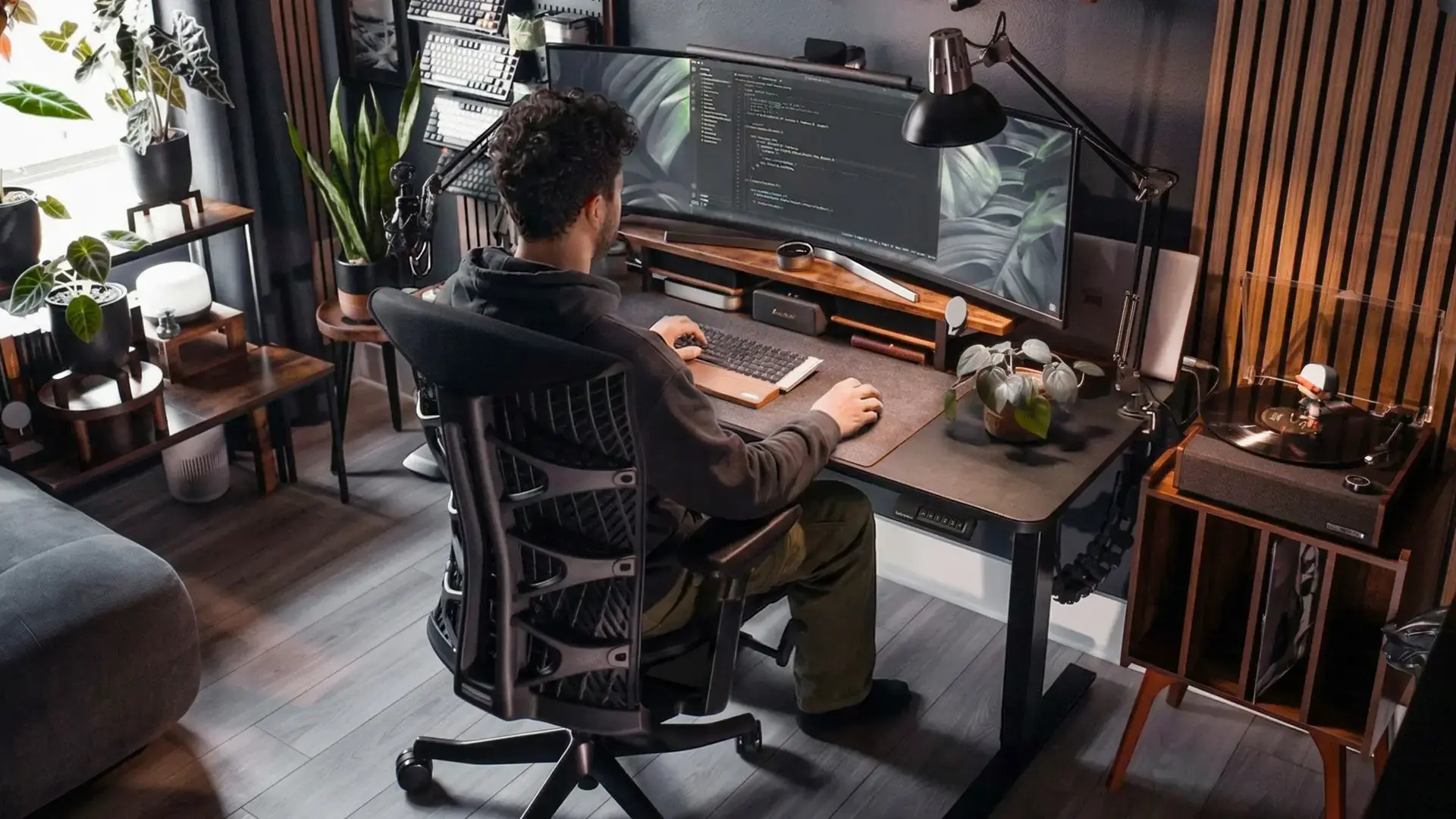
The best chairs for programmers all solve the same core problem: long hours of forward-leaning work that demand consistent lumbar support, adjustable arm positioning, and breathable materials for sustained focus. Differences come down to how each chair approaches that support system and the price tier it sits in. Mid-range options like the ErgoChair Pro, Mesh, and Ultra 2 balance adjustability and durability with lifetime warranties, while competitors like Sihoo and Hinomi introduce more automated or multi-panel systems at higher prices. Premium chairs refine materials and fit but cost significantly more. Ultimately, the right choice depends on how much adjustability your workflow actually needs.
Sources
- Bureau of Labor Statistics - Occupational Requirements Survey - data on sitting duration by occupation, including software development
- Cornell University Ergonomics Web (ErgoWeb) - research-based guidelines for computer workstation setup, seat height, and break frequency