AI Agent Orchestration: From Task to Reviewed Code

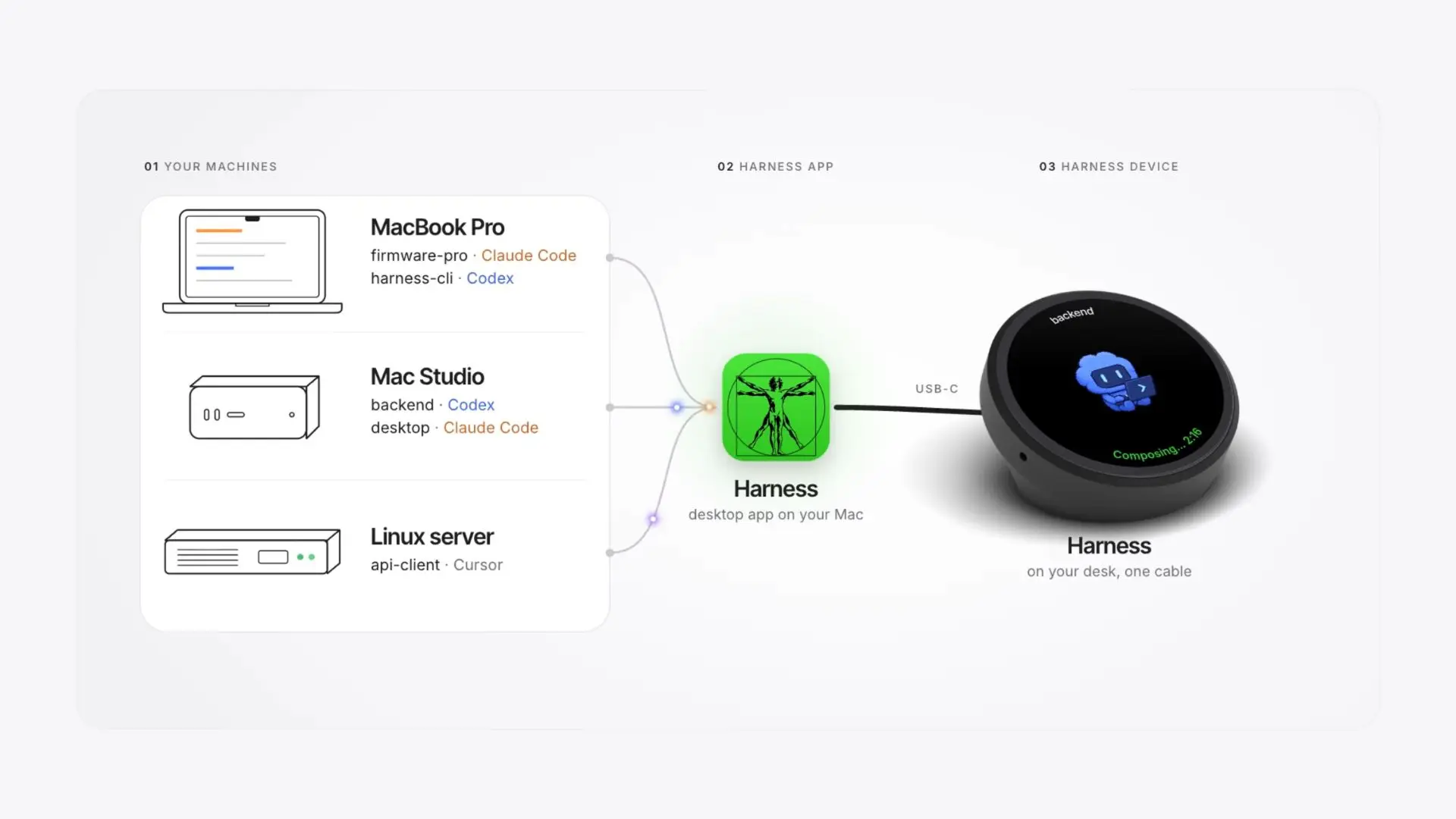
Two coding agents can return different answers to the same failing test. Who checks them, who waits for approval, and what happens when one times out? AI agents orchestration answers those questions by assigning work, recording state, and setting an acceptance rule. In Autonomous Harness, an experimental opt-in feature lets a parent agent start separate Codex or Claude Code sessions, wait for their answers, and let a person watch or stop them. This guide shows when to split work, which pattern to use, and how to turn agent output into a reviewed result.
What is AI agent orchestration?
AI agent orchestration is the control of who does a task, what context each agent receives, when work moves between agents, and how the system handles a result or failure. Harness makes one flow choice concrete: a parent coding agent can wait for every delegated session or for the first one to finish. A useful workflow also needs a task owner, a completion rule, and a route for exceptions. Microsoft's agent design guidance recommends starting with the simplest pattern that can do the job. [1]
Three related activities solve different problems:
- Model routing selects a model or compute resource for a request.
- Monitoring shows what agents are doing and where work has stopped.
- Orchestration decides what runs next, who can act, and what happens when outputs disagree or a step fails.
A team may use all three. A status screen alone cannot define an approval rule, and a model router alone cannot decide whether a code change passed review. Even one agent may need a plan, execution loop, and stopping rule; adding agents introduces ownership and handoff decisions. [1]
When do you need more than one agent?
Use more than one agent when a task has separable work with clear inputs and outputs, or when a specialist must take over a distinct part of the job. Keep a single agent when the steps depend tightly on one another and the coordination overhead would exceed the benefit. For coding work, a single Codex CLI session is a practical baseline before coordinating several sessions. Microsoft's patterns begin with a direct model call or single agent before adding multi-agent coordination. [1]
- Good candidate: one agent investigates an API failure while another checks the test suite in an isolated workspace; a reviewer combines the evidence.
- Poor candidate: two agents edit the same small file with no ownership boundary and no rule for resolving conflicts.
- Decision test: can you state each agent's deliverable, the information it needs, and who accepts the final result?
Parallel agents can shorten elapsed work only when their tasks are genuinely independent. They also consume separate context and model usage. Anthropic reports that its multi-agent research system uses far more tokens than chat interactions and cautions that coding work often has fewer independent branches than research. [2]
AI agents orchestration patterns
AI agents orchestration usually uses a small set of patterns: sequential work, parallel work, a manager calling specialists, a handoff to a new owner, or a managed group discussion. The best pattern depends on whether steps depend on prior output and whether one agent must retain responsibility for the final answer. [3][4]
| Pattern | Use it when | Control to define |
|---|---|---|
| Sequential | Each step needs the prior result | What passes to the next agent |
| Parallel | Independent tasks can run together | How results are joined and conflicts resolved |
| Manager with specialists | One agent should own the final answer | Which subtasks a specialist may perform |
| Handoff | A specialist should take over a turn or case | Who owns the task after transfer |
| Group chat | Several agents must discuss or review an idea | Who speaks next and when discussion stops |
OpenAI's Agents SDK distinguishes a specialist used as a tool, where the manager keeps control, from a handoff, where the specialist becomes active. Microsoft Agent Framework also documents sequential, concurrent, handoff, group chat, and manager-led workflows. [3][4] Group chat can help with open-ended collaboration, but a fixed review chain is often easier to audit when the outcome has a clear acceptance rule.
What state must an AI agent orchestrator keep?
An AI agent orchestrator needs a record of the task, its owner, current status, evidence, and next permitted action. Without that record, a later agent or human reviewer cannot tell what happened before a handoff or where to resume after a stop. Microsoft describes common state across agent stages, while LangGraph documents explicit state and checkpoints. [1][5]
- Task and version: the goal, dependencies, and repository commit or input version.
- Owner and status: who acts next and whether the task is waiting, running, needs a person, or is complete.
- Evidence: the relevant agent output, tool result, test log, or source used to make a decision.
- Limits and approval: allowed actions, review checkpoint, and who may approve a consequential step.
- Next action: proceed, retry, stop, or ask for review, with a named owner.
For the checkout example below, two returned diagnoses are evidence, not an accepted fix. The lead still owns the patch and tests, and the person owns merge approval.
.webp)
The orchestration contract: who owns the next action?
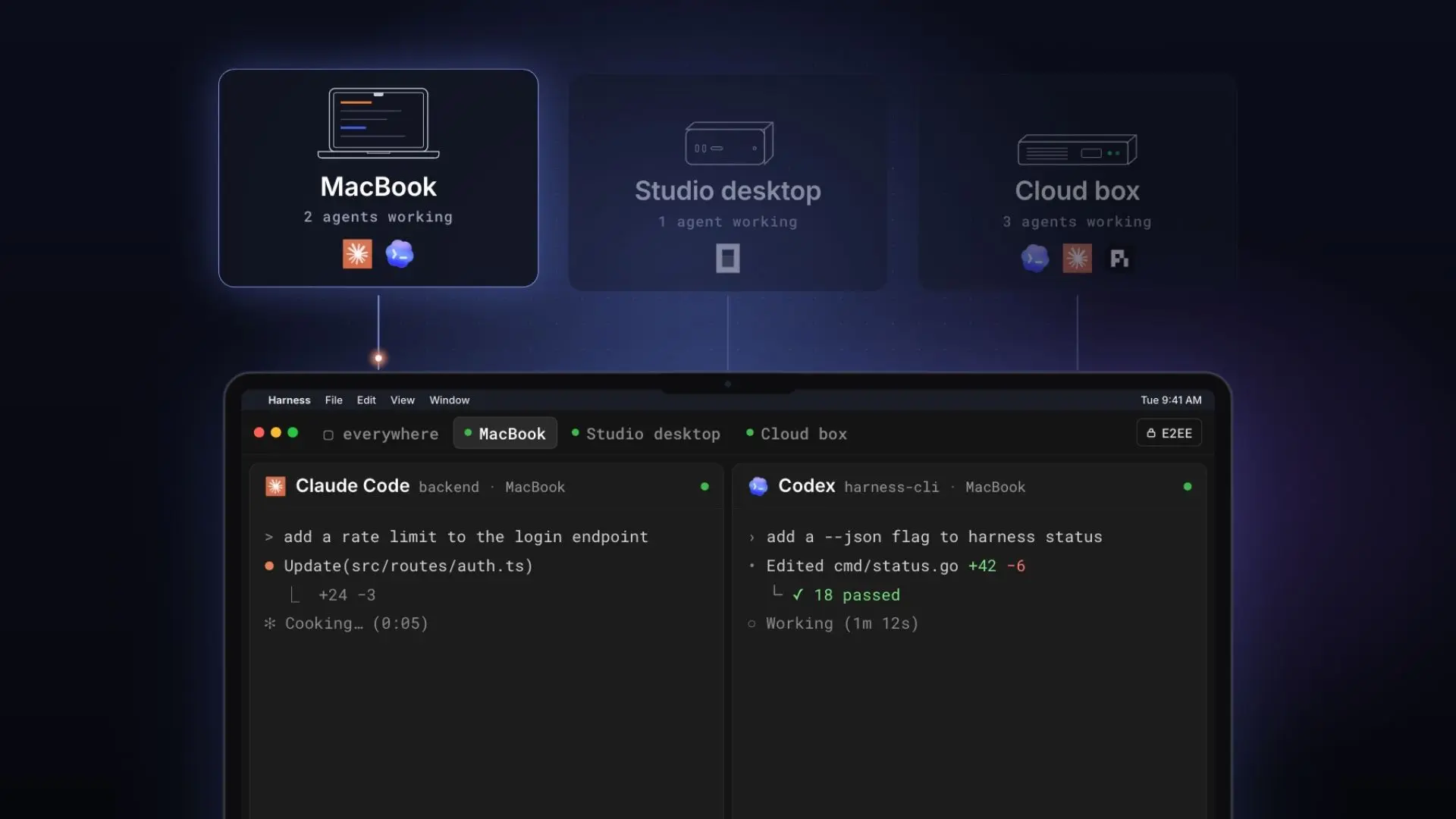
In Harness, a parent coding agent can launch separate sessions, wait for all or the first to finish, and read their answers while a person can observe or stop them. That makes delegation visible, but acceptance still needs a rule. A useful AI agents orchestration contract states each task's owner, input, permitted actions, expected output, deadline, resource limit, and acceptance check.
Consider an illustrative coding task: a checkout service fails after a dependency update. A practical contract could look like this:
| Field | Example value | Why it matters |
|---|---|---|
| Task and owner | Fix checkout failure; lead agent owns final proposal | One place to resolve disagreement |
| Resource and stop rule | At most two specialists; review at 30 minutes; decide whether to keep waiting or stop a running session | Bounds active sessions; a wait timeout does not cap runtime or token use |
| Specialist A | Reproduce error without editing; return failing command and trace | Evidence before editing |
| Specialist B | Inspect changed dependency API without editing; return likely break and source | Independent diagnosis |
| Review gate | Lead reconciles diagnoses, makes a patch in an owned branch or worktree, reviews the diff, and runs tests; person approves merge | Diagnosis leads to a verified change |
| Failure route | On a wait timeout, choose to keep waiting or stop; on conflict, preserve both answers for review | Unfinished work remains visible |
A worktree is a separate checkout of the same Git repository. Harness App describes a worktree for each agent, so editing sessions can work on separate branches. The narrower guide to running multiple Claude Code agents covers the setup; the contract above governs what happens after those sessions return.
What does a delegated run look like?
A delegated coding run has four visible transitions: start bounded work, wait, read the answers, and close the sessions; accepting a change is a separate decision.
For the checkout example, a signed-in person first enables Harness's experimental agent-starting setting. With the Codex and Claude Code CLIs installed and signed in on the machine, and the parent running from the repository directory, it can give two read-only diagnostic tasks:
harness new codex --name reproduce -- "Reproduce the checkout test failure. Do not edit files. Return the failing command and error."harness new claude --name api-check -- "Inspect the changed dependency API. Do not edit files. Return the relevant change and source."harness wait reproduce,api-check --timeout 30mHarness documents what the wait result means: exit code 0 means the sessions are idle and ready to read, 3 means one needs the person, and 124 means work is still running after the wait timeout. On 124, the owner must choose to wait again or stop a running session with harness close NAME --now; the timeout itself does not stop work or token use. After an idle result, the parent can use harness show for each session and then harness close. Each session spends the person's tokens. The lead then reconciles the two diagnoses, proposes a patch in its own branch or worktree, reviews the diff, and runs relevant tests. The person approves the merge only after those checks pass.
Which AI agent orchestration tools fit the job?
Choose an orchestration tool by the control it must provide: code-defined flow, handoffs, persistent state, human approval, or visibility into existing coding-agent sessions. An application builder and a team managing terminal agents may need different layers, so compare the decision each tool helps you make.
| Tool | Best starting point | Check before adoption |
|---|---|---|
| Autonomous Harness | Delegated coding-agent sessions | Experimental setup and review rule |
| OpenAI Agents SDK [3] | Manager and specialist handoffs | Who owns the final response |
| Microsoft Agent Framework [4] | Defined workflow patterns and approvals | Which pattern matches the task |
| LangGraph [5] | Explicit state and resumable steps | Checkpoint and recovery design |
| CrewAI [6] | Role-based tasks and process flow | Sequential or manager-led control |
LangGraph's documentation describes state, checkpoints, retry choices, and human interrupts; CrewAI documents sequential and hierarchical processes. [5][6] Framework features still need configuration and tests for your application. Harness is a way to run and observe coding-agent work, with agent-starting documented separately; it should not be presented as a replacement for every application workflow engine.
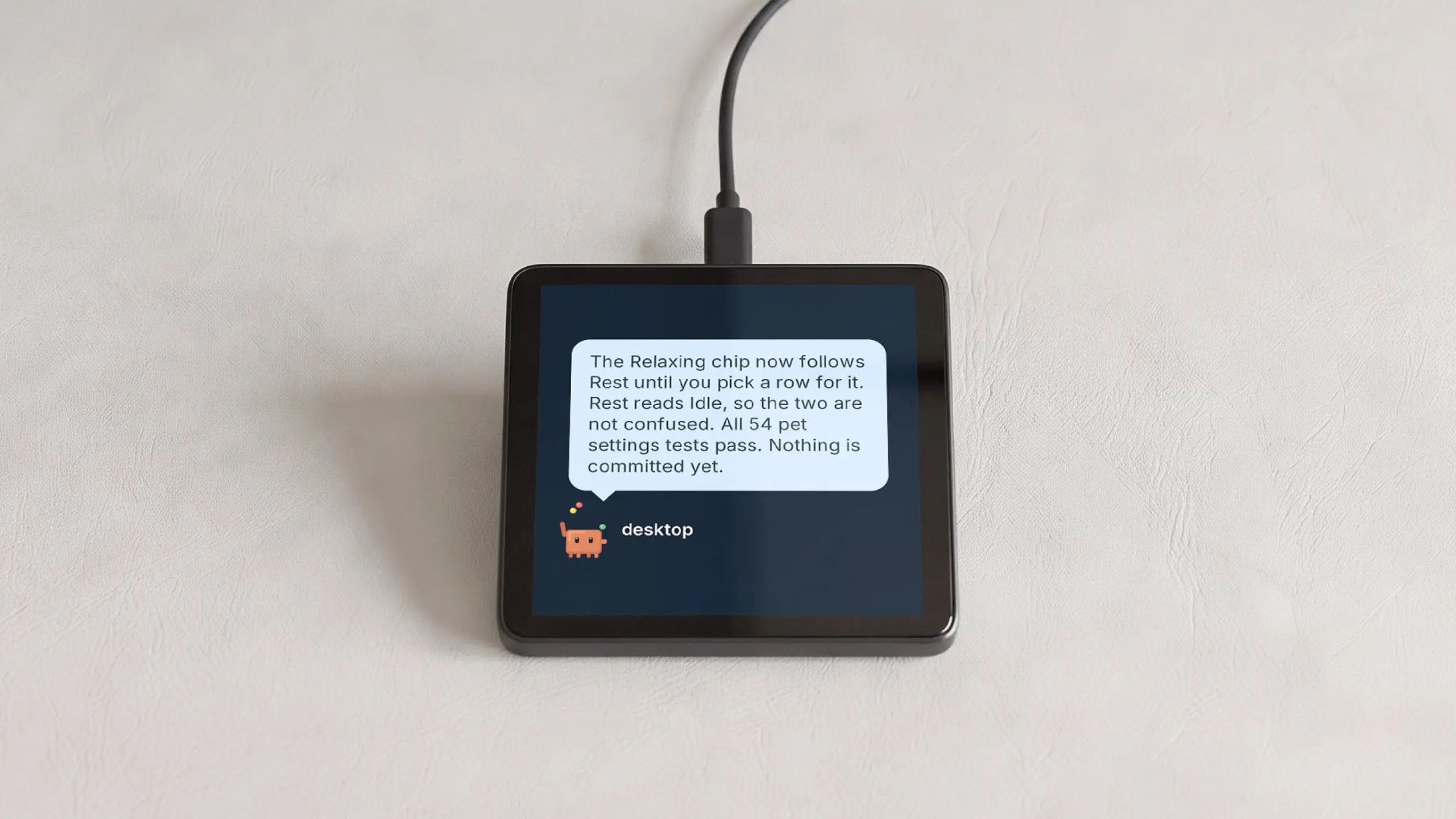
The Harness lineup lets a person see and steer coding-agent sessions; the workflow still defines acceptance and recovery. Harness Device and Harness Pro put that control on the desk in different forms.
Harness Device: see status and speak the next task
Harness Device is a round display that shows which agents are working or need attention and takes spoken tasks. It helps the owner notice a stalled or finished session, while the task record and review gate decide what happens next.
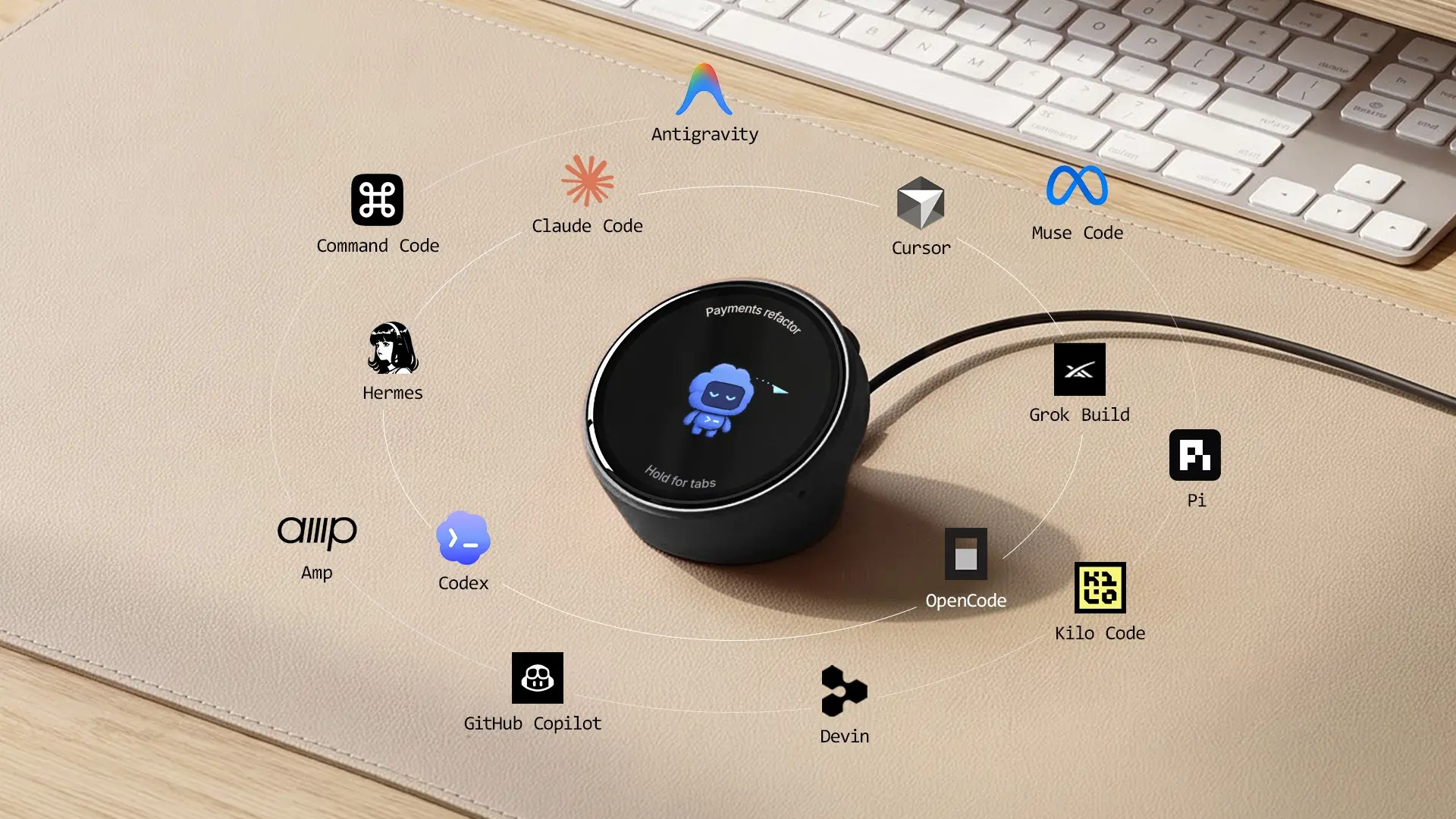
Harness Pro: switch between agent sessions
Harness Pro is a 3.95-inch square touch display that connects to the Harness app by USB-C. A person can swipe between coding-agent sessions and send voice instructions; patch review and merge approval remain separate workflow steps.
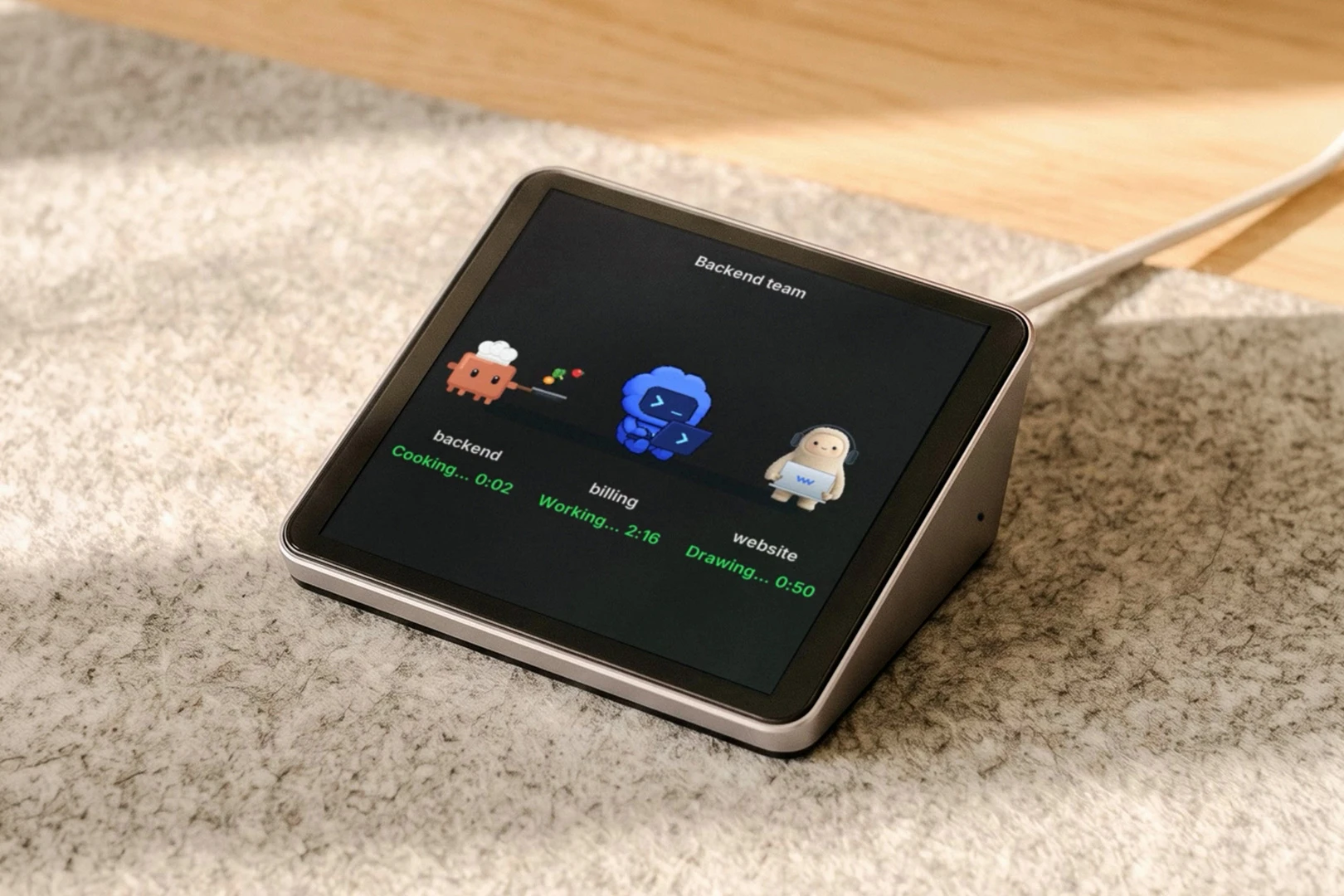
More demonstrations are on the Autonomous YouTube channel.
How to build an AI agents orchestration workflow
Build an AI agents orchestration workflow by defining a single outcome first, then adding only the agents and controls that outcome requires. A five-step pilot exposes missing ownership and failure rules before the workflow expands.
- Write the acceptance check. Specify the result a person or program can verify, such as passing named tests plus a reviewed diff. Avoid “agent completed” as the only success signal.
- Split only independent or specialist work. Give each agent a bounded deliverable, allowed tools, a session or token budget, and the minimum context it needs. Keep dependent steps sequential.
- Choose the transfer rule. Use a manager when one agent combines evidence; use a handoff when a specialist must own the next interaction. Record the new owner at the transfer. [3]
- Add stop and recovery paths. Decide what happens on timeout, duplicate work, conflicting outputs, missing data, and approval requests. Store enough state to resume or review a stopped run. [5]
- Test one real task. Compare the result, elapsed time, and model usage with a single-agent baseline. Review the trace and the human decisions before scaling the pattern.
For coding work, keep separate branches or worktrees and make the merge gate explicit. A proposed patch is an output; a reviewed, tested patch is an accepted outcome.
What failures should you test before rollout?
Test an agent workflow with failures that change who must act next, not only with a successful demo. The most useful checks are a stalled worker, contradictory results, an approval that does not arrive, and a resumed run after interruption.
| Event | Expected workflow response | Human check |
|---|---|---|
| Worker times out | Mark task incomplete; preserve last trace | Retry, reassign, or stop? |
| Agents disagree | Keep both outputs and their evidence | Which claim is reproducible? |
| Approval is pending | Pause the gated action | Who can approve and by when? |
| Run is resumed | Restore state without repeating unsafe actions | What already happened? |
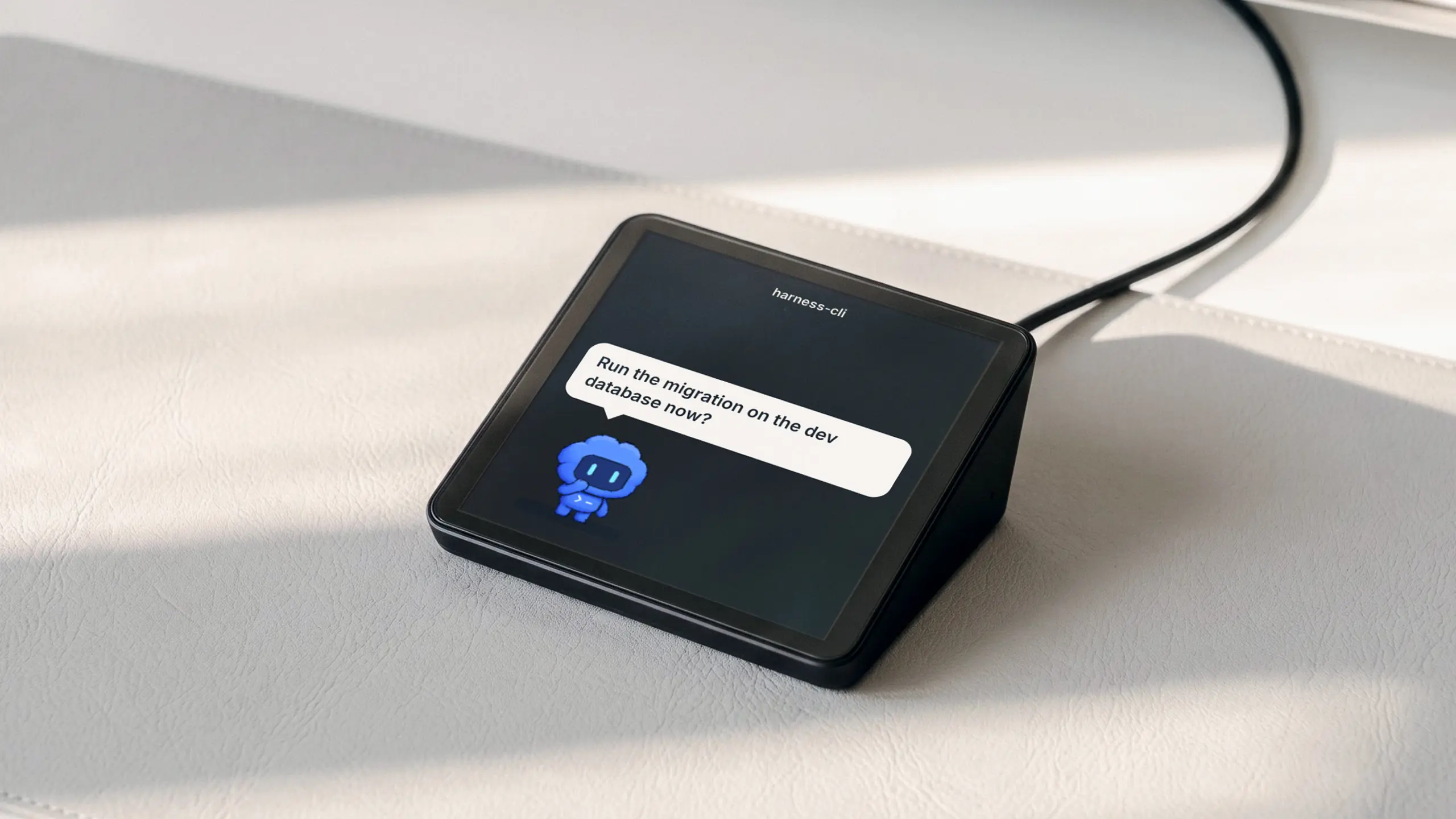
Use these cases as acceptance tests for your implementation. LangGraph's workflow guide separates transient retries, human-resolvable interruptions, and unexpected errors, which is a useful model for designing the checks. [5]
FAQs
Can Autonomous Harness orchestrate coding agents?
Autonomous Harness supports a documented delegation loop for coding agents: start named sessions, wait, read, and close. A signed-in person must enable agent-starting first. The workflow can expose each session to that person, while your task definition still needs acceptance, merge approval, and an escalation rule when results conflict.
What does orchestration mean in AI agents?
Orchestration means controlling the flow of work among agents: assignment, order, context, handoff, completion, and recovery. It becomes useful when a task needs specialists or parallel work with a clear owner. Merely opening several agent windows is parallel activity; the orchestration rule says how their outputs become one accepted outcome. [1][3]
Is a single AI agent enough?
A single AI agent is enough when one agent can complete and verify the task within its tools and context. Add agents only when work can be separated or a specialist needs distinct instructions. Multi-agent systems add coordination and model usage, so compare a pilot against a single-agent baseline before adopting one. [1][2]
What is the best AI agent orchestrator?
The best AI agent orchestrator is the smallest layer that gives your task clear owners, recovery, and approval. For an application, assess framework state and handoffs; for existing coding agents, assess session delegation and visibility. Run one representative task and test a timeout, conflicting answers, and a human request before adopting a tool.
What is the difference between parallel agents and orchestration?
Parallel agents perform work at the same time; orchestration defines how that work is assigned, joined, checked, and advanced. A parallel pattern is helpful only when the tasks are sufficiently independent. If two agents return conflicting answers, the workflow needs a rule for preserving evidence and naming who resolves the conflict. [4]
How do you keep multi-agent workflows under control?
Keep multi-agent workflows under control with bounded tasks, limited tool access, explicit owners, visible state, and human gates for consequential actions. Test timeout and retry behavior before routine use. In a coding workflow, isolate edits and require a reviewed diff plus relevant checks before calling a proposed change complete. [1][5]
Does model routing count as agent orchestration?
Model routing is one component a multi-agent system may use, but it does not define the full task workflow. A router selects where a model request runs; orchestration decides which agent owns the work and what follows its result. A system can use both, provided the task state and approval rules live somewhere explicit.
Conclusion
AI agents orchestration works when each delegated task has a clear owner, expected output, and rule for what happens next. Start with one verifiable workflow, add agents only where the work divides cleanly, and test failure and review paths as carefully as the successful run. For coding teams, visible Harness sessions offer a practical place to observe delegation; the acceptance contract remains yours to define.
References
These primary sources document the workflow patterns, framework features, and tradeoffs discussed above.