Run Multiple Claude Code Agents Without Losing Track

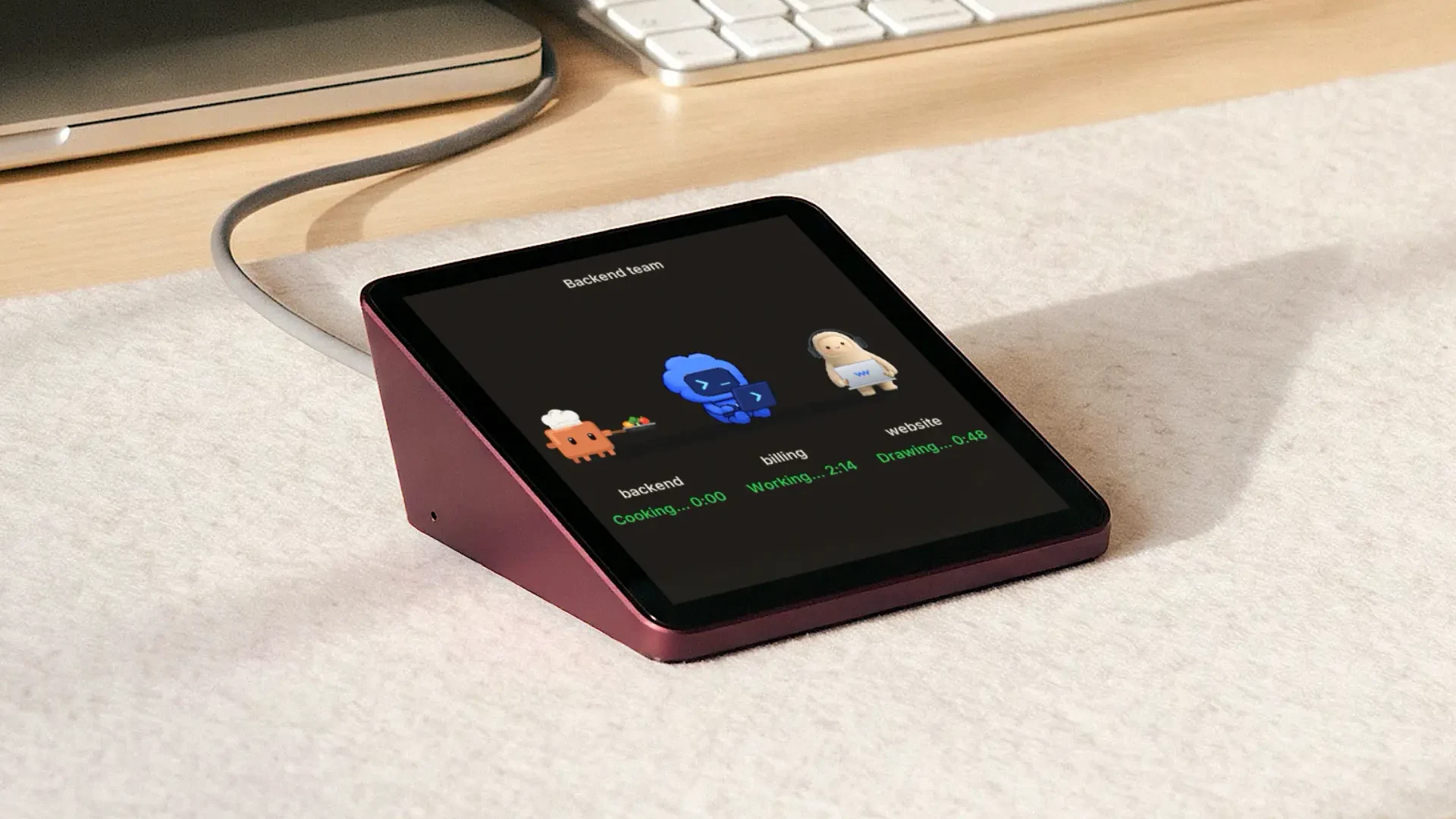
To run multiple Claude Code agents without losing track, give each task its own Git worktree and its own session. Claude Code can run several at once, in separate terminals or as background sessions in agent view. Track each one by branch, state and the next decision it needs from you, not by terminal number. Worktrees keep in-progress edits apart, but two branches can still conflict at merge time. This guide covers setup, a worked merge-conflict example, Claude Code's free tracking tools and the checks before a branch lands.
How to run multiple Claude Code agents with Git worktrees
Run multiple Claude Code agents by starting one named worktree session per independent task, then reviewing each branch before it merges. Claude Code's --worktree flag creates a separate working directory under .claude/worktrees/ and a new branch named worktree-<name> for each session. These seven steps take two tasks from setup to merge.
- Split the work. For example, give one session an authentication error and another a payment test failure. Name the expected files, tests and reviewer for each. If both tasks must edit the same shared module, run those edits one after the other or pick one owner before work starts.
- Choose the starting code. Claude Code's default worktree.baseRef is "fresh", which branches from the remote default branch, usually main. Set it to "head" when the sessions need commits on your current local branch; uncommitted edits still are not copied. For a specific existing branch, create the worktree with Git directly (next section).
- Prepare the environment. A worktree is a fresh checkout, so it needs its own dependency install, and gitignored files such as .env are missing. List those files in a .worktreeinclude file at the project root and Claude Code copies them into each new worktree.
- Open the first session. From the repository root, run claude --worktree auth-fix in one terminal. Keep the request narrow: "Fix the authentication error, change only the auth module and its tests, run the auth tests, and report the branch, changed files, test result and remaining risks."
- Open the second session. From the same root, run claude --worktree payment-test in another terminal. Ask it to diagnose and fix the payment test failure without touching the auth module.
- Review and merge one branch at a time. In each worktree, check git status, the diff and the test output. An agent saying "done" is a status update, not proof that the change passed review. Merge the first accepted branch through your normal pull request process, then bring the second branch up to date, resolve any conflicts there, rerun its tests and merge it.
- Clean up only after the work is saved. Confirm the accepted commits or pull request exist before removing a worktree. When you exit a worktree session that still has changes, Claude Code asks whether to keep or remove it. Removing deletes the directory, its branch and the work in them. In agent view, deleting a session also deletes the worktree Claude created for it, so commit first.
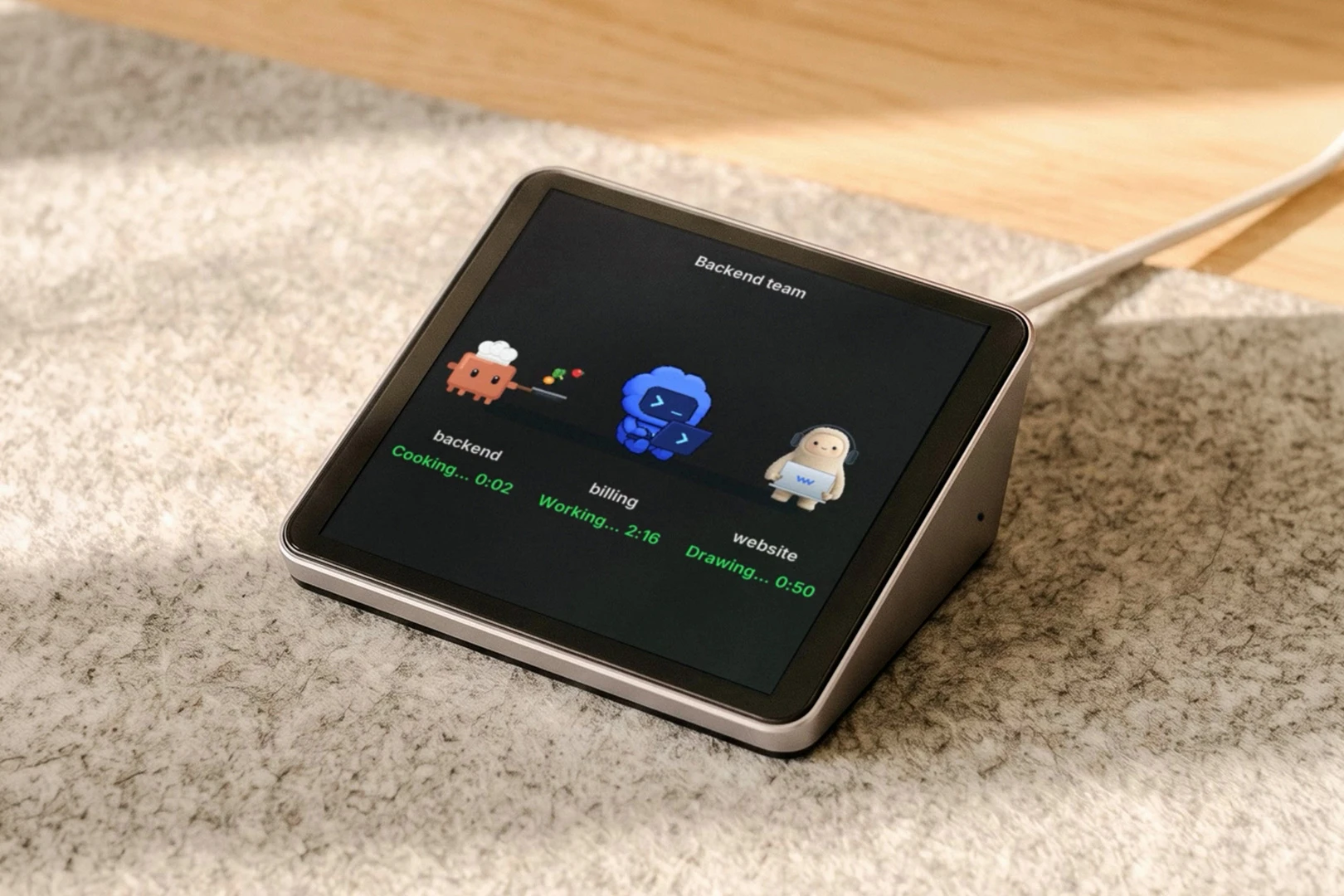
Naming each session after its task, as on this Harness Pro screen, keeps any status list readable.
When to create a Git worktree manually
Create a Git worktree manually when you need a specific existing branch or a folder outside Claude Code's default location. For a new branch, run these from the repository root:
git worktree add ../project-auth -b auth-fix
cd ../project-auth && claude
To use an existing branch, replace -b auth-fix with that branch name. Git refuses if that branch is already checked out in another worktree, so create a new branch from its commit instead.
What Git worktrees do not isolate
Git worktrees separate files and branches, not running services. If both sessions start the app or run integration tests, give them different ports and test databases where your stack needs them. Two clean diffs can still produce misleading test results when the tasks share a database or cache.
How to run multiple Claude Code agents with fewer merge conflicts
Prevent avoidable conflicts by giving each Claude Code session its own worktree and its own set of files, then merging branches in a fixed order. Git merges changes that touch different lines and stops with a conflict when two branches change the same lines. A worktree moves that collision to merge time; it does not remove it.
| Before dispatch | Auth session | Payment session | Review rule |
|---|---|---|---|
| Owned files | Auth handler and auth tests | Payment tests and fixture | Pause if both need the same shared file |
| Acceptance | Auth regression test passes | Payment test passes | Reviewer checks each diff and test log |
| Integration | Merge first after review | Update from main, retest, merge second | A green test on an old base is not final |
The rule that does the work is the stop path: if either agent finds it must change the other agent's files, it reports the dependency and waits for a new assignment. Put that line in both prompts.
What a merge conflict between two agents looks like
A conflict between two agents looks like any Git conflict: the second merge stops and leaves both versions in the file. Say agent A, on branch worktree-rename, renames fetchUser to getUser in src/api/client.ts. Agent B, on branch worktree-retry, adds a retries parameter to fetchUser in the same file. Each branch passes its own tests.
You merge A into main first, and it goes in cleanly. Then you merge B, and Git stops:
Auto-merging src/api/client.ts
CONFLICT (content): Merge conflict in src/api/client.ts
Automatic merge failed; fix conflicts and then commit the result.
The file now holds both versions of the function's first line between conflict markers:
<<<<<<< HEAD
export async function getUser(id: string) {
=======
export async function fetchUser(id: string, retries = 3) {
>>>>>>> worktree-retry
The top half is main with A's rename; the bottom half is B's version. Keeping either half by hand drops the rename or the retry. Run git merge --abort and fix it on B's branch instead.
In B's worktree, run git rebase main, or git fetch and then git rebase origin/main if A merged through a pull request. Git stops on the same conflict in client.ts. During a rebase the HEAD side of the markers is main, not B. Ask agent B to add its retries parameter to getUser and to update any new calls that still use fetchUser. Then run git add src/api/client.ts and git rebase --continue.
If B's branch is already pushed, update it with git push --force-with-lease after the rebase. Merging main into B instead also works, keeps B's history as it was and needs no force-push.
Rerun B's tests on the updated branch, review the diff again, and merge. The callers matter: a rename can break code that merged without any conflict, so the test run is the real check.
The ownership rule stops this before Git sees it. If src/api/client.ts belongs to agent A, agent B's prompt tells it to report and wait the moment the retry needs that file. You merge A, then start B again from the updated main, so B writes the retry into getUser from its first edit.
How do you keep track of multiple Claude Code agents?
Track each Claude Code session by task, branch, state and the next action it needs from you, not by terminal number. A tab labeled "claude" tells you nothing. A row that reads "payment-test: waiting on a decision about the shared fixture" tells you where to go next.
The free setup is one terminal pane per session, for example a tmux window split into panes with each pane started in its own worktree. It works, but you are the one scanning panes to see which session stopped. Claude Code adds two tools that do the scanning for you.
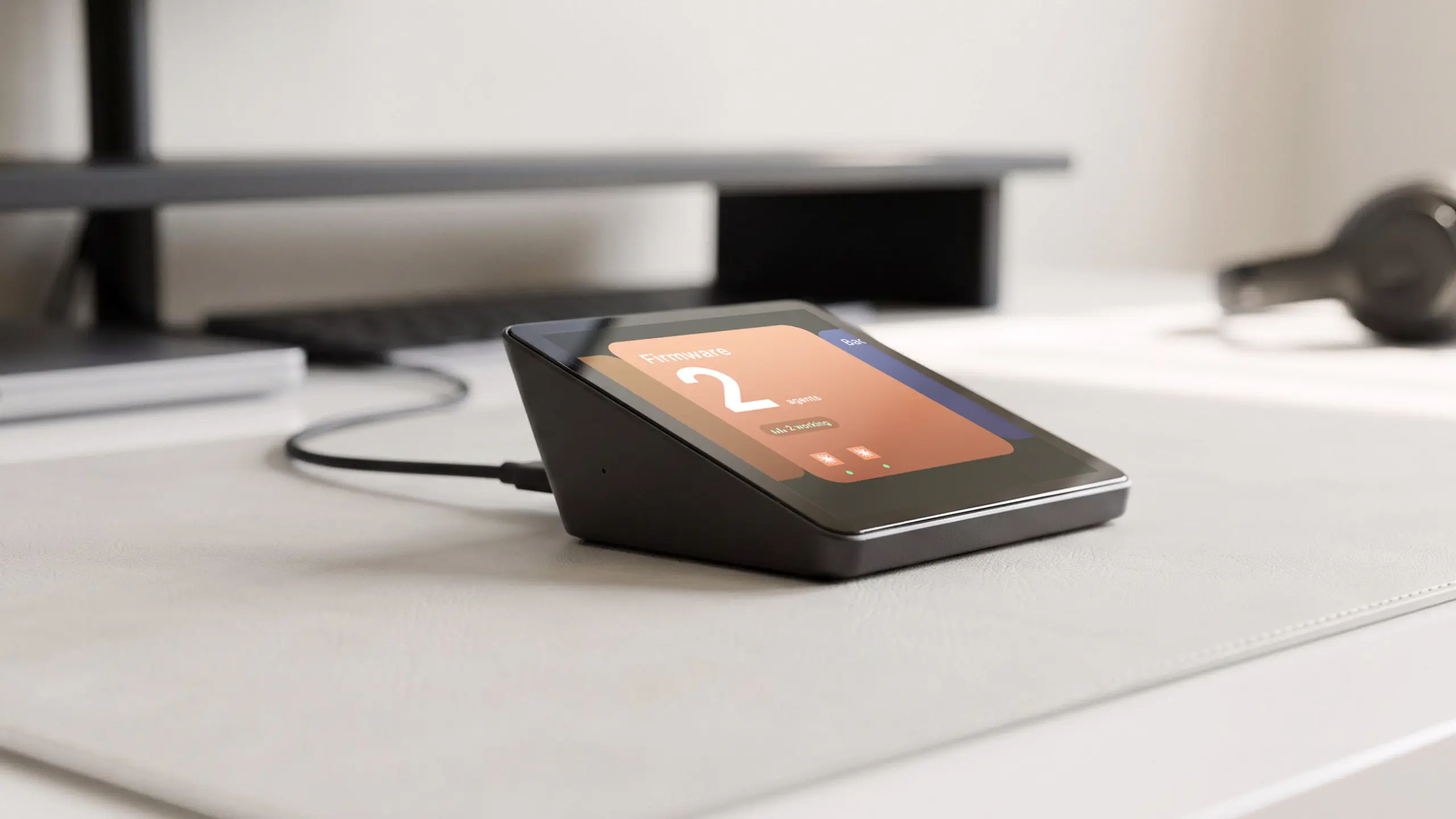
Harness Pro shows one agent per screen and you swipe to the next, the same idea as one pane per session on a separate screen.
Use agent view to see which session needs you
Agent view, opened with claude agents, lists your background sessions and groups them by state: Ready for review and Needs input at the top, Working and Completed below. Each row carries a one-line summary of what the session is doing or asking, so a blocked question shows without opening the transcript. Agent view is a research preview, so its layout may change.
Type a task at the bottom of agent view to dispatch a new background session. In a Git repository, Claude moves a dispatched session into its own worktree before it edits files, unless worktree.bgIsolation is set to "none". A session you already had open and then sent to the background keeps editing where it was.
How do you know when a Claude Code task finishes?
Claude Code hooks give you a free completion signal. A Stop hook runs when the main Claude Code agent has finished responding, so it can play a sound or send a desktop alert. A Notification hook matched to idle_prompt fires when Claude finished about 60 seconds ago and you have not typed since.
Background sessions have their own notification types: agent_needs_input when a session starts waiting on you, and agent_completed when one finishes or fails. Both fire only while agent view is open in a terminal. Close agent view and the alerts stop, even though the sessions keep running.
On one machine the hooks above cover this for free; Harness Device, the round model, gives the same signal across machines and shows what ran while you were away.
Keep a session ledger for the next human action
A short ledger in a note or issue board covers what the tools do not: who owns the next step. Keep one row per session.
| Task | Branch | Current state | Next owner action |
|---|---|---|---|
| Auth error | worktree-auth-fix | Tests complete | Review diff and test log |
| Payment failure | worktree-payment-test | Needs shared fixture | Agree file ownership before retry |
Tracking agents on more than one machine
Agent view covers only the machine you open it on. Anthropic's docs list "sessions are local" as a limitation: background sessions stop if that machine shuts down. If your agents are split across a laptop, a desktop and a Linux server, you open agent view on each one.
Anthropic's own cross-machine route is Projects, a public beta on Pro and Max. From one conversation at claude.ai/code or in the desktop app, Claude starts parallel threads in the cloud or on your computer and shows which ones need you. Those are threads it starts, not the terminal sessions you already run.
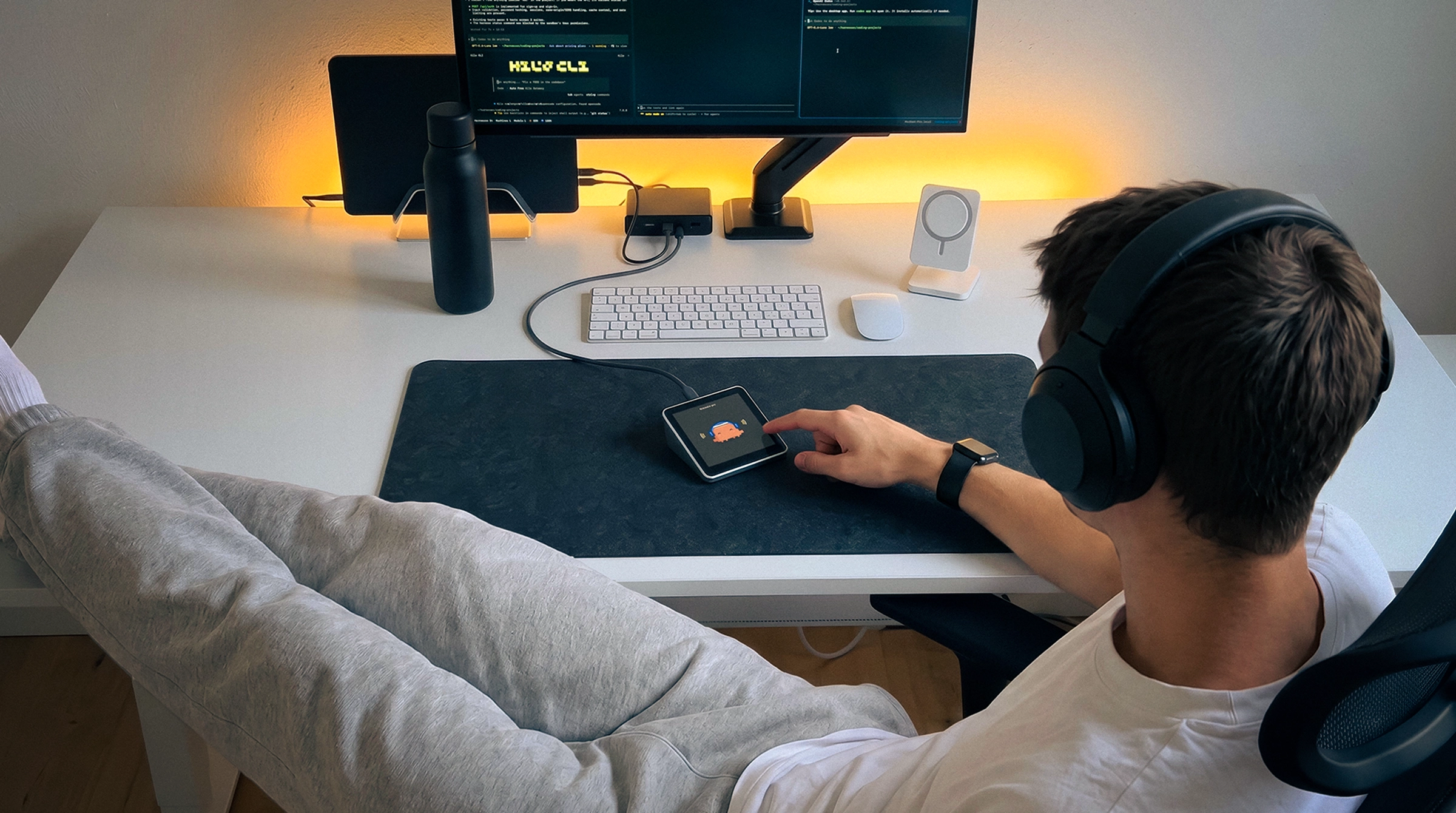
A separate status screen only helps when your agents already run on more than one machine. Harness Pro is one: a 3.95-inch touch screen that connects by USB-C to a computer running the Harness app, which reaches your agents on every computer you use. It shows Claude Code, Codex, Cursor and more side by side and pings you when one is done. It does not review diffs or merge branches, and on a single machine agent view and a Stop hook do the same job for free.
Can you run multiple Claude Code agents at once?
Yes. Besides separate sessions in separate terminals, Claude Code has background sessions in agent view, subagents, experimental agent teams and Projects, a public beta. These split work in different ways, so the names are not interchangeable.
| Method | What runs separately | Use it for |
|---|---|---|
| Terminal sessions with worktrees | Two conversations and two working directories | Independent code changes that need separate review |
| Agent view | Background Claude Code sessions | Dispatching and watching several independent tasks |
| Subagents | Workers inside one lead session | Focused research or checks that report back to the lead |
| Agent teams | Coordinated Claude Code sessions | Work that needs a shared task list and messages between agents |
| Projects | Threads Claude starts from one conversation, in the cloud or on your computer | Many tasks over days that should keep running when your machine is off |
For two code-writing tasks, the worktree sessions in the steps above keep each branch, diff and accept-or-reject decision visible. Subagents and agent teams fit narrower jobs.
How do you run Claude Code subagents in parallel?
Run Claude Code subagents in parallel by asking one lead session to start them, for example: "Use two Explore subagents in parallel. Have one inspect the auth tests and failure logs and the other the payment tests and logs. Do not edit files. Return the likely cause and one next check for each."
Use subagents instead of separate sessions when a side task returns findings, not a branch to review. Explore is a built-in read-only subagent, so it cannot change your code. The limit is where they run. Subagents start in the lead conversation's working directory, so for one that edits code, set isolation: worktree in its definition or use a separate session.
Other ways to run multiple Claude Code agents
Desktop apps such as Conductor and Pane and Claude Code's agent teams are the other ways to run multiple Claude Code agents, and neither changes the merge rules above: one owner per file, one branch merged at a time.
Conductor and Pane for parallel agents
Neither Conductor nor Pane prevents merge conflicts; pick between them on platform and review tools, or compare Conductor alternatives by OS, license and price. Each one puts every task in its own Git worktree, so two branches that change the same lines still collide when the second one merges.
Conductor runs only on macOS and goes deeper on review: a diff viewer whose comments go back to the agent, a Checks tab and pull requests. It can hand a conflicted branch to an agent for help, and its paid plans add Multiplayer for live team sessions. Pane is free and open source, runs on Windows, WSL, macOS and Linux, works with any CLI agent and has no team features. Pane the app is not a terminal pane; tmux panes stay the free baseline.
When to use Claude Code agent teams
Use agent teams only when agents must share findings while they work: teammates are coordinated Claude Code sessions with a shared task list and messages. They are experimental and off by default; set CLAUDE_CODE_EXPERIMENTAL_AGENT_TEAMS to 1 in settings.json or your shell to try them. Anthropic's docs steer sequential and same-file work to a single session or subagents and warn that two teammates editing one file leads to overwrites.
How many Claude Code sessions to run
Run as many sessions as you can review, which is usually fewer than your plan allows. Background sessions count against your subscription like interactive ones, so each extra agent drains usage faster. Start with two independent tasks and add one only when finished work is not piling up; our breakdown of Claude Code cost when sessions run in parallel covers the money side.
FAQs
Can I run Claude Code in multiple terminals?
Yes, you can run a separate Claude Code session in each terminal. If they edit one Git repository, start each with its own worktree, for example claude --worktree auth-fix, so in-progress edits stay apart. A second terminal pointed at the same checkout gives you no isolation.
How many Claude Code agents can run at once?
Claude Code runs up to 20 subagents at once in a single session by default, and CLAUDE_CODE_MAX_CONCURRENT_SUBAGENTS changes that limit. Separate and background sessions are capped by your plan's usage instead: ten sessions use quota about ten times as fast as one. Your review time usually runs out first.
Do Git worktrees eliminate merge conflicts?
No. Git worktrees give each session a separate working directory and branch, which stops two agents editing one checkout at the same time. Two branches can still change the same lines and conflict at merge. Assign file owners, merge one accepted branch at a time, then update and retest the next.
Should I use Claude Code subagents or separate sessions?
Use a subagent for a focused task that reports back to one lead conversation, such as reading logs. Use separate sessions when each task needs its own branch, diff and review. A subagent can run in its own worktree too, but the lead still decides whether to accept its result.
Does Conductor solve merge conflicts for Claude Code?
No. Conductor gives each task its own worktree and branch, then adds a diff viewer with inline comments, a Checks tab and pull requests. When a branch conflicts, you can ask an agent to help resolve it, then rerun tests and review the diff. Two workspaces on one file-heavy refactor still conflict.
Is Conductor better than Pane for avoiding merge conflicts?
Neither one avoids merge conflicts for you: both give each task its own Git worktree, and conflicts still show up at merge. Conductor is a Mac app with deeper review tools, and its paid plans add Multiplayer, where teammates share live workspaces. Pane is free, open source, runs on Windows, macOS and Linux, and has no team features.
How do I get notified when Claude Code finishes a task?
Add a Stop hook that plays a sound or sends a desktop alert when Claude finishes responding. For background sessions, the agent_completed notification fires when one finishes or fails, but only while agent view is open in a terminal. If your agents run on several machines, a desk screen such as Harness Pro pings you too.
Can Harness Pro merge or review Claude Code changes?
No. Harness Pro is a desk screen and voice input for coding agents, including Claude Code, on every computer you use. It shows progress and pings you when an agent is done, but review, testing, branch updates and merges stay in your development workflow.
Conclusion
To run multiple Claude Code agents well, start with two tasks that have separate owners, worktrees and acceptance checks. Track each one by branch, state and the next action it needs, using agent view and a Stop hook before anything paid. Review each diff and merge in order, and treat a blocked session or a shared-file request as the signal to stop and reassign.
References
- Anthropic, Run agents in parallel, Claude Code documentation.
- Anthropic, Run parallel sessions with worktrees, Claude Code documentation.
- Anthropic, Manage multiple agents with agent view, Claude Code documentation.
- Anthropic, Hooks reference, Claude Code documentation.
- Anthropic, Create custom subagents, Claude Code documentation.
- Anthropic, Orchestrate teams of Claude Code sessions, Claude Code documentation.
- Conductor, Run multiple Claude Code sessions in parallel.
- Conductor, Review and merge a workspace.
- Conductor, Workflow.
- Conductor, Multiplayer.
- Conductor, Pricing.
- Pane, RunPane product site.
- Pane, Pricing.
- Git, git-worktree documentation.
- Git, git-merge documentation.