How Much Does Claude Code Cost to Run in Parallel?


A financial-services team once ran 23 subagents to analyze a codebase, left them going, and came back to a reported $47,000 bill three days later. The number is extreme, but the behavior behind it is the most ordinary thing in agentic coding: dispatch a handful of agents and walk away. Parallel coding agents multiply spend at the same rate they multiply work, and almost nothing shows you the total until it is already spent.
So how much does Claude Code cost once agents run in parallel? This guide gives the real per-day math, the free levers that cut it, and the reason the bill still catches people out even when they know the rates. It applies the same way to Codex, Cursor, and the other agents that bill by token. The short version is that the surprise is never the price per token, it is the volume, and the volume is invisible while you create it.
How much does Claude Code cost to run?
AI coding agents have no per-agent price. Every session draws from the same subscription quota or API balance as your main one, so the cost question is not what an agent costs but how many you are running and on which models.
The reference figure comes from Anthropic's own enterprise telemetry: roughly $13 per developer per active day, or about $150 to $250 per month, with around 90 percent of developers staying under $30 on any active day. That average describes one working session. It is the baseline every parallel-agent calculation starts from, and the parallel part is where it climbs.
.webp)
Why Claude Code cost climbs with parallel agents
Parallel agents multiply cost linearly with how many you run, because each session consumes tokens independently. Running ten agents at once burns your quota roughly ten times as fast as one, and there is no bulk discount for concurrency.
The rates themselves are published and stable. What surprises teams is not the per-token price, it is that a coding agent re-sends the whole conversation on every turn, so a few thousand characters of typing can burn millions of input tokens across a long session.
The failure mode with a name is subagent fan-out: one task spawning twenty or more parallel agents that each bill independently. Reported incidents include a 49-subagent check estimated at $8,000 to $15,000, a single developer burning $6,000 of credits overnight, and the $47,000 run above. The common causes are the same each time: agents left running unattended, autocompact cascades on long sessions, and context resent on every retry.
Model | Input per M tokens | Output per M tokens |
Haiku class | $1 | $5 |
Sonnet class | $3 | $15 |
Opus class | $5 | $25 |
What a realistic day looks like
A realistic parallel-agent day depends almost entirely on how many sessions run and which models they use, not on any per-agent fee.
Setup | Typical shape | Rough daily spend |
Solo on Pro | 1 to 2 background sessions, Sonnet | Fits the plan, but parallel work hits the 5-hour window fast |
Max power user | 3 to 5 agents, Opus lead and Sonnet workers | Reported around $50 to $65 |
Team burst | Agent teams for review and research | Scales per developer, driven by the heavy few |
One detail that trips up solo developers: five agents can exhaust the Pro plan's rolling five-hour window in under an hour, so parallel work often pushes you to a higher tier well before you expected. The daily figures above come from reporting against live pricing and will shift with your own model mix.
The levers that actually cut the cost
Five moves cut parallel-agent spend, and all of them are free and worth doing before you reach for any tool:
- Tier your agents by model. Put Opus on the lead or hard reasoning, Sonnet on most work, and a Haiku-class model on simple tasks. One Opus lead with Sonnet workers runs meaningfully cheaper than all-Opus.
- Clear context on topic switches. Each turn re-sends everything before it, so a session that wandered across three tasks pays to re-send all three. Starting fresh stops that growth.
- Stop idle agents. One left running on a server all afternoon is spend you will not see unless you look, which is exactly the failure the $47,000 story describes.
- Cap the thinking budget. Dialing effort down for simple tasks keeps a small job from spending like a large one.
- Check spend as you work, not at the invoice. Run the usage command inside a session, and keep one eye on the combined daily total across everything running.
Why the bill still surprises you
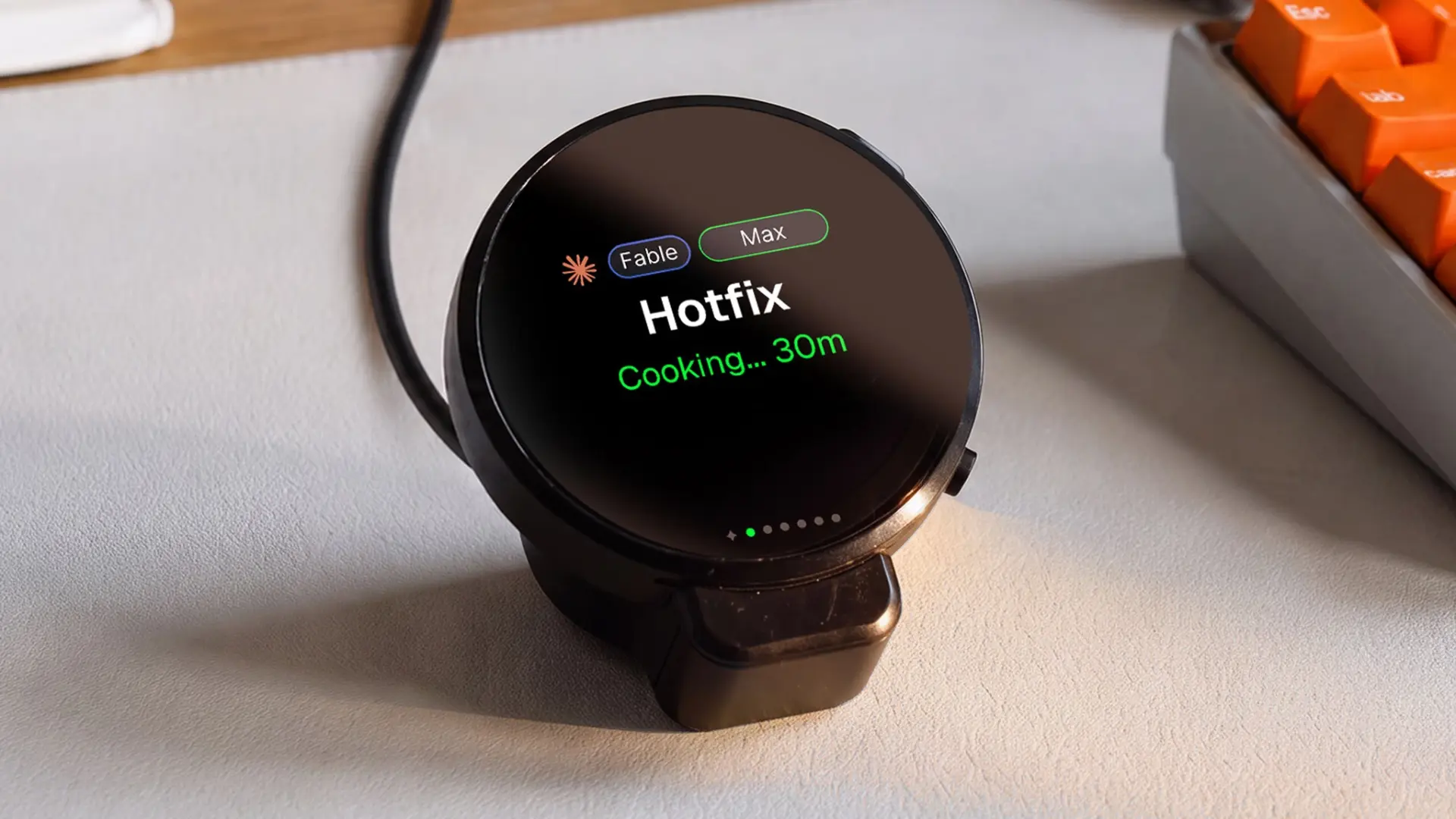
The bill surprises you because cost is invisible at the exact moment you create it. Dispatching a tenth agent costs the same one sentence of effort as dispatching the first, so nothing in the act of doing it signals that you just multiplied your burn rate.
This is the part every cost guide underplays. The levers above genuinely cut spend, but they all assume you are paying attention, and the whole problem is that you are not. A report you have to open does not fix this, because opening it is the behavior you already skipped. By the time you check the dashboard, the tokens are spent.
There is a quieter cost too, the one developers call rate-limit anxiety: the low background worry that any dispatch might tip you over a limit, which keeps people from running as many agents as the work wants. No display fixes your quota, and this guide will not pretend otherwise. What a visible running total does change is the anxiety, because a number you can see is easier to plan around than one you are guessing at.
That is a specific requirement, and it rules out most answers. To change a decision, the number has to reach you without being requested. It has to sit in your field of view while the agents run, not wait in a panel you navigate to. This is the one place a passive, always-on surface does something a report cannot.
Where a device like Harness fits
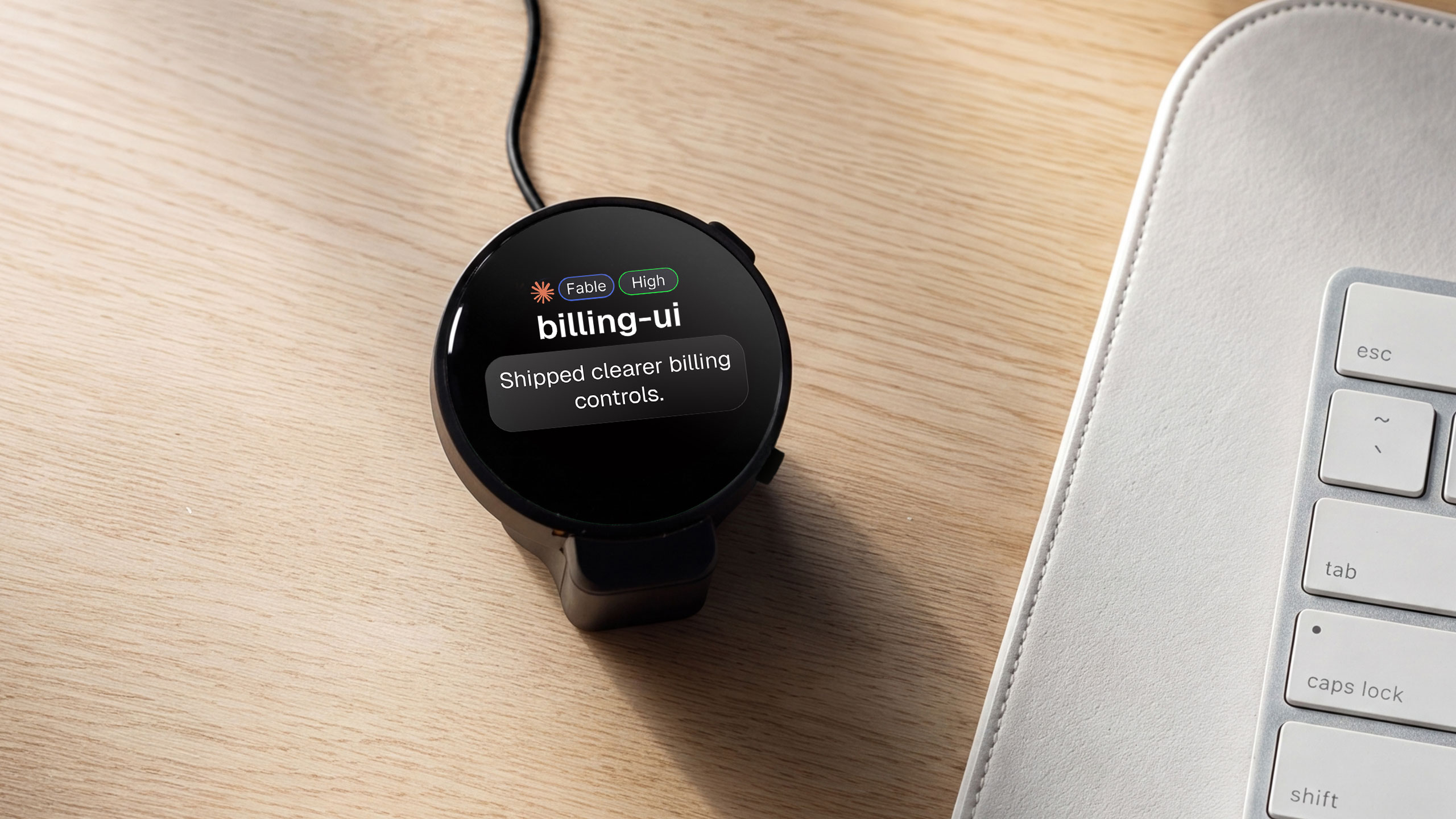
Harness does not reduce what your agents cost. It makes the running cost visible, which is a different job and, for this specific problem, the more useful one.
Harness is a small desk disc that shows three things and nothing else:
- What is running, and for how long
- The finished work, the moment it returns
- What your agents have spent today, to the cent and readable across the room
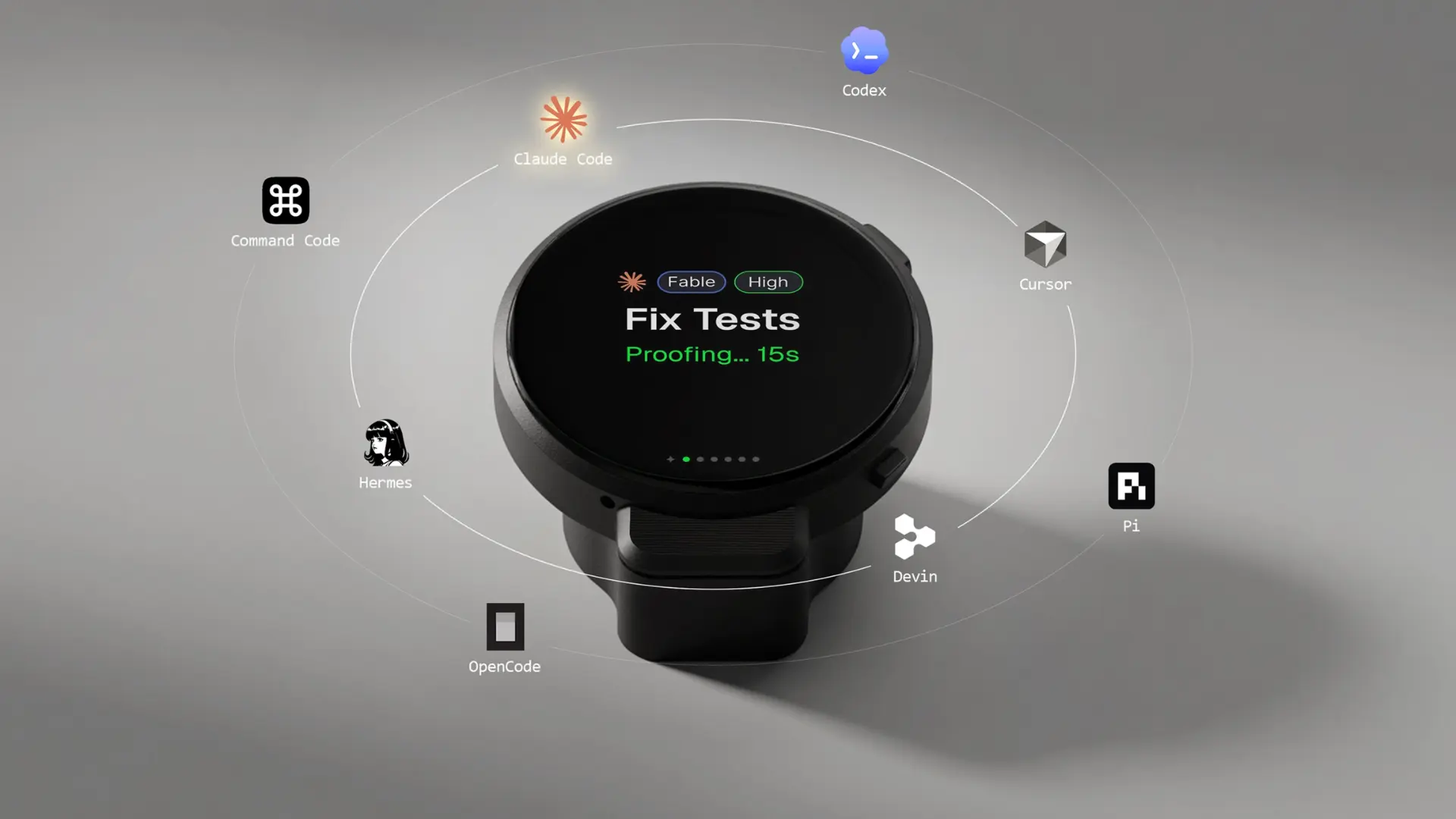
Because it works across the eight agents it supports, including Claude Code, Codex, Cursor, and OpenCode, the figure it shows is the combined total across everything you run, not one session at a time. The number sits in your peripheral vision while you work, so a climbing total registers before the invoice does, not after.
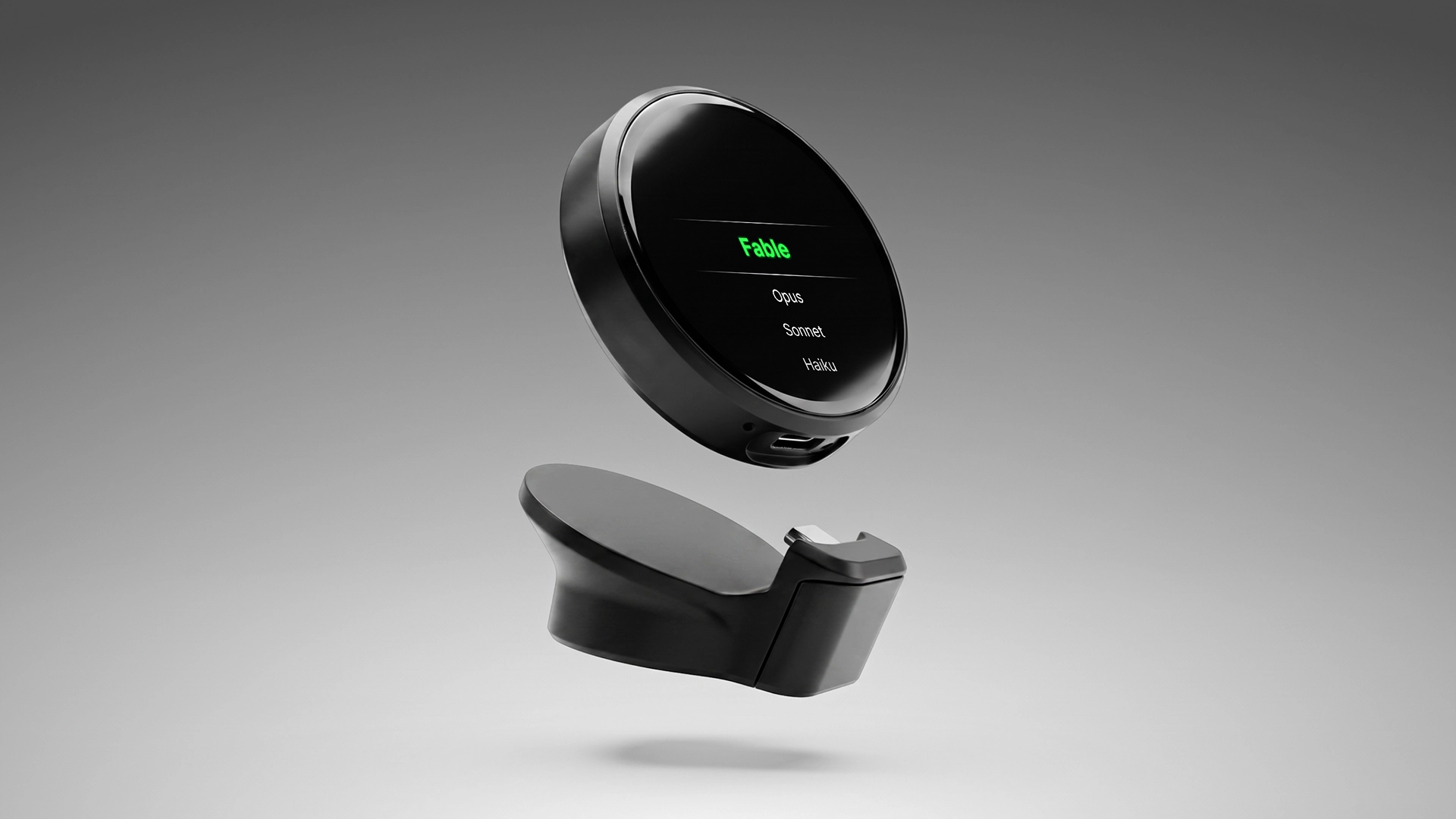
One honest caution about its autonomy. Harness runs spoken work on auto-allow, so a dispatched task starts without an approval tap. That is fast, and with parallel agents it also means the spend it displays can climb quickly, so the visible total is the safeguard, not a speed limit.
Keep in mind: Harness shows cost, it does not cut it. The free levers above are still what lowers the bill. Harness is what stops the bill from being a surprise.
Frequently asked questions
How much does it cost to run multiple Claude Code agents?
There is no per-agent charge. Every agent draws from the same subscription quota or API balance, so ten parallel agents burn roughly ten times the tokens of one. Anthropic's enterprise figures put a single working session near $13 per developer per active day, and parallel work scales from there.
Do parallel agents cost more than a single agent?
Yes, and roughly linearly. Each session consumes tokens independently with no concurrency discount, so five agents cost about five times one for the same work. The bigger multiplier is often the model: an Opus agent runs about five times a Haiku one, so the mix matters as much as the count.
Is there a separate fee or tier for running agents?
No. All agent sessions draw from your existing plan or API balance, with no agent-specific price, per-session discount, or separate billing category. The practical ceiling is your plan's token quota and rate limits, which parallel sessions reach much faster than a single one does.
What is the cheapest way to run several agents at once?
Tier by model. Put Opus only on the lead or hard reasoning, Sonnet on most work, and a Haiku-class model on simple tasks, then clear context on topic switches and stop idle sessions. These free habits cut spend more than any tool, because the largest lever is trimming re-sent context.
How do I track what my agents are spending?
Run the usage command inside a session for its own total, and keep a single combined daily figure across everything running, since per-session checks miss the sum. The harder part is remembering to look, which is why some developers keep the running total on an always-on surface rather than in a panel they open.
Does a device like Harness reduce agent costs?
No. Harness shows the running cost across your agents in real time, it does not lower it. Reducing spend comes from model tiering, clearing context, and stopping idle agents. Harness addresses the separate problem that spend is invisible while you create it, so a climbing total reaches you before the invoice does.
The short version
Claude Code cost comes down to two numbers you control: how many sessions run, and which models they use. The same holds for any agent that bills by token. There is no per-agent fee, the rates are published, and ten agents cost about ten times one. The math is not the hard part.
The hard part is that the cost is invisible while you make it, so the surprise lands at the invoice. Cut spend with the free levers, model tiering first, and if the thing you keep losing is awareness of the total while agents run, that is the narrow job a passive display does that a report cannot.
References
- Anthropic. Model pricing, Haiku, Sonnet, and Opus per-token rates. Claude Platform documentation. https://platform.claude.com/docs/en/about-claude/pricing
- CloudZero. Claude Code agents and what parallel sessions cost, 2026. https://www.cloudzero.com/blog/claude-code-agents/
- Developers Digest. What a fleet of Claude agents actually costs, June 2026. https://www.developersdigest.tech/blog/what-parallel-claude-agents-actually-cost