
Sam Wasserman
“Got my Harness device setup and connected to 14 agents across multiple computers, harnesses, models etc. This device is great.”

| Qty | ||||
|---|---|---|---|---|
| Price | €130 | €127 | €126 | €125 |
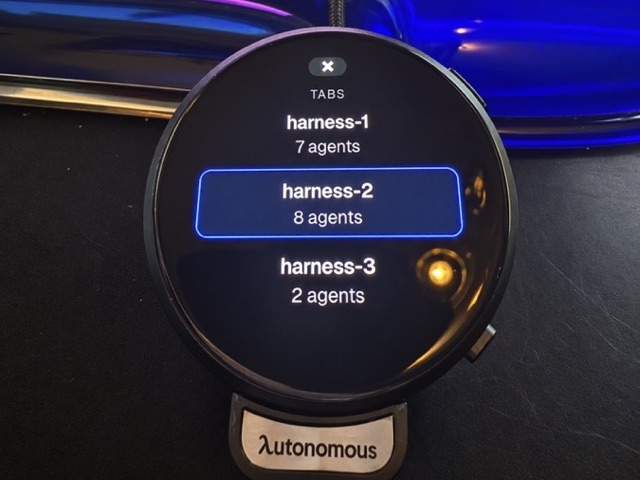
“Got my Harness device setup and connected to 14 agents across multiple computers, harnesses, models etc. This device is great.”
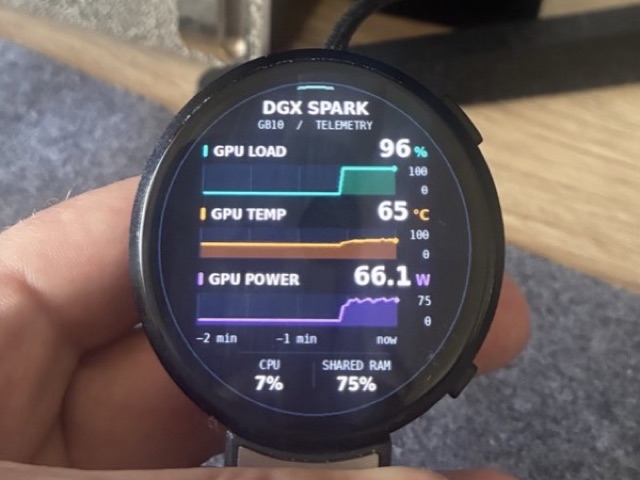
“Can flick between agents, but having my DGX Spark temps, GPU load and power draw live at a glance is the real game changer!”
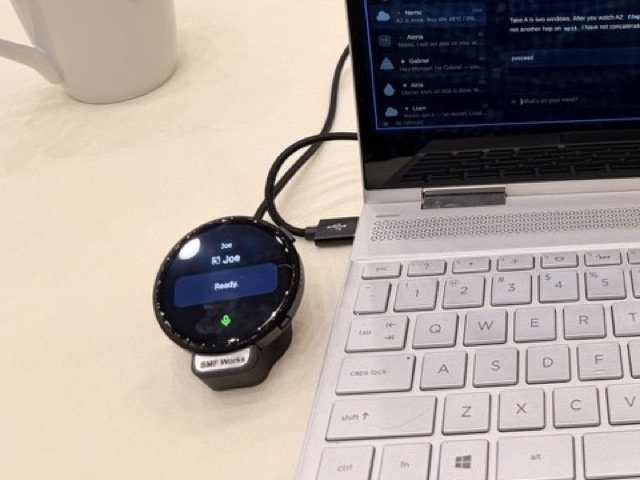

“We have feedback and everything running as it should with the Harness. I LOVE this device!”
“Got my Harness device setup and connected to 14 agents across multiple computers, harnesses, models etc. This device is great.”
“Can flick between agents, but having my DGX Spark temps, GPU load and power draw live at a glance is the real game changer!”
“We have feedback and everything running as it should with the Harness. I LOVE this device!”
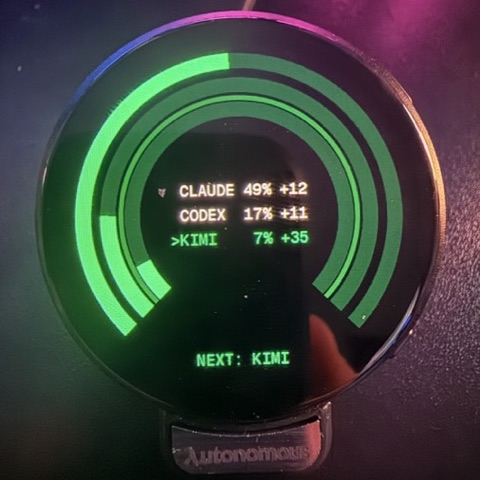
“I got a Harness from @autonomous_labs. It's amazing.”

“Set up @t3dotcodes with my @autonomous_labs harness. Love this little device so cool! Lots of potential”
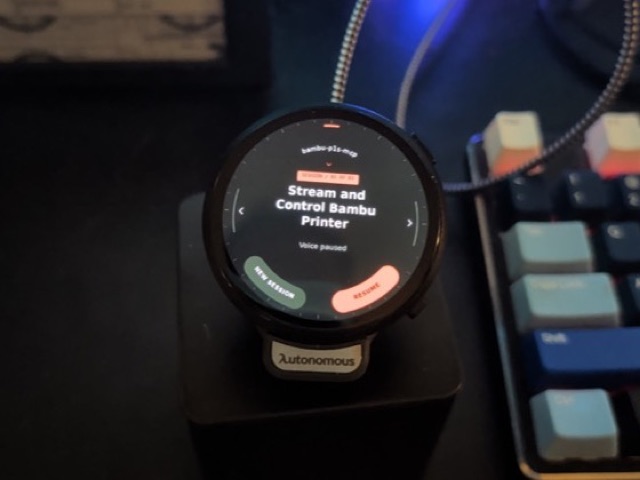
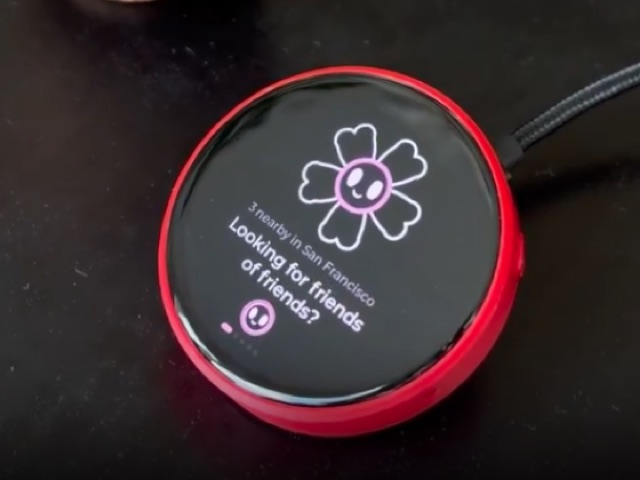

“Thank you for the great device! 🩵”
“I got a Harness from @autonomous_labs. It's amazing.”
“Set up @t3dotcodes with my @autonomous_labs harness. Love this little device so cool! Lots of potential”
“Thank you for the great device! 🩵”
Agents do the work now, and keeping track of them became the job. Say one sentence, and it goes to the right agent.
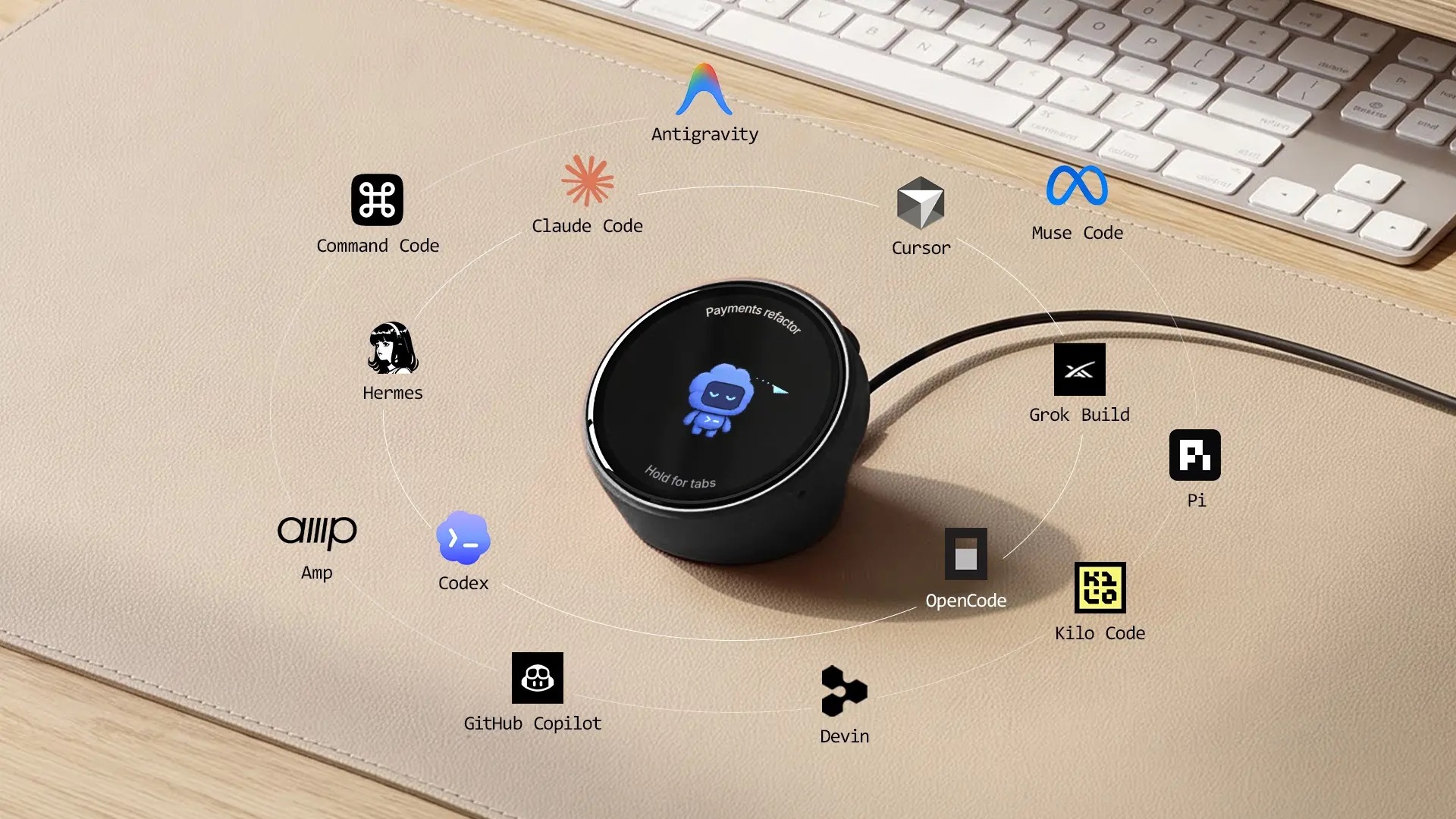
Install the free Harness Device app and plug in the USB-C cable. The agents you already run in Claude, ChatGPT, VS Code, Cursor or your terminal show up on the device. Free for Mac, Windows and Linux. (opens in a new tab)
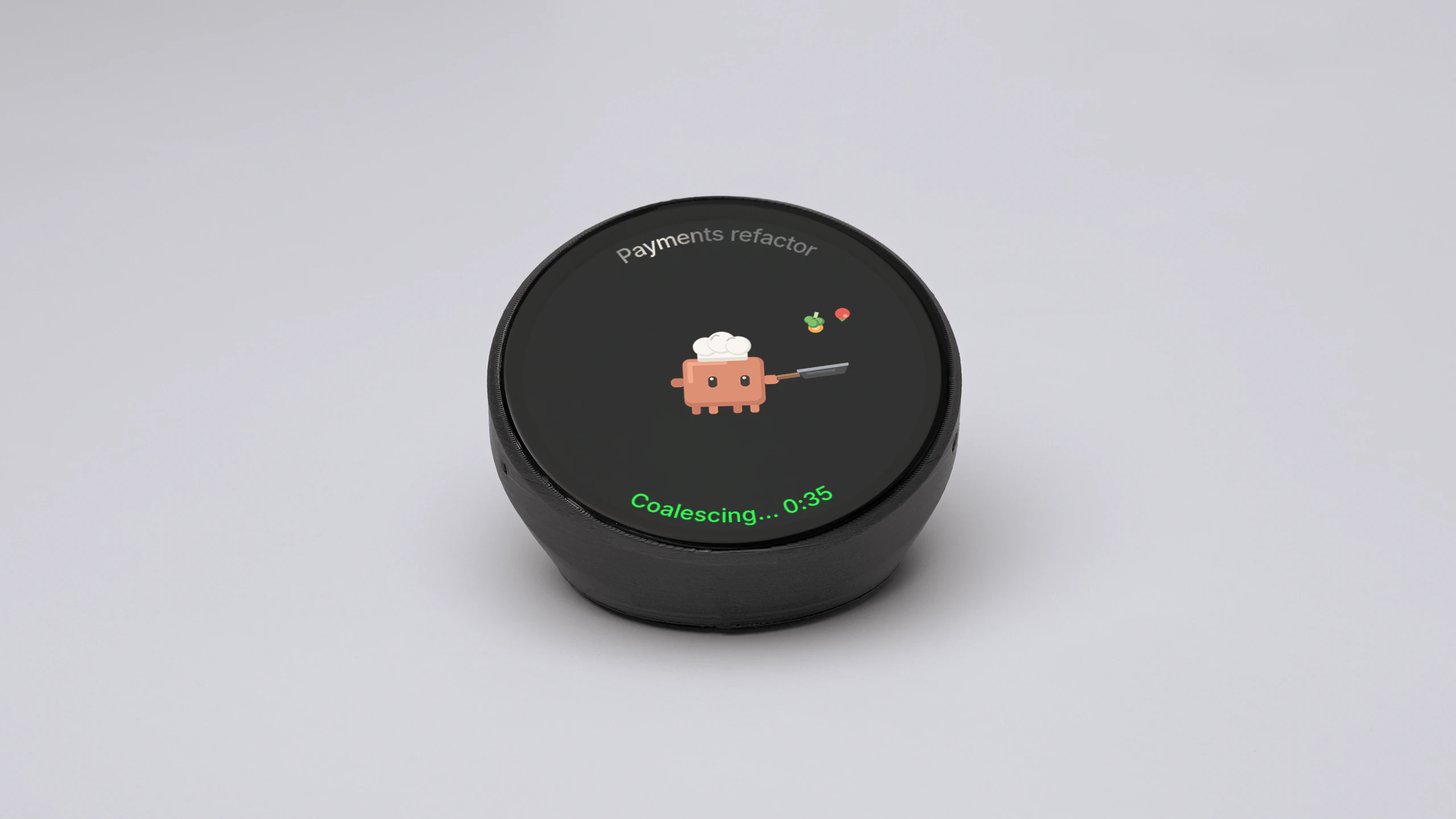
See which one's working, which one's done, which one needs you.
Hold the face, and the app that agent runs in comes to the front.
Claude Code on Harness Device
Harness dispatches the task to the agent already running on your laptop, your server, or the cloud.
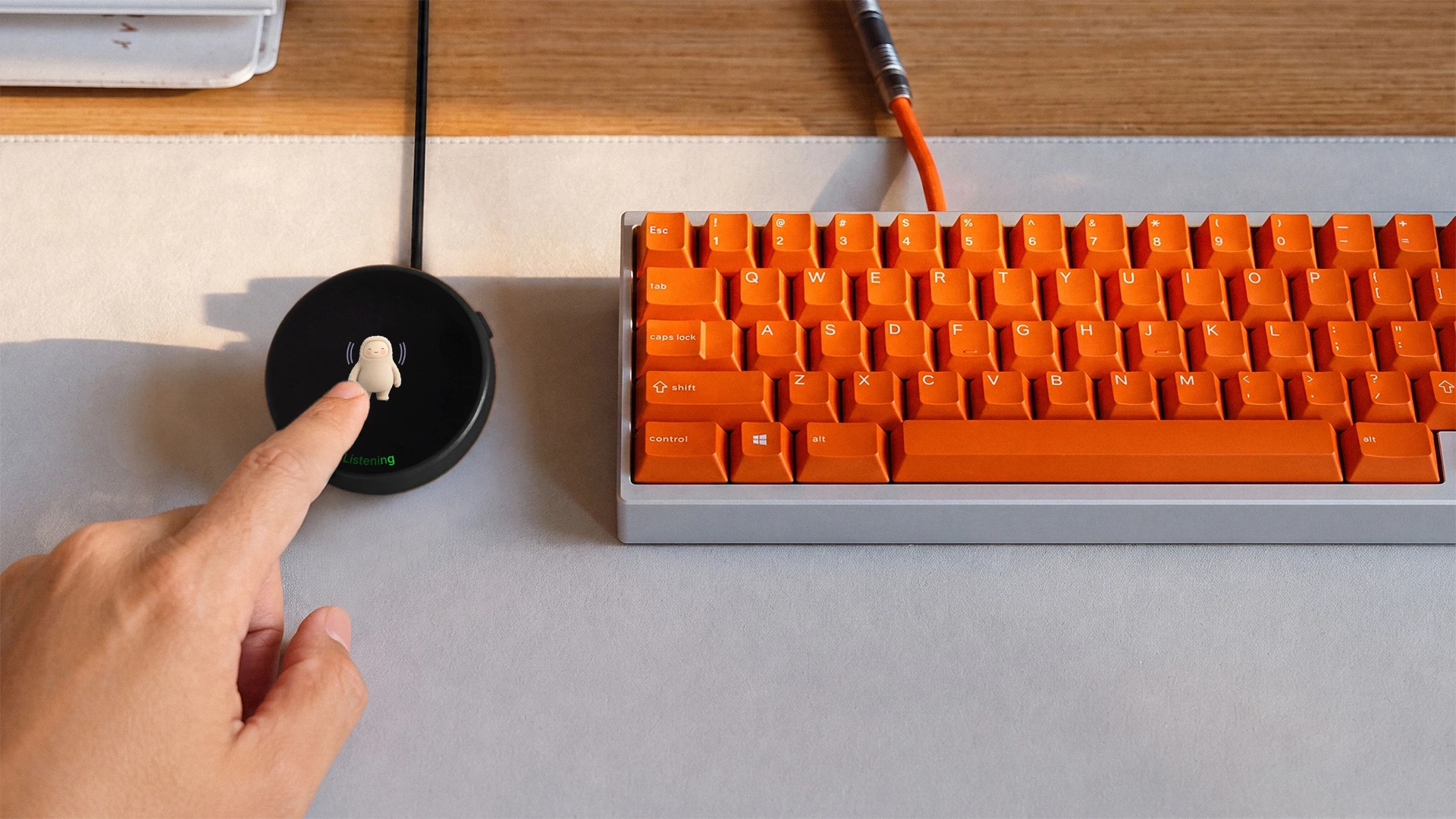
Close the laptop or quit the app. Your agents keep working on every machine, and Harness tells you the moment one's done.
The agent runs where it already runs — your laptop, your server. The only thing that comes back to Harness is what got done, and what needs you to confirm.
Three steps, once per computer. Then you just talk to your agents.
Download the free Harness Device app and sign in. It lives in your menu bar.
Connect Harness Device to your computer with the USB-C cable. The menu says Device ready.
Claude Code and Codex show up on the device. Nothing to set up.

The face tilts 26° toward you. One USB-C cable, nothing else.
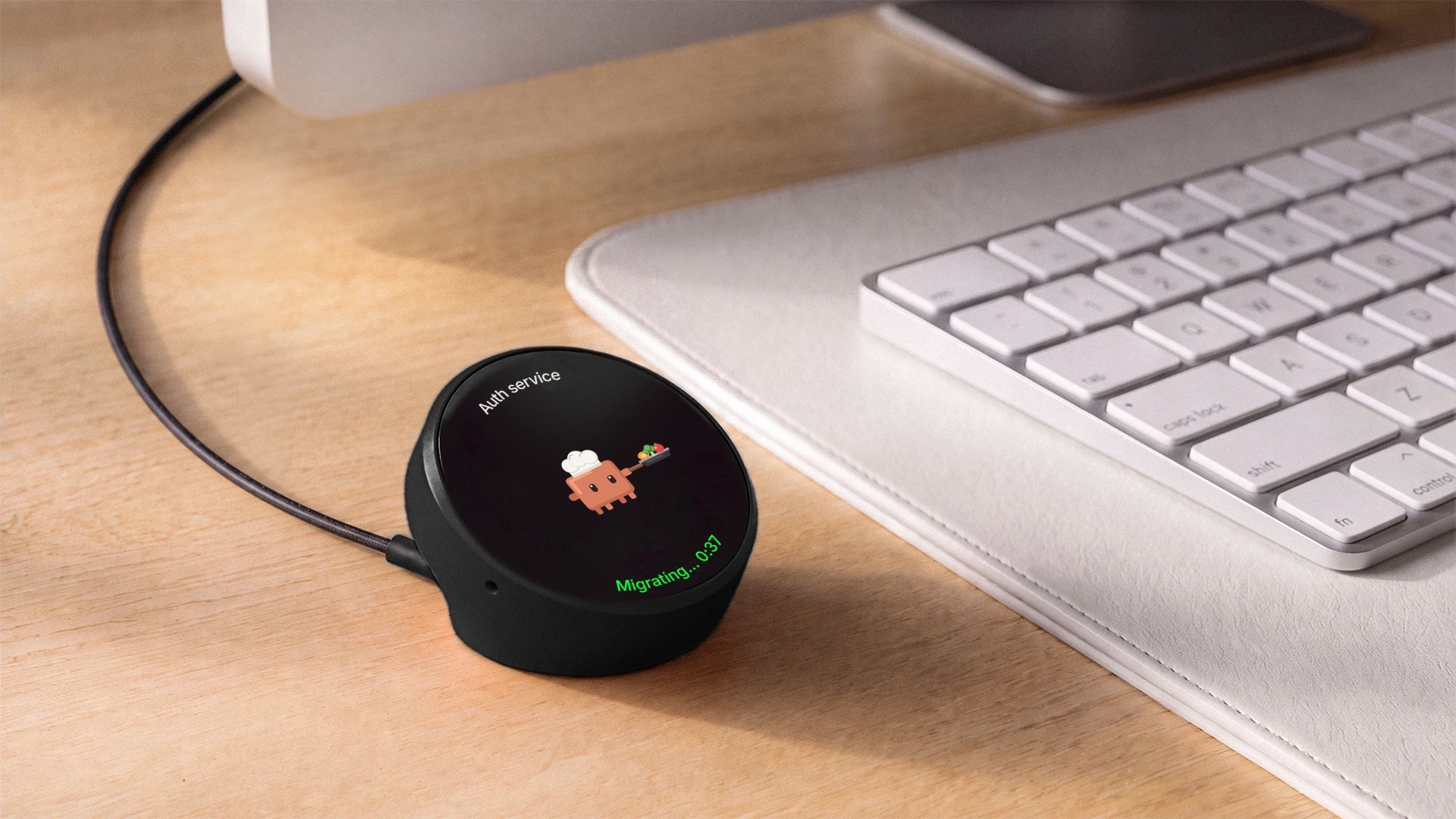
Speak to it. See the work on it.