10 Best Wireless Charging Desk Mats for Your Workspace

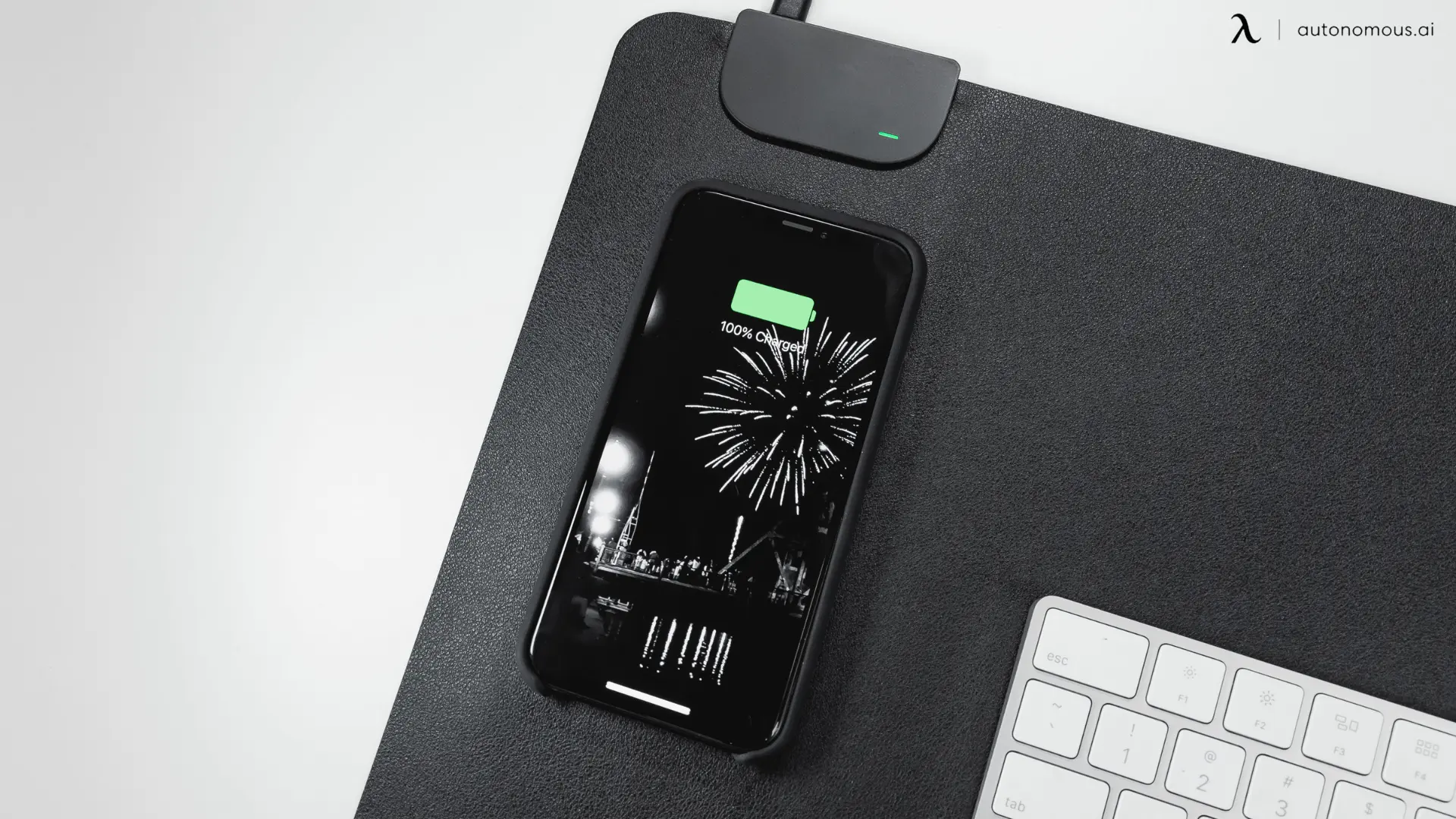
A wireless charging desk mat makes sense when you want a defined keyboard-and-mouse area with a dedicated place to leave your phone charging. The catch is that the charging zone takes up space, the mat still needs a power cable, and a “15W” label does not promise that speed for every phone. The best choice depends on where you put your phone, how much mouse room you need and which charging standard your device supports.
Which wireless charging desk mat should you choose?
Start with ALTI LIFT for an upright phone, ALTI PLAY for a wide RGB surface, OTM Essentials for a narrower footprint, or TopMade for a cloth mat with separate phone and earbuds spots. The ten choices below cover different layouts and purchasing routes for US buyers.
| Desk mat | Best fit | Charging layout | Price |
|---|---|---|---|
| JOURNEY ALTI LIFT | Viewing your phone while working | Qi2 15W stand + 5W earbuds zone | $149.99 |
| TopMade Charging Mouse Pad | Cloth mat with two charging spots | Up to 15W phone + separate earbuds spot | From $35.99 |
| ZAGG Desk Mat | A fixed phone parking spot | Top-center zone, up to 10W | $69.99 |
| JOURNEY ALTI PLAY | Wide RGB setup | 15W phone + 5W earbuds panel | $119.99 |
| KeySmart TaskPad | Large leather-look work area | Integrated phone charging spot | $70.00 |
| OTM Essentials ROB-B2HDW | Narrower keyboard-and-mouse area | Built-in 10W charger | $51.29 |
| JOURNEY ALTI SLIM | Limited front-to-back space | Detachable flat phone + earbuds panel | $129.99 |
| JOURNEY ALTI ULTRA | Flat MagSafe charging | Made for MagSafe 15W + earbuds panel | $169.99 |
| SANPTENT RGB 15W | Comparing marketplace RGB options | 15W-rated phone zone; 10 light modes | Varies by seller |
| Aircharge Desk Mat | A deeper office workstation | Integrated glass charging zone | Request US quote |
10 wireless charging desk mats for different setups
These ten options include full keyboard-and-mouse mats with phone charging. The four JOURNEY models differ in stand, surface, depth or charging certification; they are separate configurations, not color variants counted as extra picks.
1. JOURNEY ALTI LIFT: for an upright phone
The JOURNEY ALTI LIFT combines a reversible felt-and-PU-leather mat with a detachable charging panel and adjustable phone stand.
JOURNEY specifies Qi2 charging for the phone and a separate earbuds zone, and recommends a USB-C wall adapter rated at least 30W. The panel can attach on either side. That makes it a useful choice if you want the screen visible without putting a separate stand in the mouse area.
| Pros | Cons |
|---|---|
|
|
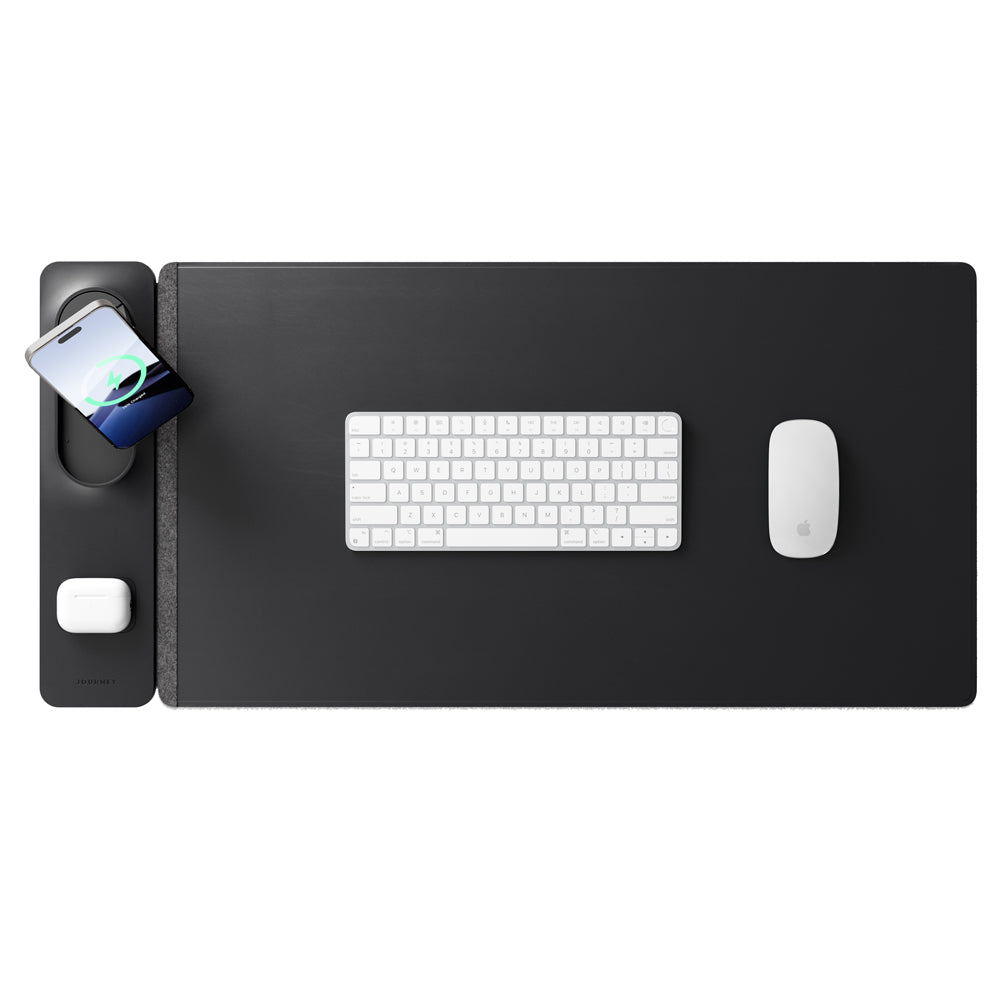
2. TopMade Charging Mouse Pad: for a cloth mat with two charging spots
The TopMade Charging Mouse Pad pairs a 31.5 by 15.75-inch woven work surface with a magnetic phone ring and a separate charging spot for wireless AirPods cases.
TopMade lists up to 15W Qi charging, a non-slip rubber base and a 6.56-foot USB-C cable. It recommends a USB-C adapter rated 20W or higher. This is a useful layout if you want phone and earbuds charging together without a separate reversible mat layer.
| Pros | Cons |
|---|---|
|
|
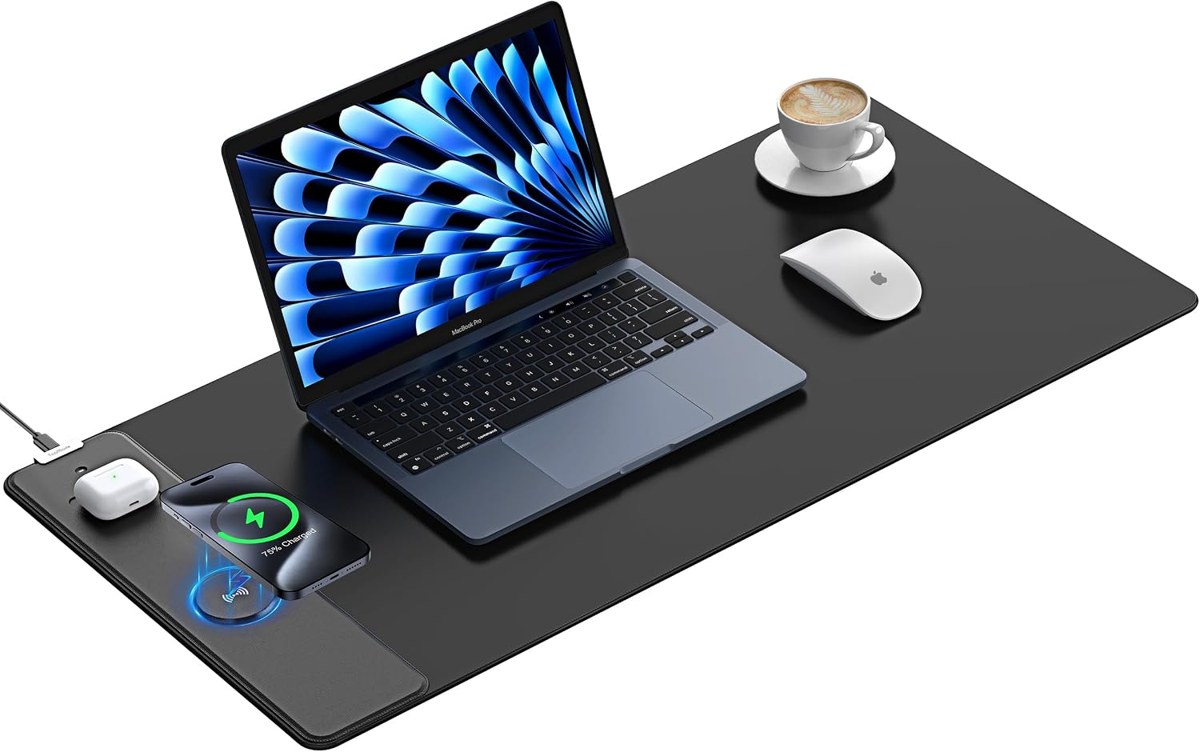
3. ZAGG Desk Mat with Wireless Charging: for a fixed charging spot
The ZAGG Desk Mat with Wireless Charging places its charging spot at the top center, with an integrated USB-C cable, fabric surface and non-slip base.
This layout suits someone who wants the phone above the keyboard rather than beside the mouse. ZAGG also includes grooves for a pen or stylus.
| Pros | Cons |
|---|---|
|
|
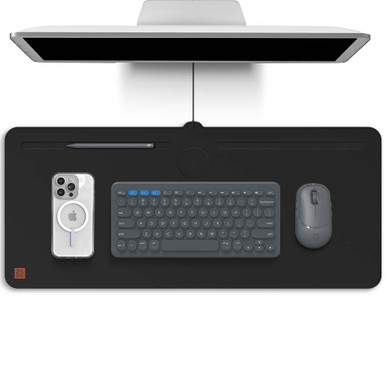
4. JOURNEY ALTI PLAY: for a wide RGB gaming surface
The JOURNEY ALTI PLAY combines a cloth gaming surface, rubber underside and detachable charging panel with adjustable RGB lighting.
Its keyboard-and-mouse section measures about 35.4 by 15.7 inches, with the side panel bringing the total width to about 39.4 inches. JOURNEY lists 15W phone and 5W earbuds charging. Unlike the reversible leather-and-felt models, this is a dedicated cloth surface.
| Pros | Cons |
|---|---|
|
|

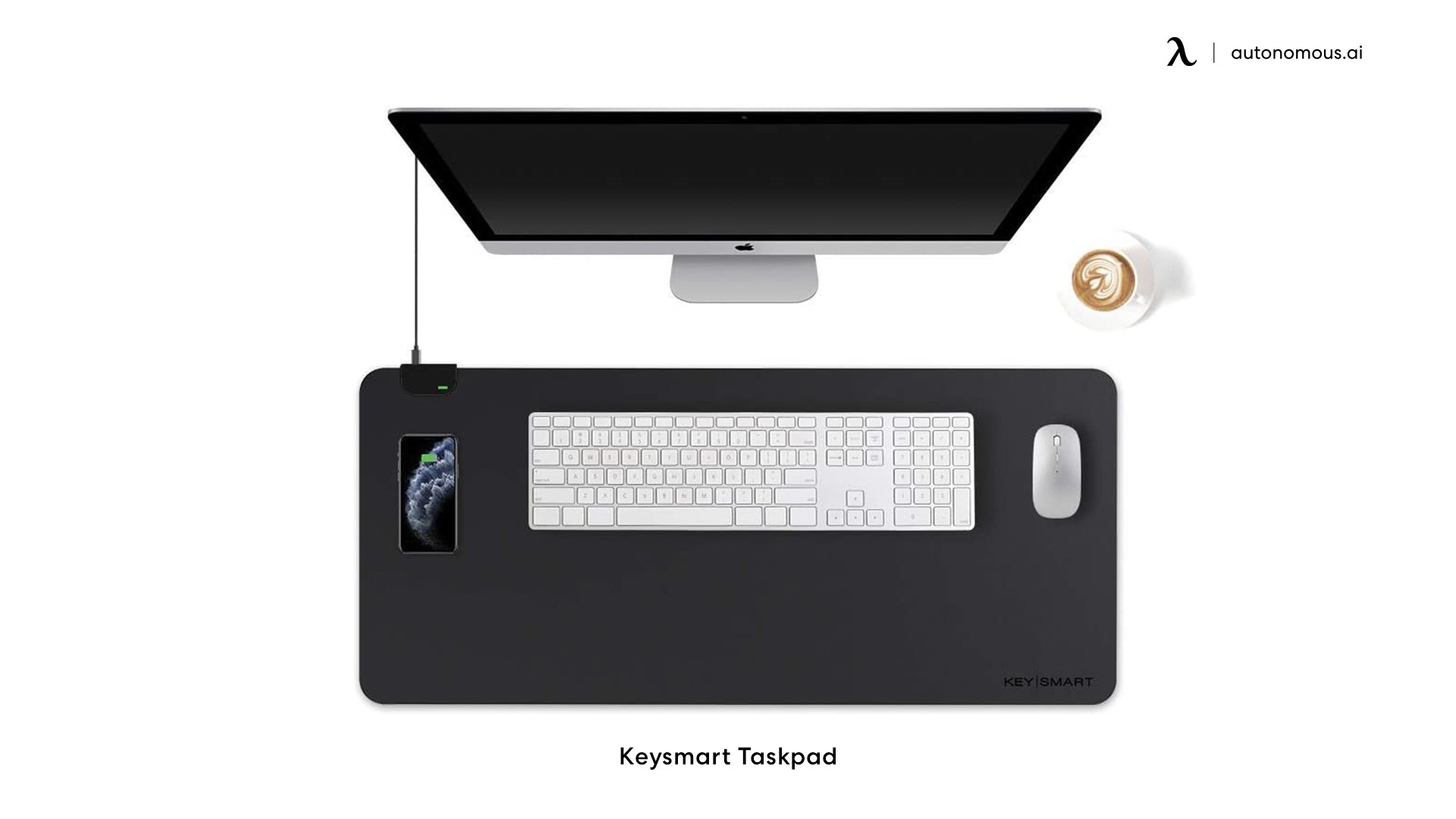
5. KeySmart TaskPad: for a large leather-look work surface
The KeySmart TaskPad offers a broad PU-leather surface with an integrated wireless charging spot and a non-slip underside.
The US SnackMagic offer lists a 35.43 by 16.54-inch pad fulfilled by KeySmart. Its microtextured surface and cushioning make it an option for someone who wants a single leather-look work area rather than a detachable side panel.
| Pros | Cons |
|---|---|
|
|
6. OTM Essentials ROB-B2HDW: for a narrower desk area
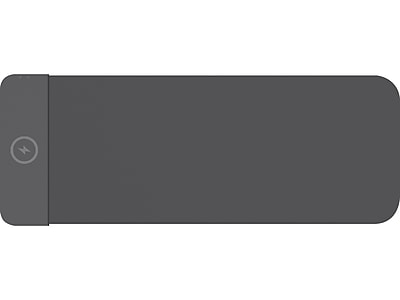
The OTM Essentials ROB-B2HDW is a 27.5 by 12-inch fabric desk pad with a built-in 10W wireless charger, listed by Staples in the US.
Its width is smaller than most extended mats here. That makes it worth considering with a compact keyboard or a modest mouse sweep, especially when a larger mat would overlap other equipment.
| Pros | Cons |
|---|---|
|
|
7. JOURNEY ALTI SLIM: for a shallow workspace
The JOURNEY ALTI SLIM provides an approximately 11.8-inch-deep (30cm) reversible mat with a removable charging panel that fits on either side.
It suits a desk where a monitor base, keyboard and front edge already compete for depth. You can also detach the panel when you need more freedom to position the phone.
| Pros | Cons |
|---|---|
|
|

8. JOURNEY ALTI ULTRA: for flat Made for MagSafe charging
The JOURNEY ALTI ULTRA offers a flat, detachable charging panel that JOURNEY identifies as Made for MagSafe, with up to 15W iPhone charging.
It combines a separate earbuds charging area with reversible vegan-leather and felt surfaces and document storage between the layers. The distinction from LIFT is the flat phone position; the distinction from SLIM is the specified Made for MagSafe charging.
| Pros | Cons |
|---|---|
|
|

9. SANPTENT RGB 15W: for a marketplace RGB option
The SANPTENT RGB 15W charging mouse pad combines an approximately 31.5 by 11.8-inch surface, a phone charging zone and ten lighting modes in a Walmart US marketplace listing.
The seller lists an 800 by 300mm rubber-backed mat, USB-C power and a cable in the box. Its shallower depth makes it an alternative to ALTI PLAY when you want RGB without a roughly 40-inch-wide assembly.
| Pros | Cons |
|---|---|
|
|

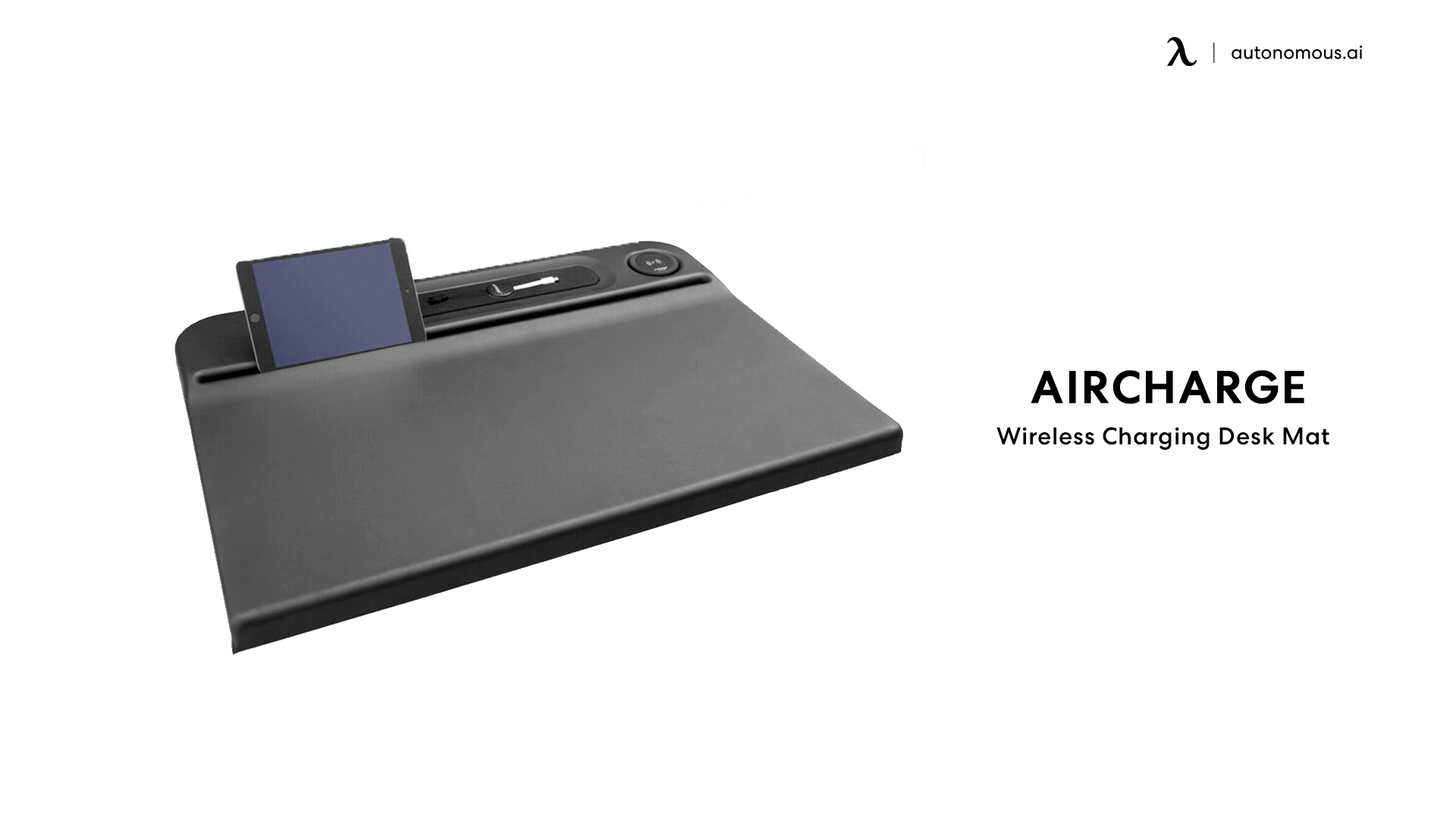
10. Aircharge Wireless Charging Desk Mat: for a deeper workstation
The Aircharge Wireless Charging Desk Mat combines a soft-touch work surface with an integrated Gorilla Glass charging zone.
Aircharge lists an approximately 27.6 by 19.7-inch (70cm by 50cm) footprint and a 2m USB cable. Its depth makes it worth considering for an office workstation with enough clear surface, rather than a compact laptop desk.
| Pros | Cons |
|---|---|
|
|
Check usable mouse space before you buy
A desk mat's overall width can include the charging panel, leaving less room for your keyboard and mouse than the headline dimensions suggest.
For example, JOURNEY lists ALTI SLIM as 83cm wide overall: a 73cm mat section plus a 10cm charging panel. If your keyboard is 44cm wide, that leaves 29cm of mat beside it before allowing gaps or repositioning. That is a planning example, not a minimum mouse-space recommendation.
- Measure your keyboard. Include the number pad or separate keypad you actually use.
- Mark your normal mouse sweep. Move through a typical work task or game before measuring.
- Reserve the charging zone. Use the phone's footprint, including any overhang, rather than the coil alone.
- Check the monitor base and desk edge. The mat should fit your existing working position without forcing you to reach farther forward.
For a minimalist laptop desk setup, the most useful mat is often the one that leaves enough clear surface around it. A larger mat is not automatically a better fit.
Qi, Qi2 and MagSafe: what changes for your phone?
Your phone and charger must support a compatible charging mode; a mat's maximum wattage is not a promise of the power your phone will receive.
The Wireless Power Consortium distinguishes original Qi2 at 15W from Qi2 25W. Buying a 15W Qi2 mat will not make it a 25W charger, even if your phone supports the newer standard.
- Qi: check the device-specific rate rather than assuming every phone uses the charger's maximum.
- Qi2: magnetic alignment helps position compatible devices over the charging coil.
- “MagSafe compatible”: do not treat this wording alone as proof of a particular charging speed or certification.
For certification, match the model to the Wireless Power Consortium's certified product database. “Qi compatible” is not equivalent to certification.
A magnetic ring may help a phone attach to a charger; it does not add a missing wireless charging receiver. Check your exact phone and case combination before buying.
Do you need a charging mat or a separate charger?
A separate charger is usually the more flexible choice if you already like your mouse surface, change phone position often or want to replace the charger independently of the mat.
An integrated mat works well when you want one consistent place for the phone and a defined workspace. A removable charging panel offers a middle ground: the surface and charging position can be adjusted separately.
Gaming needs another distinction. Logitech POWERPLAY charges compatible Logitech G mice during use; it is a dedicated mouse-charging system, not a general-purpose phone charging mat. A regular wireless mouse cannot be assumed to charge on a Qi phone zone.
Plan the adapter and cable route
A wireless charging desk mat still needs wired power, and the adapter must meet the manufacturer's input requirements.
Check what is included before comparing prices. A USB-C connector alone does not establish that a laptop port or spare adapter can supply the required charging mode. Keep the adapter accessible and give the cable enough slack to reach your preferred mat position.
On a standing desk, route the cable through its full seated-to-standing travel. An under-desk cable tray can keep the power strip and adapters with the moving desktop. The Autonomous Cable Tray mounts to compatible Autonomous frames; it is not a universal fit for every desk.
Charging and cable routing belong together when choosing standing desk accessories. A tidy surface is only useful if raising the desk does not pull the charger loose.
Frequently asked questions
Can a wireless charging desk mat charge a laptop?
The ten phone-charging desk mats in this comparison do not replace a laptop charger. A USB-C cable connected to the mat supplies the mat with power; it does not mean the surface can wirelessly power a laptop. Use the charging method specified by your laptop manufacturer.
Does the whole desk mat charge your phone?
These mats charge devices on designated zones rather than across the whole work surface. Leave the phone over the marked charging area and check its charging indicator. The larger fabric, felt or leather section is primarily a keyboard-and-mouse surface, not an unrestricted charging field.
Will a wireless charging desk mat work with any phone?
A phone needs built-in support for a compatible wireless charging standard to use the charging zone. Support varies by model, so check the exact device rather than the brand alone. A magnetic ring or magnetic case can help positioning but does not add wireless charging capability.
Can you charge a phone and earbuds at the same time?
You need separate supported charging zones to charge a phone and earbuds together. A large mat with one coil does not become a two-device charger because both items fit on it. Check the number of zones and whether the earbuds case supports wireless charging before choosing a model.
Why does my phone charge slowly or stop charging?
Misalignment, an unsuitable adapter, a thick or metal case, and temperature can affect charging. Center the phone, try removing an obstructive case and use the recommended power supply. Apple notes that excessive warmth can limit charging above 80% until the device cools.
Can you use a charging desk mat with a phone case?
Case compatibility depends on its thickness, materials and alignment with the charging zone. Avoid leaving cards or other objects between the phone and charger. If charging is unreliable, remove the case and test again before blaming the mat. Apple's guidance specifically flags thick, metal and battery cases.
Are wireless charging desk mats waterproof?
Water resistance should not be treated as permission to soak a powered charging mat. Follow the cleaning instructions for the exact product and unplug it before cleaning. Keep liquid away from charging electronics and connectors; a wipe-clean surface does not make every part of the mat waterproof.
Conclusion
The best wireless charging desk mat fits both your phone and the way you work. Choose the charging position first, measure the usable keyboard-and-mouse area, then check compatibility and power requirements. If those compromises do not suit your desk, a regular mat with a separate charger is a practical alternative.