Update #3
Fresh of the mill.

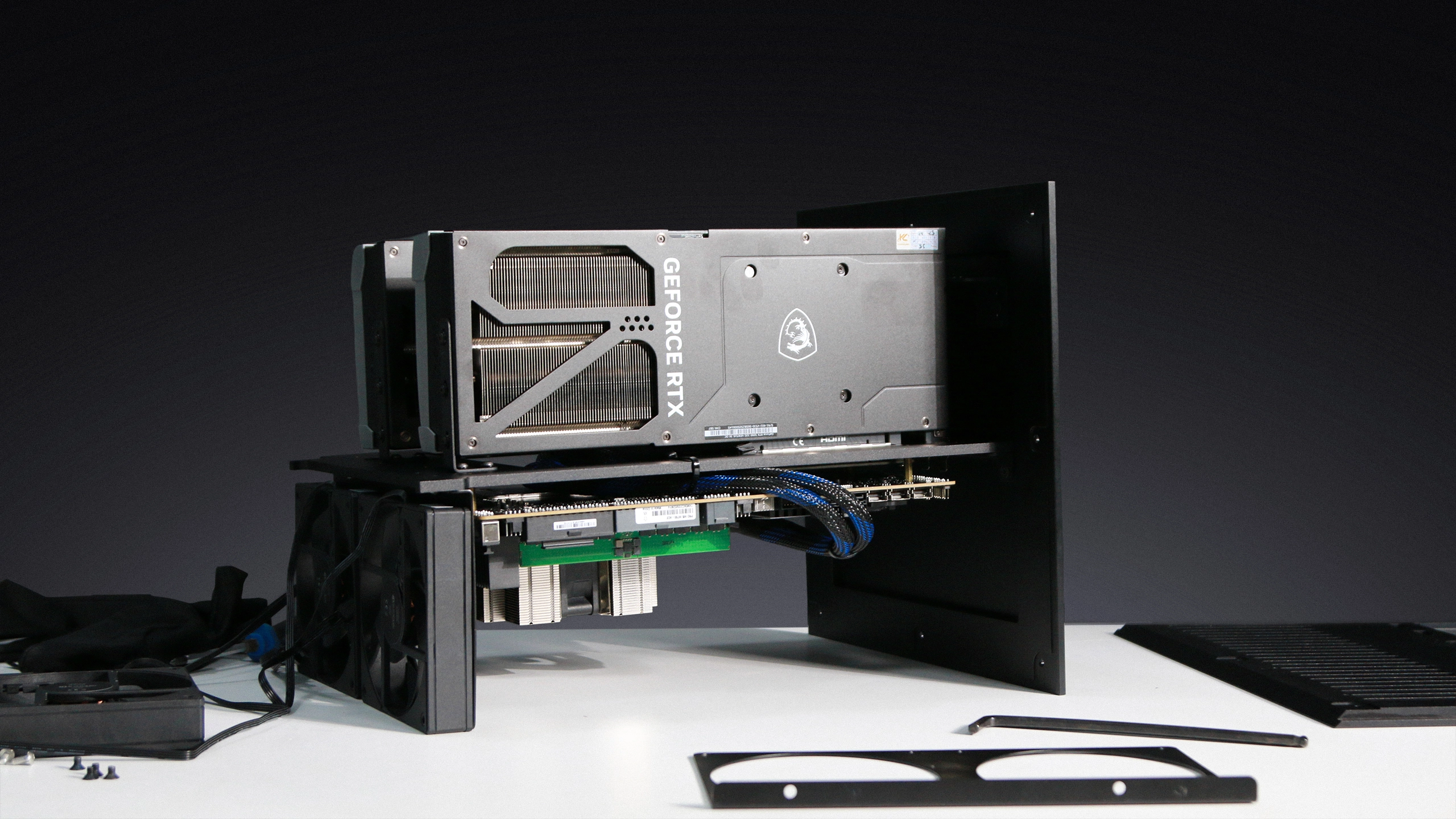
Another 2x RTX PRO 6000 Blackwell case's out of the machine this morning.
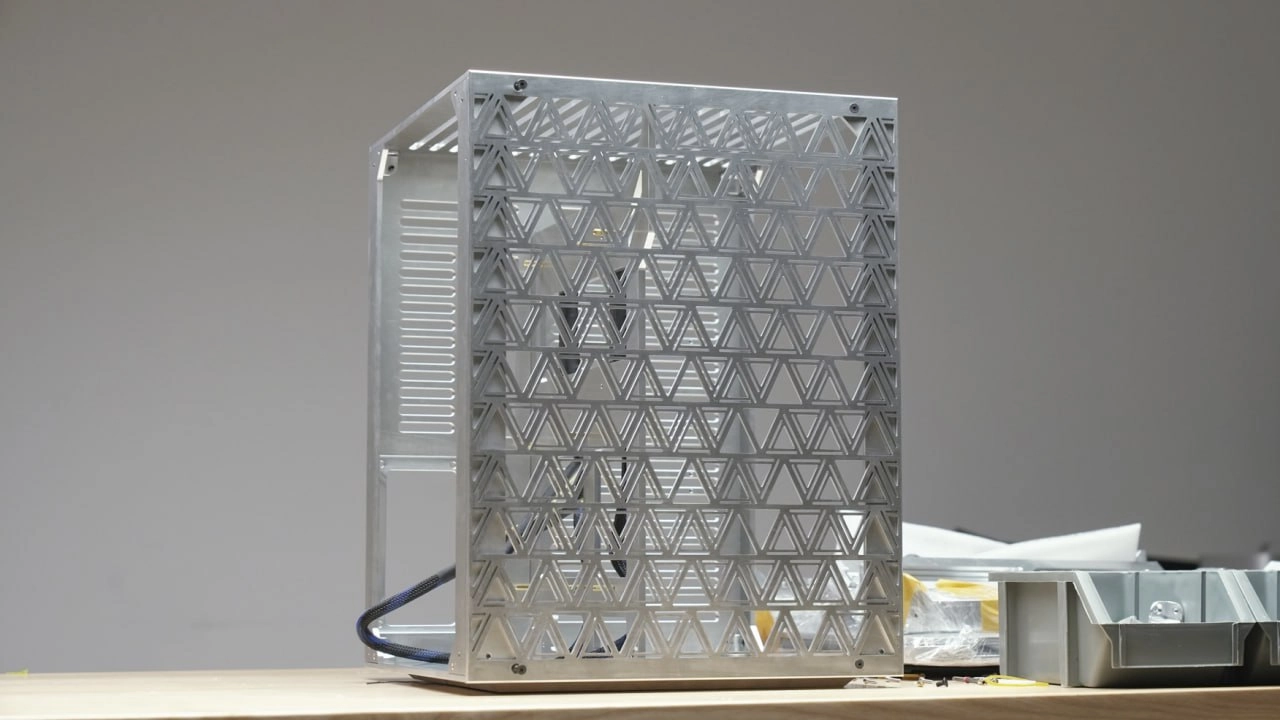
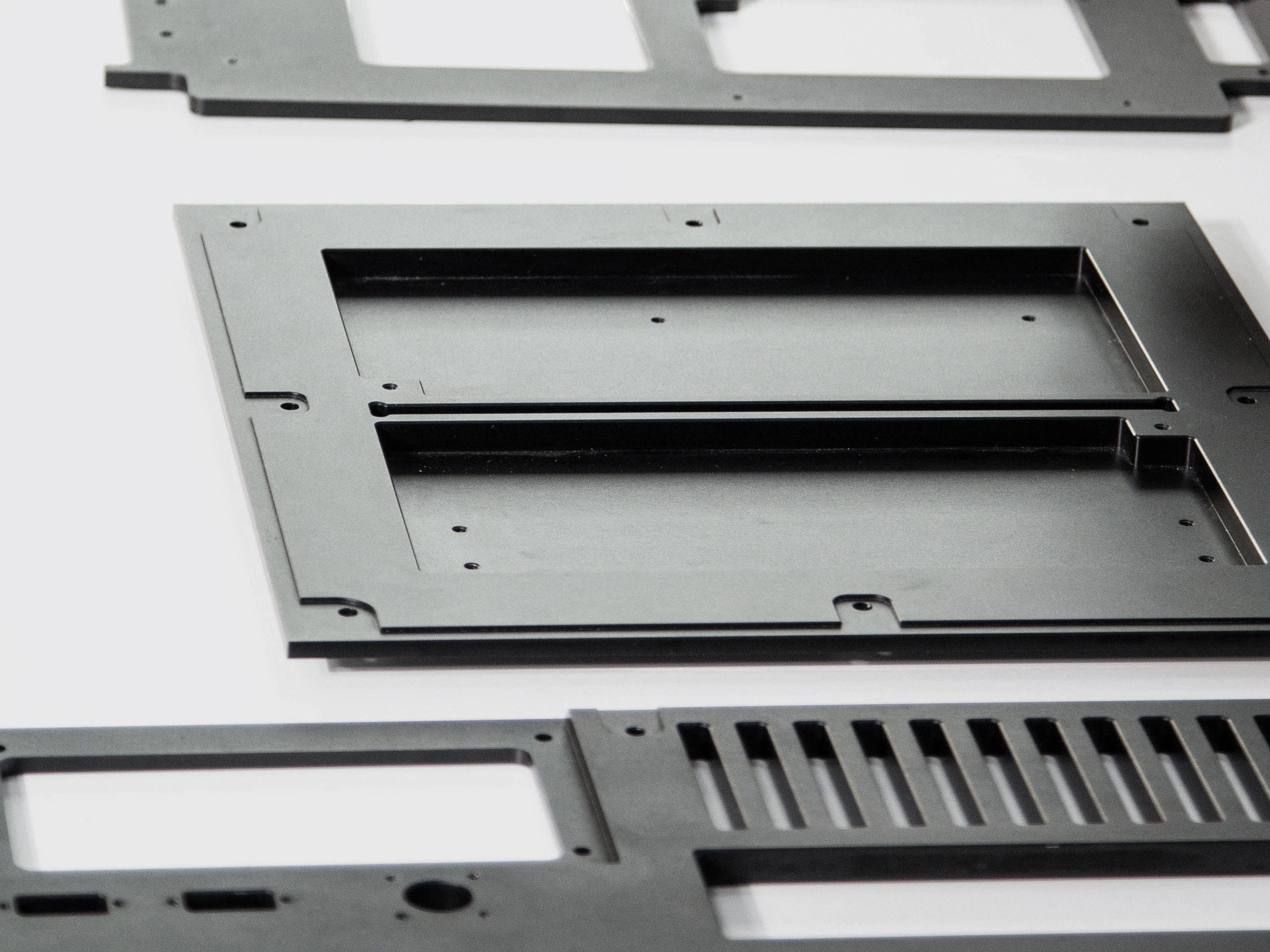
Every chassis gets test fitted before anodizing, so nothing surprises us after the finish is on.
.webp)
| Qté | Price |
|---|---|
| 3-4 | €22,304 |
| 5-9 | €21,844 |
| 10-29 | €21,614 |
| 30+ | €21,384 |
Update #3
Fresh of the mill.
Another 2x RTX PRO 6000 Blackwell case's out of the machine this morning.
Every chassis gets test fitted before anodizing, so nothing surprises us after the finish is on.
Update #2
You are one step away from being blocked by OpenAI or Anthropic any time.
In June, the US government took Fable 5 from you. Today, OpenAI blocks you for using Cursor. Who cuts you off next?
Build your own computer.
Update #1
This is what 64GB of VRAM on a desk does.
Our Autonomous Computer 2x RTX 5090 built this before lunch. One prompt into OpenCode, Qwen3.8-27B did the rest, one HTML file out.

Your models don't get deprecated, rate-limited, or pulled. The weights sit on your disk.

Prompts never leave the building. Nobody trains on your work. Not by policy, by physics.

Own the machine and agents can run around the clock. You pay for electricity, not tokens.

Fine-tune on what only you know. The model becomes an asset you own, and it sells with the company.
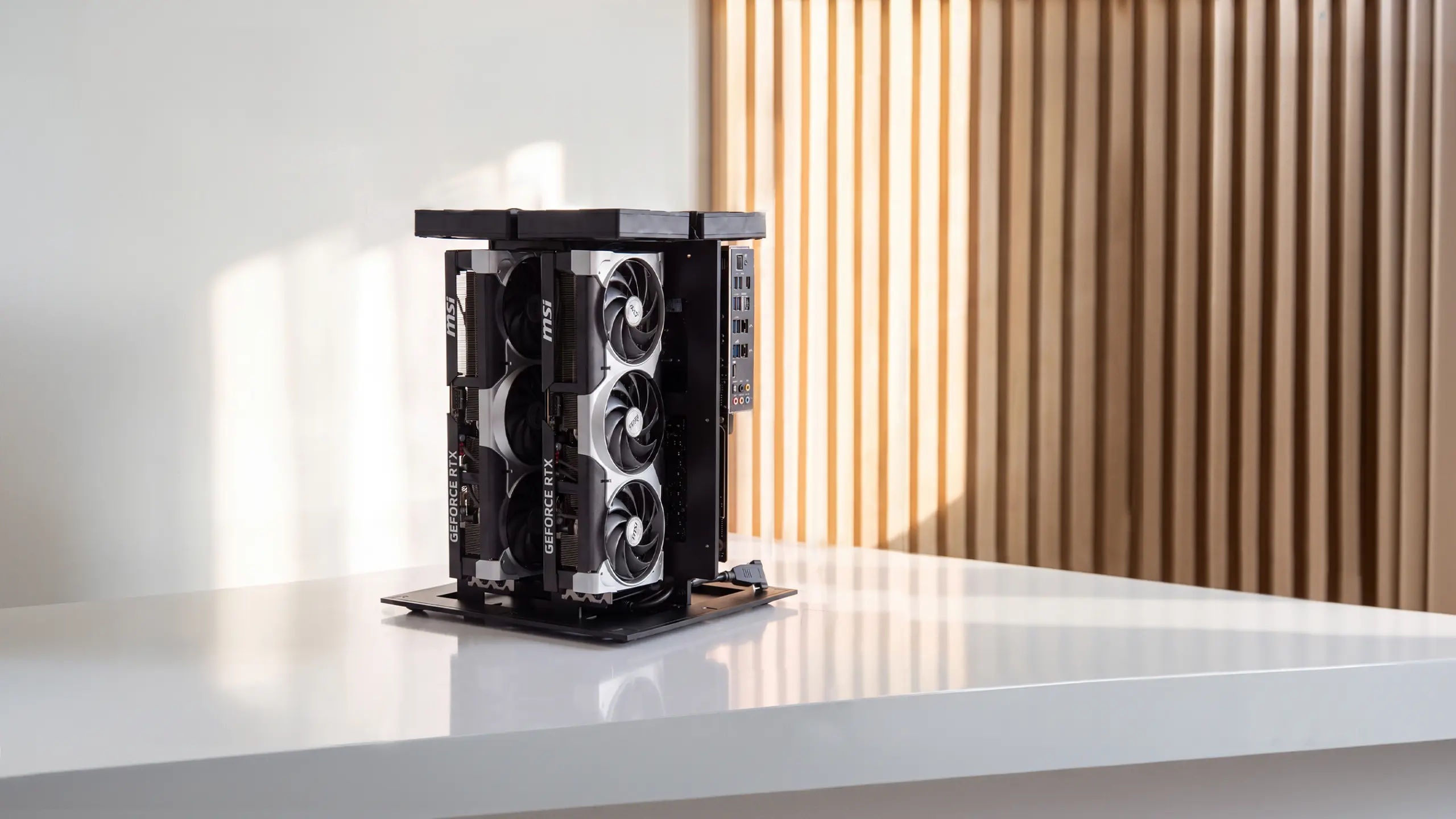
Two cards, tuned and burn-tested. We install RTX 5090 or RTX PRO 6000 Blackwell— installed, driver-loaded, and benchmarked as one system before it ships. Plug it in and run.
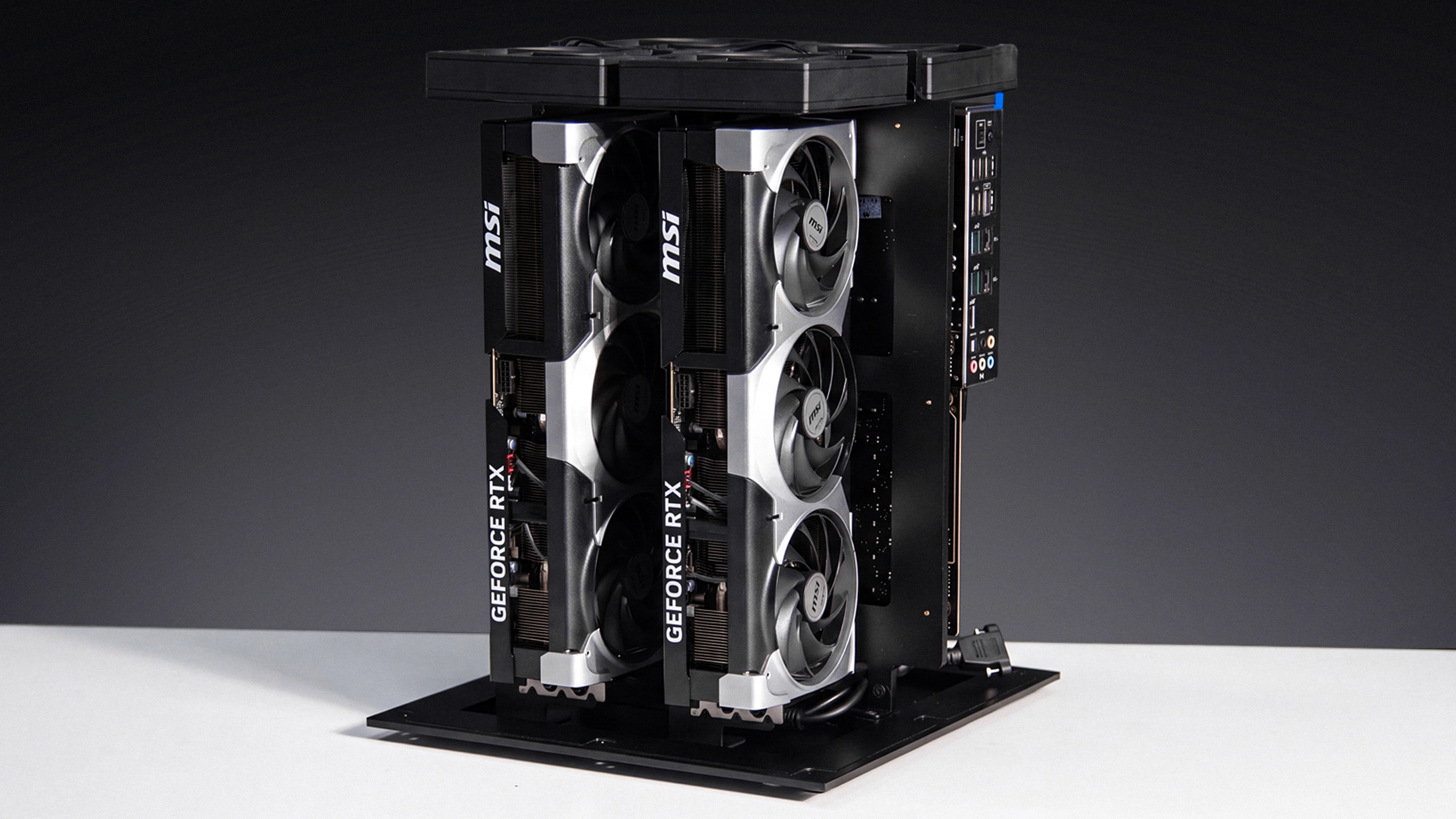
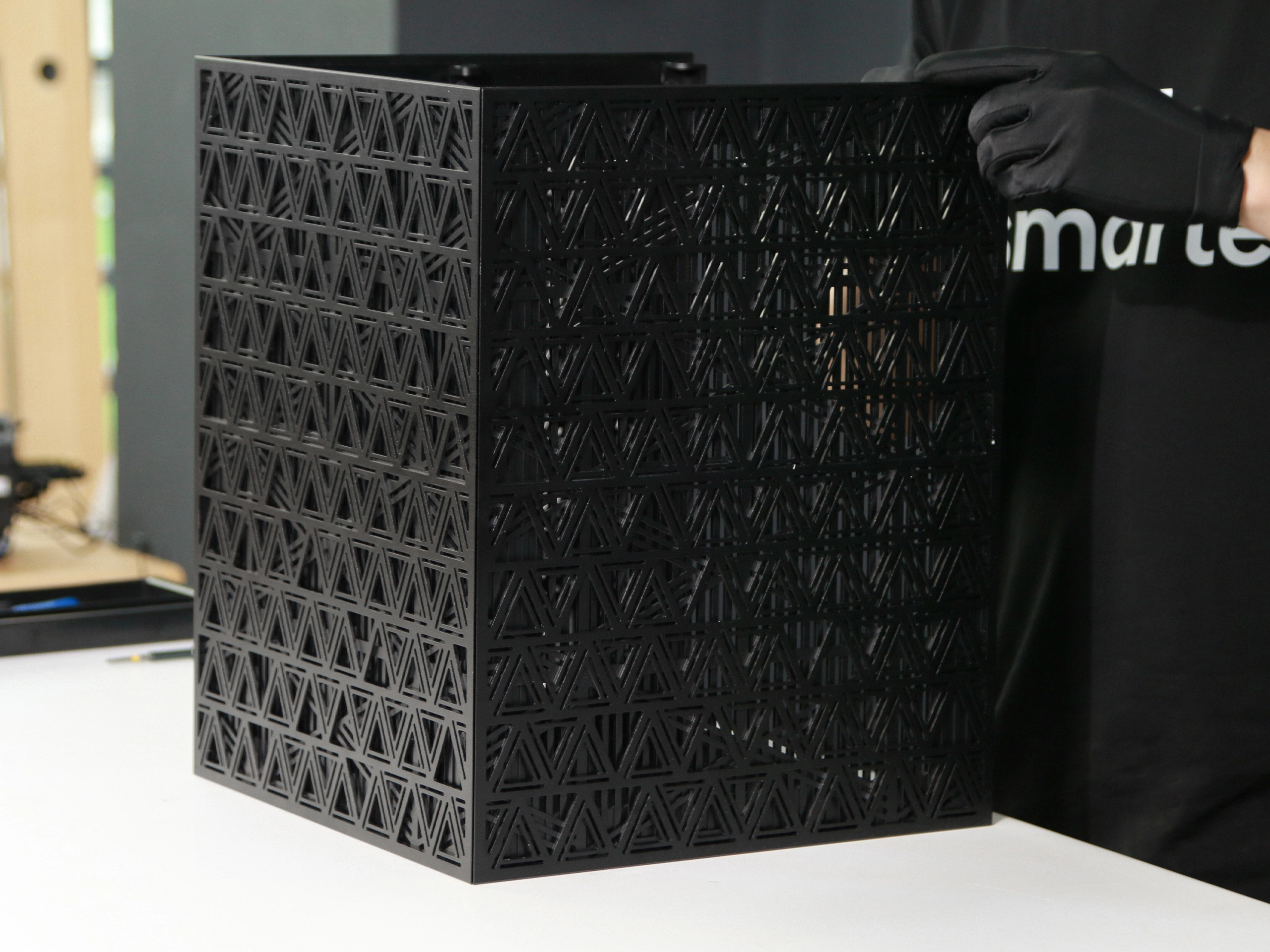
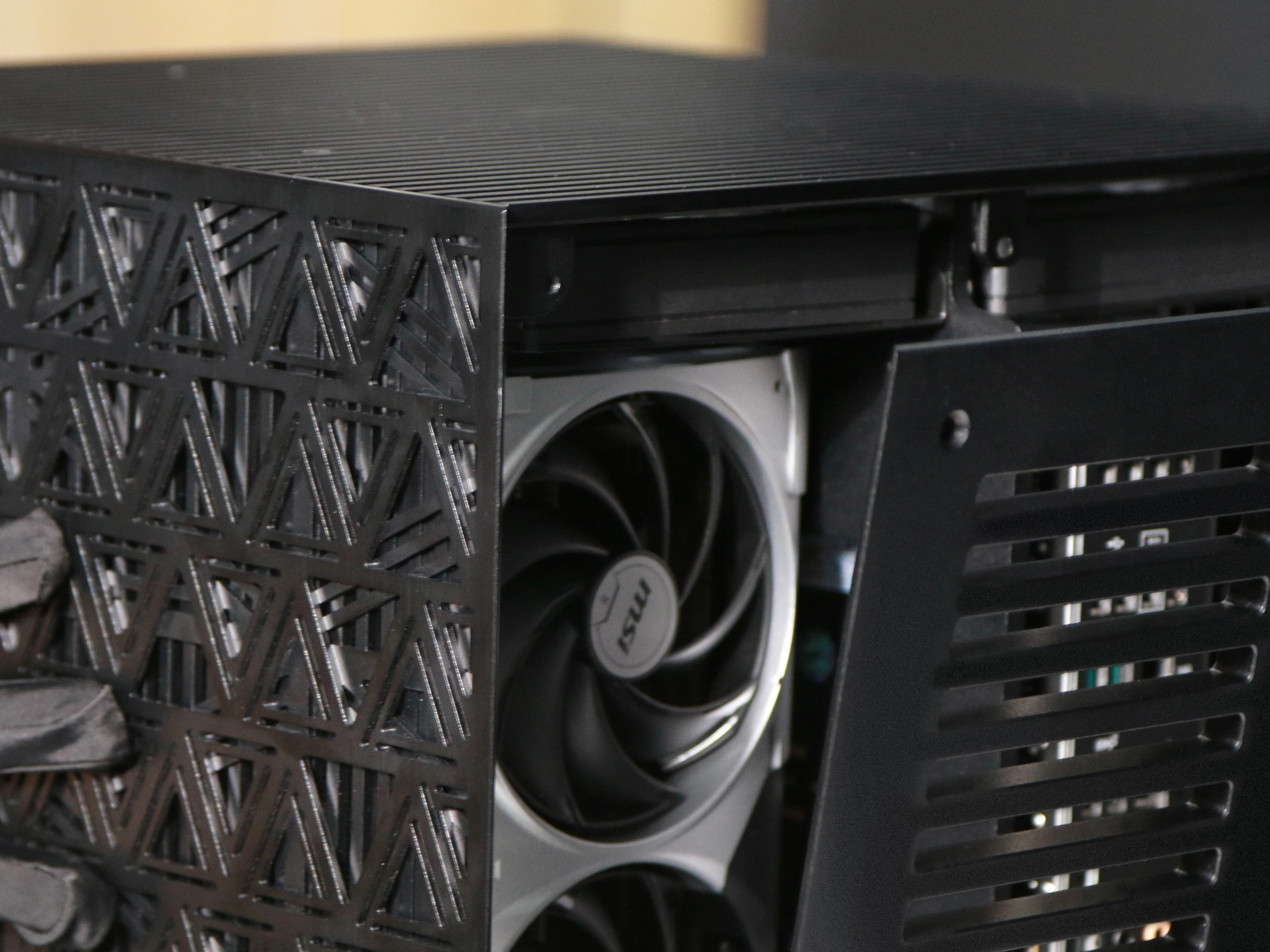
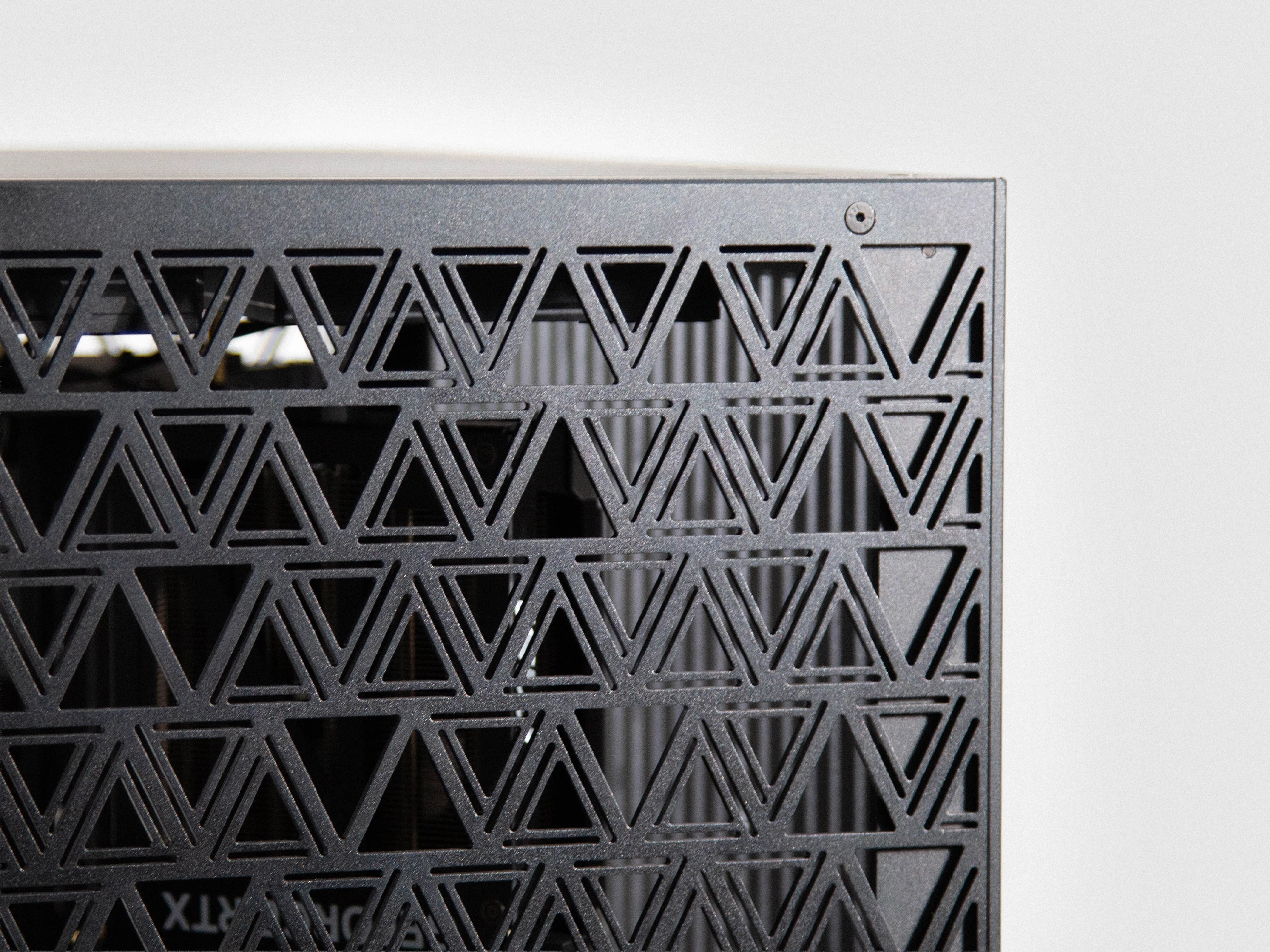
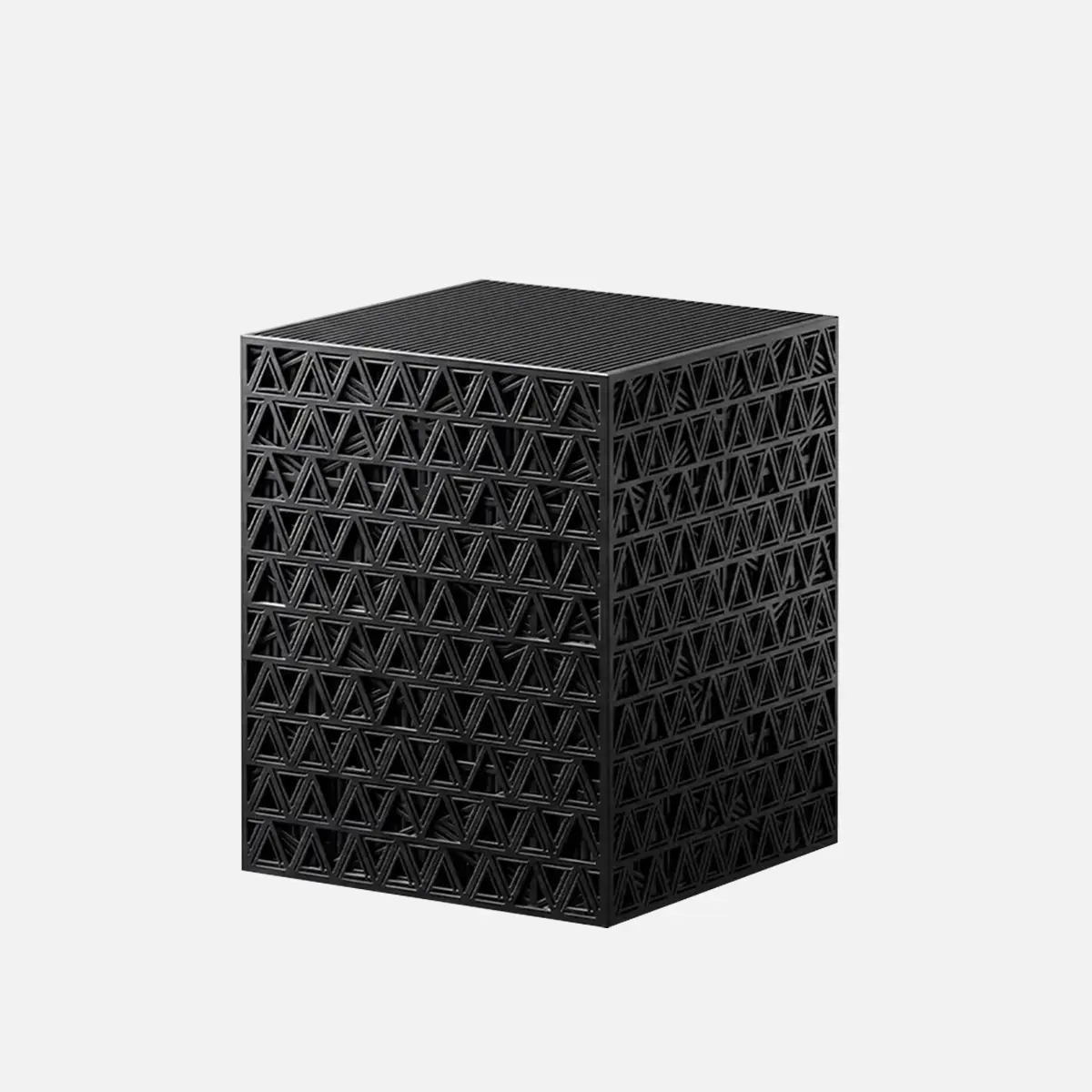
CNC-machined aluminum chassis. Not a bent-steel box — precision-cut and milled from a solid 5mm aluminum plate. It moves heat like a heatsink; the triangular cutouts keep it stiff without dead weight. 12.5 × 12.5 × 16 inch, anodized black.
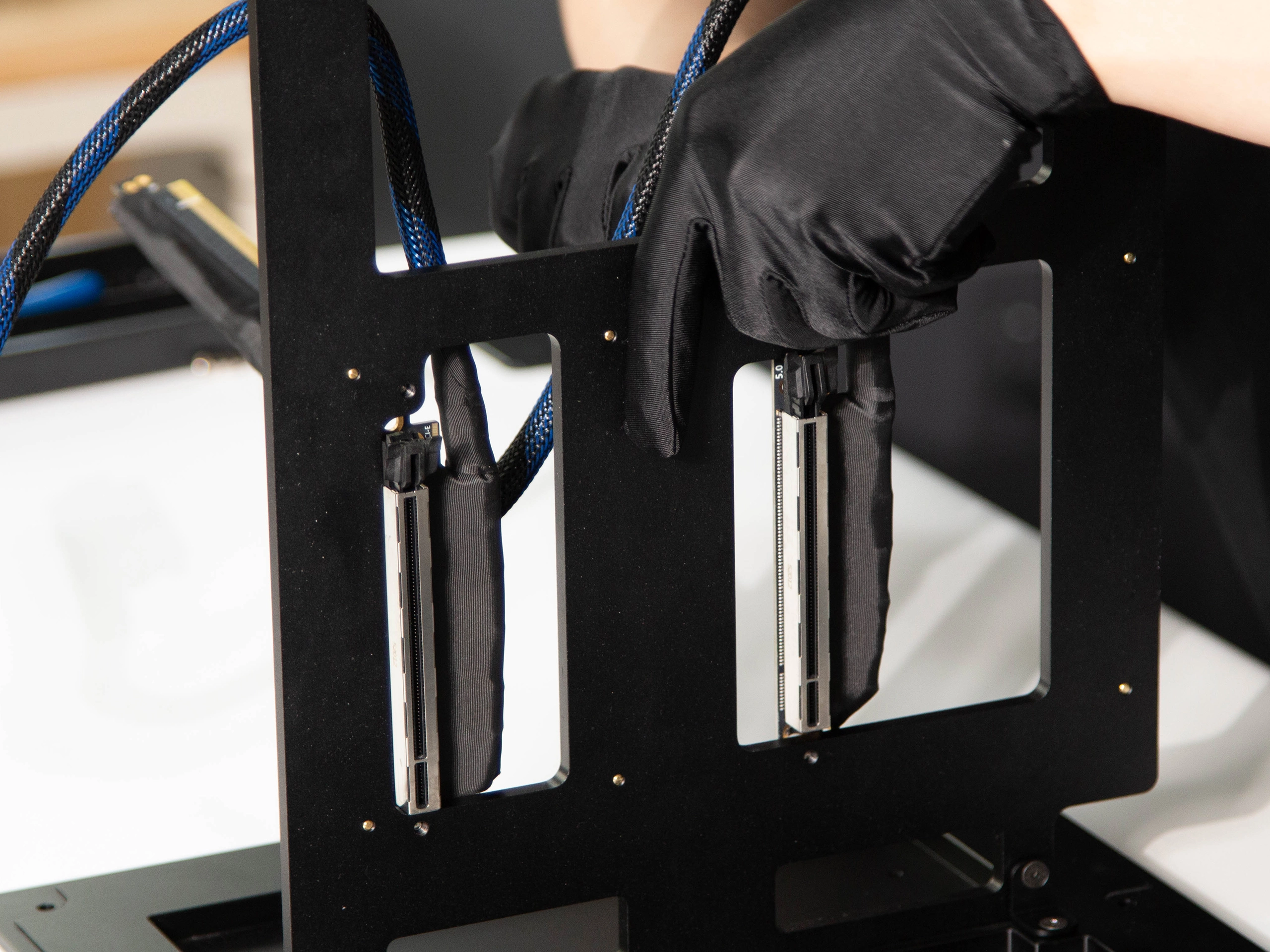
A full ×16 to every card. Each GPU reaches the board over its own server-grade PCIe 5.0 riser — shielded, custom-cut, no dropped lanes. Every power run is cut to length and sleeved by hand.
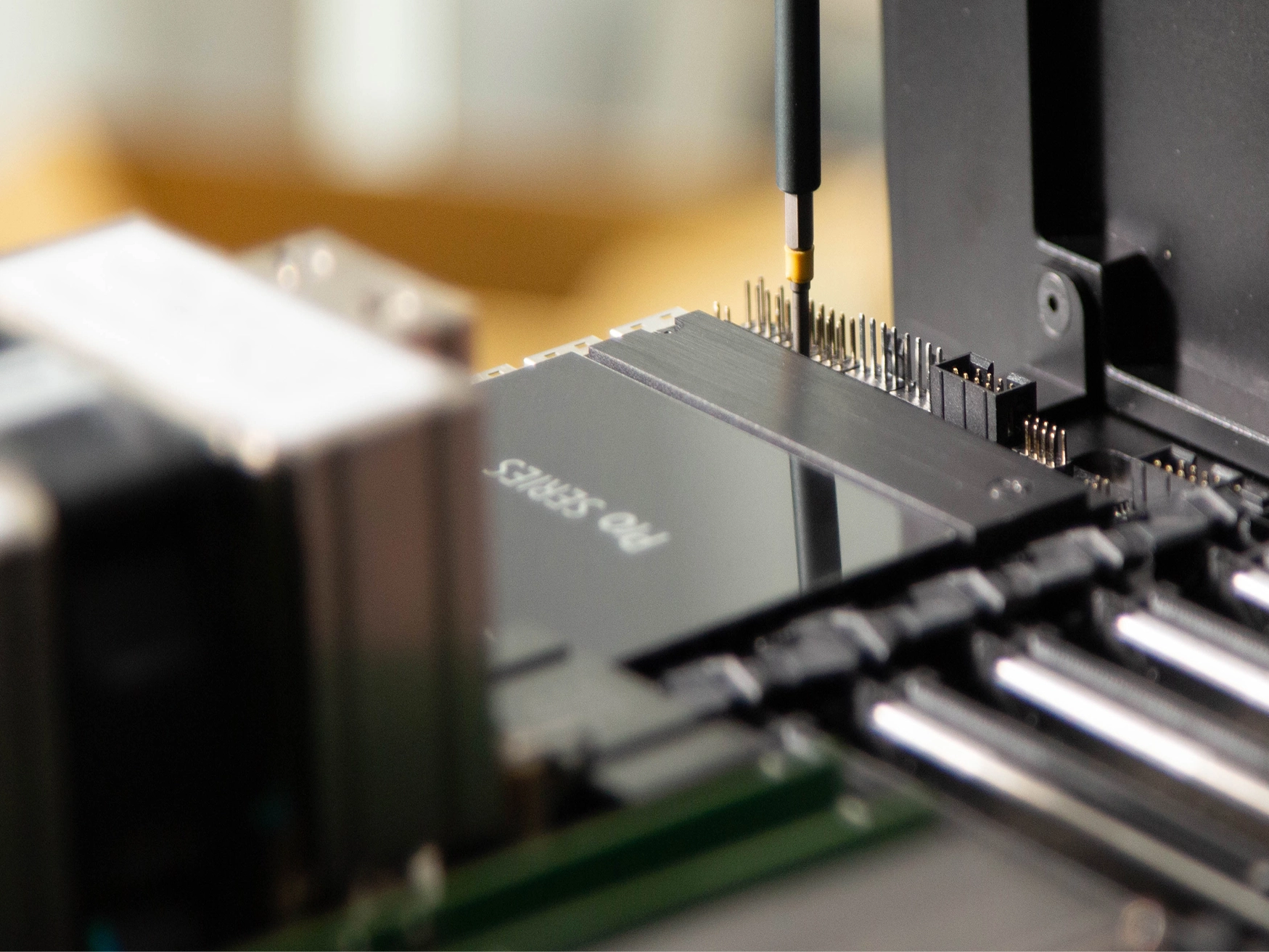
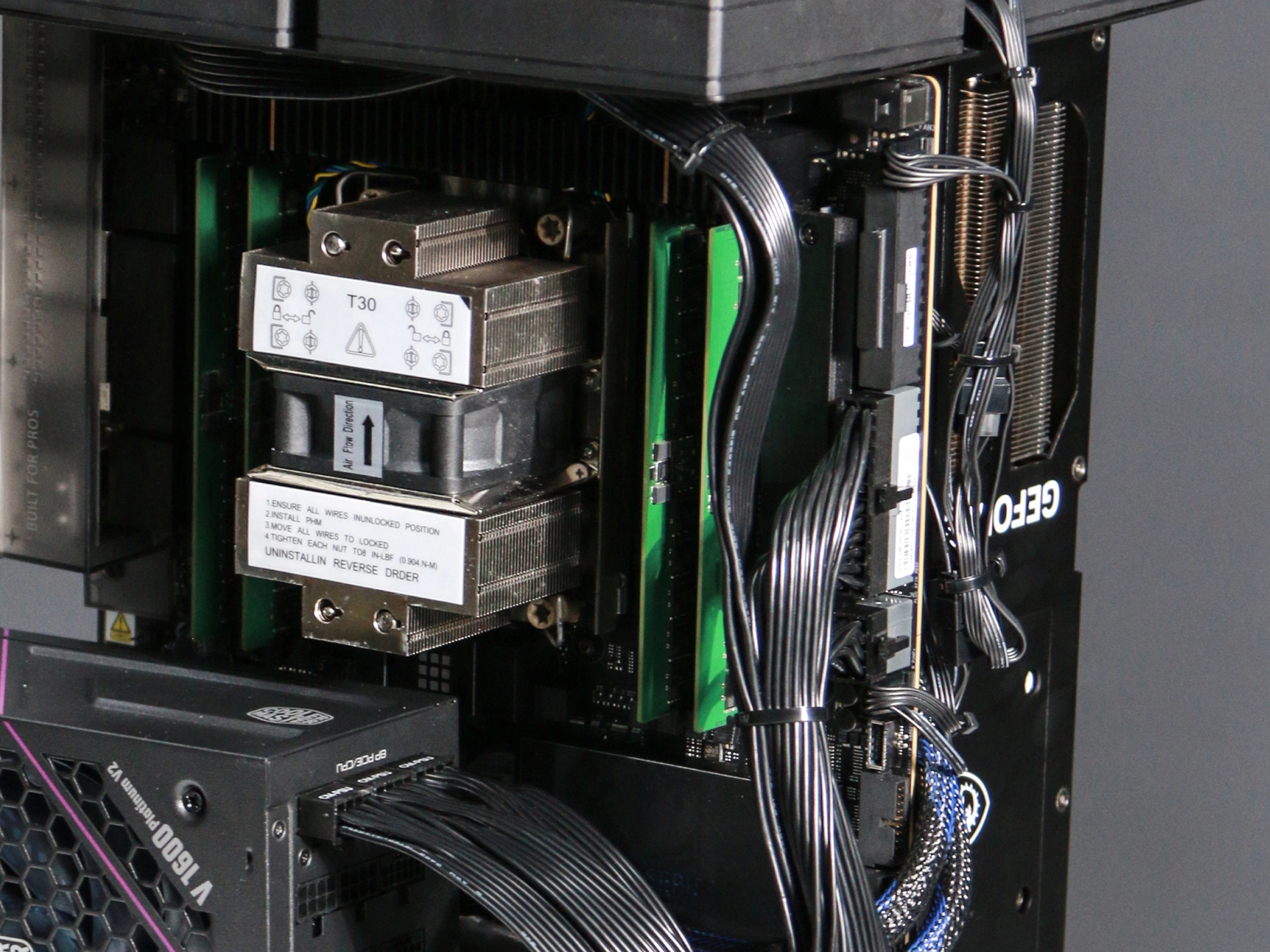
ASUS Pro WS W790-ACE. The hardest choice in a multi-GPU build, solved with a workstation board: every card gets a full ×16, and the BIOS ships pre-tuned so every card links at full width.
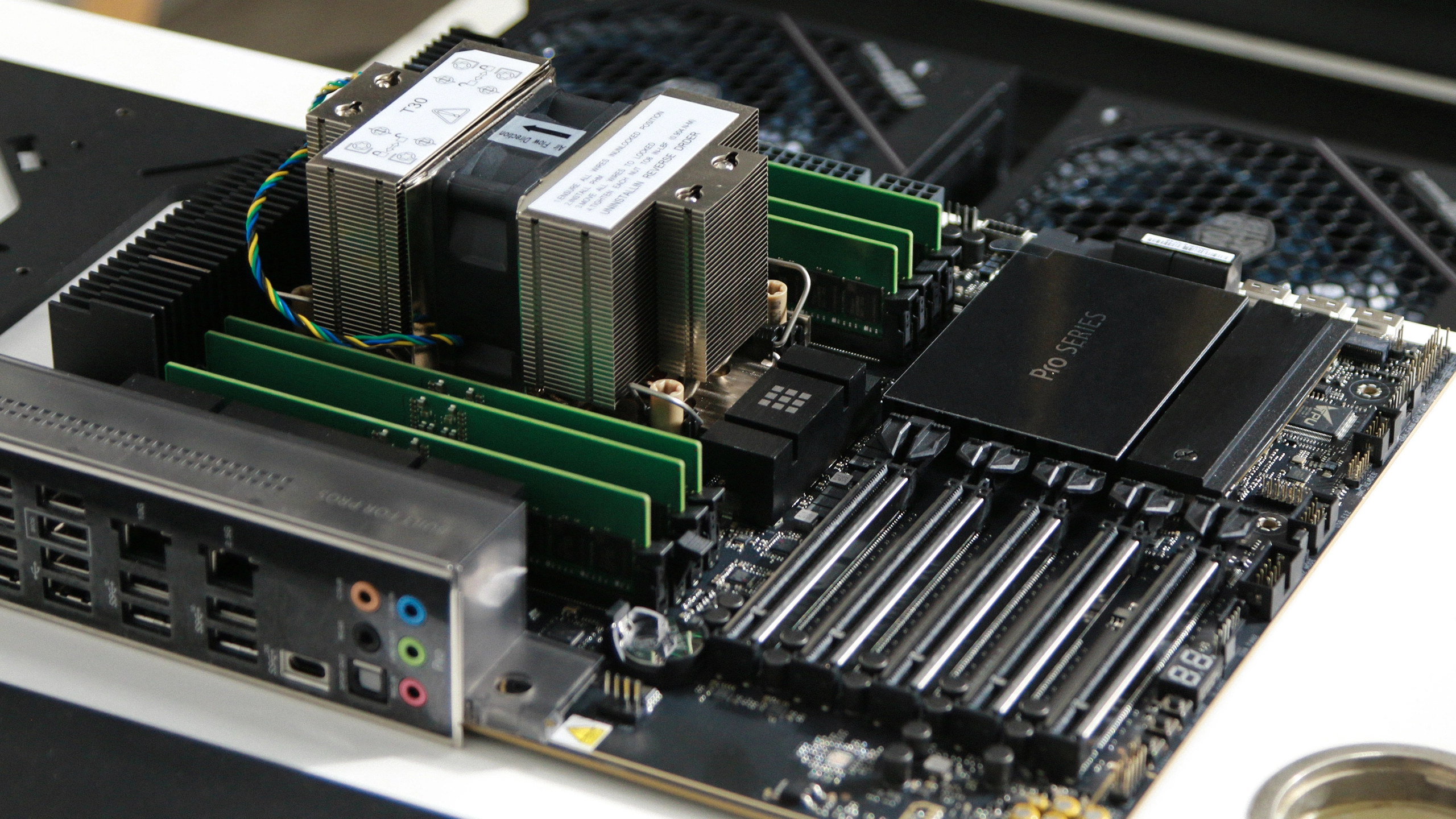
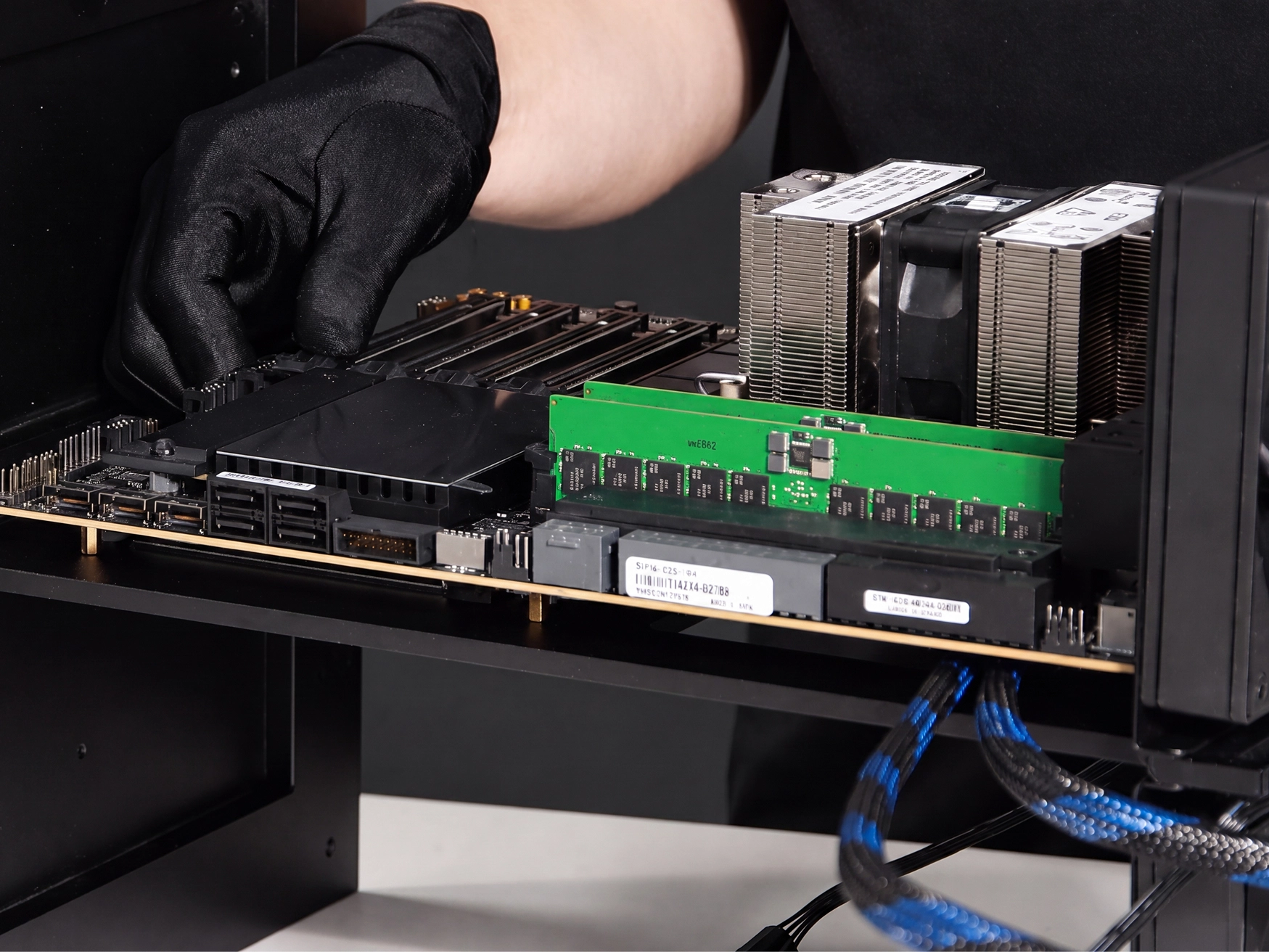
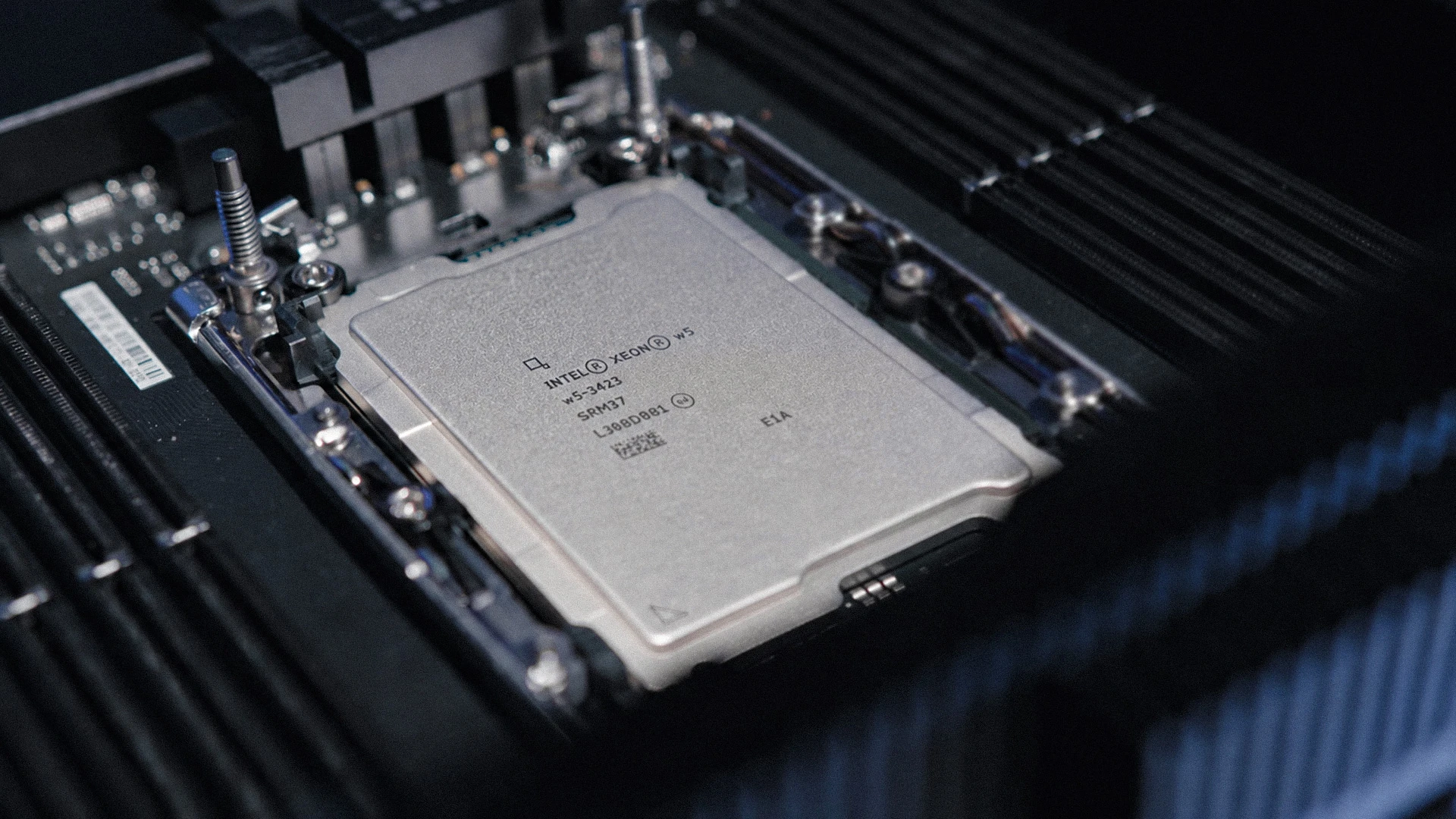
Intel Xeon w5-3425. The lanes are the point: 112 lanes of PCIe 5.0 means both cards, the NVMe, and the risers never fight for bandwidth.
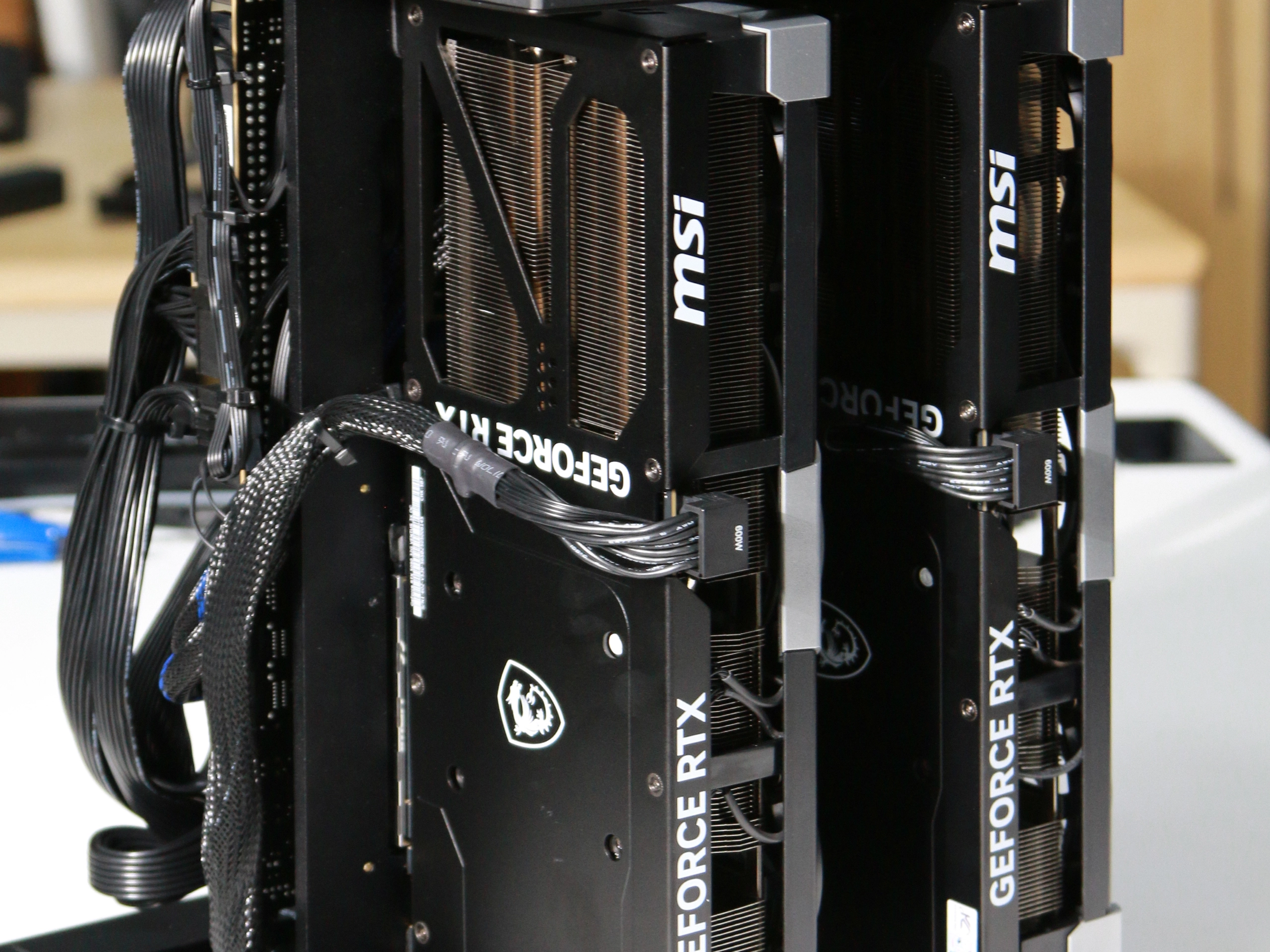
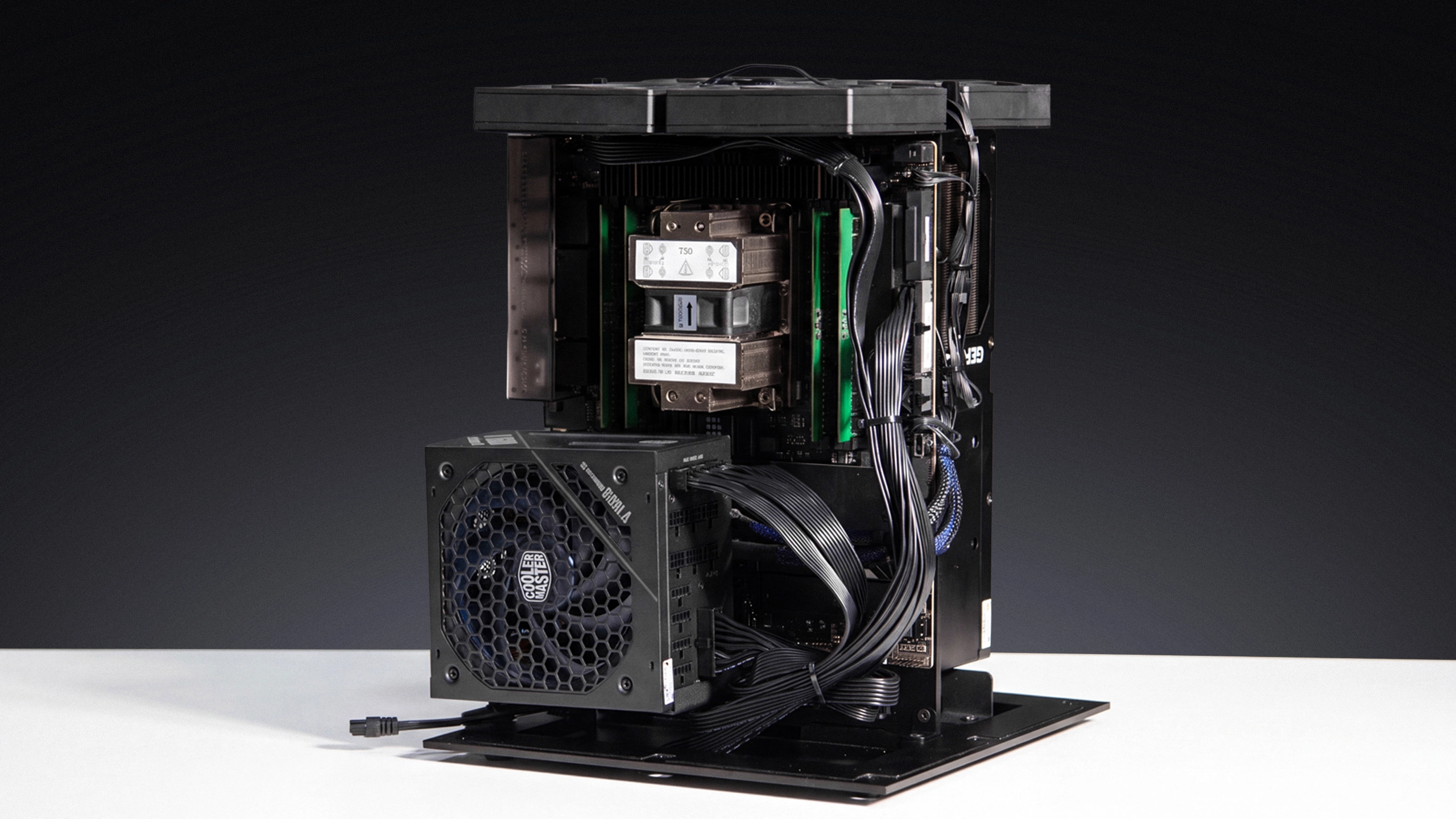
2000W that doesn't flinch. Under full load the box pulls up to 1600W — and cheap power is where multi-GPU builds die. We spec 2000W with native 12V-2x6, feeding clean power to every card. The result is boring: it just runs.
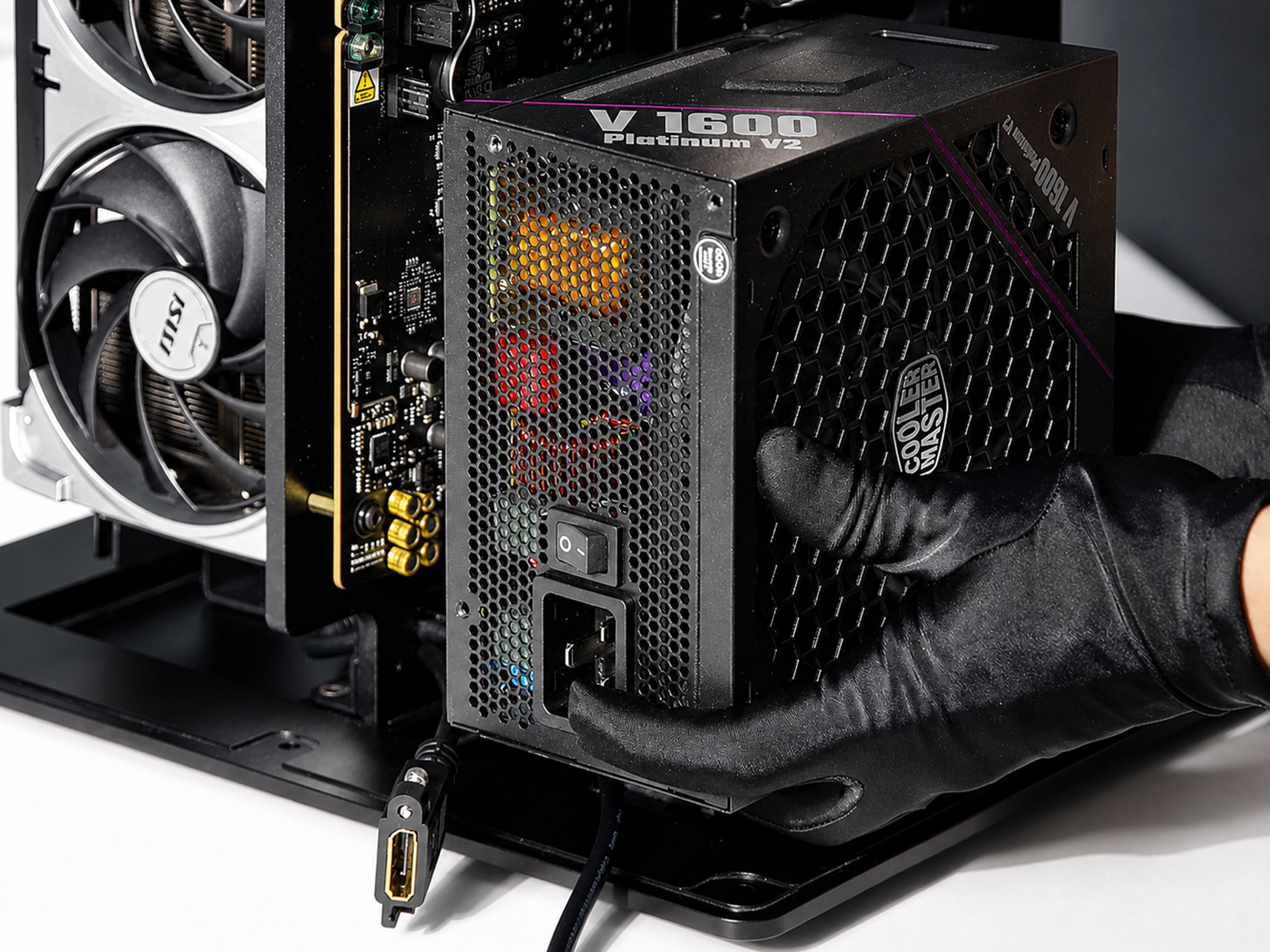
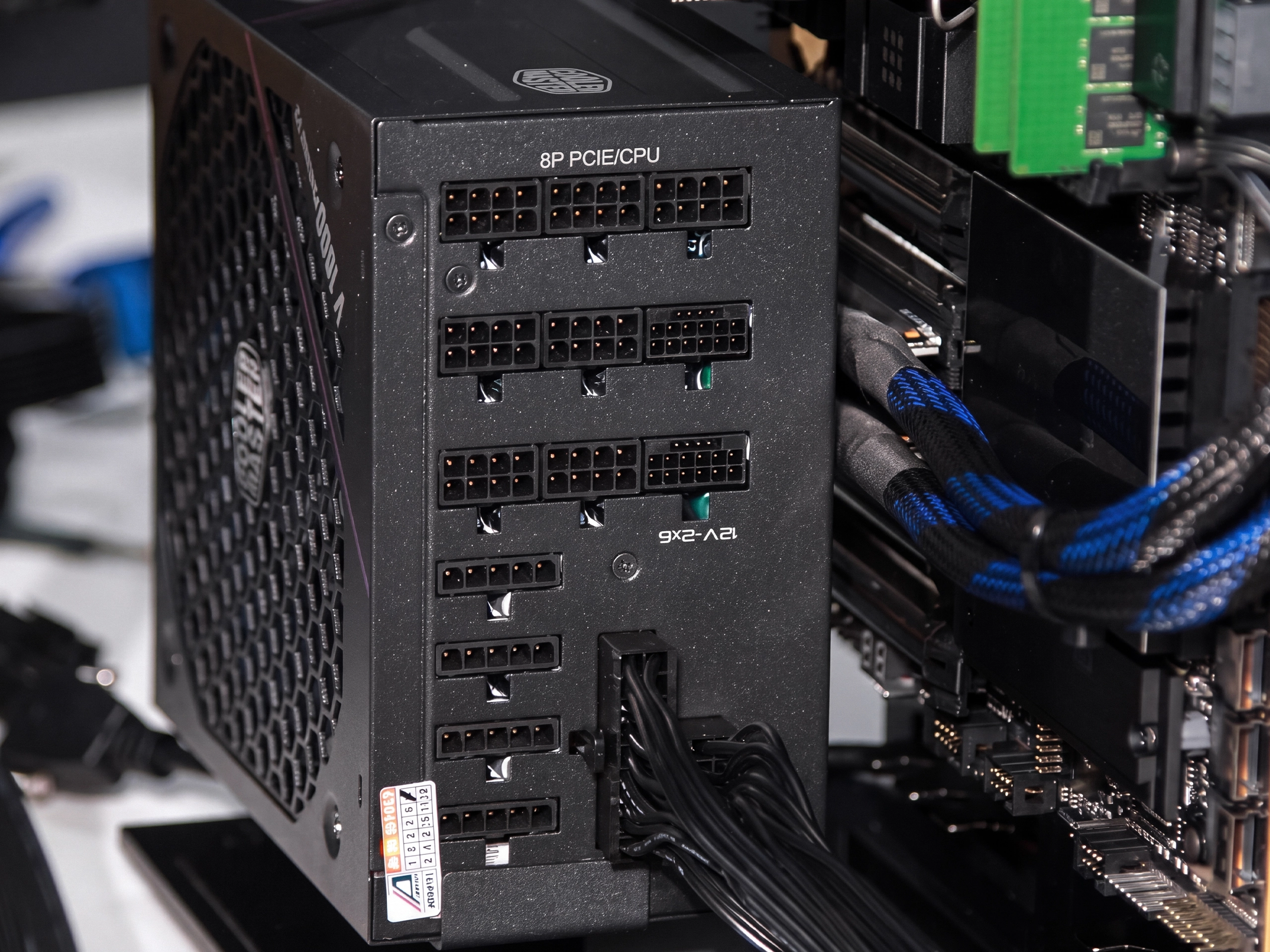
Air moved on purpose. Six fans on a single controller, mapped to the airflow path before a panel was cut — not bolted on after.
.jpg)
.jpg)
.jpg)
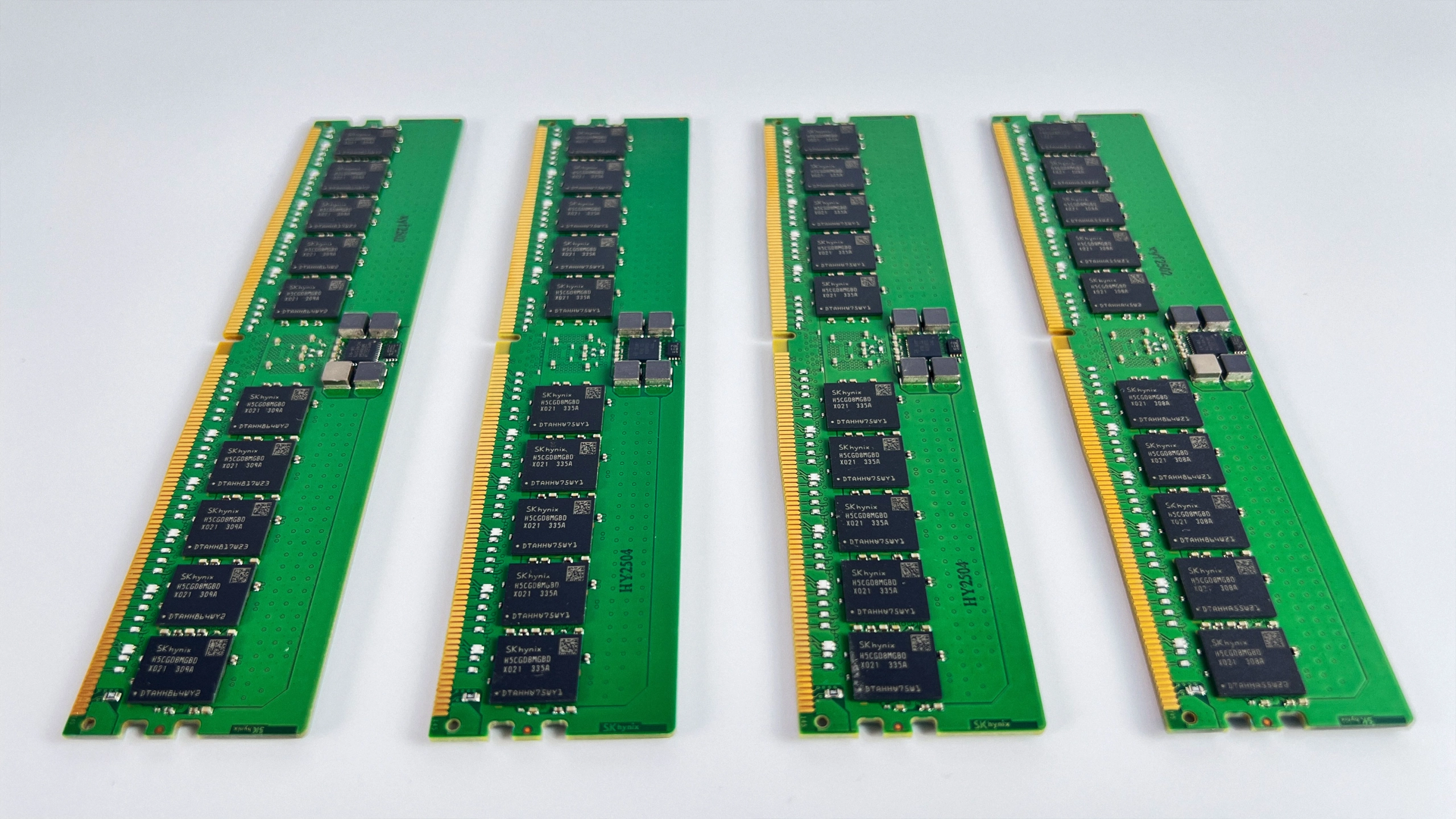
ECC memory, fast NVMe. Error-correcting memory catches the silent bit-flip before it corrupts the job you left running overnight. The NVMe loads a 70B checkpoint in seconds, not minutes. Need more? Configure up to 256GB RAM and 8TB Gen5 NVMe.
.webp)
Grey: Mac Studio M3 Ultra single user, published run. Blue: this box on vLLM FP8, per user while serving 4 and 24 users at once.
Source:Community benchmark
 Language6
 Image3
 Video2
Quantized builds noted per model. What fits depends on context length and KV cache.
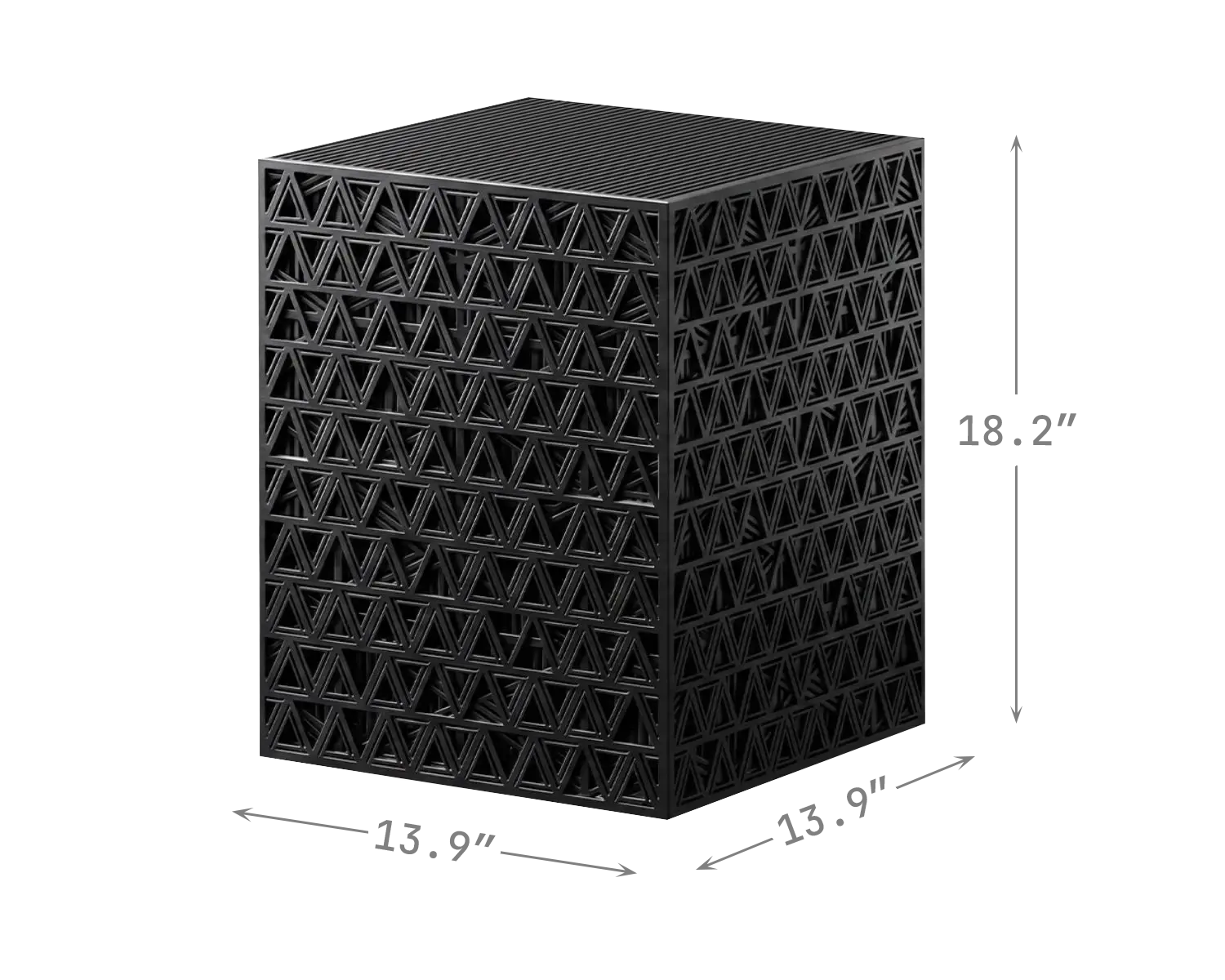
The lineup
Open-source hardware
Every CAD file, bill of materials, and BIOS setting — free on GitHub. Fork it, change it, build your own, even sell it. This is how the personal computer began: in the open. We’re doing it again, for AI hardware.
GitHub 1.5k (opens in a new tab)2x-5090/ 4x-5090/ 8x-5090/ 4x-6000/
bom/ step_models/ stl-models/ photos/
README.md setup.md
MIT · 175 forksClone it. Build it. Sell it. We just want it built.
.webp)