The 6 Best AI Scheduling Assistants 2026

Managing a calendar used to mean blocking time and sending invites. Today, an AI scheduling assistant handles availability negotiation, conflict resolution, and meeting coordination automatically - across multiple calendars, time zones, and participants. The category has grown fast enough that the differences between tools now matter a lot.
This guide covers how AI scheduling actually works, which tools are built for which workflows, and one approach to scheduling that most comparisons overlook.
What is an AI scheduling assistant?
An AI scheduling assistant uses machine learning and natural language processing to coordinate meetings, appointments, and calendar events - without the manual back-and-forth between participants. It's a focused type of AI assistant aimed squarely at your calendar.
What separates it from a basic calendar app or a static booking link is behavioral intelligence. A booking tool shows open slots. An AI scheduling tool learns which slots you actually prefer, protects the time you've quietly reserved for focused work, and adjusts when priorities shift. When a meeting runs long or an urgent task lands, it reprioritizes instead of leaving the conflict for you to untangle.
Most tools in the category share the same core capabilities:
- Natural language input - schedule by typing "block Thursday morning for deep work" instead of editing the calendar by hand.
- Cross-calendar context - read across Google Calendar, Outlook, and other connected accounts at once to find true availability.
- Conflict detection and resolution - flag overlaps and propose alternatives without you stepping in.
- Proactive rescheduling - move existing commitments automatically when a higher priority appears.
The core use cases
AI scheduling assistants solve several distinct problems, and a tool that nails one often handles another poorly. Knowing which problem you have points you at the right tool.
Calendar consolidation.
Most people run two or more calendars - personal, work, client-facing - that don't talk to each other. A tool that syncs across them removes the double-booking risk and the manual cross-checking.
Focus time protection.
As meeting density climbs, focused work gets squeezed out. Scheduling AI can auto-block focus periods, decline non-essential meetings based on learned preferences, and suggest times that preserve deep work blocks.
High-stakes external scheduling.
For consultants, lawyers, and recruiters, scheduling means time zones, rescheduling chains, and availability across organizations - where these tools earn their keep most concretely.
Team coordination.
At team scale the problem shifts from personal management to collective optimization: finding windows that minimize disruption for everyone, not just the organizer.
How to choose: a three-situation framework
Your situation | What you need | Evaluation criteria |
Personal productivity | Focus time protection, habit reinforcement | Smart blocking that learns your patterns; minimal setup |
Team coordination | Multi-user optimization, meeting analytics | Team sync; intelligent placement analytics |
External booking | Multi-party negotiation, professional presentation | Multi-participant logic; reliable notifications; brand trust |
Beyond your situation, the dimensions that separate tools are scheduling depth (does it suggest, or actually execute?), integration reality (which platforms work reliably, not just which are listed), conflict-detection sophistication, and privacy architecture - specifically whether calendar data stays on-device or runs through third-party servers.
Quick reference: tools by situation
Tool | Best for | Key differentiator | Limitation |
Reclaim | Personal focus time | Aggressive focus blocking based on patterns | Limited team features |
Trevor AI | Simple personal scheduling | Clean natural-language interface | No complex multi-party handling |
Motion | Project-heavy teams | Auto-prioritizes tasks and reshuffles meetings | Steep learning curve |
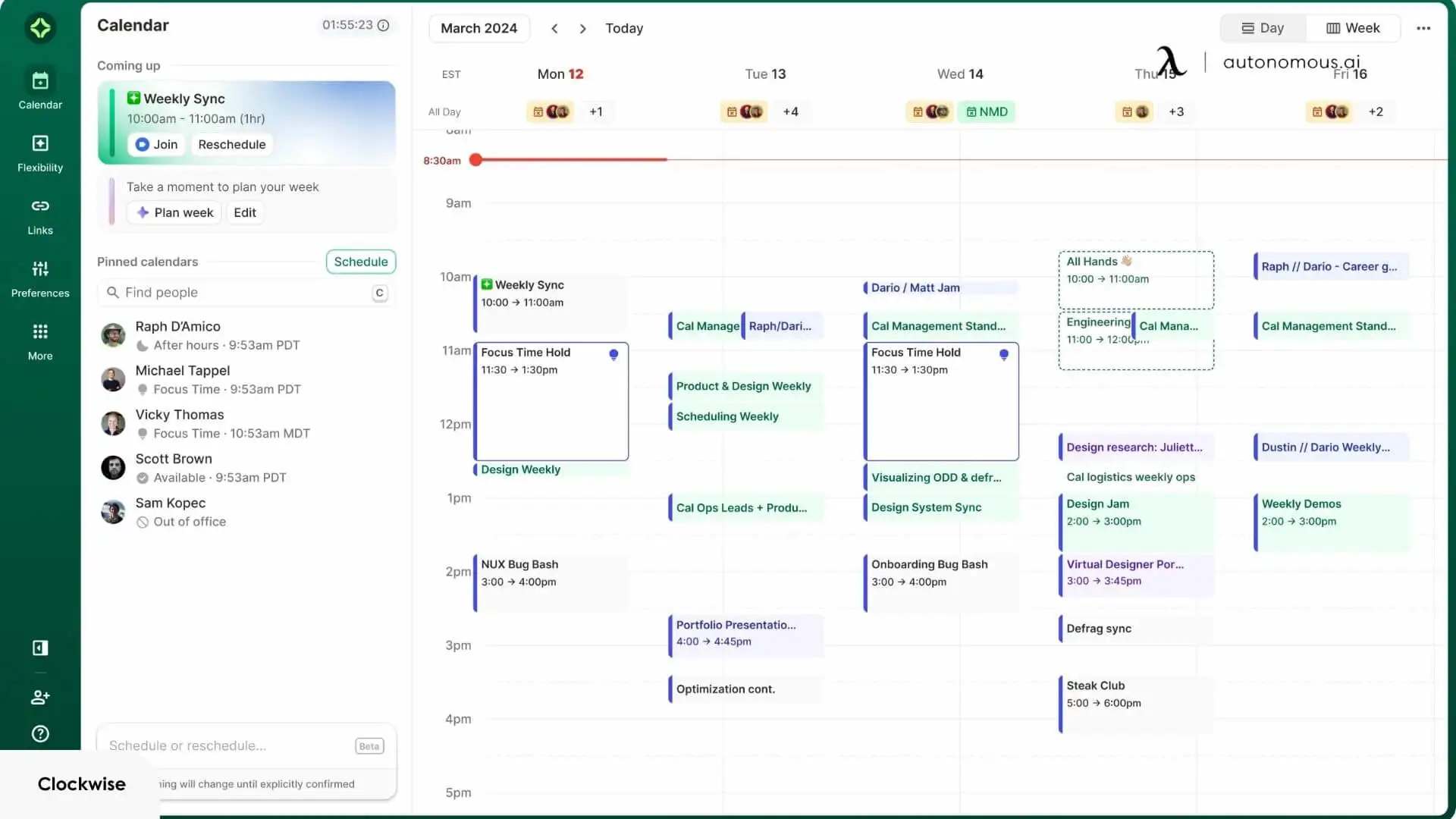
Clockwise | Large team coordination | Team sync analytics | Requires team-wide adoption |
Calendly | Enterprise external booking | Widest integrations; established trust | Shows availability; limited active negotiation |
Autonomous Intern | Privacy-conscious individual scheduling | On-device data handling; context that persists | Single-user focus; not a team scheduler |
Which AI scheduling assistant actually fits your work
The options range from cloud schedulers to a hardware device. Match the tool to the specific bottleneck, not the feature count.
1. If you're a solo knowledge worker drowning in meetings
The problem isn't finding time - it's that open time vanishes before you use it. Meetings expand to fill whatever the calendar shows as free, pushing focused work to the edges of the day. The tool you want actively defends time blocks rather than just marking them busy.
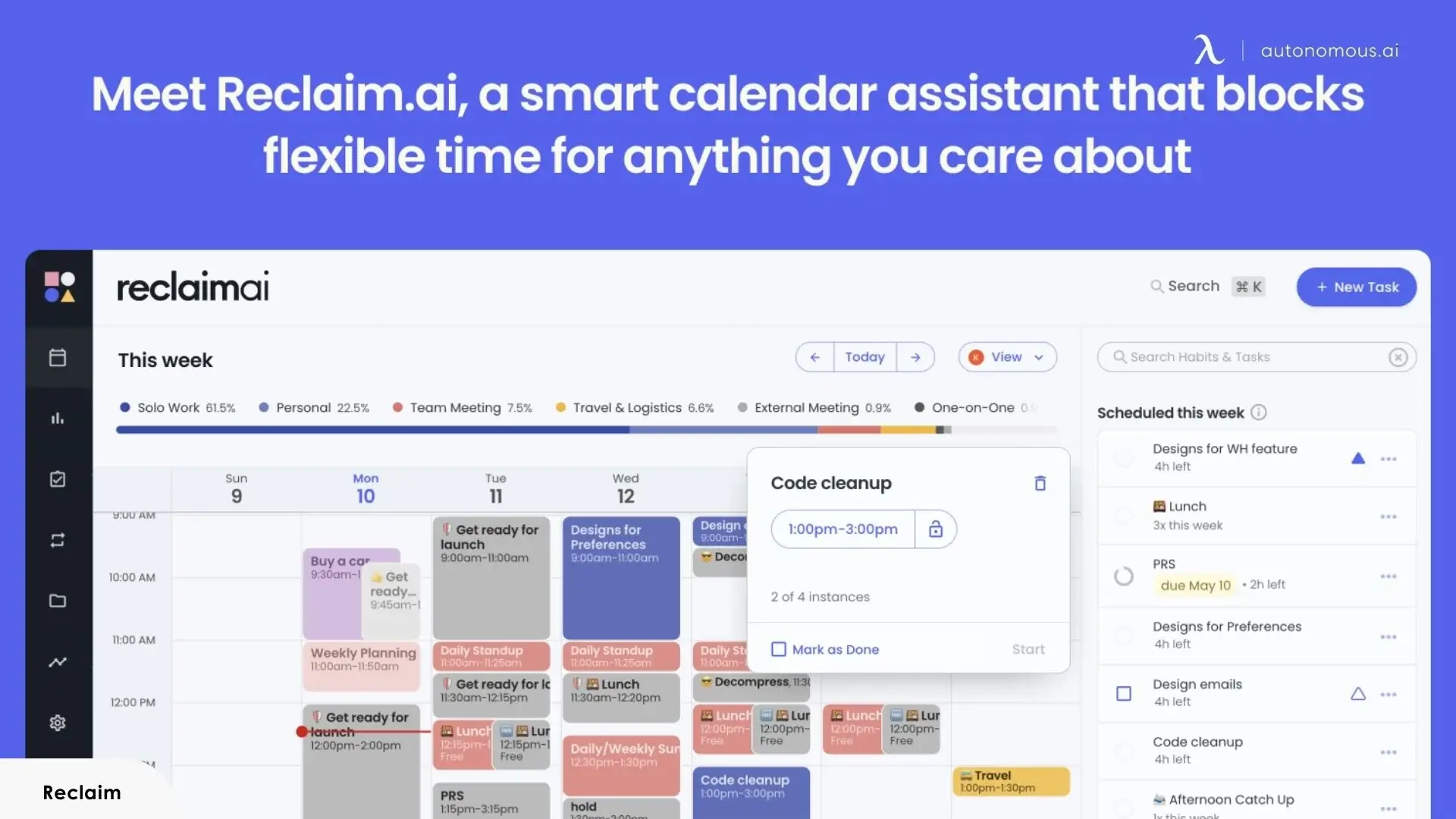
Reclaim is built for exactly this. It defends blocks for tasks, habits, and focus sessions - learning which are flexible and which aren't, then rescheduling around new commitments automatically. When a request would break a protected focus block, it finds another slot instead of overwriting your work time. The constraints are specific: its strongest features need Google Calendar or Outlook, Apple Calendar isn't fully supported, the free tier caps scheduling range and habit tracking, and it doesn't handle external booking well.
Trevor AI serves a simpler version of the same need. For lightweight time-blocking - dragging tasks onto a calendar, getting AI-suggested durations, keeping a clean daily plan - it works with minimal setup. It lacks Reclaim's behavioral intelligence and won't auto-reschedule around conflicts, but for solo users who want structure without automation overhead, its free tier is one of the more functional in the category.
Best fit: Reclaim for active focus-time defense; Trevor AI for lightweight personal planning at minimal cost.
2. If you lead a project-heavy team
Team scheduling runs on different constraints. The challenge isn't protecting one person's focus - it's coordinating across people whose task loads, deadlines, and availability all shift continuously.
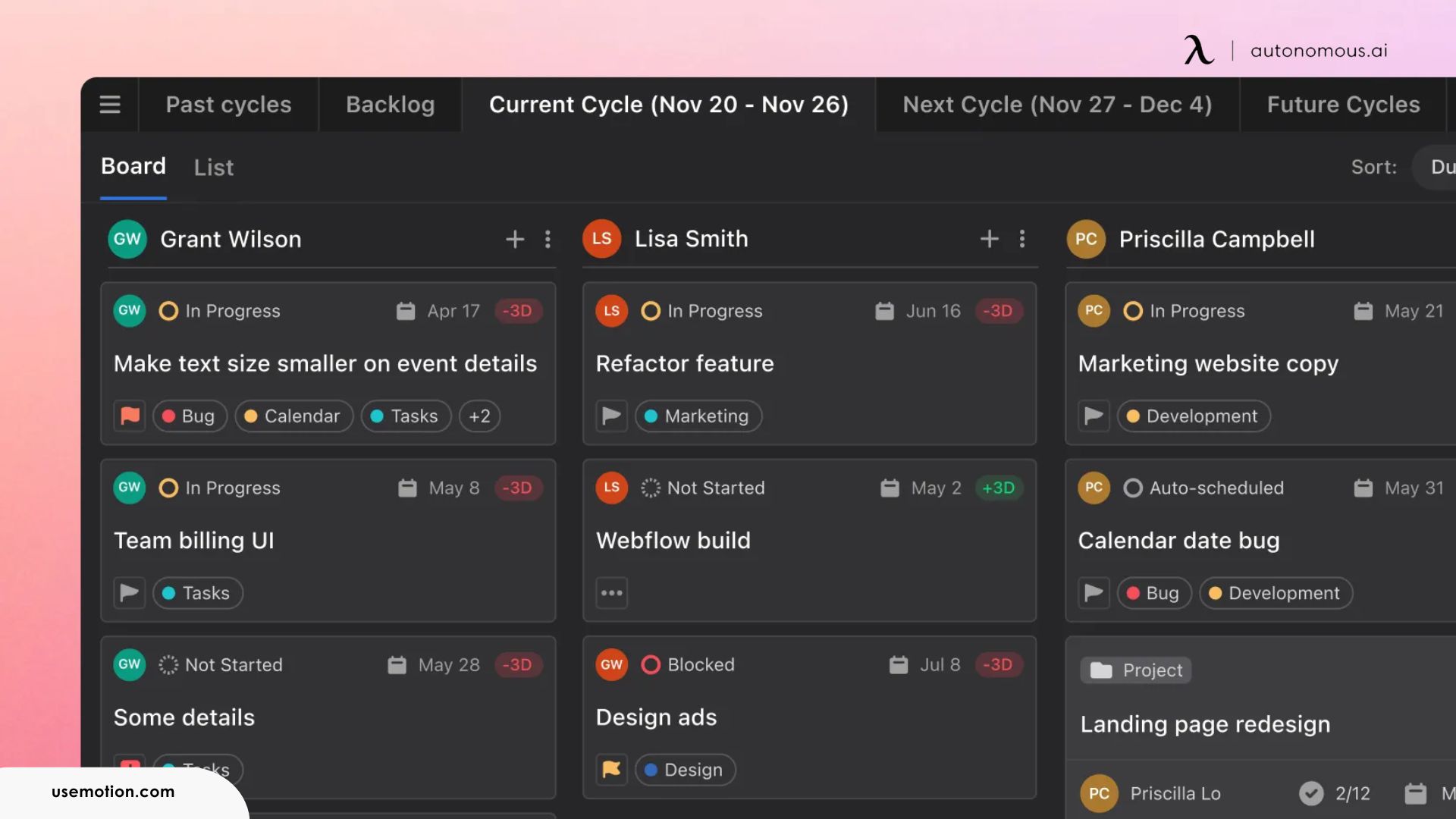
Motion merges project management with calendar AI. Tasks, deadlines, and meetings become competing demands on one resource pool, and Motion continuously reprioritizes across all of them. When a deadline moves, it rebuilds the schedule rather than just flagging the conflict. The tradeoff is real: it needs consistent, structured input - deadlines and priorities assigned, full team adoption - and the learning curve is steep relative to lighter tools.
Clockwise solves a narrower problem: meeting placement. It analyzes team calendars collectively, finds windows that minimize focus disruption, and moves flexible meetings to spread load evenly. It doesn't manage tasks - it optimizes the meeting layer. Its limit is ecosystem depth: it's built for Google Workspace, and partial adoption sharply reduces its effectiveness.
Best fit: Motion for project-driven teams needing full task-calendar integration; Clockwise for teams whose main pain is meeting distribution.
3. If you book external appointments constantly
External scheduling - coordinating with clients or candidates who don't share your calendar - is structurally different. The tool has to handle unknown availability and stay professional without asking outsiders to adopt anything.
Calendly is the established standard here. Its booking links integrate with nearly every calendar and video tool and ask nothing of the invitee beyond picking a time. Routing, round-robin assignment, and team pages make it work at scale. The honest constraint is intelligence depth: it's largely rules-based - it surfaces availability but doesn't adapt to changing priorities, protect focus time, or reschedule on its own. Most people using it for external booking keep a separate tool for internal calendar management.
Best fit: Calendly as the external booking layer, paired with Reclaim or Clockwise for internal management.
Where software-only tools leave gaps
Every tool above shares one structural constraint: it lives entirely in the software layer. Calendar data sits on external servers, context resets between sessions, and the assistant suggests while you still execute. For most workflows that's a fine trade - but three gaps show up consistently, and a fourth that none of them touch. For organizations where data handling is a hard requirement, the case for a private AI assistant gets stronger here.
Integration fragility.
These tools depend on API connections to your calendars. When one fails - a sync delay after a platform update, an expired auth token - the tool quietly stops working, and you often find out only after a missed meeting. The more integrations a tool maintains, the more failure points it carries.
Session-based context.
Most schedulers read your calendar in the moment. They don't accumulate an understanding of why commitments exist or which relationships deserve priority. Some, like Reclaim, learn patterns over time, but even that stays narrower than what a human assistant develops.
Action distance.
The best tools recommend and organize; fewer execute bookings end to end without a confirmation step, by design. So the cognitive load shrinks but doesn't disappear - you're still monitoring and approving.
The workspace gap.
None of the software tools know your physical context. A scheduler knows your calendar; it doesn't know you've been in calls for three hours, or whether the 2pm task it blocked matches how you actually work mid-afternoon. Scheduling and working happen in the same space, but the software treats them as separate problems.
That last gap - between calendar intelligence and workspace reality - is where a different approach starts to differentiate.
Autonomous Intern: a different approach to AI scheduling
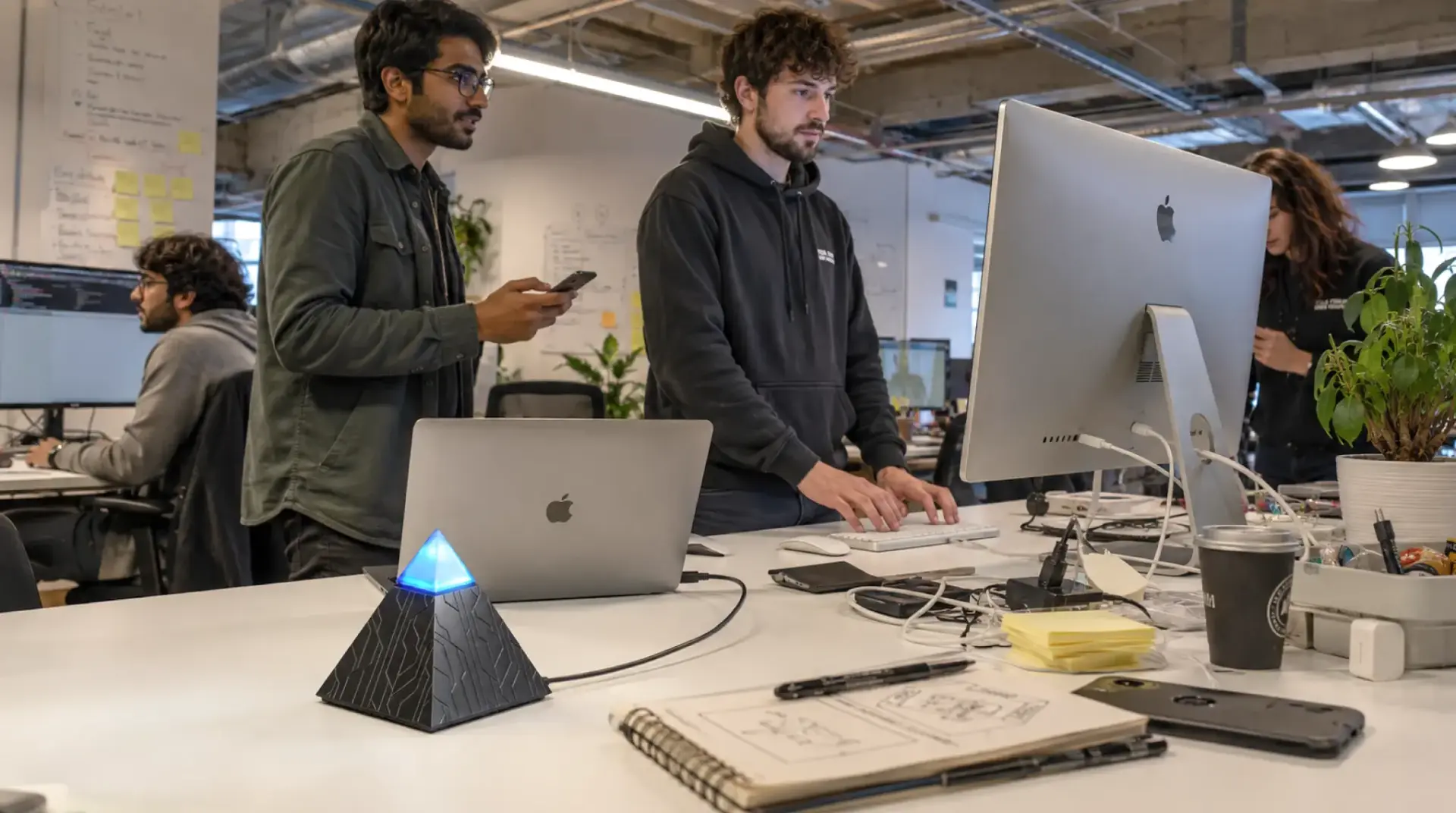
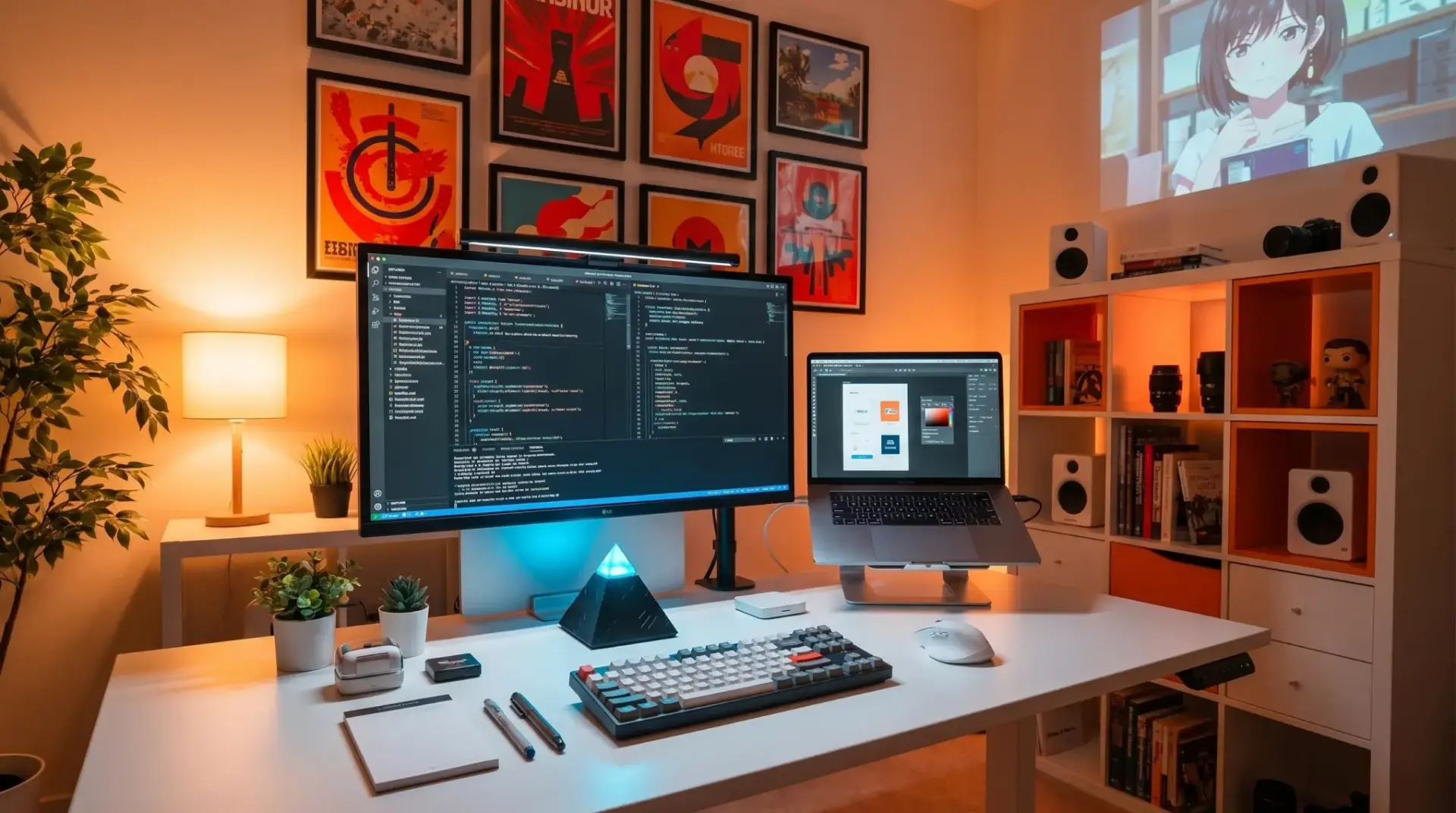
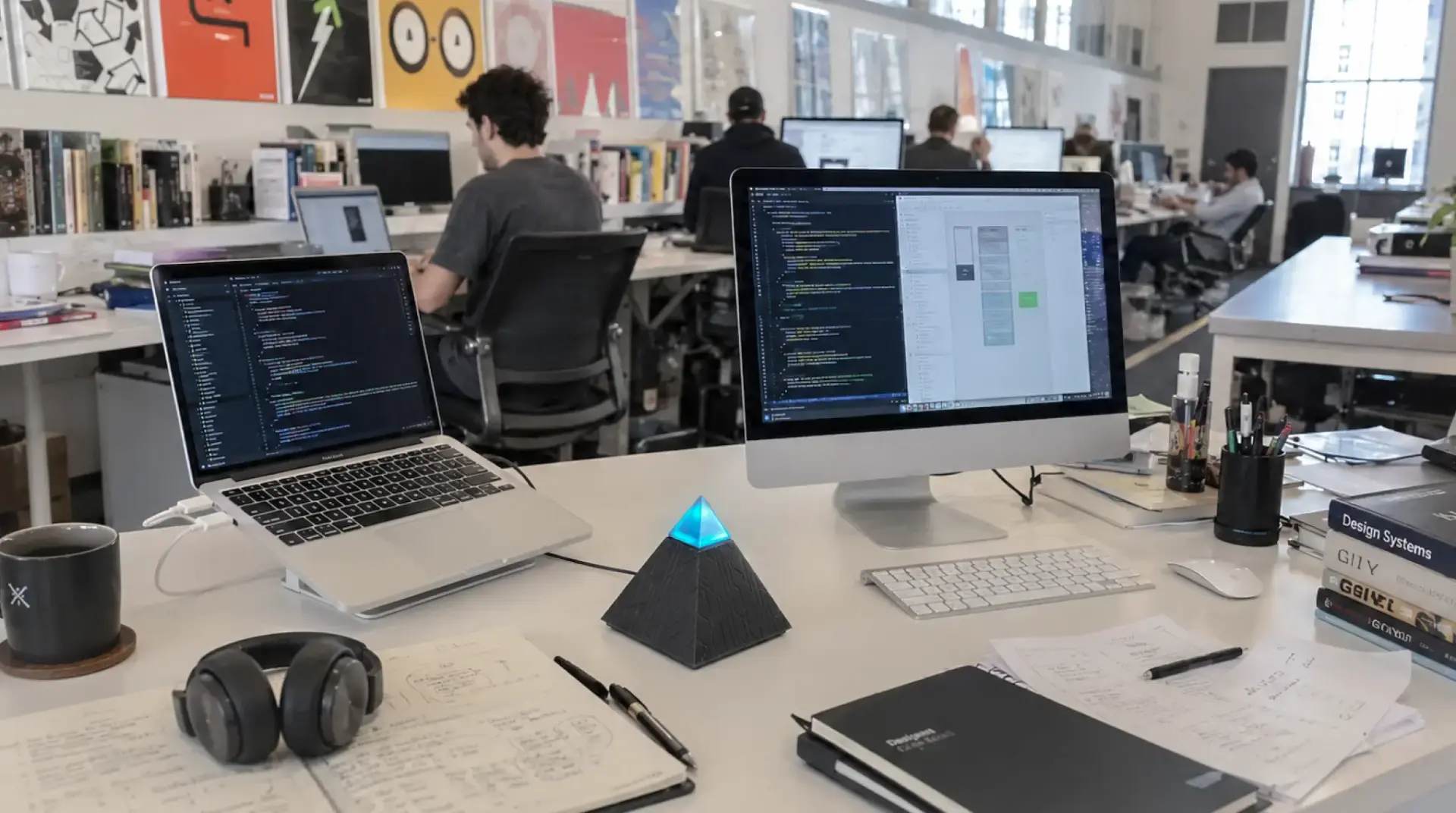
Most AI scheduling assistants are software layers on top of your calendar. The Autonomous Intern is a personal AI assistant - a small device that sits on the desk and works from the workspace rather than from browser tabs or cloud subscriptions.
On privacy - the honest version.
The Intern runs on-device using OpenClaw, an open-source AI agent engine. Your credentials, conversation history, and scheduling data are handled on the device rather than a vendor's cloud, and nothing installs on your work computer - which matters in managed-device and SSO environments. What it doesn't do automatically is process everything offline: that depends on the model you connect. Load a small local model and it stays on the device; connect a cloud model like Opus or Sonnet for heavier reasoning and those requests reach that provider. The real difference from cloud SaaS schedulers isn't "nothing ever leaves" - it's that no third-party scheduling service holds your calendar by default, and you choose where the model runs. For a fuller picture of the engine, see our OpenClaw overview.
A different operating model.
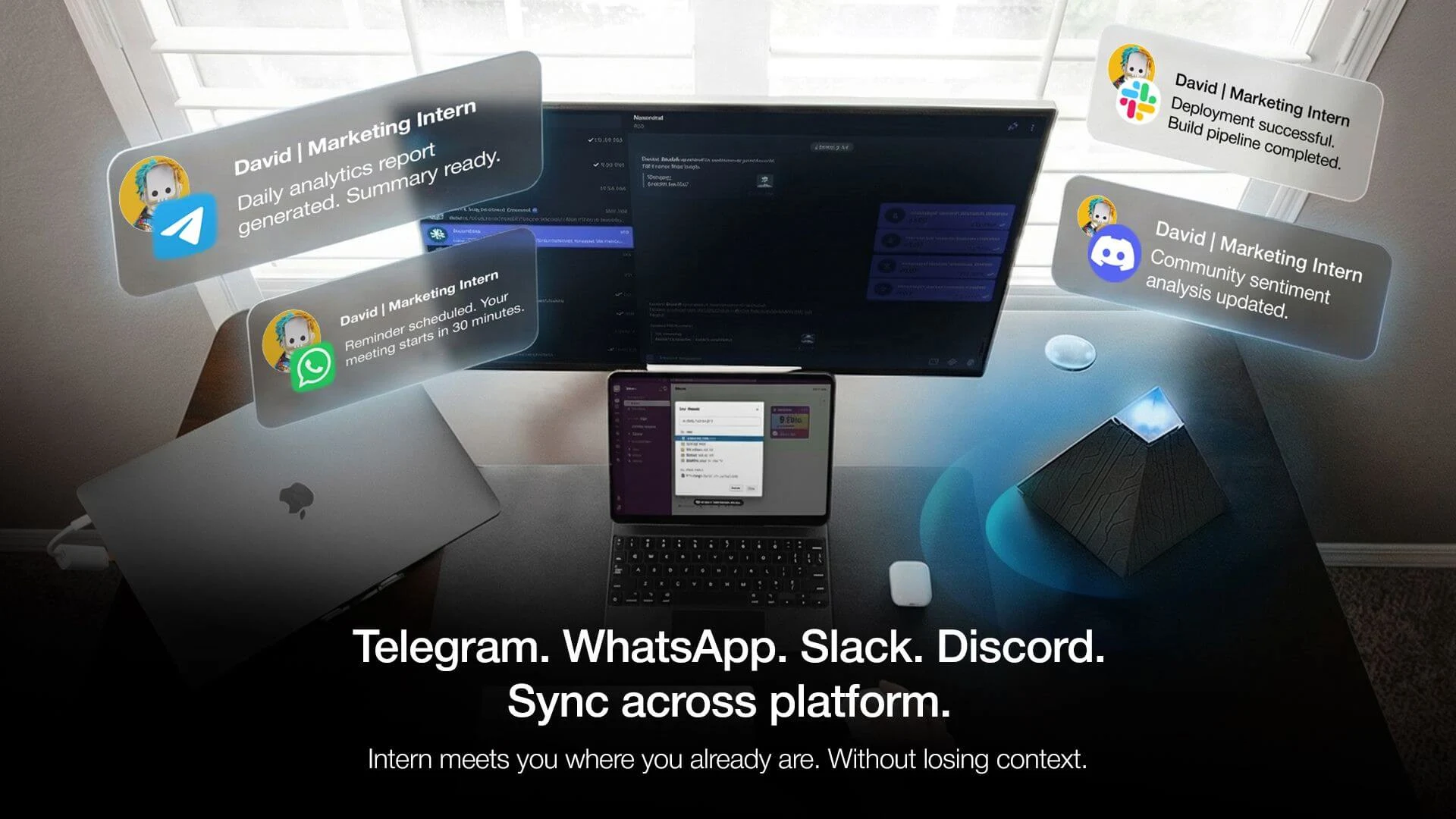
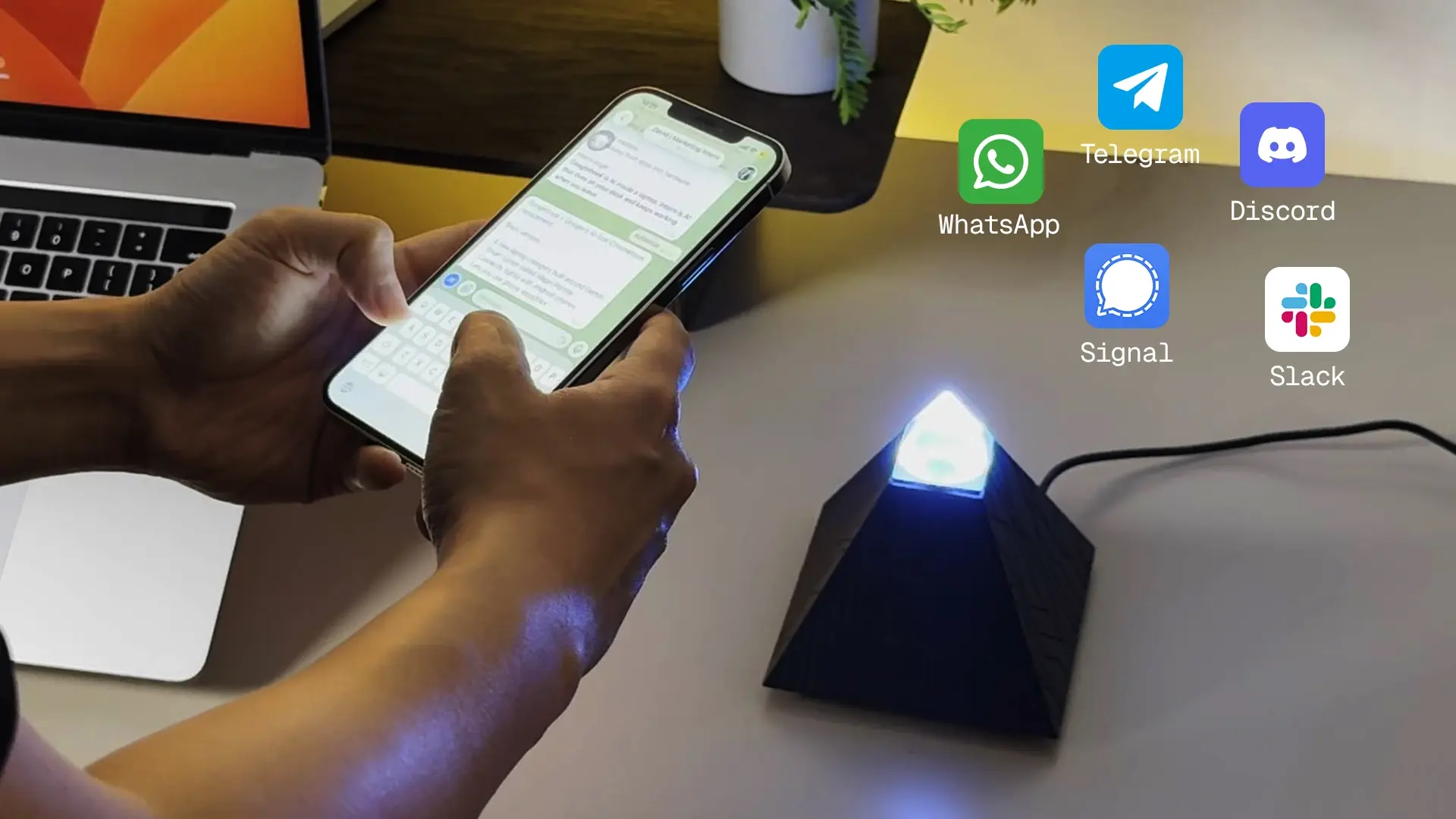
Instead of a dedicated calendar portal, the Intern works through the messaging apps you already use - Slack, WhatsApp, Telegram, Discord. You ask it to schedule conversationally, in the same channels as the rest of your day, and it drafts requests, coordinates availability, and handles rescheduling follow-ups there.
Context that persists.
Where cloud schedulers analyze your calendar transactionally with limited memory between sessions, the Intern builds an ongoing understanding of your patterns and preferences across weeks of use. It doesn't reset - the longer it runs in your workflow, the more its responses reflect how you actually work.
Who it fits.
It's not a team scheduler - it doesn't optimize group calendars or manage shared project timelines. Scheduling is one of the general tasks it handles rather than a purpose-built calendar engine. Its strength is the individual: someone managing a complex personal schedule across channels, working with sensitive information, or wanting an assistant that compounds in usefulness over time instead of resetting each session.
FAQs
What is the best AI scheduling assistant in 2026?
It depends on your workflow: Reclaim for focus-time protection, Motion for project-heavy teams, Calendly for external booking. For privacy-conscious individuals or those avoiding subscriptions, the Autonomous Intern is an on-device alternative. Match the tool to your specific bottleneck.
How secure is my calendar data with an AI scheduling assistant?
Reputable tools encrypt data in transit and at rest; the bigger question is whether processing happens in the cloud or on-device. Cloud tools hold your calendar on their servers, while a device like the Intern keeps data handling local - though a connected cloud model still sees the requests you route to it.
Is the Autonomous Intern a dedicated scheduling tool?
No - it's a general on-device AI assistant that handles scheduling as one of many tasks through your chat apps. It suits an individual who wants private, persistent help across their workflow, not a team optimizing shared calendars.
How is an AI scheduling assistant different from a regular calendar app?
A calendar app stores and displays events and needs manual input. An AI scheduling assistant actively manages the calendar - suggesting times, defending focus blocks, resolving conflicts, and booking meetings for you.
Is there a free AI scheduling assistant worth using?
Yes. Reclaim, Clockwise, and Calendly offer free tiers with core features, and Trevor AI provides free task scheduling and time-blocking. Free plans usually limit integrations or advanced features, so check the caps against your needs.
Can an AI scheduling assistant book meetings automatically?
Some do. Tools like Reclaim and Motion can place and move meetings on their own based on rules and learned patterns, while others (like Calendly) surface availability and let the invitee choose. Full autonomous booking without a confirmation step is still less common by design.
Do I need to switch calendar apps to use one?
No. Most connect to your existing Google Calendar, Outlook, and in some cases Apple Calendar via OAuth and run on top of them - no migration required.
Will an AI scheduling assistant work with both Google Calendar and Outlook?
Support varies. Reclaim and Clockwise are optimized for Google Workspace, while Motion works with both. If you need cross-platform coverage, confirm the tool supports every calendar you use.
Do AI scheduling assistants handle time zones and multi-party scheduling?
The better ones do - automatic time-zone conversion and multi-participant coordination are core to external-facing tools like Calendly. Lightweight personal tools handle this less reliably, so match the tool to how much cross-organization scheduling you do.
What should I look for when choosing AI scheduling software?
Weigh automation depth, calendar compatibility, integration reliability, privacy model, and total cost over 12-24 months. How well it solves your specific bottleneck matters more than the raw feature count.
Is an AI scheduling assistant useful for individuals, or mainly teams?
Both. Individuals gain focus-time protection and less cognitive load; teams gain shared coordination, meeting-load analytics, and project scheduling. The right tool differs sharply between the two.
Conclusion
Choosing the right AI scheduling assistant comes down to matching your constraints to a tool's real capabilities. Solo workers drowning in meetings need something different from project teams juggling shifting priorities or professionals booking external appointments all day - and the evaluation goes beyond features to privacy, integration reality, and setup effort. As the category matures, the frontier isn't incremental cloud features but deeper integration with where work happens: on-device processing, persistent context, and workspace awareness. The goal was never a prettier calendar - it's recovered time and less overhead.
References
- Microsoft Work Trend Index - research on meeting density and focus-time erosion. microsoft.com/worklab
- Gloria Mark, University of California, Irvine - research on attention, interruptions, and the cost of context-switching. uci.edu
- OpenClaw project repository - the open-source agent engine behind the Intern. github.com/openclaw/openclaw