What Is a Personal AI Assistant? The 2026 Guide

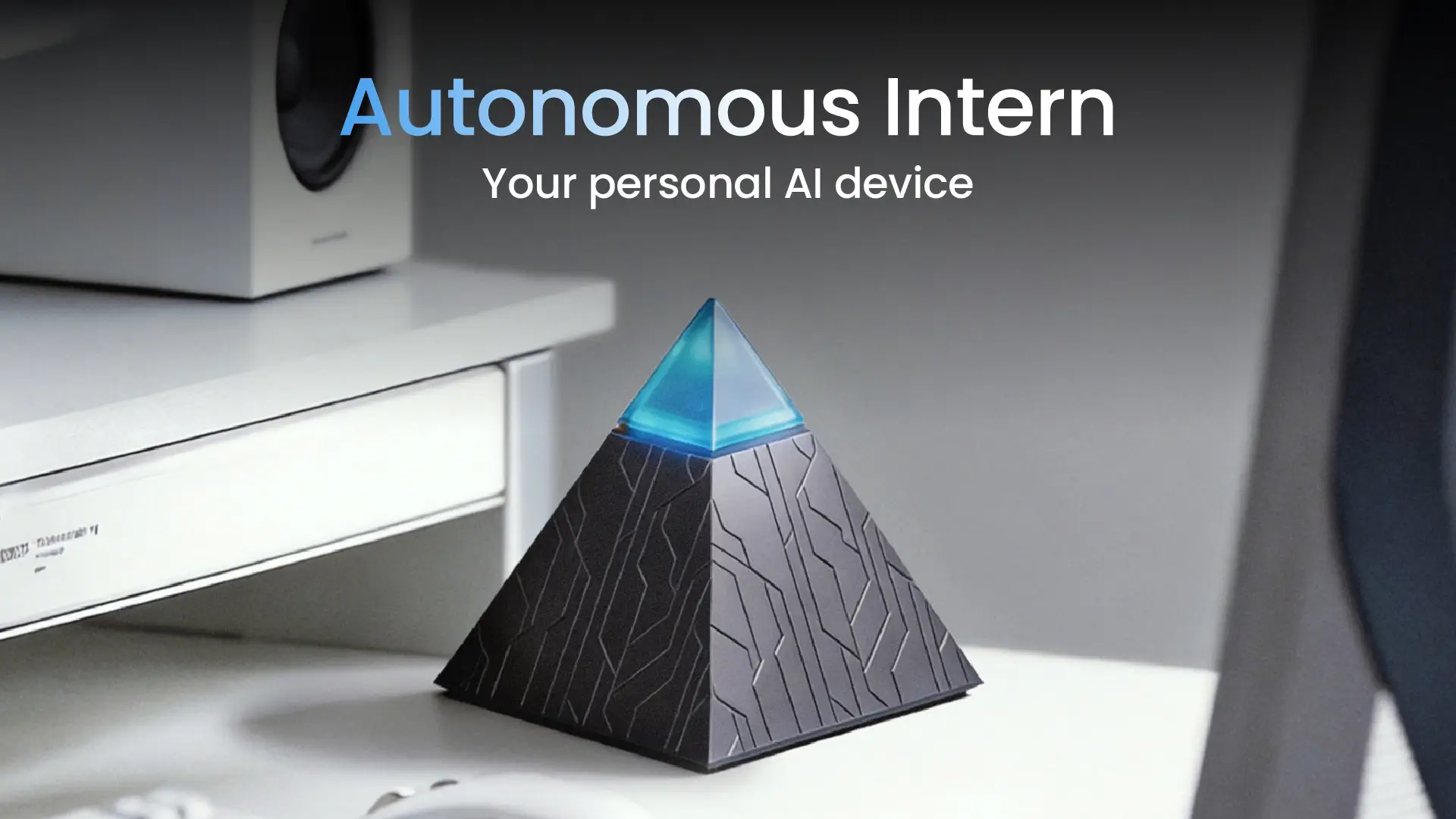
A personal AI assistant used to mean a voice on your phone that set timers and played music. In 2026 it means something that drafts your emails, runs research, manages your calendar, and finishes multi-step tasks - sometimes without being asked twice. The category has split into distinct types that solve different problems, and the newest of them isn't software at all. This guide covers what a personal AI assistant actually does, the main options compared, how to pick one, and where a physical device now fits.
What does a personal AI assistant actually do?
A personal AI assistant handles the repetitive parts of knowledge work - scheduling, drafting email, taking notes, research, reminders - so you can spend attention on the work that needs judgment. The better ones go past answering: they learn your patterns over time, connect to the apps you already use, and complete tasks rather than describe them.
The line that separates a genuinely useful assistant from a novelty is execution depth - not just producing an answer, but finishing the task and remembering enough context to do it better next time. That's also where a personal assistant starts to overlap with the broader world of AI agents, which act autonomously rather than waiting for each prompt.
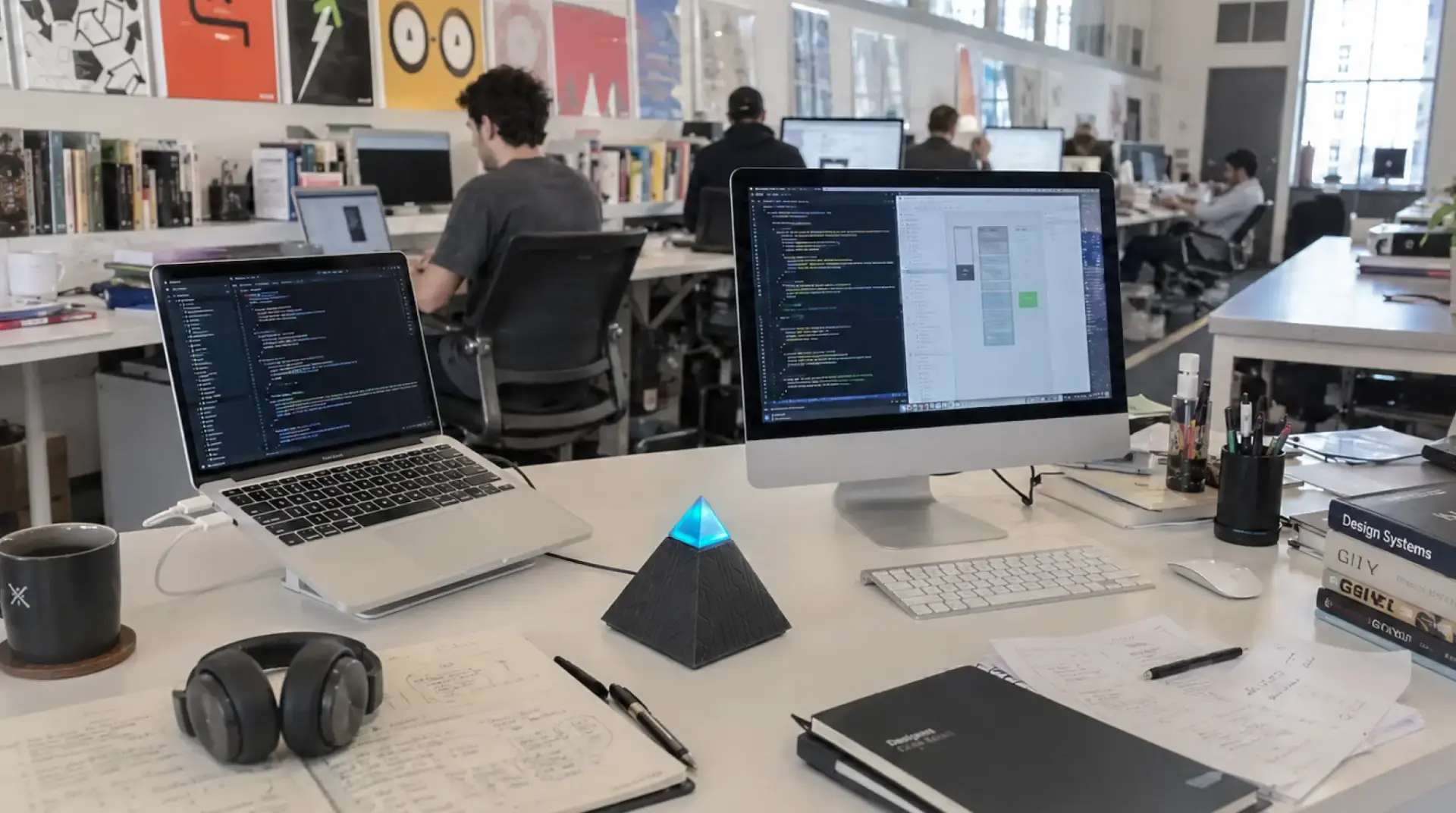
The four types of personal AI assistant
Most tools fall into one of four categories, and the right one depends on what you need it to do.
Voice-first assistants
Siri, Alexa, Google Gemini. Best for quick, ambient tasks (timers, smart home, quick questions). Limited for anything needing sustained attention or follow-through.
Chat / LLM assistants
ChatGPT, Claude, Perplexity, Gemini. A real step up: they draft, synthesize research, write code, and reason through problems. The tradeoff is that they reset each session and wait for you to start every exchange.
Productivity-integrated assistants
Notion AI, Motion, Reclaim. AI embedded inside a specific workflow (notes, tasks, calendar). Strong within their ecosystem, blind to everything outside it.
Hardware / local assistants
the newest category: a physical device that runs continuously and works through your existing messaging apps, keeping data handling on your own hardware. New enough that most roundups don't list it yet.

The main personal AI assistants compared
There's no single best personal AI assistant - the right pick depends on whether you mainly need to think (writing, research) or do (execute tasks across apps). The table below groups the leading options by what they're actually best at, with the honest limitation each carries.
Assistant | Type | Best for | Honest limitation |
ChatGPT | Chat / LLM | General writing, research, all-round use | Resets each session; free tier rate-limits quickly |
Claude | Chat / LLM | Long-document analysis, writing quality, code | No native voice or image generation |
Perplexity | Chat / LLM | Research with verifiable citations | Best features and deep search gated to paid |
Google Gemini | Voice + chat | Google-ecosystem users, mobile, multimedia | Small context on the free consumer app |
Notion AI / Motion / Reclaim | Productivity-integrated | Automating one workflow (notes, tasks, calendar) | Useful only inside that one ecosystem |
Siri / Alexa | Voice-first | Ambient and smart-home tasks | Shallow follow-through on real work |
Autonomous Intern | Hardware / local | Always-on task delegation through chat apps | Cloud-orchestration-first; not a heavy local-model box |
Independent testing bears out the split. In Arahi's April 2026 free-tier benchmark of nine assistants, the chat tools scored well on writing and research but consistently failed the same task - connecting to Gmail or a calendar and acting on your behalf. The thinking is solved; the doing is where the category is still moving.
The gap software-only assistants can't close
Software assistants share a friction point that rarely gets named: they require you to initiate every interaction. You open a tab, switch apps, unlock your phone. During deep work that doesn't happen - the assistant vanishes from your workflow, and so does any proactive value it might have offered. The gap isn't intelligence. It's presence.
There's a second issue that gets less attention: where your data goes. Cloud-based assistants process inputs on remote servers. For anyone handling client communications, financial records, or sensitive internal data, that's a structural question, not a settings toggle - and, by Arahi's testing, most free tiers default to training on your conversations unless you opt out.
Neither limitation is a bug the next update fixes. Both are inherent to the cloud-based, app-dependent model - which is what opened room for a different form factor: an assistant that runs on hardware you control and works through the tools you already use.
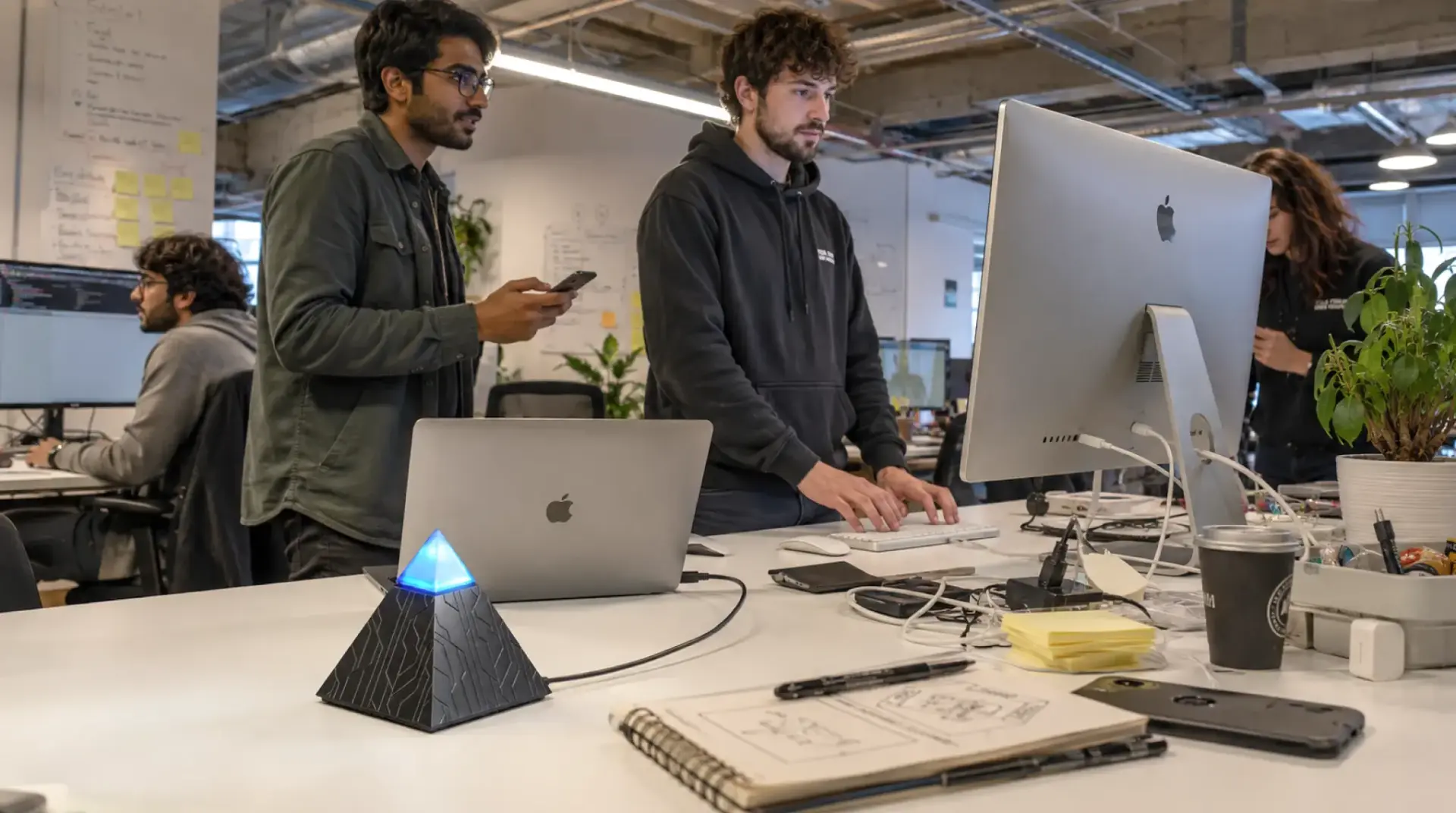
The hardware option: an assistant that lives on your desk
Most personal AI assistants exist as a tab. A small but growing category exists as an object - a device that sits on a desk, stays on, and works whether or not a screen is open. The Autonomous Intern is the clearest example.
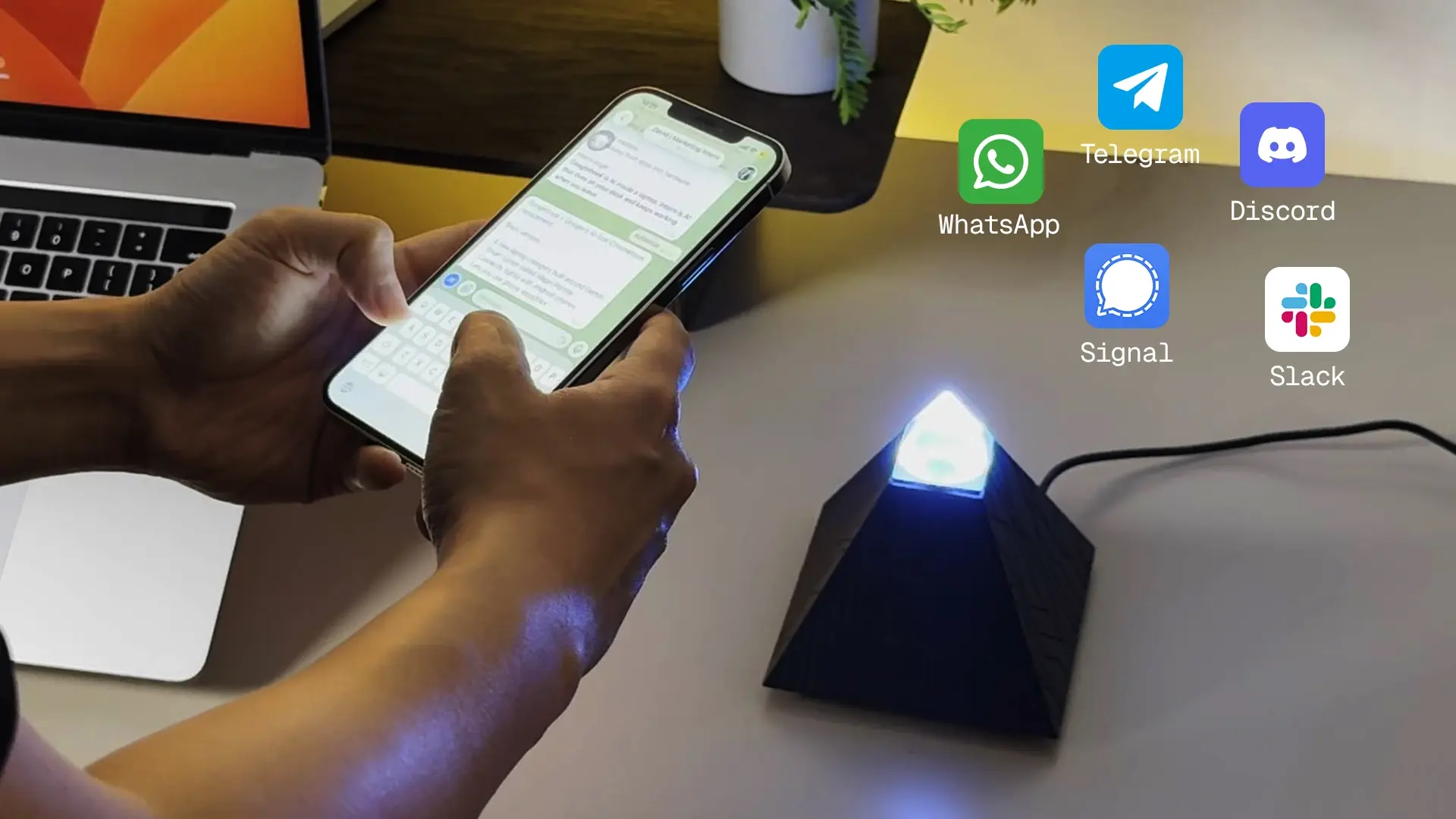
It runs on OpenClaw, the open-source AI agent engine, and connects to the messaging apps most people already work in - Telegram, Slack, Discord, and WhatsApp - so you message it like a colleague rather than opening another app. You can also talk to it: the current unit has an onboard dual-microphone array and speaker, so it handles tasks by voice as well as text.
On privacy, here's the honest picture, because it's easy to overstate. Credentials, session data, and files are handled on the device rather than a remote server, and nothing installs on your work computer - which is why it fits managed-device and SSO environments without IT sign-off. What's not automatic is fully-offline processing: that depends on the model you load. Point it at a cloud model like Opus or Sonnet and the heavy reasoning happens in the cloud; load a small local model and it stays on the device. It's a cloud-orchestration-first device, not a local-inference powerhouse - the honest tradeoff for its size and price.
The other thing it removes is setup. OpenClaw is capable but famously fiddly to configure - API keys, model setup, JSON. The Intern ships pre-flashed, so setup is joining Wi-Fi and adding it to a chat group. If you'd rather understand the engine first, our OpenClaw overview explains what it is and how self-hosting compares.
It isn't for everyone. If you mainly need a thinking tool, a chat assistant is simpler and free to start. The device earns its place for a specific worker: someone whose work runs through messaging apps, who handles sensitive material, or who has abandoned software assistants before because opening yet another tab never became a habit.
What to look for in a personal AI assistant
Before committing to any option, weigh it against the factors that matter most for how you actually work:
Integration depth.
The best assistant connects to the apps, calendars, and files you already use and adds value inside that ecosystem. The more migration it demands, the less likely it sticks.
Data handling.
Cloud, local, or hybrid - what matters is whether the model matches how comfortable you are sharing your schedule, messages, and habits with a third party. Get clarity here upfront.
Context retention.
Remembering preferences and past decisions is what turns a one-off tool into an ongoing working relationship. It's the clearest line between helpful-once and indispensable.
Setup simplicity.
If configuring it takes longer than it saves in week one, most people quit. The best option works on day one and deepens as it learns you.
Cost structure.
Flat subscription, usage-based, or a one-time hardware cost - none is inherently better, but know which you're committing to before you evaluate long-term value.
For scheduling specifically - the single most-requested capability - the tradeoffs differ enough that it's worth its own read: our guide to choosing an AI scheduling assistant compares the tools built for that job.
FAQs
What is the best personal AI assistant for work in 2026?
It depends on the job. ChatGPT and Claude are strongest for writing and problem-solving; Motion and Reclaim for calendar-centered work; a device like the Autonomous Intern for always-on task delegation through messaging apps. Match the tool to whether you mainly think or execute.
Is the Autonomous Intern a personal AI assistant?
Yes - it's a hardware personal AI assistant that runs the OpenClaw engine, works through chat apps by text and voice, and handles data on-device. It differs from software assistants by staying on continuously instead of waiting to be opened.
What is the difference between an AI assistant and a personal AI assistant?
An AI assistant is any AI tool that responds to prompts. A personal AI assistant is built around one user - it learns your preferences, retains context across sessions, and adapts to your workflow instead of treating each conversation as new.
What is the difference between a personal AI assistant and an AI agent?
A personal AI assistant supports an individual's daily workflow. An AI agent is the broader idea of a system that decides and acts on its own. Many personal assistants now include agent capabilities, which is why the line is blurring.
Can a personal AI assistant automate work tasks?
Yes. Most can automate scheduling, inbox triage, reminders, and research. More capable ones execute multi-step workflows across tools - though, per independent testing, that autonomous action is where free chat tiers fall short and paid or agentic tools take over.
Do personal AI assistants work across multiple apps?
Most integrate with email, messaging, calendars, and productivity software so they can act across platforms rather than in one isolated window. How deep and how reliable that integration is varies widely, so it's worth checking against your specific stack.
Is my data private with a personal AI assistant?
It depends on the architecture. Most cloud assistants process inputs on remote servers, and many free tiers train on your conversations by default unless you opt out. On-device options like the Intern keep credentials and data handling local, though a connected cloud model still sees the requests you route to it.
How much does a personal AI assistant cost?
Software assistants commonly run free tiers with paid plans in the low tens of dollars per month. Hardware options are a one-time purchase instead of a subscription. See the picks table for the Intern's current price, which changes periodically.
Does a personal AI assistant replace a human assistant?
No. It handles repetitive, operational work - scheduling, research, inbox management. Judgment calls, relationship management, and complex coordination still need a person. In most roles AI supports productivity rather than replacing someone.
Conclusion
Personal AI assistants have followed a clear arc: voice commands gave way to chat, chat gave way to productivity integrations - each step adding capability while keeping the same model of software that waits to be used. In 2026 that model is being challenged. The most meaningful gap was never processing power or language skill; it's continuity - staying present in a workflow, remembering context, and executing without being re-prompted.
That doesn't make software assistants obsolete; ChatGPT, Claude, Gemini, and the productivity tools each serve real needs well. It means the category is getting more differentiated, where the form factor of a personal AI assistant - where it lives, what it remembers, how little it asks of you - matters as much as the model behind it. Pick by your actual bottleneck: thinking, doing, or staying out of your way.
References
- McKinsey & Company, "Superagency in the workplace: Empowering people to unlock AI's full potential at work," 2025 - AI time-reclamation findings. mckinsey.com
- Stanford HAI, "AI Index Report" - adoption and capability trends. hai.stanford.edu
- Arahi AI, "Best Free AI Personal Assistant 2026: 9 Tools (Tested)," April 2026 benchmark - free-tier limits and integration testing. arahi.ai
- OpenClaw project repository - open-source agent engine behind the Intern. github.com/openclaw/openclaw