


What Is a GPU Server? A 2026 Guide
.webp)
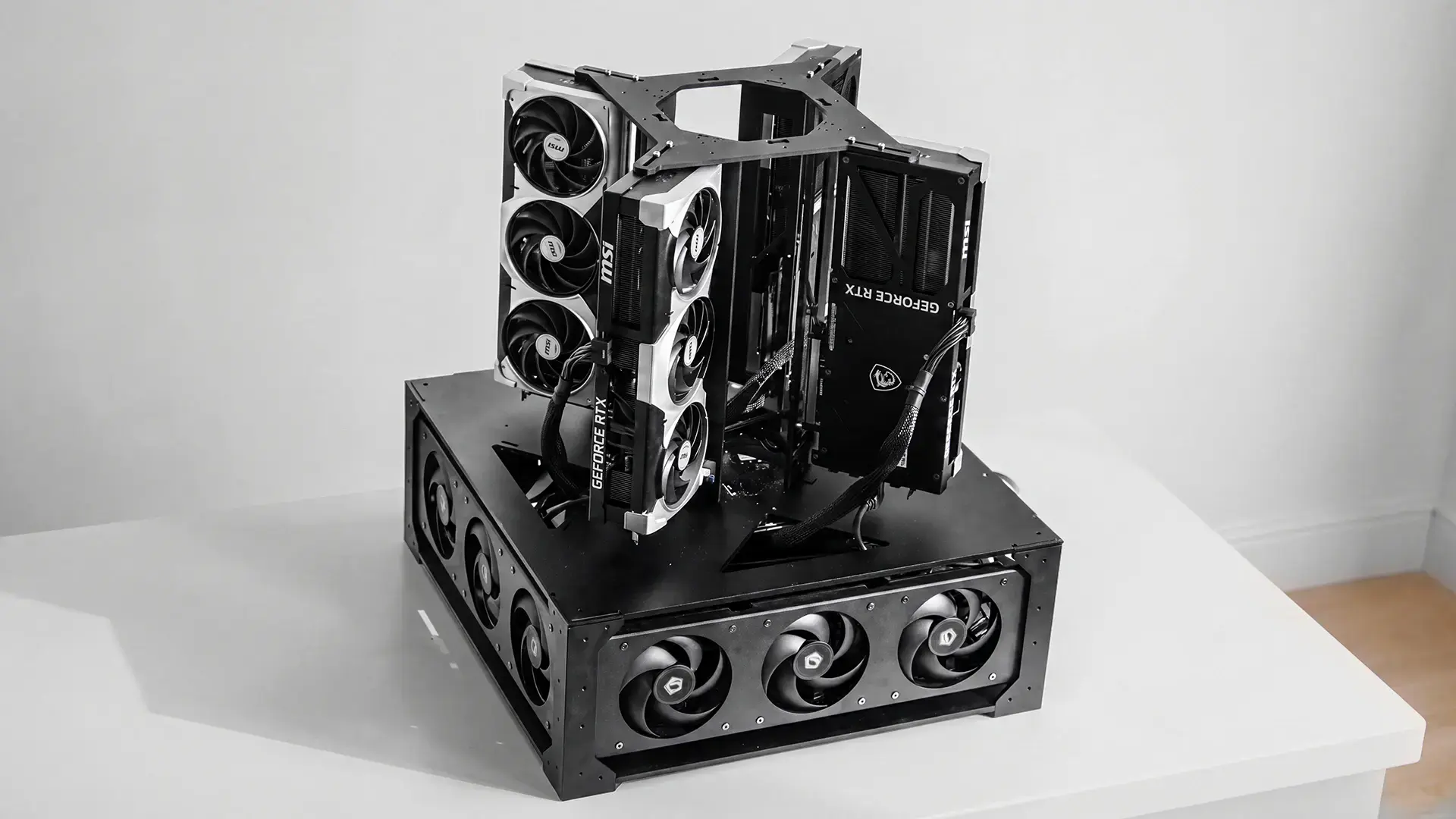
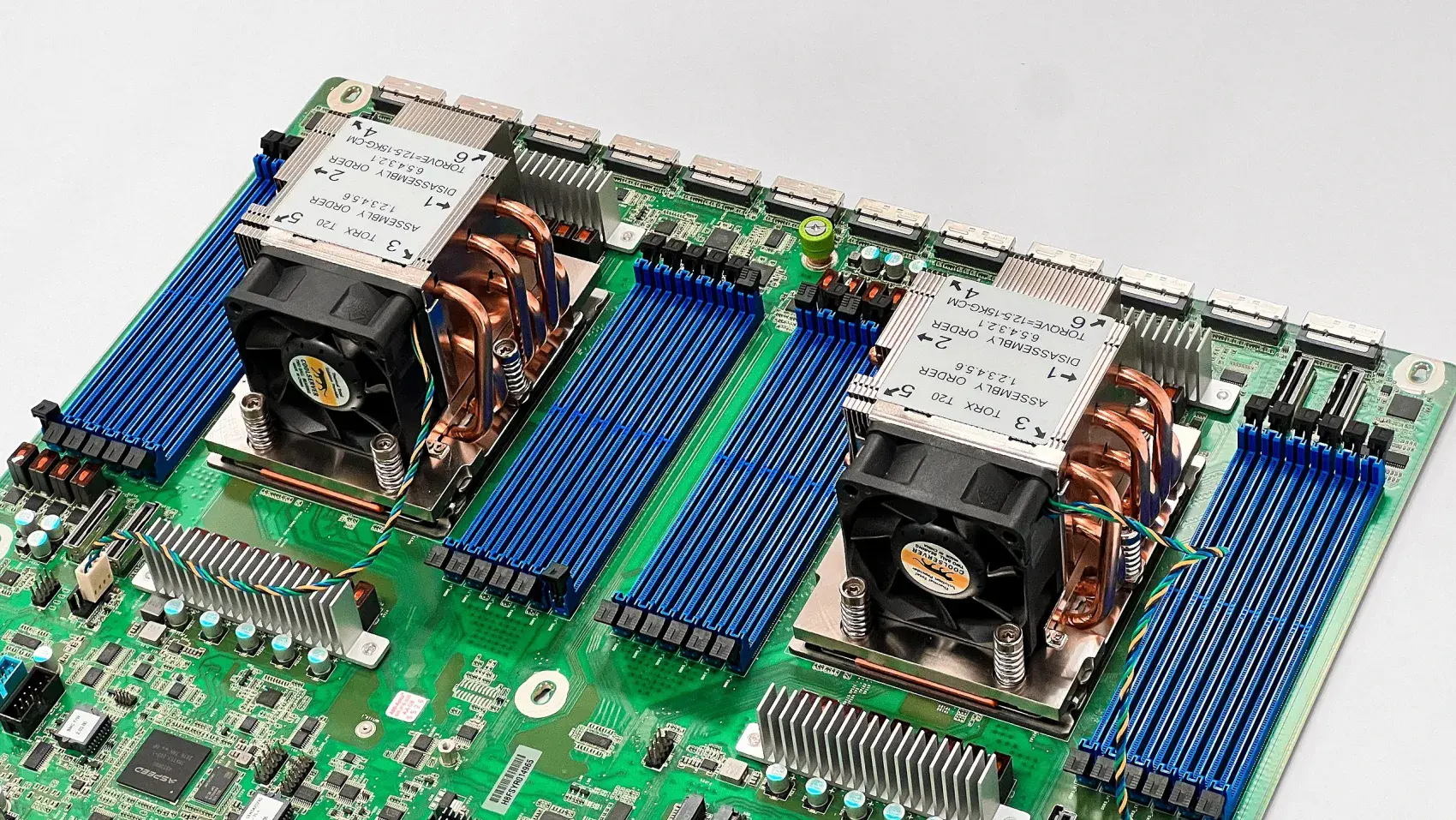
A GPU server is a system whose main compute comes from graphics processors rather than CPUs, purpose-built to run AI, machine learning, and other parallel workloads. The CPU still runs the operating system and coordinates work, but the GPUs do the heavy lifting. A modern GPU server pairs one or two server CPUs with several GPUs, a large pool of fast memory, and high-speed links between the cards so they can work together on a single large job.
The reason the GPUs matter more than the CPU is the shape of the work. AI models are built from matrix math, the same operation repeated across enormous amounts of data. A CPU does a few of these at a time very quickly, while a GPU does thousands in parallel. For training a model or serving one to many users, thousands-in-parallel wins, which is why a GPU server is the standard tool for AI rather than a bigger CPU server.
CPU | GPU | |
Cores | A handful of powerful cores | Thousands of simple cores |
Best at | Sequential tasks, one after another | The same operation across huge amounts of data at once |
Memory | System RAM, large but slower | VRAM on the card, smaller but far faster |
Role in a GPU server | Runs the OS, feeds the cards, coordinates work | Does the actual training and inference |
Power draw | Tens to a few hundred watts | Several hundred watts per card |
Neither replaces the other. A GPU server still needs a capable CPU, chosen mainly for its PCIe lanes and memory channels rather than its core count, because its job is to keep several hungry cards fed.
What GPU servers are used for
GPU servers handle the workloads that a CPU cannot do at a reasonable speed, and they fall into a few clear categories:
- Training AI models, where the server adjusts a model's parameters across huge datasets over hours or days
- Fine-tuning, where an existing open model is adapted to a company's own data
- Inference and serving, where a trained model answers requests from users or applications in real time
- Rendering, simulation, and scientific computing, older uses that also reward massive parallelism
The common thread is scale. A single consumer GPU runs a small model fine, but the moment you need a large model, several models at once, or service for a whole team, you need the combined memory and throughput that only multiple GPUs in one server provide.
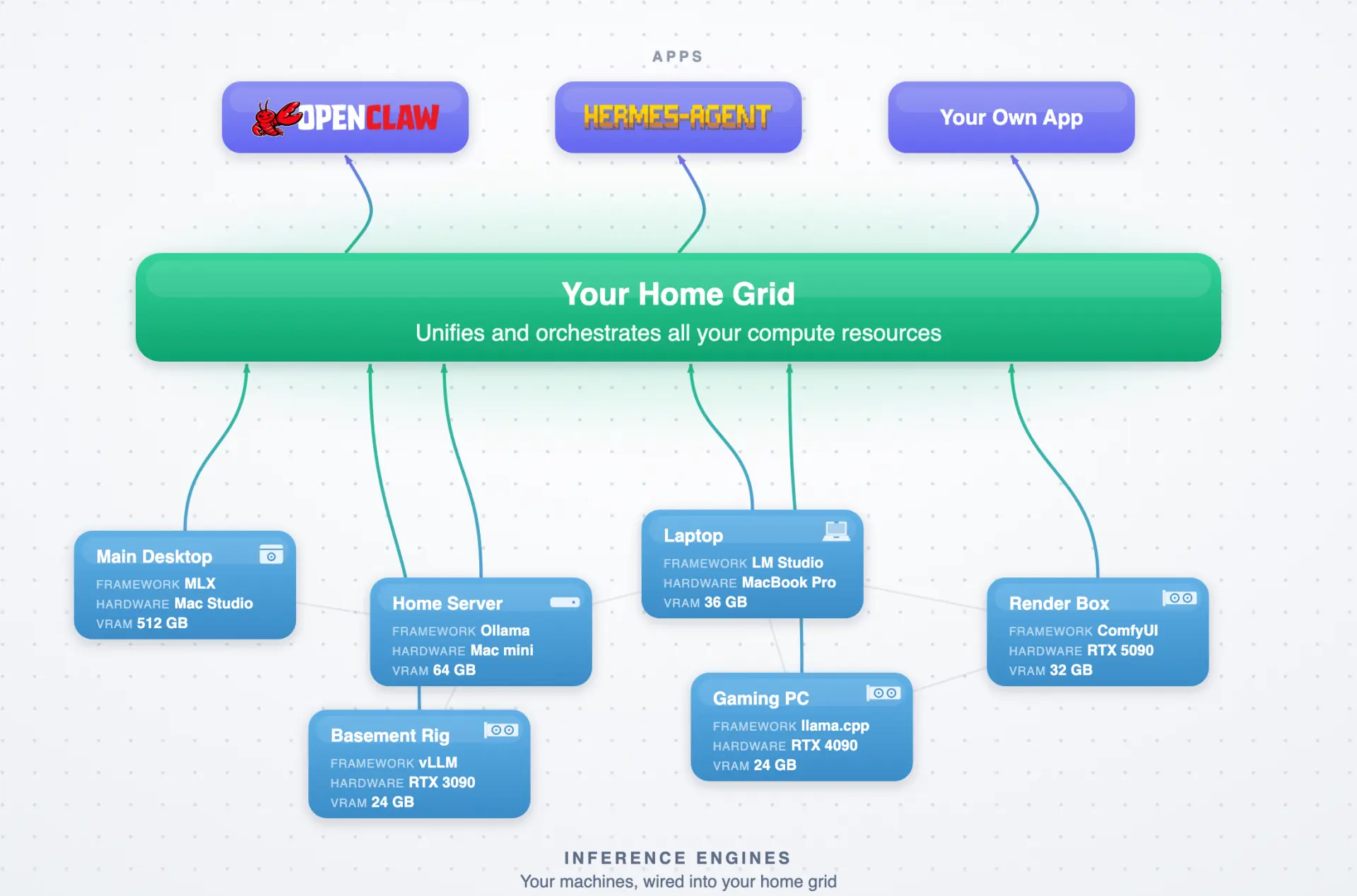
VRAM is the number that decides everything
For AI work, the memory on the GPUs, called VRAM, is usually the deciding spec, not raw compute. A model has to fit in VRAM to run well, so the total VRAM across all the cards sets the ceiling on how large a model the server can handle. Two cards with 32GB each give 64GB, four give 128GB, eight give 256GB, and each step opens up larger models.
This is why GPU count matters as much as GPU speed. Adding cards adds VRAM and lets bigger models load without heavy compression. It is also why a build's card count, not its clock speed, is the first thing to match to your workload. Work out the size of the models you want to run, and the VRAM you need points straight at the number of cards.
Which GPUs go in a GPU server
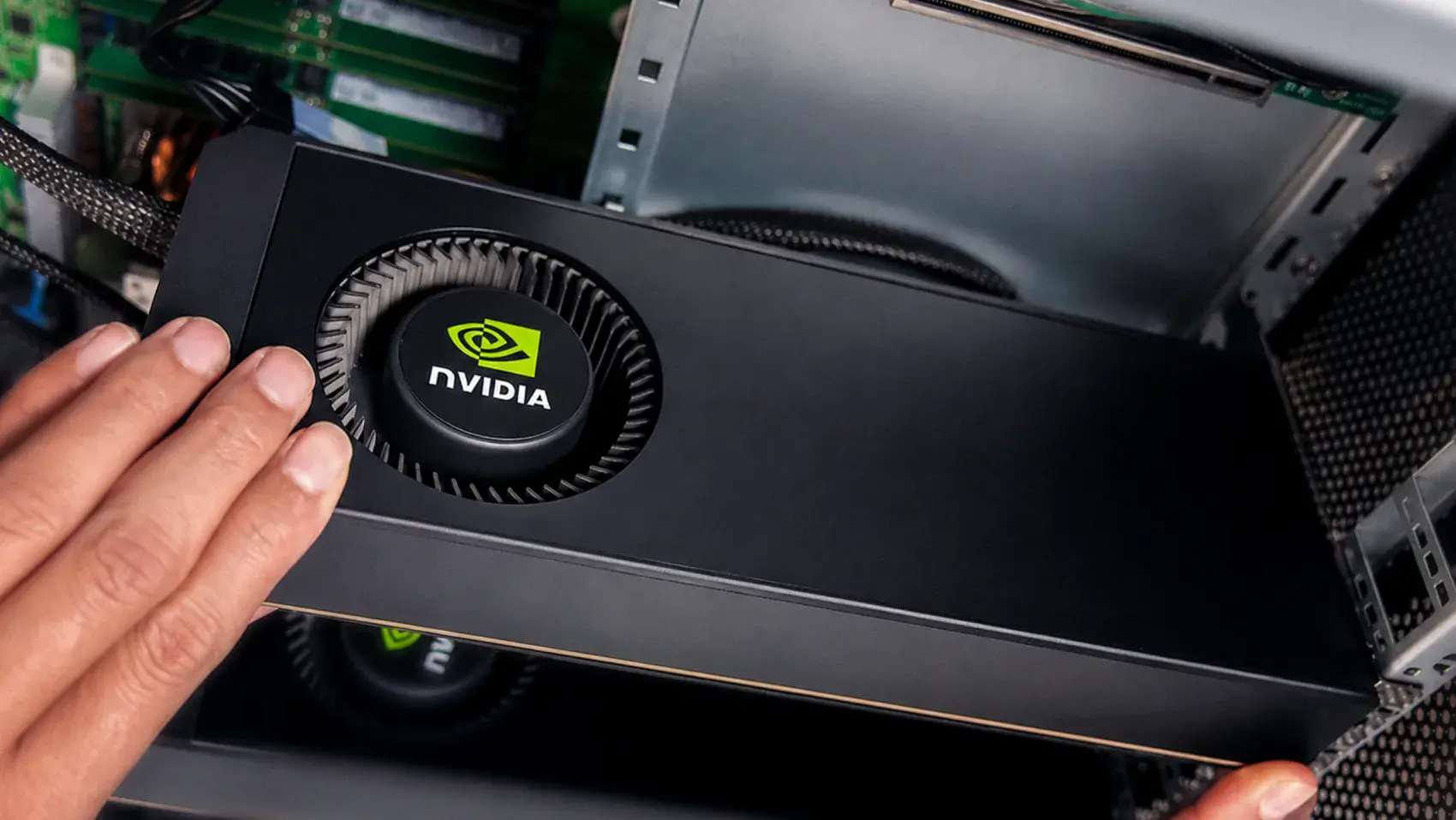
Most GPU servers for AI run NVIDIA GPUs, because NVIDIA's CUDA software is what the major AI frameworks are built on. Beyond that, the cards split into two families. Data-center accelerators like the H100 and H200 are built for the largest training jobs, with the fastest interconnect between cards, and they cost tens of thousands of dollars each. Consumer and workstation cards like the RTX 5090 and RTX PRO 6000 cost a fraction as much and serve or fine-tune large open models well, which is what most teams actually need.
For a GPU server for AI, the practical question is which NVIDIA card matches your workload and budget, not whether to use NVIDIA at all. A team serving open models to itself is well served by consumer or workstation cards, while frontier-scale training is where the data-center accelerators earn their price. The card you choose then sets the platform around it, because more and faster cards need more PCIe lanes, power, and cooling.
Form factor: where a GPU server actually lives
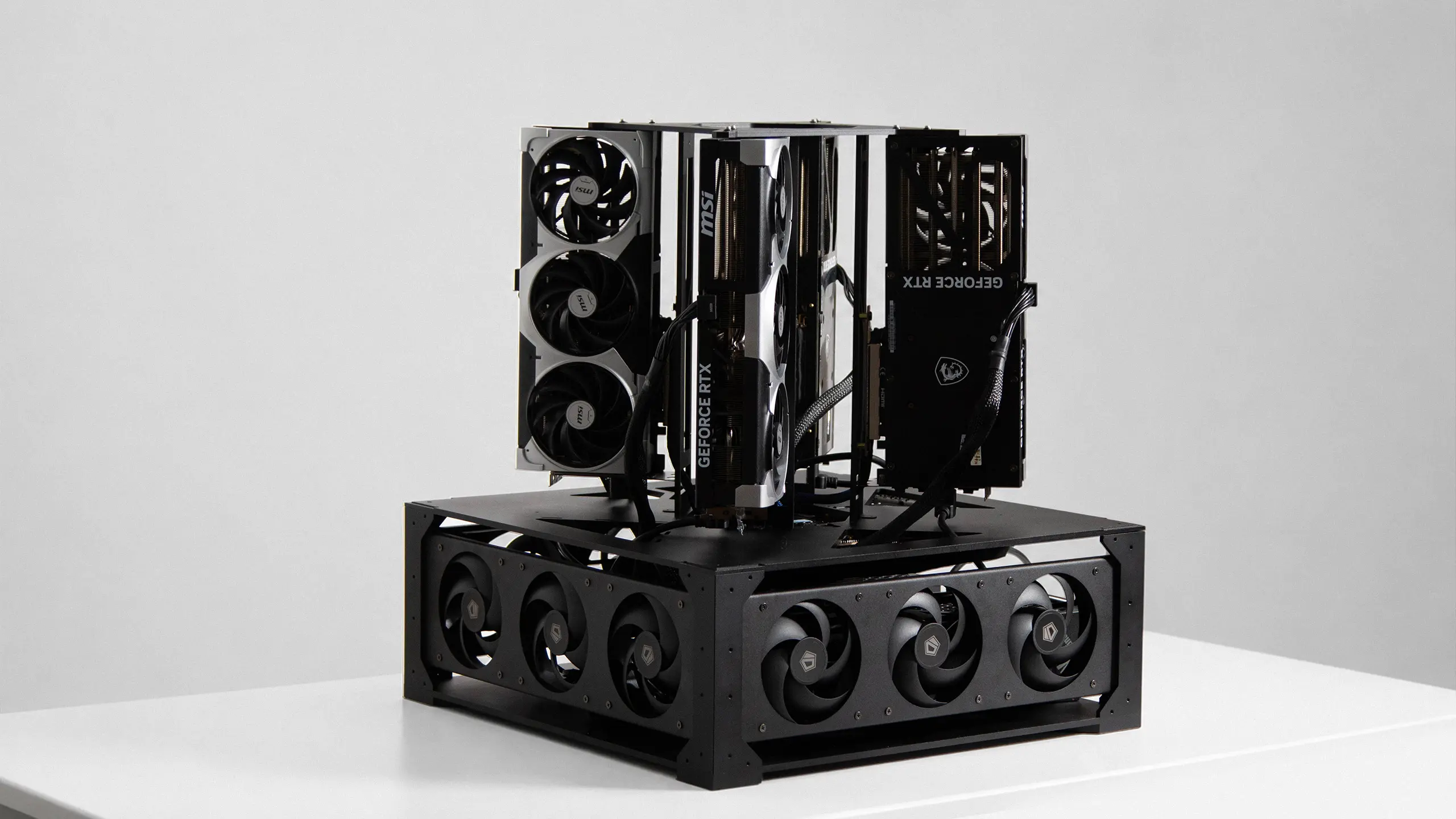
GPU servers come in two broad shapes, and the right one depends on where the machine will sit rather than on the cards inside it. Desk-side towers and cubes are quiet enough for an office and run on ordinary building power at smaller card counts. Rack-mount servers are built for a server room, measured in rack units where one U is 1.75 inches of height.
Rack sizes trade density against expandability:
- 1U and 2U pack cards tightly and mount them flat, which saves rack space but limits PCIe slots and needs loud, high-static-pressure cooling
- 4U and 5U give cards room to stand upright, with space for more slots, better airflow, and easier maintenance
- 8U and larger are for the densest builds, with the most expansion and the best air circulation
Card count usually decides the shape for you. Two cards fit a desk-side machine on a standard outlet. Four cards need a dedicated circuit and either a large cube or a rack chassis. Eight cards are server-room equipment: heavy, loud, and drawing several kilowatts, which is a room decision as much as a hardware one.
Rent, buy prebuilt, or build: the real decision
Most people choosing a GPU server are really choosing between three paths, and each fits a different situation. There is no single right answer, only the right answer for your utilisation, budget, and privacy needs.
| Rent in the cloud | Buy prebuilt | Build your own | |
|---|---|---|---|
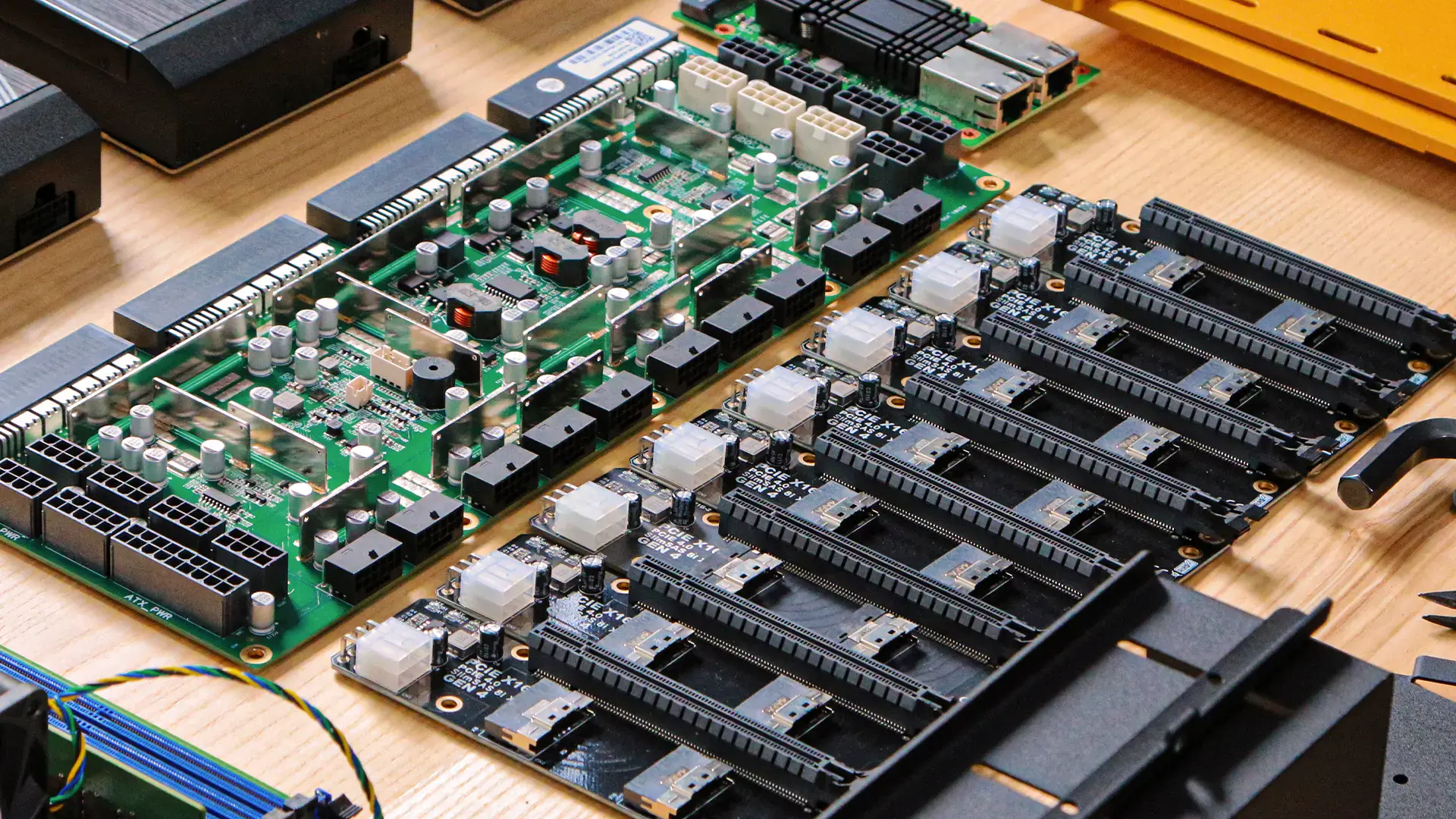
| What it is | Hourly GPUs in someone else's data center | A finished, supported system from a vendor | Parts, or a partial kit with the housing, risers, cooling, and power pre-wired |
| Best for | Bursty, experimental, or short-term work | Teams needing a warranty and one company to call | Owning the hardware at consumer-GPU prices |
| The trade | An ongoing bill, and your data off-site | High price, config locked at purchase | The work of building and maintaining it |
The two questions that sort most people are utilisation and privacy. If you will run the server hard and continuously, owning beats renting on cost within a year or so. If your data cannot leave the building, owning is the only option that fully satisfies that. If your needs are occasional or you need vendor support above all, renting or buying prebuilt makes more sense.
Frequently asked questions
What is a GPU server used for?
A GPU server is used for AI training, fine-tuning, and inference, plus rendering and scientific computing. These workloads rely on parallel math that GPUs run far faster than CPUs. The common thread is scale: large models, several models at once, or service for a whole team, which needs the combined VRAM of multiple GPUs.
What is the difference between a GPU server and a normal server?
A normal server does its work on one or two CPUs, while a GPU server does the heavy compute on several GPUs. The CPU still runs the operating system and coordinates tasks, but the GPUs handle the parallel math that AI depends on. A GPU server also needs far more power and cooling.
How much VRAM does a GPU server need?
The VRAM a GPU server needs depends on the models you run, since a model must fit in VRAM to run well. Total VRAM across all cards sets the ceiling: two cards give 64GB, four give 128GB, eight give 256GB. Size your models first, and the VRAM points to the card count.
What are the ways to get a GPU server?
There are three ways to get a GPU server: rent one by the hour in the cloud, buy a prebuilt system from a vendor, or build your own from parts. Renting suits bursty use, prebuilt suits teams needing vendor support, and building suits those who want to own the hardware and control cost and data. Utilisation and privacy usually decide.
Can you build your own GPU server?
You can build a GPU server from parts or a partial kit, and it is more approachable than it sounds. The hard parts are a known set: full-speed PCIe links to every card, enough power, and enough cooling. Builds range from two cards on a desk to eight cards as on-prem infrastructure, each the same idea scaled.
How much does a GPU server cost?
A GPU server ranges from a few thousand dollars for a consumer-GPU build to hundreds of thousands for a prebuilt data-center system with H100 or H200 cards. The gap reflects the GPUs: consumer cards like the RTX 5090 cost a fraction of data-center accelerators. Prices move quickly, so check current figures before budgeting.
Does a server need a GPU?
A server does not need a GPU for ordinary tasks like web hosting, databases, or file storage, which run fine on CPUs. A server needs a GPU when the work is parallel: AI training and inference, rendering, or scientific computing. If you are running AI models rather than standard software, a GPU, and usually several, is what the work requires.
Which NVIDIA GPU is best for a server?
The best NVIDIA GPU for a server depends on the workload. Data-center cards like the H100 and H200 suit frontier-scale training with the fastest interconnect, at tens of thousands of dollars each. Consumer and workstation cards like the RTX 5090 and RTX PRO 6000 serve and fine-tune large open models at a fraction of the cost.
The bottom line
A GPU server is the standard machine for AI because the work is parallel and GPUs run parallel work far faster than CPUs. What kind of GPU server you need starts with the models you want to run: their size sets your VRAM, and your VRAM sets your card count. From there the decision is rent, buy prebuilt, or build, sorted mostly by how continuously you will use it and whether your data can leave the building.
References
- NVIDIA, GPU computing and data center platforms overview, nvidia.com
- gpu.fm, GPU server pricing guide 2026, gpu.fm
- Autonomous open hardware build repository, four reference GPU server builds with full CAD and BOM, github.com/autonomous-ai/autonomous-computer