9 Desk Setup Layouts for Real Workdays

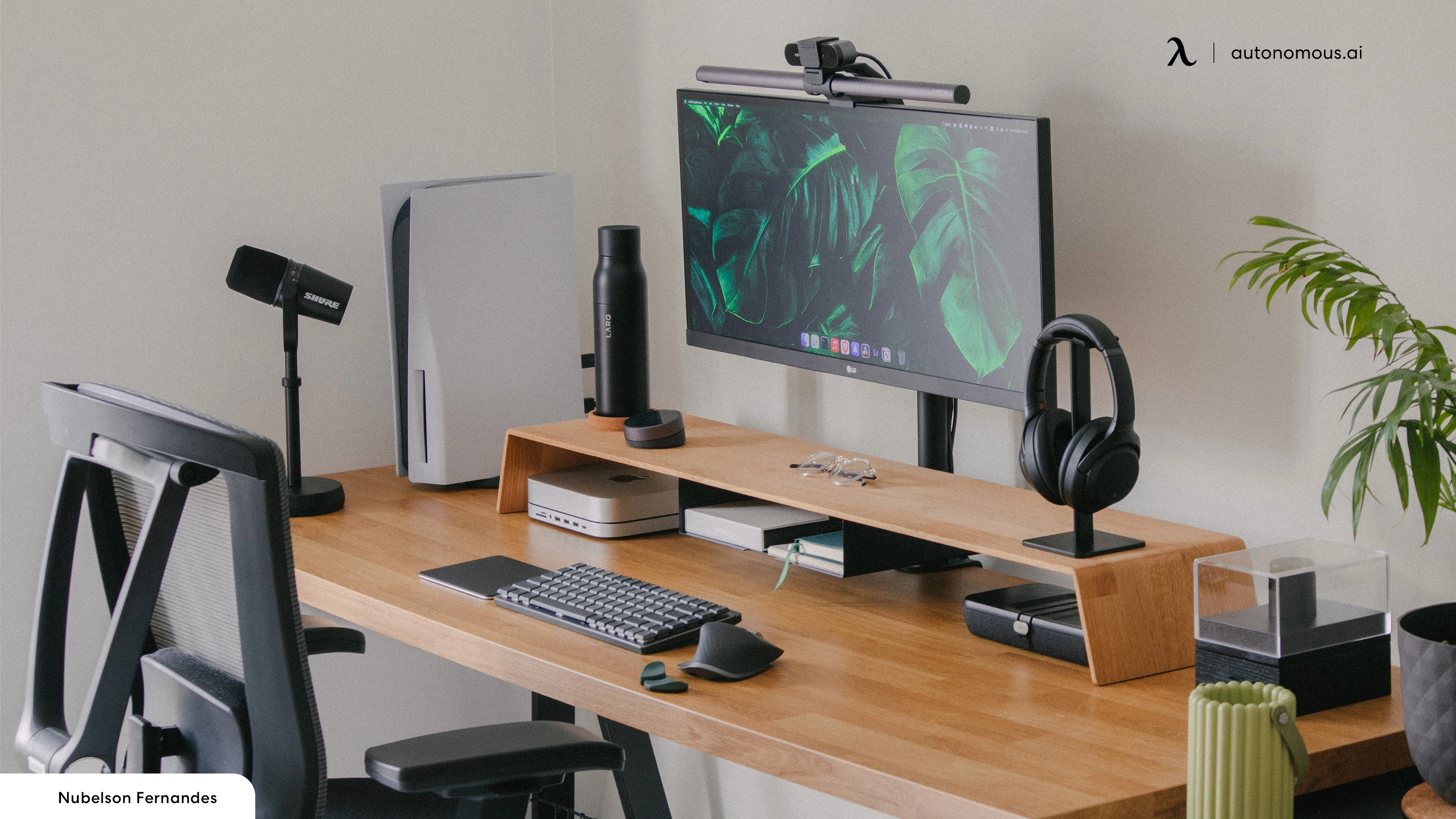
By 3pm on a heavy day, a bad office desk setup costs you a stiff neck, a sore wrist, and twenty minutes of focus you won't get back. A good one is the difference between finishing at 6 and limping to 9.
This guide covers 9 layouts built around how people actually work - multi-monitor development, single-screen deep work, small-space corners, standing-first, and long-session workstations for 8–12 hour days.
The 9 Layouts
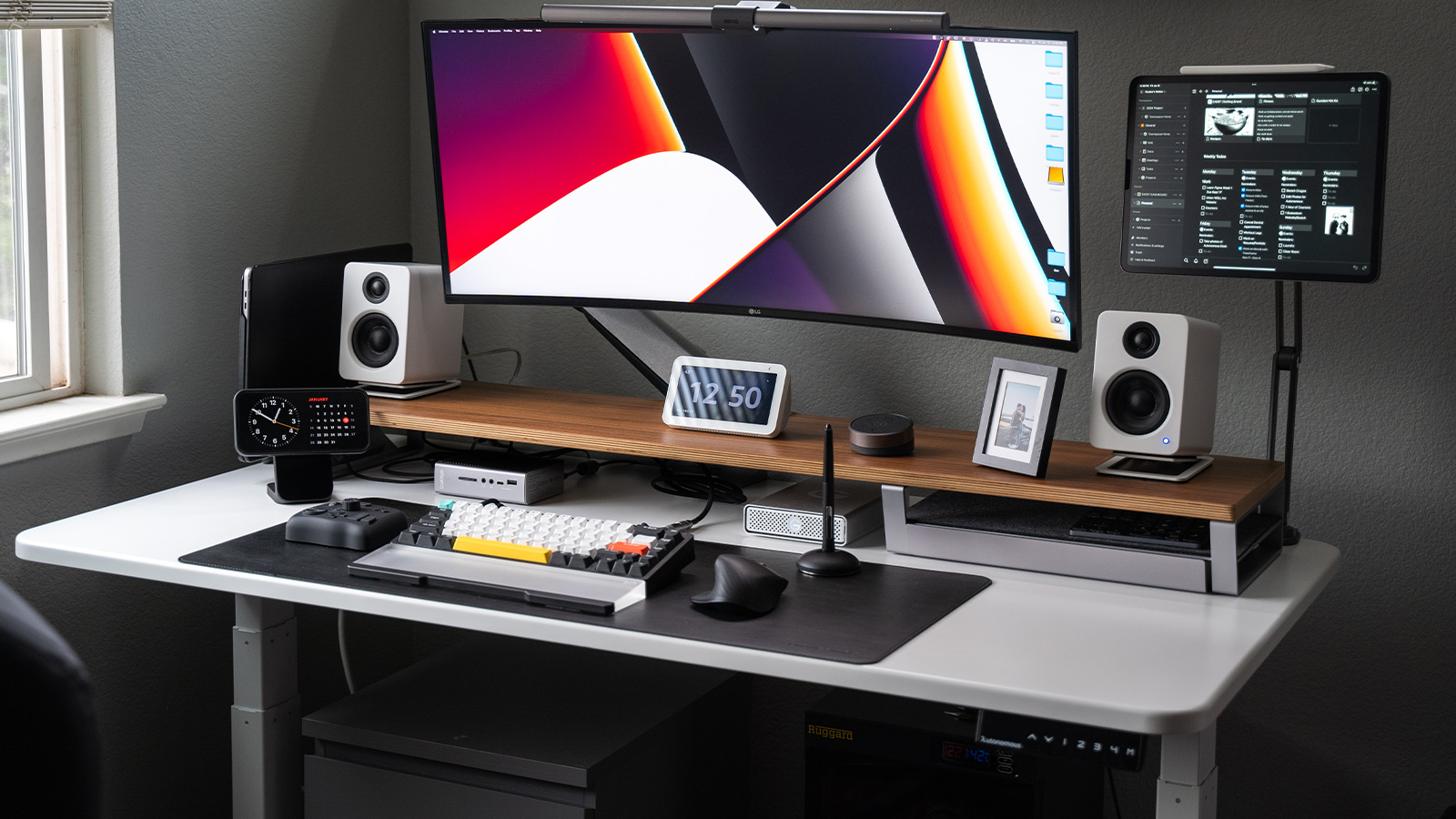
1. Single Ultrawide for Deep Work
One 34"–38" curved monitor on a 55"+ wide, 28"+ deep desk.
Spec: monitor on an arm, mechanical keyboard centered on the screen, lamp to the side.
Tradeoff: rewards single-task focus. Three browsers + terminal + chat open at once means window-managing instead of working.
2. Dual Monitor, Side-by-Side
Two 24"–27" displays at matched height and distance on a 55"+ wide desk.
Spec: primary monitor centered, secondary at a slight angle. If you split attention 50/50, center the gap on your nose.
Tradeoff: eats wall width. Under 55", an ultrawide gives you more usable pixels with less neck rotation.
.webp)
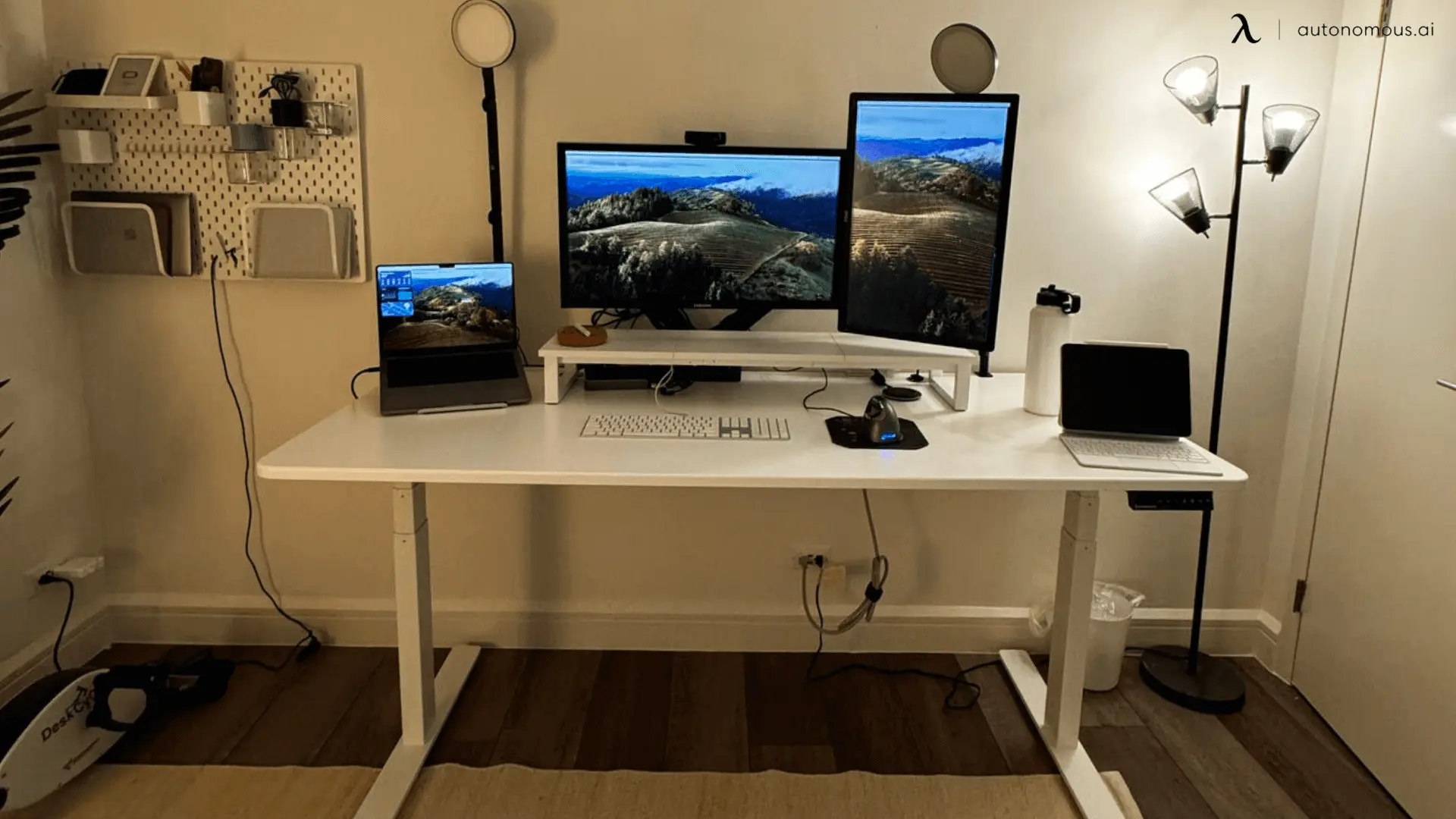
3. Triple Monitor or Monitor + Laptop Stand
One 27"–32" central monitor flanked by two 24" displays on a 60"+ wide desk.
Spec: if three full monitors are overkill, run a laptop on a stand as your secondary - chat, docs, monitoring on the laptop, work on the external.
Tradeoff: three video cables, three power cables, a confused webcam. Plan cable routing first.
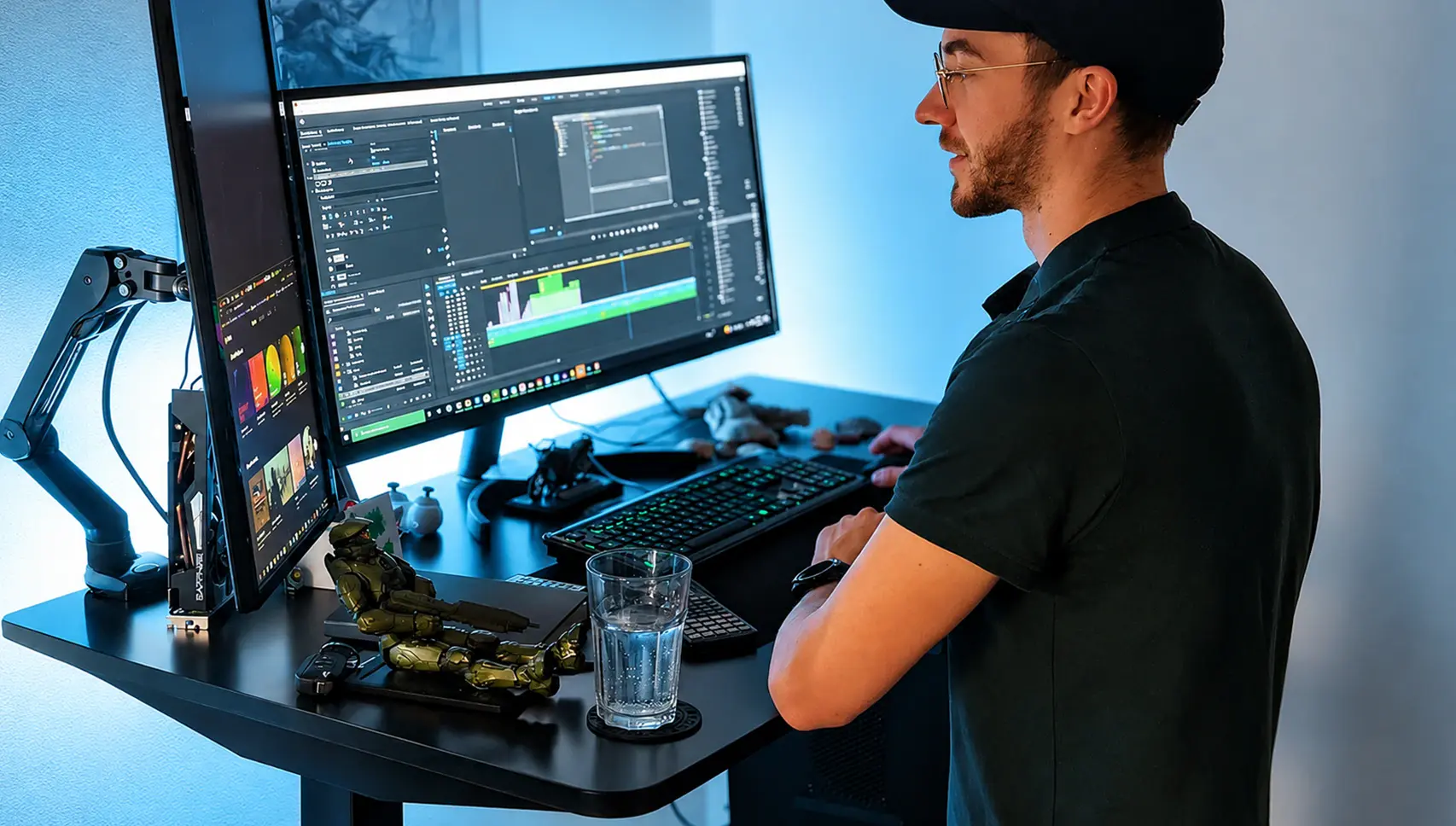
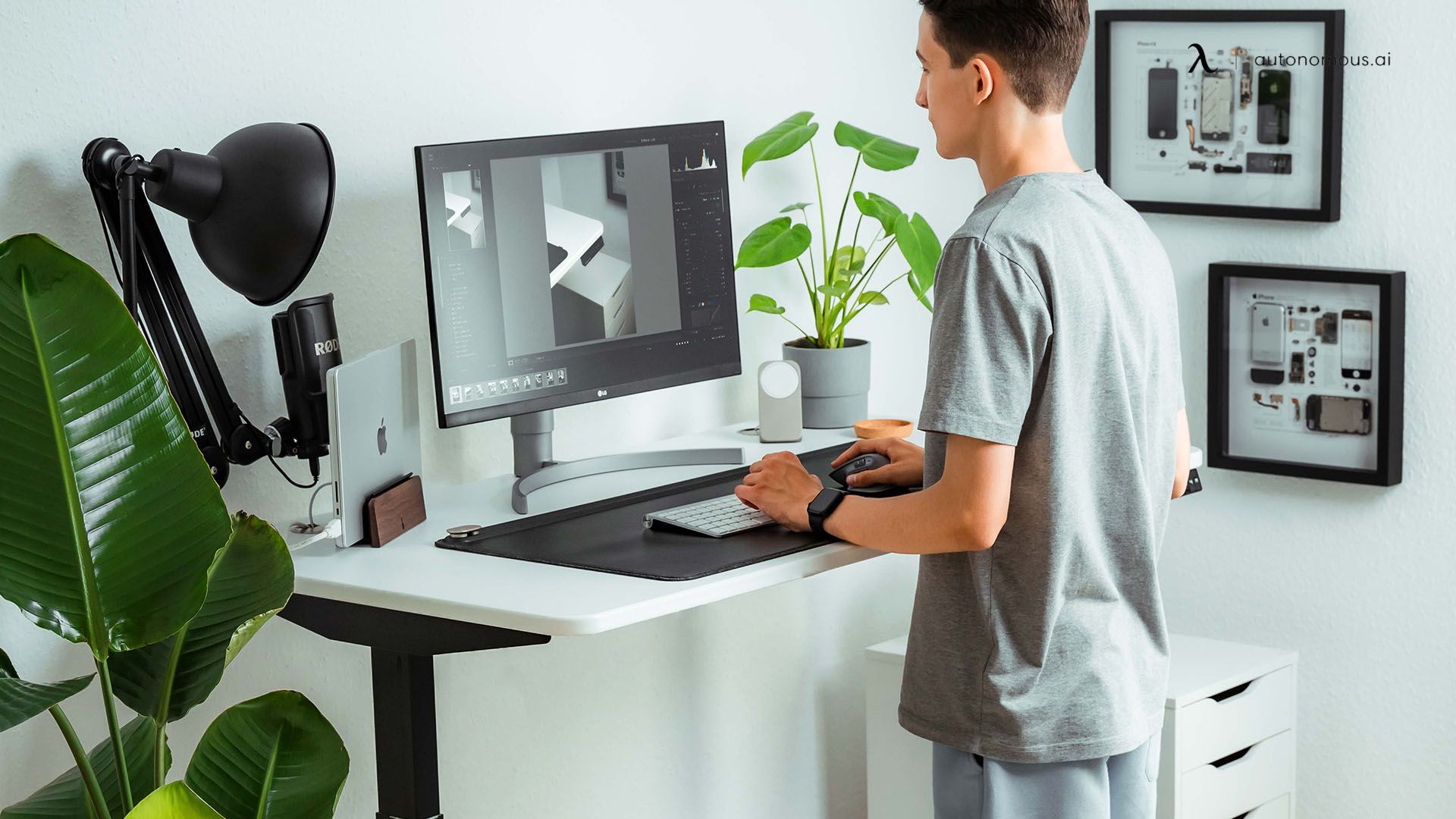
4. Standing-First Setup
Height-adjustable desk used standing by default, sitting as the break.
Spec: elbows at 90–110° standing, anti-fatigue mat, two programmed height presets (one standing, one sitting). Monitor stays at eye level - the desk moves, the screen distance shouldn't.
Tradeoff: standing all day is as bad as sitting all day. Aim 50/50. The Autonomous Desk handles the height memory.
5. Small Space Corner Setup
A 40"–48" desk in the room corner, vertical wall used for everything else.
Spec: monitor on a wall arm or clamp arm to recover desk surface. Shelves above the desk for storage. Cables down one wall channel, not across the floor.
Tradeoff: dual-monitor doesn't fit cleanly. One larger monitor beats two small ones at a bad angle.
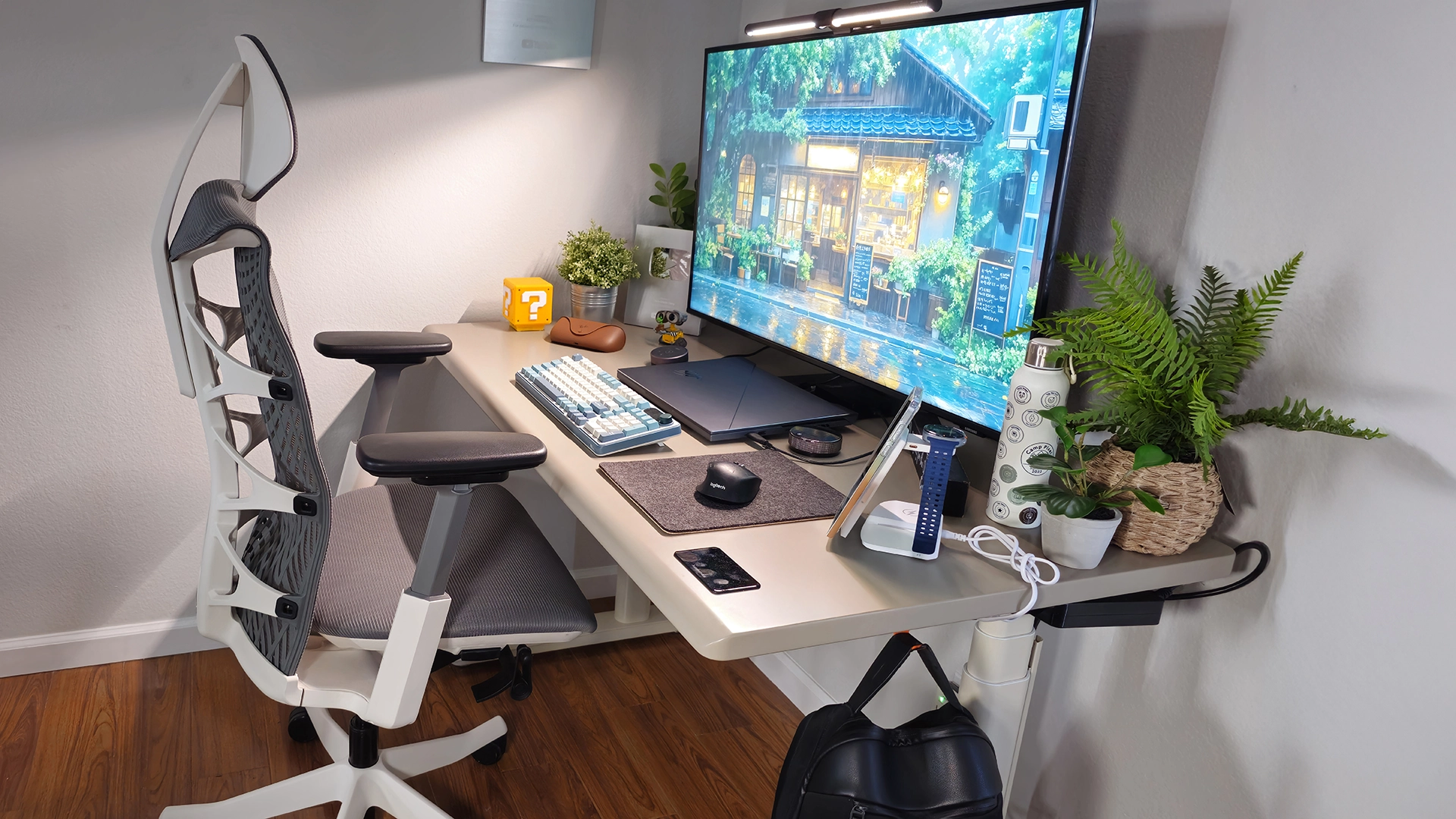
6. L-Shape for Hardware-Heavy Work
Two perpendicular surfaces, 80"+ total length, 28"+ deep on each leg.
Spec: monitor and keyboard on the long leg. Short leg holds tower, mic, interface, dock, tablet. Turn-and-do-secondary-task surface without breaking your sightline.
Tradeoff: commits you to a specific corner. Doesn't reconfigure.
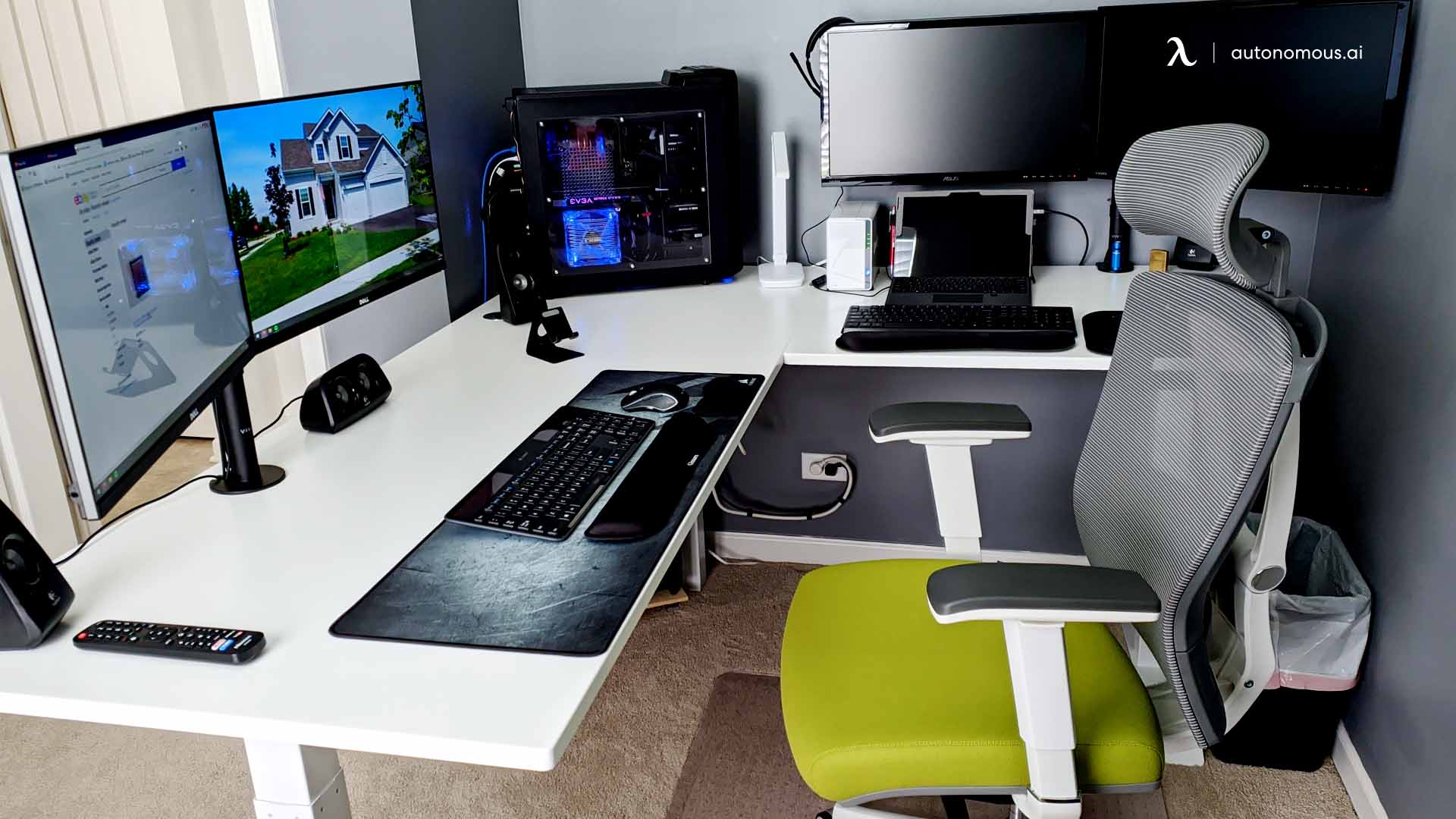
7. Hot-Desk Setup
One desk shared between two users or two use cases.
Spec: docking station, not bare cables - each user plugs in with one cable, the monitor/keyboard/mouse/webcam stay set. Personal items in a drawer, not on the desk. Agreed end-of-session reset.
Tradeoff: forces compromise on chair height. Get a chair both users can adjust quickly.
8. Minimal Desk for Single-Task Work
Three to five items on the surface: monitor, keyboard, mouse, lamp, notebook.
Spec: everything else in a drawer or on a shelf. Cables fully hidden, not just managed. One warm task lamp, not multiple sources.
Tradeoff: breaks when the work changes. Shift from writing to anything hands-on and the minimal desk becomes the bottleneck.
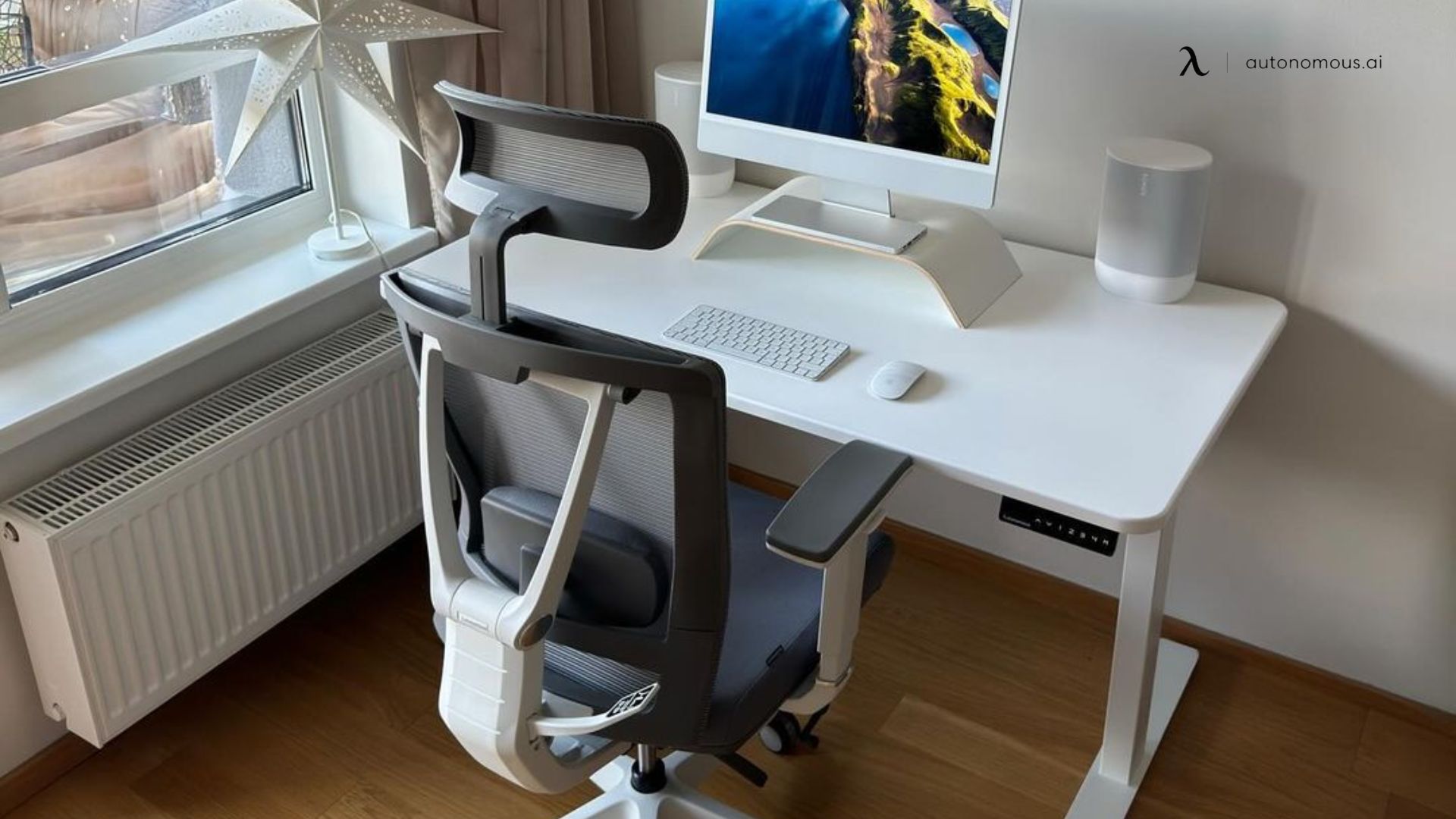
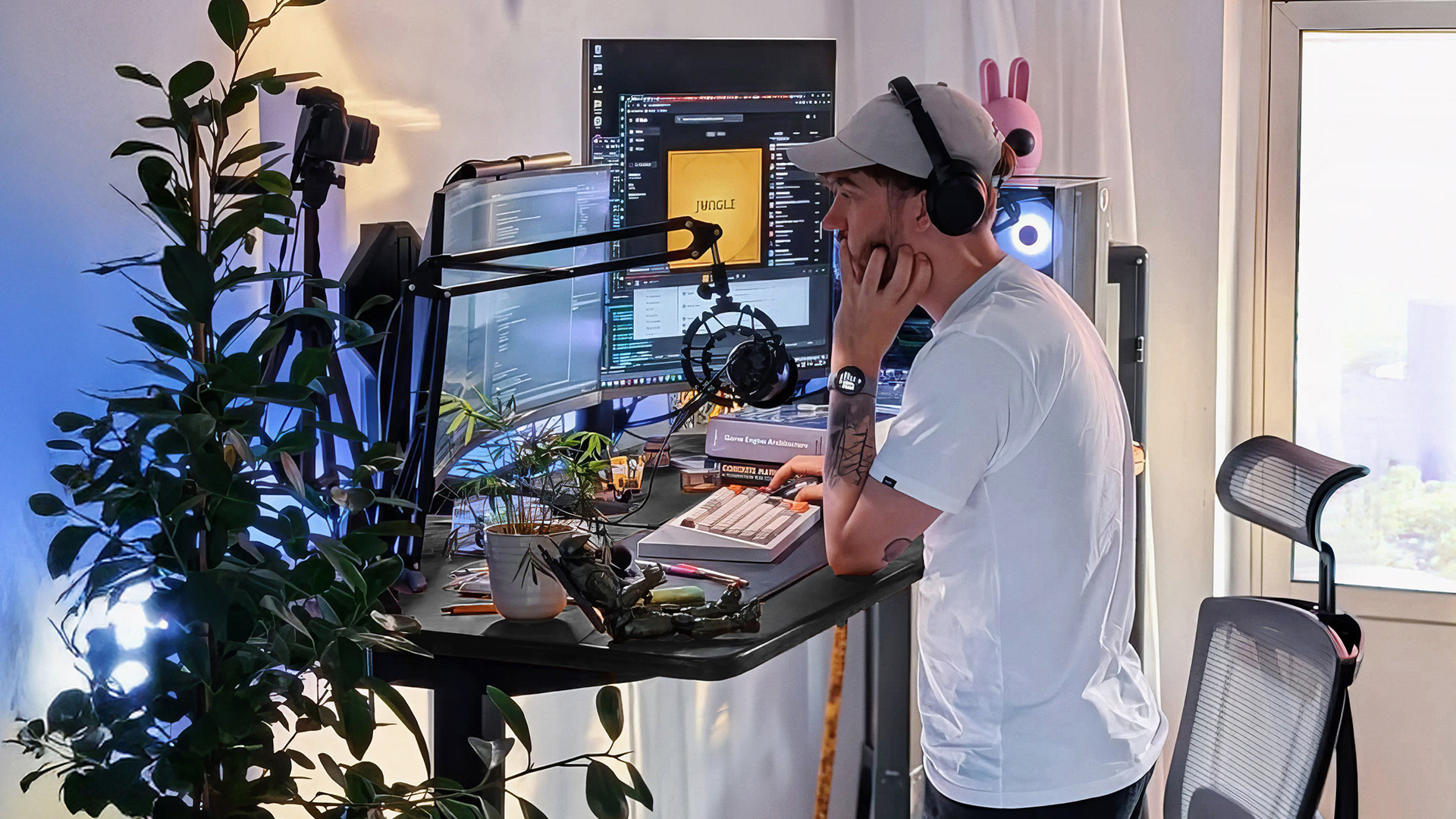
9. Long-Session Workstation for 8–12 Hour Days
Built for the workload where small ergonomic errors compound into real injury - developers running agents, traders, editors, founders in deep work.
Spec:
- Desk: height-adjustable, 60"+ wide, 30" deep
- Monitor: on an arm, top edge at or just below eye level, arm's length away
- Chair: lumbar, seat depth, and armrests all adjustable
- Lighting: 300 lux ambient + task lamp 90° to your dominant hand
- Cables: under-desk tray, never crossing the leg space
- Break trigger: posture or hydration cue every 45–60 minutes
The Autonomous Desk and ErgoChair cover the desk and chair layer. The rest is configuration.
.webp)
Tradeoff: costs more than an all-in-one, but every component upgrades independently when the work changes.
.webp)
The Ergonomic Rules That Apply to Every Layout
The layout is the frame. The rules below determine whether the frame works.
Body part | Rule | Common error |
Eyes | Monitor at arm's length (20–28") | Too close - causes squint and dry eye |
Neck | Top of screen at or just below eye level | Laptop on the desk - neck flexed down all day |
Shoulders | Relaxed, not raised | Desk too high or chair too low |
Elbows | 90–110° angle when typing | Keyboard tray too low, or desk too high |
Wrists | Neutral, not bent up or down | Wrist rest used incorrectly as a pivot |
Hips | Knee angle 90°+, feet flat | Chair too high, no footrest |
Lighting | From the side, ~300 lux ambient | Overhead light behind monitor causing glare |
Apply the rules to whichever layout fits your work. The rules don't change.
FAQs
What is the best office desk setup?
The best office desk setup is the one matched to your actual work pattern - multi-monitor for multi-app work, ultrawide for single-task focus, L-shape for hardware-heavy use, standing-first for long sessions. There is no single best setup. Match the layout to how you work for 6+ hours at a time.
How do I set up my office desk?
Set up your office desk in this order: desk first (size determines everything), then chair, then monitor arms, then lighting, then cable management. Building out of order usually means buying components twice.
What should be on an office desk?
A functional office desk holds a monitor (mounted on an arm, not a stand), a keyboard, a mouse, a task lamp, and one notebook or notepad. Everything else lives in a drawer, on a shelf, or off the desk entirely.
How big should an office desk be?
A single-monitor desk should be at least 48" wide and 28" deep. A dual-monitor desk needs 55"+ width. A triple-monitor or L-shape setup needs 60"+ on the primary leg. Depth under 24" forces the monitor too close to your eyes.
How much does a good office desk setup cost?
A functional setup costs $800–$1,500 for desk, chair, and monitor arm at entry quality, and $2,000–$4,000 for height-adjustable desk, fully ergonomic chair, dual monitor arms, and lighting. Budget more for the chair than you think you should.
Is a standing desk worth it?
A standing desk is worth it if you alternate sitting and standing across the workday - roughly 50/50. Standing all day causes its own problems. The value is in posture change, not in standing itself.
How do I set up dual monitors on my desk?
Mount both monitors at the same height and the same distance using a dual monitor arm. Put your primary monitor centered in front of you and the secondary at a slight angle. If you use both equally, center the gap between them on your nose instead.
How do I hide cables on my desk?
Use a cable tray mounted under the desk, route all cables into it, and exit through a single grommet or along one leg. Avoid letting cables cross the leg space - they catch on chair wheels and pull peripherals.
How do I set up an office desk in a small space?
Use a 40"–48" desk in the room corner, mount the monitor on a wall arm or clamp arm to recover desk surface, and use wall shelves above the desk for storage. Stay with one larger monitor rather than fitting two small ones at a bad angle.
What is the best office desk setup for two monitors?
A dual monitor desk setup with a 55"+ wide desk, both monitors on a dual-arm mount at matched height and distance, and the primary screen centered in front of you. Add an ultrawide as an alternative if you split attention closer to 70/30.
What office desk setup is best for back pain?
A height-adjustable standing desk paired with a chair with adjustable lumbar support, seat depth, and armrests. The chair matters more than the desk for back pain. Monitor at eye level, feet flat on the floor or a footrest.
How do I make my office desk setup more ergonomic?
Monitor at arm's length with the top edge at or just below eye level, elbows at 90–110° when typing, wrists neutral, feet flat, and lighting from the side instead of behind the screen. These rules apply regardless of your desk shape or layout.
Conclusion
Pick the layout that matches your work, not the one that looks best on Pinterest. Buy desk first, chair second, monitor arm third. Configure once using the ergonomic rules above, then stop tweaking it.
The setup is finished when you stop noticing it. If you're still thinking about your desk at hour six, something on the checklist isn't done yet.