Autonomous Desk Core vs Pro: What Do You Get for the Extra $150?

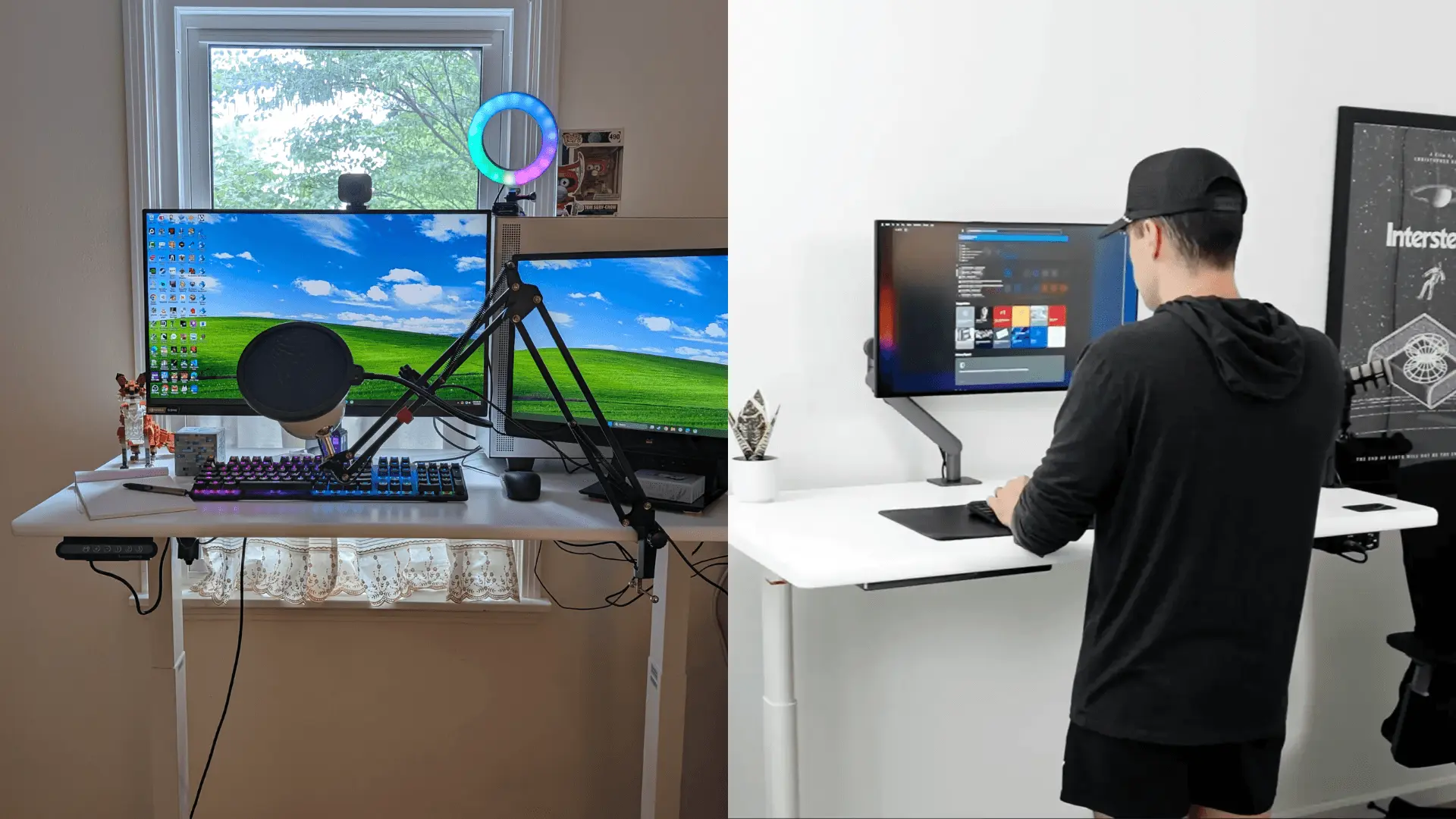
Choosing the right electric standing desk can transform your daily workflow, but navigating different tiers within the same brand often leaves buyers wondering where their money is actually going. Two major contenders in the ergonomic space are the Autonomous Desk Core ($349) and the Autonomous Desk Pro ($499).
Both models share foundational engineering DNA: they feature an ergonomic C-frame leg layout, utilize a 2-stage frame mechanism, employ eco-friendly Green Standard coatings, and are fully certified to meet strict ANSI/BIFMA requirements. However, the two desks target different levels of workstation demand. Desk Core focuses on affordability and simplicity, while Desk Pro adds higher capacity, quieter operation, and longer-term durability features. The extra $150 for the Desk Pro shifts the equation from a basic, dependable sit-stand solution to a higher-capacity workstation designed for heavier setups and more frequent daily adjustments. Here is exactly how they stack up.
Feature | Desk Core | Desk Pro |
Starting Price | $349 | $499 |
Motor Type | Single | Dual |
Weight Capacity | 176 lbs | 330 lbs |
Lift Speed | 1.0"/sec | 1.2"/sec |
Noise Level | ≤50 dB | <30 dB |
Anti-Collision | No | Yes |
Desktop Material | MDF & Particle Board | High-Density Fiberboard (HDF) |
Desktop Thickness | 0.7" | 1.2" |
Height Range | 29.4" - 47.5" | 29.5" - 48.5" |
Frame Warranty | 2 Years | Lifetime |
The Biggest Difference Isn't the Frame
Both desks share a C-frame layout and 2-stage lifting design. The main differences are the motor system, lifting capacity, desktop construction, noise level, anti-collision protection, and warranty coverage. Buyers choosing between Desk Core and Desk Pro are primarily deciding how much performance headroom they need rather than choosing between two fundamentally different desk designs.
What Stays the Same?
While the performance metrics differ, Autonomous did not compromise on the foundational geometry or environmental compliance of either model.
Both Use a C-Frame Design
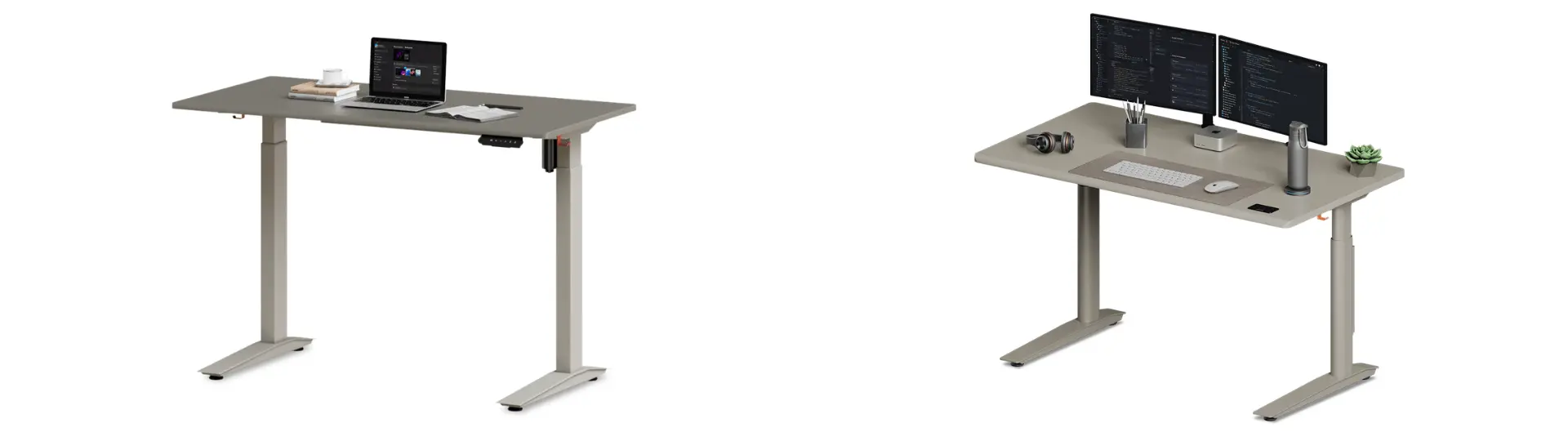
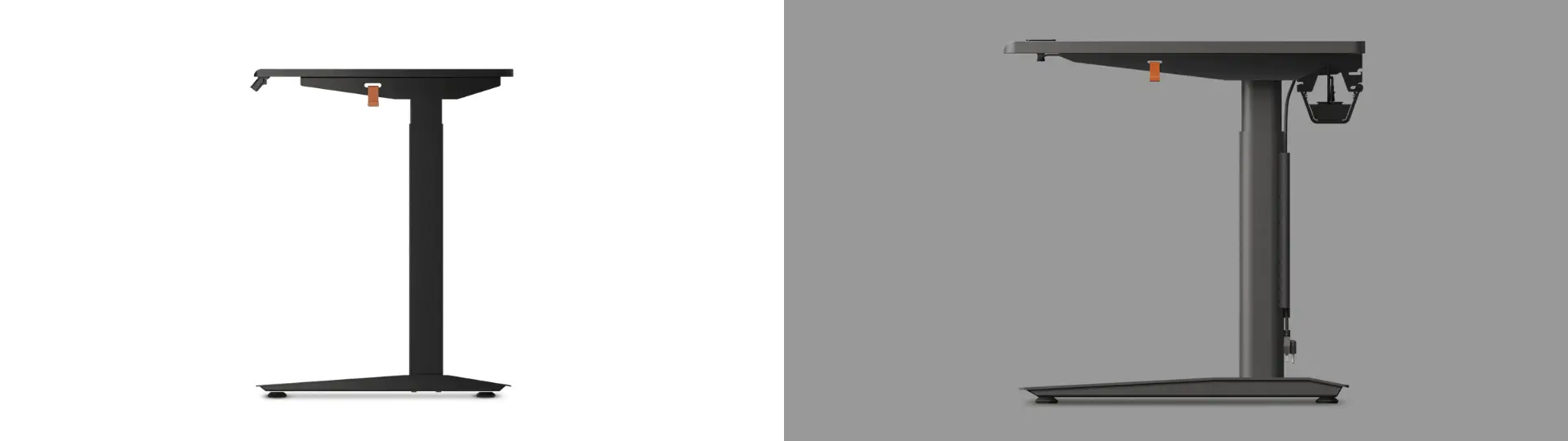
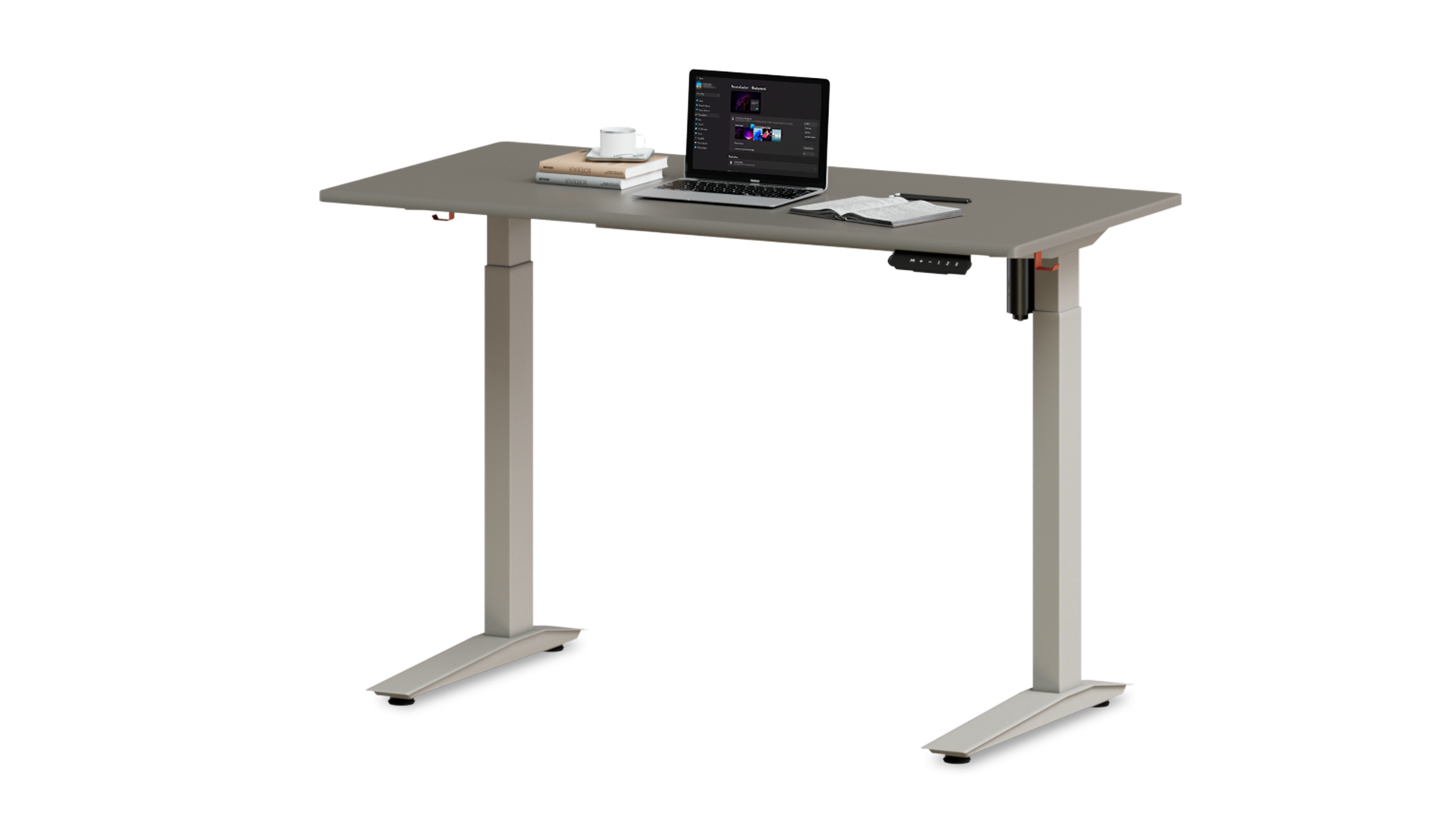
Unlike traditional T-frame desks where the lifting columns sit directly in the middle of the desk feet, both the Core and Pro utilize a C-frame design. This shifts the vertical legs further back, eliminating a front crossbar and giving you significantly better knee clearance and under-desk space for filing cabinets, footrests, or CPU mounts.
Both Use a 2-Stage Frame
Both desks rely on a 2-stage telescoping frame philosophy. This provides a generous adjustment range that comfortably accommodates the vast majority of average-height users, transitioning smoothly from standard sitting postures to comfortable standing heights.
Both Use Green Standard Finishes
Health and environmental safety are consistent across both tiers. Both desktops use Green Standard-compliant coatings designed to reduce emissions compared with conventional finishes.
Where Desk Pro Pulls Ahead
The extra investment in the Desk Pro manifests in noticeable day-to-day performance enhancements, primarily driven by upgraded internals and robust structural engineering.
Dual Motors vs Single Motor
The Autonomous Desk Core runs on a single motor that drives both legs via a shared mechanism. It is a highly capable, cost-efficient engine that gets the job done at 1.0 inch per second.
The Desk Pro, conversely, features dedicated dual motors. This distributed power allows for smoother synchronous lifting, quicker transitions at 1.2 inches per second, and effortlessly manages frequent height adjustments throughout the workday with less strain on a single drive system.
Nearly Double the Weight Capacity
The motor and frame upgrades contribute to a significant difference in lifting capacity:
- Desk Core (176 lbs): Engineered perfectly for streamlined setups-think a laptop, a dual monitor, a keyboard, and light desktop accessories.
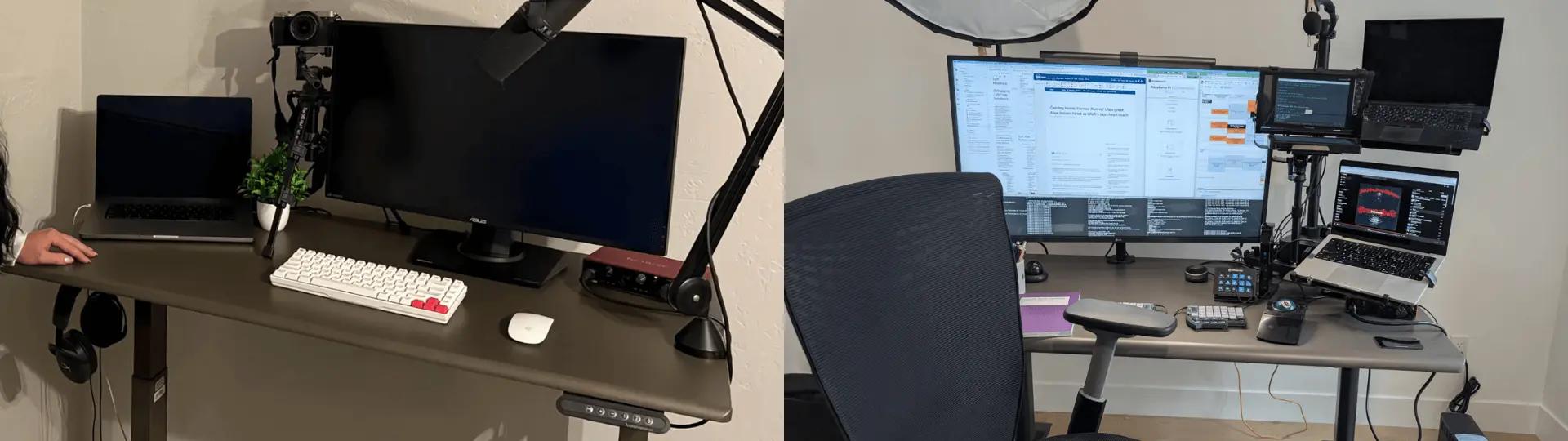
- Desk Pro (330 lbs): Built for power users. Its higher 330 lb capacity provides more headroom for multi-monitor setups, desktop PCs, and heavier accessories.
Much Quieter During Movement
In a quiet office or a late-night home studio, acoustics matter. The Desk Core operates at a modest noise level of ≤50 dB, which is comparable to a quiet conversation. The Desk Pro drops down to a near-whisper at <30 dB, making its height transitions incredibly discreet.
Anti-Collision Protection
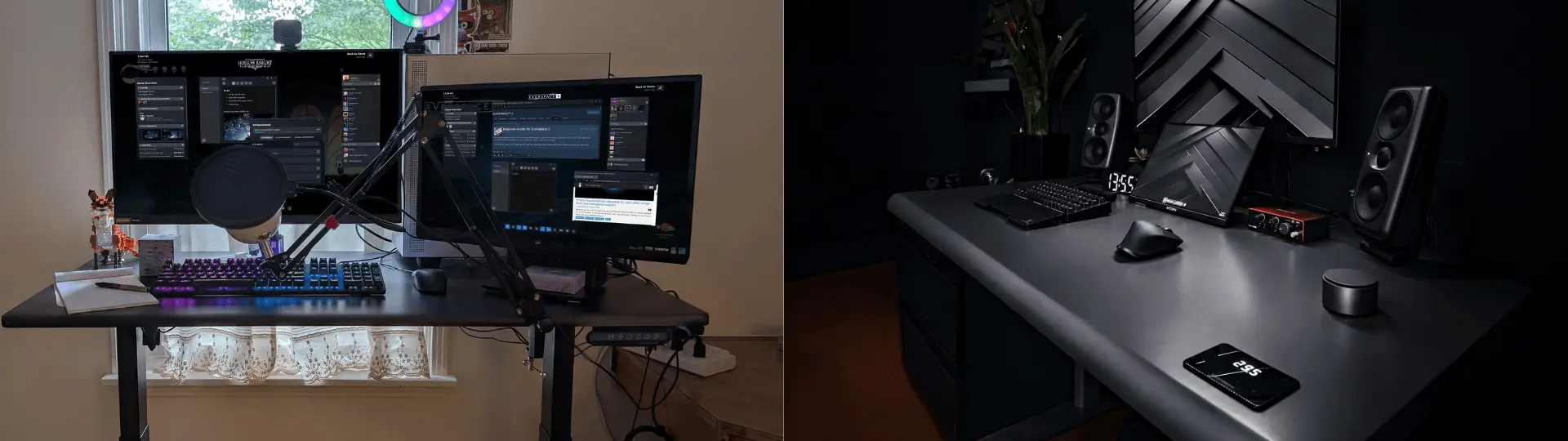
Accidents happen when moving heavy furniture. The Desk Pro features built-in collision detection, which automatically stops and reverses desk movement if it senses an obstruction. This can be useful in homes, shared workspaces, or setups with nearby cabinets and storage units.
Longer-Term Durability
Autonomous puts the Desk Pro through rigorous stress testing, rating it for 50,000 continuous lifting cycles. This long-term endurance is backed by a major warranty disparity: while the Core frame is covered for 2 years, the Pro frame comes with a Lifetime Warranty, signaling a much longer-term hardware commitment.
Desktop Construction: MDF vs HDF
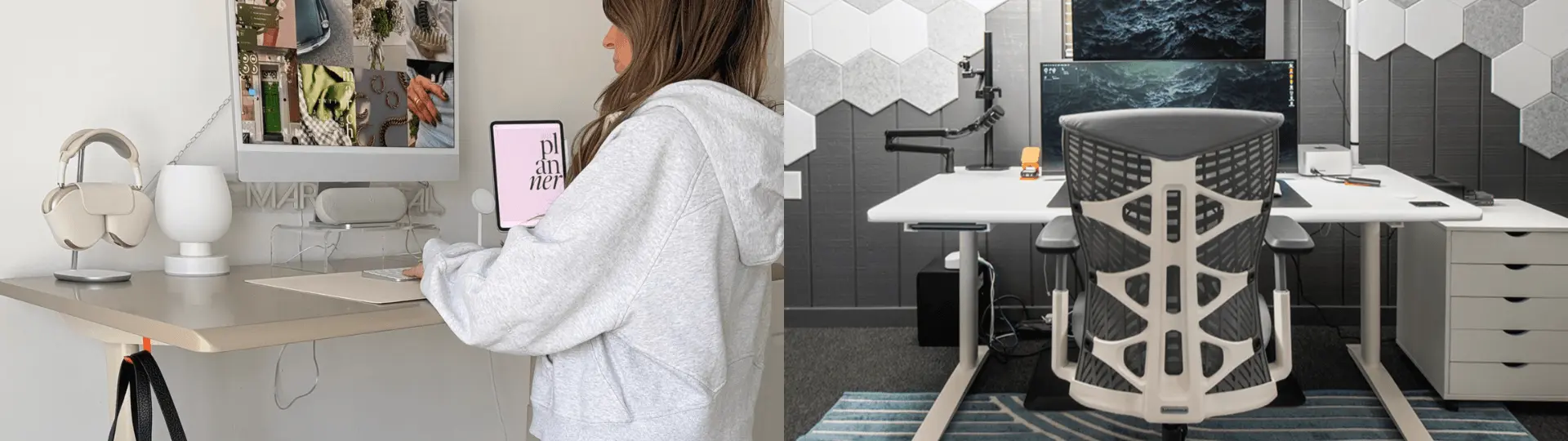
A common detail skipped over in desk comparisons is the structural density of the tabletop itself, which plays a massive role in tactile feel and accessory compatibility.
Desk Core Uses MDF & Particle Board
The Core's desktop relies on a 0.7-inch thick blend of MDF and particle board. This construction keeps the entire package lightweight, easily manageable during self-assembly, and plays a major role in keeping the entry price highly accessible.
Desk Pro Uses 1.2" HDF
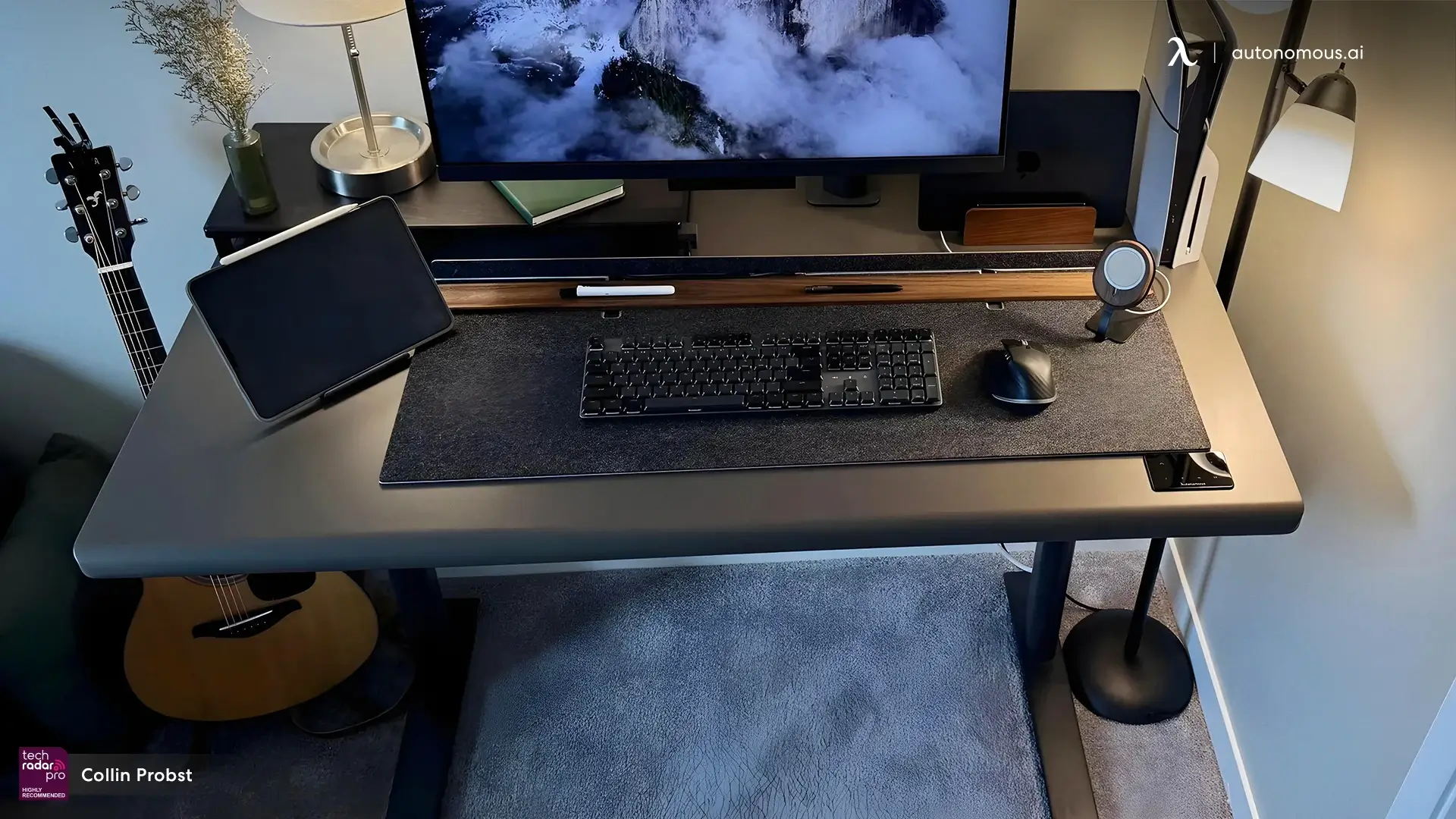
The Desk Pro steps up to a hefty 1.2-inch thick High-Density Fiberboard (HDF) core. This denser material gives the workspace a premium, substantial feel. It also features a curved front edge with a 34mm radius to prevent sharp corners from pressing into your wrists. Crucially, the extra thickness and density make the Pro desktop far more stable and secure when clamping heavy, articulated monitor arms to the back edge.
Controls and User Experience
The differences between Desk Core and Desk Pro are not limited to lifting performance. The way you interact with the desk every day also varies.
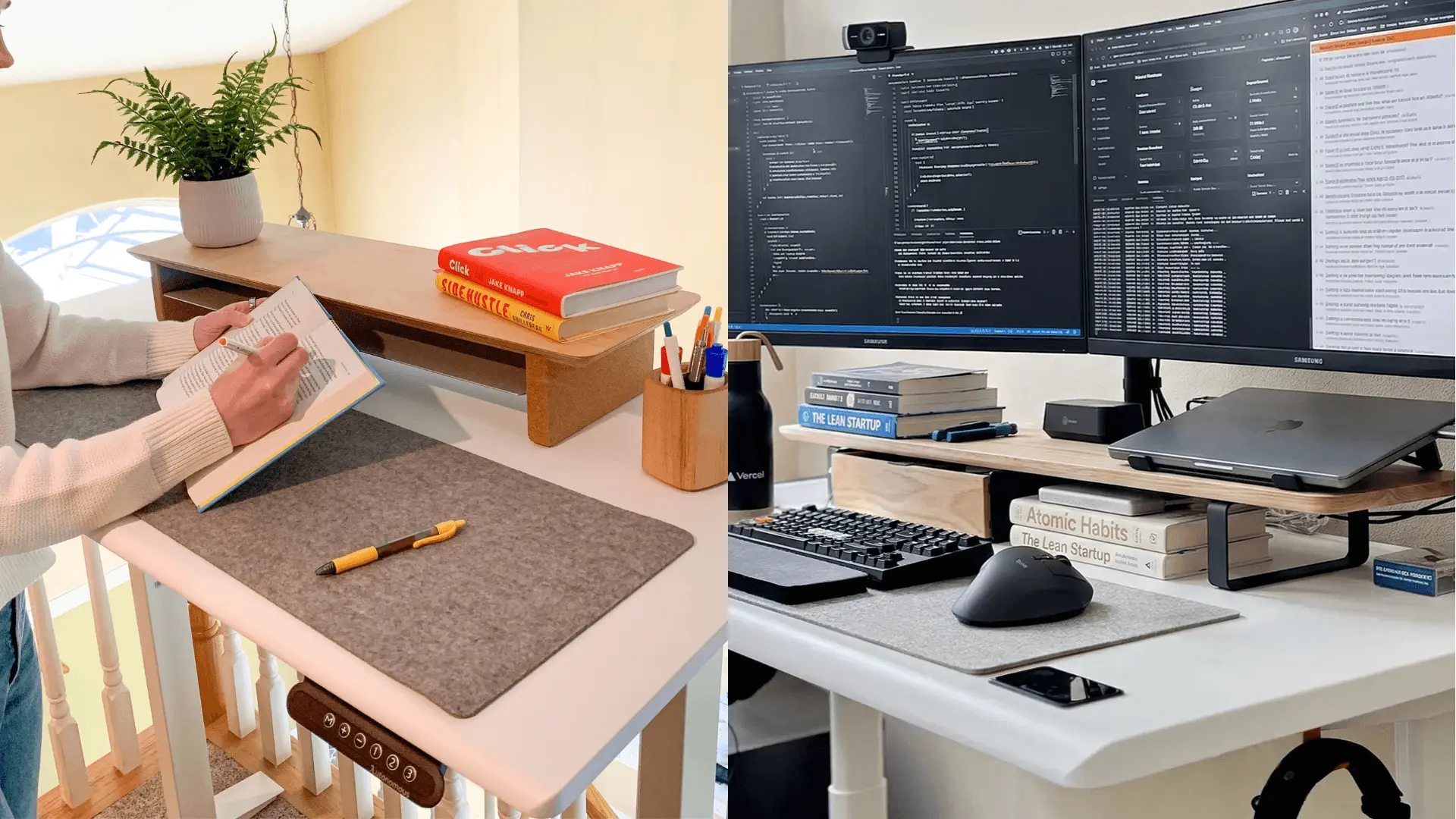
Desk Core Uses a Standard Control Keypad
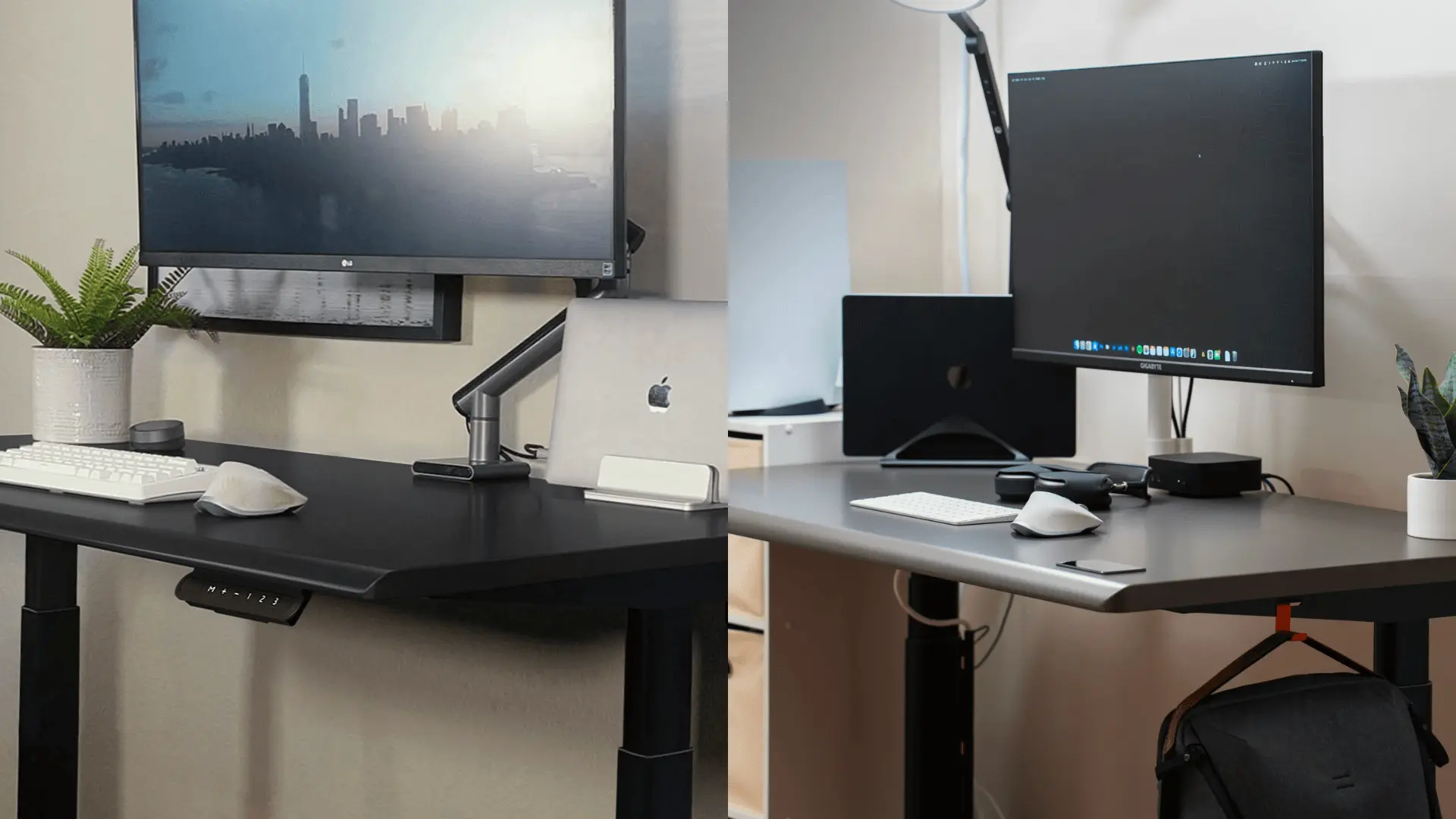
Desk Core uses a traditional external control panel mounted beneath the desktop. The controls are easy to access and provide straightforward height adjustment for users who primarily need a simple sit-stand experience.
The design prioritizes function and affordability rather than integrating controls into the desktop itself.
Desk Pro Uses an Embedded Keypad
Desk Pro integrates its keypad beneath the front edge of the desktop. The controls sit directly where users naturally rest their hands, allowing height adjustments without reaching for a separate control box.
This hidden control layout also contributes to a cleaner appearance by reducing visible hardware along the desk edge.
Cable Management and Workspace Organization
Cable management can have a significant impact on how clean and functional a workstation feels over time.
Desk Core Includes a Cable Tray
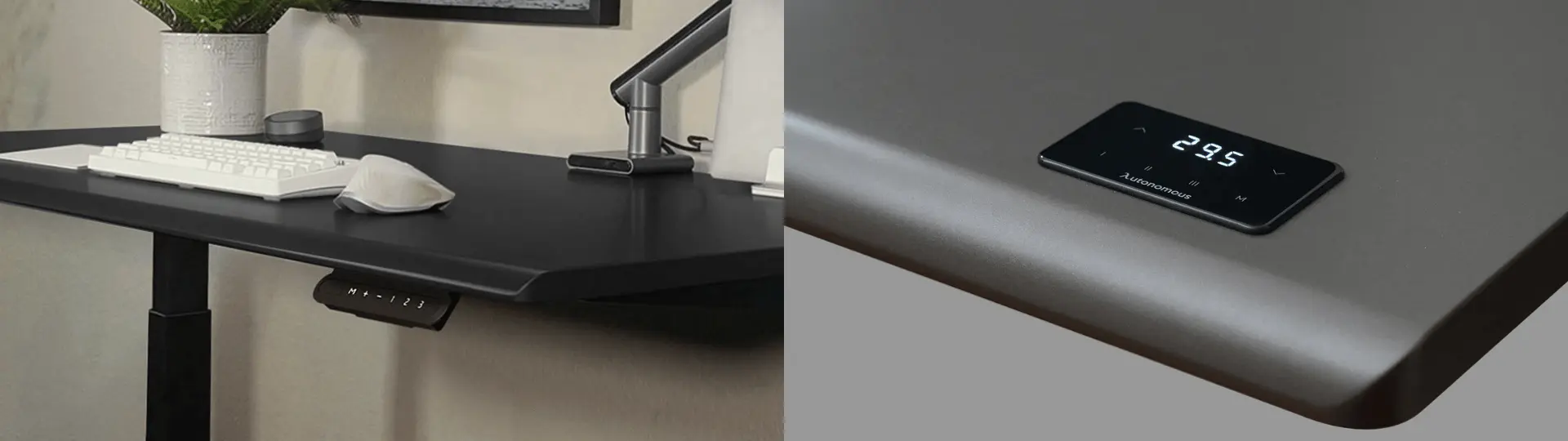
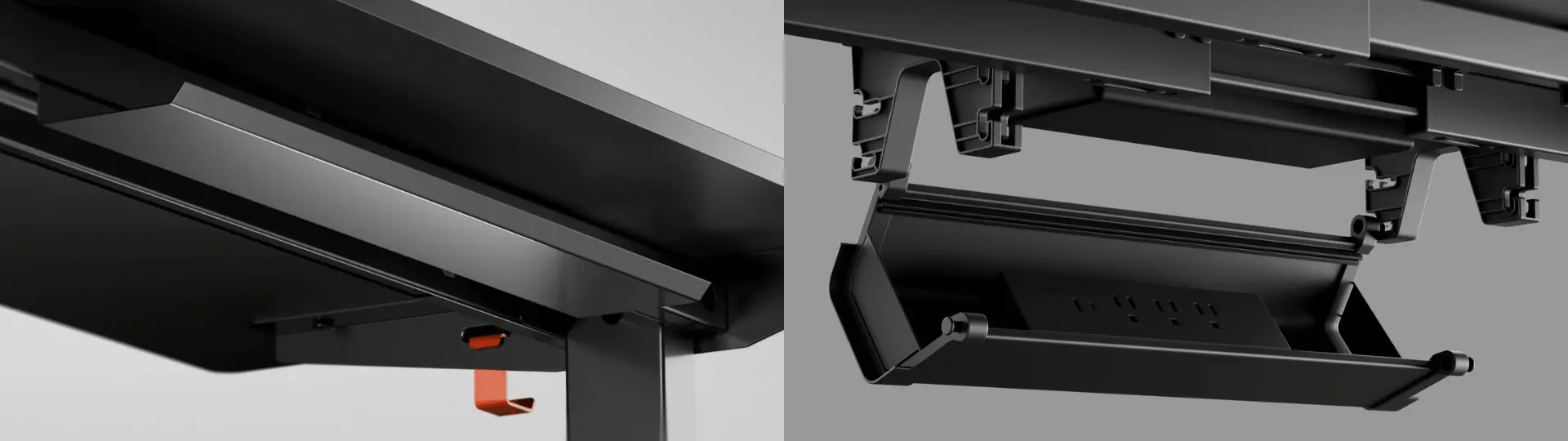
Desk Core comes with a cable tray that helps organize power cables and accessories beneath the desktop. For laptop users and lighter workstation setups, the included tray provides a simple way to keep cables off the floor and reduce desk clutter.
Desk Pro Features Integrated Cable Management
Desk Pro includes an integrated cable management system built into the underside of the desktop. A dedicated tray and cable-routing channels help secure a power strip and guide cables toward the lifting column, reducing visible cable clutter as the desk moves between sitting and standing heights.
For users running multiple monitors, desktop PCs, docking stations, or other peripherals, the integrated routing system can make cable organization easier to maintain over the long term.
Who Should Buy Autonomous Desk Core?
The Autonomous Desk Core is the ideal match for:
- Students setting up a functional dorm or bedroom workspace.
- First-time standing desk buyers testing the ergonomic waters.
- Hybrid workers who only use their home office a few days a week.
- Minimalists operating entirely off a laptop or a single light display.
Key Takeaway: The Desk Core delivers the essential, reliable electric standing desk experience at the lowest entry price point, without sacrificing style or structural geometry.
Who Should Buy Autonomous Desk Pro?
The Autonomous Desk Pro is purpose-built for:
- Software developers, designers, and content creators tracking long hours.
- Power users running triple-monitor configurations or heavy desktop rigs.
- Anyone who raises and lowers their desk multiple times throughout the day.
- Buyers looking to make a single, long-term furniture investment protected for life.
Key Takeaway: The Desk Pro is engineered for heavier equipment, quieter operation, and long-term daily use.
Is Desk Pro Worth the Extra $150?
Ultimately, the value of the upgrade depends entirely on what you intend to place on top of the desk and how long you plan to own it.
Choose the Desk Core if you are budget-conscious and your workstation consists of a standard laptop or single-monitor layout. It covers all the sit-stand essentials cleanly and affordably.
Choose the Desk Pro if you run a multi-screen array, value a near-silent environment, require safety anti-collision tech, or want the additional long-term warranty coverage. The physical upgrades to HDF wood and dual-motor synchronization offer practical performance benefits well beyond the $150 price gap.
FAQs
Does Autonomous Desk Core have anti-collision?
No, Autonomous Desk Core does not include anti-collision protection. This feature is available on Desk Pro, which can automatically stop and reverse movement when it detects an obstruction.
Is Desk Pro quieter than Desk Core?
Yes, Desk Pro is rated for lower operating noise than Desk Core. Desk Pro operates below 30 dB during height adjustments, while Desk Core is rated at up to 50 dB.
Which desk is better for dual-monitor setups?
Desk Pro is generally the better choice for dual-monitor and multi-monitor setups. Its 330 lb lifting capacity and thicker 1.2-inch HDF desktop provide more support for monitor arms, desktop PCs, and heavier accessories.
Is Autonomous Desk Core worth buying?
Yes, Autonomous Desk Core can be a good value for users who need a basic electric standing desk. It provides motorized height adjustment, ANSI/BIFMA certification, and a C-frame design at a lower entry price than Desk Pro.
What is the difference between Autonomous Desk Core and Desk Pro?
The main differences between Autonomous Desk Core and Desk Pro are motor configuration, lifting capacity, noise level, desktop materials, warranty coverage, and safety features. Desk Core focuses on affordability, while Desk Pro adds dual motors, higher capacity, anti-collision protection, and a longer warranty.
Does Autonomous Desk Pro have a higher weight capacity than Desk Core?
Yes, Autonomous Desk Pro supports substantially more weight than Desk Core. Desk Pro is rated for 330 lbs, while Desk Core is rated for 176 lbs, making Pro better suited for heavier workstation setups.
Are Autonomous Desk Core and Desk Pro both adjustable standing desks?
Yes, both Autonomous Desk Core and Desk Pro are electric height-adjustable standing desks. Both use a 2-stage lifting frame and support transitions between sitting and standing positions throughout the workday.
Which desk is better for a home office?
The better desk depends on your equipment and budget. Desk Core works well for laptop-based and lighter home office setups, while Desk Pro is better suited for users with multiple monitors, heavier accessories, or frequent daily height adjustments.
Is the Autonomous Desk Pro warranty better than Desk Core?
Yes, Desk Pro includes longer warranty coverage than Desk Core. Desk Pro comes with a lifetime frame warranty and a 2-year desktop warranty, while Desk Core includes a 2-year frame warranty and a 1-year desktop warranty.
Do Autonomous Desk Core and Desk Pro use the same frame design?
Yes, both desks use a C-frame design and a 2-stage lifting frame. The shared geometry provides similar under-desk legroom, but Desk Pro adds higher-capacity components and additional features such as dual motors and anti-collision protection.
Conclusion
When deciding between these two ergonomic workhorses, the choice comes down to a balance of value versus capability. The Autonomous Desk Core successfully democratizes the sit-stand experience, offering the essential health benefits of an electric standing desk without a premium price tag. It is a sleek, highly reliable choice for standard workspaces.
However, if your daily routine demands heavy equipment, seamless multi-monitor support, whispering-quiet transitions, and the long-term reassurance of a lifetime warranty, the Autonomous Desk Pro easily justifies its extra cost. By investing the additional $150 upfront, power users secure a robust, high-density workstation engineered to handle both heavy-duty productivity and the test of time.