A Guide to Standing Desk Replacement Parts

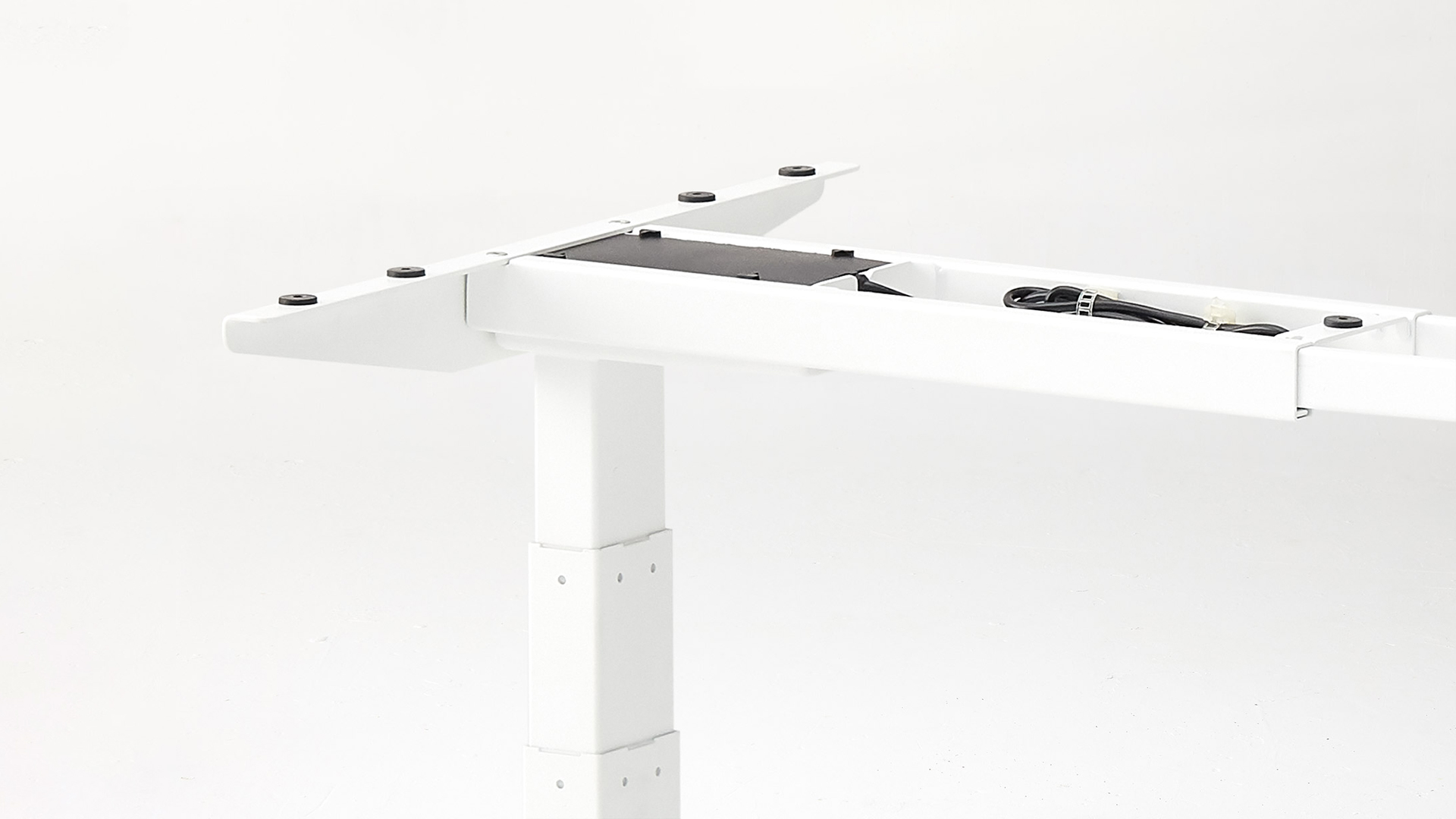
Six core parts run every electric standing desk: the frame, lifting columns, motors, control box, control panel, and power supply. Identify which one failed, and a broken desk turns from a replacement decision into a single-part swap.
This guide breaks down each component by role, common failure mode, and replacement path - whether you are sourcing standing desk replacement parts or building one from scratch.
The six core standing desk parts
A motorized desk is a small electromechanical system. Six components handle the work.
Part | Role |
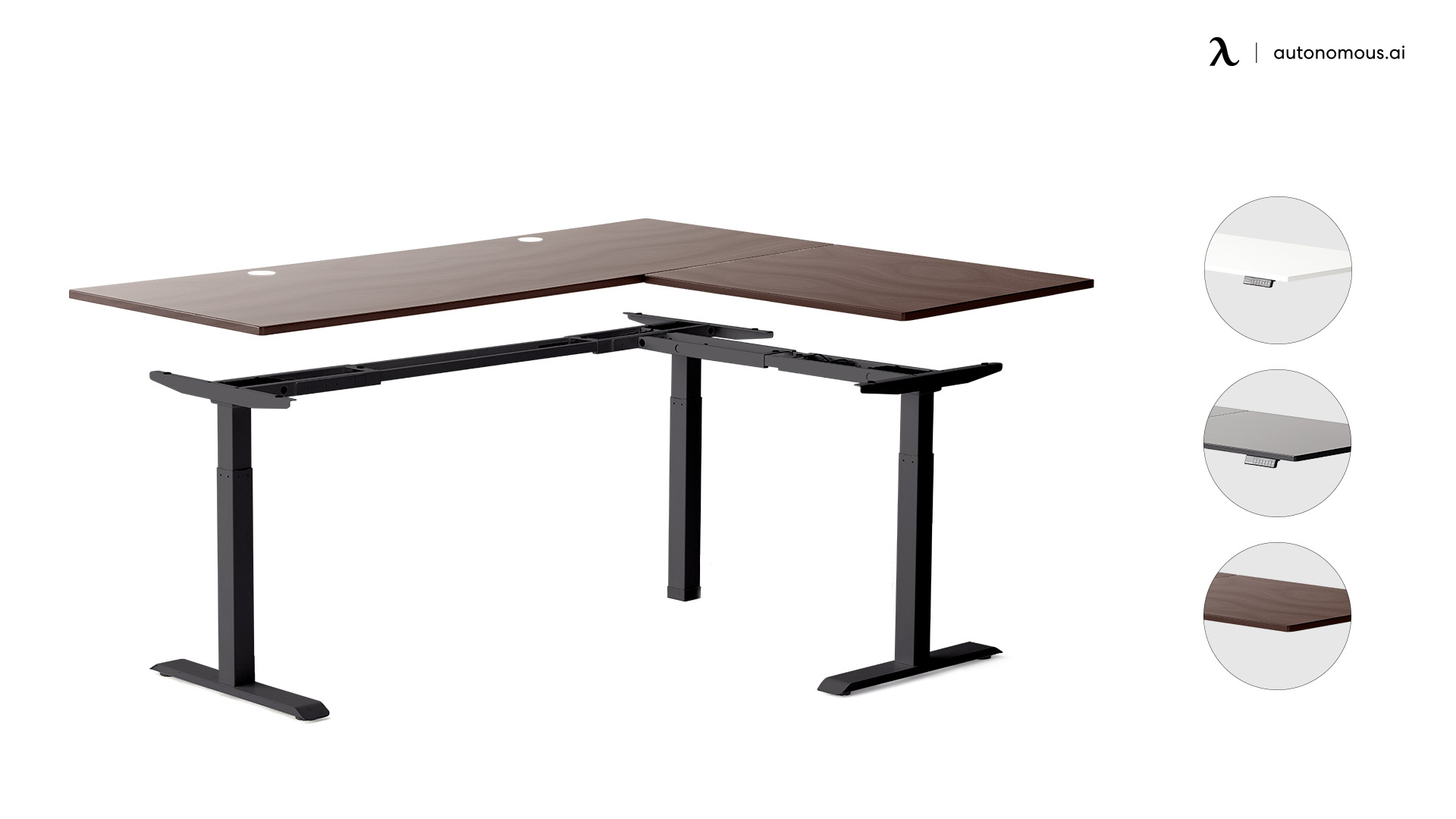
Frame | The steel skeleton that holds the top and houses the legs. Usually SPCC steel, powder-coated - the standard for rigid, weld-ready desk frames. |
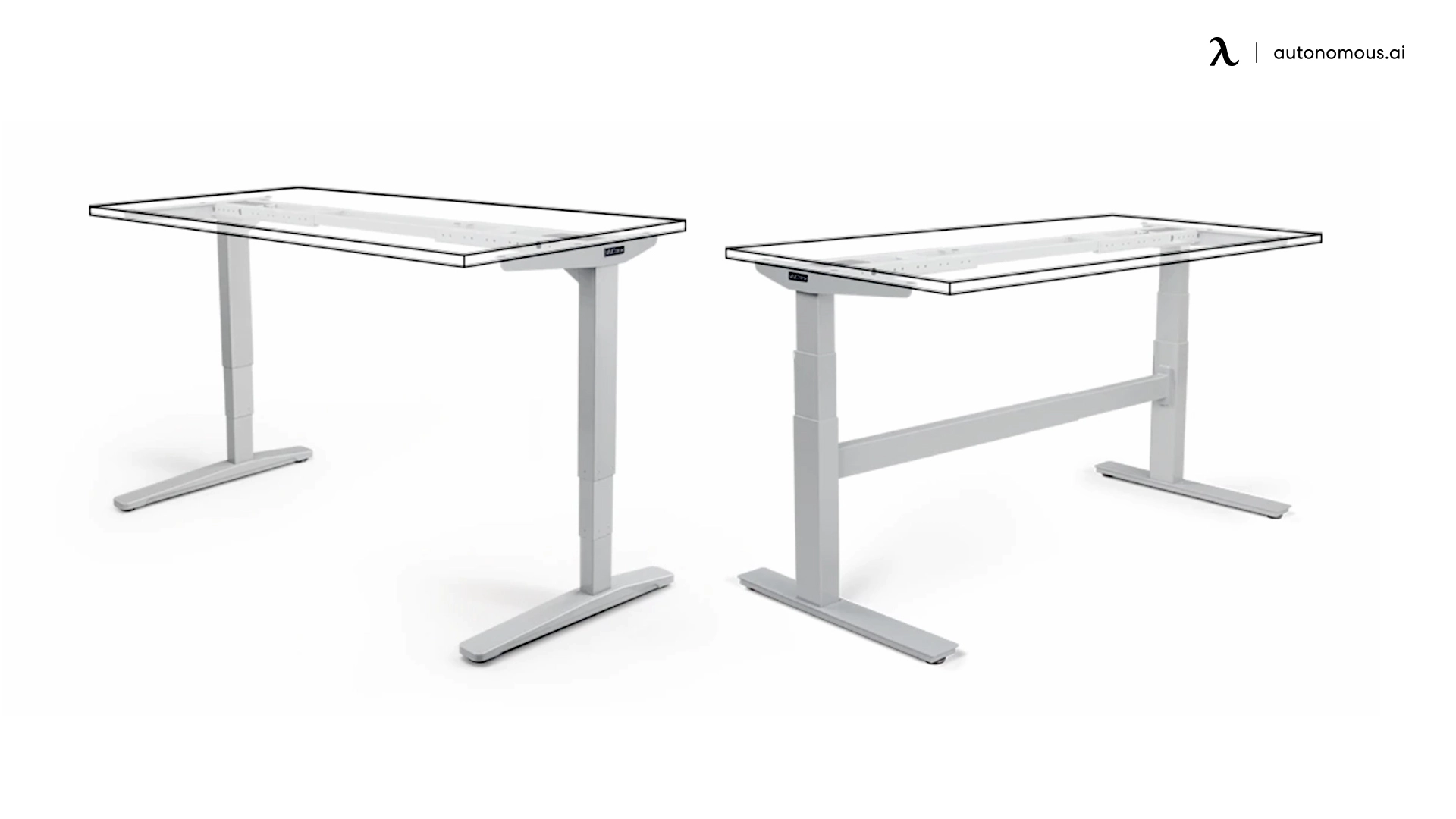
Lifting columns (legs) | Telescoping leg segments that extend and retract. 2-stage or 3-stage. |
Motors | One per leg in dual-motor desks. Drive the columns up and down. |
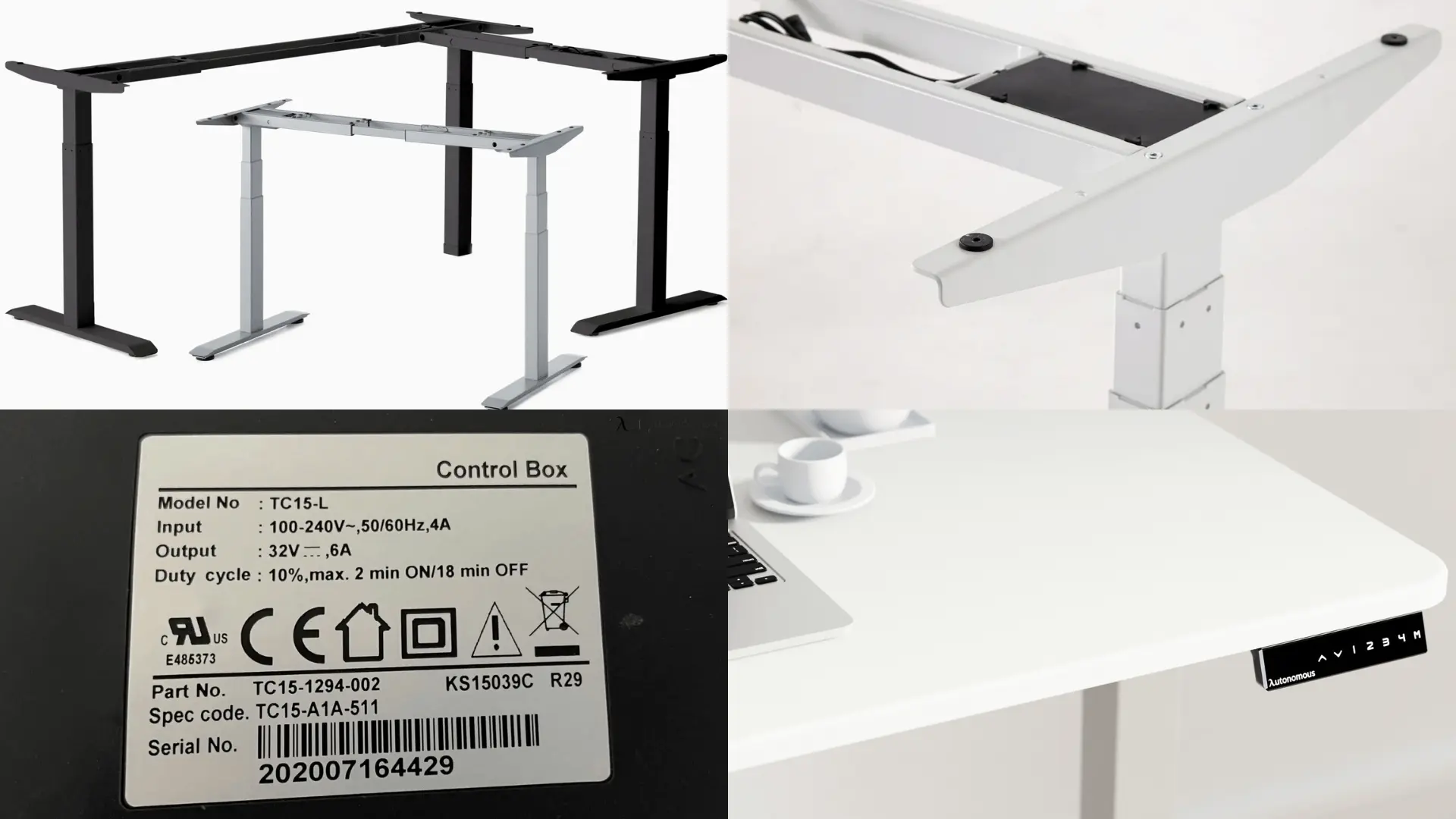
Control box | The brain. Receives input from the keypad and signals the motors. |
Control panel (keypad) | The user interface. Basic up/down buttons, or memory presets with a digital display. |
Power supply | Converts wall AC to the DC voltage the motors and control box need. |
Two parts decide how the desk feels. The motor noise rating and the control box's memory and anti-collision specs are the two most visible quality markers on a spec sheet.
Standing desk parts and how they fail
Most failures map cleanly to one of the six parts. The symptom points to the fix.
- Desk does not move at all. Power supply or control box. Check the wall outlet and the cable connection between control box and power supply first.
- Desk moves up but not down (or vice versa). Usually a single motor or a damaged motor cable. Swap the cable before the motor.
- Desk stops midway and reverses. Anti-collision triggered by an obstacle below the top, or a failing control box. Reset the desk first - most control boxes require a recalibration cycle after a stop.
- Buttons unresponsive or display blank. Control panel. The cheapest part to replace.
- Wobble or shake at standing height. Loose frame bolts, or worn feet. Tighten before replacing.
- Error code on the display. Most desks publish an error code list - match the code to the part. Usually points to a motor or control box.
The control panel and cables are the most common failures and the cheapest to fix. Motors and control boxes fail less often but cost more. Frames almost never fail.
Optional standing desk hardware
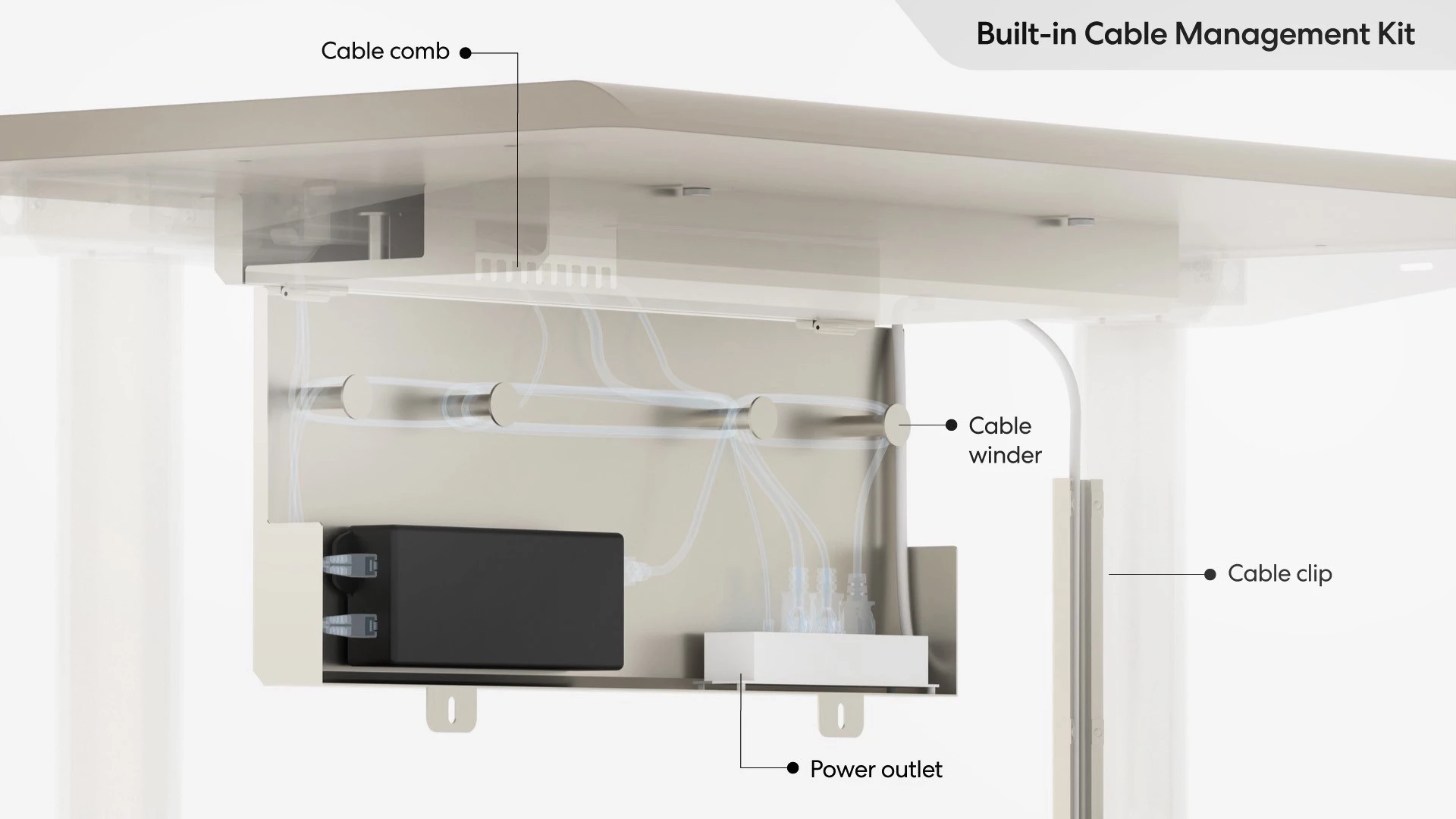
Beyond the six core parts, a desk uses supporting hardware: a crossbar for additional stability, leveling feet for uneven floors, cable management trays under the top, casters for mobility, and grommets for cord routing through the top. These are upgrade or convenience parts, not function-critical.
Standing desk buttons live on the keypad. Basic models give up and down only. Mid-tier keypads add four memory presets, a child lock, and adjustable height limits. Higher-tier keypads add a Bluetooth module that pairs with a phone app for usage tracking.
Building a desk from parts vs buying replacement parts
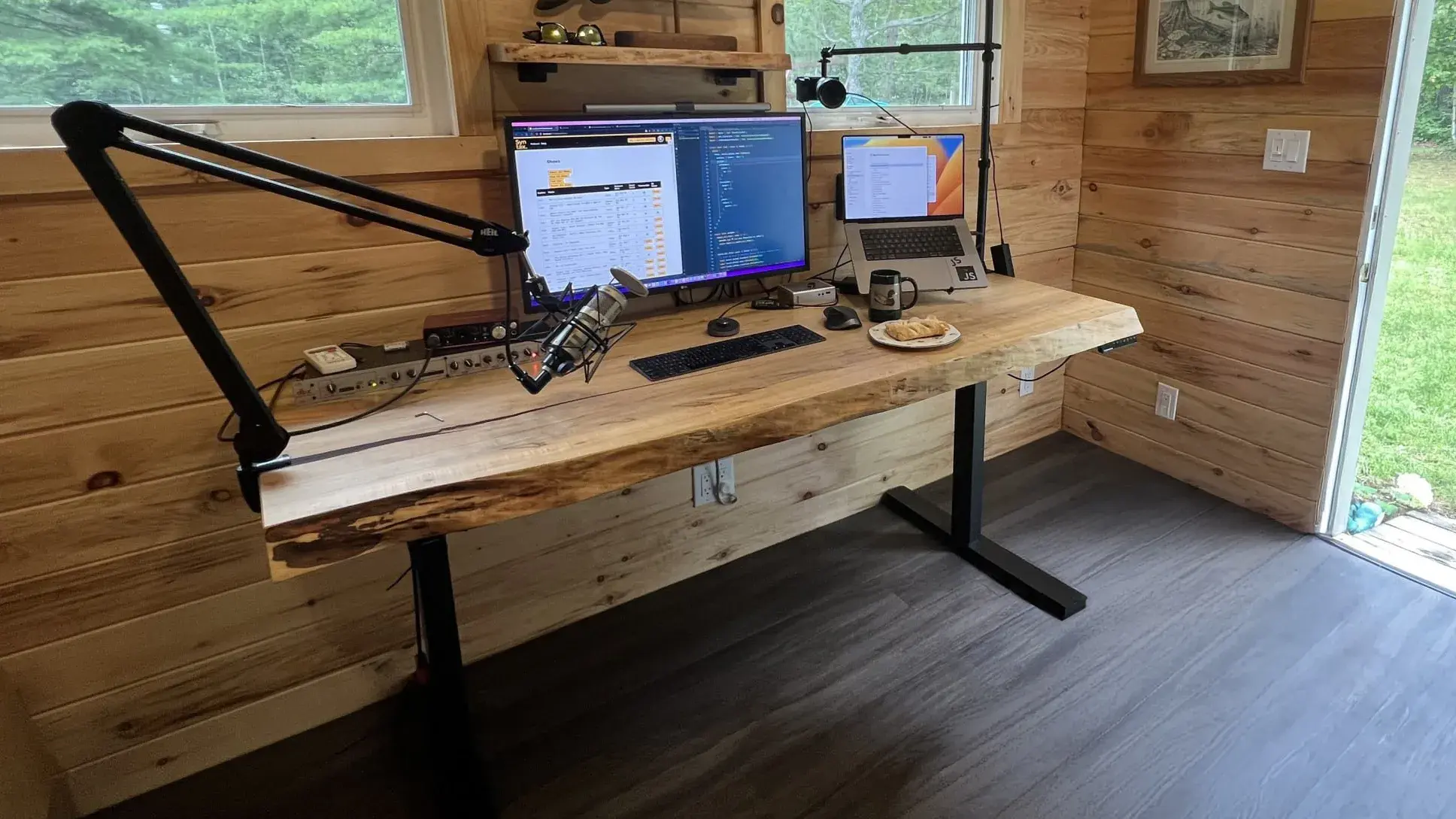
Two routes use these standing desk parts. Builders source a frame kit and a separate top. Replacement buyers source one failed component.
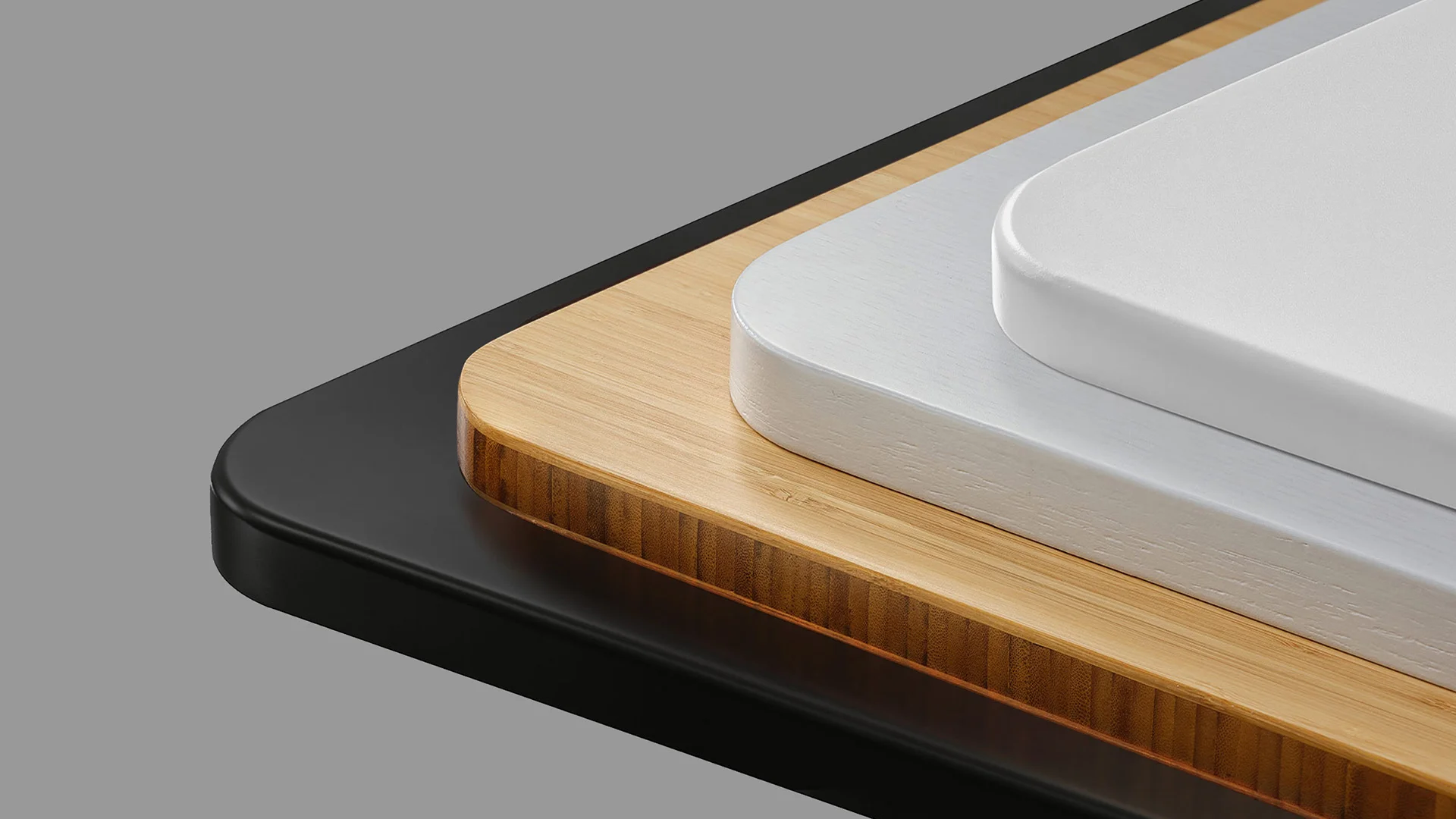
The Autonomous Desk DIY kit ships every part above as a matched set. Pair with the Autonomous Desk Surface or any compatible 53" or 70.5" top.
For replacement buyers, contact the original manufacturer first. Aftermarket electric standing desk parts often work, but voltage, torque, and connector mismatches break installs. The manufacturer can match the part to the desk's serial number.

FAQs
What are the main parts of a standing desk?
The six core parts are the frame, lifting columns, motors, control box, control panel, and power supply. Optional hardware includes crossbars, feet, cable management, and casters.
What is the most common standing desk failure?
Control panel keypads and motor cables fail most often. Both are inexpensive replacements, usually under $50. Motors and control boxes fail less frequently but cost more to replace.
Are standing desk replacement parts universal?
No. Voltage, motor torque, and connector types vary across brands. Always source replacement parts from the original manufacturer or confirm exact compatibility before ordering aftermarket.
Can I replace standing desk buttons or the keypad?
A complete frame kit is the safest DIY route because every component arrives matched. Sourcing parts individually from three or more vendors introduces voltage, torque, and connector mismatches that surface only at first power-on.
Where do I buy standing desk hardware for a DIY build?
Use a complete frame kit rather than sourcing parts individually. A kit ships matched motors, control box, keypad, and columns - eliminating the compatibility risk of mixed-source components.
Conclusion
Most standing desk failures map to one of six parts. Replacement is faster and cheaper than the manufacturer's lead time on a new desk. A frame kit covers the DIY route; a single-part order covers the repair route.