


Brick vs Bloom: Which NFC App Blocker Wins in 2026
.webp)
Brick vs Bloom comes down to one honest question: do you want breaks, or do you want a wall? Both are physical app blockers that lock distracting apps until you tap an NFC device, both are one-time purchases with no subscription, and both work on iPhone and Android.
The real split is that Bloom builds in short breaks and a softer, more social app, while Brick is deliberately stricter with no scheduled escape. A third device, the Autonomous Key, does the same core job for much less and stays locked by default. This guide compares all three on price, unlock rules, Android support and how hard each is to bypass, so you can match the device to the way you actually lose time.
Brick vs Bloom at a glance
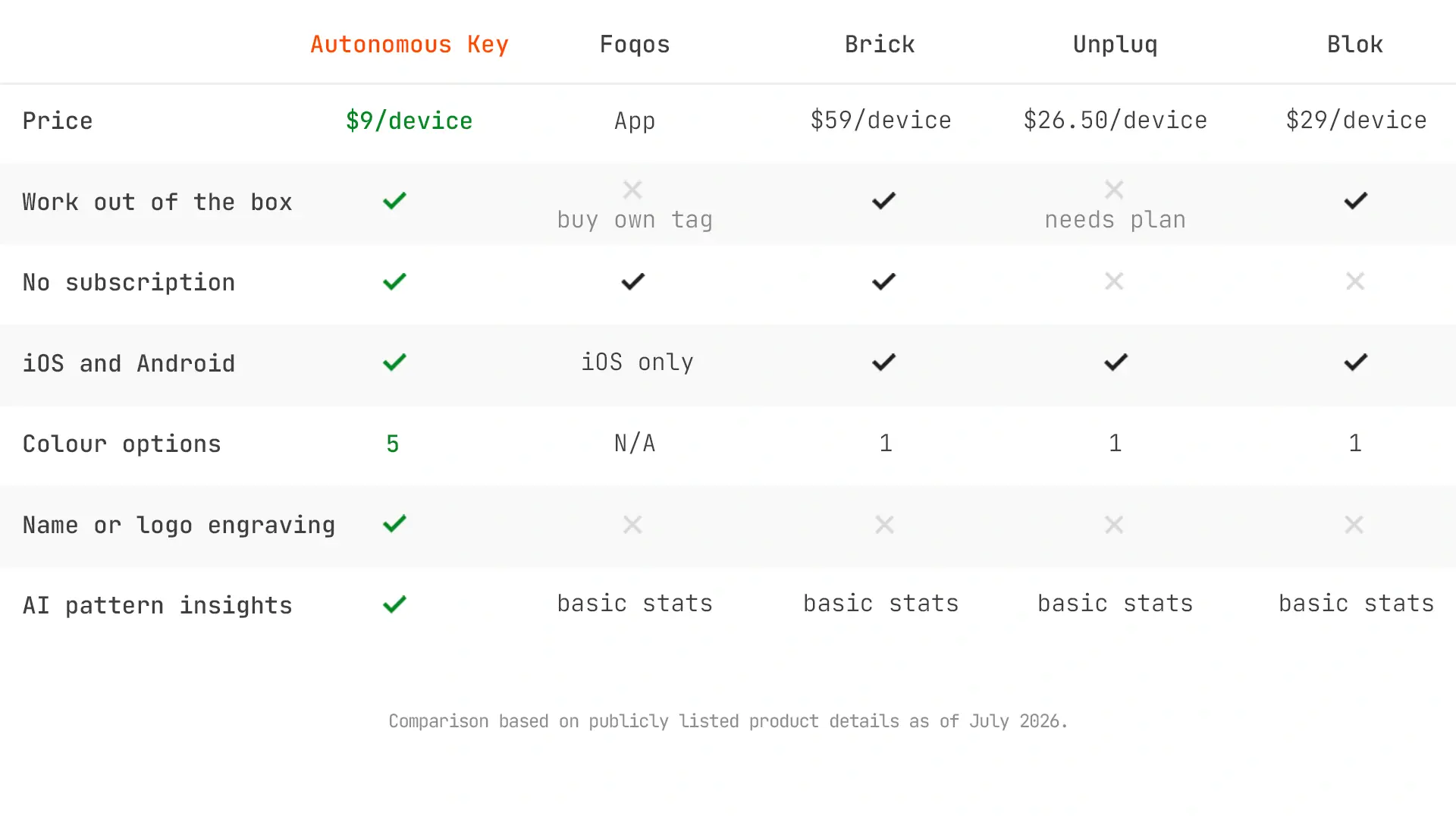
All three are one-time purchases with no subscription, no battery and passive NFC. The surprise is the price order: Bloom, the most feature-rich app, is not the priciest device, and the Autonomous Key undercuts both.
Bloom | Brick | Autonomous Key | |
Price | $39 | $59 | $9 |
Platforms | iOS, Android | iOS 17+, Android 12+ | iOS 15+, Android 8+ |
Default state | Unlocked | Unlocked | Locked |
Getting back in | 5-min breaks | No breaks | 60-min windows |
Emergency exits | 3, +1/month | 5 total | None |
Child mode | Yes | No | No |
Insights | Basic | Basic | Key Intelligence |
HSA/FSA (US) | No | Yes | No |
Brick vs Bloom: how they are the same
Brick, Bloom and the Autonomous Key solve the same problem in nearly the same way, so it helps to get the shared ground out of the way first. All three are passive NFC devices, which means there is no battery, no charging, and nothing to keep powered. You tap your phone to the device to lock or unlock the apps you have chosen, and it draws the tiny power it needs from the phone during the tap.
The shared ground across all three:
- Passive NFC, no battery. You tap the device to lock or unlock your chosen apps, and there is nothing to charge.
- They remove the skip button. Instead of a dismissible Screen Time prompt, getting back in needs the physical object, so the block holds only when the device is out of reach.
- Essentials keep working. Calls and texts stay on, you pick exactly which apps are blocked, and one device can pair with several phones for couples or families.
Price: Bloom is cheaper, and it is not close
Bloom costs about $39 and Brick costs $59, a difference of roughly $20 for hardware that does fundamentally the same job. That gap surprises people, because Bloom is the more polished app with more features, yet it is the cheaper device.
The reason has nothing to do with capability. The part inside both is an inexpensive passive NFC chip, the same technology in a contactless card. Bloom houses it in a stainless steel card and Brick in a 3D-printed cube, and neither material justifies a large price difference. What you are paying for with Brick is a longer track record and heavy mainstream coverage, not stronger hardware.
One detail worth knowing if you are in the United States: Brick is now HSA and FSA eligible through a partnership with Truemed, so you may be able to pay with pre-tax health funds. Bloom does not currently advertise the same. For some buyers that tax treatment closes part of the price gap.
Unlock rules: breaks versus a wall
The biggest real difference between the three is what happens when you want back in, and it should drive your choice more than price or design.
- Bloom bends. Scheduled five-minute breaks inside a session, plus three emergency exits and one more each month. Flexible for people who need occasional access during a work block.
- Brick does not bend. No scheduled breaks, and five emergency unbricks per device total that only refill by emailing support. The way back in is to physically tap the device.
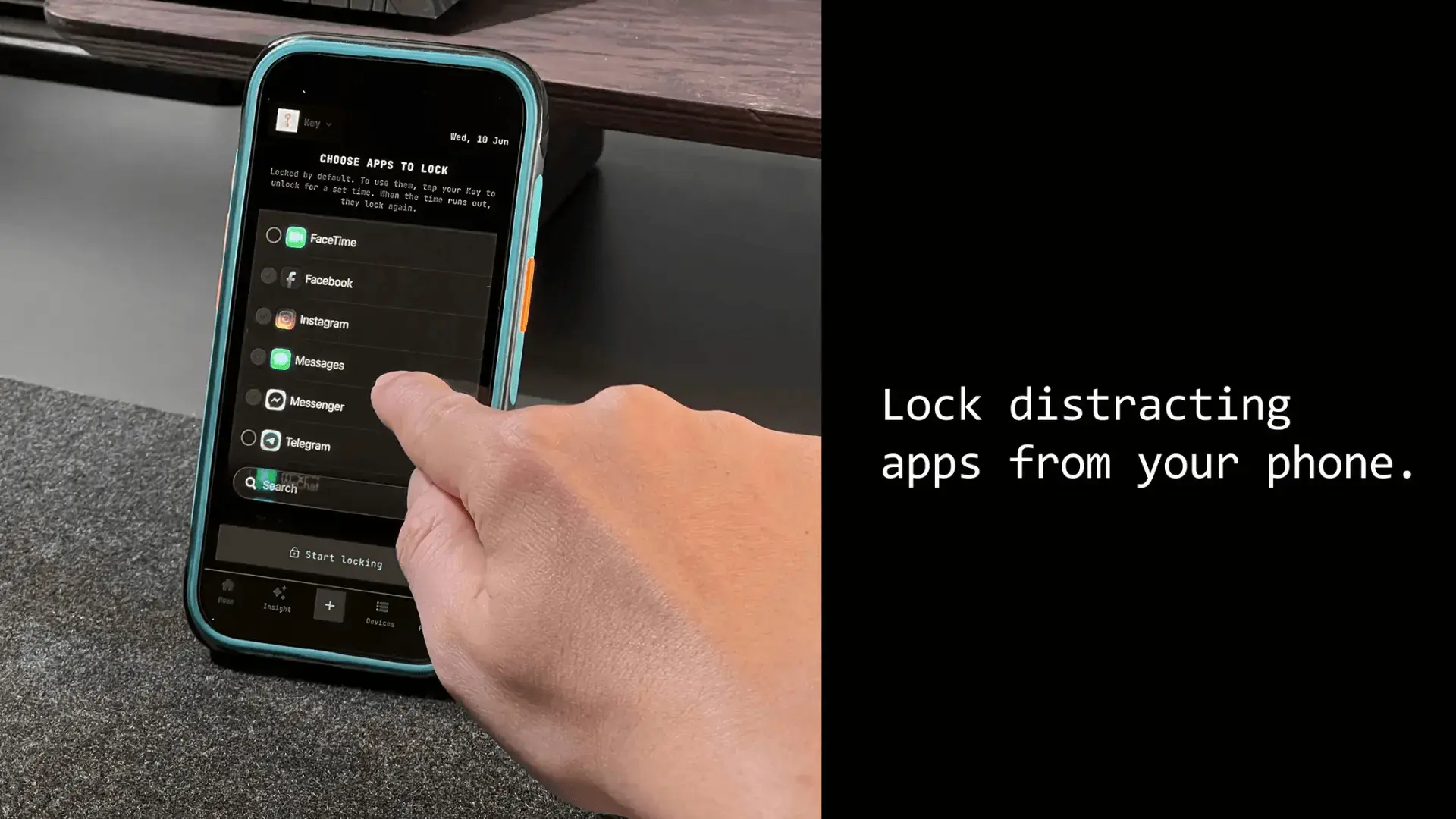
- The Autonomous Key locks by default. No break feature at all; each tap opens a 60-minute window, then apps re-lock on their own. Nothing to abuse, but nothing to lean on either.
Here is the honest catch that reviewers who use both keep reporting: Bloom's five-minute breaks are easy to abuse. Several testers found themselves taking break after break until the block stopped meaning anything. If you have strong self-control, breaks are a convenience. If your problem is that you negotiate with yourself, breaks are the loophole you will exploit, and Brick's refusal to offer them is the entire point.
Strictness and bypass
All three are hard to bypass the same way, by putting the object out of reach, and each has closed the most obvious software loopholes. Bloom added a strict mode in 2026 that prevents force-closing the app to escape a block, after early reviewers found that gap. Brick has long had a strict mode that blocks deleting the app or changing Screen Time settings during a session, and the Autonomous Key stays locked by default so there is no session to force-close.
None of them is truly escape-proof, and any honest comparison has to say so. Each can be undone by deleting the app when no rule prevents it, each has some override, and all depend entirely on you leaving the device somewhere you cannot casually reach. A cube, card or key sitting on your desk does nothing. The friction is the distance, not the hardware.
On Android specifically, each has its own quirks:
- Bloom: occasional pop-up storms when blocking certain Google or Samsung system apps, and a first NFC tap that sometimes fails.
- Brick: runs on Android 12 and above, but some features such as blocking a single website are iOS only for now.
- Autonomous Key: runs on Android 8 and above, with the same behaviour as on iPhone and the lowest OS floor of the three.
Which should you buy?
Buy Bloom
Choose Bloom if you want the cheaper device, a more polished and social app, and the flexibility of breaks and a child mode. The stainless steel card is nicer to carry than a cube, and it suits someone whose issue is drift rather than deep compulsion. The risk you accept is that the breaks are easy to abuse.
Buy Brick
Choose Brick if you want maximum strictness and a proven track record, and you are willing to pay more for it. The absence of scheduled breaks is a feature, not a gap, for anyone who knows they will exploit an escape hatch. Brick also carries mainstream coverage and HSA or FSA eligibility that softens the higher price for US buyers.
Buy the Autonomous Key
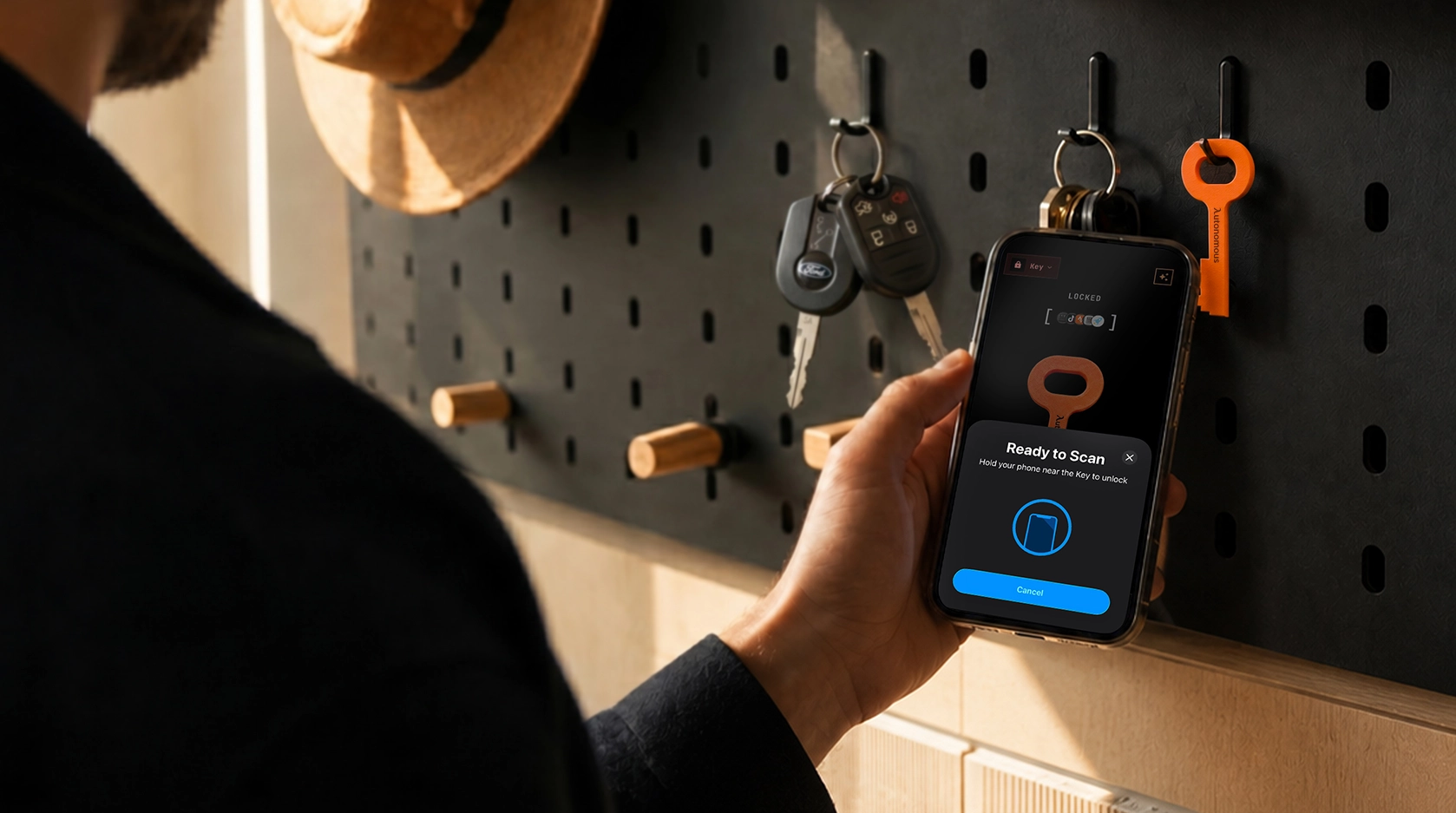
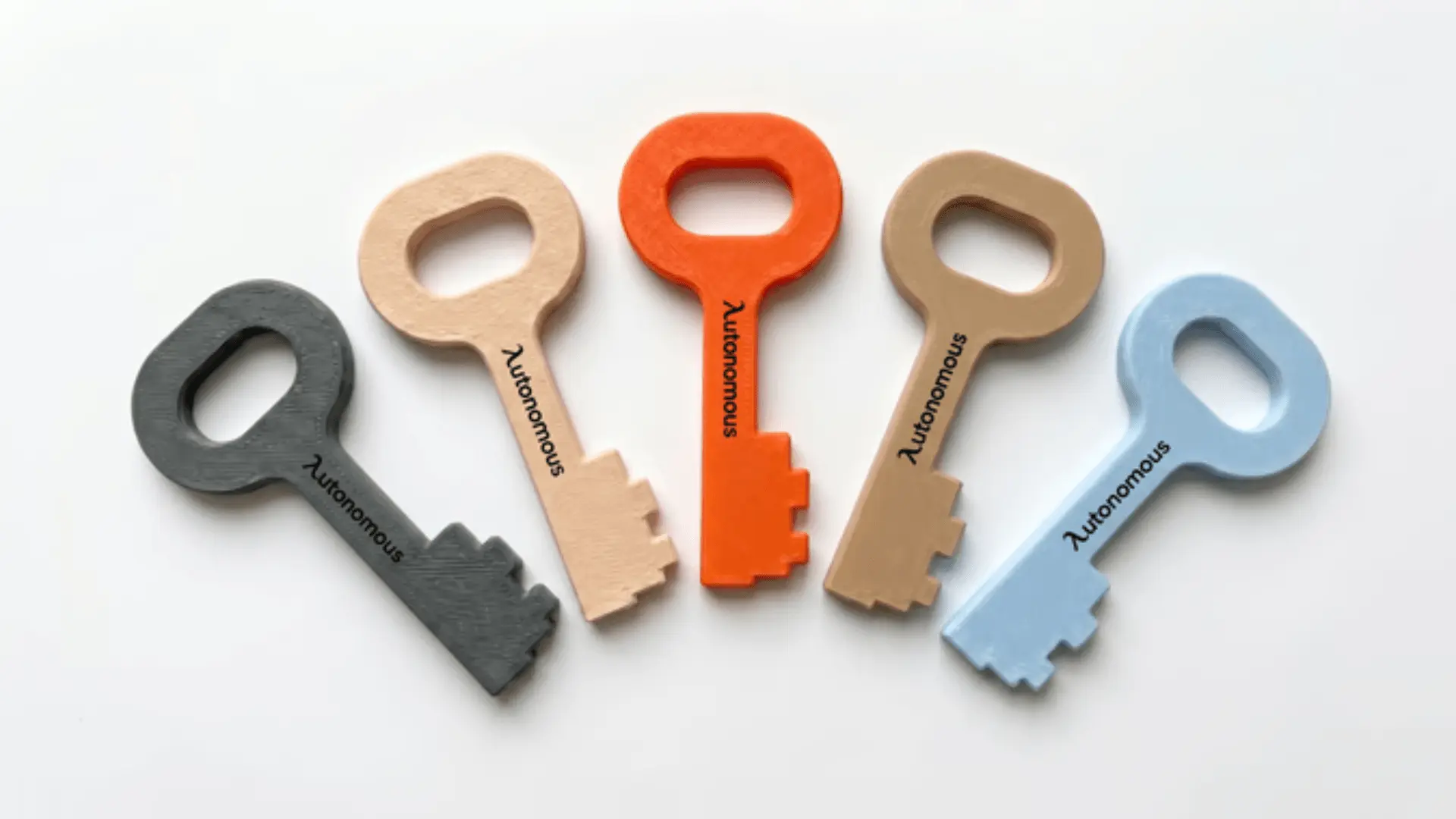
Choose the Autonomous Key if the thing stopping you is the cost of trying physical friction at all. It keeps your chosen apps locked by default, opens a 60-minute window on each tap, and runs on older phones than Brick or Bloom with no subscription.
The honest caveat is track record: it is the newest of the three and has the shortest public review record, so if a long history is part of what you are paying for, one of the established two is a fair choice.
For the head-to-head detail, see our full Brick vs Autonomous Key comparison, or the Brick alternatives roundup for the wider field.
Frequently asked questions
What is the difference between Brick and Bloom?
Brick is a stricter 3D-printed cube with no scheduled breaks and five total emergency unlocks. Bloom is a cheaper stainless steel card that adds five-minute breaks, a child mode and monthly emergency exits. Both are one-time NFC devices that block apps until you tap them, with no subscription.
Is Brick or Bloom cheaper?
Bloom is cheaper at about $39, compared with $59 for Brick, despite Bloom having the more feature-rich app. Both are one-time purchases with no subscription. In the United States, Brick is HSA and FSA eligible through Truemed, which can offset part of the price difference for some buyers.
Which is stricter, Brick or Bloom?
Brick is stricter by design. It offers no scheduled breaks and only five total emergency unlocks that require emailing support to replenish. Bloom is more forgiving, with three monthly-topped-up emergency exits and five-minute breaks, which reviewers who use both warn are easy to abuse if your self-control is low.
Do Brick and Bloom work on Android?
Both work on Android. Brick supports Android 12 and above, and Bloom supports Android too, though both have reported quirks, such as failed first NFC taps and pop-up issues with certain system apps. Some Brick features, like blocking specific websites, are currently iOS only.
Can you cheat Brick or Bloom?
Both are hard to bypass on impulse but not impossible. Each has a strict mode that blocks force-closing or deleting the app during a session, and each has emergency overrides. Ultimately both depend on you leaving the device out of reach, since a cube or card beside you defeats the whole purpose.
Is Bloom or Brick better for families?
Bloom is better suited to families because it includes a child mode, letting a parent lock a child's apps that only the Bloom card can unlock. Brick does not offer a dedicated child mode. Both can pair one device with multiple phones, which helps households share a single unit.
Is Brick worth the extra money over Bloom?
Brick is worth it if you specifically want maximum strictness and a long track record, and you will exploit any break feature Bloom offers. If you have reasonable self-control or want a child mode and a nicer card, Bloom does more for less. The right pick depends on how you personally fail, not on which is objectively better.
How does the Autonomous Key compare to Brick and Bloom?
The Autonomous Key is the cheapest of the three and the only one locked by default, so apps re-lock on their own after each timed unlock. It runs on older phones than Brick or Bloom. The trade-off is the shortest public track record, since it is the newest of the three.
Conclusion
Brick vs Bloom vs the Autonomous Key is not really a contest of which device is better made, because the hardware is nearly identical. It is a question about you. If you will abuse a five-minute break, pay more for Brick and its refusal to offer one. If you have the discipline to use breaks sensibly, or you need a child mode, Bloom does more for about $20 less than Brick.
And if the thing stopping you is simply the cost of trying physical friction at all, the Autonomous Key does the same core job for less, provided you can accept the shortest track record of the three. Whatever you choose, it only works if you leave it in another room.
References
- Business Insider (2025).
- ABC News Good Morning America (2026).