19 Cool Desk Accessories for Men: Useful Office Gadgets
.webp)
The best desk accessories for men make a workspace more useful without filling it with gadgets that have no job. Start with a clear desktop, lighting and screen placement, then consider a focus tool or programmable device only if it fits how you work.
This list balances practical desk essentials, gift-worthy details and unusual hardware for developers and creators. Each pick explains what it changes on the desk and the compatibility or trade-off that matters.
Desk accessories at a glance
| Need | Accessories worth considering |
|---|---|
| Cleaner desk | Desk mat, cable tray, arm, shelf and organizer |
| Everyday work | Laptop stand, dock, input and speakers |
| Better workflow | Lighting, charging, timer, macro pad and desk |
| Focus and AI | Autonomous Key, Harness Pro, Intern 2, Lamp, Hydrate |
These are different kinds of upgrades, not a shopping checklist. Choose the category that solves your current annoyance before buying the next gadget.
19 cool desk accessories for men, from essentials to AI gadgets
These picks move from everyday desk fixes to specialist hardware. The best one is the item that solves a problem you already notice, not the most expensive gadget.
1. A desk mat that defines the working area
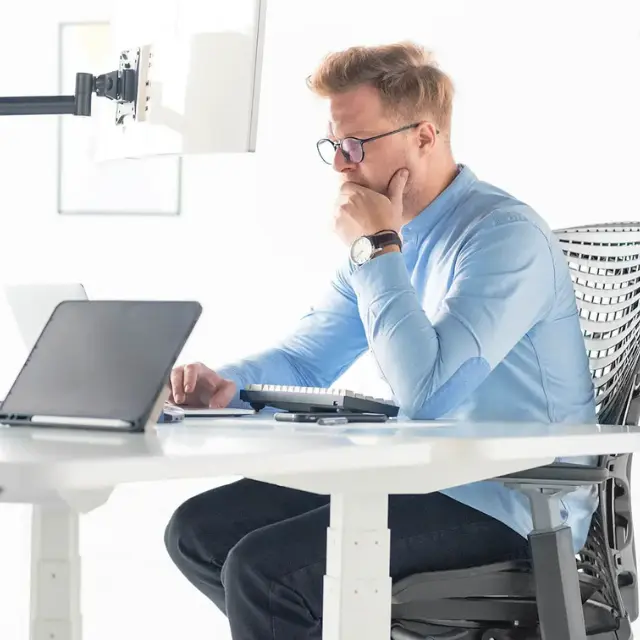
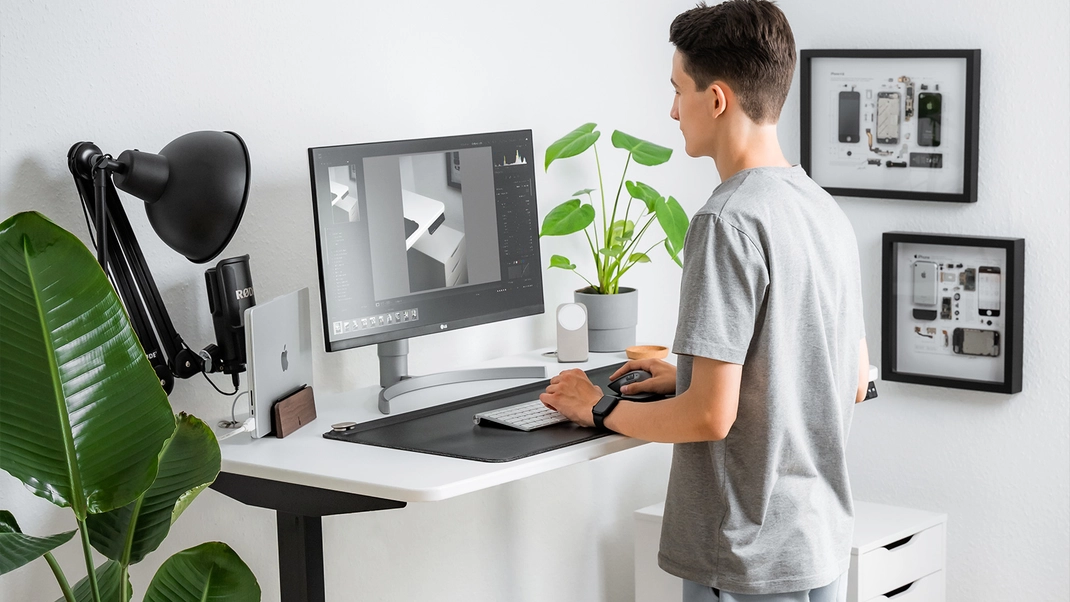
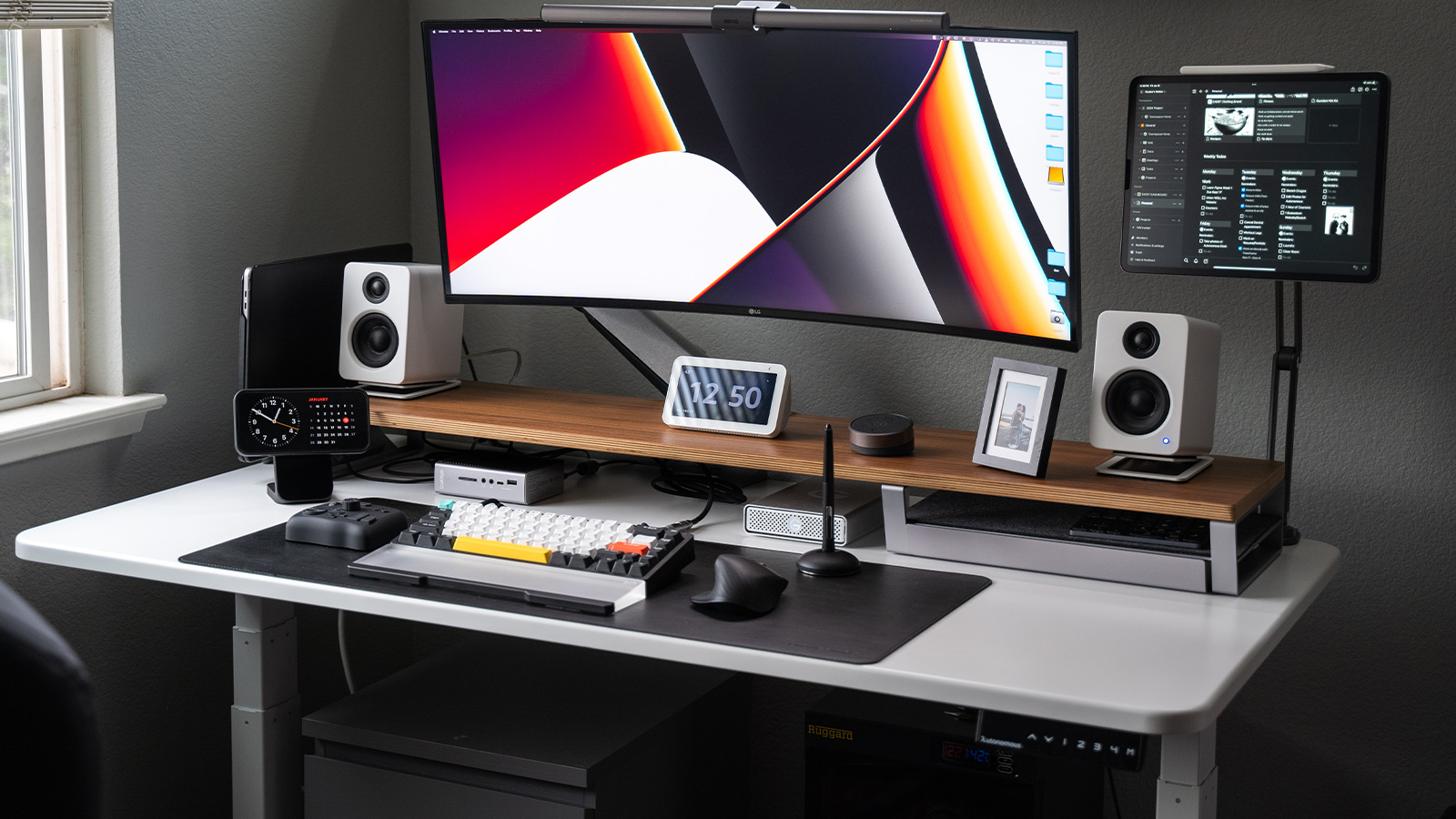
A desk mat creates one consistent surface for your keyboard, mouse and daily notes. Leather or felt adds texture to understated desk decor; a washable fabric surface is easier to live with near coffee or snacks. Size matters more than material branding: leave room for mouse movement without pushing the keyboard too far forward. A thick mat edge can obstruct a monitor-arm clamp or keyboard tray. Measure the clear area before buying an oversized pad.
2. An under-desk cable tray for a cleaner workstation
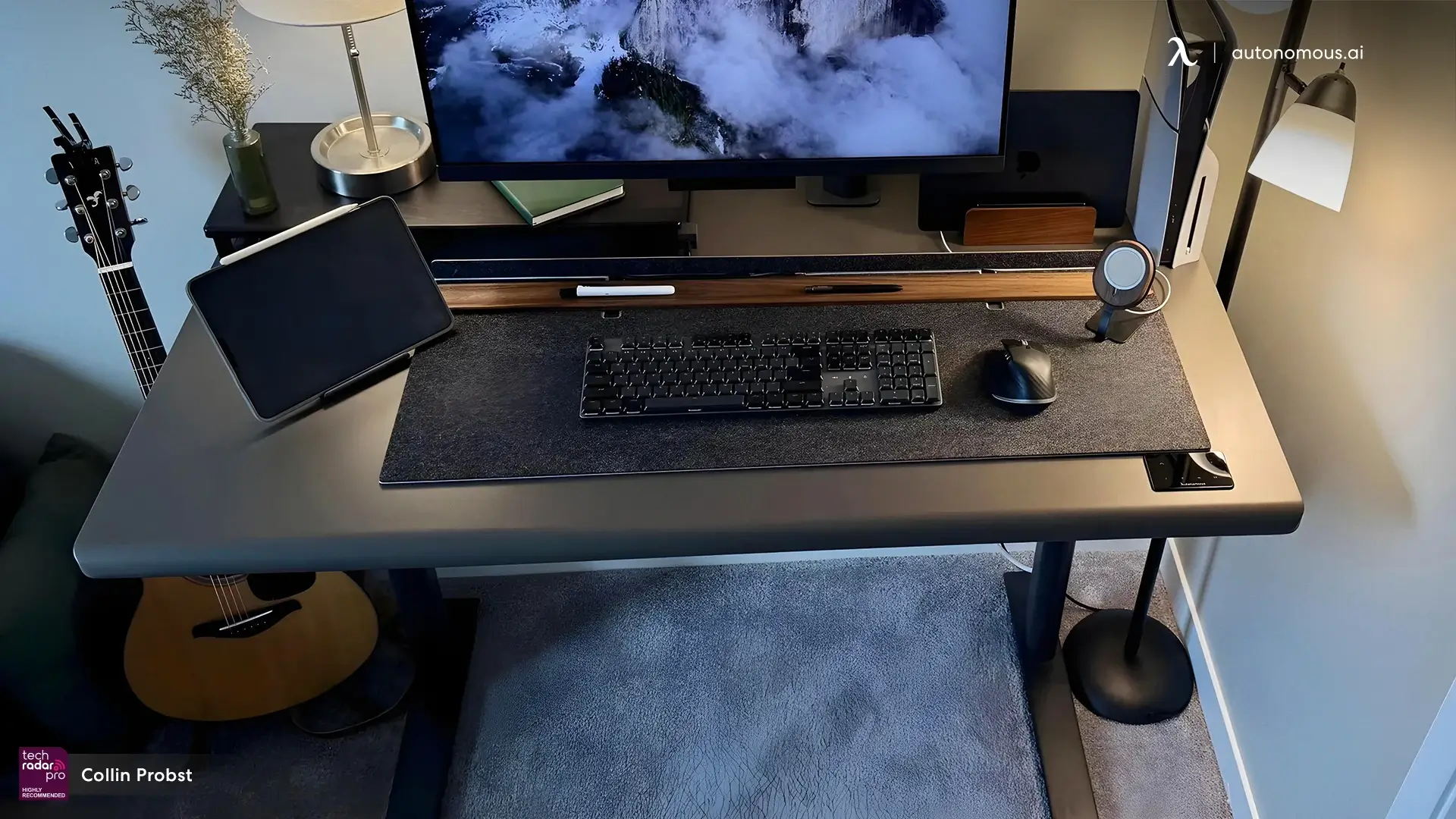
Among practical office accessories, a cable tray is more useful than decorative sleeves when the power strip and adapters are the real mess. Mount those heavier components beneath the worktop, route display and charging leads together, and leave a service loop where devices connect. A clean desk looks deliberate because the cables no longer compete with the equipment. For a sit-stand setup, verify mounting compatibility, power-strip dimensions and cable movement at both height extremes.
3. Autonomous Key to put a physical barrier on phone apps
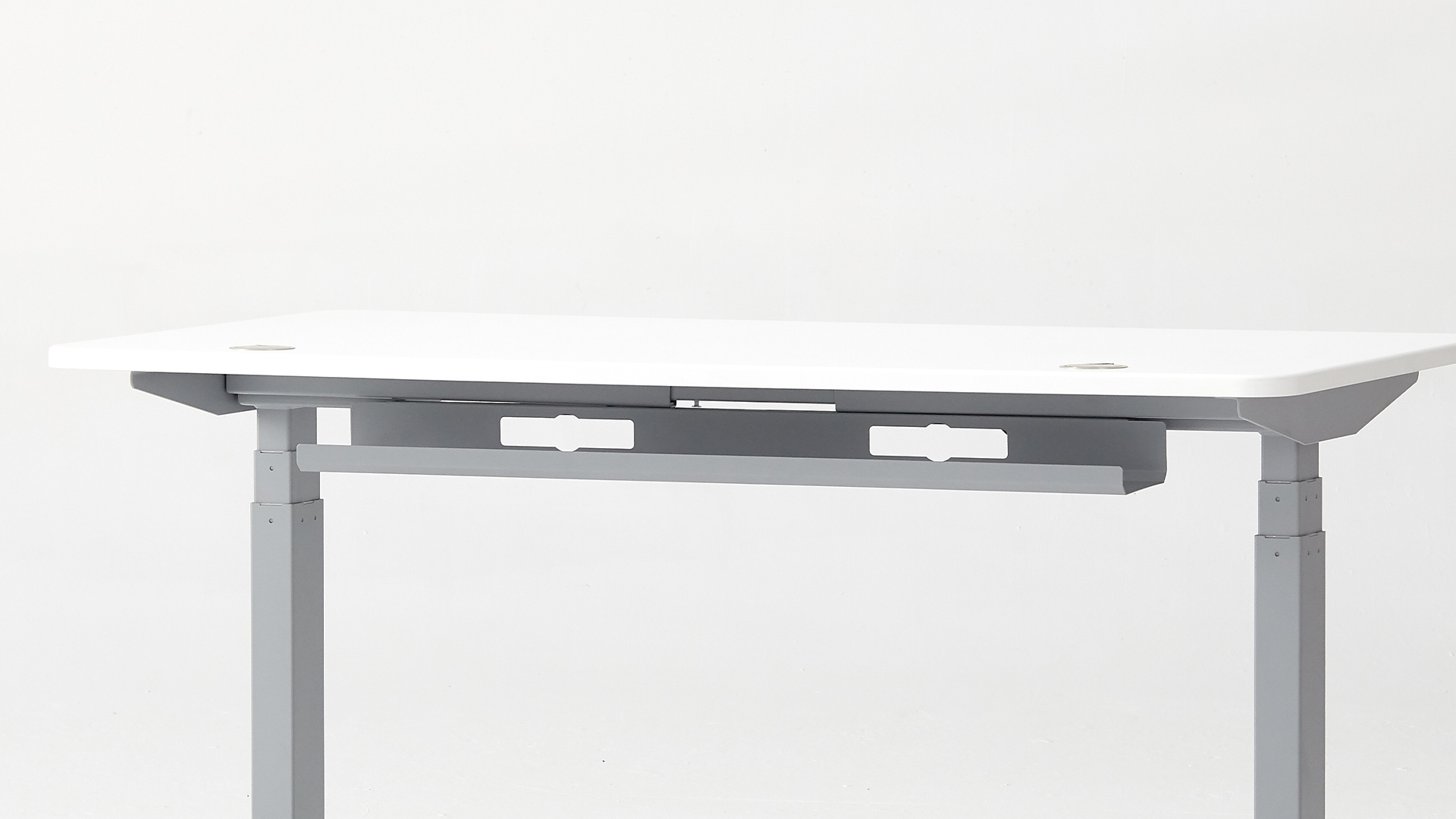
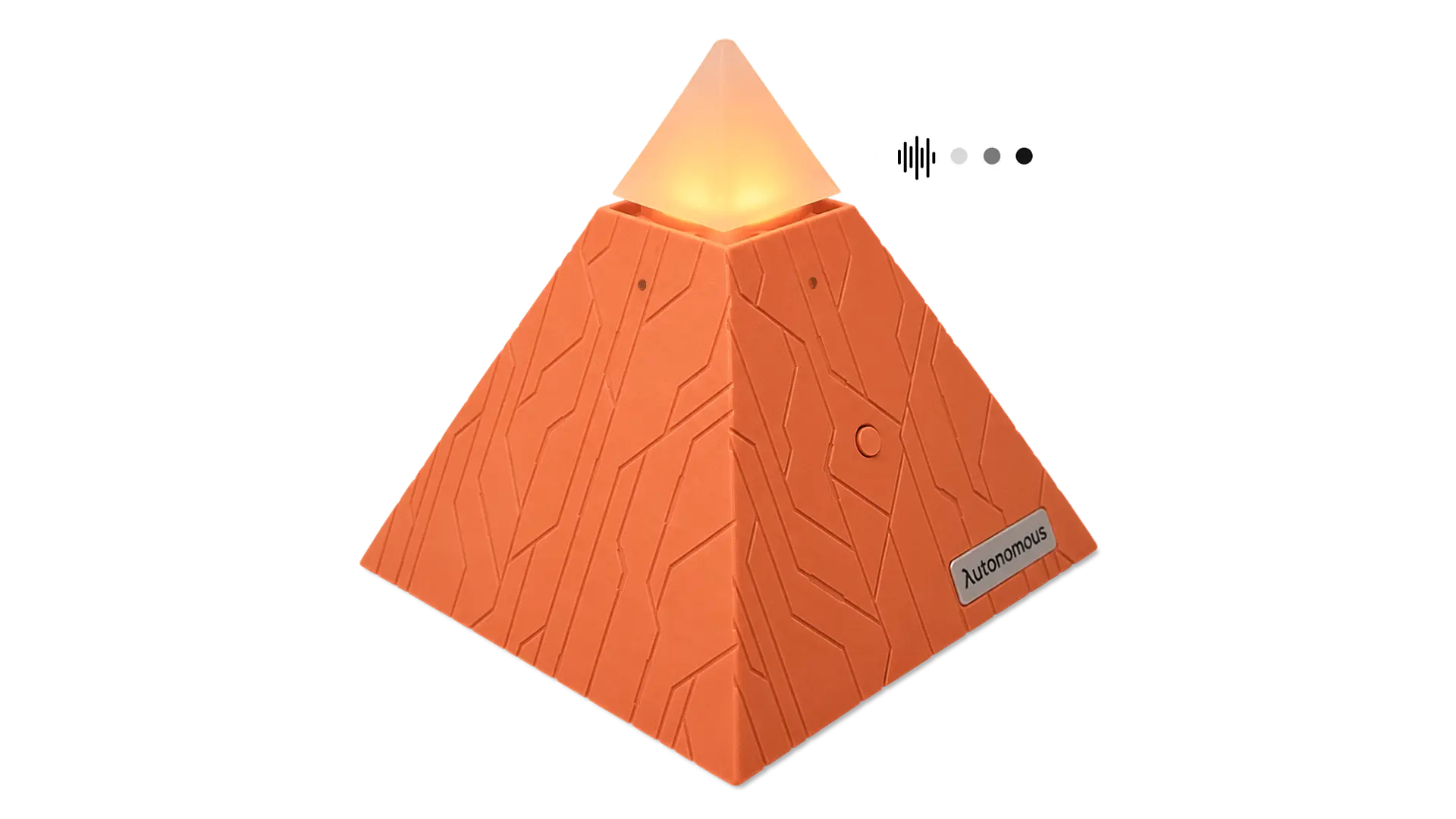
Autonomous Key is not another notification or Pomodoro app. You choose distracting apps in its companion app; to unlock them, you tap your phone to a passive NFC key. That extra physical step is useful if you repeatedly override screen-time limits during focused work. It requires no battery or subscription and works with supported iOS and Android phones.
This controls supported phone apps, not distractions on the PC, and physical unlocking may be inconvenient for people who need frequent access.
4. A monitor arm that frees up the desk
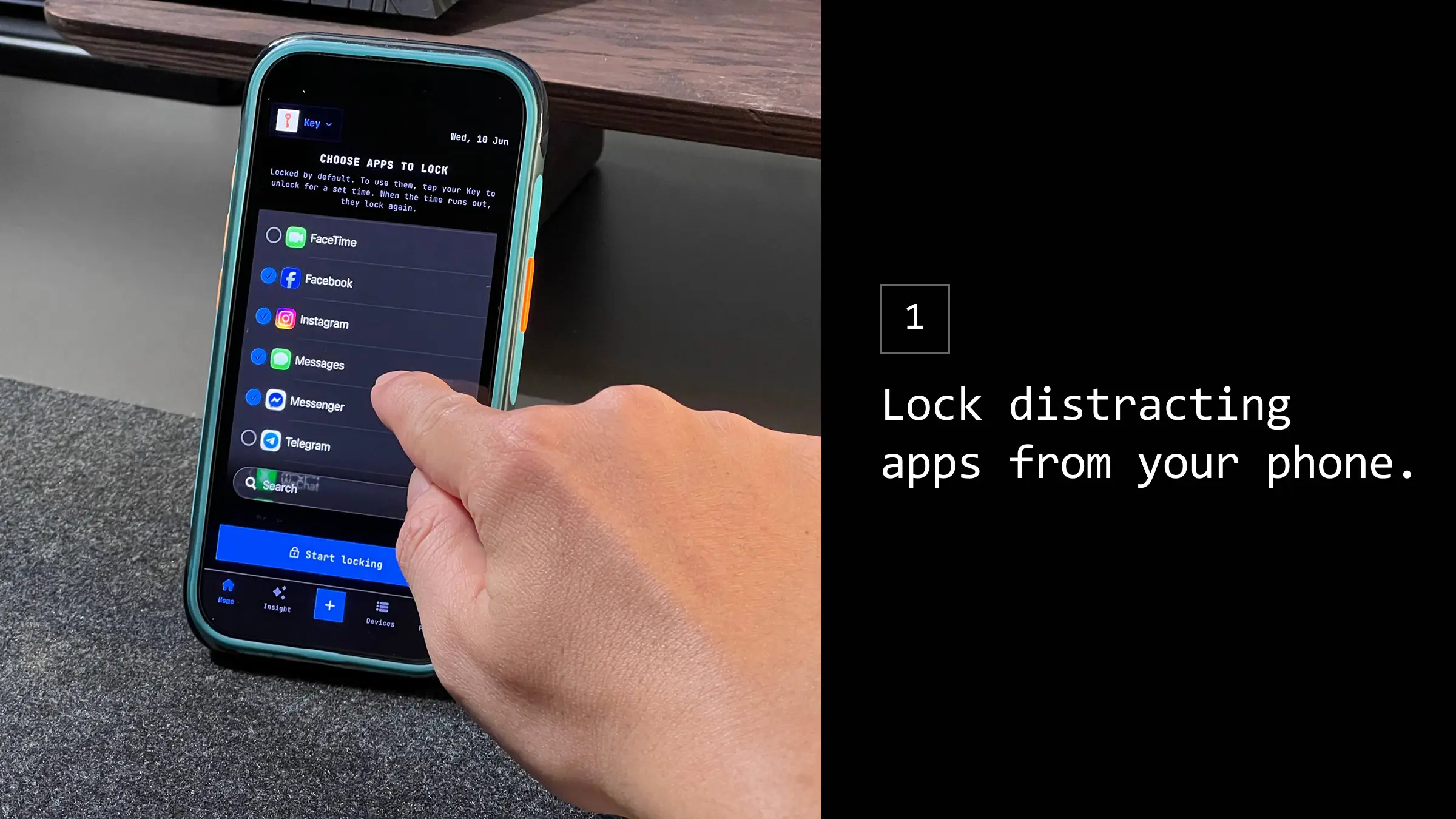
A monitor arm can reclaim the area occupied by a large stand and let you move the display closer, farther or higher as your work changes. It makes the most sense when your screen is used every day and the original stand limits positioning. The same principle applies to the keyboard, screen and desk layout: adjust around the user, not around the photo. The monitor must have compatible mounting holes, sufficient rear-wall clearance and an arm that matches its weight and the desktop thickness.
5. A directional desk lamp or monitor light bar
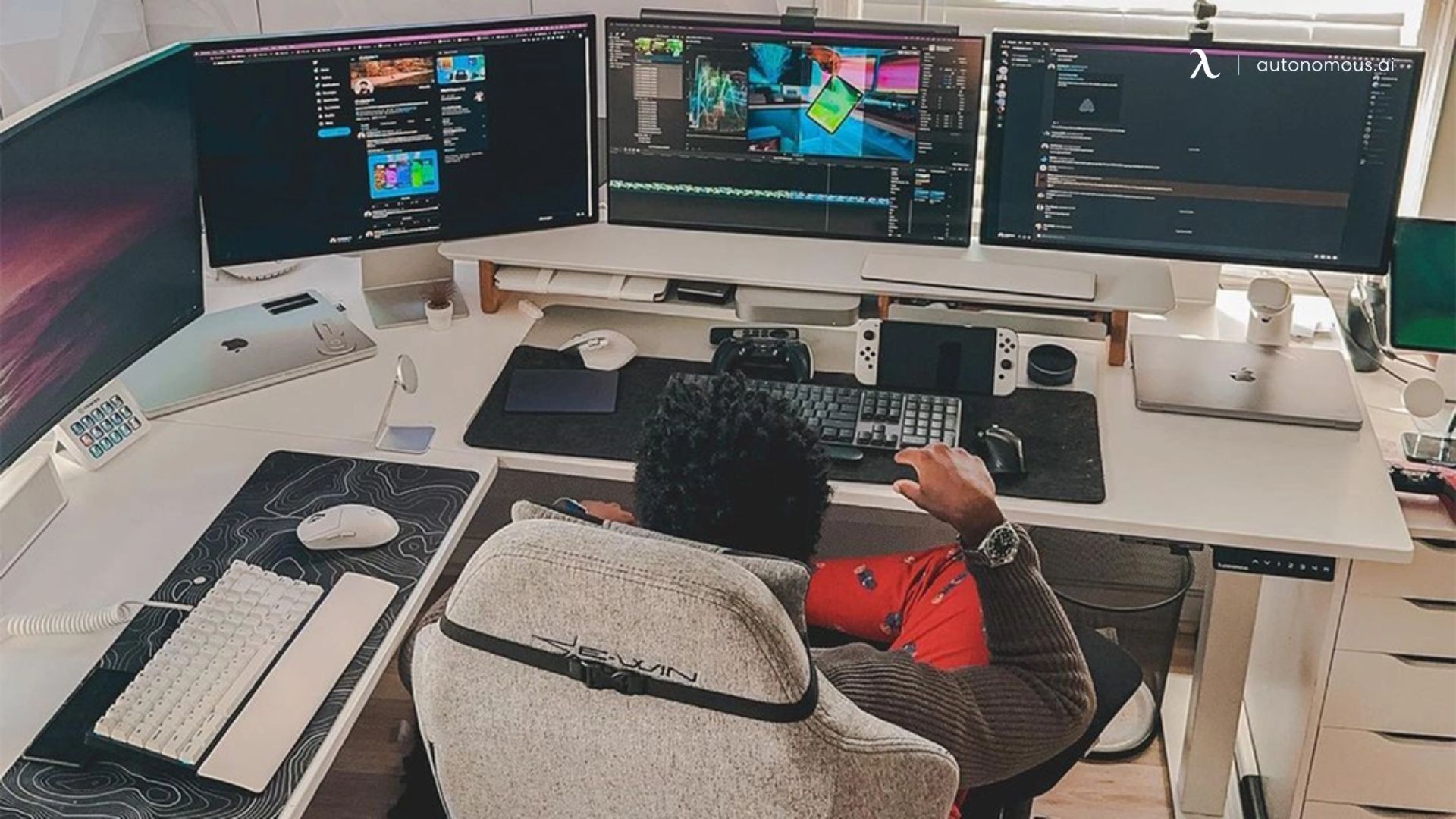
Light the documents and keyboard without lighting the screen itself. A directional lamp is better for sketching and paper-heavy work; a monitor bar can save desktop space if your display accommodates it. Look for dimming and a stable mount rather than treating RGB effects as task lighting. Glare depends on the whole room and the screen angle, not simply the brightness rating on a lamp.
6. Autonomous Desk Pro for a height-adjustable setup
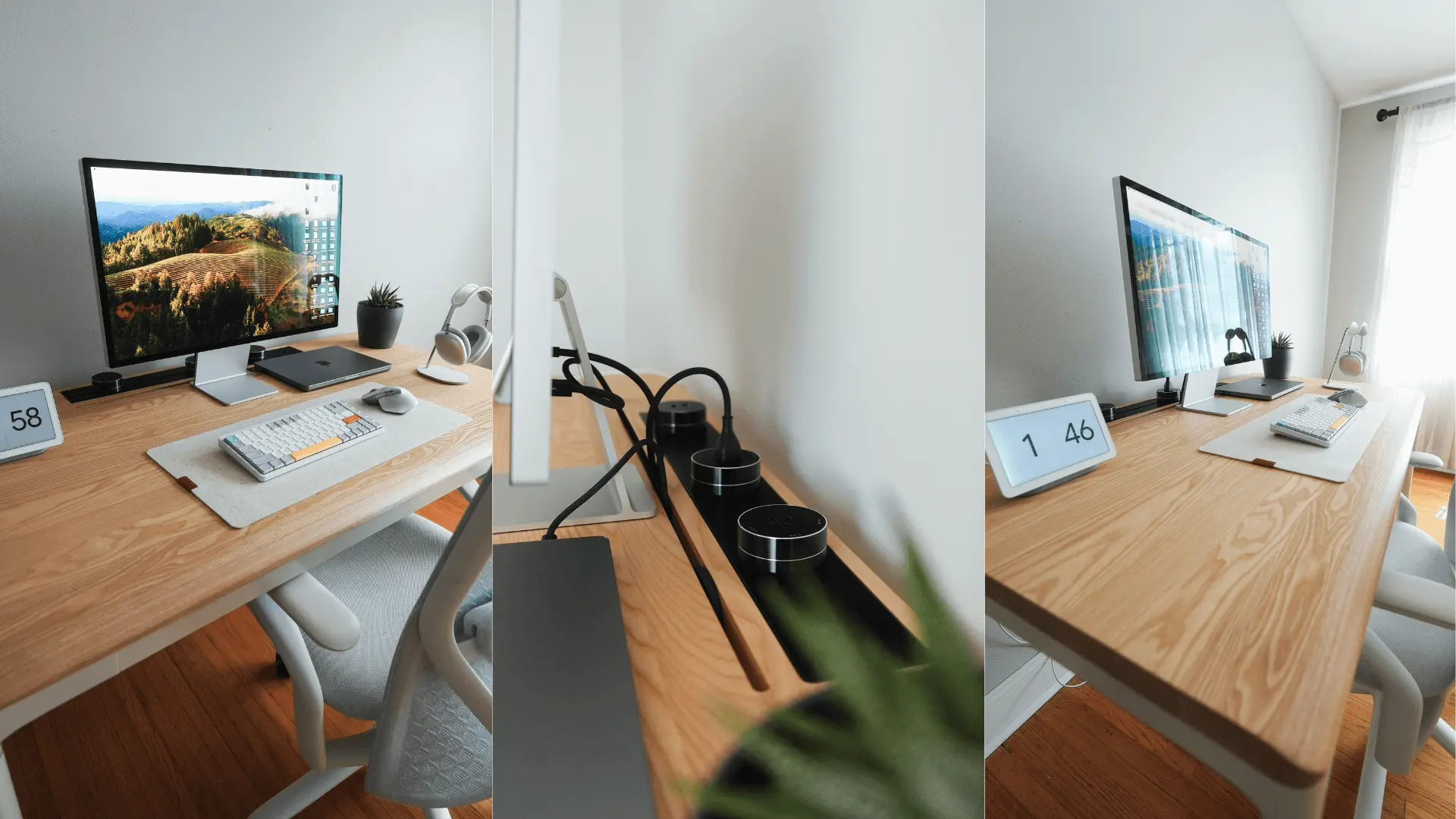
A sit-stand desk is not a small accessory, but it changes what every other accessory can do. Autonomous Desk Pro offers a 53 × 29-inch or 70.5 × 29-inch surface, dual motors and a 330 lb rated lifting capacity in the standard Pro configuration. Its depth gives you room to position a monitor and still keep a notebook or charging station within reach. It is most useful when your current desk is too shallow or fixed at an uncomfortable working height.
The standard Pro frame starts at a 29.5-inch seated height; verify your elbow height and the exact configuration before ordering.
(1).webp)
7. A laptop stand for hybrid work
A laptop stand raises the screen when you are using a separate keyboard and mouse. This is especially helpful when a compact home desk doubles as a meeting station. A laptop-only setup still needs a keyboard position that does not force your hands too high; a stand by itself will not fix that. Choose a stable, ventilated stand with enough height for your screen, then use external input devices for long typing sessions.
.webp)
8. A USB-C dock for fewer connection steps
A dock becomes worthwhile when one laptop regularly connects to a monitor, wired network, storage and power. You reconnect one cable instead of several. For a desktop PC with plenty of ports, a powered USB hub may be the simpler solution. At a PC accessories level, choose by the ports your machine actually supports. A dock cannot add video output modes or charging capability that the host laptop does not support.
9. Harness Pro for managing coding agents from the desk
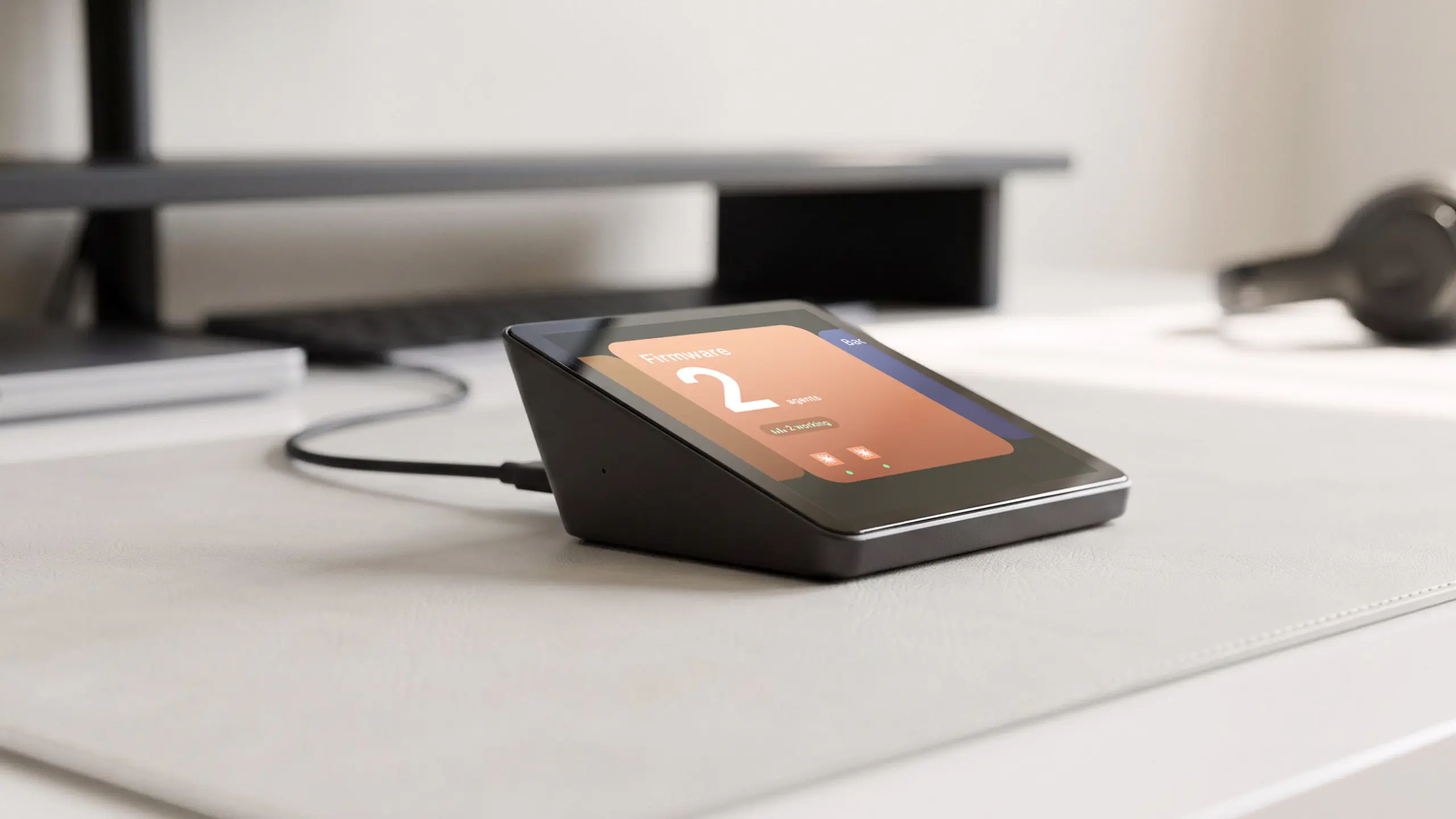
Harness Pro is a 3.95-inch touchscreen control surface for developers using agents such as Claude Code, Codex and Cursor through the Harness app. It connects by USB-C to a computer running Harness, then displays and switches between agent workflows across supported machines. Compared with buying a second display to watch terminals, it gives agent status a small, dedicated place on the desk.
Harness Pro is not an independent AI computer; it needs the Harness app and a compatible Mac/Linux workflow.
10. A multi-device charging pad or USB-C station
A charger with clearly separated spots for a phone, earbuds and a watch removes a surprising amount of countertop clutter. For work laptops, a multiport USB-C charger can replace several power bricks when the connected devices support the same charging standard. With several devices connected, a charger may divide its available wattage across the ports. Confirm each device’s charging standard.
11. A keyboard and mouse that match your hands
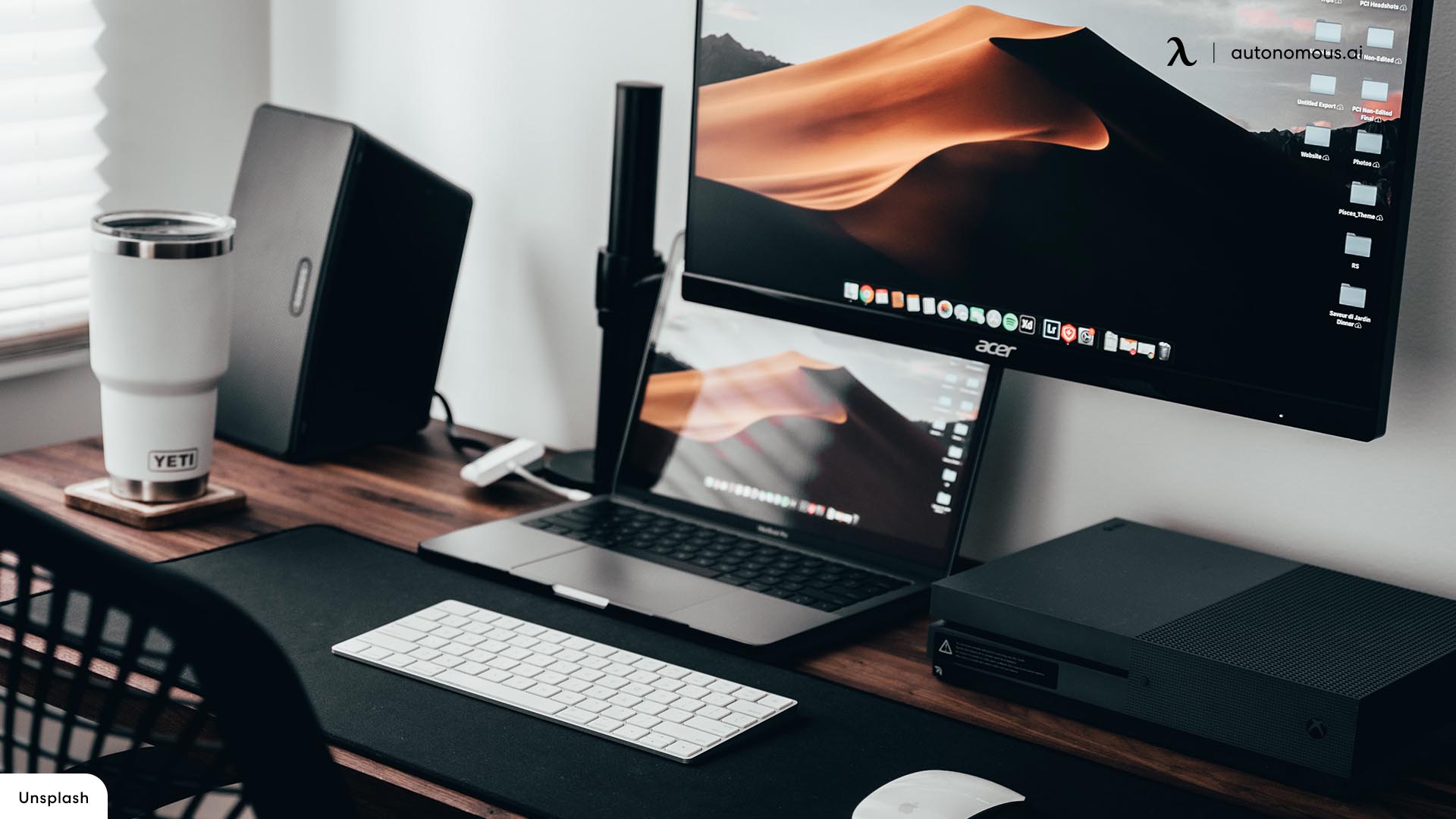
A compact mechanical keyboard gives back mouse space, while a full-size board is useful if you enter numbers all day. An ergonomic or vertical mouse changes the grip, not automatically the outcome. A comfortable setup is one where your forearms are supported, your shoulders can relax and you do not have to reach across the desk. Hand size, mouse-button reach, keyboard noise and wrist position affect the fit; no device guarantees freedom from repetitive strain.
12. Autonomous Intern 2 as an always-on agent computer
Autonomous Intern 2 is different from Harness Pro: it is a separate small computer running agent services, with OpenClaw and Hermes editions. Built on an Orange Pi 4 Pro, it offers 6 GB RAM, local files for project context and a browser dashboard. Its use case is recurring background work such as research digests, status monitoring or draft preparation while your main laptop is busy.
Local agent hardware still requires permission management and may involve cloud-model or API costs.
13. Headphones for focused work and clear calls
Closed-back or noise-canceling headphones help in a shared home or busy studio. For long meetings, microphone pickup and comfort may matter more than maximum noise cancellation. A small desk hook keeps them within reach without leaving them across the keyboard. Active noise cancellation is different from microphone quality. Speakers may be a better open-ear alternative in a private room.
14. A shortcut macro pad for repeat actions
A macro pad earns its footprint when you repeat a real sequence, such as muting a microphone, triggering a build script or changing a streaming scene. Unlike some geeky desk gadgets, its value can be measured by the actions it saves. Before choosing a macro pad, identify the shortcuts you will use regularly; some models depend on companion software.
15. Autonomous Lamp, a programmable desk robot
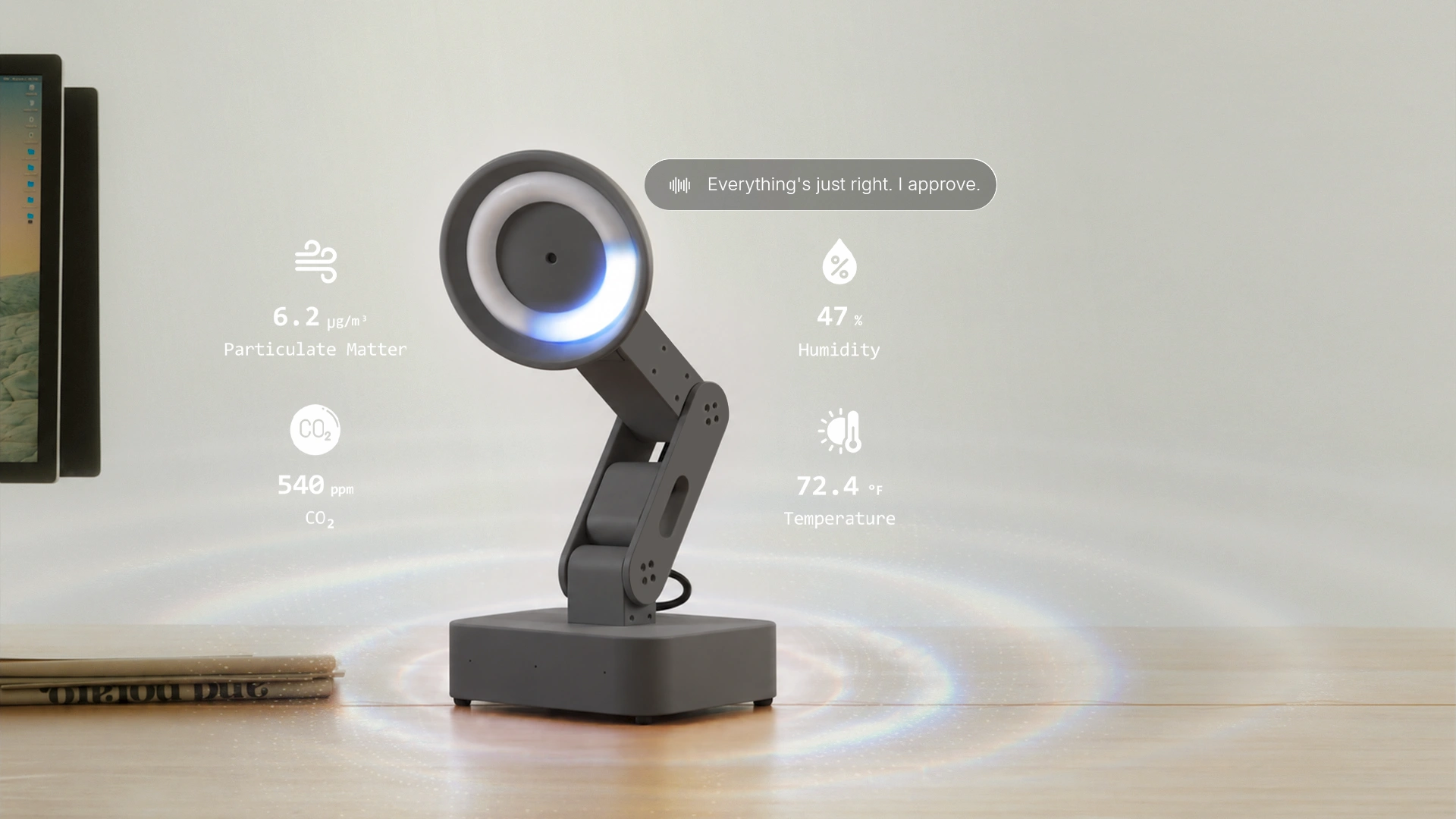
Autonomous Lamp is not a replacement for a conventional task lamp. It is a five-axis desktop robot with a camera, microphones, speakers and an open-source OS, a more specialized example from the AI gadgets lineup. Builders can connect supported agents and use physical APIs to create gestures, conversations and sensor-driven interactions. That makes it an unusual desk gadget for software engineers, robotics enthusiasts and creators who want to build experiences rather than just illuminate paperwork.
Unlike a normal lamp, this robot needs workspace, power and configuration. Sensor features vary by version.
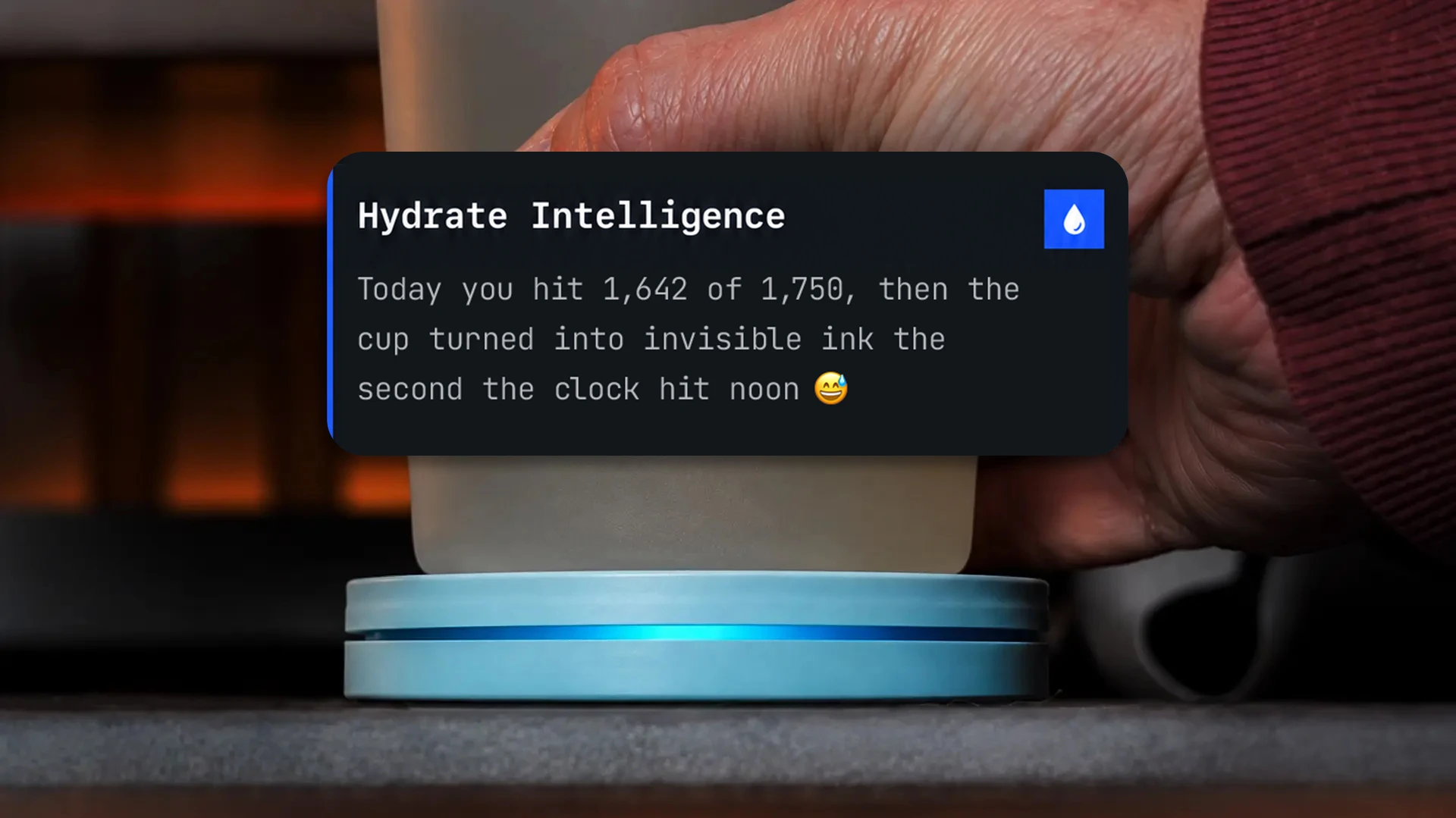
16. Autonomous Hydrate, a smart coaster that reminds you to drink
It's easy to spend four hours deep in code, meetings or gaming and realize your water bottle is still full. Autonomous Hydrate solves that small but familiar problem with a smart coaster that tracks how much you drink without requiring you to log every sip.
Place any cup or bottle on its 3.54-inch surface. Hydrate measures weight changes to estimate your intake, while its companion app shows drinking patterns and daily progress. The most practical feature is the reminder system: a soft light, vibration or buzzer every 15, 30 or 60 minutes, or on your own schedule. You don't need to check your phone to notice it.
What makes Hydrate different from a regular desk timer is that it tracks an actual habit rather than simply counting down. Its compact design fits beside a keyboard, and USB-C power means no battery replacement. It also makes a useful desk gift for someone who regularly forgets to drink during long work sessions.
The trade-off is that Hydrate measures weight changes, not the contents of your drink. It also needs a stable surface for consistent tracking. If you already drink enough water throughout the day, you probably don't need another device reminding you.
17. Compact desktop speakers for open-ear listening
A small pair of powered speakers is useful for music, tutorials and casual calls when headphones feel restrictive. Near-field speakers placed on either side of the main display usually make more sense for a desk than a room-sized sound system. Compare USB, 3.5 mm and Bluetooth inputs with the PC you actually use; leave room for airflow and remember that speaker audio is not private in a shared office.
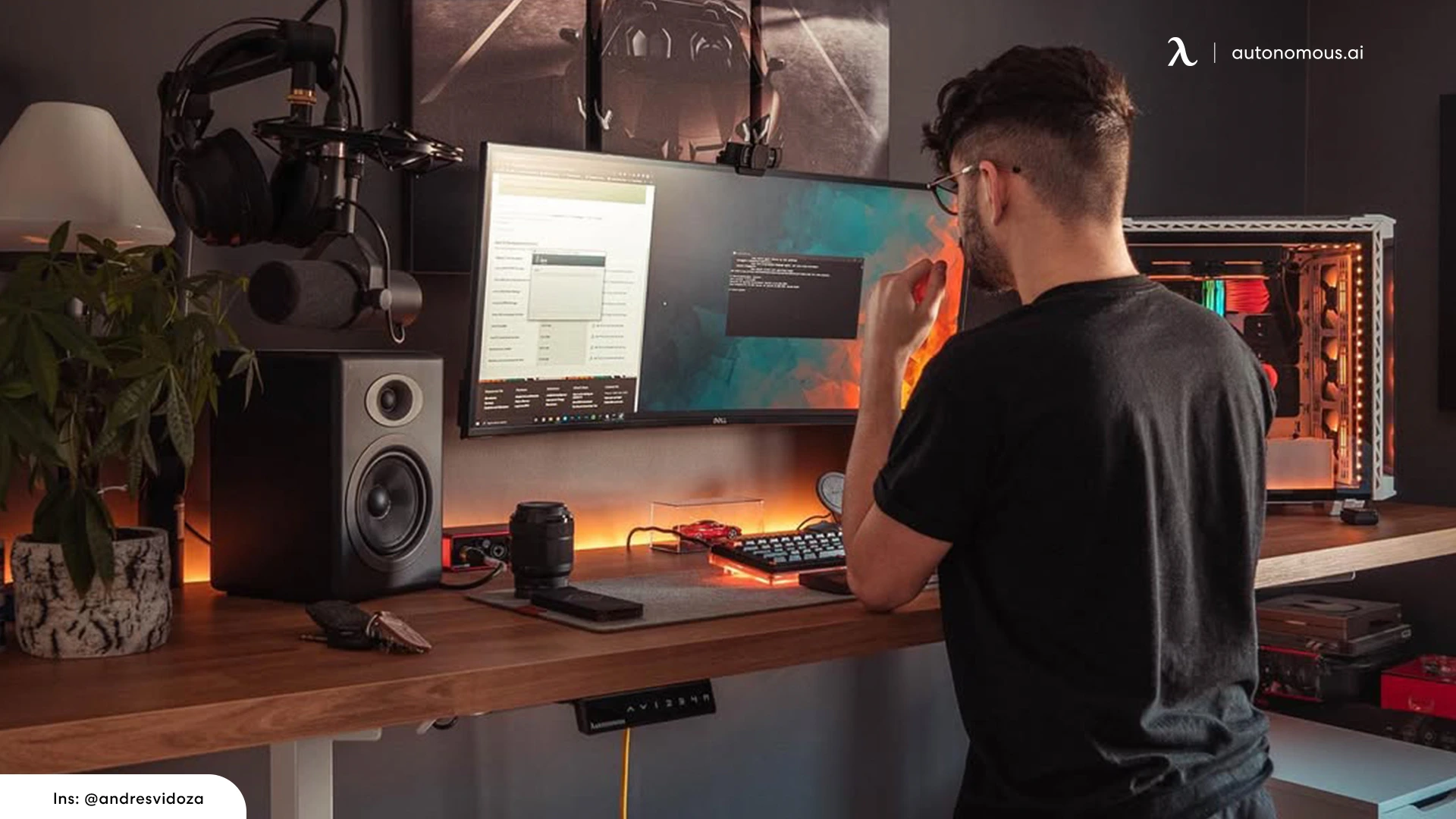
18. An organizer that holds the items you actually use
A tray for keys, pens and a notebook can make a shared desk look finished without forcing everything into drawers. A wood-and-metal organizer works with darker office decor, but the functional test is whether it gives daily objects a consistent home. For gifts, consider personalized office accessories only when the recipient will use the object itself. Large organizers can become clutter themselves. Start with one tray for frequently used items.
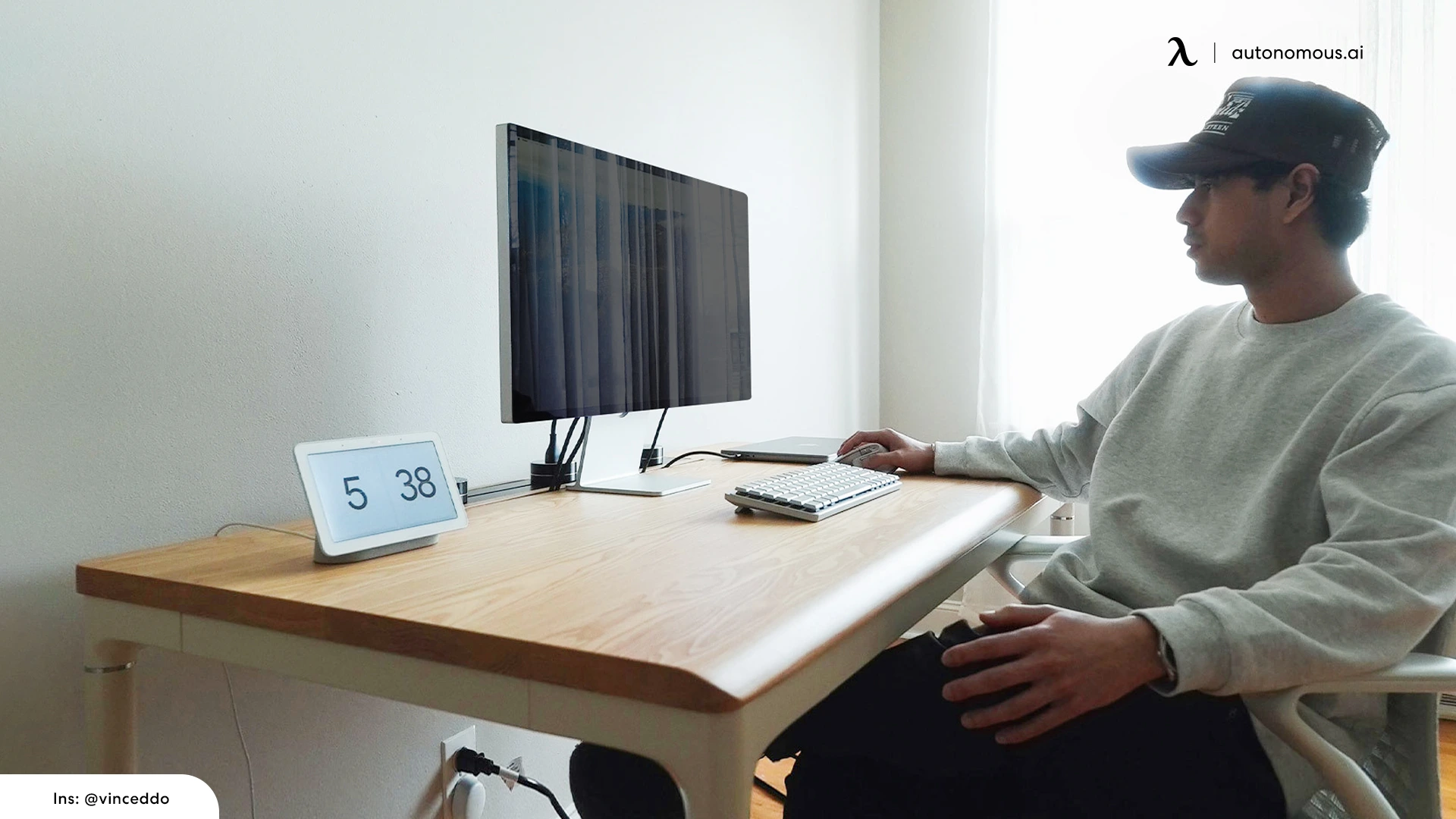
19. A desk shelf or monitor riser for a second storage level
A raised shelf adds a small second tier for a dock, notebook, backup drive or compact speakers without expanding the desktop. Unlike a monitor arm, it leaves the monitor stand in place unless the shelf is specifically rated and sized to support it. Check shelf load capacity, leg clearance, worktop depth and whether its rear edge conflicts with a desk-mounted monitor arm.
.webp)
How to choose accessories without cluttering your desk
- Fix the recurring annoyance. Is it cables, screen position, missed meetings or phone interruptions? Buy for that problem first.
- Measure before shopping. Check usable desktop depth, clamp access, USB ports and the reach between keyboard and mouse.
- Protect the main workflow. A gadget is not an upgrade if its app needs constant attention or its dock breaks your display output.
- Choose a coherent look afterward. Black aluminum, wood, leather and neutral lighting can work together without every accessory matching.
For a desk that mixes work and gaming, the balance shifts toward screen placement and input devices; the gaming desk accessories category is useful when that is your main use case. Specialized desktop AI is worth considering only when you already have a specific workflow to automate.
FAQs
What are the best desk accessories for men?
The most useful desk accessories for men are a monitor arm, cable tray, task light, comfortable input devices and an organizer sized to the workspace. For developers, a macro pad or dedicated AI-agent control surface can be more useful than decorative gadgets.
What office must-haves for men should come first?
Start with a desk and chair that fit your body, then a readable monitor, keyboard, mouse and reliable power. Add accessories only after identifying a repeat problem such as tangled cables, too few ports or poor lighting.
What are cool desk gadgets for men who work in tech?
A macro pad, mechanical keyboard, physical app blocker, agent-status display and programmable robot are interesting tech-desk gadgets. The right choice depends on whether you actually automate workflows, write software or simply want fewer distractions.
Are expensive office accessories worth it?
They can be when they solve daily friction and remain useful for years. Check compatibility, replacement parts and recurring software fees first. For a decorative object, a much simpler tray, light or desk mat may serve just as well.
What is a practical desk gift for him?
A desk mat, small organizer, USB-C charger or cable tray is a relatively safe choice once you know the desk size. Specialized gadgets such as Harness Pro or Intern 2 make sense only if the recipient already uses relevant AI workflows.
Do I need an AI gadget for my home office?
No. Most workstations benefit more from correct screen placement and reliable input devices. AI devices become worthwhile when they perform a repeatable job, such as monitoring coding agents or running scheduled background tasks.
How can I keep a masculine desk setup minimal?
Choose one consistent material palette, mount or organize loose cables, give daily objects a dedicated place and leave some worktop empty. A clean setup is mainly about layout and storage, not buying more matching accessories.
What is the difference between Harness Pro and Intern 2?
Harness Pro is a touch control surface for agents already running through the Harness app on connected machines. Intern 2 is a separate agent computer that can run scheduled jobs. Choose based on whether you need a dedicated interface or dedicated compute.
Bottom line
The best desk accessories for men combine practical fit with a setup that feels personal. Start with surface space, lighting, input devices and cable organization. If coding agents or robotics are genuinely part of your day, Autonomous Key, Harness Pro, Intern 2 and Lamp bring more distinctive hardware into the mix. Otherwise, a simple desk mat or well-placed monitor arm may be the smarter purchase.
References
- OSHA. Computer Workstations eTool, workstation components. Ergonomic fit and layout guidance.
- TechRadar. 15 quirky desk gadgets that are useful for work (2026). Recent gadget category reference.
- Better Homes & Gardens. Home office upgrades (2026). Workspace layout and lighting reference.
- Yanko Design. Desk accessories for men (2026). Design-led workspace accessories
- TechCrunch. Desk gadgets that improve everyday work (October 2026). Practical desk hardware and organization