


Is a Gaming Chair Good for Back Pain? Best Picks 2026

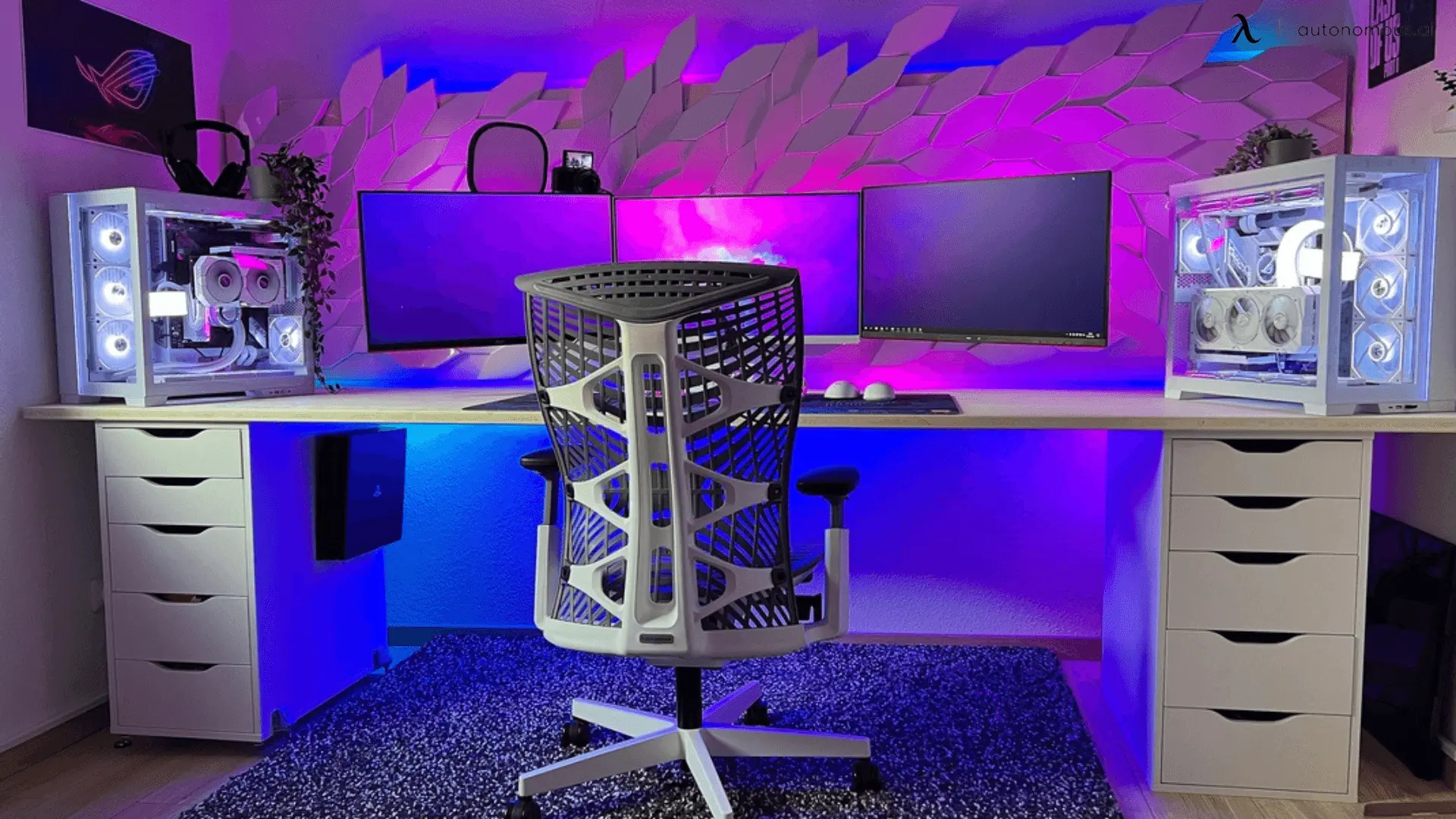
You know the feeling: the match ends, the room goes quiet, and your lower back starts to complain. If long sessions are leaving you stiff or sore, it is fair to ask whether a gaming chair for back pain actually helps or just looks the part. The short answer is that a good one helps, but not by magic. It comes down to real, adjustable lumbar support, a back that fits your frame, and a few minutes spent setting it up. This guide explains what causes gaming back pain and the best chairs for the job right now.
Does a gaming chair help with back pain?
A gaming chair helps with back pain when it has adjustable lumbar support you can position, a backrest tall enough to support your whole spine, and a seat that keeps its shape, though it reduces posture strain rather than curing an existing condition. The Mayo Clinic's office-ergonomics guidance points the same way: pick a chair that supports your spine's natural curves, keep your feet flat with your knees near hip level, recline slightly instead of sitting bolt upright, and get up to move regularly. A racing-style chair with only a loose pillow often will not help, since a fixed pad can sit in the wrong spot and add strain rather than relieve it.
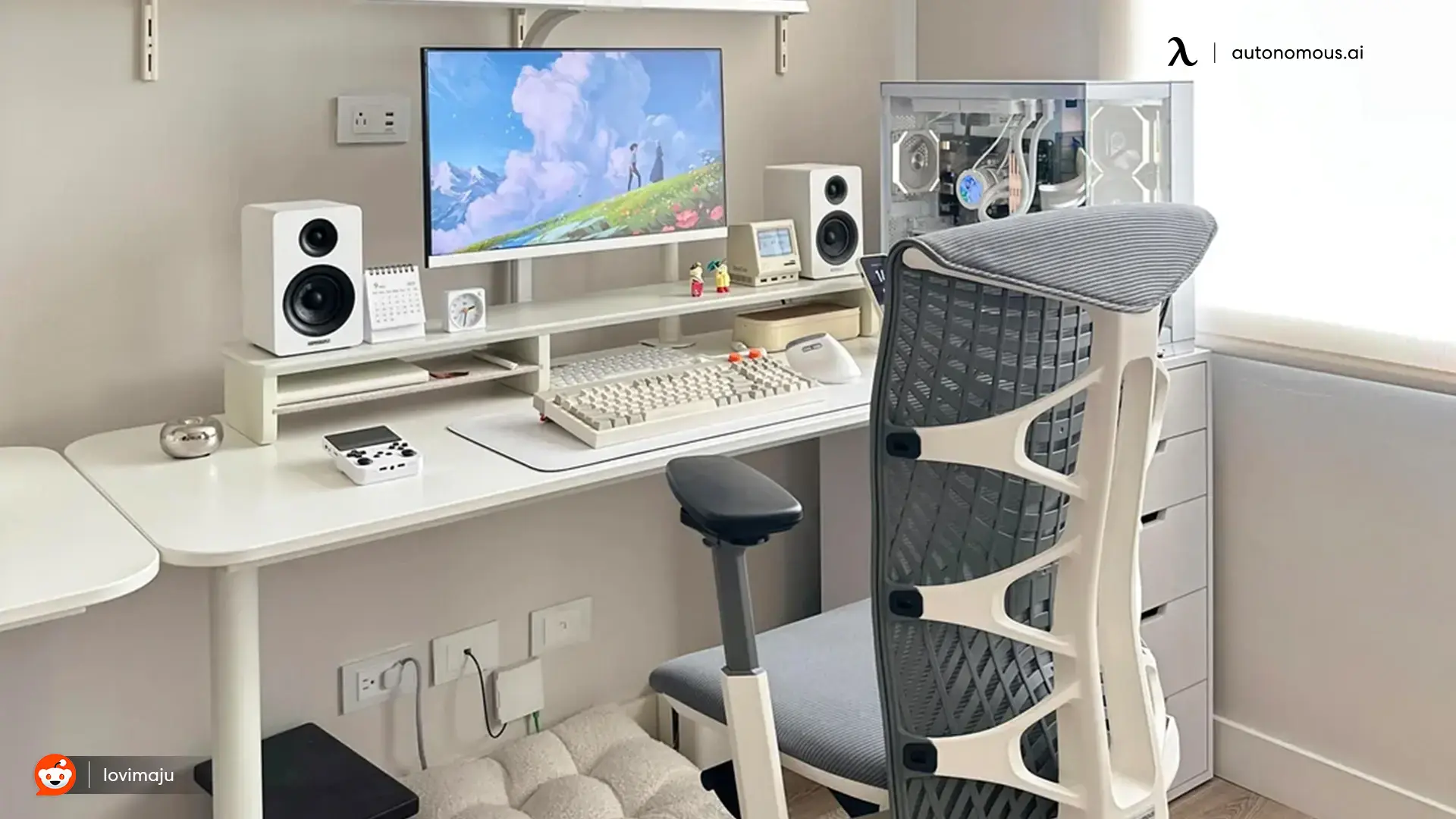
Best gaming chairs for back pain, compared
The best gaming chairs for back pain lead with lumbar support you can position, a supportive high back, and foam that holds its shape. Here is a quick look at the options, followed by a detailed review of each.
Chair | Best for | Lumbar system | Warranty | Price |
AndaSeat Kaiser 4 | Best pop-out lumbar | 24-degree pop-out, 4-way fine-tune | varies | about $549 |
Herman Miller x Logitech G Embody | Best for movement | BackFit whole-spine alignment | 12 years | about $1,700 |
Autonomous ErgoChair Pro | Best value, set lumbar | Sliding lumbar pad, 6-inch range | Lifetime | $499 |
Autonomous ErgoChair Mesh | Best breathable | Sliding lumbar cushion | Lifetime | $499 |
Autonomous ErgoChair Ultra 2 | Best dynamic support | Lumberless whole-spine flex | Lifetime | $449 |
1. AndaSeat Kaiser 4
The AndaSeat Kaiser 4 is the pick for adjustable lumbar you can reset on the fly, with a lumbar that pops out up to 24 degrees on an elastic gas spring. Inside that pop-out sits a 4-way mechanism that fine-tunes support 76 millimeters up and down and 30 millimeters in and out, so you can place it on your lower-back curve. It adds 6D armrests and a magnetic head pillow, in stain-resistant leather or linen.
Testing it for TheGamer, Axel Bosso found the pop-out did the work: every time he changed the recline angle, one pull of the lever reset the support and his back felt comfortable again. After a week he noticed how much straighter he sat, and could play for hours without his back complaining.
The catch is assembly. Bosso described a heavy chair with a hidden box and cable that made setup fiddly and under-documented, and at $549 it is a premium buy that earns its place only if you will use that lumbar every day.
2. Herman Miller x Logitech G Embody Gaming Chair
The Herman Miller x Logitech G Embody is the premium pick for back support through movement, using a BackFit dial that aligns the whole backrest to your spine and a PostureFit device that opens your chest, rather than a lumbar pad. Its pixelated support spreads weight evenly, it ships fully assembled, and it carries a 12-year warranty rated for 24-hour daily use.
Reviewing it for PC Gamer, Jacob Ridley scored it 88 out of 100 and found it comfortable enough to sit in all day without a moment of discomfort, with the long warranty doing much of the work to justify the price. His main gripes were the cost and the limited armrest movement, part of Herman Miller's deliberately minimal, few-adjustments approach.
That approach is the trade-off: it does not give firm, focused lumbar pressure at a set height, so choose it if you shift positions constantly, and look elsewhere if you want a lumbar you can pin to one spot. At around $1,700 it is by far the most expensive option here.
3. Autonomous ErgoChair Pro
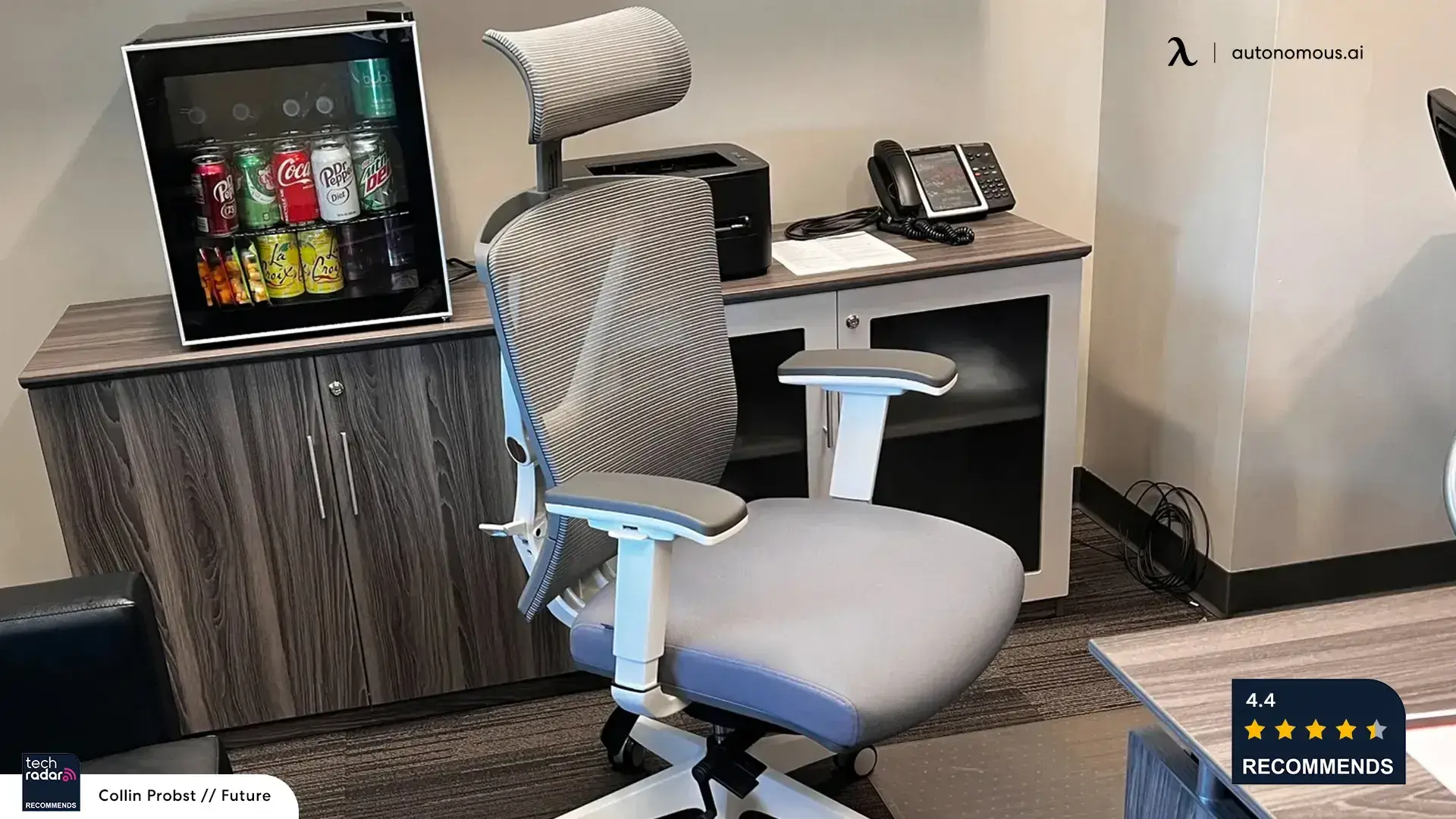
The Autonomous ErgoChair Pro is the value pick for adjustable back support, with a sliding lumbar pad you set across a 6-inch range to meet your lower-back curve. It adds 9-point adjustment and synchro-tilt, holds 300 pounds, and carries a lifetime warranty at $499.
Tom's Guide and Tom's Hardware reviewed the Pro favorably for its adjustable support at a mid-range price.
The adjustable lumbar is the feature back-pain buyers ask us about most, which is why the Pro is our first pick when you want a lumbar you position yourself. If it suits you, the code BLOGFIRST5 takes an extra 5% off at checkout.
4. Autonomous ErgoChair Mesh
.jpg)
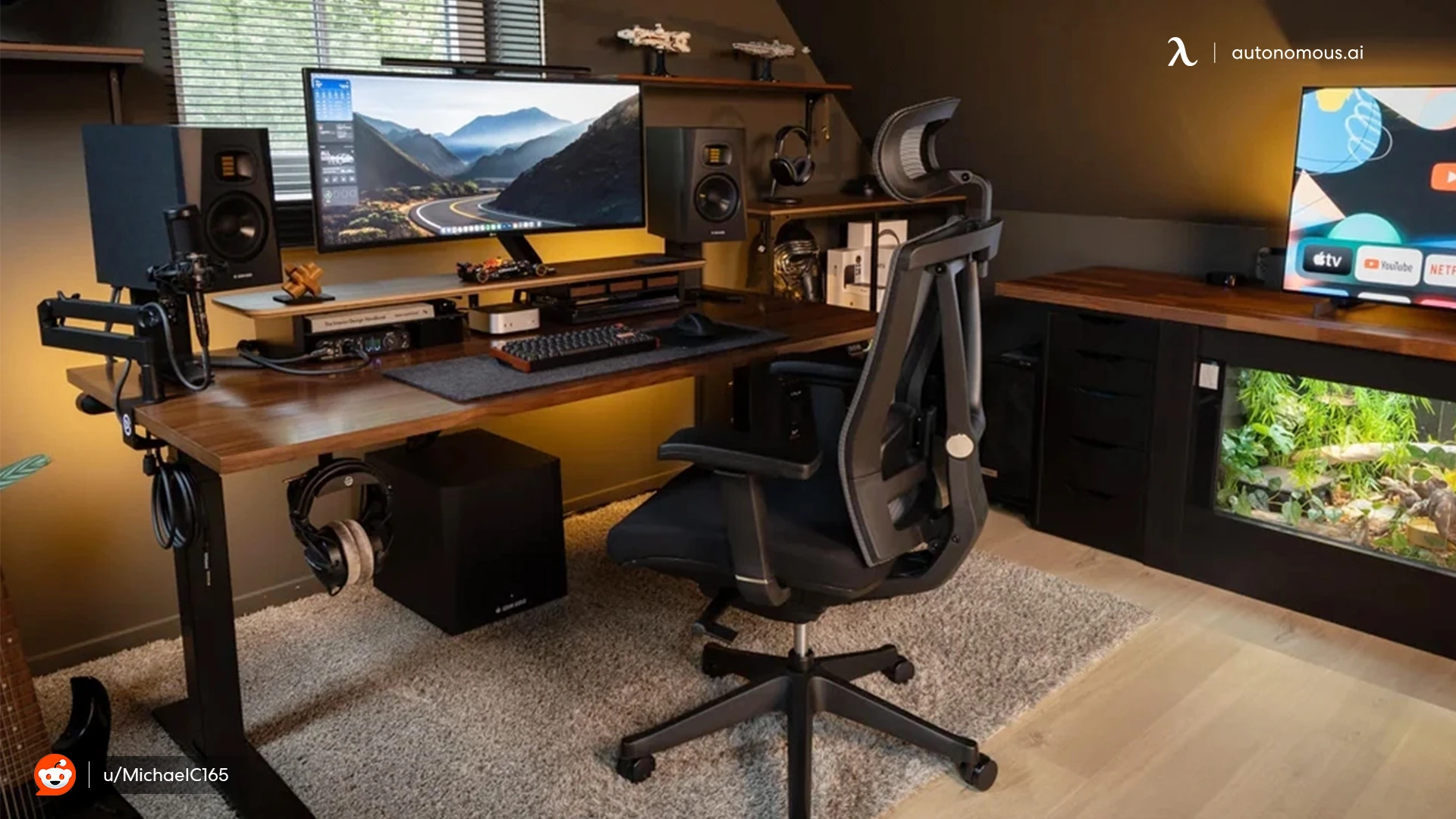
The Autonomous ErgoChair Mesh does the same job as the Pro with a sliding lumbar cushion, wrapped in a breathable German mesh back that suits warmer rooms. It holds 300 pounds and shares the lifetime warranty at $499.
TechRadar praised the Mesh for its breathability and all-day support.
Choose it over the Pro if you tend to overheat in a padded chair, since the mesh back trades some plushness for airflow.
5. Autonomous ErgoChair Ultra 2

The Autonomous ErgoChair Ultra 2 supports your back through movement rather than a set lumbar, since it is lumberless by design. Like the Embody's BackFit, its flexing frame supports the whole spine at once instead of pressing on one point. It holds 320 pounds with a lifetime warranty at $449.
It costs less than a third of the Embody while taking a similar dynamic approach, but if you specifically want a lumbar you can set to your lower back, the Pro or Mesh fit that better. You can also compare all three against standard picks in the best gaming chairs we have tested.
What to look for: features that reduce back pain
The single most important feature is adjustable lumbar support you can move up, down, and in, so it meets the curve of your lower back instead of pressing on the wrong spot. A fixed lumbar pillow that sits too high or too low can make things worse, which is why positionable support beats a passive cushion.
Four more features do the heavy lifting:
- High back that supports your shoulders, not just your lower spine, so weight spreads evenly.
- Seat depth that supports your thighs without pressing behind the knees, which protects circulation.
- Recline you can lock around 100 to 115 degrees, so you can shift load off your lower spine during breaks.
- High-density foam that holds its shape, since soft foam collapses within months and takes your posture down with it.
Adjustable 4D armrests help too, by keeping your forearms supported and your shoulders relaxed, which eases upper-back and neck tension.
Frequently asked questions
Is a gaming chair good for lower back pain?
A gaming chair is good for lower back pain when it has adjustable lumbar support, a supportive high back, and firm foam, and when you set it up to your body. It reduces the posture strain that causes pain during long sessions, but it will not cure an existing back condition on its own.
Are gaming chairs good for your back?
Gaming chairs are good for your back if they are ergonomic and adjusted correctly, and can be bad for it if they rely on a fixed pillow and a collapsing seat. The key features are positionable lumbar support, a high backrest, and high-density foam that holds its shape over time.
Why do gamers get back pain?
Gaming back pain usually comes from how you sit, not gaming itself. Long static sessions compress the spine and cut circulation, leaning toward the screen strains the lower back and neck, and a low monitor or a seat not built for long hours makes it worse. It builds from setup, chair, and habits combined.
Is a gaming chair or an office chair better for back pain?
For back pain, the better choice is whichever offers adjustable lumbar support and fits your body, whether that is a gaming chair or an ergonomic office chair. Ergonomic office chairs often give finer seat and lumbar control, while gaming chairs add a taller back and recline for shifting position.
Do you need adjustable lumbar support for back pain?
Adjustable lumbar support matters most for back pain because everyone's spine curves at a slightly different height. A lumbar you can move up, down, and in meets your lower back correctly, while a fixed pillow can sit in the wrong spot and add strain rather than relieve it.
What is the best sitting position to avoid back pain?
The best sitting position keeps your lower back in its natural curve, your feet flat, your hips level with or slightly above your knees, and your screen at eye level. Recline slightly to about 100 to 110 degrees and take regular breaks to shift load off your spine.
When should you see a doctor about gaming back pain?
See a doctor or physical therapist if back pain is severe, lasts more than a few weeks, or comes with numbness, tingling, or leg pain. A chair helps with posture-related strain, but persistent or worsening pain needs a professional assessment rather than an equipment fix.
The bottom line
A gaming chair for back pain helps when it gives you real, adjustable lumbar support, a back that fits your frame, and foam that does not cave in, and when you spend a few minutes setting it up. It is not a cure, and it works best alongside breaks and good desk alignment. If you want strong adjustable lumbar without a premium price, the ErgoChair Pro covers it, while the Kaiser 4 and the Logitech G Embody lead the premium field. Match the lumbar system to your lower back, adjust it properly, and your spine will thank you after the next long session.
References
- Mayo Clinic. Office ergonomics: your how-to guide (chair support, posture, and movement).
- TheGamer (Axel Bosso). AndaSeat Kaiser 4 gaming chair review.
- PC Gamer (Jacob Ridley). Herman Miller x Logitech G Embody gaming chair review.
- SeatedLab and Herman Miller. Embody BackFit spinal-alignment details.
- Tom's Guide and Tom's Hardware. Autonomous ErgoChair Pro reviews.
- TechRadar. Autonomous ErgoChair Mesh office chair review.