Autonomous Desk Pro vs Desk 2 - The Quieter Desk Lifts 80 lb More

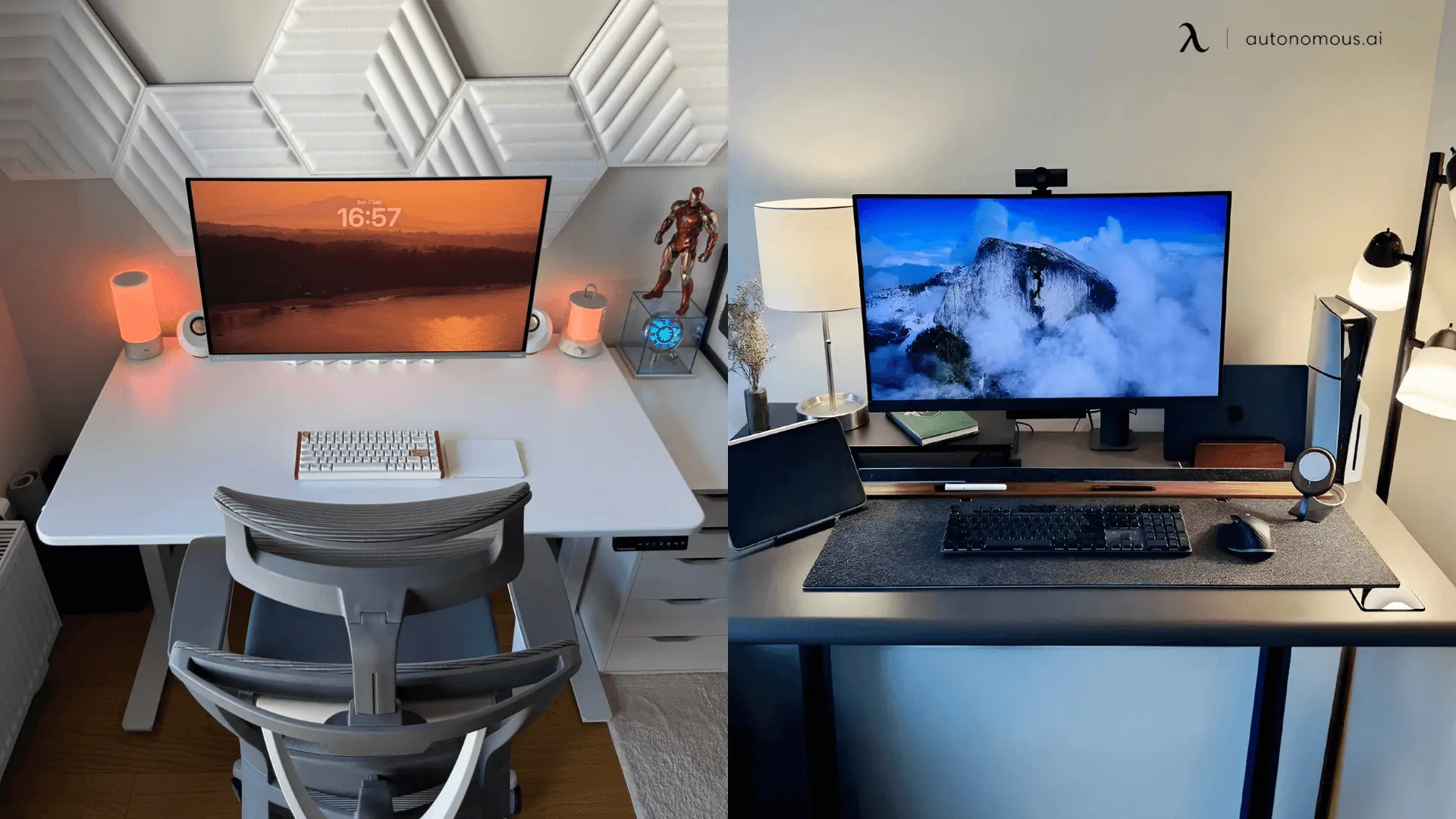
Choosing between the Autonomous Desk Pro and the Desk 2 comes down to three things: how much weight you pile on, how quiet you need the motor, and how long you want the frame guaranteed. Both share a dual-motor design, SPCC steel frames, and anti-collision, so neither is a downgrade. The Pro adds 80 pounds of capacity, runs about 15 dB quieter, and warranties the frame for life. The Desk 2 covers the essentials for less. Here is the full breakdown.
Autonomous Desk lineup at a glance
The Desk Pro and Desk 2 share the same core design and split on capacity, noise, and warranty.
Spec | Autonomous Desk Pro | Autonomous Desk 2 |
Price | $499 | $449 |
Weight capacity | 330 lb | 250 lb |
Noise | <30 dB | <45 dB |
Frame warranty | Lifetime | 10 years |
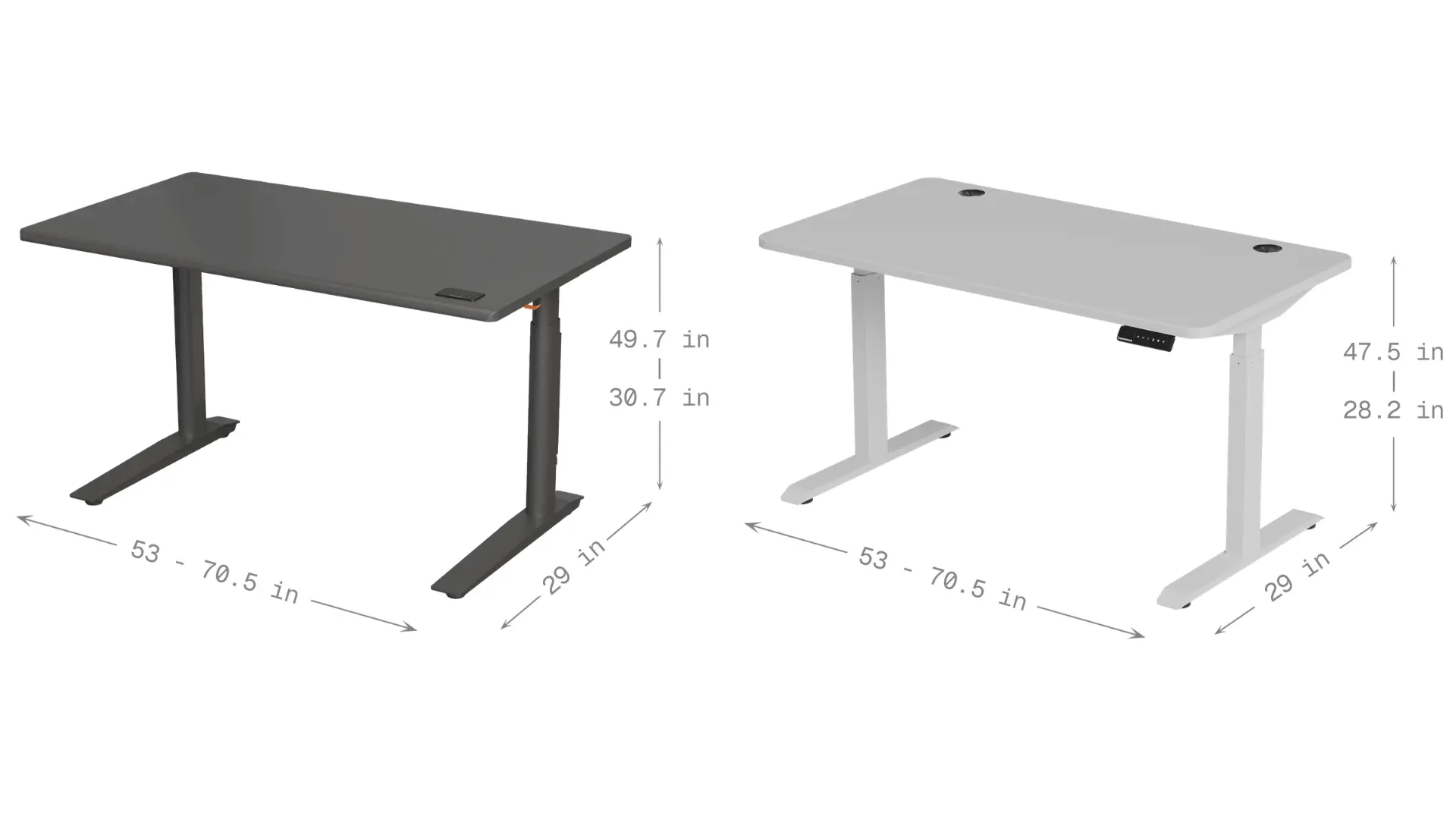
Height range | 29.5"-48.5" | 27.2"-46.5" |
Motor / speed | Dual, 1.2"/s | Dual, 1.1"/s |
Anti-collision | ✓ | ✓ |
Frame material | SPCC steel | SPCC steel |
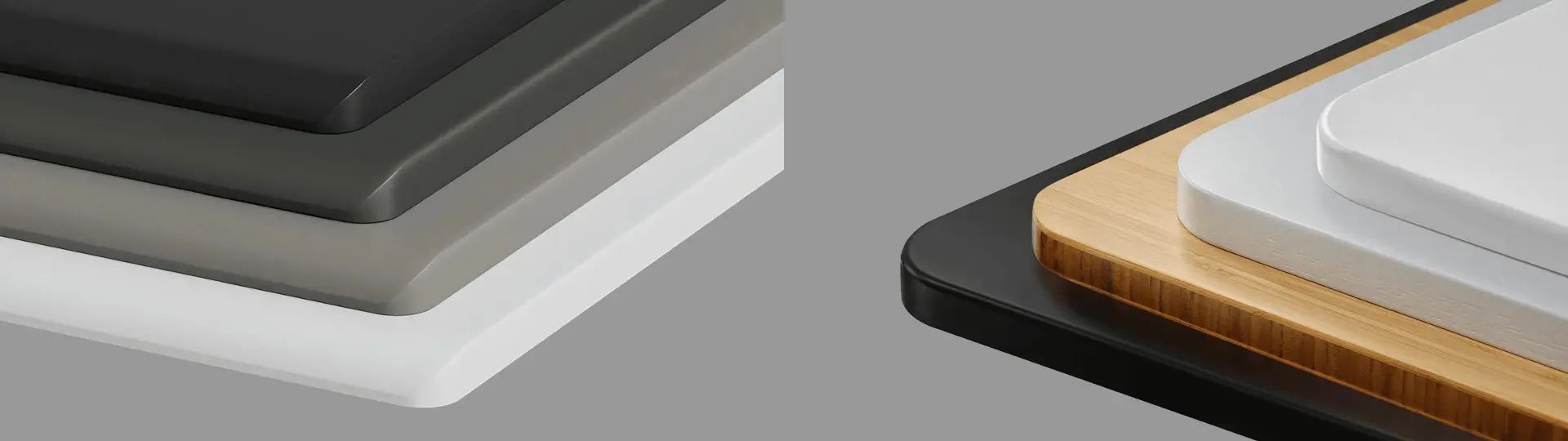
Top material | HDF, Green Standard sealed | Warp-proof MDF |
Top warranty | 2 years | 2 years |
What the two desks share
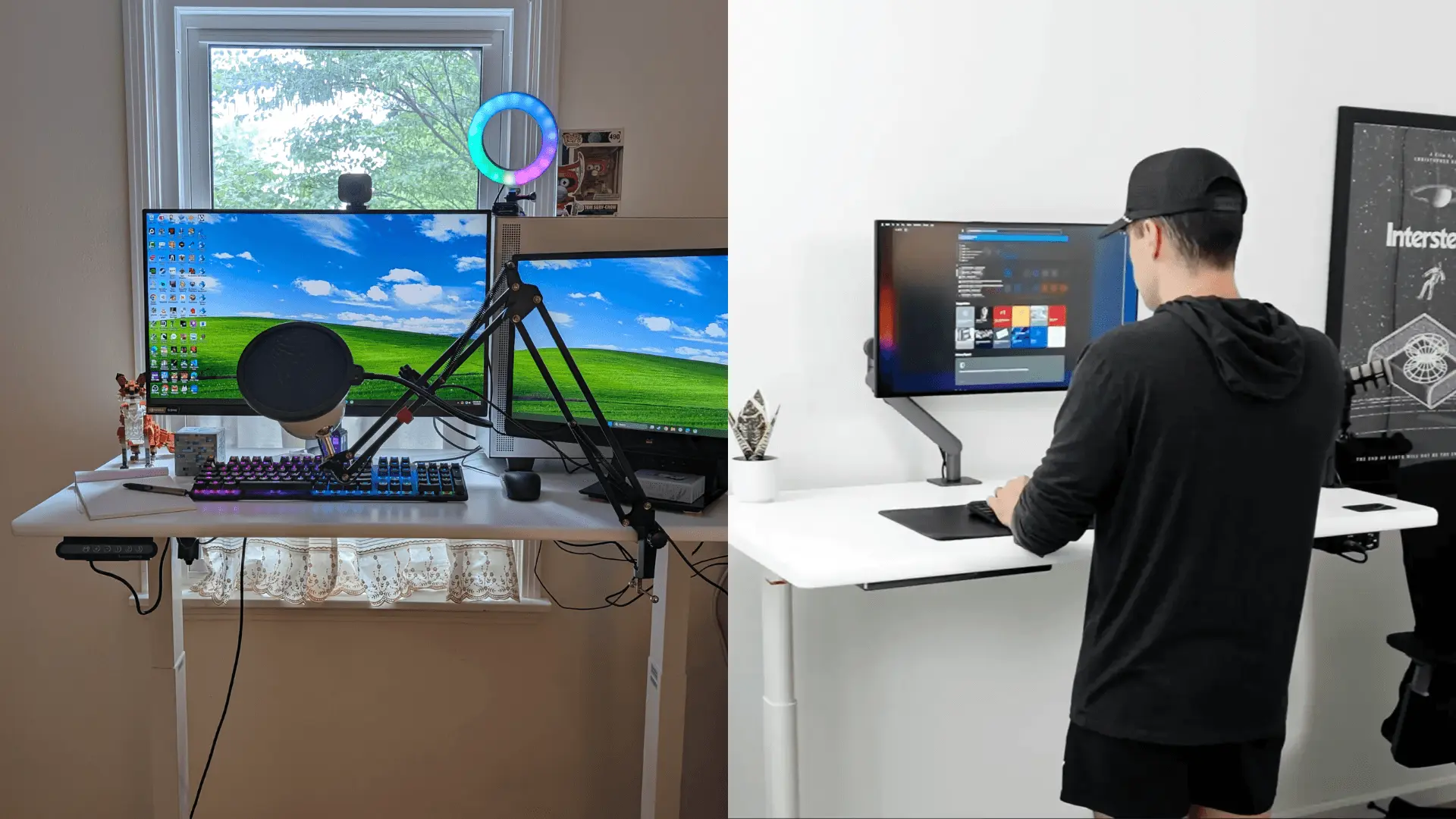
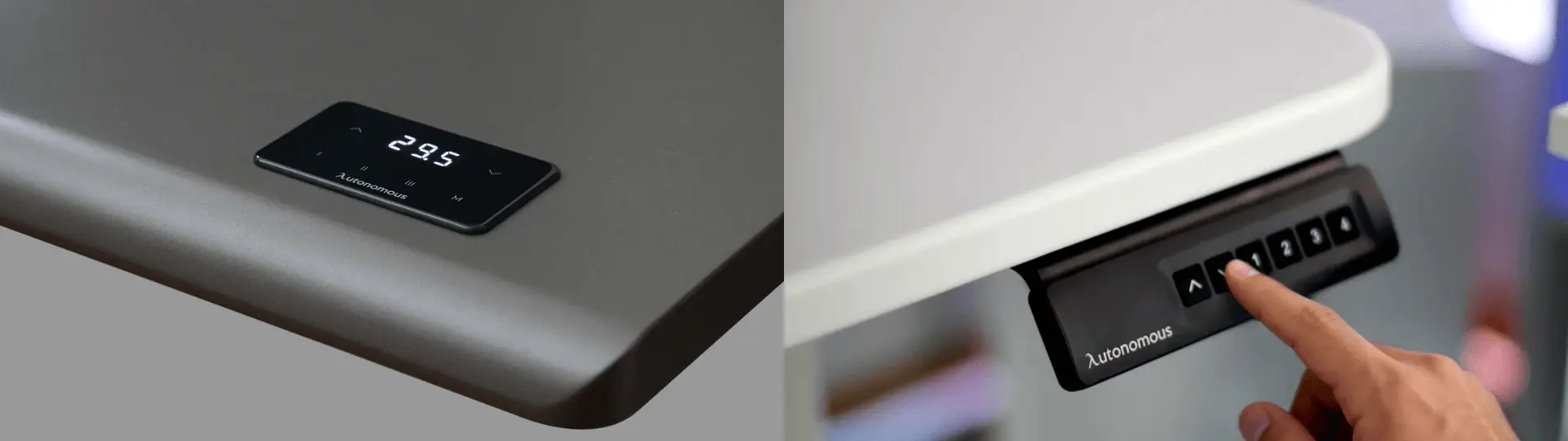
Both desks are built to the same baseline, so the choice is never between good and bad. Each runs dual motors on an SPCC steel frame, stops on contact with anti-collision, stores four height presets on the keypad, and covers the top for two years. Both hold a full multi-monitor setup, a PC tower, and office accessories steady, with no cursor jitter when you lean in. The differences are about headroom, not whether the desk does its job.
Where they differ, and why it matters
Three specs carry the decision. Here is what each gap means at your desk.
Capacity: 330 lb vs 250 lb
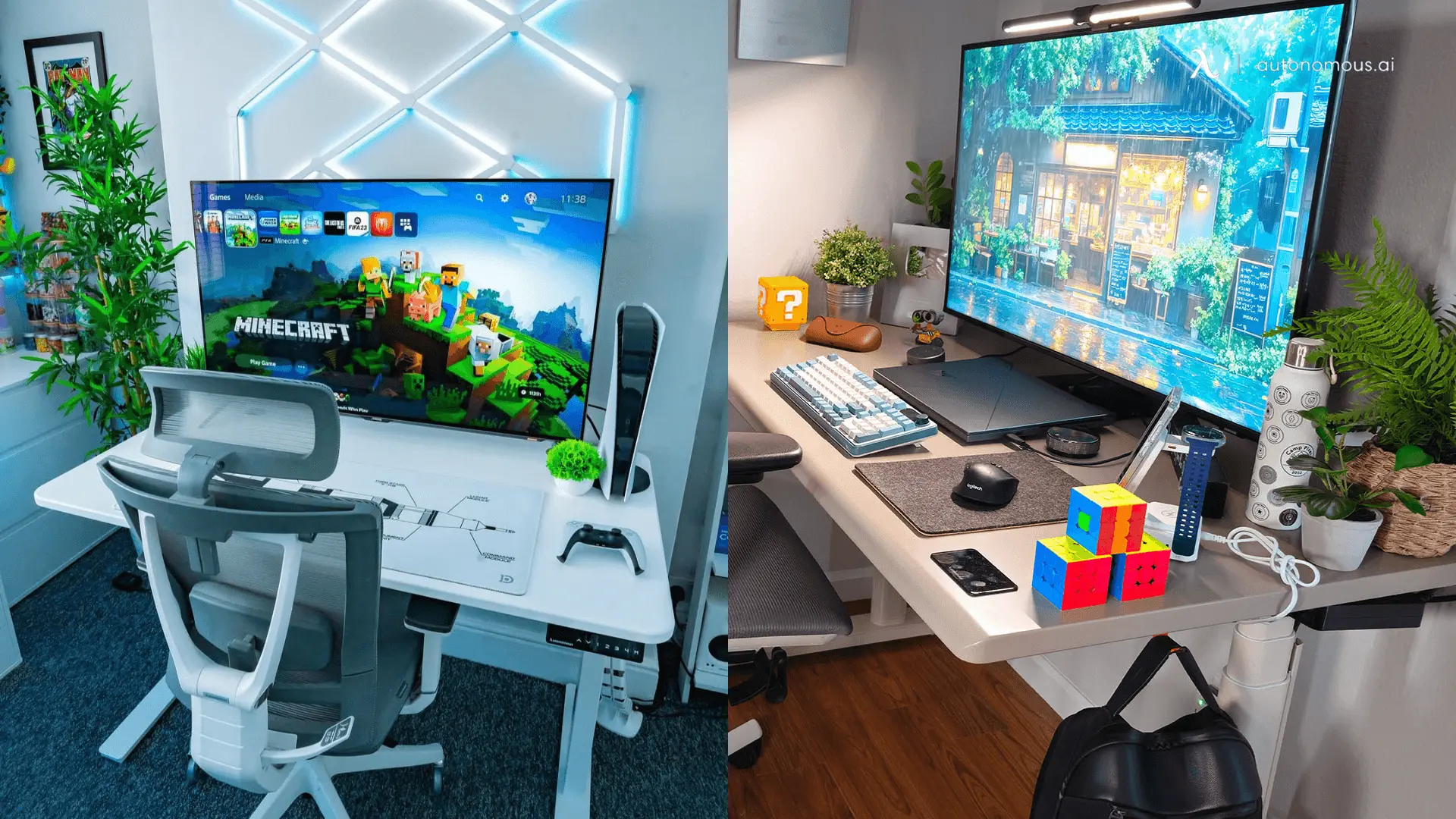
The Desk Pro lifts 80 pounds more. A 27-inch monitor, a second screen on an arm, a desktop tower, and a few accessories can add up to 80 to 150 pounds on their own. The Desk 2 handles that range without strain. The Desk Pro removes the ceiling for heavier setups, like large displays, studio monitors, or multiple machines.
Noise: under 30 dB vs under 45 dB
The Desk Pro runs about 15 dB quieter. Under 30 dB sits below normal conversation, so the motor stays out of the way on calls and in shared rooms. The Desk 2's under-45 dB is audible during the few seconds of a height change, but not disruptive for solo work.
Warranty: lifetime vs 10 years
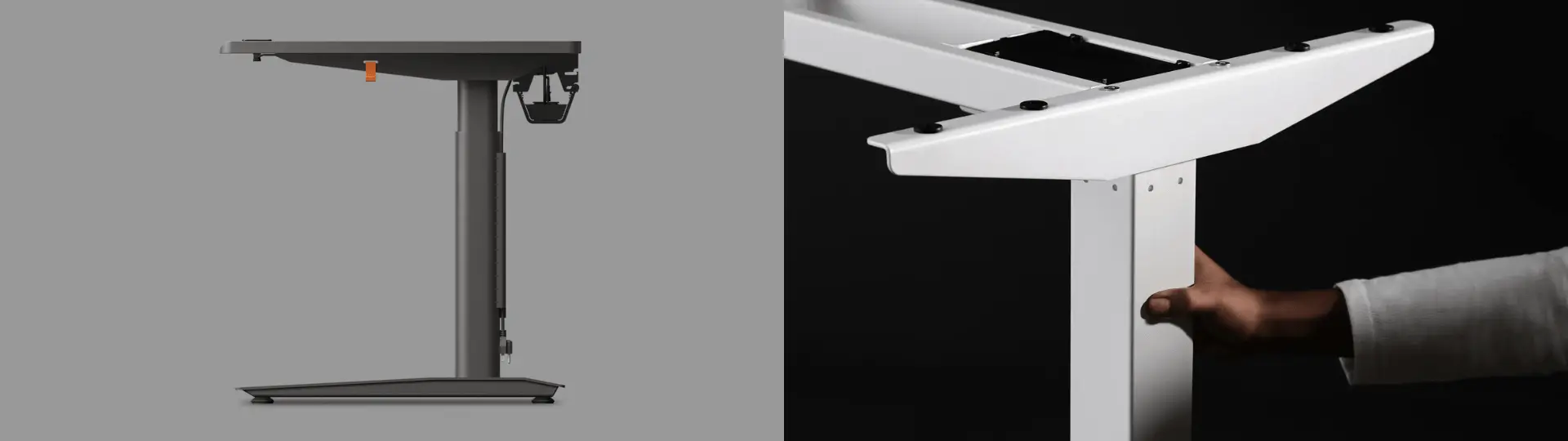
The Desk Pro warranties its frame for life; the Desk 2 for 10 years. Both cover the top for two years. Ten years already beats most desks in this price range, but the Pro's lifetime frame is the stronger long-term guarantee.
Autonomous Desk Pro: who it is for
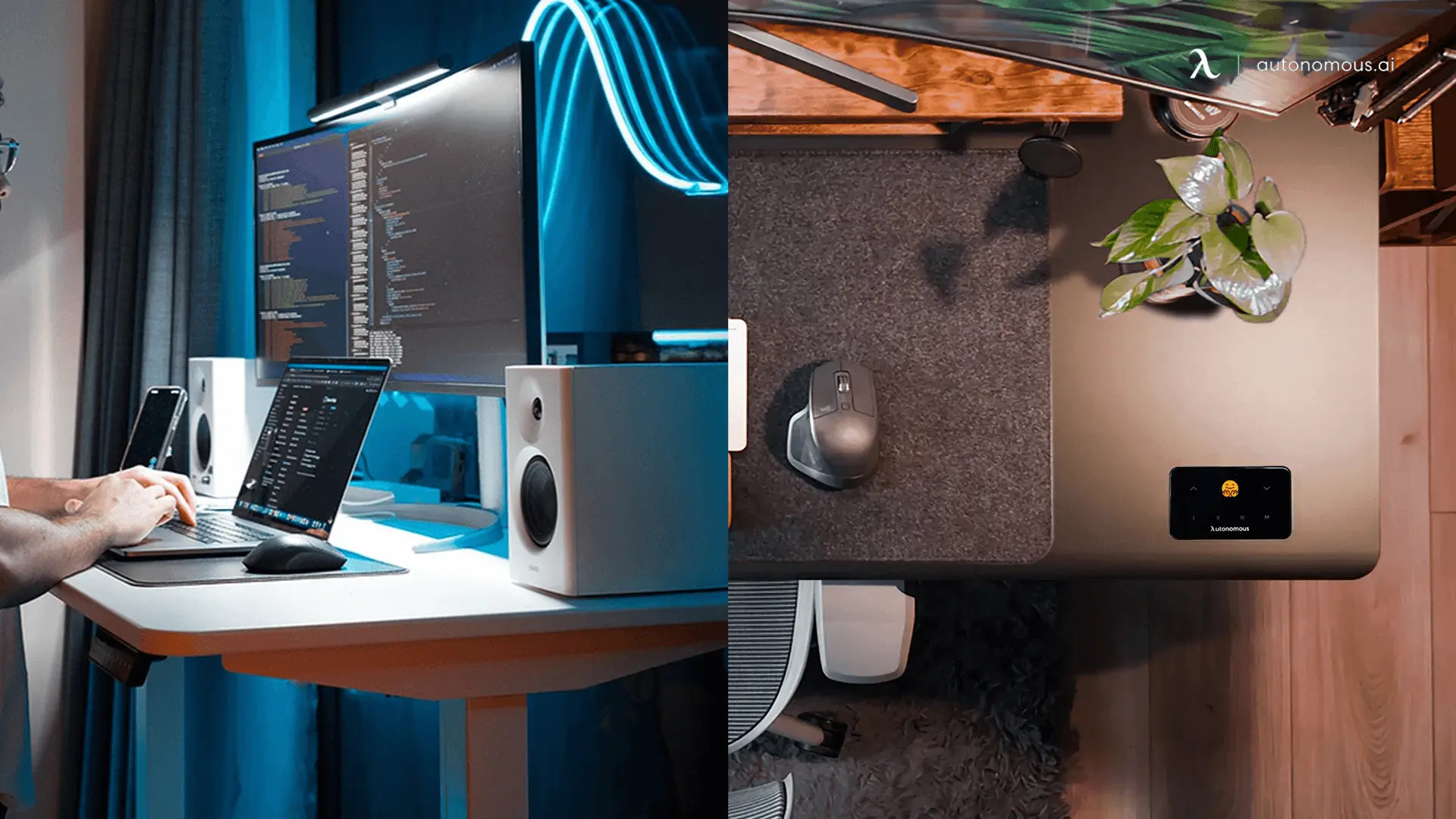
Get the Autonomous Desk Pro if you load heavier gear, need the quietest motor, or want the lifetime frame guarantee. It also reaches higher, to 48.5 inches, which suits taller users, and its C-shape base removes the front crossbar for knee clearance. The top is 1.2-inch HDF sealed with Green Standard paint, and the frame is bench-tested to 50,000 cycles.
Autonomous Desk 2: who it is for
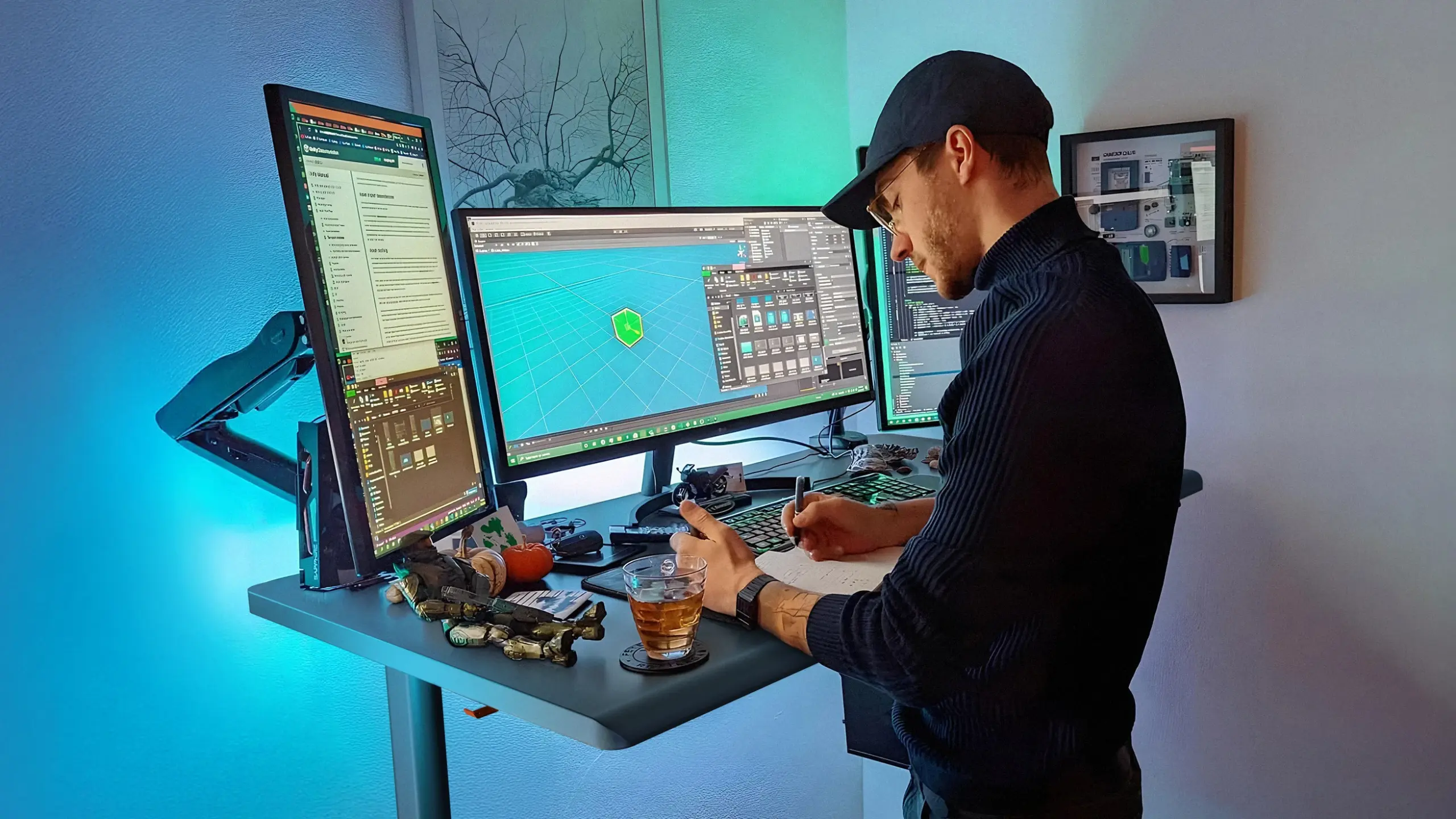
Get the Autonomous Desk 2 if you want full standing-desk performance at the lineup's lower price, a more compact footprint, or a slightly lower minimum height of 27.2 inches for shorter users and seated tasks. It runs the same dual-motor, SPCC steel build in a smaller frame, with a warp-proof MDF top available in standard and XL sizes.
How to choose, at a glance
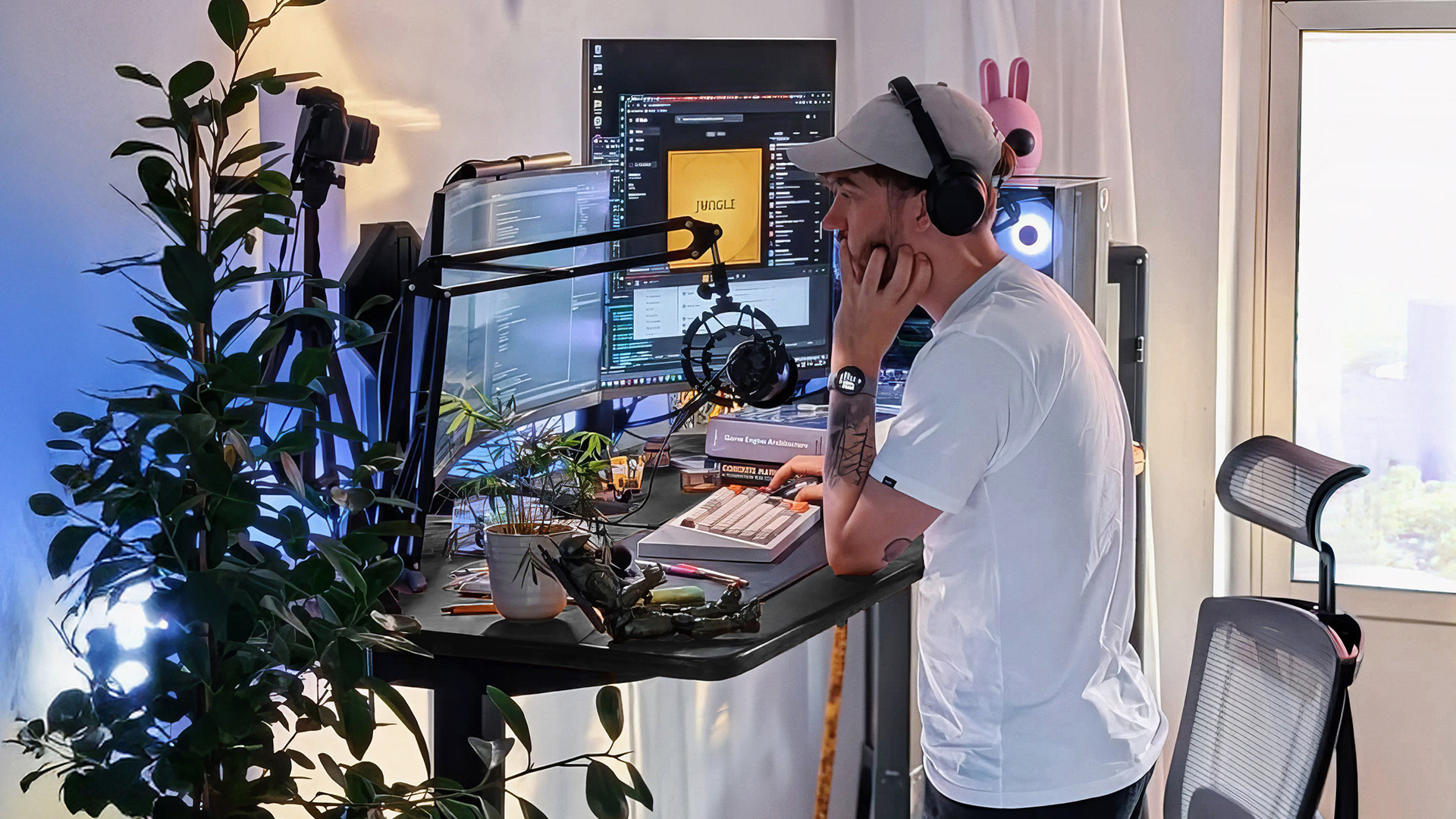
Both desks handle real workloads. Match the row that sounds like you.
If you... | Pick |
Load a heavy setup past 250 lb (arms, large PC, audio gear) | Desk Pro |
Run a standard multi-monitor setup under 250 lb | Desk 2 |
Need motor noise under 30 dB (open office, recording, calls) | Desk Pro |
Are fine with a brief under-45 dB hum on height changes | Desk 2 |
Want a lifetime frame warranty | Desk Pro |
Are comfortable with a 10-year frame warranty | Desk 2 |
Are 6'2" or taller and need the top above 47" | Desk Pro |
Want a lower 27.2" minimum for shorter users or seated work | Desk 2 |
Need knee clearance from a C-shape base | Desk Pro |
FAQs
What is the difference between the Autonomous Desk Pro and Desk 2?
The Desk Pro lifts 330 lb at 1.2 inches per second, with under-30 dB motor noise and a lifetime frame warranty. The Desk 2 lifts 250 lb at 1.1 inches per second, with under-45 dB noise and a 10-year frame warranty. Both handle multi-monitor setups with a PC tower.
How much does an Autonomous standing desk cost?
Both sit at the entry end of the premium standing-desk market, with the Desk Pro priced a step above the Desk 2. Prices change periodically with top size and color, so check the comparison table above and each product page for the current figure before you buy.
Which Autonomous desk has the higher weight capacity?
The Autonomous Desk Pro supports 330 lb, and the Desk 2 supports 250 lb. Both are rated for full workstation loads. The Pro adds headroom for heavier gear like studio equipment, large displays, or multiple machines stacked on one surface.
How loud is the Autonomous Desk motor?
The Autonomous Desk Pro runs under 30 dB during height adjustment, and the Desk 2 runs under 45 dB. The difference is most noticeable in shared rooms and during calls, though both are quiet during the few seconds a height change takes.
Does the Autonomous Desk come with a warranty?
The Autonomous Desk Pro carries a lifetime frame warranty, and the Desk 2 carries a 10-year frame warranty. Both desktops are covered for two years. Ten years is already longer than most desks in this price range offer on the frame.

Conclusion
The Autonomous Desk Pro and Desk 2 are two capable standing desks built on the same foundation. The Pro is the choice for heavier loads, the quietest motor, and a frame guaranteed for life. The Desk 2 delivers full multi-monitor performance, a more compact footprint, and a 10-year frame at the lineup's lower price. Decide by how much you load on and how quiet your room needs to be, then confirm the current top and color options on each product page.