


How to Fix a Wobbly Office Chair Step by Step Guide

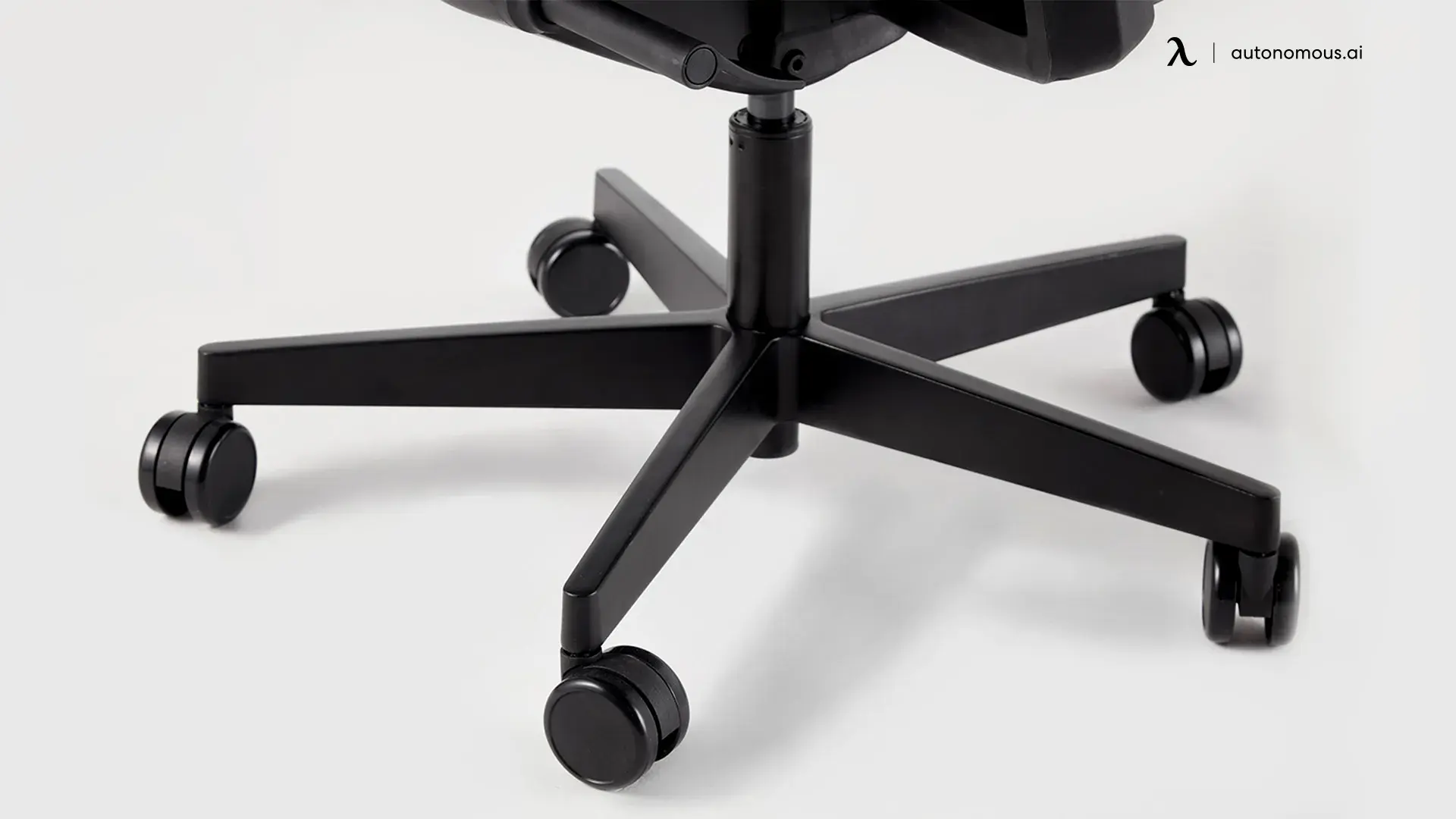
Most guides tell you to tighten the screws and hope. That fixes about half of wobbles and wastes your time on the other half. A wobbly office chair has five possible sources, and the fix is fast once you know which one you are dealing with. This guide helps you find the exact cause in about two minutes, then fix it with the right part and the right technique, including the one worn part that causes side-to-side seat wobble that most articles miss.
Quick answer
To fix a wobbly office chair, flip it over on a flat surface and tighten the seat-plate bolts in a crisscross pattern. If the seat still wobbles side to side with the bolts tight, the cause is a worn plastic bushing where the gas cylinder meets the seat mechanism, not the whole cylinder. Shim it with a tight wrap of PTFE tape as a temporary fix, or measure the taper with calipers and replace the bushing or a Class 4 cylinder. Then check the casters, base, and floor.
First, find where the wobble comes from
Match what you feel to the most likely cause before you touch a tool. Fixing the wrong part is the most common mistake, and this table saves you from it.
What you feel | Most likely cause | Check here first |
Chair rocks the moment you sit | Loose seat-plate bolts | Bolts under the seat |
Seat wobbles side to side with bolts tight | Worn bushing at the cylinder taper | Cylinder-to-seat joint |
Chair feels uneven or tilts on the floor | Worn or mismatched casters | The five casters |
Chair sinks or drifts down while you sit | Failing gas cylinder | Gas lift |
Wobble only when you recline | Loose or bent tilt mechanism | Seat plate and tilt |
Whole chair rocks on the floor | Cracked base, or an uneven floor | Five-star base, then floor |
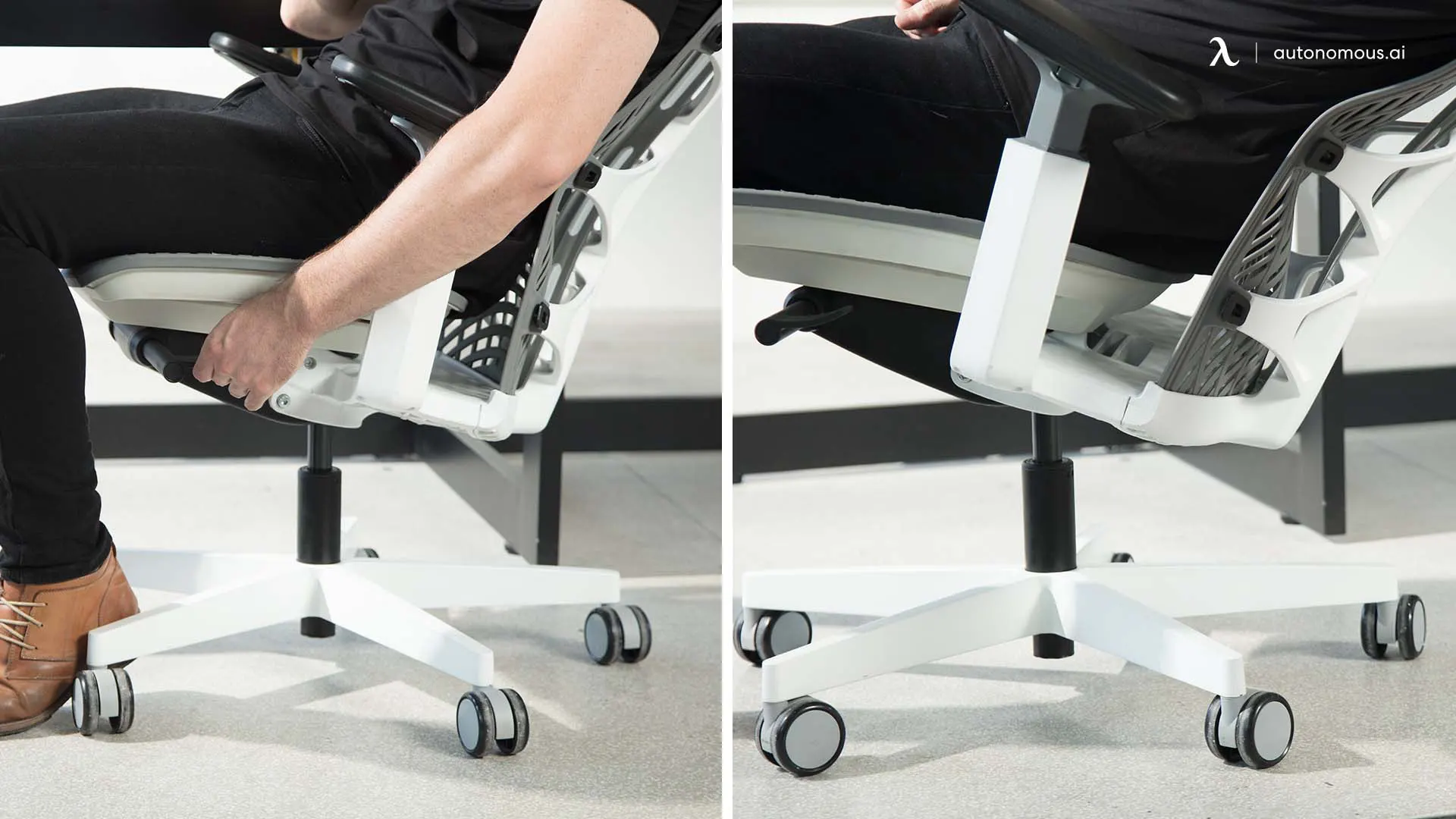
Isolate it in three moves. Roll the chair onto a hard, flat floor and sit down, since carpet and soft mats can make a stable chair feel loose. Hold the base still with your feet and rock the seat with your hands: if the top moves but the base does not, the problem is above the cylinder (bolts, bushing, or tilt). Then flip the chair over on a clean surface and look for missing bolts, cracked plastic, a bent base, or one caster sitting lower than the rest.
Fix it by part
Work in this order, easiest and most common first.
1. Tighten the seat-plate bolts in a crisscross pattern
Loose bolts on the metal plate under the seat are the most common cause of a chair that rocks when you sit. Flip the chair over and find the four bolts holding the seat plate to the seat. Tighten them with an Allen key in a crisscross pattern, like a car wheel, so the plate seats evenly. Snug them firmly but do not overtighten, since forcing them can strip the thread or warp the plate and create a new wobble. Check the backrest and armrest bolts while you are under there.
2. Fix side-to-side seat wobble at the bushing, not the cylinder
If the seat still tips side to side after the bolts are tight, the cause is almost always a worn plastic bushing in the tapered joint where the gas cylinder meets the seat mechanism, not a failed cylinder. This is the fix nearly every guide gets wrong by telling you to replace the whole gas lift.
For a temporary fix, pull the seat off the cylinder and wrap one tight layer of PTFE or electrical tape around the top tapered inch of the cylinder, then press the seat back on. The tape acts as a shim and takes up the play. For a permanent fix, measure the taper diameter with calipers and order a matching replacement bushing, or a new Class 4 gas cylinder if the taper itself is scored.
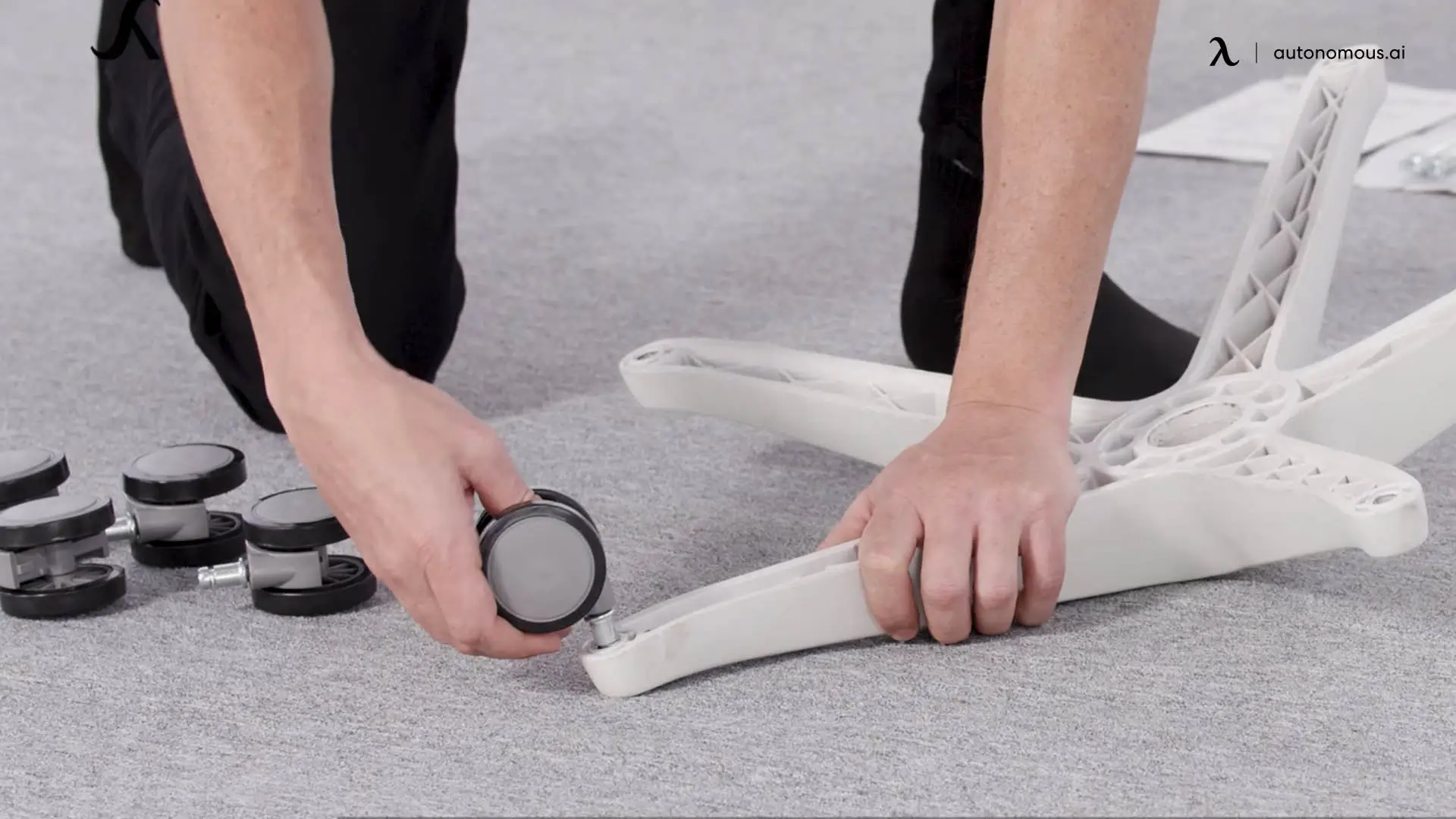
3. Check and replace the casters as a set
Worn, cracked, or mismatched casters make a chair feel uneven, especially while rolling. Flip the chair over, wiggle each caster for side play, and pull out any that grind or stick to clear hair and debris from the axle. If one is damaged, replace all five as a set so the chair sits level. Match the stem: most office chairs use an 11mm stem, while IKEA and a few others use 10mm, so a mismatch is the usual reason a chair wobbles after new chair wheels go on.
4. Replace the gas cylinder only if it sinks
If the chair drops on its own or will not hold height, the gas cylinder itself is failing, which is different from the side-to-side bushing wobble above. Most task chairs take a Class 4 cylinder. Confirm the overall length and the top and bottom taper sizes before ordering, then knock the old one out with a rubber mallet and seat the new one under your weight.
5. Treat a cracked base as a safety issue
If the five-star base is cracked or bent, stop sitting in it. Base failure is not a cosmetic problem: the U.S. Consumer Product Safety Commission has issued office-chair recalls specifically for bases that bend and break, listing them as a fall and injury hazard.[1] Replace the base or the chair rather than gambling on a load-bearing part.
6. Rule out the floor
Sometimes the chair is fine and the floor is not. If the wobble disappears on a hard, level surface, the culprit is an uneven floor or a soft mat. A rigid chair mat gives the casters a flat, stable plane and protects the floor.
7. Firm up a loose tilt or swivel mechanism
If the wobble shows up only when you recline or swivel, the tilt mechanism is loose or worn. Tighten its mounting bolts where it meets the seat and the cylinder. If it is cracked or the tension knob no longer bites, replace the mechanism.
If it is an Autonomous chair, do not buy a part
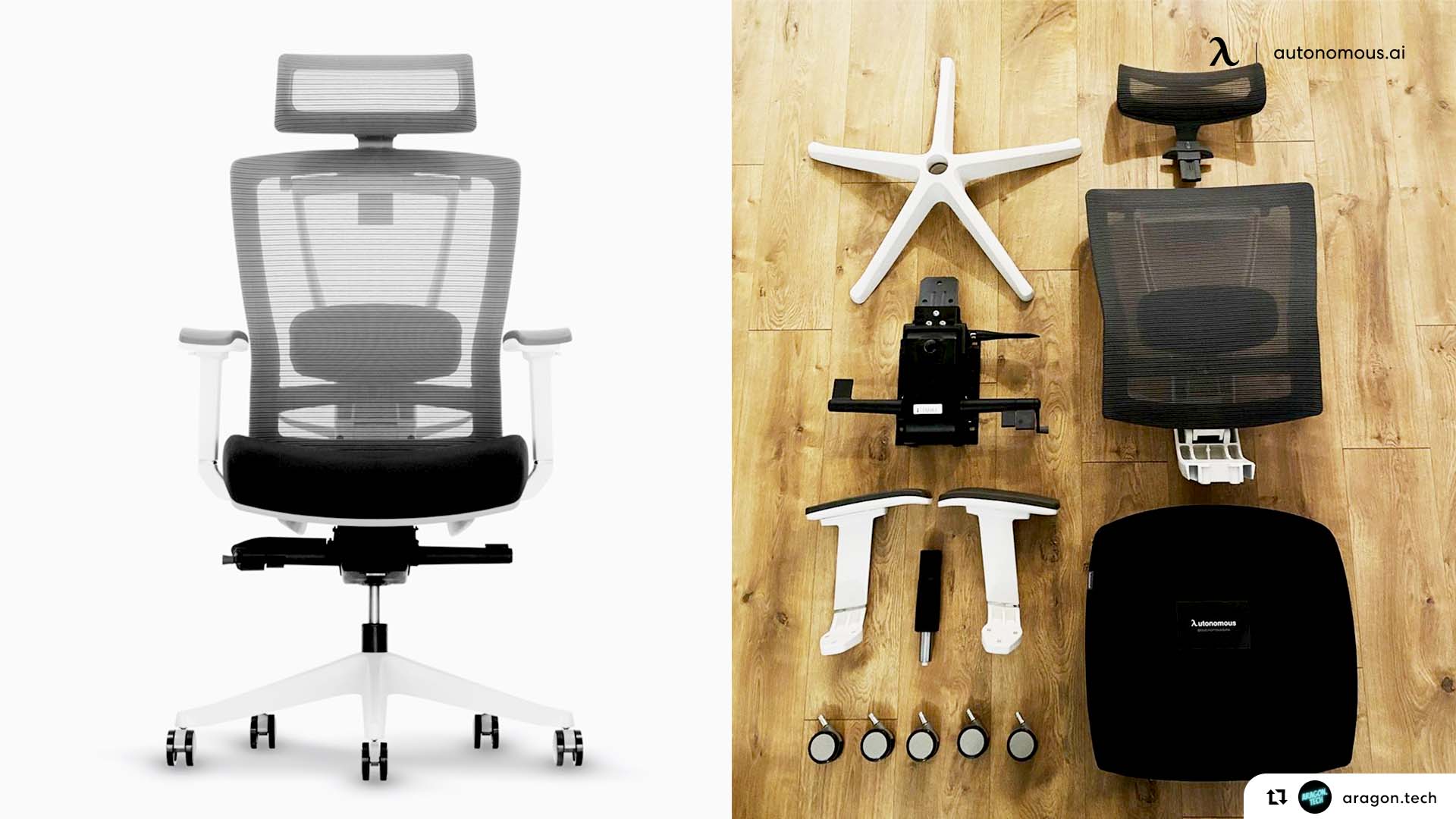
Here is where a manufacturer can tell you something a repair blog cannot: if your wobble is on an Autonomous ErgoChair, you very likely do not need to buy anything. The cylinder, base, and mechanism on the ErgoChair Pro, Ultra 2, and Mesh are covered by a lifetime warranty, so a failed part is a free replacement rather than a purchase. Contact Autonomous support with your order details and the part that is wobbling, and request the covered component. It is worth checking that first, before you order a bushing or cylinder you may not have to pay for.
Repair or replace? A quick decision
Situation | Do this | Why |
A few loose bolts | Repair | Two-minute fix, no parts |
Dirty, stuck, or worn casters | Repair | Cheap and easy, replace as a set |
Side-to-side seat wobble | Repair | Usually a bushing, not the cylinder |
Cylinder sinks or will not hold | Replace the part | Chair is otherwise fine |
Cracked or bent base | Replace part or chair | Safety issue, do not sit in it |
Frame flexes or the plate is bent | Replace the chair | The structure is compromised |
Repair cost approaches a new chair | Replace the chair | Often safer and cheaper long term |
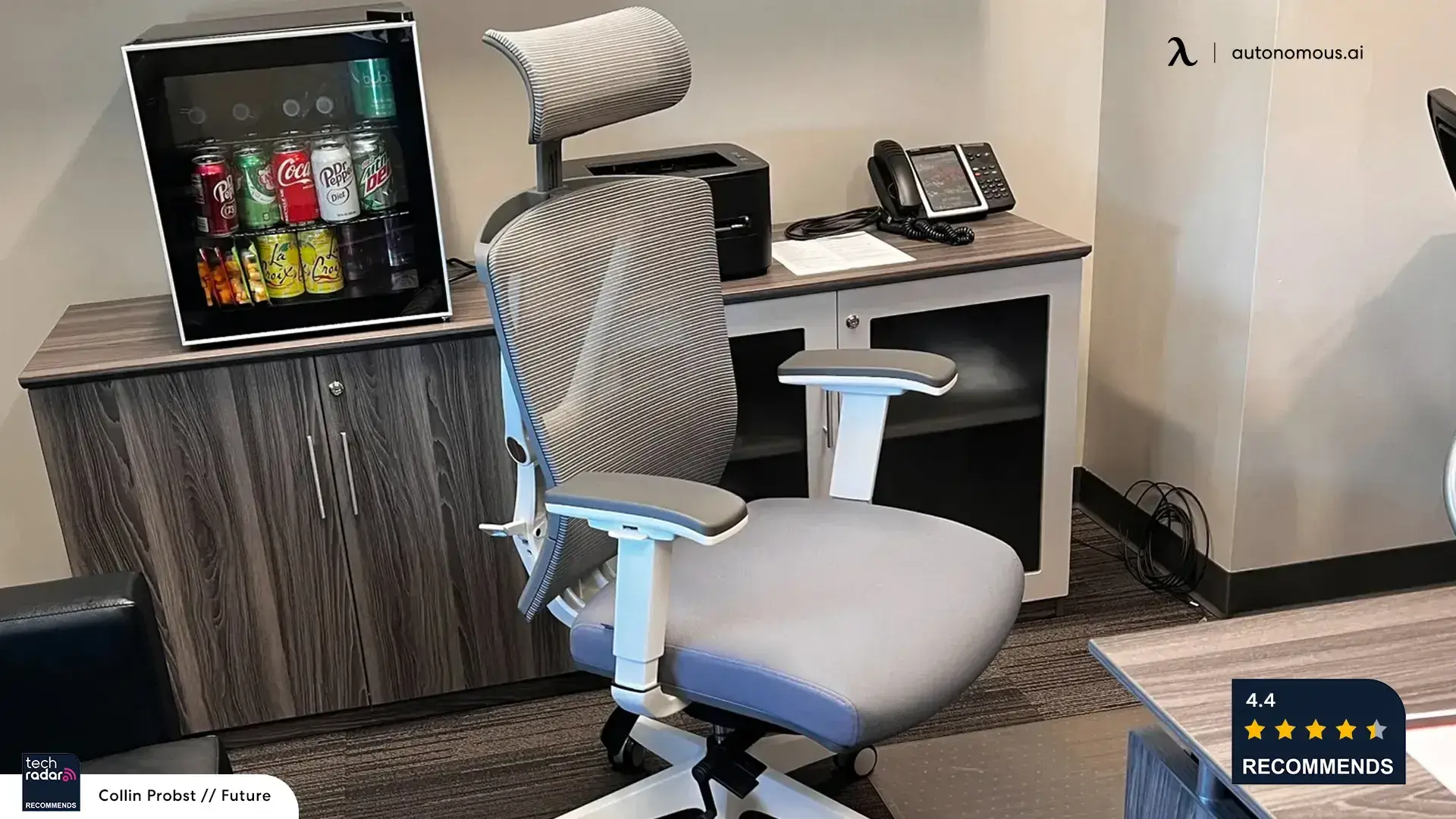
If the frame itself has gone and you are replacing the chair, look for one built to last: a Class 4 cylinder, a metal or reinforced base, and a warranty that covers the wear parts. An ergonomic office chair with a lifetime frame warranty means the next wobble is a free part instead of a repair project. The code BLOGFIRST5 takes an extra 5% off at checkout.

.jpg)
Prevent the next wobble
Wobble is usually months of small movement you did not catch. Every few months, flip the chair and re-snug the seat-plate and base bolts in that crisscross pattern. Keep the casters clear of hair and thread. Stay within the chair's rated weight capacity, since overloading wears the cylinder, bushing, and base fastest. And match your casters to your floor, hard-floor wheels on hardwood, carpet casters on carpet, so the chair rolls without stressing the base.
FAQs
Why does my office chair wobble side to side?
Side-to-side seat wobble, once the bolts are tight, is almost always a worn plastic bushing in the tapered joint where the gas cylinder meets the seat mechanism, not a failed cylinder. Wrap PTFE tape around the taper as a temporary shim, or measure it with calipers and replace the bushing or cylinder.
Why does my chair wobble after I replaced the wheels?
The new casters probably have the wrong stem size or sit at a different height. Most office chairs use an 11mm stem, while IKEA and some others use 10mm. Replace all five casters as one matching set and push each firmly into its socket so the chair sits level.
Can I fix a wobbly office chair myself?
Yes, for most causes. Loose bolts, dirty or worn casters, a worn bushing, and a sinking cylinder are all home fixes with an Allen key, a rubber mallet, and a matching part. A cracked or bent base is the exception: that is a safety issue, so replace the base or the chair rather than repairing it.
Is a wobbly office chair dangerous?
A small wobble from a loose bolt is not, and it takes two minutes to fix. A wobble from a cracked base, a bent seat plate, or a failing cylinder is a real fall risk, since regulators have recalled chairs for bases that break. If the wobble is structural, stop sitting in it until the part is replaced.
Do I need to replace the whole gas cylinder to stop the wobble?
Usually not. If the chair sinks or will not hold height, the cylinder is failing and needs replacing. But if it holds height and only tips side to side, the cause is the bushing at the cylinder taper, which you can shim or replace on its own for a fraction of the cost and effort.
Bottom line
A wobbly office chair is a two-minute diagnosis followed by a targeted fix. Tighten the seat-plate bolts crosswise first, and if the seat still tips side to side, fix the worn bushing at the cylinder taper rather than replacing the whole gas lift. Match caster stems, treat a cracked base as a safety issue, and rule out the floor. And if it is an Autonomous chair, check your warranty before you buy anything, because the wobbling part is very likely covered.
References
- U.S. Consumer Product Safety Commission (CPSC). Office chair recalls for base failure and fall hazard. https://www.cpsc.gov/Recalls
- Occupational Safety and Health Administration (OSHA). Computer Workstations eTool: Chair. https://www.osha.gov/etools/computer-workstations/components/chairs