Where Should Lumbar Support Be Positioned?

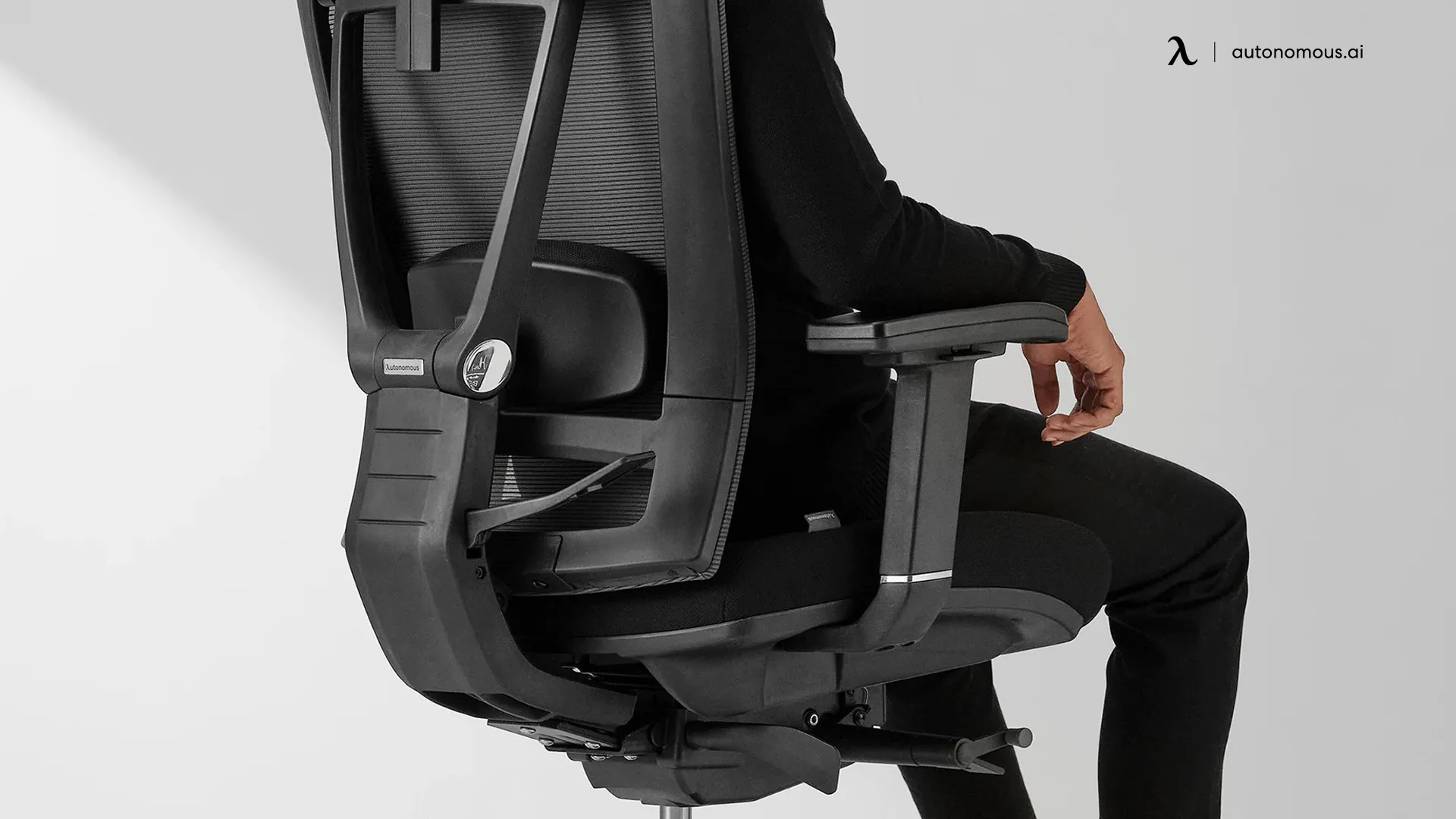
Lumbar support should sit at the small of your back - the inward curve just above your beltline, roughly 6 to 10 inches above the seat, centered over the L3 vertebra where the curve is deepest. Placed there it fills the gap your lower spine leaves against the backrest and holds the natural inward curve; placed too high or too low it does the opposite and adds strain. On an office chair with adjustable lumbar you slide the support to that exact spot; on a fixed chair you can’t, which is why so many people feel a lumbar pad but still ache. This guide shows precisely where lumbar support should be, how to find the spot on your own back, how to set the height and firmness, and how to fix it when it hurts.
Where should lumbar support be? The exact position
Answer: at the small of your back, just above the waistline - about 6-10 inches above the seat, with the support’s peak level with your belt line (roughly the L3 vertebra).
Lumbar support should be positioned so its outward curve meets the inward curve of your lower spine. Your lumbar region is five vertebrae (L1-L5) that form a natural forward curve called lordosis, and that curve is deepest around L3 - level with your belt line. That is the target. OSHA’s computer-workstation guidance puts it plainly: the outward curve of the backrest “should fit into the small of the back,” and the lumbar support should be height-adjustable so it lands there for your body rather than an average one. Clinical ergonomics guidance adds the measurement most pages skip - the support usually belongs about 6 to 10 inches above the seat.
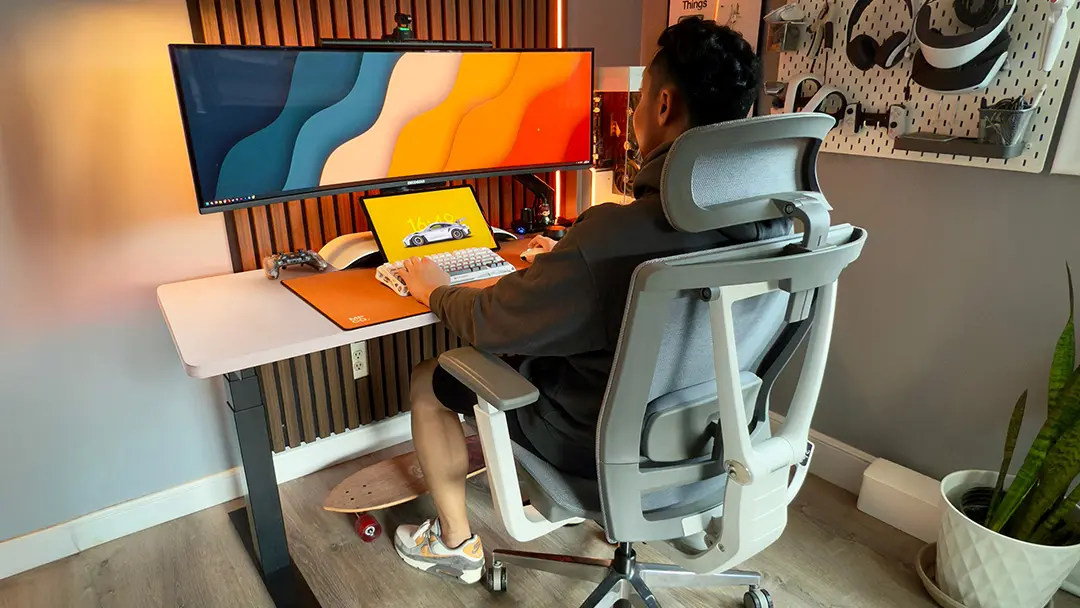
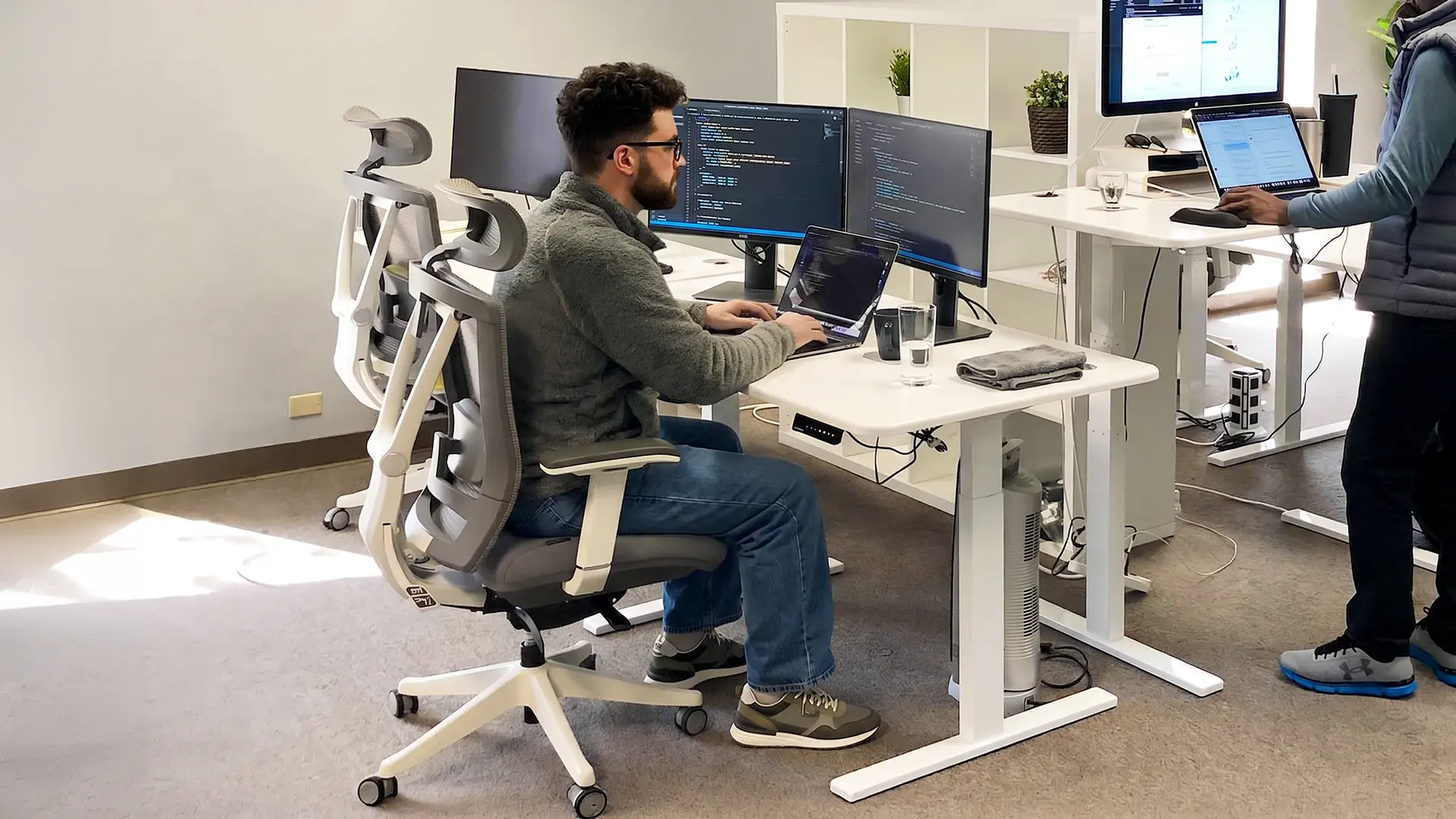
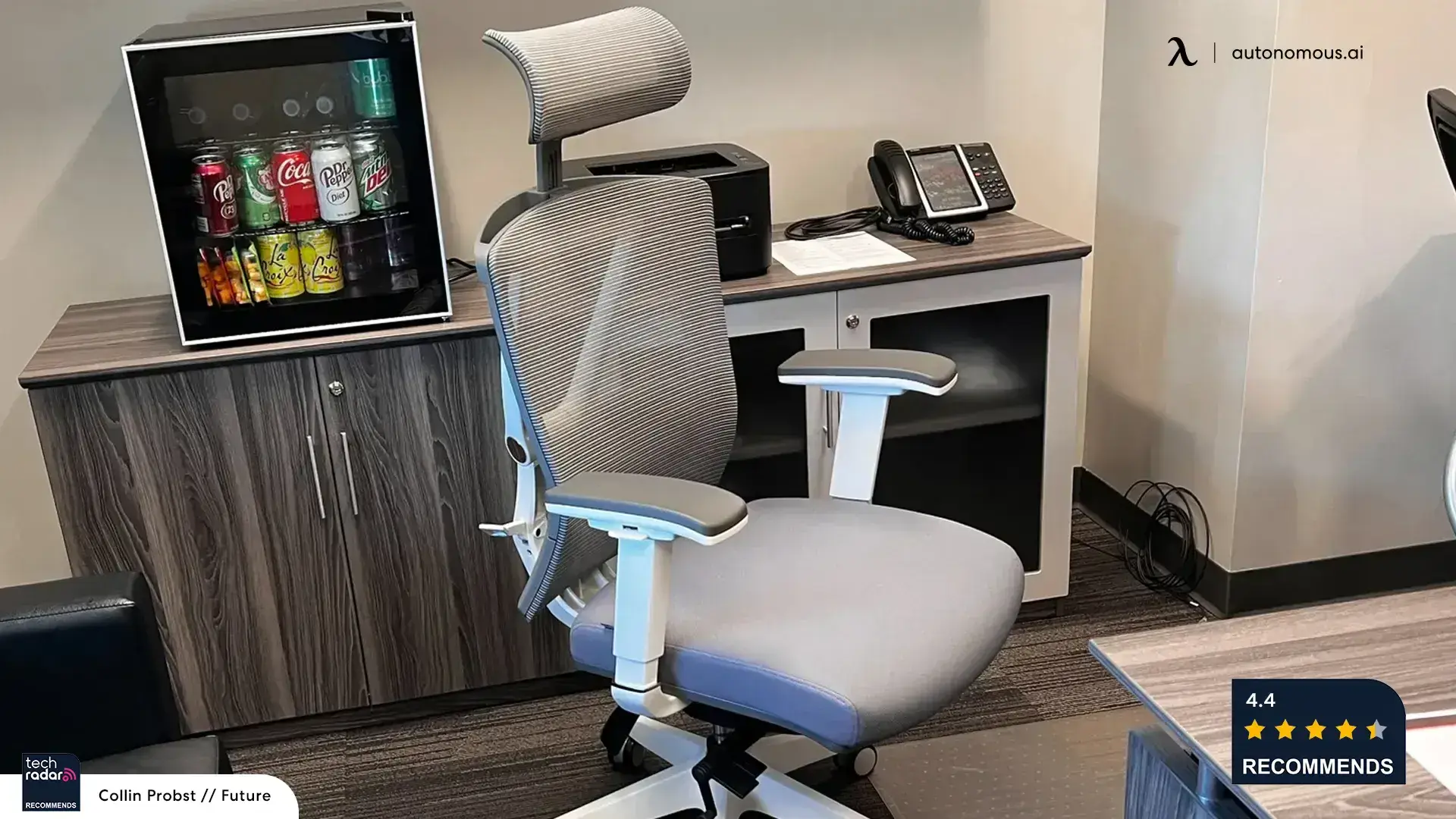
This is also the practical argument for adjustable lumbar support, and it’s a first-party point we can verify: the Autonomous ErgoChair Pro’s cushion slides across a 6-inch vertical range specifically so you can set it at your belt line, whatever your height. A chair with a fixed, molded pad - or a passive X-frame back that only looks curved, like the ErgoChair Core’s - can’t be moved to your curve, so it supports wherever the factory put it. If your chair’s support feels “off” and won’t move, that’s usually the reason, not your posture.
How to find the right lumbar spot on your own back
You don’t need a diagram - you can find the spot by feel in about ten seconds. Sit back so your hips are fully against the seat, then run a hand behind your lower back. There’s a gap between your spine and the backrest at the small of your back, just above your waist. That gap is exactly where lumbar support belongs. A quick reference: rest your hands on your hips at the belt line; the support should sit at that height or just above it. If you have to arch or slouch to feel the support, it’s in the wrong place.
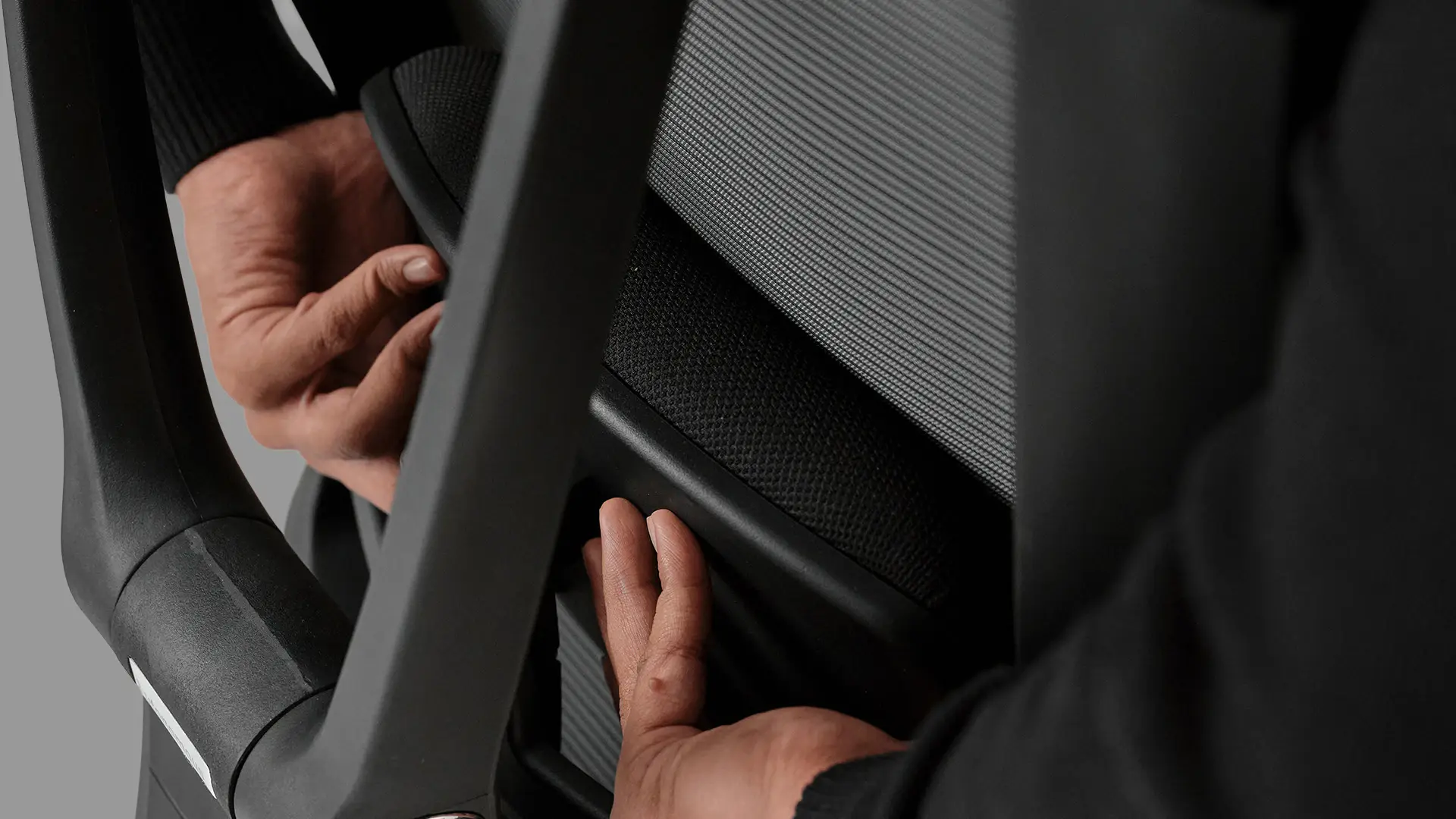
Correct vs incorrect lumbar placement
Most positioning problems are one of two mistakes - too high or too low. Here’s how each feels and what it does, so you can diagnose your own chair or cushion.
Placement | Where it sits | What you feel / what it does |
Too high | At or above the shoulder blades | Feels like a mid-back or neck rest; pushes the upper back forward and creates shoulder and neck tension |
Too low | Below the waistline / on the pelvis | Lets the lower back round and slouch; strains the lumbar discs and upper back |
Correct | Small of the back, belt line, ~6-10" above seat | Fills the lumbar gap, holds the natural curve, and takes static load off the back muscles |
The same rule answers the related questions people ask - where to put lumbar support on a chair, and where it’s supposed to go: the small of the back, at the belt line, every time. Backrest height and chair style don’t change the target; they only change how you reach it.
How to adjust and use lumbar support correctly
Set position first, firmness second - in that order. Getting the sequence wrong is why a lot of chairs feel worse after “adjusting” them.
1. Set the height.
Sit fully back and raise or lower the lumbar until its peak meets your belt line / the small of your back (that 6-10-inch zone above the seat).
2. Set the depth or firmness.
If your chair has a separate depth or tension control, dial it so the support meets your back with gentle, continuous contact - enough to hold the curve, not enough to push you off the backrest.
3. Set the recline.
OSHA recommends a backrest that reclines at least 15° from vertical and locks or holds tension; a slight recline (around 100-110°) lets the lumbar carry some of your weight instead of your muscles.
How high should lumbar support be? At the belt line - the natural apex of your lower-back curve - not up between the shoulder blades. If your chair’s support is fixed and lands too high or too low, you generally can’t fix the height itself; you can only add a separate cushion or move to an office chair with a genuine sliding mechanism.
.webp)
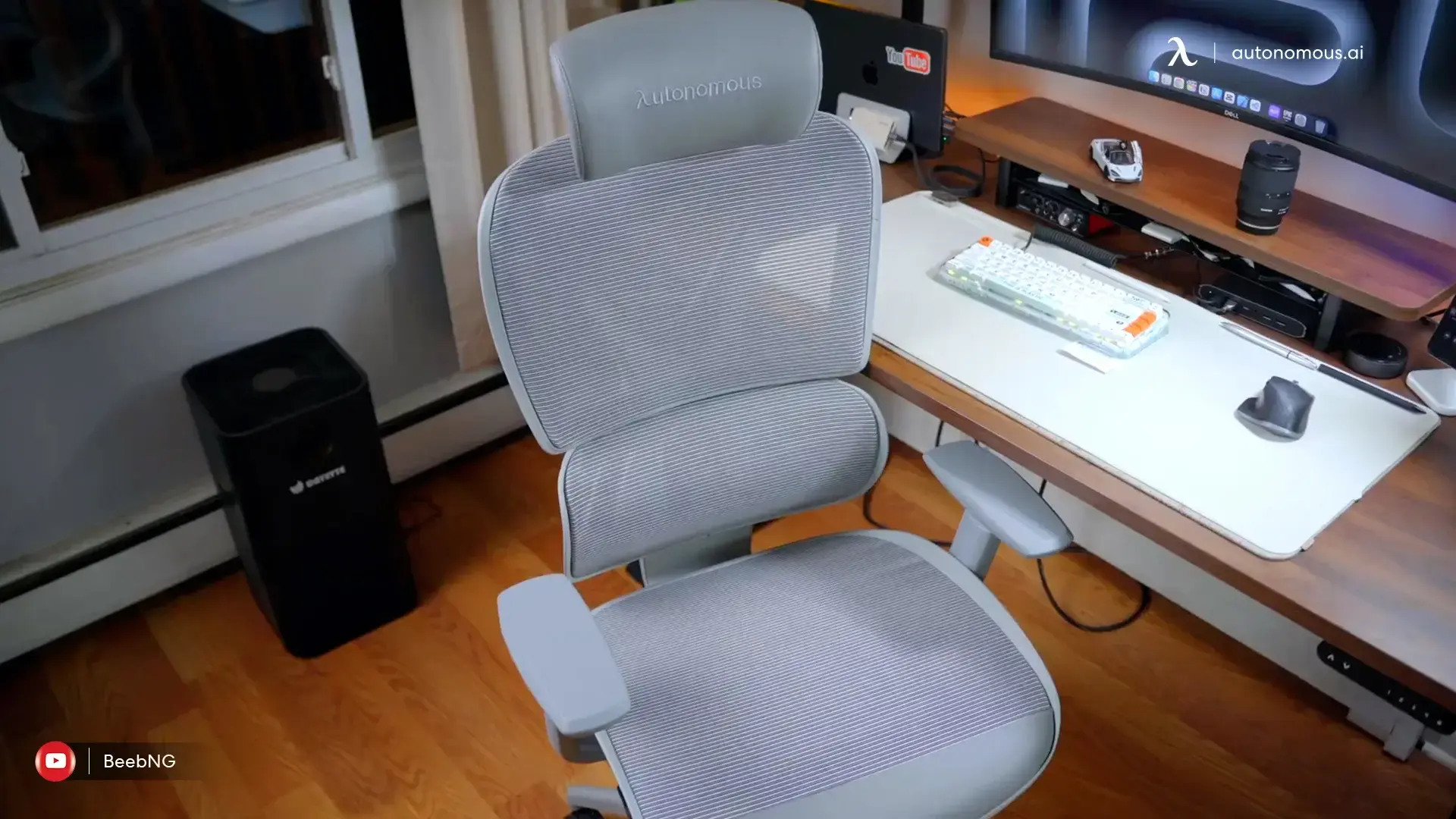
Why does lumbar support hurt my back?
If lumbar support is making your back worse, it’s almost always one of three things - and the fix is usually quick. This section absorbs the “reduce pain” question people search alongside placement.
It’s too high.
Support above the belt line presses the mid-back and forces the shoulders, which shows up as upper-back and neck tension. Lower it to the small of the back.
It’s too firm or too deep.
A pad that juts too far forward pushes your pelvis and pulls you off the backrest. Reduce the tension, or if it’s a cushion, choose a slimmer one - floor-and-seat ergonomics research links overly deep support to more discomfort, not less.
It isn’t the lumbar’s fault.
If your monitor is too low or your desk too high, you’ll lean forward and off the support no matter how it’s set. Fix screen and desk height, then reassess.
Persistent lower-back pain is common - the CDC reports that a large share of adults experience it - so if correct placement and a good setup don’t help within a couple of weeks, it’s worth checking with a professional. Positioning fixes posture-related strain, not a diagnosed spinal condition.
No lumbar support on your chair? What to do
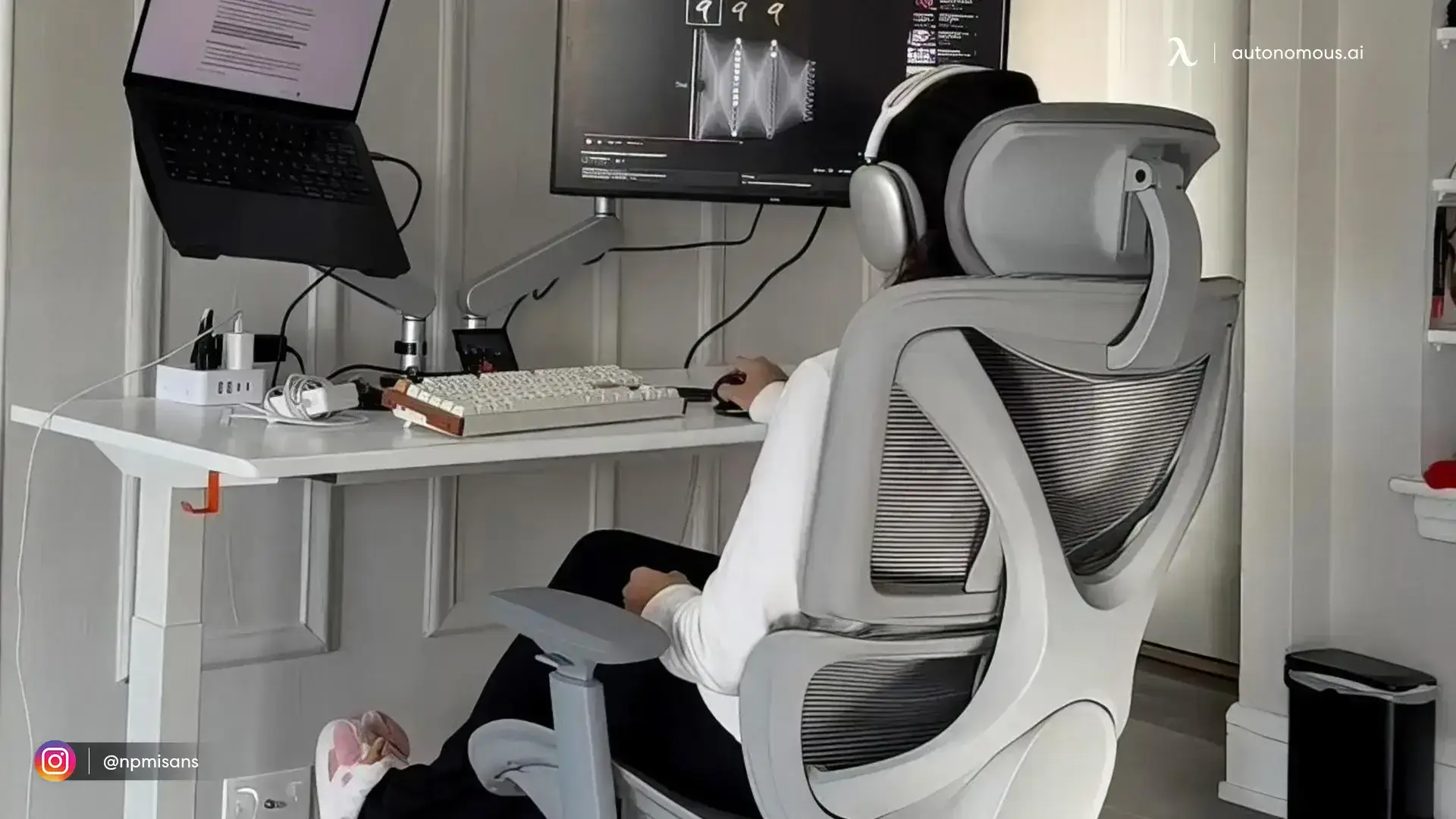
If your chair has no lumbar support, you have two honest options. The quick fix is exactly what OSHA suggests: a rolled-up towel or a removable back-support cushion placed at the small of your back to restore the natural curve. The lasting fix is a chair whose lumbar actually adjusts to your curve, so the support stays put through recline instead of shifting like a loose pillow. Either works - a cushion for a chair that’s otherwise fine but flat, a new chair when the support fights your back.
Frequently asked questions
Should lumbar support be high or low on your back?
Low - at the small of your back, just above the waist, around the belt line. Too high presses the mid-back and shoulders; too low lets you slouch.
How high should lumbar support be above the seat?
Usually about 6 to 10 inches above the seat, with the peak of the support level with your belt line (near the L3 vertebra). Adjust within that range until it fills the gap at your lower back.
Where should lumbar support be on an office chair?
At the small of your back, just above the waistline, so its curve meets your spine’s natural inward curve. OSHA advises the backrest’s outward curve “should fit into the small of the back,” with a height-adjustable lumbar to place it correctly.
Can lumbar support be too firm?
Yes. Support that’s too firm or too deep creates pressure points and pushes you off the backrest. It should give gentle, continuous contact with a little give, not force your back forward.
Where should lumbar support be in a car?
At the small of your back, the same as in a chair. Set the seat angle first, then place a slim lumbar cushion at the belt line so it supports the curve without crowding you toward the wheel.
Is lumbar support good for you?
Yes, when it’s positioned correctly - it helps maintain the spine’s natural curve and reduces static load on the lower-back muscles during long sitting. Placed wrong, it can add strain, which is why position matters more than the pad itself.
What is lumbar support in a chair?
Lumbar support is the part of a chair - a built-in curve, an adjustable pad, or an add-on cushion - designed to fill the gap at your lower back and hold its natural inward curve while you sit.
Conclusion: getting your lumbar support in the right place
Where should lumbar support be? At the small of your back, just above the waistline - about 6 to 10 inches above the seat, with its peak at your belt line - so its curve meets your spine’s natural curve. Set the height there first, then firmness, then a slight recline, and the support does its job: holding your lower back so your muscles don’t have to. Get that position wrong, too high or too firm, and the same pad that should help will ache instead.
The catch is that you can only place lumbar support correctly if it moves. A fixed or passive back lands wherever the design put it; an adjustable one - like the ErgoChair Pro’s 6-inch sliding cushion - lets you set it to your body and keep it there through recline. If your current chair’s support is stuck in the wrong spot, a rolled towel or a lumbar cushion is the quick fix, and a chair with genuine adjustable lumbar support is the lasting one. Put the support where your back curves, and long sitting gets a lot easier.
References
- OSHA - eTools: Computer Workstations, Chairs & Positions. osha.gov/etools/computer-workstations
- Mayo Clinic - Office ergonomics: Your how-to guide. mayoclinic.org
- National Institute of Neurological Disorders and Stroke - Back Pain. ninds.nih.gov
- Centers for Disease Control and Prevention - Low back pain data. cdc.gov