


Dual Monitor Setup Ideas for Desk and Productivity

.webp)
A dual monitor desk setup gives you two screens at eye level, both within arm's reach, with primary work centered in front of you and a secondary display angled in from the side. Done right, you stop minimizing tabs and dragging windows - both applications stay visible, and your workflow gets faster without thinking about it.
This guide walks through eleven dual monitor desk setups across different rooms and use cases, the mount choice that matters more than monitor choice, how to pair displays for a clean visual setup, and the ergonomic positioning rules most setups get wrong. Dual monitor builds on a small desk follow different rules, covered in fitting two monitors on a small desk.
Inspiring dual monitor desk setups
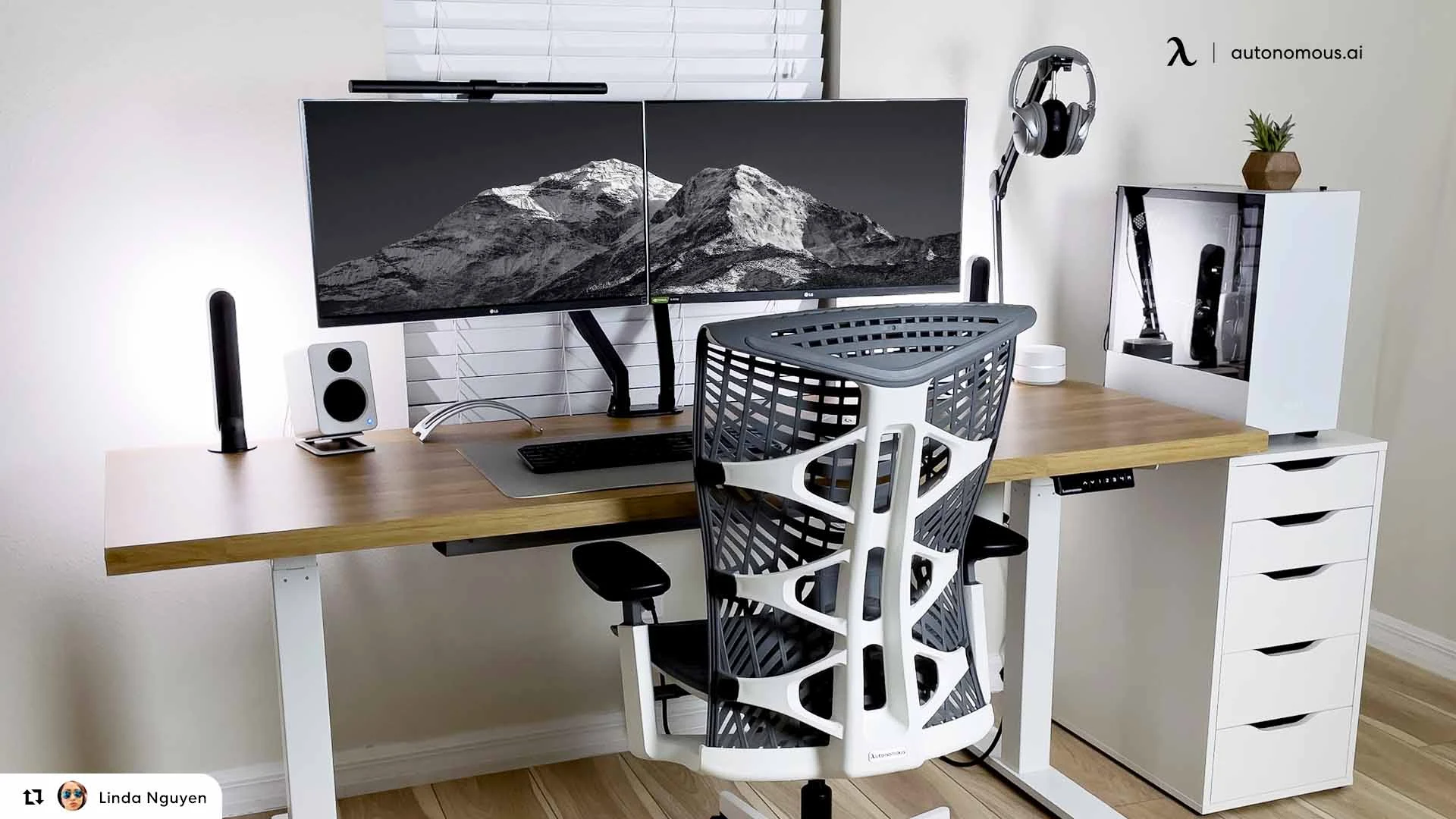
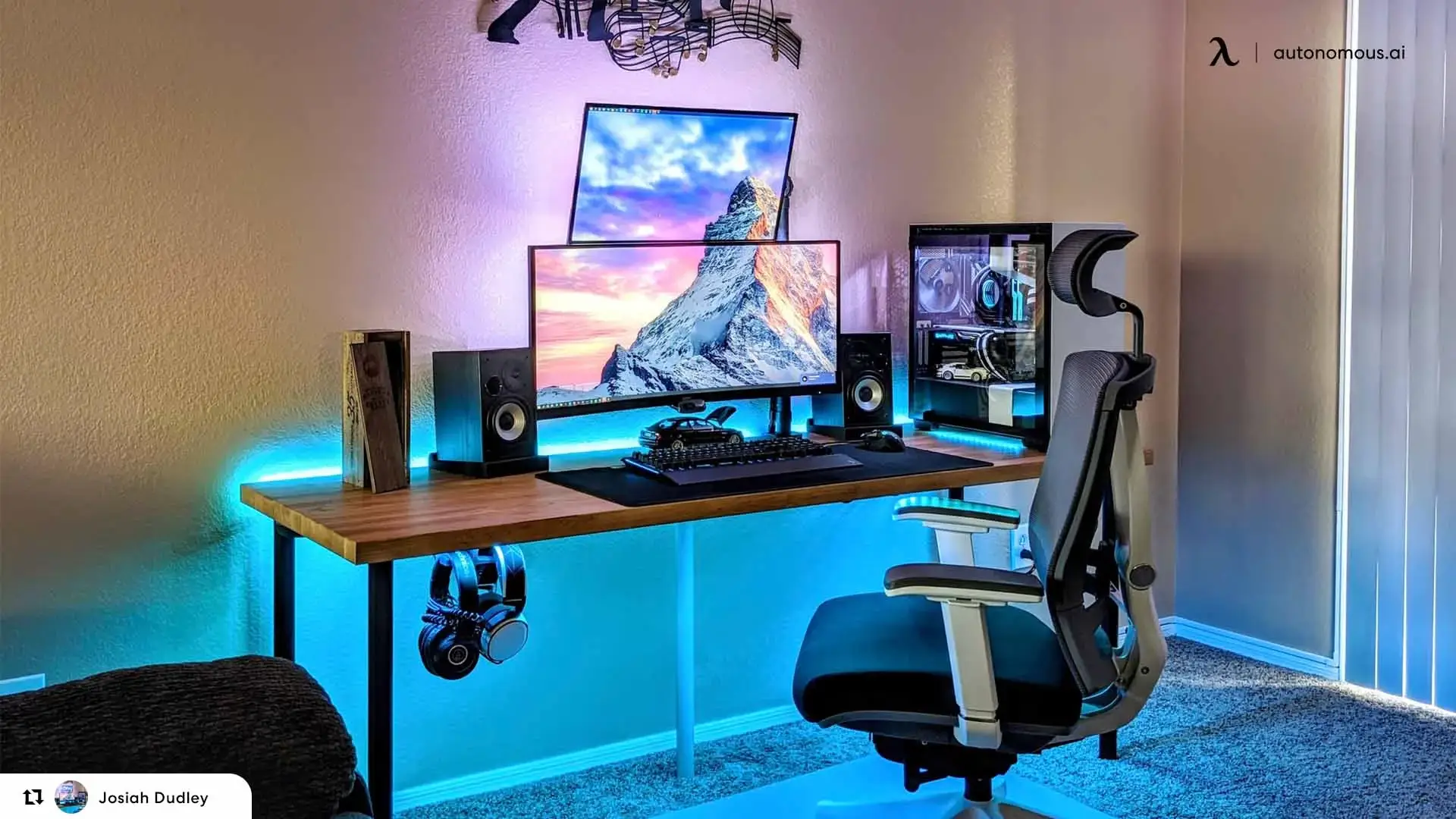
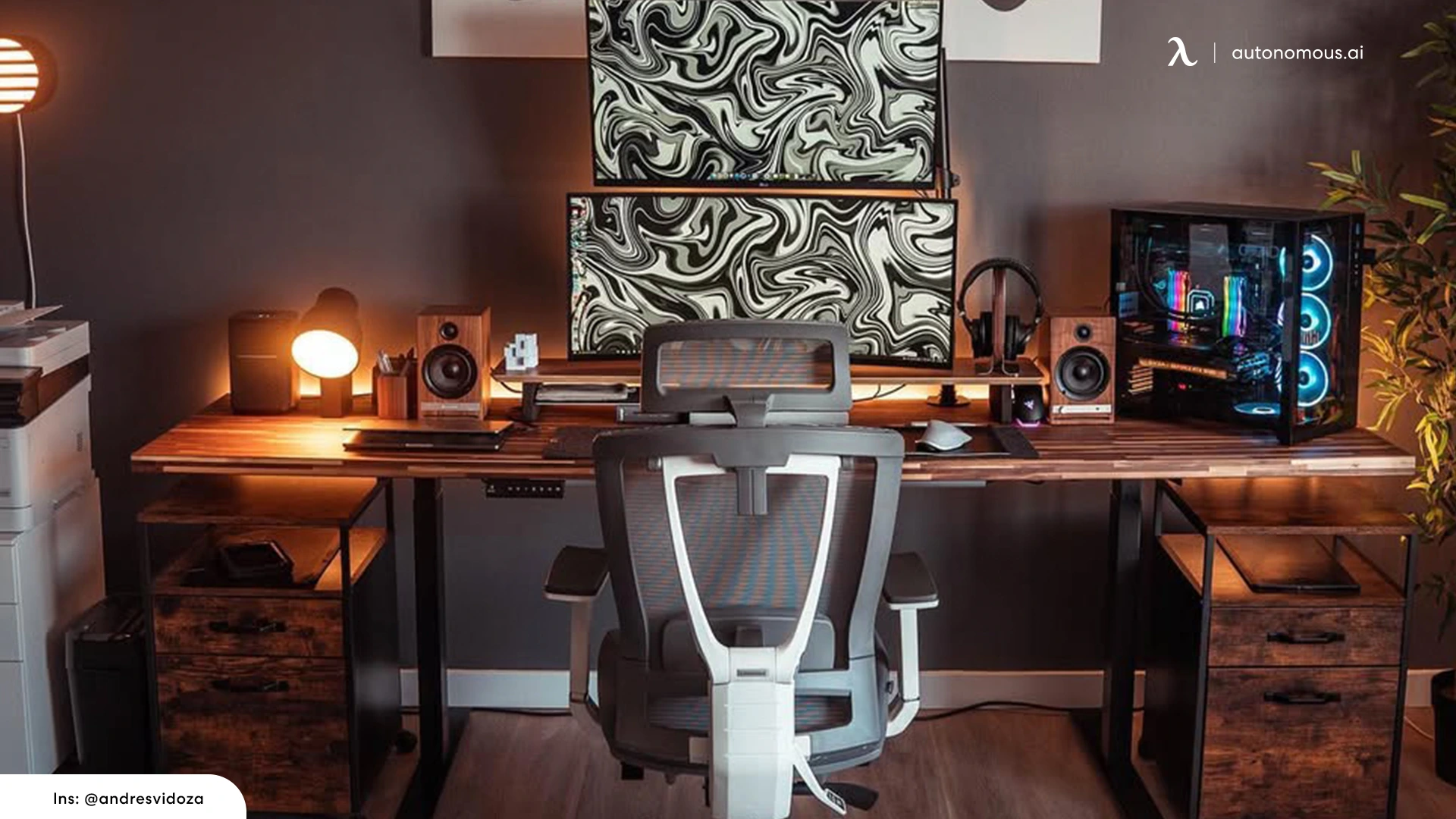
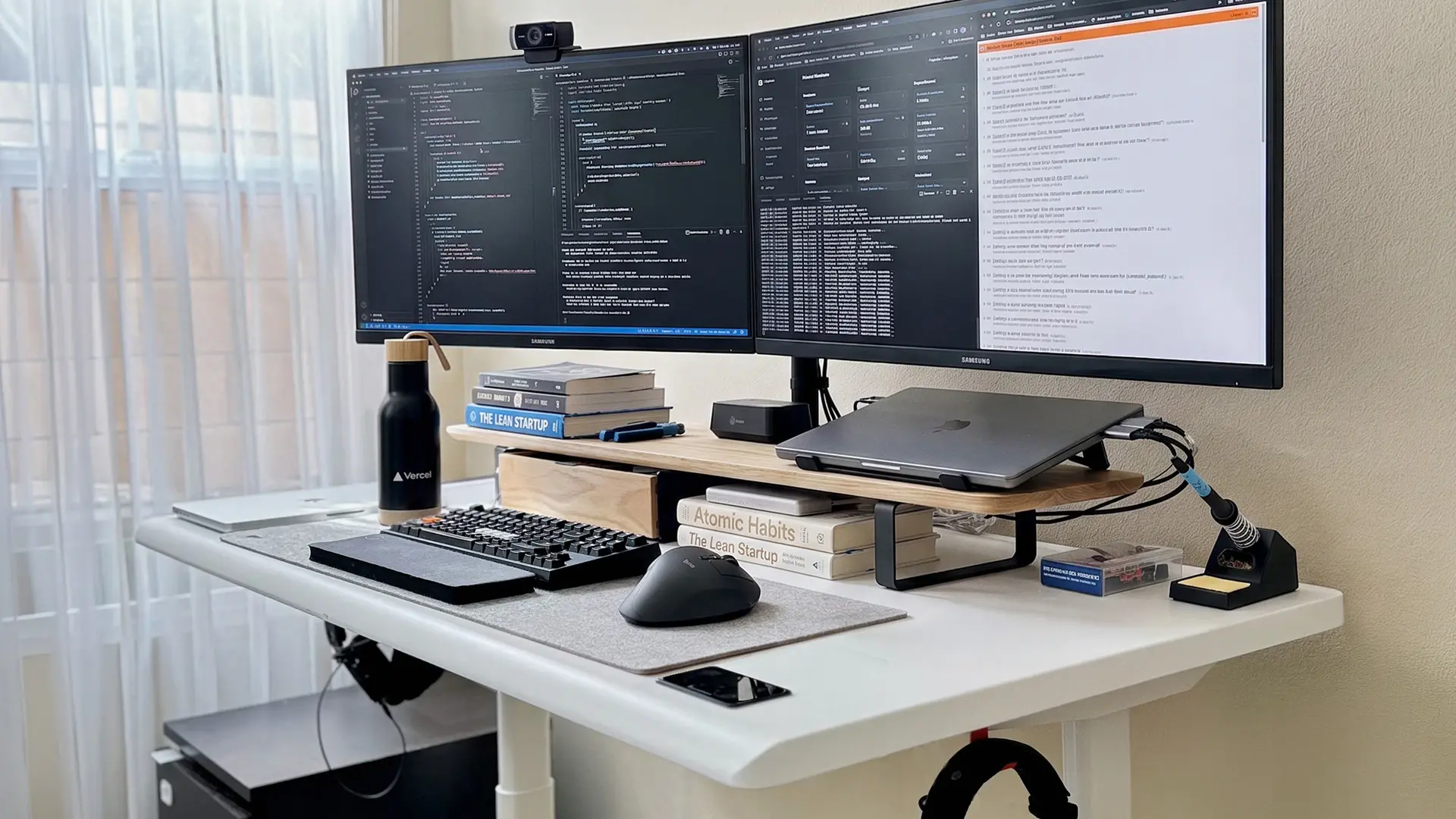
Here are dual monitor setup ideas to spark inspiration and help you find the right fit for your needs and style.
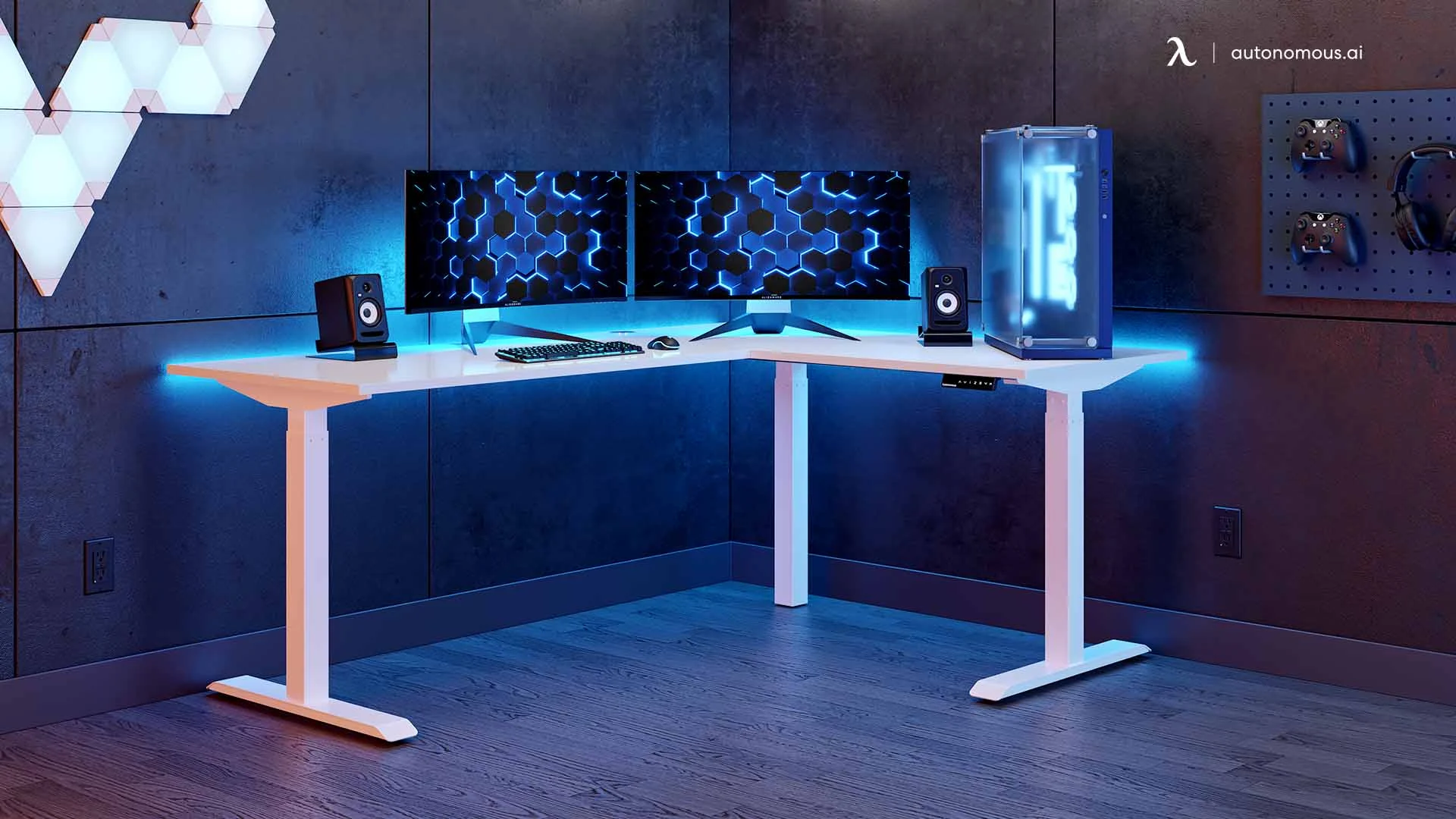
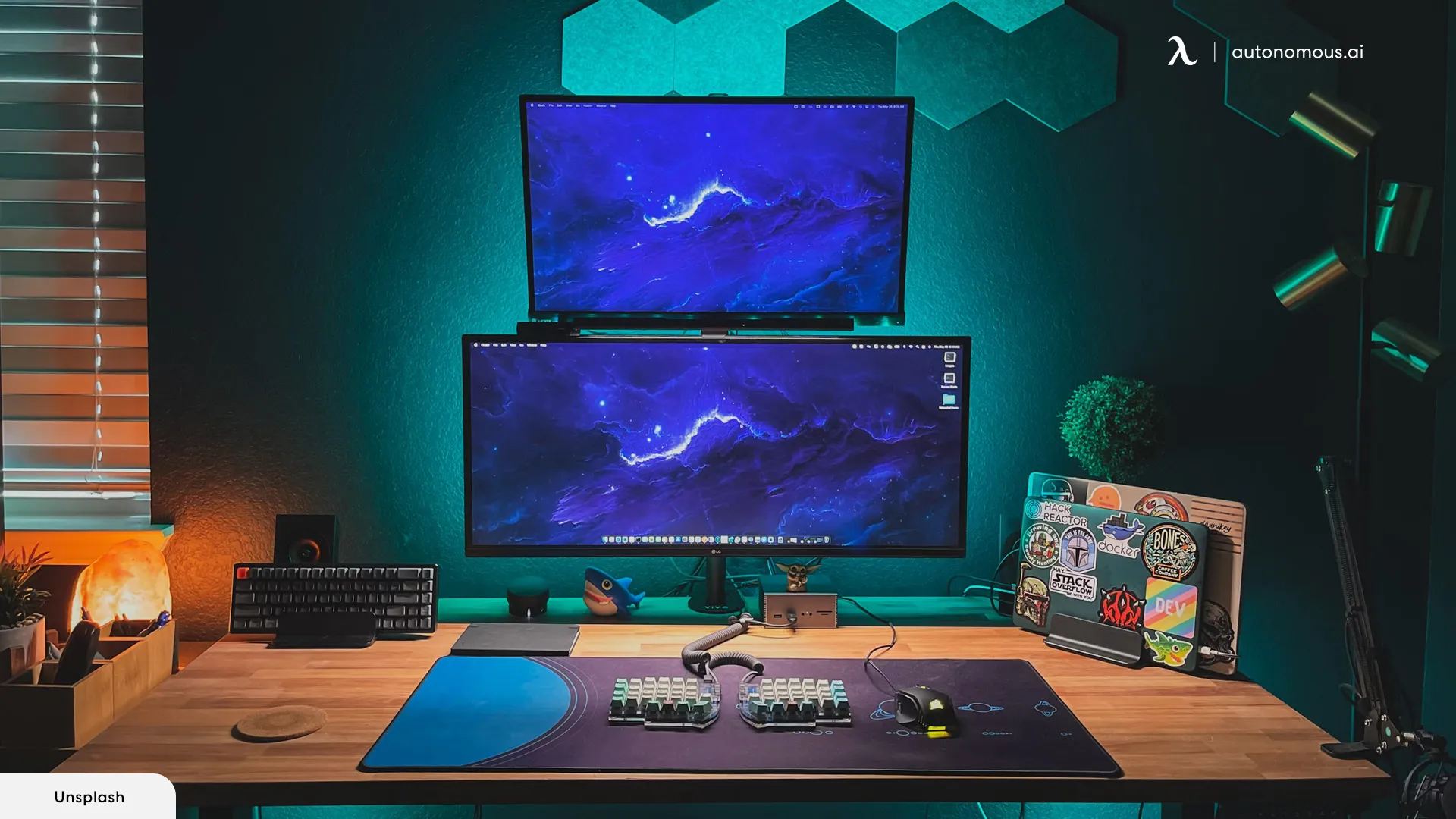
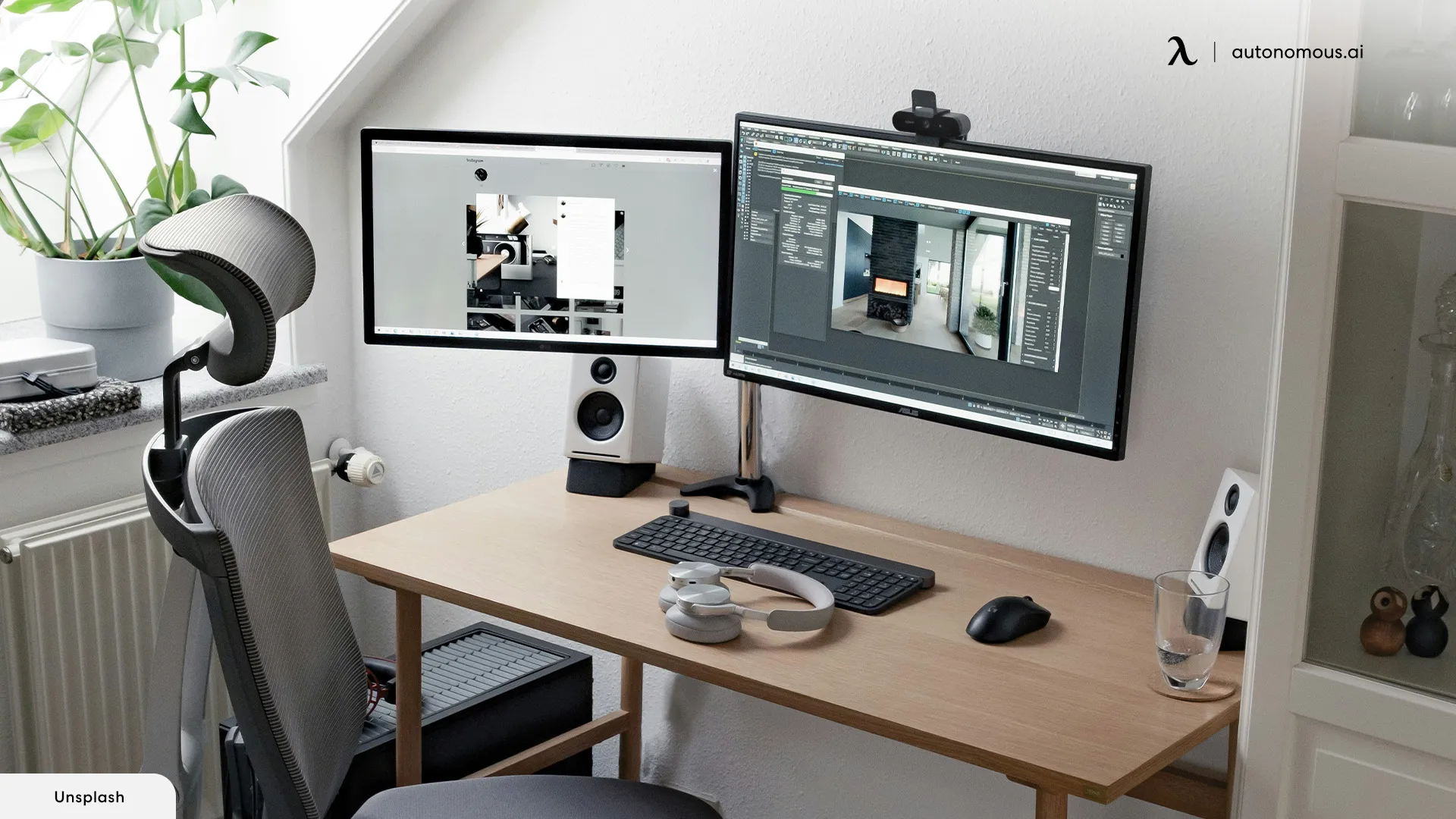
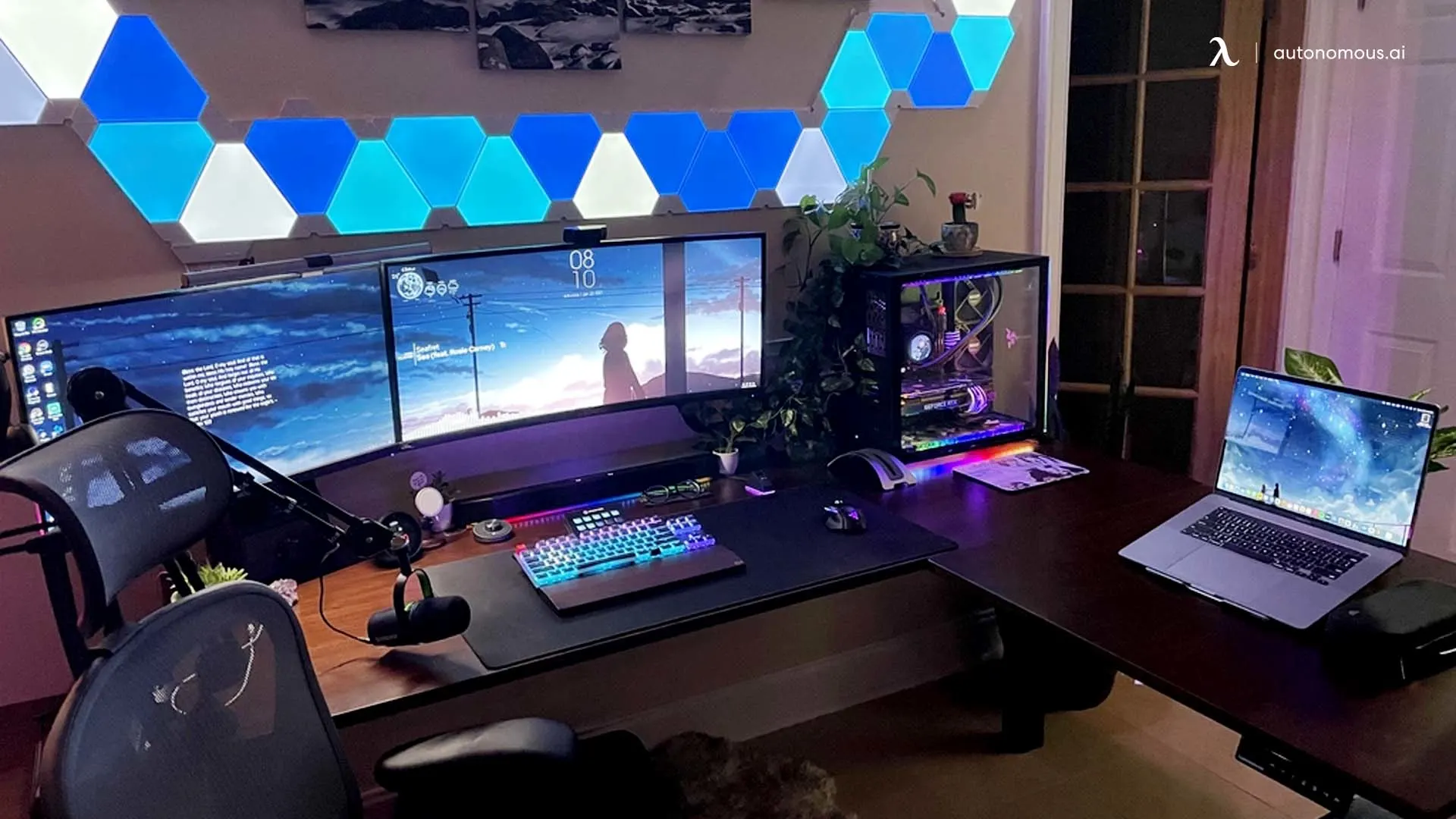
.webp)
How to make a dual monitor setup ergonomic
A dual monitor desk setup is ergonomic when both screens are easy to view without turning your head or changing posture. The Autonomous Desk Pro handles the desk-side of that equation across four constraints most dual monitor setups get wrong.
Width for the angle. Primary monitor in front, secondary angled inward 15–30°. Two 24" monitors need 53" of desk width; two 27" monitors need 60"+. The Desk Pro tops run 53"–70.5", so the angle works without compromise.
Height range for both sitting and standing.
Monitors at eye level for users 5'0" to 6'5", seated or standing. The Desk Pro adjusts 27.2"–52.7" without forcing a posture compromise at either extreme.
Cable management for the doubled cable count. Two monitors = two display cables, two power cables, and a USB hub between them. The Desk Pro's integrated cable tray with built-in outlets holds the power strip and bundle underneath the desktop - nothing trails behind the desk during height changes.
Capacity and noise floor. Two monitors + arms + a PC tower can hit 200+ lbs of load. The Desk Pro's 330 lb capacity sits well above that. Dual motors run under 30 dB during height changes - quiet enough that adjusting the desk during a call doesn't show up on a microphone.
Lifetime frame warranty. Use code BLOGFIRST5 for an extra 5% off.
FAQs
What is the best dual monitor setup?
The best dual monitor desk setup places the primary monitor directly in front of you with the secondary monitor angled in 15–30° from the side. Both screens sit at eye level, both at arm's length, with minimal gap between bezels. Monitor arms eliminate the stand footprint and free up the full desk depth for keyboard, mouse, and accessories.
How wide does a desk need to be for two monitors?
A desk needs to be at least 48" wide for two side-by-side 24" monitors with thin bezels, or 55"+ wide for two 27" monitors with peripherals spread. Below 48" desk width, vertical stacking or one-vertical-one-horizontal layouts work better than side-by-side.
Do I need two identical monitors for a dual monitor setup?
Identical monitors are recommended but not required. Matching size and resolution makes the setup feel like one continuous workspace. Mismatched monitors still work but require visual adjustment - assign the lower-spec screen to fixed applications (Slack, music, video calls) where you don't move windows frequently.
What size monitors are best for a dual monitor setup?
24"–27" monitors are the standard for most dual monitor desk setups. 24" works for compact desks and budget builds. 27" is the most-used size for daily productivity work. 32" monitors require 60"+ desk width and longer viewing distance. For gaming-focused setups, 27" at 1440p or 32" at 4K are common choices.
Should I use monitor arms or monitor stands?
Monitor arms are recommended over monitor stands for dual monitor setups. Stands occupy 8"–10" of desk depth each (16"–20" total for two monitors), while arms clamp to the back edge and float the monitors above the desk. Arms also allow fine-tuned height and angle adjustment that stands don't support.
Is an ultrawide monitor better than a dual monitor setup?
An ultrawide monitor (34" or 38" in 21:9 aspect ratio) replaces the dual monitor setup with a single curved display. Less total screen area than two 27" monitors, but no bezel gap in the middle and no monitor pairing decisions. Choose ultrawide for immersive single-application work; choose dual monitors for application separation and reference workflows.
How far apart should two monitors be?
Two monitors should sit as close as their bezels allow - ideally touching or with less than 1" gap. The bezel gap is the largest source of visual disruption in a dual monitor setup. Centered together with minimal gap, the two screens read as one continuous surface and the eye doesn't register the transition.
What desk works best for dual monitors?
A desk 55"+ wide with a load capacity above 200 lbs works best for dual monitors. The Autonomous Desk 2 (250 lb capacity, 53"–70.5" widths) and Desk Pro (330 lb capacity, 53"–70.5" widths) both fit standard dual monitor builds. For setups including monitor arms, a desk with pre-drilled grommet holes simplifies cable routing.
Is a dual monitor setup worth it for work?
A dual monitor setup is worth it for any work that involves cross-referencing - code plus documentation, design plus reference, writing plus research, spreadsheets plus reports. Productivity studies show 20–30% efficiency gains for multi-application workflows. For single-application work (focused writing, pure data entry), the value drops significantly.
How do I make my dual monitor setup look clean?
Match the two monitors (same size, same resolution, same bezel), align them at the same height, minimize the gap between bezels, route cables through a cable tray under the desk, and discipline the color palette of the peripherals (all-black or all-white). Visual symmetry is the single biggest factor in whether a dual monitor setup looks intentional or accidental.
Can I run two monitors from a laptop?
Most modern laptops support two external monitors through HDMI plus USB-C (with DisplayPort alt mode), or through a USB-C docking station. MacBooks vary by chip - M1/M2/M3 base models support one external monitor; M1/M2/M3 Pro and Max support two or more. Verify the specific laptop spec sheet before building the dual monitor setup.
Conclusion
A dual monitor desk setup works when both monitors match in size and resolution, sit at eye level with minimal bezel gap, and float above the desk on a monitor arm instead of occupying surface depth with stands. Adjustable desk width 55" or more, monitor arm instead of stands, matched panels at the same height, cables routed through an under-desk tray. The eleven setups above show what those rules look like across different rooms - the structure is consistent even when the aesthetics aren't.