30 Tech Gifts Under $50 for Work, Home & Travel in 2026

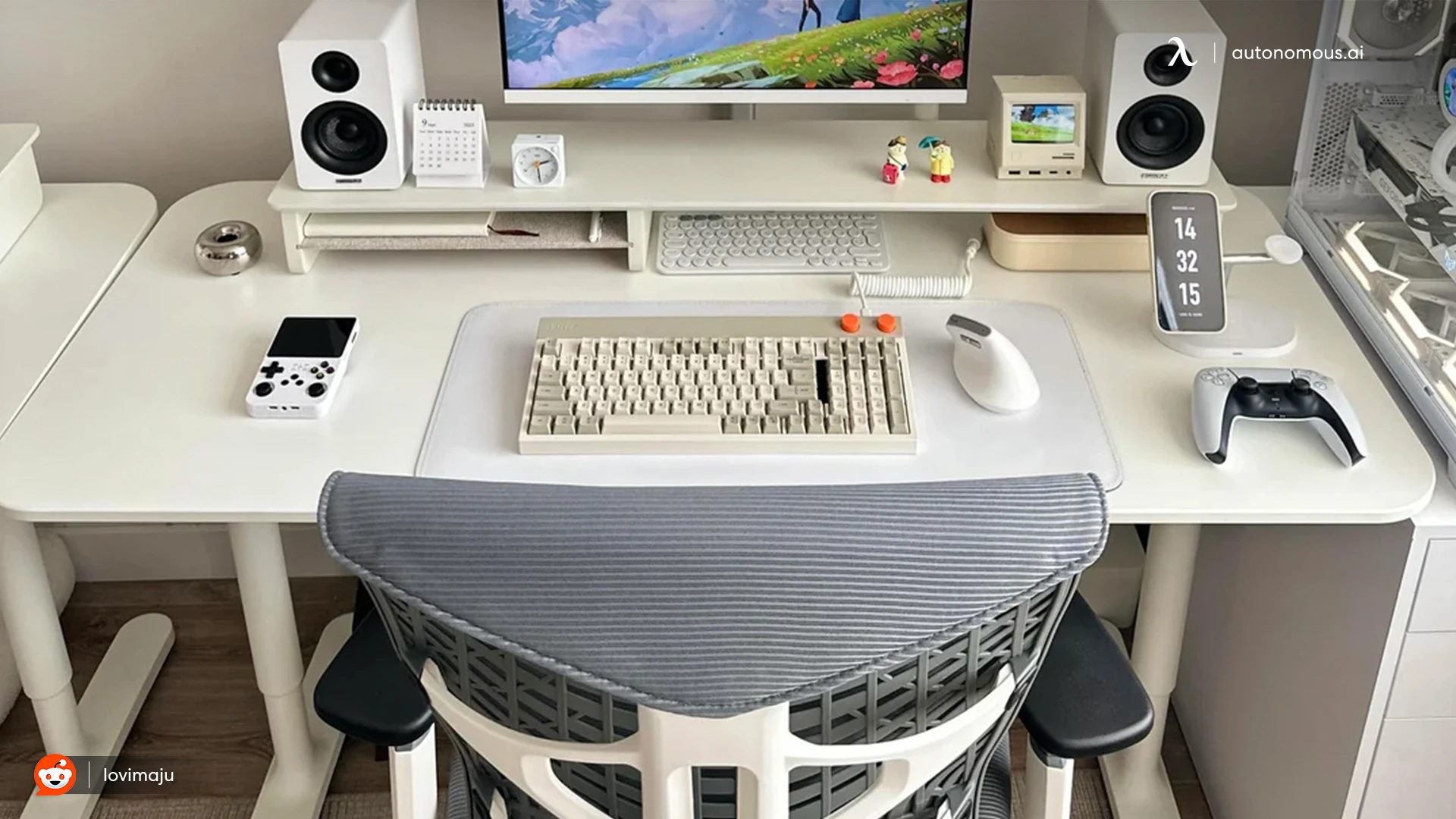
The best tech gifts under $50 solve a problem the recipient already has. Think of a laptop user running out of ports, a traveler with a dead phone, or someone who keeps losing charging cables.
Small hardware can also do more than connect devices. Autonomous Key uses a physical NFC tag to control access to distracting apps, while Hydrate tracks water intake through a desk coaster. Both fit this budget, but they suit different habits.
Here are 30 affordable tech gifts for remote workers, students, gamers, travelers, and people who enjoy building things. Each idea covers what the product does, who might use it, and the details worth checking before buying.
Best Tech Gifts Under $50 at a Glance
The best tech gifts under $50 depend on how the recipient uses their devices. These 30 ideas are grouped by everyday needs, so you can narrow down the options before comparing individual products.
| Category | Tech gift ideas |
|---|---|
| Desk & focus | Autonomous Key, Hydrate, USB-C hub, mouse, keyboard, laptop stand, desk lamp |
| DIY & organization | Cable pouch, Pico kit, screwdriver kit, desk mat, reusable notebook |
| Charging & power | USB-C charger, power bank, cable set, wireless pad |
| Travel & mobile | Item tracker, flash drive, phone stand, travel adapter, tripod |
| Gaming & media | Earbuds, speaker, webcam, clip-on mic, controller |
| Smart home | Smart bulb, plug, indoor camera, LED strip |
These categories include products available within the budget, but prices vary by model and retailer.
12 Tech Gifts Under $50 for Desk Setups and Developers
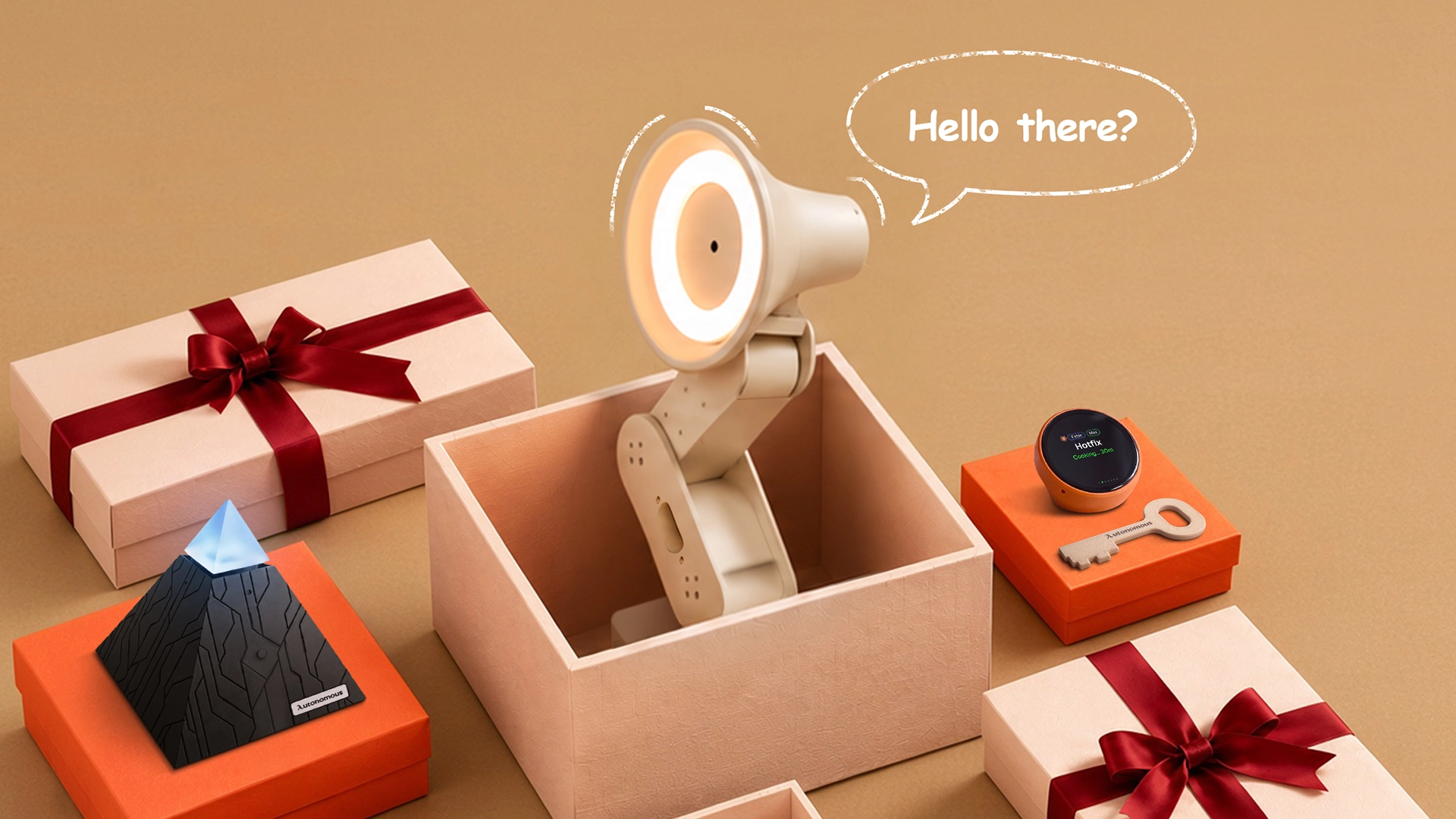
The most useful desk accessories either fix an everyday annoyance or give someone a project worth trying. A developer who enjoys building hardware might appreciate an electronics kit, while someone working from a laptop may prefer a reliable hub or mouse.
1. Autonomous Key: A Physical App Blocker
Autonomous Key is a small NFC device that puts a physical step between users and distracting phone apps. Users choose which apps to restrict through a companion app, then tap their phone against the Key to unlock them. It supports Android 8+ and iOS 15+ devices with NFC. The Key itself uses passive NFC, so it doesn't need a battery.
The idea is to leave the Key somewhere inconvenient. Opening a distracting app then takes more effort than tapping a screen. This suits someone who has mentioned wanting to reduce scrolling. It is less appropriate as an unsolicited productivity gift, especially if the recipient doesn't want restrictions on their phone.

2. Autonomous Hydrate: A Smart Desk Coaster
Autonomous Hydrate measures water consumption by tracking changes in the weight of a cup or bottle. It connects through USB-C and works with an ordinary drink container. The companion app records intake, while reminders can use light, vibration, or sound.
Hydrate is intended for someone who gets absorbed in work and regularly finds their water untouched at the end of the afternoon. The tradeoff is that it needs power and app setup. Someone who moves between locations throughout the day may get less use from a stationary coaster.

3. USB-C Hub
A USB-C hub adds connections to a laptop without requiring a full docking station. Depending on the model, it can provide USB-A ports, HDMI output, memory-card readers, or USB-C Power Delivery passthrough. It's particularly handy for someone who switches between a laptop-only setup and a desk with a monitor and external accessories.
One detail is easy to miss: USB-C describes the connector, not every capability behind it. A hub may fit a laptop but still lack the video or charging support the user needs. Check the recipient's laptop ports and connected devices before choosing the hub.
4. Wireless Mouse
A wireless mouse gives laptop users a separate pointing device without adding another cable. Compact Bluetooth models work well for travel, while larger mice may suit people who spend most of the day at one desk. Some can also switch between paired computers.
For regular computer use, shape and button placement matter more than decorative lighting. A mouse that feels comfortable to one person can be awkward for another. When preferences are unknown, a simple ambidextrous design is generally less risky than an unusual ergonomic shape.
5. Compact Wireless Keyboard
A compact wireless keyboard creates more room for mouse movement by removing the number pad or reducing the space between keys. That can help on a narrow desk, especially when a laptop, monitor, and other accessories share the same surface. Bluetooth models with multi-device pairing are useful for someone switching between a work computer and personal device.
Layout is the main consideration. Some programmers rely on dedicated function keys or specific shortcuts, while others prefer smaller keyboards. Avoid an unfamiliar layout if the recipient frequently uses a number pad or specialized keys.
6. Adjustable Laptop Stand
An adjustable laptop stand raises the screen and gives users more control over its position. Foldable models suit hybrid workers who pack up their equipment regularly. More stable desktop versions can help align a laptop screen with a separate monitor.
However, raising a laptop also raises its built-in keyboard. For longer sessions, a separate keyboard and mouse may be necessary. In a home office setup, the stand should work with the monitor, chair, and desk rather than being treated as a complete ergonomic solution by itself.
7. Adjustable LED Desk Lamp
An LED desk lamp provides focused light for reading, writing, and working with physical materials. A movable arm lets users direct light toward the desk without shining it directly into the monitor. Dimming and adjustable color temperature are helpful additions, especially when the same workspace is used during the day and evening.
Desk space can be the limiting factor. A clamp-mounted lamp may work better on a crowded surface, while a lamp with a weighted base is easier to move. Consider how much room the recipient has beside their keyboard.
8. Cable Organizer Pouch
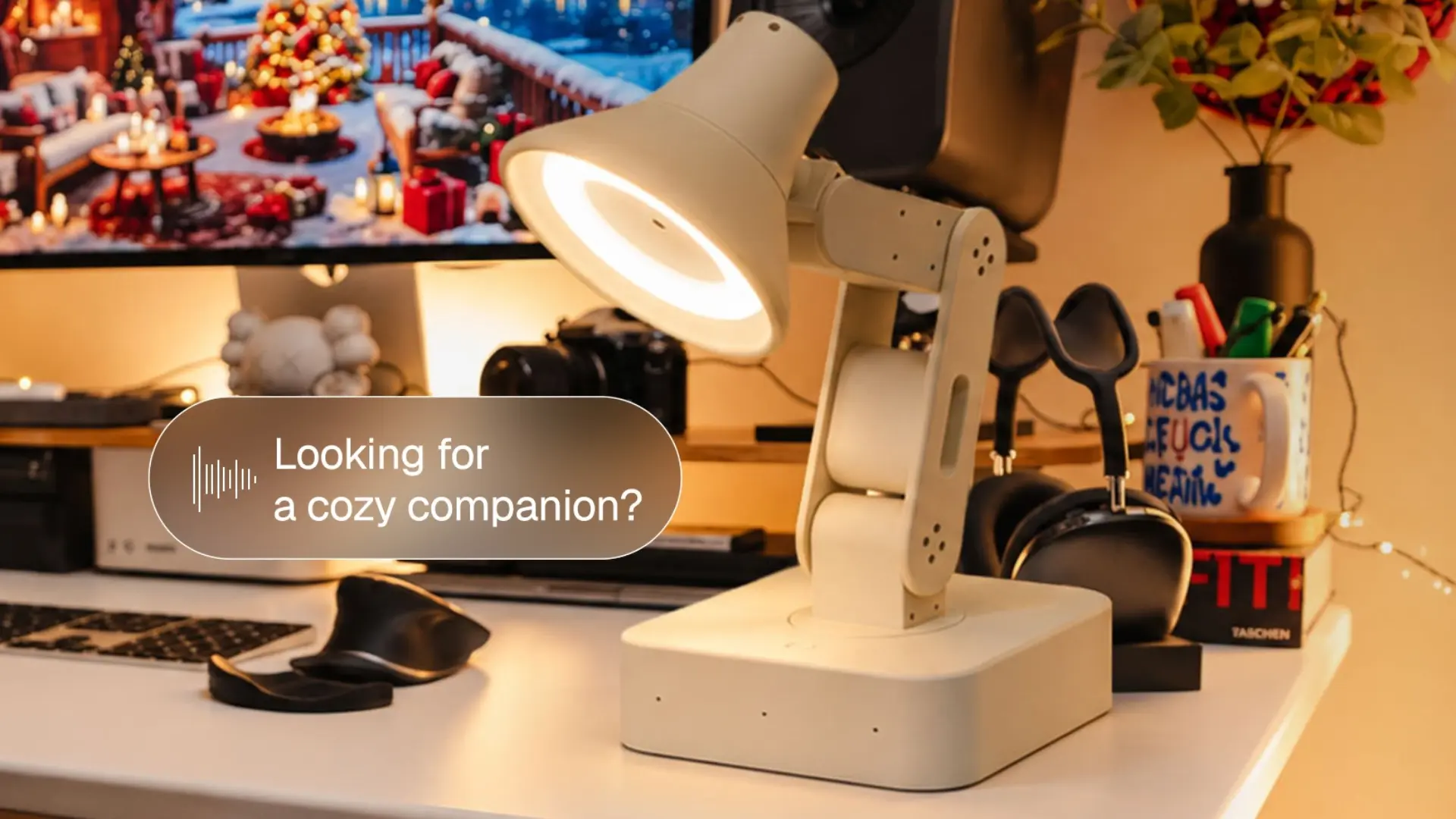
A cable organizer pouch keeps charging cables, adapters, USB drives, and small accessories in one place. It's useful for people who move between work locations and repeatedly unpack the same equipment. Separate pockets and elastic loops help prevent small items from settling at the bottom of a backpack.
Someone who prefers a minimalist desk setup can also use one to keep spare accessories out of sight. Choose a pouch with enough depth for charging bricks. Some slim designs only have room for cables.
9. Raspberry Pi Pico 2 W Starter Kit
A Raspberry Pi Pico 2 W starter kit gives someone a way to build and program small electronic projects. The Pico 2 W is a microcontroller board with wireless connectivity. Using MicroPython or C/C++, it can be programmed to work with compatible sensors, LEDs, buttons, and other components.
This belongs on the hands-on side of gifts for programmers. It's more suitable for someone curious about electronics than someone who only wants another computer accessory. Check the package carefully. A bare board isn't a complete kit, and beginners may need a breadboard, jumper wires, sensors, and a suitable USB cable.
10. Precision Electronics Screwdriver Kit
A precision screwdriver kit helps with the small screws found in laptops, keyboards, controllers, and other electronics. A useful set includes interchangeable bits, a comfortable handle, and storage that prevents the smallest pieces from getting lost. Magnetic bit holders can make delicate assembly less frustrating.
This is a practical gift for someone who repairs devices or modifies hardware. Pay attention to the bit selection rather than the number of pieces advertised. A large kit isn't much help if it lacks the screw types used in the recipient's equipment.
11. Large Desk Mat
A desk mat gives a keyboard, mouse, and small accessories a shared surface. For someone who already has a complete workstation, replacing a worn mouse pad with a larger mat can be an easy upgrade. It also helps protect the desktop from minor marks and scratches.
Material is a matter of preference. Fabric mats feel familiar to many mouse users, while wipe-clean surfaces are easier to maintain. Measure the available space first. An oversized mat can interfere with monitor stands, chargers, or other equipment already on the desk.
12. Smart Reusable Notebook
A smart reusable notebook combines handwritten notes with digital scanning. Products in this category use compatible pens and erasable pages. Users write by hand, scan their notes through an app, and clean the pages for reuse.
It suits someone who prefers sketching ideas on paper but wants digital copies of meeting notes, diagrams, or plans. The writing system matters. Some notebooks require specific pens and cleaning methods, so they won't suit everyone who enjoys traditional stationery.
9 Tech Gifts Under $50 for Phones and Travel
Tech gifts under $50 for phones and travel are most useful when they reduce what someone needs to carry or make charging easier away from home. Small differences in compatibility can matter more than extra features.
13. Compact USB-C Wall Charger
A compact USB-C charger can replace a bulky adapter or serve as a spare for a travel bag. Chargers supporting USB Power Delivery negotiate charging power with compatible devices. Some multiport models can handle a phone and earbuds at once, although power may be shared between ports.
A charger advertised for laptops won't necessarily power every laptop at its usual charging speed. Check the recipient's device requirements and whether the charger includes a cable. A compact adapter is only convenient if it delivers enough power for the equipment being carried.
14. Portable Power Bank
A portable power bank lets someone recharge a phone when an outlet isn't available. Compact models work well for commuting and day trips. Higher-capacity options may suit longer journeys, but they also take up more space and add weight.
A built-in cable can be convenient, provided it matches the recipient's devices. Otherwise, ordinary USB output ports offer more flexibility. For frequent flyers, check the battery's watt-hour rating and applicable airline rules. Capacity labels in mAh don't always provide enough information about travel restrictions.
15. USB-C Charging Cable Set
A USB-C cable set gives someone spare cables for their desk, bag, and bedside table. Different lengths suit different situations. Short cables reduce clutter near a power bank, while longer ones help when wall outlets are awkwardly placed.
Although the connectors may look identical, USB-C cables can support different charging power and data-transfer speeds. Look for clearly stated specifications. A cable suitable for charging earbuds may not support the power or data capabilities needed for a laptop or external drive.
16. Wireless Charging Pad
A wireless charging pad gives a compatible phone a fixed place to charge. It's convenient on a desk or nightstand where repeatedly connecting a cable isn't necessary. Some models support magnetic alignment, while others require the phone to be positioned carefully on the charging surface.
Wireless charging isn't always the fastest option. Thick cases and incompatible accessories can also interfere with charging. Confirm the phone's Qi or Qi2 compatibility and check whether the pad includes a suitable wall adapter.
17. Bluetooth Item Tracker
A Bluetooth item tracker helps locate misplaced keys, bags, or other belongings through a compatible phone network. For someone who regularly loses keys around the house, the ability to trigger a sound may be the most useful feature. Travelers may appreciate location updates through a supported finding network.
The phone ecosystem is the deciding factor. Before buying, check whether the tracker supports the recipient's phone and whether its battery can be replaced or recharged. Tracking coverage also depends on the product and network.
18. Dual USB Flash Drive
A dual USB flash drive uses two connector types, commonly USB-A and USB-C, to transfer files between compatible devices. It's handy for someone who uses both older desktop computers and newer laptops. Files can be moved directly without relying on cloud storage or an internet connection.
Transfer speeds vary considerably between products, even at similar capacities. Choose a reputable model with clear specifications. A flash drive is useful for transfers, but it shouldn't be the only backup for important documents.
19. Foldable Phone Stand
A foldable phone stand holds a smartphone upright for video calls, tutorials, recipes, or entertainment. Unlike most connected accessories, it needs no pairing, charging, or software configuration. A compact model can stay in a backpack until it's needed.
A weighted base may be more stable than a very light folding design, especially with larger phones. Check the adjustment range and whether the stand accommodates the recipient's phone case. A stand with poor balance becomes frustrating quickly.

20. Universal Travel Adapter
A universal travel adapter helps travelers connect compatible electronics to outlets with different plug designs. Models with USB charging ports can reduce the number of separate chargers someone needs to pack. This is especially convenient when visiting multiple countries on one trip.
However, a plug adapter doesn't necessarily convert electrical voltage. Check which plug types the destination uses, the adapter's electrical ratings, and the voltage supported by the connected device.
21. Compact Phone Tripod
A compact phone tripod holds a smartphone steady for photos, video calls, and recording. Tabletop models are useful for filming at a desk. Small extendable versions offer more flexibility outdoors, while some include Bluetooth shutter remotes.
For someone who occasionally records tutorials or product demonstrations, a stable camera position may be more valuable than another camera accessory. Look at the mount size and tripod stability. A model that works with a small phone may struggle with a heavier device or thick protective case.
9 Cool Tech Gifts Under $50 for Gaming, Audio and Smart Homes
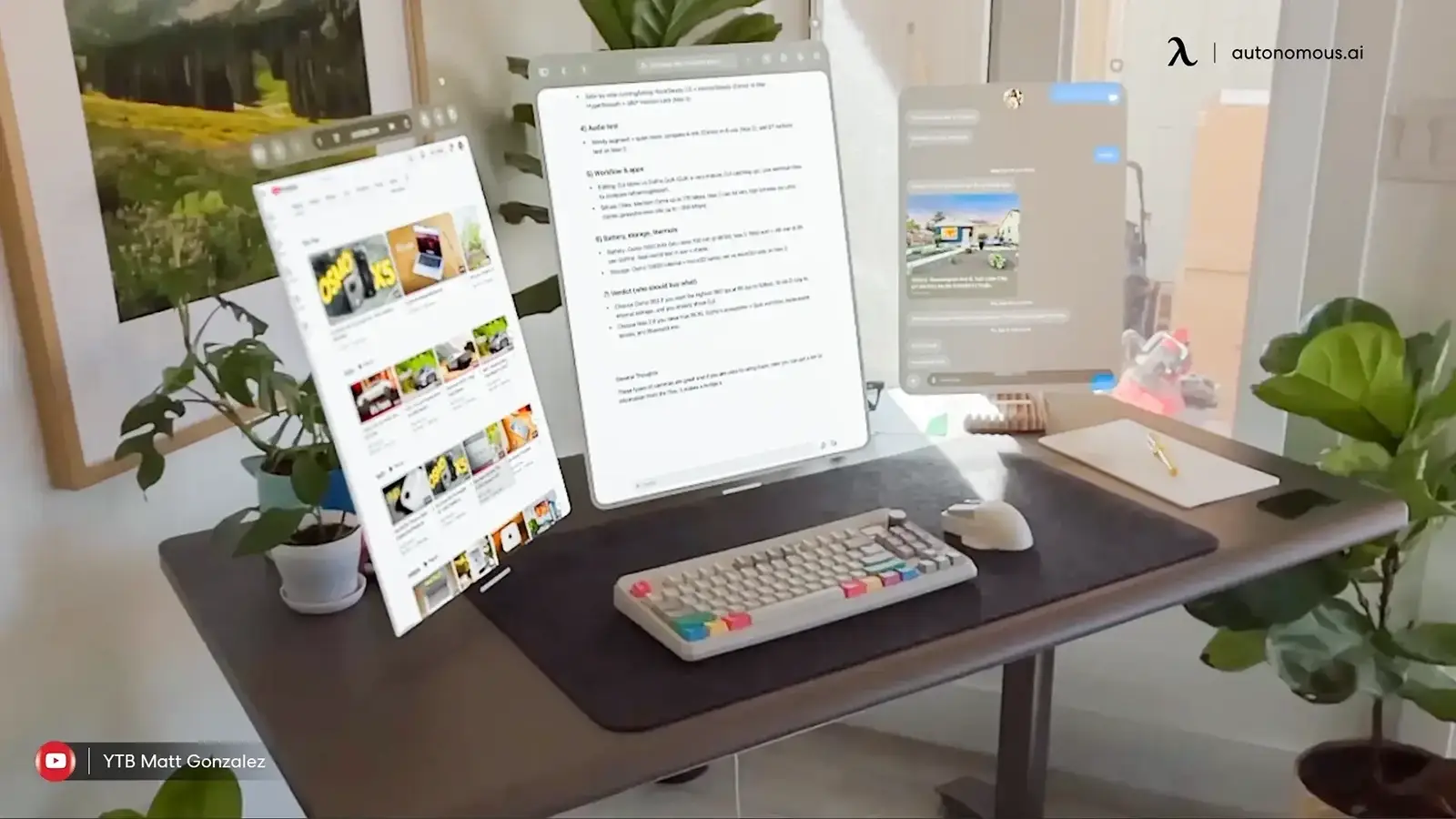
Affordable gaming and smart-home gadgets can add useful features to equipment someone already owns. The main risk is choosing a device that needs an incompatible platform, unwanted subscription, or more setup than the recipient enjoys.
22. Budget Wireless Earbuds
Budget wireless earbuds are useful for commuting, podcasts, workouts, and casual listening. They can also serve as a backup pair for someone who already owns more expensive headphones but doesn't want to carry them everywhere.
Comfort deserves more attention than an impressive feature list. Earbuds that don't stay in place are frustrating regardless of their Bluetooth version or advertised battery life. Check fit, connection reliability, microphone performance, and the return policy before choosing a model.
23. Portable Bluetooth Speaker
A portable Bluetooth speaker makes it easier to share music in a room or take audio outside. Compact speakers suit travel, small gatherings, and casual listening. Some offer water resistance or built-in carrying loops, although protection levels differ.
Battery life and controls are worth checking closely. A speaker that's difficult to pair or constantly needs charging won't get much use. Choose a size that suits how the recipient will carry it. A larger speaker isn't automatically a better gift if it rarely leaves the shelf.
24. USB Webcam
A USB webcam provides a separate camera for video meetings, online classes, and basic content creation. Its main advantage may be positioning rather than resolution. A camera mounted above an external monitor can provide a more useful angle than a laptop camera sitting below eye level.
For a streaming desk setup, lighting and camera placement matter alongside the webcam itself. At this budget, look for reliable operating-system support, a stable mount, and a privacy shutter. Higher advertised resolution doesn't always mean better image quality.
25. Clip-On Microphone
A clip-on microphone captures speech close to the speaker's mouth during presentations, interviews, or video recording. Basic wired lavalier microphones are compact and inexpensive. Wireless models offer more movement but usually need a receiver and battery charging.
Connector compatibility is the part most likely to cause trouble. Some microphones use USB-C, while others need a 3.5mm input or a separate adapter. Confirm the recipient's recording device before buying.

26. Bluetooth Gaming Controller
A Bluetooth gaming controller adds physical controls to compatible phone, tablet, or computer games. It suits someone who plays games designed for controllers. The physical buttons and sticks can be preferable to touchscreen controls, particularly for games requiring precise movement.
However, pairing successfully with a phone doesn't guarantee that every game will support the controller. This matters when shopping for tech gifts for teens, whose preferred games and platforms may differ considerably. Check the games first, then choose the controller.
27. Smart LED Bulb
A smart LED bulb adds adjustable lighting to a compatible fixture. Depending on the model, users can change brightness, schedule lighting, or select different colors through an app. It's a relatively simple way to experiment with home automation without replacing furniture or installing new wiring.
Some bulbs connect directly through Wi-Fi, while others require a hub or compatible platform. Confirm the socket type and connection requirements. A smart bulb is only useful when it fits the intended lamp.
28. Smart Plug
A smart plug adds scheduling and remote switching to suitable electrical devices. For example, someone can schedule a desk lamp or compatible decorative light to turn on at a particular time. Models supporting Matter may work with multiple compatible smart-home platforms.
The important limitation is the connected appliance. Not every device is safe to operate remotely or leave running unattended. Check the plug's electrical ratings, network requirements, and platform compatibility before purchasing.
29. Indoor Security Camera
An indoor security camera allows someone to check a room or monitor pets remotely. Budget models may provide live video, motion detection, two-way audio, or local recording. Those features can look similar on product listings, but storage policies and subscription requirements differ.
Privacy is especially important with cameras. Only choose one for someone who has expressed interest in indoor monitoring. Check security-update support, account protection, recording options, and whether useful features require a monthly plan.
30. Smart LED Light Strip
A smart LED light strip adds adjustable ambient lighting behind a monitor, television, or shelf. It suits people who enjoy customizing gaming rooms or entertainment spaces. Some strips use a simple remote, while others connect through an app or smart-home platform.
Measure the installation area before buying. Not all strips can be cut or extended, and some require a specific controller. A basic strip with reliable mounting and simple controls may be more useful than one with elaborate effects that rarely get used.
Tech Gifts Under $25, $50 and $100: Which Budget Makes Sense?
Tech gifts under $25 generally cover simple accessories and entry-level electronics. A $50 budget adds more flexibility for charging, audio, desk hardware, and smart-home devices, while spending closer to $100 can open up more capable peripherals.
| Budget | Suitable gift categories | Main consideration |
|---|---|---|
| Under $25 | Phone stands, cables, organizers, basic development boards | Simple features and limited accessories |
| Under $50 | Power banks, desk gadgets, earbuds, speakers, smart plugs | Balance compatibility and reliability |
| Under $100 | Keyboards, headphones, charging stations, premium peripherals | Pay more only for needed features |
These are typical category ranges rather than guaranteed prices for every model.
For someone who needs better audio or a particular computer accessory, a larger budget may be justified. The range of Xmas gifts under $100 includes alternatives that don't belong in this lower-priced shortlist.
At the other extreme, buying for a large group can make per-person spending more important. Simpler accessories often work better when the budget is closer to Christmas gifts for coworkers under $5.
The useful question isn't how much you can spend. It's whether increasing the budget would solve a real limitation.

FAQs
What are the best tech gifts under $50?
The best tech gifts under $50 include portable chargers, USB-C hubs, wireless mice, Bluetooth speakers, and useful desk accessories. They solve common problems without requiring a large purchase. For someone interested in less conventional hardware, a smart desk coaster or small development kit may be a more interesting choice.
What are good tech gifts under $25?
Good tech gifts under $25 include phone stands, charging cables, cable organizers, and basic electronics accessories. Some specialized devices also fit this budget, including Autonomous Key at its currently published price. Check the product's compatibility and any required accessories before buying, since the initial price may not reflect the total cost.
What are the best tech gifts under $50 for programmers?
Useful tech gifts under $50 for programmers include USB-C hubs, compact keyboards, precision screwdriver kits, and Raspberry Pi Pico-based starter kits. The right option depends on whether the recipient mainly writes software, maintains computers, or builds electronics. A development kit is better suited to someone who enjoys hands-on projects.
What tech gifts under $50 work for students?
Practical tech gifts under $50 for students include portable power banks, USB flash drives, wireless earbuds, laptop stands, and phone stands. These items support studying, commuting, and everyday device use. Check compatibility with school equipment and avoid specialized accessories that require costly subscriptions or additional hardware.
Are tech gifts under $50 suitable for coworkers?
Tech gifts under $50 work well for coworkers when they're useful and not too personal. Cable organizers, desk mats, phone stands, and compact chargers are reasonable choices. Avoid cameras or devices that monitor behavior unless the recipient has specifically requested them. Broad compatibility matters more than unusual features.
Can I buy good smart-home gadgets under $50?
Smart plugs, LED bulbs, light strips, and some indoor cameras are available within a $50 budget. Smart plugs and bulbs are often straightforward starting points because they work with existing fixtures or appliances. Check platform support, electrical requirements, privacy controls, and subscription costs before choosing a product.
Are inexpensive tech gifts worth buying?
Inexpensive tech gifts are worth buying when they solve a specific problem and hold up to normal use. A reliable charger or cable organizer can be more useful than a complicated gadget with unnecessary features. Consider build quality, warranty support, device compatibility, and additional ownership costs rather than price alone.
Should I buy a tech gift under $50 or spend closer to $100?
A budget under $50 covers many practical accessories and smaller gadgets. Spending closer to $100 makes sense when the recipient needs a particular feature, better hardware, or a more complete device. Otherwise, choosing something that fits their existing routine is usually more important than increasing the budget.
Conclusion
The best tech gifts under $50 don't need to be complicated. A reliable charger, a useful desk accessory, or a small device built around a real habit can make an everyday task easier.
Start with what the recipient already uses, check compatibility, and avoid paying for features they won't need. For people interested in more experimental hardware, Autonomous's collection of AI gifts includes physical devices designed for individual users and teams.
References
- Raspberry Pi Pico 2: Official Documentation
- USB Implementers Forum: USB Power Delivery
- Wireless Power Consortium: Qi Wireless Charging
- Connectivity Standards Alliance: Matter
- Federal Trade Commission: Securing Home Security Cameras
- Federal Aviation Administration: Lithium Batteries