The Best Office Chairs for Scoliosis in 2026
This article is informational. It's not medical advice. If you have scoliosis, talk to your physical therapist or spine specialist before changing your seating setup - they know your specific curve and can guide what kind of support helps and what makes things worse.
The chair you sit in matters more if you have scoliosis. Not because the chair fixes the condition - no chair does - but because uneven spinal curves load asymmetrically into whatever support the seat provides. A wrong chair forces the body to work harder to stay upright. A right ergonomic chair removes some of that asymmetric load and reduces the muscle fatigue that builds up over a workday.
This guide covers office chairs that work better than average for people with scoliosis, what to look for in the spec sheet, and the gaming-chair question that comes up over and over.
The office chairs for scoliosis
Chair | Lumbar adjustment | Seat depth slider | Armrests | Best for |
Autonomous ErgoChair Pro | 6" vertical slide + depth | Yes (19"–21.5") | 3D | Thoracic or lumbar curves needing precise lumbar position |
Autonomous ErgoChair Ultra 2 | Adaptive TPE (no fixed dial) | Yes (18"–20.5") | 3D | Curves that shift during the day |
Autonomous ErgoChair Mesh | 6" vertical slide + depth | Yes (18"–20") | 3D | Warm offices, long sessions, full-mesh aesthetic |
Herman Miller Aeron | Depth only (PostureFit SL) | No (3 size options) | Adjustable | Consistent lower-back curves, three-size fit |
Steelcase Gesture | Depth only | No | 3D (strongest in group) | Uneven shoulders, upper thoracic curves |
Workpro Quantum 9000 | Depth only | Yes | Adjustable | Hip imbalance, budget pick |
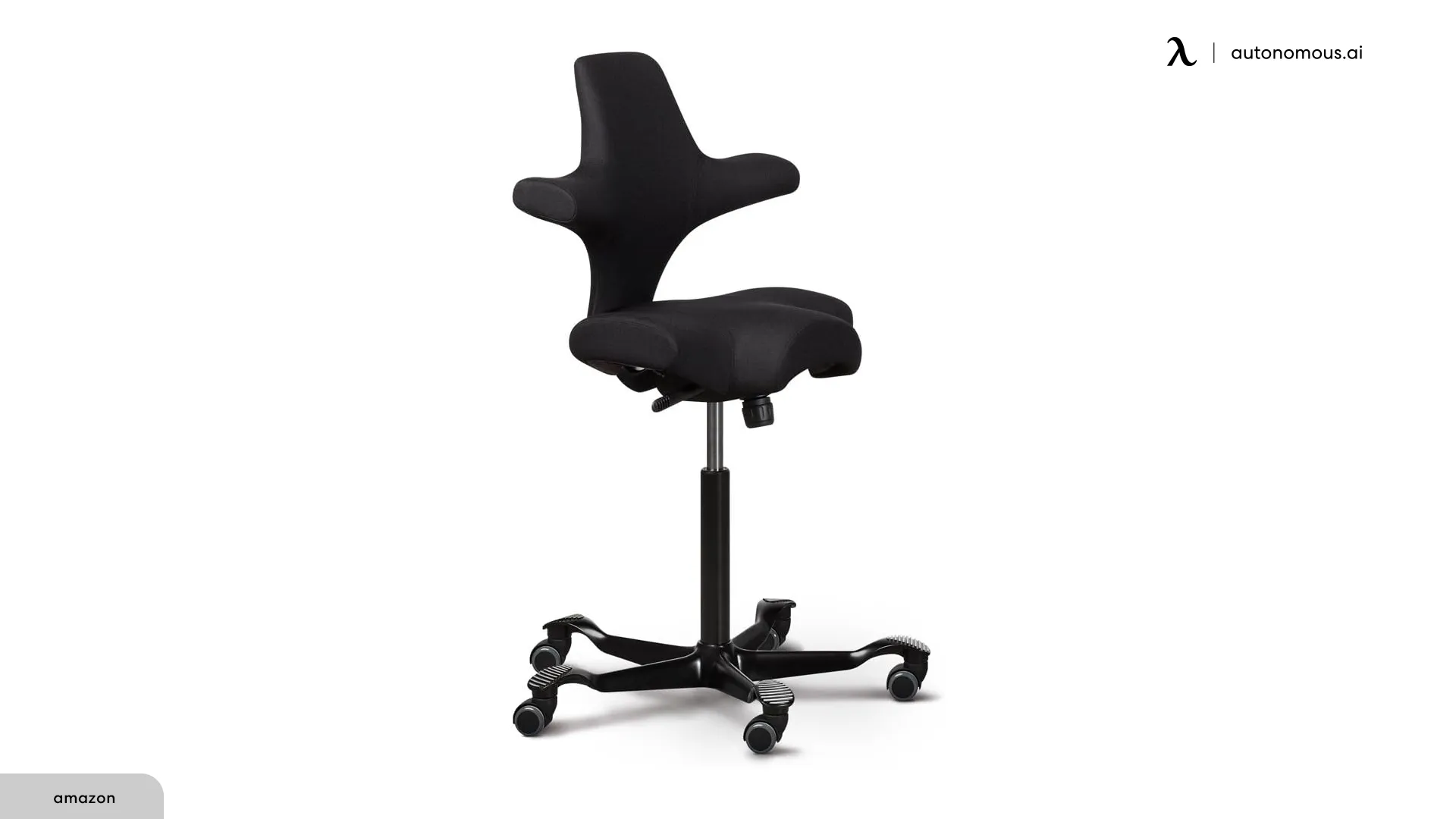
HÅG Capisco 8106 | Saddle (no traditional lumbar) | No (saddle design) | Optional | Active sitting, mild-moderate curves |
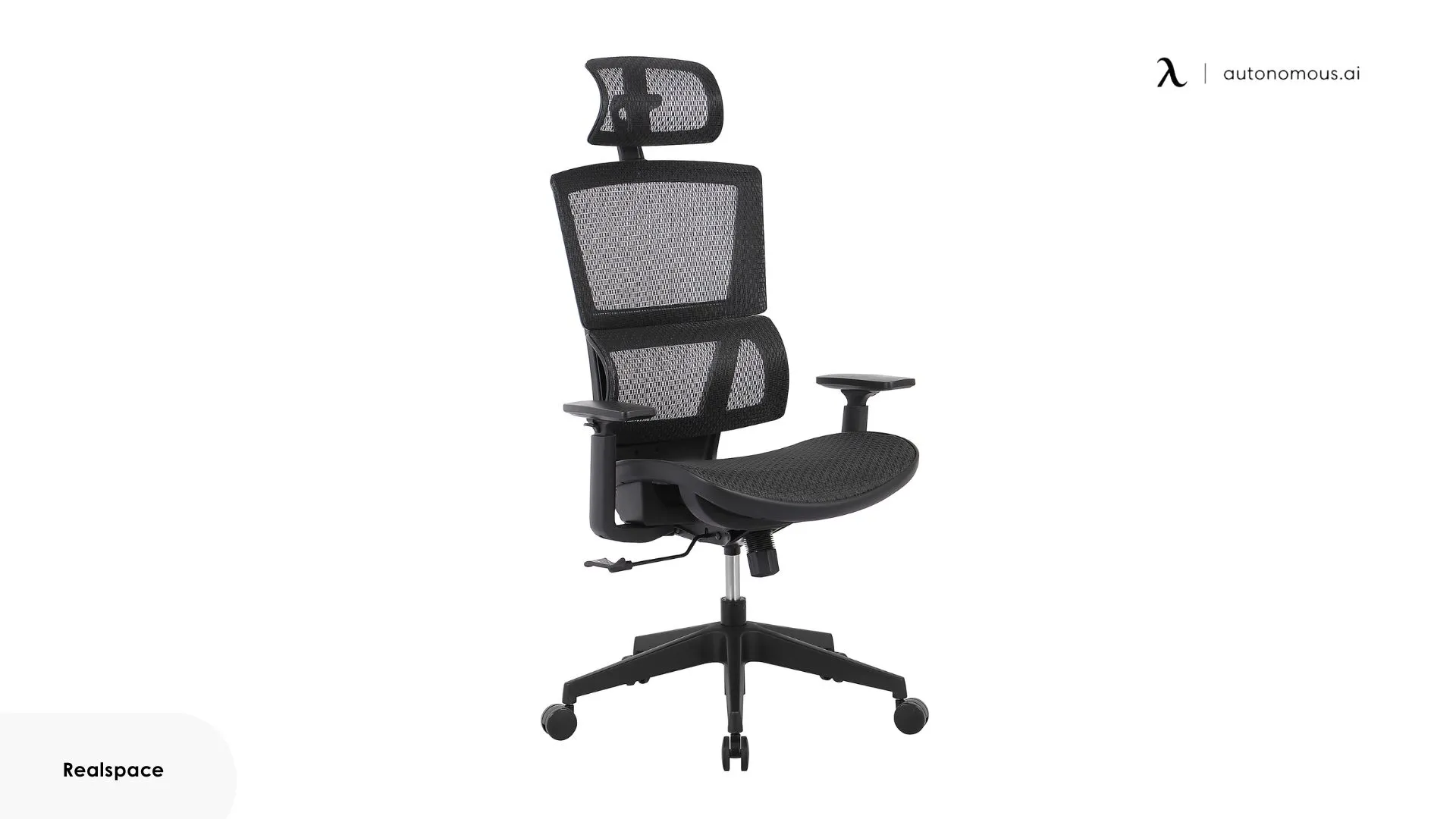
Realspace Radano | Depth only | No | Adjustable | Upper curves needing headrest support |
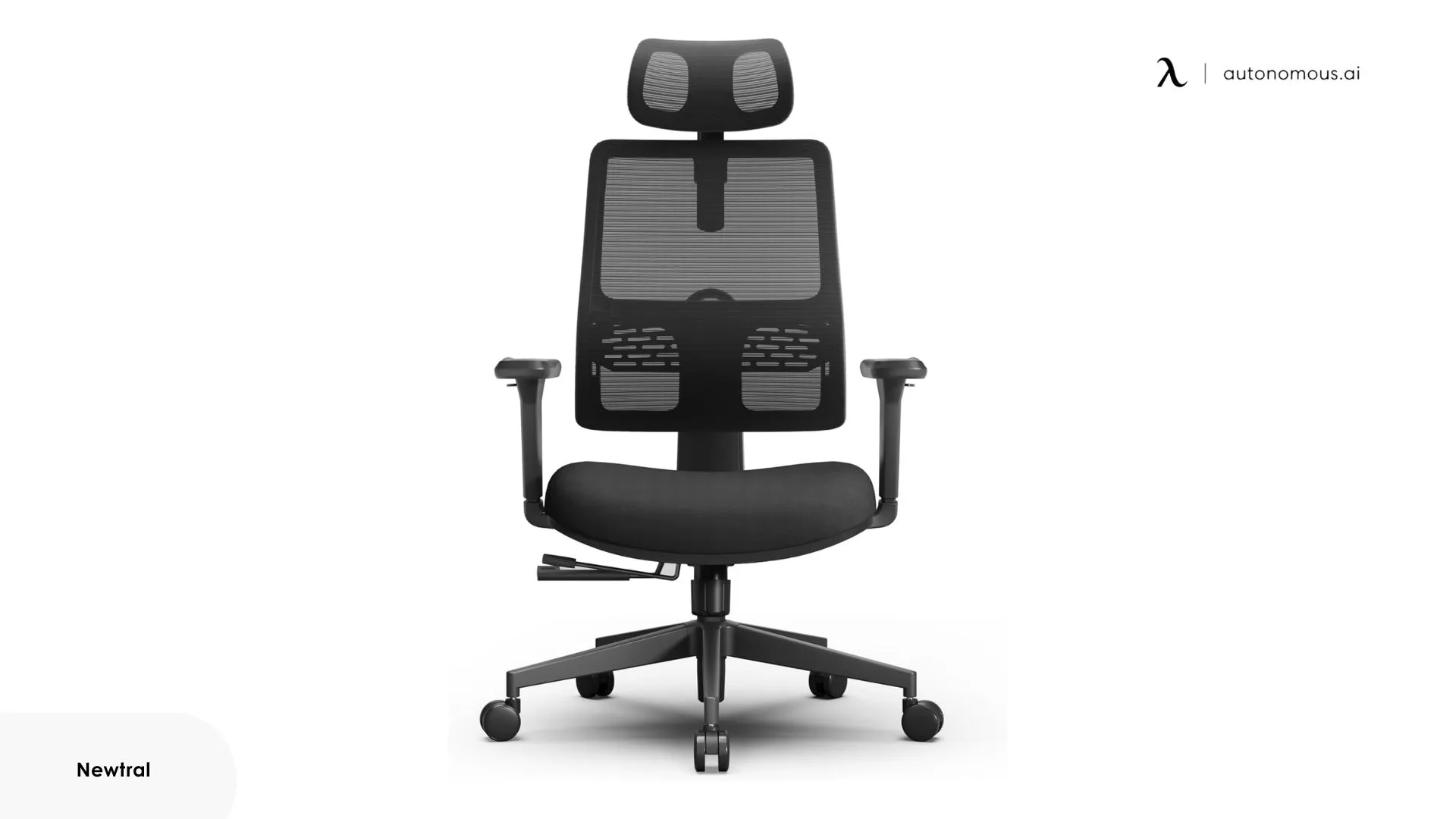
Newtral Ergonomic Chair | 3D lumbar adapts | Yes | Adjustable | Focused work sessions, tailored lumbar |
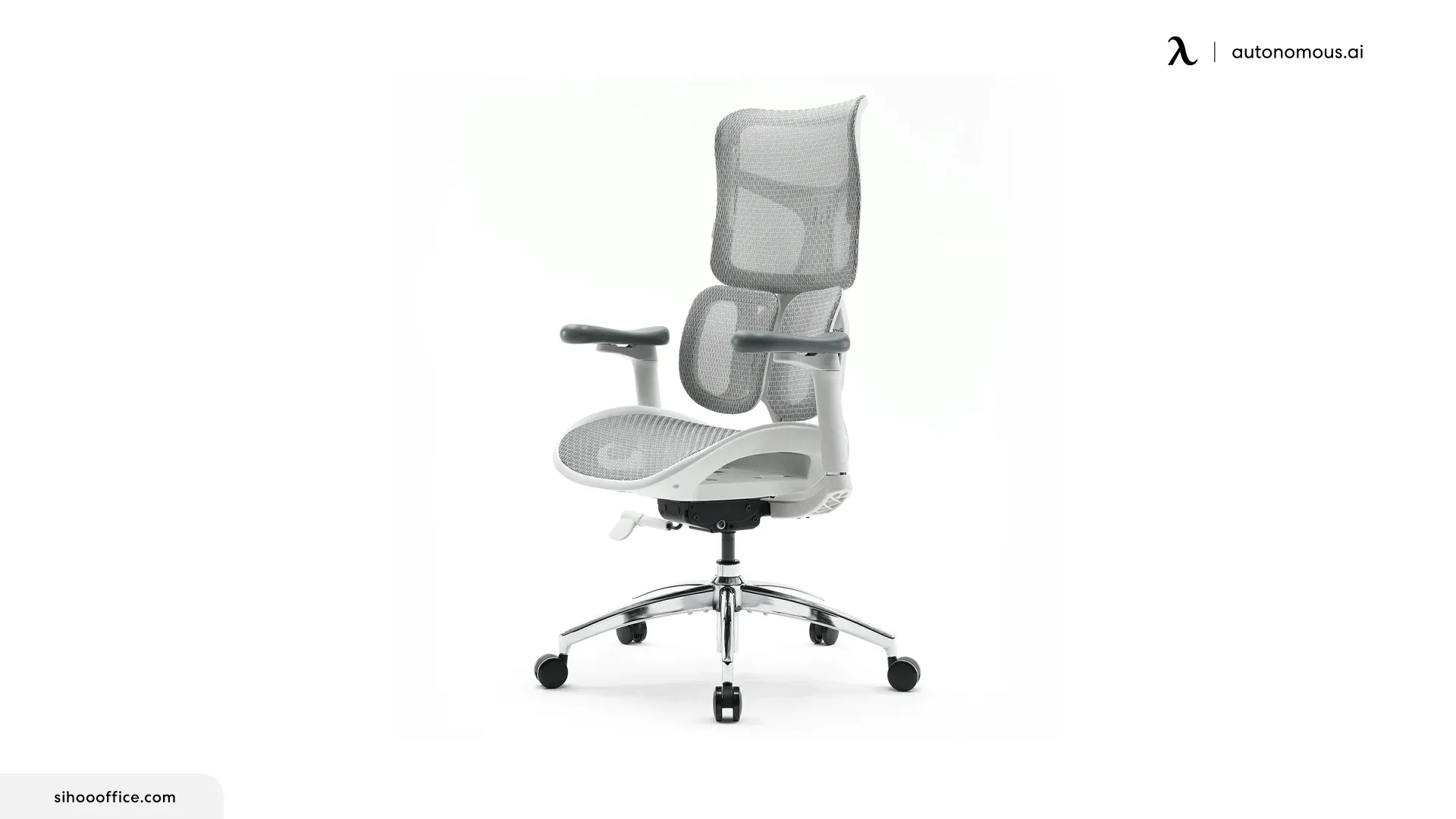
Sihoo S100 | Dynamic + height adjustable | No | 3D | Mild-moderate curves, adaptive support |
1. Autonomous ErgoChair Pro
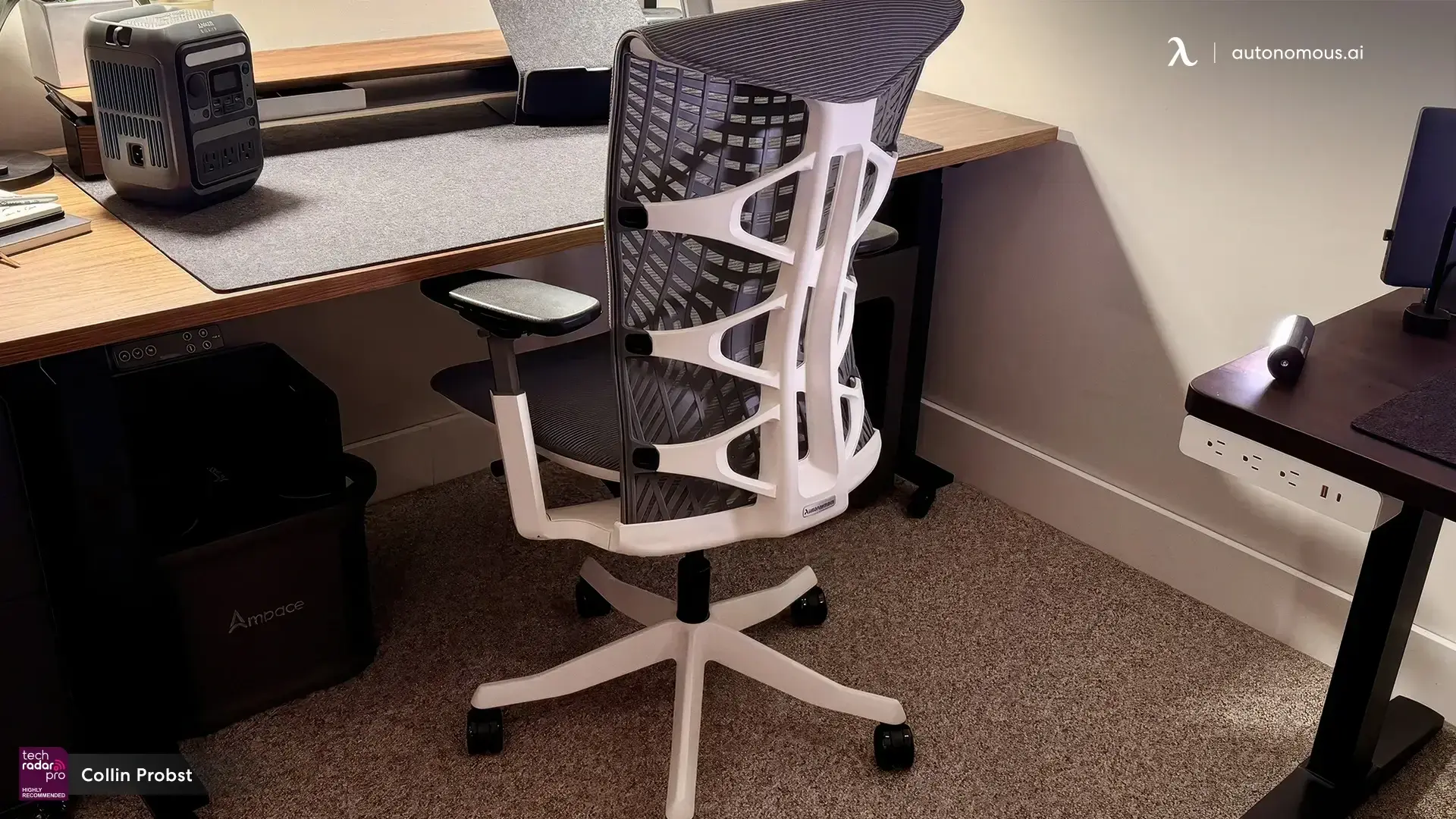
The Autonomous ErgoChair Pro hits the specs that matter most for scoliosis. 6" sliding lumbar range that places support anywhere between L3 and T9 - the most flexible lumbar mechanism in this price tier. 19" × 19" seat with 19"–21.5" adjustable depth. 3D armrests with 10.5"–13.5" height adjustment. 9 total adjustment points. 22° synchro-tilt with 5 lockable recline positions. Lifetime frame warranty.
The flexible mesh back with adjustable lumbar lets users with asymmetric curves shift support to the side that needs more help - without forcing perfect symmetry. The 6" lumbar range alone covers nearly any thoracic or lumbar curve position.
Best for: Users with thoracic, lumbar, or mixed curves who need precise lumbar positioning rather than a one-size-fits-all support point.
.webp)
2. Herman Miller Aeron Chair
The Aeron's Pellicle mesh distributes weight evenly across the seat and back - useful for uneven hips that cause one-sided pressure on conventional cushions. PostureFit SL lumbar anchors the pelvis in a neutral position. Three size options (A, B, C) accommodate different body sizes precisely, which matters more for scoliosis than for users without spinal asymmetry.
The trade-off: the lumbar is pre-set rather than adjustable. The PostureFit SL adjusts forward/back but not vertically. Users whose curve sits above or below the standard lumbar height won't get the same fit.
Best for: Professionals with consistent lower-back curves who sit long stretches and need dependable pelvic support.
.webp)
3. Steelcase Gesture
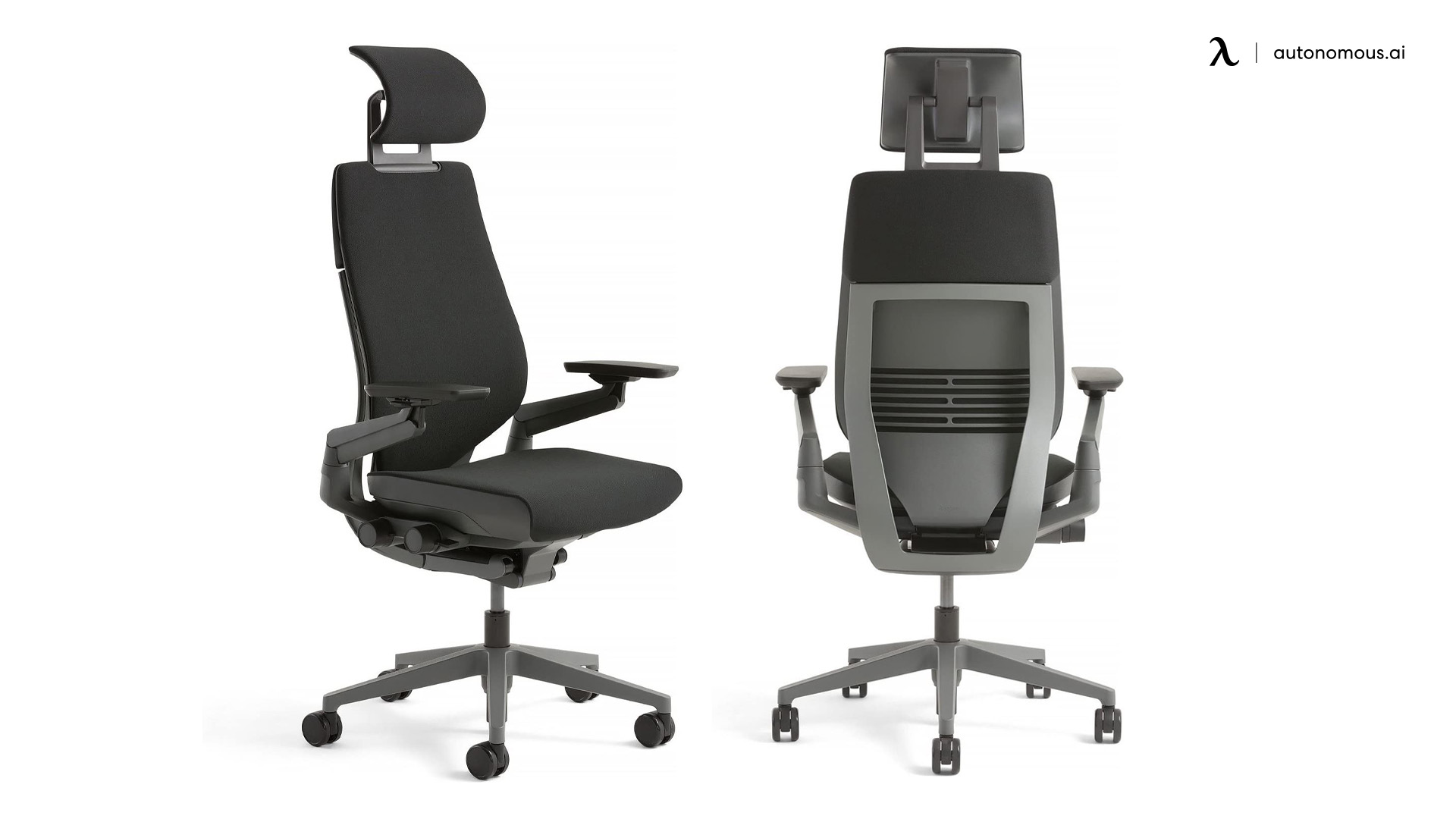
The Gesture's 3D adjustable armrests are the strongest in this group - they move higher, lower, wider, and angle in any direction. For users whose scoliosis causes uneven shoulder height, the armrests can balance the two sides without forcing the shoulders into symmetry. The flexible seat edge and adaptive backrest move with posture shifts.
The lumbar isn't adjustable vertically, only in depth. The Gesture works best for upper-curve scoliosis where shoulder balance matters more than lumbar position.
Best for: Users with uneven shoulders or upper thoracic curves who need finely tuned upper-body support.
4. Autonomous ErgoChair Ultra 2
The Autonomous ErgoChair Ultra 2 uses a frameless TPE polymer backrest with 62 pressure nodes and 186 struts that flex with the spine - no fixed lumbar dial because the back changes contour with posture. 18" × 18" seat, 18"–20.5" adjustable depth, 25° tilt range, 320 lb capacity.
For scoliosis users, the adaptive back removes the "where do I set the lumbar?" question entirely. The TPE polymer flexes asymmetrically - supports the side that needs support and yields on the side that doesn't. The trade-off: users who prefer firm, structured back support will find it too yielding.
Best for: Users with curves that shift during the day, or anyone who's tried fixed-lumbar chairs and felt the support hitting the wrong spot.

5. Autonomous ErgoChair Mesh
The Autonomous ErgoChair Mesh shares the Pro's 19" × 19" seat and adjustable depth but uses German Ultra Air Mesh (72% polyester, 28% polyamide) on the seat and back. The mesh's tighter weave holds tension better than standard office chair mesh, which prevents the sag that develops on cheaper mesh chairs under asymmetric scoliosis load.
Same lumbar mechanism family as the Pro, same lifetime warranty, same adjustment count. The differentiator is the seat surface - more breathable for users in warm climates and easier to clean.
Best for: Users in warm offices, long sessions where heat buildup is a problem, or anyone who prefers the cleaner aesthetic of full-mesh construction.
.jpg)
6. Workpro Quantum 9000
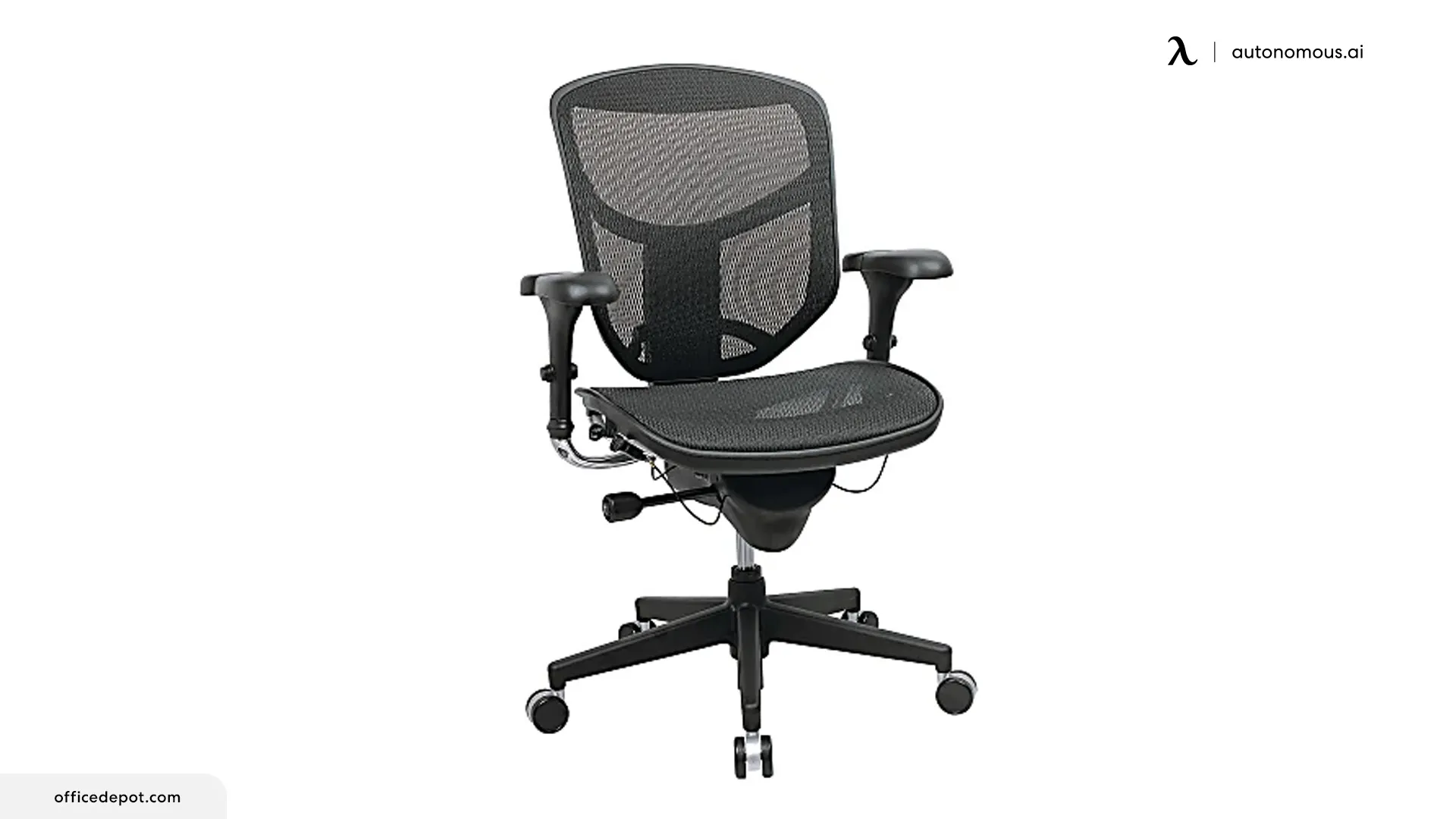
For users where hip alignment is the primary scoliosis concern, the Quantum 9000's seat depth slider lets the thighs and pelvis settle evenly without one side carrying more weight. Mesh back contours softly without creating rigid pressure points. Adjustable lumbar mechanism (depth, not height). Mid-range pricing makes it a reasonable entry point for users testing whether ergonomic adjustment helps before committing to a higher-priced chair.
The lumbar can't be repositioned vertically - users whose curve sits unusually high or low will find the support hits the wrong spot.
Best for: Users where hip imbalance is the primary scoliosis issue and budget is a constraint.
7. HÅG Capisco 8106
The Capisco's saddle-style seat opens the hip angle, promoting an upright but relaxed posture. The seat reduces uneven loading on the lower spine that comes from tilting to one side. Multi-position design encourages movement throughout the day, which helps relieve pressure from static sitting.
The saddle takes 2–4 weeks of adaptation. Users with severe curves should consult their PT before switching to a saddle-style chair - the open hip position works for many scoliosis users but isn't universally appropriate.
Best for: Users with mild to moderate scoliosis who benefit from active sitting and posture variety.
8. Realspace Radano High-Back
The Radano's adjustable headrest gives the cervical spine a stable anchor, which helps users whose scoliosis causes neck fatigue or rounded shoulders. Mesh backrest, tilt, recline. Simple but effective for maintaining alignment over time.
Lumbar isn't adjustable vertically - fits the typical lumbar height range but not curves that sit higher or lower.
Best for: Users with thoracic or upper spinal curves who need reliable neck support.
9. Newtral Ergonomic Home Office Chair
The 3D lumbar system adapts closely to the lower back and stays firm during posture shifts. For scoliosis users, the steady base helps maintain a neutral pelvic position throughout the day. Adjustable seat depth, armrests, and neck support.
Less established brand than Herman Miller, Steelcase, or Autonomous - long-term durability data is thinner.
Best for: Users who need tailored lumbar shaping for focused work sessions.
10. Sihoo S100 Dynamic Ergonomic Office Chair
The S100's dynamic lumbar system gently follows the natural movement of the lower back, keeping the spine supported even as posture shifts. Adjustable backrest height makes it easier to align support precisely where the curve needs it. 3D armrests, breathable mesh.
The dynamic lumbar takes a few days to dial in. Users who want set-and-forget lumbar may prefer fixed mechanisms.
Best for: Users who need consistent lower back support throughout the day and prefer adaptive support for mild to moderate scoliosis.
The gaming chair question
If you searched "gaming chair for scoliosis," here's the honest answer: most traditional gaming chairs are worse for scoliosis than basic office chairs, not better. The racing-bucket seat design creates raised side bolsters that press against the hips and back, which forces the body into a narrow channel that scoliosis curves often resist.
Three specific gaming chair features are usually contraindicated for scoliosis:
- Raised side bolsters on the backrest - push against asymmetric curves and create pressure points
- Fixed lumbar pillow with elastic straps - can't be precisely positioned, often hits the wrong spot
- PU leather upholstery - retains heat and lets the body slide, making posture harder to maintain
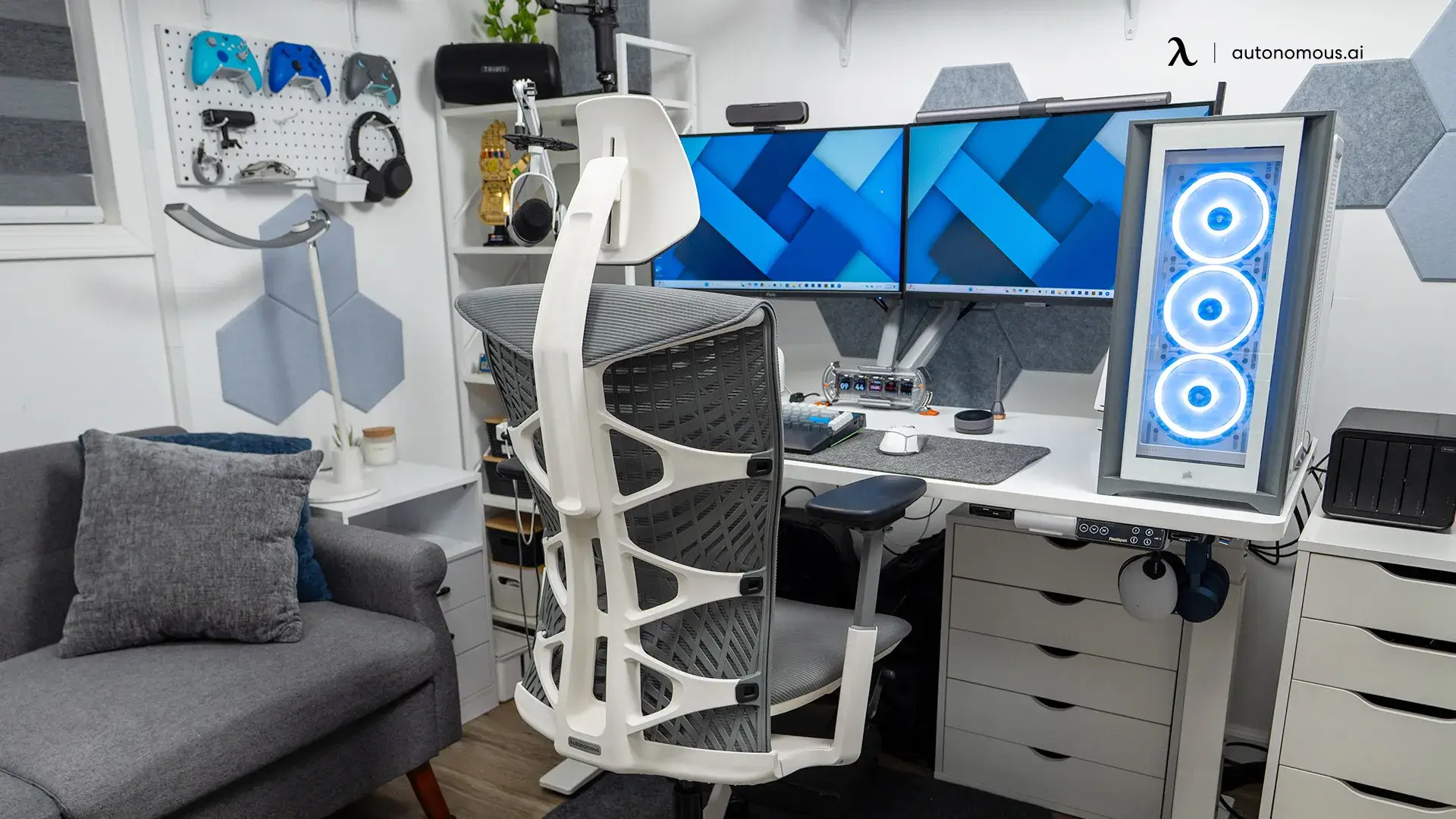
If you want a gaming-friendly aesthetic with ergonomic mechanics, the Autonomous ErgoChair Ultra 2 Plus is the closest fit. It has the modern angular look that gaming chairs use without the racing bucket geometry, AND includes a height-adjustable headrest matching the gaming-chair silhouette. The adaptive TPE backrest works specifically for spinal asymmetry. Several Reddit reviews position it as a "gaming chair that doesn't hurt your back" for users with scoliosis or other spinal conditions.
For users committed to a traditional gaming chair aesthetic, look for: no side bolsters on the backrest, fully adjustable lumbar mechanism (not just a strap-on pillow), and breathable mesh or fabric instead of PU leather.
.jpg)
How to sit comfortably with scoliosis
Chair choice is half the work. How you sit in it matters as much as which chair you bought:
Start with a neutral base. Feet planted firmly on the floor, hips centered as much as possible, pelvis balanced. If hips naturally tilt to one side, a slight seat height adjustment can help level things out. A scoliosis cushion or wedge can fill uneven gaps under the pelvis when chair adjustment alone doesn't.
Position lumbar support to match your curve, not the chair manufacturer's assumption. If the scoliosis creates more pressure on one side, shift lumbar height or depth to support that area rather than forcing perfect symmetry.
Balance the armrests to your shoulder height. Users with scoliosis often have one shoulder higher than the other. Setting armrests at the natural shoulder heights (asymmetric, if needed) keeps the neck and upper back from absorbing unnecessary strain. The Steelcase Gesture and Autonomous ErgoChair Pro both have armrests that adjust individually for this purpose.
Take micro-breaks every 20–30 minutes. Shifting positions throughout the day eases pressure points and reduces tension along the curved area of the spine. Even the best chair won't substitute for movement.
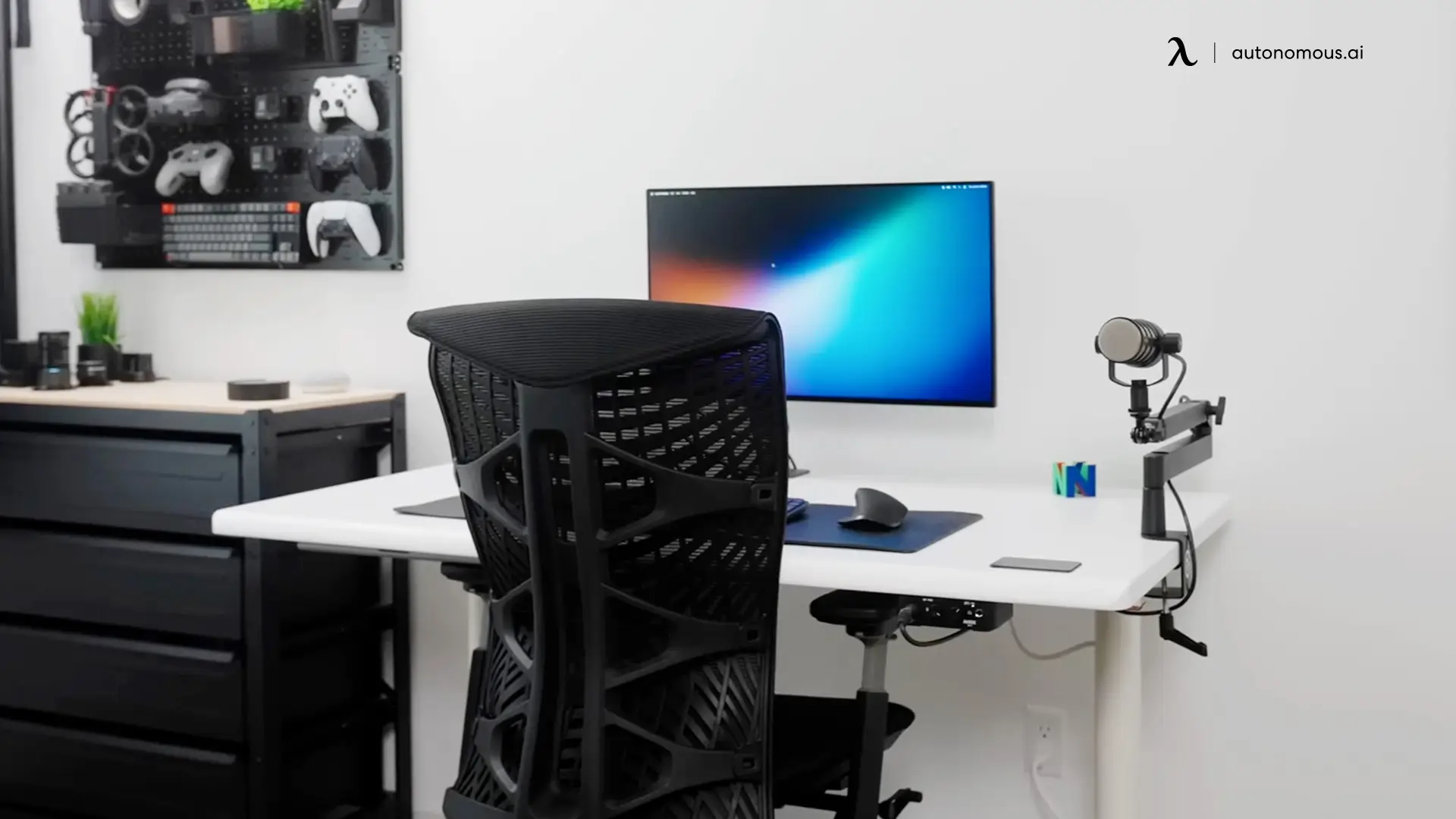
Match your desk to the chair. Discomfort sometimes isn't the chair's fault - it's desk height, monitor placement, or keyboard positioning. A standing desk adds the option to alternate sitting and standing throughout the day, which protects the spine more than any single chair position.
FAQs
What's the best office chair for scoliosis?
The best office chair for scoliosis depends on the curve type and severity. For thoracic or lumbar curves needing precise lumbar positioning, the Autonomous ErgoChair Pro's 6" sliding lumbar range covers nearly any spine position with a lifetime warranty. For curves that shift during the day, the Autonomous ErgoChair Ultra 2's adaptive TPE backrest flexes asymmetrically with the spine. For upper-body curves causing uneven shoulders, the Steelcase Gesture's 3D armrests balance the two sides.
Can an office chair help with scoliosis pain?
A well-fitted office chair can ease scoliosis discomfort by supporting the spine's natural curve and reducing pressure on the side that bears more load. Proper lumbar support, adjustable seat depth, and flexible backrests help maintain better spinal alignment, which reduces muscle fatigue and the asymmetric tension that builds up during long sitting sessions. No chair treats scoliosis itself - chairs only reduce the daily load that the condition creates.
Is a gaming chair good for scoliosis?
Most traditional gaming chairs are not good for scoliosis. The racing-bucket seat design creates raised side bolsters that press against asymmetric spinal curves, and the strap-on lumbar pillow can't be precisely positioned where the curve actually needs support. PU leather upholstery also retains heat and lets the body slide. If you want a gaming aesthetic with ergonomic mechanics, look for chairs without bucket-seat bolsters and with fully adjustable lumbar mechanisms - the Autonomous ErgoChair Ultra 2 Plus is the closest gaming-friendly option from the ergonomic chair category.
Are ergonomic chairs good for scoliosis?
Ergonomic chairs are especially helpful for scoliosis because they allow precise adjustments to fit asymmetric spinal curves. Features like lumbar height control (not just depth), recline tension, and seat depth adjustment support balanced posture and prevent uneven pressure from building up. Chairs with vertical lumbar adjustment (6"+ range) work better for scoliosis than chairs with fixed lumbar positions.
How should a person with scoliosis sit?
A person with scoliosis should sit with feet flat on the floor, hips as level as possible, and pelvis balanced. Lumbar support should match the curve of the spine rather than forcing symmetry - if pressure feels more intense on one side, the lumbar position needs adjustment. Keeping shoulders relaxed at their natural (asymmetric, if needed) heights and avoiding leg crossing helps minimize additional asymmetry.
Is it better to sit upright or reclined with scoliosis?
Sitting slightly reclined - around 100° to 110° - is often more comfortable for people with scoliosis than sitting completely upright. The gentle recline reduces load on the lower spine and lets lumbar support engage properly. Sitting fully upright (90°) or fully reclined (130°+) both create asymmetric pressure that compounds with scoliosis over a long day.
Should I use a cushion for scoliosis?
A scoliosis cushion can help when chair adjustment alone doesn't fill the gap between the spine and the backrest. Memory foam or contoured support cushions placed at the lumbar curve improve alignment and ease pressure points. Seat cushions can also help level uneven hips for better posture. Cushions are most useful as a supplement to a properly adjusted chair, not a substitute for one.
Are recliners good for scoliosis?
Recliners can be beneficial for scoliosis if they offer proper lumbar and structured back support. A slight recline reduces pressure on the spine and eases discomfort during long sitting periods. Recliners without structured support (overly soft, no lumbar mechanism) may worsen uneven posture over time. Office recliners designed for ergonomic work tend to work better than living-room recliners.
How do I know if my office chair is worsening my scoliosis?
Warning signs include increasing back pain through the workday, shoulder tightness on one side, uneven pressure on the hips when seated, or numbness in the legs that develops after 1–2 hours of sitting. If the lumbar area feels unsupported or forced into an unnatural position, the chair likely doesn't match the spinal curve. Consult a physical therapist or spine specialist if discomfort persists after trying chair adjustments.
What features should I look for in a chair for scoliosis?
Look for vertical lumbar adjustment (4"+ range), seat depth slider, 3D armrests, flexible or adaptive backrest, and tilt lock at multiple recline angles. Avoid chairs with only fixed lumbar pads, racing-bucket seat designs, or no seat depth adjustment. For scoliosis specifically, lumbar height adjustment matters more than any other single feature.
Bottom line
The best office chair for scoliosis depends on the curve, not the brand. For precise lumbar positioning across thoracic or lumbar curves, the Autonomous ErgoChair Pro offers the most flexible lumbar mechanism in this category with a lifetime warranty. For curves that shift during the day, the Autonomous ErgoChair Ultra 2 uses an adaptive backrest that flexes with the spine. For breathable comfort in long sessions, the Autonomous ErgoChair Mesh shares the Pro's mechanism with German Ultra Air Mesh.
The right chair is the one whose specs match the curve. Bring this list to your physical therapist or spine specialist - they know what kind of support helps your specific case and what to avoid.