Gray Gaming Room Ideas for Light and Dark Desk Setups
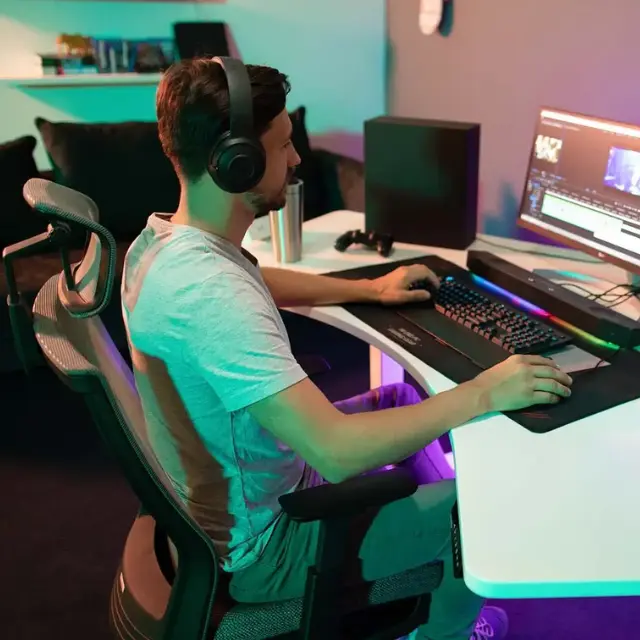
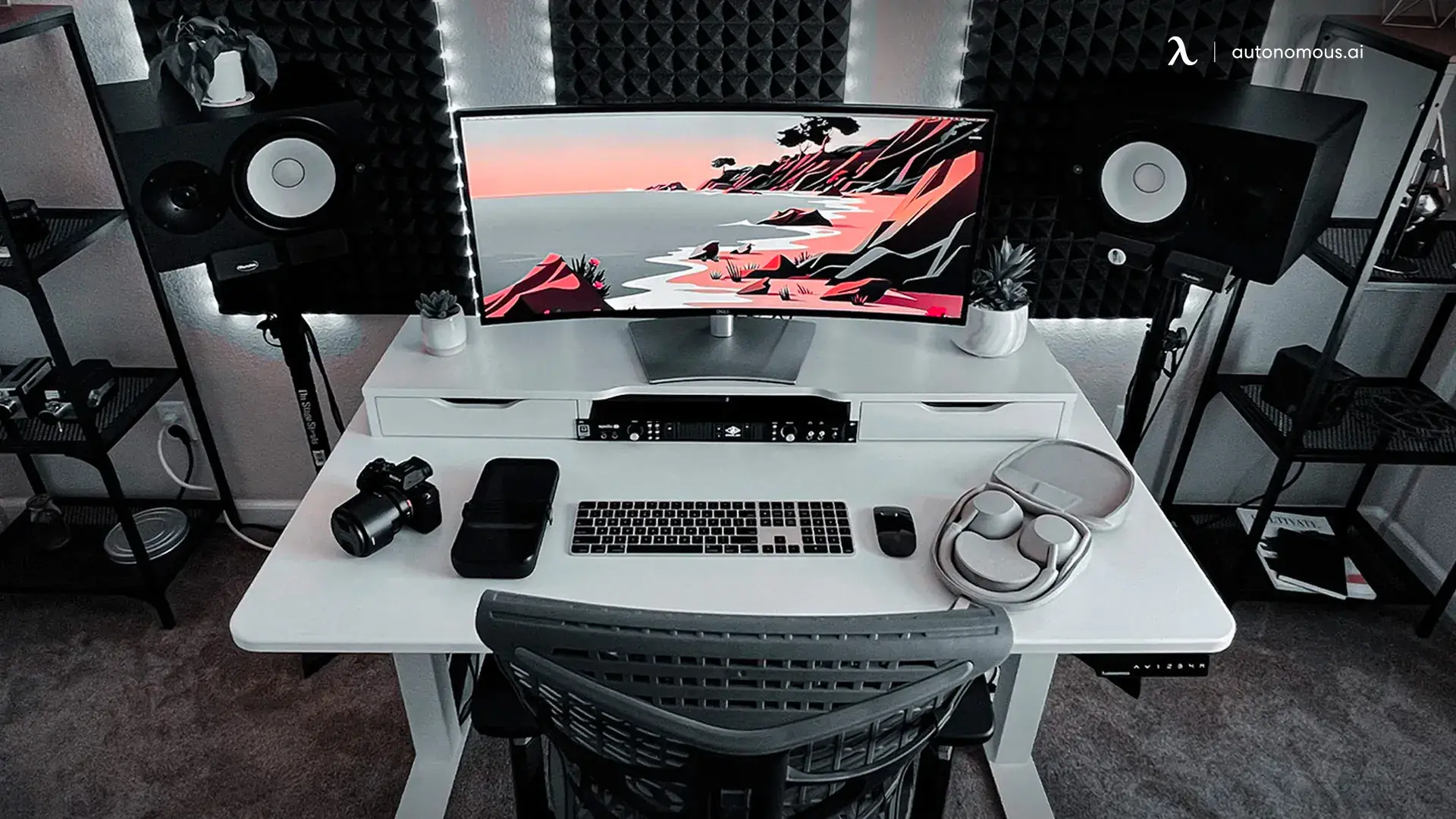
For a gray gaming setup, try light gray walls with a white or oak desk in a small room, or put charcoal behind the monitor and keep the rest of the room lighter. If you rent, keep the walls as they are and carry gray through the desk, chair or rug.
Before you settle on a gray gaming room palette, put a paint sample next to the largest piece you already own. Check it by the window during the day and under the light you use for gaming at night. The same gray can look blue against cool lighting or warmer next to wood.
Pros and Cons of a Gray Gaming Room
Gray gives you a base that works with black hardware, wood and bright accessories. The downside is that a room can look flat when the walls, furniture and floor are all a similar shade. Use contrast you can see with the RGB lighting switched off.
| Palette | Where it works | What to watch |
|---|---|---|
| Light gray and white oak | A small room or shared bedroom where you want the desk area to feel bright. | Test the gray beside the wood. A blue-gray sample can look cooler than you expect next to honey-colored oak. |
| Charcoal and light wood | A dark accent wall behind the monitor with lighter walls or furniture elsewhere. | Black equipment can blend into the wall. Keep enough room light to see controls, cables and the edge of the desk. |
| Gray furniture and an existing wall color | A rental or multipurpose room where the gaming area needs its own look. | Repeat the gray in one smaller item, such as a mat or cushion, and leave some contrast between the furniture and floor. |
Gray Gaming Room Ideas for Your Space
Start with the wall and desk finishes, then test lighting and chair clearance before mounting shelves or running cables. You can try the layout with your current furniture and a few paint samples.
Pair Gray With One Accent Color
Pick one accent color you would still like with the lights off. Muted blue works with a cooler gray, while amber or warm wood can soften a dark gray gaming room. Repeat the accent in a small item you can swap, such as a desk mat or a print.
To compare paints, put two large samples on the wall behind the screen. Hold a white sheet next to each one under your normal room lights to see whether the gray leans blue, green or warm. Then switch on your usual RGB setting and check again from the chair.
Build a Gray Gaming Setup Without Painting
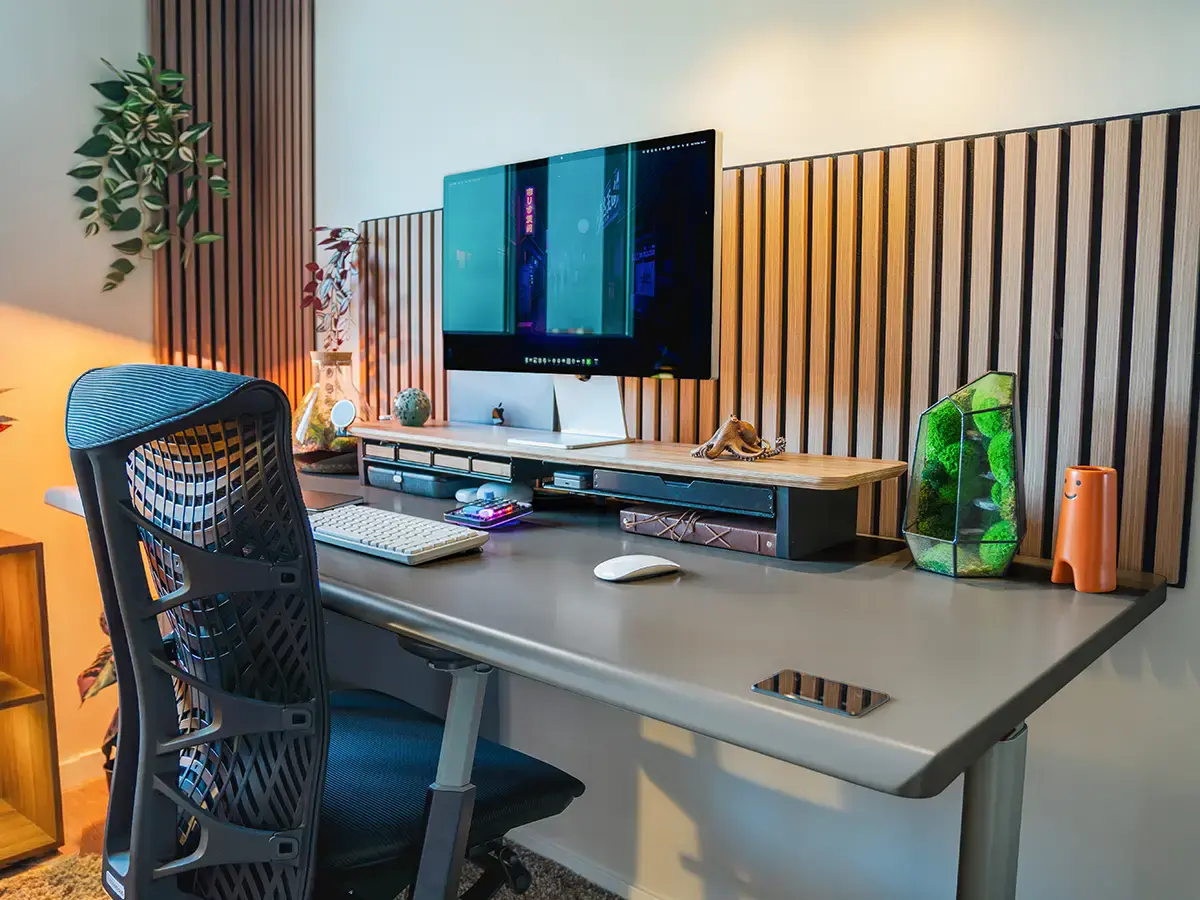
In a rental, keep the wall color and put gray on two pieces you can take with you. Start with what you already own. If the chair is gray, repeat it in a desk mat. If the desktop is charcoal, try a lighter gray rug that still lets the chair roll freely.
Against warm wood, a charcoal desktop and gray chair give the setup a darker base. In a room with a white desk and pale walls, try a medium-gray mat or chair first so the gray still stands out in daylight.
Check Screen Reflections Before Adding RGB
A gray wall can change how the room looks, while glare depends on where light hits the screen. Set the monitor so the window is off to the side, then use a low strip of light behind the screen for color and a shaded lamp for seeing the keyboard or controller.
Open a dark scene and sit where you normally play. Turn lights on one at a time. If you can see a bulb or a row of LEDs on the display, move that light out of the reflection before changing the paint or buying another screen.
A purple-blue light can change how the desktop looks without changing the room’s paint. Test the light angle with a dark screen before fixing it in place.

Choose a Desk That Fits the Gear
Measure the monitor stand, keyboard, mouse area and any microphone arm before choosing a desk for your PC gaming setup. If you are considering the Autonomous Desk Core in Meteor Gray, mark its 48 × 24-inch top with painter's tape on your current table or floor. Check where the monitor feet and rear cables would land, and make sure your chair can pull back.
The clip shows the white Desk Core against a charcoal wall. A light top makes the outline of the desk easy to see against a dark backdrop.
If your monitor stand takes up more of the top than expected, measure again with a compatible monitor arm before going wider. Check the clamp clearance and where the cables will move when you raise the desk.
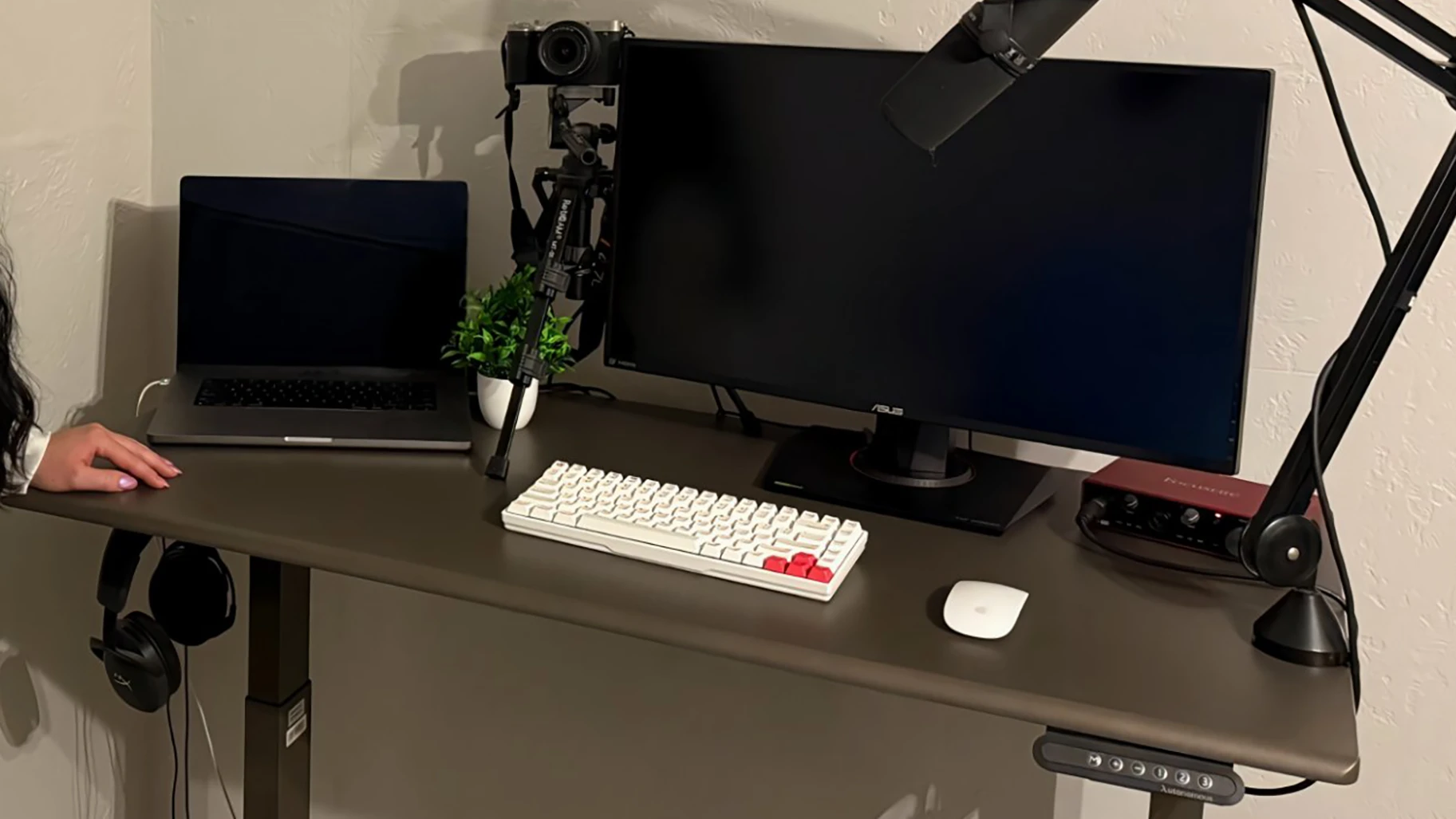
Fit a Gray Gaming Corner Into a Small Bedroom
Position the desk so you can pull the chair back and still get to the bed, closet and door. Mark the desk and the space the chair needs on the floor with painter's tape. Pull the chair back, open the closet and walk through the room before settling on the layout.
Keep the larger surfaces light if the corner gets little daylight. You can put the darker gray on a desk mat or the wall immediately behind the screen, then check how it looks with the room lights off and the monitor on.
Use Wall Decor to Frame the Setup
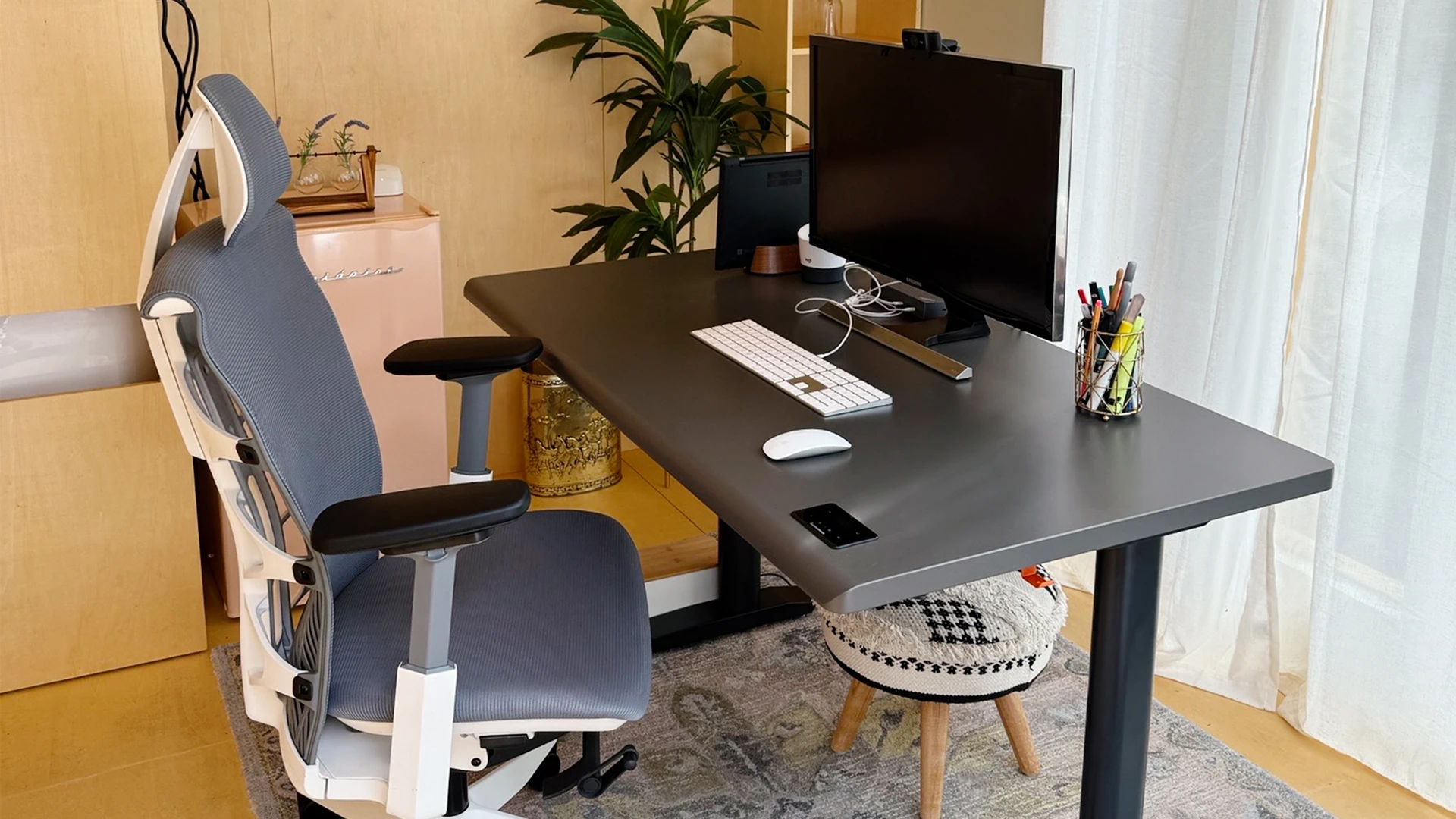
One print, a narrow shelf or a row of wood slats can give the gaming area a clear edge. Put decor beside the screen or above it, where it leaves room for the monitor to move. In a two-person gaming setup, a repeated frame or finish can tie the desks together without making the stations identical.
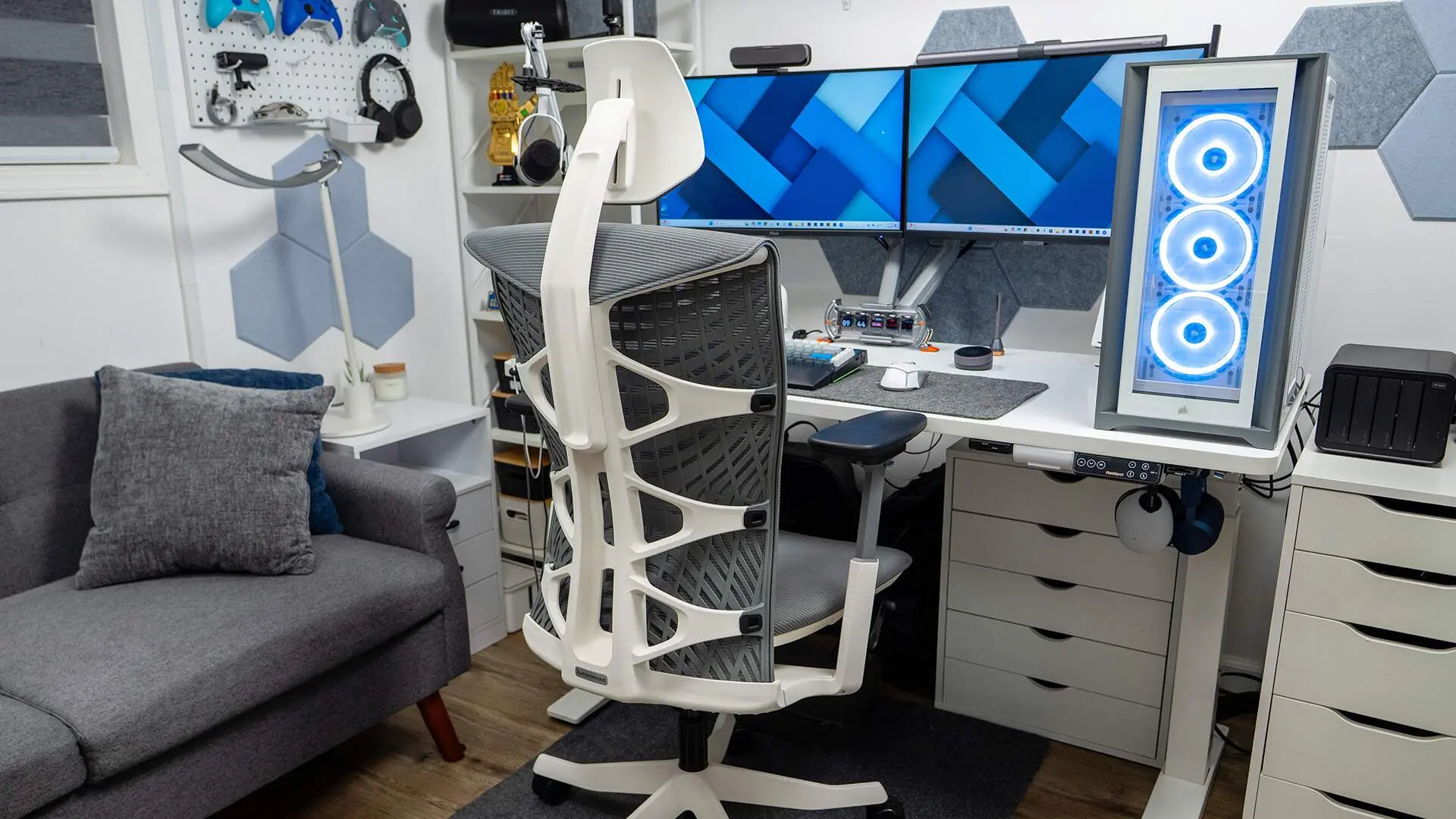
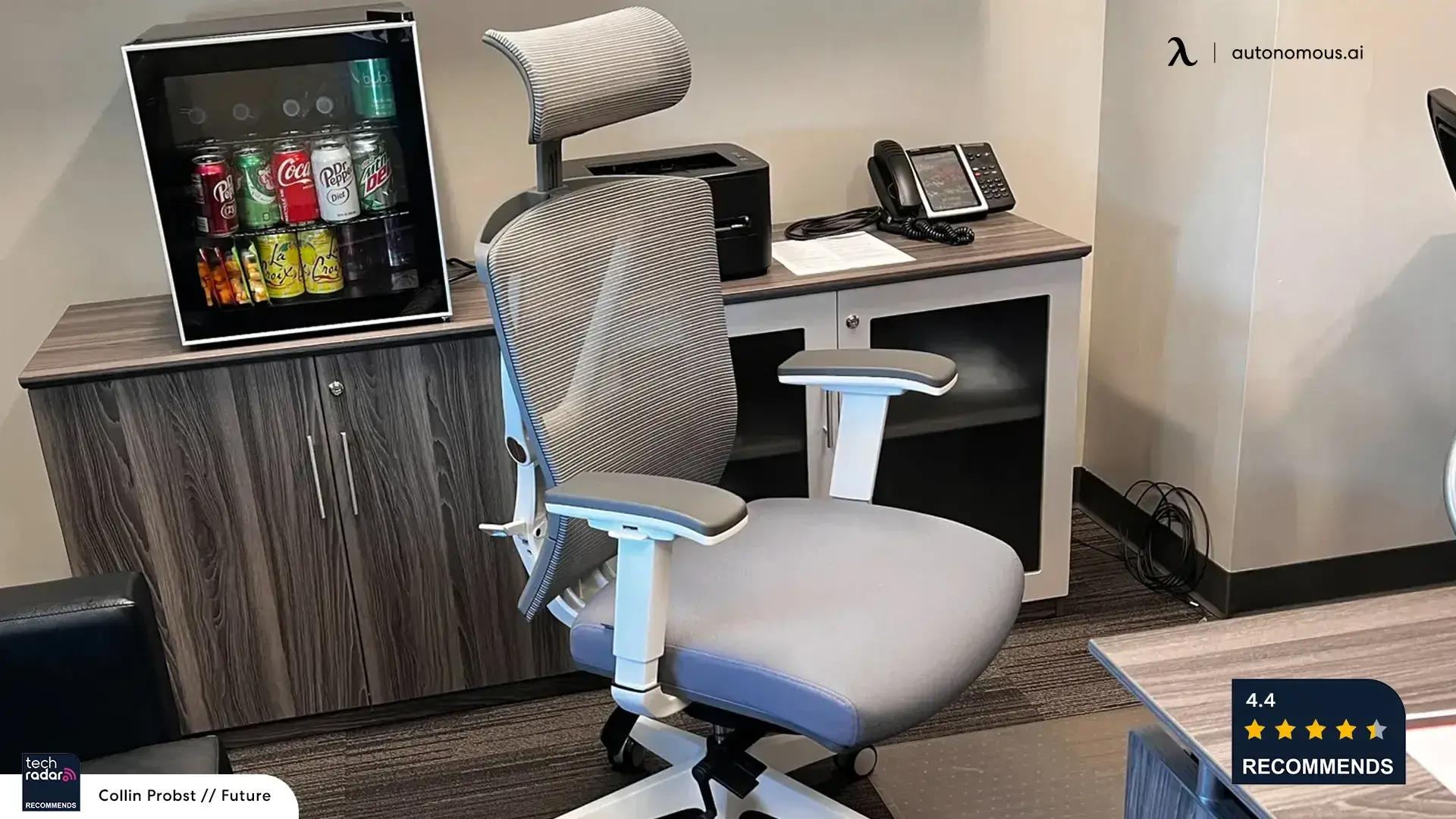
In a shared office or gaming room, a light gray chair can pick up pale trim or cabinetry while keeping its outline against darker storage.
Reduce Room Echo for Voice Chat
Rugs, curtains and acoustic panels can soften some reflected sound in a bare room. If the issue is noise reaching someone on the other side of a wall, start by lowering the source volume or using headphones. Absorbing reflections in your room and blocking sound between rooms are separate jobs.
For a bedroom gaming setup, place the mic closer to your mouth and adjust the input level so your voice is clear at a normal speaking volume. Compare a short voice recording before and after moving the mic.
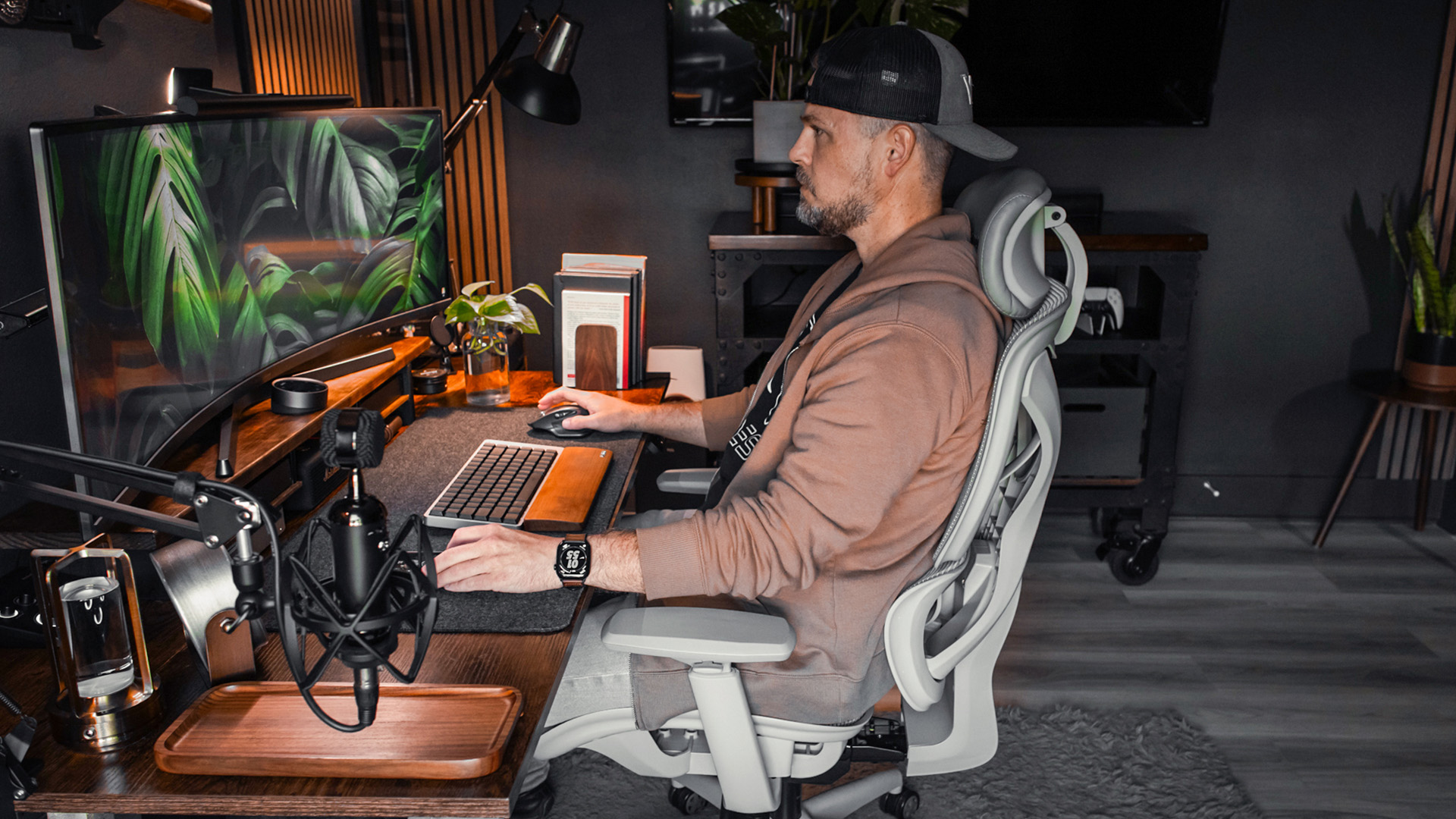
Store Gear Near Where You Use It
Give everyday gaming accessories a place within reach. Put spare cables in a drawer, keep the charger accessible and leave airflow around the PC or console. A dark gray basket can hide loose gear without filling the desktop.

On a sit-stand desk, secure excess cord under the surface and move the desk through its full height range. Leave a loose loop wherever a cable needs to move, and check that nothing pulls on the outlet or a port.

Set the Chair Height Before Finalizing the Layout
Adjust the chair before placing the keyboard, monitor and controls. Put your feet flat on the floor or on a footrest, then set the armrests so you can bring the chair close without lifting your shoulders or hitting the desk. Slide the seat so its front edge clears the backs of your knees. Test that position with the mouse, keyboard and controller you actually use.

The clip shows the seat-depth control on the Black chair.
The Autonomous ErgoChair Ultra 2 comes in Gray or Black. If you want the chair to contrast with a charcoal wall, compare the gray mesh against a paint sample before matching the rest of your gaming furniture to it.

FAQs
What colors work with a gray gaming setup?
White oak, off-white and muted blue are easy pairings for a lighter gray setup. Charcoal works well with pale wood or a small amber accent. Look at the swatches in your room before committing, since your wall color and lighting can bring out different undertones.
Is light gray or dark gray better for a small gaming room?
Light gray is an easy starting point if one room needs to work for both gaming and everyday use. If you prefer charcoal, try it on the wall behind the screen and keep the other walls lighter. Test both samples in daylight and at night.
Where should I put lights in a gray gaming room?
Try a dim light behind the monitor and a separate shaded lamp to one side. Sit in your playing position and open a dark scene to check for reflections. If you see the bulb or LEDs on the screen, reposition the light before increasing its brightness.
How can I make a gray gaming setup without painting?
Use gray on two pieces you can take with you, such as a chair and rug or a desk mat and cushion. Leave the existing wall as a contrasting background. If you rent, choose decor you can display on a shelf instead of attaching it to the wall.
What makes a gaming room more comfortable for long sessions?
Set the chair so your feet are supported and you can reach the keyboard or controller with relaxed shoulders. Then bring the screen in line with where you sit. Leave enough room to change position or step away without moving furniture.
Do acoustic panels soundproof a gaming room?
Acoustic panels absorb some reflections inside the room. To reduce what others hear, start with the volume at the source, speaker placement or headphones. If sound still travels through a shared wall or door, the building construction and gaps matter more than the color or number of panels.
Conclusion
Build your gray gaming room around the equipment and finishes you already have. Try one paint sample or removable gray accent, check the screen under your usual lights, and sit down to test reach and clearance. Use those checks to decide where a furniture or lighting change would actually help.