How to Fit 2 Monitors on a Small Desk
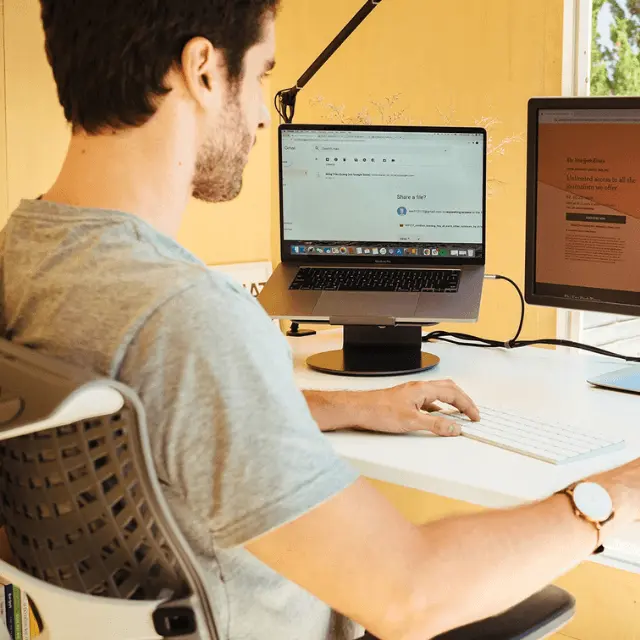
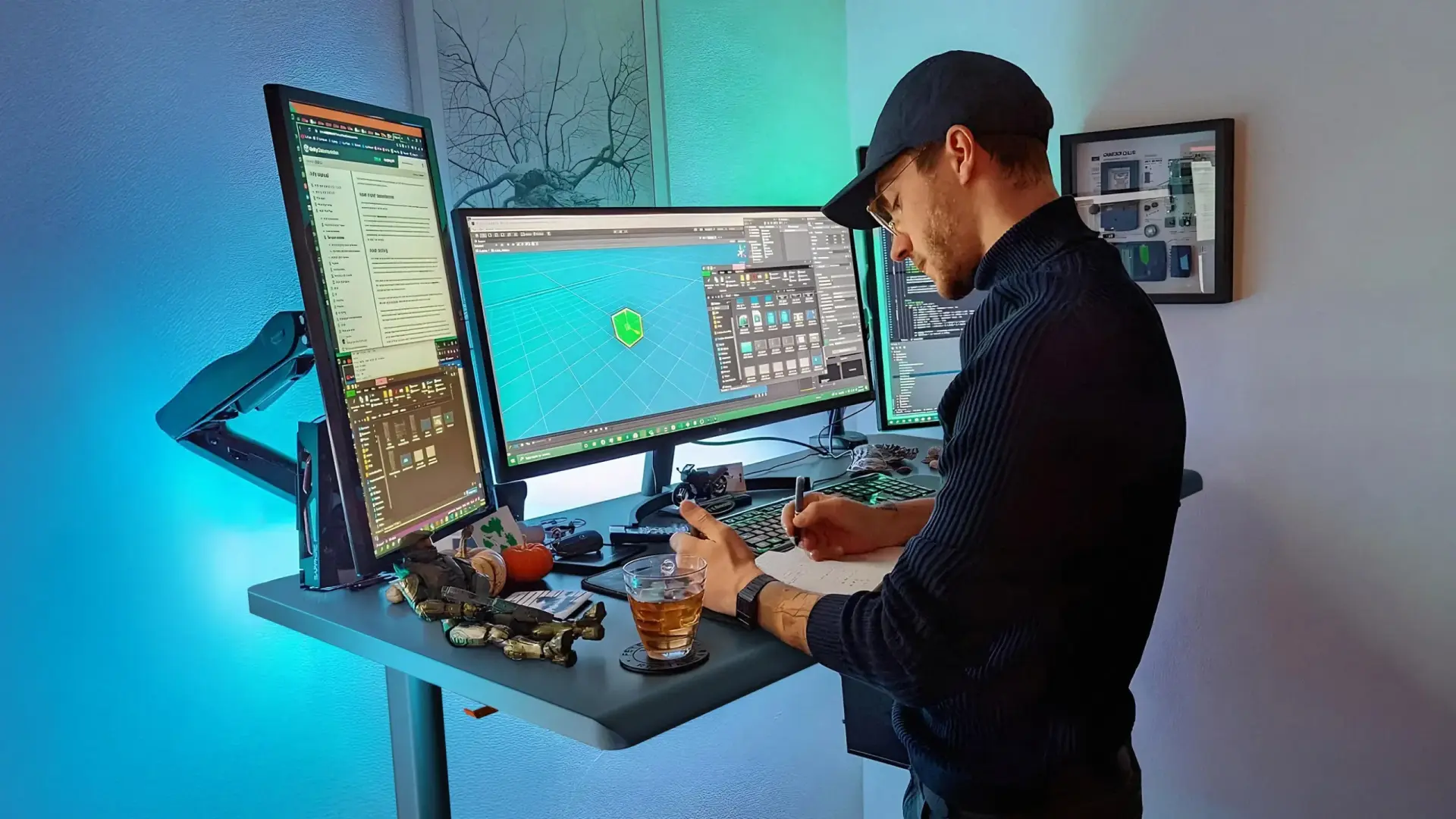
Fitting two monitors on a small desk is possible with the right layout. A dual monitor setup on a small desk is not about adding more space - it’s about using space more efficiently. With proper positioning, you can keep both screens comfortable to use without cluttering your workspace.
This guide shows the best layouts to fit two monitors on a small desk, along with practical tips to keep your setup clean, ergonomic, and easy to use.
7 layouts for two monitors on a small desk
A small desk setup works best when each monitor has a clear position and purpose. The goal is to reduce width, maintain comfort, and avoid wasted space.
1. Side-by-side with thin-bezel monitors
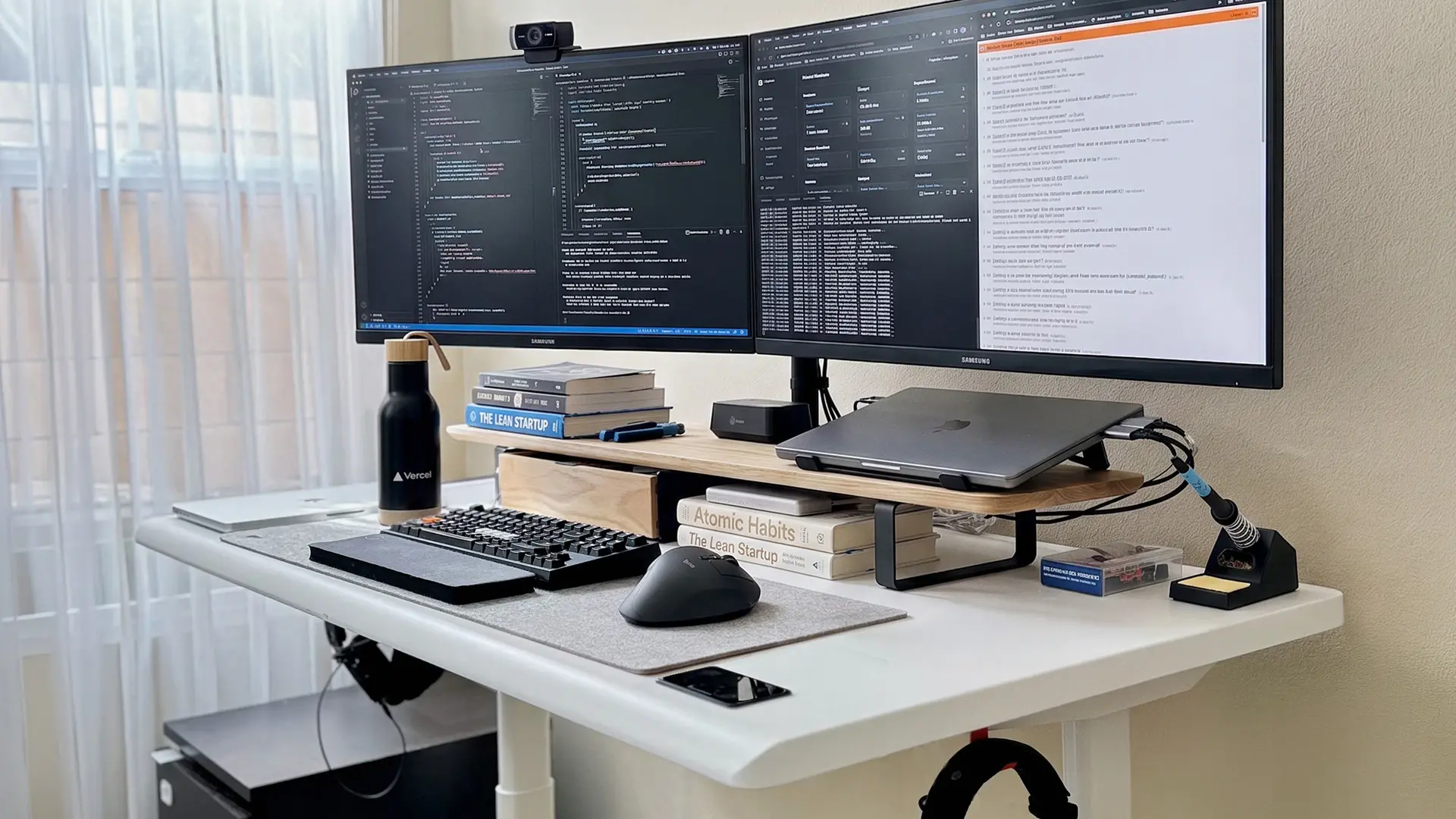
The most common dual monitor desk setup, adapted for small desks by cutting the bezel width. Two 22"–24" monitors with thin bezels take up about 38–42" total - fits a 48" desk with room for keyboard and mouse. Angle both screens slightly inward so they form a shallow curve. This keeps both displays inside your natural field of view without spreading wider than the desk can handle.
Best for: 48"–53" desks, productivity work, anyone who reads across both screens equally.
2. Vertical stacking
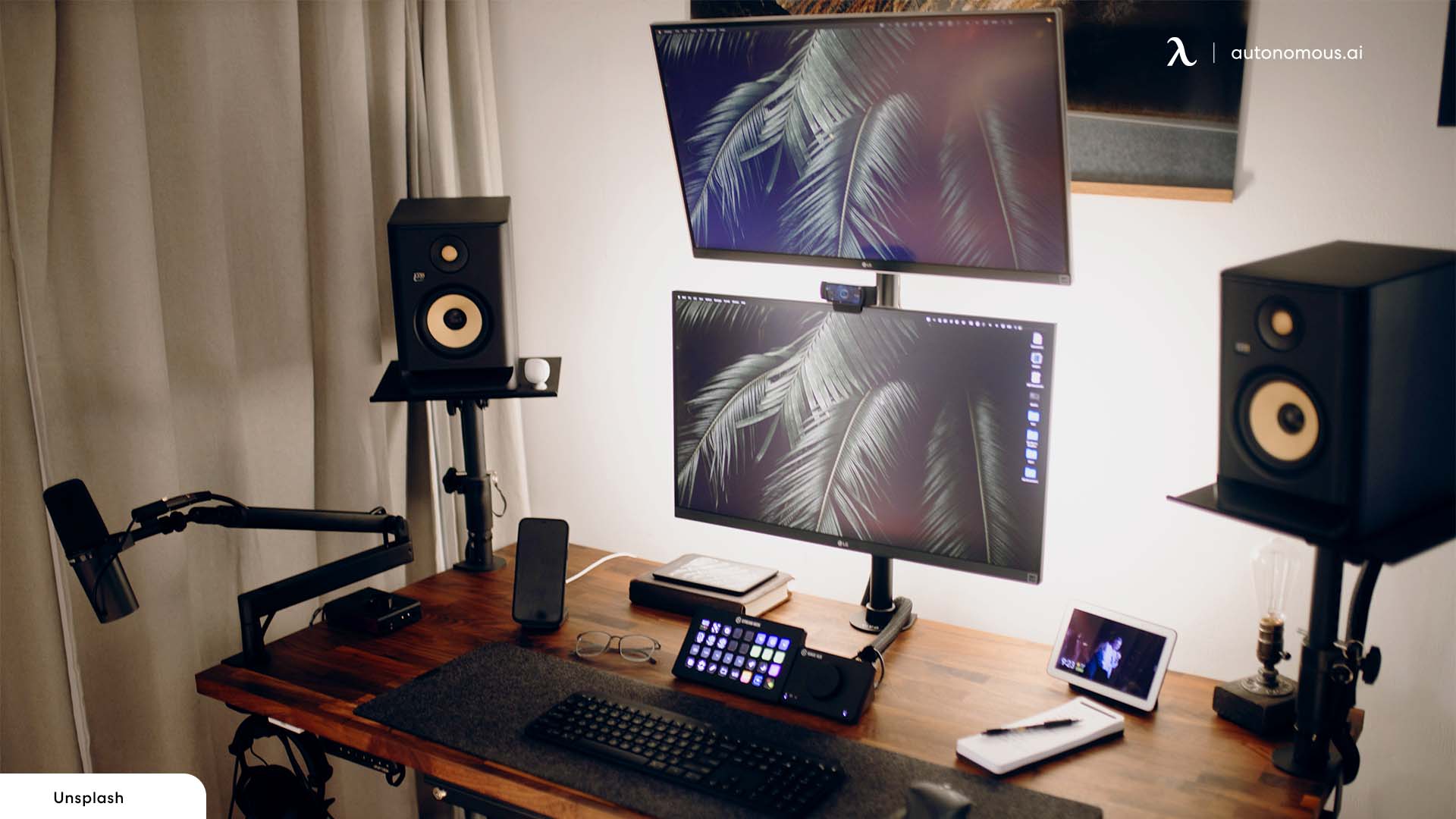
One monitor above the other instead of side by side. Removes the width constraint entirely - the setup is only as wide as one monitor. Keep the main monitor at eye level and place the second above it. Best when the second screen is used less frequently (Slack, terminal, reference docs) since the top monitor sits above the ideal viewing height.
Best for: desks under 48" wide, reference-screen workflows, narrow alcove setups.
3. Diagonal or corner arrangement
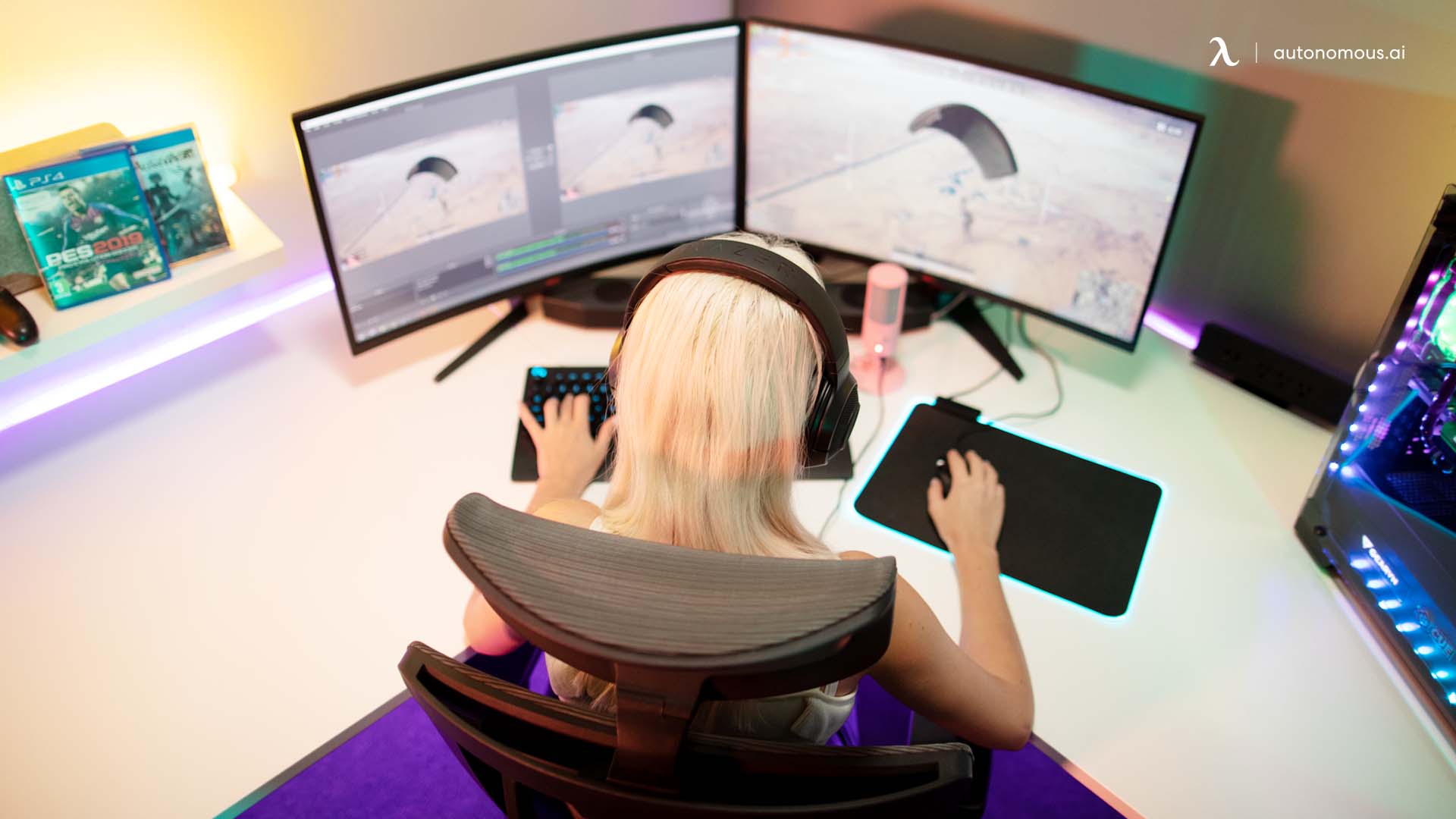
Place the main monitor directly in front of you and angle the second monitor toward your seating position on the corner. Uses corner space that side-by-side layouts waste and keeps both screens easy to view without spreading across the desk. Works on L-shaped desks or any desk pushed into a corner.
Best for: L-shaped desks, corner placements, asymmetric workflows where one screen is primary.
.webp)
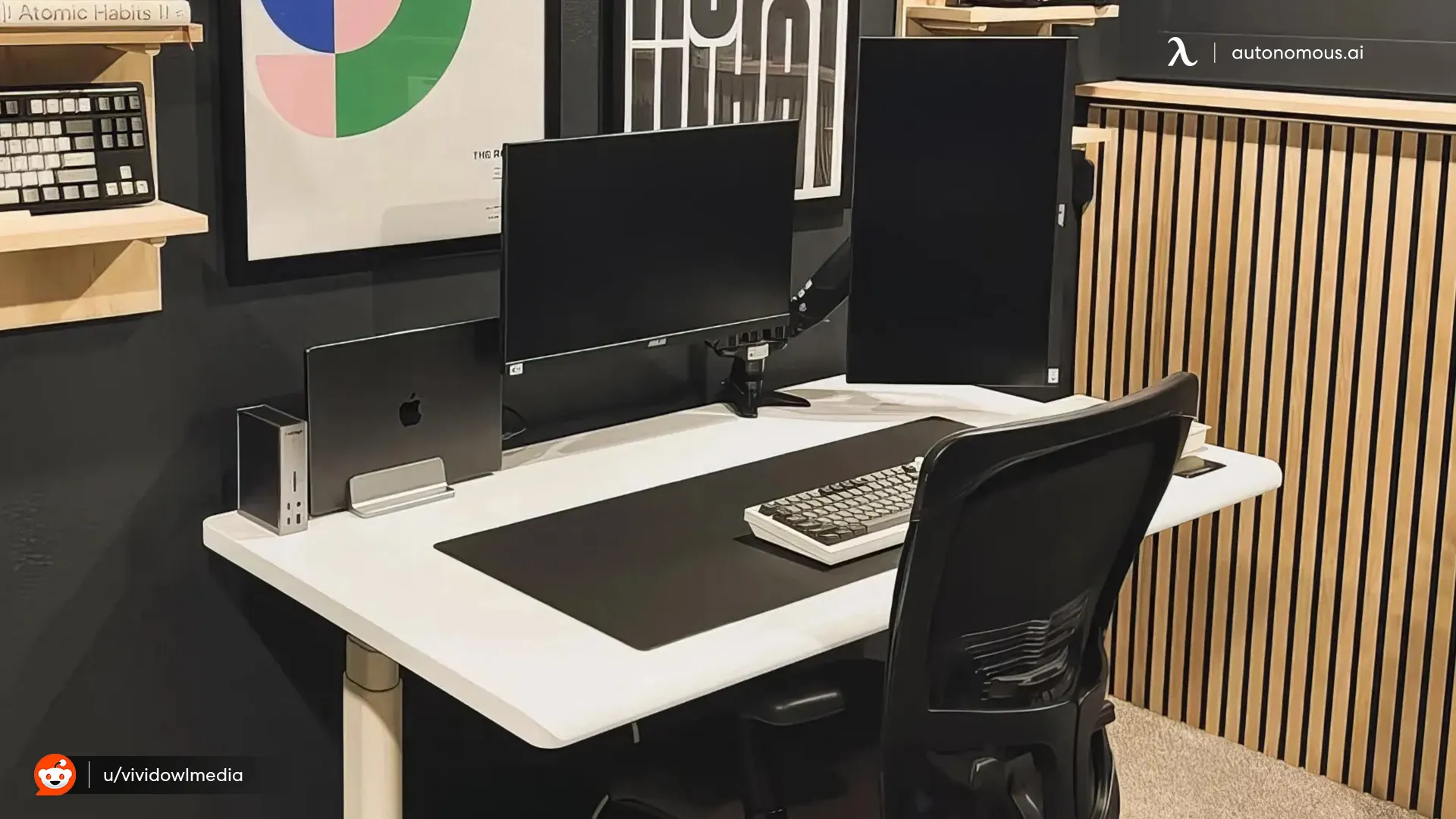
4. One horizontal, one vertical
Run the secondary monitor in portrait mode. Cuts the horizontal footprint roughly in half on that screen - useful for reading, coding, long documents, or anything where vertical real estate matters more than width. The vertical screen ends up about 16" wide instead of 24".
Best for: developers, writers, anyone reading long documents on the secondary screen.
.webp)
5. Compact monitors with flexible stands
The simplest fix is smaller monitors. 21"–24" displays with adjustable stands take up significantly less space than the typical 27"–32" panels in most dual setups. Two 22" monitors fit in roughly the same width as one 32". Pair with flexible stands so both screens align at the same height.
Best for: budget-conscious setups, beginner dual monitor builds, desks where 27"+ monitors physically don't fit.
6. Dual vertical layout
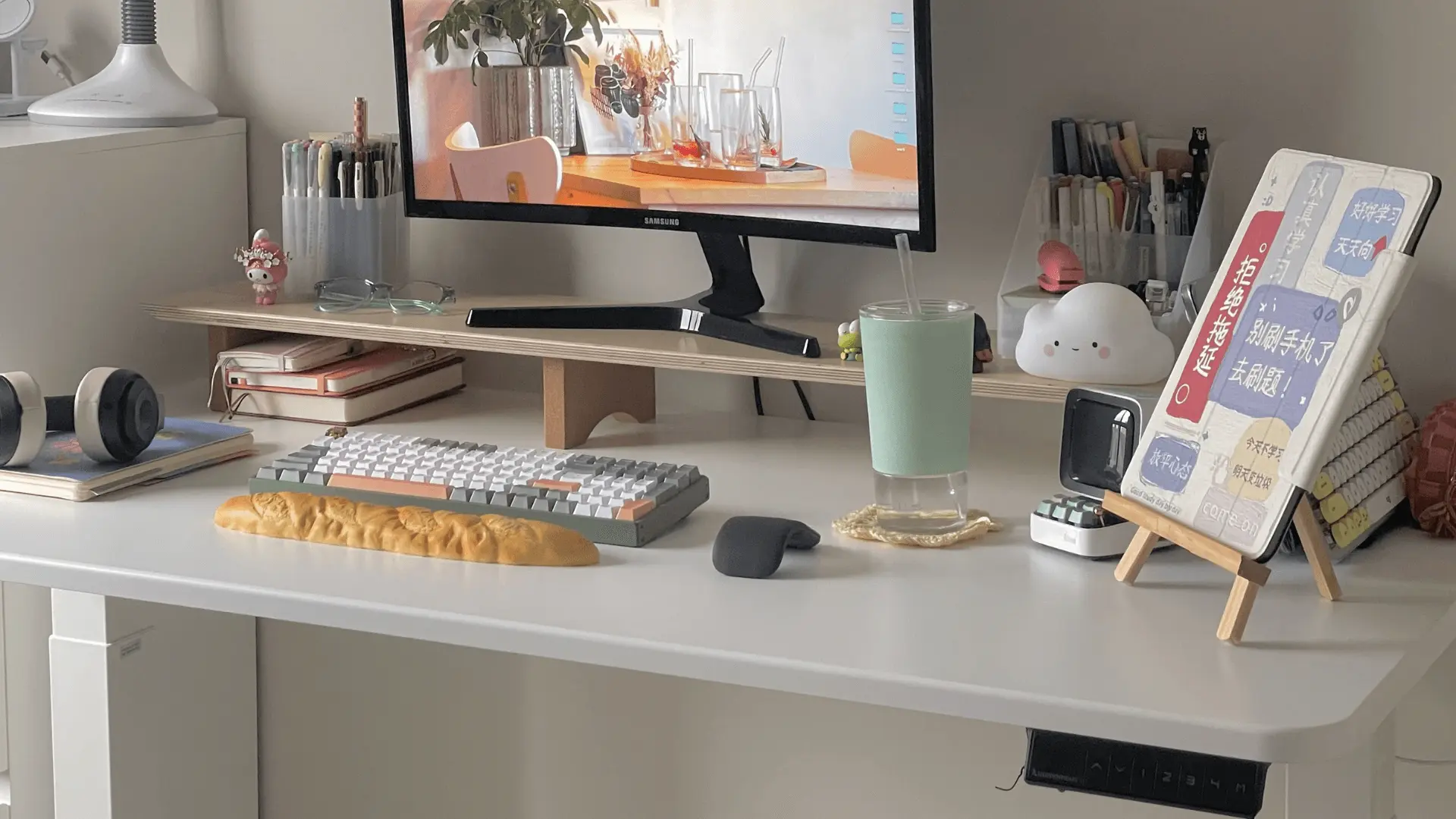
Both monitors in portrait mode. Reads unusual at first but works well for text-heavy work - coding, writing, document review. One of the most space-efficient options for very small desks since the total horizontal footprint drops to about 32–36" for two 24" screens.
Best for: code editors, writers, narrow desks where standard layouts won't fit.
.webp)
7. Laptop + single monitor (the hybrid setup)
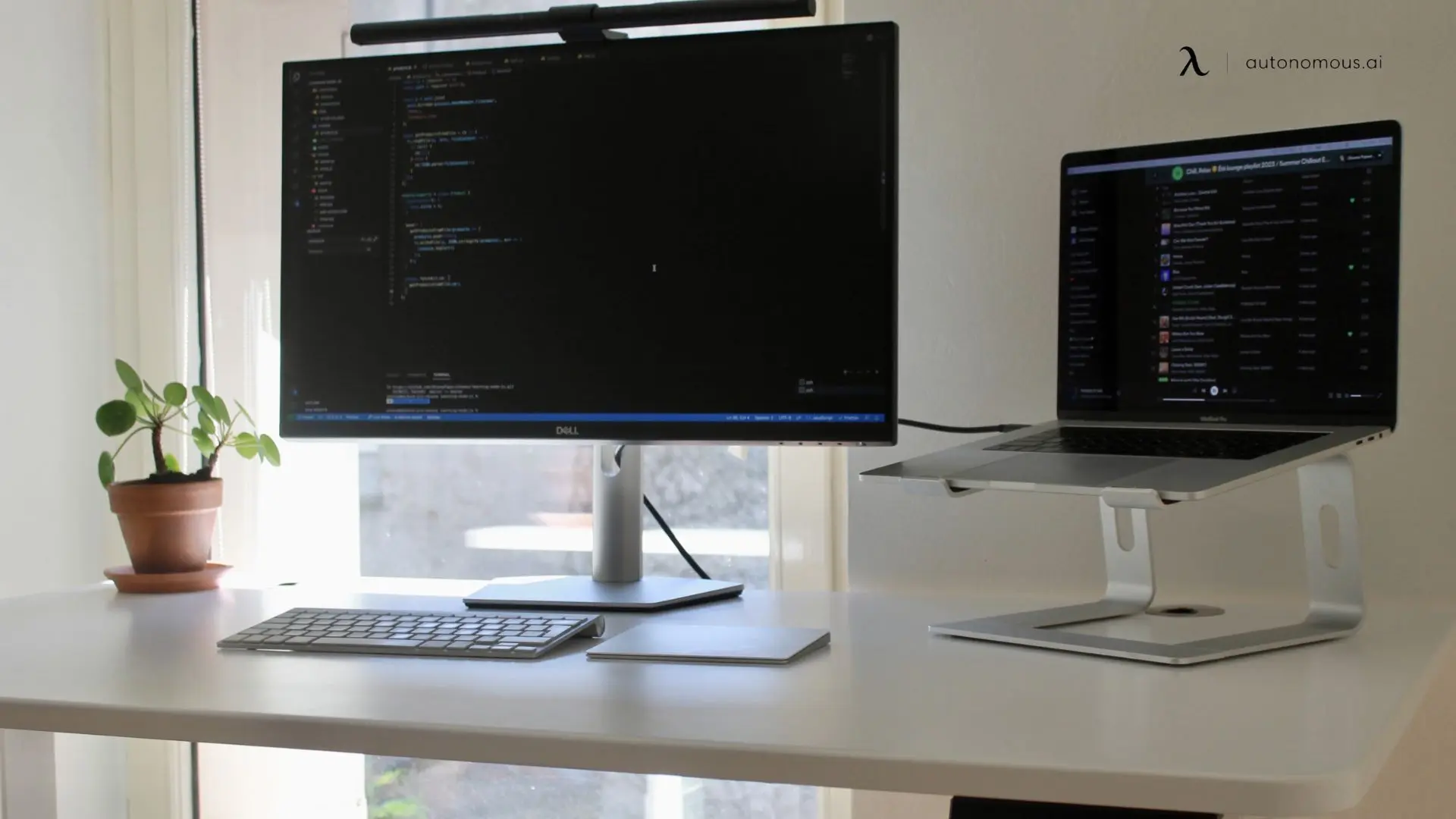
If your "second monitor" is your laptop, dock it on a vertical stand or laptop riser beside one external monitor. This frees the desk surface for the keyboard and mouse while keeping both screens at eye level. Cuts the dual monitor problem in half - you only need to fit one external display on the desk.
Best for: hybrid workers, laptop-primary users, desks under 40" wide.
What to get right beyond the layout
A good layout is half the setup. These three factors decide whether the small-desk dual monitor setup is actually comfortable to use.
Ergonomics. Both screens at eye level, primary monitor directly in front, secondary slightly to the side. Even on a small desk, getting the height right matters more than getting everything to fit tightly.
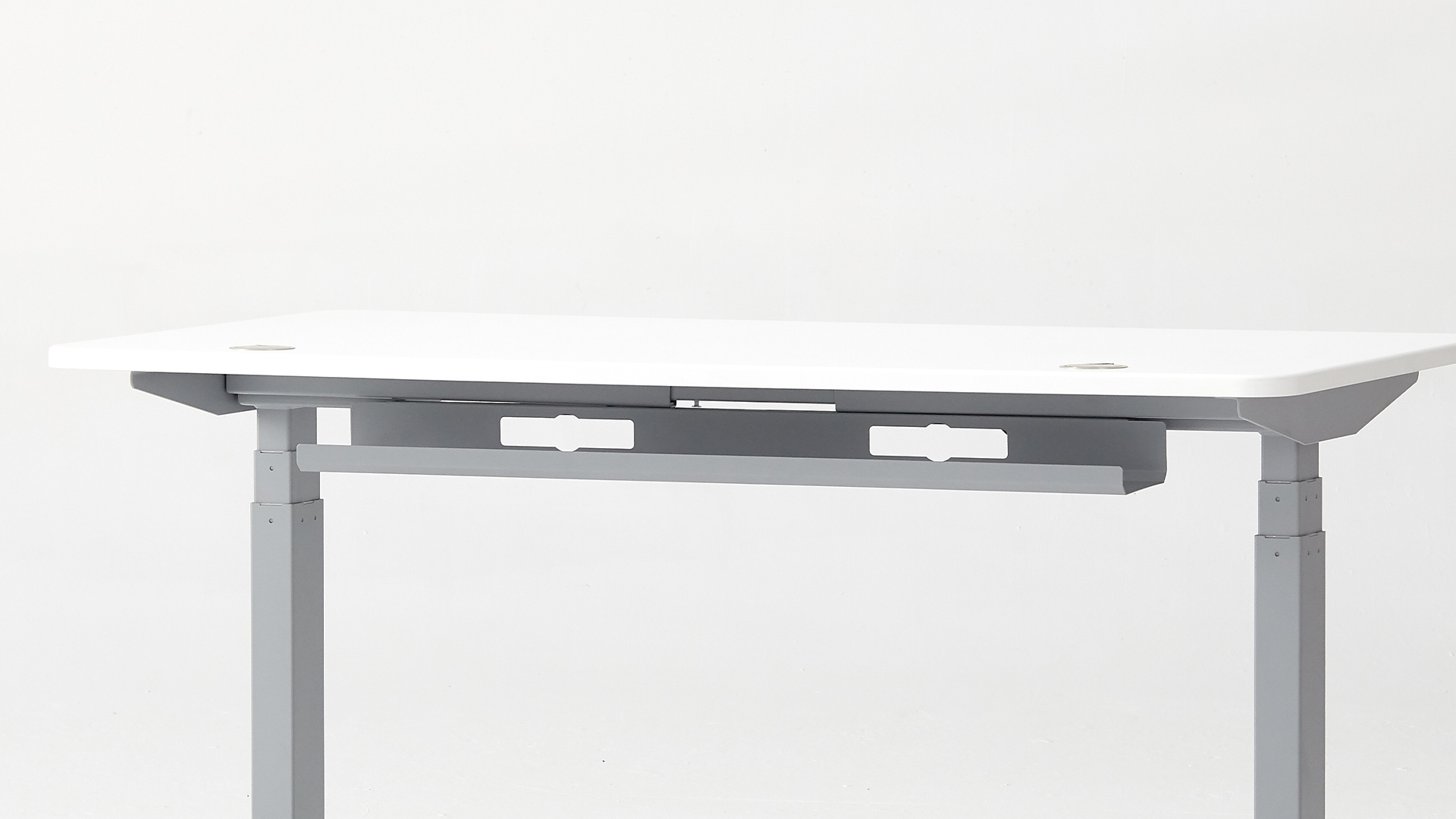
Cable management. Cables take up more space than expected in a small setup. Two monitors mean two display cables, two power cables, and usually a USB hub running between them. The Autonomous cable tray holds the power strip and bundle off the desk surface entirely. Without it, the cable mass ends up either on the desk or under your feet.
Lighting and glare. Two monitors close together amplify glare. Avoid placing the desk facing a window - sunlight directly on either screen washes both out. If the desk has to face the window, run blinds or move the screens to perpendicular orientation. Adjust monitor brightness to match the room rather than running at default factory brightness, which is usually 50% too bright for indoor use.
FAQs
How do I fit two monitors on a small desk?
Fit two monitors on a small desk with space-saving layouts - side-by-side with thin bezels, vertical stacking, one horizontal and one vertical, or both vertical. Monitor arms eliminate stand footprints and free the full desk depth for keyboard and mouse. Compact 22"–24" monitors take up significantly less width than 27"–32" displays.
What is the best dual monitor setup for a small desk?
The best dual monitor setup for a small desk depends on desk width. For 48"–53" desks, side-by-side with thin-bezel 24" monitors works best. For desks under 48", vertical stacking removes the width constraint entirely. For corner placements, the diagonal arrangement uses corner space that side-by-side layouts waste.
Can you use dual monitors on a small desk?
Dual monitors fit on a small desk with the right layout and gear. Compact 21"–24" displays paired with monitor arms reduce the footprint by 16–20" of desk depth compared to standard stands. Vertical stacking or one-vertical-one-horizontal layouts handle desks under 48" wide.
What size monitors are best for a small desk dual monitor setup?
Monitors between 21" and 24" are best for a small desk dual monitor setup. Two 24" monitors take up roughly the same width as one 32" monitor while giving you double the workspace. Thin-bezel models reduce the gap between screens and the total width further.
Is vertical stacking better for fitting two monitors on a small desk?
Vertical stacking is the most space-efficient layout for fitting two monitors on a small desk because it removes the width constraint entirely. The setup is only as wide as one monitor. It works best when the second screen is used less frequently - communication, reference docs, terminal - since the top monitor sits above the ideal viewing height.
How do I arrange two monitors on a small desk for productivity?
Arrange two monitors with the primary screen directly in front and the secondary monitor slightly angled toward you. Both screens at eye level, both at arm's length distance. Reduce the gap between screens to minimize head movement. Monitor arms keep both screens floating and aligned without eating desk depth.
Do monitor arms help fit two monitors on a small desk?
Monitor arms free up significant desk space by eliminating monitor stands, which typically take 8"–10" of desk depth each. A dual monitor arm holds both screens from the back edge of the desk, leaving the entire desk surface for keyboard, mouse, and accessories. On small desks, the space savings are decisive.
What is the best layout for two monitors on a small desk?
The best layout depends on desk width and workflow. Side-by-side works for 48"+ desks with thin-bezel monitors. Vertical stacking works for desks under 48". One horizontal and one vertical works for developers and writers. The corner arrangement works for L-shaped desks. Match the layout to the desk dimensions and the primary use case.
Can I use one vertical monitor to save space on a small desk?
A single vertical monitor reduces the horizontal footprint by roughly 40% compared to landscape orientation. Pair a vertical secondary monitor with a horizontal primary for reading, coding, or document work without taking up the full width of a small desk.
How far apart should two monitors be on a small desk?
Two monitors should sit with minimal gap between them - close enough to minimize head movement, with the bezels nearly touching. Aligned at the same height, both within arm's length distance. On a small desk, closer-together is the right answer almost always.
Is a dual monitor setup worth it on a small desk?
A dual monitor setup is worth it on a small desk for anyone who multitasks regularly - reference plus primary work, communication plus focus work, code plus browser. The right layout and gear (compact monitors, monitor arms, cable tray) make it efficient even in limited space. For users who work primarily in one application, the value is lower.
How do I keep a dual monitor setup clean on a small desk?
Manage cables with a cable tray that holds the power strip and bundle off the desk surface. Use monitor arms instead of stands to free desk depth. Keep peripherals minimal - wireless keyboard, wireless mouse, no separate desk lamp if the room has ambient lighting. The fewer items on the surface, the larger the desk feels.
Conclusion
Two monitors fit on a small desk when the layout matches the space. For a 48"-53" desk, side-by-side with thin-bezel 24" monitors works. For anything narrower, vertical stacking or one-vertical-one-horizontal is the answer. Monitor arms free 16-20" of desk depth. A cable tray keeps the power strip and bundle off the surface.