22 vs 24 Inch Monitor: Which Size Is Right for You?
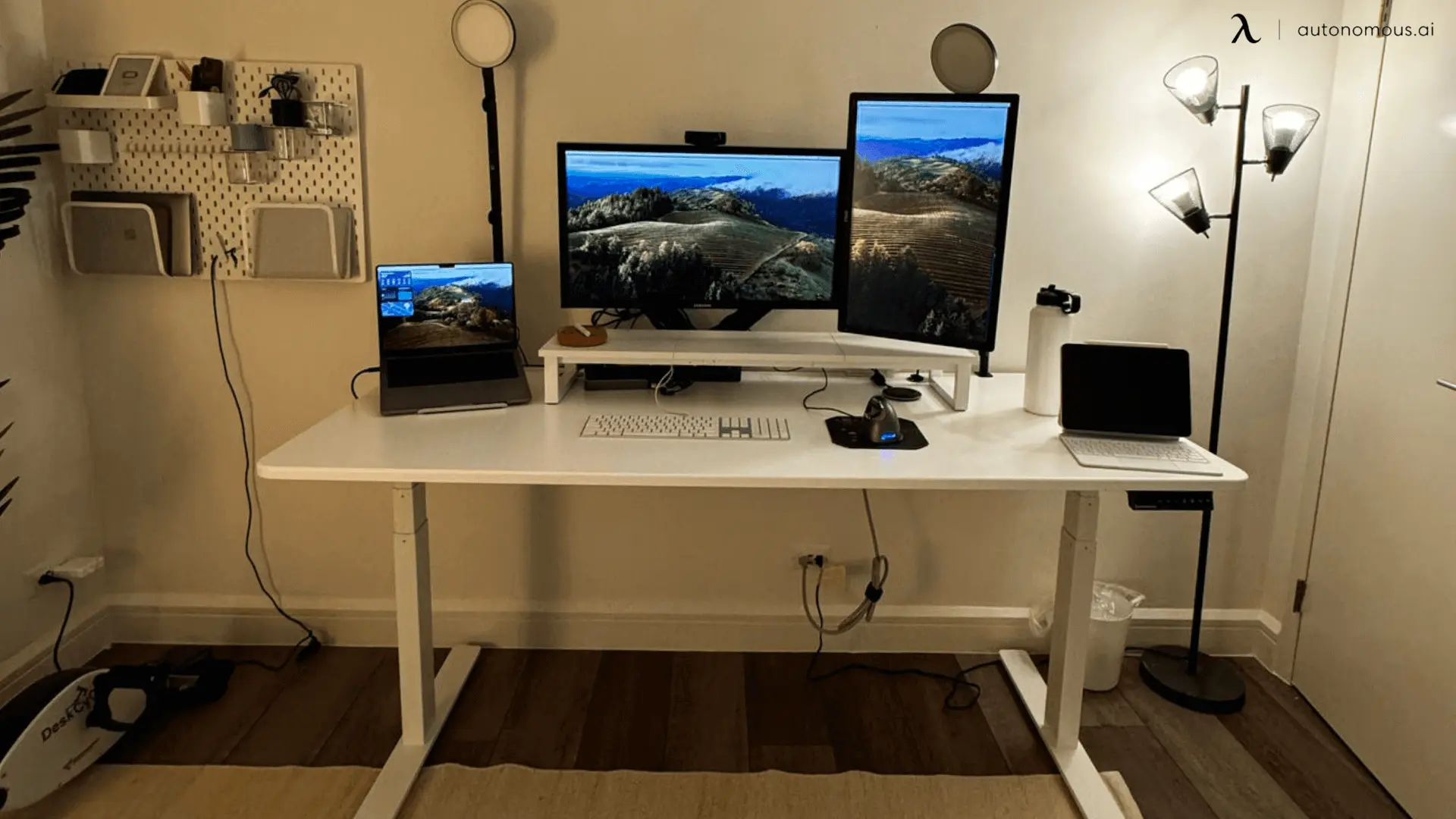
Table of Contents
Choosing between a 22-inch and a 24-inch monitor often comes down to desk space, clarity, and how you actually use your screen day to day. While the difference sounds small on paper, it can noticeably affect comfort, multitasking, and overall usability. This guide breaks down the real-world differences to help you decide which monitor size fits your setup best.
22-Inch vs 24-Inch Monitor: Key Differences at a Glance
Feature | 22-Inch Monitor | 24-Inch Monitor |
Screen size | Compact | Slightly larger |
Typical resolution | 1080p | 1080p |
Pixel density | Higher | Slightly lower |
Desk space required | Minimal | Moderate |
Multitasking comfort | Limited | Better |
Best for | Small desks, secondary use | General work and gaming |
Size and Desk Fit Comparison
A 22-inch monitor is noticeably more compact and easier to fit on shallow or narrow desks. It works well at close viewing distances and leaves more room for peripherals and writing space, especially when desk depth follows common desk dimensions found in home offices and bedrooms.
A 24-inch monitor takes up slightly more width and depth but still fits comfortably on most standard desks. The added screen size feels more open, particularly when splitting windows or building a workflow around laptop and monitor setup ideas that benefit from extra screen real estate.
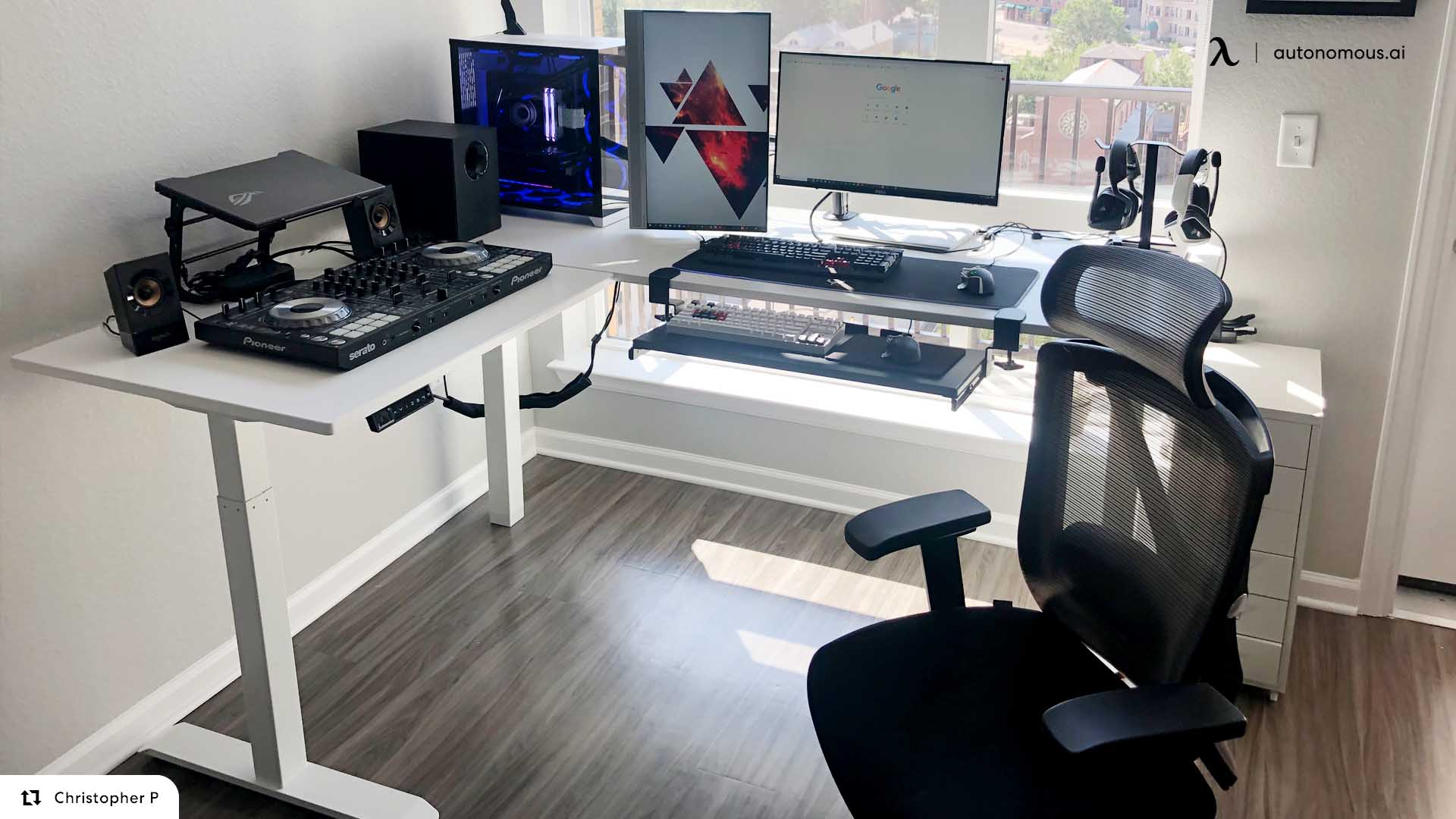
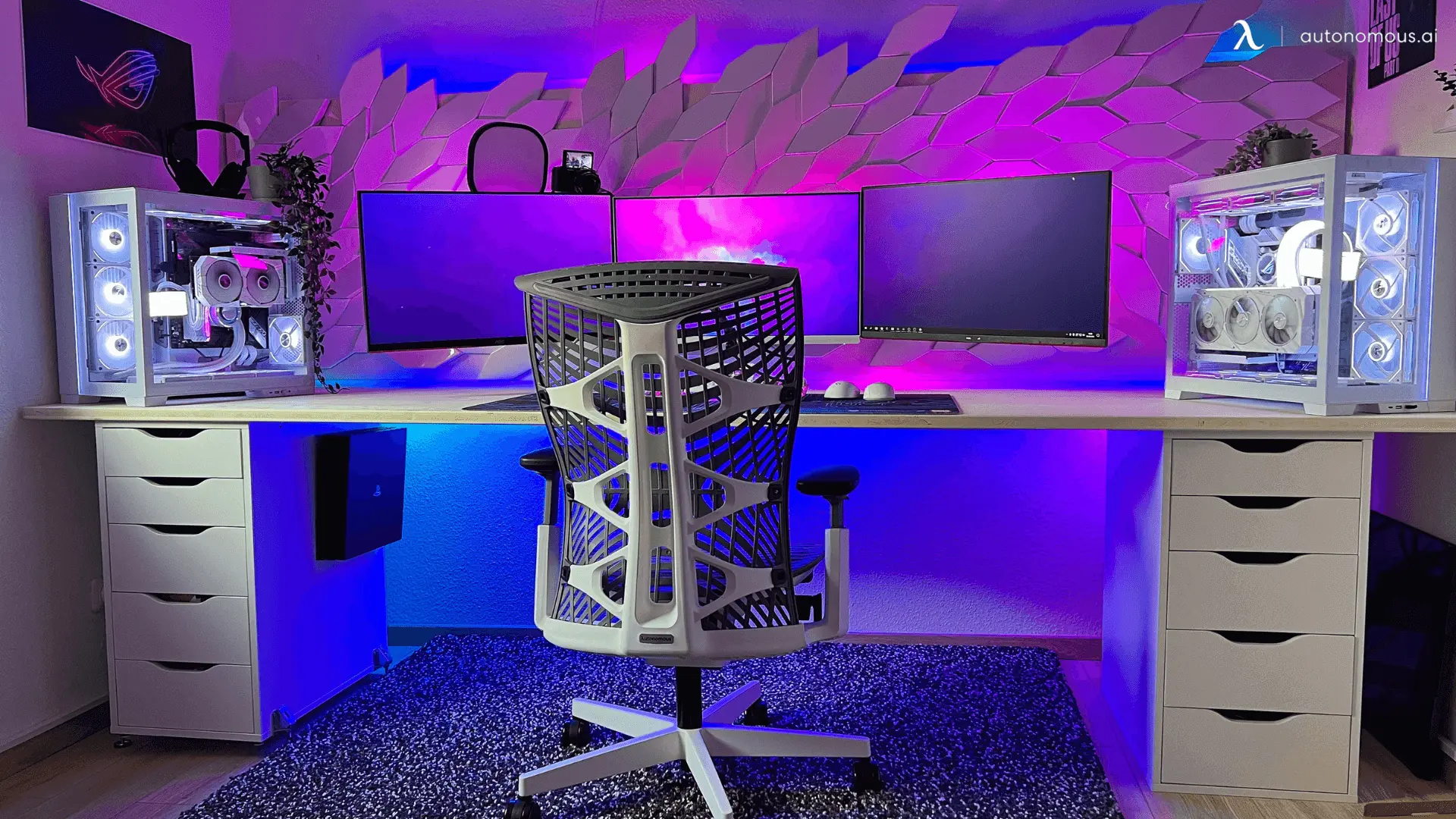
If desk space is tight, the 22-inch monitor feels like the safer option. If your desk has enough depth and width to support future expansion, the 24-inch monitor offers more flexibility and adapts better to setups that grow into an L-shaped desk dual monitor setup or even more advanced configurations built around a standing desk for 3 monitors without feeling oversized.
Resolution and Image Clarity
Both 22-inch and 24-inch monitors commonly use 1080p resolution. Because the same resolution is spread across a smaller screen, the 22-inch monitor has slightly higher pixel density. Text can appear a bit sharper at close distances.
On a 24-inch monitor, 1080p still looks good, but text and UI elements appear slightly larger. Many users find this easier on the eyes during long sessions, even though pixel density is technically lower.
For most users, the clarity difference is subtle rather than dramatic.
22 vs 24 Inch Monitor for Work
Both 22-inch and 24-inch monitors handle everyday work tasks reliably, but the experience differs based on how information is consumed and managed on screen, not physical fit.
1. Information Density and Screen Usage
A 22-inch monitor encourages a linear workflow. Content is typically viewed one primary task at a time, which works well for roles that involve reading, writing, or reviewing information sequentially. It promotes focus by limiting how much is visible at once.
A 24-inch monitor supports denser information layouts. It allows more data, text, or tools to remain visible simultaneously, which benefits workflows that involve constant reference, comparison, or switching between sources.
2. Multitasking Behavior
Work pattern | 22-Inch Monitor | 24-Inch Monitor |
Single-app focus | Strong | Strong |
Frequent window switching | Adequate | Better |
Side-by-side documents | Constrained | Comfortable |
Reference-heavy tasks | Limited | More efficient |
Users who rely on multiple applications throughout the day often experience smoother transitions on a 24-inch screen, especially in workflows that later expand into a dual monitor home office setup.
3. Role-Based Suitability
A 22-inch monitor aligns well with:
- Writing and editorial work
- Customer support or ticket-based workflows
- Basic coding with one main editor window
- Administrative tasks
A 24-inch monitor aligns better with:
- Spreadsheet-heavy roles
- Project management and dashboards
- Development work involving multiple panels
- Analytical or monitoring tasks
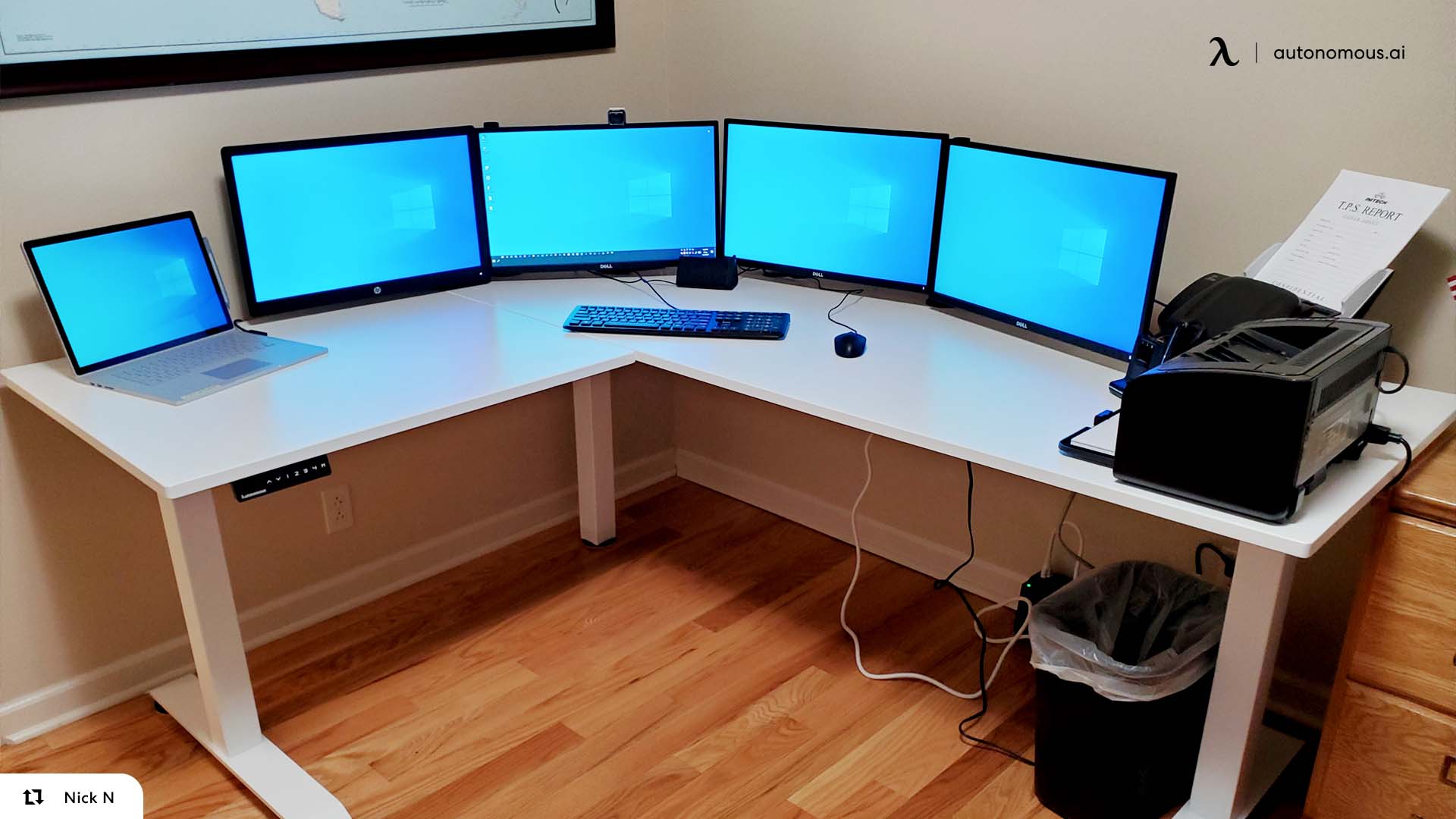
For highly data-dense professions—such as trading or live monitoring—single-screen setups often give way to multi-display environments built around a 4 monitor setup for trading, where visibility and simultaneous tracking matter more than individual screen size.
4. Cognitive Load and Focus
Smaller screens naturally limit on-screen choices, which can reduce visual clutter and decision fatigue. Larger screens increase flexibility but also require more intentional window organization to stay focused.
22 vs 24 Inch Monitor for Gaming
For gaming at 1080p, both 22-inch and 24-inch monitors are highly capable. The difference comes down to how you play, not whether the screen can handle games.
1. Competitive vs Immersive Playstyles
A 22-inch monitor favors precision and speed. The smaller display keeps all visual elements tightly grouped, which can help with target tracking and reaction timing in competitive and fast-paced titles. Because fewer pixels are pushed at the same resolution, it’s also easier to maintain consistently high frame rates on mid-range hardware.
A 24-inch monitor leans toward immersion. The slightly larger screen makes environments feel more expansive without overwhelming your field of view, which is why many players consider it the sweet spot for 1080p gaming. It provides a stronger sense of presence while remaining comfortable for long sessions.
2. Performance and Refresh Rate Considerations
At 1080p, both sizes pair well with high-refresh-rate panels. Competitive players often prioritize smoothness and responsiveness, making a monitor gaming 144hz or higher refresh rate a bigger factor than screen size itself. At the extreme end, esports-focused players chasing maximum responsiveness may look toward displays built around a 540 hz gaming monitor, where screen size becomes secondary to speed.
3. Gaming Setup Flexibility
Screen size also affects how easily a setup can expand. A 22-inch monitor integrates cleanly into compact or mobile-friendly environments, including a laptop gaming setup where space efficiency matters. A 24-inch monitor adapts more naturally to larger, fixed setups and scales better into configurations that grow over time.
Gamers who plan to add additional displays often find a 24-inch screen more comfortable as the primary monitor in dual monitor gaming setups or even wider viewing environments built around a 3 monitor gaming setup.
Gaming priority | 22-Inch Monitor | 24-Inch Monitor |
Competitive FPS | Strong | Strong |
Reaction speed focus | Better | Very good |
Immersion | Limited | Better |
High refresh rates | Easy to achieve | Easy to achieve |
Multi-monitor expansion | Compact-friendly | More scalable |
Which Is Better for Small Desks?
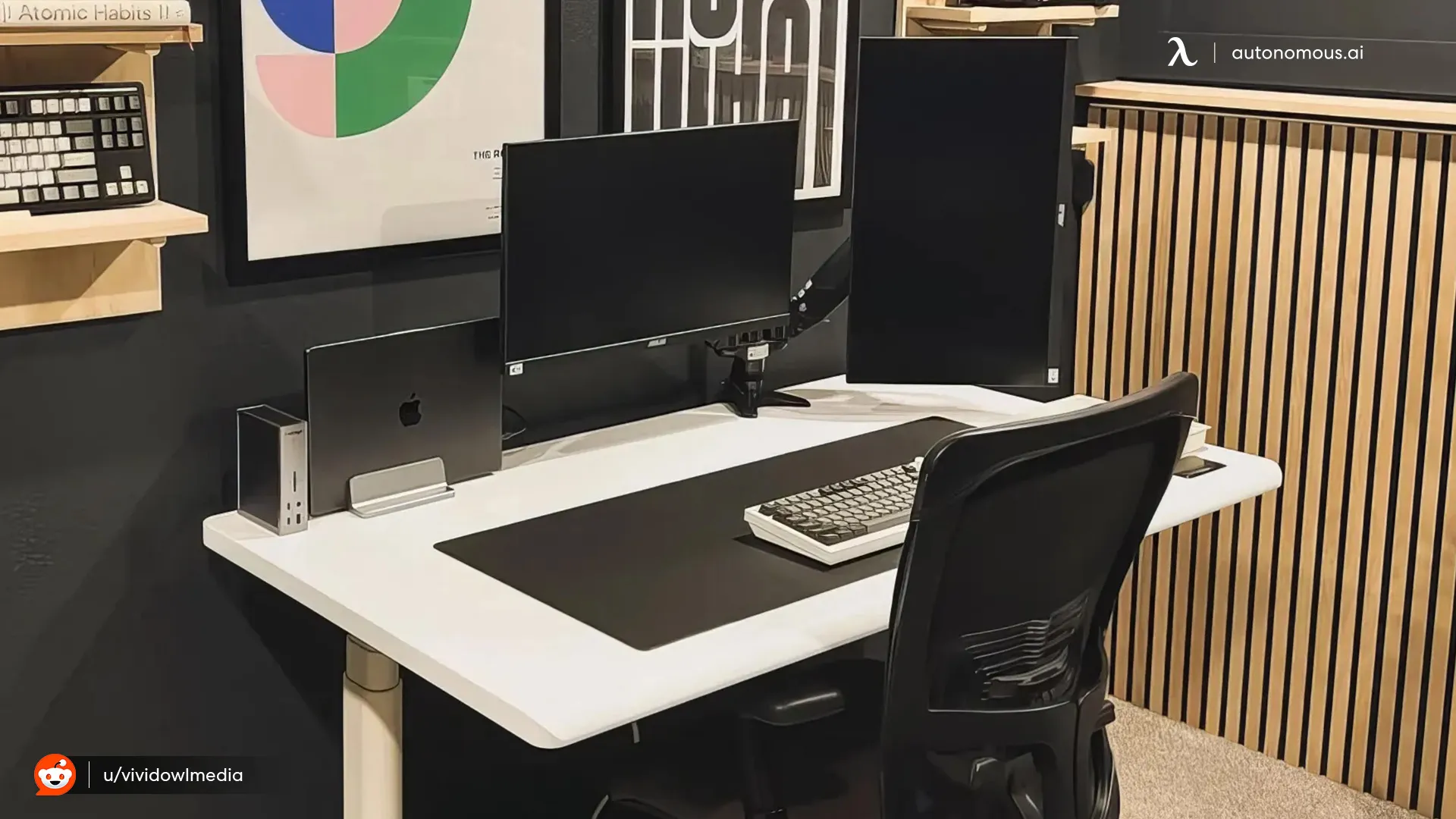
For very small or shallow desks, a 22-inch monitor is usually the safer choice. It fits easily, works well at close viewing distances, and leaves room for essentials like notebooks, speakers, or desk drawers—an advantage in compact setups built around a small desk with drawer or other space-saving furniture.
A 24-inch monitor can still work on a small desk, but it requires more intentional positioning and enough depth to avoid feeling too close. Understanding how big is a 24 inch monitor helps set realistic expectations before committing to the larger size, especially when desk depth is limited.
If flexibility matters—such as rearranging peripherals or experimenting with a dual monitor setup with a small desk layout—a 22-inch display is easier to manage. Desks designed for compact workspaces, including a small L-shaped desk, also pair more naturally with smaller screens.
For users who want a clean, efficient workspace without crowding, a 22-inch monitor aligns well with many small desk setup ideas. If your desk has a bit more room and you value added screen flexibility, a 24-inch monitor becomes the more versatile option.
Who Should Choose a 22-Inch Monitor?
A 22-inch monitor is a good fit if you:
- Have limited desk space
- Sit close to the screen
- Use the monitor as a secondary display
- Prefer a compact, minimal setup
- Focus on single-task workflows
Who Should Choose a 24-Inch Monitor?
A 24-inch monitor makes more sense if you:
- Multitask frequently
- Split screens often
- Want a more immersive gaming experience
- Are upgrading from a laptop display
- Have enough desk depth for comfortable viewing
FAQs
Is a 22-inch or 24-inch monitor better for work?
A 24-inch monitor is generally better for work because it offers more screen space for multitasking and split-screen use. A 22-inch monitor works well for focused tasks or smaller desks.
Is a 22-inch monitor too small?
A 22-inch monitor isn’t too small for basic tasks like writing, browsing, and coding. It may feel limiting for users who frequently multitask or work with large spreadsheets.
Is a 24-inch monitor too big for a small desk?
A 24-inch monitor can fit on a small desk if there is enough depth to maintain a comfortable viewing distance. On very shallow desks, it may feel too close and overwhelming.
Which looks sharper at 1080p: 22-inch or 24-inch?
1080p looks slightly sharper on a 22-inch monitor due to higher pixel density. On a 24-inch screen, text and icons appear a bit larger but still clear.
Is a 22-inch or 24-inch monitor better for gaming?
Both sizes perform well for gaming. Competitive players often prefer 22-inch monitors for faster eye tracking, while 24-inch monitors provide a more immersive experience.
Is upgrading from a 22-inch to a 24-inch monitor worth it?
Upgrading to a 24-inch monitor is worth it if you want more screen space and improved multitasking. If your desk space is limited, the upgrade may offer only a small benefit.
How much desk space does a 24-inch monitor need?
A 24-inch monitor typically needs about 21–22 inches of width and enough desk depth to sit comfortably 20–28 inches from the screen. Deeper desks provide a better experience.
Can a 22-inch monitor be used as a second screen?
Yes. A 22-inch monitor works well as a secondary display because it adds useful screen space without taking up too much desk room.
Is a 24-inch monitor better for multitasking?
Yes. A 24-inch monitor makes it easier to keep two windows open side by side and reduces the need for constant window switching.
Which is better for small desks, 22 or 24 inches?
A 22-inch monitor is usually better for small desks due to its compact size and close viewing comfort. A 24-inch monitor works better if the desk has sufficient depth.
Do professionals prefer 22-inch or 24-inch monitors?
Most professionals prefer 24-inch monitors because they offer more flexibility and workspace. A 22-inch monitor is still common in compact offices and secondary setups.
Will a 24-inch monitor strain my eyes more than a 22-inch?
Not necessarily. Eye comfort depends more on viewing distance, text size, and ergonomics than screen size alone.
Conclusion
The choice between a 22-inch and 24-inch monitor comes down to space versus flexibility. A 22-inch monitor fits naturally into compact setups and close viewing distances, while a 24-inch monitor provides more breathing room for work and gaming without becoming bulky.
If your desk is small and your workflow is focused, a 22-inch monitor is practical and efficient. If you want more room to grow without jumping to a much larger screen, stepping up to a 24-inch monitor often makes sense.
For users considering a gradual upgrade path, comparing a 24 vs 27 inch monitor helps clarify when additional screen space becomes beneficial. Those who need significantly more workspace for complex tasks may also explore 32 vs 34 inch monitor options to understand when ultra-wide or larger displays are more appropriate.