10 PS5 Gaming Setup Ideas That Actually Work
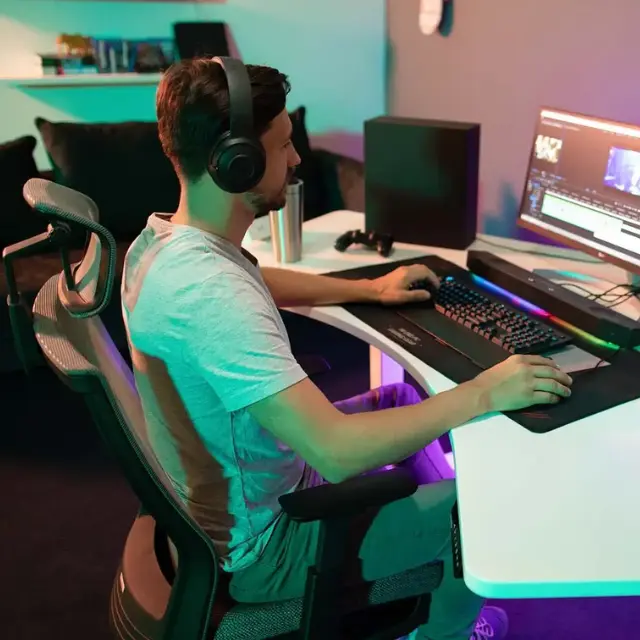
Most PS5 gaming setup guides show you a photo and leave you to work out whether it fits your room. This one gives the numbers. A PS5 Pro laid flat is 15.2 inches long and 8.5 inches deep, which is a third of the width of a small desk before you have put a monitor on it. Stand the same console up and it takes about a quarter of that footprint. Small decisions like that are what separate a setup that works from one you rearrange three times. Here are ten PS5 gaming setup ideas with the space, distance and money each one actually needs.
What do you need for a PS5 gaming setup?
A working PS5 setup needs five things: the console, a display, somewhere stable to put both, seating at the right distance, and a plan for where the cables go. Everything else is preference.
The order matters more than the list. Buy the display before the accessories, because screen size sets your seating distance, and seating distance sets how much room the whole setup needs. People who buy the chair and the desk first usually end up with a 55-inch TV three feet from their face.
Three things people forget until it is too late: the PS5 Pro does not include a vertical stand, HDMI 2.1 is what unlocks 4K at 120Hz so the cable and the display both have to support it, and the console needs clear air on the vented sides. Push it flush against a wall or box it into a cabinet and it will run hot and loud.
10 PS5 gaming setup ideas
1. The desk and monitor setup
A dual PS5 monitor setup puts the PS5 within arm's reach, which is the main reason to choose it over a TV. You get lower input lag, easier controller charging and somewhere to work, at the cost of a smaller screen.
The number that decides this build is desk depth. A 24-inch deep desk leaves about 15 inches behind a 27-inch monitor once you allow for the stand, which is enough for a vertical console but not a horizontal one. Move up to the 53 by 29 inch top on the Autonomous Desk 2 and the PS5 lies flat behind the screen with room left for a keyboard and mouse combo.
Whichever depth you have, keep the console out of the monitor's shadow. Tucking it directly behind a screen on a shallow desk blocks the vented face and traps warm air against the panel.
2. The TV and couch setup
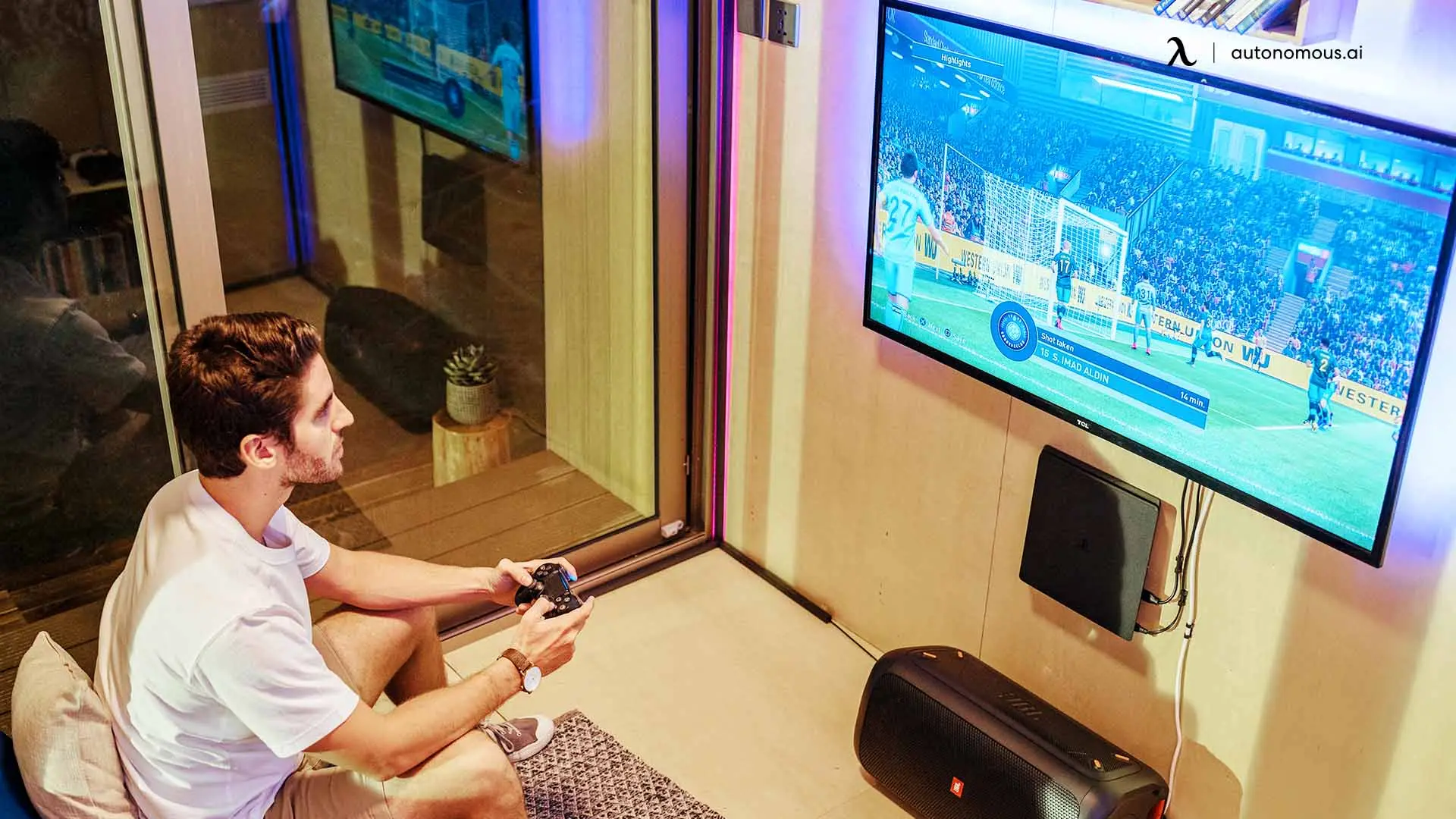
A TV setup wins on screen size and loses on everything else. It is the right choice if you play story games and racing rather than shooters, and if the room is shared.
Get the distance right and the rest follows. For 4K content, sitting at about 1.5 times the screen height gives you the full detail, which works out to roughly 5 to 7 feet for a 55-inch set and 6 to 8 feet for a 65-inch. Closer than that and you see pixel structure. Further and you have paid for resolution you cannot resolve.
The trap is input lag. Enable game mode on the TV, and check it is on the specific HDMI port you are using, because on many sets it is per-input rather than global.
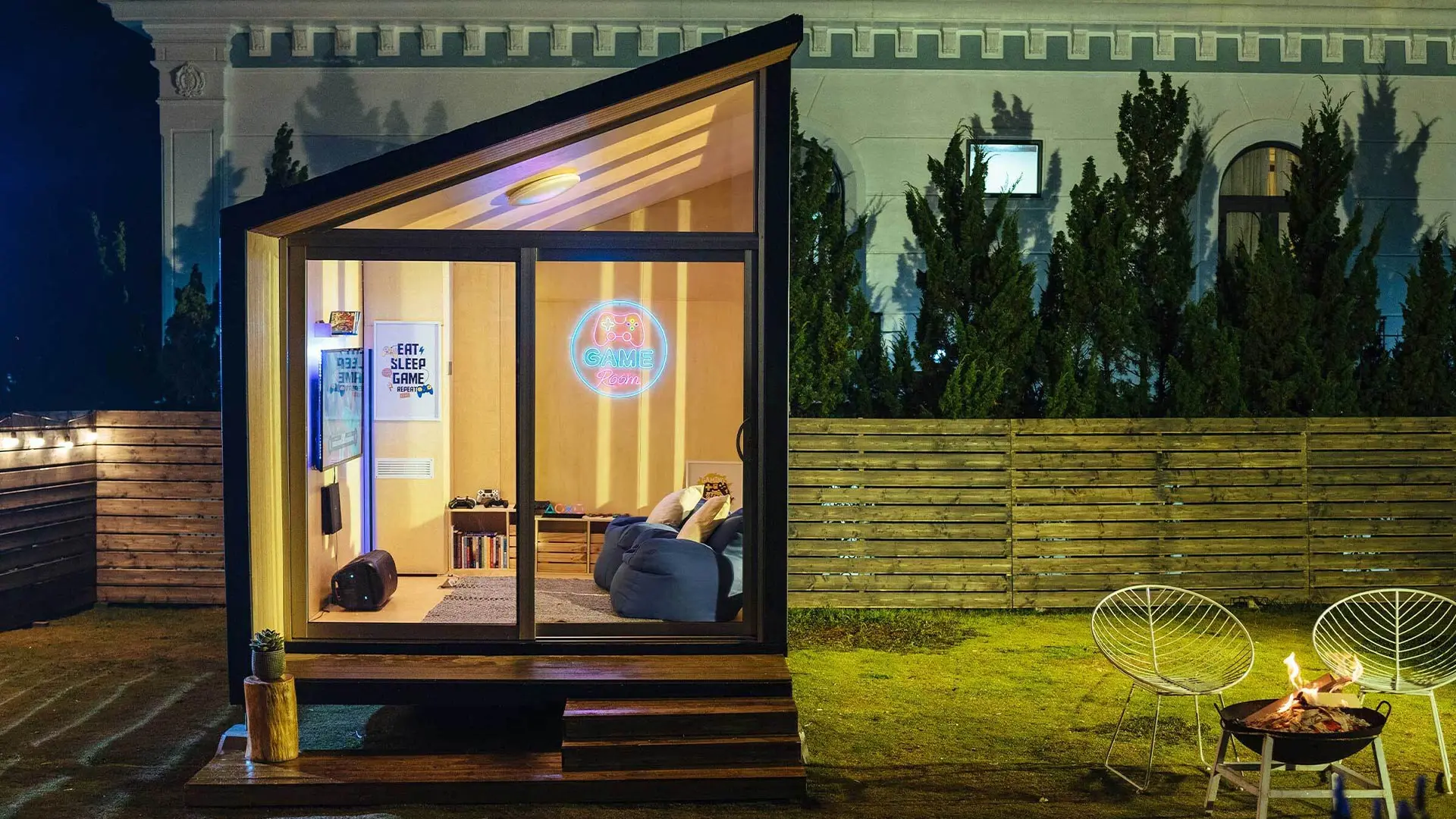
3. The bedroom setup
A bedroom PS5 setup is a space problem before it is a gaming problem, and the fix is usually vertical rather than horizontal. Wall-mount the display, stand the console, and keep the floor clear.
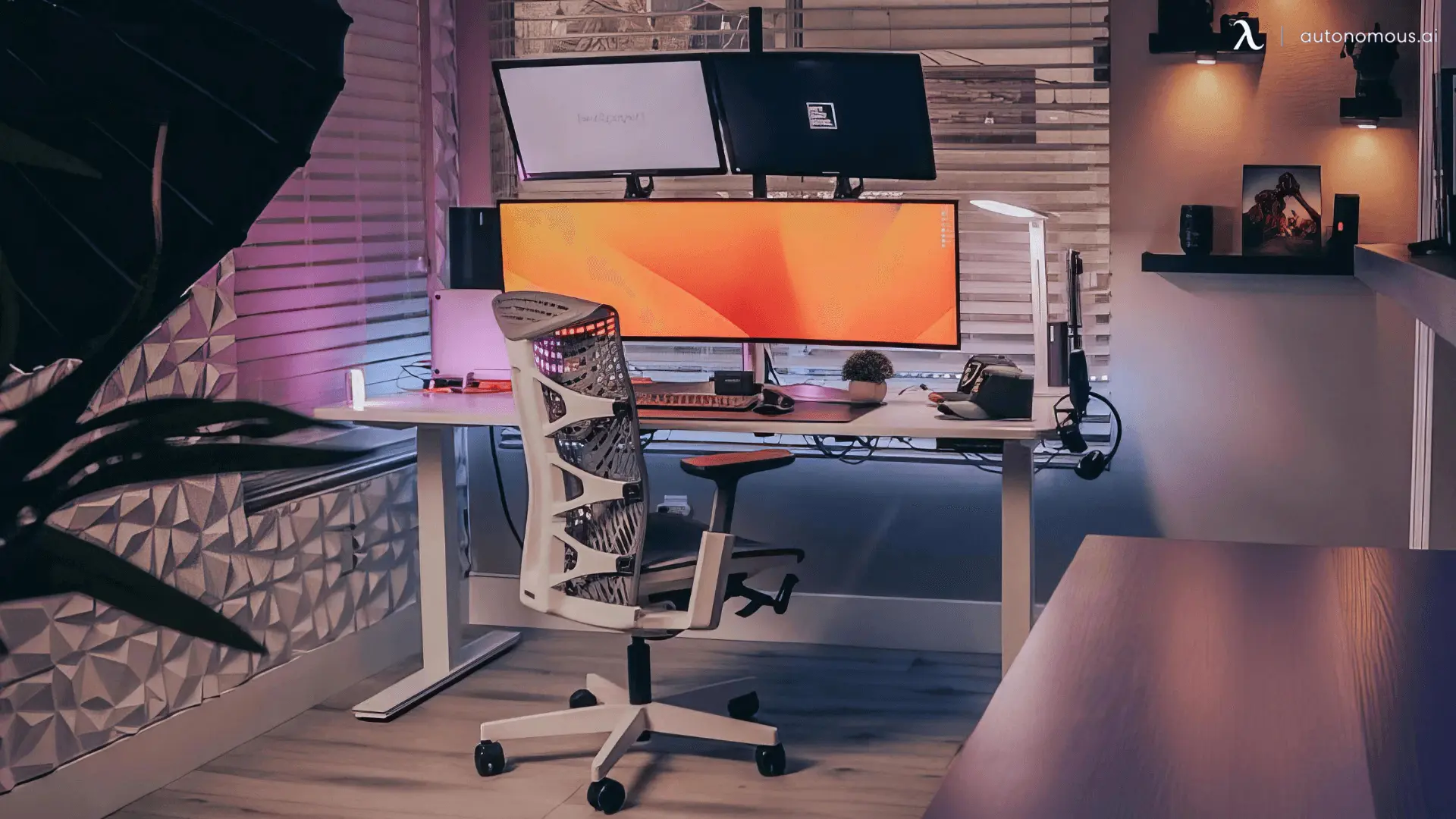
The biggest gain in a small bedroom comes from a desk you can raise. A standing desk lets the same footprint serve as a desk when you are sitting and a clear surface when you are not, which matters when the room is also where you sleep. The 48 by 24 inch Desk Core is the smallest footprint in the range and fits under most bedroom windows.
Heat is the other bedroom-specific issue. A console in a small closed room with the door shut warms the space noticeably over a long session, so leave the vents clear and the door open.
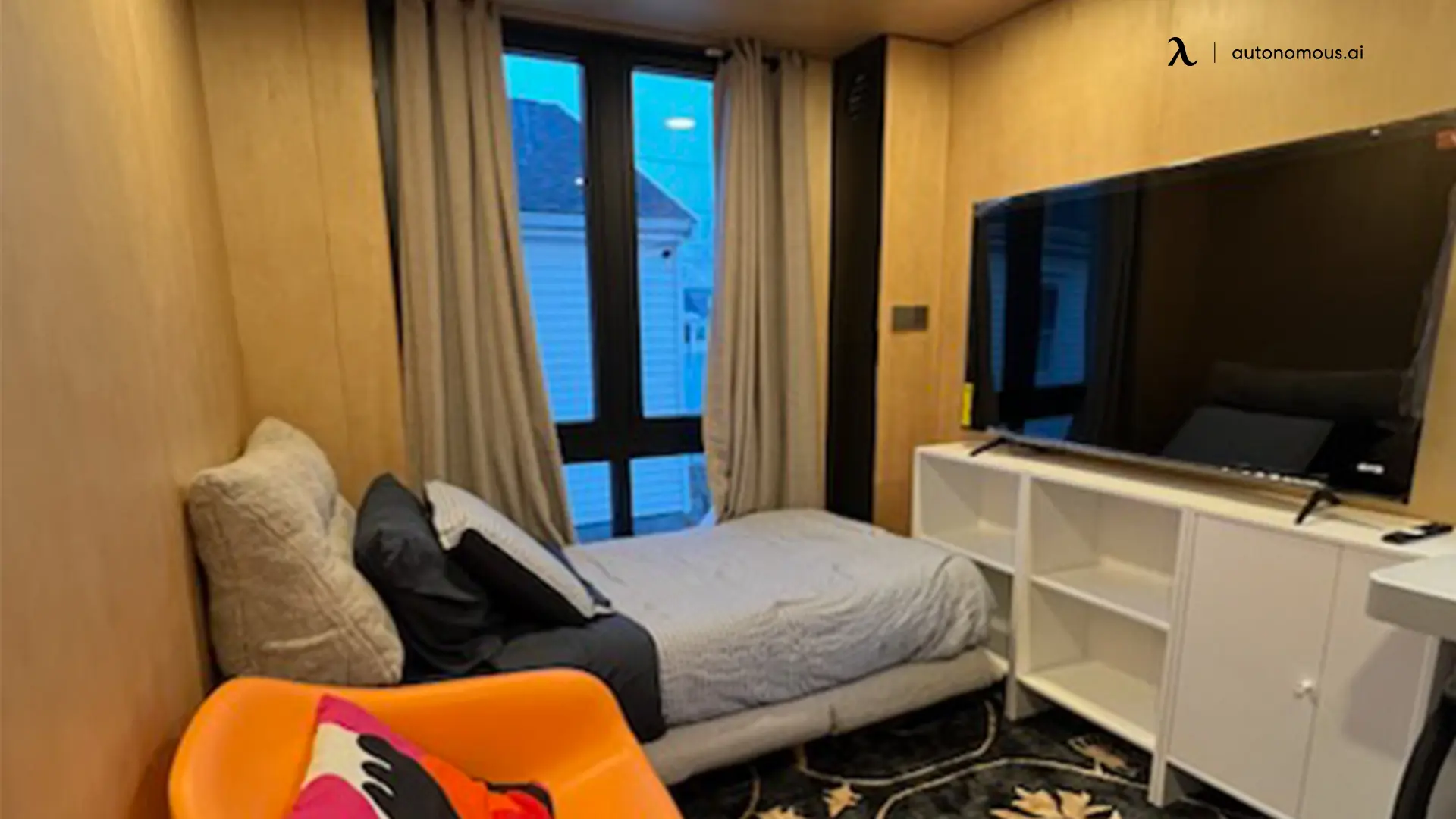
4. PS5 and PC on one desk
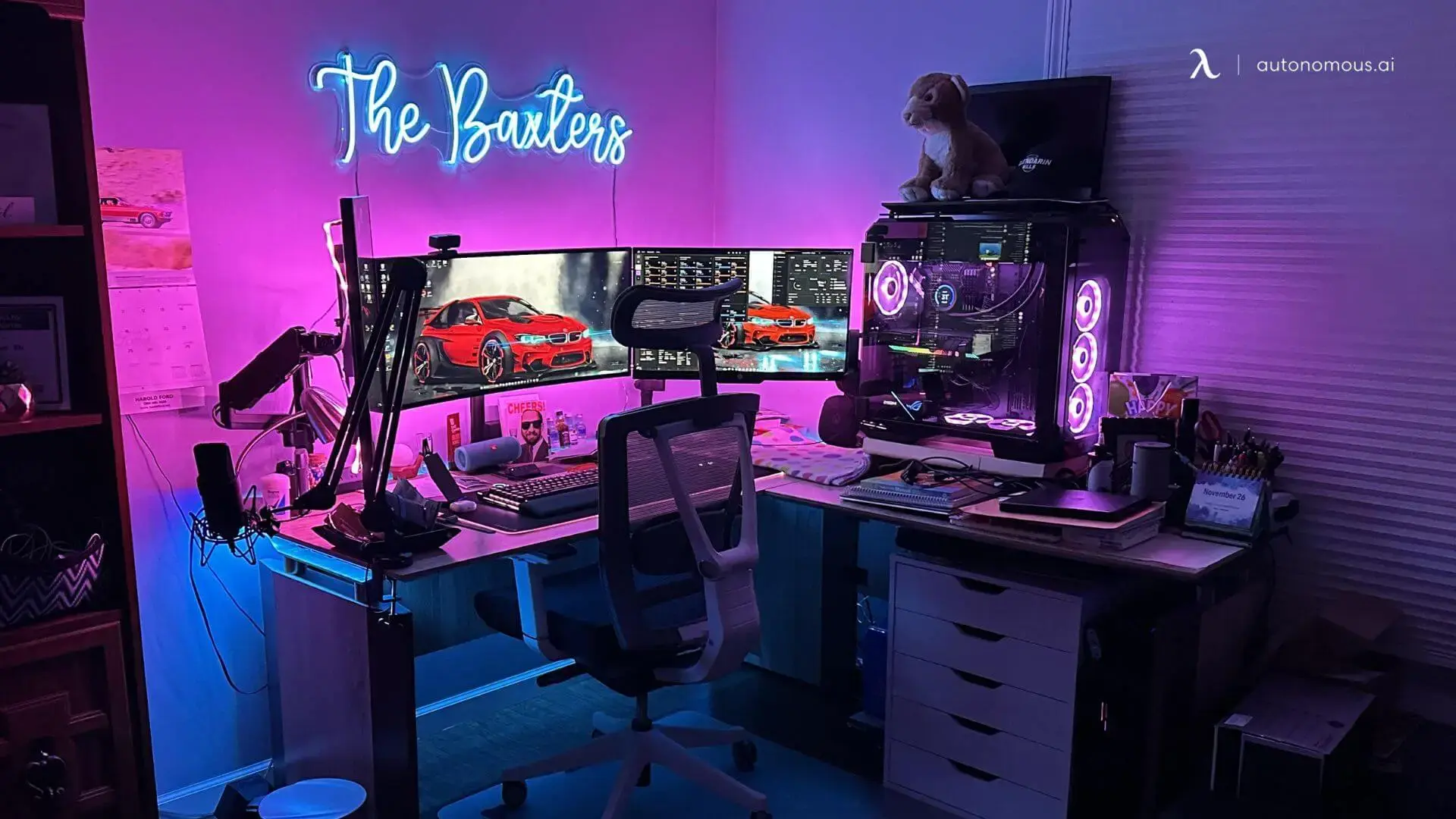
Running a PS5 and a PC together needs either a monitor with two inputs you are willing to switch between, or two screens. The second is less annoying and takes more desk.
This is the build an L-shaped desk was made for. The Desk 2 L-Shaped is 77 by 64 inches overall, which gives you a main leg for the PC and a return for the console and its display without either fighting for space. It also handles the cable problem, since two systems on one straight desk means two power bricks and two display cables crossing the same run.
If you only have a straight desk, put the PS5 on the side away from your mouse hand. Reaching over the console to grab the mouse gets old within a week.
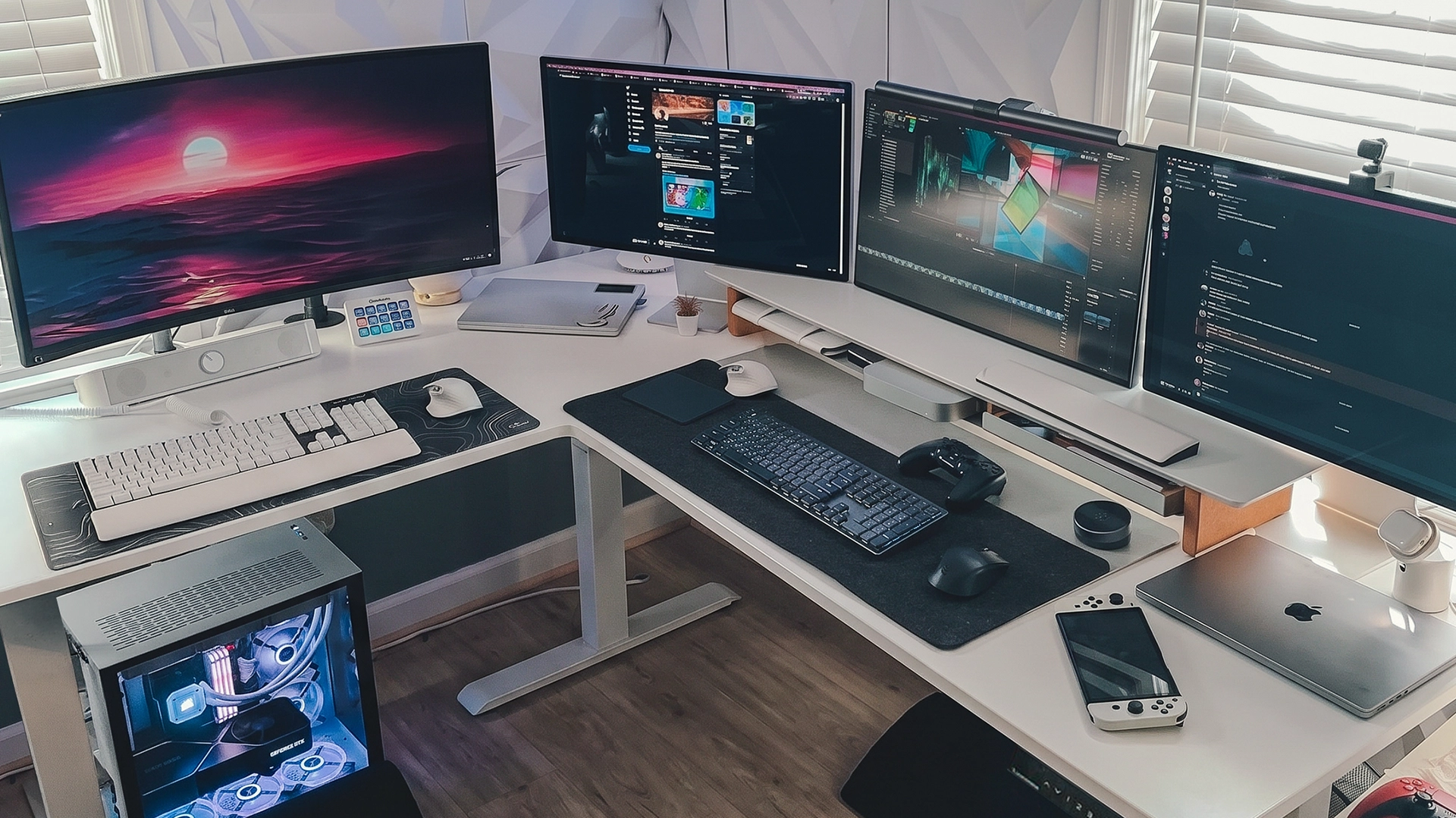
5. The racing wheel setup
A wheel setup is the only PS5 build where desk strength genuinely matters, because a force feedback wheel pulls against its clamp every time you turn it. A flimsy top flexes, and the wheel walks.
Two specs decide it. Top thickness, because the clamp needs something solid to bite into, and overall load rating. The Desk Pro uses a 1.2-inch HDF top and is rated to 330 lb, with the L-Shaped going to 400 lb. A thin particle board top is what people are complaining about when they say their wheel moves.
Also plan the pedal position before you buy. Pedals need a flat, non-slip run of floor about 20 inches deep, and a chair that does not roll backwards under braking. A chair on carpet or a mat with the casters locked is worth more here than any accessory.
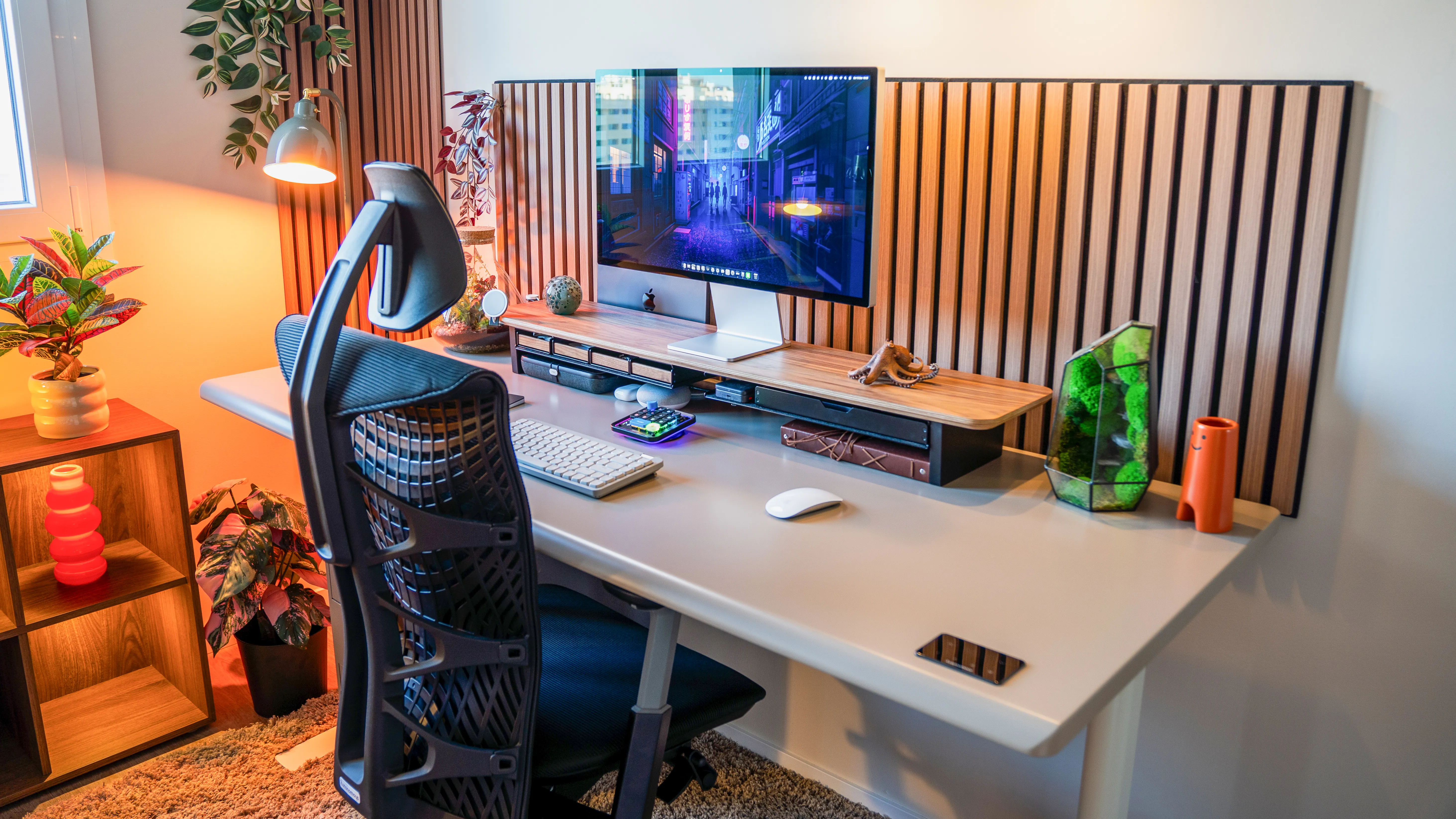
6. The streaming setup
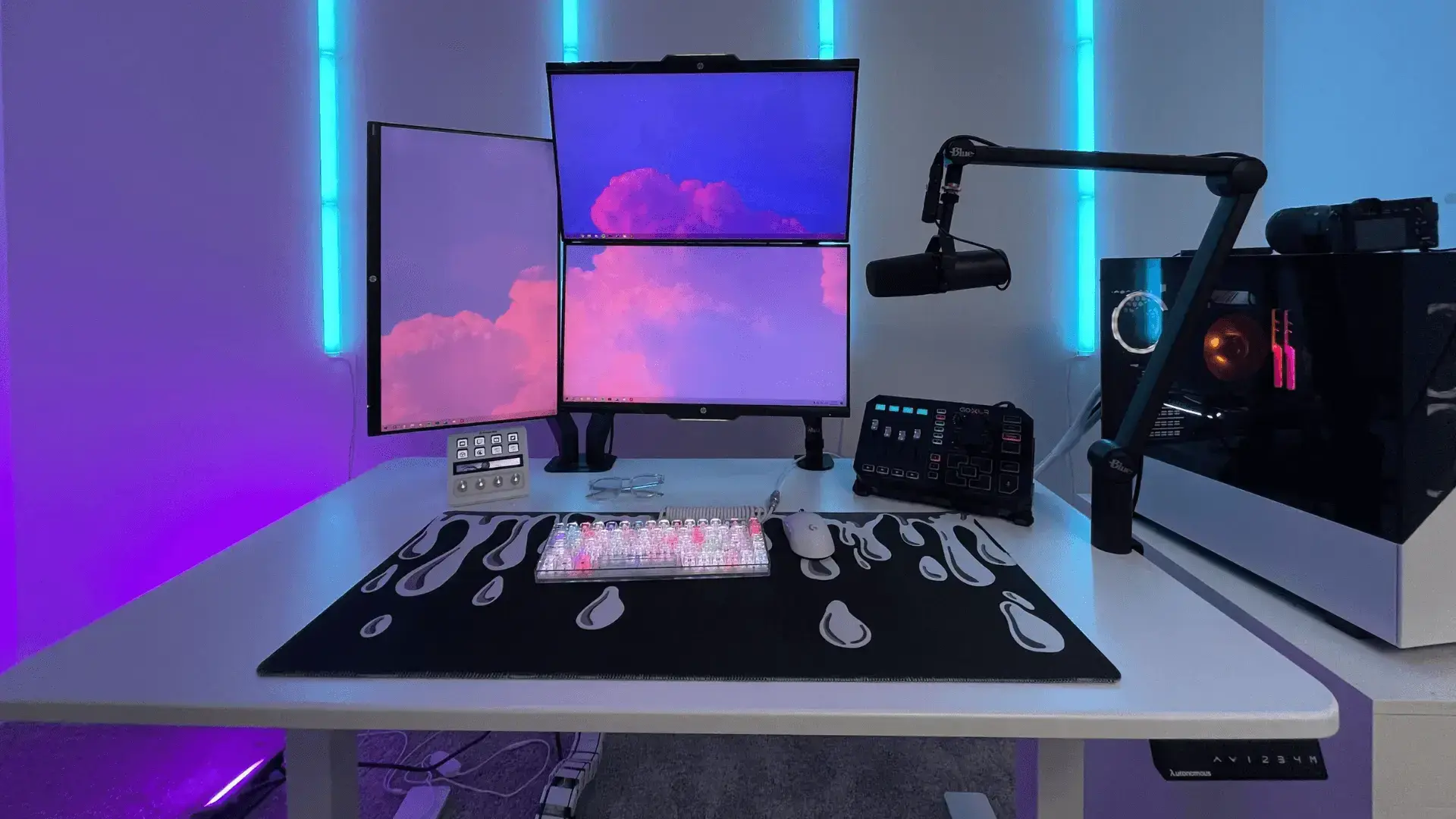
A streaming PS5 setup needs a capture path, a second screen and a quiet room, and the quiet part is the one people solve last. Console fan noise, keyboard noise and desk motor noise all reach the microphone.
If the desk is motorised, its noise rating matters on a live stream. The Desk Pro is specified at under 30 dB, which is quieter than the others in the range at 45 to 50 dB. That is the difference between adjusting height mid-stream and waiting for a break.
For the rest: a capture card between console and PC, a mic on a boom arm rather than a desk stand so keyboard vibration does not travel, and a key light positioned to the side of the camera rather than behind the monitor.
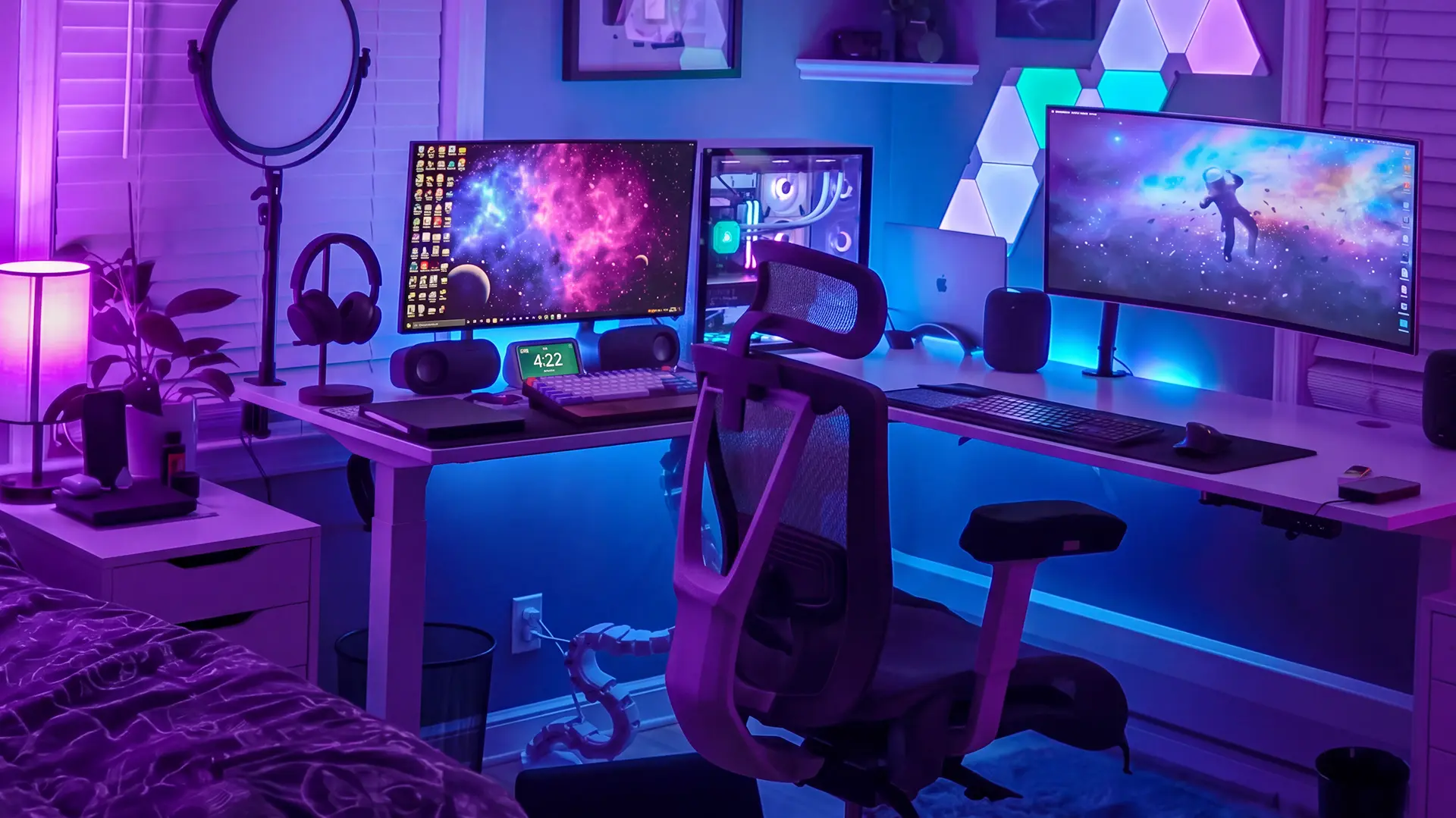
7. The budget setup
A budget PS5 setup means spending on the display and almost nothing else, because the screen is the only part that changes how the games look. A cheap 1080p 120Hz monitor plus the stock controller beats an expensive chair and a bad screen.
The order to spend in: display first, then a decent chair once you are playing more than a couple of hours at a time, then audio, then everything else. Headsets and RGB are the two categories where the gap between cheap and expensive is smallest.
Skip for now: a second controller, a charging dock, and any accessory that solves a problem you have not had yet.
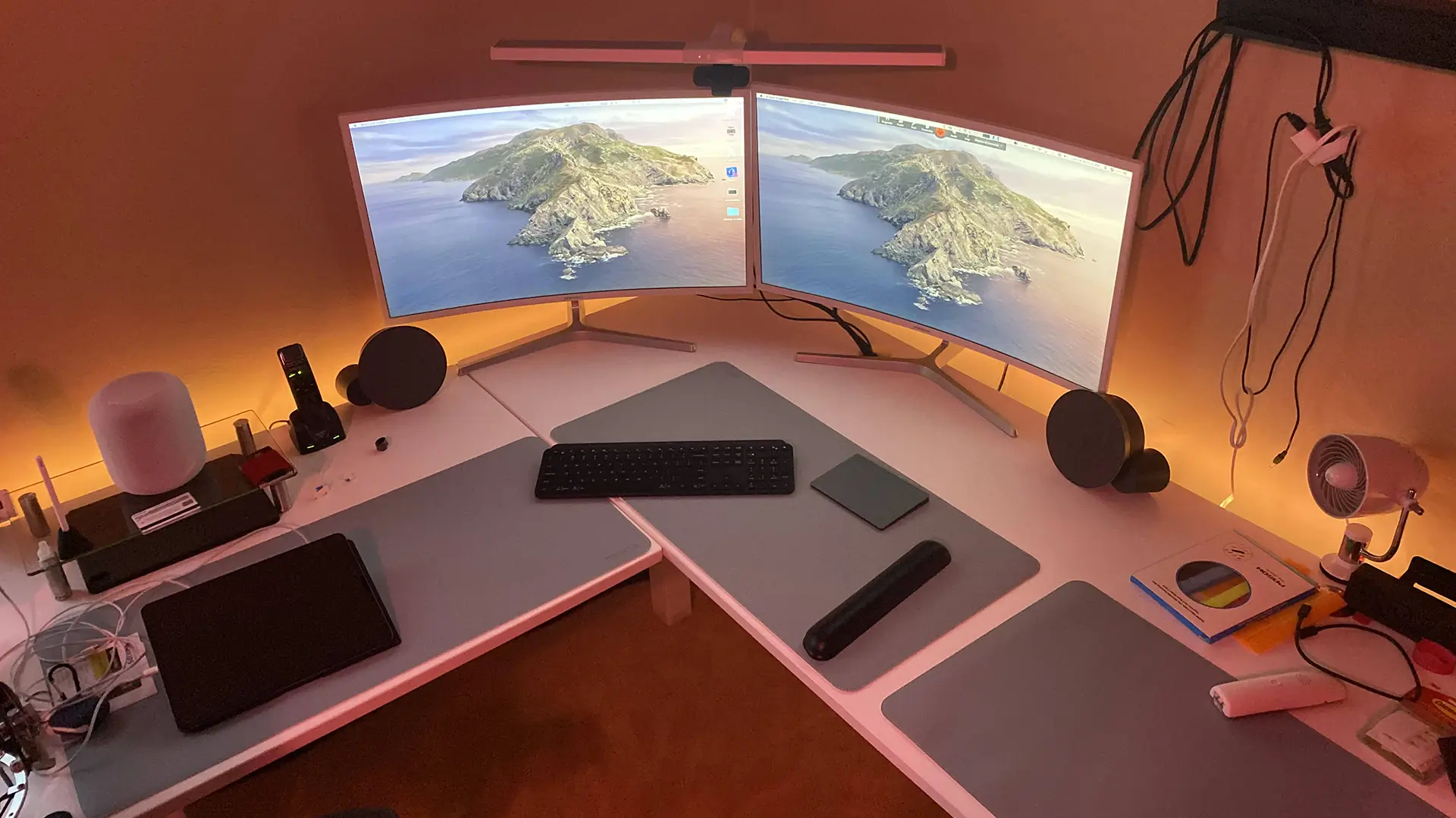
8. The minimal setup
A minimal PS5 setup is mostly a cable exercise, since the console, one display and a controller are only three visible objects. What ruins the look is the six cables behind them.
Three moves do it. Route power and HDMI down one desk leg in a sleeve, mount the console vertically so it reads as one shape rather than a slab, and pick a monitor with a slim stand or arm-mount it so the desk surface stays clear.
Keep the controller off the desk between sessions. In a minimal setup a controller left out is the thing that makes the whole surface look untidy.
.webp)
9. The dedicated gaming room
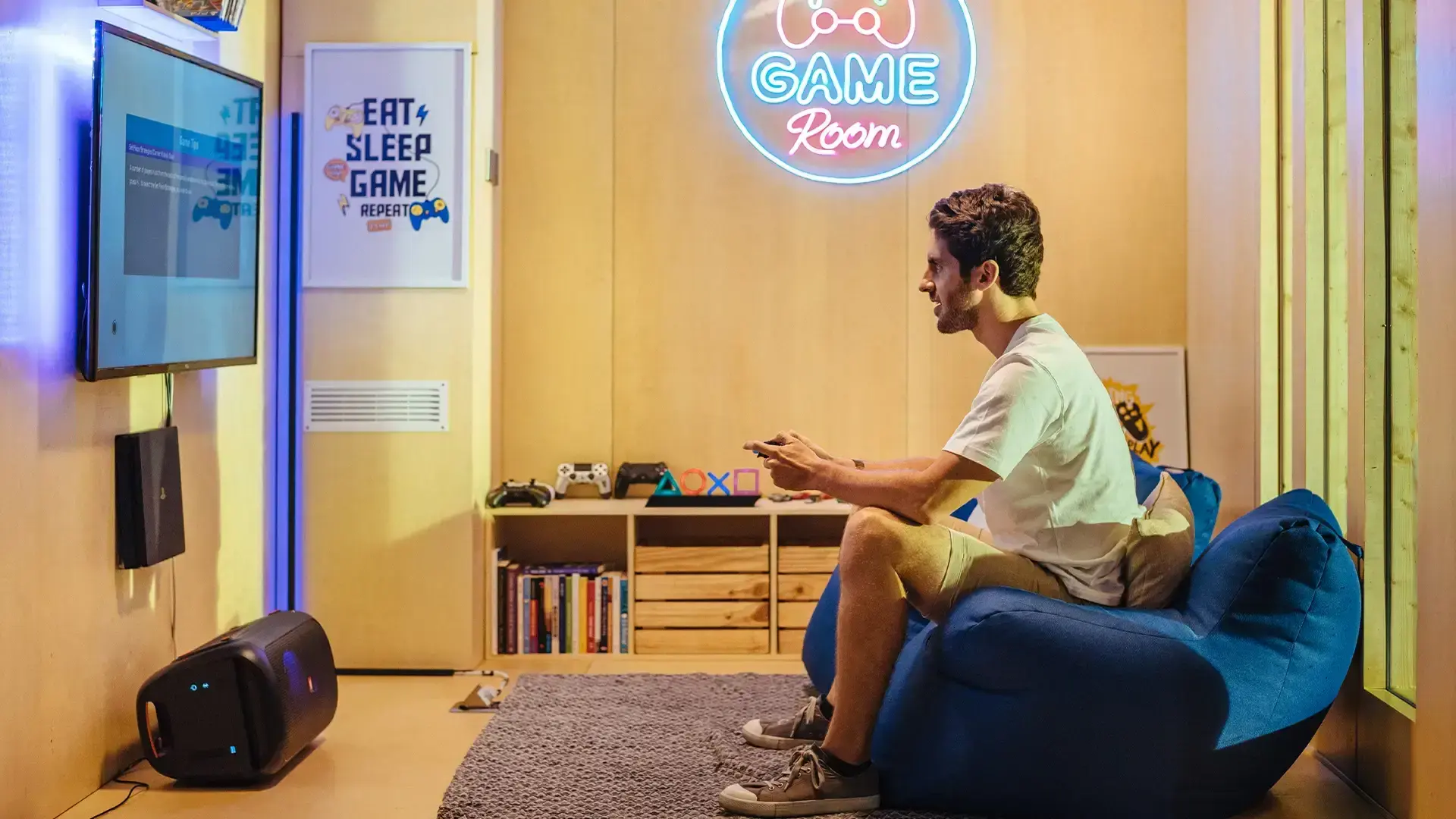
A gaming room lets you optimise for the screen rather than the furniture, which usually means one wall for the display and everything else arranged around viewing distance. It also means you can finally solve sound.
Two things earn their space here that do not fit anywhere else. A proper seating distance for a large screen, which needs about 8 feet of clear floor for a 65-inch set. And soft surfaces on at least two walls, because an empty room with hard walls makes both game audio and your voice sound thin.
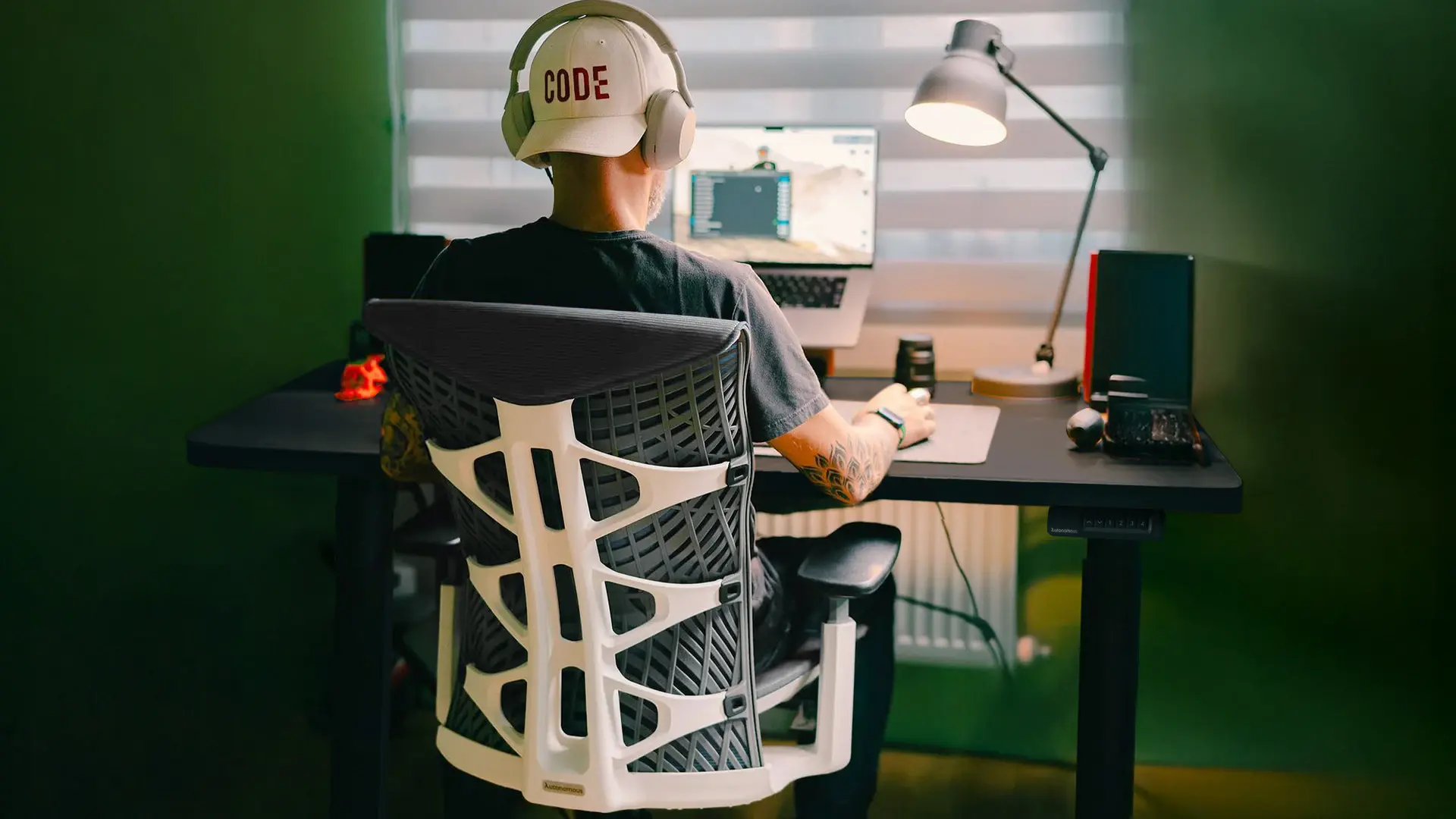
This is also the build where a chair rated for long sessions pays back. The ErgoChair Ultra 2 is rated to 320 lb and the Ultra 2 Plus adds a headrest, which matters more when you are leaning back for a story game than sitting forward at a desk.
10. The two-console setup
Running a PS5 next to an Xbox on one surface needs about 30 inches of clear width if both sit horizontally, or roughly 8 inches if both stand vertically. Vertical is almost always the answer.
Plan the inputs before the furniture. Two consoles and a PC means three HDMI sources, and most monitors have two inputs. An HDMI switch is cheaper than a second display and takes no desk space.
Give each console its own clear air. Two consoles stacked or pressed together is the single most common cause of a fan that never spins down.
.webp)
Should the PS5 be vertical or horizontal?
Both orientations are supported, and for a desk setup vertical is usually better because it takes far less surface. A PS5 Pro lying flat occupies about 129 square inches of desk. Standing it up drops that to roughly 30, which frees around 100 square inches without changing anything else.
Two practical notes. The PS5 Pro does not include a vertical stand, so budget for it separately. And whichever way it sits, leave the vented faces clear rather than pushing the console against a wall or a monitor stand.
How much does a PS5 setup cost?
A complete PS5 setup runs from roughly $800 to $3,000 beyond the console, and the display is most of the difference. These are typical US ranges and vary by brand and sale timing.
Part | Budget | Mid | High |
Display | $150 to $250 | $300 to $600 | $800 and up |
Desk | $150 to $250 | $250 to $500 | $1,000 and up |
Chair | $100 to $200 | $280 to $500 | $500 and up |
Audio | $50 to $100 | $100 to $250 | $300 and up |
Accessories | $50 | $100 to $200 | $400 and up |
The one to spend on is the display, because it changes every hour you play. The one people over-spend on early is accessories.
FAQs
What is needed for a PS5 gaming setup?
The console, a display, a stable surface, seating at the right distance and a cable plan. Buy the display first, since screen size decides seating distance and seating distance decides how much room the setup needs. Note that the PS5 Pro does not include a vertical stand.
Is it better to set up the PS5 vertical or horizontal?
Both are supported, and vertical suits desks better. A PS5 Pro lying flat takes about 129 square inches of surface, while standing it takes roughly 30, freeing around 100 square inches. Keep the vented sides clear in either orientation, and buy the stand separately for the Pro.
What is the best setup for PS5?
A monitor at desk distance for competitive play, a TV at 5 to 8 feet for story and racing games. Monitors give lower input lag and easier reach to the console. TVs give screen size and suit a shared room. Most people are better served by matching the display to what they actually play.
How much does a PS5 setup cost?
Around $800 to $3,000 beyond the console, with the display accounting for most of the spread. A budget build with a 1080p 120Hz monitor and a basic desk and chair lands near the bottom of that range, and a large OLED with a motorised desk sits at the top.
How much desk space does a PS5 need?
About 15 by 9 inches lying flat, or roughly 4 by 9 inches standing on its vertical stand. A PS5 Pro measures 15.2 by 3.5 by 8.5 inches and a PS5 Slim is 14.1 by 3.8 by 8.8, so on a 48-inch desk a horizontal console takes nearly a third of the width.
Can you use a PS5 and a PC on the same desk?
Yes, with either a monitor that has two inputs or two separate screens. Two screens is less annoying day to day and needs more surface, which is what makes an L-shaped desk the usual answer. Put the console on the side away from your mouse hand.
Does a PS5 need a special desk?
Only for a racing wheel. A force feedback wheel pulls against its clamp constantly, so the desk needs a solid top for the clamp to grip and enough load rating not to flex. For everything else, any stable desk with the depth to fit your display works.
Final thoughts
A PS5 gaming setup comes together when you settle the display first and let it decide everything downstream. Screen size sets seating distance, seating distance sets the room you need, and the console orientation sets how much desk is left over. Measure the space you actually have, stand the console up if it lives on a desk, and leave the vents clear. Then spend what is left on the screen rather than the accessories.
References
- TechRadar, PS5 Pro and PS5 Slim console dimensions and weights, techradar.com
- Business and Institutional Furniture Manufacturers Association, ANSI/BIFMA G1 ergonomics guideline for seating and work surface dimensions, bifma.org
- Society of Motion Picture and Television Engineers, recommended viewing distance and screen subtended angle guidance, smpte.org