Best Private AI Image Generator: Cloud & Local Options (2026)
Table of Contents
Most AI image generator tools store your prompts. Some use them to train future models. If you're working with sensitive material — client briefs, proprietary concepts, personal projects — that's a problem.
This guide ranks the best private AI image generators across two categories: no-log cloud tools for users who want convenience without data exposure, and fully local tools for those who need zero network activity. Find the right fit for your privacy threshold, not just your image quality needs.
Quick Comparison at a Glance
Before diving in, here's a side-by-side look at all eight tools covered in this guide.
- Cloud-Based Tools
Tool | Privacy / Data Handling | Free Tier | Best For |
Adobe Firefly | Does not train on user content | Yes, with limited credits | Professional and commercial work |
Canva AI | Does not train on user content | Yes | Quick creative projects |
Ideogram | Private generations available on Pro tier | Yes, limited | Typography-heavy designs |
Reve Image | No training on private generations | Yes, limited | Prompt-accurate, realistic images |
- Local / Self-Hosted Tools
Tool | Setup Difficulty | Minimum GPU VRAM | Best For |
AUTOMATIC1111 | Intermediate | 4 GB | Power users and extensions |
ComfyUI | Advanced | 4 GB | Node-based workflows |
InvokeAI | Beginner to intermediate | 4 GB | Polished UI with balanced control |
Fooocus | Beginner | 4 GB | Zero-config and fast setup |
Understanding the Privacy Spectrum
Not all "private" AI image generators protect your data the same way. The difference between a no-log cloud service and a fully offline model is significant.
- Cloud with privacy policy:
The tool processes your prompts on remote servers but commits — via its terms of service — not to use them for training. Data still transits their infrastructure. Policy compliance is self-reported.
- No-log cloud. No prompt storage, no session logging:
Some private AI tools in this category undergo third-party audits; others rely on policy commitments alone. Convenient, but you're still trusting a vendor.
- Local API / self-hosted:
Local inference tools operate independently of cloud infrastructure — the generation pipeline runs on-device using large language models and diffusion architectures loaded directly onto your hardware.
- Fully offline:
Air-gapped inference — no network calls at runtime. The strongest privacy guarantee available without specialized hardware. Most open-source Stable Diffusion frontends fall here once installed.
The best private AI image generator depends on how much you trust a vendor's word versus how much you need technical proof.

Best Private AI Image Generators — No-Log Cloud Options
The AI tools below don't eliminate vendor trust — they minimize what you have to trust them with. Each takes a different approach to what "private" actually means in practice, and the distinctions matter depending on how sensitive your work is. If policy commitments alone aren't sufficient for your use case, skip to the local section below.
1. Adobe Firefly — Built for Professional Use, Backed by Enterprise Policy
Adobe Firefly is trained exclusively on licensed Adobe Stock imagery and public domain content, which makes it one of the few AI image generators where commercial use doesn't carry copyright ambiguity. Output quality leans toward clean, professional visuals — well-suited for marketing assets, product mockups, and brand-aligned content rather than stylized or experimental work. Firefly's content policies are stricter than most — for outputs without content restrictions, AI art generators with no restrictions cover the alternative end of the spectrum.
Firefly does not train on user-generated content, and images created through the web app are not retained for model improvement. Generations are private by default across all plan tiers. Data is processed on Adobe's servers under its privacy policy, with enterprise plans including a Data Processing Agreement — a meaningful distinction for teams handling client or proprietary material. It's one of the more documented privacy commitments available among the best private AI image generator options in the cloud category.
Pricing:
- Free: limited monthly generative credits, Adobe account required
- Paid: included in Creative Cloud plans; standalone Firefly premium available
Verdict: The most enterprise-ready option on this list — particularly for teams that need both commercial safety and a documented data policy.
2. Ideogram — Precise Output, Privacy Locked Behind Paywall
Ideogram stands out for one specific capability: text rendering. Accurate, legible text inside AI-generated images remains a weak point for most generators — Ideogram handles it more reliably than almost anything else at this price point. It also performs well on structured compositions where layout and visual hierarchy matter.
The privacy picture is more nuanced than the other tools here. On the free tier, all generations are publicly visible by default — a significant limitation for anyone working on sensitive or client-facing material. Private image generation, along with the assurance that outputs won't feed model training, requires a paid subscription. Ideogram does not offer a Data Processing Agreement, and no third-party audits are on record, so policy commitments — while clearly written and free of ambiguous training clauses — remain self-reported. That's worth factoring in for users doing thorough due diligence before committing.
Pricing:
- Free: available, but generations are public by default
- Paid: private generations + no training on outputs from Basic plan upward
Verdict: Strong choice for typography-heavy or design-precise work — but the free tier is not appropriate for confidential use.

3. Canva AI (Magic Media) — Everyday Privacy Without the Learning Curve
Magic Media sits inside the Canva editor, making it one of the most accessible entry points for non-technical users who want AI image generation without a separate tool or account. It handles a wide range of creative tasks — social graphics, presentations, marketing visuals — with output that prioritizes usability over photorealism. This private AI image generator won't match Firefly or Reve on raw image fidelity, but for speed and workflow integration, it's difficult to beat.
Canva's terms explicitly state it does not train AI models on user-generated content without consent, and generations are private by default within your personal workspace — not shared externally or surfaced to other users. EU users are covered under GDPR, which functions as the closest equivalent to a formal DPA in Canva's current policy structure. No independent audit is on record, which puts it in the same self-reported category as Ideogram on that dimension.
The key limitation to note regardless: all outputs remain account-linked and stored in Canva's cloud infrastructure, so if zero cloud retention is a hard requirement, this isn't the right fit. Free AI photo generators and text-to-image tools without cloud storage dependency are covered separately.
Pricing:
- Free: available with standard Canva free plan
- Paid: higher generation limits on Canva Pro
Verdict: A solid everyday option for users who want privacy-respecting image generation baked into a tool they're already using.
4. Reve Image — Realistic Output with Straightforward Privacy Terms
Reve Image has gained traction among users who find that other generators fall short on prompt accuracy — particularly for realistic imagery and complex scene compositions. Output quality has drawn consistent mention across independent roundups, making it one of the more credible emerging options for users specifically after the best AI image generator for realistic results in a privacy-respecting package.
Reve does not train on private user generations, and its privacy terms are written without the carve-outs that allow prompt retention seen in less transparent platforms. That said, it carries the caveats of a newer entrant: no third-party audits on record yet, and policy commitments — while clear — remain self-reported. It's a capable tool, but users operating in regulated industries — healthcare, legal, financial services — or handling contractually confidential client material should treat the absence of a DPA and independent audit as a meaningful gap, not a minor caveat. For general creative work, Reve's privacy terms are among the cleaner options in this category.
Pricing:
- Free: available with limited generations
- Paid: expanded limits and private generation mode
Verdict: Worth considering for users prioritizing realistic image quality with clean privacy terms — with the caveat that it's still an emerging platform.
Best Local AI Image Generators — Fully Offline Options
Every tool in this section gives you the same privacy guarantee: nothing leaves your machine after the initial model download. No prompts transmitted, no outputs logged, no vendor with access to your work — and you can verify this directly by monitoring outbound traffic during inference. There is none. What differs between these tools is everything else: interface, setup complexity, and how much control you want over the generation pipeline.
1. AUTOMATIC1111 (Stable Diffusion Web UI) — The Most Extensible Local Option
AUTOMATIC1111 is the most widely used Stable Diffusion frontend, built around a browser-based interface that runs entirely on your local machine. Its defining strength is its extension ecosystem — hundreds of community-built add-ons covering upscaling, inpainting, ControlNet for pose-guided generation, and more.
Privacy is absolute in the technical sense: after installation, the tool makes no network calls during inference. Prompts, outputs, and session data stay on your hardware with no exceptions. Setup requires Python and some comfort with command-line tools, which creates a barrier for less technical users — but for those willing to work through it, the result is one of the most capable and fully private AI image generator setups available without any ongoing cost or platform dependency.
Pricing:
- Free: fully open-source, no cost beyond hardware
- Paid: none — though cloud hosting options exist for users without a local GPU
Verdict: Best for power users who want maximum extensibility and are comfortable with a technical setup process.
2. ComfyUI — Node-Based Control for Advanced Workflows
ComfyUI takes a fundamentally different approach: instead of a conventional interface, it uses a visual node graph where each component of the generation pipeline is a discrete, configurable block. This makes it far more flexible than most frontends for complex or reproducible workflows — but the learning curve is steeper, and it's not designed for casual use.
Where ComfyUI earns its place is in precision and repeatability. Users building multi-step pipelines — chaining upscalers, ControlNet inputs, custom samplers — will find a level of control here that other tools don't offer. Privacy characteristics are identical to the broader local category: fully offline post-install, with no telemetry or background network activity. Performance scales directly with available GPU VRAM.
Pricing:
- Free: open-source, no licensing cost
- Paid: none for local use; ComfyUI cloud version available separately
Verdict: The strongest option for technical users who need granular pipeline control — less practical as a quick-start tool.

3. InvokeAI — Local Generation With a Polished Interface
InvokeAI occupies a useful middle ground: it's built on the same Stable Diffusion foundation as AUTOMATIC1111 and ComfyUI, but ships with a significantly more refined user interface. The canvas-based editor supports inpainting, outpainting, and image-to-image workflows — which meaningfully lowers the barrier for users coming from a creative rather than technical background.
For anyone who wants the data guarantees of fully local inference without spending time on configuration or extension management, InvokeAI is the most approachable starting point among self-hosted options. All processing remains on-device, with no external API calls or usage data collected. The Pro tier adds team collaboration features, but the core functionality is available free.
Pricing:
- Free: open-source, community edition available
- Paid: InvokeAI Pro adds team features and additional model support
Verdict: The best balance of usability and privacy for users who want local generation without a steep technical ramp.
4. Fooocus — Minimal Setup, Maximum Accessibility
Fooocus was built around a specific premise: high-quality local image generation should not require hours of configuration. It strips away the complexity that most Stable Diffusion frontends expose, offering a clean two-prompt interface — positive and negative — that gets users generating images within minutes of installation. The experience draws loose comparisons to Midjourney's simplicity, with the key difference that everything runs on your own machine.
Running Fooocus locally also means no platform-level content moderation, uncensored image generators cover the models that take full advantage of that.
Output quality is strong for general-purpose and artistic imagery, particularly with SDXL-based models. It's the most forgiving of the four local tools in terms of hardware tolerance and the least likely to require troubleshooting on a standard consumer GPU. Privacy-wise, it operates identically to the other offline tools — no network activity during inference, no data leaving the device
Pricing:
- Free: fully open-source
- Paid: none
Verdict: The most accessible private AI image generator for local use — ideal for users who want offline privacy without a technical setup process.
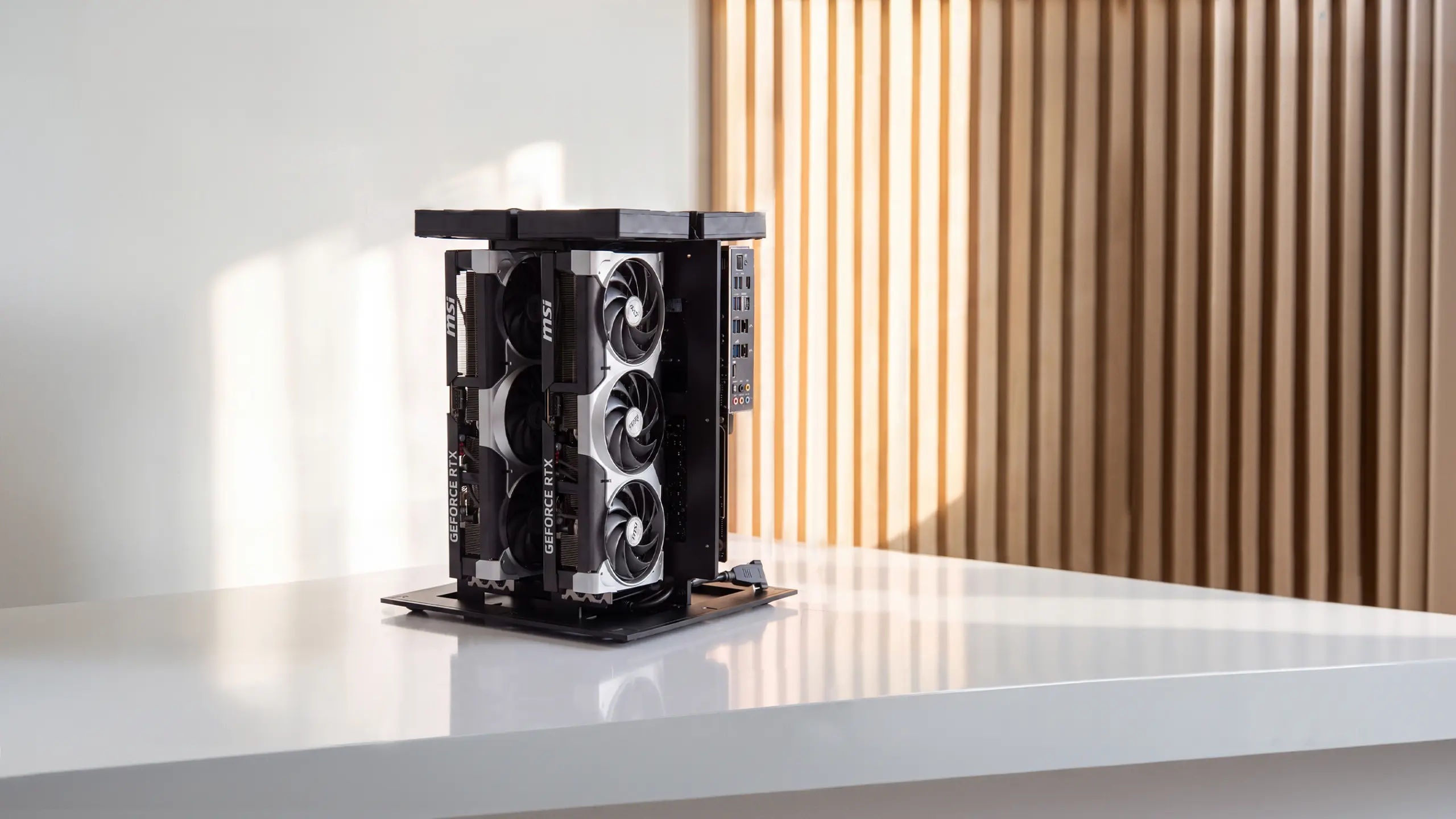
Hardware Requirements for Running a Private AI Image Generator Locally
Local tools offer the strongest privacy guarantees — but they shift the infrastructure responsibility to your own machine. Before committing to a local setup, it's worth knowing what hardware each tier actually supports.
- Budget: RTX 2060 / 6 GB VRAM
Sufficient for Stable Diffusion 1.5-based models at standard resolutions (512×512 to 768×768). Generation times will be slower, and larger models like SDXL will either run with quality trade-offs or not at all. A workable starting point if you already own the hardware.
- Mid-Range: RTX 3060 12 GB / RTX 4060 Ti 16 GB
The practical sweet spot for most users. Handles SDXL and the majority of community models comfortably, with reasonable generation speeds. Covers the full feature set of AUTOMATIC1111, InvokeAI, and Fooocus without significant limitations.
- High-End: RTX 4070 Super or above / 24 GB VRAM
Opens up Flux and other demanding architectures, with fast generation times even at higher resolutions. The right tier for users running complex ComfyUI pipelines or working with multiple models regularly.
- Mac — Apple Silicon (M1 Pro/Max or newer, 16 GB+ unified memory)
All four local tools support Metal acceleration on Apple Silicon. M1 Pro with 16 GB unified memory handles SD 1.5 and SDXL adequately; M2/M3 Max configurations with 32 GB or more close the gap with mid-range Nvidia setups considerably. Not as fast as a dedicated GPU at the high end, but a fully viable option for Mac users who want offline image generation without separate hardware.
- A note on CPU-only generation:
All four tools can technically run without a GPU, but generation times on CPU alone are measured in minutes per image rather than seconds. Usable for occasional experimentation, not practical for regular workflows.
.webp)
FAQs
What is a private AI image generator?
A private AI image generator is a tool that creates images from text prompts without storing or using your prompts to train future models. Some run in the cloud with strict no-training policies, while others run locally on your device for full control.
Is there a free private AI image generator?
Yes, several free private AI image generator options exist. Local open-source tools like AUTOMATIC1111, ComfyUI, InvokeAI, and Fooocus are free and run on your own hardware. Some cloud tools also offer free tiers, but they may include limitations or reduced privacy guarantees.
What is the best private AI image generator for beginners?
The best private AI image generator for beginners is usually Fooocus or InvokeAI. Both offer simpler interfaces and minimal configuration while still running locally for full privacy. They allow users to generate images offline without learning complex AI workflows.
Can you run a private AI image generator locally?
Yes, you can run a private AI image generator locally using Stable Diffusion models on your computer. Tools like AUTOMATIC1111, ComfyUI, InvokeAI, and Fooocus provide interfaces that allow image generation without sending prompts to the internet. Once installed, they can operate completely offline.
What hardware do you need for a private AI image generator?
Running a private AI image generator locally typically requires a GPU with at least 4–6 GB of VRAM for basic Stable Diffusion models. For newer models like SDXL, 12–16 GB of VRAM provides a smoother experience. Apple Silicon Macs with 16 GB or more unified memory can also run local generators using Metal acceleration.
Are local AI image generators more private than cloud tools?
Yes, local AI image generators are generally more private than cloud tools. Because the model runs on your own device, prompts and outputs never pass through external servers. Cloud-based private AI image generators rely on policy commitments rather than technical isolation.
What’s the difference between a private AI image generator and an offline AI image generator?
A private AI image generator may still run in the cloud but promises not to log or train on user prompts. An offline AI image generator runs entirely on your local machine with no network activity during generation. Offline tools provide the strongest privacy guarantees.
Which private AI image generator produces the best image quality?
Image quality depends more on the AI model used than the privacy setup. Both cloud tools and local private AI image generators can run advanced models like SDXL for high-quality results. Local tools often provide the most flexibility because users can install different models and fine-tune them.

Conclusion
Privacy in AI image generation isn't a single setting — it's a spectrum. Cloud tools with strong data policies cover most professional use cases without added friction. Local tools eliminate the infrastructure dependency entirely, at the cost of setup time and hardware. The wider landscape of AI art generators with no restrictions sits adjacent to this category for users whose primary concern is output flexibility rather than data privacy. The best private AI image generator is ultimately the one that matches your actual risk tolerance, not just the one with the most features.
Start with your threat model, then pick the tool that fits it.
Spread the word