Otter AI Review 2026: Great Transcripts, But What Happens Next?


Table of Contents
- Quick Answer
- What Is Otter AI?
- How Otter AI Works
- What It Feels Like to Use Otter AI
- Key Features of Otter AI
- Where Otter AI Falls Short
- Transcription vs Execution
- Otter AI Pricing (2026)
- Otter AI Privacy and Security
- Otter AI Alternatives and Comparison
- Should You Use Otter AI?
- FAQs
- Final Verdict: Is Otter AI Worth It?
Most people don’t look for Otter AI because they want transcripts.
They look for it because they’re tired of missing details in meetings, ending up with messy notes, or forgetting action items once the call is over.
Otter AI solves a big part of that problem. But not all of it.
Quick Answer
Otter AI is one of the best AI tools for real-time meeting transcription and summaries. It’s easy to use, integrates well with Zoom, Google Meet, and Microsoft Teams, and removes the need to take notes manually.
That said, it stops at capturing conversations. It does not fully help with what comes after - organizing insights, assigning tasks, or turning discussions into action.
What Is Otter AI?
Otter AI is an AI meeting assistant designed to record, transcribe, and summarize conversations automatically.
Instead of taking notes during meetings, you can rely on Otter to capture everything in real time, generate summaries, and make past discussions searchable.
It’s widely used by teams, students, and professionals who want a more reliable way to track what was said. Among students, it’s often part of a broader set of tools used for studying and note-taking, alongside other AI tools for students.
For educators and instructors, similar tools are also used to capture lectures and discussions, making it easier to review or share content later. In that context, Otter fits naturally within the growing ecosystem of AI tools for teachers and educators.
Pros
- Accurate real-time transcription
- Easy to set up and use
- Strong integrations with major meeting platforms
- Searchable meeting history
- Reduces the need for manual note-taking
Cons
- Accuracy drops in noisy environments or with multiple speakers
- Summaries often require review
- Free plan is fairly limited
- No native video recording
- Limited support for follow-ups and post-meeting execution
How Otter AI Works
Otter AI integrates directly with your meeting tools and handles transcription in the background.
In a typical workflow, it joins your Zoom, Google Meet, or Microsoft Teams call, records the conversation, and generates a live transcript with speaker identification. After the meeting, it produces a summary and highlights key points, which you can search or revisit later.
You can also upload audio or video files for transcription, making it useful beyond live meetings.
What It Feels Like to Use Otter AI
In practice, Otter AI is most useful in fast-moving meetings where note-taking becomes distracting or unrealistic.
It removes the pressure to capture everything manually and gives you a searchable record of the conversation afterward. For recurring meetings or information-heavy discussions, this alone can save a significant amount of time.
However, it’s not perfect. Transcription accuracy is generally solid, but it can drop with heavy accents, overlapping speech, or background noise. Speaker identification also isn’t always precise, and summaries often need light editing before they are fully usable.
It’s a tool you can rely on - but not one you can trust blindly.
Key Features of Otter AI
- Real-time transcription
Otter transcribes meetings live, allowing you to follow along during conversations or review them afterward.
- AI summaries and action items
It automatically highlights key points and generates basic action items, which reduces the amount of manual note cleanup needed after meetings. That also puts it in the same broader category as other AI summarization tools designed to turn long inputs into something easier to work with.
- AI chat for meetings
Otter lets you ask questions about past conversations, such as what deadlines were discussed or what someone said about a specific topic. This is one of the more useful parts of the product, especially for teams already exploring how an AI chat tool can make information easier to retrieve.
- Strong integrations
Otter works seamlessly with Zoom, Google Meet, and Microsoft Teams, making it easy to adopt without changing your workflow.
- Searchable notes
All transcripts are searchable, so you can quickly find decisions, comments, or key moments from previous meetings.
Where Otter AI Falls Short
Otter AI is strong at capturing meetings, but capture is only one part of the workflow.
Once a meeting ends, someone still has to review what matters, write follow-ups, assign next steps, and make sure decisions move forward. That is where Otter starts to feel limited.
Its transcripts and summaries are useful, but they still need to be turned into action manually. For teams that need more than documentation, this is where a different layer becomes useful.
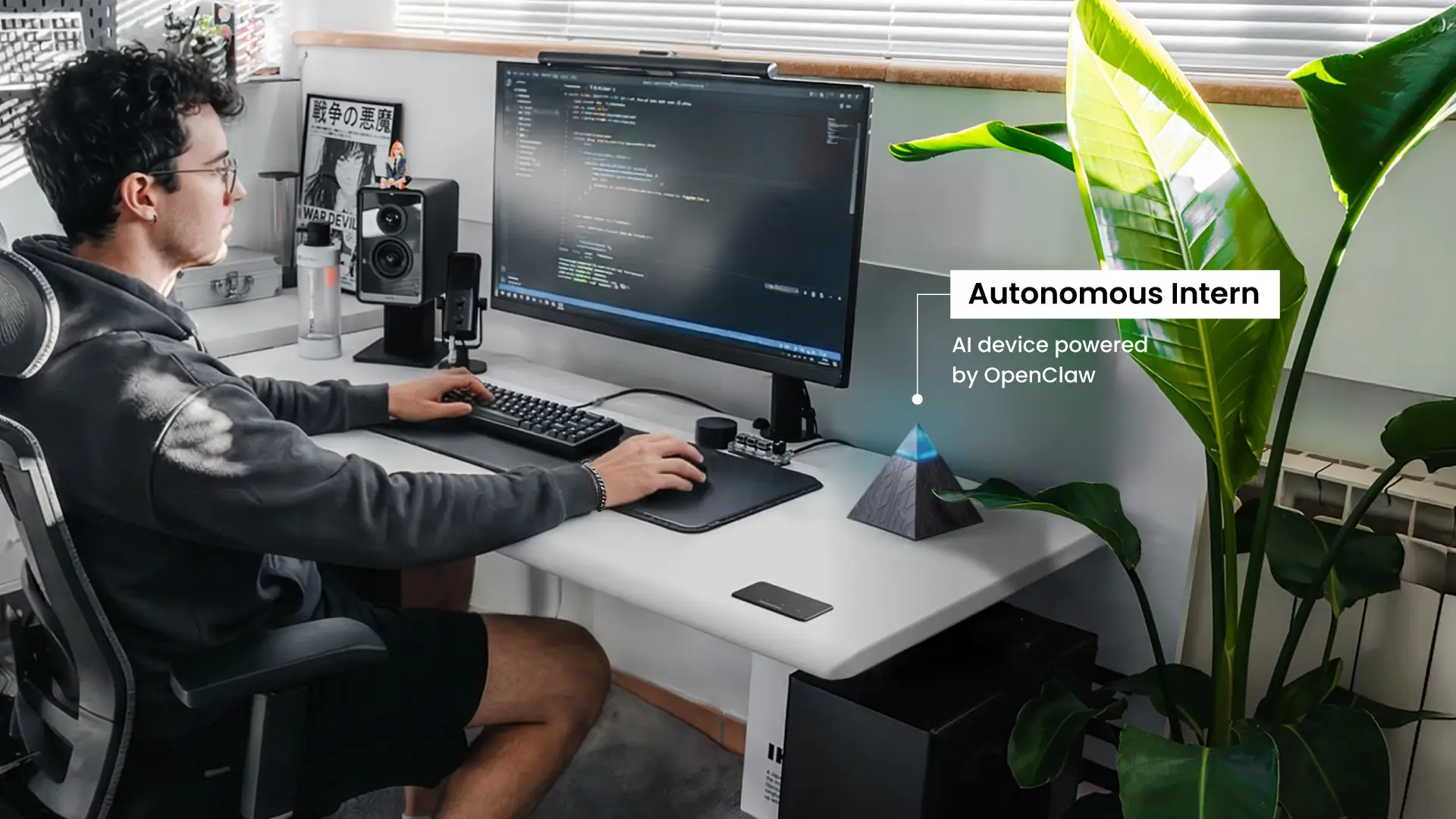
That is where an AI assistant can fit better. Tools like Autonomous Intern are built more around execution than transcription, helping turn meeting outputs into follow-ups, structured notes, and coordinated next steps. In that sense, they function closer to an AI secretary than a note-taking tool.
Otter AI and tools like Intern are not solving the same problem. Otter helps capture what was said. Execution-focused tools help move the work forward afterward.
.jpg)
Transcription vs Execution
This gap becomes clearer when you compare Otter AI with newer tools.
Most traditional tools focus on recording and transcribing conversations. They help you understand what happened during a meeting.
But newer AI tools are shifting toward execution - helping you act on what was discussed, not just capture it. You can see this shift in areas like AI scheduling assistants, which handle follow-ups and coordination, or broader AI tools for marketing that turn insights into actual campaigns and actions.
Otter sits firmly in the first category. It is strong at documenting meetings, but limited when it comes to turning those notes into real outcomes.
Otter AI Pricing (2026)
Plan | Price | What you get |
Free | $0 | Limited transcription minutes, basic features |
Pro | ~$10–$20/month | More minutes, longer recordings |
Team | Higher tier | Collaboration and admin features |
- The free plan feels more like a demo
- Paid plans are required for regular use
Otter AI Privacy and Security
Otter AI processes and stores meeting data in the cloud.
It follows standard security practices, including encryption, but your conversations are still handled on external servers. For many teams, that may be acceptable, but it can raise concerns in workflows involving sensitive or regulated information.
That matters even more in use cases where confidentiality is central, such as teams exploring AI-powered legal assistants or an AI-powered financial assistant. It is also relevant for analysts working with internal reporting or sensitive datasets, where privacy expectations often go beyond basic convenience, as seen in many AI tools for data analysts.
Otter AI is also not typically positioned as a fully HIPAA-compliant solution, which may limit its use in certain industries.
Otter AI Alternatives and Comparison
Not all alternatives compete with Otter in the same way. Some focus on better summaries, others on analytics, and some on different meeting environments.
Otter remains strongest for real-time transcription and searchable notes.
- Fathom is a better fit for users who want cleaner, faster summaries with less need to read full transcripts.
- Read AI goes further into meeting analytics, offering insights into participation and engagement rather than just documentation.
- tl;dv is more suited to asynchronous teams, making it easier to share highlights and key moments without requiring full meeting attendance.
- Plaud stands out for in-person use cases, where hardware support makes it easier to capture conversations outside standard video calls.
- Microsoft Copilot works best for teams already operating within the Microsoft ecosystem, where notes, emails, and documents are tightly connected.
Tool | Best for | Where it stands out compared to Otter AI |
Otter AI | Transcription | Strong real-time capture and searchable notes |
Fathom | Summaries | Cleaner, faster meeting recaps |
Read AI | Insights | Deeper analytics and engagement data |
tl;dv | Async teams | Better for highlights and collaboration |
Plaud | In-person meetings | Works beyond standard online tools |
Copilot | Microsoft users | Strong ecosystem integration |
The key difference is simple: Otter focuses on capturing conversations, while many alternatives focus on what happens after.
Should You Use Otter AI?
Otter AI is a strong fit for people who attend frequent meetings and need reliable transcripts, searchable notes, and quick summaries.
It is less compelling for users who care more about workflow automation, task ownership, or post-meeting execution. If your priority is capturing conversations, Otter performs well. If your priority is turning meetings into action, it may feel limited.
.webp)
FAQs
Is Otter AI free?
Yes, Otter AI has a free plan, but it is fairly limited. It works well for testing the product, but most regular users will need a paid plan for higher transcription limits and longer recordings.
Is Otter AI safe and secure?
Otter AI uses standard cloud security practices, including encryption, but your meeting data is stored and processed on its servers. For general business use, that may be fine, but teams handling highly sensitive data should review its privacy and compliance details carefully.
Is Otter AI HIPAA compliant?
Otter AI is not generally positioned as a HIPAA-compliant tool for healthcare workflows. If compliance is a requirement, it is worth confirming current policy details directly before using it for sensitive medical conversations.
How much does Otter AI cost?
Otter AI offers a free plan and several paid tiers. In practice, the paid plans are what make it useful for frequent meetings, since the free version is more limited in minutes and features.
What does Otter AI do best?
Otter AI is best at real-time meeting transcription and searchable meeting notes. It is especially useful for people who attend lots of calls and want an easier way to review what was said afterward.
Is Otter AI accurate?
Otter AI is generally accurate enough for everyday meetings, especially in clear audio conditions. Accuracy can drop when multiple people talk over each other, when accents are strong, or when background noise is high.
Does Otter AI record video?
No, Otter AI mainly focuses on audio transcription, summaries, and searchable notes. It is built more as a meeting assistant than a video recording platform.
Can Otter AI transcribe audio or video files?
Yes, Otter AI can transcribe uploaded files, not just live meetings. That makes it useful for recorded interviews, calls, and other audio-based content.
Does Otter AI work with Microsoft Teams?
Yes, Otter AI works with Microsoft Teams, as well as Zoom and Google Meet. Its strongest use case is still online meeting workflows where it can join, record, and transcribe automatically.
Does Otter AI work for in-person meetings?
It can, but the experience is less reliable than in online meetings. Results depend a lot on microphone placement, room noise, and how clearly different speakers are picked up.
Can Otter AI record phone calls?
Otter AI is mainly designed for meetings, uploaded files, and voice conversations it can access through supported workflows. It is not usually the best choice for direct phone-call recording compared with tools built specifically for that purpose.
How do I stop Otter AI from joining meetings?
You can usually stop Otter AI from joining meetings by disabling auto-join in settings or disconnecting your calendar integration. If it is connected to Zoom or Teams, you may also need to remove its access there.
How do I remove Otter AI from Zoom or Teams?
To remove Otter AI, disconnect it from your Otter settings and revoke its access inside Zoom, Teams, or your connected calendar. This is the best way to stop it from auto-joining future meetings.
What are the best alternatives to Otter AI?
The best alternative depends on what you need. Fireflies is stronger for workflow automation, Fathom is often cleaner for summaries, Read AI is better for meeting analytics, and tl;dv is useful for async collaboration.
Final Verdict: Is Otter AI Worth It?
Otter AI is one of the best tools available for capturing meetings.
It’s fast, practical, and removes a lot of friction from note-taking. For anyone who regularly sits through meetings and wants a reliable record of what was said, it delivers real value.
But it is only part of the solution.
If your biggest problem is missing information, Otter helps significantly. If your biggest problem is acting on that information, you will likely need additional tools to close that gap.