On-Premise AI for Law Firms and the Hardware It Takes

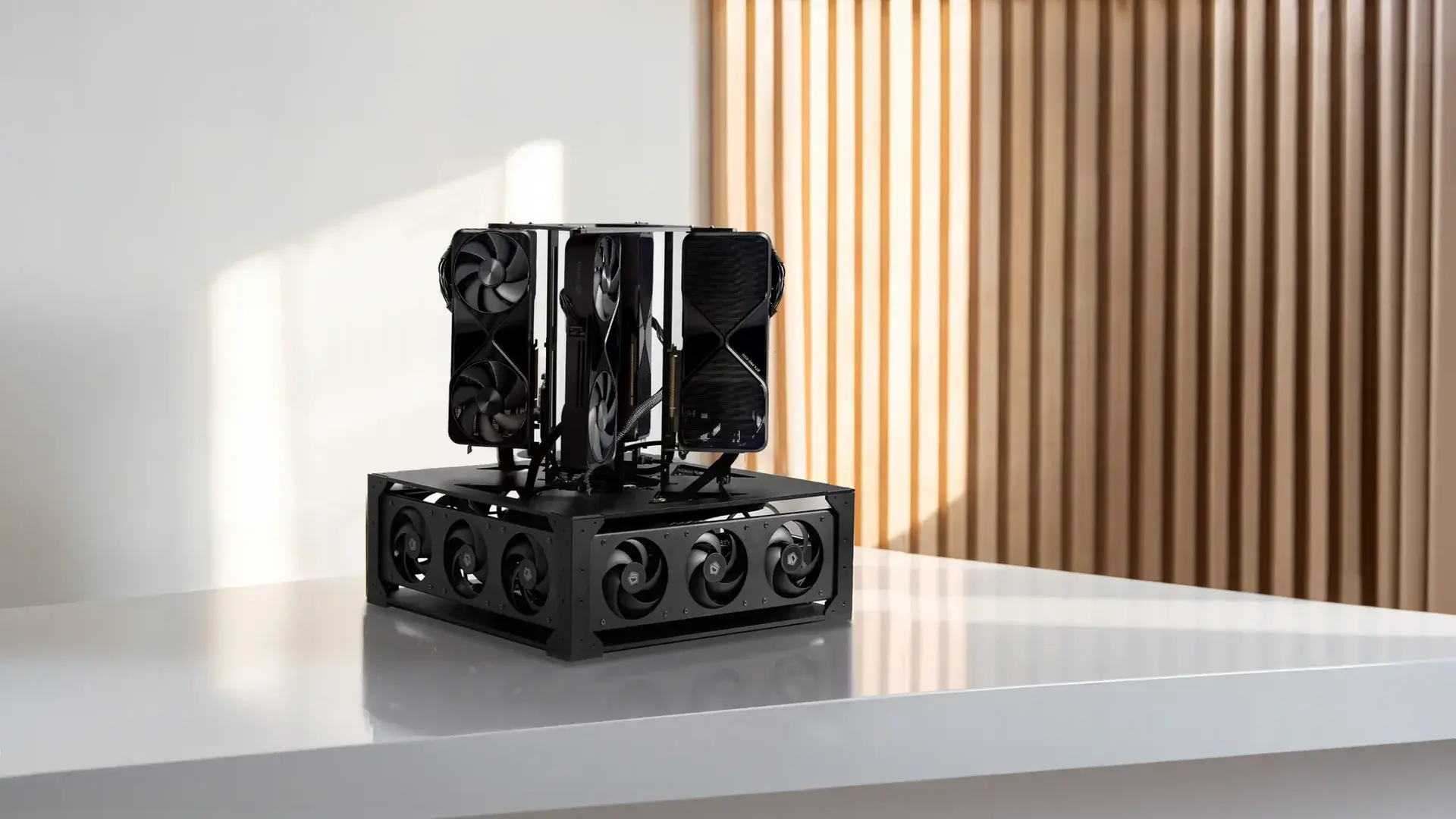
On-premise AI for law firms means the language model runs on a computer the firm owns, in its office or rack, so prompts and client documents never go to an outside AI provider. The catch: it moves where the data lives, not who is responsible for it.
For a 5 to 50 lawyer firm the real decision is sizing, because a Mac mini serves one or two people and a shared server must answer a dozen at once. Below: the options, the stack, the hardware math and the costs.
What does on-premise AI mean for a law firm?
On-premise AI is a setup where an open-weight model, the software that serves it and the index of your documents all sit on hardware inside the firm's network. A lawyer types a prompt into a browser page, the request goes to a box in the server closet, and the answer comes back over the office network. No third-party API sees the prompt.
That is different from what many vendors sell as "private AI". A private tenant in a vendor's cloud is still the vendor's hardware, run under contract terms. Both can be reasonable choices, but only one keeps the files in the building.
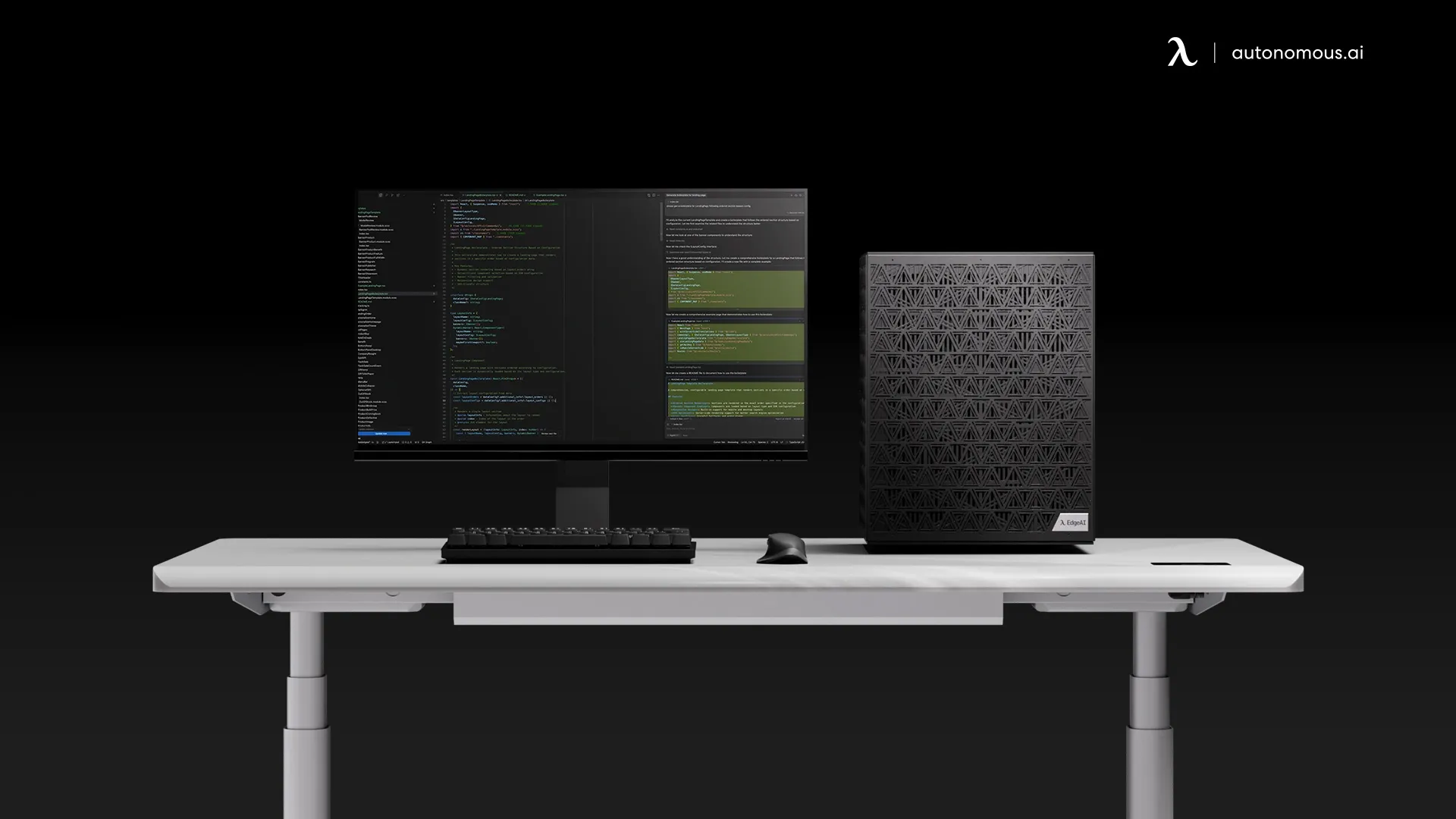
If you want the general version of this idea outside legal work, our guide to on-premise AI covers it.
A quick check: ask the vendor or your IT lead where the model weights physically sit and which machine runs the math. If the answer is a data center you do not control, it is hosted, however it is labeled.
Why the deployment model matters for lawyers
The deployment model matters because ABA Model Rule 1.6(c) asks lawyers to "make reasonable efforts to prevent the inadvertent or unauthorized disclosure of, or unauthorized access to, information relating to the representation of a client." Where an AI tool processes and stores that information is part of what "reasonable" gets judged against.
The rule's comments weigh factors such as how sensitive the information is and what extra safeguards would cost.
ABA Formal Opinion 512, issued July 29, 2024, applies the existing rules on competence, confidentiality, communication and fees to generative AI.
On confidentiality, it says a lawyer generally needs the client's informed consent before putting information relating to the representation into a self-learning tool such as consumer ChatGPT, one that can use inputs to answer other users. It also tells lawyers to read the tool's terms of use and privacy policy.
Three practical pressures follow:
- Vendor terms decide how long prompts are kept and whether they train anything.
- Some clients' outside counsel guidelines now ask how a firm uses AI.
- A privileged memo pasted into a public chatbot is hard to take back.
Running the model in-house changes the facts those questions turn on, but it does not answer them for you.
Rules vary by state, so check your own bar's AI guidance before you set policy. For the wider picture of how prompts and training data leak, see our piece on AI privacy and security.
On-premise vs cloud vs private cloud: deployment options compared
Law firms have five realistic ways to run AI, and they differ mainly in who can reach the data and how the cost grows. The table compares them for a small or mid-size firm.
| Option | Where data is processed | Who can access it | Fits whom |
|---|---|---|---|
| Public AI chatbot (consumer plan) | Vendor's shared cloud | Vendor, under consumer terms; may train on inputs, depending on settings | Public information only, never client files |
| Business SaaS, zero-retention or enterprise terms | Vendor's cloud, under a contract | Vendor; retention and training limited by contract | Firms that want frontier models fast |
| Private cloud (your own VPC) | Your account at a cloud provider | Your admins; provider runs the hardware | Firms whose IT team already runs cloud |
| On-premises | Hardware in your office or rack | Only permitted people on your network | Sensitive matters, daily use, someone to run it |
| Hybrid | On-prem for client files, cloud for public work | Split by task | Frontier model for research, local one for client files |
Setup effort and cost shape differ just as much:
- Public chatbot: no setup; free or a small monthly fee per user.
- Business SaaS: low setup (sign-in, admin settings); a fee per seat per month.
- Private cloud: high setup (cloud engineering skills); GPU hours plus storage, billed monthly.
- On-premises: medium setup (install, connect the DMS, set access rules); hardware upfront, then electricity and staff time.
- Hybrid: medium setup plus a written policy on what goes where; both cost shapes, smaller of each.
Hybrid is a common fit for firms of 5 to 50 lawyers. The policy line is simple to state: anything that identifies a client or a matter stays on the in-house model.

Whichever option you pick, write down which matters may use it before the first login.
What an on-premise legal AI stack looks like
An on-premise legal AI stack has six parts: a GPU machine, an open-weight model, a serving engine, a search index over your documents, a front end with sign-in, and logging. None of it is exotic, and most of it is open source.
- Hardware: one or more NVIDIA GPUs (or an Apple silicon machine for a single user). GPU memory, called VRAM, decides which models fit and how many people can use them at once.
- Model: an open-weight model such as Qwen or Gemma, downloaded once. The weights sit on your disk and do not change unless you change them.
- Serving engine: Ollama or llama.cpp for one or two people at a time; vLLM or SGLang when many people share the box, because they batch requests together.
- Retrieval over the DMS: a search index of approved documents that the model reads before it answers (often called RAG). It must respect matter permissions and ethical walls, not just folder names.
- Front end and sign-in: a chat page tied to the firm's accounts, so each prompt has a named user.
- Audit logs and backups: who asked what, which documents were pulled, and a backup plan for the index and the logs.
The step-by-step side of building one is in our guide to building a local AI server.
Check one thing before you connect any documents: log in as a junior associate and ask about a matter they are walled off from. If the answer quotes that matter, the retrieval layer is not filtering by permission yet.
Once the stack runs, the same box can also host agents that work through documents overnight. Our overview of a local AI agent explains how those differ from a chat window.
How much hardware does a law firm need for on-premise AI?
A law firm needs enough GPU memory to hold the model plus the working memory of everyone using it at the same moment, so size by concurrent users, not by headcount.
A 12-lawyer firm rarely has 12 people waiting on an answer in the same second. Count the people who will hit send in the same minute at peak, then add room for batch jobs such as overnight document review.
The model itself takes a predictable amount of memory. A rough rule: billions of parameters times bytes per parameter.
- A 27B model in 8-bit (FP8): about 27 GB for weights.
- The same model at 4-bit: about 14 GB.
- A 70B model at 16-bit: about 140 GB.
Everything left over holds each user's context (the KV cache), and long contract reviews use far more of it than short questions.
Autonomous publishes one multi-user benchmark that shows what happens as users pile on. It is the Computer 2 with two RTX 5090 cards (64 GB VRAM), running Qwen3.6-27B on vLLM in FP8, with a 1,000-token prompt and a 512-token answer.
| Users at once | Tokens/s per user | First word (s) | 512-token answer |
|---|---|---|---|
| 4 | 76.8 | 0.64 | About 7 s |
| 8 | 72.1 | 1.15 | About 8 s |
| 16 | 64 | 2.27 | About 10 s |
| 24 | 52 | 2.41 | About 12 s |
The last column is arithmetic from the published numbers (512 divided by speed, plus the wait).
The useful reading: going from 4 to 24 people at once costs each person about 5 extra seconds per answer, not a collapse. A firm that expects more than about two dozen simultaneous requests, or wants 70B-class models, needs more VRAM.
Match your firm to a profile, with peak users at once in brackets:
- Solo or 2 lawyers testing on public data (1-2): a Mac mini or one-GPU PC with 24-64 GB memory, Ollama, 4-bit models up to about 30B.
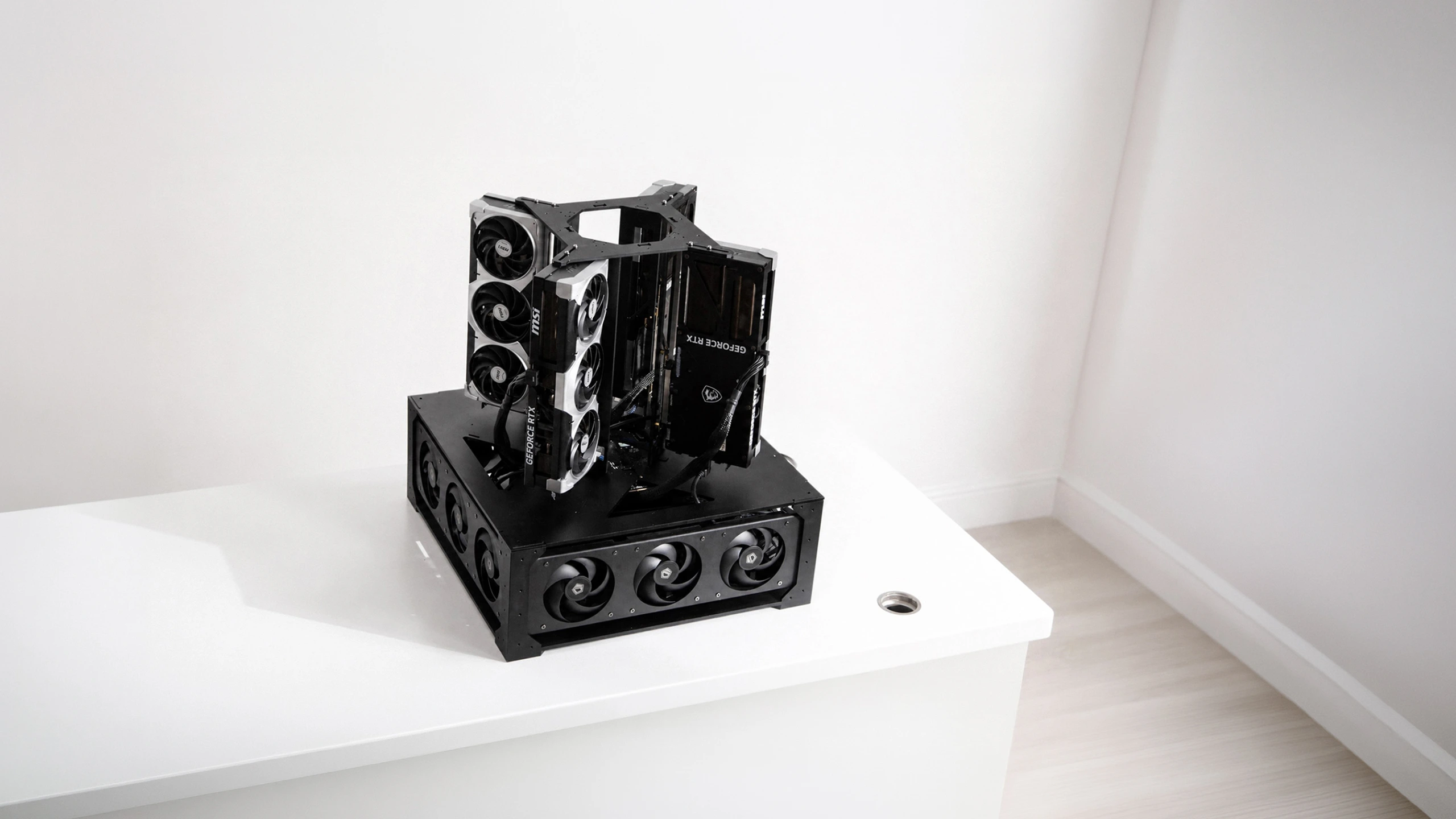
- 5-20 lawyers, daily drafting and summaries (4-16): about 64 GB VRAM across two GPUs, vLLM or SGLang, a 27B-35B model in FP8 (Computer 2 class).
- 20-50 lawyers, or long-context document review (16-24 plus batch jobs): 128-384 GB VRAM across four GPUs, room for 70B-class models (Computer 4 class); plan a 240V circuit.
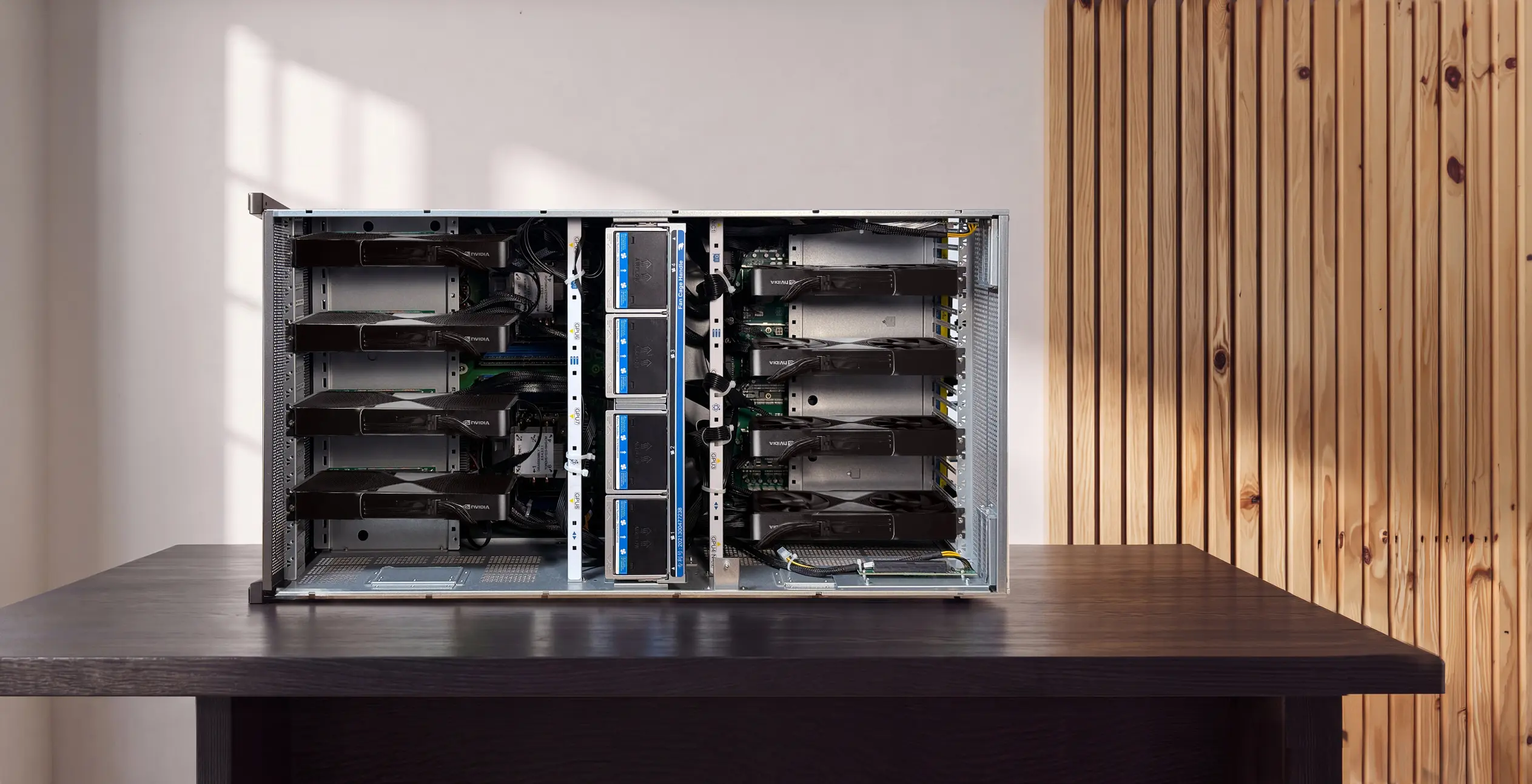
- Firm-wide service, fine-tuning, many agents (dozens): 256-768 GB VRAM in a rack (Computer 8 class), a server room and 240V power.
Check your own peak before you buy: run a two-week pilot and log how many requests overlap in the busiest minute of each day.
Hardware options for an in-house legal AI server
Three kinds of hardware cover most firms: a two-GPU desktop server, a four-GPU office server, or a Mac mini for one person. Here is what each suits and where it stops.
Autonomous Computer 2 for a small team
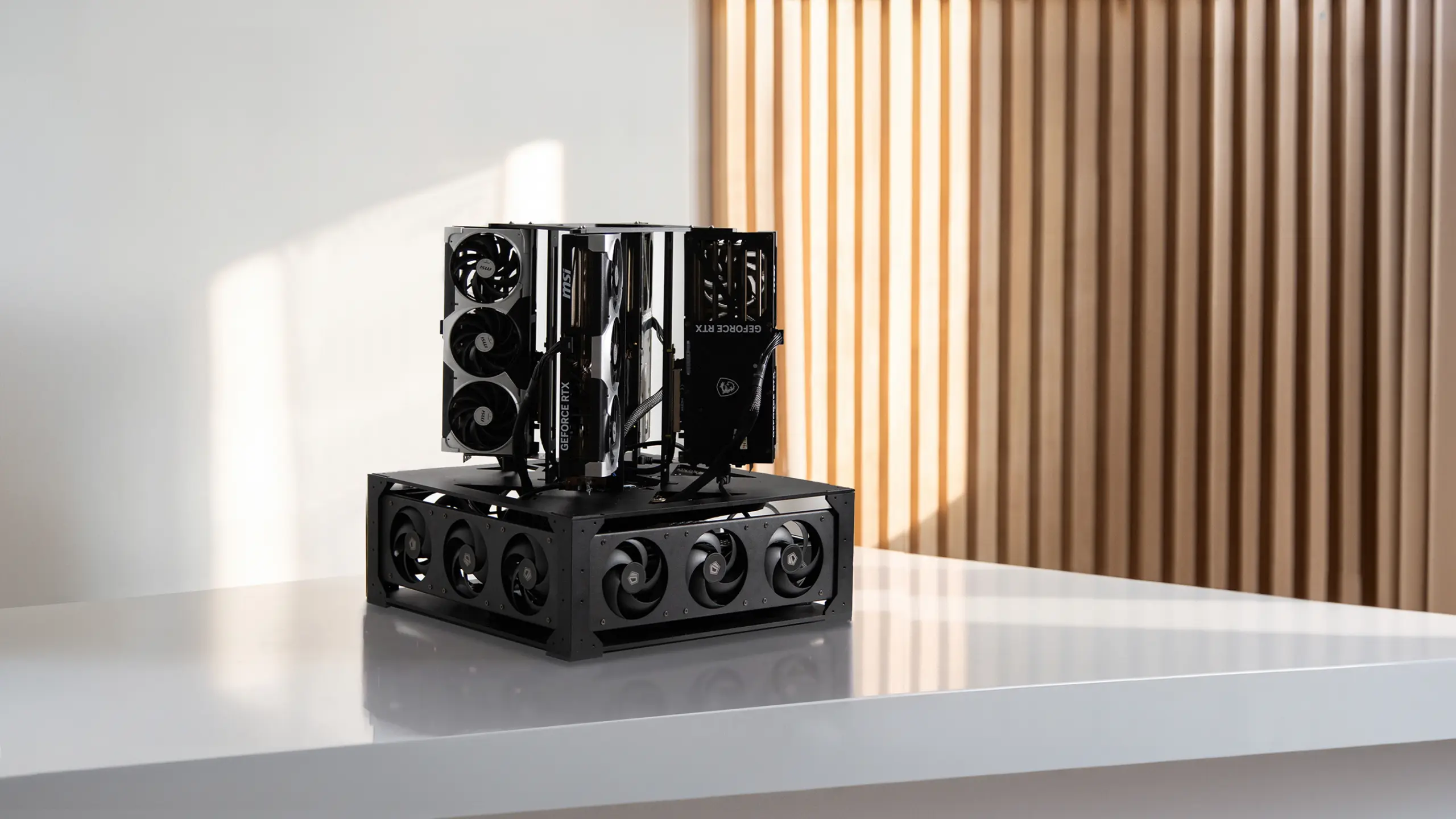
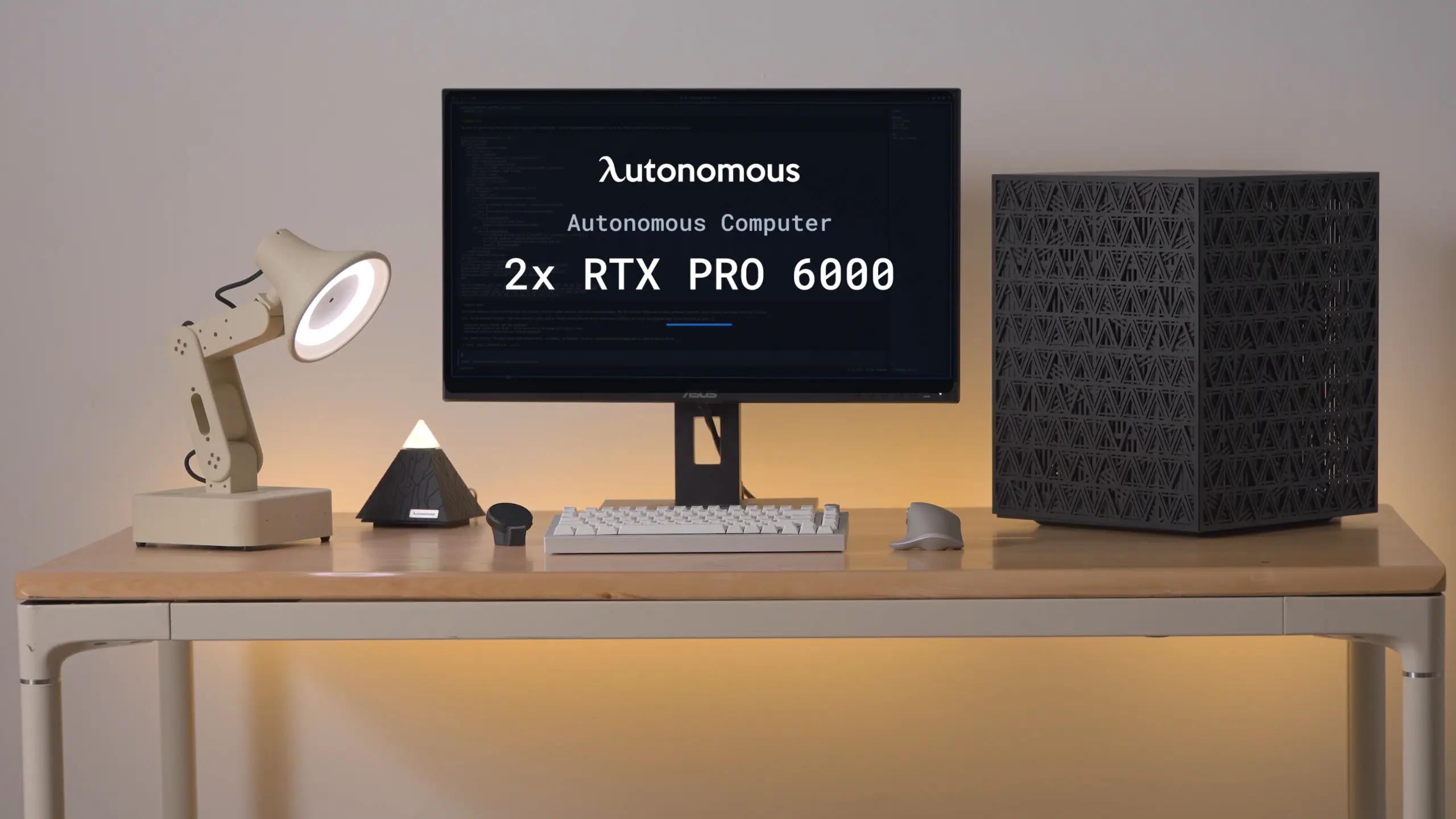
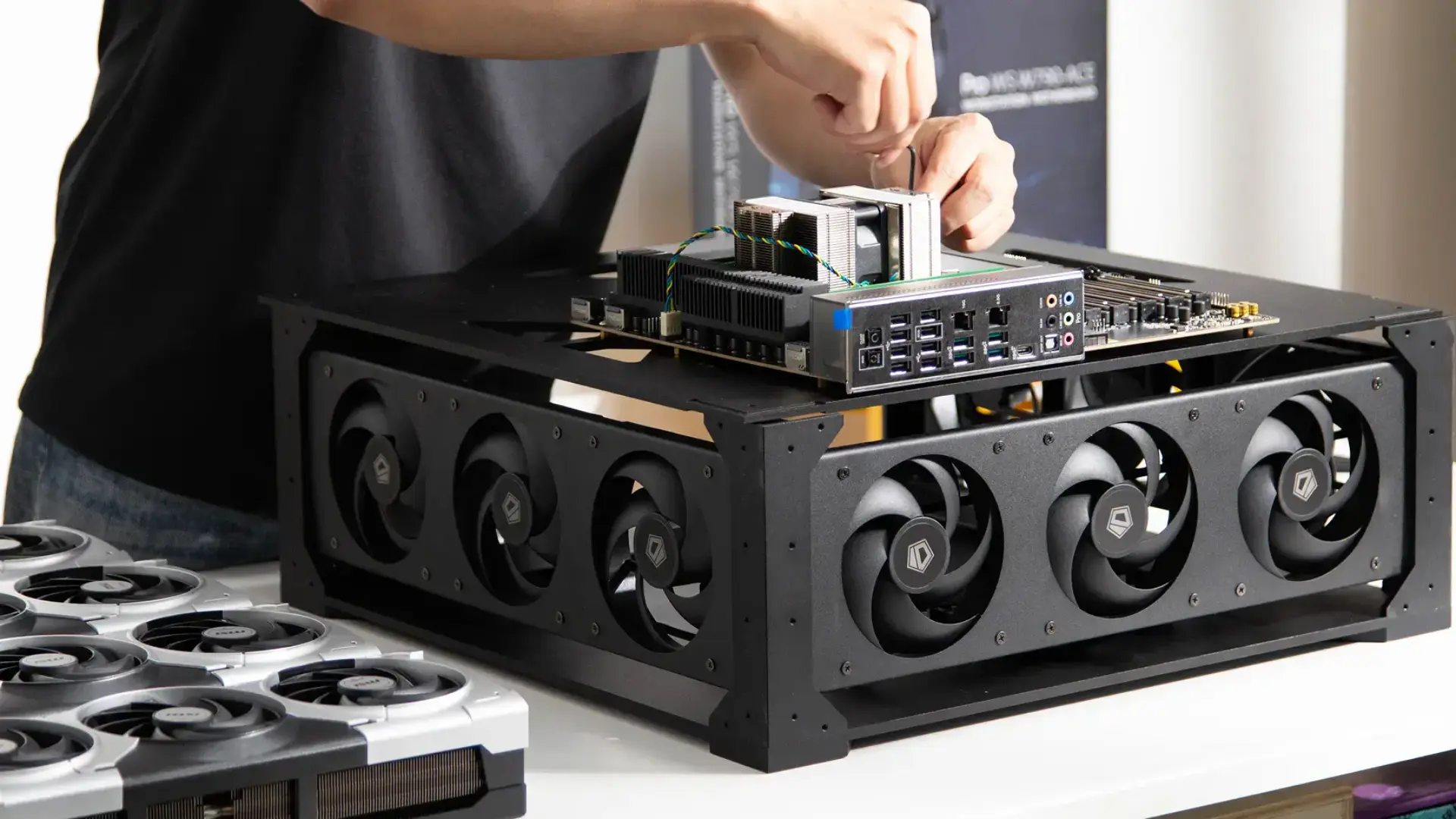
Computer 2 is a two-GPU desktop machine, sold as a "personal AI computer", with either two RTX 5090 cards (64 GB VRAM) or two RTX PRO 6000 Blackwell cards (192 GB). It ships with Ubuntu, NVIDIA drivers, PyTorch, CUDA, vLLM and SGLang installed, and it is the box behind the benchmark above.
It suits a firm of roughly 5 to 20 lawyers running one shared model for drafting, summaries and Q&A over the DMS.
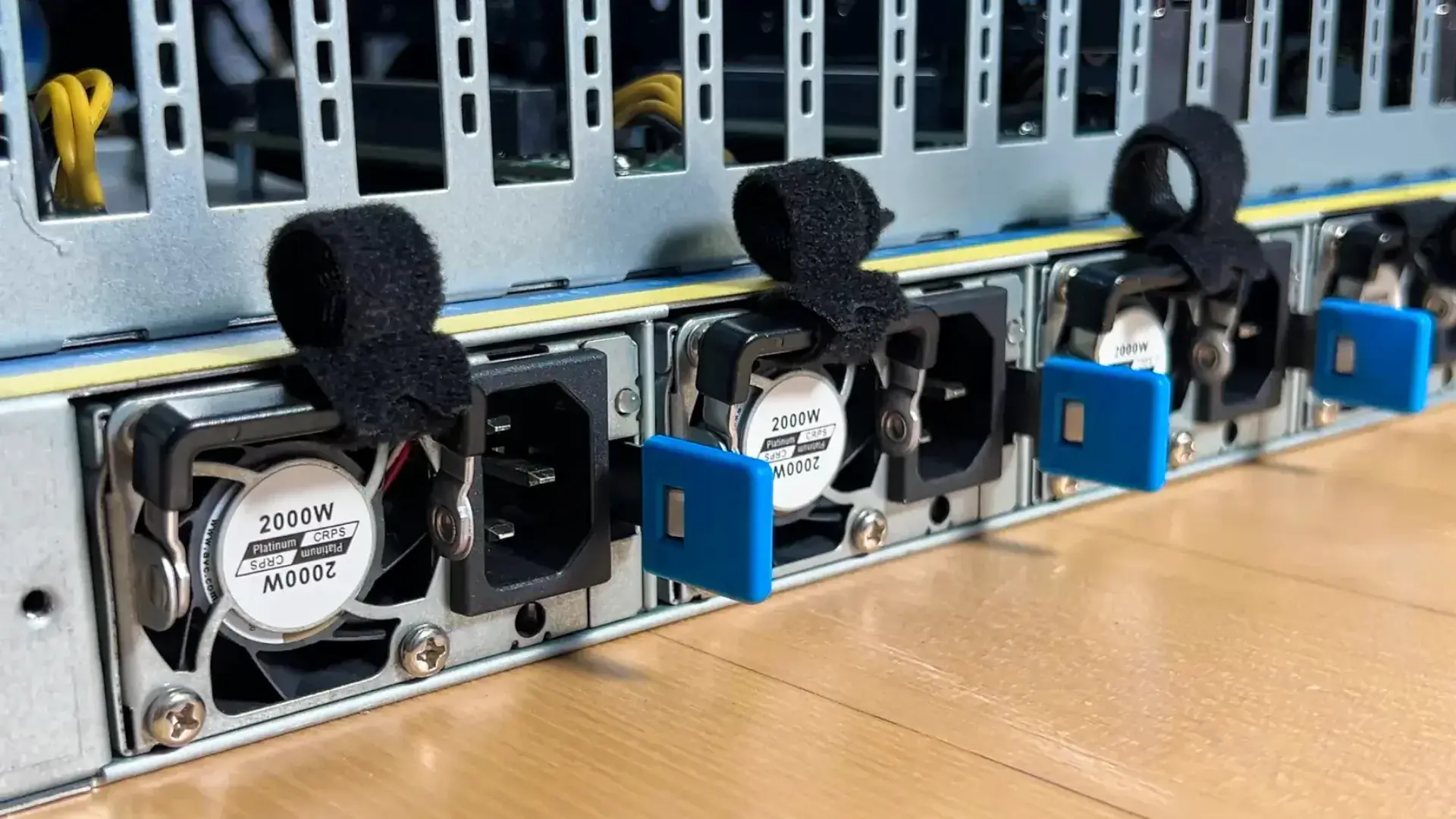
One honest limit: the 64 GB version runs 27B-class models well, but 70B-class models at 8-bit or 16-bit need the 192 GB version. Autonomous lists a 1,600 W maximum draw, so ask your electrician whether it needs a dedicated circuit before it arrives.
Autonomous Computer 4 for a firm-wide server
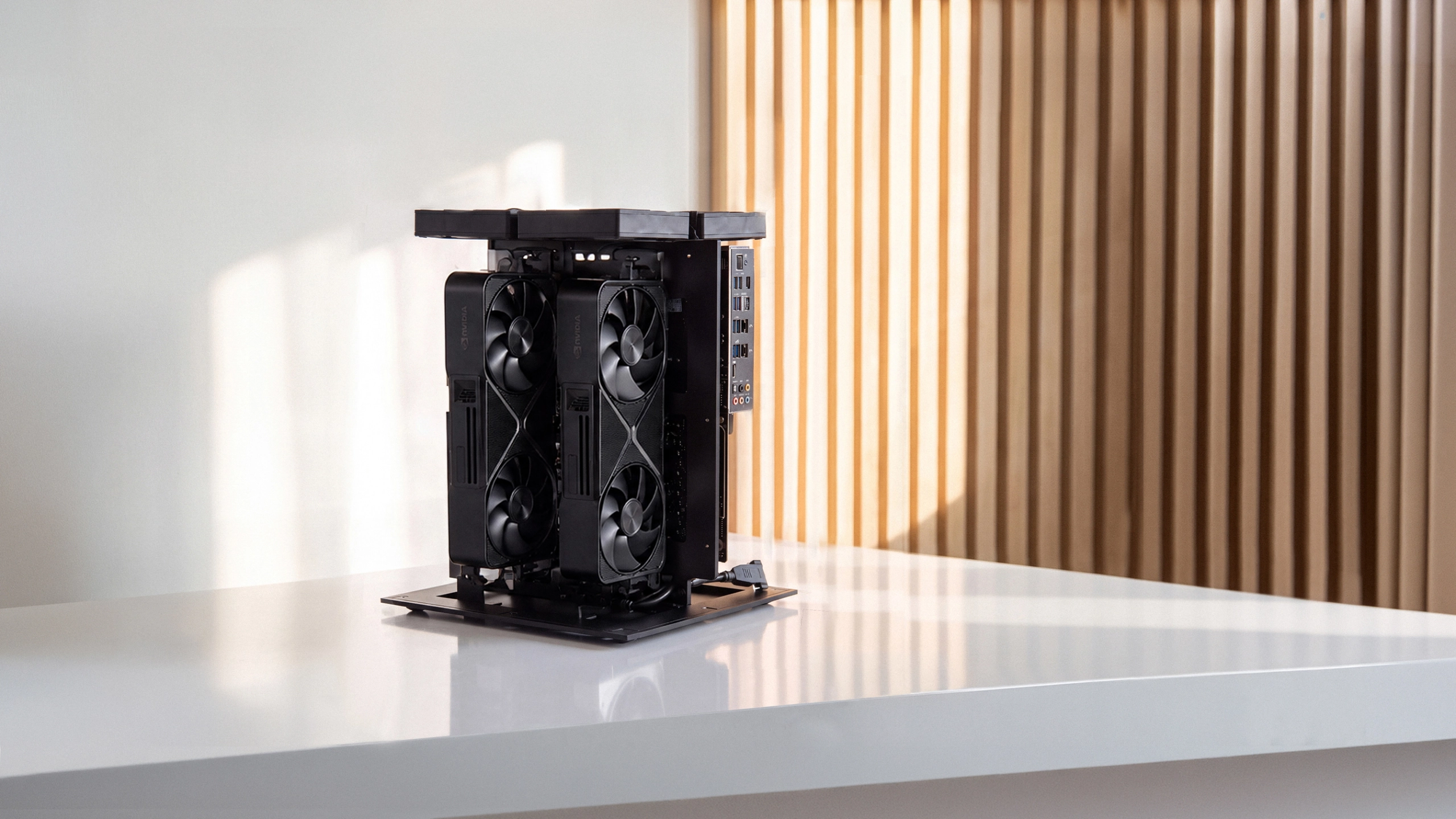
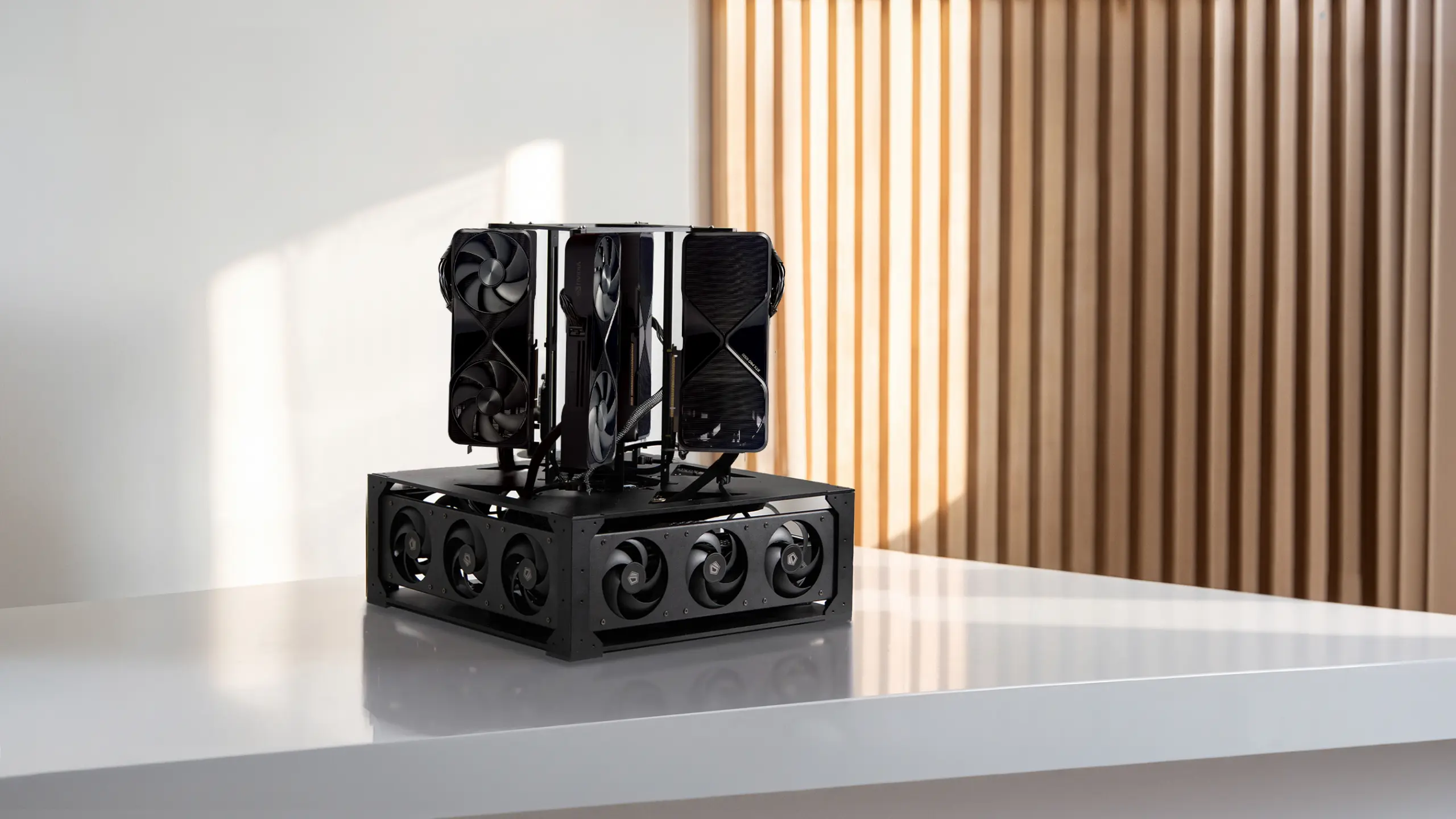
Computer 4 is the four-GPU version, listed as a "business AI computer. On-prem.", with 128 GB VRAM (four RTX 5090) or 384 GB (four RTX PRO 6000 Blackwell), 192 GB of ECC system memory and 18 fans. It fits a 20 to 50 lawyer firm, a firm that runs long document reviews overnight, or one that wants 70B-class models for harder drafting.
The limit is power and space. Autonomous says four cards at full draw pull close to 3,000 W and the machine needs a 240V circuit, and it weighs 66 lb.
This belongs in a ventilated server closet, not under a desk. Autonomous does not publish a multi-user speed test for Computer 4 yet, so ask for one on your target model before you order.
A Mac mini or single-GPU PC for one or two users
A Mac mini running Ollama is a sound way for one or two lawyers to try local models, which is the usual advice in r/LawFirm threads. Apple's spec page lists up to 64GB of unified memory on the current Mac mini, enough for a 27B model at 4-bit with room for context.
Where it stops is sharing. Ollama can take a few requests at once, but it does not batch them the way vLLM does, so each person's answer slows sharply once several lawyers send at the same time.
Treat it as the pilot box, then move to a GPU server when the pilot shows real demand. Our guide to running AI locally covers the one-person setup.
What does on-premise AI cost a law firm?
On-premise AI for law firms costs a hardware purchase upfront plus electricity and staff time, while cloud AI costs a monthly fee per seat or per token that grows with use. The fair comparison is over the life of the machine, and the formulas are short:
- Per-seat SaaS: seats × monthly price × 12 × years.
- API pay-per-token: tokens per month × price per million tokens ÷ 1,000,000 × 12. Document review is where token bills climb, because every page is read in full.
- On-premises: hardware price + (kW drawn × hours per year × your electricity rate) + staff hours for updates and support.
For electricity, use the maximum draw as a ceiling. Computer 2 at its 1.6 kW maximum for 24 hours would use 38.4 kWh; real use sits below that because the GPUs idle between requests.
Put a plug meter on it during the pilot and use the measured number.
| Model | GPUs and total VRAM | Power and size | List price |
|---|---|---|---|
| Autonomous Computer 2 | 2x RTX 5090 (64 GB) or 2x RTX PRO 6000 Blackwell (192 GB) | 2,000 W supply, 1,600 W max draw; desktop, 33 lb | From $26,100 |
| Autonomous Computer 4 | 4x RTX 5090 (128 GB) or 4x RTX PRO 6000 Blackwell (384 GB) | 2x 2,000 W supplies, 240V circuit; floor unit, 66 lb | From $43,900 |
| Autonomous Computer 8 | 8x RTX 5090 (256 GB) or 8x RTX PRO 6000 Blackwell (768 GB) | 240V circuit; 7U rack, 93 lb | From $99,700 |
All three carry a 3-year warranty and ship in 4-6 weeks.
A practical check: divide the hardware price by 36 months and compare it with your current or quoted monthly AI bill for the same users. If the cloud bill is smaller and your clients accept it, the cloud is the cheaper answer.
Limits of on-premise AI for law firms
On-premise AI does not make a firm compliant on its own, and it brings work that a cloud vendor would otherwise carry. These are the limits to plan for:
- Model quality: open-weight models that fit a desktop trail the largest hosted models on some hard reasoning and long drafting tasks. Test your own tasks side by side before you commit.
- Security is yours: OS patches, model updates, disk encryption, sign-in and logs are the firm's job. A box nobody patches is a weaker spot than a well-run vendor.
- Physical security: a server that holds client files needs a locked room and a record of who can open it.
- Not a compliance label: no hardware is "ABA compliant". Supervision of output, staff training and client communication still apply.
- Hallucinated citations: a local model invents case law just as a cloud one can. Every citation still gets checked by a lawyer.
- Lead time and power: multi-GPU machines take weeks to arrive and may need electrical work first.
If nobody at the firm or its IT provider can own updates, a business SaaS plan with strong terms may be the safer choice for now.
How to roll out on-premise AI at a law firm
Roll out on-premise AI in small steps: pilot on non-client data first, write the policy before anyone uploads a file, and widen access only after a review. A sequence that works for a 5 to 50 lawyer firm:
- Pick two or three tasks. Summarizing deposition transcripts, first drafts of routine letters and clause comparison are common starting points for AI in law firms. Our guide to the AI legal assistant lists more.
- Pilot on public or synthetic documents. Use public filings or a closed matter with names removed. Measure answer quality and peak concurrent users.
- Write the AI policy. What may go into the local model, what may go into cloud tools, who reviews output and how long logs are kept.
- Connect the DMS with permissions. Mirror ethical walls in the retrieval index, then repeat the walled-off matter test.
- Decide on client communication. Review engagement letters and outside counsel guidelines with your ethics counsel.
- Review after 60-90 days. Check usage logs, error reports and whether the hardware is close to its limit before adding users.
Multi-GPU servers ship in 4-6 weeks, so order as soon as the pilot shows real demand rather than after the review.
FAQs
Which AI is best for law firms?
No single model is best: many firms pair a hosted legal research tool for public law with a private or on-premise open-weight model, such as Qwen or Gemma, for client files. Test two or three options on your own documents before choosing.
How are law firms currently using AI?
Law firms mostly use AI to draft and summarize: first drafts of letters and memos, deposition and contract summaries, clause comparison and search across past work. A lawyer reviews every output before it reaches a client or a court, and firms with sensitive matters keep that work on private or on-premise models.
Is AI allowed in law firms?
Yes, AI is allowed in law firms, and ABA Formal Opinion 512 treats it under the existing rules on competence, confidentiality, communication and fees. Lawyers stay responsible for the output and for protecting client information. State bars add their own guidance, so check yours before setting firm policy.
Is a Mac Mini enough for a law firm's AI?
A Mac mini is enough for one or two lawyers testing local models, not for a whole firm. With up to 64GB of memory it runs a 27B model at 4-bit for one or two people at a time. Once several lawyers send at once, each answer slows sharply, and a multi-GPU server running vLLM handles the load better.
Can on-premise AI run without an internet connection?
Yes, on-premise AI can run with no internet connection once the model is downloaded, because inference happens on the local GPUs. The firm still needs a controlled way to bring in updates and new models, such as a scheduled maintenance window or offline transfer.
Does on-premise AI make a law firm compliant?
No, on-premise AI does not make a firm compliant by itself. It changes where client data is processed, which helps the confidentiality analysis, but access control, staff training, supervision of output and client communication still decide whether the firm made reasonable efforts.
How much GPU memory does a law firm need for local AI?
Most small firms need about 64 GB of GPU memory to serve a 27B-class model to a team. Autonomous's Computer 2 benchmark shows that setup serving 24 users at once at 52 tokens per second each. Firms wanting 70B-class models or heavy document review should look at 128 GB or more.
Can a law firm train AI on its own documents?
Yes, a firm can fine-tune an open-weight model on its own documents when it owns the hardware, and the result stays on its disks. Most firms get further first with retrieval over the DMS, which needs no training, then fine-tune only for a narrow, repeated task such as house drafting style.
Conclusion
On-premise AI for law firms makes sense when the work involves client files you would rather not send out and the firm has someone to run a server.
If both are true, size the hardware to peak concurrent users, start with a pilot on public documents, and keep a cloud tool for research that touches no client data. If nobody can run the server, a business SaaS plan with strong terms is the honest place to start.
References
- American Bar Association: Model Rule 1.6, Confidentiality of Information
- American Bar Association: Formal Opinion 512, Generative Artificial Intelligence Tools (July 29, 2024)
- The Bar Examiner (NCBE): Generative Artificial Intelligence Tools, on ABA Formal Opinion 512
- Apple: Mac mini technical specifications