Backless Office Chair: Pros, Cons & Backrest Options
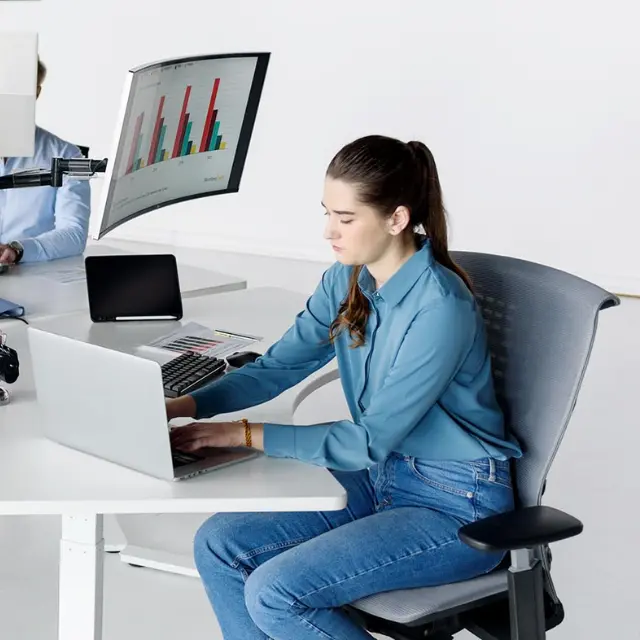
A backless office chair is not automatically better for posture. Sitting without a backrest may make you more aware of your position and lets you move freely, but it also removes the support your lower back can use during long computer sessions. For a full workday, an adjustable chair with a backrest is generally the more practical starting point.
The choice comes down to what you do at your desk, how long you sit, and whether you need lumbar support, a recline, or a compact seat that can be tucked away. This guide compares the real pros and cons of backless seating, then looks at four current office chairs that provide back support without forcing you to stay in one position.
Backless office chair vs. chair with back support
A backless office chair allows unsupported sitting, while a back-supported office chair gives you a surface to lean against and, depending on the model, adjustable lumbar support and recline. Neither design guarantees ideal posture: how the chair fits your body and workstation, and whether you move during the day, both matter.
| Feature | Backless chair | Chair with back support |
|---|---|---|
| Lower-back support | No backrest contact | Fixed, passive or adjustable lumbar/backrest support |
| Movement | Easy to turn and reach without backrest interference | Movement depends on backrest flex, swivel and recline design |
| Rest between tasks | No surface to lean back on | Can support a relaxed or reclined position |
| Footprint | Often compact; actual footprint depends on base | Backrest adds height and possible clearance needs |
| Extended desk work | May feel tiring without a way to rest the back | Usually a better starting point when adjusted to the user |
| What to check | Seat height, stability, balance and cushion shape | Seat height/depth, lumbar fit, armrests, recline and base |
What is a backless office chair?
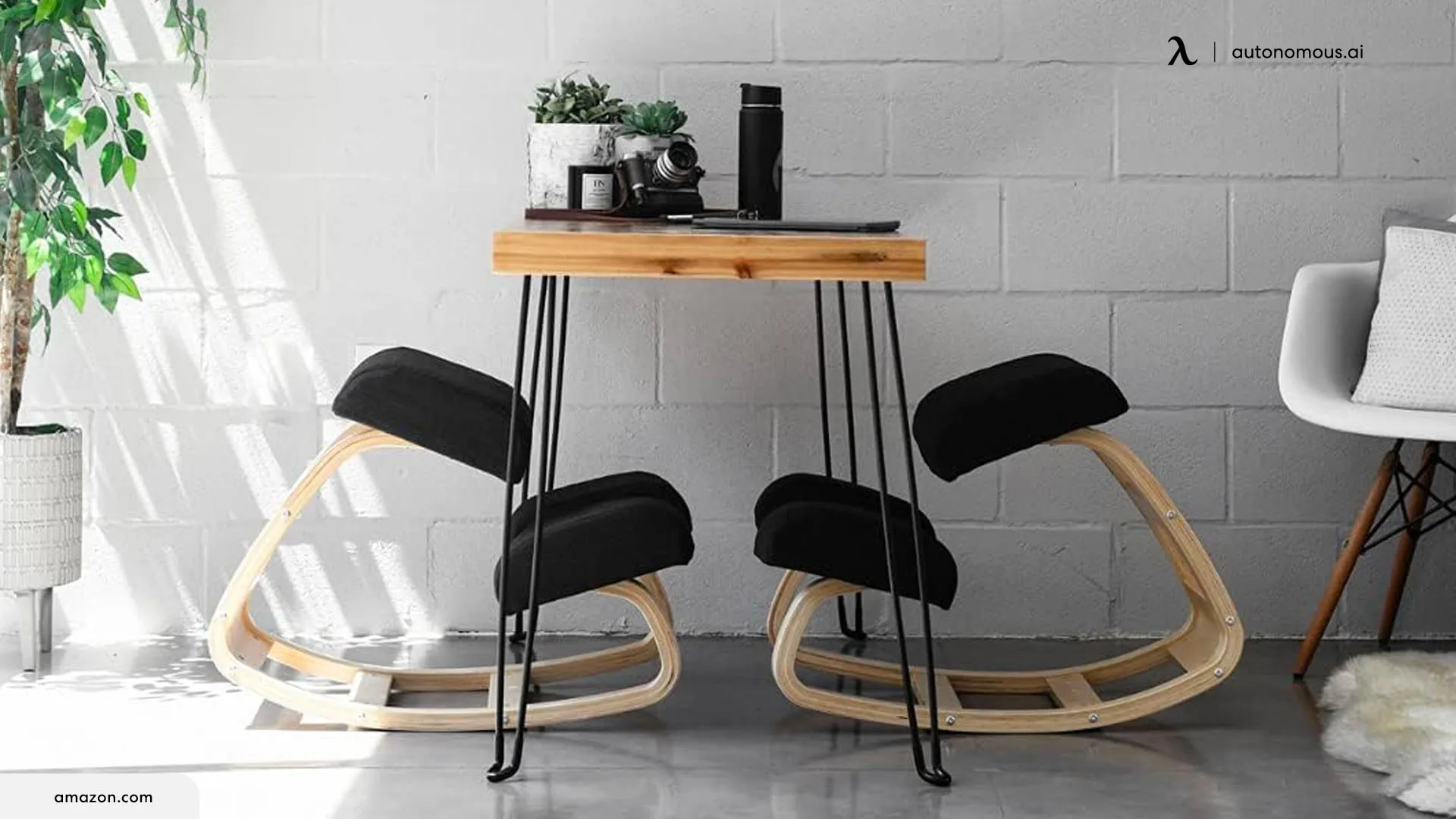
A backless office chair is a seat without a backrest that supports the lumbar or upper back. It can have a fixed base, a wheeled five-star base, or a moving seat designed to allow small shifts. The term describes the missing backrest, not a tested ergonomic benefit.
A backless desk chair may work as a secondary seat for short tasks, a compact workstation, or work that requires turning frequently. But a chair that leaves your back unsupported does not make slouching impossible. You can still round your shoulders, lean toward the keyboard or sit in one tiring position.
Is sitting in a backless chair better for posture?
No clear evidence shows that backless chairs are better for posture or back health for everyone. Without a backrest, your trunk muscles may do more work to hold certain positions. More muscle activation, however, is not the same as building core strength, and sitting upright without support does not guarantee that discomfort will decrease.
A systematic review comparing sitting with and without backrests found moderate evidence that backrests reduce activity in the muscles alongside the spine, with only limited evidence for reducing lower-back discomfort. Separately, a study of 90 people sitting for one hour in a backless office chair found that people who developed temporary back pain made fewer small postural movements; the study did not establish that one posture was the cause of pain.
That is why a practical posture plan includes a chair that fits, space for small movements, a suitable keyboard height and regular position changes. OSHA recommends appropriate back and lumbar support for computer work and notes that remaining in the same posture for too long is undesirable, even when the chair is well adjusted.
Pros and cons of a backless office chair
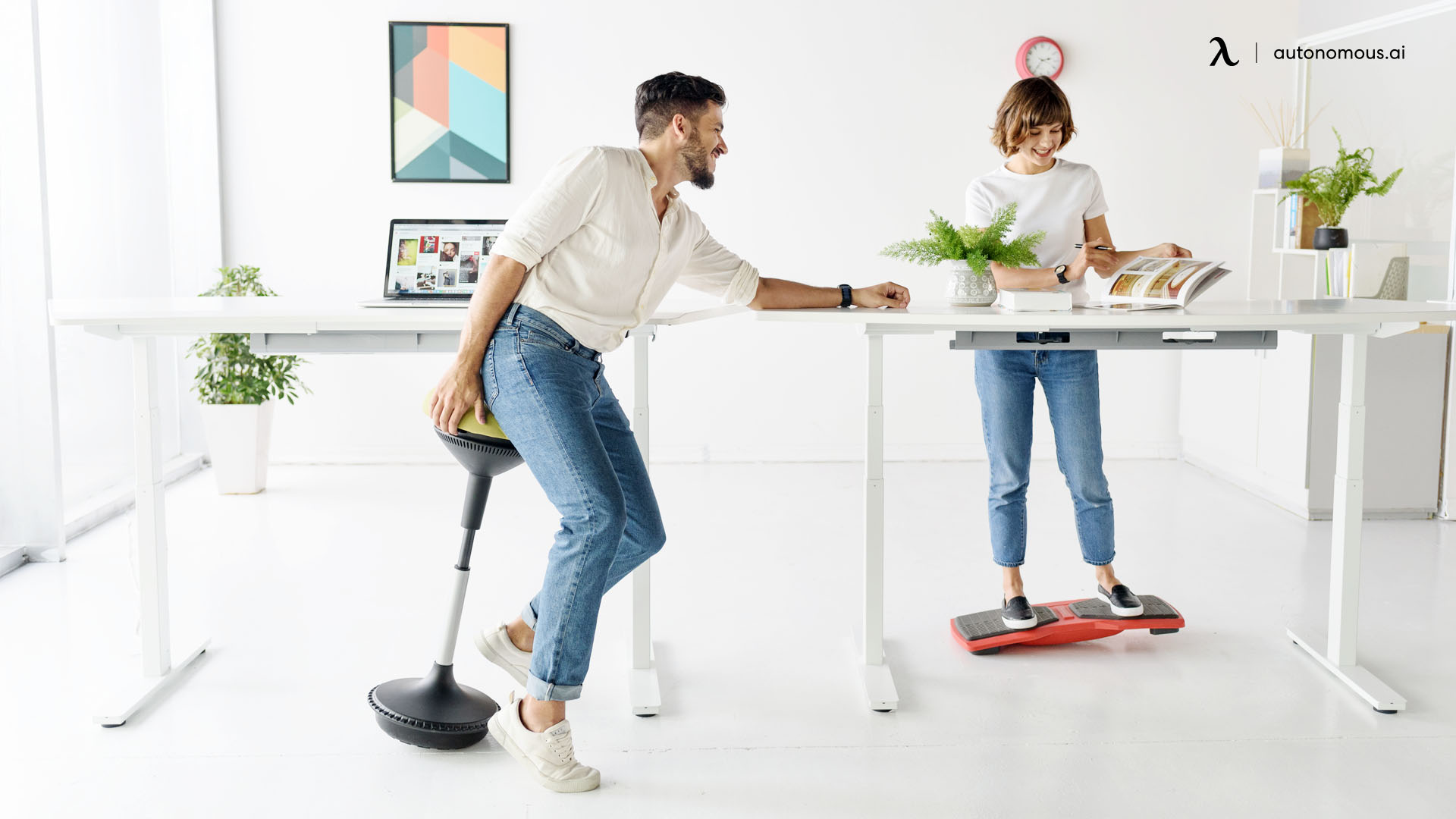
Backless seating is most useful when its freedom of movement and smaller visual profile solve a real workspace problem. Those benefits need to be weighed against the lack of support when you want to rest or recline.
| Pros | Cons |
|---|---|
|
|
The trade-off is not between “active” and “inactive” people. A chair with a backrest can still let you move, swivel, recline and get up between tasks. Removing the backrest does not by itself turn sitting into an exercise program.
Who should consider a backless desk chair?
A backless desk chair can make sense when you already have a supported chair and want a compact option for occasional work. It is less convincing as the only seat for a day of coding, writing, editing or meetings.
- Short creative or counter-height tasks: the unrestricted back area can make changing direction convenient when work happens to both sides.
- A small secondary workstation: a compact base may help with clearance, but measure the overall base width before assuming a chair will disappear under the desk.
- People who like position variety: occasional unsupported sitting may be enjoyable if the seat is stable and the desk height fits. Switching to a backed chair when you want support is sensible.
- Long desk sessions or existing discomfort: prioritize a comfortable back-supported chair and investigate workstation fit first. Anyone with persistent or worsening pain should discuss it with a qualified clinician.
How to sit on a chair without back support
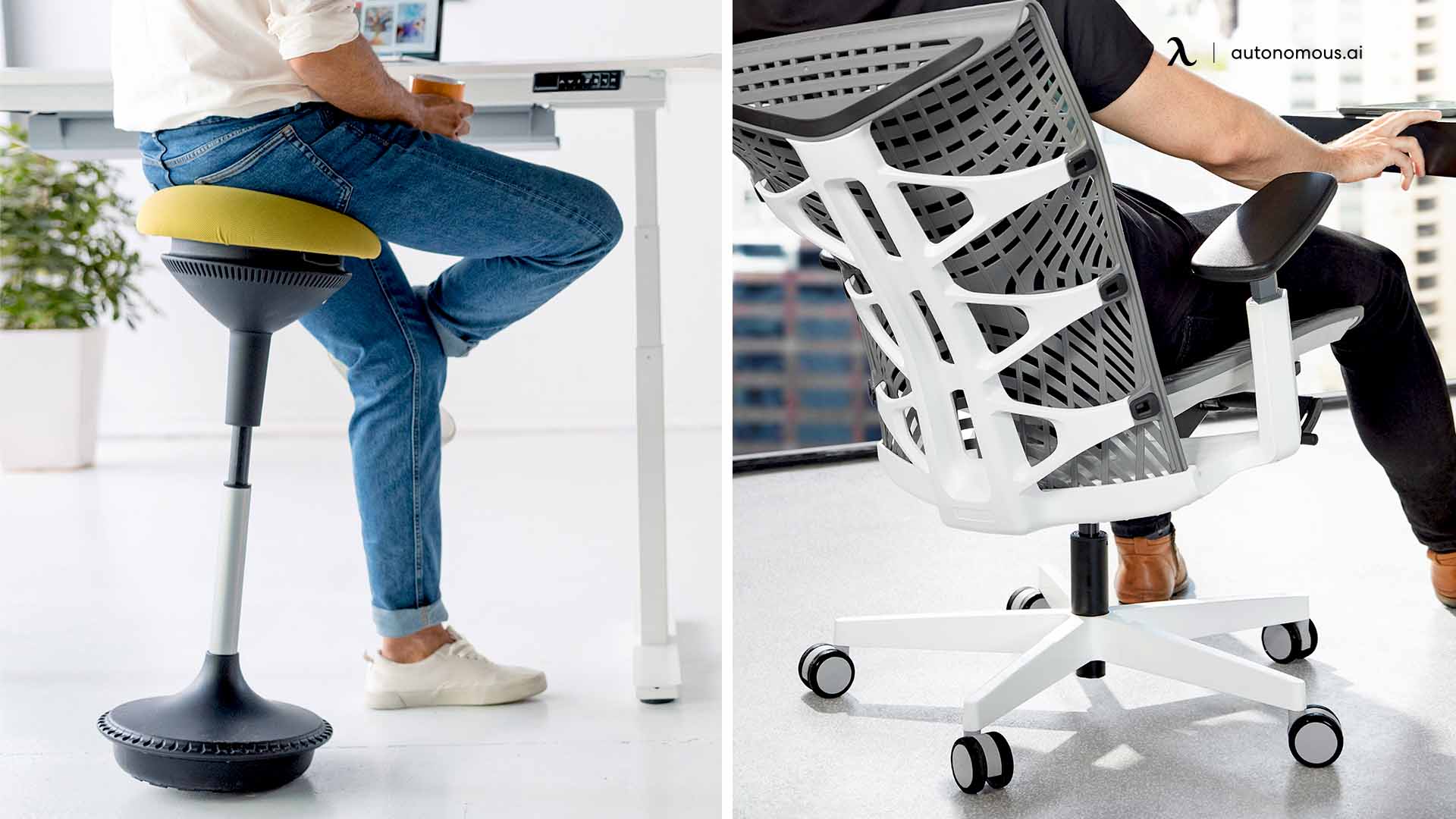
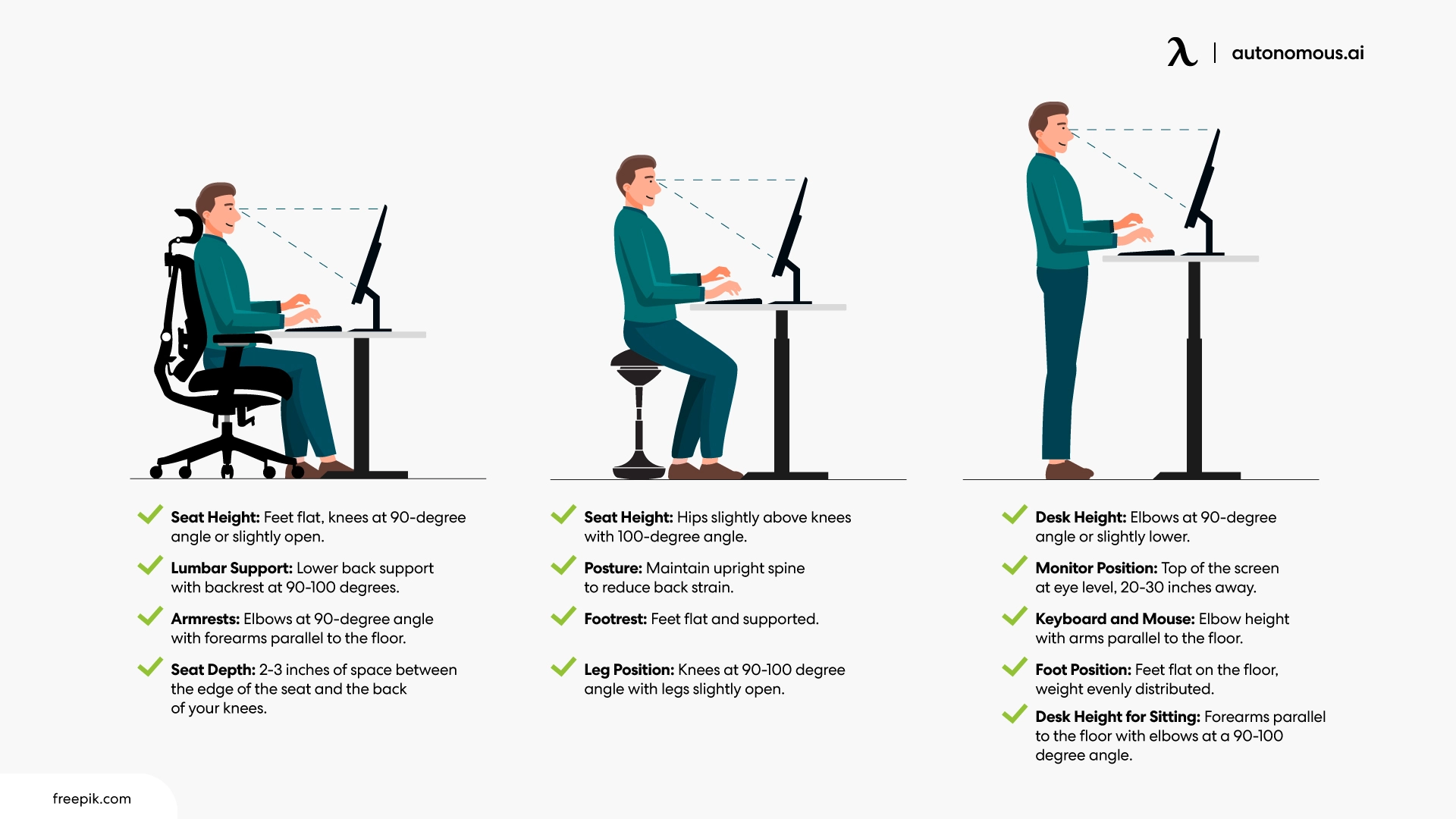
To use a chair without back support, set your workstation so you do not have to hold a strained position to reach the keyboard. Use comfort and control as the guide rather than forcing your spine to remain perfectly straight.
- Adjust the seat height. Keep feet supported by the floor or a stable footrest and allow comfortable space under the desk.
- Bring the keyboard and mouse close. Let your shoulders relax with elbows near your sides. Reaching forward for hours is not a posture benefit.
- Place the display for your eyes. Avoid leaning or lifting the chin just to read the screen.
- Check the seat and base. Look for a secure footprint, enough seat width and a surface that does not slide under you.
- Change position often. Shift, stand or walk periodically. There is no universal safe one- or two-hour limit that applies to every backless chair and user.
- Stop if the arrangement causes symptoms. Persistent pain, numbness or instability is a reason to stop, reassess the setup and consider professional guidance.
The ideal office chair height depends on your lower-leg length and desk setup. For fixed-height furniture, the ergonomic desk height guide can help you identify whether the work surface, rather than the chair, is causing the awkward position.
Are backless rolling chairs suitable for a computer desk?
A backless rolling office chair can work at a desk only if the base is stable, the wheels suit the floor and you can mount and dismount without losing balance. Casters make it easy to reach nearby equipment, but they can also move when you shift your weight or stand up.
Check the manufacturer’s weight rating, base width, wheel type and whether the seat is intended for the height of your work surface. A five-star rolling base and a stable, properly sized seat are more important than a promise that the design “automatically corrects posture.” If you need regular lumbar contact, choose a backrest instead of trying to improvise a support onto an unsuitable seat.
Office chairs with back support: four current alternatives
For daily computer work, consider a chair that preserves movement while supporting the back when you want to lean against it. The current Autonomous office chair range includes four different approaches: manually adjustable lumbar, a flexing backrest, a breathable mesh seat and back, and a simpler dual-backrest design.
| Chair | Back support | Seat height | Best reason to consider it |
|---|---|---|---|
| ErgoChair Pro | Height-adjustable lumbar, 5 recline locks | 18.5–22 in | Precise lumbar and seated-position adjustments |
| ErgoChair Ultra 2 | Flexible TPE backrest, no lumbar dial | 18–23 in | Back support that flexes with position changes |
| ErgoChair Mesh | Adjustable lumbar, 5 recline locks | 18.5–21.5 in | Ventilation through the seat and back |
| ErgoChair Core | Passive dual backrest | 20–23.8 in | Basic supported seating with a higher minimum seat |
Specifications are manufacturer-published ranges; they are not measured comfort results or guarantees of pain relief. Match them to your body and workstation.
1. ErgoChair Pro: adjustable lumbar support for desk work
ErgoChair Pro has a backrest with a lumbar pad that travels through a published 6-inch height range. It also offers sliding seat depth from 19 to 21.5 inches, a 22-degree synchro-tilt recline and five lockable positions. This gives you a way to adjust the backrest to your own lower back instead of removing back support entirely.
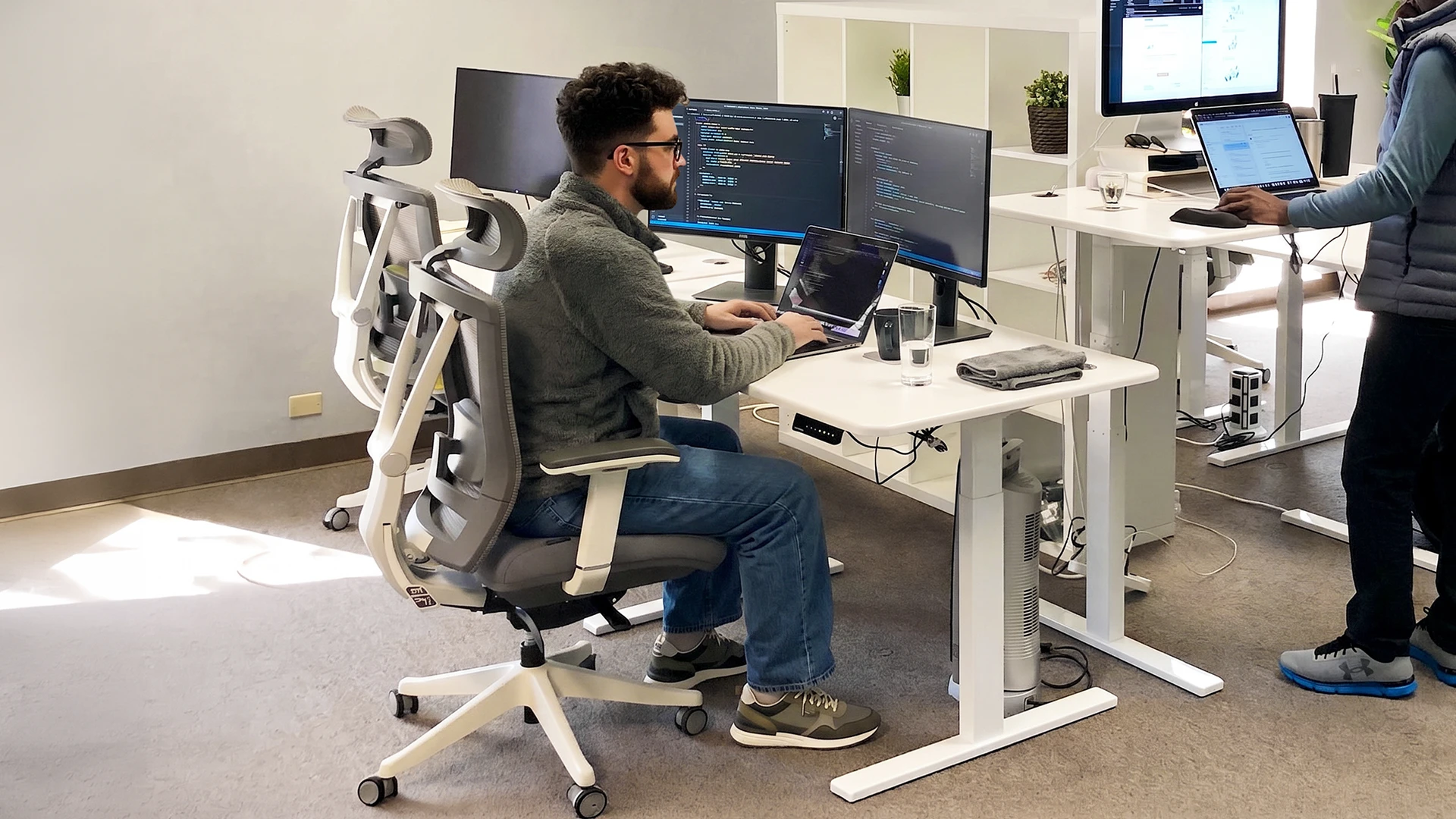
Its 300 lb capacity and lifetime warranty are published by Autonomous. The practical advantage over a no-back chair is being able to lean against adjusted lumbar support when your work requires sustained concentration. The limitation is fit: its 19-inch minimum seat depth may feel long for some shorter users, even though the backrest is adjustable.
| Pros | Cons |
|---|---|
|
|
2. ErgoChair Ultra 2: a flexing backrest instead of a fixed lumbar pad
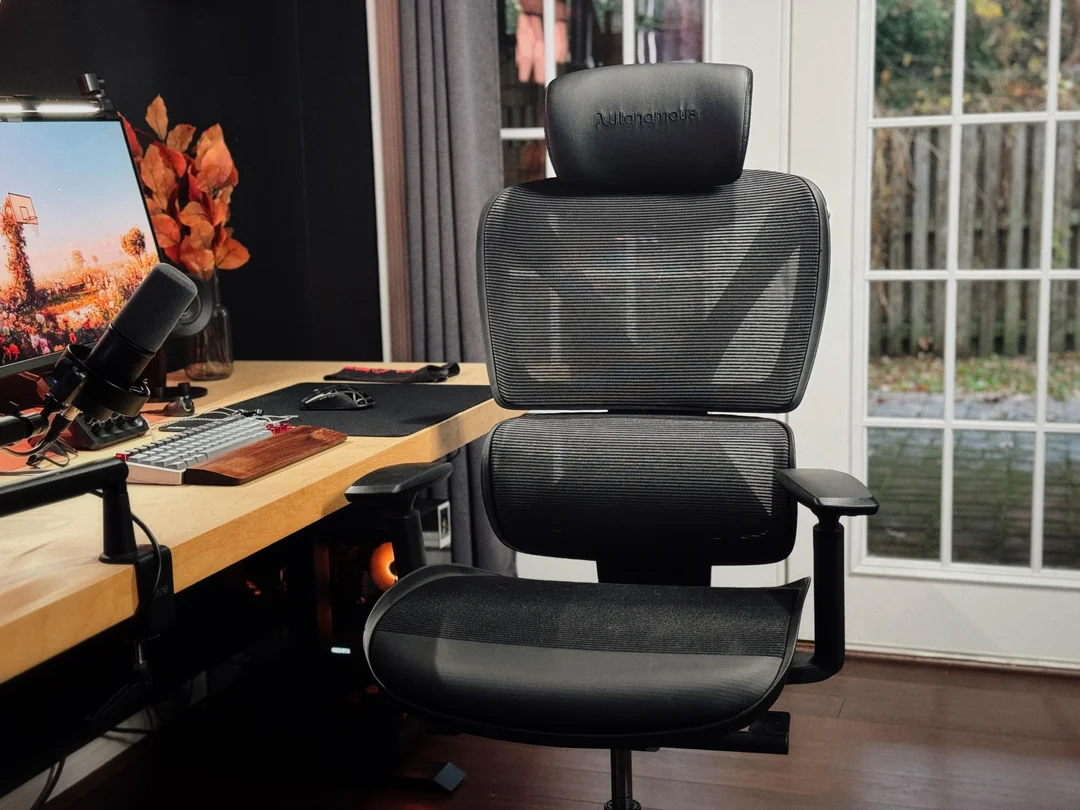
ErgoChair Ultra 2 uses a TPE flex-frame backrest that responds as you shift forward or lean back. Unlike Pro, it does not have a lumbar-height dial. It combines that structure with an adjustable 18–20.5-inch seat-depth range, 18–23-inch seat height and a four-layer seat made from foam, webbing and polymer springs.
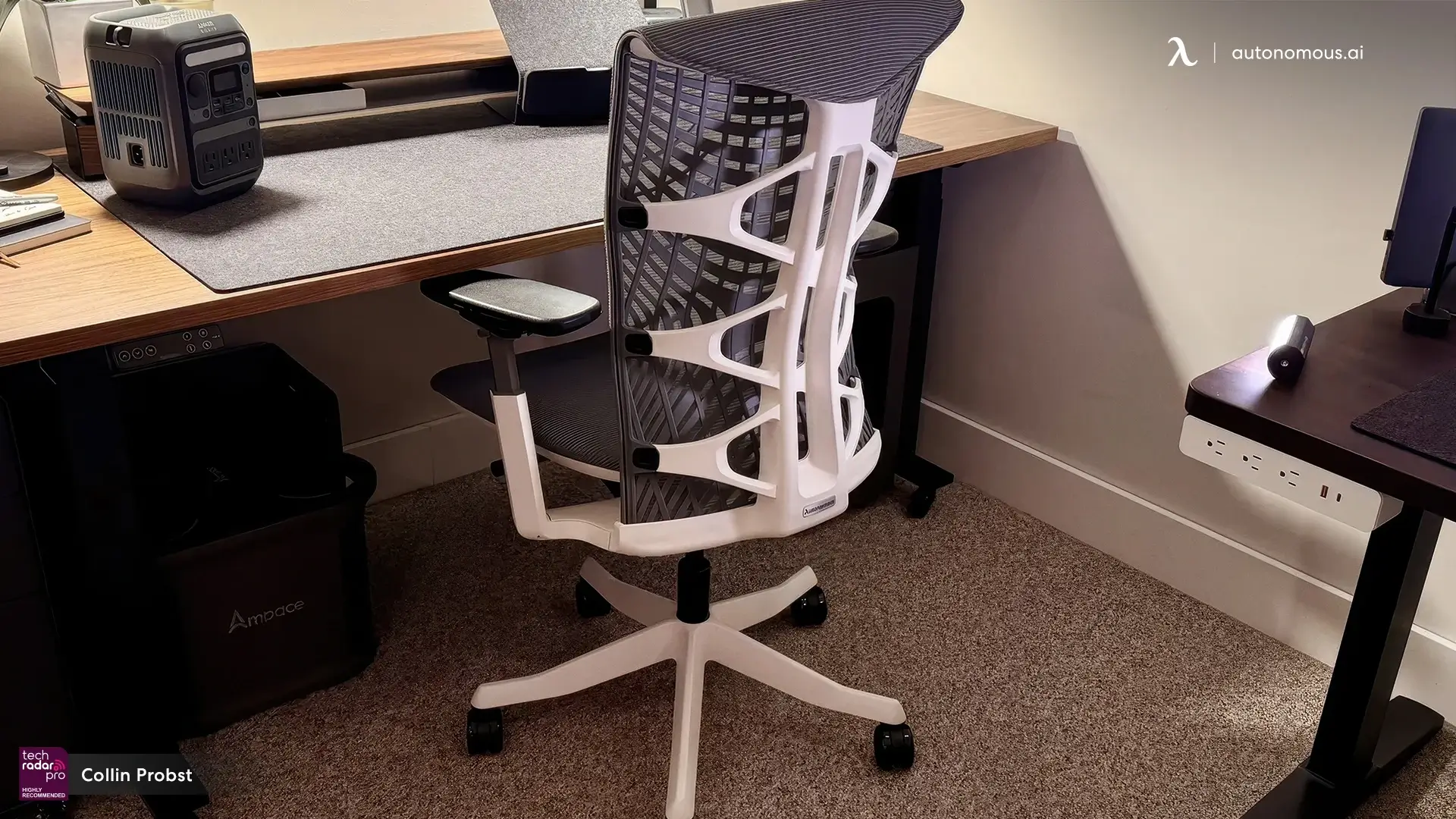
Its distinction from a backless ergonomic chair is that you can move without entirely giving up backrest contact. It is rated to 320 lbs and has a lifetime warranty. The limitation: someone who wants to position a distinct lumbar cushion at an exact height cannot do that on Ultra 2, and its 18-inch seat width needs checking for fit.
| Pros | Cons |
|---|---|
|
|
3. ErgoChair Mesh: adjustable support with seat ventilation
ErgoChair Mesh pairs adjustable lumbar support with a breathable mesh seat and back. Its published seat depth adjusts from 18 to 20 inches, seat height from 18.5 to 21.5 inches, and the backrest reclines over a 22-degree range with five lockable positions.
.jpg)
This is a useful contrast with many compact no-back chairs: you keep airflow around your seat and back without sacrificing a supportive recline. Mesh can feel firmer than a foam cushion, however, and the 21.5-inch maximum seat height may be too low for some taller desk setups. Its published capacity is 300 lbs, with a lifetime warranty.
| Pros | Cons |
|---|---|
|
|
.jpg)
.jpg)
4. ErgoChair Core: a simple dual-backrest alternative
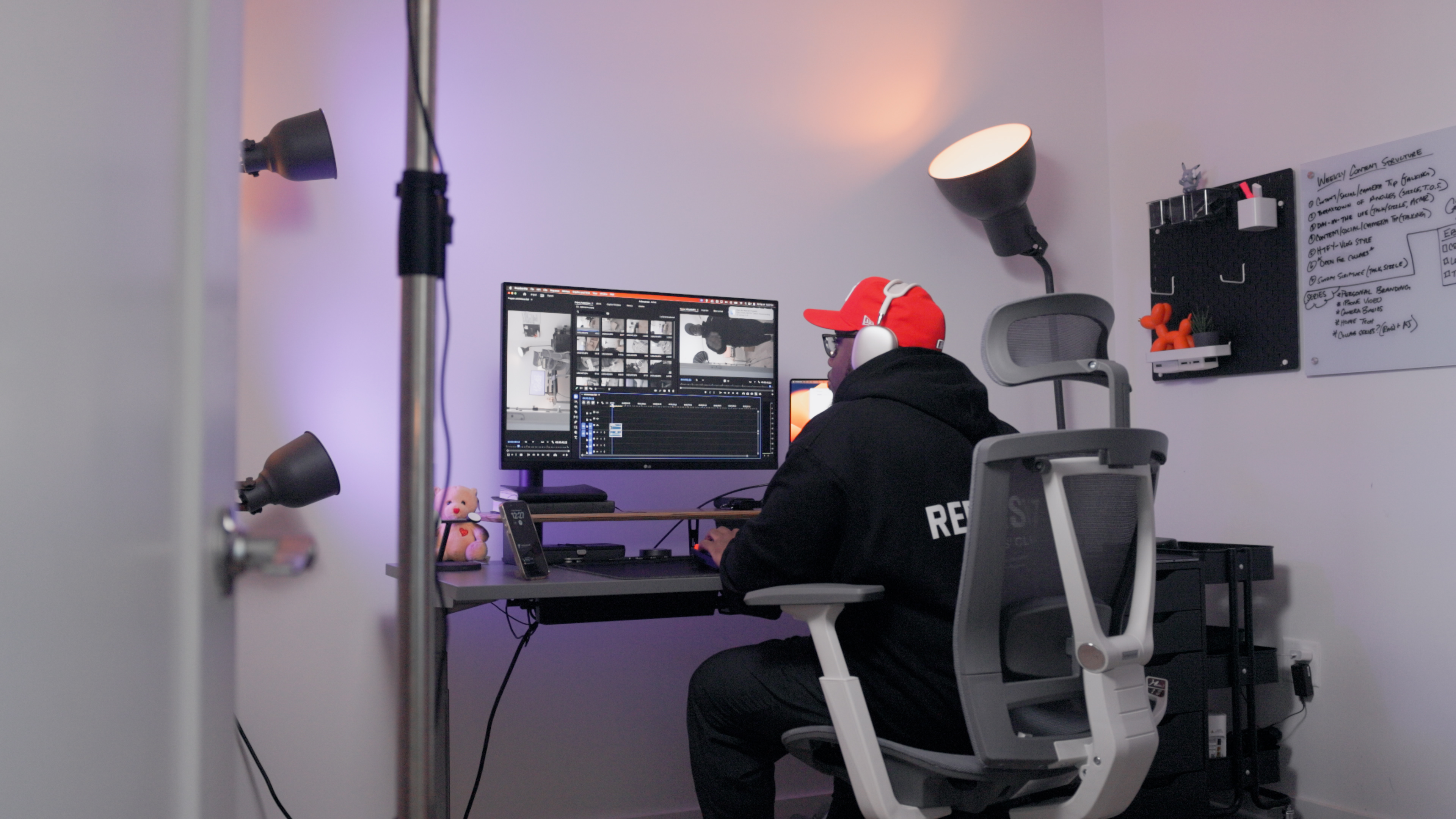
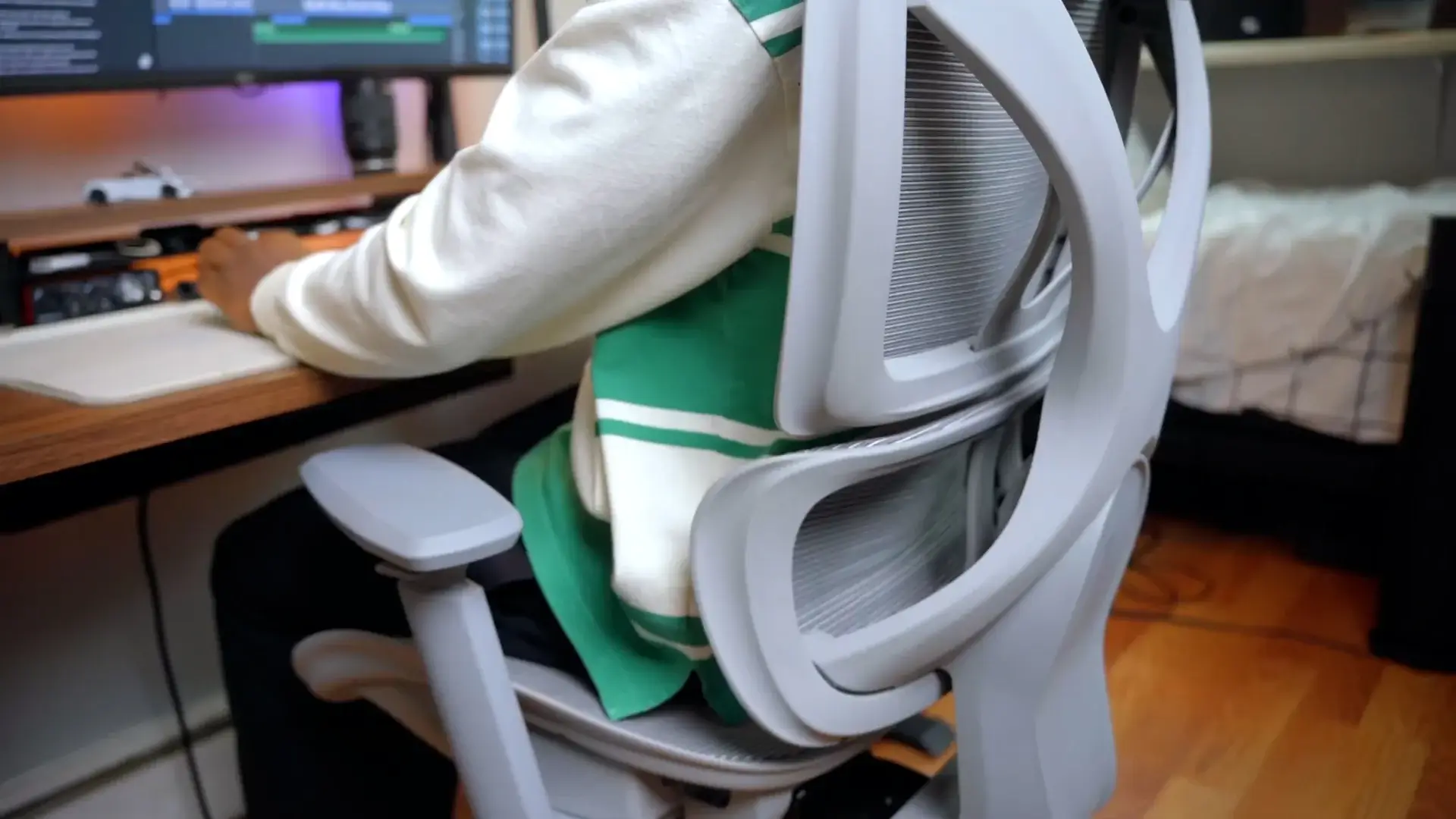
ErgoChair Core has two linked backrest sections rather than an adjustable lumbar pad. Seat depth adjusts from 18.5 to 20.5 inches, and the seat moves between 20 and 23.8 inches from the floor. Its backrest supplies passive support for users who want a conventional chair without fine-tuning a separate lumbar position.
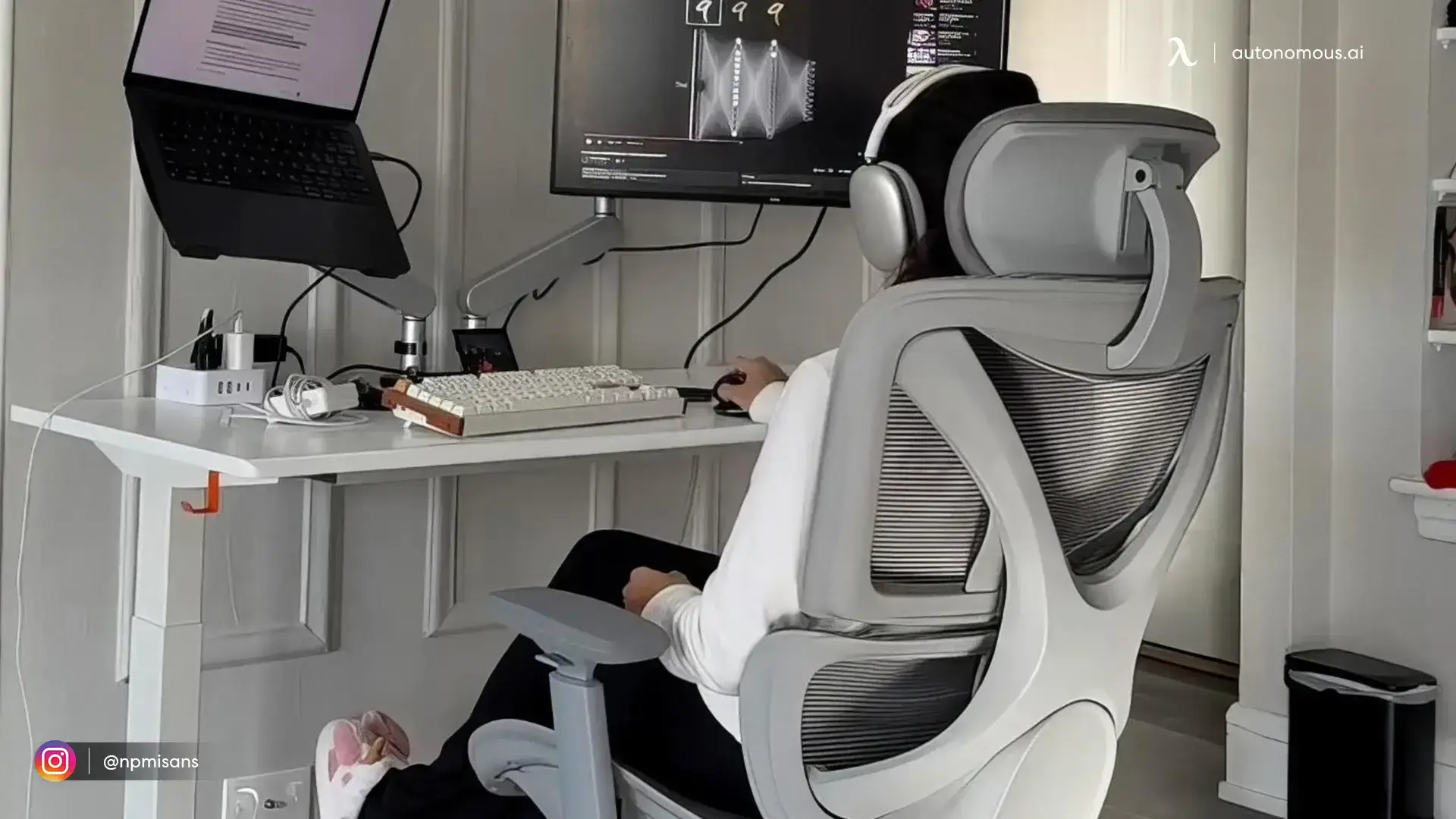
Core has a 242.5 lb weight capacity and a two-year warranty. Its higher seat-height range can work for some taller seated setups, but the 20-inch minimum may leave shorter users without comfortable foot support. Core's dual backrest follows the user passively; there is no lumbar-height control to position against a specific part of the lower back.
| Pros | Cons |
|---|---|
|
|
Which chair should you choose for movement and back support?
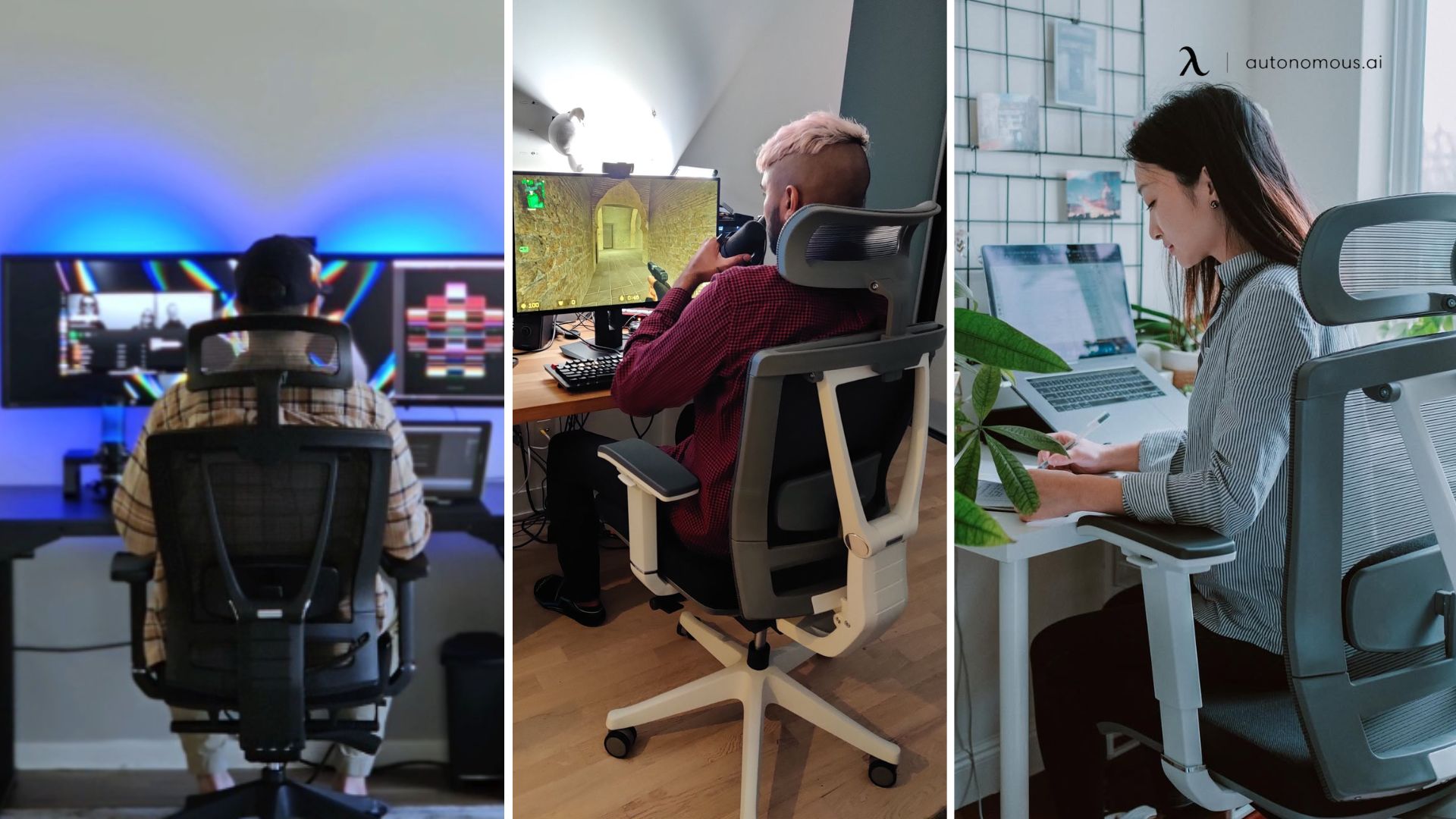
For active computer work, choose the chair whose backrest you can actually use without losing room to move. Pro suits users who want precise lumbar placement; Ultra 2 suits users who prefer a flexing backrest; Mesh offers ventilation with lumbar adjustment; Core offers simpler passive support.
If the reason you considered a backless desk chair was space, measure the supported chair's base width and its clearance under the desk before deciding. If the reason was movement, try the swivel and recline functions of a supported model rather than assuming a chair without a back is the only way to shift. For a more detailed guide to positioning lumbar support, see office chairs with adjustable lumbar support.
FAQs
Are backless office chairs good for posture?
A backless office chair may make some people more aware of how they sit, but it does not automatically improve posture. Fit, work-surface height and regular movement matter. A supported office chair can let you change posture while reducing the need to hold one position without a backrest.
Can you slouch in a backless office chair?
Yes. A chair without a backrest does not physically prevent rounding the shoulders or leaning toward a screen. Some people become more aware of these movements when unsupported, but maintaining one rigid upright position all day can still be tiring. Desk height and regular changes of position matter.
Is an ergonomic chair with no back suitable for all-day work?
It may be possible for some users, but a chair without back support offers nowhere to rest the trunk between tasks. For a long computer workday, an adjustable backrest is usually a more versatile choice. Change position periodically regardless of the chair design.
Does a backless chair strengthen your core?
Sitting without a backrest can change how much your trunk muscles work, but there is not good evidence that ordinary backless desk sitting reliably strengthens your core. If strength is the goal, a planned exercise routine is a more direct approach than removing the backrest.
What is the difference between a backless rolling chair and a supported office chair?
A backless rolling chair lets you swivel and move on casters without a backrest; a supported chair adds a surface for the upper and lower back. Both need a stable base, adequate seat dimensions and proper desk height. Check the wheel and floor compatibility of either one.
Can a chair without back support cause back pain?
Some people develop discomfort during unsupported sitting, but pain is not explained by chair design alone. A one-hour study linked temporary discomfort with less frequent small movements, not a single harmful posture. If pain persists, assess the whole workstation and seek appropriate clinical advice.
Is a backless desk chair a good space-saving choice?
It can be, if the entire chair fits beneath the desk or counter. Measure the base and the seat, not just the missing backrest. A low-back or compact supported chair may fit the same room while giving you somewhere to rest when seated.
What is a good alternative to a backless office chair?
An adjustable task chair with lumbar support, seat-depth adjustment and a comfortable recline is a practical alternative. ErgoChair Pro has an adjustable lumbar pad, Ultra 2 uses a flexible backrest, Mesh adds seat ventilation, and Core has a simpler dual-backrest design. Check seat dimensions before buying.
Bottom line
A backless office chair can suit occasional tasks or limited space, but it is not a shortcut to better posture or a substitute for core training. If you work at a computer for long stretches, choosing an ergonomic chair with a supportive, well-fitting backrest gives you more options for movement and rest.
Start with seat height, depth and the actual desk setup. Then compare the kind of back support you prefer, from a manually adjustable lumbar pad to a flexible backrest. Whichever seat you use, change position during the day rather than trying to sit perfectly still.
References
- Occupational Safety and Health Administration (OSHA). Computer Workstations: Chairs. Chair support, fit and adjustability.
- Occupational Safety and Health Administration (OSHA). Good Working Positions. Neutral positioning and movement breaks.
- Curran M., O'Sullivan L., O'Sullivan P., Dankaerts W., O'Sullivan K. Does Using a Chair Backrest or Reducing Seated Hip Flexion Influence Trunk Muscle Activity and Discomfort? A Systematic Review. Human Factors, 2015.
- Greene R. D. et al. Transient Perceived Back Pain Induced by Prolonged Sitting in a Backless Office Chair. Ergonomics, 2019.