Local AI Agent: How to Run One on Your Own Hardware
.webp)
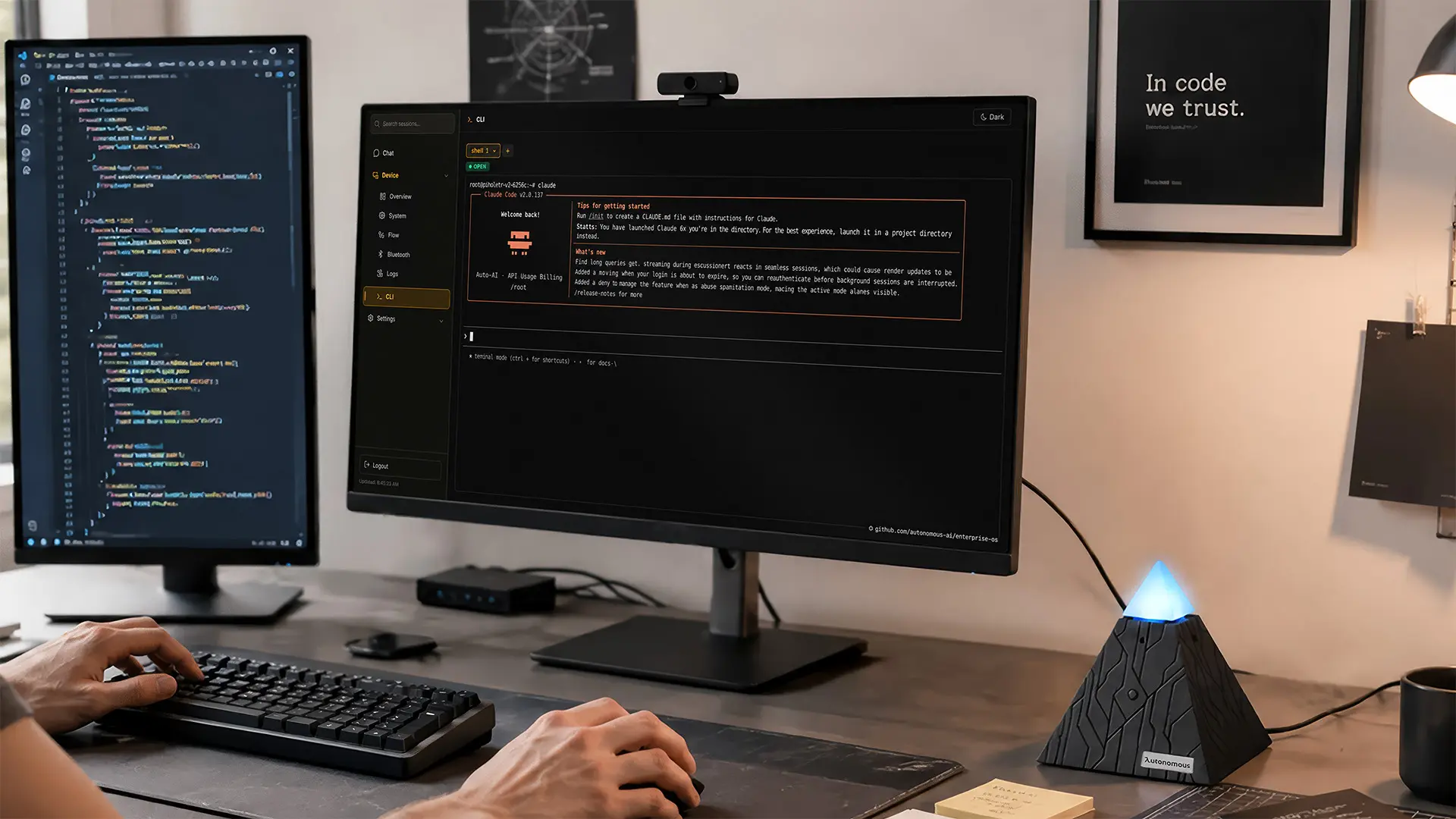
A local AI agent is agent software that runs on your own infrastructure and acts on your behalf, rather than living on a provider's servers. It plans and executes tasks autonomously, connects to your tools, and remembers context across sessions, with the difference from ChatGPT or a hosted assistant being where it all runs: on your machine, a home server, or a dedicated device you control.
The important nuance is that "local" describes two different setups. In a fully local agent, both the AI model and the agent run on your hardware, so nothing leaves your machine at all. In a hybrid, self-hosted agent, the agent, your data, and your credentials stay on your hardware, but the model reasoning is sent to an AI provider through API keys you manage. Both are commonly called "local AI agents," and they suit very different needs.
Why run an AI agent locally
Running an agent on your own hardware buys you four things the cloud-only model doesn't.
- Data control. Your prompts, documents, and credentials stay on infrastructure you own. For privacy-sensitive or regulated work, that's the whole reason to do it.
- Predictable cost. A fully local setup has no per-token bill; a hybrid one still meters model usage but keeps everything else free. Either way you're not exposed to usage-based pricing that punishes heavy use.
- Ownership and no lock-in. The agent is yours. If a vendor changes pricing or shuts a product, your setup keeps running.
- Offline and always-on operation. A fully local agent runs without internet; any local agent can run continuously on hardware that's always on, doing scheduled work in the background.
The honest tradeoff: local models vs a hybrid setup
This is the decision that shapes everything else: run the model on your own hardware, or keep only the agent and your data local while a cloud model does the reasoning. The two setups trade off along the same lines.
Fully local | Hybrid (self-hosted) | |
Runs on your hardware | The agent and the model | The agent and your data; model is cloud |
Privacy | Maximum - nothing leaves your machine | Data stays local; reasoning goes to the cloud |
Hardware needed | 16GB+ RAM (small models), 24GB+ (large) - a GPU or high-memory Mac | Almost any always-on machine |
Model quality | Open-weight, roughly 3-6 months behind frontier | Frontier cloud reasoning |
Ongoing cost | None per token after the hardware | Metered model usage |
Best for | Air-gapped privacy, high volume, offline | Frontier quality without a GPU |
The pattern most production agents land on is hybrid: keep the agent, memory, and credentials on your hardware, and borrow frontier reasoning from the cloud through your own API key. You lose "nothing ever leaves my machine," but you keep data ownership and skip the GPU, which is why the sharpest 2026 analyses call it the pragmatic choice for real agentic work. Knowing which end of that spectrum you actually need is the real skill.
How to run a local AI agent
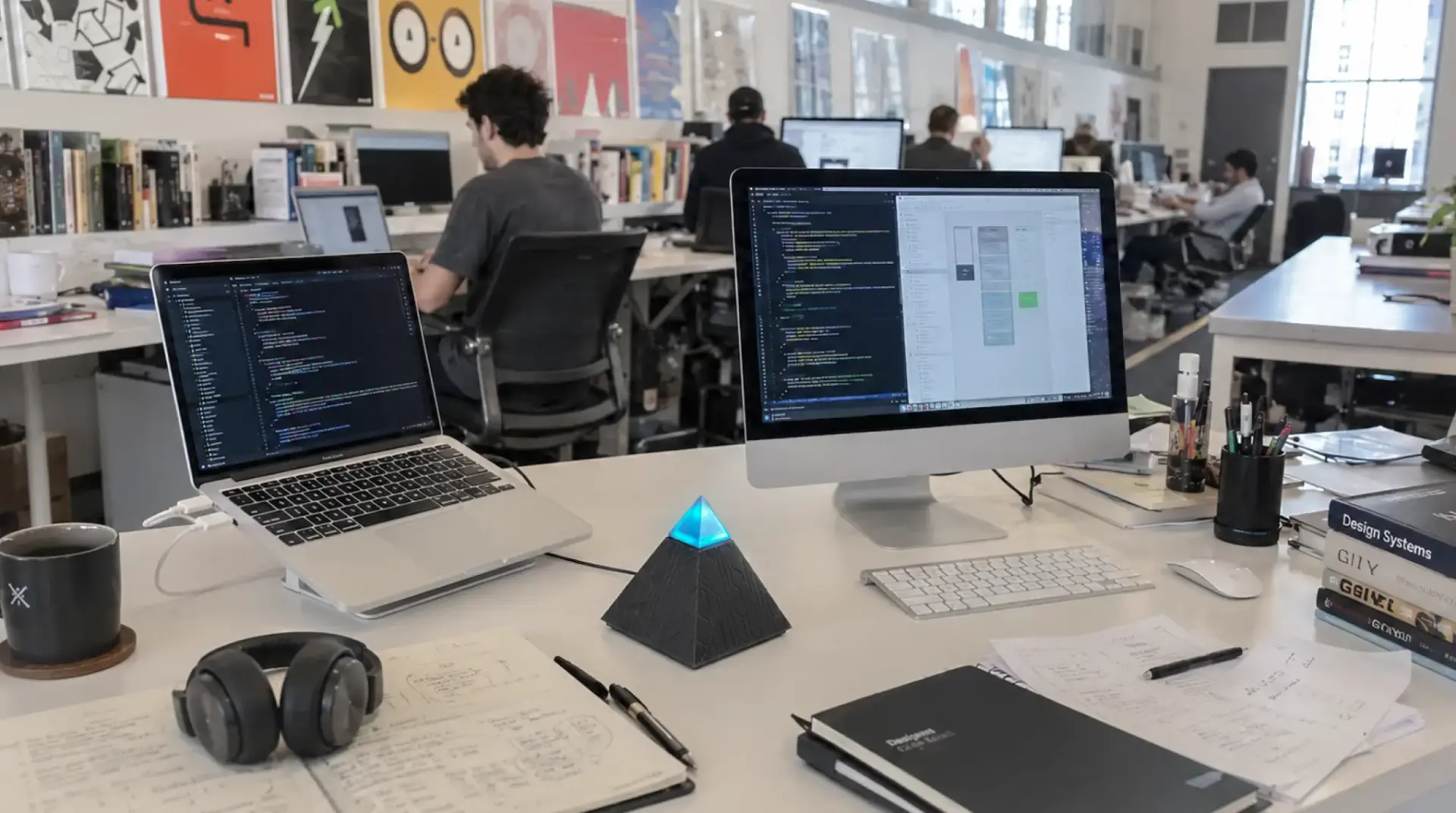
The common stack in 2026 is a model server plus an agent framework. For the model, Ollama (or LM Studio / llama.cpp) serves open-weight models locally; for the agent, an open-source framework like OpenClaw or Hermes handles the planning, memory, and tool use. You point the framework at either a local model through Ollama or a cloud model through an API key, which is what makes the same agent work fully local or hybrid.
Your path then depends on hardware. To run capable models fully locally, you need a machine with enough memory - our run AI locally guide covers what that actually takes. To run a hybrid agent, almost any always-on machine works, since the heavy lifting is in the cloud. The honest barrier for most people isn't the hardware, it's the setup: standing up Ollama, a framework, a service that stays running, and the security around an agent with system access.
Two ways to own the hardware
Each end of that spectrum needs different hardware, and we build for both, so treat this as disclosed.
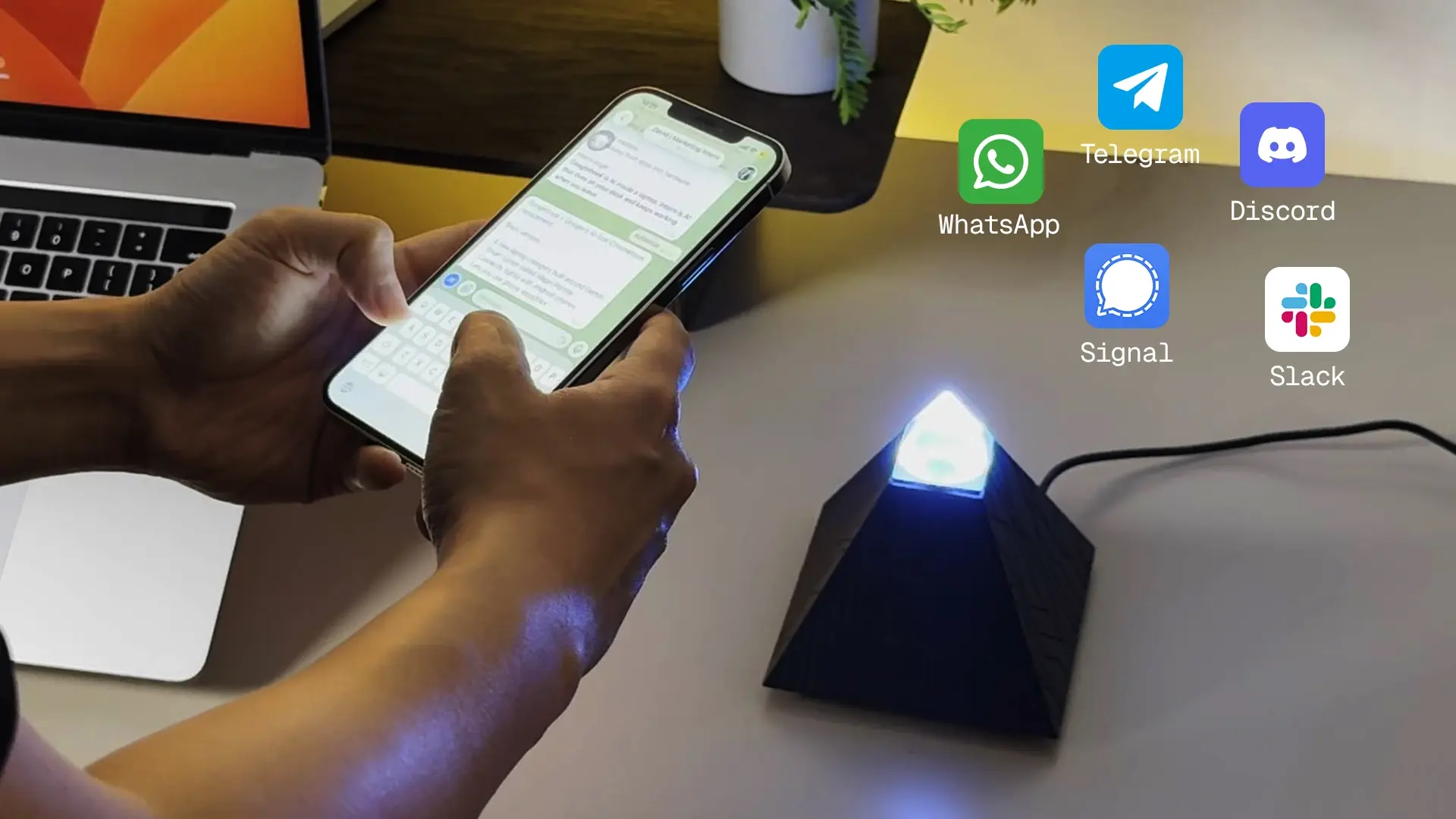
Hybrid: the Autonomous Intern.
A small always-on unit that runs an agent (OpenClaw or Hermes, switchable) out of the box, with your credentials, context, and memory kept as local files. You reach it by text or voice through Telegram, Slack, or Discord. The honest limit: it's a 6GB device, so it's cloud-orchestration-first, running the agent, memory, and skills locally while a cloud model does the reasoning through your keys. It won't serve large local models, and model usage costs tokens on top of the device.
Fully local: the Autonomous Computer.
A finished machine with the GPUs installed and burn-tested and the serving stack loaded, so the model runs on your own silicon and prompts never leave the room, with no per-token bill.
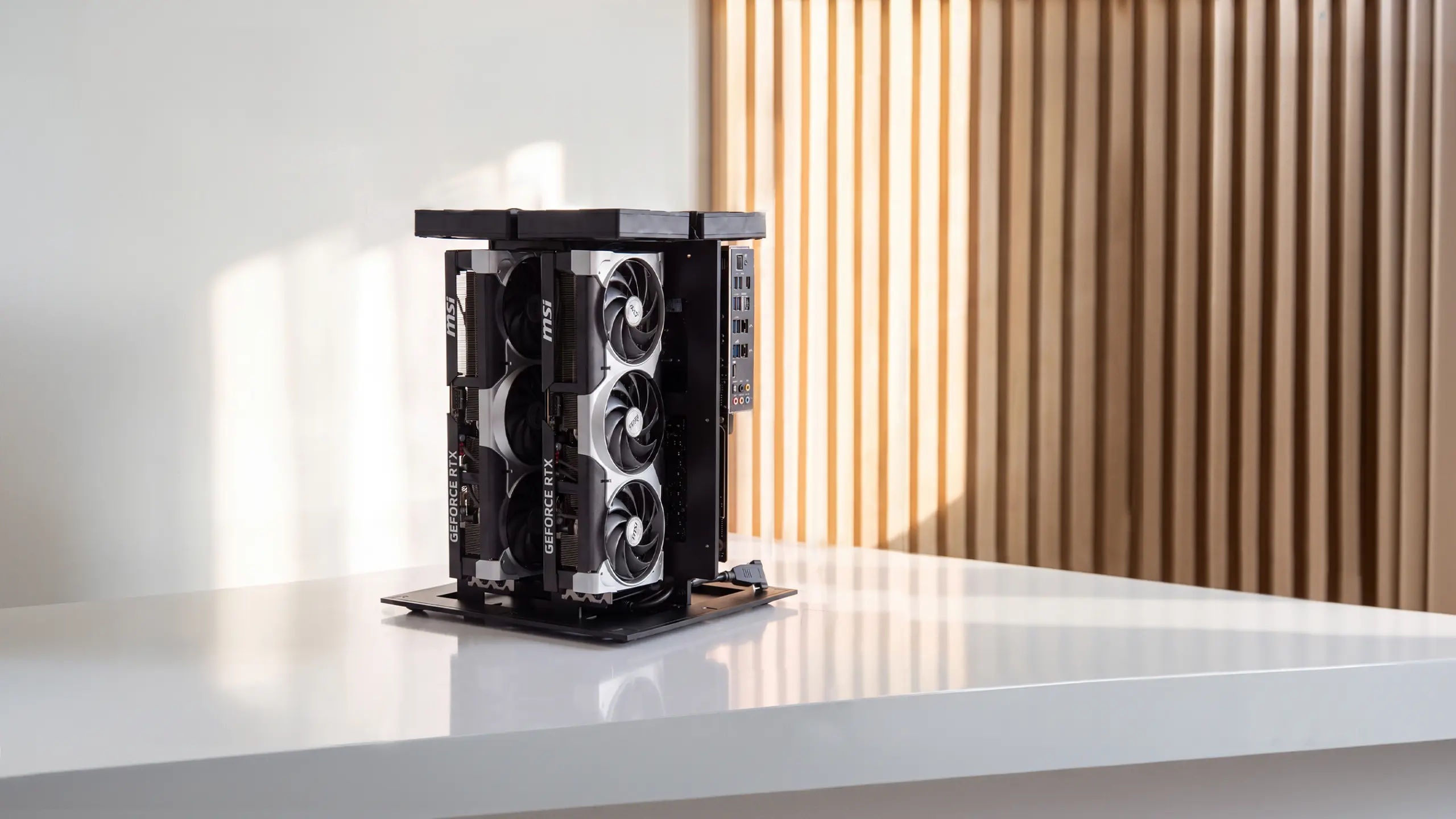
It starts as a 2-GPU machine and the same line scales to 4 and 8 GPUs for larger models or a team. The design is open source under MIT, with the build files public, so the same machine can be self-built and verified, and a DIY kit covers the case and risers if you want to build but skip the hardest parts.
Local AI agent vs cloud AI agent
The choice comes down to what you're optimizing for: data control and ownership, or convenience and best-in-class models.
Local AI agent | Cloud AI agent | |
Your data | Stays on hardware you own | Sent to the provider |
Cost | Hardware (or metered, if hybrid); no or low per-token | Per-token, no hardware |
Model quality | Open-weight, or a cloud model via your keys | Best-in-class, always current |
Maintenance | You run and maintain it | None |
Offline | Yes, if fully local | No |
Best for | Privacy, high volume, always-on work | Low-volume, exploratory, convenience |
For low-volume or exploratory use, cloud is the sensible default. For privacy-sensitive, high-volume, or always-on work, local - usually hybrid - starts to win, and many serious setups run both, routing each task to whichever fits.
FAQs
What is a local AI agent?
A local AI agent is autonomous assistant software that runs on hardware you own, keeping your data and memory on your side rather than a vendor's cloud. It can run the model locally too, or send only the reasoning to a cloud model through your own API key while everything else stays local.
Do you need a GPU to run a local AI agent?
Only for the fully local kind. Running capable models on your own hardware needs 16GB or more of memory for small models and 24GB or more for large ones, which means a GPU or high-memory Mac. A hybrid agent, where the model runs in the cloud, works on almost any always-on machine.
What is the best local AI agent?
It depends on your setup. OpenClaw and Hermes are strong open-source frameworks for building one, and others run fully offline. For a no-setup route, a dedicated device runs the agent for you. The best is the one matched to your hardware and privacy needs, not a single winner.
Can a local AI agent run offline?
A fully local agent can, since the model runs on your hardware. A hybrid agent needs internet for the cloud model's reasoning, even though the agent and your data stay local. If offline operation is essential, you need the fully local setup and the hardware it requires.
Is a local AI agent more private than cloud AI?
Yes for your data and credentials, which stay on your hardware. A fully local agent keeps everything on your machine; a hybrid one still sends reasoning prompts to a cloud model, so it is more private than a cloud service but not fully air-gapped. Match the setup to how strict your privacy requirement is.
Conclusion
A local AI agent is the answer when you want to own your assistant and your data rather than rent them, and the real decision is not whether to go local but how far. Fully local buys maximum privacy and zero token cost at the price of real hardware and a capability gap; hybrid keeps your data and agent on your side while borrowing frontier reasoning from the cloud, which is why most practical setups land there.
Start from your actual requirement, air-gapped privacy or ownership without a build project, and the right hardware, and the right amount of local, follows from it.
References
- Fastio, Top Open Source AI Agents You Can Run Locally 2026, fast.io
- MindStudio, Local AI vs Cloud AI in 2026, mindstudio.ai
- OpenClaw, Self-Hosted AI Agent: The Complete 2026 Guide, getclawdbot.com