Comfortable Chair for Long Sitting and How to Sit for Hours

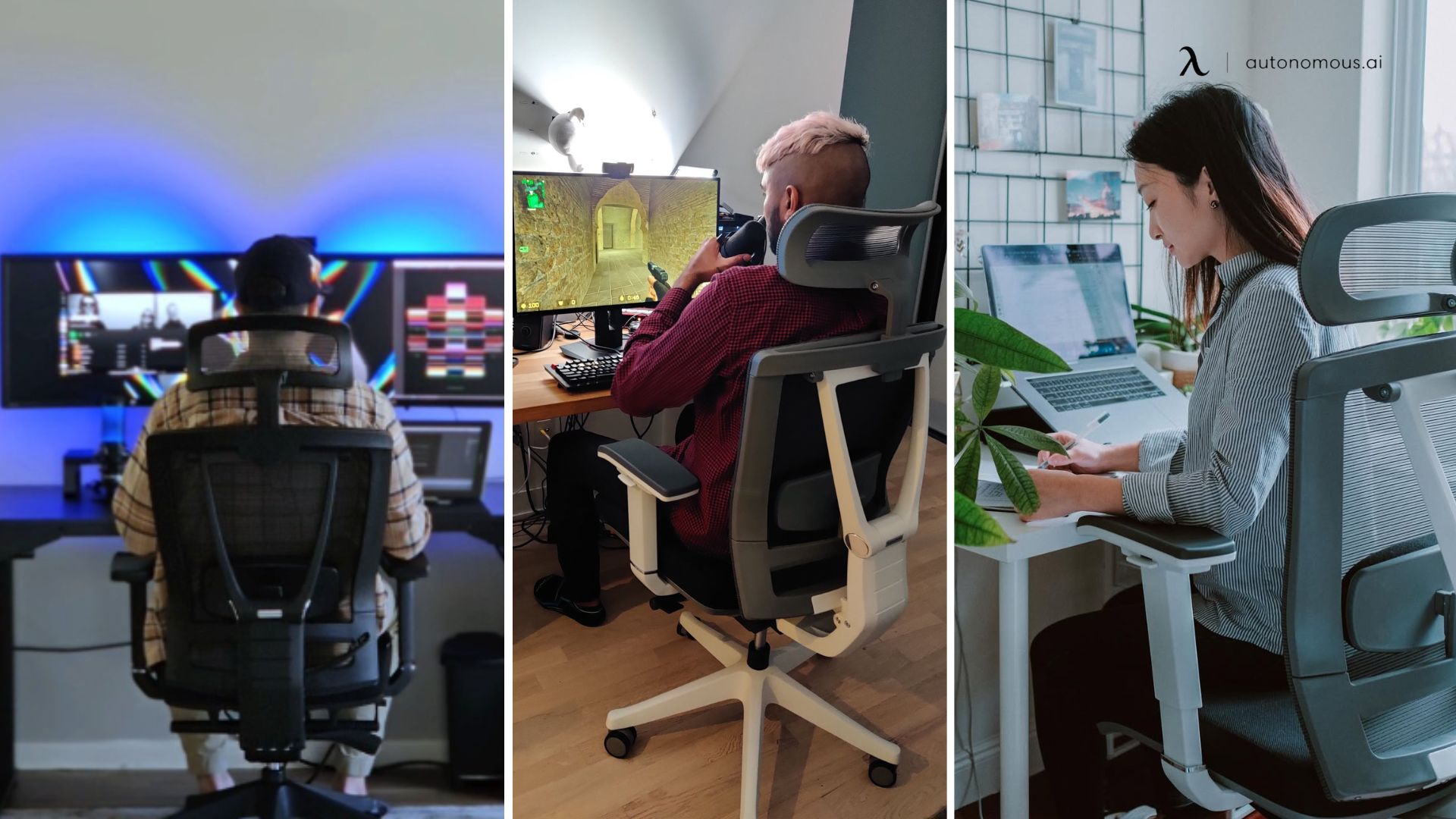
A comfortable chair for long sitting is one you can fit to your body, not the one with the thickest padding. Its seat lets your feet rest flat with your knees about level with your hips, its front edge stays clear of your knees, its backrest meets your lower-back curve and reclines, and its cushion still feels fine after an hour or two. The chair is only half of it, so this guide also covers how to sit for long hours and how often to get up.
What to check in a comfortable chair for long sitting
Seven checks decide whether a chair stays comfortable for long sitting: seat height, seat depth and width, the foam and cover, lumbar support, backrest recline, armrests and the base. Each comes with a test you can do in the chair. They work for any style, including a gaming chair, because they test fit, not the label.
Seat height: feet flat, knees level or a little lower. Cornell University's ergonomics guide sets the seat so your feet rest firmly on the floor and the front of your knees sits level or slightly lower. A lever you can reach while seated makes this easy. The ANSI/BIFMA G1-2013 guideline cited on Autonomous's ErgoChair Pro engineering page gives a seat height range of 16 to 21 in for adults.
Check: if your thighs slope up toward your knees, the seat is too low; if your feet dangle, it is too high.

Seat depth and width: a gap behind the knees, room at the hips. A seat pan that is too long catches you behind the knees or stops you from leaning back against the lumbar support, Cornell notes, which is why most ergonomic chairs have a waterfall front that curves down. Cornell also asks for at least one inch of seat on each side of your hips and thighs.
Check: sit all the way back. If the front edge touches the backs of your knees, slide the seat in or pick a shorter seat.
Foam and cover: the 60 to 120 minute test. Five minutes in a store tells you little. Cornell's test is whether the seat still feels comfortable after 60 to 120 minutes, because low-density foam can deform for good under daily use and stop cushioning you. Vinyl does not breathe, so moisture builds up under your thighs, and cloth over foam can turn warm and damp too. Check: sit through a full work block before the return window closes.
Lumbar support: it meets your lower-back curve. OSHA's chair guidance says the backrest should conform to the natural curve of your spine and give adequate lumbar support. Adjustable lumbar fits more backs, though Cornell says a fixed one is fine if it feels right and you are the chair's only user. Check: sit back fully. The firmest part should press into the inward curve of your lower back.

Backrest recline: it moves with you. Cornell recommends a backrest that reclines easily, supports you at different angles and follows your back, and says locking it in one position generally is not recommended. A reclining office chair lets you change posture without getting up. Check: lean back and sit up again. No gap should open behind your lower back.
Armrests: for resting, not for typing on. Cornell treats armrests as help for getting in and out of the chair and for occasional rest, such as on a call. Resting your forearms on them while you type can press on forearm muscles and the ulnar nerve at the elbow. Look for broad, padded arms that adjust for height and width and move out of the way.
Base and swivel: five casters that roll freely. Cornell suggests a five-point base with casters that glide over your floor and a seat that swivels easily, so you turn the chair instead of twisting to reach.
Once you know which checks matter most to you, the roundup of office chairs for long hours scores seven named models on seat material, lumbar, armrests and heat.
How the ErgoChair Pro fits these checks
For a commercial example, our ErgoChair Pro has a setting for most of the checks above, so it suits long sitting when your body falls inside its ranges. Autonomous lists a seat height of 18.5 to 22 in, seat depth of 19 to 21.5 in, lumbar that slides 6 in, a 22° synchro-tilt recline with 5 lock positions and adjustable tilt tension, so the back can also move with you unlocked, and armrests 11 to 14 in above the seat.
The seat comes in high-density foam or Cool mesh. Autonomous rates the chair for 12-hour days; that is the maker's rating, not a test result.
Where it falls short: owners report that the armrests do not lock in slide or swivel, and that the headrest tension is loose. The 22 in top seat height can be too low for tall people, and Autonomous notes that people under about 5'2" may need a footrest, since the seat goes no lower than 18.5 in. Check: measure from the seat to the underside of your relaxed, bent elbow. If it falls outside 11 to 14 in, the arms will not meet you.
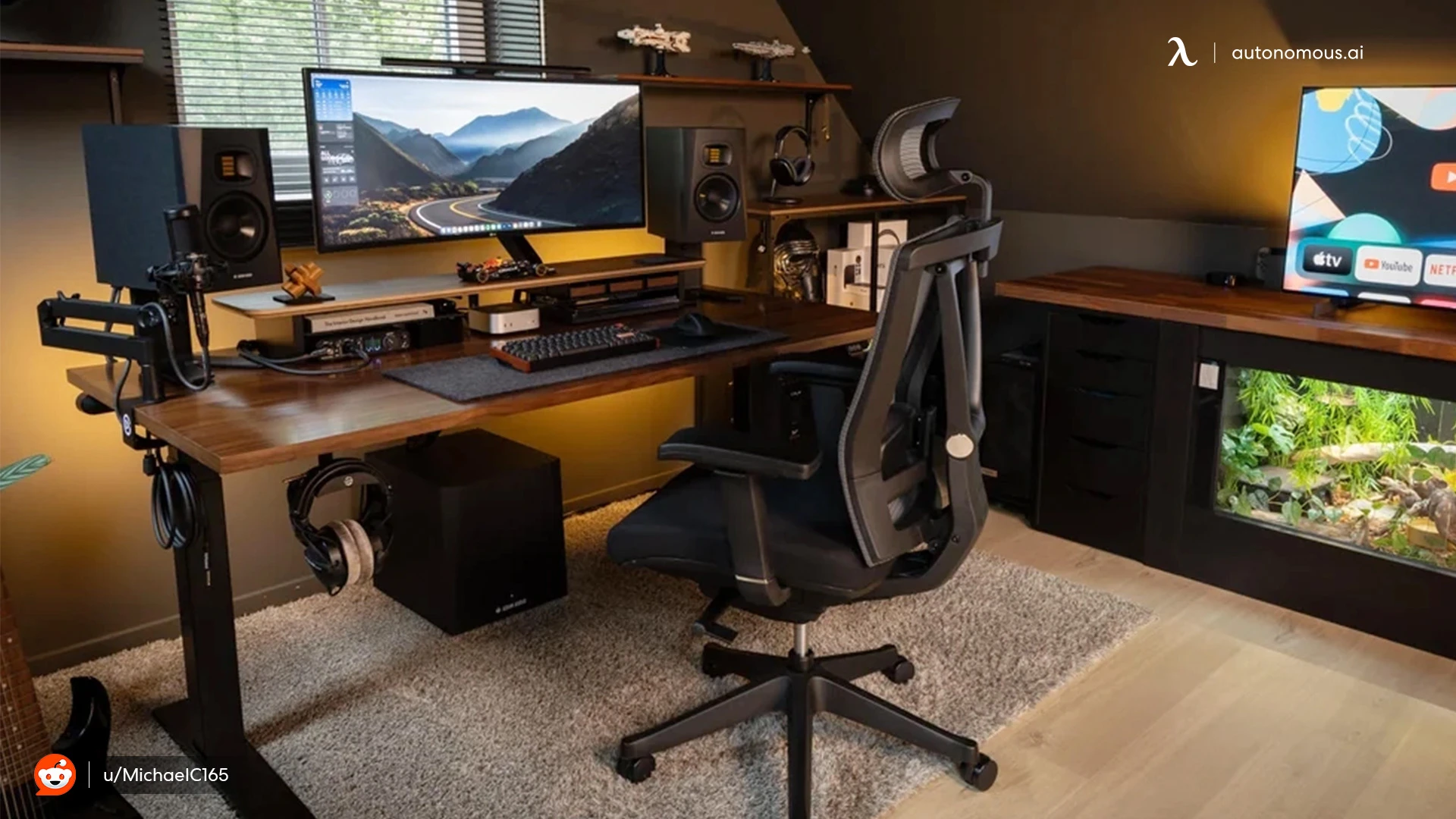
How to sit in a chair for long hours
To sit in a chair for long hours, sit all the way back, let the backrest take some of your weight at a slight recline, keep your feet supported and your elbows close to your sides, and change position often. OSHA's guide to good working positions describes the neutral posture like this:
- Feet fully on the floor, or on a footrest if the desk height does not adjust.
- Knees about level with your hips, feet slightly forward.
- Thighs and hips supported and roughly parallel to the floor.
- Back fully supported, with lumbar support, upright or leaning back slightly.
- Shoulders relaxed, elbows close to your body and bent between 90 and 120 degrees.
- Hands, wrists and forearms straight, in line and roughly parallel to the floor.
- Head level, facing forward and in line with your torso.
Run through the list after you sit down, and again whenever you notice yourself sliding forward on the seat.
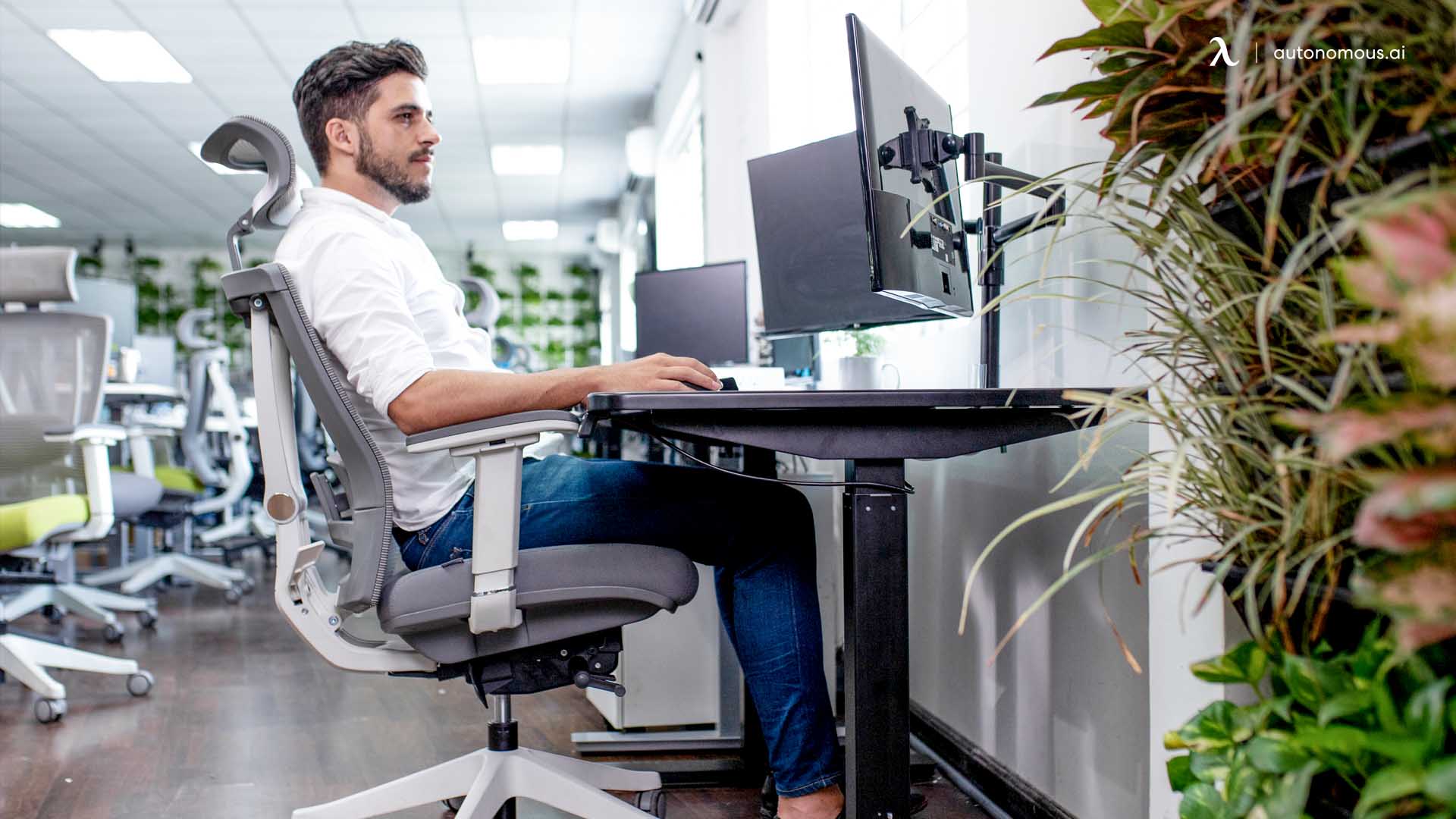
Lean back a little instead of sitting bolt upright. Cornell's ergonomic guidelines say studies favor a reclined posture of 100 to 110 degrees over the upright 90 degrees often shown in diagrams. At that angle the chair starts doing some of the work, and muscle activity and disc pressure in the lower spine drop. OSHA's reclined reference posture spans 105 to 120 degrees between torso and thighs. Check: you should still reach the keyboard and see the screen without craning forward.
The 90-90-90 rule is a simplification. It puts elbows, hips and knees each at 90 degrees. That works as a starting point, but OSHA gives the elbow a range up to 120 degrees, and Cornell favors opening the hip angle by leaning back.
No posture holds up all day. OSHA says working in the same posture or sitting still for long periods is not healthy, however good the posture is. It suggests small adjustments to your chair or backrest, stretching, a few minutes of walking, and doing some tasks standing.
If your lower back or hips already ache, put lumbar fit and seat depth first when you compare chairs for lower back and hip pain, and see a doctor if the pain stays.
How often to get up when sitting for long hours
Get up for a short rest break every 30 to 60 minutes, and pause between bursts of typing. Cornell's guidelines describe four kinds of break:
- Eye breaks: every 15 minutes, look at something more than 20 feet away for a minute or two.
- Micro-breaks: under 2 minutes between bursts of typing, to stretch, stand or take a call.
- Rest breaks: every 30 to 60 minutes, stand up, move around and do something else, such as getting a drink.
- Exercise breaks: gentle stretches every 1 to 2 hours.
Computer work makes it easy to lose track of time, so Cornell suggests break-reminder software. A phone timer does the same job.
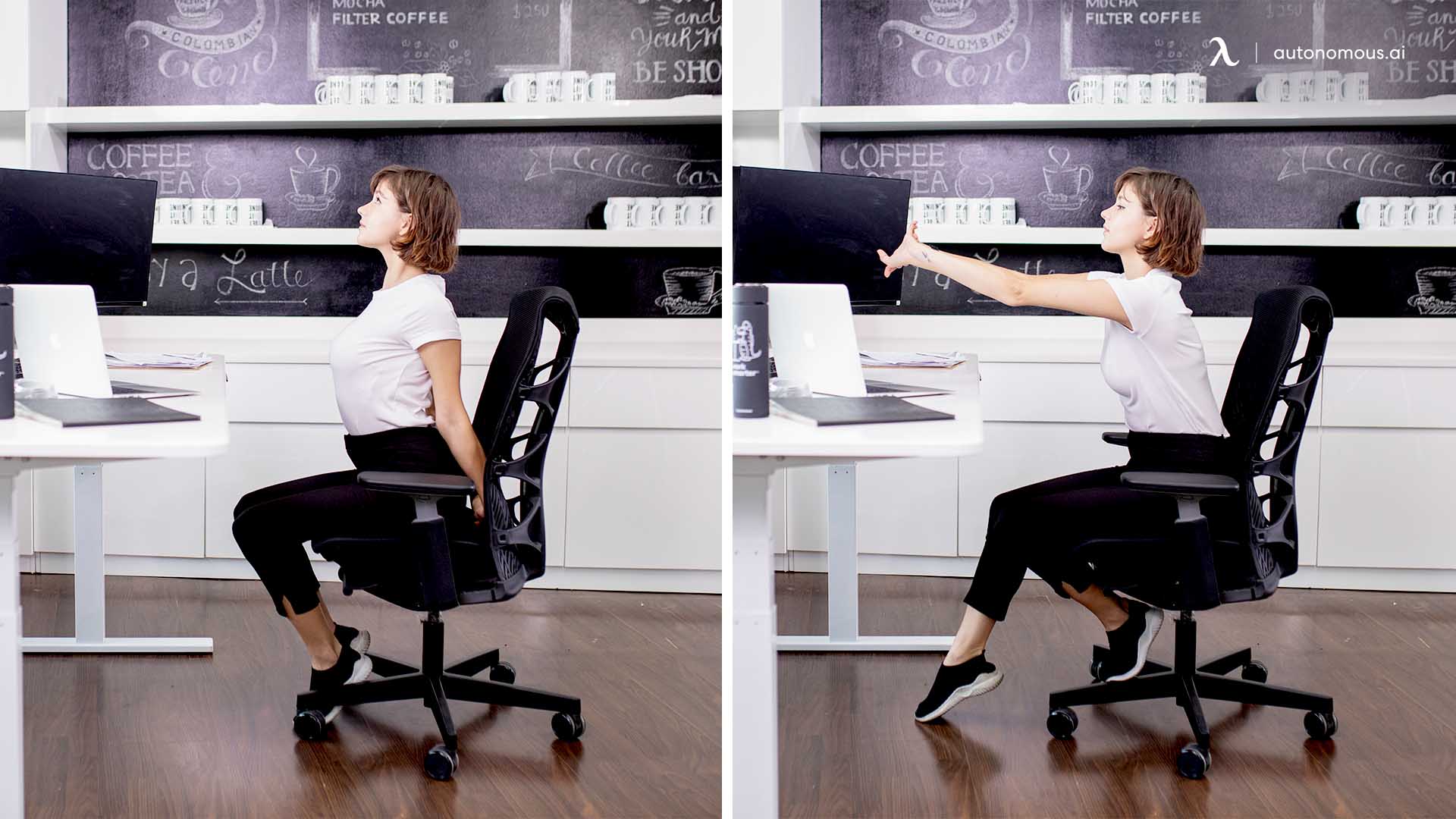
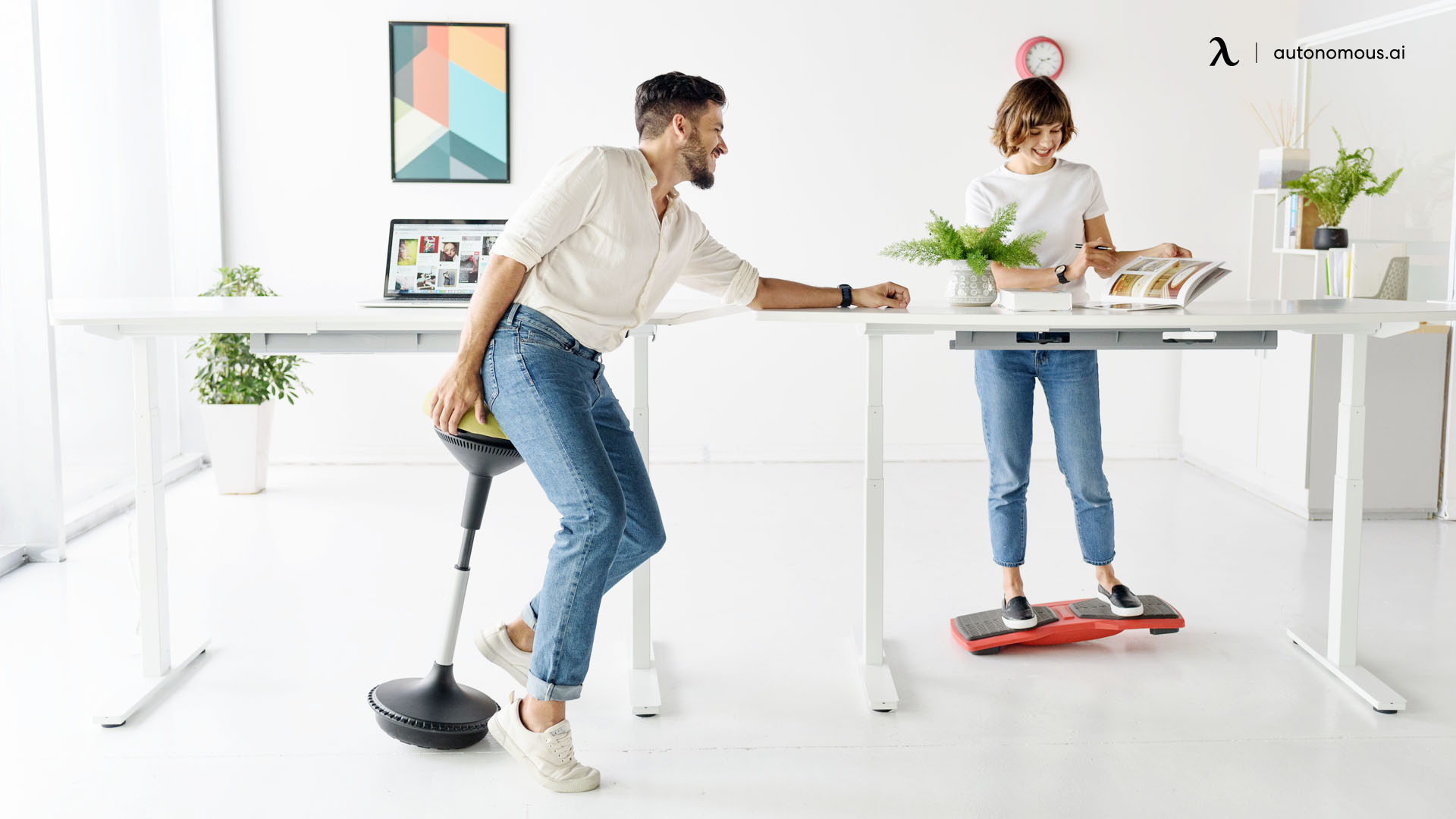
A standing desk helps when you keep moving. Cornell finds scant evidence that sit-stand furniture pays off on its own and notes that standing still is more tiring than sitting still. It does cite newer research that electric sit-stand desks, adjusted through the day, may reduce discomfort. So change height often, and stand up for calls or other tasks, rather than swapping one fixed posture for another.
Set up the desk and screen around your chair
Set the chair to your body first, then bring the desk, screen and accessories to you. Raising the chair to suit a desk that is the wrong height undoes the posture above.
Screen: arm's length, eyes near the top. Cornell places the monitor directly in front of you, about an arm's length away, with your eyes level with a point 2 to 3 in below the top of the monitor casing. Check: sit back at your slight recline and hold your right arm out. Your middle finger should almost touch the center of the screen.
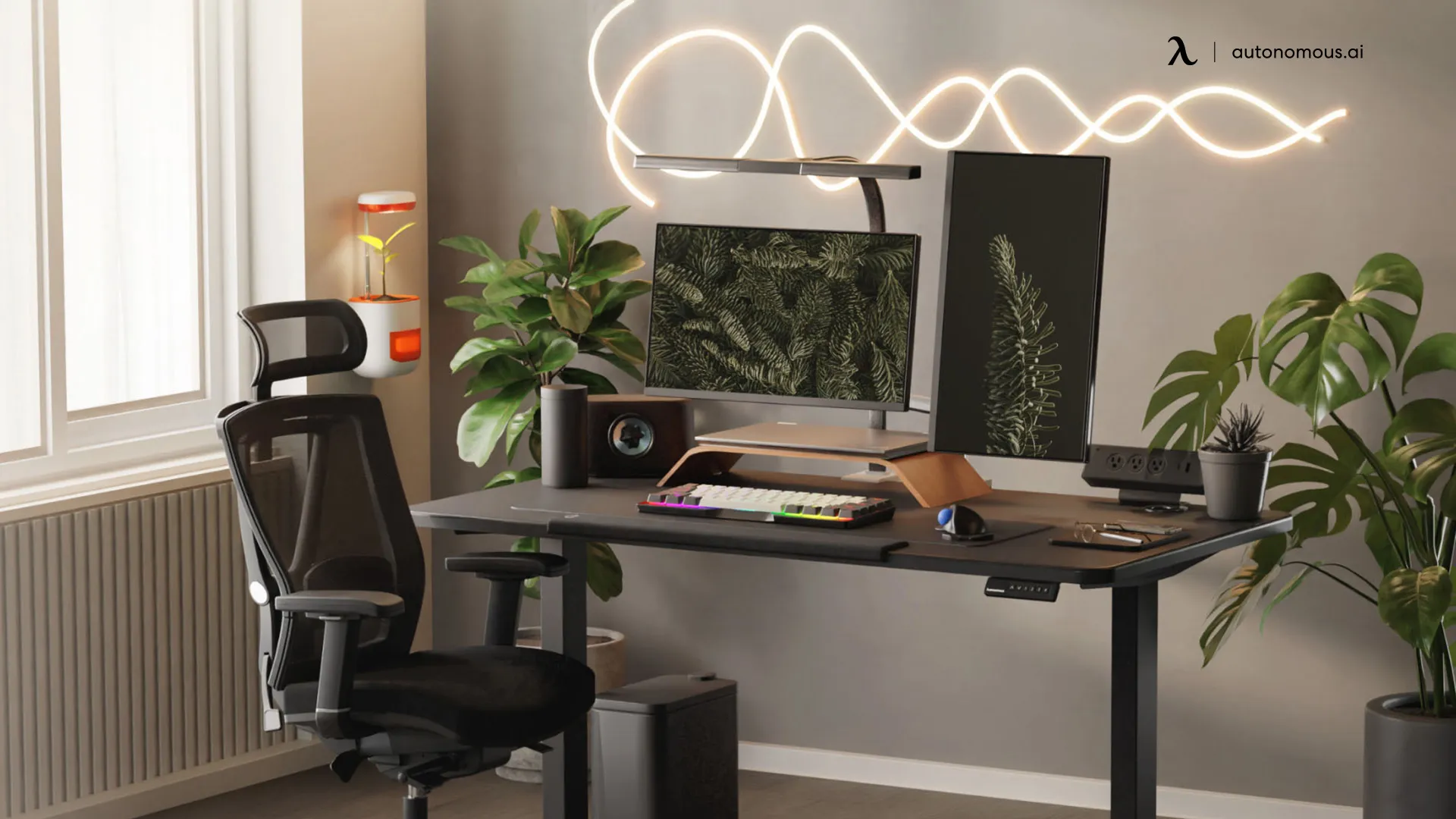
Desk and footrest: 28 to 30 in for most adults. Cornell gives 28 to 30 in above the floor for a flat surface you also write on. Most people do not need a footrest, it adds; if your feet leave the floor after you raise the seat to a fixed desk, use a free-standing one.
Cushion: a patch, not a fix. A seat cushion can help a seat whose foam has gone flat, but it does not fix a seat that is the wrong size. It also raises you, so recheck your feet and knees after adding one.
Lumbar: fill the gap the backrest leaves. If the chair's lumbar does not reach your curve and does not adjust, an add-on lumbar support can fill the space.
FAQs
What is the most comfortable chair for long hours of sitting?
The most comfortable chair for long hours of sitting is the one that fits you: feet flat, knees about hip height, a seat edge clear of your knees, lumbar in your lower-back curve and a backrest that reclines. Its seat should still feel comfortable after 60 to 120 minutes.
How do you sit on a chair for long hours without back pain?
Sit all the way back so the lumbar support carries your lower back, lean back slightly to 100 to 110 degrees, and keep your feet flat. Change position often and get up every 30 to 60 minutes. If pain persists despite a good setup, see a doctor.
What is the 90-90-90 rule for sitting?
The 90-90-90 rule says to sit with your elbows, hips and knees each bent at 90 degrees. It is a simplification: OSHA allows elbows between 90 and 120 degrees, and Cornell favors a slight recline of 100 to 110 degrees over sitting bolt upright.
Is sitting for 6 hours straight bad?
Yes, 6 hours without getting up runs far past the usual advice. OSHA says sitting still for long periods is not healthy however good your posture is, and Cornell recommends a brief rest break every 30 to 60 minutes.
Can you sit in a mesh chair for a long time?
Yes, a mesh chair works for long sitting if it passes the same fit checks as any chair. Mesh lets air through, which helps if you run warm; Cornell notes that vinyl and cloth-covered foam can trap heat and moisture under your thighs.
Do you need a seat cushion for long sitting?
No, not if your chair fits and its seat still feels comfortable after 60 to 120 minutes. A cushion helps when the foam has flattened, but it cannot fix a seat that is the wrong size, and it raises you, so recheck your seat height.
Are gaming chairs good for long sitting?
A gaming chair can work for long sitting if it passes the same checks as an office chair: adjustable seat height, a seat edge clear of your knees, lumbar that meets your curve and a backrest that reclines. The fit decides comfort, not the label.
Bottom line
A comfortable chair for long sitting fits your body and lets you move: feet flat, knees about hip height, a seat edge clear of your knees, lumbar in your lower-back curve, a backrest that reclines, and foam that passes the 60 to 120 minute test. Then sit back at a slight recline and get up every 30 to 60 minutes. Take these checks with you when you compare office chairs, in a store or on a spec page.
References
- Occupational Safety and Health Administration (OSHA). Computer Workstations eTool: Good Working Positions.
- Occupational Safety and Health Administration (OSHA). Computer Workstations eTool: Chairs.
- Cornell University Ergonomics Web. How to choose an ergonomic chair.
- Cornell University Ergonomics Web. Ergonomic guidelines for arranging a computer workstation.
- Autonomous. ErgoChair Pro engineering: seat height and the ANSI/BIFMA G1 guideline.