6 Best Ergonomic Chairs for Hip Pain & Pelvic Support
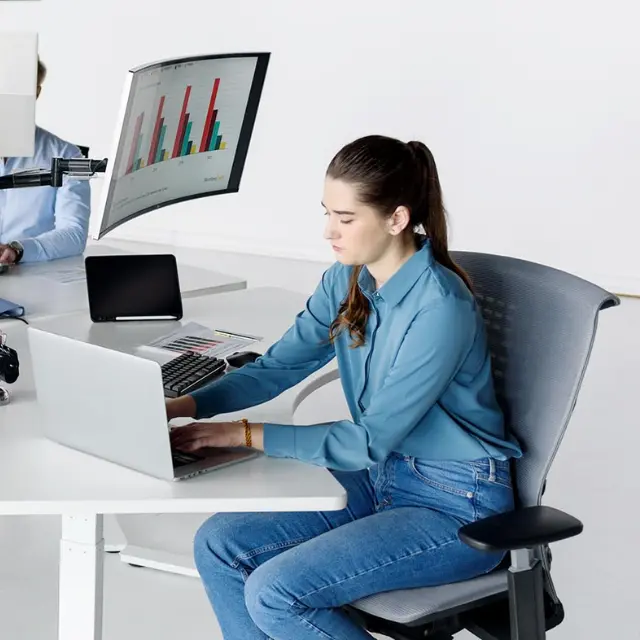
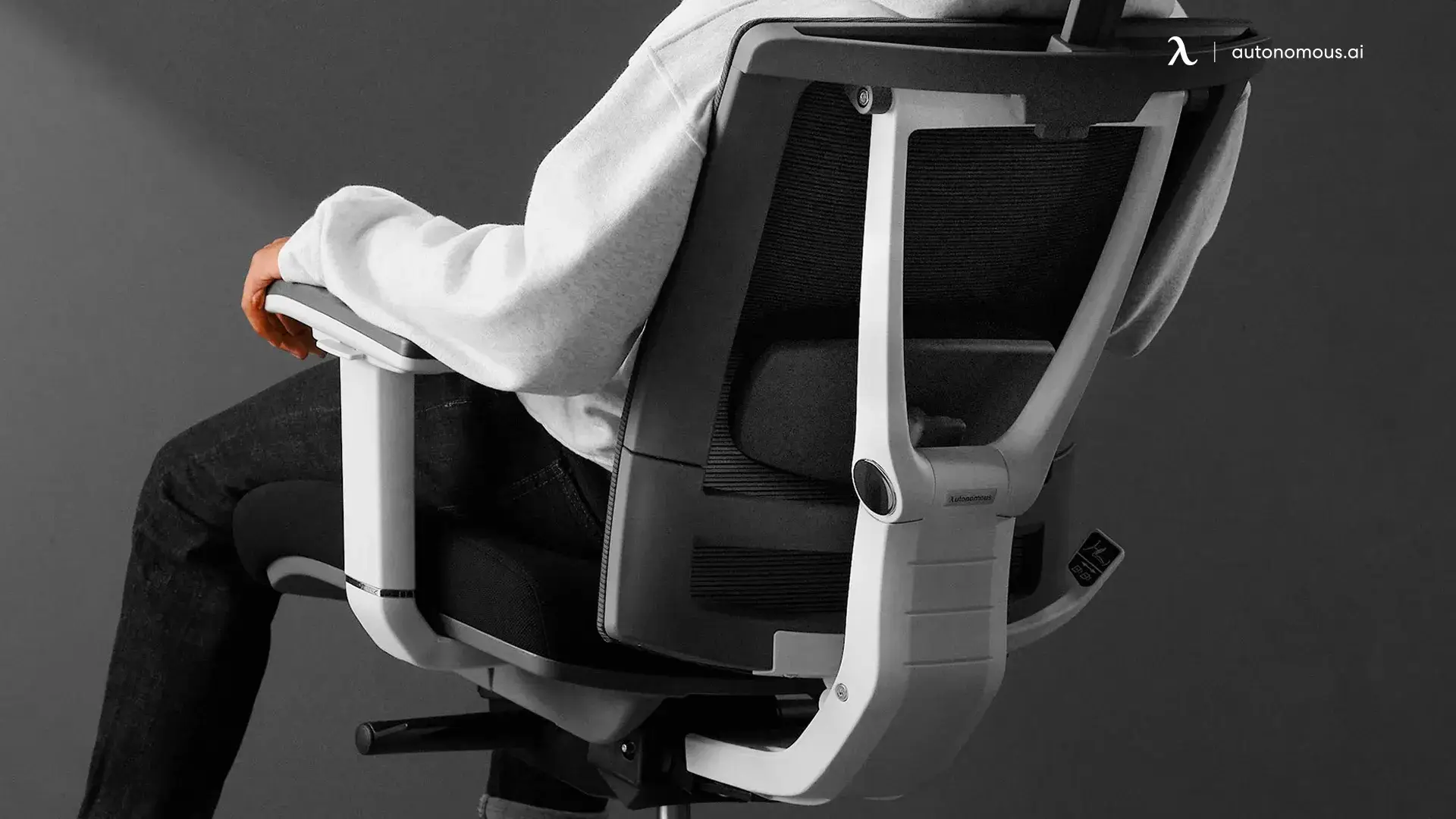
Table of Contents
Hip pain that shows up during long workdays is often linked to how you sit — and more importantly, what you sit on. An ergonomic chair for hip pain is designed to reduce pressure on the hips, support natural movement, and prevent strain that builds over prolonged sitting.
Not all chairs address these issues effectively. This guide focuses on the specific ergonomic chair features and design choices that help relieve hip discomfort, improve sitting tolerance, and support healthier posture during extended desk work.
Signs Your Office Chair Is Making Your Hip Pain Worse
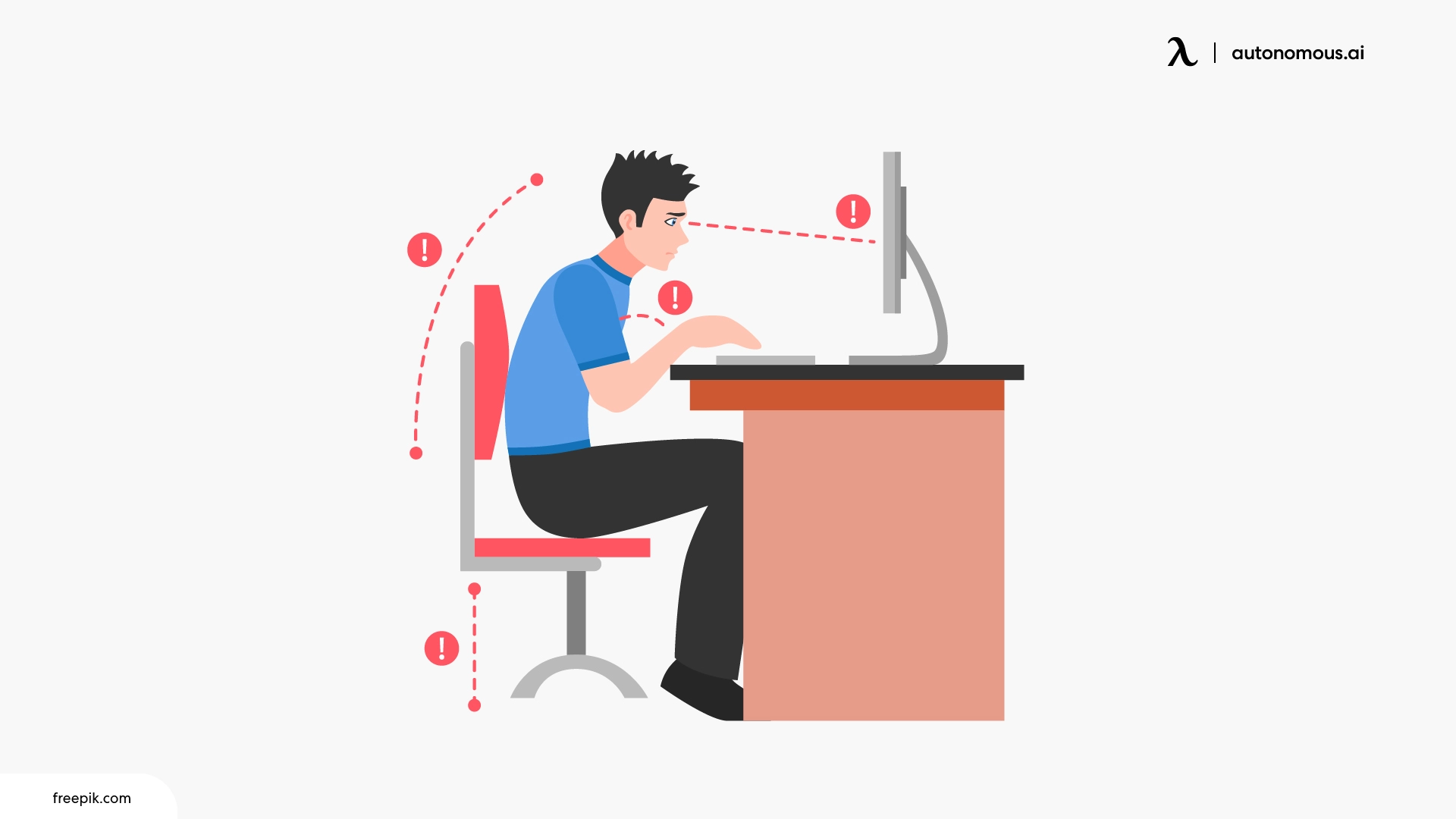
Most people blame hip pain on aging, tight hip flexors, or not stretching enough. Rarely do they look down at the uncomfortable chair that they're sitting on for 8+ hours a day. Here's what to actually pay attention to:
- You sit fine for the first hour, then everything shifts — early comfort that fades fast is a sign your chair lacks proper pelvic support, so your muscles are doing the work instead
- One hip hurts more than the other — this isn't random. It usually means your seat is flat or slightly uneven, forcing your body to lean without you noticing
- You cross your legs constantly — not a habit thing. Your body is instinctively trying to create the pelvic tilt your chair doesn't provide. Feels better short-term, worsens the imbalance over time
- Your hips feel stiff when you first stand up — that 2-3 seconds where you can't walk normally? That's your hip flexors locking up from being compressed in the same position too long
- The pain fades on weekends — the tell most people ignore. If your hips feel better on days you're not at your desk, that's not coincidence
If you're already experiencing hip pain from office chair use, an ergonomic chair for hip pain works because it addresses the actual trigger — how your pelvis sits, how weight distributes across the seat, and whether your hips stay in a neutral position hour after hour. That's a design fix, not a comfort upgrade.
What to Look for in an Ergonomic Chair for Hip Pain
Not every ergonomic chair is built to address hip pain specifically. Many prioritize back support or posture correction, which matters — but if your hips are the problem, you need to evaluate a chair differently. These are the key features that directly influence how your hips sit, bear weight, and hold up over a full workday.
1. Adjustable Seat Depth (Non-Negotiable)
Seat depth is the single most overlooked feature when shopping for a desk chair for hip pain — and it's arguably the most important. If the seat pan is too deep, the front edge presses into the back of your knees and forces your pelvis to tuck under. Too shallow, and your thighs lose support entirely, shifting excess load onto your hips.
What you want is a seat that lets you sit with your back fully against the backrest while leaving 2-3 fingers of space between the seat edge and the back of your knees. This keeps your pelvis neutral and distributes your weight across the full length of your thighs instead of concentrating it at the hip joints. If a chair doesn't offer adjustable seat depth, it's guessing — and that guess won't work for everyone.
2. Seat Cushioning That Distributes Weight
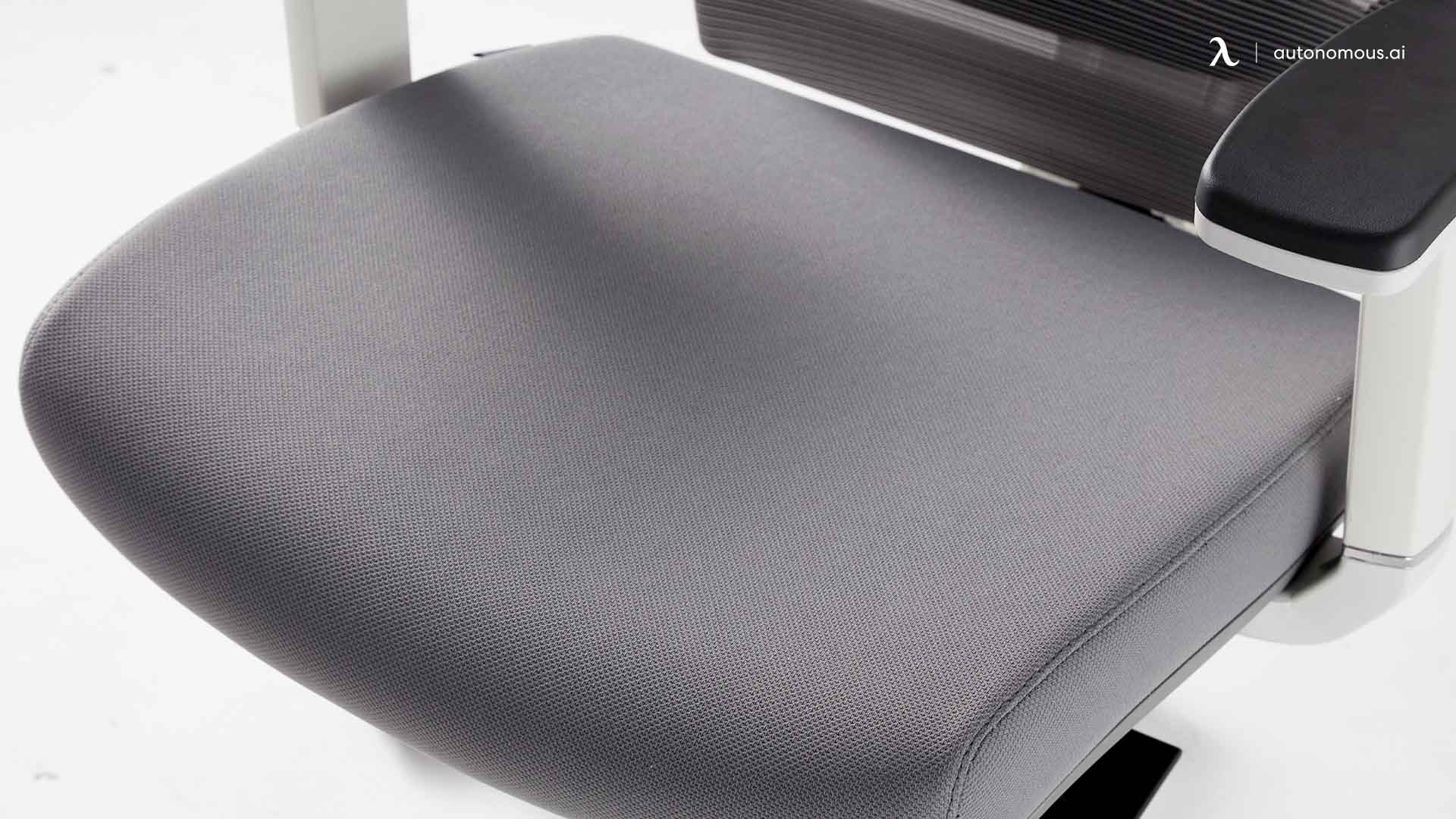
Cushioning is where most people get misled. A thick, soft seat feels comfortable in the showroom but creates problems over time — your hips sink unevenly, pressure pools in the wrong spots, and your pelvis tilts without you noticing.
The best ergonomic chair for hip pain uses firm, contoured cushioning that keeps your sit bones properly supported without letting them sink. High-density foam or mesh with structured give tends to perform better than memory foam for this reason. The goal isn't softness. It's even weight distribution across the entire seat so no single point around your hips is absorbing more load than it should.
3. Tilt Mechanism That Opens the Hips
A standard office chair locks you at roughly 90 degrees between your torso and thighs. For most people that's fine. For anyone dealing with hip pain, it's a problem — a 90-degree angle compresses the hip flexors and keeps the joint in its most loaded position all day.
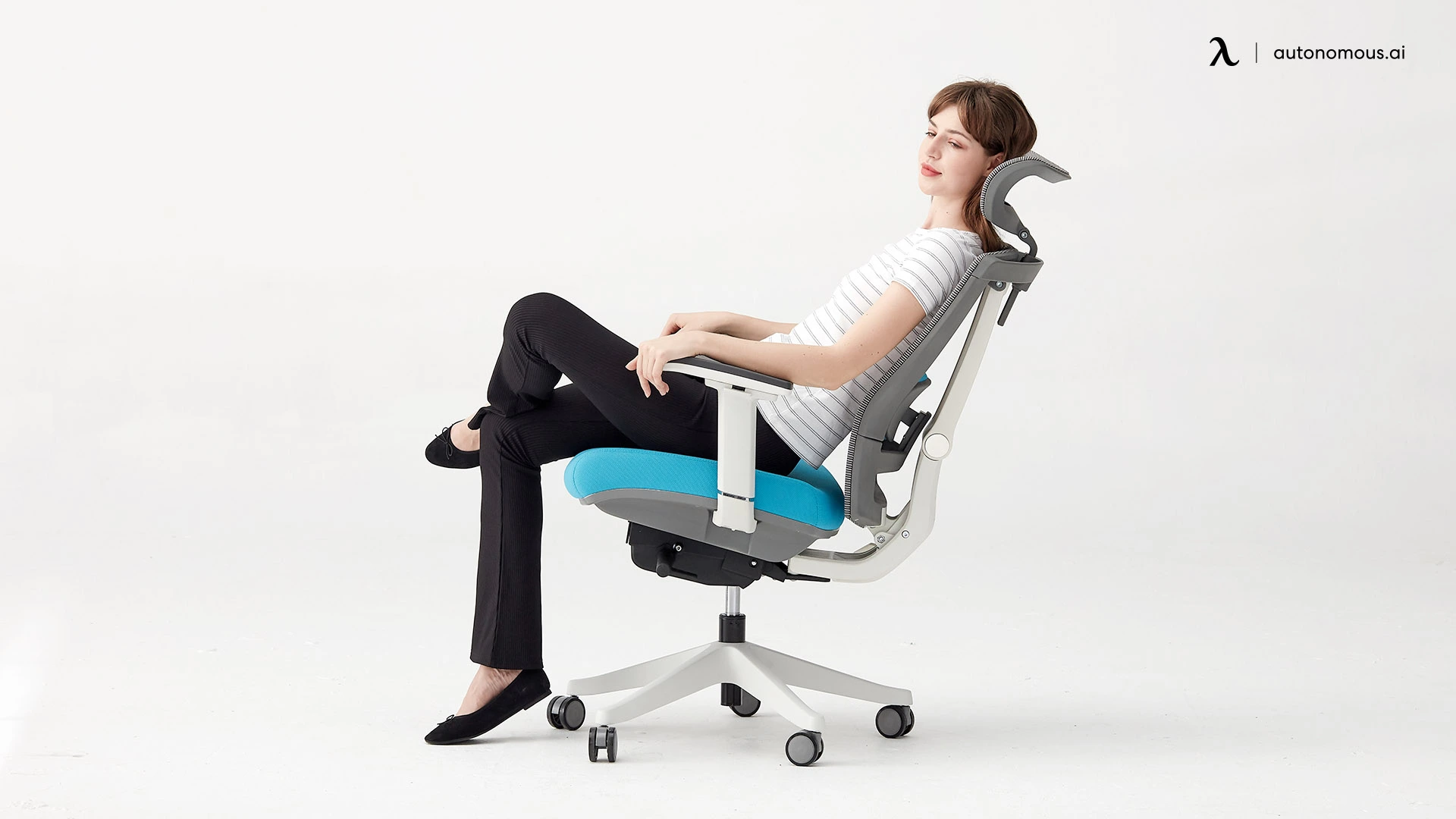
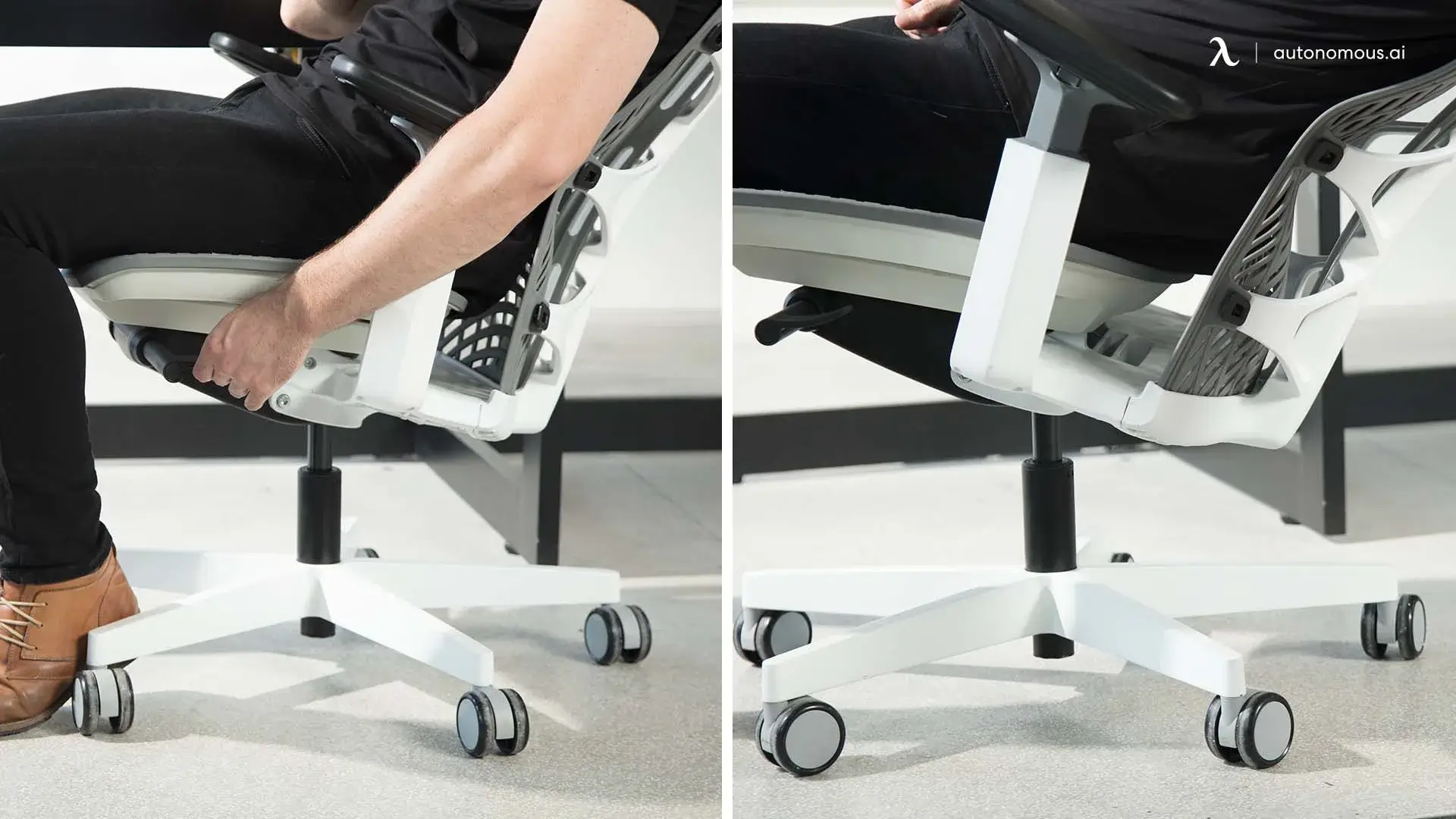
A good tilt mechanism lets you open that angle slightly, ideally to around 100-110 degrees. Some chairs offer seat tilt (the seat pan itself angles forward), while others provide synchro-tilt (seat and back recline together in a fixed ratio). Either works, as long as it allows your hips to sit in a more open, relaxed position. This one adjustment alone can be the difference between a chair that manages hip pain and one that quietly makes it worse.
4. Proper Lumbar Support (Indirect but Critical)
Lumbar support doesn't touch your hips — so why does it matter? Because your lower back and pelvis are structurally linked. When your lumbar spine loses its natural curve, your pelvis compensates by tilting backward. That posterior pelvic tilt changes the angle at your hip joints, adds compression where there shouldn't be any, and turns a mild ache into a persistent issue. If you tend to sit in the cross-legged office chair style, uneven cushioning amplifies the asymmetry rather than absorbing it.
An ergonomic office chair for hip pain should have lumbar support that's adjustable in both height and depth. The right setting keeps your lower spine in its natural lordotic curve, which in turn keeps your pelvis in a healthy sitting position — and that's what protects the hips. It's indirect, but it's one of the most critical connections most people miss when choosing the best office chair for hip problems.
6 Best Ergonomic Chairs for Hip Pain
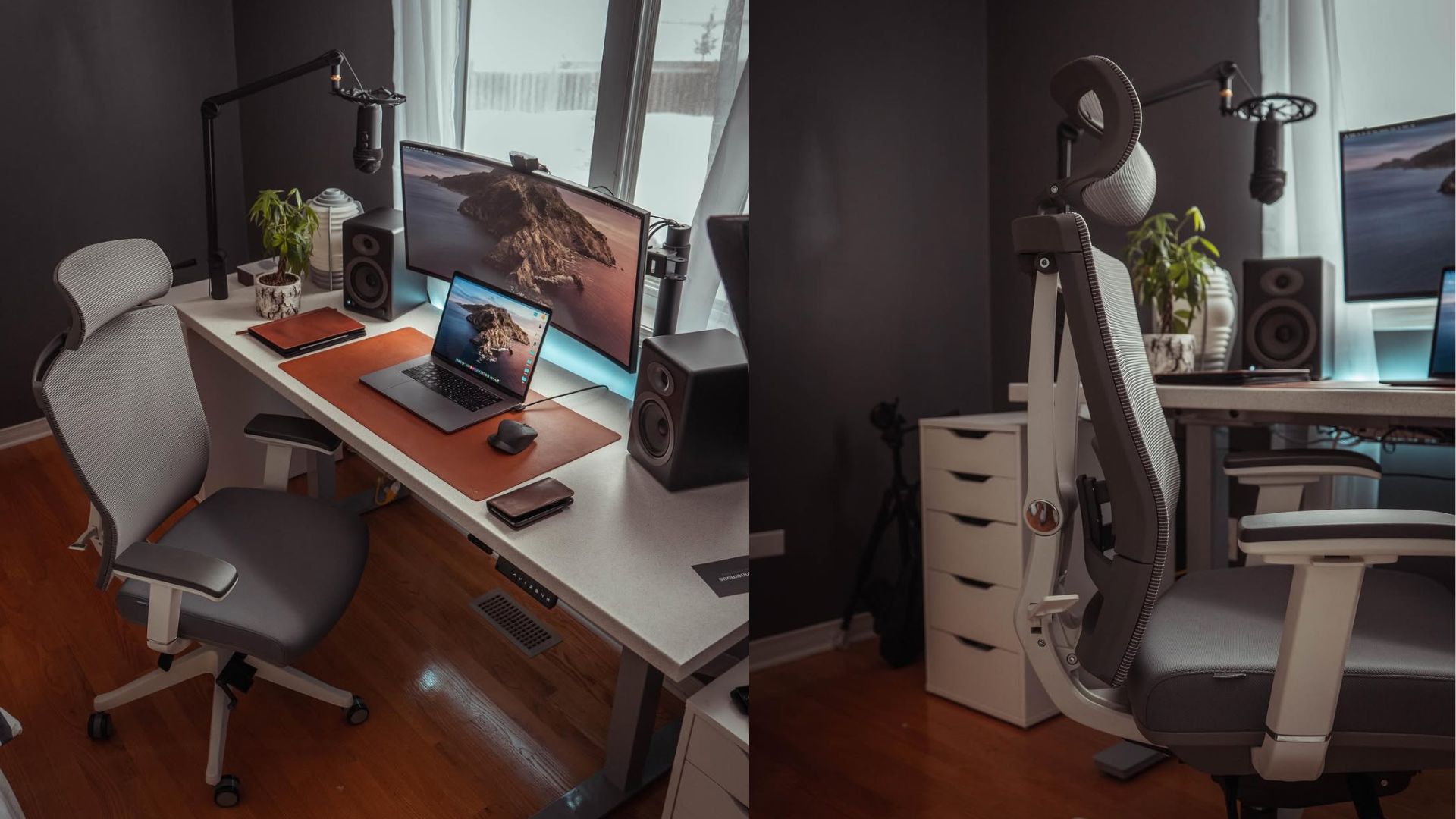
1. Autonomous ErgoChair Ultra 2
For hip pain that builds hour by hour
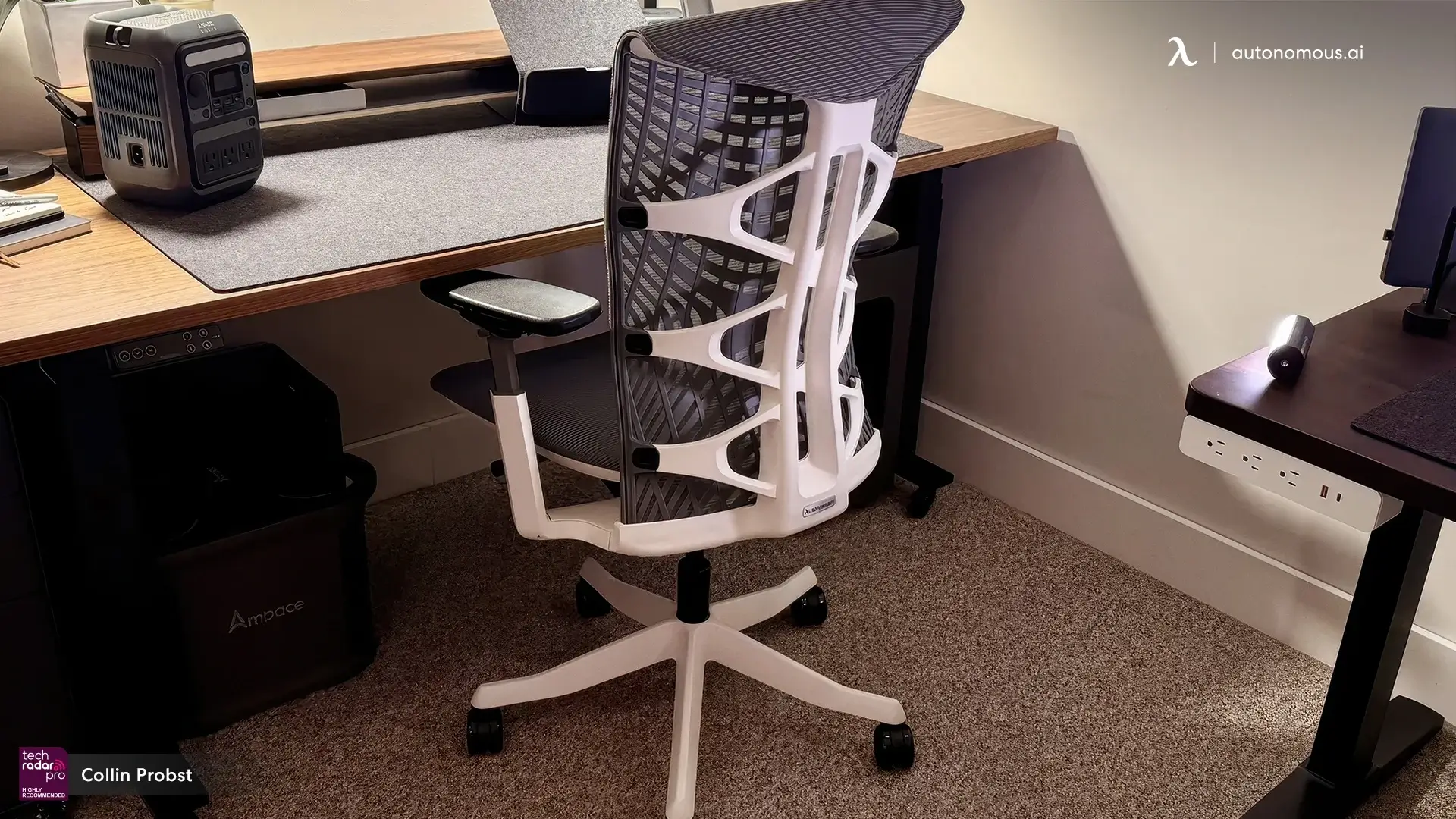
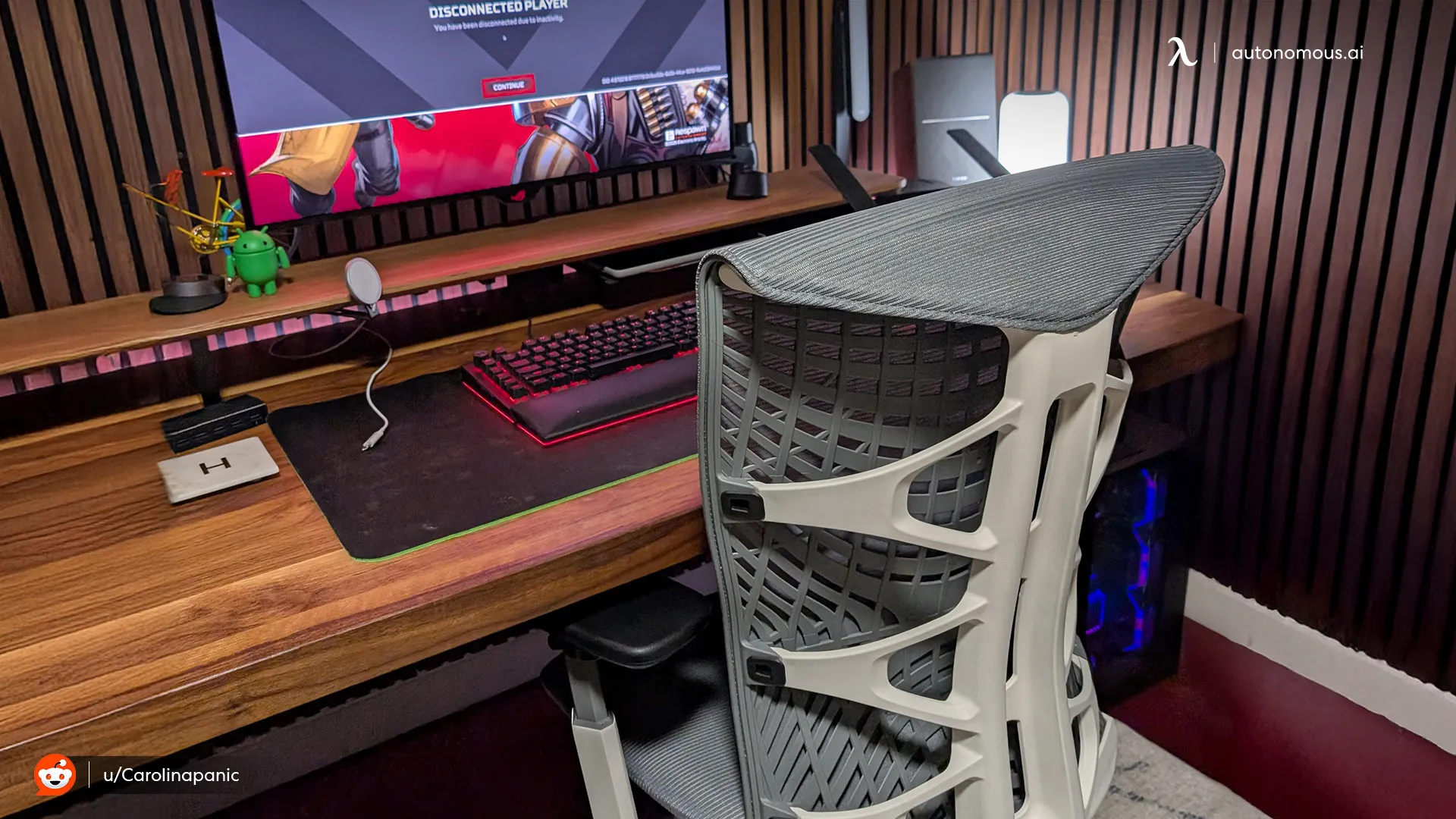
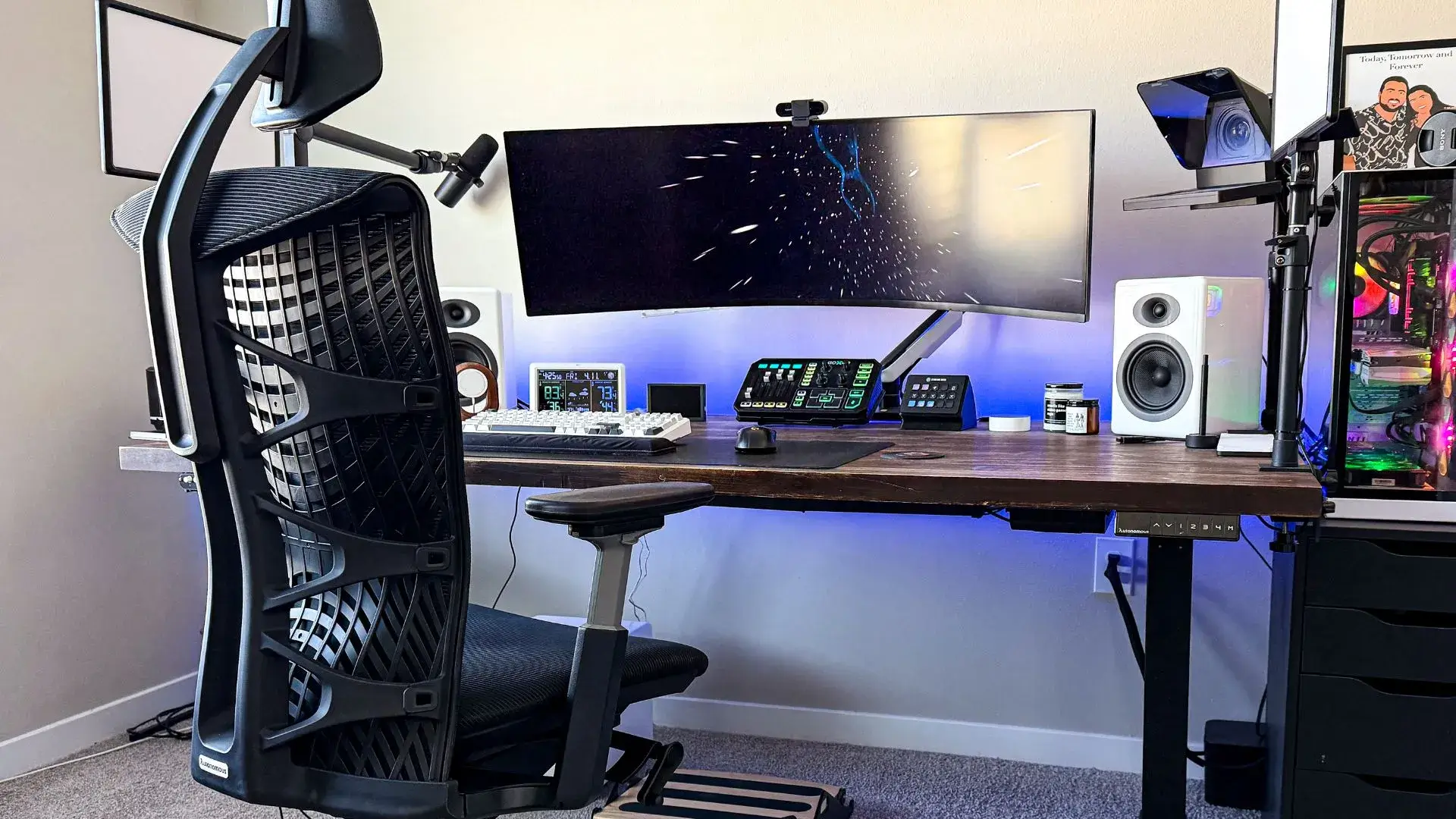
The ErgoChair Ultra 2 is one of the few chairs in its price range that offers adjustable seat depth alongside a full tilt mechanism — two features that directly control how your hips sit throughout the day. The seat pan slides to accommodate different leg lengths, which means the pressure distribution across your thighs and hips can be dialed in rather than left to chance.
Where this mesh chair stands out for hip pain specifically is its adaptive lumbar system paired with a recline range that lets you open the hip angle past 90 degrees comfortably. That combination keeps the pelvis neutral while giving the hip flexors room to decompress — exactly what the previous section flagged as critical. The mesh seat also avoids the sinking problem that foam seats create over time, keeping your sit bones stable instead of letting them drift into uneven positions.
What to be aware of: The mesh seat is firm by design. If you prefer a cushioned, softer feel, this chair will have a break-in period where it feels less comfortable than expected — but that firmness is what keeps your hips aligned long-term.

2. Steelcase Leap
For sitting positions that never stay the same
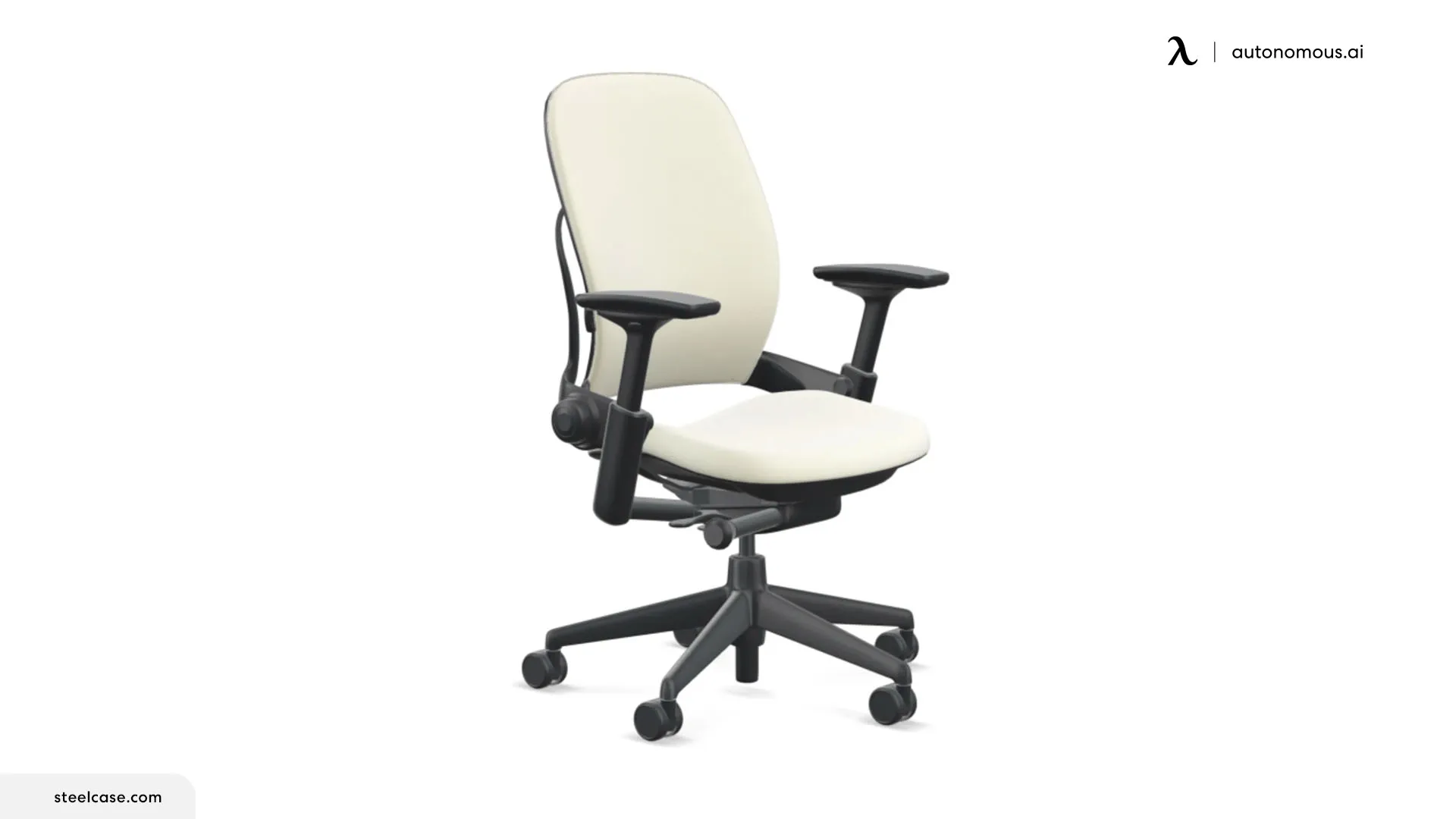
Quick glance:
- Seat depth range: 15.75" - 18.75"
- Seat material: High-density foam
- Recline range: up to 25 degrees
- Armrests: 4D adjustable
If you constantly shift positions throughout the day — leaning forward, reclining, sitting to one side — most chairs make your hips pay for it. This office chair for hip and back pain was designed around that reality. Its backrest moves with your spine as you change positions, and the seat edge flexes to reduce pressure on the back of your thighs when you lean forward or perch.
The seat depth adjusts, which lets you set the right thigh-to-hip pressure ratio for your frame. The lower back firmness is controlled separately from the recline, so you can keep your pelvis supported even when you're not sitting upright. In practice, this means the chair doesn't force you into one "correct" posture — it keeps the hip angle functional across multiple sitting positions throughout the day.
If you've tried the best desk chair for hip pain before and found it only worked when you sat "perfectly," this is the counterpoint. It accommodates how people actually sit, not how they're supposed to.
What to be aware of: The foam seat retains more heat than mesh alternatives. If you're in a warm environment or sitting for extended periods, the temperature buildup under the hips and thighs is noticeable by late afternoon — something worth weighing if you're comparing chairs built for an 8-hour office chair workday.
3. Anthros Chair
For hip pain that no standard chair size seems to fix
.webp)
Quick glance:
- Seat depth: custom-sized to body measurements
- Seat material: Foam with contoured base
- Backrest: Mid-back, active sitting design
- Armrests: Positioned relative to shoulder width
- Weight capacity: 300 lbs
Most ergonomic chairs offer adjustability within a fixed frame. This office chair for hip problems takes a different approach — the chair itself is sized and configured to your body measurements before it ships. Torso length, leg length, and hip width are factored into the build, which means the seat depth and width actually match your proportions instead of approximating them.
For hip pain specifically, this solves a problem that adjustability alone can't always fix. If your frame falls outside the average range, even a fully adjustable chair can run out of room to dial in the right fit. This eliminates that gap at the structural level. The seat pan, backrest, and armrest positions are all pre-set to your body, so the weight distribution across your hips starts correct from day one rather than requiring weeks of tweaking.
Unlike high-back office chairs that support up through the shoulders, the Anthros stops at the mid-back and relies on active sitting — your core stays lightly engaged to maintain posture. This keeps the pelvis in a more dynamic position rather than letting it collapse into the backrest. For some people with hip pain, that subtle engagement helps. For others who need full upper back support to stay comfortable over long hours, it may feel like something's missing.
What to be aware of: The active sitting approach and mid-back height won't suit everyone. If you tend to recline and rest fully against the backrest during long sessions, this chair will feel unsupportive in the upper back. It works best for people who naturally sit more upright and want the chair to match their body rather than correct it.
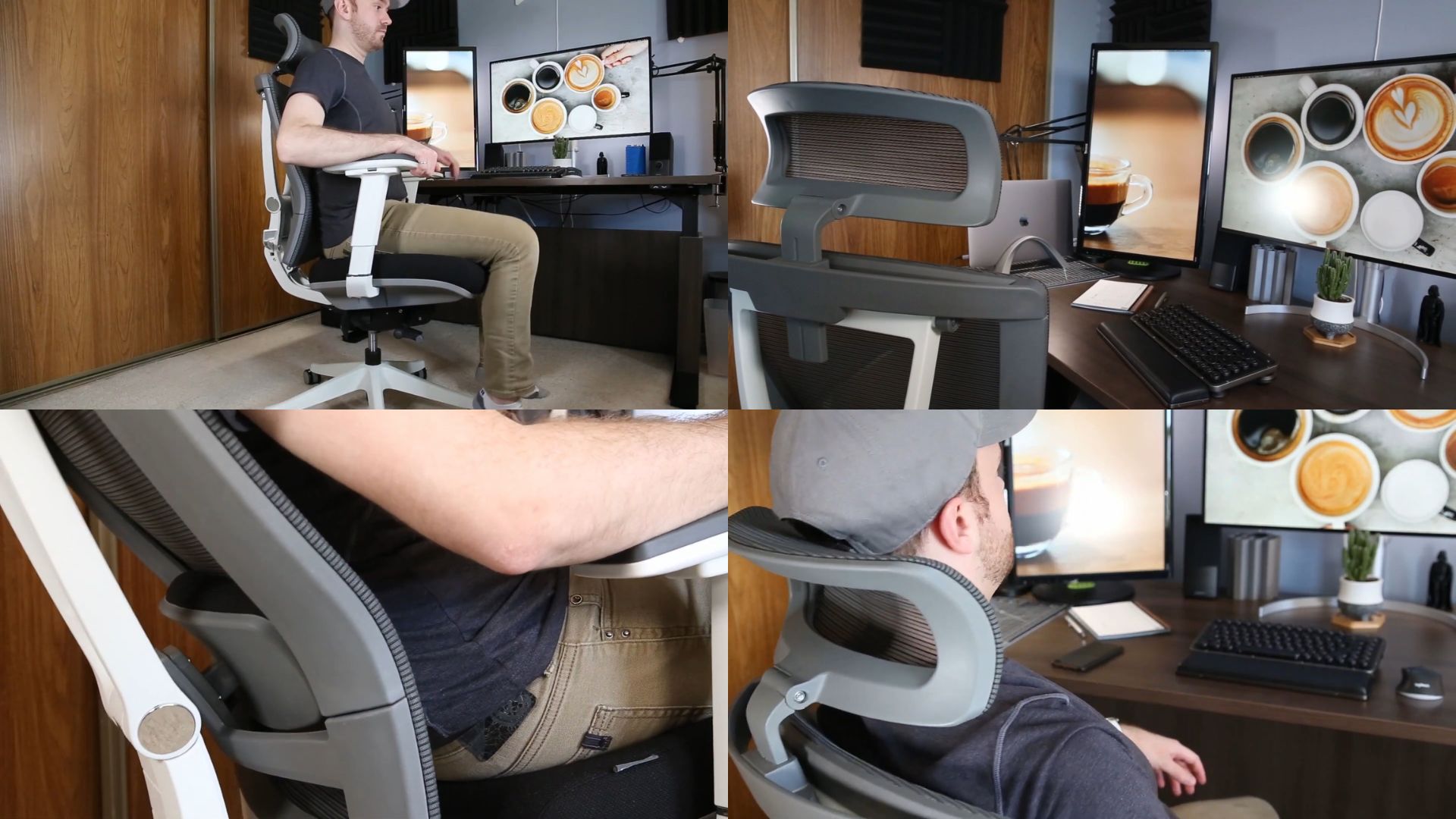
4. Autonomous ErgoChair Pro
For hip pain that responds well to a supportive foam seat

Not everyone with hip pain does better on mesh. Some people need a seat with more give — something that cushions the sit bones rather than holding them rigidly in place. The Autonomous ErgoChair Pro uses a high-density foam seat that provides that softer contact point while still maintaining enough structure to prevent the uneven sinking that makes hip pain worse.
This office chair for long hours offers adjustable seat depth, recline with multiple lock positions, and lumbar support that adjusts in both height and depth. The adjustment ranges are moderate — sufficient for most average-framed people to find a neutral hip position, though anyone significantly taller or shorter may find the limits before they find the sweet spot.
Where the foam seat becomes a real differentiator is for people who've found mesh seats too firm on the hips. Mesh distributes weight evenly, but it doesn't absorb impact the way foam does. If your hip pain is more pressure-sensitive — meaning the discomfort comes from direct contact rather than poor positioning — a foam seat like this one may address the issue more effectively than a mesh alternative.
The recline opens enough to shift the hip angle past 90 degrees, and the lockable positions mean you can set it and stay there without fighting the chair's resistance. Combined with adjustable lumbar to keep the pelvis from tilting, it handles the key mechanics for an ergonomic chair for hip pain without overcomplicating things.
What to be aware of: Foam compresses over time. The first few weeks will feel different from month six. If even weight distribution under the hips is your priority long-term, keep an eye on how the cushion holds its shape — and whether the support stays consistent as the foam breaks in.
5. Herman Miller Aeron
For hip pain tied to long, unbroken hours at the desk
.webp)
Quick glance:
- Seat depth: fixed per size
- Seat material: Mesh, 8 tension zones
- Tilt: 3-position limiter with optional 5-degree forward seat angle
- Armrests: fully adjustable (height, depth, pivot)
- Weight capacity: 300 lbs (A) / 350 lbs (B & C)
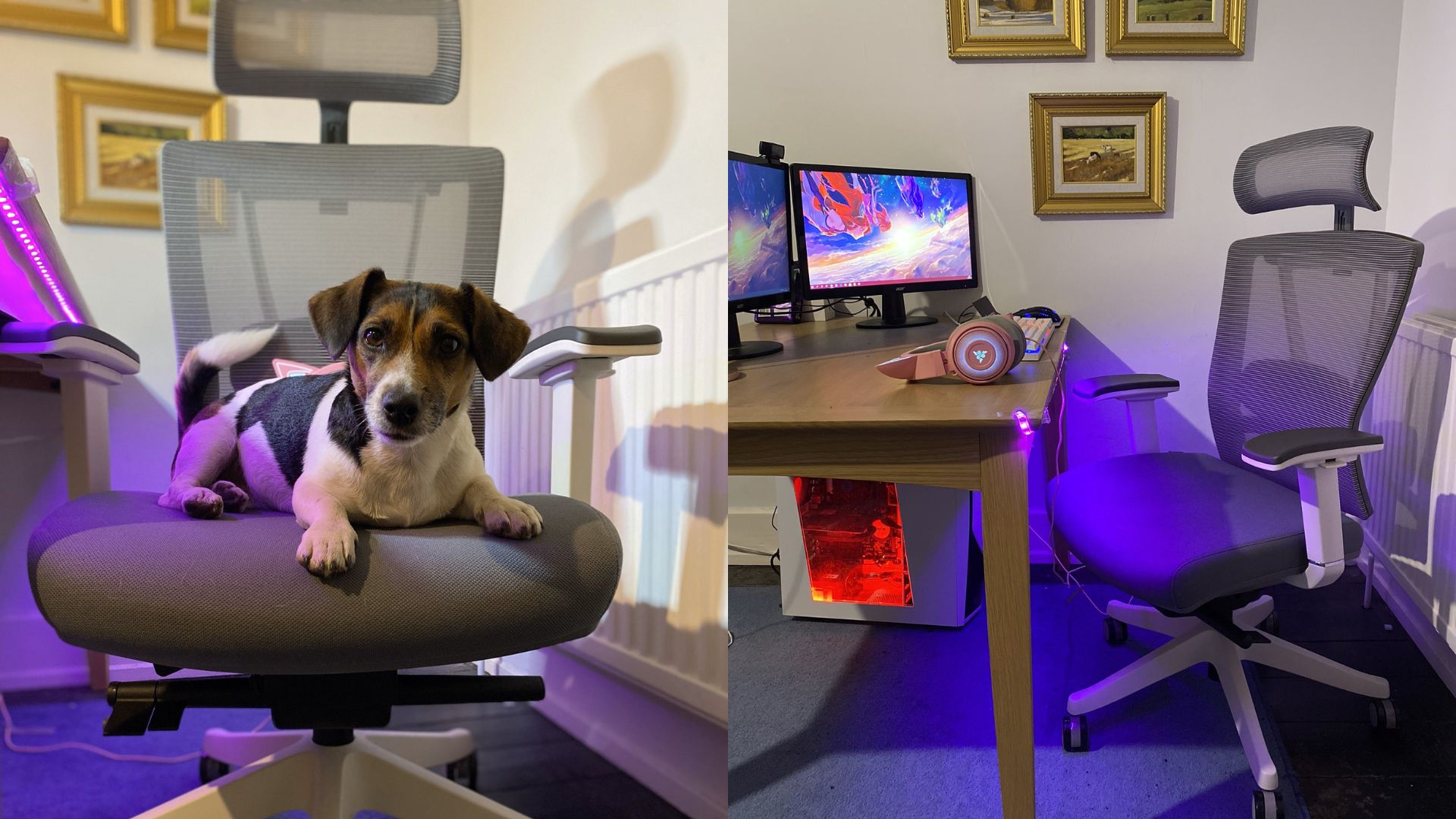
This office chair for hip and back pain uses mesh instead of foam — both in the seat and the back. The material is divided into eight zones with different tension levels, which means the areas under your sit bones have more give while the edges stay firmer to keep you positioned. In daily use, this creates a more even pressure map under the hips than a single-density foam seat can, and it stays consistent over time because mesh doesn't compress the way foam does.
The PostureFit system uses two separate pads at the base of the backrest — one for the sacrum, one for the lumbar. They adjust independently, which helps maintain a slight forward pelvic tilt rather than letting the pelvis roll back. That pelvic position is what keeps the hip angle open and reduces flexor compression during long hours. If you're also evaluating an office chair for posture more broadly, this system is one of the more deliberate approaches to pelvic and spinal alignment in this price range.
The tilt limiter locks at three positions, and there's an optional 5-degree forward seat angle for people who sit in a more engaged, upright posture. Because the entire seat is mesh, it doesn't retain heat. That's a practical consideration for hip pain — prolonged heat under the thighs and hips increases inflammation and makes existing discomfort worse.
What to be aware of: Seat depth is locked to the size you select. No post-purchase adjustment. If the previous section on what to look for in an ergonomic chair for hip pain flagged seat depth as your main concern, measure carefully against Herman Miller's size chart before committing — the wrong size creates the exact problem this chair is supposed to solve.
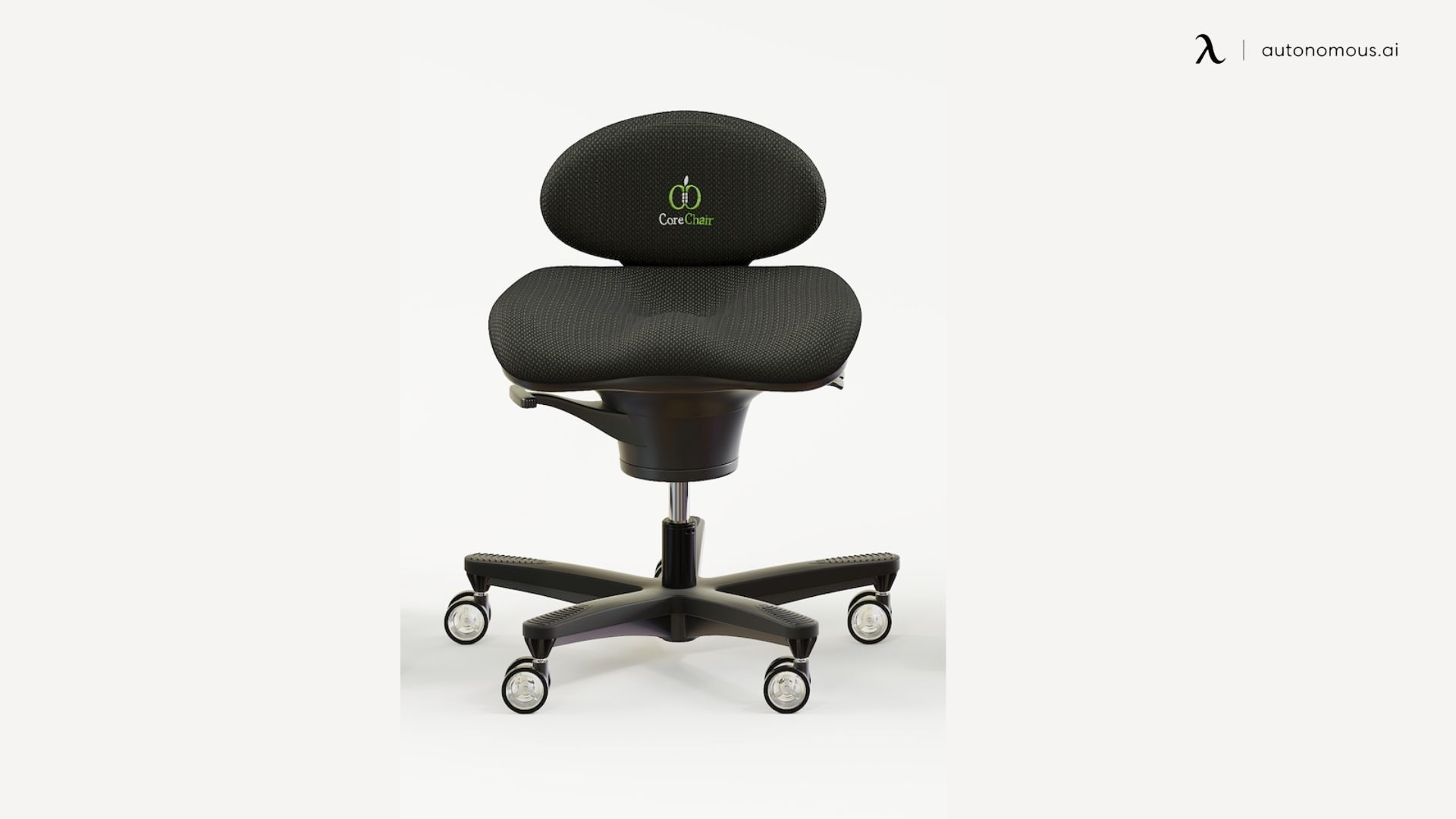
6. CoreChair
Quick glance:
- Seat depth: fixed with contoured forward slope
- Seat material: Firm foam with sculpted base
- Backrest: low-profile lumbar support
- Movement range: 14 degrees of balanced motion in all directions
- Weight capacity: 300 lbs
Most chairs on this list solve hip pain by refining how you sit still. This ergonomic chair for hip pain approaches it differently — it's designed to keep your pelvis moving. The seat sits on a balanced mechanism that allows controlled movement in all directions, essentially turning your chair into an active sitting platform that engages your core and keeps the hip joints from locking into one static position.
This matters for a specific type of hip pain driven by prolonged immobility rather than poor weight distribution. If your hips feel fine when you're walking, stretching, or standing, but seize up after an hour of sitting, the issue is likely compression and stiffness from holding the same hip angle too long. Its subtle movement keeps the hip flexors and surrounding muscles lightly engaged, which maintains circulation and prevents that locked-up feeling at the end of the day.
The seat itself is firm and contoured with a slight forward slope, encouraging a pelvic position that naturally opens the hip angle beyond 90 degrees. The backrest is low-profile, providing light lumbar contact rather than full spinal support. It's a fundamentally different sitting experience from a conventional best desk chair for hip pain.
What to be aware of: This is not a reclining office chair. There's no recline, no high back, and no headrest. If your work involves long periods of reading, video calls where you recline, or anything where passive support matters, this will feel insufficient. It works best for focused desk work where you're naturally sitting upright and engaged.
How to Test if Your Chair Actually Fits Your Hips
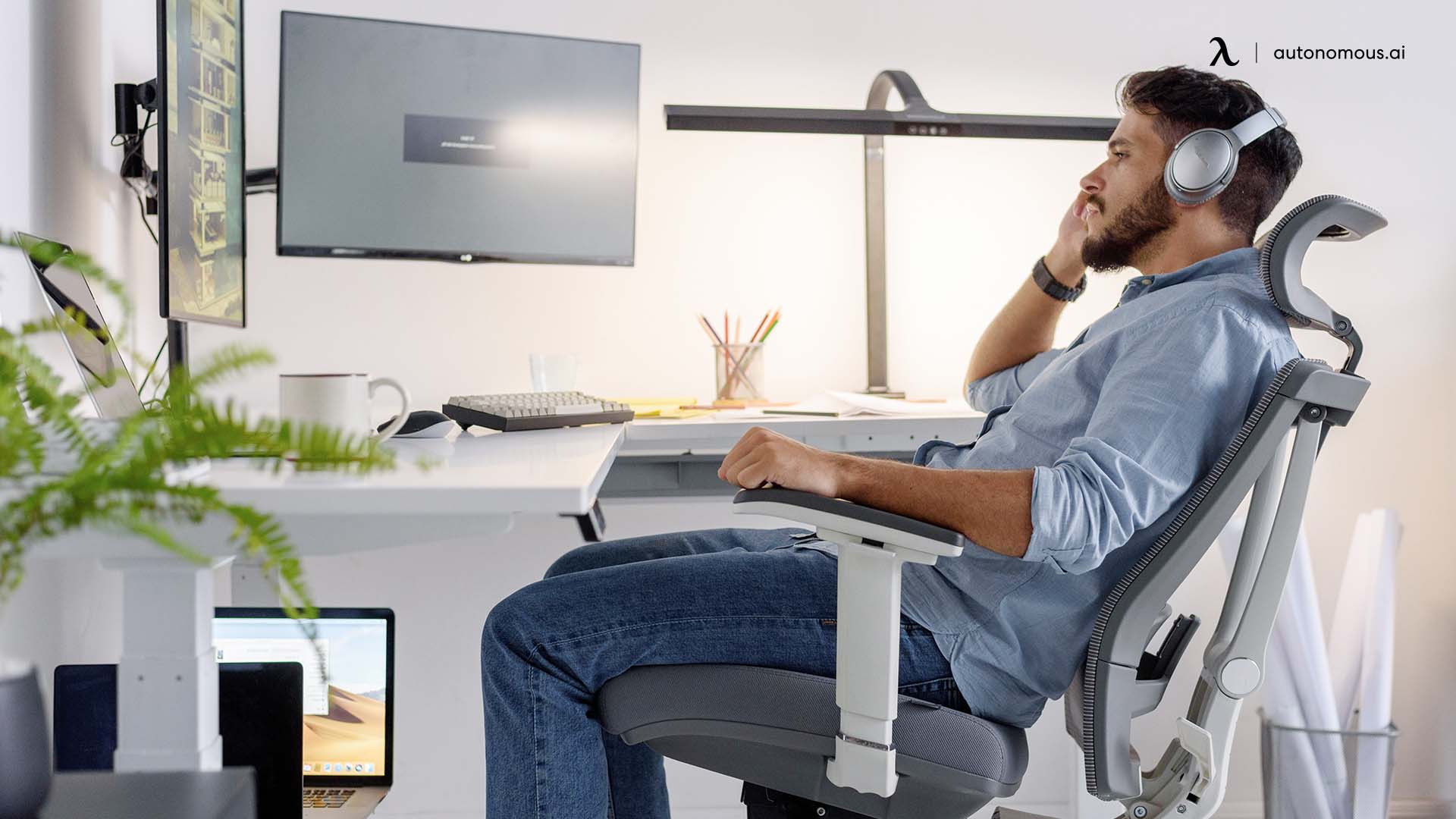
Before replacing your chair, it's worth checking whether the one you have is actually the problem — or if it just needs adjusting. Most people never test the fit of their chair against their own body. They sit down, adjust the height, and assume the rest is fine. These checks take a few minutes and can tell you exactly where the mismatch is.
- The two-finger test for seat depth:
Sit with your back fully against the backrest. Check the gap between the front edge of the seat and the back of your knees. If you can't fit two fingers comfortably in that space, the seat is too deep — your pelvis is being pulled into a posterior tilt to compensate, and your hips are absorbing the load. If the gap is much larger than three fingers, the seat is too shallow and your thighs are unsupported, which shifts excess weight onto the hip joints.
- The flat hand test for seat pressure:
Slide your hand under your thigh while sitting in your normal position. If your hand slides in easily near the front edge, the seat is distributing weight well. If it feels pinched or tight, the seat edge is pressing up into your thigh, restricting blood flow and adding compression around the hip. This is common in chairs with a hard front lip or a seat pan that doesn't waterfall downward.
- The lean test for pelvic support:
Sit in your chair and completely relax your core. Don't try to hold good posture — just let go. If your pelvis immediately rolls backward and your lower back rounds, the chair isn't supporting your pelvis at all. Your muscles have been doing that job, which is why the discomfort builds over the course of the day rather than hitting immediately. The best desk chair for hip pain should hold your pelvis in a neutral position even when you're not actively engaging your core.
If two or more of these tests reveal a problem, it's unlikely that small adjustments will resolve the hip pain long-term. That's when the features covered earlier — adjustable seat depth, tilt mechanism, proper lumbar support placement — stop being nice-to-haves and start being the actual fix.
FAQs
Can a bad office chair cause hip pain?
Yes, a poorly designed office chair can contribute to hip pain by creating excess pressure, limiting thigh support, or forcing the hips into a fixed position. Over time, this strain can build up, making an ergonomic chair for hip pain a more effective long-term solution.
What is the best sitting position for hip pain in an office chair?
The best sitting position for hip pain keeps your feet flat on the floor, hips slightly higher than your knees, and your back supported with a gentle recline. This posture reduces joint compression and works best when paired with an ergonomic office chair for hip pain.
What chairs are good for hip flexors and hip pain?
Chairs with adjustable seat depth, supportive cushioning, and a tilt mechanism that opens the hips are often considered the best chair for tight hip flexors. These features are commonly found in the best ergonomic chair for hip pain and help reduce strain during long sitting sessions.
What cushion is best for hip pain while sitting in an office chair?
Seat cushions that redistribute pressure and encourage proper alignment can help with short-term comfort. However, a cushion cannot replace the adjustability of a best office chair for hip pain, especially when hip discomfort is caused by poor seat depth or posture support.
Is a high-seat or low-seat office chair better for hip pain?
A slightly higher seat height is generally better for hip pain, as it helps open the hip angle and reduce compression. An adjustable ergonomic office chair for hip pain allows fine-tuning based on leg length and desk height.
Is a mesh or foam ergonomic chair better for hip pain?
Both designs can work depending on construction. Foam seats often provide better pressure distribution, while mesh chairs improve airflow, making either suitable in a well-designed ergonomic chair for hip pain.
Are gaming chairs good office chairs for hip pain?
Most gaming chairs are not ideal office chairs for hip pain because they limit adjustability and can increase pressure around the hips. They are typically designed for posture styling rather than long-term support.
Conclusion
Hip pain from sitting is rarely about one dramatic thing going wrong. It's the accumulation of small mismatches — a seat that's slightly too deep, an angle that's slightly too closed, a cushion that shifts your pelvis just enough — repeated eight hours a day, five days a week.
An ergonomic chair for hip pain doesn't need to be the most expensive or the most feature-packed. It needs to fit your body, support your pelvis in a neutral position, and not make things worse over time. That's a low bar in theory, but most chairs don't clear it. Once you've addressed the chair itself, pairing it with the best sitting position with lower back pain and regular seated back stretches can help the rest catch up.
Test your current setup. Know where the mismatch is. Then choose accordingly.