


The Best Standing Desks With Storage and Drawers

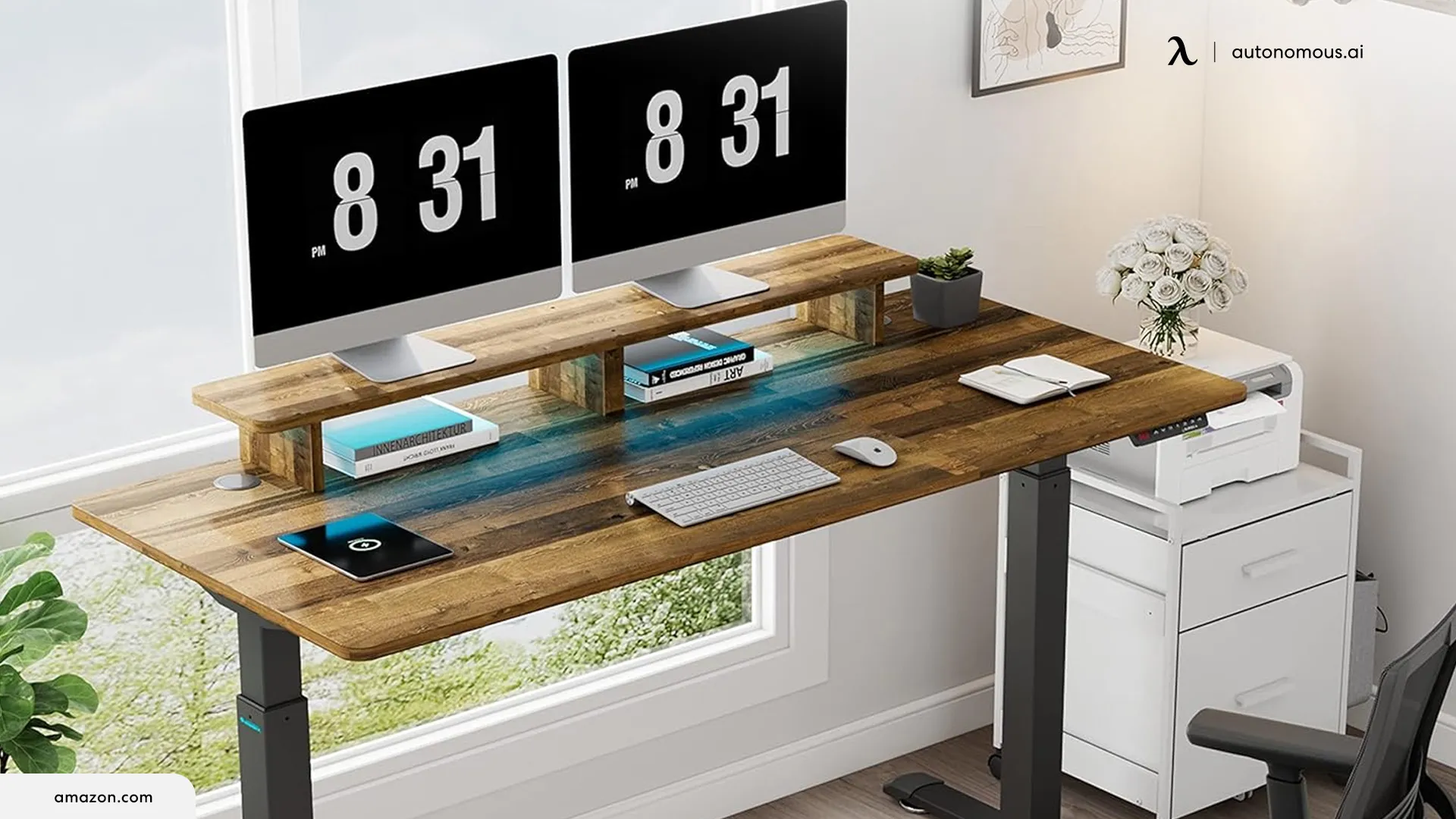
If you want a standing desk with storage in one purchase, a handful of desks build in drawers and shelves rather than leaving them to add-ons. I have set up a lot of these, and the honest truth is that the built-in drawer is usually slim, sized for paper and cables rather than files, so treat it as tidy small-item storage, not a filing system. With that expectation set, the desks below are the ones worth considering.
Below is a quick comparison, then a closer look at each, and finally when adding your own storage to a better standing desk makes more sense.
Standing desks with storage at a glance
Each pick below targets a different storage need. Some desks build the storage in; for a file cabinet or a PC tower, an add-on on a better desk usually wins. Prices move often, so confirm at the retailer.
Storage type | Best pick | What you get |
Drawers | FlexiSpot Comhar Pro Q8 | Slim drawer, bamboo top, dual motor |
Compact drawer | FlexiSpot Comhar (base) | Glass or bamboo top, single motor |
Drawers + shelves | SHW Claire | A drawer plus an open shelf |
Monitor shelf | Claiks Storage Desk | Two-tier monitor stand, 2 drawers |
Pegboard | Kowo K3041 | Pegboard plus a drawer, 300 lb |
Hutch | Bestar Connexion (L-shaped) | Closed overhead storage and shelves |
File cabinet | Any desk plus a rolling cabinet | Real filing, rolls out of the way |
Tower / CPU | Any desk plus a CPU mount | Tower off the floor, ports reachable |

The best standing desks with built-in storage
The picks below cover every common storage need. Where a desk builds the storage in well, I have named it; where an add-on holds more or stays steadier, I have said so.
1. Best with drawers - FlexiSpot Comhar Pro Q8
The Comhar Pro Q8 is the most polished standing desk with a built-in drawer, and the one I point most people to first. It pairs a dual-motor frame rated to 220 pounds with a bamboo top, a slim embedded drawer, a wireless charging pad, and USB-A and USB-C ports, so a phone and a couple of accessories stay powered and tidy on one surface.
Quick look:
- Dual motor, 220 lb capacity, 4 presets
- Bamboo top with an embedded drawer
- Wireless charger and USB-A/C built in
The drawer is the catch. It is shallow, good for a notebook, pens, and cables, but not folders. For a clean, single-monitor home setup where you want a desk and light storage in one buy, though, nothing here feels as finished.
Pros
- The most refined build here, with a dual motor and bamboo top
- Wireless charging and USB ports save desktop clutter
Keep in mind
- The drawer only fits flat items, not files
2. Best compact desk - FlexiSpot Comhar (base)
The standard Comhar is the compact, lower-cost route to a desk with a drawer. It runs a single motor with a smaller footprint, a glass or bamboo top, an embedded drawer, and a USB charging port, which suits a laptop-and-one-monitor setup in a tight space.
Quick look:
- Single motor, roughly 110 lb capacity
- Glass or bamboo top, compact footprint
- Embedded drawer and a USB port
The single motor and lighter capacity are the limits. It lifts more slowly and handles less weight than the Pro Q8, so it is better for a light setup than a loaded one. If your priority is a small desk with a drawer at a lower price, it delivers that without much fuss.
Pros
- Compact and affordable, with a built-in drawer and USB
- Glass-top option is easy to wipe clean
Keep in mind
- Single motor and about 110 lb capacity limit heavier setups
3. Best with drawers and open shelves - SHW Claire
The SHW Claire is the value pick, giving you both a drawer and an open shelf without a premium price. It adjusts between about 28 and 45 inches on an electric frame, with a powder-coated finish and a simple, clean look that works in most rooms.
Quick look:
- Electric lift, roughly 28"-45"
- One drawer plus an open shelf
- Powder-coated frame, budget price
The build is where the price shows. It is lighter duty than a premium frame, so keep the load modest, but the drawer-and-shelf combination is genuinely useful for daily items, and few desks offer both this cheaply.
Pros
- A drawer and an open shelf at a low price
- Clean, simple design that suits most spaces
Keep in mind
- Budget build, so best kept to a lighter load
4. Best with a monitor shelf - Claiks Storage Desk
The Claiks is the desk to get if you want a monitor shelf and drawers in one piece. It combines a two-tier monitor stand that can hold up to three screens with two drawers, an open shelf, a side hook, and a felt fence, on a steel-legged frame that adjusts from about 28.4 to 46.5 inches.
Quick look:
- Two-tier monitor stand plus 2 drawers and a shelf
- Steel legs, roughly 28.4"-46.5"
- Side hook and felt fence for small items
A fixed monitor shelf raises your screens but not as flexibly as an arm, and the engineered-wood surfaces feel lighter than solid options. Still, if you want screens lifted and storage built in without buying separate parts, nothing here packs in more.
Pros
- Built-in monitor tier plus the most compartments here
- Lifts up to three screens off the desktop
Keep in mind
- A fixed shelf is less adjustable than a monitor arm
5. Best with a pegboard - Kowo K3041
The Kowo K3041 is the heavy-duty pick, built more like a workbench than an office desk. It carries 250 to 300 pounds, rises to about 47 inches, and pairs a pull-out drawer with a pegboard backboard for hanging tools, cables, and accessories, with hutch options on some configurations.
Quick look:
- 250-300 lb capacity, up to about 47"
- Pull-out drawer plus a pegboard backboard
- Wide frame, workbench styling
The footprint and look are the trade. It is large and more utilitarian than a sleek office desk, so it suits a workshop, a maker space, or a heavy multi-machine setup more than a minimalist room. For capacity and hang-everything versatility, nothing here matches it.
Pros
- Highest capacity here, with a versatile pegboard
- Handles heavy, tool-and-cable-heavy setups
Keep in mind
- Large, workbench-style footprint
6. Best with a hutch - Bestar Connexion and similar
For closed overhead storage, a hutch desk is the pick, but nearly every good one is L-shaped or fixed-height, and there is a reason for that. A tall hutch on a single lifting column adds weight up high and can sway at standing height, so makers build hutches onto steadier L-shaped or credenza bases. The Bestar Connexion is a solid example, with an electric frame, a file drawer, and a hutch offering closed storage and two paper shelves.
If a hutch is your priority, look at the L-shaped standing desks with storage, where the hutch and cabinet options live. On a single-column standing desk, a standalone shelf tower beside the desk gives you the same vertical storage without the sway.
Keep in mind
- Most hutch desks are L-shaped or fixed-height, not single-column standing desks
7. Best with a file cabinet - a desk plus a rolling cabinet
For real document storage, the best answer is not a built-in drawer but a rolling file cabinet under a quality desk. A hanging desk drawer is too shallow for folders, while a mobile pedestal holds letter and legal files, locks, and rolls out of the way when you raise the desk.
Built-in file cabinets do exist, mostly on L-shaped executive desks, but they fix the layout and add weight to the frame. A rolling cabinet paired with a strong, quiet standing desk stores more, moves with you, and keeps the steadier frame.
Keep in mind
- A rolling cabinet holds far more than any built-in desk drawer
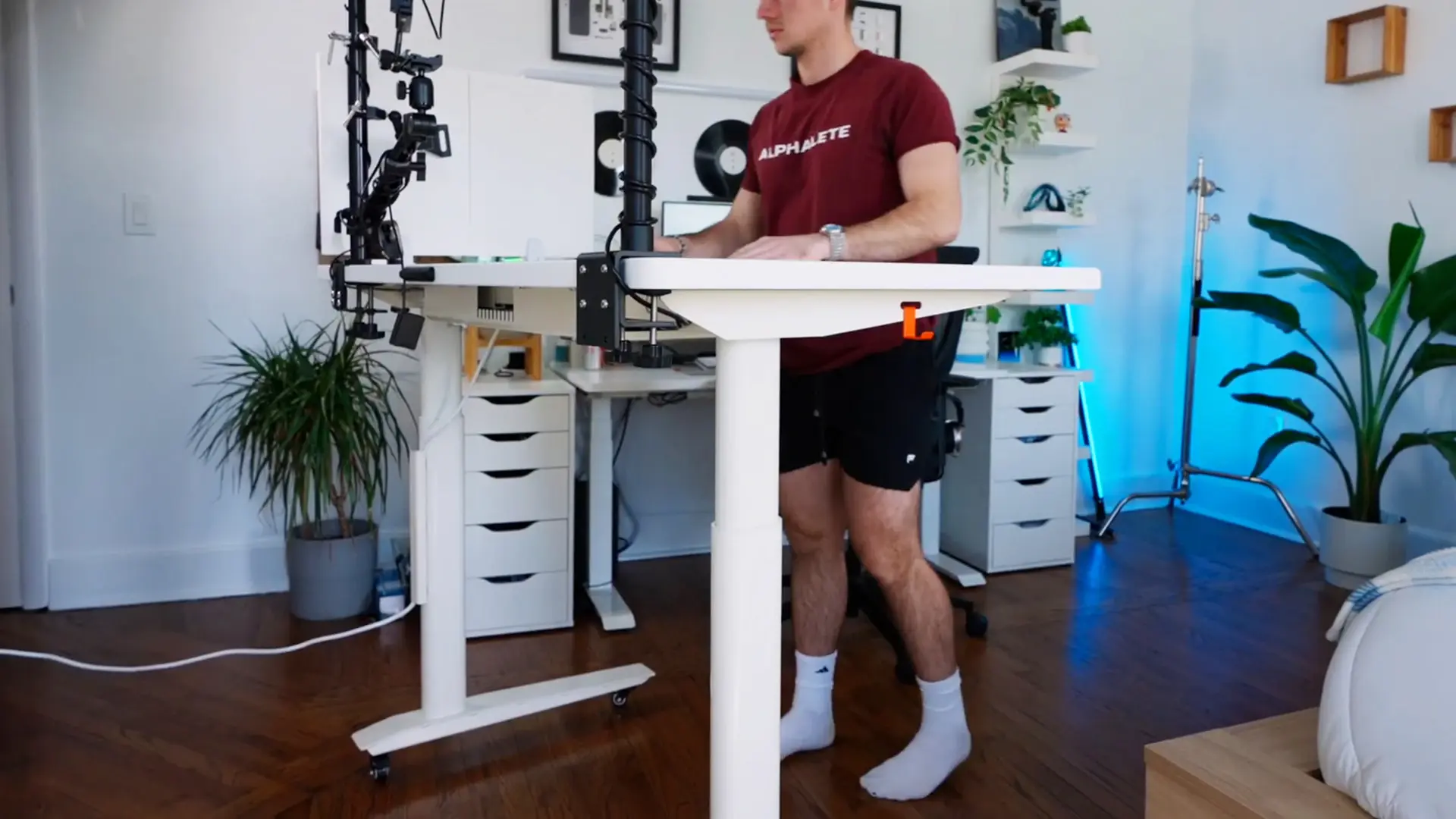
8. Best with tower or CPU storage - a desk plus a CPU mount
To get a PC tower off the floor, an under-desk CPU mount beats built-in storage. Built-in CPU cages appear on some gaming desks, but they fix the tower in one spot and often block airflow. A mount fixes the tower beneath the top, keeps the ports reachable, and rises with the desk, which a floor cart does not.
The best pairing is a strong desk plus an under-desk CPU mount, which frees the floor a bulky storage desk would fill. For accessories, a keyboard tray or a monitor arm clears the desktop for a dual-monitor setup.
Keep in mind
- A mount clears the floor and rises with the desk, unlike a floor cart
The Autonomous way to add storage
Autonomous does not build drawers or shelves into its desks, and that is deliberate. A desk built around a shelf is heavier, less steady, and locked into one layout, so the approach that holds up is a strong, quiet frame plus the storage you choose. It is how I run my own desk.

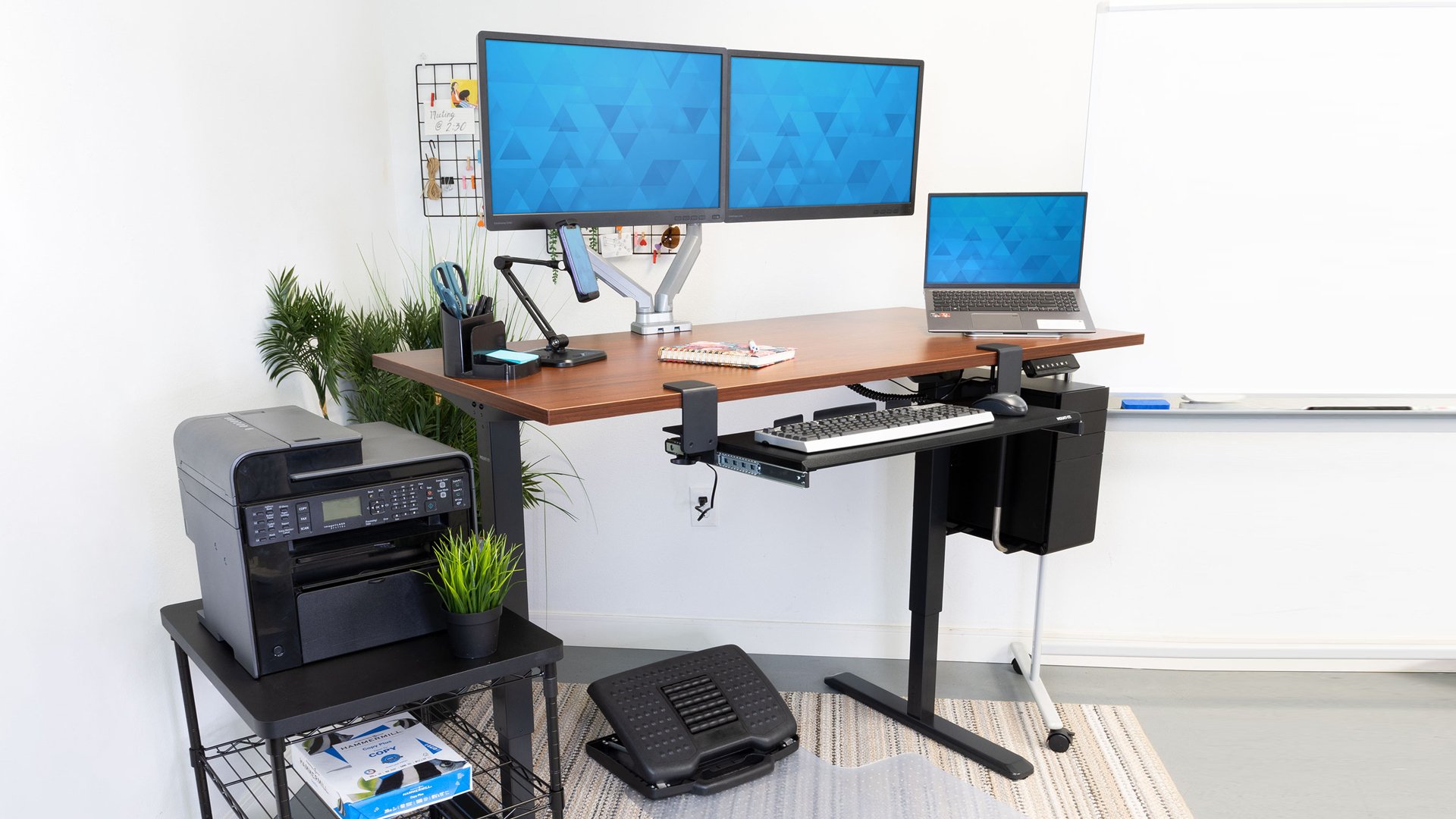
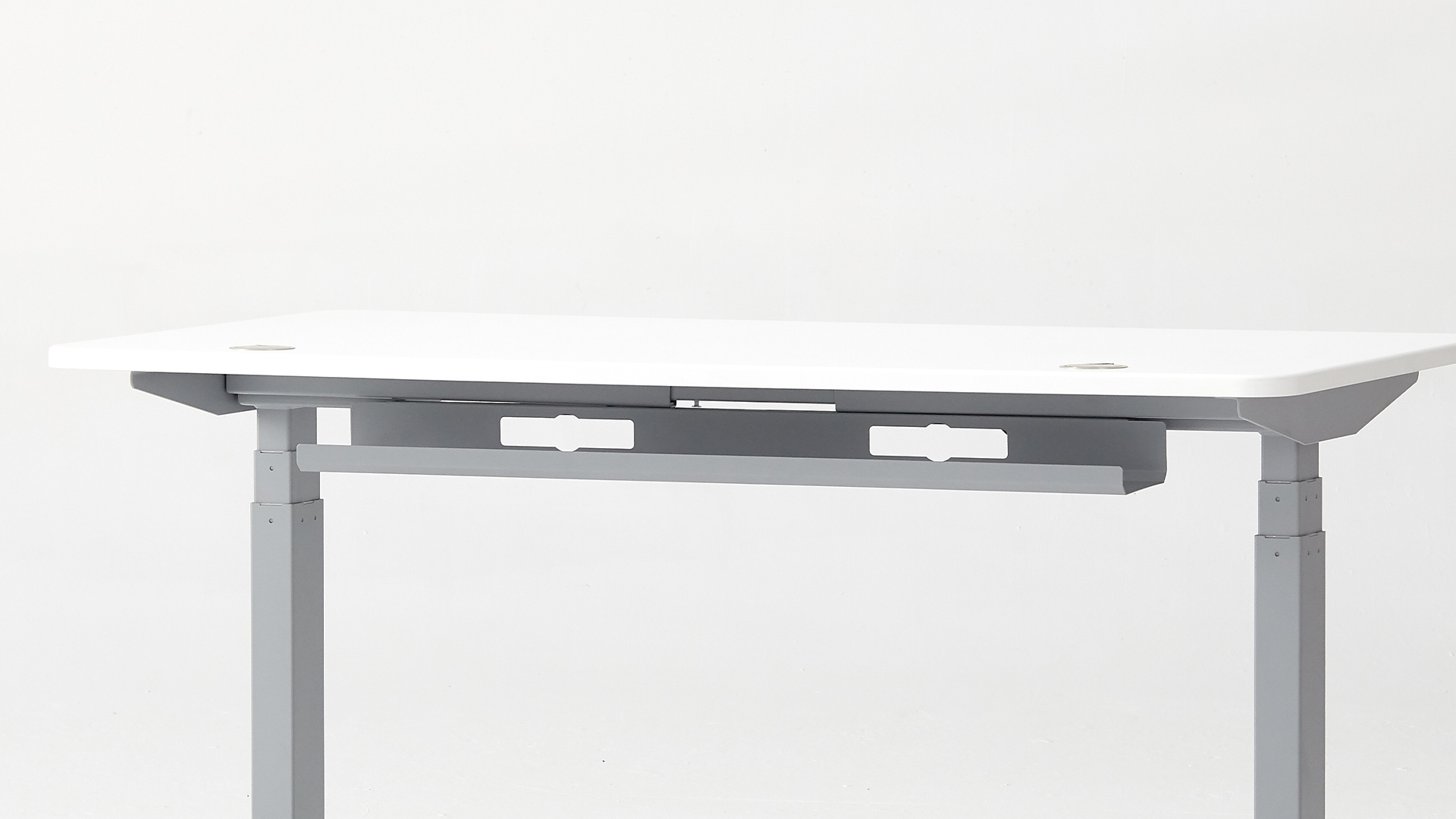
Start with an Autonomous Desk Pro or Desk 2. Both hold a full multi-monitor load without wobble and route cables through a tray with a power outlet built into the frame, so the desktop stays clear before you add anything. From there, build out the storage you actually need:
- A rolling file cabinet for documents, or a clamp-on drawer for small items
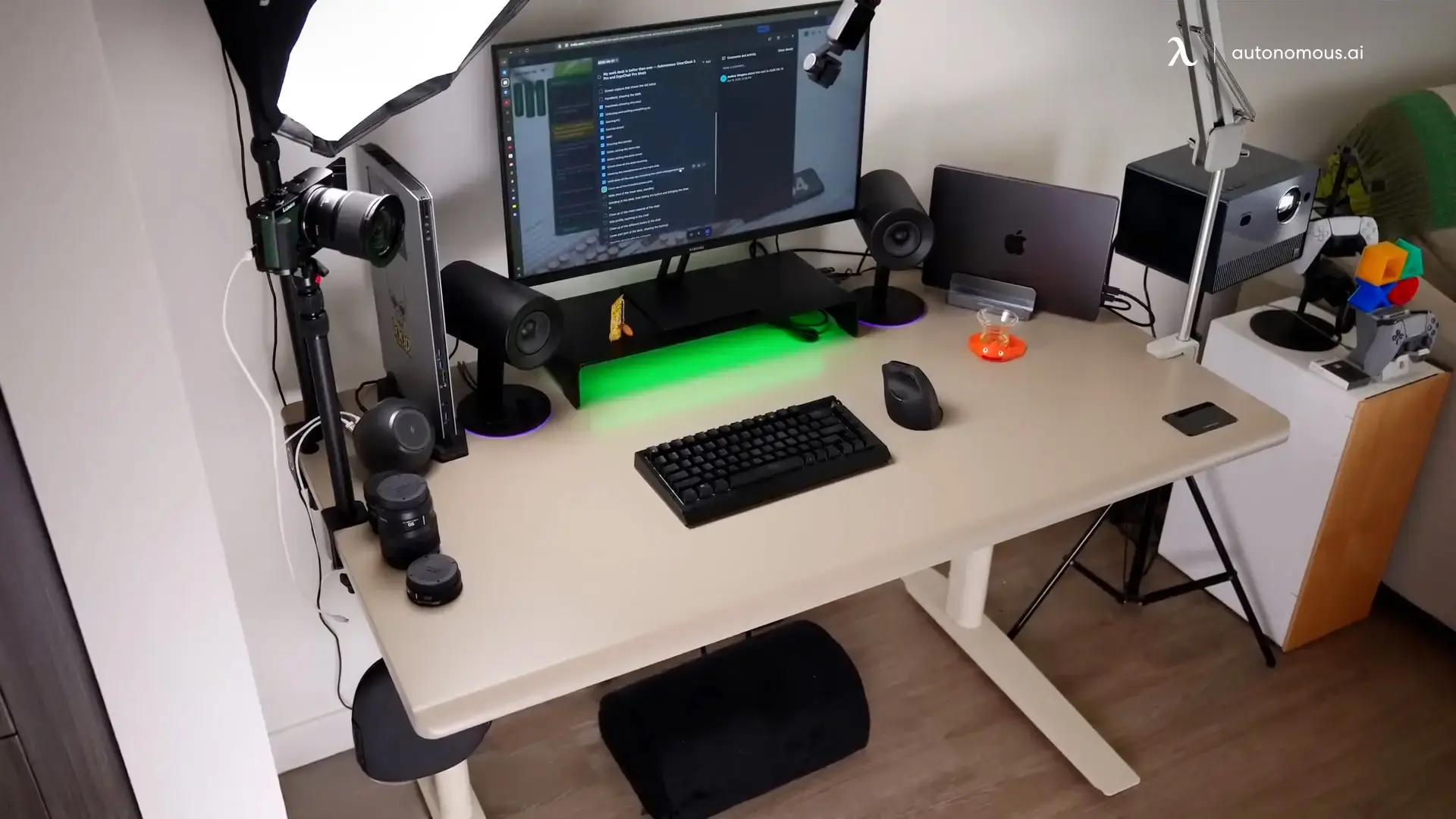
- An under-desk CPU mount for the tower, and a monitor arm for the screens
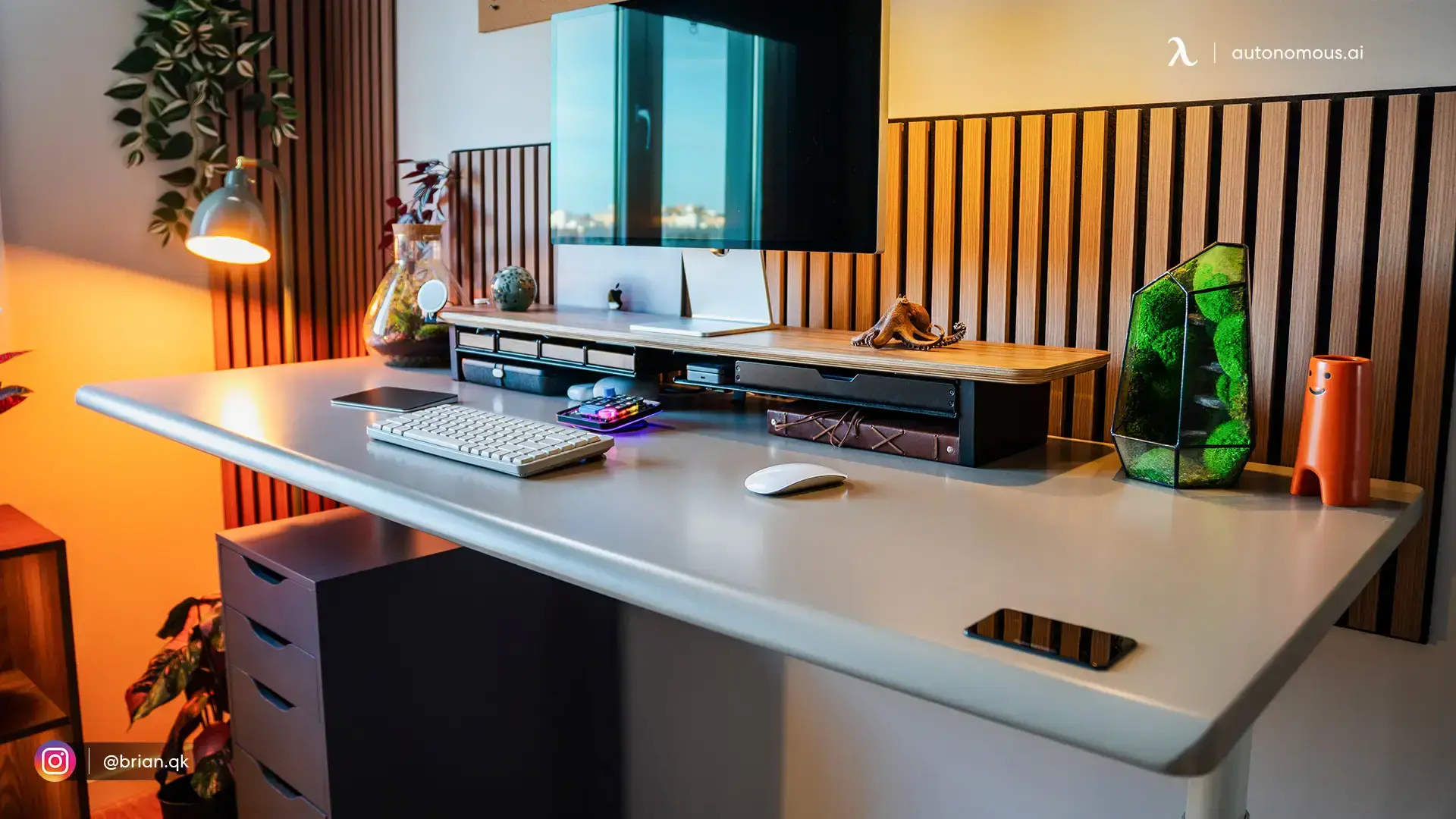
An L-shaped standing desk with storage when you want a full second surface for a printer or files. You end up with more storage than any built-in-drawer desk, on a frame that stays steady and quiet for years.
How to choose a standing desk with storage
Pick around three things: your space, your gear, and whether you want storage fixed or flexible.
- Measure the space first, and leave clearance for the desk at full height, especially for a wide or workbench-style frame.
- Match storage to your load. A slim drawer suits papers and cables; heavier gear wants a rated frame and a floor cabinet, not a hanging drawer.
- Decide fixed or flexible. Built-in storage is seamless but locks the layout; add-ons let you rearrange as your setup changes.
Get those right and the desk stays clear, steady, and easy to move, with storage where your workflow needs it.
FAQs
What is the best standing desk with storage?
The FlexiSpot Comhar Pro Q8 is the best all-in-one, with a dual motor, a bamboo top, and a built-in drawer. For the most compartments, the Claiks adds two drawers and a shelf, and the Kowo K3041 carries the most weight. For real filing, a quality desk plus a rolling cabinet beats any built-in drawer.
Are built-in drawers from reputable standing desk brands better than add-on storage?
Usually no. Premium brands rarely build in drawers, so a built-in drawer almost always means a budget, compact desk with a lighter frame. A quality desk plus a clamp-on drawer or filing cabinet gives you a better desk and more storage, at the cost of buying two pieces.
Can I add storage to a standing desk I already own?
Yes, and it is often the better option. Clamp-on drawers, under-desk trays, CPU mounts, and cable trays attach to most desks, and standalone cabinets or bookcases need no attachment at all. Add-ons hold more than a built-in shelf and let you keep a desk you already like.
How much weight can a standing desk with storage hold?
Most support 110 to 330 pounds including whatever is stored on them, and built-in storage adds weight the motors lift every cycle. Budget all-in-ones sit at the low end, while heavy-duty frames like the Kowo K3041 reach 300 pounds. Confirm the rating covers your monitors, tower, and storage together.
What is the best standing desk with storage for a small space?
For a compact room, a slim all-in-one like the FlexiSpot Comhar keeps a desk and drawer in one footprint. If you can spare floor space, a quality desk with a small rolling cabinet stores more and leaves the desktop clear, which usually feels roomier in practice.
Do standing desks with storage come with drawers or shelves?
Both, depending on the model. The SHW Claire and Claiks pair drawers with open shelves, the Comhar desks use a single enclosed drawer, and the Kowo K3041 adds a pegboard. Choose enclosed drawers for a clean look and lockable storage, or open shelves for items you reach for daily.
Final thoughts
The best standing desk with storage depends on how much you store and how hard you work the desk. The FlexiSpot Comhar Pro Q8 is the most polished all-in-one, the Claiks packs in the most compartments, and the Kowo K3041 carries the most weight. But if you need real filing or run a heavy setup, a strong, quiet desk paired with a rolling cabinet, a CPU mount, or an L-shaped return will hold more and last longer than any built-in drawer.
References
- Occupational Safety and Health Administration (OSHA). Computer Workstations eTool: Good Working Positions. https://www.osha.gov/etools/computer-workstations/positions
- Cornell University Ergonomics Web. Office Ergonomics Guidelines. https://ergo.human.cornell.edu/