What Is a Forward Tilt Office Chair and How to Spot One
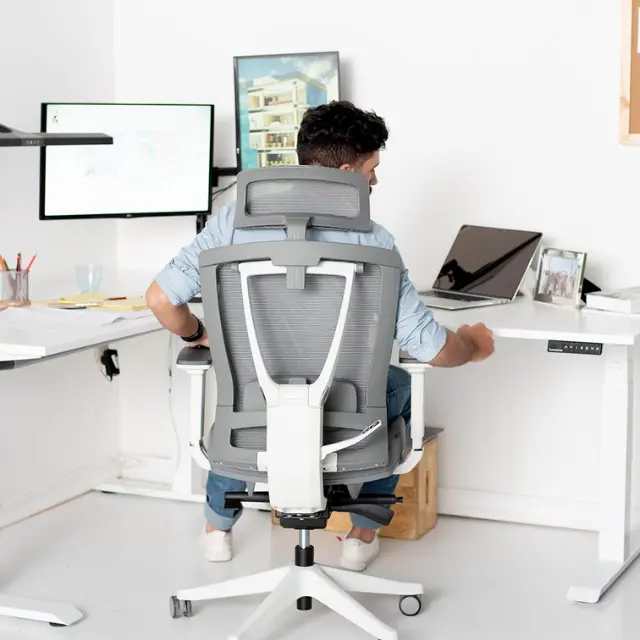

A forward tilt office chair lets the seat pan angle a few degrees forward, front edge lower than the back, so your hips open and your pelvis follows you as you lean in to type, write or draw. It helps people who work close to the desk and does little for anyone who mostly sits back. It differs from a forward leaning chair, which adds a pad in front of your chest. Below: what the tilt does, who it suits, how to check a chair has it, and setup.
What does forward tilt do on an office chair?
Forward tilt drops the front edge of the seat below level, which opens the angle between your thighs and torso to more than 90 degrees. OSHA calls this declined sitting: the buttocks sit higher than the knees, the torso stays upright or slightly reclined, and you can still reach the keyboard and see the screen.
The angle is small. The Canadian Centre for Occupational Health and Safety (CCOHS) says the tilt from horizontal should not be greater than 10 degrees. Herman Miller's optional forward tilt on the Aeron moves the seat from level to 5 degrees forward, which gives a sense of how little it takes.
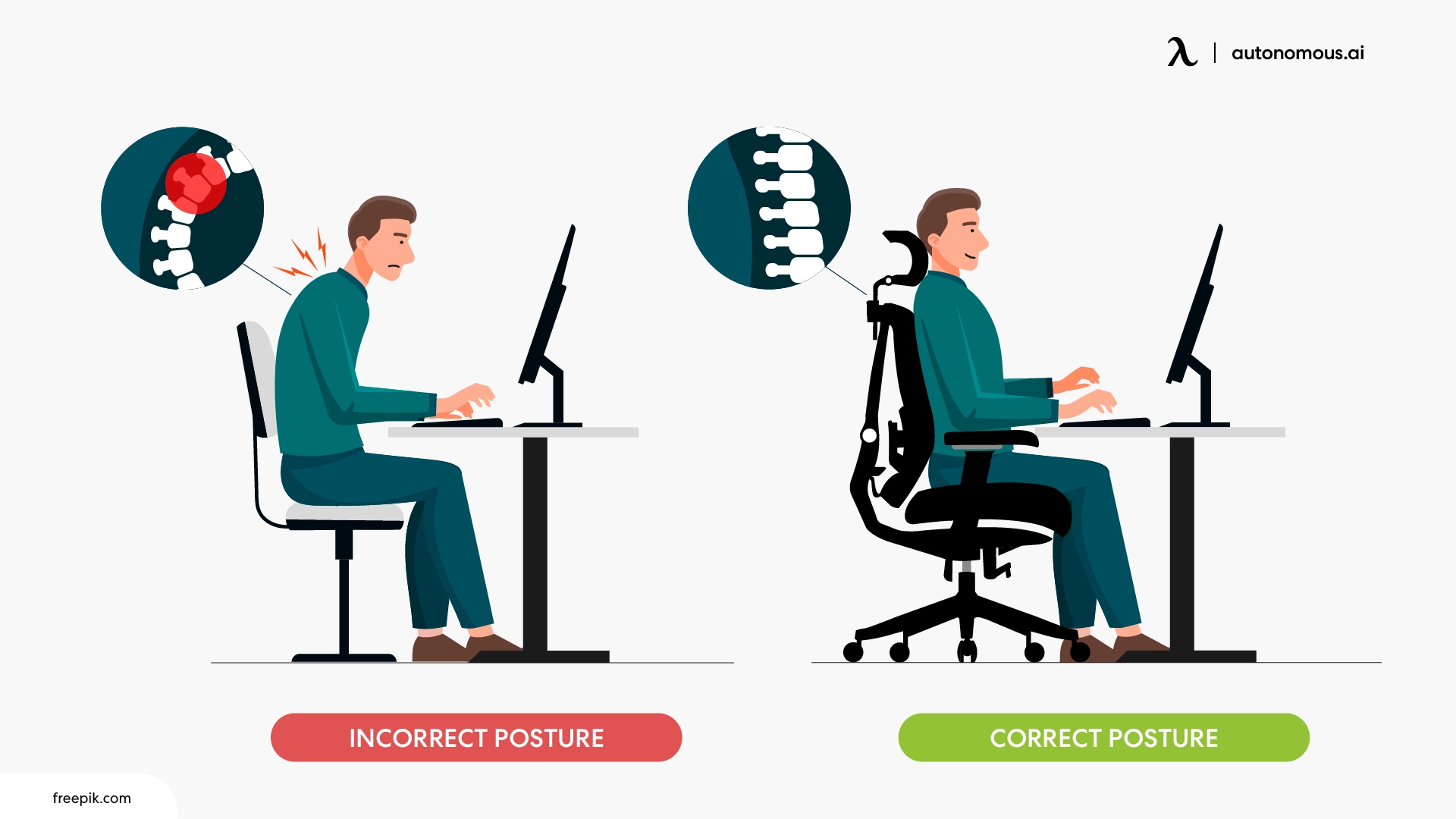
On a flat seat, leaning toward the desk tends to roll the pelvis back and round the lower back. Tilting the seat lets the pelvis tip forward with you. CCOHS lists three gains: more sitting positions to choose from, a better viewing distance and angle to work on a table, and better blood return from the lower legs when the leg effort stays active rather than static.
A quick self-check: sit on a level seat, lean in as if you were writing, and notice whether your lower back curls. That curl is what forward tilt is meant to reduce.

Forward seat tilt vs forward tilt lock vs forward leaning chair
Three different things get sold under "forward tilt", and only the first one angles the seat pan on its own. Know which one a listing means before you buy.
| Feature | What moves | What it does for you | Words to look for |
|---|---|---|---|
| Forward seat tilt (seat angle) | The seat pan only; the front edge drops a few degrees | Opens the hip angle while you lean toward the desk | "Forward seat tilt", "seat angle", "seat slope", "seat pan tilt", a forward or minus degree value |
| Forward tilt in the tilt lock | Seat and backrest tip forward together, a few degrees past upright | Keeps the backrest touching you as you lean in | "Forward tilt lock", "tilt lock with forward position", "forward tilt" listed under the tilt mechanism |
| Forward leaning chair (chest support) | Nothing has to tilt; a pad sits in front of your torso | Gives you something to rest against when you work away from the backrest | "Chest support", "chest pad", "torso support" |
Listings also say "front tilt", so an office chair with front tilt and a forward tilt chair usually mean the same thing. Kneeling chairs and saddle stools slope the seat by design rather than through an adjustment.
Who should use a forward tilt office chair?
A forward tilt office chair suits people whose work pulls them toward the desk for long stretches: typing close to the screen, drawing on a pen tablet, writing by hand, drafting, or soldering and other close bench work. It also helps at a higher work surface, where a slightly perched position lets your feet stay planted.
It is the wrong tool if you spend most of the day leaning back to read, take calls or watch video. For that, recline range, lock positions and neck support for office chairs matter more than seat angle.
The honest limits come straight from CCOHS:
- You may slide forward. A seat that is flat front to back or slippery lets you creep toward the edge. A contoured seat or one with more grip helps.
- Your legs work harder. You hold yourself in place partly with your legs, which can tire you sooner.
- Leaning on the desk moves the load. If you prop yourself on your forearms, pressure shifts to your wrists, arms and elbows.
- Clothing can ride up your legs on a sloped seat.
If short legs leave your feet dangling once the seat tilts, fix seat height or add a footrest before adding more angle.
How to tell if a chair really has forward tilt
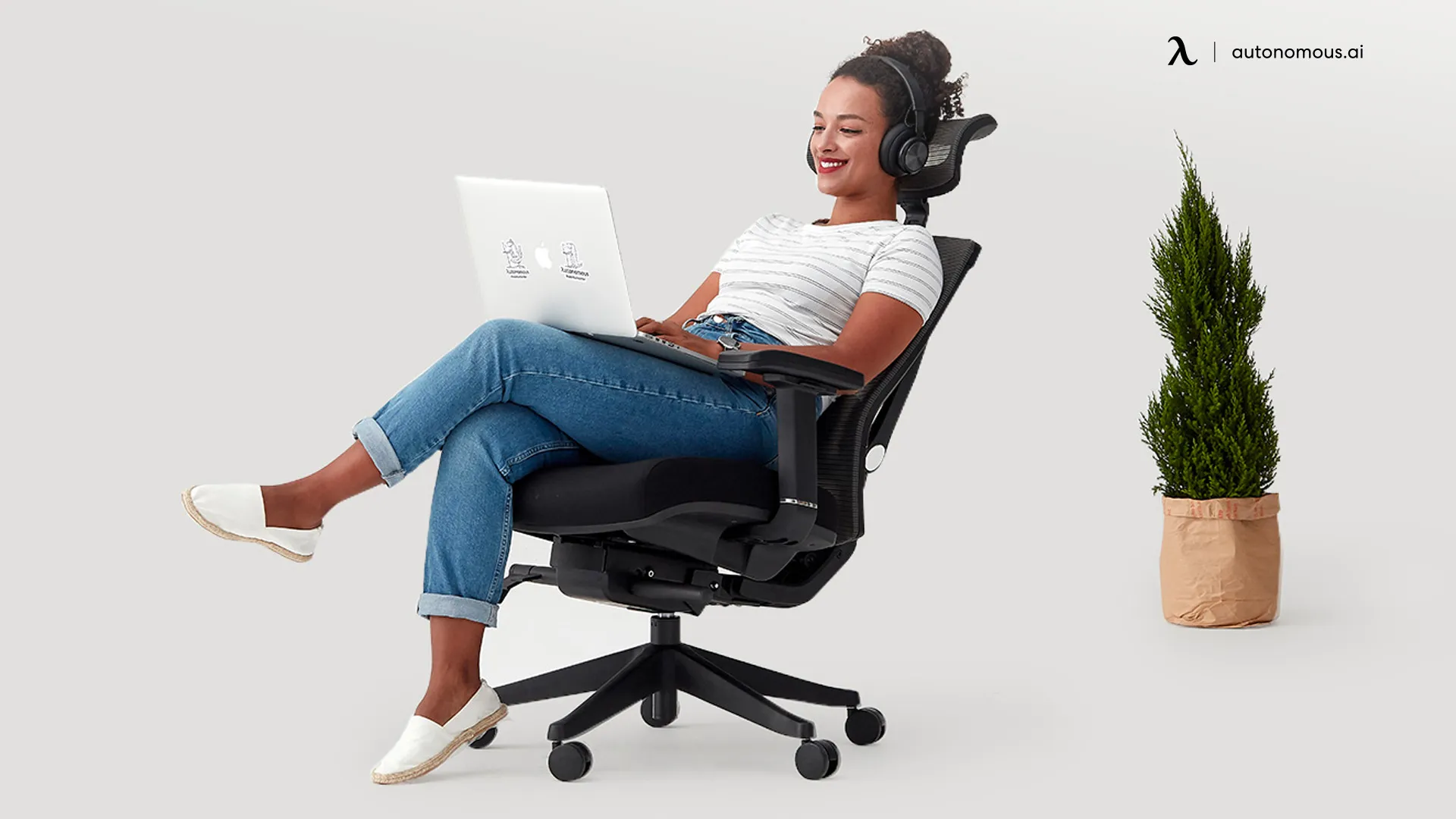
A chair has forward tilt only if its spec sheet or manual says the seat angles forward, and the seat pan itself drops at the front when you engage it. "Seat tilt" alone is not enough, because some chairs use that phrase for a backward tilt.
Spec words that mean forward tilt: forward tilt, forward seat tilt, seat angle adjustment with a forward position, seat slope, seat pan tilt, tilt lock with forward position, or a range written as something like "0 to 5 degrees forward".
Spec words that do not mean it on their own: synchro-tilt (the back and seat recline together at a set ratio), recline lock, tilt tension, seat depth or seat slider, knee-tilt (that describes where the pivot sits), and rocking.

Check the exact configuration. On some chairs forward tilt is a paid option, not standard. Herman Miller's Aeron buying guide lists Forward Tilt as an add-on to the Tilt Limiter and Seat Angle feature. A used or base chair with the same name may not have it.
The one-minute test, in a showroom or on delivery day:
- Lock the recline in its upright position so the backrest cannot move.
- Find the control for the seat angle. Look for an icon of a seat tipping forward, separate from the seat depth slider.
- Lay your phone on the front half of the seat and open a level app. Note the reading.
- Engage the control and shift your weight forward. The reading should change by a few degrees with the front edge lower. On chairs where forward tilt sits in the tilt lock, unlock and lean forward instead; seat and back should tip together.
- If only the backrest moves, or the front of the seat rises as you lean back, you are looking at recline, not forward tilt.
How to set up forward tilt
Set the seat level and fit the chair first, then add forward tilt in the smallest step and stop well before you start to slide. Changing one setting at a time tells you what is actually helping.
- Seat height, seat level. Feet flat on the floor or a footrest, thighs about parallel to the floor.
- Seat depth. Leave a gap between the seat edge and the back of your knees.
- Bring the work to you. Keyboard, tablet or paper close enough that you do not reach, desk at about elbow height.
- Add the tilt. Start at the first forward step. Stay at or under the 10 degrees CCOHS gives as the limit.
- Check for bracing. If you push with your feet to stay put, or your clothes slide on the seat, take the angle back down.
- Switch modes. Use the tilt for the leaning-in tasks and go back to level or recline for reading and calls.
No seat angle replaces getting up. In a small BMJ Open pilot study of 19 overweight or obese adults aged 45 to 75, 3-minute walks every 30 minutes lowered self-reported fatigue compared with sitting straight through.
Which office chairs have forward seat tilt?
The Autonomous ErgoChair Pro has a seat tilt with a forward position of about 5 degrees, and the Herman Miller Aeron offers forward tilt as a paid add-on. Beyond those, forward seat tilt shows up on some task chairs and drafting chairs, and on some models it is an option rather than a standard feature, so check the exact build, not just the model name.
Rather than trust a "best office chairs with forward tilt" list, run the spec-word check and the level-app test above on any chair you consider.
If you sit all day and rarely lean in, a forward tilt filter will shrink your choices for no gain. A list of the best chairs for sitting all day is a better place to start.
Do Autonomous ErgoChairs have forward tilt?
Yes, the ErgoChair Pro has a seat tilt with a forward position of about 5 degrees for keyboard work, well inside the 10-degree limit CCOHS gives. That is a modest angle: enough to open the hips a little while you type, not the steep slope of a drafting stool. The seat tilt is separate from the synchro-tilt recline, which runs 22 degrees across 5 lock positions on an Italian Donati mechanism tested to 100,000 tilt cycles.
To use it, flip the front-left handle clockwise to activate the seat tilt, set the angle, then flip the handle counter-clockwise to lock it. Our ErgoChair Pro adjustment guide suggests neutral or 5 degrees forward for keyboard work and up to 10 degrees backward for reading or calls.
Its 9 adjustment points also cover lumbar height (a 6-inch range), seat depth (19 to 21.5 inches) and tilt tension, and the seat height runs 18.5 to 22 inches. That makes the ErgoChair Pro a fit for someone who leans in to type for part of the day and reclines for the rest.
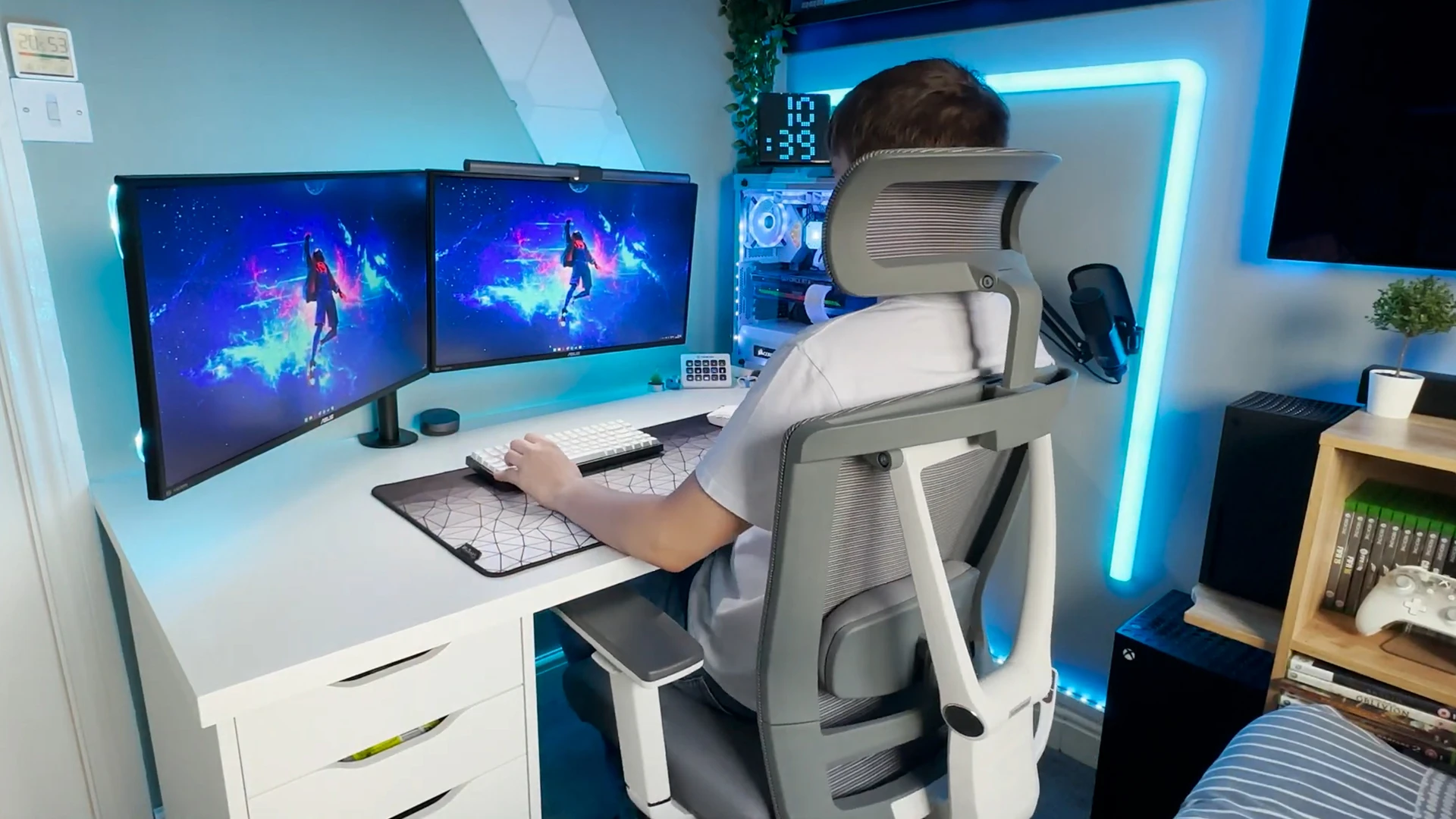
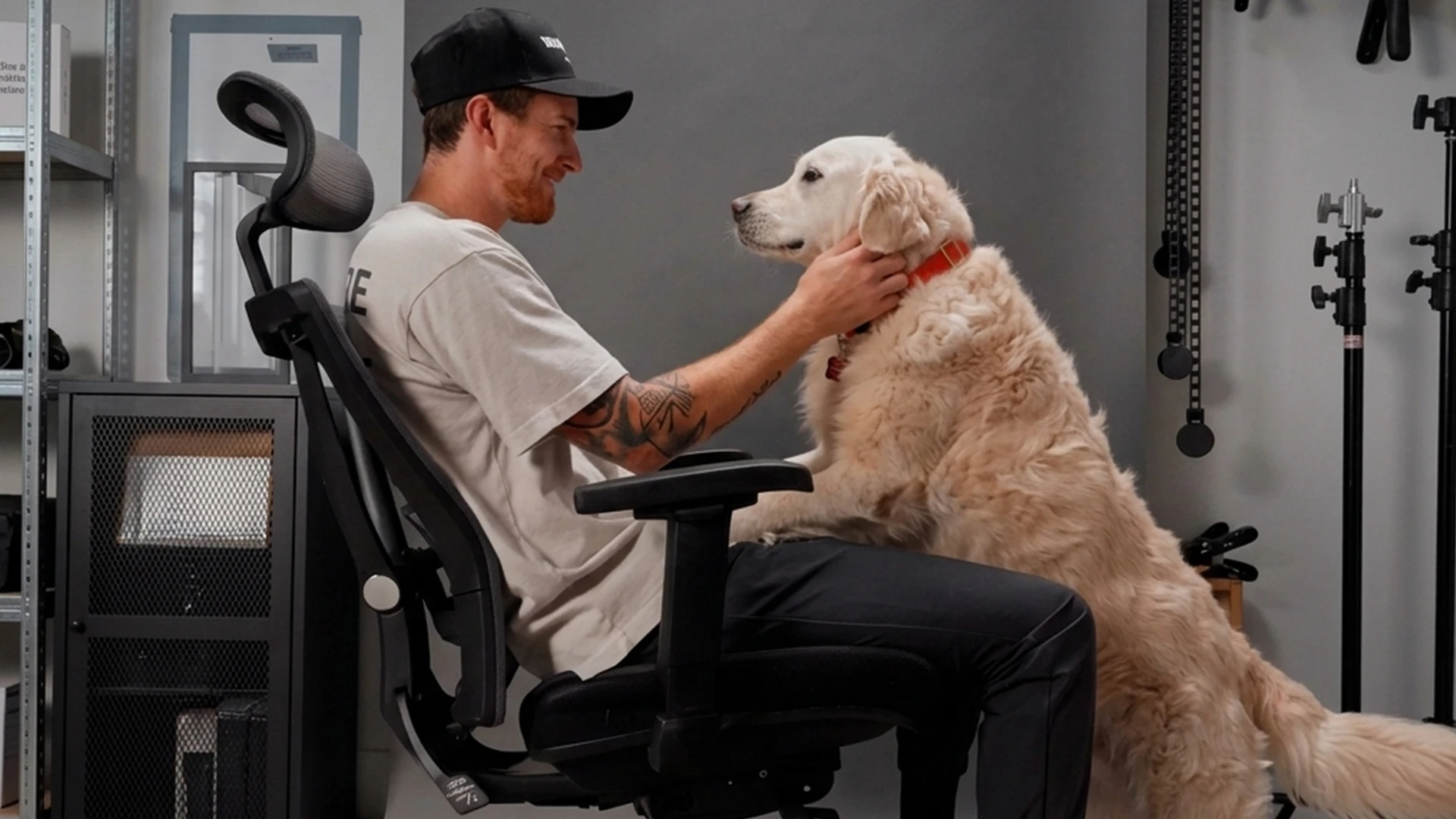
Honest limits: 5 degrees is the forward setting, so the Pro will not give the steeper slope of a kneeling chair or saddle stool. Owners report that the armrests lock only for height, not for slide or swivel, and the 22-inch top seat height can be low for a tall desk.
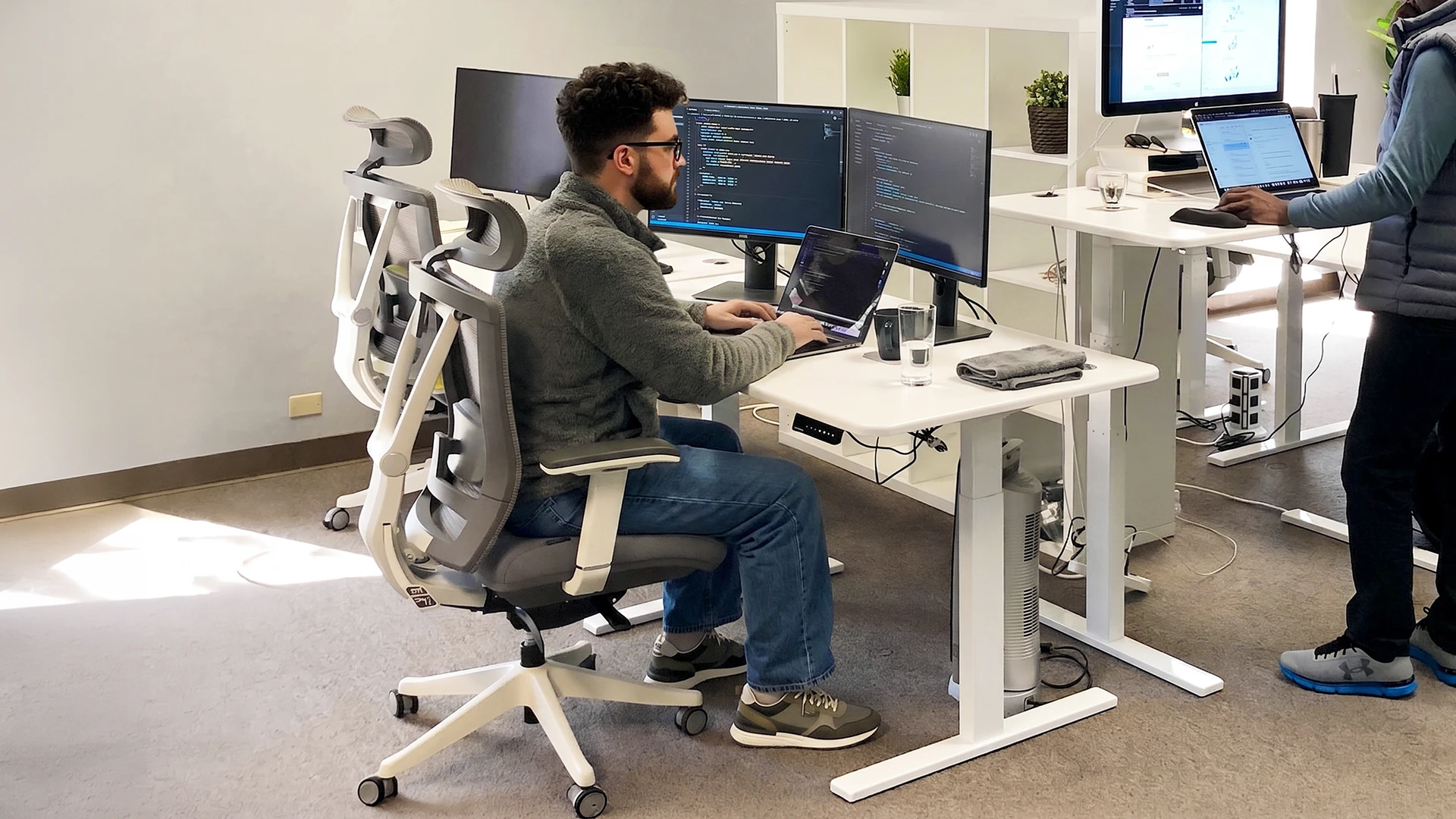
The ErgoChair Mesh lists seat tilt among its adjustments, along with back tilt angle and tension, seat depth and seat height, but its page does not say which way the seat tilts. If forward tilt is the reason you are buying, confirm the direction with the functions guide or Autonomous support first.
FAQs
Does the ErgoChair Pro have forward tilt?
Yes, the ErgoChair Pro seat tilts forward about 5 degrees for keyboard work. Flip the front-left handle clockwise to activate the seat tilt, set the angle, then flip it counter-clockwise to lock it. The same control also tilts the seat back for reading or calls; the adjustment guide suggests up to 10 degrees.
What is forward tilt on a chair?
Forward tilt on a chair is an adjustment that angles the seat pan forward, front edge lower than the back, usually by a few degrees (CCOHS advises no more than 10). It opens your hip angle so you can lean toward the desk without your lower back rounding as much. Some makers call it seat angle or front tilt.
Why do office chairs tilt forward?
Office chairs tilt forward on purpose to support work that pulls you toward the desk, such as typing, drawing or writing. If a chair tips forward when you did not set it, the tilt lock or mechanism may be loose, so check the manual and contact the maker before using it.
Is forward tilt good for your back?
Forward tilt can make leaning-in work more comfortable for some people, but no seat angle fixes back pain by itself. CCOHS notes it can also make you slide and tire your legs. Fit, desk height, screen position and regular breaks matter as much. Persistent pain needs a professional assessment.
How many degrees of forward tilt should I use?
Start at the smallest forward step and stay at or under 10 degrees, the limit CCOHS gives for forward-sloping seats. Herman Miller's optional Aeron forward tilt stops at 5 degrees. If you have to brace with your feet to stay seated, the angle is too steep.
Which office chairs have forward seat tilt?
The ErgoChair Pro has about 5 degrees of forward seat tilt, and the Herman Miller Aeron offers it as an add-on. Other task chairs and drafting chairs have it too, sometimes as a paid option. Check the spec sheet for "forward tilt" or "seat angle" with a forward position, and confirm the control on the chair itself.
What is the difference between forward tilt and a forward leaning chair?
Forward tilt changes the angle of the seat pan, while a forward leaning chair usually adds a pad that supports your chest as you lean in. A chair can have one without the other. Pick seat tilt for an open hip angle and chest support for work away from the backrest.
Conclusion
A forward tilt office chair earns its place when your work keeps you leaning toward the desk: a few degrees of seat angle, no more than 10, opens the hips and lets the pelvis follow you. Confirm the feature with the spec words and a level app before you buy from any list of ergonomic office chairs, set the seat up level first, and switch back to level or recline when the leaning-in work stops.