How to Raise a Desk Higher: 7 Safe Ways to Make It Taller


If your desk is too low, the safest way to make it taller is to measure the height you need, then choose a method that fits the desk's legs and construction. Furniture risers can lift a fixed four-leg desk a little; compatible taller feet or replacement legs give a more permanent result. To work standing up, use a desk converter or an adjustable frame instead of stacking unusually tall blocks.
The key is not simply adding inches. A desk height extender must support the desk, monitor and other equipment without creating a new wobble point. Here's how to choose the right approach, install it and check that the finished workstation still fits your body.
Quick comparison: 7 ways to raise a desk higher
| Method | Best for | Main limitation |
|---|---|---|
| Furniture risers | Short, reversible lift on plain desk legs | Fit and stability |
| Adjustable feet or leg extenders | Small, neat adjustment | Must match leg hardware |
| Replacement desk legs | Permanent height change | Mounting and load compatibility |
| Locking casters | Desk designed for wheels | Mobility and lateral movement |
| Secured base platform | Custom fixed furniture | Requires structural planning |
| Desktop riser or converter | Raising the work surface, not the desk | Extra footprint and load on top |
| Adjustable desk frame | Large or repeatable height changes | New frame and installation |
A desk leg riser raises the entire desk from the floor. A standing desk converter, sometimes also called a desk riser, sits on top and lifts only the keyboard and display platform. They solve different problems.
How much should you raise a desk that is too low?
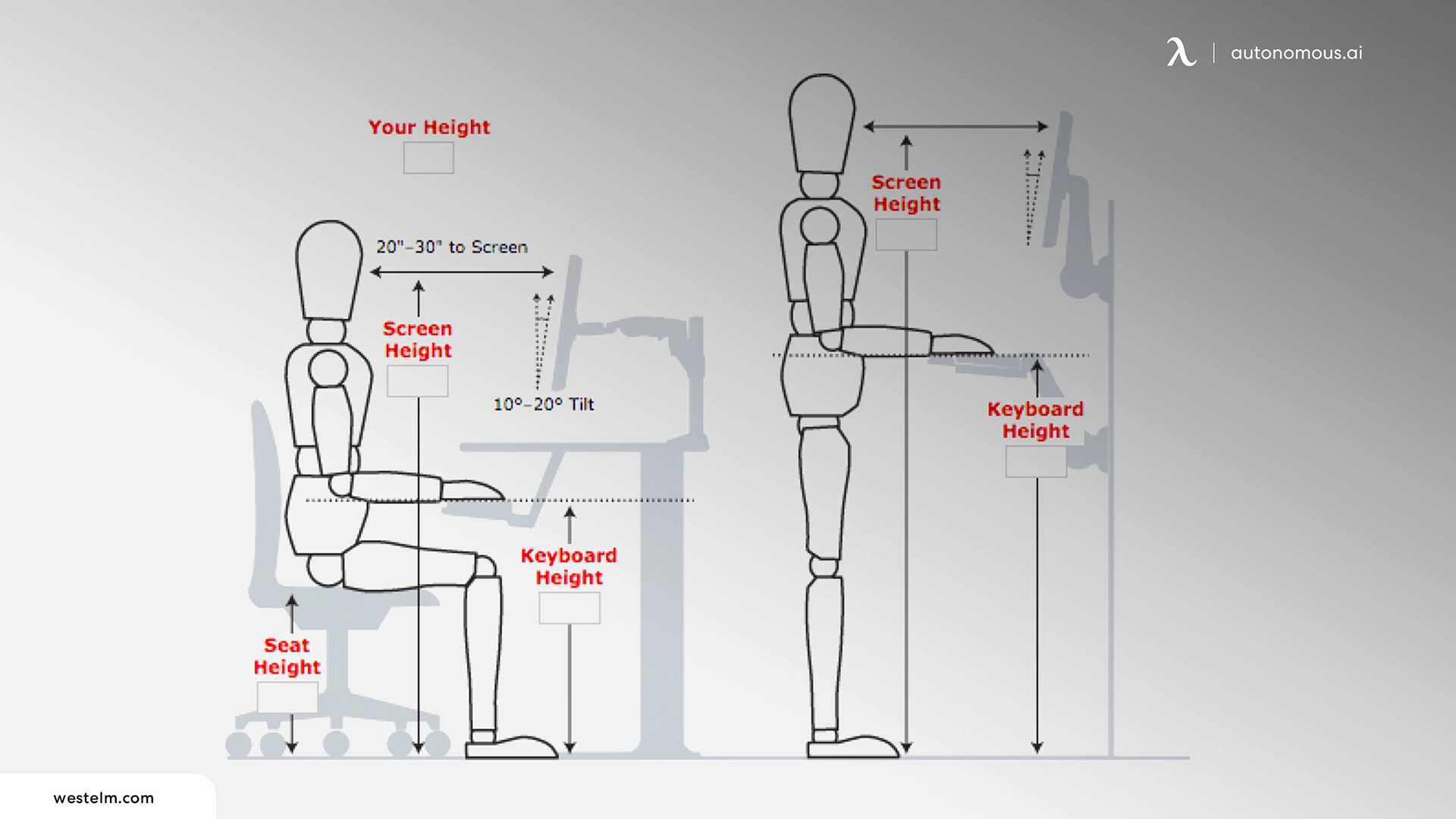
Raise a desk by the difference between its current work-surface height and a comfortable typing height for you. Do not start with a generic number such as 30 inches. Your chair position, elbow height, shoes and keyboard thickness all affect the result.
- Set your chair first. Sit with your feet supported, shoulders relaxed and elbows close to your sides. If lowering the chair makes the existing desk usable without crowding your legs, you may not need risers.
- Measure your elbow height from the floor. With your forearms roughly level, note where your hands naturally meet the keyboard. For seated typing, that gives a practical target for the input surface.
- Measure the desk as it is. Check from floor to worktop, then allow for the actual keyboard or keyboard tray height.
- Calculate the gap. For example, if your comfortable typing surface is 29 inches high but your current desk surface is 27 inches, the estimated lift is 2 inches. This is an illustration, not a universal desk-height rule.
- Check everything affected. A raised desktop also raises the monitor, changes the gap beneath the desk and may change your armrest clearance.
The desk height calculator is useful for an initial estimate, while individual fit still needs checking at your chair. The detailed ergonomic desk height guide covers seated and standing measurements separately.
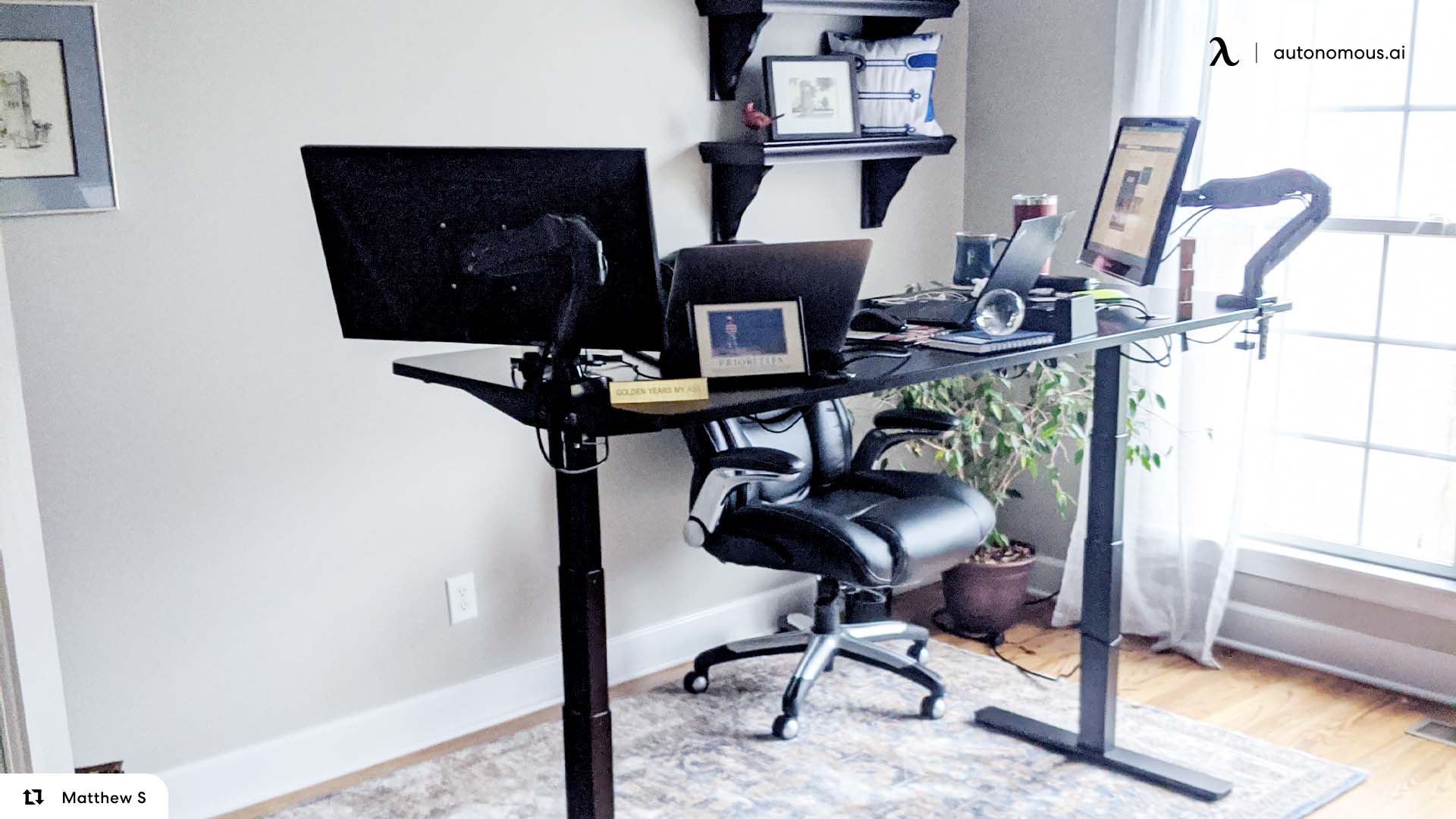
How to make a desk taller: 7 practical methods
1. Put furniture risers under the desk legs
Furniture risers are the simplest reversible way to raise a fixed desk with four separate, sturdy legs. They support the existing feet inside a recessed cup or on a supported platform, lifting the whole desk without changing the top. They are most sensible for a modest height increase when the leg bottoms fit snugly and the desk is not top-heavy.
Measure each leg's contact surface, not just its overall diameter. The opening should prevent sliding, and the riser must have a stable base on your actual flooring. Follow its load rating for the entire loaded desk; do not mistake a rating for one block for the capacity of the set. Avoid balancing a foot on a narrow edge or combining unrelated risers into a tall stack.
2. Use compatible desk leg extenders or adjustable feet
Leg extenders attach to a supported mounting point on the desk, while leveling feet usually thread into fittings already installed in the legs. They're worth checking if your desk needs a small increase and you want a cleaner result than freestanding blocks.
Turn the desk over only after removing equipment and following its assembly instructions. Check the thread size, engagement depth, bracket shape and the manufacturer's permitted adjustment range. Leveling feet designed only to correct an uneven floor should not be wound out far beyond their intended travel to gain height.
3. Replace the desk legs with a taller compatible set
Replacement legs can make a low fixed desk taller without adding a stack beneath each existing foot. This works best with a desktop that is structurally sound and has a replaceable leg system. Inspect the mounting plate pattern, screw length, material thickness and crossbracing before ordering.
A tabletop with drawers or a heavy unsupported span may rely on its original frame for rigidity. Longer legs alone don't preserve that engineering. If there is no reliable fastening surface or the existing frame provides essential bracing, skip this modification.
4. Add locking casters only if the desk supports them
Casters may add some height while making a desk easier to move, but they are not a universal desk height extender. Use only wheels compatible with the desk's caster sockets or manufacturer-approved hardware. Choose appropriate load ratings and locking features, and confirm that brakes prevent unwanted movement on the floor.
Do not drill caster holes into thin legs, glass furniture or a motorized standing desk simply to gain height. Even locked wheels can introduce movement that fixed feet do not, particularly when several monitors are mounted high on the desk.
5. Build a stable, secured base for suitable fixed desks
A custom wood or metal support base can raise furniture with awkward feet, but it needs a rigid structure that distributes the load and keeps the desk from sliding or tipping. Treat it as a small furniture-building project, not four loose offcuts of lumber. Use level supports of equal height and connections designed for the loads and materials involved.
If the desk is heavy, uses two large pedestal cabinets, or carries a substantial monitor-arm load, consult a qualified furniture builder rather than improvising a platform. Avoid unrestrained blocks where a sideways bump could shift the desk.

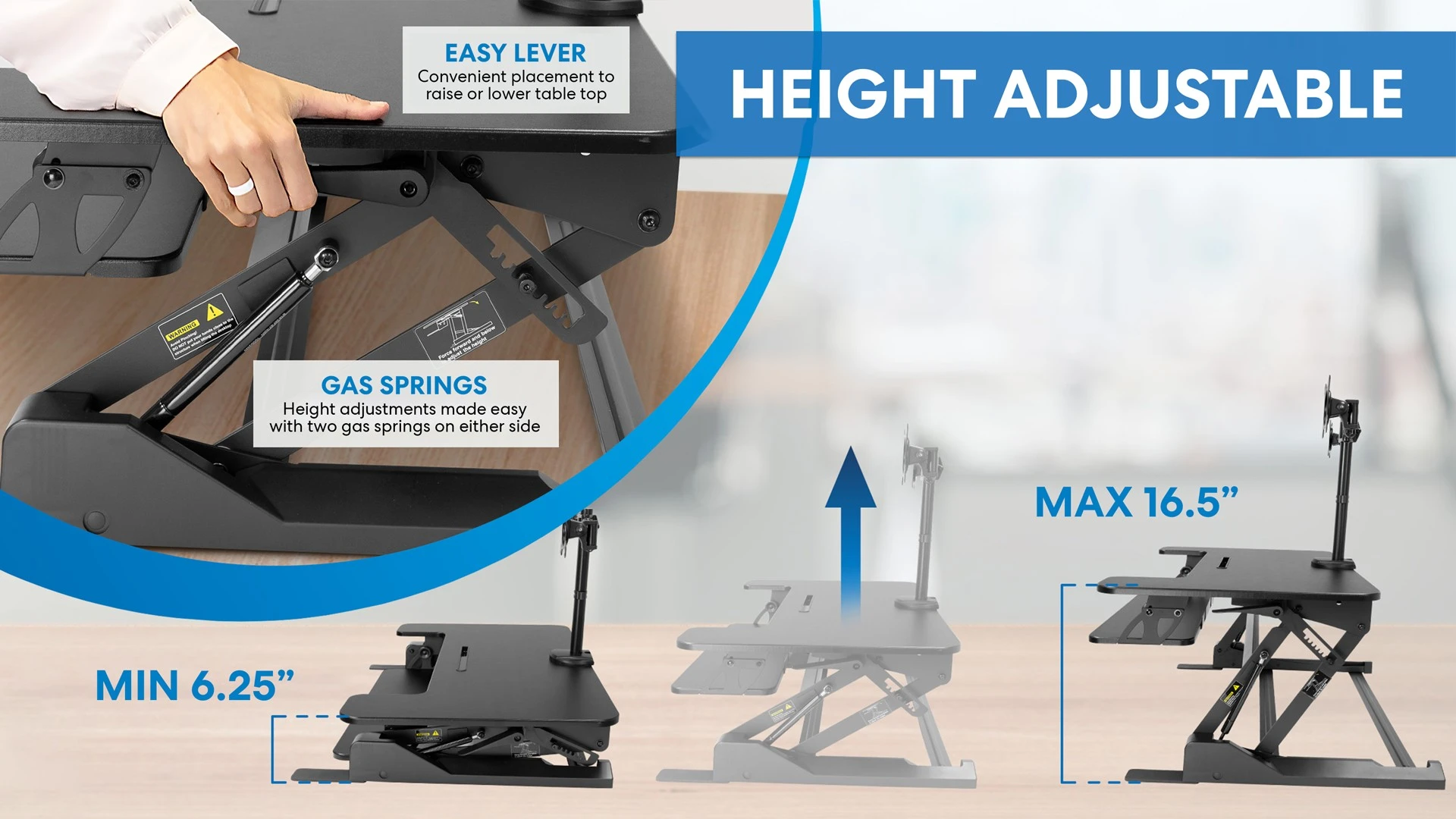
6. Put a desk riser or standing converter on top
If the desk itself is solid but the keyboard and monitor are too low, a desktop riser can lift the equipment without changing the legs. An adjustable standing desk converter takes this further by moving the working platform between seated and standing positions.
This is especially useful for built-in furniture or a desk with no conventional legs, provided the top can safely support the converter and equipment. Check the converter's minimum height as well as its extended height. Some units leave the keyboard too high for seated use even at their lowest setting, and the platform may reduce usable desk depth.
7. Replace the fixed base with an adjustable desk frame
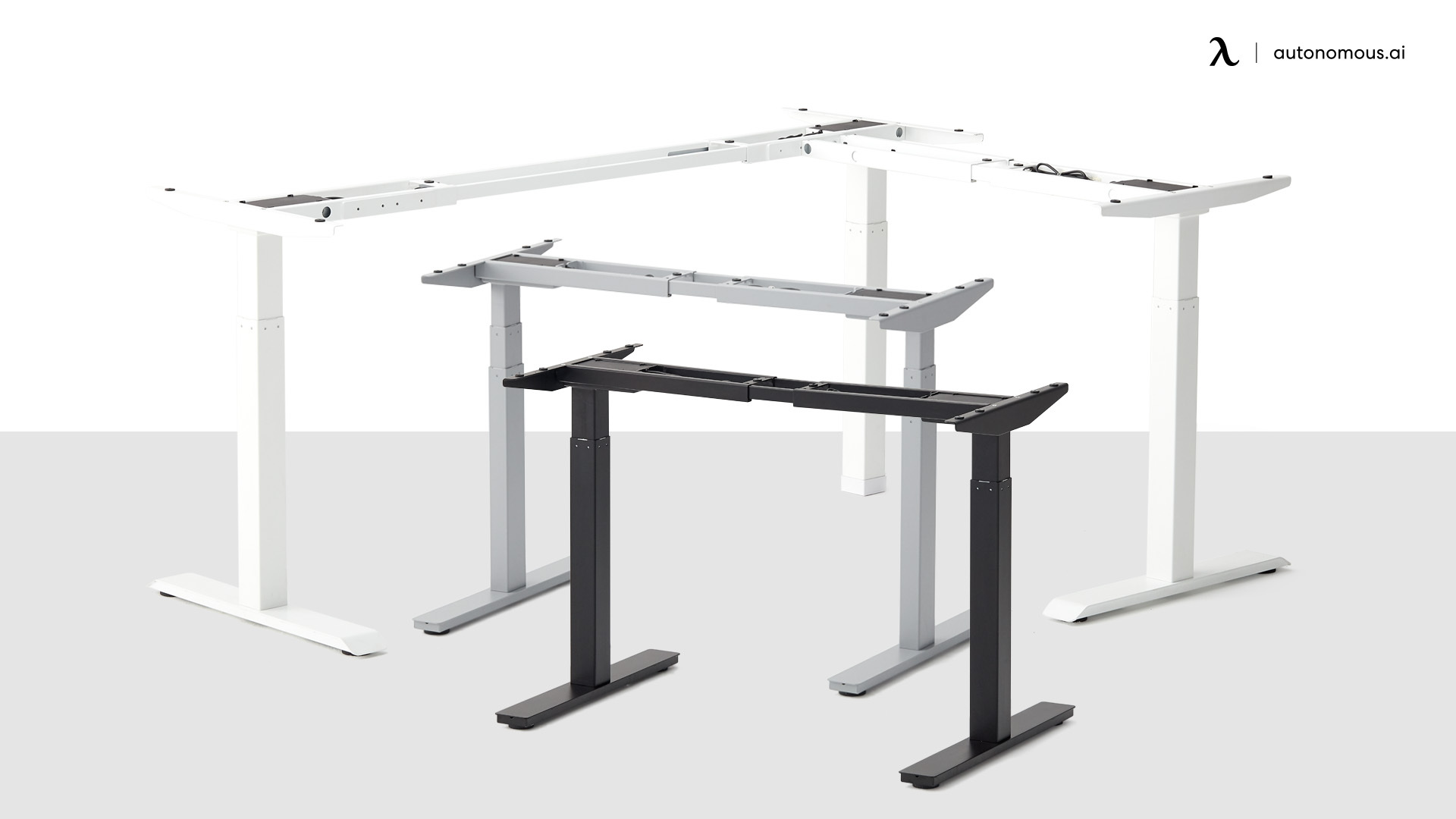
An adjustable frame is the more durable solution when you need a larger range, share a desk with someone of a different height or want to work both seated and standing. It also avoids placing tall risers under fixed legs. If you want to keep an existing desktop, confirm the top's dimensions, strength, mounting pattern and weight before choosing a new frame.
The Autonomous Desk DIY is a frame-only option for a compatible custom top. Its 2-Stage frame adjusts from 27.2 to 46.5 inches before the desktop thickness is added, supports up to 250 lbs of lifting load, and recommends a 48–60-inch-long top. The frame does not include a tabletop and is not an add-on for extending the original desk legs.
How to install desk height risers safely
Install risers only on a desk whose legs and manufacturer instructions permit this type of support. A stable result depends on fit, load capacity and keeping all contact points on the floor.
- Clear the desk. Remove monitors, computer towers, drawers' contents and anything that could fall. Unplug attached equipment.
- Measure all legs. Check shape, width and any leveling feet. Buy risers intended for those dimensions and the total loaded weight.
- Prepare the floor. Make sure it is level and the riser bottoms grip the surface without rocking.
- Lift with help. Use safe lifting practice and put one matching riser beneath each eligible support point. Never crawl under an unsupported desk.
- Seat each foot fully. Inspect from every side before releasing the weight. Do not balance a foot across a gap or on a rim.
- Test before reloading. Gently test for side-to-side and diagonal rocking. Recheck level and contact, then return equipment in stages. Stop if the desk shifts, flexes or feels unstable.
Short, well-fitting risers can work for a modest correction. A large lift that substantially increases side-to-side movement is a reason to select another method, not to add tape or rely on friction alone.
Which desk types can be raised safely?
| Desk type | Approach to consider | What to avoid |
|---|---|---|
| Four separate solid legs | Matched risers or compatible replacement feet | Loose stacks and undersized cups |
| Pedestal or cabinet-style desk | Engineered full-width base or surface converter | Balancing cabinets on four small blocks |
| Glass-top desk | Manufacturer-approved changes, otherwise a separate converter if rated | Assuming generic risers are safe for glass |
| Wall-mounted or floating desk | Remount at a suitable height with proper structural support, or use a compatible tabletop riser | Improvised supports beneath a wall shelf |
| Electric standing desk | Use its intended adjustment range; troubleshoot using the manual | Raising motorized feet with unapproved extensions |
A desk with no exposed legs, such as a floating desk, cannot use ordinary four-leg furniture risers. If it needs to be remounted, the wall structure, bracket spacing, loads and fasteners should be assessed by a qualified installer.
.webp)
Can you raise a fixed desk to standing height?
A few extra inches from furniture risers will not usually turn a seated desk into a safe standing workstation. Standing keyboard height must fit your elbows and should be adjustable when people of different heights use the desk. For a significant height change, a converter or height-adjustable standing desk is more appropriate.
A converter is useful if you cannot replace the furniture; a frame can be better when the desktop itself needs to move. The difference is important for monitor arms and cable routing. A monitor mounted to a stationary desk will not rise with a separate keyboard converter unless both sit on the same rated platform.
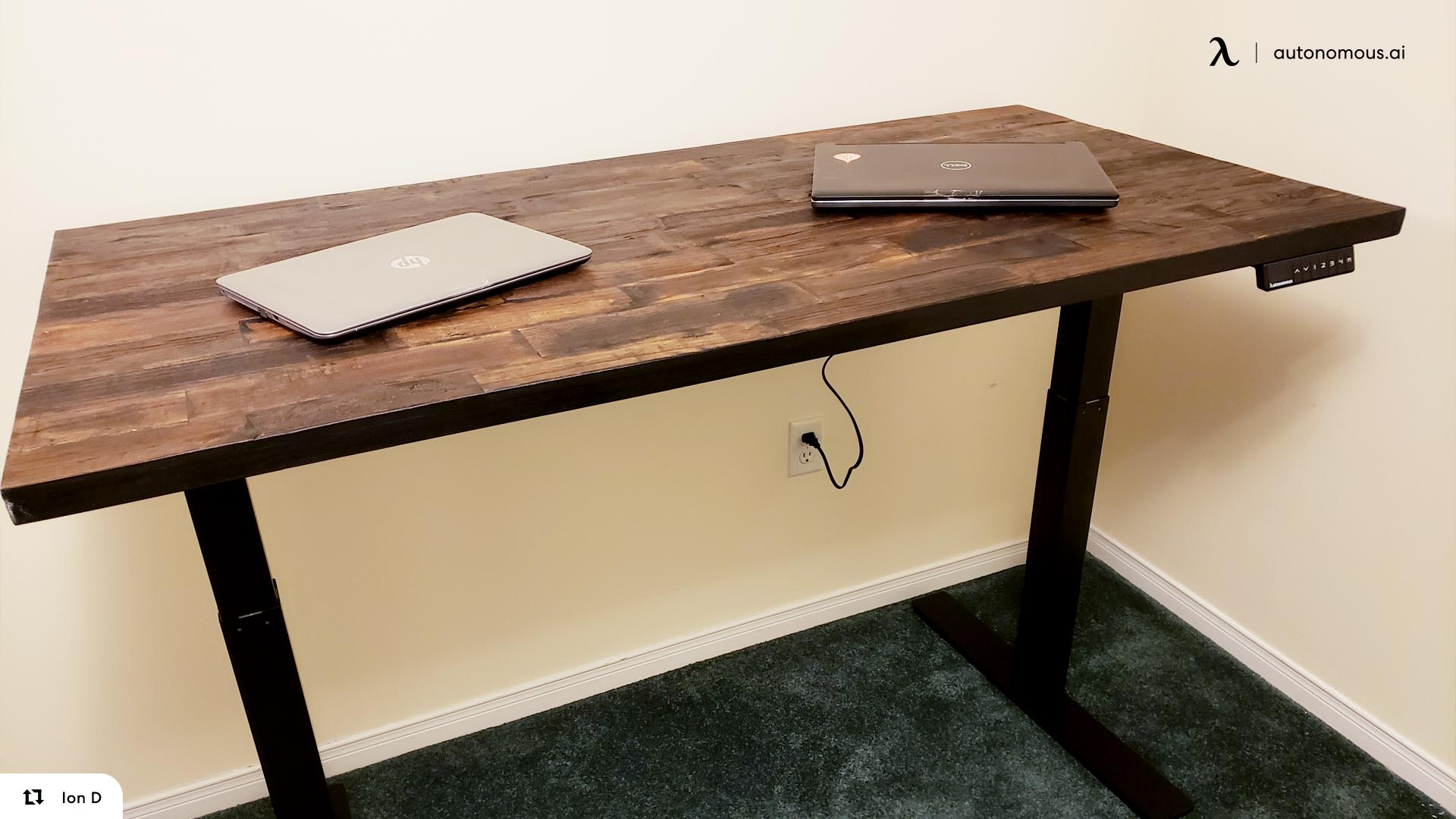
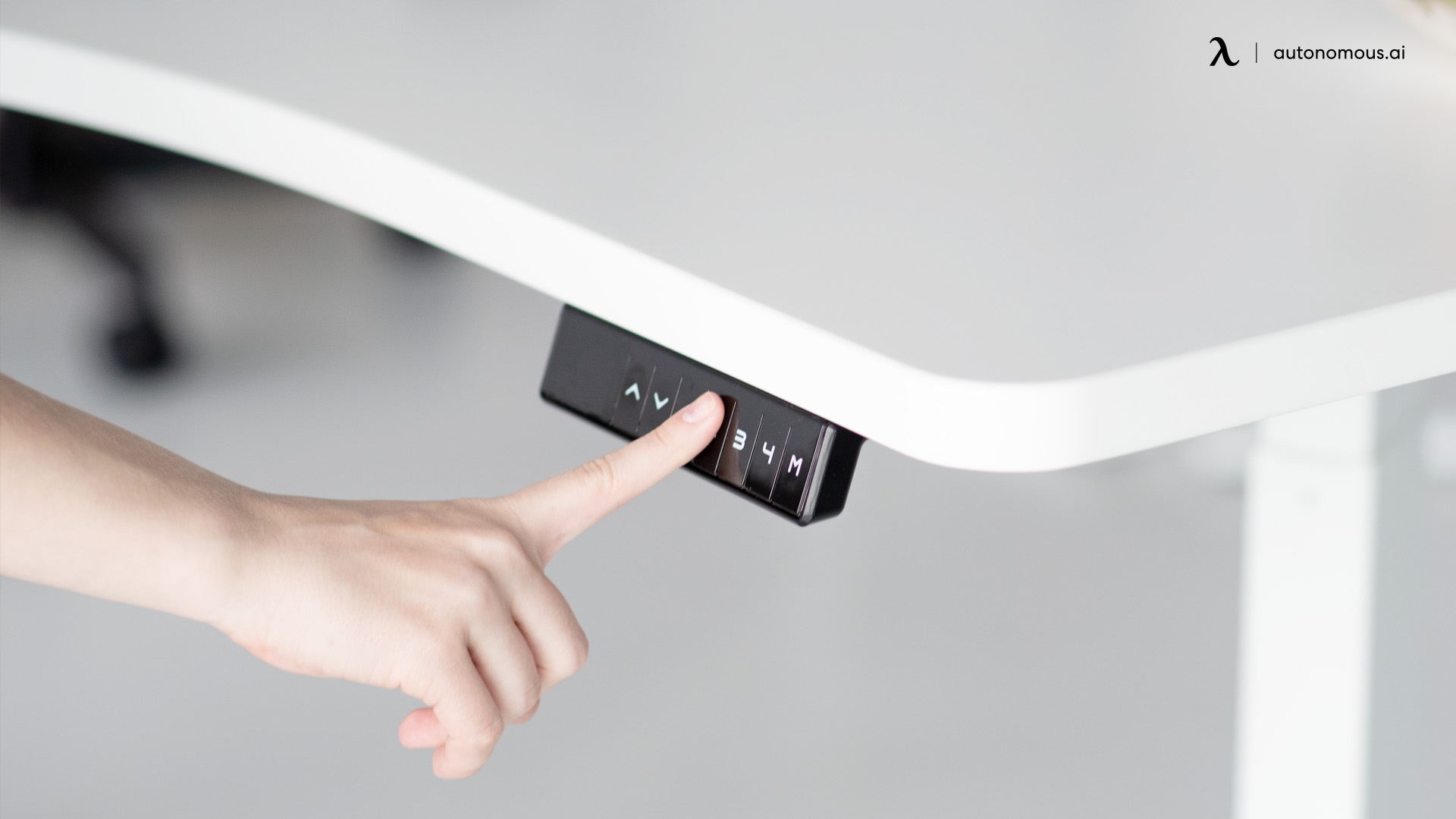
If you already have an electric standing desk, check that it is powered, clear the space above and below it, and operate the Up control as its user manual describes. If it stops below its rated height, follow the model's troubleshooting or reset instructions rather than pulling the telescoping legs by hand.

When raising the desk won't solve the problem
Before modifying furniture, identify whether the problem is the desk, the chair or one piece of equipment.
- Only the monitor is too low: raise or reposition the screen with an appropriate riser or mount. Raising the whole desk would also raise the keyboard and mouse.
- The keyboard is too low but the desk can't move: consider a stable, suitably rated desktop converter or a different input-surface arrangement.
- Your chair sits too high relative to the desk: lower the chair if you can keep the feet supported and maintain comfortable knee and under-desk clearance.
- Your legs don't clear the underside: inspect drawers, aprons and the actual space beneath the top before raising anything. Adding height does not automatically correct a restrictive drawer panel.
- The existing desk wobbles: repair or replace the underlying structure first. Risers can magnify an existing stability issue.
A footrest may be useful when a raised chair leaves the feet unsupported, usually while adapting to a desk that is too high. It does not solve a genuinely low typing surface by itself.
FAQs
What is the easiest way to make my desk taller?
Matched furniture risers are often the easiest reversible fix for a fixed desk with four sturdy legs. Check leg dimensions, total load and floor grip, then install evenly and test for movement before replacing your equipment.
How do I raise a desk that is too low without replacing it?
First measure the gap between the desk and your comfortable typing height. A small gap may suit compatible risers or replacement feet; a desktop converter can raise the work surface without modifying the legs.
What is a desk height extender?
A desk height extender may mean a riser beneath a desk leg, an attachment that lengthens the leg, or a desktop platform. Check which surface it raises and whether its mount and weight rating suit your desk.
Can I use furniture risers for a heavy computer desk?
Only when the risers are rated for the entire loaded desk and fit every support point securely. Equipment weight alone is not enough: the stability of the desk, monitor arms and riser-to-floor contact also matters.
How can I raise a desk that doesn't have legs?
For a wall-mounted or cabinet-supported desk, consider a rated desktop converter. Remounting a floating surface higher requires appropriate wall fixings and structural assessment; standard furniture risers cannot be used without suitable legs.
Can casters make a desk higher?
Compatible locking casters can add height, but they also change the desk's mobility and stability. Use them only where the manufacturer or frame design permits wheels, and never rely on casters as an improvised extension for an electric desk.
How do I raise my desk to standing height?
Use a standing desk converter or an adjustable frame designed to reach your standing typing height. Tall stacks of furniture risers aren't a safe substitute for a properly supported sit-stand mechanism.
Can I raise an electric standing desk beyond its maximum height?
Do not extend telescoping legs or add unapproved risers to bypass the manufacturer's height range. Check the owner's manual for normal adjustments; if the frame cannot reach your required height, consider a model with a higher rated range.
Should I raise my desk or lower my chair?
Lower the chair first if it preserves foot support, a relaxed arm position and knee clearance. If the desk still sits below your comfortable typing height, a measured desk adjustment is more appropriate than forcing an awkward seated posture.
Bottom line
To raise a desk higher, measure the exact height gap and choose the smallest structurally appropriate change. A fixed four-leg desk may only need securely fitted risers. A desk with unusual supports may need compatible replacement legs, while a standing-height goal usually calls for a converter or an adjustable frame.
Check the loaded weight, all leg contact points and desk movement before trusting the result with a monitor. Height only helps when the desk stays stable and lets your chair, keyboard and screen work together.
References
- Occupational Safety and Health Administration (OSHA). Computer Workstations: Workstation Components, Desks. Desk heights and clearance guidance.
- Occupational Safety and Health Administration (OSHA). Computer Workstations: Purchasing Guide. Input-surface height and workspace fit.
- Washington State University Environmental Health and Safety. Office Ergonomics. Workstation adjustment guidance.