The Best Large Standing Desks (60 to 80 Inches)

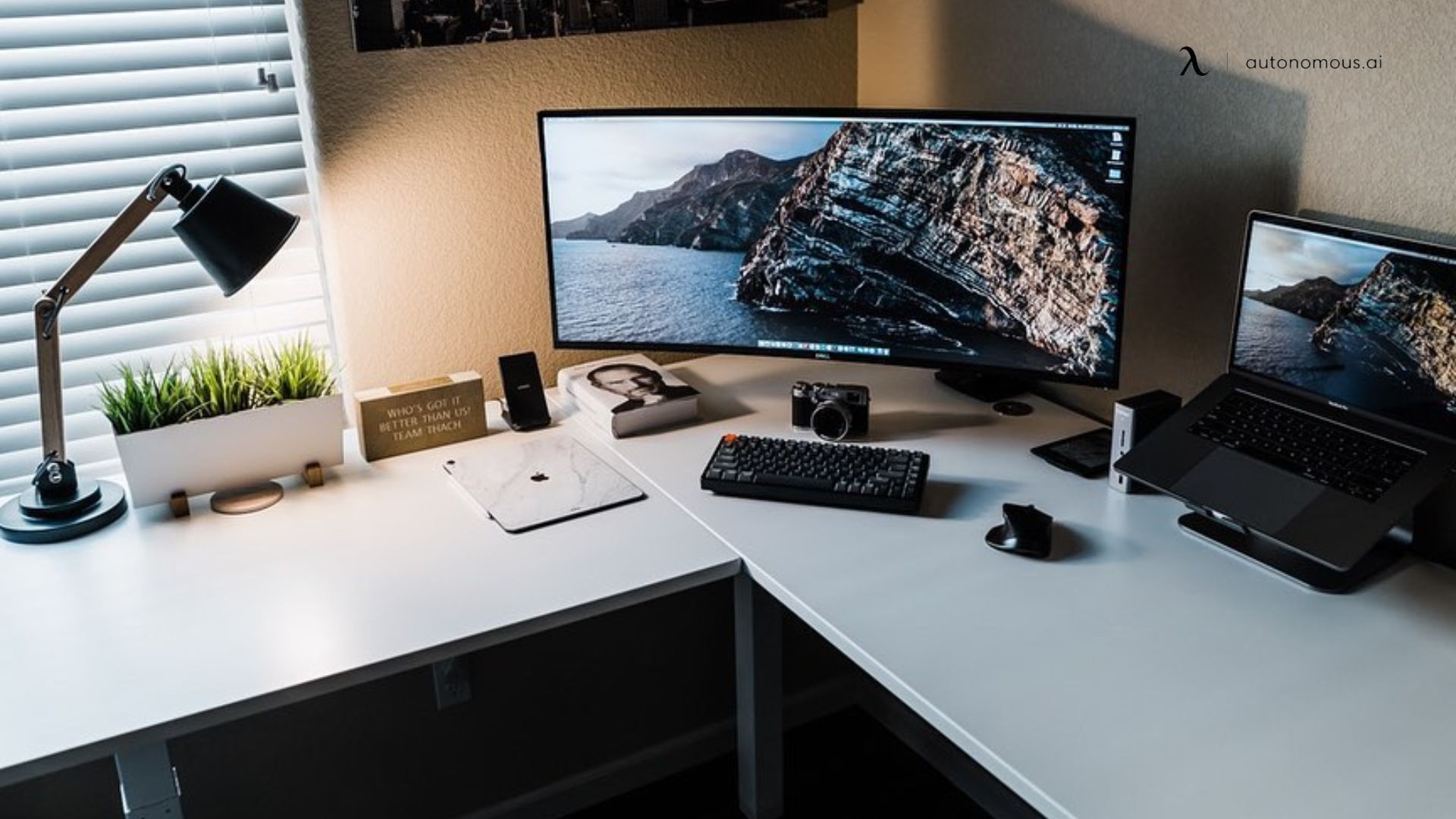
A large standing desk turns a workspace into a command center, with room for multiple monitors, a laptop, and the rest of your gear on one surface, plus the health benefit of moving between sitting and standing. The catch is that a wide top only works if the frame stays steady when raised, since a big desk magnifies any wobble.
This guide compares the best large standing desks, from 60-inch models to true 80-inch builds. Each was checked against its maker's current specifications and judged on surface size, weight capacity, stability, and depth, so you can match one to your setup rather than the longest spec sheet among the wider range of standing desks on the market.
Large standing desks at a glance
Sizes are width by depth in inches. Autonomous prices are current; competitor prices are approximate and change often.
Desk | Size | Capacity | Price | Best for |
|---|---|---|---|---|
Autonomous Desk 2 | 70.5 x 30 | 310 lbs | $749 | Value wide flat |
Autonomous Desk Pro AI | 70.5 x 29 | 330 lbs | $949 | Wide flat plus sensors |
Autonomous Desk Levitate 2 | 59 x 31.5 | 380 lbs | $1,299 | Solid-wood, deep top |
Autonomous Desk 2 L-Shaped | 77 (corner) | 400 lbs | $1,149 | Corner, most surface |
FlexiSpot E7 Plus | up to 80 x 30 | 440 lbs | $600 | Tall users, heavy loads |
Uplift V2/V3 Large | up to 80 x 30 | 355 lbs | $700 | Premium build |
ApexDesk Elite | 71 x 33 | 235 lbs | $500 | Extra desktop depth |
Jarvis Bamboo | up to 78 x 30 | 350 lbs | $700 | Eco-friendly finish |
What makes a large standing desk worth buying
A large desk is not simply a wider one. Once a top passes 60 inches, a few things decide whether it works or wobbles, and these are what we weighed for every pick.
Stability at full height comes first. A wide top magnifies any sway, so a large desk lives or dies on its frame. We favored thickened steel and dual or four-motor frames with a wide leg stance, and treated weight capacity as a proxy for stability. You will not load 400 pounds, but a high-capacity frame stays planted when raised.
Surface size and depth come next. Width sets how much you can spread out, while depth sets how far your monitors sit from your eyes. A large desk should be deep as well as wide, since a shallow top forces screens too close no matter how long it is.
Height range, cable management, and build round out the list. A range of roughly 22 to 48 inches suits most people, taller users should look past 50 inches, and on a big surface, tidy cable routing, a quiet motor, and a solid warranty separate a desk you enjoy from one you tolerate.
The best large standing desks
1. Autonomous Desk 2 - Best value wide desk
The Autonomous Desk 2 is the value pick for a wide flat surface, a 70.5 by 30 inch top that fits three 27-inch monitors side by side or a single ultrawide with room for gear. A dual motor lifts 310 pounds at a quiet 40 decibels, and the warp-proof MDF top comes in White, Black, or Walnut on a steel frame with anti-collision. It adjusts from about 26 to 52 inches to suit most heights, and four presets save your positions. New buyers can take an extra 5% off with code BLOGFIRST5.

Keep in mind: the top is durable MDF rather than solid wood, so if you want a natural wood grain, look at the Levitate 2 below.
Best for: the most wide, flat surface at the lowest Autonomous price.
2. Autonomous Desk Pro AI - Best smart wide desk
The Autonomous Desk Pro AI takes the same wide 70.5 by 29 inch flat format and adds a layer of intelligence. Built-in sensors track air quality, noise, and your sit-stand pattern, then score your workspace in the companion app, so the desk reads the room as well as holds your gear. Underneath it is the quiet, steady Pro frame with memory presets, so you get the wide flat surface plus the sensors in one desk.
.webp)
Keep in mind: the sensors add to the price over the plain Desk 2, so choose it only if you want the workspace tracking.
Best for: a wide flat desk that monitors your air and habits.
3. Autonomous Desk Levitate 2 - Best solid-wood large desk
The Autonomous Desk Levitate 2 trades some width for a deeper, solid-ash top on a stable four-leg, four-motor frame. It holds 380 pounds, runs under 45 decibels, and comes in a 53-inch Classic or a deeper 59 by 31.5 inch Ultra size, with cables hidden in a rear groove and a touch-free sensor for height changes. The solid wood gives it a furniture-grade look that laminate and MDF cannot match.
3b463479-3290-404c-ad1d-6853ec654e71.jpg)
Keep in mind: the height tops out around 44 to 45 inches, lower than the flat desks, so very tall users get less standing headroom.
Best for: a solid-wood large desk with real depth.
4. Autonomous Desk 2 L-Shaped - Best corner command center
The Autonomous Desk 2 L-Shaped wraps 77 inches across two walls for the most surface here, which OSHA notes also adds depth for large or multiple monitors. A triple motor holds 400 pounds, the highest of the Autonomous options, and the short side reverses left or right to fit the room, with four presets and anti-collision. It is the pick when you want two work zones in a corner rather than one long run.
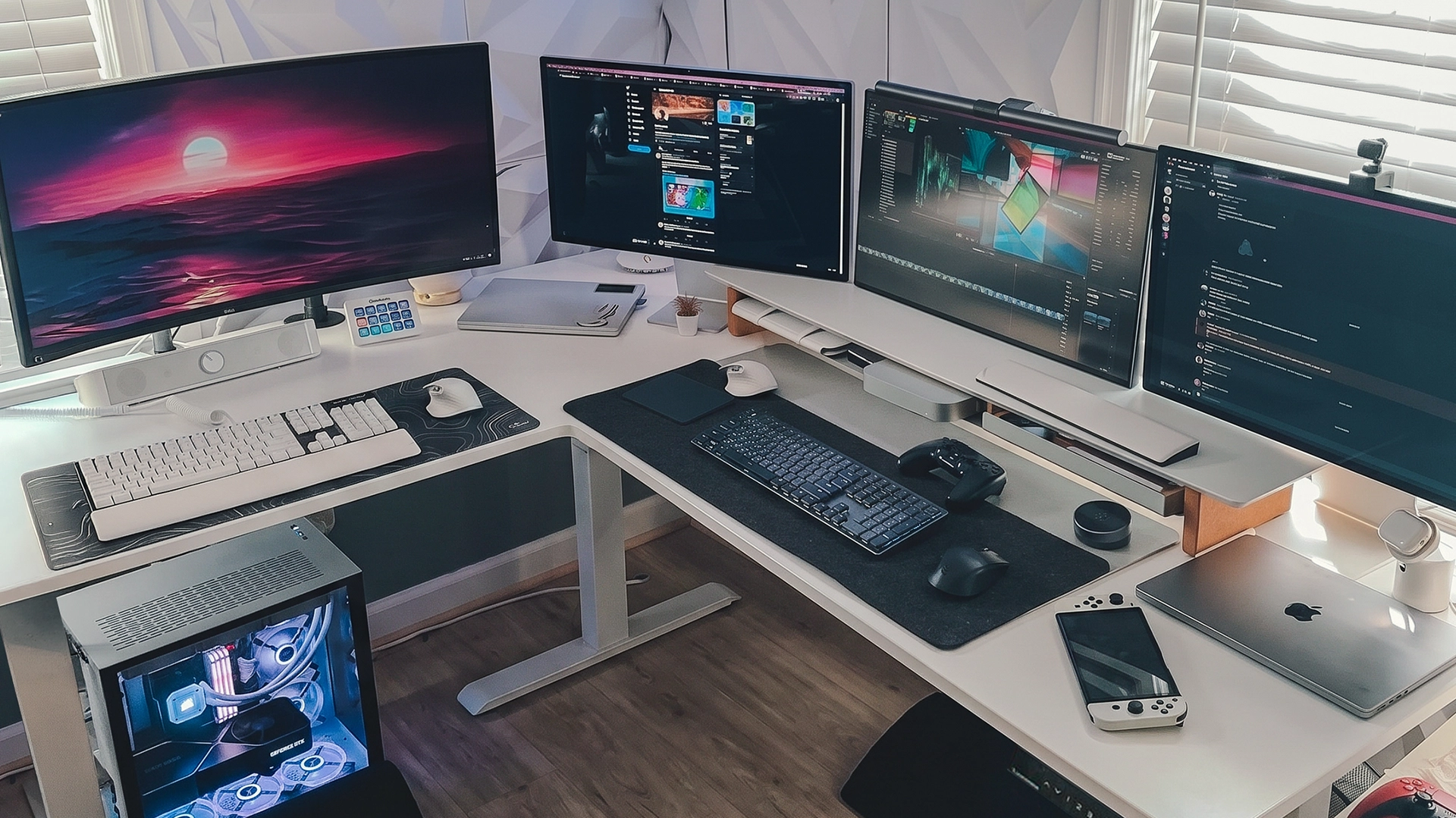
Keep in mind: at this size the top is heavy to align alone, so plan to assemble it with a second person.
Best for: a corner setup that wants the most surface and capacity.
5. FlexiSpot E7 Plus - Best for tall users and heavy loads
The FlexiSpot E7 Plus is the pick when the priority is size and strength. Its four-legged frame is unusually sturdy, rated to lift 440 pounds with a 540-pound static load, so it carries a big desktop PC, several monitors, and everything else without flex. It offers tops up to 80 by 30 inches, a genuine ultra-wide or shared surface, and it sits among the sturdiest heavy-duty standing desks you can buy.
The standout for tall users is the extended-height frame, which rises to 51.6 inches. That is high enough for someone well over six feet to stand with a neutral posture, where many desks top out near 48 inches and leave tall users hunched. A three-stage frame keeps the movement smooth and stable even fully raised, with memory presets and anti-collision, and it sits in the mid price range, strong value for the capacity and size.
Keep in mind: the four-leg design and 80-inch top need real floor space, and the large surface can ship as joined pieces, so check the configuration if a seamless top matters to you.
Best for: tall users, heavy multi-monitor rigs, and the largest, sturdiest surface here.
6. Uplift V2 or V3 Large - Best premium build
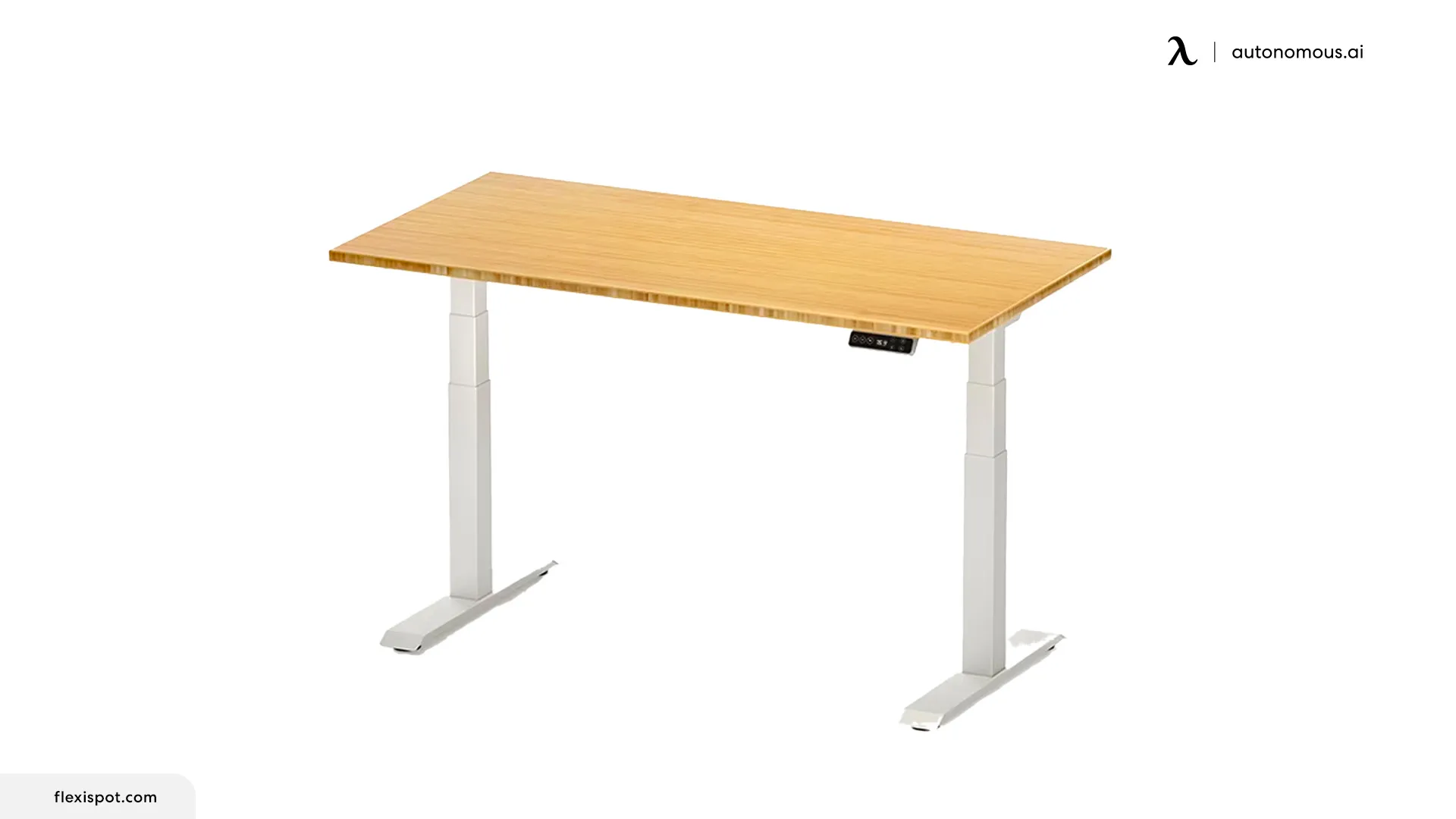
The Uplift Large is the premium all-rounder, built on a frame widely rated for stability at full height. It offers tops up to 80 by 30 inches, holds 355 pounds, and adds dozens of threaded mounting points across the underside, so you can bolt on accessories, a cable tray, or a CPU holder without drilling. The newer V3 improves cable management and shortens assembly over the V2.
A wide 25 to 51 inch range fits nearly everyone, and one of the longer warranties in the category covers the frame, motors, and electronics. Customization runs deep, from desktop material and size to frame color, so you can dial in the exact large desk you want rather than settling for a fixed configuration.
Keep in mind: a fully configured build with a premium top climbs well past the base price, and the many options can make ordering feel involved compared with a single fixed model.
Best for: buyers who want the sturdiest premium frame with the most accessory and configuration options.
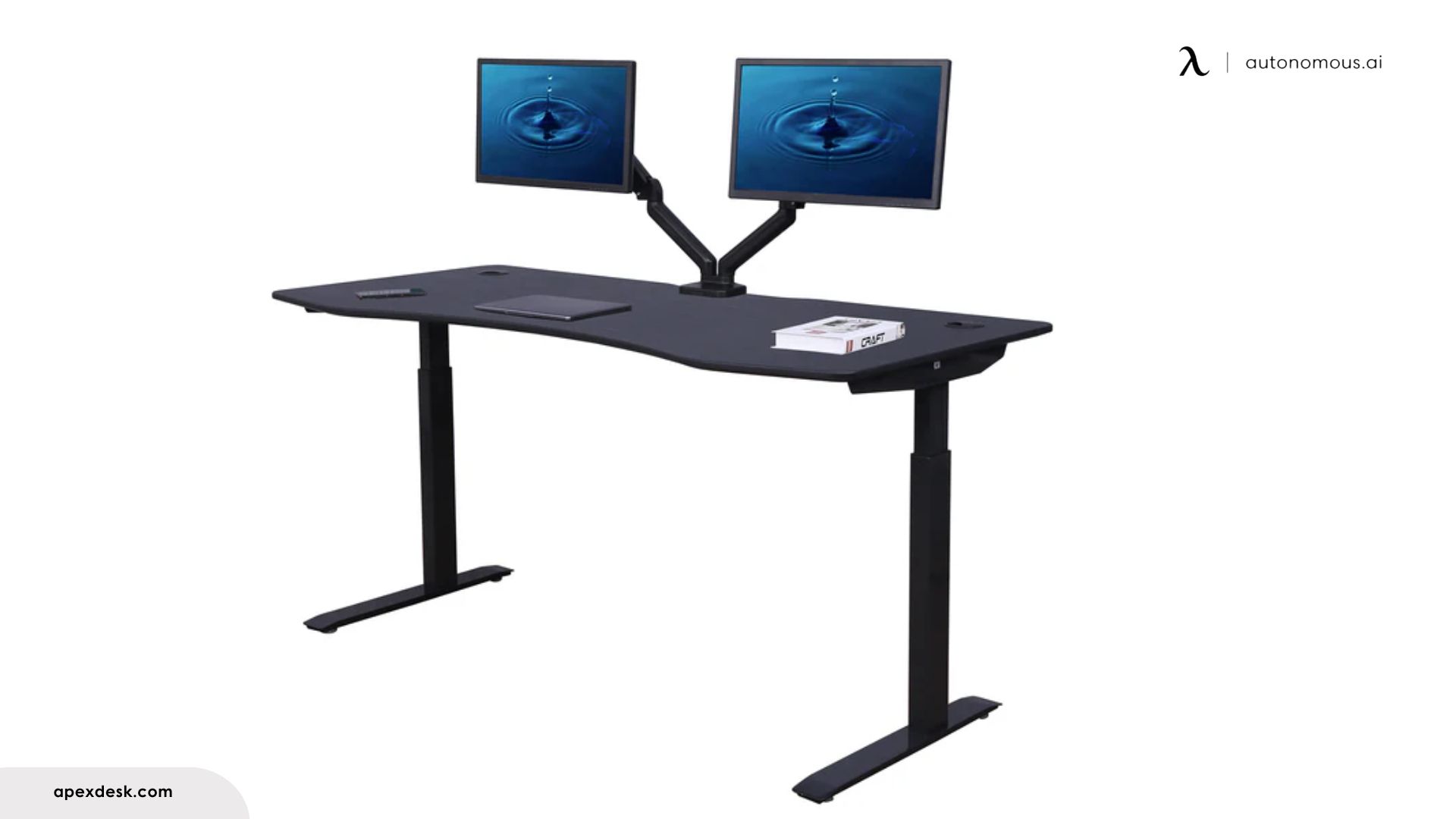
7. ApexDesk Elite - Best for extra depth
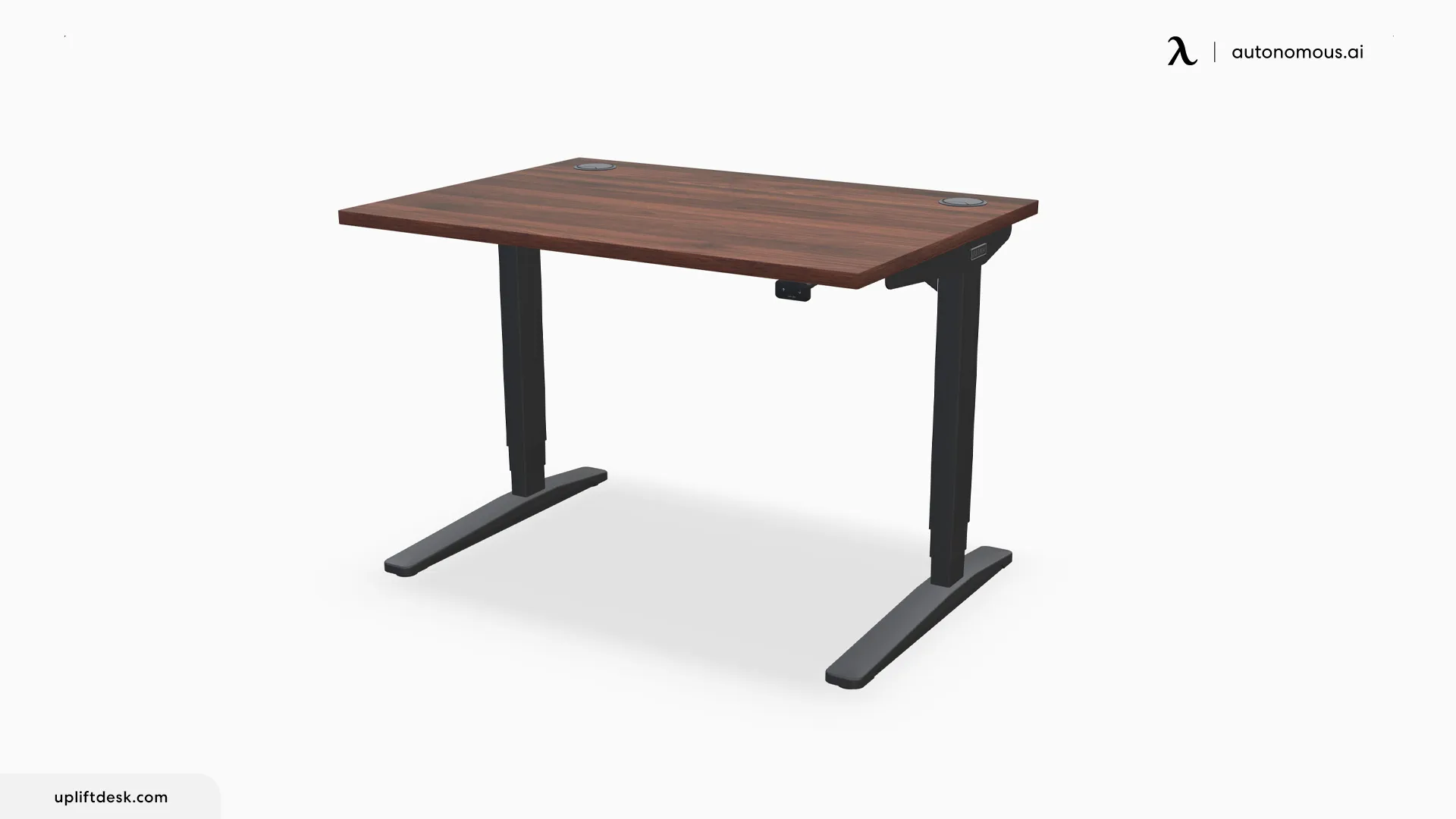
The ApexDesk Elite stands out for depth as much as width, which is exactly what a large multi-monitor setup needs. The 71-inch model runs a deep 33-inch surface, above the 30-inch depth ergonomists recommend, so you can push monitors back to a healthy 20-to-40-inch viewing distance and still keep a keyboard, a tablet, and notes in front. It also comes in a 60-inch size for smaller rooms.
A dual-motor frame with four presets adjusts smoothly, and the desk stays stable under heavy loads even without a crossbar, so it does not crowd your legs. A curved front edge adds a little wrist comfort. It lands in the mid price range, which makes it a practical extra-large option for anyone who values a deeper surface over a merely wider one.
Keep in mind: at 33 inches deep it takes more floor space front to back, so measure the room, and like most wide tops it can arrive as joined sections rather than a single slab.
Best for: anyone who wants a deeper surface, not just a wider one, for multiple monitors.
8. Jarvis Bamboo Standing Desk - Best eco-friendly finish
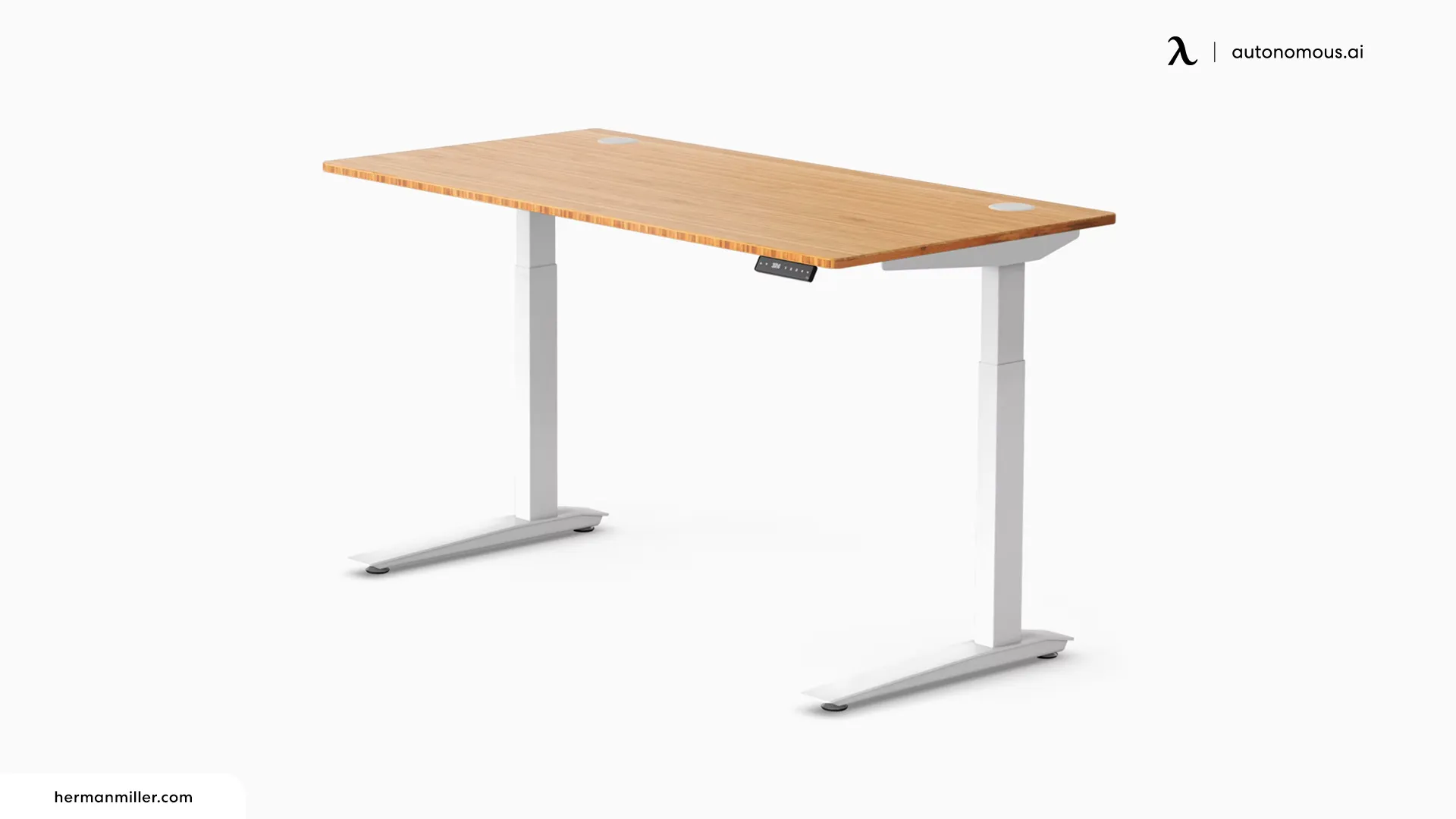
The Jarvis Bamboo pairs a large surface with a sustainable bamboo top that reaches up to 78 inches wide, so it competes with the biggest desks here while bringing a warm, natural finish instead of laminate. Bamboo is fast-growing and renewable, and the surface is both sturdy and easy to live with day to day.
It rises to about 51 inches, so taller users stand comfortably, and it holds up to 350 pounds on a stable dual-motor frame. Six frame colors and a choice of no grommet or two grommets let you tailor the look and cable routing, and it carries a solid multi-year warranty. The wide top works well as a three-monitor desk for larger creative or coding setups.
Keep in mind: bamboo is a natural material, so grain and tone vary between tops and it can mark over time, and the largest sizes cost more than a comparable laminate desk.
Best for: a large desk with an eco-friendly, natural bamboo finish.
How to choose the right large standing desk size
Start with width, since it sets how much you can spread out. A 60-inch desk is the entry to large and fits a dual-monitor setup. A 70-inch desk holds three monitors or an ultrawide with room for gear. An 80-inch desk is a true command center for the widest builds or two people sharing one surface.
Depth matters just as much. OSHA recommends viewing a monitor from 20 to 40 inches away, and a common ergonomic standard is at least 30 inches of desk depth so a modern 27-inch or larger screen sits far enough back. A shallow top forces the screen too close, which strains the eyes and pulls the head forward. If you use a monitor arm that clamps to the back, you can manage a little less depth, since the arm pulls the screen forward and frees the space behind it.
Then set the height. Whether sitting or standing, adjust the desk until your forearms are parallel to the floor and your elbows sit near a 90-degree angle, with the top of the screen at or just below eye level. A large frame should also feel solid at standing height, so test for sway before you commit if you can. For a corner instead of a straight wall, an L-shaped standing desk with storage uses two walls efficiently, which OSHA notes also adds depth for large or multiple monitors.
FAQs
What is the best large standing desk?
The best large standing desk depends on your space and load. The Autonomous Desk 2 gives a wide 70.5-inch flat surface at a fair price, the Desk Pro AI adds air and posture sensors, and for a corner the Desk 2 L-Shaped has the most surface, while the FlexiSpot E7 Plus suits tall users and heavy rigs.
What size is considered a large standing desk?
A large standing desk usually starts around 60 inches wide and runs up to 80 inches. Sixty inches fits a dual-monitor setup, 70 inches holds three monitors or an ultrawide with room for gear, and 80 inches is a true command center for the widest builds or two people sharing one surface.
Is a 70-inch or 80-inch standing desk better?
It depends on your room and setup. A 70-inch desk suits most three-monitor and ultrawide setups and fits more rooms. An 80-inch desk gives command-center space for the heaviest multi-screen rigs or a shared desk, but it needs more floor space and a very sturdy frame to stay stable when raised.
How deep should a large standing desk be?
Aim for a depth of at least 30 inches, the common ergonomic standard, so your monitor sits within OSHA's recommended 20-to-40-inch viewing distance and you have room to rest your arms while typing. A deeper 33-inch surface, like the ApexDesk Elite, adds space for a tablet or notebook alongside your keyboard.
Are large standing desks stable when raised?
They can be, but a wide top magnifies any movement, so stability depends on the frame. Look for a thickened steel or dual-motor frame with a wide leg stance and a high weight capacity, since capacity is a good proxy for stability. Four-leg frames like the FlexiSpot E7 Plus resist sway well at full height.
Do large standing desks fit in small rooms?
A large desk needs floor space and clearance to pull out a chair and to rise at standing height, so measure before buying. If space is tight, an L-shaped desk uses a corner more efficiently than a long straight desk, and a 60-inch model gives a large surface with a smaller footprint than an 80-inch build.
Conclusion
The best large standing desk is the one that matches your surface, your load, and your room. The Autonomous Desk 2 and Desk Pro AI give a wide, quiet flat surface, the Levitate 2 adds a solid-wood top and the L-Shaped a corner, and the FlexiSpot E7 Plus covers tall users and heavy setups.
Decide on width first, from 60 to 80 inches, confirm at least 30 inches of depth and a frame that stays solid when raised, then match the desk to how you work. Get those right and a large standing desk stays a comfortable, productive command center for years.
References
- Occupational Safety and Health Administration (OSHA). Computer Workstations eTool: Desks. https://www.osha.gov/etools/computer-workstations/components/desks
- Occupational Safety and Health Administration (OSHA). Computer Workstations eTool: Monitors. https://www.osha.gov/etools/computer-workstations/components/monitors
- Cornell University Ergonomics Web. Office Ergonomics Guidelines. https://ergo.human.cornell.edu/