Nov 20, 2026
Version 0.1.11
- feat(dial): follow the thread opened in the ChatGPT app, through Accessibility
Downloads
- Mac · Apple silicon and Intel.dmg · 11.2 MB
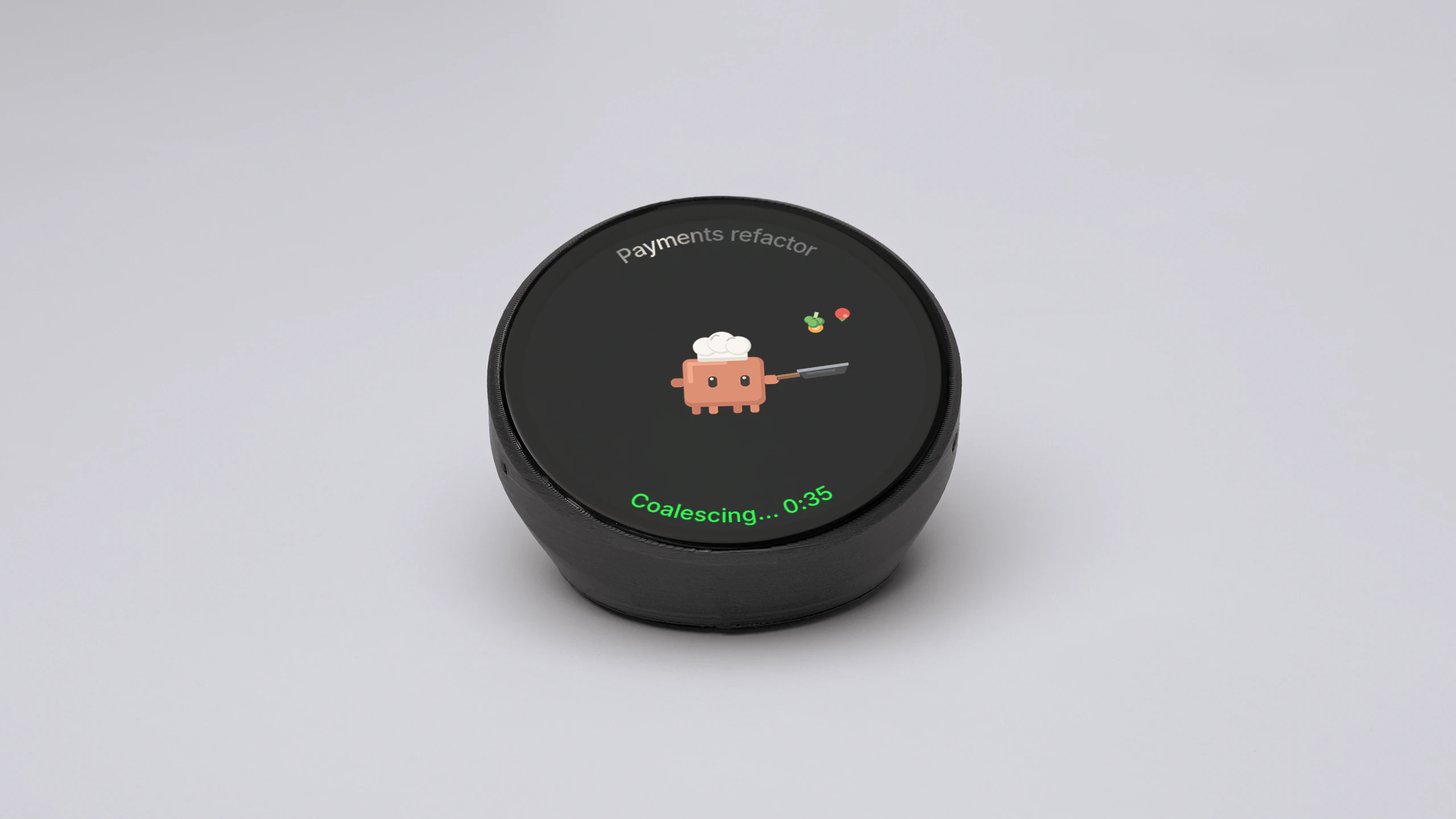
Quick start
Three steps. The app sets up the rest.
For Mac · Apple silicon and Intel · version 0.1.11 · macOS 13 or later
Download Harness Device, drag it to Applications and open it. It runs in your menu bar.
Choose Sign in… once.
Connect the device to your computer with the USB-C cable. The menu says Device ready.
Claude Code and Codex appear on the device. Nothing to set up.
Say the next task.
“Why is the login test failing?”
Tap again.
Next agent. On your Mac too.
Drag up or down to read back.
Switch apps.

Claude Code

Codex

Terminal, Claude Code panel

Terminal, Claude Code panel, Cursor agent
Terminals
 Orca
 herdr
 Terminal
The app adds the Claude Code plugin, the VS Code and Cursor extension and the Orca plugin for you. Agents run as you already set them up.
Nov 20, 2026
Use the cable that came in the box, or another USB-C cable that carries data. Plug it straight into your computer, not a charger or hub.
Start Claude Code or Codex in one of the apps above. It shows up on its own.
Hold the face to switch to the app it runs in.
Install the app and sign in on each one. The device shows the agents of every computer you sign in on.
Click the menu-bar icon, choose Export logs, and send the file to [email protected].