Raspberry Pi OpenClaw: Which Pi, and Is It Worth It?

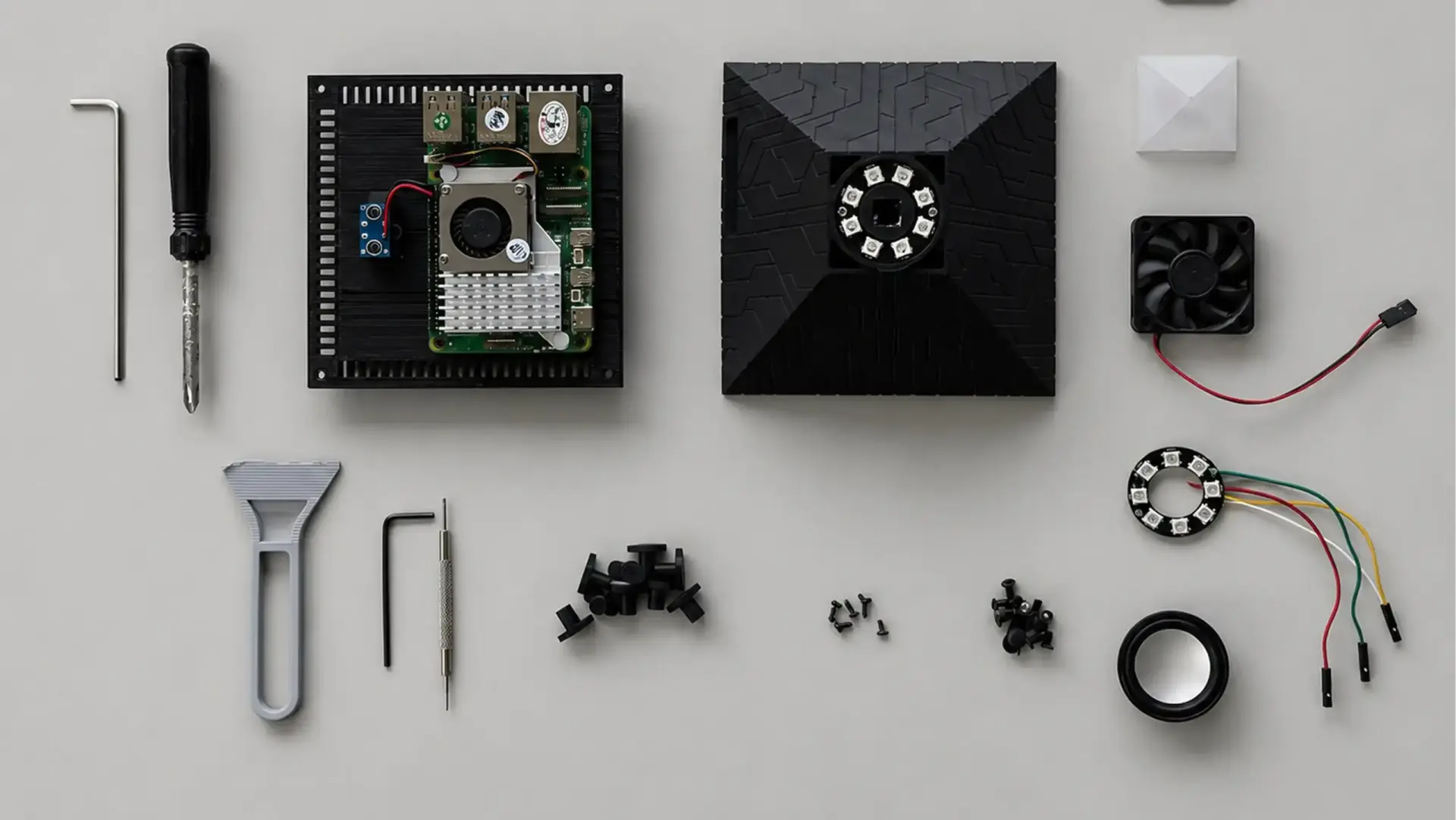
When OpenClaw went viral, people rushed out to buy $600 Mac Minis to run it. You don't need one. A Raspberry Pi runs OpenClaw comfortably - but "cheap to run" is where most guides quietly stop being honest. The Pi itself is inexpensive; the ongoing cost is API tokens and your own maintenance time, and the managed services that dominate the search results charge a monthly subscription that never ends.
This guide covers which Raspberry Pi to use, what running OpenClaw actually costs month to month, how to set it up in a few minutes, and when a one-time device makes more sense than either DIY or a subscription.
Can a Raspberry Pi run OpenClaw?
Yes - and it runs fine on far more modest hardware than the Mac Mini hype suggested. OpenClaw is an orchestration layer, not a model: its gateway process idles at roughly 150-300MB of RAM and hands the actual reasoning to a cloud model. So the limiting factor on a Pi is memory, not CPU - and a Raspberry Pi 4 with 4GB, the model most guides skip past, is the practical sweet spot for a single agent. A Pi 5 buys headroom for more channels; a Pi Zero doesn't have enough memory to bother.
The one thing a Pi can't do is run the model locally. It's technically possible through a runtime like Ollama, but even a 3-billion-parameter model takes 10 to 30 seconds per reply on a Pi 5 - too slow to use in practice. Pair the Pi with a cloud API (Claude, GPT, or Gemini) and let it do the one thing it's genuinely good at: staying on and orchestrating.
Which Raspberry Pi should you use?
For most people a Raspberry Pi 4 with 4GB is enough, and a Pi 5 with 8GB is the comfortable choice if you'll run multiple channels or want room to grow. RAM is the spec that matters; clock speed barely registers for orchestration.
Model | RAM | Verdict for OpenClaw |
Raspberry Pi 5 (8GB) | 8GB | Best. Headroom for multiple agents, channels, and Docker. |
Raspberry Pi 4 (4GB) | 4GB | The sweet spot. Runs a single agent well; the realistic minimum for a good experience. |
Raspberry Pi 4 (8GB) | 8GB | Comfortable middle ground - more room, without Pi 5 speed. |
Raspberry Pi 3B+ | 1GB | Possible with a swap file, but painful. Not recommended. |
Raspberry Pi Zero 2 W | 0.5GB | No - too little memory for the gateway. |
Two setup choices matter more than the model number. Boot from a USB SSD, not a microSD card: OpenClaw writes to its memory store, logs, and history constantly, and SD cards corrupt under that load, so an SSD is the single biggest reliability upgrade. And add a heatsink or fan - a Pi running a persistent process around the clock will throttle without cooling.
What OpenClaw on a Pi really costs
The Raspberry Pi is the cheapest part of running OpenClaw - and it's the part every guide focuses on. The real cost is two things the hardware price hides: the API tokens your agent burns through, and the time you spend maintaining it. On top of that, the "just pay us" managed services that fill the search results charge a monthly subscription that outruns the hardware within months.
Cost | DIY Raspberry Pi | Managed service | One-time device |
Upfront hardware | Pi + SSD + PSU + cooler | none | one-time |
Setup | your time (an evening) | none | none |
Electricity | ~$0.50-1 / mo | included | ~$0.50-1 / mo |
Model API tokens | $20-100 / mo (your usage) | often billed on top | $20-100 / mo (your usage) |
Subscription | none | ~$45 / mo | none |
Maintenance | yours (updates, security) | theirs | minimal |
Figures are approximate and change periodically.
Notice what the managed services are actually selling: not the hardware, but freedom from managing it - for a fee that never stops. Over a year, a monthly subscription costs several times more than most one-time options. The API-token cost is the same whichever way you go, because they all call the same cloud models; what differs is the subscription and the maintenance burden.
(1).webp)
A dedicated device splits the difference: you own the hardware once, like the DIY route, but skip the setup and ongoing maintenance, like the subscription. The Autonomous Intern is built on exactly that model - an Orange Pi 4 Pro, the same class of single-board computer as a Raspberry Pi, with the OpenClaw stack pre-flashed and bought once instead of rented monthly.
Setting up OpenClaw on a Pi (the short version)
The install is a one-liner and a wizard - nothing to compile. On a fresh 64-bit Raspberry Pi OS, run it headless over SSH (no monitor needed) and follow these steps:
- Update the OS and enable SSH. Start from a clean 64-bit install; 32-bit isn't recommended for a current Node.
- Install Node.js 24. OpenClaw needs an up-to-date Node, and the required version moves quickly, so confirm the current one in the docs before installing.
- Run the installer: curl -fsSL https://openclaw.ai/install.sh | bash
- Run onboarding: openclaw onboard --install-daemon. The wizard walks you through your model API key and first channel (Telegram is the simplest), and installs a systemd service so the agent restarts on boot.
- On a 4GB Pi, add a 2GB swap file to avoid out-of-memory crashes under load.
That's the whole path to a working agent. For ARM specifics, swap tuning, and deeper troubleshooting, the official OpenClaw Raspberry Pi documentation stays more current than any third-party copy, so there's no reason to duplicate it here - and the cross-platform OpenClaw setup steps cover the same install on other hardware.
Securing an OpenClaw Pi
The reason to put OpenClaw on a Pi instead of your main computer is isolation - so treat the Pi as the security boundary it's meant to be. An agent with shell access, file access, and browser control is powerful and, left open, risky.
- Keep the gateway bound to localhost (127.0.0.1). OpenClaw only needs outbound access to reach model and messaging APIs, so you never have to open an inbound port. For remote access, use a VPN or Tailscale - not an exposed port.
- Audit skills before installing them. ClawHub skills run as third-party code with the permissions they declare; Cisco researchers found one that quietly exfiltrated data. Install only what you've reviewed.
- Keep it off your primary machine. Running the agent on a dedicated Pi - or a dedicated device - is the isolation itself. If something goes wrong, it doesn't reach your work computer.
Raspberry Pi or a pre-built device - which fits you?
The choice comes down to what you'd rather spend: time, money up front, or a monthly fee.
If you… | Best path |
Enjoy managing infrastructure and want full control | DIY Raspberry Pi |
Want it working today without managing a server | Dedicated device |
Want no hardware at all and will pay monthly | Managed service |
Want voice on the device itself | Dedicated device |
Want the absolute lowest upfront cost | DIY Raspberry Pi |
A DIY Raspberry Pi is the cheapest to buy and endlessly configurable - any model, any routing, your own skills - in exchange for owning the setup and the ongoing updates. A managed service removes the hardware but locks you into a permanent subscription. A dedicated device like the Intern 2 is the same class of single-board computer as a Pi, pre-flashed with OpenClaw and Hermes and adding onboard voice through a dual-mic array and speaker, bought once rather than rented. All three run the same engine; the difference is who does the work and how you pay for it. For the full view across every tier - mini PCs and Mac Mini included - the OpenClaw hardware requirements guide compares them side by side, and the Mac Mini for OpenClaw comparison covers that matchup specifically.
FAQs
Is the Autonomous Intern just a Raspberry Pi?
It's the same class of single-board computer - an Orange Pi 4 Pro - with the OpenClaw stack pre-installed and a voice interface added. Similar hardware, no setup, bought once instead of rented.
Is it cheaper to run OpenClaw on a Pi or use a managed service?
A DIY Pi is cheaper over time because a managed subscription (around $45/month) never stops, while the Pi is a one-time hardware cost. You still pay model API tokens either way, and with the Pi you trade the subscription for your own maintenance time.
Which Raspberry Pi is best for OpenClaw?
A Pi 5 with 8GB is best for headroom, but a Pi 4 with 4GB is the sweet spot for a single agent and costs less. RAM matters more than clock speed, since OpenClaw orchestrates rather than runs the model.
Can a Raspberry Pi 4 run OpenClaw?
Yes - a Pi 4 with 4GB is the realistic minimum for a good experience and runs a single agent well. A Pi 3 with 1GB is possible only with swap and isn't recommended.
Can a Raspberry Pi run local AI models for OpenClaw?
Not usefully. Even a small 3B model takes 10-30 seconds per reply on a Pi 5, so the practical setup is to connect OpenClaw to a cloud API and use the Pi only as the always-on agent runtime.
How much does it cost to run OpenClaw on a Pi each month?
Electricity is only about $0.50-1 a month, but the real recurring cost is model API tokens - commonly $20-100 a month depending on usage. The Pi hardware itself is a one-time cost.
Should I use an SD card or SSD for OpenClaw on a Pi?
An SSD. OpenClaw writes constantly, and microSD cards corrupt under that load. Booting from a USB SSD is the single biggest reliability improvement for a 24/7 agent.
Do you need a monitor to set up OpenClaw on a Pi?
No. Run it headless over SSH from another computer - the normal way to manage a Pi acting as an always-on server.
Is it safe to expose an OpenClaw Pi to the internet?
You don't need to. OpenClaw connects outbound to reach model and messaging APIs, so keep the gateway bound to localhost and use a VPN or Tailscale for remote access instead of opening a port.
Raspberry Pi or Mac Mini for OpenClaw - which should I pick?
The Pi is far cheaper and handles cloud-API orchestration fine. The Mac Mini wins on local-model capability and native iMessage. Pick by whether the model runs on the box or in the cloud.
Do you need to know how to code to run OpenClaw on a Pi?
For the DIY route, effectively yes - you'll use SSH, a terminal, and a config wizard. A pre-flashed device removes that requirement by shipping the software ready to use.
Conclusion
A Raspberry Pi is a genuinely good way to run OpenClaw if you value control and don't mind maintenance. The honest catch is the part the setup guides skip: the recurring cost is API tokens and your own time, and the subscription services that dominate the results trade that work for a fee that never ends. Decide by whether you want to own the work on a Pi, rent it monthly, or buy a device once - not by which guide has the most commands.
References
- Official OpenClaw documentation - Raspberry Pi install, docs.openclaw.ai/install/raspberry-pi
- Raspberry Pi Foundation, "Turn your Raspberry Pi into an AI agent with OpenClaw," raspberrypi.com/news
- Cisco security research, OpenClaw third-party skill exfiltration test, 2026
- TechRadar, "Best hardware options for deploying OpenClaw," techradar.com/pro/best-hardware-options-for-deploying-openclaw